How to create a segment in Mailerlite
Here is how to create a segment in mailerlite
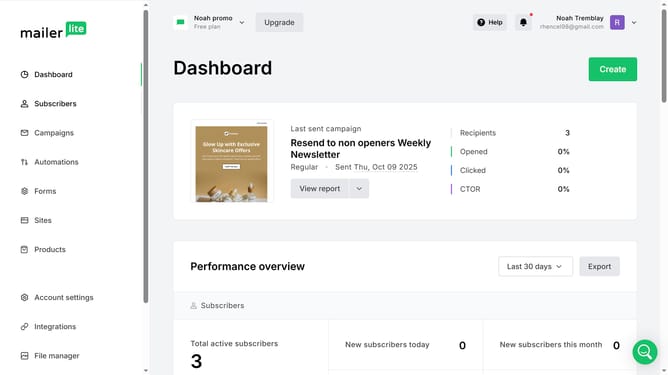
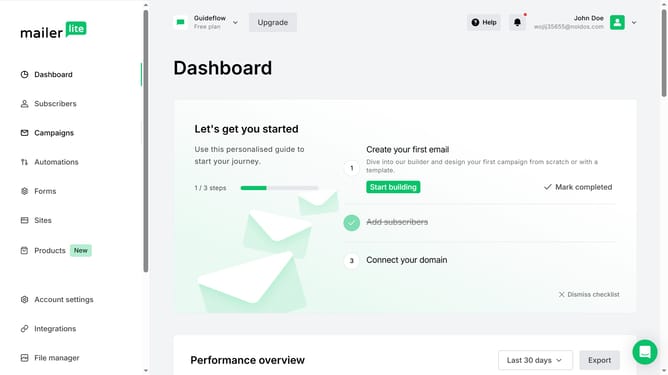
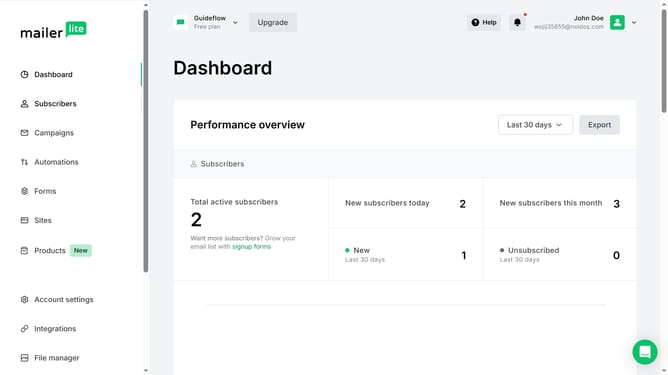
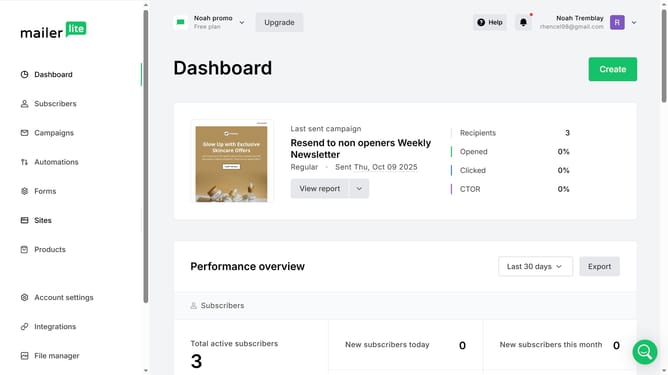
- First click on "Subscribers" in the left sidebar menu
- Then click on the "Segments" tab in the main navigation
- Next click on the "Create segment" button in the top-right corner
- Click in the "Enter segment name" field of the modal window and type in your desired name for the segment
- Finally click the "Create" button in the modal window to create the new segment
Why should you create a segment in Mailerlite
MailerLite is a user-friendly email marketing platform designed to simplify the way businesses connect with their audience.
Creating a segment in MailerLite allows you to tailor communications to specific groups based on unique characteristics or behaviors. This personalization enhances engagement and improves the effectiveness of your email campaigns.
By using segments, you can efficiently manage your audience, ensuring each subscriber receives content relevant to their interests, fostering stronger relationships and boosting overall campaign success.
Last update