How to rename suscribers groups in Mailerlite
Here is how to rename suscribers groups in mailerlite
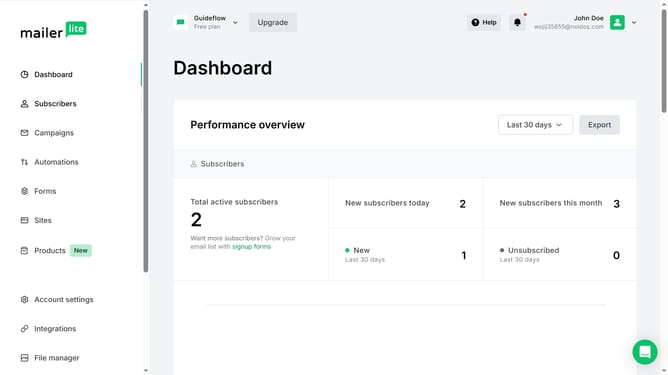
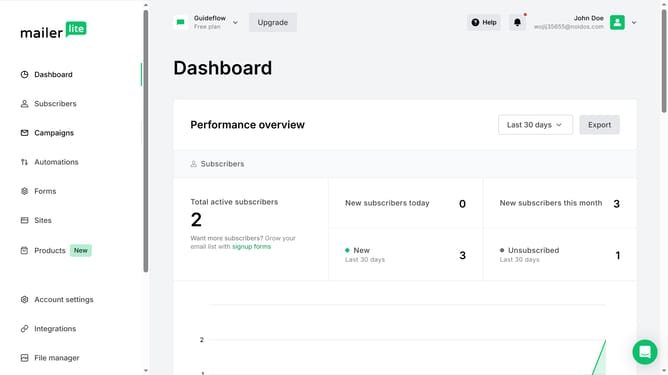
- First click on "Subscribers" in the left sidebar menu
- Then click on "Groups" tab in the top navigation menu
- Next click on "More" button next to the first subscriber group
- Then click on "Rename" option in the dropdown menu
- Next click in the text field and enter the new name you want to have for the group
- Finally click the "Save" button to confirm the group rename
Why should you rename suscribers groups in Mailerlite
MailerLite is a powerful email marketing platform designed to simplify the process of building meaningful connections with your audience.
One of its convenient features is the ability to rename subscriber groups effortlessly. This functionality allows users to maintain an organized and efficient contact list by ensuring that all group names are precise and reflective of their specific purpose.
Renaming subscriber groups not only enhances organization but also improves internal communication and targeting precision. This streamlined approach contributes to a more effective and tailored marketing strategy.
Last update