How to filter segments by date created in Mailerlite
Here is how to filter segments by date created in mailerlite
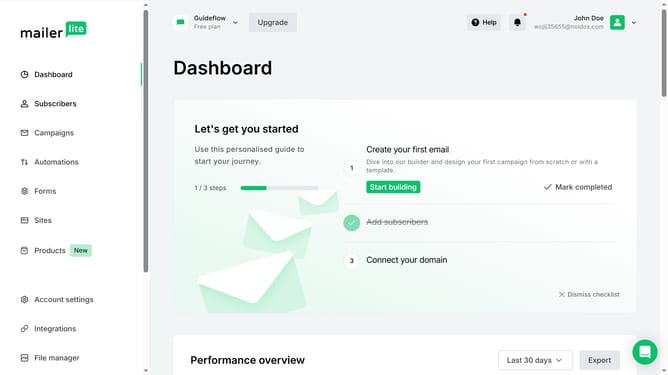
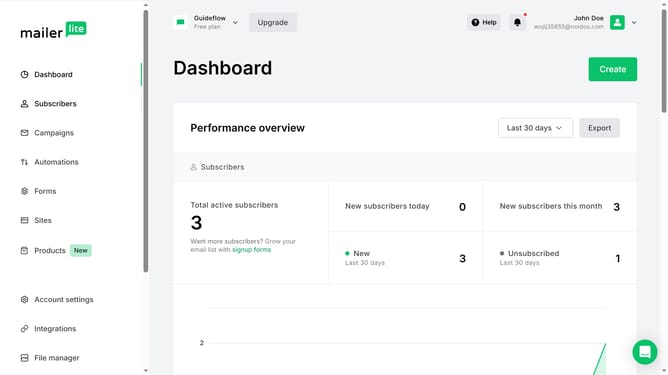
- First click on "Subscribers" in the left sidebar menu
- Then click on the "Segments" tab in the main content area
- Next click on the dropdown in the upper right of the segments list
- Finally click on the "Date created" option from the dropdown menu
Why should you filter segments by date created in Mailerlite
MailerLite, a powerful email marketing platform, is designed to simplify your communication strategies.
Filtering segments by the date they were created in MailerLite helps you efficiently manage your campaigns.
This feature allows you to target specific groups based on when they first joined your list, ensuring timely communication.
By organizing your segments this way, you can execute more relevant and impactful campaigns, optimizing your marketing efforts.
Last update