How to toggle subscriber country column in Mailerlite
Here is how to toggle subscriber country column in mailerlite
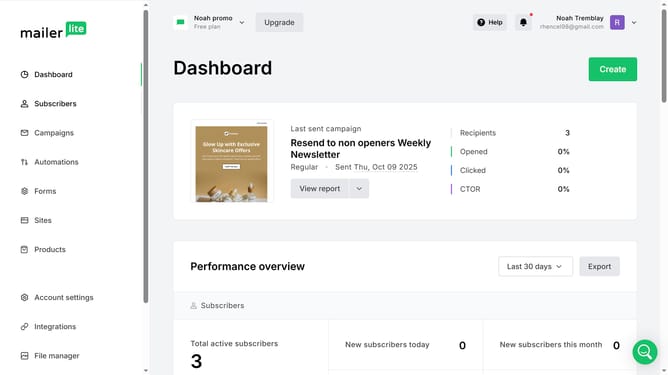
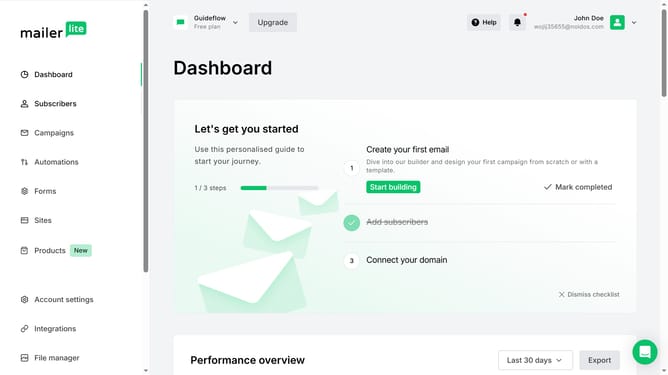
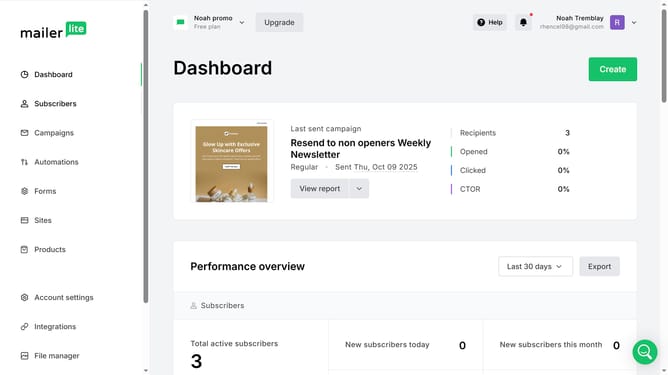
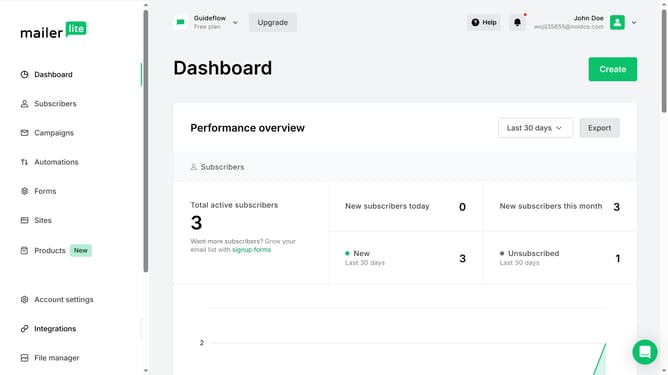
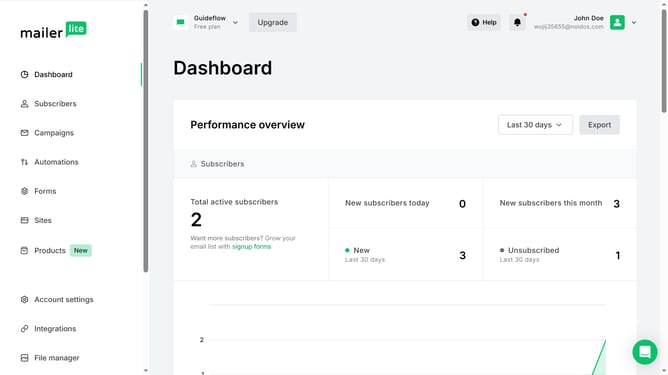
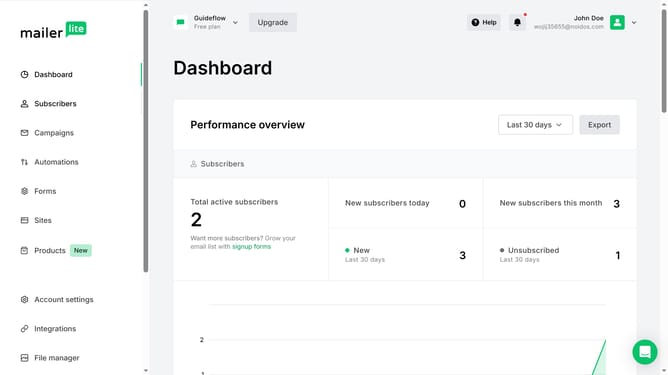
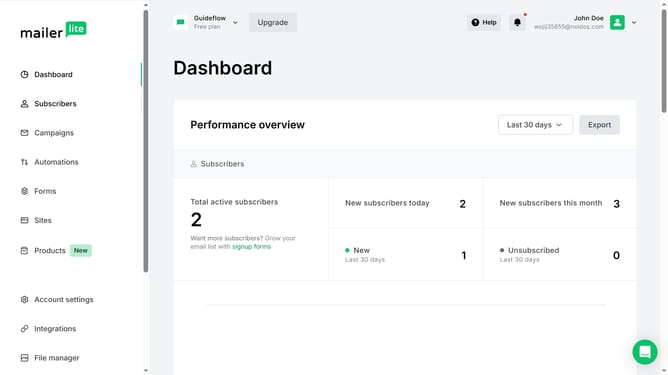
- First click on the "Subscribers" item in the left sidebar menu
- Scroll down in the subscribers menu
- Next click on the "Toggle columns" button in the subscribers table toolbar
- Finally click on the "Country" checkbox in the columns dropdown menu
Why should you toggle subscriber country column in Mailerlite
MailerLite is a streamlined email marketing platform designed to simplify connecting with audiences.
One standout feature is the ability to toggle the subscriber country column, which adds a layer of geographic data to your mailing lists.
By accessing the country-specific insights, you can tailor content to suit regional preferences, enhancing engagement and effectiveness.
Using this feature not only optimizes campaign targeting but also aids in understanding subscriber demographics better.
Last update