How to split subscribers groups in Mailerlite
Here is how to split subscribers groups in mailerlite
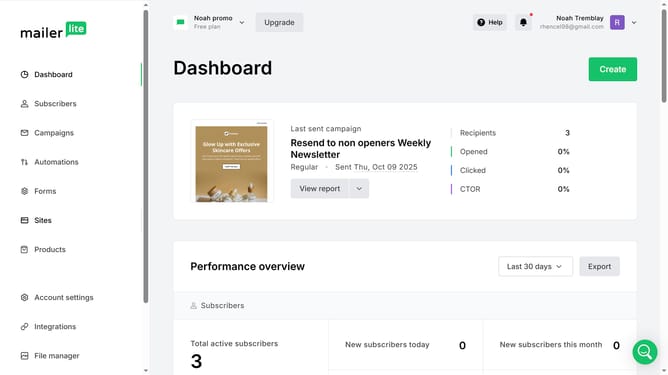
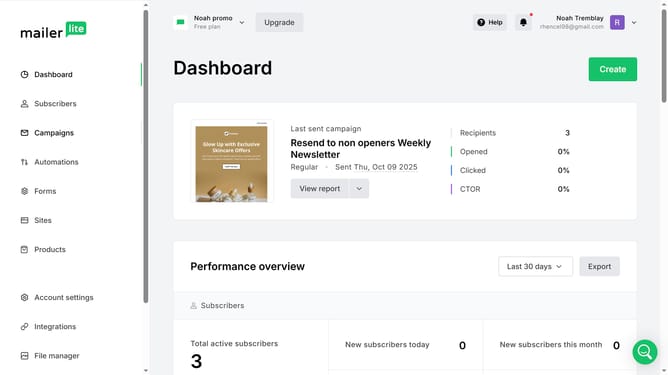
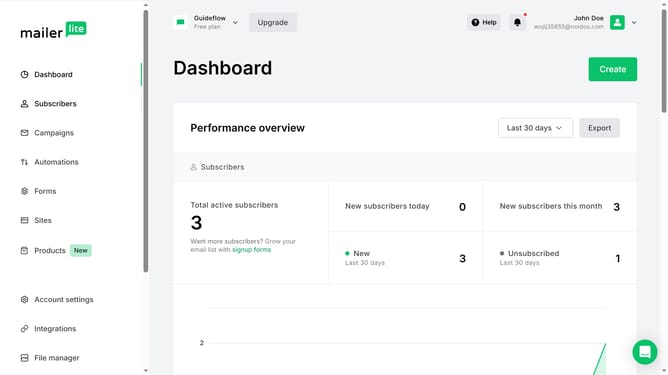
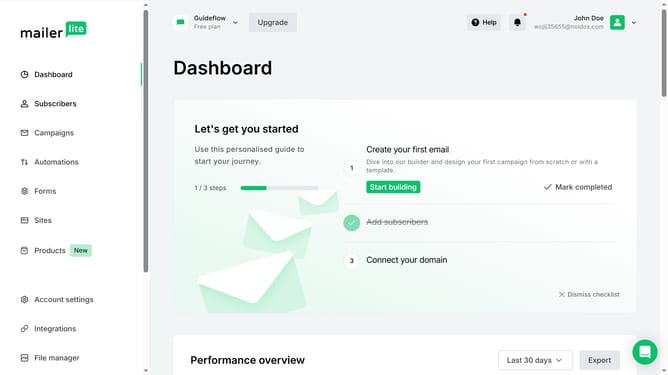
- First click on "Subscribers" in the left sidebar menu
- Then click on the "Groups" tab in the top navigation menu
- Next click on the "More" dropdown button next to the "Email Subscribers, Newsletter Subscribers" group
- Then select "Split" from the dropdown menu
- Click the "Groups count after the split" field and enter the desired number of count after the split
- Finally click the "Save" button in the modal to confirm the split
Why should you split subscribers groups in Mailerlite
MailerLite is an intuitive email marketing tool designed to simplify the way you engage with your audience.
One standout feature of MailerLite is its ability to split subscriber groups, offering a tailored approach to email campaigns. By dividing subscribers into specific segments, you can target communications more effectively.
This segmentation results in personalized content that resonates better with each group, leading to higher engagement and improved open rates. Such precision ensures that subscribers receive relevant information, enhancing their overall experience and boosting your campaign's success.
Last update