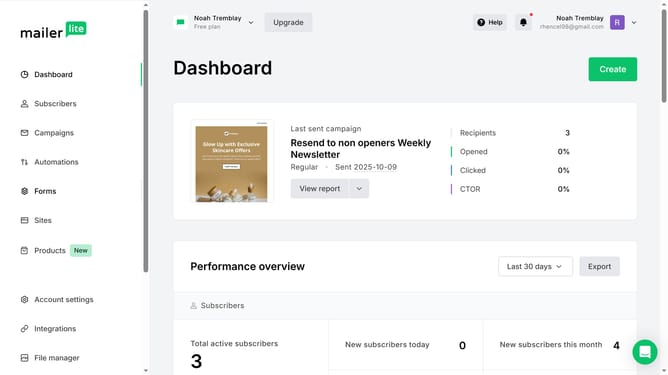
How to filter subscribers custom field by name in Mailerlite
Here is how to filter subscribers custom field by name in mailerlite
- First click on "Subscribers" in the left sidebar menu
- Then click on the "Fields" tab in the top navigation bar
- Next click on the dropdown in the filter section
- Finally click on the "Field name" option in the dropdown menu
Why should you filter subscribers custom field by name in Mailerlite
Mailerlite is a versatile email marketing service designed to simplify the process of building meaningful connections with your audience.
One of its standout features is the ability to filter subscribers by custom field, such as their name. This feature makes organizing your mailing list more efficient and targeted.
By focusing on specific subscriber details, you can tailor your campaigns to meet individual preferences and improve engagement rates.
Ultimately, using this feature can lead to more personalized communication and a stronger relationship with your subscribers.
Last update