How to filter subscribers custom field by name in Mailerlite
Here is how to filter subscribers custom field by name in mailerlite
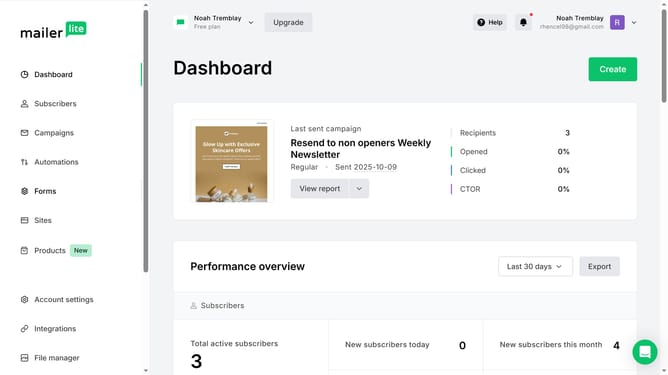
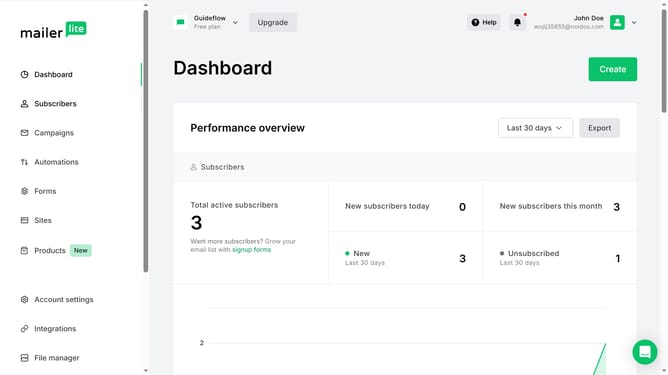
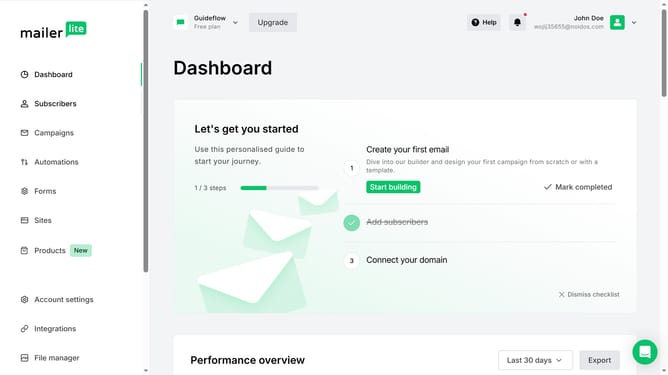
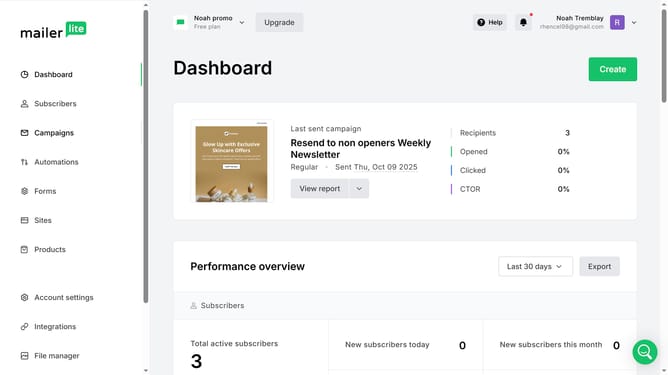
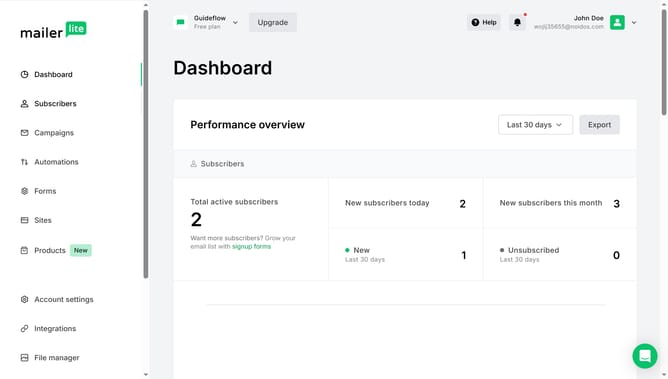
- First click on the "Subscribers" item in the left sidebar menu
- Then click on the "Fields" tab in the subscribers section navigation
- Next click on the dropdown filter in the top-right corner
- Finally select "Field name" from the dropdown menu
Why should you filter subscribers custom field by name in Mailerlite
MailerLite is a straightforward and dynamic platform designed to simplify email marketing for businesses of all sizes.
One of its standout features is the ability to filter subscribers using custom fields by name.
This function allows marketers to easily manage their subscriber lists by identifying and segmenting individuals based on specific criteria.
Filtering by custom fields enhances personalization, improves audience targeting, and boosts overall campaign effectiveness, making it an invaluable tool for marketers looking to elevate their email strategies.
Last update