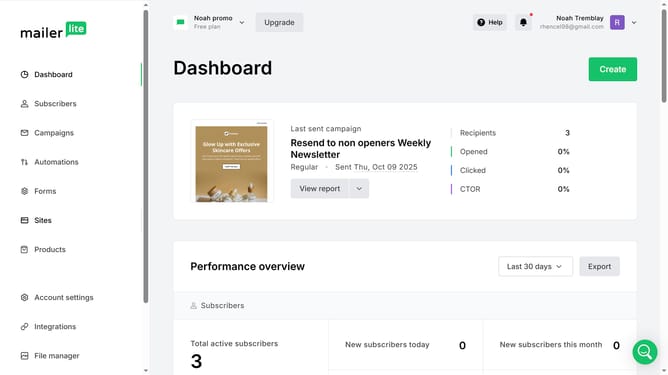
How to rename subscribers custom field in Mailerlite
Here is how to rename subscribers custom field in mailerlite
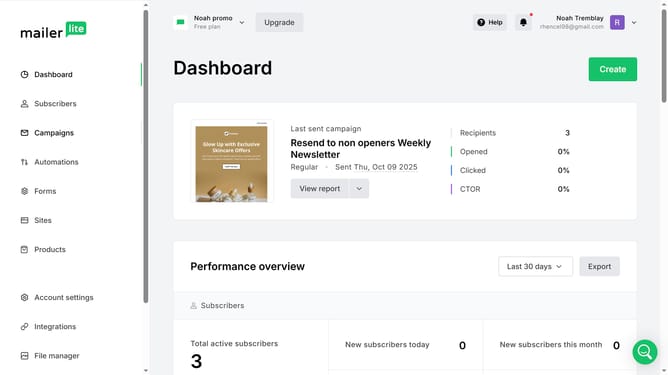
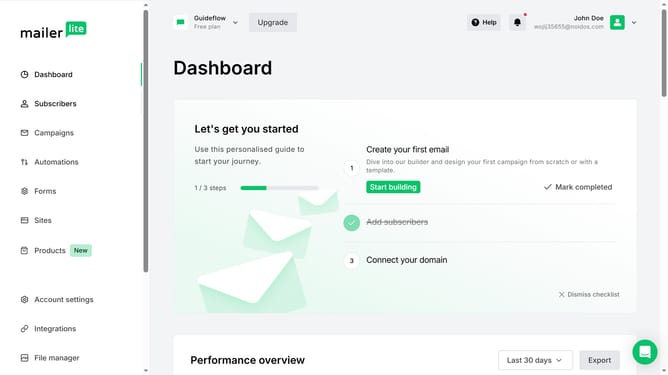
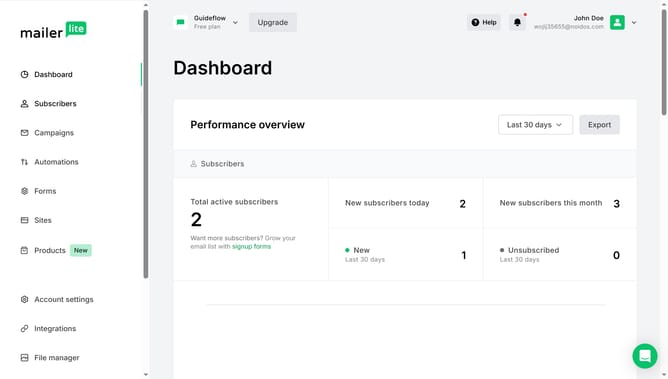
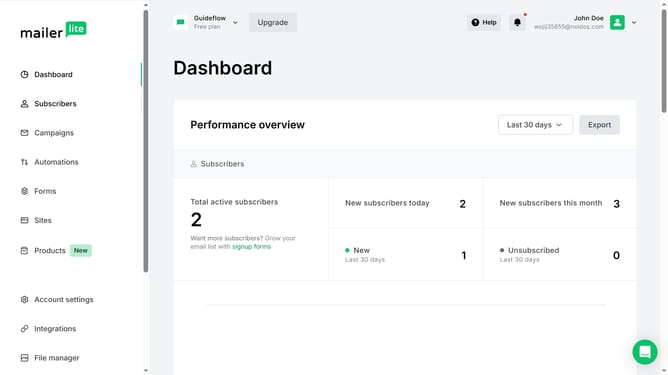
- First click on the "Subscribers" item in the left sidebar menu
- Then click on the "Fields" tab in the top navigation menu
- Next click on the "Rename" button next to the Subscription field
- Now click into the text field and enter the new name for the field
- Finally click the "Save" button to confirm the field rename
Why should you rename subscribers custom field in Mailerlite
Mailerlite is a dynamic platform designed to streamline email marketing and grow your audience effectively.
Within Mailerlite, renaming subscribers’ custom fields allows for better organization and personalization of your email campaigns. This feature is particularly beneficial in maintaining clarity and ensuring that subscriber data reflects your evolving marketing needs.
Renaming custom fields enhances user experience by allowing for tailored communication, which can lead to improved engagement and a more targeted approach to audience interaction. It's an invaluable tool for any marketer aiming to maximize their email campaign's impact.
Last update