How to toggle subscriber state column in Mailerlite
Here is how to toggle subscriber state column in mailerlite
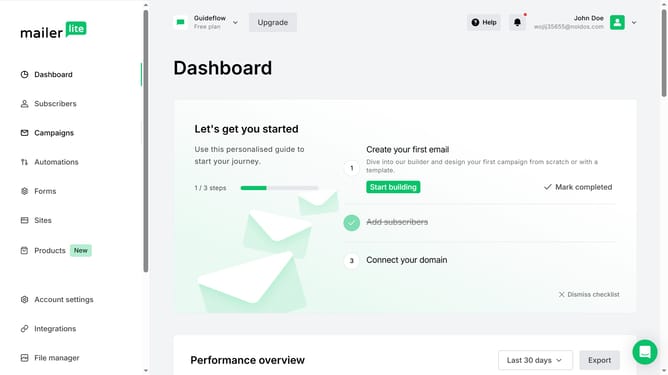
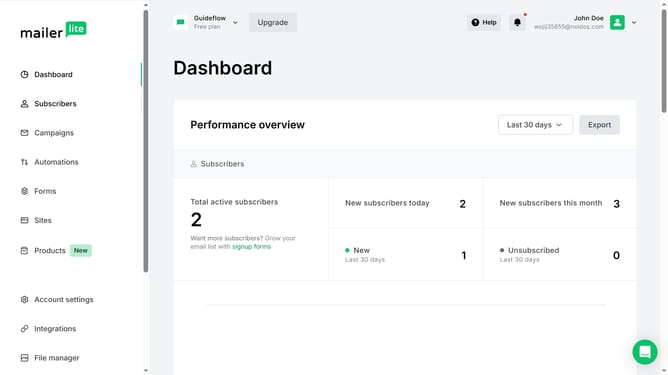
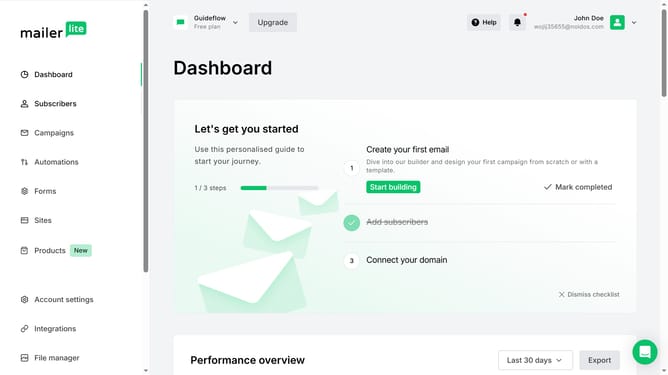
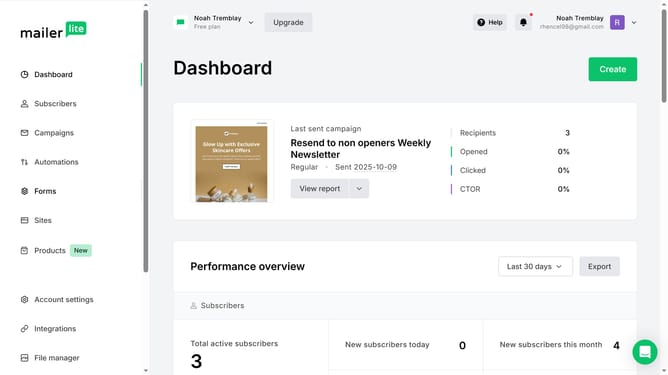
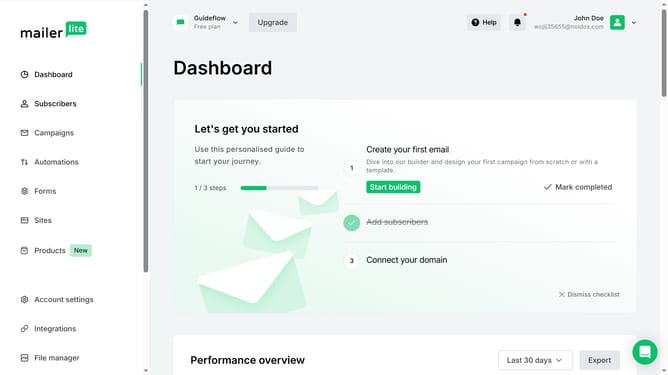
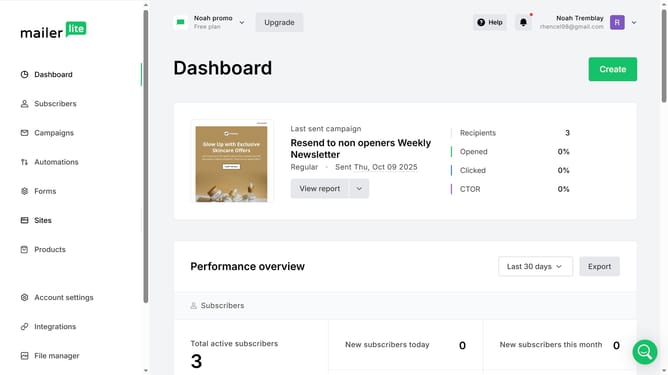
- First click on the "Subscribers" option in the left sidebar menu
- Scroll down in the subscribers menu
- Next click on the "Toggle columns" dropdown button in the main content area
- Finally click on the checkbox next to "State" in the Toggle columns dropdown menu
Why should you toggle subscriber state column in Mailerlite
Mailerlite is a user-friendly email marketing platform designed to streamline campaign management and audience engagement.
One of its standout features is the ability to toggle the subscriber state column. This feature allows users to quickly view and manage subscriber statuses, such as active, unsubscribed, or bounced, right from the main interface.
By toggling the subscriber state column, marketers can effortlessly track engagement trends, helping to improve targeting and optimize campaign performance. This enhanced view ensures more efficient audience management and strategic decision-making.
Last update