How to show spam complaints subscribers in Mailerlite
Here is how to show spam complaints subscribers in mailerlite
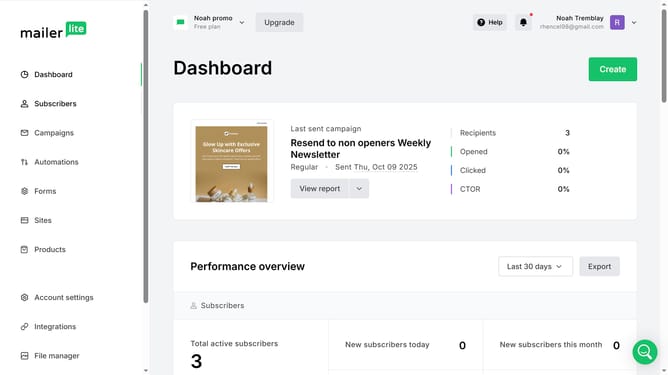
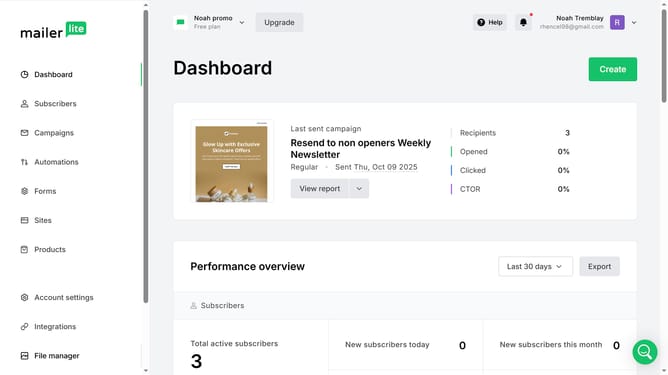
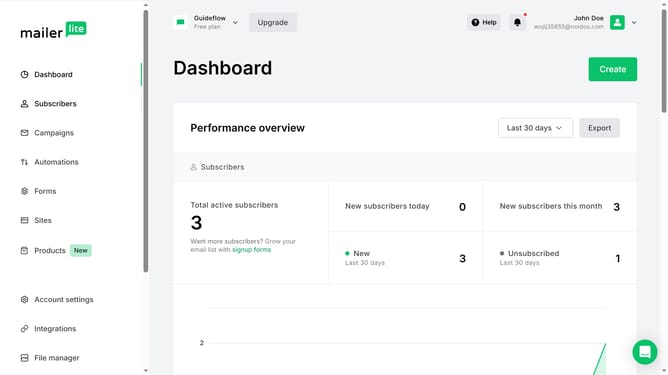
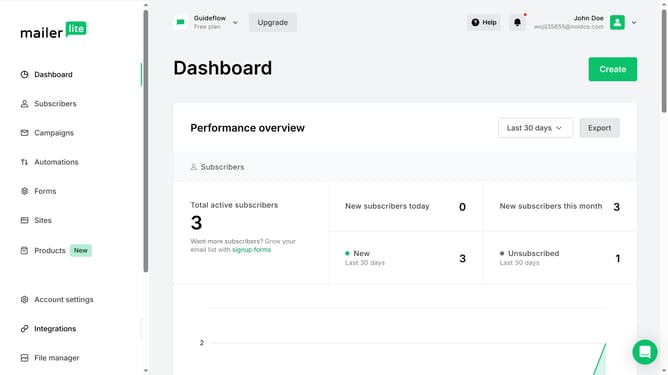
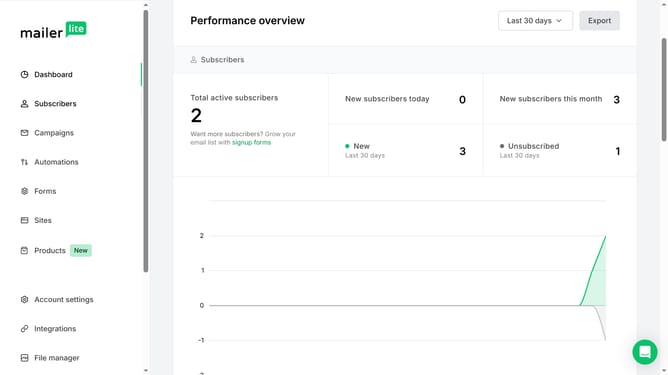
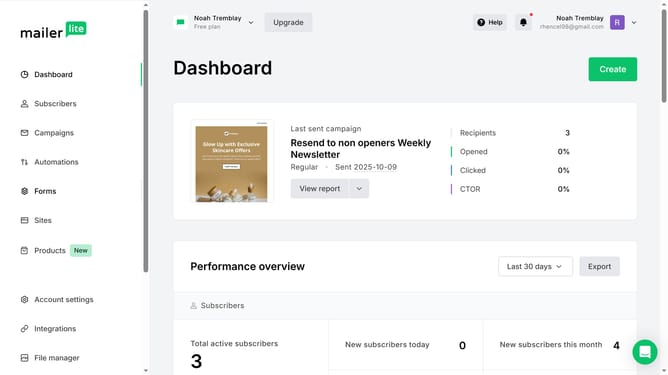
- First click on the "Subscribers" option in the left sidebar menu
- Scroll down in the subscribers menu
- Then click on the dropdown filter in the subscribers list
- Finally select "Spam complaints" from the dropdown menu
Why should you show spam complaints subscribers in Mailerlite
MailerLite is a powerful tool designed to simplify the email marketing process.
One of its essential features is the ability to show spam complaints from subscribers, which helps users maintain a healthy mailing list. By offering insights into which subscribers have reported your emails as spam, this feature empowers businesses to refine their strategies.
Understanding these complaints ensures better engagement and improved delivery rates, allowing marketers to enhance their email campaigns and maintain strong subscriber relationships effortlessly.
Last update