How to merge segments in Mailerlite
Here is how to merge segments in mailerlite
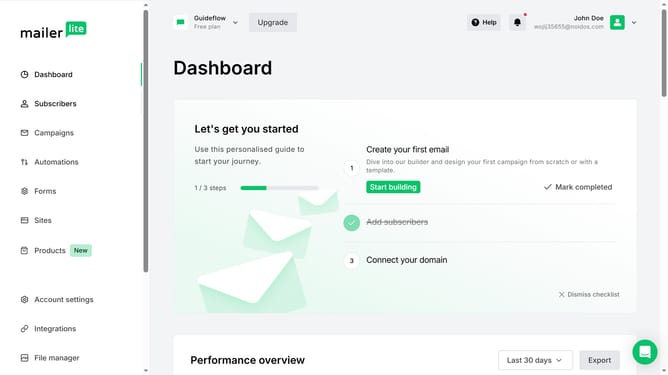
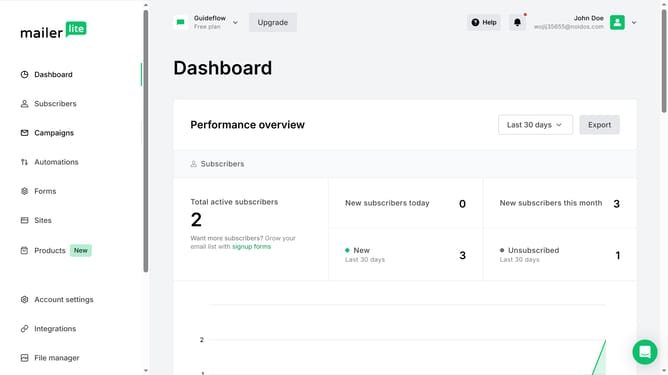
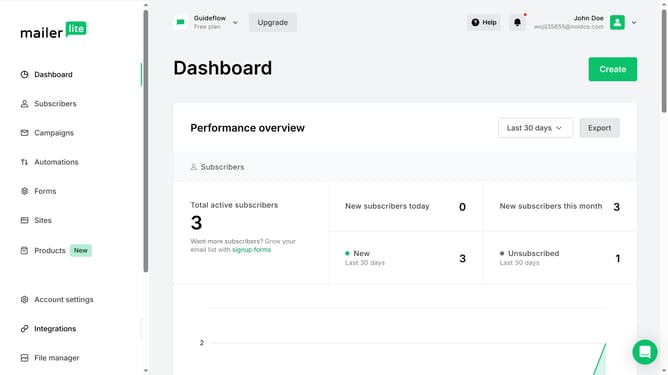
- First click on "Subscribers" in the left sidebar menu
- Then click on "Segments" tab in the main content area
- Next click on the checkboxes next to the segments you want to merge
- Click on the "Merge" button in the segments toolbar
- Finally click on the "Save" button in the merge segments modal window
Why should you merge segments in Mailerlite
Trello is an intuitive tool designed to streamline project management through visual task boards.
Mailerlite's ability to merge segments empowers users to consolidate audience data efficiently.
By merging segments, you enhance your targeting capabilities, allowing for more personalized and effective email campaigns.
This feature helps eliminate duplicated data and refine your marketing strategy, ensuring your communications reach the right audience with precision.
Last update