How to filter subscribers by groups in Mailerlite
Here is how to filter subscribers by groups in mailerlite
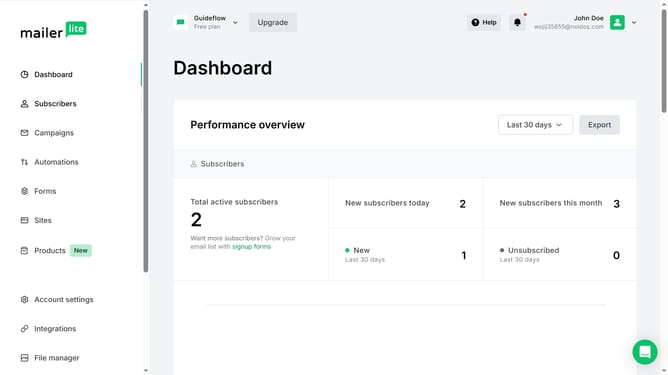
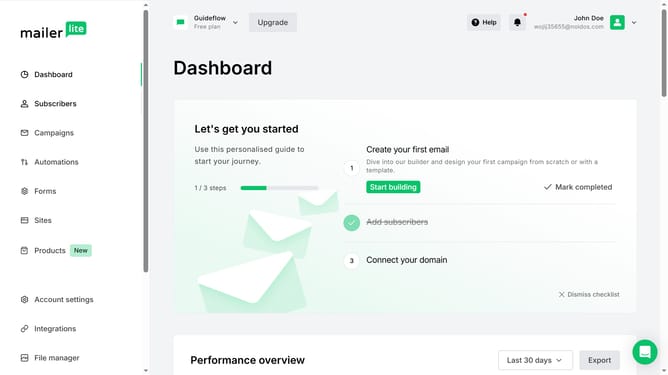
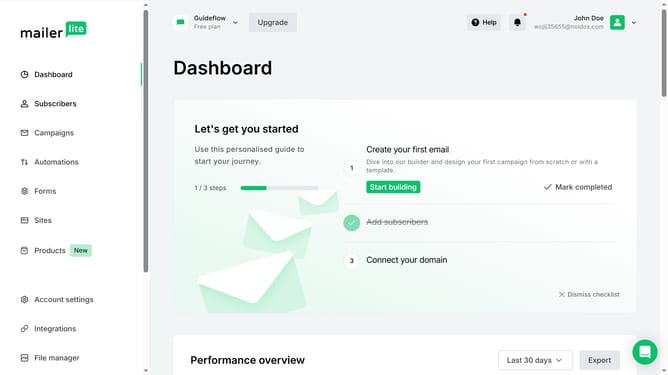
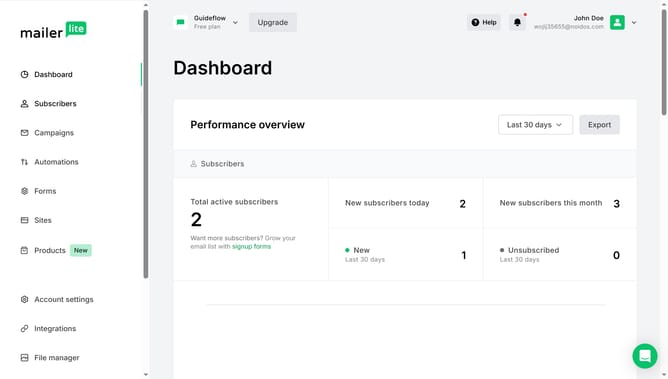
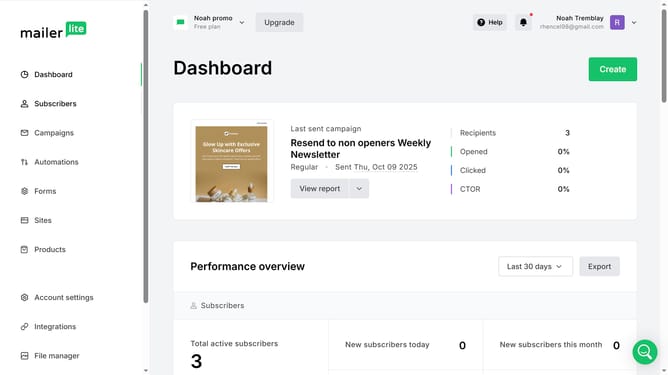
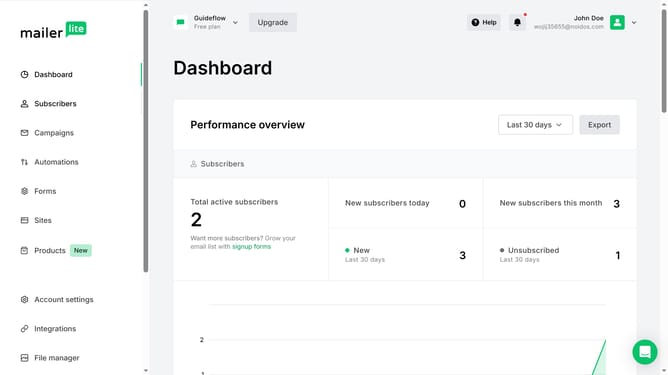
- First click on "Subscribers" in the left sidebar menu
- Then click on "Choose a filter" dropdown button in the main content area
- Next click on "Groups" option from the filter dropdown
- Then click on "Choose an operator" dropdown in the filter section
- Select your preferred operation option from the dropdown menu
- Click on "Select groups" field to choose a group
- Select a group you want to filter from the groups dropdown menu
- Click the "Apply filter" button to apply the selected filters
- Finally scroll down to see the results
Why should you filter subscribers by groups in Mailerlite
MailerLite empowers businesses to streamline their email marketing with simplicity and efficiency.
Filtering subscribers by groups in MailerLite allows you to organize your audience more effectively. This feature lets you categorize your subscribers based on interests, behaviors, or demographics.
By grouping subscribers, you can send more targeted and relevant content, enhancing engagement and conversion rates. It simplifies managing large audiences and ensures that your messages reach the right people at the right time.
Last update