How to filter subscribers group by open rate in Mailerlite
Here is how to filter subscribers group by open rate in mailerlite
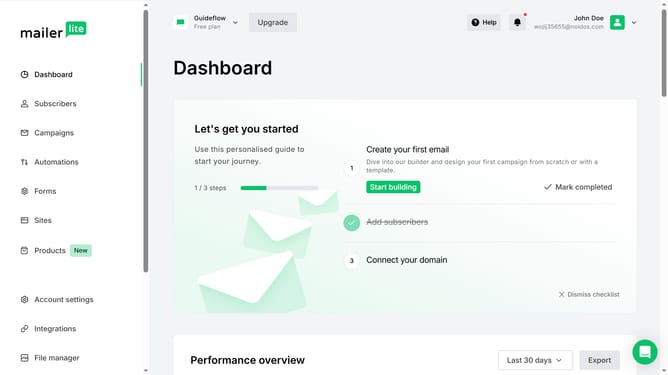
- First click on "Subscribers" in the left sidebar menu
- Then click on "Groups" tab in the top navigation menu
- Next click on the dropdown sorting option button
- Finally click on "Open rate" option in the sorting dropdown menu
Why should you filter subscribers group by open rate in Mailerlite
MailerLite is a versatile email marketing platform designed to empower businesses with engaging and effective communication tools.
One of MailerLite's standout features is its ability to filter subscriber groups by open rate. By utilizing this feature, you can precisely segment your audience based on their engagement levels. This can significantly enhance the efficacy of your email campaigns.
Identifying and targeting highly engaged subscribers with tailored content can lead to better results. It enables marketers to optimize strategies, boosting overall campaign performance and fostering stronger customer relationships.
Last update