How to toggle subscriber multiple columns in Mailerlite
Here is how to toggle subscriber multiple columns in mailerlite
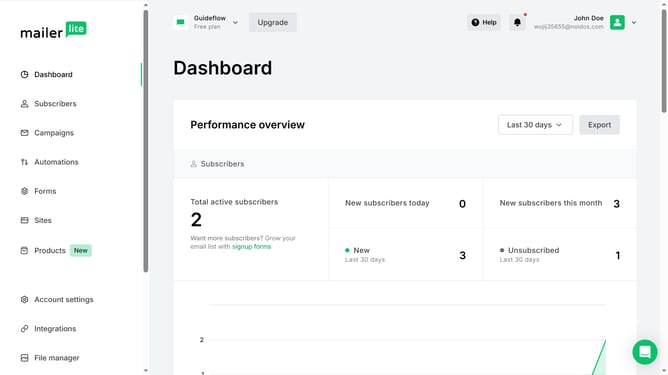
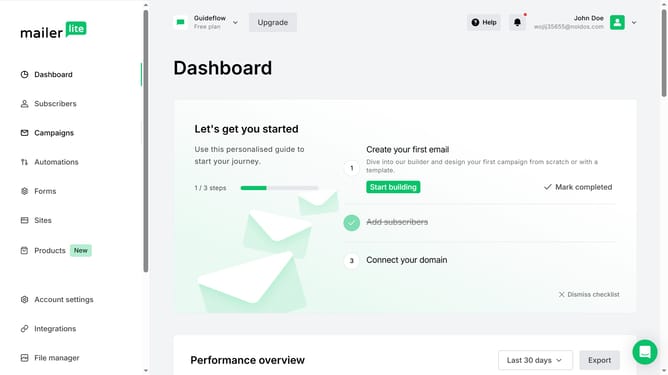
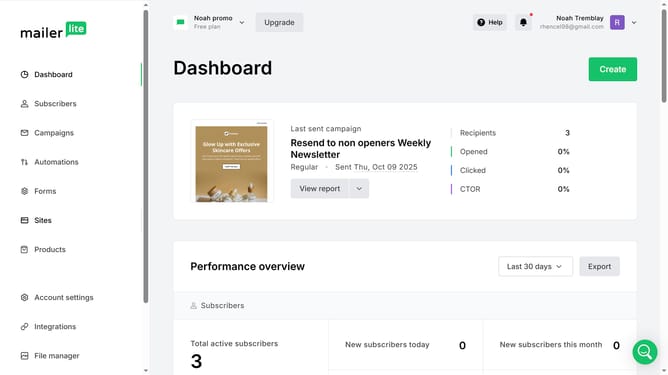
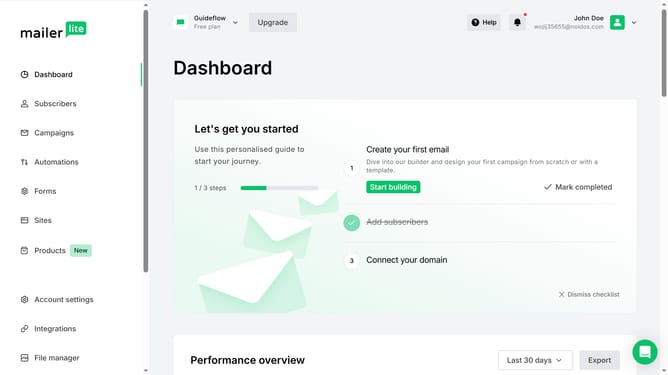
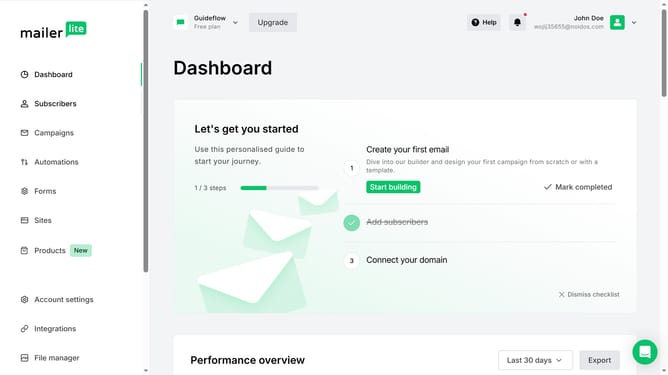
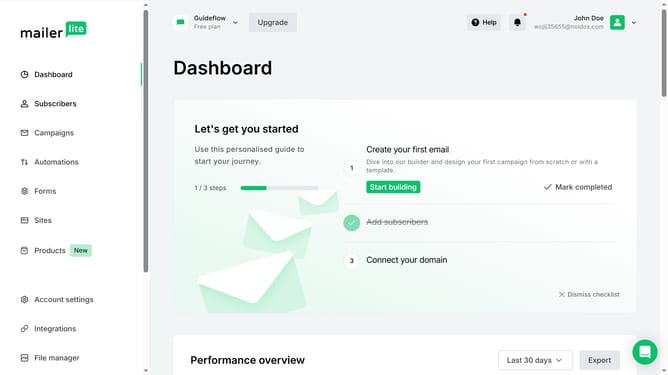
- First click on the "Subscribers" item in the left sidebar menu
- Scroll down in the subscribers menu
- Next click on the "Toggle columns" button in the subscribers list toolbar
- Finally select two or more columns in the dropdown menu
Why should you toggle subscriber multiple columns in Mailerlite
Mailerlite is a seamless email marketing platform designed to simplify managing and growing your subscriber base.
A key feature within Mailerlite is the ability to toggle subscriber multiple columns, enhancing your ability to view and analyze subscriber information.
By utilizing this feature, you can easily customize what information is displayed, leading to more efficient data organization and allowing for quicker decision-making.
This flexibility aids in tailoring communication strategies by providing insights crucial for maintaining engaging and relevant content for your audience.
Last update