How to filter subscribers by city in Mailerlite
Here is how to filter subscribers by city in mailerlite
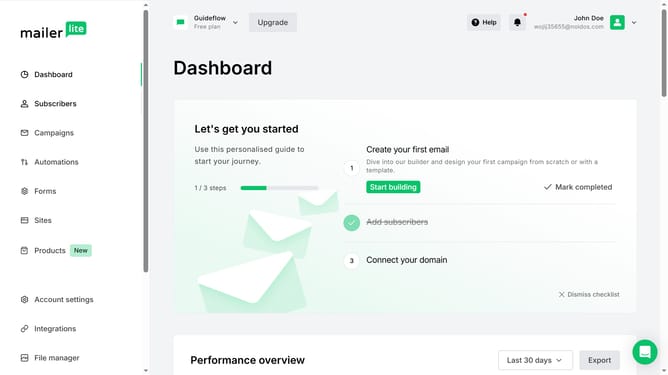
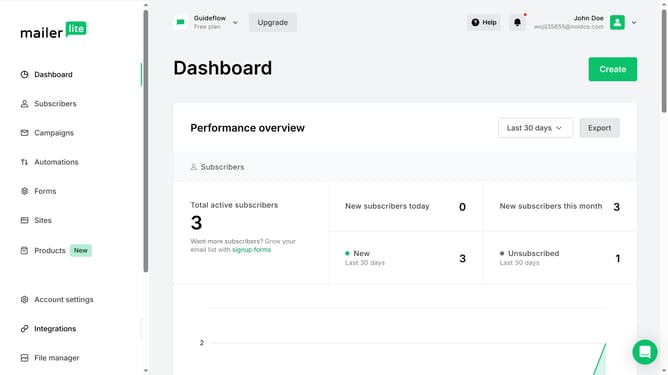
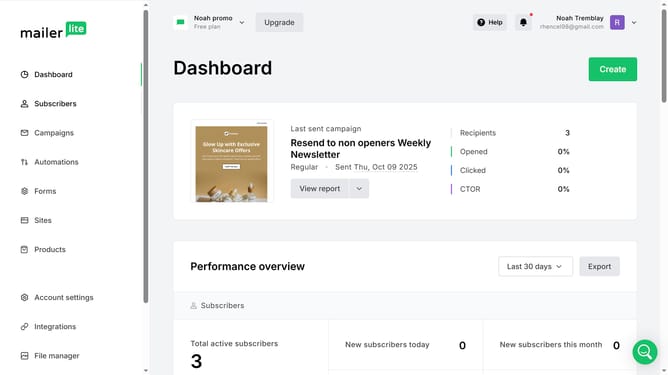
- First click on the "Subscribers" option in the left sidebar
- Click the filter dropdown button labeled "Choose a filter"
- Select "Email" from the dropdown list of filter options
- Click the "Choose a field" dropdown button to select the field type
- In the field selection dropdown, click "City" to filter by city
- Click the "Choose an operator" dropdown to select the comparison type
- Select your preferred operator option from the dropdown menu
- Click and type in the city you want to filter in the text field
- Click the "Apply filter" button to execute the search
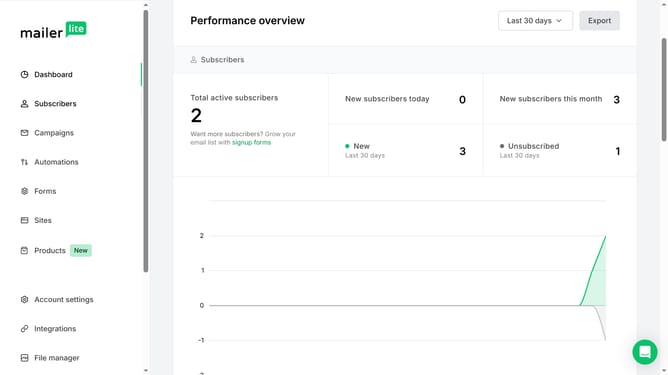
- Finally scroll down to see the results of the filter
Why should you filter subscribers by city in Mailerlite
MailerLite is a powerful, user-friendly email marketing platform designed to help businesses connect with their audience seamlessly.
One standout feature of MailerLite is its ability to filter subscribers by city, allowing businesses to tailor their marketing efforts geographically. This feature enables users to segment their audience based on location, facilitating more personalized and relevant communication.
By leveraging the ability to filter subscribers by city, companies can enhance engagement, improve open rates, and foster stronger connections with their local customer base. Ultimately, it helps businesses target campaigns more effectively and maximize their marketing efforts.
Last update