How to show unsubscribed subscribers in Mailerlite
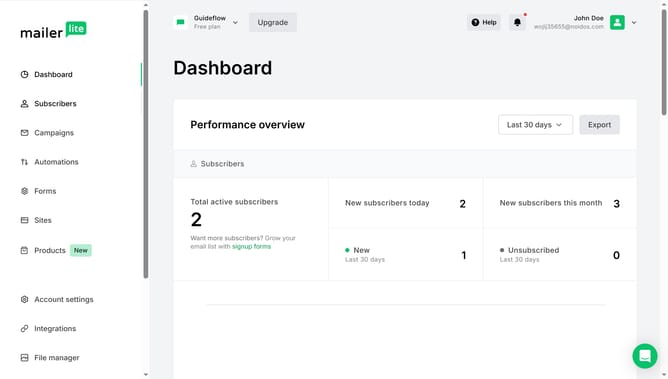
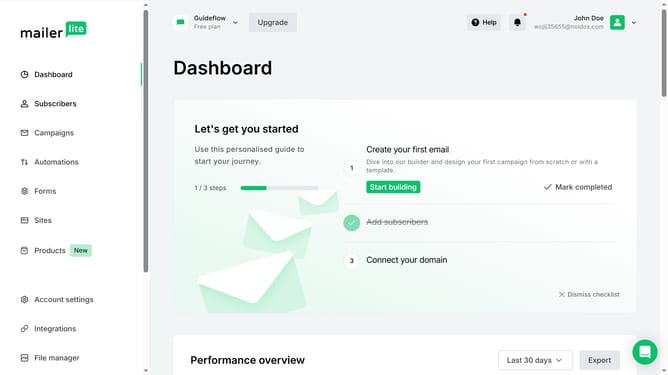
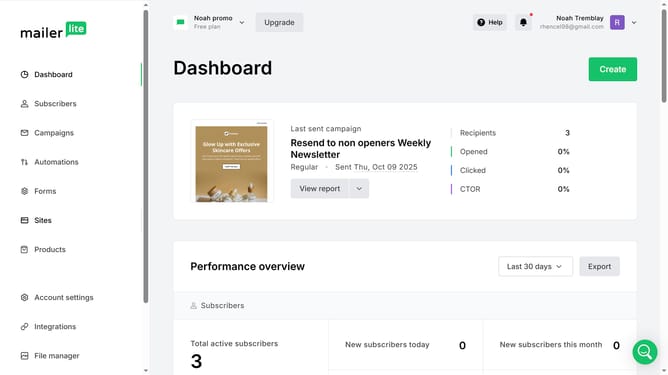
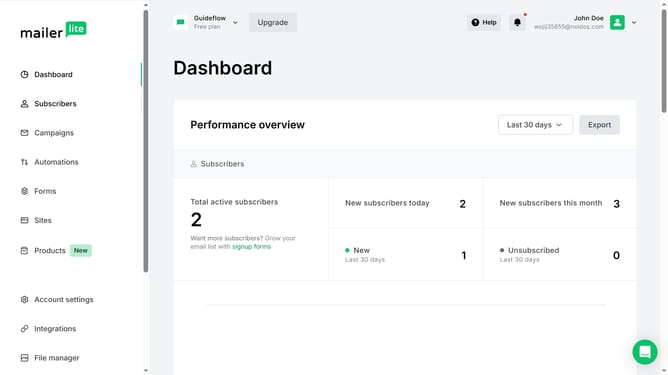
Here is how to show unsubscribed subscribers in mailerlite
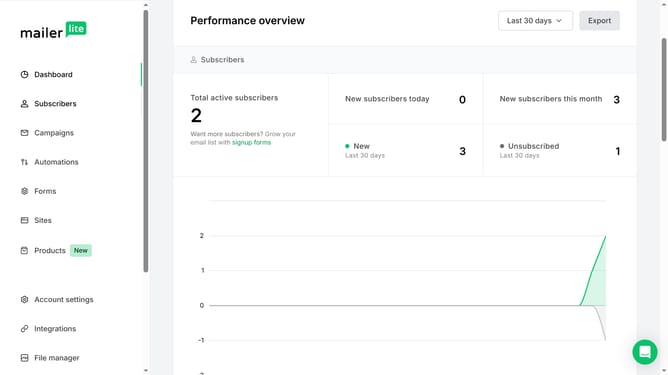
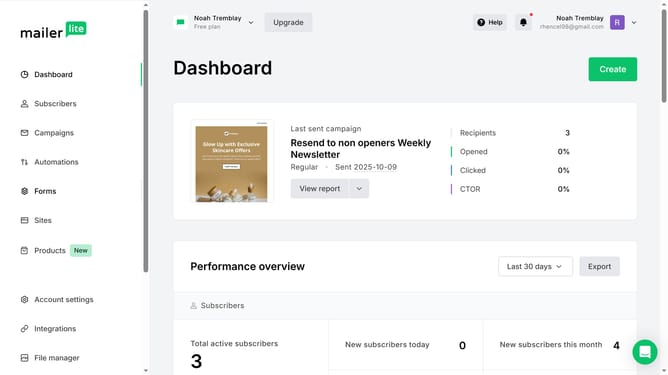
- First click on "Subscribers" in the left sidebar menu
- Scroll down in the subscribers menu
- Next click on the dropdown filter button in the main content area
- Finally select "Unsubscribed" filter option from the "Active" dropdown menu
Why should you show unsubscribed subscribers in Mailerlite
Mailerlite is a versatile email marketing platform designed to empower businesses with effortless communication and automation tools.
The ability to show unsubscribed subscribers in Mailerlite is a powerful feature that provides clarity on audience engagement.
Understanding who has opted out of your communications can guide your marketing strategies, ensuring you focus efforts on those who are genuinely interested.
Maintaining an accurate list helps improve deliverability rates and allows for more tailored and meaningful campaigns moving forward.
Last update