How to show bounced subscribers in Mailerlite
Here is how to show bounced subscribers in mailerlite
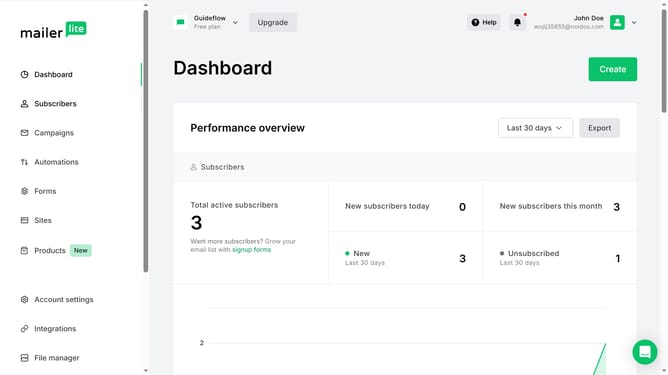
- First click on the "Subscribers" option in the left sidebar menu
- Scroll down in the subscribers menu
- Next click on the "Active" dropdown menu in the main content area
- Finally click on the "Bounced" option from the dropdown menu
Why should you show bounced subscribers in Mailerlite
MailerLite is a versatile email marketing tool designed to simplify audience engagement.
One of its valuable features is the ability to show bounced subscribers, which is crucial for maintaining a healthy email list. By identifying these bounced subscribers, you can ensure your campaigns are reaching active inboxes, thus improving overall deliverability rates.
Having insight into bounced emails allows you to address any potential issues with your mailing list. This not only helps in optimizing your engagement strategy but also saves time by focusing efforts on subscribers with a higher potential for conversion.
Last update