How to delete subscribers group in Mailerlite
Here is how to delete subscribers group in mailerlite
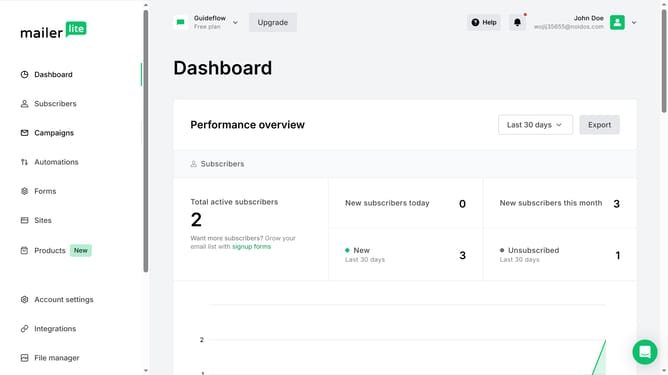
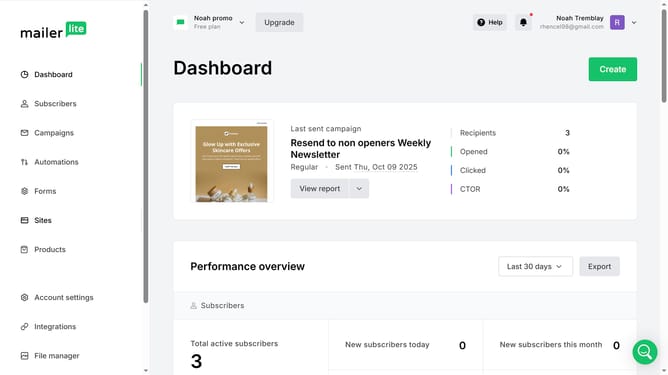
- First click on "Subscribers" in the left sidebar menu
- Then click on the "Groups" tab in the top navigation menu
- Next click on the "More" button next to group that you want to delete
- Then select "Delete" option from the dropdown menu
- Finally click the "Delete" button in the confirmation dialog to remove the group
Why should you delete subscribers group in Mailerlite
MailerLite is a powerful email marketing tool designed to help businesses connect effectively with their audiences.
The ability to delete a subscribers group in MailerLite allows for streamlined list management, ensuring only essential contacts remain, optimizing your communication efforts.
This feature helps you maintain a clean database, boosting campaign performance and improving email deliverability.
Efficient list management not only conserves resources but also ensures your emails reach the right audience, enhancing engagement and fostering stronger customer relationships.
Last update