YouTube has become a full marketing channel, not a posting destination. It touches organic search, paid acquisition, creative testing, social distribution, and demand generation simultaneously. According to Wyzowl's 2026 video marketing report, 82% of video marketers use YouTube, and 69% rate it as an effective channel for their goals.
The challenge is not finding YouTube tools. It is building a stack where every tool earns its seat. Most marketing teams already have a social scheduler, an analytics platform, and a design tool. Adding YouTube-specific software on top creates more dashboards without clearer decisions.
The goal here is a lean, job-driven stack. You need tools that help you pick better topics, ship better videos, distribute them consistently, and connect video attention to business outcomes. Views and subscribers are interesting. Pipeline and attribution are what leadership asks about.
What's inside
This guide covers 17 YouTube marketing tools selected for business and growth teams.
- Who it is for: Growth marketers, demand gen managers, social media managers, and B2B content teams using YouTube as a revenue channel
- Selection criteria: Time-to-value, measurement quality, workflow fit, and whether the tool reduces stack overlap
- Tools span four categories:
- YouTube SEO and channel growth
- Analytics, benchmarking, and competitive research
- Publishing, social promotion, and community management
- Creative production, repurposing, and paid campaigns
TL;DR
- Best all-around YouTube SEO pick: VidIQ combines keyword research, competitor insights, video optimization, and channel growth workflows in one platform
- Best browser-based optimization companion: TubeBuddy works inside YouTube and surfaces optimization prompts during your publishing workflow
- Best free native analytics setup: YouTube Studio and YouTube Analytics give you first-party watch time, retention, and traffic data at no cost
- Best for paid YouTube campaigns: Google Ads is the only platform for buying YouTube inventory and measuring ROAS
- Best for social teams managing multiple channels: Sprout Social, Hootsuite, and Agorapulse each handle YouTube publishing alongside other networks, with different strengths in inbox management and reporting
- Best for video creation and repurposing: Descript handles transcript-based editing and clip creation; Riverside captures clean remote recordings; Adobe Premiere Pro covers advanced production needs
What is YouTube marketing software?
YouTube marketing software is a category of tools that helps marketers research topics, create videos, optimize metadata, publish content, promote videos, run paid campaigns, and measure performance on YouTube.
No single tool covers every job well. Most teams combine three to five tools across the workflow, choosing based on where they spend the most time and where guesswork is costing them the most.
Key capabilities to look for
- Keyword and topic research: Find what audiences are searching before you film
- Metadata optimization: Improve titles, descriptions, tags, chapters, and thumbnails to increase click-through rate
- Channel analytics: Track watch time, retention curves, traffic sources, and subscriber behavior
- Competitor benchmarking: Compare growth rates, publishing cadence, and audience response across channels
- Content production: Record, edit, caption, clip, and repurpose videos for multiple formats
- Social promotion: Schedule and distribute videos across channels from one calendar
- Community management: Monitor comments, mentions, and sentiment, and manage response workflows
- Paid campaign management: Run YouTube Ads and measure ROAS against campaign objectives
Where YouTube marketing tools fit in the stack
YouTube marketing tools are distinct from general video hosting platforms. The best combination depends on whether the team's primary goal is organic channel growth, paid acquisition, brand awareness, or lead generation. Most business teams need tools from at least two of these categories.
When to use YouTube marketing tools
Grow organic search visibility
YouTube functions as both a search engine and a recommendation engine. Teams use research and optimization tools here to pick topics with proven demand, write titles that match search intent, and improve video structure so retention holds through the first 30 seconds. Without these tools, most teams are guessing what to make.
Turn videos into measurable campaigns
Growth teams need more than views. They need conversion tracking, UTM discipline, attribution data, and reporting that connects video spend to pipeline. This is where paid campaign tools and cross-channel analytics platforms earn their place, especially for teams that report to revenue-focused leadership.
Repurpose content across channels
A single YouTube recording can become Shorts, social clips, a blog post, a newsletter section, and a sales leave-behind. The right editing and production tools reduce the time it takes to go from one long-form video to five or six distribution-ready assets, without lowering creative quality or creating a backlog.
YouTube marketing tools comparison
The table below maps all 17 tools by primary job, pricing, and G2 rating. Use it to identify which tools fit your biggest bottleneck first.
| # | Product | Best for | Key differentiator | Pricing | G2 rating |
|---|---|---|---|---|---|
| 1 | VidIQ | YouTube SEO and channel growth | Keyword research, competitor insights, and optimization in one platform | Free; paid from $16.58/mo | 4.5/5 |
| 2 | TubeBuddy | Browser-based optimization | YouTube workflow extensions and metadata tools inside the creator dashboard | Free; paid from $8/mo | 4.6/5 |
| 3 | YouTube Studio | Native channel management | Built into YouTube for publishing, comments, and channel operations | Free | N/A |
| 4 | YouTube Analytics | Native performance measurement | First-party watch time, retention, and traffic data | Free | N/A |
| 5 | Google Trends | Topic demand research | Search interest trends by region and time period | Free | N/A |
| 6 | Google Ads | Paid YouTube campaigns | YouTube ad buying, targeting, and ROAS measurement | Free to use; spend-based | 4.3/5 |
| 7 | Sprout Social | Cross-channel publishing and reporting | Unified inbox, publishing, analytics, and listening across networks | From $79/seat/mo | 4.4/5 |
| 8 | Hootsuite | Multi-channel scheduling | Broad social publishing, team approvals, and AI-assisted content | From $99/user/mo | 4.3/5 |
| 9 | Agorapulse | Social inbox and engagement | Publishing, inbox, and reporting with a free-forever plan | Free; paid from $79/user/mo | 4.5/5 |
| 10 | BuzzSumo | Content research and creator discovery | Topic performance, influencer research, and media database | From $199/mo | 4.5/5 |
| 11 | Social Blade | Channel benchmarking | Channel growth tracking and competitor comparisons | Free; paid from $59.99/yr | 4.2/5 |
| 12 | Rival IQ | Competitive social analytics | Cross-channel benchmarking across YouTube and social networks | From $239/mo | 4.5/5 |
| 13 | Brand24 | Social listening and brand monitoring | Mentions, sentiment, and reputation tracking across web and social | From $249/mo | 4.6/5 |
| 14 | Canva | Thumbnails and campaign visuals | Fast thumbnail creation and branded visuals with a free tier | Free; paid from $144/yr | 4.7/5 |
| 15 | Descript | Editing and repurposing | Transcript-based editing and short-form clip creation | Free; paid from $16/mo | 4.6/5 |
| 16 | Riverside | Remote recording and interviews | High-quality multitrack recording with AI clips | Free; paid from $15/mo | 4.8/5 |
| 17 | Adobe Premiere Pro | Advanced video editing | Professional editing, color, audio, and effects | From $22.99/mo | 4.5/5 |
Best 17 YouTube marketing tools for 2026
1. VidIQ
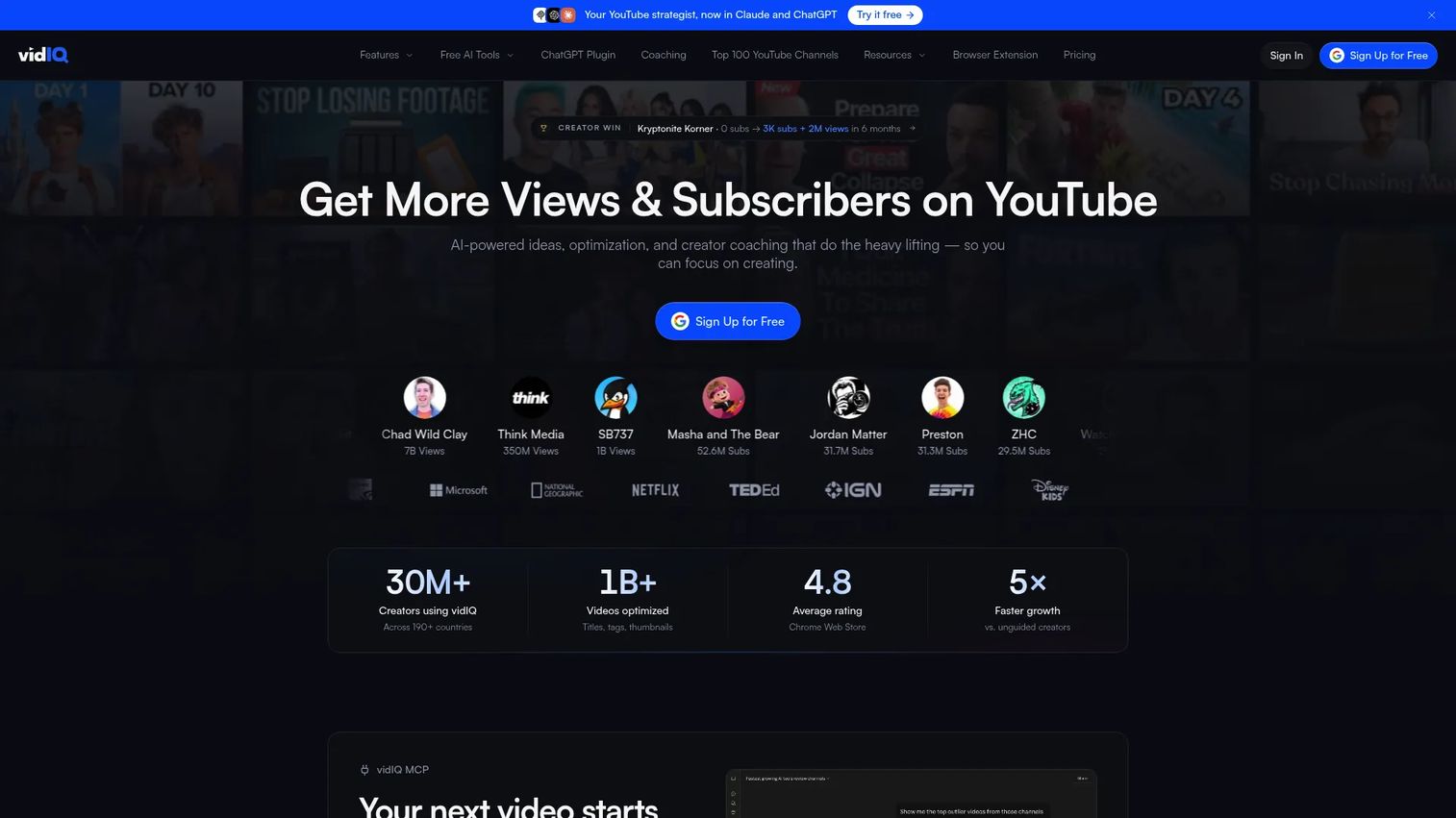
VidIQ is a YouTube growth and SEO platform built for creators, marketers, and teams trying to reduce guesswork before publishing. It covers keyword research, channel audits, competitor tracking, thumbnail testing, and daily content ideas from one workspace. For marketers running YouTube as an acquisition channel, it provides the data layer that informs what to make and how to package it.
Best for: Growth marketers who need YouTube SEO, keyword research, and competitor insights without switching between multiple tools.
Key features
- Keyword research and search volume scoring
- Competitor channel tracking and outlier analysis
- Video optimization score with actionable improvements
- AI-powered daily idea generation
- Thumbnail A/B testing and channel audits
Why choose VidIQ: It is the strongest option when YouTube is a serious organic channel and the team needs to move from gut-feel topic selection to data-driven decisions. The AI coaching layer also helps lean teams move faster without a dedicated YouTube strategist.
VidIQ pricing: VidIQ offers a free plan with limited tools. Paid plans start at $16.58/month (billed annually at $199/year) for the Boost tier, with MAX at $39/month ($468/year). Enterprise pricing requires a custom quote.
G2 rating: 4.5/5
2. TubeBuddy
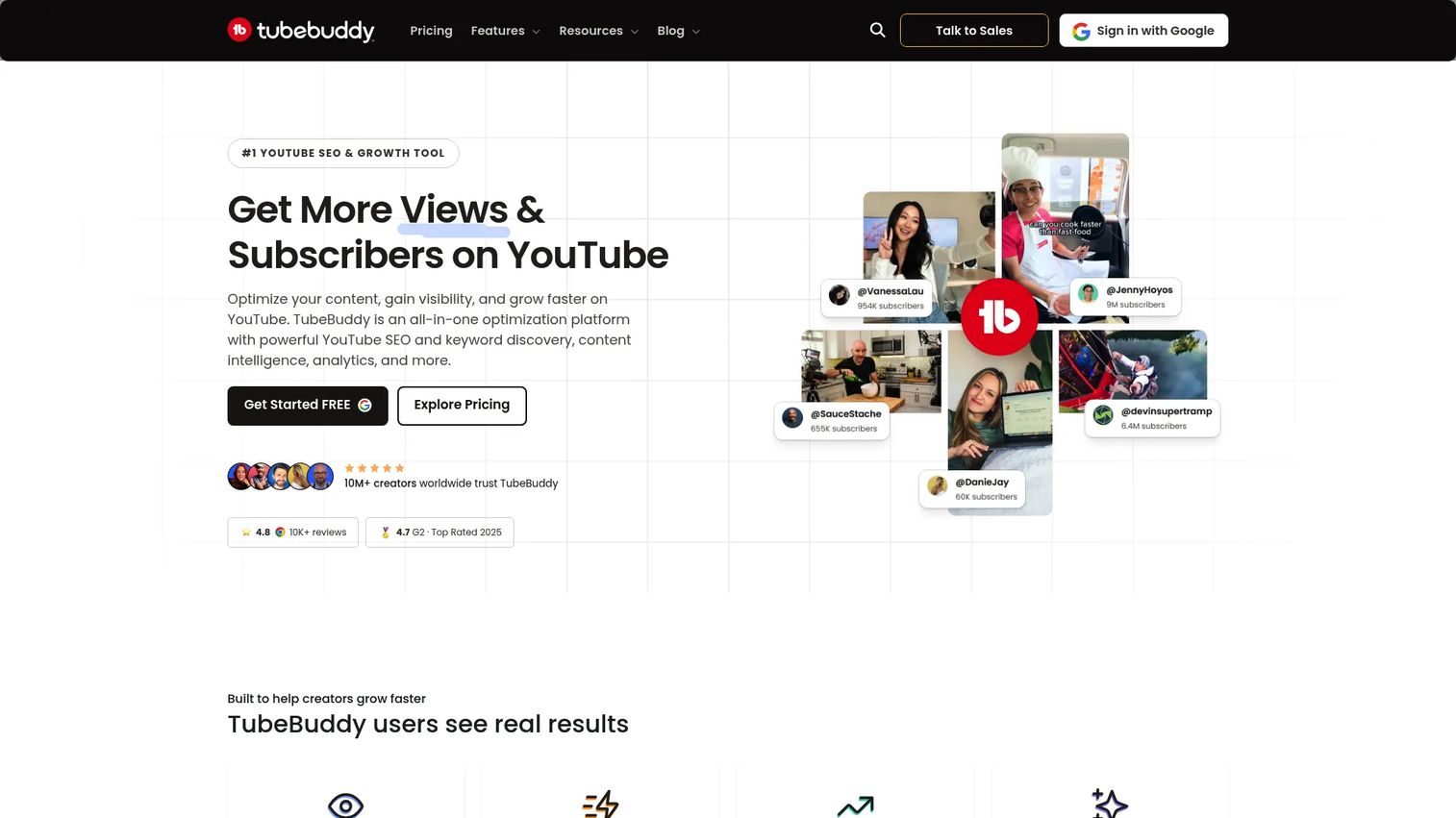
TubeBuddy is a browser extension that adds optimization, keyword research, and productivity tools directly inside the YouTube creator interface. Rather than opening a separate platform, marketers get metadata suggestions, thumbnail analysis, and bulk editing tools right at the point of publishing. It is particularly useful for teams that spend significant time inside YouTube and want optimization prompts embedded in their existing workflow.
Best for: Marketers who want YouTube SEO and optimization help without leaving the YouTube dashboard.
Key features
- Keyword Explorer with search demand scores
- Tag suggestions and metadata recommendations
- Thumbnail performance testing and analysis
- Bulk metadata and card updates across videos
- Productivity tools: Templates, checklist, duplicate management
Why choose TubeBuddy: It fits lean teams that need quick channel improvements without a separate analytics stack. The fact that it works inside YouTube reduces context switching during publishing, which matters for teams where one person handles both creation and optimization.
TubeBuddy pricing: A free plan is available. Paid plans start at $8/month (Pro tier, billed annually at $96/year). Legend, with advanced analytics and full SEO access, is $17/month billed annually. Enterprise pricing is custom.
G2 rating: 4.6/5
3. YouTube Studio
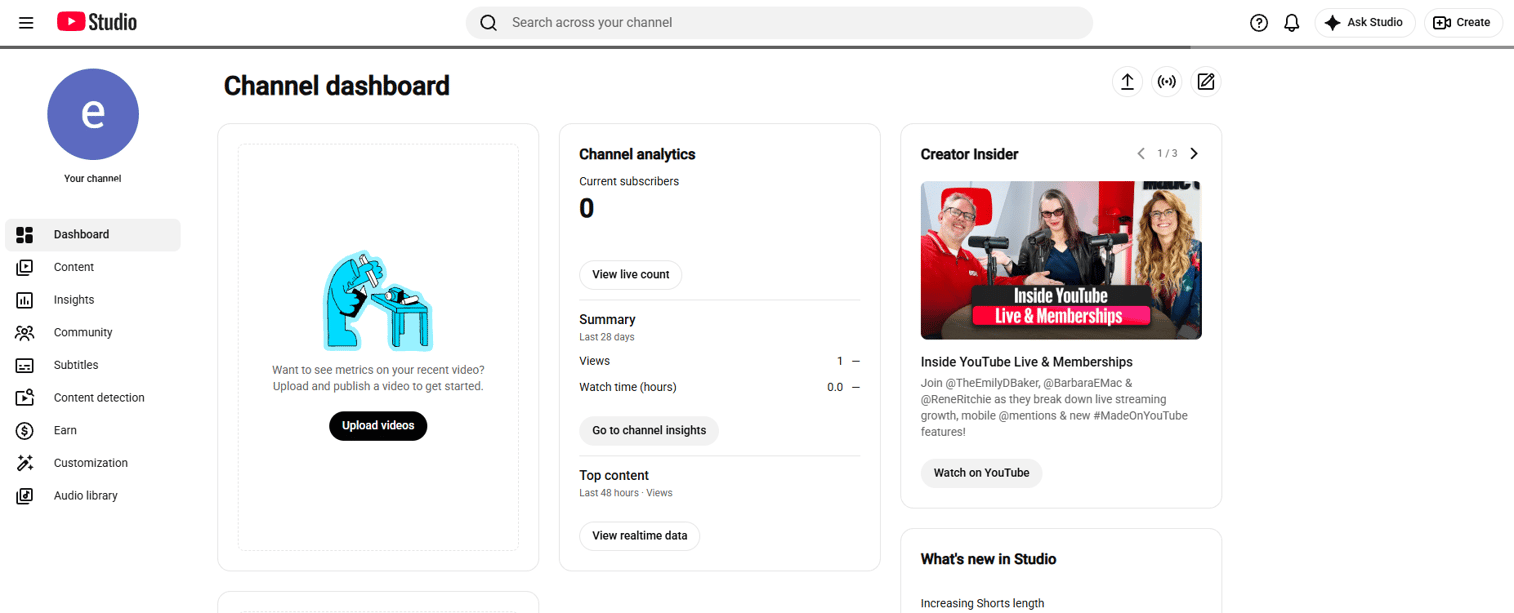
YouTube Studio is the native management platform included with every YouTube channel. It handles video uploads, metadata editing, comment moderation, Shorts management, monetization settings, and basic channel analytics. Every marketer managing a YouTube presence starts and returns to YouTube Studio, since third-party tools still depend on data flowing through it.
Best for: Every marketer running a YouTube channel, especially teams early in building their YouTube workflow.
Key features
- Video, Shorts, live stream, and playlist management
- Comment and community management tools
- Basic channel and video analytics
- Subtitles, clips, and copyright management
- Monetization settings and Audio Library
Why choose YouTube Studio: It is the foundation every YouTube marketer needs, regardless of what other tools they add. Even sophisticated analytics platforms pull from the data it generates, and publishing always runs through it.
YouTube Studio pricing: Free with any YouTube channel account.
4. YouTube Analytics
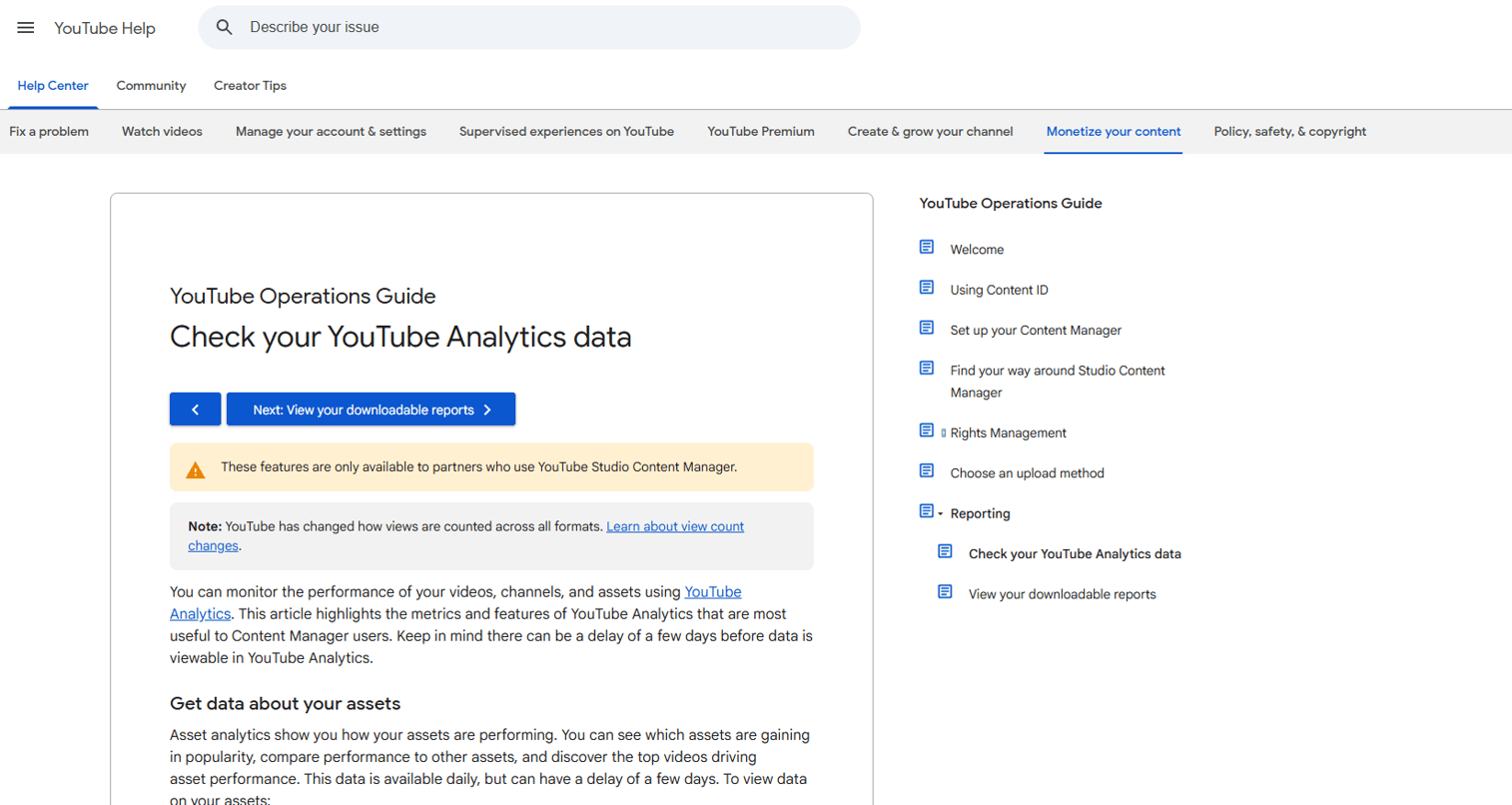
YouTube Analytics is the performance measurement layer built into YouTube Studio. It shows watch time, audience retention curves, traffic sources, subscriber trends, demographic data, and video-level comparisons. For marketers, it is the first place to understand what is working before spending on third-party reporting.
Best for: Marketers who need first-party channel performance data before evaluating paid analytics tools.
Key features
- Watch time, retention curves, and audience drop-off data
- Traffic source breakdown (search, suggested, external, direct)
- Audience demographics and device data
- Subscriber behavior and video comparison reports
- Advanced Mode for deeper data exports and custom comparisons
Why choose YouTube Analytics: Start here before adding paid analytics tools. It gives you the baseline data for watch time, retention, and traffic source distribution. Add third-party tools when you need competitive benchmarking, executive dashboards, or cross-channel attribution.
YouTube Analytics pricing: Free with any YouTube channel.
5. Google Trends
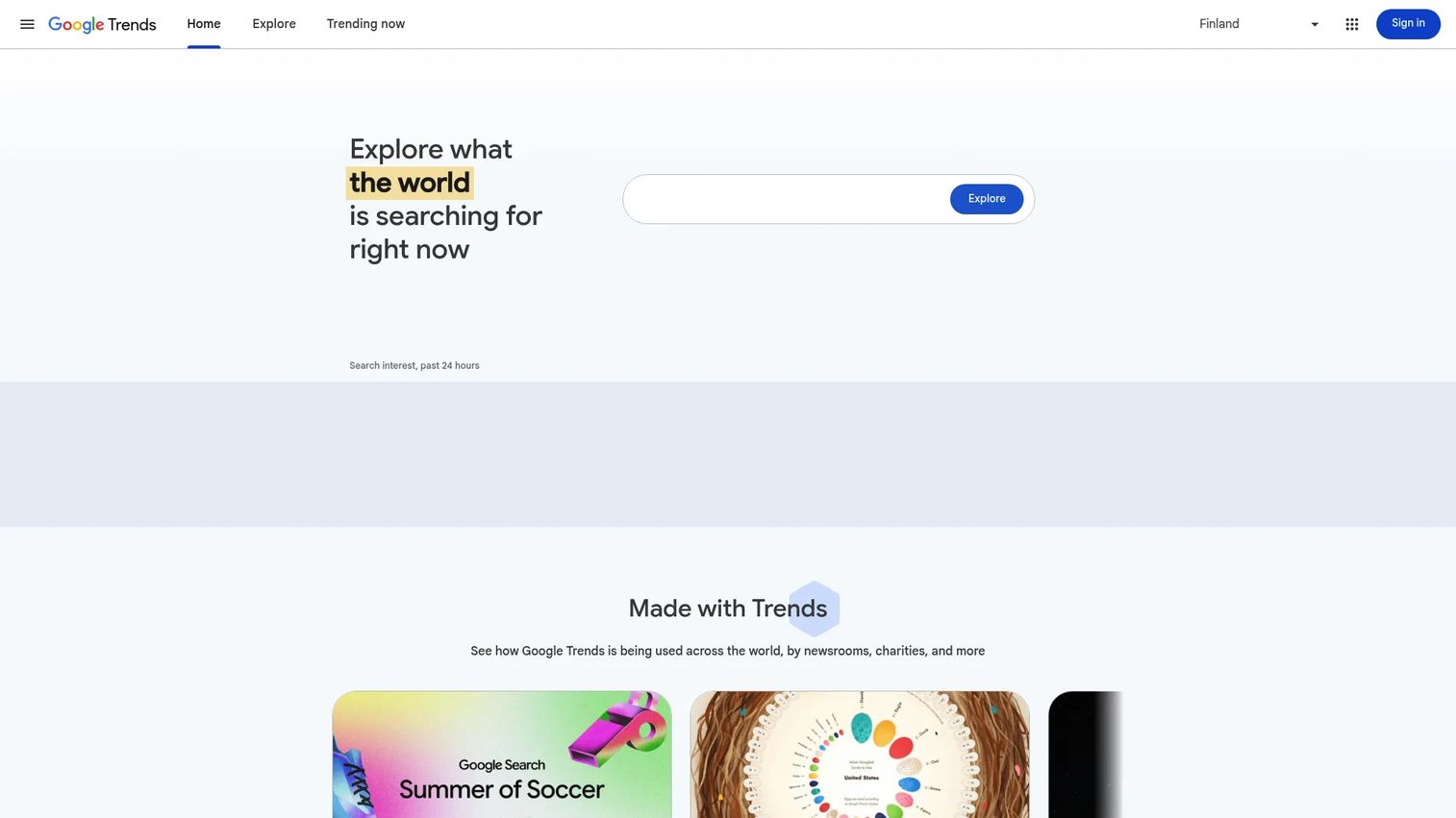
Google Trends is a free demand research tool that shows how search interest in a topic has changed over time, across regions, and against competing search terms. For YouTube marketers, it helps validate topics before production begins, so teams avoid spending time on videos about subjects with declining or low search demand.
Best for: Marketers choosing video topics based on search demand before scripting or filming.
Key features
- Search interest over time for any topic or keyword
- Regional demand breakdown by country and metro
- Seasonal and cyclical pattern identification
- Related queries with rising-interest signals
- Side-by-side topic comparisons
Why choose Google Trends: It prevents teams from producing videos around declining topics. Pair it with YouTube-specific tools like VidIQ or TubeBuddy for competitive keyword detail and channel-level metadata guidance.
Google Trends pricing: Free.
6. Google Ads
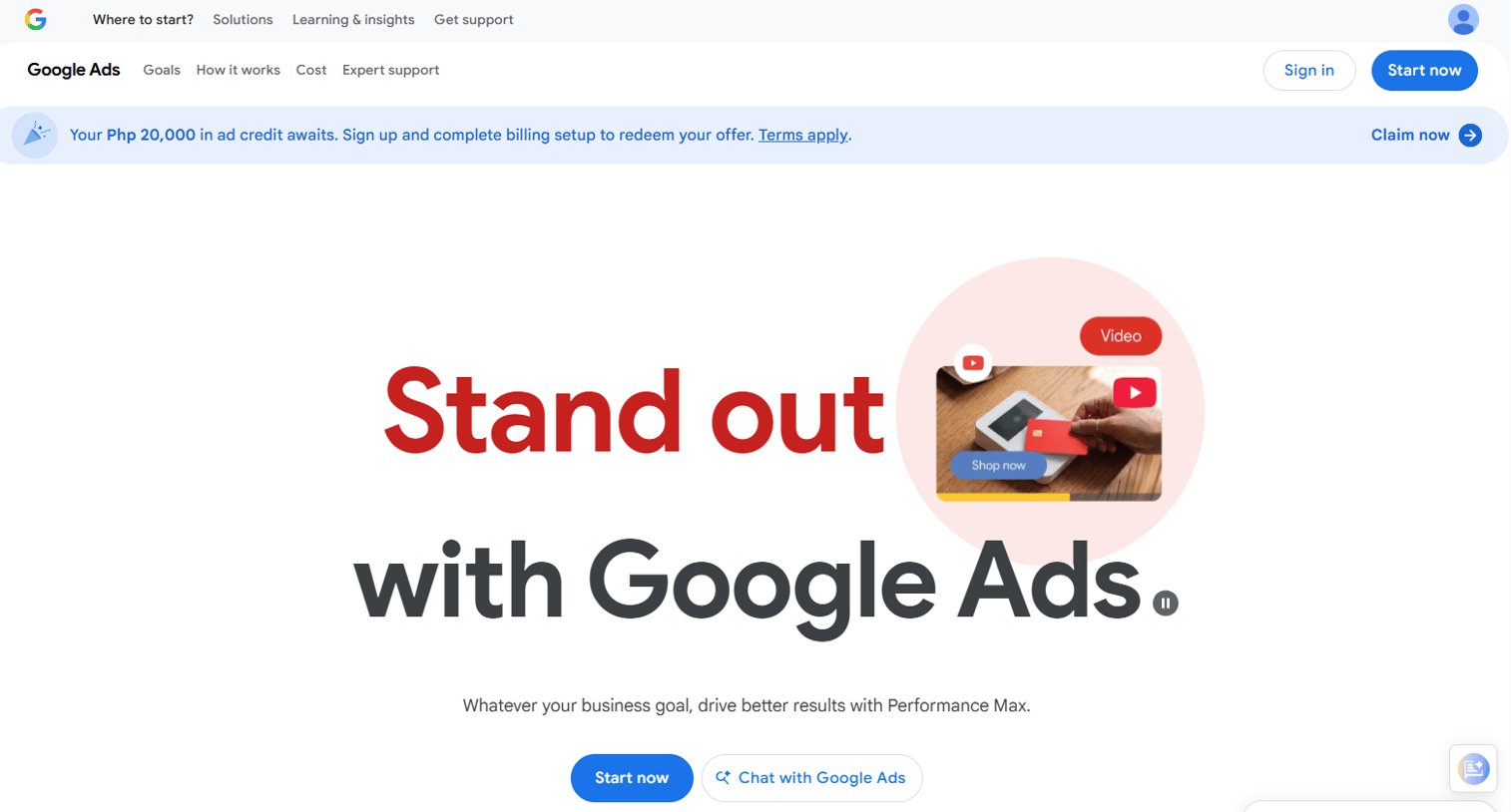
Google Ads is the platform for running paid campaigns across YouTube's ad inventory. It covers campaign setup, audience targeting, ad format selection, budget controls, conversion tracking, and ROAS reporting. For demand gen and growth teams, it is the required tool when organic reach is too slow or when a campaign needs guaranteed distribution.
Best for: Growth and demand gen teams running paid YouTube video campaigns tied to measurable outcomes.
Key features
- Video campaign objectives: Awareness, consideration, action
- Audience targeting: Demographics, interests, in-market, and custom intent
- Ad formats: Skippable in-stream, non-skippable, bumper, and YouTube Shorts ads
- Conversion tracking and ROAS reporting
- Campaign budget controls with daily and lifetime options
Why choose Google Ads: It is the only way to buy YouTube ad inventory, so there is no alternative for paid distribution. Use it when organic growth is a bottleneck, when launching a product needs guaranteed reach, or when video spend must connect directly to pipeline metrics.
Google Ads pricing: The platform itself costs nothing to access. Actual spend depends on your campaign budget, bidding strategy, targeting choices, and competition in the auction.
G2 rating: 4.3/5
7. Sprout Social
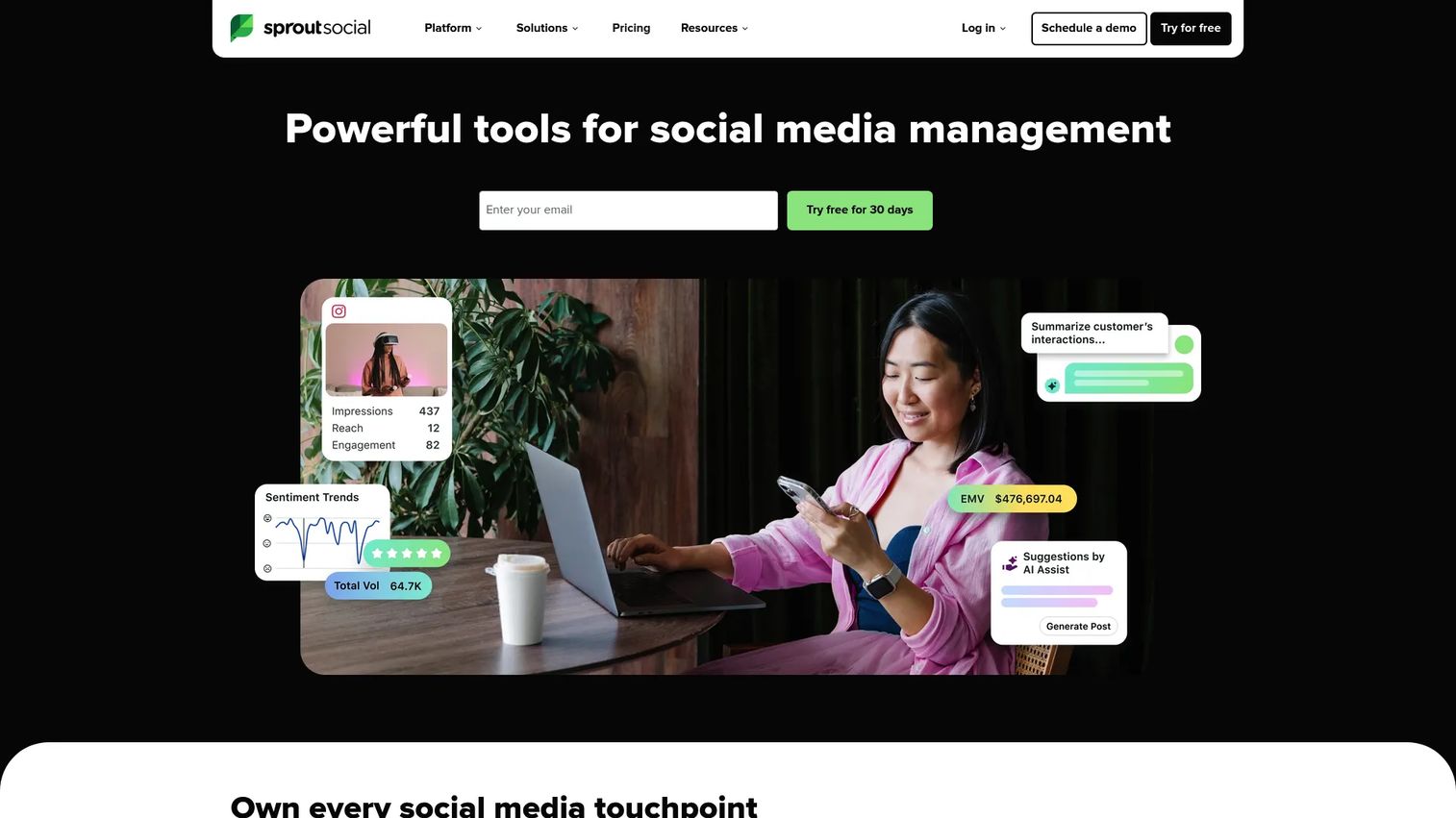
Sprout Social is a social media management platform that handles publishing, inbox management, analytics, and listening across YouTube and other networks. For marketing teams managing YouTube as part of a broader social strategy, it provides a unified workspace for scheduling, engagement, reporting, and social listening without switching between individual platforms.
Best for: Social teams managing YouTube alongside multiple other networks who need unified publishing, reporting, and engagement management.
Key features
- Cross-channel publishing with a shared content calendar
- Unified social inbox for comments and messages
- Cross-channel analytics and customizable reports
- Social listening and sentiment monitoring
- Team approval workflows and task assignments
Why choose Sprout Social: Strong fit when YouTube is one piece of a larger social program. It reduces context switching across publishing, engagement, and reporting, which matters most for mid-market and enterprise teams managing multiple channels and multiple contributors.
Sprout Social pricing: No free plan. Plans start at $79/seat/month (Essentials, billed annually) or $99/seat/month billed monthly. Standard is $199/seat/month, Professional is $299/seat/month, and Advanced is $399/seat/month. A 30-day free trial is available.
G2 rating: 4.4/5
8. Hootsuite
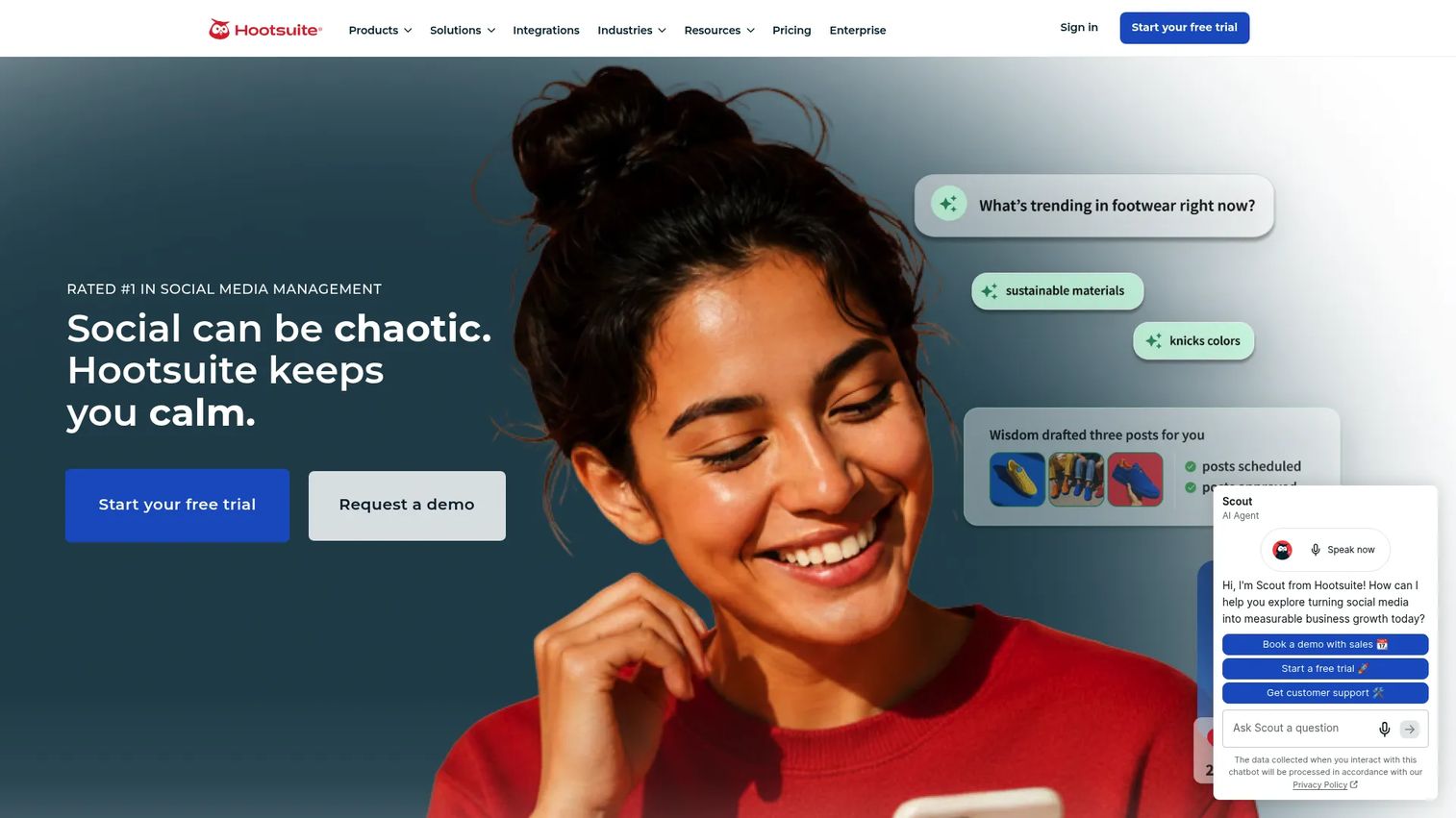
Hootsuite is a social media scheduling and management platform for teams coordinating YouTube promotion alongside other social networks. It covers calendar planning, post scheduling, team approvals, analytics reporting, and social inbox management from one workspace.
Best for: Teams that need a broad social scheduling layer with strong multi-network publishing and approval workflows.
Key features
- Social media scheduling across multiple networks
- Shared content calendar with team collaboration
- Social inbox and customer care management
- Analytics reports and custom dashboards
- AI-powered caption and content suggestions
Why choose Hootsuite: Use it when publishing consistency is the bottleneck and multiple people need to collaborate on the content calendar. It fits teams that want to manage YouTube distribution alongside other networks without maintaining separate tools per channel.
Hootsuite pricing: Paid plans start at $99/user/month for Standard (billed annually). Professional is $199/user/month, Advanced is $399/user/month, and Enterprise pricing is custom. A 14-day free trial is available.
G2 rating: 4.3/5
9. Agorapulse
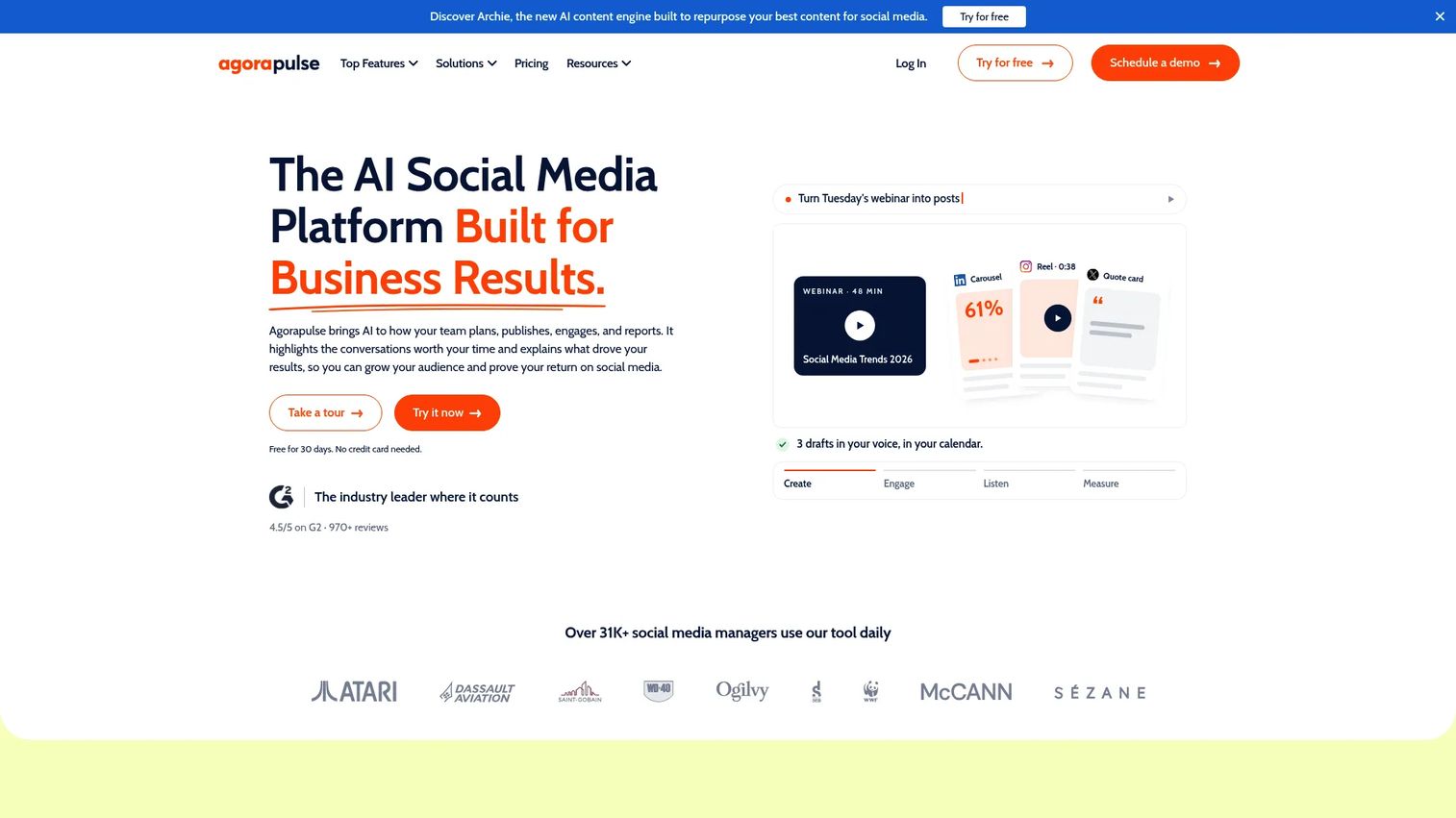
Agorapulse is a social media management platform with strong inbox management, publishing, reporting, and team collaboration features. For YouTube-focused marketers, the unified inbox and comment moderation tools help teams stay on top of engagement without comments falling through the cracks.
Best for: Social teams that need a structured inbox and comment moderation workflow alongside YouTube publishing.
Key features
- Unified social inbox for comments, mentions, and messages
- Publishing calendar with scheduling and team approvals
- Social media reports and ROI analysis
- Social listening and monitoring
- Team assignment and workflow management
Why choose Agorapulse: A good fit when YouTube comments and social engagement require clear ownership and accountability. It offers a free plan for small teams, which makes it a practical starting point before committing to a paid social management tier.
Agorapulse pricing: A free plan is available (3 social profiles, 1 user). Paid plans start at $79/user/month for Standard (billed annually) or $99/user/month billed monthly. Professional is $119/user/month annually. Advanced is $149/user/month annually. Custom pricing is available for larger teams.
G2 rating: 4.5/5
10. BuzzSumo
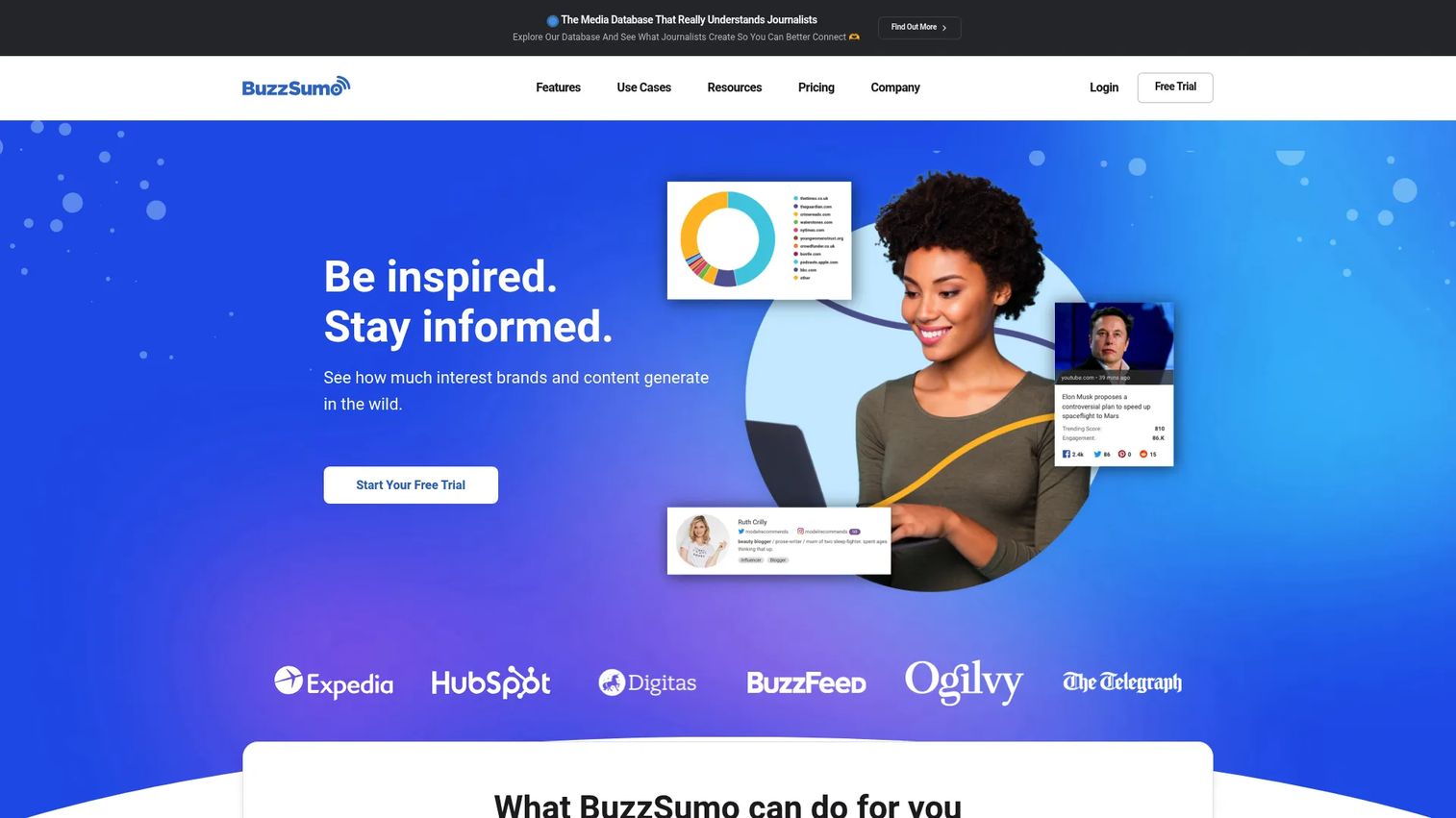
BuzzSumo is a content research and intelligence platform that helps marketers discover what topics earn engagement, identify journalists and creators, monitor brand coverage, and analyze content performance across the web and social channels. It includes a dedicated YouTube Analyzer for channel and video research.
Best for: Marketers researching topics, finding creators for collaborations, and understanding what earns engagement before video production begins.
Key features
- Content Analyzer for top-performing topics and formats
- Trending Feeds and Question Analyzer for content ideas
- Influencer and creator discovery across social platforms
- YouTube Analyzer for channel and video performance data
- Monitoring, alerts, and coverage reports
Why choose BuzzSumo: Use it before production to reduce the risk of creating videos with no audience. It is strongest when YouTube strategy connects to broader content marketing, PR, or creator partnership work.
BuzzSumo pricing: Plans start at $199/month for Content Creation (billed annually). PR and Comms is $299/month, Suite is $499/month, and Enterprise is $999/month. Annual billing is required across all plans.
G2 rating: 4.5/5
11. Social Blade
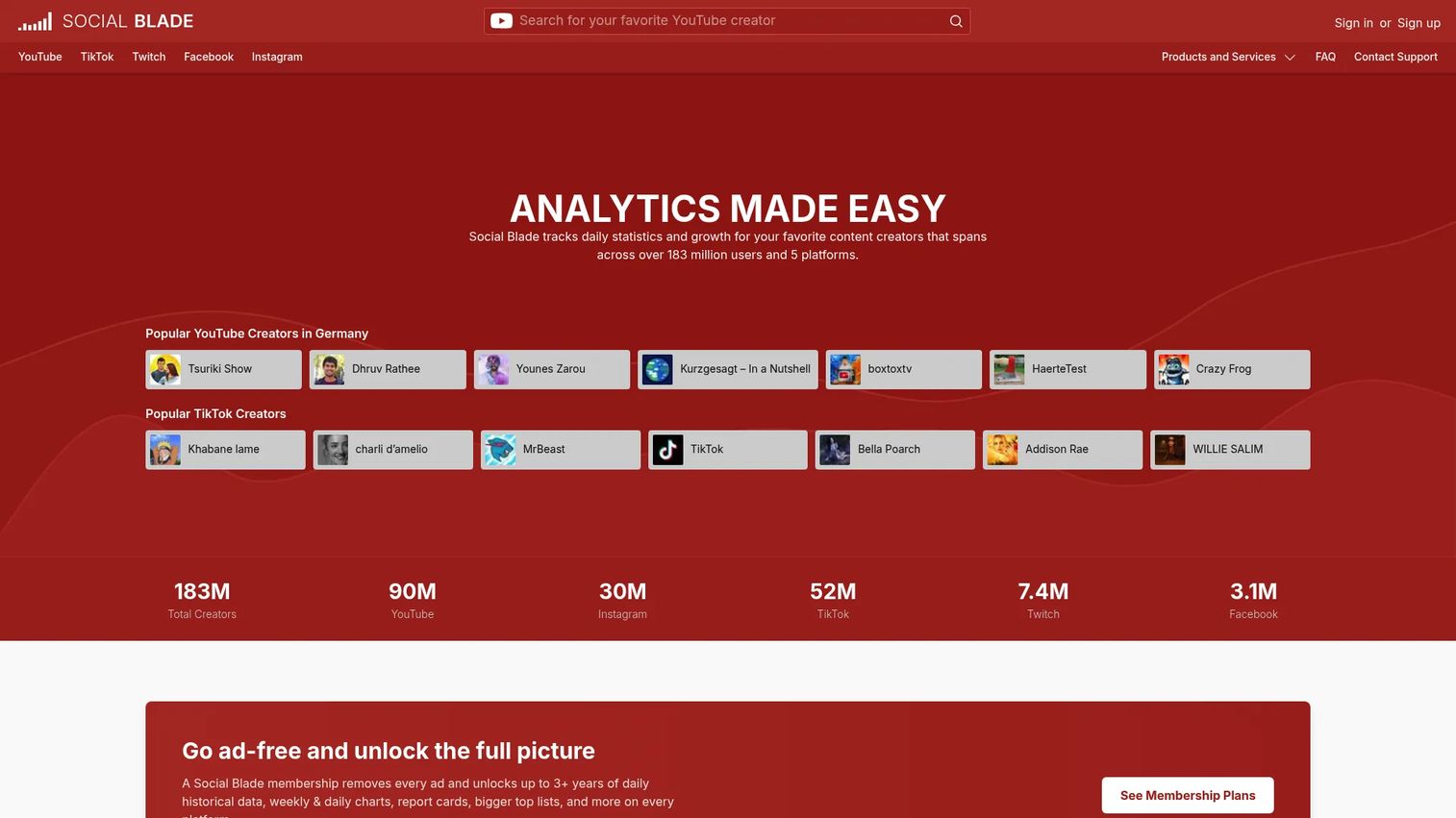
Social Blade is a channel statistics and benchmarking platform that tracks subscriber counts, view trends, rankings, and growth patterns across YouTube and other social platforms. It gives marketers a quick view of competitor channel trajectories without needing a full analytics subscription.
Best for: Competitive channel benchmarking and lightweight growth tracking on a minimal budget.
Key features
- YouTube channel rankings and subscriber tracking
- Historical view and growth data with trend charts
- Competitor comparisons and future projections
- Top lists and AI-powered creator categories
- YouTube report cards with channel performance grades
Why choose Social Blade: Use it for fast market checks before investing in deeper competitive analytics. It answers basic questions about competitor growth rates and publishing cadence without requiring a paid subscription for most tasks.
Social Blade pricing: Free access is available. Paid personal subscriptions start at $59.99/year (Bronze tier), with Silver at $149.99/year, Gold at $599.99/year, and Platinum at $1,439.99/year for more advanced features and Business API credits.
G2 rating: 4.2/5
12. Rival IQ
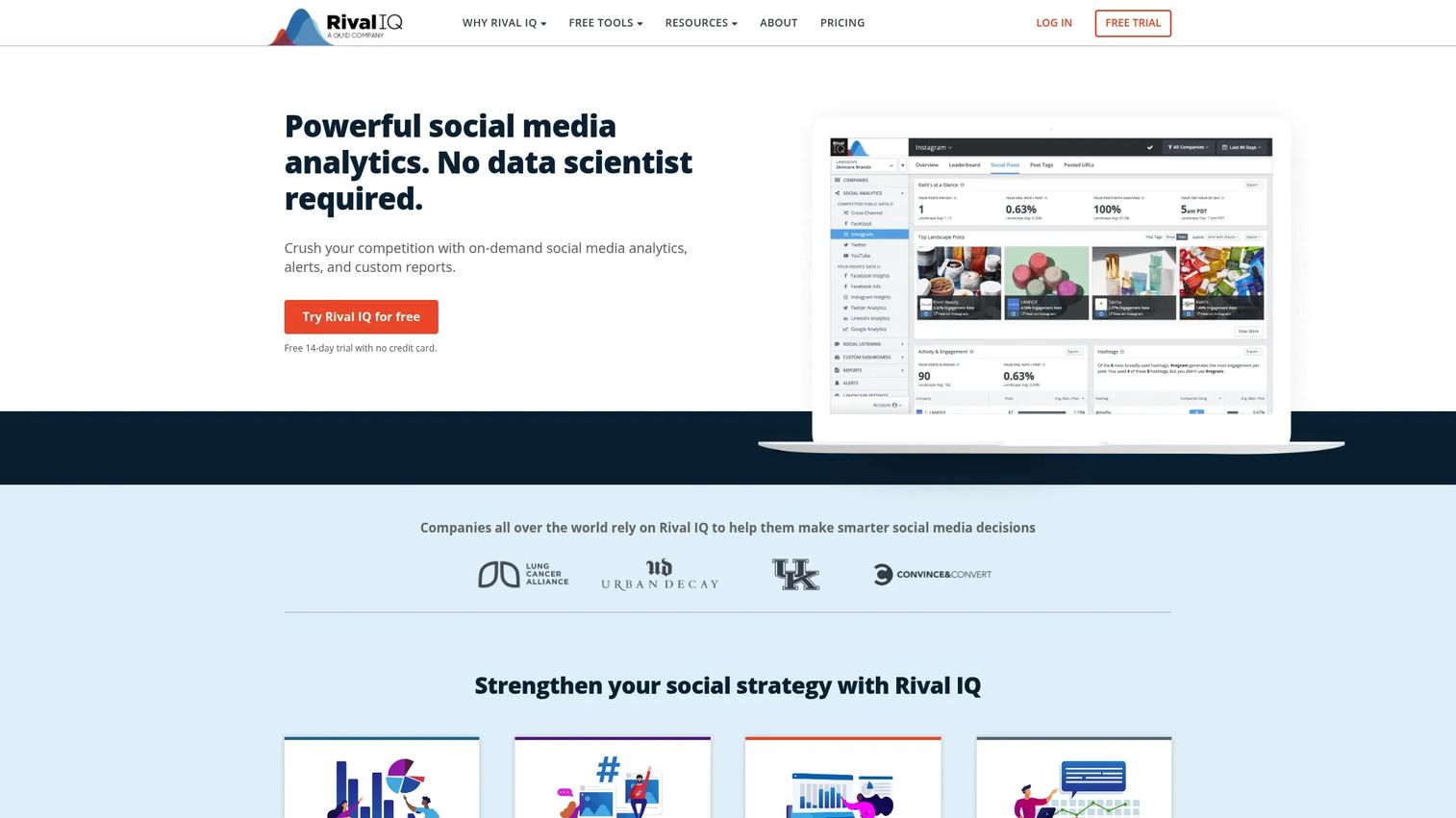
Rival IQ is a competitive social analytics platform for benchmarking channel performance, analyzing content strategy, and tracking social metrics across YouTube and other networks. It helps marketing teams answer the question leadership always asks: Why are competitors growing faster?
Best for: Teams that need structured competitive analytics across YouTube and social, with custom reporting for stakeholders.
Key features
- Competitor benchmarking across YouTube and major social platforms
- Social post analysis: Hashtags, posting cadence, media types, and keywords
- Customizable social analytics reports and dashboards
- Private social analytics for owned channels
- Social listening with saved searches and discovery tools
Why choose Rival IQ: Use it when leadership asks for data-backed explanations of competitive performance gaps. It is especially useful for mid-market and enterprise teams that need to benchmark video strategy against specific named competitors and present findings in polished reports.
Rival IQ pricing: No free plan. Paid plans start at $239/month for Drive (billed monthly), with Engage at $349/month and Engage Pro at $559/month. Annual billing saves 15%. A 14-day free trial is available.
G2 rating: 4.5/5
13. Brand24
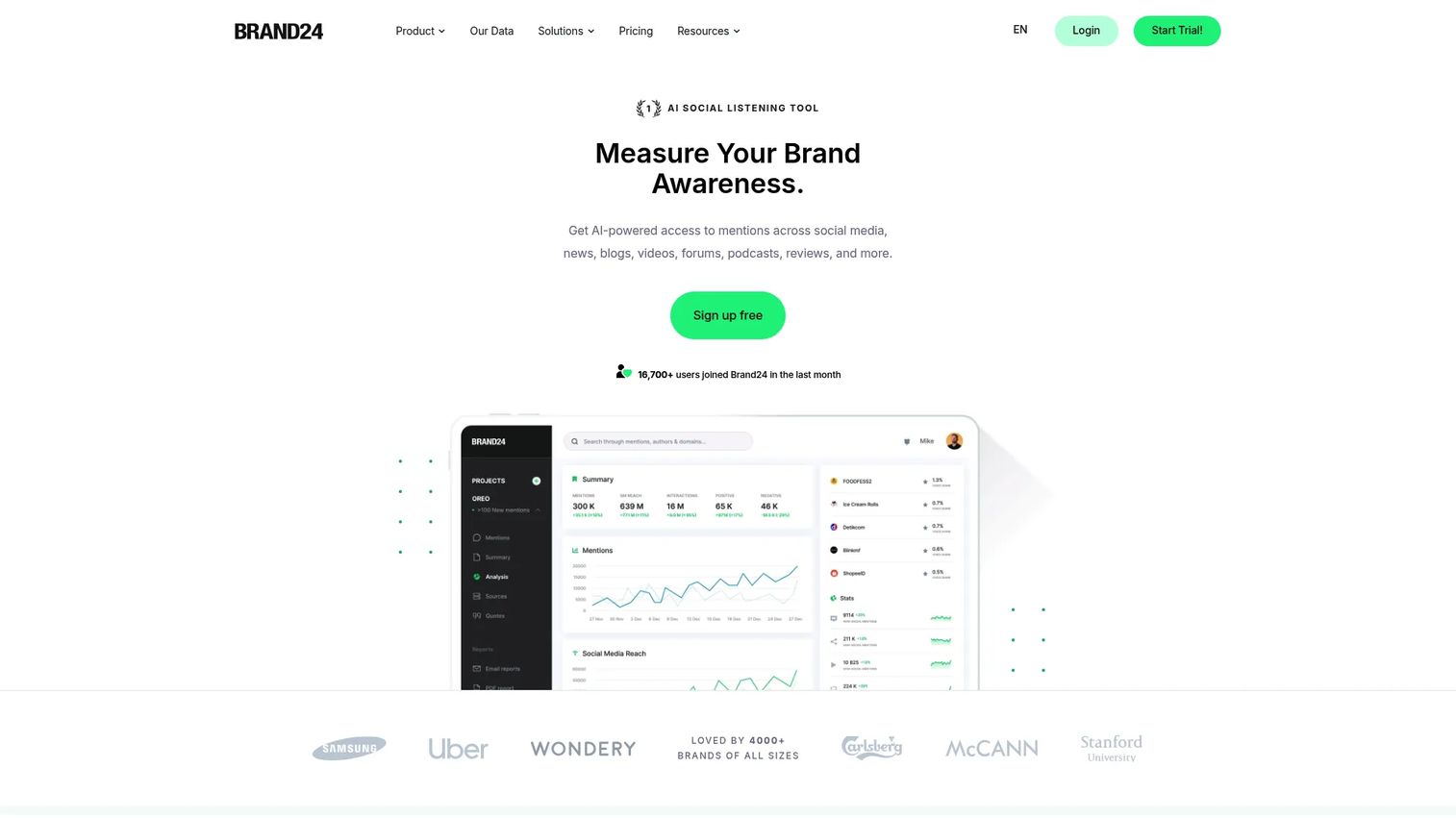
Brand24 is an AI-powered social listening and media monitoring platform that tracks brand mentions, sentiment, reach, and influencer activity across social media, news sites, blogs, videos, forums, and podcasts. For YouTube marketers, it surfaces what people say about campaigns, launches, and creator collaborations beyond the platform's native metrics.
Best for: Marketers tracking brand conversation and sentiment generated by YouTube campaigns and creator partnerships.
Key features
- Real-time mention monitoring across social and web sources
- Sentiment analysis with positive, negative, and neutral scoring
- Reach and engagement metrics per mention
- Influencer identification within monitored conversations
- Alerts and reporting for brand and campaign tracking
Why choose Brand24: Use it when campaign impact extends beyond YouTube's own analytics. It captures the broader conversation that video launches, collaborations, and paid campaigns generate across channels where YouTube's native data has no visibility.
Brand24 pricing: No free plan, but a 14-day free trial is available. Plans start at $249/month (Individual, billed monthly) or $199/month billed annually. Team is $349/month ($299 annually), Pro is $499/month ($399 annually), and Business is $699/month ($599 annually). Enterprise plans start from $1,499/month.
G2 rating: 4.6/5
14. Canva
Canva is an online visual design platform for creating YouTube thumbnails, channel art, social graphics, and campaign visuals. For marketing teams without dedicated design support, it provides thumbnail templates, Brand Kit management, and AI-assisted design tools that allow fast iteration without waiting for a creative queue.
Best for: Teams creating thumbnails and promotional visuals without full design bandwidth.
Key features
- YouTube thumbnail templates with Brand Kit integration
- AI tools: Magic Resize, Magic Animate, Magic Write, and Translate
- Social media graphics and multi-format export
- Team collaboration and content management
- Social content scheduling included in paid plans
Why choose Canva: Use it when packaging is hurting click-through rate and the team cannot wait for formal design cycles. The free tier covers basic thumbnail creation; Pro adds Brand Kit controls and more AI tools for teams publishing consistently.
Canva pricing: A free plan is available. Pro is $144/year for one person. Business is $250/year per person. Enterprise pricing requires a custom quote.
G2 rating: 4.7/5
15. Descript
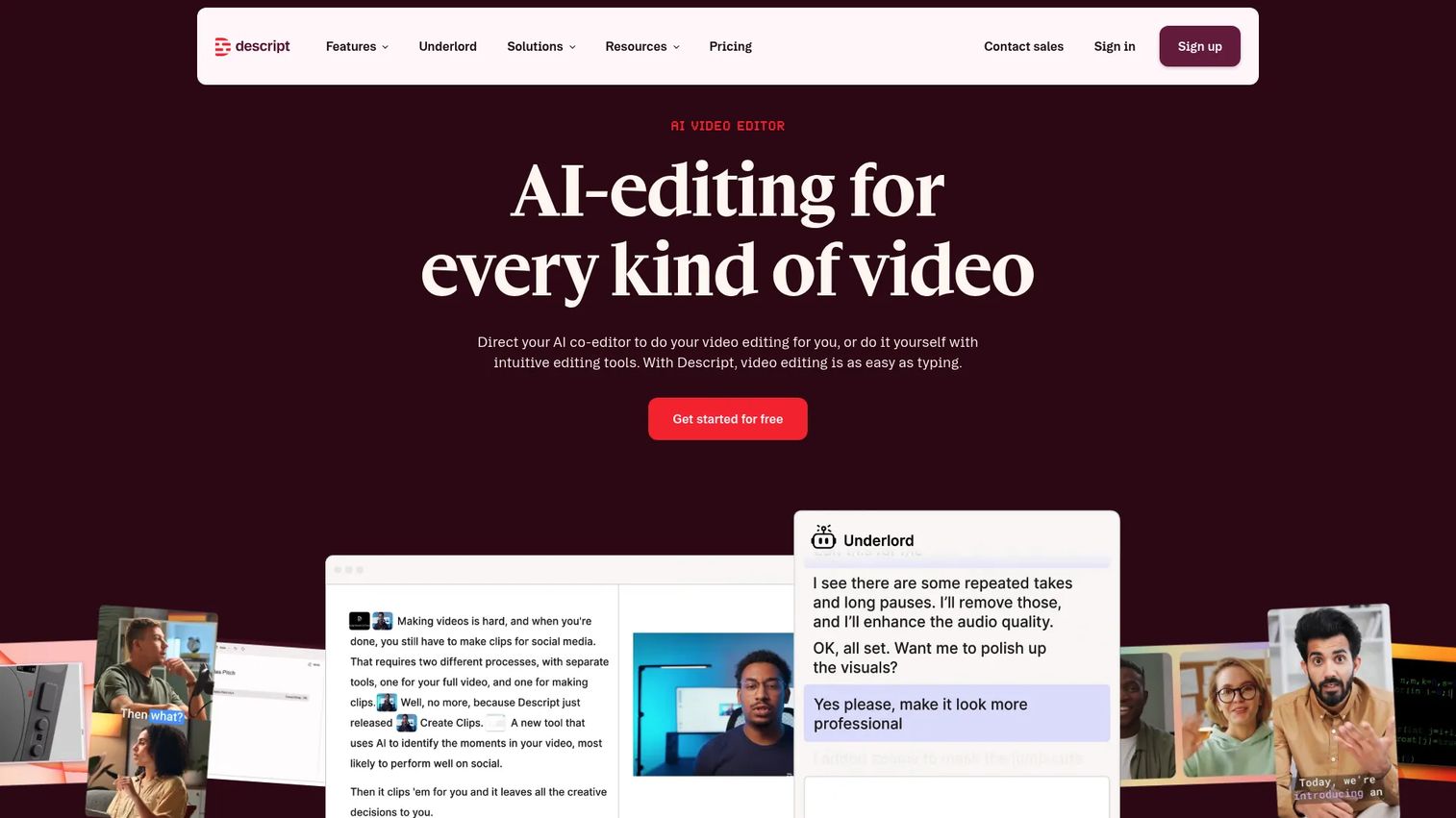
Descript is a video and audio editing platform built around text-based workflows. Marketers can edit video by editing the transcript, remove filler words, generate captions, create short clips from long recordings, and use AI tools for voice enhancement and content repurposing. It is designed for teams that produce video regularly but lack dedicated editing resources.
Best for: Marketers turning long YouTube videos into short clips, captions, Shorts, and repurposed social assets.
Key features
- Text-based video editing tied to the transcript
- AI-powered filler word removal and Studio Sound audio cleanup
- Short clip creation with automatic captions
- Screen recording and remote recording
- Voice cloning and AI speech tools
Why choose Descript: Use it when repurposing is the bottleneck. A single recorded interview or webinar can become multiple distribution-ready assets faster than with traditional video editing software, without requiring a video production background.
Descript pricing: A free plan is available. Paid plans start at $16/month per person for Hobbyist (billed annually). Creator is $24/month, Business is $50/month, and Enterprise pricing is custom. Monthly billing rates are higher: $24, $35, and $65 for the same tiers respectively.
G2 rating: 4.6/5
16. Riverside
Riverside is a remote recording platform for podcasts, interviews, webinars, and YouTube shows. It captures local high-quality video and audio up to 4K from each participant separately, so the final file quality does not depend on internet connection during the call. Post-recording, it generates transcripts and AI-powered clips for distribution.
Best for: Teams producing interview-led or expert-led YouTube content that requires clean source material from remote guests.
Key features
- Local multitrack recording up to 4K video and 48 kHz audio
- AI Magic Clips for automatic short clip generation
- Text-based editing with AI transcription in 100+ languages
- Audio enhancement and noise reduction
- Live streaming with multistreaming support
Why choose Riverside: Use it when content quality depends on remote guests and you need clean, separate audio tracks per speaker. It gives editing teams significantly better source material before repurposing and publishing.
Riverside pricing: A free plan is available. Standard starts at $15/month (billed annually) or $19/month billed monthly. Pro is $24/month annually ($29 monthly). Live is $34/month annually ($39 monthly). Business pricing requires contacting sales.
G2 rating: 4.8/5
17. Adobe Premiere Pro
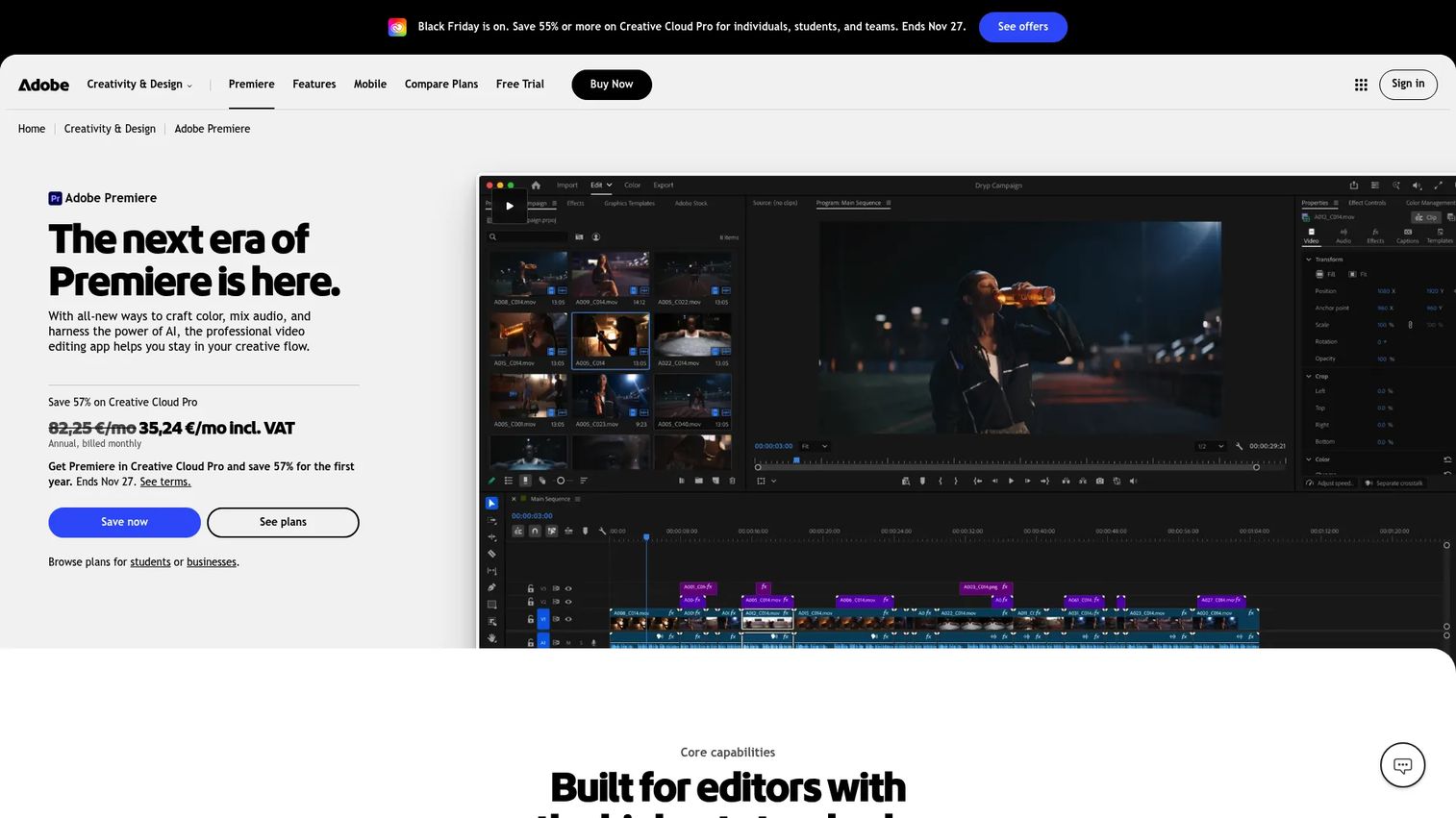
Adobe Premiere Pro is professional video editing software for teams that need advanced control over the full production workflow: Timeline editing, color grading, audio mixing, motion graphics, captions, and multi-format export. It is the most capable tool on this list and the most demanding in terms of hardware and learning investment.
Best for: Marketing teams with video specialists or agency support who produce high-production YouTube content at scale.
Key features
- Timeline editing with Text-Based Editing and AI transcription
- Lumetri Color for color correction and grading
- Audio editing with Enhance Speech and generative sound tools
- AI tools: Object Mask, Generative Extend, and Media Intelligence
- Frame.io collaboration and direct social export including YouTube
Why choose Adobe Premiere Pro: Use it when YouTube is a primary brand or campaign channel and the team has editing expertise or access to a video production resource. For solo marketers or small teams without that background, Descript or Riverside's editing tools are faster starting points.
Adobe Premiere Pro pricing: Individual app starts at $22.99/month (annual, billed monthly). Creative Cloud Pro is $34.99/month. Team licenses start at $37.99/month per license, with Creative Cloud Pro for teams at $99.99/month per license. A 7-day free trial is available.
G2 rating: 4.5/5
Considerations when choosing YouTube marketing tools
Start with the job, not the category
Before adding any tool, define the specific job it needs to do. Is the bottleneck keyword research, editing speed, comment management, attribution, or paid campaign management? Buying a social management platform when the real problem is weak thumbnail click-through rate solves the wrong problem.
Check whether the tool replaces something
Growth marketers are actively consolidating. Before adding a new tool, ask what it replaces. Sprout Social and Hootsuite often replace standalone scheduling spreadsheets and separate analytics tabs. Descript can reduce dependency on external editing contractors for routine repurposing. Each addition should eliminate something, not just stack on top of it.
Verify attribution and reporting fit
A tool is only as useful as its data output. Check whether it supports UTM parameters, integrates with your analytics stack, and produces reports your team can actually defend to leadership. YouTube Analytics and Google Ads provide the most reliable attribution for organic and paid performance respectively. Third-party platforms vary significantly in how they handle attribution.
Match creative workflow to team capacity
A solo marketer needs speed and simplicity. A production team with video specialists needs control and advanced capability. Canva and Descript are built for the former; Adobe Premiere Pro fits the latter. Matching the tool to actual team capacity prevents underutilization and avoids buying software nobody has the bandwidth to use correctly.
Plan for organic and paid together
YouTube organic performance informs paid creative. High-retention organic videos point to the hooks and content structures worth testing in ads. The stack should let teams learn across both motions, which means ensuring YouTube Analytics, Google Ads, and your attribution platform can share data without requiring manual exports.
Conclusion
For most business YouTube marketing stacks, the core build looks like this: VidIQ or TubeBuddy for SEO and content planning, YouTube Studio and YouTube Analytics as the native foundation, Google Trends for validating demand, and Canva for thumbnail packaging. Add Google Ads when paid distribution becomes a priority, and layer in Sprout Social, Hootsuite, or Agorapulse when managing YouTube as part of a broader social program.
For research and competitive intelligence, Social Blade handles quick benchmarking, BuzzSumo supports deeper topic and creator research, and Rival IQ or Brand24 answer the enterprise need for competitive analytics and sentiment tracking.
On the production side, Descript and Riverside reduce the gap between recording and publishing for teams without full video production support. Adobe Premiere Pro is the right choice when YouTube is a primary brand channel and the team has the editing capacity to use it.
For B2B teams sending YouTube-driven traffic to a next step, that destination matters as much as the video. Linking high-intent viewers to an interactive product demo rather than a static landing page gives prospects a hands-on product experience and gives your team measurable engagement data from every visit.
Start your journey with Guideflow today!
FAQs
YouTube marketing tools are software platforms that help teams research topics, produce videos, optimize metadata, publish content, distribute it across channels, run paid campaigns, and measure performance. Most teams combine several tools rather than relying on one, since different jobs require different capabilities.
Start with YouTube Studio and YouTube Analytics, which come free with any channel. Add Google Trends for topic validation and VidIQ or TubeBuddy for optimization guidance. These four tools cover research, publishing, and performance measurement without any upfront cost.
VidIQ and TubeBuddy are purpose-built YouTube SEO tools. Both cover keyword research, title and description optimization, tag suggestions, and competitor analysis. Google Trends helps validate search demand before production. YouTube Analytics provides the retention and traffic data that shows which optimization choices are working.
YouTube Analytics gives you first-party watch time, retention, and traffic source data at no cost. Social Blade adds public competitor benchmarking. Rival IQ provides deeper competitive social analytics with custom reporting. Sprout Social or Hootsuite connect YouTube performance to cross-channel reporting for teams managing multiple networks.
Canva is the fastest option for most marketing teams, with thumbnail templates, Brand Kit support, and a free plan. Teams with higher production standards and existing Adobe workflows can use Premiere Pro or similar Adobe tools. The tool matters less than developing a repeatable process for testing thumbnail concepts against click-through rate data in YouTube Analytics.
Descript handles transcript-based editing and clip creation from long recordings. Riverside produces the clean multitrack source files that make repurposing faster. Adobe Premiere Pro covers advanced editing needs. For visual assets, Canva handles thumbnails and social graphics from the same recording.
Teams can build a functional foundation with entirely free tools: YouTube Studio, YouTube Analytics, Google Trends, and Canva's free plan cover publishing, performance measurement, topic research, and thumbnail creation. Paid tools earn their place when scale, competitive benchmarking, multi-channel publishing, or attribution reporting become bottlenecks.
YouTube tools drive discovery, retention, and traffic. Lead generation depends on where that traffic goes next. Teams that send viewers to a specific landing page, product experience, or gated offer convert YouTube attention into pipeline. The tools in this list help you generate and measure the top of that funnel. What happens after the click is a separate conversion decision.