You spent three days scripting, filming, and editing a video. It went live. Twenty-three views in two weeks, and most were your own team.
The problem usually isn't production quality. It's that nobody searched for that topic. According to Wyzowl (2026), 82% of video marketers use YouTube, yet most content teams still pick topics by gut feel rather than demand data. That gap is where content budgets quietly evaporate.
YouTube keyword tools fix that by showing you what people actually search before you commit production time to it. They surface search demand, competition signals, autocomplete patterns, and rising queries so you can make a defensible case for each video before a single frame gets recorded. For digital marketers who need to tie YouTube to pipeline, keyword research is what separates a content calendar from a content gamble.
This guide breaks down 12 tools, with verified pricing, G2 ratings, and plain-language buying criteria.
What's inside
This guide compares 12 free and paid YouTube keyword tools for 2026. Tools were selected based on four criteria:
- YouTube-specific data quality: Autocomplete coverage, search volume or popularity scoring, and trend signals
- Workflow fit for digital marketers: Exports, integrations, and brief-building support
- Free access: Whether the core value is accessible before paying
- Stack consolidation potential: Whether the tool replaces something already in the workflow
TL;DR
- Best overall for YouTube growth teams: vidIQ combines keyword research, competitor tracking, and channel analytics in one platform
- Best for browser-based optimization: TubeBuddy lives inside YouTube, making it easy to optimize right before you publish
- Best for autocomplete expansion: Keyword Tool generates large suggestion lists across countries and languages
- Best free no-login starting point: YouTube autocomplete gives you real query data without creating an account
- Best for trend timing: Google Trends shows whether a topic is rising, peaking, or cooling
- Best for clustering large keyword exports: ChatGPT or Claude turns messy suggestion lists into usable content plans
What is a YouTube keyword tool?
A YouTube keyword tool is software that helps creators and marketers find search terms people use on YouTube, then evaluate those terms by demand, competition, trend direction, and fit for a video topic.
YouTube keyword research differs from Google keyword research in a few important ways. YouTube autocomplete is its own dataset, shaped by video search behavior rather than web search behavior. The same topic can have very different language on YouTube ("how to fix a leaky faucet tutorial" versus "leaky faucet repair" on Google). No tool has access to exact YouTube search volume figures the way Google Ads exposes Google Search volume. Tools estimate demand using autocomplete frequency, clickstream data, Google Ads context, or proprietary scoring models.
Core capabilities to look for:
- Keyword discovery from YouTube autocomplete
- Search volume or popularity scoring
- Competition, difficulty, or opportunity signals
- Tag and hashtag suggestions
- YouTube Shorts keyword discovery
- Trend and rising-topic analysis
- Export, filtering, or bulk keyword clustering
- Rank tracking and competitor keyword insights
The best YouTube keyword research tool for your team depends on where you are in the production process. Discovery tools help you find topics. Validation tools help you check demand. Optimization tools help you get metadata right before publishing. Many teams need at least two of these jobs covered, which is why this guide includes both dedicated YouTube tools and adjacent platforms that contribute to the same workflow.
When to use YouTube keyword tools
Validate demand before production starts
Scripting and recording a video is expensive in time, even before editing. Run keyword research before writing the script. If the topic has no detectable demand on YouTube, either reframe it around a phrase people do search for, or save it for a format that doesn't depend on search, such as a paid promotion or email newsletter embed.
Optimize titles, descriptions, and tags at upload time
Keyword data should shape the title, the first two sentences of the description, and the tag list. Use the primary search term in the title, place supporting terms in the description, and use tags for related phrases and common misspellings. This is where browser extensions earn their keep, since they let you do this work inside YouTube rather than bouncing between tabs.
Find Shorts and trend opportunities before they cool
Shorts topics move faster than evergreen tutorials. A rising query on Google Trends or a spike in YouTube autocomplete completions can indicate a short-form opportunity. Check trend direction first, then verify whether the query language fits a 60-second format. Fast-moving trend content rewards teams that can ship quickly.
YouTube keyword tools comparison
The 12 tools below cover the main use cases: YouTube-native keyword research, autocomplete expansion, trend validation, paid campaign planning, and AI-assisted clustering. Each row reflects verified pricing and G2 ratings sourced from live listings.
| # | Product | Best for | Key differentiator | Pricing | G2 rating |
|---|---|---|---|---|---|
| 1 | vidIQ | YouTube growth teams | Search volume, competition scores, rank tracking | Free; Boost from $16.58/mo (annual) | 4.5/5 |
| 2 | TubeBuddy | Creator SEO workflows | Browser extension with tags and optimization | Free; Pro from $3.60/mo (annual) | 4.6/5 |
| 3 | Keyword Tool | Autocomplete keyword expansion | Large suggestion lists across 17 platforms | Free tier; Starter from $68/mo | 4.5/5 |
| 4 | Keyword Tool Dominator | Bulk autocomplete research | Popularity scoring and filtered exports | Free tier; Plus from $9 (30-day) | 4.0/5 |
| 5 | Ahrefs YouTube Keyword Tool | Search volume checks | Free keyword ideas with volume estimates | Free | 4.5/5 |
| 6 | Google Trends | Trend validation | YouTube Search filter for relative interest | Free | N/A |
| 7 | Google Keyword Planner | Paid demand context | Google Ads keyword data for adjacent validation | Free with Google Ads account | N/A |
| 8 | RightBlogger | YouTube content workflow | Keyword research plus title, script, and idea tools | Free tier; Solo from $49/mo (annual) | 4.5/5 |
| 9 | YouTube autocomplete | No-login keyword discovery | Native query suggestions from YouTube itself | Free | 4.8/5 |
| 10 | Google Ads | YouTube ad keyword planning | Campaign planning and paid keyword context | Free account; ad spend separate | 4.3/5 |
| 11 | ChatGPT | Keyword clustering and ideation | AI-assisted topic grouping and brief creation | Free; Go from $8/mo | 4.6/5 |
| 12 | Claude | Keyword analysis and briefing | Long-context review and content planning | Free; Pro from $17/mo (annual) | 4.7/5 |
Best 12 YouTube keyword tools for 2026
1. vidIQ
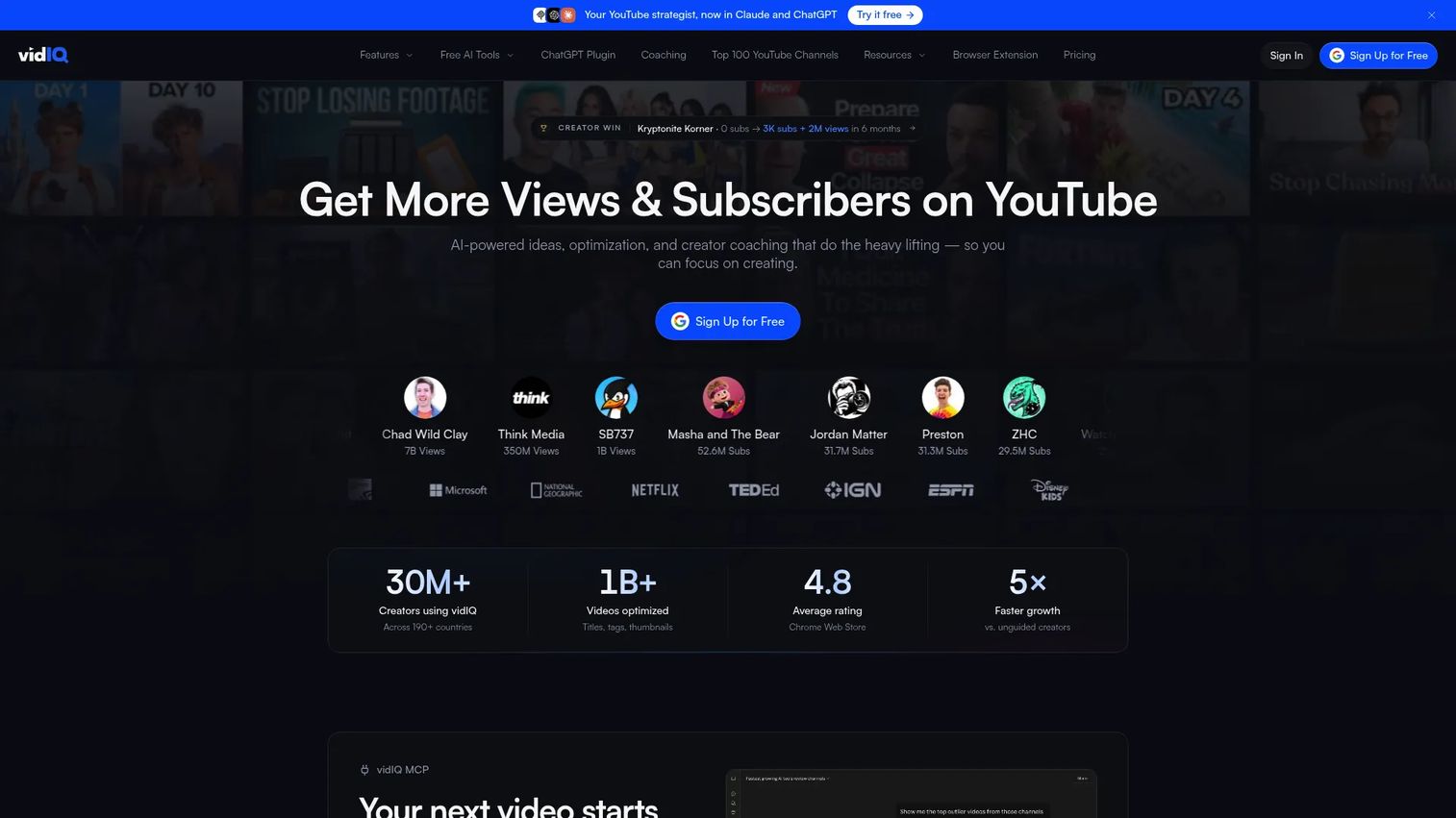
vidIQ is a YouTube growth platform that combines keyword research, channel analytics, competitor tracking, and AI-powered content creation tools. It is built for teams treating YouTube as an acquisition or distribution channel rather than a side experiment. The keyword research tools surface search volume estimates, competition scores, and rising queries directly inside the platform.
Best for: Growth marketers and creator teams that want YouTube-specific keyword data alongside channel performance tracking.
Key features
- YouTube keyword search volume and competition scores
- Rising keyword discovery and trend alerts
- Keyword Inspector browser extension for in-YouTube research
- AI Coach for titles, descriptions, and scripts
- Rank tracking and competitor channel analysis
Why choose vidIQ: Choose vidIQ when YouTube is a consistent acquisition channel and you need ongoing keyword monitoring, not just pre-production research. It earns its value over time through rank tracking and competitor signals, not just one-off lookups.
vidIQ pricing: Free plan available with 150 monthly AI credits. Boost plan is $16.58/mo billed annually ($199/year), or $19/mo billed monthly. MAX plan is $39/mo billed annually ($468/year), or $49/mo billed monthly. Enterprise pricing requires contacting sales.
G2 rating: 4.5/5
2. TubeBuddy
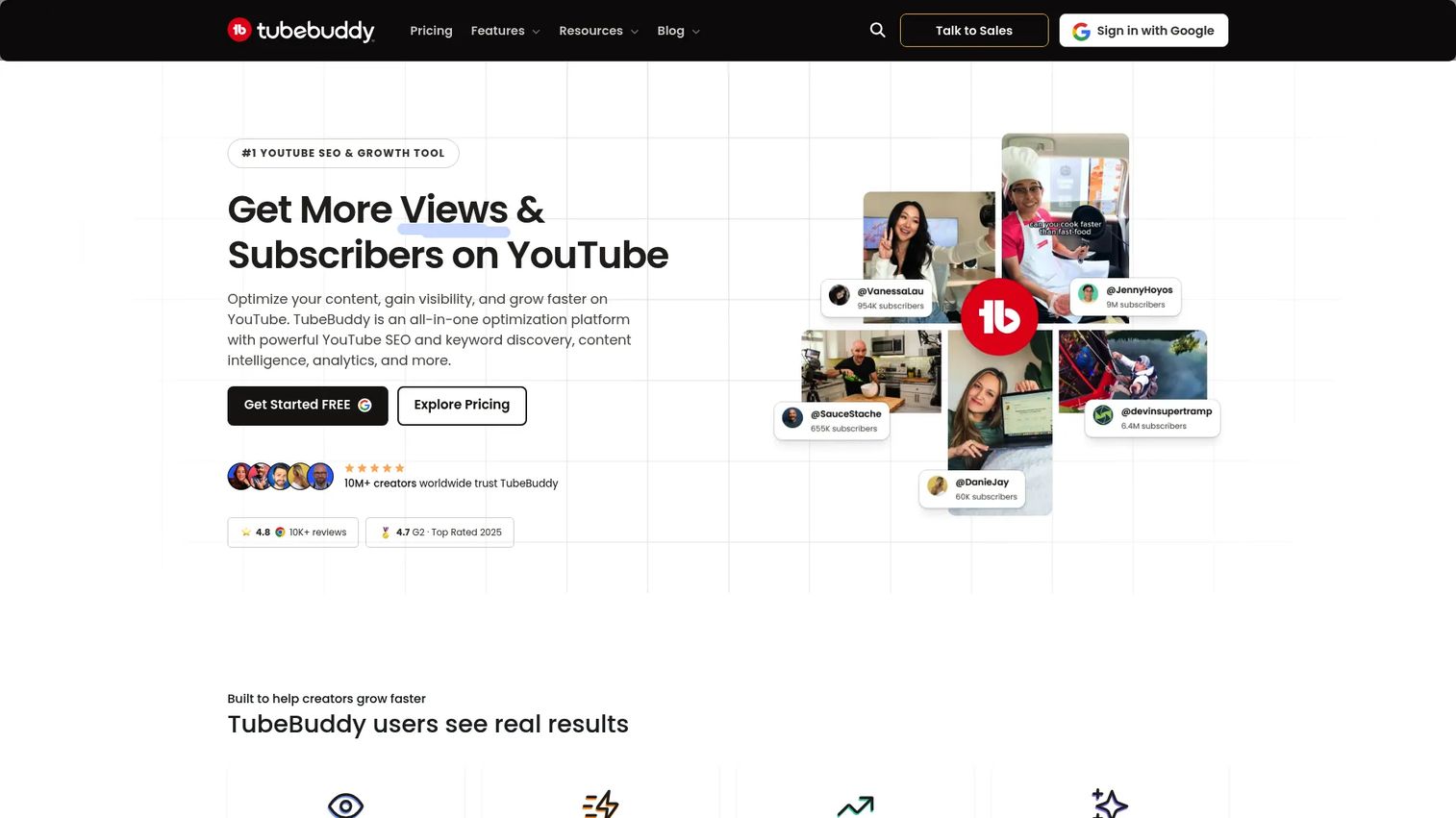
TubeBuddy is a YouTube optimization extension that installs directly in the browser and surfaces keyword and SEO tools inside the YouTube interface. It covers keyword research, tag suggestions, SEO scoring, and channel productivity tools without requiring a separate dashboard. Teams that prefer to optimize at upload time rather than in a separate planning session tend to get the most from it.
Best for: Creators and marketing teams that want keyword optimization close to the publish step, embedded inside YouTube.
Key features
- Keyword Explorer with search volume and competition data
- Tag suggestions and SEO Studio scoring
- Thumbnail and title A/B testing
- Channel Health Report and competitor analysis
- Bulk video processing and scheduling tools
Why choose TubeBuddy: Choose TubeBuddy when the workflow lives in the browser and the team needs keyword guidance right before publishing. Its A/B testing on titles and thumbnails also makes it useful for teams running YouTube as a performance channel.
TubeBuddy pricing: Free plan available. Pro plan is $4.50/mo (monthly) or $3.60/mo billed annually ($57.60/year). Legend plan is $28.99/mo (monthly) or $23.19/mo billed annually ($287.88/year). Enterprise pricing is custom.
G2 rating: 4.6/5
3. Keyword Tool
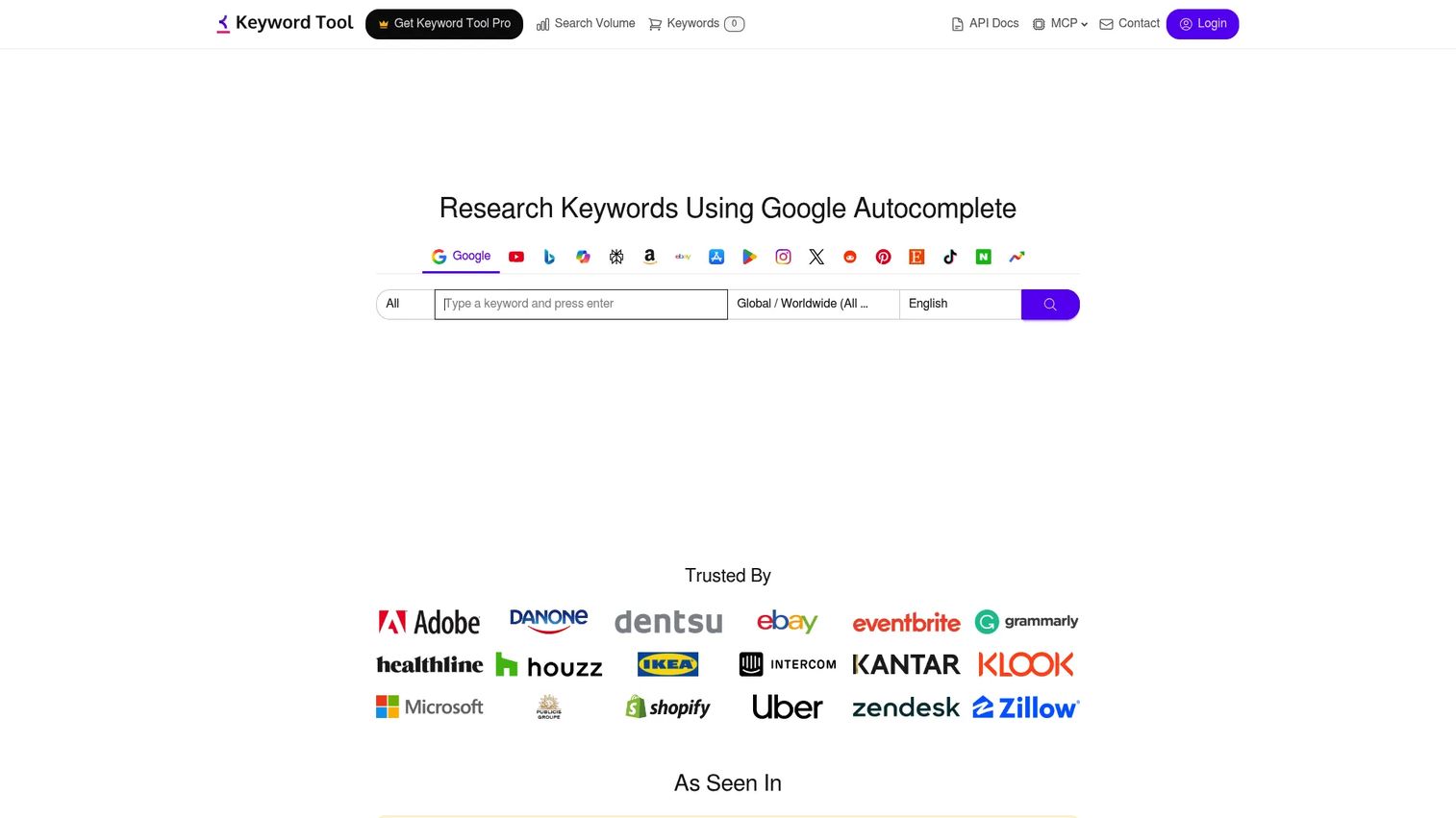
Keyword Tool mines autocomplete data across 17 search and content platforms, with YouTube as one of its primary outputs. It is useful when marketers need a large volume of long-tail YouTube keyword ideas before filtering down to a realistic publishing list. The free version shows suggestions without volume data. Paid plans add search volume, cost-per-click, competition metrics, and CSV exports.
Best for: SEO and content teams that need broad YouTube autocomplete coverage and cross-platform keyword research.
Key features
- YouTube autocomplete suggestions across countries and languages
- Tags and hashtag generation
- Search volume, CPC, and competition data on paid plans
- Bulk keyword analysis (up to 1,000 keywords per request)
- API and MCP access on paid plans
Why choose Keyword Tool: Choose it when you need breadth before depth. It is particularly useful for building a wide keyword universe before narrowing to realistic video topics with a YouTube-native tool.
Keyword Tool pricing: Free tier shows keyword suggestions without volume data. Paid plans start at Starter ($68/mo), Growth ($148/mo), Scale ($308/mo), and Agency ($628/mo), with Enterprise available by custom quote. Annual pricing is available at a reduced rate.
G2 rating: 4.5/5
4. Keyword Tool Dominator
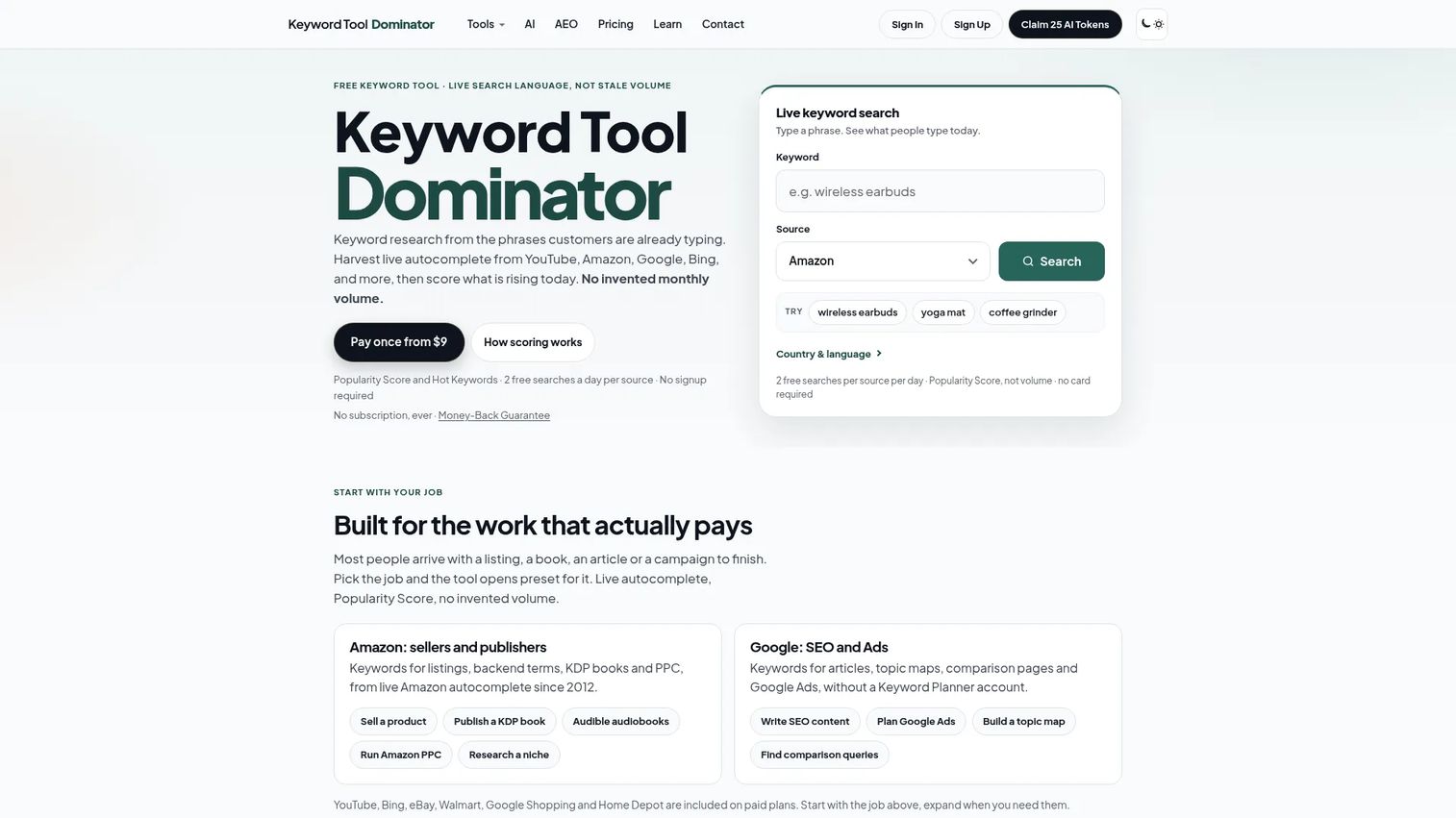
Keyword Tool Dominator harvests live autocomplete phrases from YouTube and other platforms, then ranks them by relative popularity rather than invented monthly search volume. The Popularity Score gives a sense of which suggestions surface most consistently in autocomplete, which is a more honest signal than fabricated volume estimates. It includes filtering, word-frequency analysis, and CSV exports.
Best for: Marketers who want bulk autocomplete data with filtering and export controls at a low entry cost.
Key features
- Live autocomplete scraping for YouTube and other platforms
- Popularity Score for relative demand ranking
- Hot Keywords and word-frequency analysis
- AEO tools for questions, prepositions, and comparisons
- CSV and Excel exports
Why choose Keyword Tool Dominator: Choose it when you need a practical middle ground between free autocomplete and expensive SEO platforms. Its popularity scoring helps teams spot repeated language patterns across large suggestion sets without needing absolute volume data.
Keyword Tool Dominator pricing: Free tier available. Paid plans are sold as one-time 30-day access payments: Plus at $9, Pro at $15, and Max at $25. Longer access options include 90-day plans from $19, 1-year plans from $39, and lifetime plans from $89 (Max lifetime at $149).
G2 rating: 4.0/5
5. Ahrefs YouTube Keyword Tool
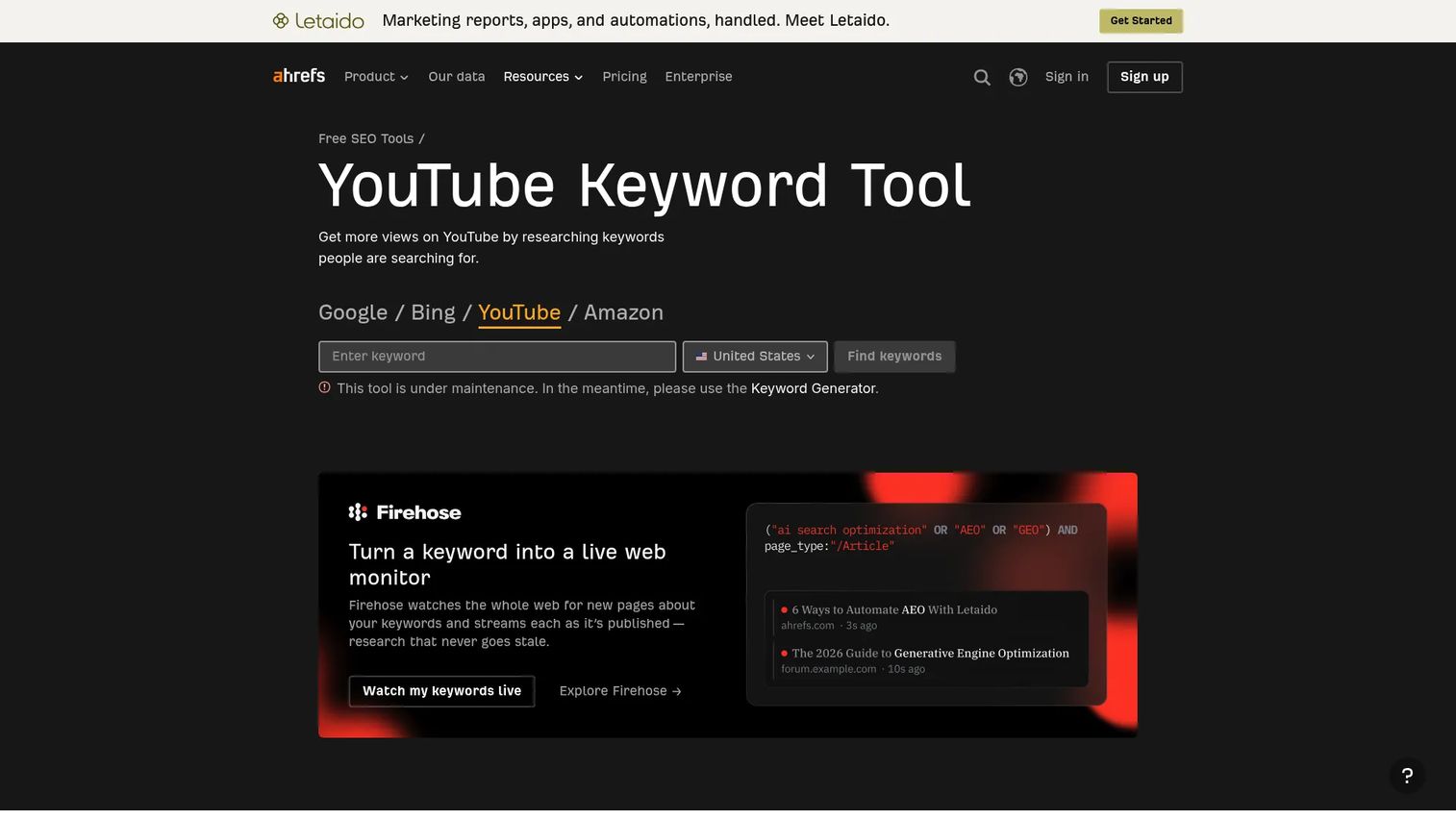
The Ahrefs YouTube Keyword Tool is a free tool that surfaces YouTube keyword ideas alongside estimated search volume data across 170 countries. It is built for quick validation rather than deep campaign planning. SEO teams already familiar with Ahrefs-style keyword metrics will find the interface immediately recognizable, with Phrase Match, Same Terms, and Questions reports available from a single seed term.
Best for: SEO teams that want quick YouTube search volume checks without a subscription.
Key features
- YouTube keyword ideas via Phrase Match, Same Terms, and Questions
- Search volume estimates across 170 countries
- Filtering by search volume, word count, and clicks
- Free access with no plan required for the YouTube tool
- Ahrefs ecosystem context for broader SEO workflows
Why choose Ahrefs YouTube Keyword Tool: Choose it when search volume validation matters more than in-YouTube workflow. It is a clean research layer before moving to a YouTube-native optimization tool for metadata and tag work. Note that the tool page indicates intermittent maintenance periods.
Ahrefs YouTube Keyword Tool pricing: The YouTube Keyword Tool is free. Full Ahrefs paid plans start at $29/mo for the Starter tier and cover the broader SEO platform.
G2 rating: 4.5/5
6. Google Trends
Google Trends is a free tool for exploring search interest over time, with a YouTube Search filter that shows relative interest specifically on YouTube rather than Google overall. It won't replace keyword lists, but it prevents teams from producing videos on topics that already peaked six months ago. The Related Queries section often surfaces rising terms that don't yet appear in standard keyword tools.
Best for: Marketers deciding whether a topic is rising, seasonal, or already cooling before committing production time.
Key features
- YouTube Search filter for platform-specific trend data
- Relative interest trends by region and time range
- Related and rising queries
- Topic comparison across up to five terms
- Embeddable charts and data exports
Why choose Google Trends: Choose it for timing decisions, not keyword lists. It answers whether now is the right moment to cover a topic, which is a question volume data alone can't answer.
Google Trends pricing: Free.
7. Google Keyword Planner
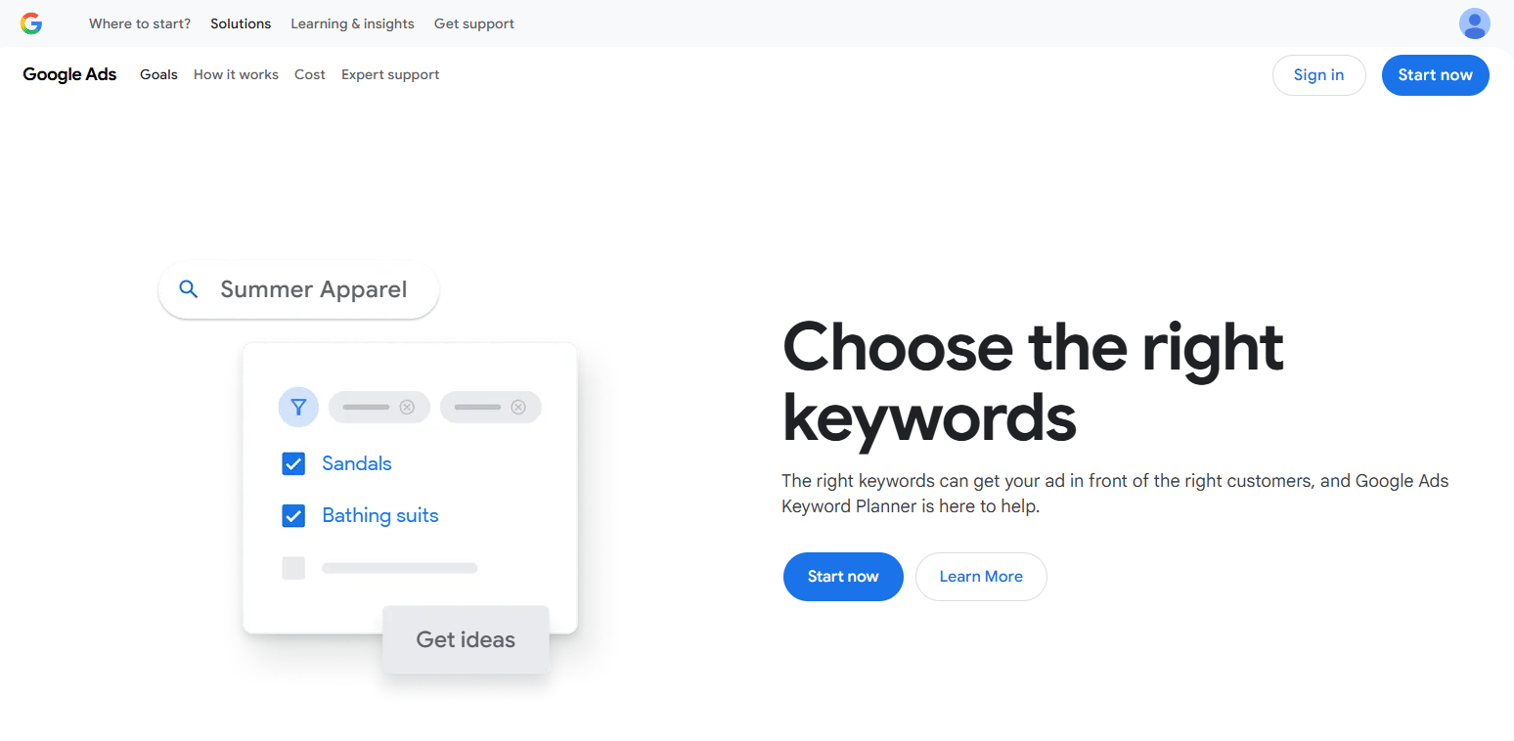
Google Keyword Planner is a free Google Ads resource for discovering keyword ideas, reviewing search trends, estimating bids, and forecasting campaign performance. It is not a native YouTube keyword source, but it is useful for validating whether a YouTube topic also has demand in Google Search, and for teams building paid YouTube campaigns alongside organic content.
Best for: Paid media and SEO teams cross-referencing YouTube topics against Google search demand and campaign planning.
Key features
- Keyword volume ranges and historical trend data
- Suggested bid estimates for campaign budgeting
- Keyword grouping and forecasting tools
- Google Ads integration for campaign structure
- Competitor keyword context
Why choose Google Keyword Planner: Choose it when YouTube content supports a broader paid or organic search strategy. It helps justify content decisions to stakeholders who think in Google Search terms rather than YouTube discovery.
Google Keyword Planner pricing: Free with a Google Ads account. No ad spend is required to access the tool.
8. RightBlogger
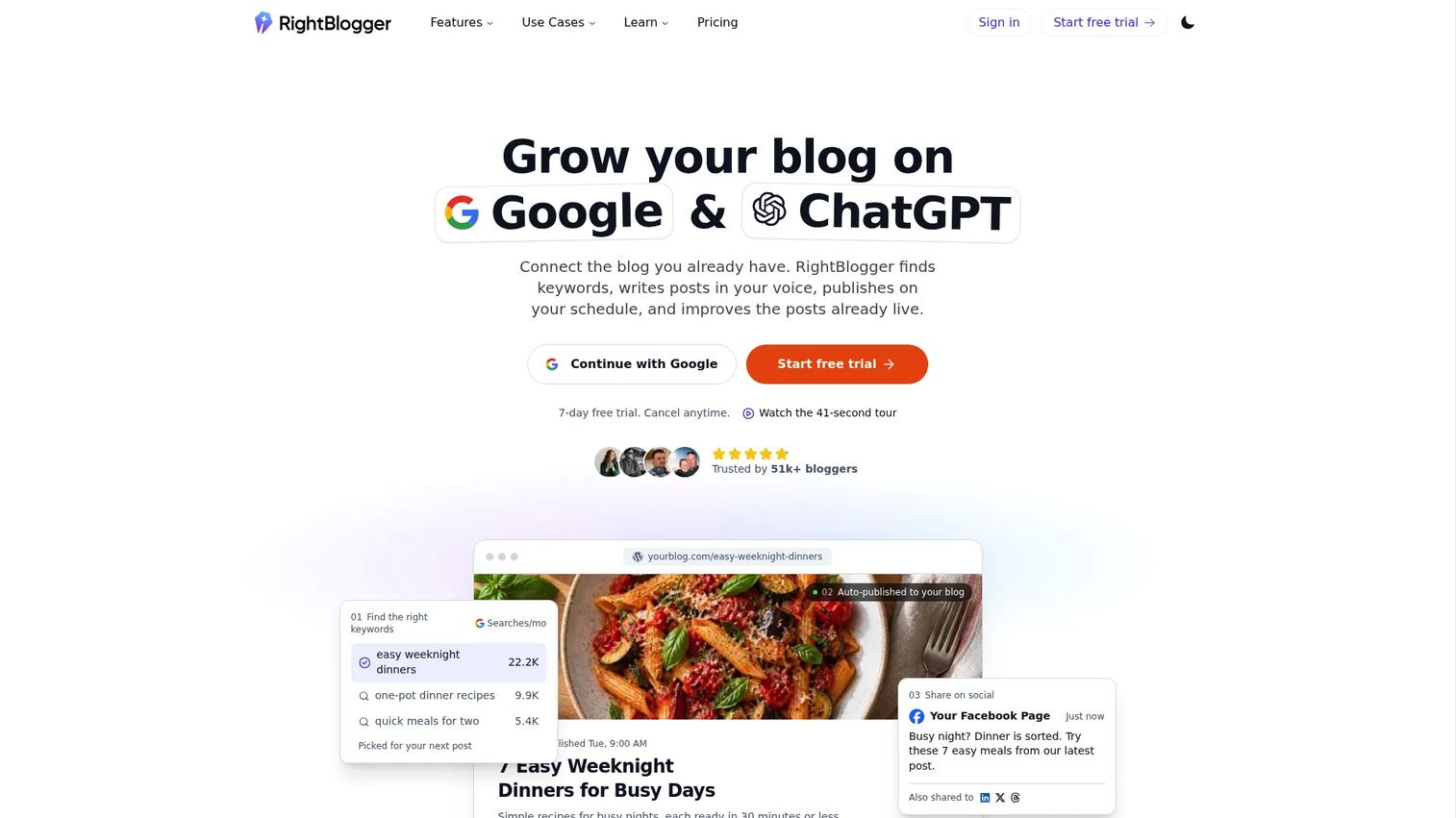
RightBlogger is an AI-powered content workflow platform built for bloggers and content marketers. Its YouTube-related tools cover keyword research with search volume and competition data, alongside title generation, video idea generation, and script creation. For small teams that need to move from keyword research to production-ready briefs without switching tools, RightBlogger covers more of the workflow than a pure keyword research tool.
Best for: Small marketing teams that need keyword research plus title, script, and idea generation in a single subscription.
Key features
- YouTube keyword research with volume and competition data
- Video title generator and video idea generator
- Script generator and content repurposing tools
- SEO article writing with brand voice customization
- Autoblogging and Google Search Console reporting
Why choose RightBlogger: Choose it when keyword research is one step in a longer content production workflow. Teams that also need blog content and social repurposing get more value per dollar than from a dedicated keyword tool alone.
RightBlogger pricing: Free plan includes 2,000 AI words per month. Solo plan is $49/mo billed annually or $59/mo billed monthly (1 site). Pro plan is $69/mo billed annually or $89/mo billed monthly (3 sites). Agency plan is $199/mo billed annually or $299/mo billed monthly (10 sites).
G2 rating: 4.5/5
9. YouTube autocomplete
YouTube's native autocomplete is not a product, but it belongs in any honest YouTube keyword tool list because every other tool on this list extracts or estimates the same signals. When you type a seed term into the YouTube search bar, the suggestions that appear reflect real query patterns from YouTube users. It requires no account and no tool.
Best for: Fast, no-login keyword discovery before committing to a paid research tool.
Key features
- Native YouTube query suggestions in real time
- No account or software required
- Long-tail query discovery by typing partial phrases
- Alphabet modifier research (add A through Z after a seed term)
- Asterisk wildcard research for mid-phrase suggestions
Why choose YouTube autocomplete: Choose it at the start of a research session to understand how YouTube users phrase topics in their own words. Pair it with a spreadsheet for capturing results, then validate with a tool that adds volume or competition data.
YouTube autocomplete pricing: Free.
G2 rating: 4.8/5
10. Google Ads
Google Ads is an online advertising platform where campaigns can run across Google Search, Display, YouTube, and other Google properties. For YouTube-specific keyword research, Google Ads is most useful when the content strategy connects to paid video campaigns. The keyword planning and forecasting tools within the platform help translate organic topic demand into campaign structure.
Best for: Teams connecting YouTube keyword research to paid video promotion and campaign planning.
Key features
- Video campaign planning and audience targeting
- Keyword context and bid forecasting
- Performance Max campaign management
- Conversion tracking and reporting
- Flexible daily and total campaign budgets
Why choose Google Ads: Choose it when keyword research feeds paid promotion rather than organic discovery. It is the right tool when measuring YouTube content by cost-per-view, conversion, or attributed pipeline rather than organic reach.
Google Ads pricing: Free account to create. Costs come entirely from ad spend, with no fixed subscription fee.
G2 rating: 4.3/5
11. ChatGPT
ChatGPT is a conversational AI assistant for writing, research, analysis, and planning. For YouTube keyword workflows, it is most useful after you have collected suggestions from YouTube-native tools. Paste a keyword export into a prompt and ask ChatGPT to group by search intent, suggest title variations, or draft a content brief. It does not access YouTube data directly, so treat it as an analysis and planning layer, not a data source.
Best for: Marketers who need faster keyword clustering and content planning after collecting data from YouTube-native tools.
Key features
- Keyword clustering by search intent
- Title variation generation
- Content brief drafting
- Search intent grouping and prioritization
- Prompt-based workflows for large keyword lists
Why choose ChatGPT: Choose it when the bottleneck is turning a list of 200 suggestions into a prioritized content calendar. It cuts spreadsheet time significantly once you have raw data from other tools.
ChatGPT pricing: Free plan available. Go plan is $8/mo. Plus plan is $20/mo. Business and Enterprise plans require contacting sales.
G2 rating: 4.6/5
12. Claude
Claude is an AI assistant from Anthropic built for conversation, research, document analysis, and multi-step knowledge work. For keyword research workflows, its long-context window makes it well suited to reviewing large keyword exports, grouping topics by theme, analyzing competitor video angles, and drafting structured content briefs. Like ChatGPT, it needs source data from YouTube-native tools before it can add analytical value.
Best for: Teams turning large keyword exports into strategy briefs and publishing priorities.
Key features
- Long-context analysis for large keyword sets
- Keyword grouping and theme clustering
- Competitive angle review and brief drafting
- Projects and memory across conversations
- Code execution and file analysis
Why choose Claude: Choose it when the input is a large, messy keyword export and the output needs to be a structured brief with publishing priorities and angle recommendations. Its handling of long documents makes it stronger than shorter-context tools for this specific job.
Claude pricing: Free plan available. Pro plan is $17/mo billed annually or $20/mo billed monthly. Max plan starts from $100/mo. Team plans start at $20/seat/mo (annual) for Standard and $100/seat/mo (annual) for Premium. Enterprise pricing is $20/seat/mo plus API-rate usage, with a 20-seat minimum.
G2 rating: 4.7/5
Considerations when choosing a YouTube keyword tool
Check the data source first
No tool publishes exact YouTube search volume because YouTube doesn't release that data. Understand what each tool actually measures: Autocomplete frequency, clickstream estimates, Google Ads context, proprietary scoring, or relative popularity scores. Autocomplete-based tools show real query language but don't quantify demand precisely. Volume-estimate tools are useful for relative comparison but should not be treated as ground truth.
Match the tool to your production process
A team that plans videos three months out needs a research tool with exports and clustering support. A team that decides topics the week of filming needs something fast and browser-accessible. Consider where the keyword research step sits in your workflow before buying a tool optimized for a different step.
Evaluate free limits before paying
The most expensive mistake in this category is paying for a plan to discover the useful feature is gated further up. Check the daily search limit, whether volume data requires a paid plan, whether exports are included, and whether rank tracking or competitor insights require an upgrade. Test the free tier against a real research task first.
Look for Shorts and trend support
Evergreen tutorials and trend-driven Shorts have different research needs. Trend content requires fast validation tools, specifically Google Trends and rising keyword filters, while evergreen content rewards depth and competition analysis. If the YouTube strategy includes both formats, make sure the tool handles both.
Conclusion
The right stack for most digital marketing teams looks like this: One tool for discovery, one for validation, and one for optimization at upload time.
For discovery, vidIQ or Keyword Tool surface demand signals early. For validation, Google Trends and Ahrefs confirm whether a topic has the timing and volume to justify production. For optimization, TubeBuddy handles tags, descriptions, and titles inside YouTube at the moment they matter. Add ChatGPT or Claude when you have a large keyword list and need to turn it into a brief without spending two hours in a spreadsheet.
Avoid buying multiple tools that solve the same problem. The question every digital marketer should ask before adding a keyword tool to the stack is: Does this replace something we already pay for, or does it cover a step that nothing currently handles?
For teams running YouTube as a SaaS or B2B content channel, keyword research is only part of the picture. After viewers click through, the next job is showing them the product clearly. Interactive demos let you give a clicked-through visitor a guided, self-serve product experience rather than a static landing page, so the traffic keyword research generates has somewhere meaningful to go.
Start your journey with Guideflow today!
FAQs
The best tool depends on how YouTube fits your workflow. vidIQ is the strongest option for teams running ongoing channel growth and needing keyword data alongside performance tracking. TubeBuddy works best for creators optimizing metadata inside YouTube. Keyword Tool is the right choice for building large autocomplete-based keyword lists, and Google Trends is the most reliable free option for trend validation before production.
Free tools can show useful topic language, especially autocomplete suggestions and trend direction, but they typically limit volume data, exports, competition scoring, and rank tracking. YouTube autocomplete and Google Trends are free and genuinely valuable for early-stage research. For volume estimates and competitive signals, paid tiers from vidIQ, TubeBuddy, or Keyword Tool give more reliable data, though no tool has access to precise YouTube search volume figures.
Start with a seed topic and type it into YouTube's search bar to see autocomplete suggestions. Collect those phrases, then check volume or trend direction with a tool like vidIQ or Ahrefs. Assess competition by reviewing the existing videos ranking for the term. Map one primary keyword to the video title, use supporting terms in the description, and use tags for related phrases and misspellings.
YouTube does not provide exact search volume data for every query the way Google Search does. Tools estimate demand using autocomplete frequency, third-party clickstream data, Google Ads context, or proprietary scoring models. Use volume estimates for relative comparison between topics rather than treating any figure as exact. When two topics have similar estimated volume, trend direction from Google Trends helps break the tie.
Tags have less ranking influence than they did several years ago. YouTube's algorithm now weights the title, thumbnail, description, and actual viewer engagement more heavily than tag metadata. That said, tags still help with context signals, keyword misspellings, and topical reinforcement, so they're worth filling in accurately. Focus optimization effort on the title and first two sentences of the description first, then use tags as a secondary layer.
Shorts content tends to follow trend cycles rather than evergreen demand. Start with YouTube autocomplete to see how people phrase short-form questions and topics. Use Google Trends with the YouTube Search filter to check whether a topic is rising. Monitor rising keyword features in vidIQ for real-time signals. Focus on fast-moving phrases, questions, and formats that have clear visual or format appeal for a 60-second structure.
Google Keyword Planner shows Google Search demand, not YouTube-specific query data. It is useful for understanding whether a YouTube topic also has broader search and ad demand outside the platform, and for teams building paid YouTube campaigns. Pair it with a YouTube-native tool like vidIQ or Keyword Tool rather than relying on it as a standalone YouTube research source.
A YouTube keyword generator expands a seed term into a list of related suggestions, typically sourced from autocomplete. The output is a wide set of phrases to consider. A YouTube keyword explorer adds evaluation layers on top of suggestions, such as search volume estimates, competition scores, trend data, and rank tracking. Generators help you discover topic language. Explorers help you decide which topics to actually pursue based on demand and competition signals.