Reps skip the SOP wiki. Onboarding paths go stale after a product update. A new cohort ramps inconsistently because the "process doc" someone wrote from memory six months ago no longer matches the actual CRM flow. If any of that describes your current stack, you are likely looking at Whale alternatives.
The best Whale alternative for interactive process capture is Guideflow, while Trainual, SweetProcess, Process Street, Document360, Waybook, Notion, and Confluence cover more traditional documentation and training needs.
This guide covers 17 alternatives spanning six categories: Demo automation, training software, SOP platforms, workflow execution tools, knowledge bases, docs, video, and AI drafting support. Teams and executives spend 25% of the workweek searching for answers, according to Atlassian's State of Teams (2025), which makes the choice of knowledge and process tool a direct ramp and productivity lever. Each tool below is labeled by category so you can tell a like-for-like replacement from a category shift.
TL;DR
- Best for interactive process capture: Guideflow, for sales enablement teams whose processes live inside software and who need step-level completion data.
- Best for structured employee training: Trainual, with role-based onboarding paths starting at $3 per user per month (billed annually).
- Best for SOP operations: SweetProcess, for clean procedure ownership, starting at $495 per year for up to five users.
- Best for recurring workflow execution: Process Street, for recurring checklists, approvals, and audit-ready evidence (contact sales for pricing).
- Best for searchable knowledge bases: Document360 or Guru, depending on whether the team needs customer-facing documentation or verified internal enablement knowledge.
- Best for video process explanation: Loom, with a free Starter plan and Business at $18 per user per month.
- Budget starting point: Notion and Google Docs both offer free tiers, though neither replaces SOP governance by itself.
What's inside
- Why teams leave Whale and what they usually need instead
- How the 17 alternatives differ by category
- A 17-tool comparison table with pricing, free plan status, and G2 ratings
- Detailed cards for every alternative
- Use-case routing for enablement teams
- FAQs on pricing, migration, and tool fit
What is Whale?
Whale is SOP and training software for documenting company processes, assigning ownership, and helping teams keep internal procedures current. It sits in the SOP documentation and employee training category, and it shows up in enablement stacks because it covers onboarding playbooks, repeatable workflows, policy documentation, and process governance.
Teams that evaluate it are typically trying to turn tribal knowledge into a reusable, searchable source of truth. Whale does that job well for written process documentation. Where teams outgrow it is usually when they need a different tool shape: Interactive process capture, formal learning paths with completion tracking, recurring workflow execution, or a governed knowledge base with search quality above what a wiki delivers.
| Need | Better-fit category |
|---|---|
| Employees need to follow a software process | Interactive process capture |
| New hires need onboarding paths | Training software |
| Teams need recurring approvals and evidence | Workflow execution |
| Employees need searchable articles | Knowledge base |
| Process owners need flexible docs | Wiki or document workspace |
Why teams look for Whale alternatives
Teams usually look for Whale alternatives when written SOPs no longer drive consistent execution, or when training, ownership, and measurement require a different tool shape.
SOPs written from memory drift from the actual workflow
For product or software processes, this creates real gaps. A rep following a CRM step-by-step guide written three months ago may be clicking through a UI that no longer exists. For sales enablement teams, the gap between "what we documented" and "what the product actually does" is the gap between rep confidence and rep confusion. G2 reviewers of Whale note that keeping content current requires manual effort, which compounds when product changes are frequent.
Training needs completion, certification, and ownership tracking
Some teams outgrow documentation because they need assigned learning paths, quizzes, policies, and completion tracking. A wiki tells you what to do. A training platform tells you whether the rep did it. When headcount grows fast, the distinction matters for ramp speed.
Process execution requires checklists and approvals, not just reading
Certain workflows, like deal approval, onboarding sign-off, or compliance review, need to be run repeatedly with evidence that each step happened. Reading an SOP and running a workflow are different jobs.
Knowledge needs to be governed and searchable
Enablement content breaks when documents spread across shared drives, wikis, and chat threads with no ownership or expiry. G2 reviewers identify content sprawl and navigation as friction points in Whale, particularly at scale.
Measurement beyond page views matters
Enablement managers need signals: Who completed training, which step caused drop-off, which SOPs influence behavior. Whale's analytics cover views and completion at a surface level. For teams that need step-level drop-off or CRM-connected engagement data, that ceiling becomes a switching trigger.
How we picked these Whale alternatives
Each tool was evaluated on its fit for teams replacing SOP or process documentation software, its ability to capture tribal knowledge into repeatable procedure, and its category fit across demo automation, training, SOP management, workflow execution, knowledge base, wiki, video, and AI drafting. Pricing was pulled from each vendor's pricing page. G2 ratings were sourced from current G2 listings.
The list spans two categories: Direct replacements for written SOP and training workflows, and category upgrades for teams whose primary need is interactive process capture or video-based explanation. The Category column in the table below lets you tell a swap from a shift.
According to Fortune Business Insights (2025), the global knowledge management software market was valued at $23.2 billion, which reflects how central this tool category has become to how teams retain and distribute process knowledge.
Whale alternatives at a glance
Guideflow leads as the top pick for interactive process capture. The rest of the field splits into training platforms, SOP tools, workflow execution tools, knowledge bases, docs, video, and AI drafting support.
| # | Tool | Category | Best for | G2 rating | Free plan | Starting price |
|---|---|---|---|---|---|---|
| 1 | Guideflow | Demo automation platform | Capturing software processes as interactive demos | 5.0/5 | Yes | $0 (Free); Solo $35/user/month (annual) |
| 2 | Trainual | Training and SOP software | Structured onboarding and employee readiness | 4.7/5 | No | $3/user/month (annual, 10-seat min) |
| 3 | SweetProcess | SOP and procedure software | Procedures, policies, and task ownership | 4.3/5 | No (14-day trial) | $495/year (up to 5 users) |
| 4 | Process Street | Workflow execution software | Recurring checklists, approvals, and audit evidence | 4.6/5 | No (14-day Pro trial) | Contact sales |
| 5 | Document360 | Knowledge base software | Searchable process and help documentation | 4.7/5 | No | Custom pricing |
| 6 | Waybook | Training and knowledge platform | Employee onboarding and operating manuals | 3.5/5 | No (7-day trial) | $99/month (annual, 20 seats) |
| 7 | Notion | Workspace wiki and docs | Flexible internal docs and team workspaces | 4.6/5 | Yes | $10/member/month |
| 8 | Confluence | Enterprise wiki | Governed team knowledge at scale | 4.1/5 | Yes (up to 10 users) | $5.42/user/month |
| 9 | ChatGPT | AI assistant | Drafting and restructuring SOP content | 4.6/5 | Yes | $0 (Free); Go from $8/month |
| 10 | Trails | Process documentation software | Visual guides and training assets from recorded workflows | 5/5 | No (7-day trial) | $29/month (Creator) |
| 11 | ScreenSteps | Knowledge operations software | Complex procedures and internal support documentation | 4.7/5 | No (15-day trial) | $6,000/year |
| 12 | Google Docs | Document editor | Basic SOP drafting for small teams | 4.5/5 | Yes | $0 (personal); Workspace from $7/user/month |
| 13 | Loom | Async video software | Recording process explanations with voice and screen | 4.7/5 | Yes | $0 (Starter); Business $18/user/month |
| 14 | SharePoint | Intranet and document management | Microsoft-native document storage and governance | 4.0/5 | No | Microsoft 365 from $5.40/user/month (annual) |
| 15 | Guru | Knowledge management software | Verified enablement knowledge in daily workflows | 4.7/5 | No | Custom pricing |
| 16 | Guidde | Video documentation software | AI-assisted process videos and step guides | 4.8/5 | Yes | $0 (Free); Pro $19/creator/month (annual) |
| 17 | Tettra | Internal knowledge base | Simple team Q&A and knowledge ownership | 4.7/5 | No (30-day trial) | $8/user/month (10-user min, monthly) |
The best Whale alternatives in 2026
1. Guideflow (demo automation platform)
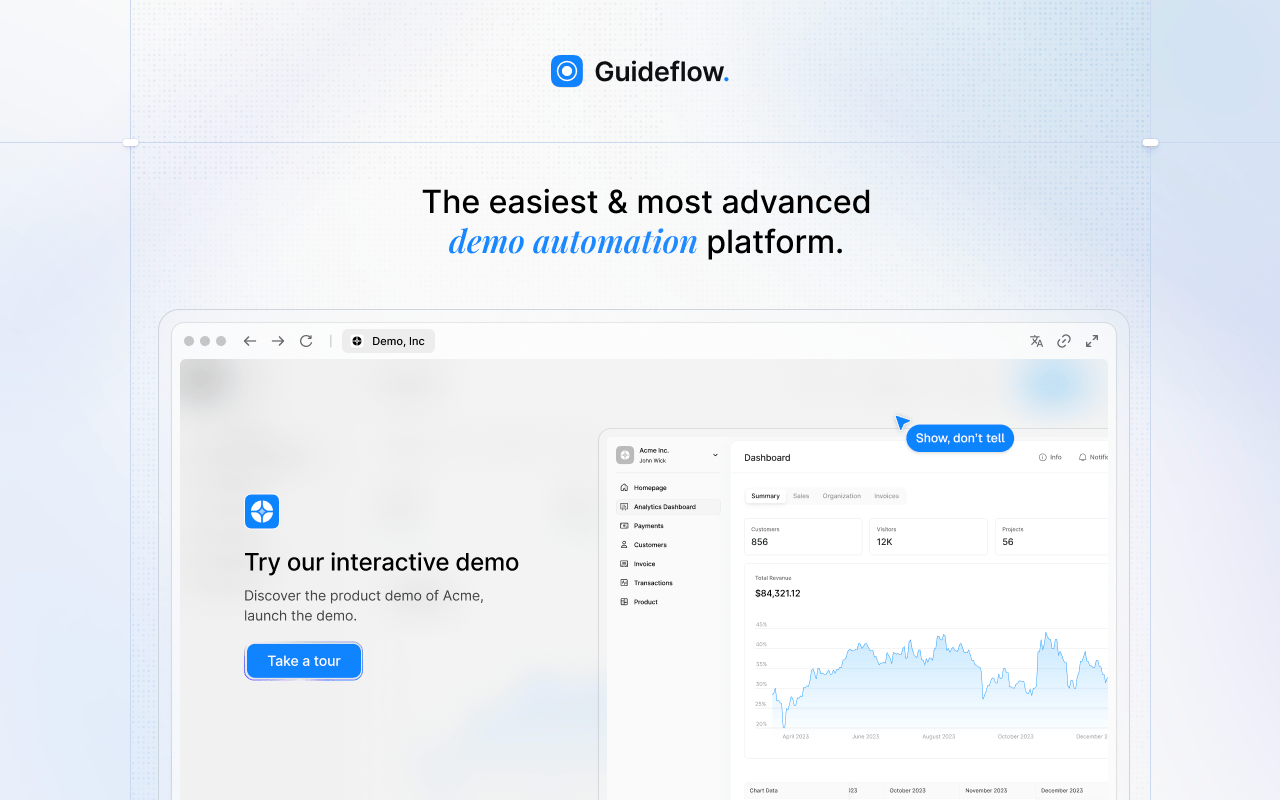
Guideflow is the alternative for enablement teams whose SOPs live inside software. Rather than asking a rep to read a process written from memory, Guideflow lets the team follow the actual captured product screens step by step. It is a demo automation platform, and for internal enablement, it functions as interactive process capture.
Best for: Sales enablement teams documenting CRM workflows, launch enablement flows, and internal software training from captured screens.
What it is: Guideflow is a demo automation platform for creating interactive demos, demo pages, demo centers, sandboxes, live demos, and mobile demos. For internal enablement, the core use case is capturing a software process through the Chrome extension or the native app and turning it into a guided interactive demo employees complete at their own pace.
Key features:
- Capture through the Chrome extension or the native app, with screenshot, HTML, and video modes
- Automated step content and CTAs generated after capture
- Text, image, graph, and branching edits in the builder
- Step-level completion, drop-off, and viewer flow analytics
- Integrations with HubSpot, Salesforce, Pipedrive, Zoho, and Marketo
- Translation into more than 30 languages
Where Guideflow falls short: Look elsewhere if the primary job is formal HR training administration, SCORM-based learning management, or certification programs with compliance requirements. Teams whose processes are entirely text-based policies, with no software workflow to capture, will find a traditional SOP or knowledge base a better fit for that content type.
Pricing: Free plan at $0. Solo at $35 per user per month (annual). Growth at $499 per month (annual). Advanced at $1,499 per month (annual). Enterprise from $2,999 per month (annual), adding SSO, advanced governance, and enterprise security.
G2 rating: 5.0/5
How it compares to Whale: Whale is stronger for written SOPs and training documentation built from scratch. Guideflow is the right call when the process lives inside a product screen and the enablement team wants evidence that the process was captured from the actual workflow, plus step-level completion data.
If your SOP lives inside a product screen, Guideflow lets the team follow the process instead of reading about it.
2. Trainual (training and SOP software)
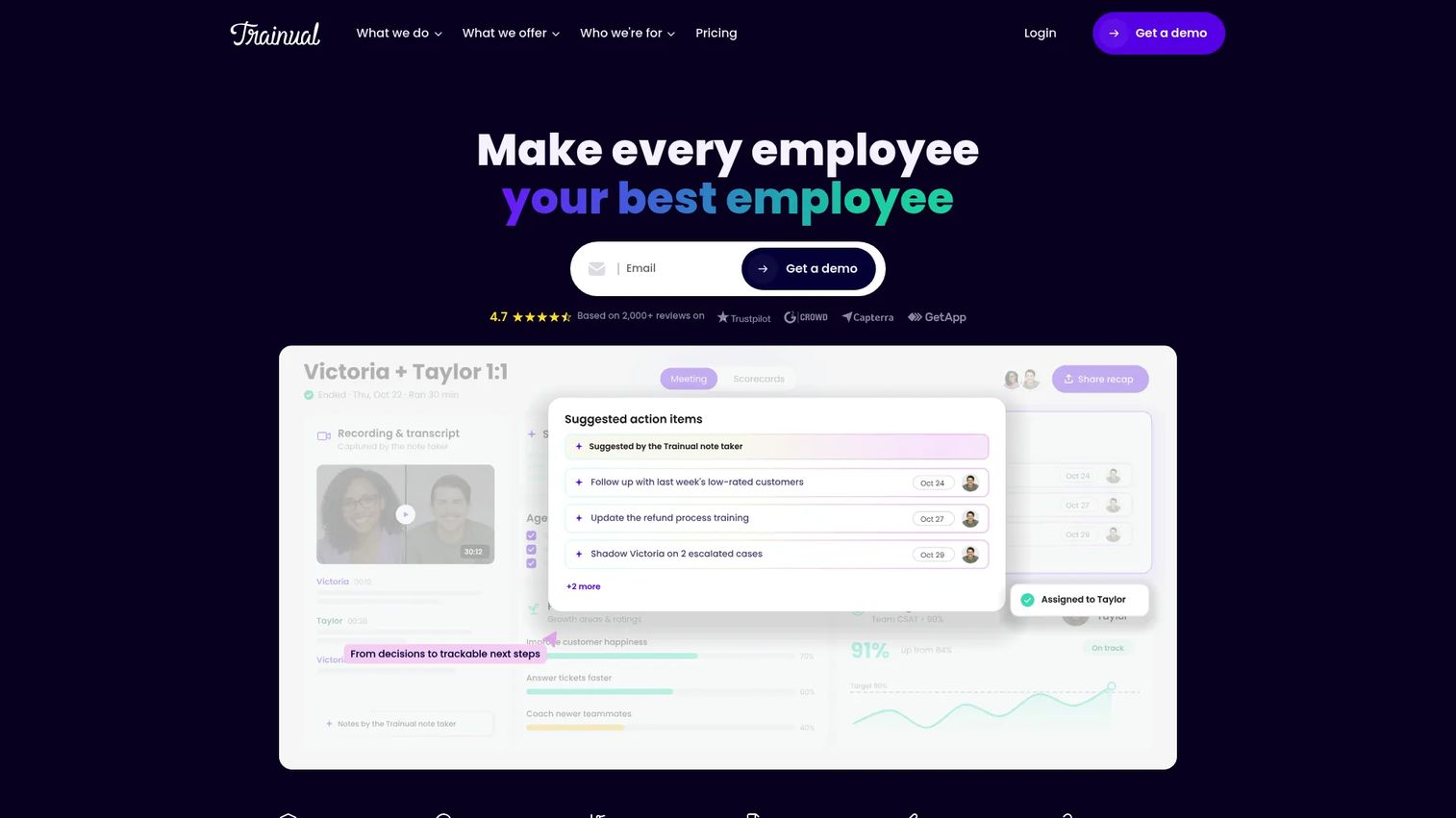
Trainual is the structured training option for teams that need onboarding paths, role-based policies, and completion tracking. It is purpose-built for the full employee readiness lifecycle, not just documentation.
Best for: Enablement or operations teams building formal onboarding programs, role-based training, and policy documentation with accountability.
What it is: Trainual is a training and SOP platform for creating manuals, onboarding paths, policies, and knowledge checks. It includes org charts, delegation planning, performance tracking, and mobile access, making it one of the more complete options in the written SOP and training category.
Key features:
- Role-based onboarding and training paths
- Policy and process documentation with 500+ templates
- Completion tracking, quizzes, and e-signatures
- AI-powered knowledge search and Q&A
- Org charts, goals, and performance reviews
Where Trainual falls short: G2 reviewers note that pricing scales quickly for growing teams, with a 10-seat minimum and $3,000 annual floor. Some reviewers flag the editor as requiring more setup effort than expected for custom content structures. The performance management features, while broad, can feel like scope creep for teams that only want SOP and onboarding.
Pricing: Core at $3 per user per month (annual, 10-seat minimum). Pro at $4 per user per month (annual). Premium at $5 per user per month (annual). Enterprise pricing on request.
G2 rating: 4.7/5
How it compares to Whale: Trainual and Whale are close competitors in the written SOP and training category. Trainual typically wins when the team needs formal onboarding accountability, quizzes, and performance tracking alongside documentation. Whale may have a lighter feel for small teams focused purely on process capture.
3. SweetProcess (SOP and procedure software)
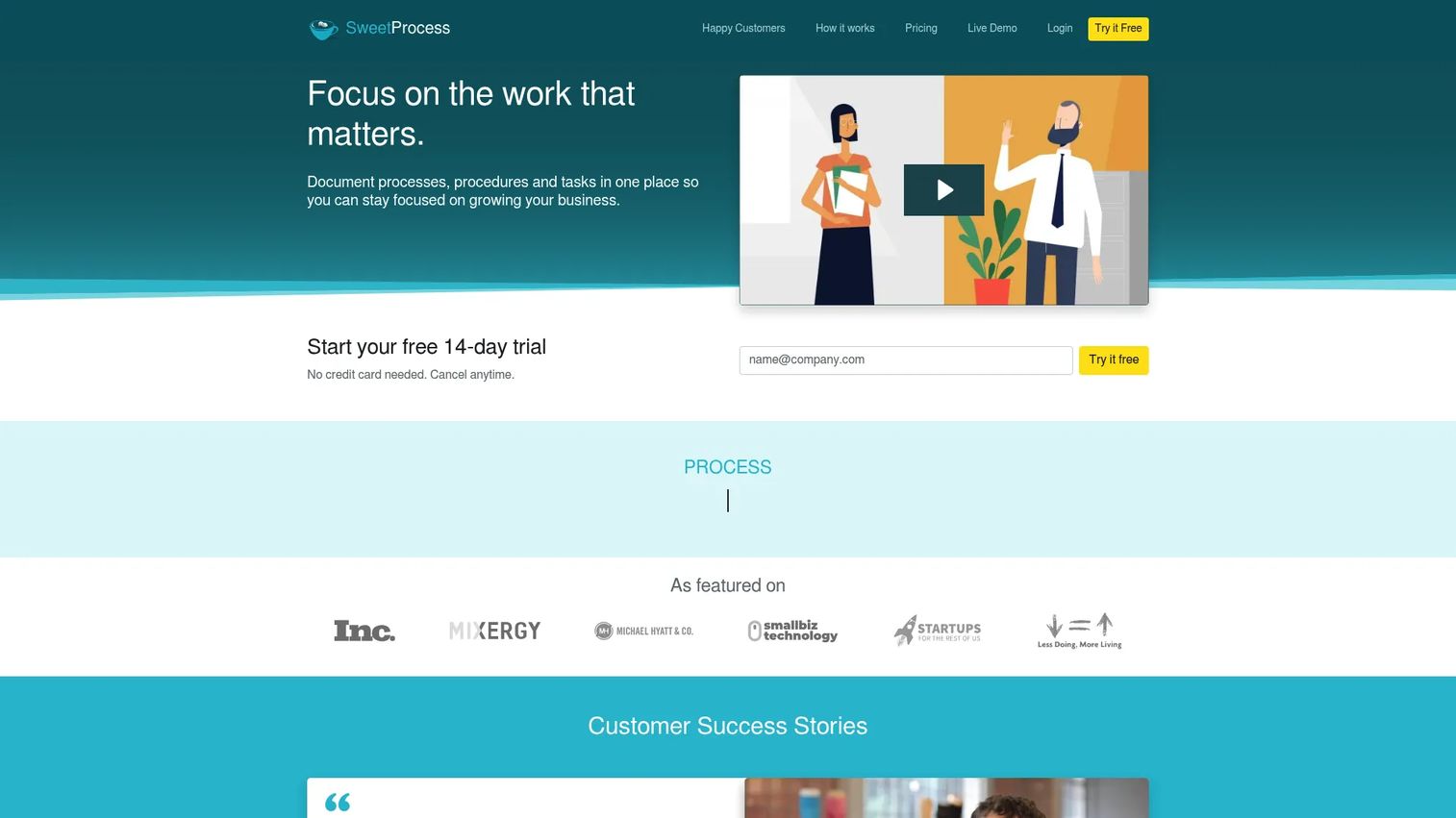
SweetProcess fits teams that want clean, owned procedures without a heavy training platform layered on top. The scope is narrow by design: Document the procedure, assign tasks, track it.
Best for: Operations and enablement teams building written procedure libraries with task ownership and version history.
What it is: SweetProcess is SOP and procedure management software for documenting procedures, policies, and processes, with knowledge base support, task assignment, approval workflows, and AI-generated document drafts. All features are included across plans, and pricing is flat per team size rather than per seat at higher volumes.
Key features:
- Procedure, process, and policy documentation
- Task assignment and tracking
- Approval workflows and version history
- Public or private knowledge base
- AI-generated document drafts and PDF export
Where SweetProcess falls short: G2 reviewers note the interface feels dated compared to newer tools, and the reporting capabilities are limited for teams that need deeper analytics. Integration options outside of Zapier and API require custom work. The flat pricing model is an advantage for small teams but less cost-efficient as headcount grows well past 10.
Pricing: Small Team plan at $495 per year (up to 5 users). Standard plan at $99 per month or $990 per year (up to 10 users). Additional users cost $5 per month or $50 per year. A 14-day free trial is available.
G2 rating: 4.3/5
How it compares to Whale: SweetProcess is a close direct replacement for Whale in the written SOP category. It fits teams that prioritize clean procedure ownership over training completion or interactive capture.
4. Process Street (workflow execution software)
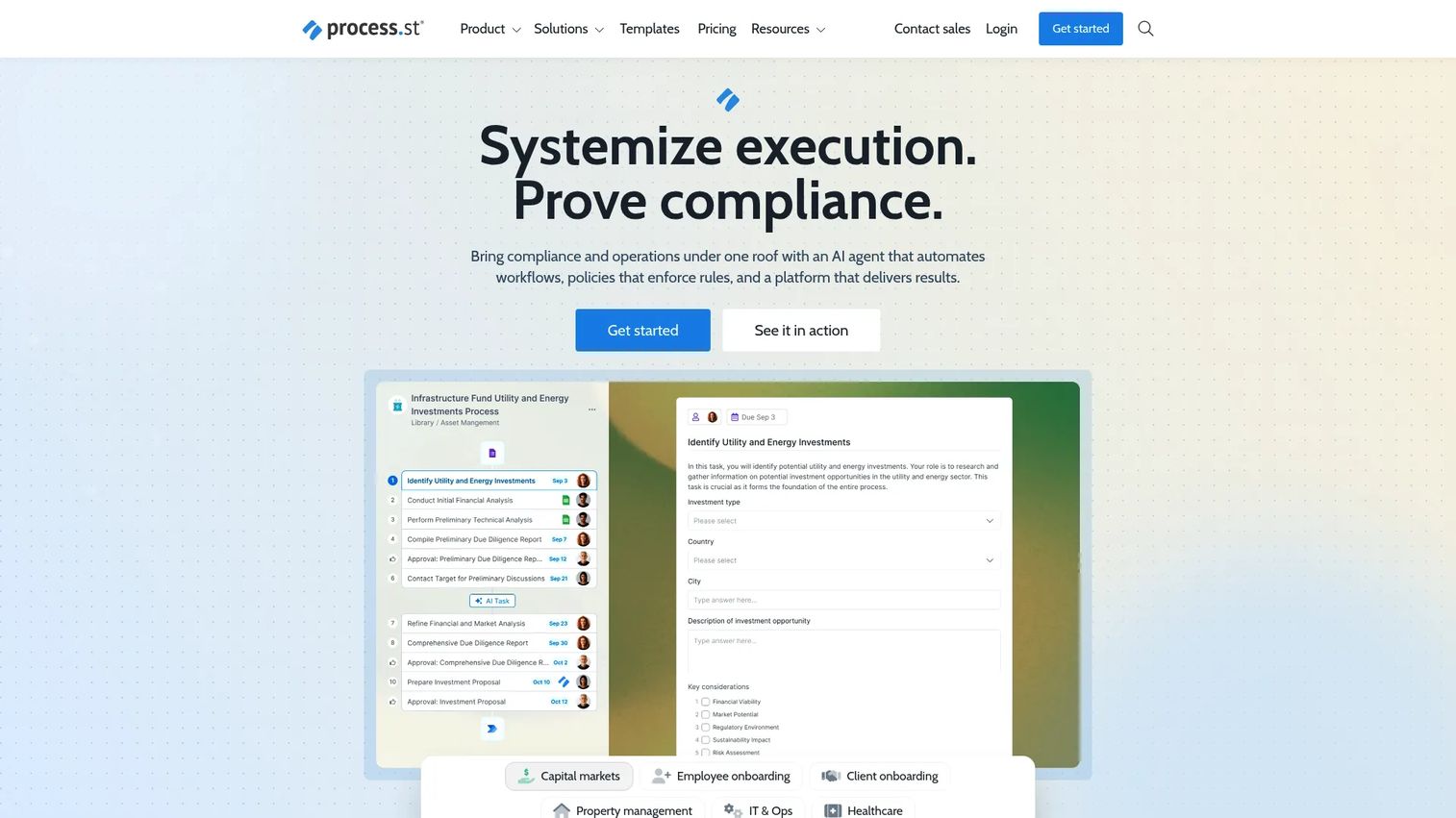
Process Street fits a different need than SOP documentation: It runs the process, not just stores it. If your team needs to prove that a workflow happened with every step completed and approved, this is where the category shifts.
Best for: Operations and compliance teams running recurring checklists, managing approvals, and maintaining audit-ready evidence.
What it is: Process Street is a compliance operations and workflow execution platform for automating recurring checklists, enforcing conditional logic, managing approvals, and generating audit-ready proof. It is positioned for operations and compliance rather than documentation-first teams.
Key features:
- Recurring checklists with conditional logic and enforced task order
- Approvals, forms, and dynamic due dates
- AI-powered workflow automation
- Policy and SOP document management
- Workflow analytics and integrations with Slack, Microsoft Teams, Zapier, and Power Automate
Where Process Street falls short: Process Street's pricing page lists all plans as contact-sales, with no public numeric prices, which makes budget planning harder early in evaluation. G2 reviewers note that the setup effort for complex workflows is meaningful, and the platform can feel over-engineered for teams that simply need a readable SOP library without recurring workflow enforcement.
Pricing: Startup, Pro, and Enterprise plans, all contact-sales. A 14-day Pro trial is available.
G2 rating: 4.6/5
How it compares to Whale: Whale stores process knowledge. Process Street runs the process and proves it happened. Teams that need recurring execution with approvals and evidence should evaluate Process Street. Teams that need a central SOP reference may find it heavier than the job requires.
5. Document360 (knowledge base software)
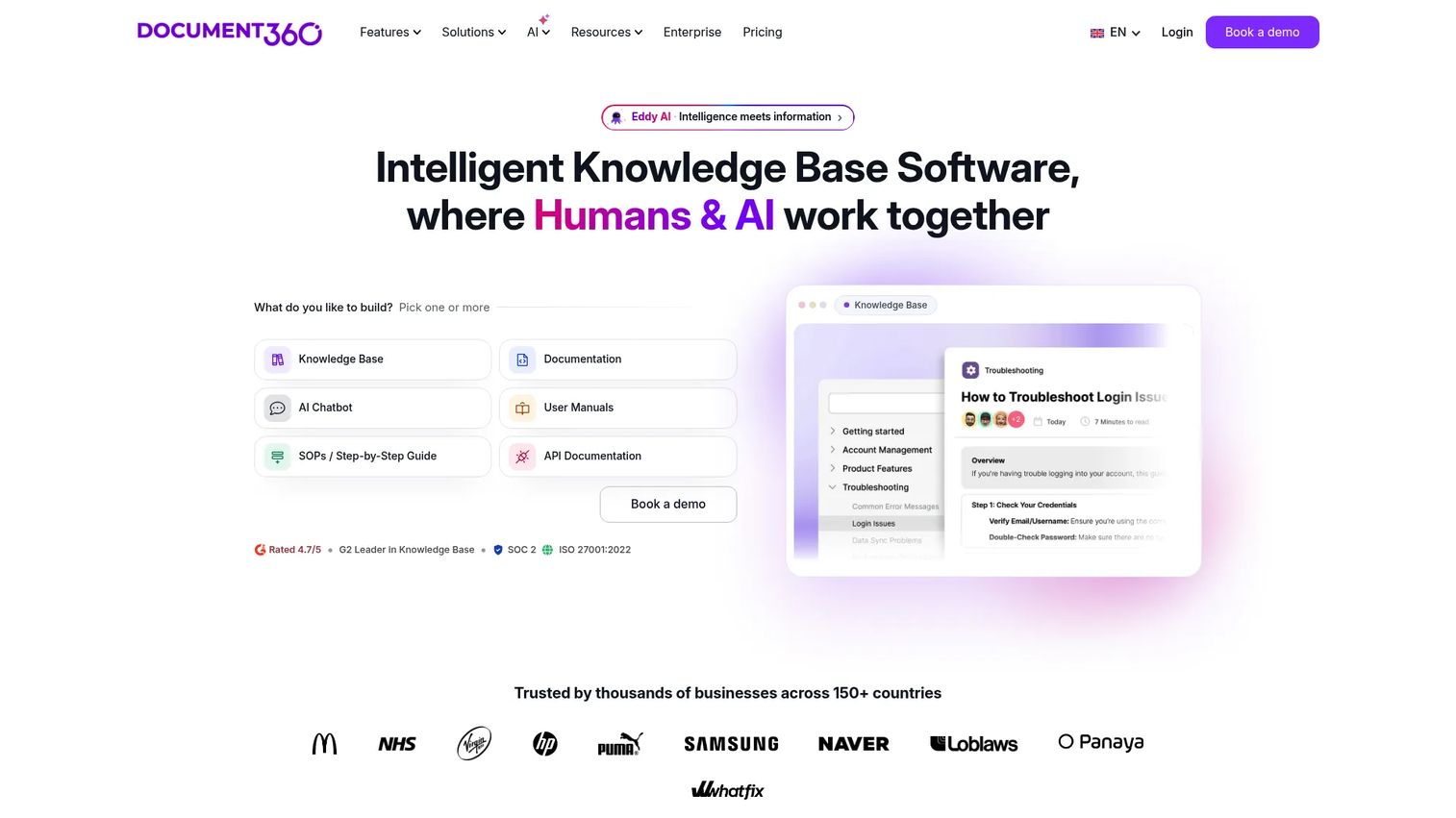
Document360 sits in a different category from Whale: It is built for structured, searchable documentation at depth, not for process ownership or training completion.
Best for: Teams building internal or customer-facing knowledge bases with article governance, advanced search, and AI-assisted writing.
What it is: Document360 is an AI-powered knowledge base software platform for creating and managing software documentation, SOPs, user manuals, API documentation, and internal knowledge bases. Its AI search, chatbot, and writing assistant set it apart from wiki-style tools.
Key features:
- AI search and AI chatbot
- AI writing agent and collaborative editing
- Custom workflow builder and article revision history
- SSO, SCIM, permissions, and analytics
- Integrations with Slack, Zendesk, Salesforce, and GitHub
Where Document360 falls short: Document360 uses fully customized pricing, so teams cannot evaluate cost without a sales conversation. Some G2 reviewers note the editor has a learning curve for non-technical contributors, and onboarding to the full feature set takes time. Customization depth, while a strength, adds setup overhead.
Pricing: Custom pricing based on configuration, including workspaces, languages, team accounts, security requirements, and AI usage.
G2 rating: 4.7/5
How it compares to Whale: Whale is a better fit when the team needs process ownership and training workflows in a single tool. Document360 is the stronger option when documentation depth, search quality, and knowledge base governance are the primary drivers.
6. Waybook (training and knowledge platform)
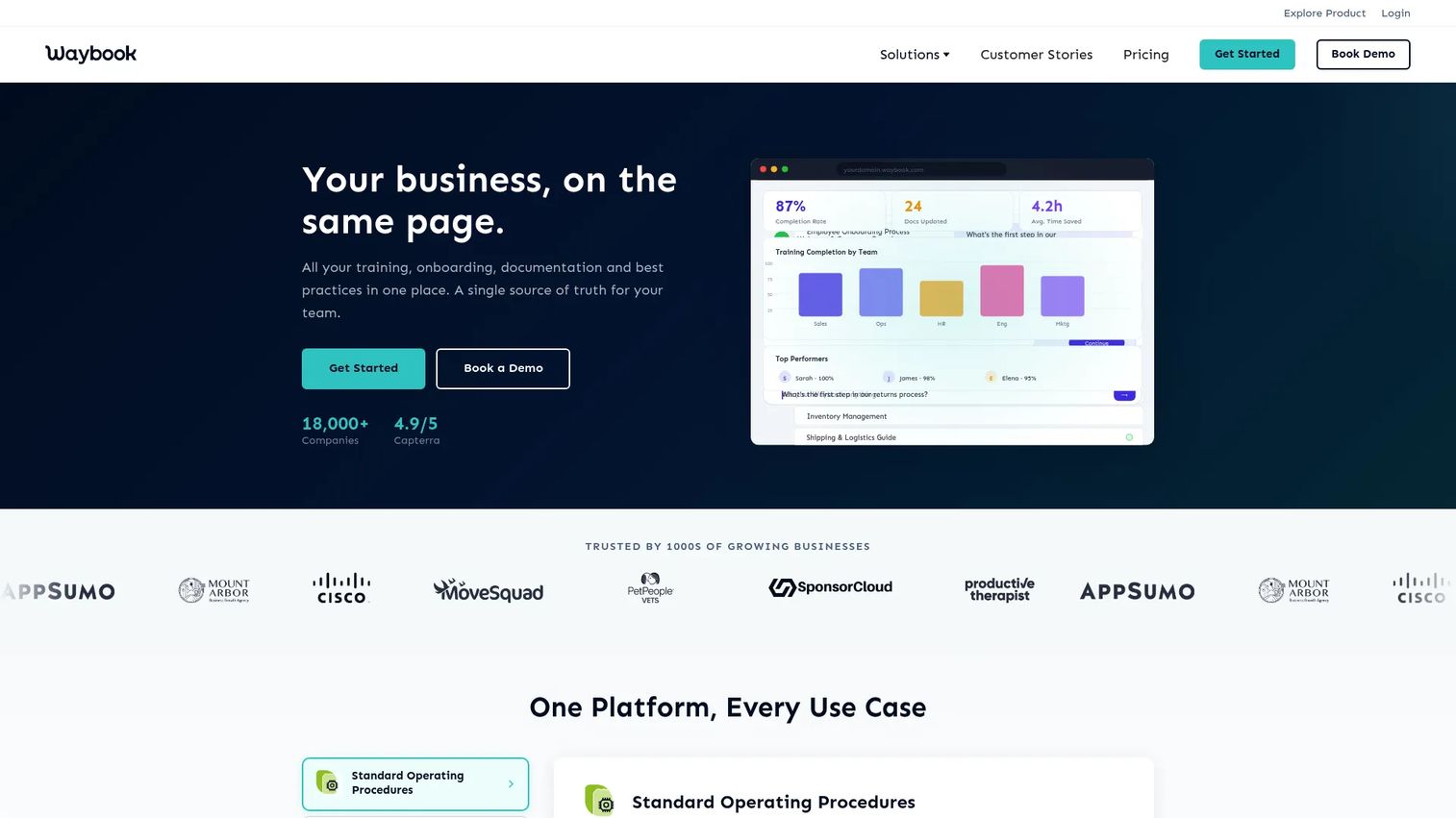
Waybook is the operating manual option: A structured place for onboarding, training, and company processes that grows with the team.
Best for: Small and growing organizations building a centralized operating manual for onboarding and internal training.
What it is: Waybook is a business knowledge platform for documenting SOPs, onboarding steps, training modules, and internal processes. It includes progress tracking, tests and assessments, revision history, and AI-assisted content writing.
Key features:
- Structured playbooks with subjects, documents, and steps
- Onboarding and training progress tracking
- Tests, assessments, and document verification
- Team permissions, member groups, and manager roles
- AI content writing and search
Where Waybook falls short: Waybook's G2 rating is based on limited reviews, so user sentiment data is thin. The Capterra rating is 4.9/5, but that reflects a different review pool. Some users note limited customization in the template structure and gaps in reporting depth for larger teams. The pricing model charges per team of 20 seats, which may not map cleanly to organizations with smaller focused teams.
Pricing: Core at $99 per month (annual, 20 seats). Pro at $198 per month (annual, 20 seats). Additional-member fees apply. Enterprise pricing on request. A 7-day free trial is available.
G2 rating: 3.5/5
How it compares to Whale: Waybook is a close fit for companies that want structured internal training and documented ways of working, with a slightly more polished onboarding experience. Thin G2 review data makes independent sentiment validation harder at this stage.
7. Notion (workspace wiki and docs)
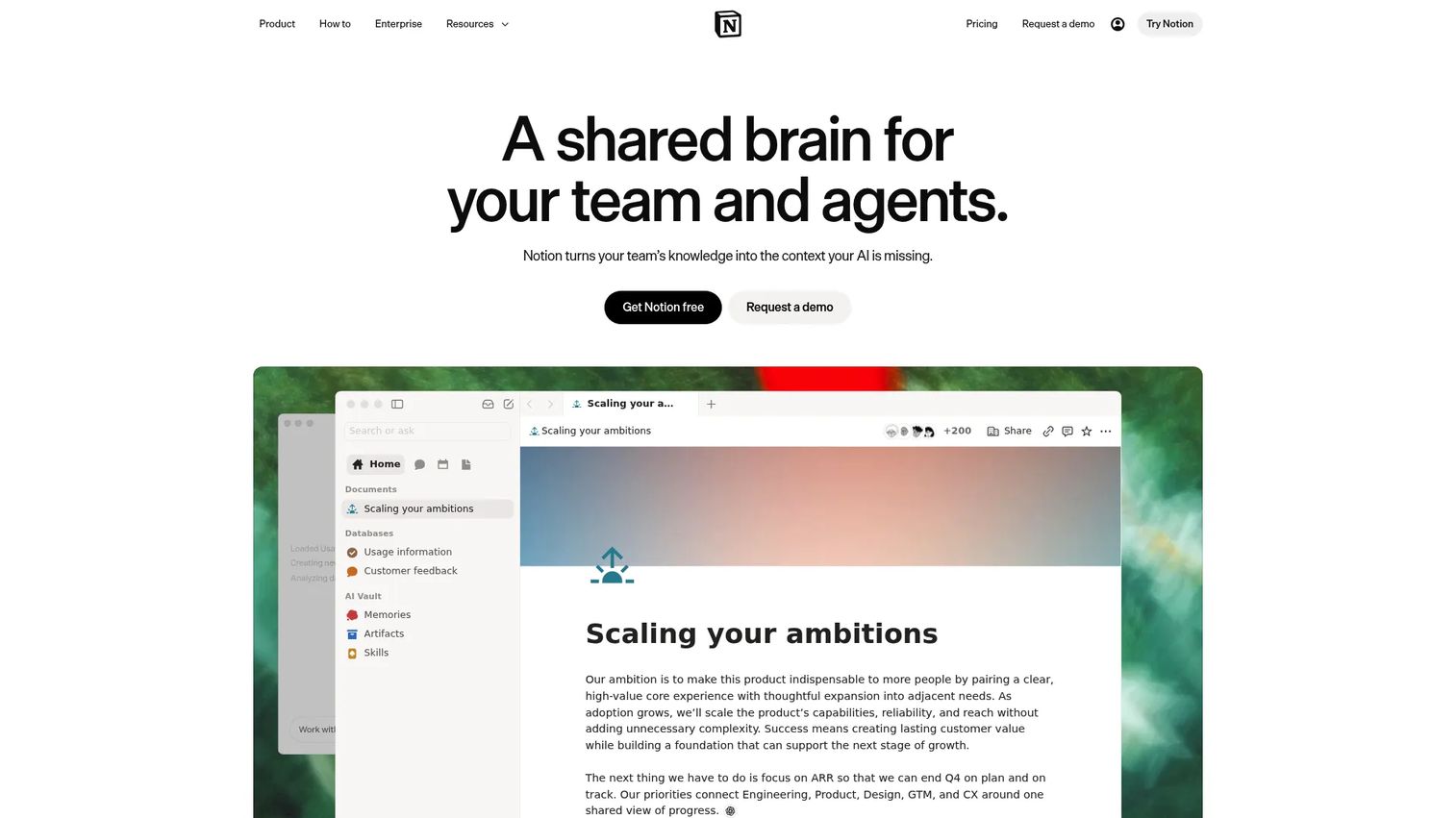
Notion is the flexible-workspace option, which means it can do many things but requires the team to build the SOP structure themselves.
Best for: Teams that want a flexible wiki, SOP database, and lightweight project workspace without committing to a purpose-built training platform.
What it is: Notion is an AI workspace for teams to capture context, find answers, and automate tasks. It combines docs, databases, templates, AI-powered answers, and task automation in a connected workspace.
Key features:
- Docs, databases, and templates
- AI-powered answers with citations and connected-app search
- AI agents and task automation
- Real-time collaboration, comments, and permissions
- AI meeting notes
Where Notion falls short: Notion does not enforce SOP ownership, training completion, or process verification by design. Teams that need governance, versioning with approval workflows, or completion tracking must build that structure manually. G2 reviewers note that content sprawl is a risk as the workspace grows without deliberate architecture.
Pricing: Free plan available. Plus at $10 per member per month. Business at $20 per member per month. Enterprise pricing on request.
G2 rating: 4.6/5
How it compares to Whale: Notion is more flexible but less purpose-built for SOP ownership, training completion, and process governance. Teams that want those functions out of the box will need to build them in Notion or switch to a dedicated tool.
8. Confluence (enterprise wiki)
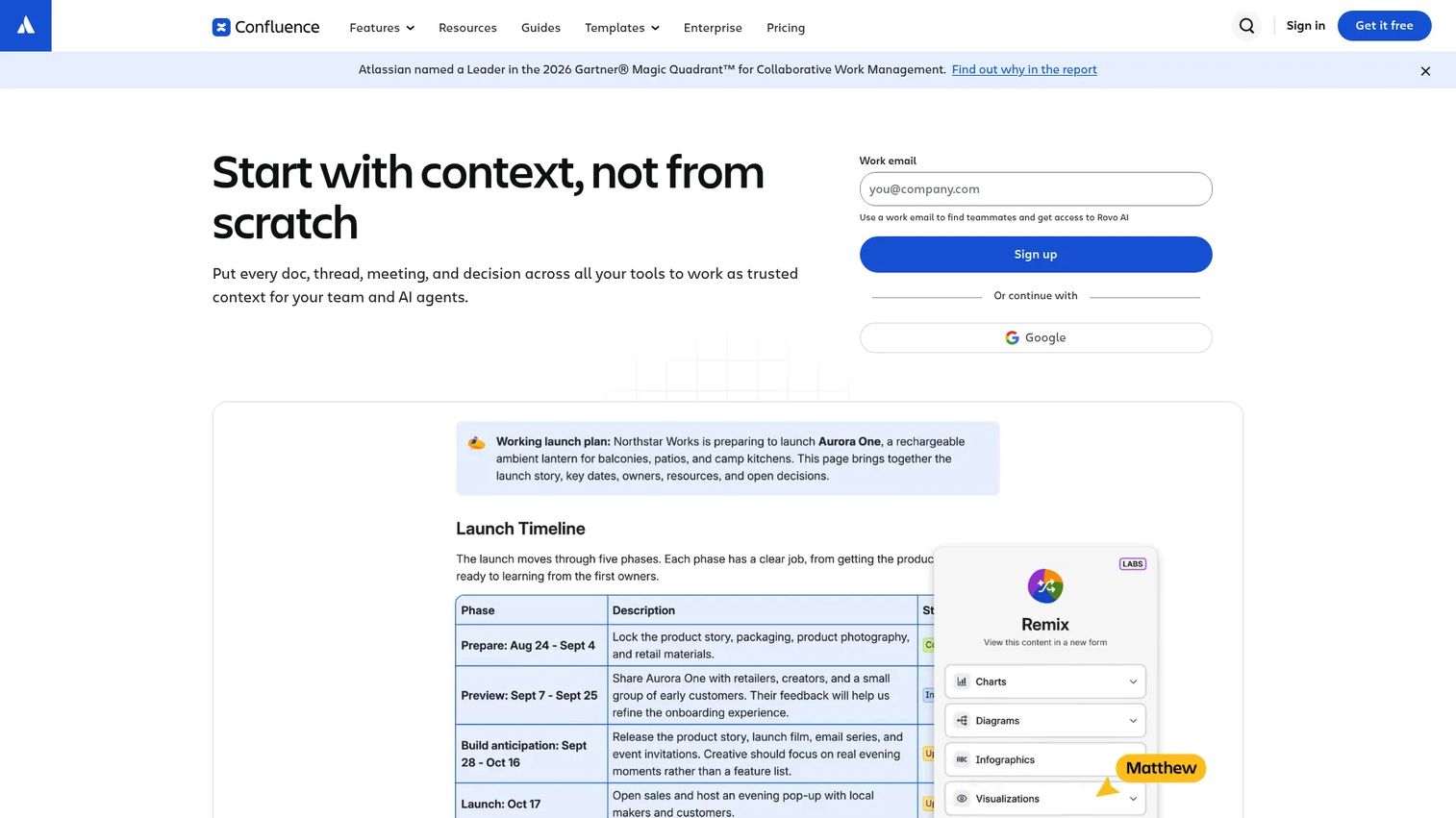
Confluence is the enterprise wiki for teams already on Atlassian. It earns its place in this list because many organizations replace Whale by moving process documentation into their existing Confluence instance.
Best for: Larger teams that need governed documentation connected to Jira and Atlassian workflows.
What it is: Confluence is an AI-powered collaborative workspace for organizing knowledge, creating content, and coordinating work. It offers spaces, pages, page history, whiteboards, templates, and deep Jira integration.
Key features:
- Collaborative pages with real-time editing, comments, and notifications
- Whiteboards, databases, and structured content organization
- Jira, Trello, Loom, and third-party app integrations
- Permissions and admin controls
- Automation and analytics on Premium
Where Confluence falls short: G2 reviewers consistently flag navigation complexity and content sprawl as the two main friction points. Finding a specific procedure inside a large Confluence space can be harder than expected. The editor experience is functional but can feel slow for contributors who are not regular Confluence users. Search quality in Standard is frequently cited as a limitation.
Pricing: Free for up to 10 users. Standard at $5.42 per user per month. Premium at $10.44 per user per month. Enterprise pricing on request (annual).
G2 rating: 4.1/5
How it compares to Whale: Confluence is broader and more technical. It fits teams that need enterprise wiki governance, particularly within the Atlassian ecosystem, more than packaged SOP training.
9. ChatGPT (AI assistant)
ChatGPT is a drafting tool, not an SOP management system. The right frame for this entry is: It helps create or improve SOP content before that content lives somewhere governed.
Best for: Teams that need to draft, rewrite, summarize, or structure SOP content at speed before placing it into a governed system.
What it is: ChatGPT is a conversational AI assistant from OpenAI for answering questions, drafting and transforming content, reasoning, and working with text, images, files, and data.
Key features:
- SOP drafting, summarization, and restructuring
- Role-based content variants and quiz or checklist creation
- Web search and deep research
- File upload and analysis
- Voice conversations
Where ChatGPT falls short: ChatGPT does not replace governance, ownership, approvals, permissions, completion tracking, or a source of truth. It produces content; it does not manage the SOP lifecycle. Business and Enterprise plan pricing is not fully surfaced on the pricing page without a sales conversation.
Pricing: Free at $0. Go at $8 per month. Plus at $20 per month. Pro from $100 per month.
G2 rating: 4.6/5
How it compares to Whale: ChatGPT helps create and improve SOP content but does not manage the SOP lifecycle by itself. Teams use it to accelerate drafting, then place the output into Whale, Trainual, Notion, or any governed system.
10. Trails (process documentation software)
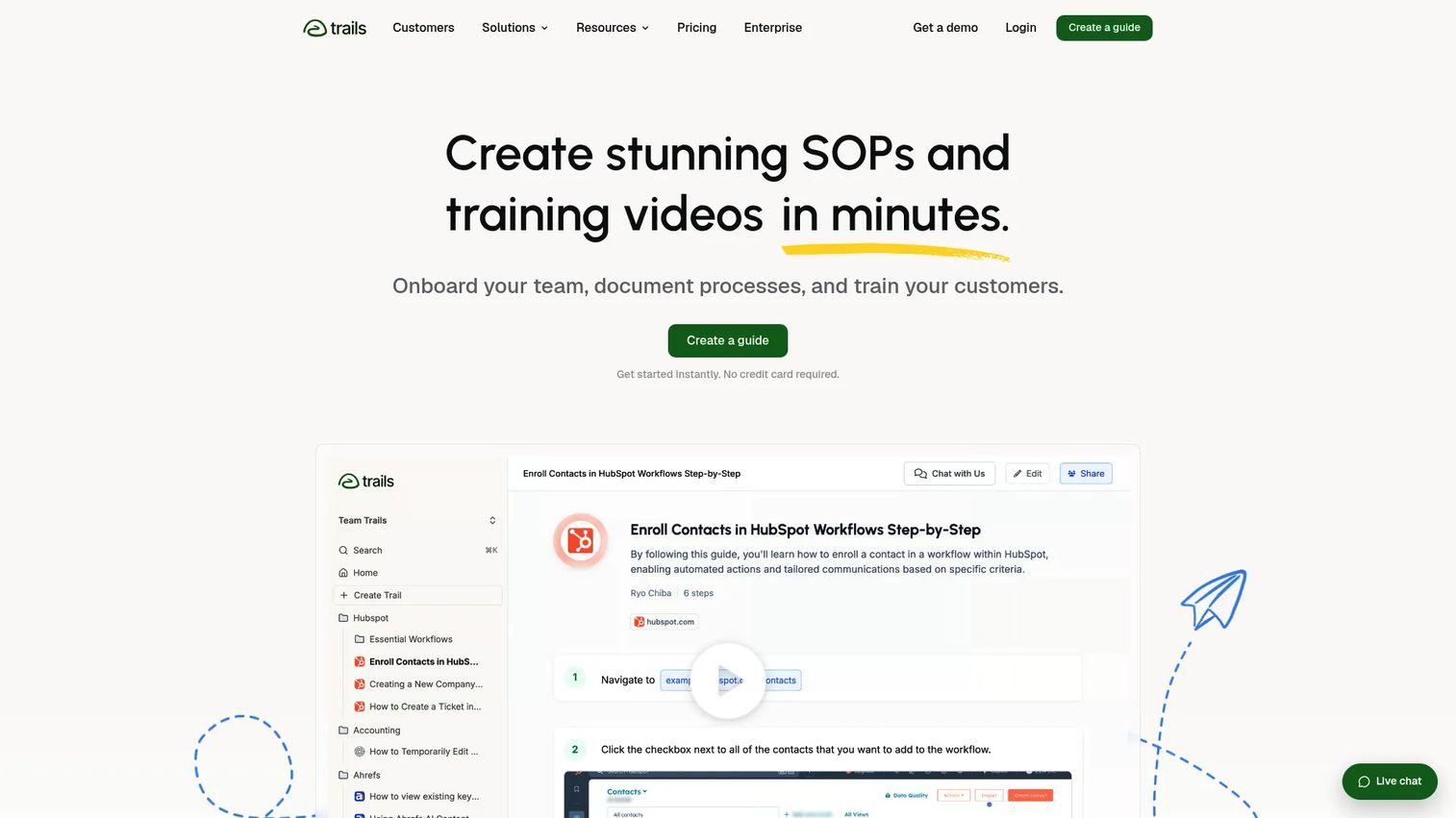
Trails is built for teams that want process documentation to output visual guides and AI-generated training videos, not just written steps.
Best for: Teams turning recorded workflows into visual step-by-step guides and training videos.
What it is: Trails is a process documentation platform for creating step-by-step guides and AI-generated training videos from browser and desktop workflow captures. It supports knowledge bases, PDF and HTML export, voice transcription, and sensitive-information blurring.
Key features:
- AI-generated videos from guides and video-to-guide conversion
- Browser and desktop workflow capture
- Knowledge bases with role-based access
- PDF, HTML, and Markdown export
- Blur sensitive information and version history
Where Trails falls short: Trails has no G2 rating or reviews at this time, so independent user sentiment data is not available. The Creator plan limits output to 20 guides per month, which may constrain teams with high documentation volume. Enterprise pricing requires a custom conversation.
Pricing: Creator at $29 per month. Team at $49 per month (5 users included; additional users at $10 per month). Enterprise pricing on request. Annual billing provides a 20% discount.
G2 rating: 5.0
How it compares to Whale: Trails fits teams that want process documentation with visual creation and video output built in. Whale is a better fit for teams focused on written SOPs with training workflows. Trails is worth evaluating when visual guides and video assets are the primary deliverable.
11. ScreenSteps (knowledge operations software)
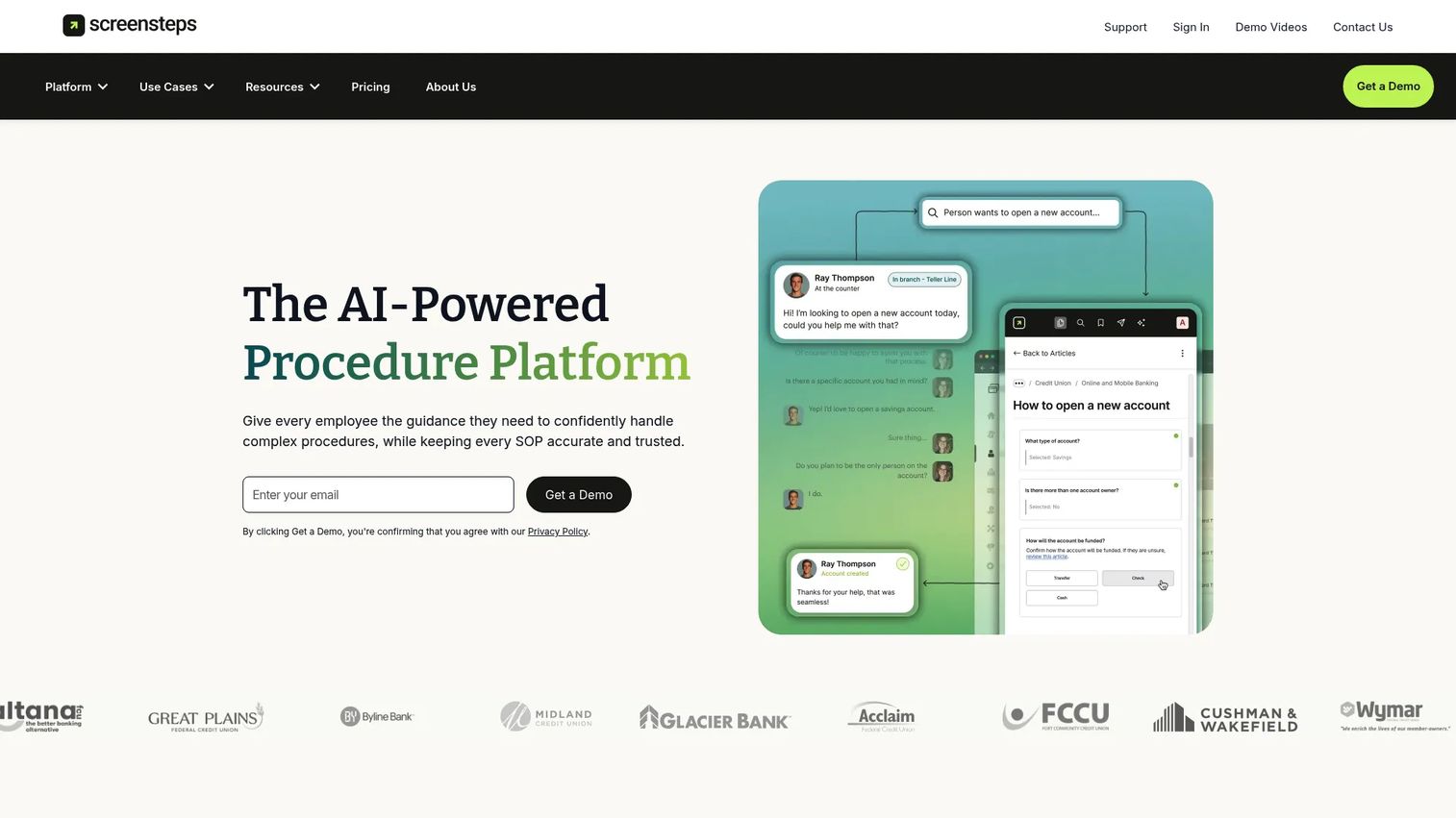
ScreenSteps is built for organizations with complex procedures where accuracy is non-negotiable, particularly in support, operations, and training for high-stakes workflows.
Best for: Teams that need trusted, step-by-step procedures and in-workflow guidance for complex operations and support documentation.
What it is: ScreenSteps is an AI-powered procedure and knowledge operations platform for creating, delivering, and maintaining step-by-step guidance, decision trees, checklists, and in-app sidekick delivery.
Key features:
- AI-powered procedure and knowledge capture
- Step-by-step guides, checklists, and decision trees
- Intent-based search and AI answers grounded in approved guides
- ScreenSteps Sidekick for in-workflow guidance
- Content certifications, change notifications, and courses
Where ScreenSteps falls short: Starting at $6,000 per year, ScreenSteps carries a significantly higher price floor than most tools in this category. G2 reviewers note the platform is feature-rich but requires meaningful setup time before the team sees full value. The pricing makes it a poor fit for small teams or early-stage enablement programs.
Pricing: Operations Standard starting at $6,000 per year. Operations AI starting at $9,000 per year. Enterprise pricing on request. A 15-day free trial is available.
G2 rating: 4.7/5
How it compares to Whale: ScreenSteps is better suited to complex, high-stakes procedure documentation and support operations. Whale fits lighter-weight SOP and training workflows at a lower price point.
12. Google Docs (document editor)
Google Docs is the simplest starting point, not a purpose-built SOP platform. It belongs on this list because many teams run their SOPs in Docs before realizing they need something with governance.
Best for: Small teams that need basic SOP drafting and collaboration before investing in a dedicated system.
What it is: Google Docs is an AI-powered online document editor within Google Workspace for creating, editing, and collaborating on content, with Gemini-assisted drafting, real-time co-editing, comments, permissions, and version history.
Key features:
- Real-time co-editing, comments, and version history
- Templates, smart chips, and document tabs
- Gemini-assisted drafting, summarization, and rewriting
- Sharing permissions and suggestion mode
- Google Workspace integration
Where Google Docs falls short: Google Docs lacks built-in SOP ownership, training completion, approval workflows, process analytics, and workflow execution. G2 reviewers note that organizing a large SOP library in Docs requires significant manual structure, and that findability degrades quickly as the volume of documents grows without a proper taxonomy.
Pricing: Free for personal Google Account users. Google Workspace Starter at $7 per user per month. Standard at $14 per user per month. Plus at $22 per user per month. Enterprise pricing on request.
G2 rating: 4.5/5
How it compares to Whale: Google Docs is an easier starting point but requires the team to build all SOP governance manually. Whale, and most alternatives on this list, exist precisely because maintaining a process library in Docs eventually becomes unsustainable.
13. Loom (async video software)
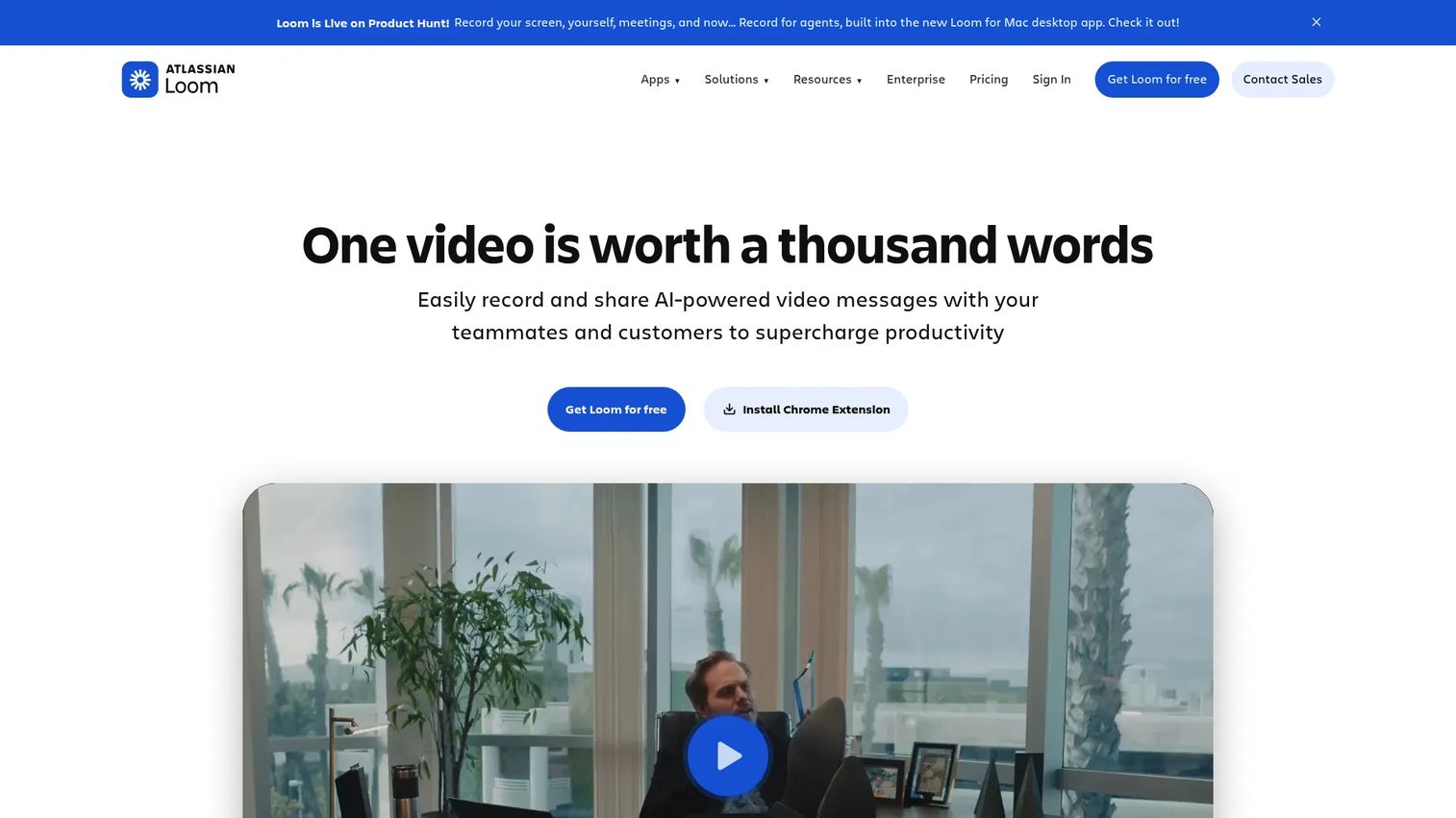
Loom is the best pick for teams that need a person to explain a process with voice and screen, rather than read about it in a document.
Best for: Teams that need async video explanation of a process with voice, screen, and camera context.
What it is: Loom, now part of Atlassian, is a video communication and screen-recording platform for creating, editing, sharing, and managing async video messages. Its AI-generated titles, summaries, chapters, and calls to action make it stronger than a bare screen recorder.
Key features:
- Screen, camera, and audio recording
- Video editing, trimming, and stitching
- AI-generated titles, summaries, and chapters
- Viewer analytics, comments, and emoji reactions
- Video captions and transcriptions
Where Loom falls short: Loom creates passive video, not managed SOPs, formal training paths, or interactive process capture. G2 reviewers note that organizing a large library of Loom videos becomes difficult without an external system. The Starter plan limits videos to 5 minutes and 25 recordings.
Pricing: Starter free plan (25 videos, 5-minute cap). Business at $18 per user per month. Business + AI at $24 per user per month. Enterprise pricing on request.
G2 rating: 4.7/5
How it compares to Whale: Loom is useful for explaining a process with human presence, but it does not replace SOP ownership, versioning, or completion tracking. Many teams run Loom and a written SOP tool side by side.
14. SharePoint (intranet and document management)
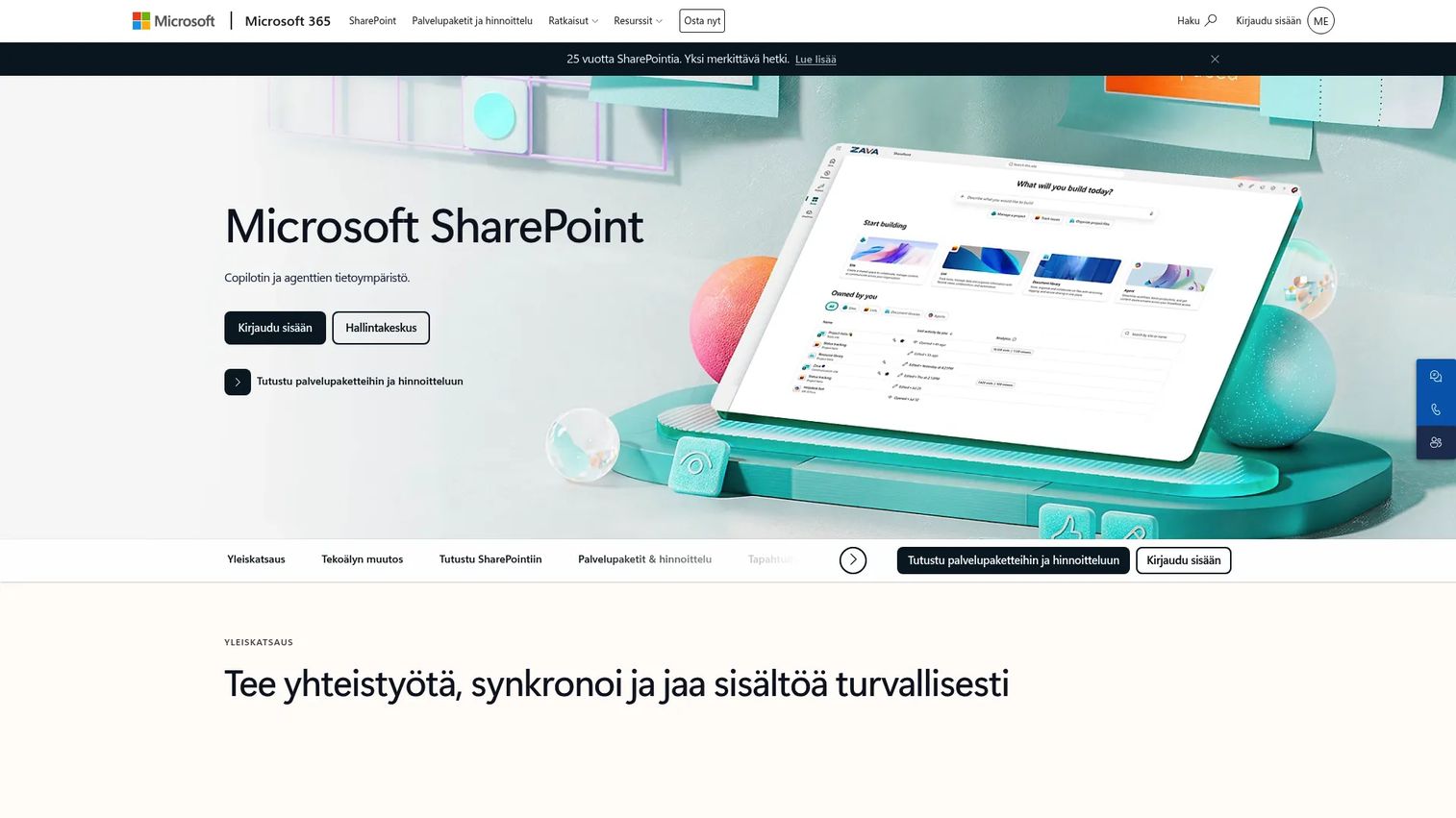
SharePoint belongs on this list because enterprise teams already on Microsoft 365 often consolidate SOP storage there, even when it was not built for that job.
Best for: Enterprise teams standardized on Microsoft 365 that need document storage, intranet pages, and governance infrastructure.
What it is: Microsoft SharePoint is a document management, intranet, and collaboration platform for securely storing, organizing, sharing, and accessing organizational information, with Copilot integration, Power Apps, and Power Automate.
Key features:
- Document libraries with granular permissions and version history
- Intranet, branded hubs, pages, and internal communications
- AI-powered search and Copilot integration
- Power Apps, Power Automate, and SPFx customization
- Microsoft 365 integration
Where SharePoint falls short: G2 reviewers consistently flag SharePoint's navigation complexity and search quality as friction points. The platform requires deliberate architecture and ongoing governance to remain useful as a process library. User adoption outside of power users can be low without change management investment.
Pricing: SharePoint is included in Microsoft 365 plans. Microsoft 365 Business Basic (no Teams) starts at $5.40 per user per month (annual). Microsoft 365 Business Basic with Teams starts at $7.00 per user per month (annual).
G2 rating: 4.0/5
How it compares to Whale: SharePoint is infrastructure. It can store SOPs, but teams must design the SOP lifecycle and training workflow themselves. Whale and most dedicated alternatives on this list handle that structure out of the box.
15. Guru (knowledge management software)
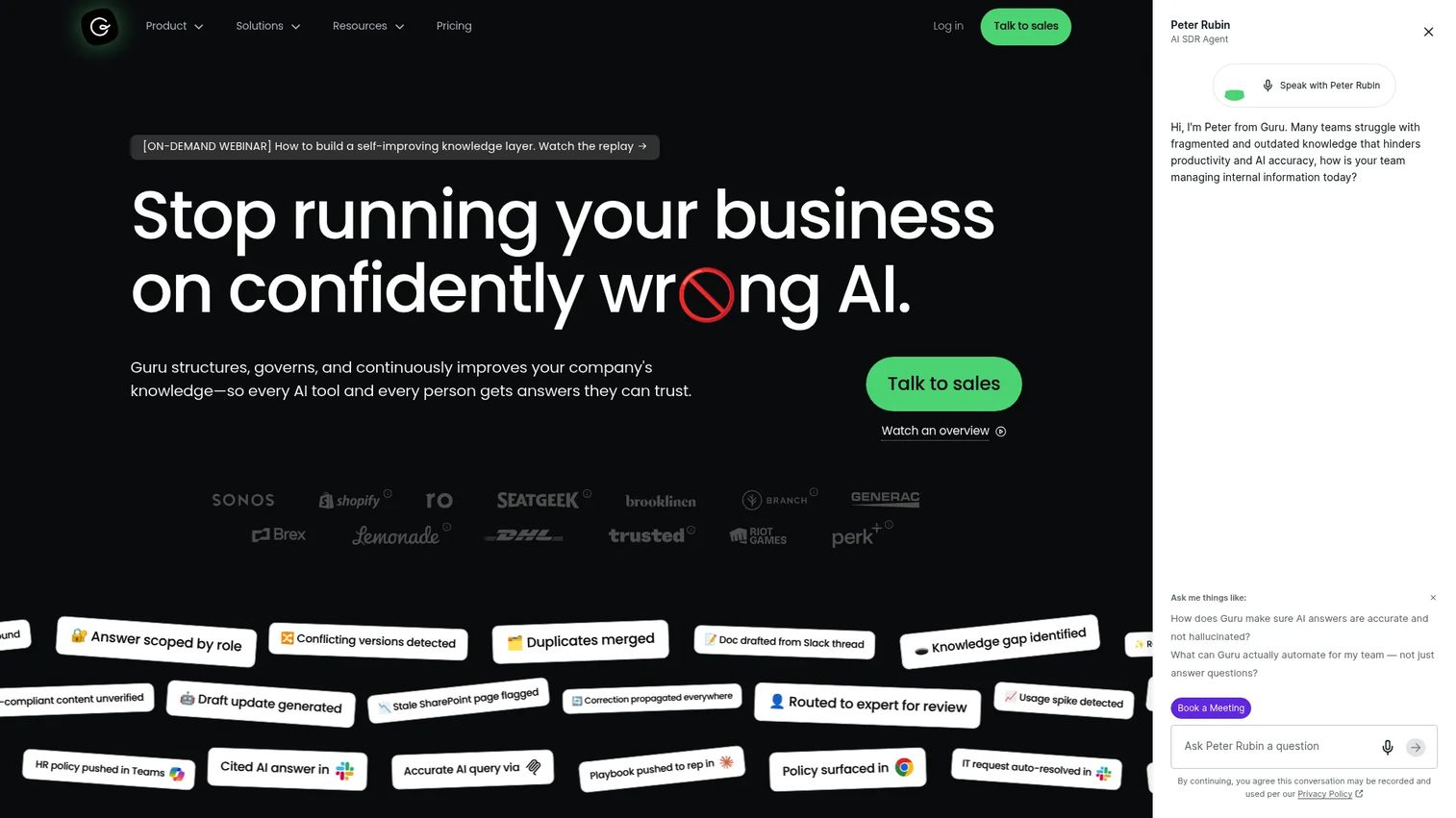
Guru is the right choice when the problem is not just where knowledge lives, but whether employees can find and trust it inside the tools they already use.
Best for: Sales enablement and support teams that need verified, permission-aware knowledge delivered where employees already work.
What it is: Guru is an AI knowledge platform that structures, verifies, and delivers trusted answers across an organization's tools and workflows, with 100+ source connectors, automated verification, expert review workflows, and delivery via Slack, Microsoft Teams, browser extension, and web app.
Key features:
- 100+ source connectors and unified knowledge index
- Automated verification and expert review workflows
- AI knowledge agent chat with cited answers
- Permission-aware ingestion and centralized access controls
- MCP, API, Slack, and Teams delivery
Where Guru falls short: Guru's pricing page lists no public numeric prices, requiring a sales conversation for any cost estimate. G2 reviewers note that content maintenance requires deliberate ownership, and that the platform is most valuable after the knowledge base reaches a meaningful volume of well-structured content.
Pricing: Custom enterprise pricing based on organizational scale, knowledge complexity, and AI maturity.
G2 rating: 4.7/5
How it compares to Whale: Guru is stronger for verified knowledge delivery into daily workflows. Whale is closer to SOP and training documentation. Teams that need knowledge surfaced inside Slack or a browser extension, with verification workflows, will find Guru a materially different experience.
16. Guidde (video documentation software)
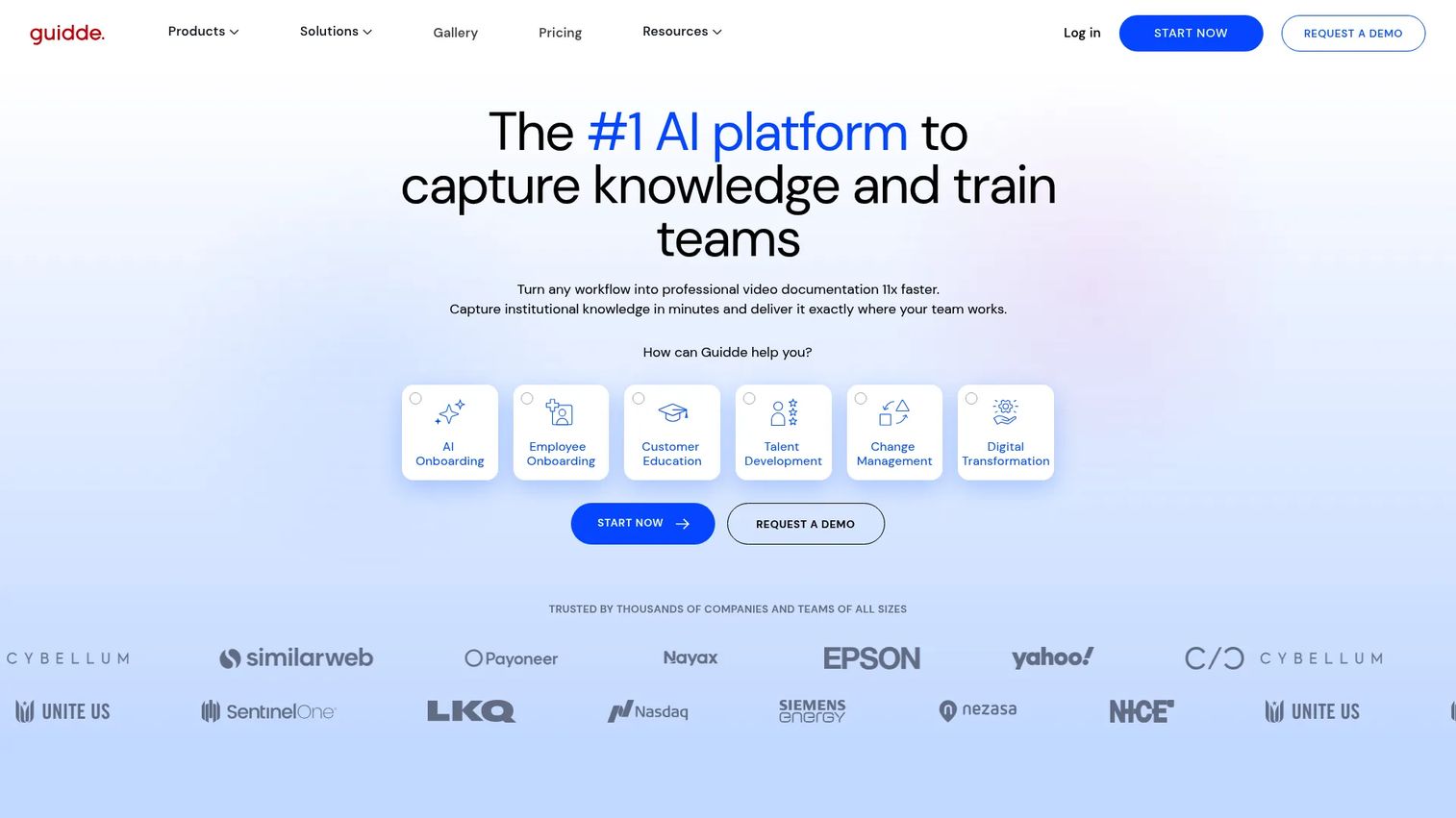
Guidde sits at the intersection of video and process documentation: It uses AI to generate narrated video guides from screen captures.
Best for: Teams creating scalable video-based process documentation, training materials, and customer education from recorded workflows.
What it is: Guidde is an AI platform for creating professional video documentation and step-by-step guides from workflows, file uploads, and screen captures. It generates AI-narrated video guides, supports brand kits, includes analytics, and offers Magic Redaction for sensitive information.
Key features:
- AI-narrated step-by-step video guides
- Convert PDFs, DOCs, PPTs, and screen captures into video guides
- Text-to-voice generation and automatic captions
- Brand kits, analytics, and Magic Redaction
- Guidde Ask and AI assistant integrations
Where Guidde falls short: G2 reviewers note that the Business plan, which unlocks text-to-voice and analytics, requires at least $39 per creator per month (annual), making team-wide adoption more expensive than the entry-level price suggests. Some reviewers note limits in the editing workflow for precise fine-tuning of narration timing.
Pricing: Free plan (up to 25 videos). Pro at $19 per creator per month (annual; $29 monthly). Business at $39 per creator per month (annual; $59 monthly). Enterprise pricing on request.
G2 rating: 4.8/5
How it compares to Whale: Guidde is a better fit for visual process explanation through video. Whale is a better fit for written SOP management and structured training. For teams that want both, the two can complement each other.
17. Tettra (internal knowledge base)
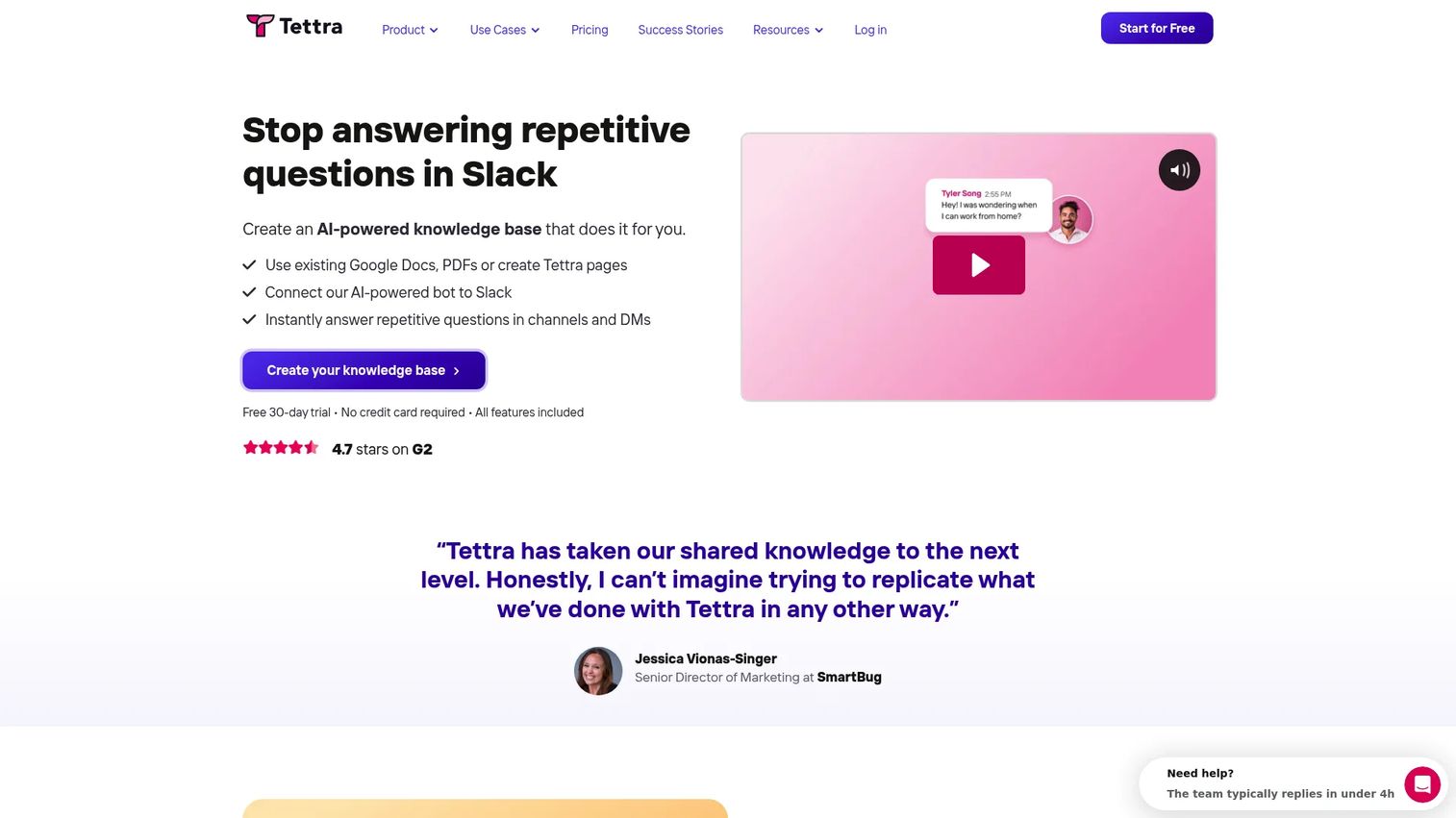
Tettra is the lightweight knowledge base option for teams that want Q&A, ownership, and AI-powered answers inside Slack without a heavy implementation.
Best for: Small and mid-sized teams that want lightweight internal knowledge ownership, Q&A workflows, and Slack-native AI answers.
What it is: Tettra is an AI-powered internal knowledge base and knowledge management platform. Its Kai AI bot answers repetitive questions in Slack and Tettra, pulling from a knowledge base that includes imported content from Google Docs, PDFs, Notion, and markdown files.
Key features:
- AI-powered answers from Kai in Slack and Tettra
- Internal knowledge base with content import from Google Docs, PDFs, and Notion
- Knowledge management workflows: Verification, page requests, stale-page reports
- Google Workspace integration
- Usage analytics and API access
Where Tettra falls short: G2 reviewers note that Tettra is best suited to Q&A and reference knowledge rather than complex, hierarchical SOP documentation. The platform does not provide formal onboarding paths or training completion tracking. The 10-user minimum at the Scaling plan level adds a price floor for very small teams.
Pricing: Scaling plan at $8 per user per month (10-user minimum; annual billing at 20% off). Enterprise pricing on request. A 30-day free trial is available.
G2 rating: 4.7/5
How it compares to Whale: Tettra is lighter and more Q&A oriented. Whale covers more of the SOP and structured training lifecycle. For teams that primarily want to reduce repetitive Slack questions and surface answers from existing knowledge, Tettra is a focused fit.
What is the best Whale alternative for interactive process capture?
Guideflow is the best fit when the process happens inside software and employees need to follow the actual captured screens.
Use Guideflow for CRM steps, demo preparation, onboarding flows, product training, and any internal software workflow. The enablement value is giving reps an interactive process they complete, with step-level drop-off data showing where training breaks down. Guideflow is a demo automation platform, not a traditional SOP wiki.
Choose Guideflow when:
- The process is screen-based.
- The written SOP keeps going stale after product updates.
- Reps skip static documentation.
- Enablement needs completion and drop-off data.
- Product changes require fast updates to training assets.
Which Whale alternative is best for employee onboarding?
Trainual and Waybook are the strongest fits for structured onboarding. Guideflow helps when onboarding depends on employees learning software workflows.
Trainual covers role-based onboarding, policies, quizzes, and completion tracking with a 4.7 G2 rating. Waybook is well suited for companies building a structured operating manual with assessments and progress tracking. For CRM onboarding, demo prep, or any screen-based process, Guideflow lets new reps follow the actual product steps instead of reading about them. SweetProcess fits simpler procedure-led onboarding for smaller teams.
Which tool is best for recurring workflows and approvals?
Process Street is the best fit when teams need to run the same workflow repeatedly and prove each step happened.
Process Street provides recurring checklists, conditional logic, approvals, and workflow reporting, purpose-built for compliance and operations rather than documentation. It is a meaningfully different category from an SOP library: The job is execution and evidence, not reference. SweetProcess handles simpler procedure ownership with task assignment. Guideflow is relevant only when the recurring workflow depends on navigating product screens.
Which Whale alternative works best for searchable knowledge?
Document360, Guru, Confluence, Tettra, and Notion all work for searchable knowledge. The choice turns on governance depth.
Document360 for structured knowledge bases with AI search and article governance. Guru for verified enablement knowledge delivered inside Slack and existing workflows, with 100+ source connectors. Confluence for enterprise wiki governance connected to Jira. Tettra for lightweight Q&A and Slack-native AI answers. Notion for flexible docs and databases when the team is willing to build the taxonomy themselves.
What is the cheapest Whale alternative?
Google Docs and Notion are the lowest-friction starting points. Both carry meaningful trade-offs on governance.
Google Docs is free for personal use and $7 per user per month for Workspace. Notion is free for the basics and $10 per member per month for Plus. ChatGPT's free tier can accelerate drafting. The trade-off with both: Maintaining a usable SOP library requires manual structure that dedicated tools provide out of the box. The long-run cost of inconsistent adoption, stale content, and poor findability often exceeds what a purpose-built SOP tool costs.
Which tool is best for video process documentation?
Loom and Guidde are the strongest fits when a process needs voice, screen motion, or video-based explanation.
Loom covers async video explanation with a free Starter tier and a 4.7 G2 rating. Guidde generates AI-narrated video guides from screen captures, with a free tier for up to 25 videos. For teams that want employees to complete an interactive process rather than watch a video, Guideflow provides a fundamentally different engagement model: The rep clicks through the actual captured screen flow, and enablement tracks step-level completion.
When should you stay with Whale?
Stay with Whale if your team already has clean SOP ownership, training content that is current, and reps who complete processes without needing a different tool shape.
Specific scenarios where switching costs likely outweigh the gains:
- Your SOP library is current, owned, and followed without consistent gaps.
- Your onboarding completion rates are where leadership expects them.
- Processes are text-based and do not require screen capture or interactive completion.
- Your team does not need recurring workflow execution or a governed knowledge base at depth.
Switching carries real overhead in content migration, adoption, and training on a new tool. If Whale is working, do not solve a problem you do not have.
Why teams switch from Whale to Guideflow
Teams move from written SOPs to Guideflow when the process is better learned by following the actual product screens than by reading instructions.
Four reasons enablement managers make the switch:
Capture the process from the real workflow. Guideflow captures through the Chrome extension or the native app, using screenshot, HTML, or video modes. The process doc comes from the actual product, not from memory.
Employees follow the process step by step. An interactive demo is not a static document. The rep clicks through the captured screens, guided by automated step content, in the same environment where the work happens.
Process evidence is stronger. A captured interactive demo tied to the real product flow is verifiable in a way a written procedure is not. When the product changes, the demo updates from the same capture workflow.
Enablement gets better signals. Step-level completion, drop-off, and viewer flow analytics show where training breaks down and which steps cause friction. That data connects to CRM through HubSpot, Salesforce, Pipedrive, Zoho, and Marketo.
Guideflow is not a full LMS or HR training platform. Teams with SCORM-based certification requirements will want a dedicated training system for that layer. Many run Guideflow alongside Trainual or a knowledge base, with Guideflow owning the screen-based process capture and other tools owning policy documentation and formal certification.
Start your journey with Guideflow today!
FAQs
Guideflow is the strongest fit for interactive process capture and product-based enablement, covering CRM workflows, launch enablement flows, and any screen-based process. Trainual, Guru, and Document360 fit more traditional training, verified knowledge delivery, and structured documentation needs. The right choice depends on whether the primary job is following a software workflow or reading and completing written training.
SweetProcess, Trainual, Document360, and Process Street each cover a distinct slice: Written procedure ownership, formal training with completion tracking, searchable knowledge bases, and recurring workflow execution. Guideflow fits when the SOP is a screen-based process that employees need to follow through the actual product, rather than read as text.
Yes, for a specific use case. Guideflow is a demo automation platform for capturing product processes as interactive demos. It is not a traditional SOP wiki, but it replaces written screen-based process instructions with an interactive path employees follow and complete, with step-level analytics to show where training breaks down.
SOP software documents what should happen in a given process. Workflow execution software, like Process Street, runs the process repeatedly with assigned tasks, approvals, conditional logic, and evidence of completion. Some teams need both: An SOP library as the reference and a workflow tool to enforce execution.
Ownership, versioning, permissions, completion tracking, search quality, and analytics are the core criteria. For product processes, look for process capture and step-level drop-off data. CRM and workflow integrations matter when enablement outcomes need to connect to pipeline and rep performance data.
AI tools like ChatGPT can draft SOPs, summarize process notes, and generate checklists at speed. They do not replace governance, ownership, training completion, permissions, or process analytics. The right model is AI-assisted drafting feeding into a governed SOP or knowledge base, not AI as a standalone system of record.
Google Docs is free for personal use and $7 per user per month for Google Workspace. Notion has a free tier and a Plus plan at $10 per member per month. The trade-off is that neither provides SOP ownership, training completion, or workflow governance without manual architecture.
Start with the most-used processes and assign owners to each. Archive stale content rather than migrating it. Map each process to the tool category it actually needs: Written reference, training completion, workflow execution, or screen-based interactive capture. Test the migration with one onboarding or enablement workflow before moving the full library.