Sales Enablement teams are sitting on a documentation problem. SOPs live in handbooks, onboarding paths are scattered across folders, and certification tasks get assigned in one tool while product knowledge lives in another. When a rep opens a Waybook-style handbook to learn a product workflow, they read a procedure and then guess at the clicks. When the UI ships a new release, the written SOP describes last quarter's screen.
If you're comparing Waybook alternatives, the gap you're feeling is probably one of these: Stale product documentation, training that shows completion but not readiness, or reps who can't find the right enablement asset at the moment they need it.
This list covers nine tools across four categories. Guideflow is the top pick for replacing stale written product SOPs with clickable interactive demos that learners navigate at their own pace. Trainual, Whale, Process Street, and SweetProcess handle SOP and training operations. Guru and Spekit sit in the enablement knowledge layer. Trainn and Zavvy cover video-led training and HR-led onboarding journeys.
TL;DR
- Best interactive upgrade: Guideflow, for replacing stale written product SOPs with clickable internal training flows. Pricing starts at $0 (free plan) and $35/user/month on Solo.
- Best structured onboarding: Trainual, for role-based onboarding playbooks and operational training. Plans start at $3/user/month (annual, 10-seat minimum).
- Best SOP plus training workflow: Whale, with AI-assisted SOP capture and assigned training flows. Free plan available; paid plans from $299/month (annual).
- Best for checklist-driven process execution: Process Street, when a process must run repeatedly and generate audit-ready proof. Pricing is quote-only.
- Best simple procedure library: SweetProcess, for teams that want clean SOP documentation without LMS overhead. Starts at $495/year for up to 5 users.
- Best enablement knowledge layer: Guru for trusted answer retrieval; Spekit for in-workflow rep guidance. Both are quote-only.
- Best HR-led onboarding journeys: Zavvy, for lifecycle and people-development programs.
What's inside
- Why teams compare Waybook alternatives and what category the problem sits in
- How SOP tools, training platforms, enablement knowledge bases, and interactive demo automation differ
- A side-by-side comparison of all 9 tools with pricing, G2 ratings, and free-plan status
- Use-case picks for Sales Enablement Managers
- When keeping a handbook-style tool still makes sense
What is Waybook?
Waybook is a company handbook and SOP training platform built to document processes, assign learning, and track whether employees complete required materials. It sits at the intersection of SOP software, internal onboarding software, and company handbook management.
Teams use Waybook for process documentation, read confirmations, onboarding assignments, assessments, and completion tracking. HR and operations leads typically own the account; Sales Enablement Managers often contribute content when ramp paths or product training modules need to live alongside company policies.
Waybook's strengths are its clean editor, structured content hierarchy, and read-confirmation workflows. It is a good tool for policies, process libraries, and assigned onboarding sequences where the content is text-based and changes infrequently.
Why teams look for Waybook alternatives
Teams usually compare Waybook alternatives when written SOPs are no longer enough to keep training current, adopted, and measurable.
Written SOPs decay faster than enablement can maintain them
Every product release that changes a UI element turns the matching SOP into a liability. Sales Enablement Managers updating handbooks after a product launch face a documentation maintenance tax: New screenshots, rewritten steps, re-assigned completions. G2 reviewers of SOP tools in this category frequently flag content staleness as the core operational frustration.
Completion tracking does not equal readiness
A rep can mark a Waybook page as read and still have no idea how to execute the workflow inside the product. Enablement Managers need evidence beyond a checkbox. Step-level drop-off, the point where someone abandons a flow, tells you where process training friction actually lives. Handbook-style completion tracking does not surface that signal.
Reps need enablement inside the workflow, not in a separate tab
A rep mid-call or mid-CRM entry will not pause to search a handbook. Contextual guidance, served in the tool where the work happens, has materially higher adoption than content that lives in a separate knowledge hub. BambooHR and TalentLMS (2025) found that 52% of employees say onboarding focuses too much on administration rather than role training, which points to a delivery problem as much as a content problem.
Training libraries become content chaos without governance
Handbook tools accumulate duplicated pages, outdated sections with no clear owner, and content that was correct in Q1 but hasn't been touched since. Sales Enablement teams managing rapid headcount growth report that content sprawl is one of their top operational blockers. Versioning, ownership assignment, and expiration controls become essential at scale.
Some teams need structured learning journeys, not just documentation
Ramp paths, certification programs, and manager-led coaching require more structure than a document library. If the core job is building onboarding sequences with milestone tracking or performance cycles, a dedicated learning platform covers territory that handbook software is not designed for.
How we picked these Waybook alternatives
Each tool on this list has a clear category role, pricing sourced from the vendor's own pricing page, and a G2 rating from G2's live listings. The selection criteria:
- Fit for employee enablement, SOP management, internal product training, or onboarding
- Pricing model transparency (per user, flat monthly, annual, or quote-only)
- G2 rating availability
- Relevance to Sales Enablement Managers evaluating readiness, adoption, and content governance
This list spans multiple categories because "Waybook alternative" is not one category. Some tools are direct SOP-and-handbook replacements. Others solve different problems: Interactive product training, in-workflow enablement, or structured learning journeys. The Category column in the table below lets you route to the right fit.
Waybook alternatives at a glance
Guideflow leads as the interactive upgrade for product process training. Trainual and Whale are the strongest like-for-like alternatives for teams whose core need is SOP management with onboarding structure. The table spans interactive demo automation, SOP software, enablement knowledge platforms, and training tools.
| # | Tool | Category | Best for | G2 rating | Free plan | Starting price |
|---|---|---|---|---|---|---|
| 1 | Guideflow | Interactive demo automation | Replacing written product SOPs with clickable internal training | 5.0 | Yes | $0 / $35 per user/month (annual) |
| 2 | Trainual | Employee onboarding and SOP training | Structured role-based onboarding programs | 4.7 | No | $3/user/month (annual, 10-seat min) |
| 3 | Whale | SOP and training software | AI-assisted SOP capture and assigned training flows | 4.8 | Yes | $299/month (annual) |
| 4 | Process Street | Process management and checklists | Recurring process execution with audit trails | 4.6 | No | Contact sales |
| 5 | SweetProcess | SOP documentation software | Clean procedure libraries for small and mid-sized teams | 4.3 | No | $495/year (up to 5 users) |
| 6 | Guru | Knowledge management | Verified internal answers and trusted knowledge retrieval | 4.7 | No | Contact sales |
| 7 | Spekit | Sales enablement and in-workflow learning | Contextual rep guidance delivered inside daily workflows | 4.6 | No | Contact sales |
| 8 | Trainn | Training content and academies | Video-led training and branded knowledge hubs | 4.6 | No | $19/month |
| 9 | Zavvy | Employee onboarding and learning | HR-led onboarding journeys and people development | 4.6 | Unknown | Contact sales |
The best Waybook alternatives in 2026
1. Guideflow (interactive demo automation)
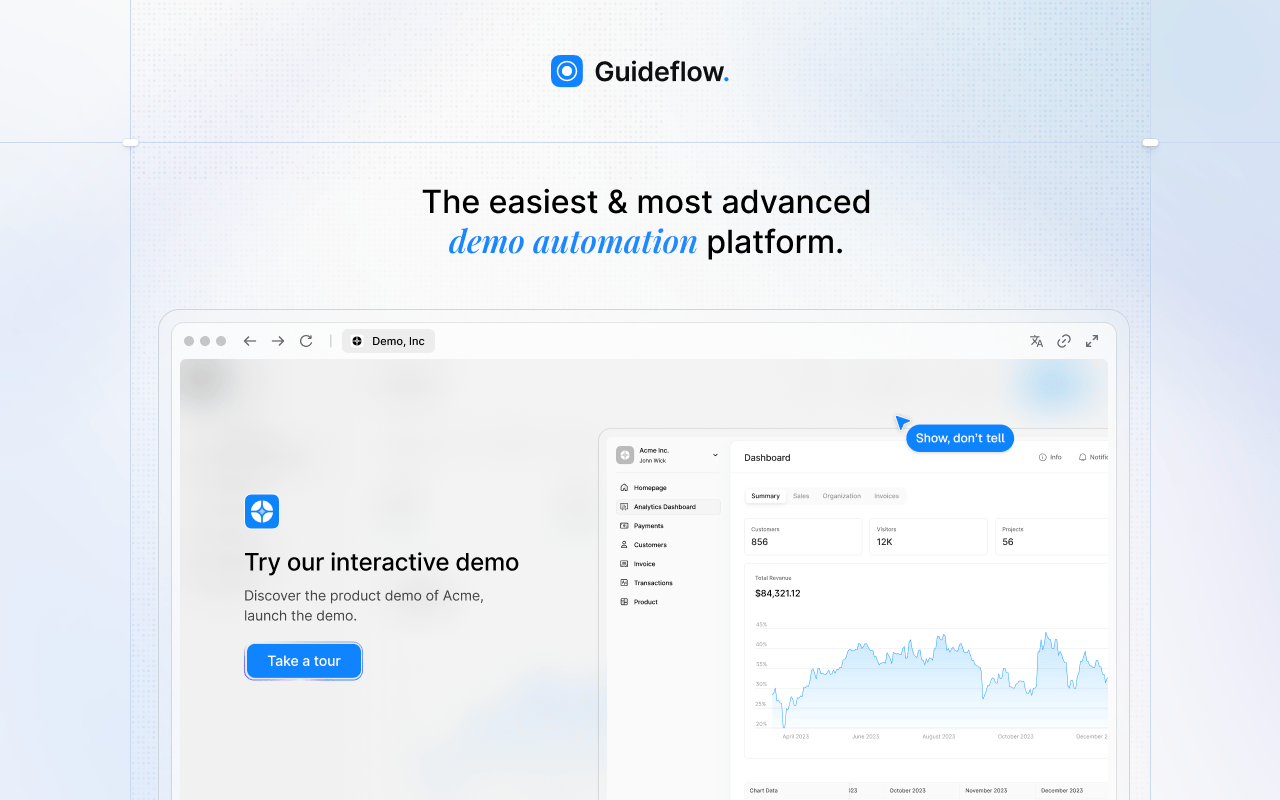
Guideflow is a demo automation platform that lets enablement teams replace stale written product SOPs with interactive demos a learner clicks through. Instead of describing where to click in a CRM or configuration screen, the team captures the actual product flow. New hires navigate the process themselves, and analytics show step-level completion and drop-off.
Best for: Sales Enablement teams replacing outdated product SOPs with interactive internal training flows.
What it is: Guideflow is a demo automation platform supporting interactive demos, demo pages, demo centers, sandboxes, live demos, and mobile demos. Capture runs through the Chrome extension or the native app. Step content and CTAs are written automatically. The editor supports text, images, graphs, and branching.
Key features:
- Capture through the Chrome extension or the native app, with screenshot, HTML, and video modes
- Step content and CTAs generated automatically after capture
- Editor for text, images, graphs, and branching paths
- Step-level completion, drop-off, and viewer flow analytics
- Personalization of content, including text, images, and graphs
Where Guideflow falls short: Teams needing a full employee handbook, HR policy repository, or certification LMS should pair Guideflow with a dedicated system. Guideflow covers the product process training layer, not policy acknowledgement or compliance documentation. Teams whose training content is primarily text-based policy (rather than product workflows) will find the interactive format more than they need for that specific job.
Pricing: Free plan at $0. Solo at $35/user/month (annual). Growth at $499/month (annual). Advanced at $1,499/month (annual). Enterprise from $2,999/month (annual), adding SSO, advanced governance, and enterprise security.
G2 rating: 5.0
How it compares to Waybook: Waybook handles the handbook and policy layer. Guideflow handles the product workflow layer, the part where a written SOP fails because clicking through the product is how the rep actually learns it.
Start your journey with Guideflow today!
2. Trainual (employee onboarding and SOP training)
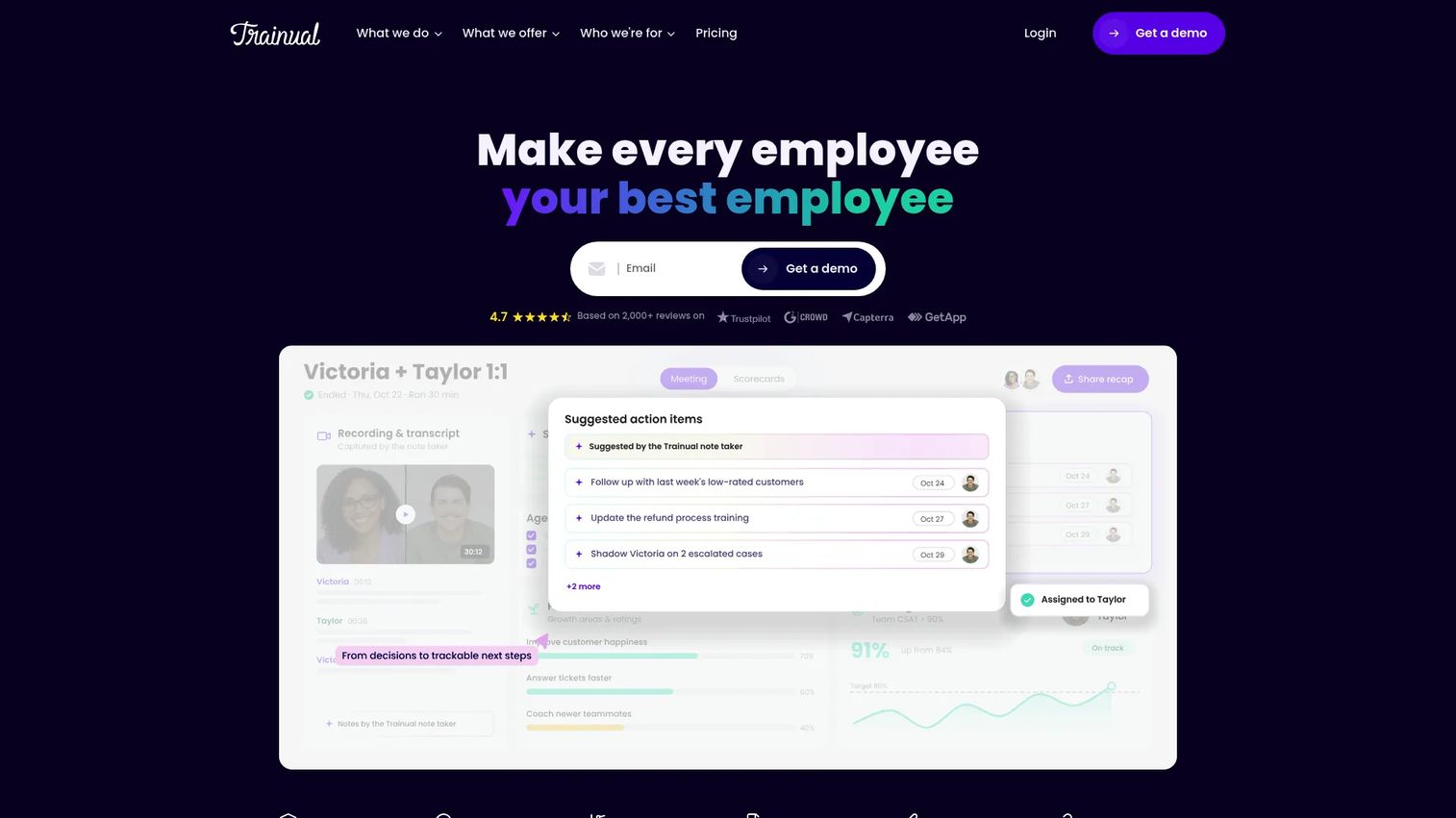
Trainual is the most direct replacement for Waybook when the core need is a structured employee training system with role-based paths, process documentation, and accountability tracking. It has expanded beyond SOPs into performance management, goals, and org charts, making it closer to an operational system of record for scaling teams.
Best for: Teams wanting a centralized employee training system with onboarding playbooks, knowledge checks, and role accountability.
What it is: Trainual is employee onboarding and training software covering SOPs, onboarding paths, testing, tracking, roles and responsibilities, and performance management. It is widely used in SMB and mid-market SaaS operations and HR functions.
Key features:
- Role-based onboarding and training paths
- AI-assisted documentation and knowledge search
- Tests, tracking, and completion reporting
- Org charts, roles, and responsibilities
- Performance reviews, goals, and feedback modules
Where Trainual falls short: G2 reviewers note that the 10-seat minimum on paid plans creates a cost floor that is high for small teams. Some reviewers also report that the content editor lacks formatting depth for complex technical documentation. Setup and content migration take meaningful time for teams moving from an existing handbook system.
Pricing: Core at $3/user/month (annual). Pro at $4/user/month (annual). Premium at $5/user/month (annual). All plans require a 10-seat minimum, so the entry cost runs at least $3,000/year. Enterprise pricing requires contacting sales. No free tier was available on the pricing page.
G2 rating: 4.7
How it compares to Waybook: Trainual is a more fully featured training system than Waybook. It goes deeper on role-based onboarding, testing, and performance workflows, and runs at a higher price floor as a result.
3. Whale (SOP and training software)
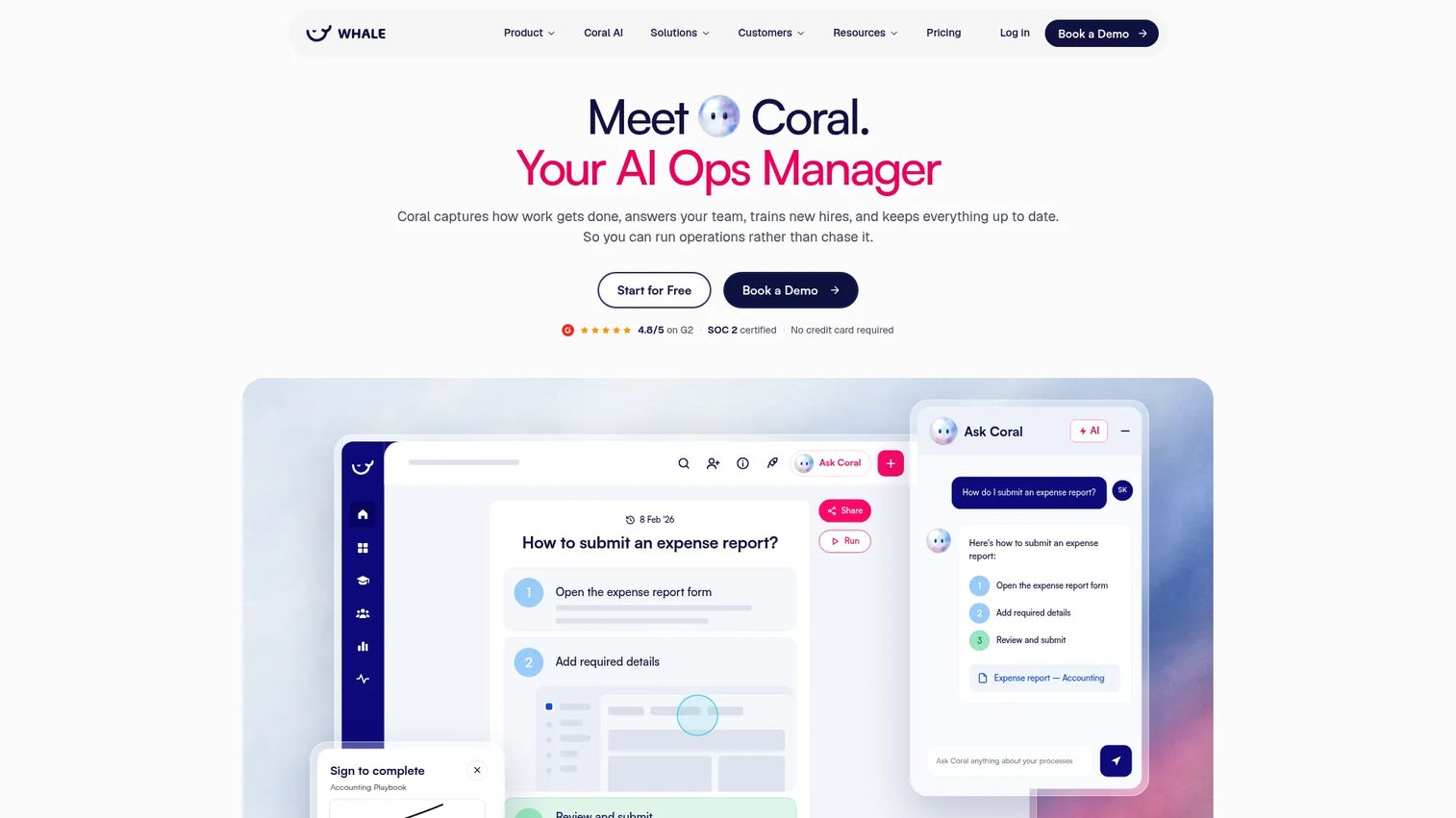
Whale positions itself as AI-powered SOP and operations software. Where Waybook focuses on handbook structure and read confirmations, Whale adds AI-assisted process capture from screen recordings and videos, an AI assistant (Coral) that answers team questions from the SOP library, and compliance features including e-signatures and approval flows.
Best for: Teams that want SOP documentation and assigned training flows in a single system, with AI assistance for capturing and maintaining processes.
What it is: Whale is SOP and training software for documenting processes, training employees, and maintaining operational knowledge. It includes a free plan capped at one creator and ten members, making it accessible for smaller enablement functions.
Key features:
- AI-assisted SOP and process capture from screen recordings, videos, and documents
- Coral AI assistant for sourced answers from internal SOPs
- Training flows and knowledge quizzes
- Compliance features: E-signatures, permissions, approval flows, and audit-ready records
- Checklists, mobile access, and browser extension
Where Whale falls short: G2 reviewers flag that the Scale and Advance plans require annual commitment, and the per-creator pricing model means costs scale quickly as more team members author content. Some users report that the depth of analytics on training completion is lighter than they need for large enablement programs.
Pricing: Free plan supports 1 creator and up to 10 members. Scale at $299/month (billed annually). Advance at $599/month (billed annually). Enterprise pricing is custom.
G2 rating: 4.8
How it compares to Waybook: Whale covers the same documentation and onboarding territory as Waybook but adds AI-assisted capture and an AI answer layer that makes it stronger for teams managing frequently changing processes.
4. Process Street (process management and checklists)
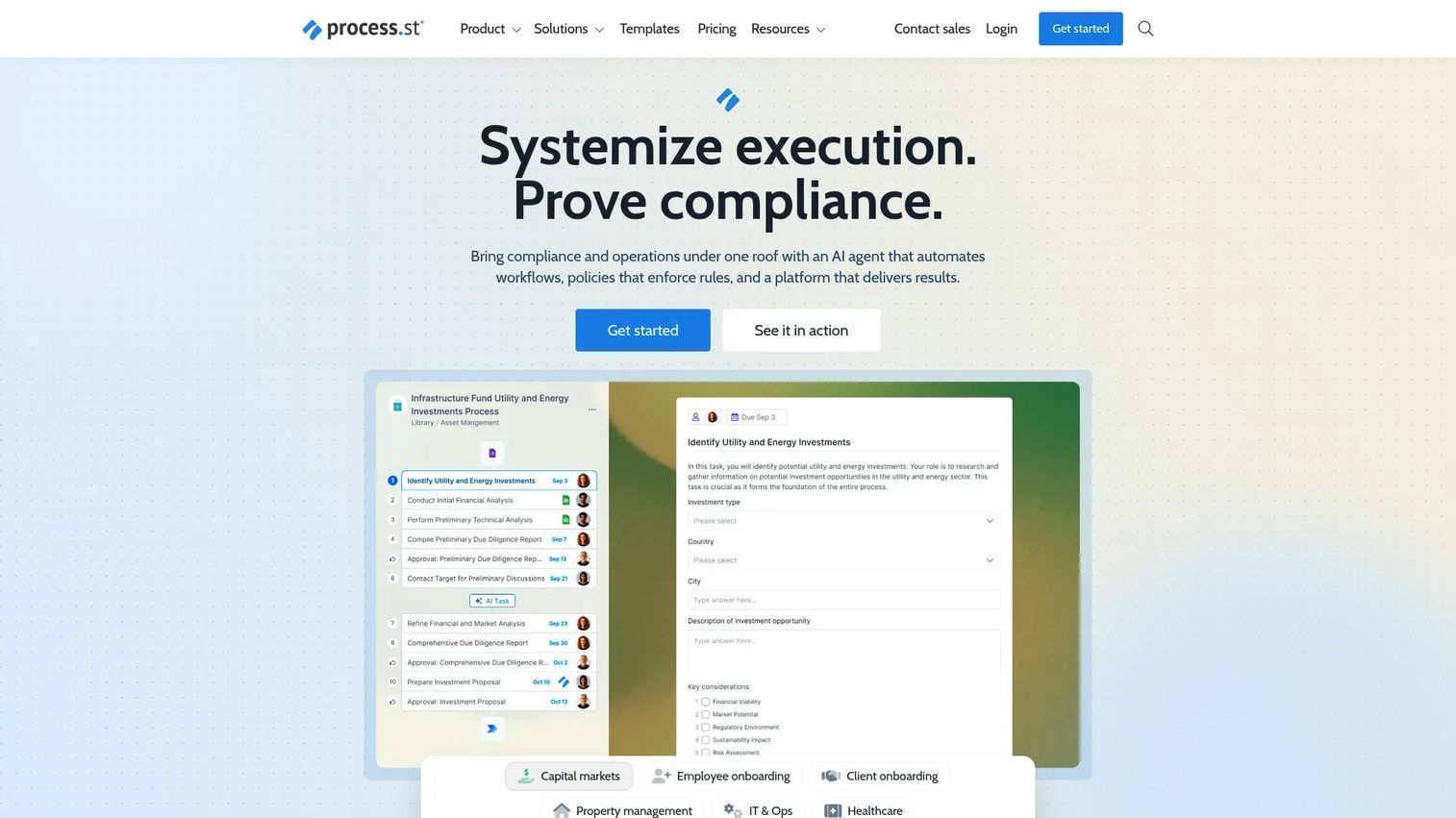
Process Street is not a handbook replacement. The core job is compliance operations: Running repeatable processes, enforcing policies, and generating audit-ready proof that the work happened. Sales Enablement teams reach for it when a process must execute repeatedly, not just be read and acknowledged once.
Best for: Operations and compliance teams running standardized, auditable workflows rather than teams building training content libraries.
What it is: Process Street is a compliance operations platform built around checklists, workflow automation, conditional logic, and approvals. It is used in SaaS operations, HR processes, onboarding workflows, and compliance programs.
Key features:
- Policy, SOP, and document management with approvals and audit trails
- AI-powered workflow automation and process orchestration
- Conditional logic, task assignments, and workflow analytics
- Integrations and compliance controls
Where Process Street falls short: No pricing is published on the vendor's pricing page; all plans are quote-based, which makes budget-stage evaluation harder. G2 reviewers note a steeper learning curve for teams expecting a simple documentation editor, and some flag that the tool's power comes at the cost of setup complexity.
Pricing: Startup, Pro, and Enterprise plans require contacting sales. Pro includes a 14-day free trial. No prices are published.
G2 rating: 4.6
How it compares to Waybook: Waybook is for documenting and assigning content. Process Street is for executing and tracking that content as a workflow, with enforcement and audit trails built in.
5. SweetProcess (SOP documentation software)
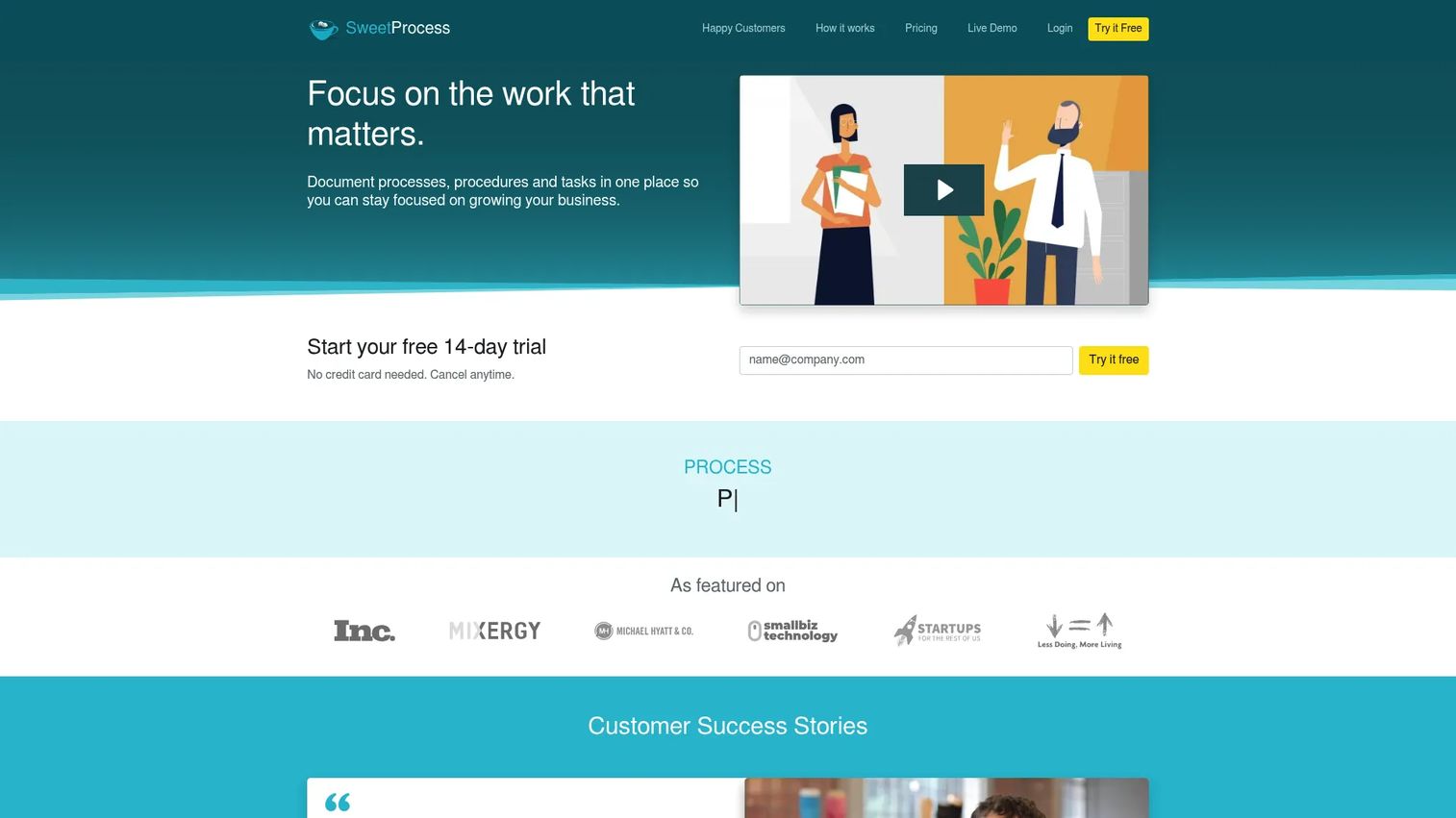
SweetProcess is the most focused SOP library on this list. The pitch is straightforward: Document your procedures, policies, and processes in one place, assign tasks, and give employees a clean reference. There is no LMS, no performance management, and no AI assistant layered on top.
Best for: Small and mid-sized teams that want a clean, maintainable procedure library without additional overhead.
What it is: SweetProcess is SOP documentation software for procedures, policies, processes, and task tracking. All features are included across plans. A 14-day free trial is available, with a 30-day money-back guarantee.
Key features:
- Procedure documentation with version history
- Policy and process management
- Task assignment and tracking
- Knowledge bases, quizzes, and data capture forms
- AI document creation, PDF/Word export, and two-factor authentication
Where SweetProcess falls short: G2 reviewers note the interface feels dated compared to newer documentation tools, and some flag that the formatting options are limited for teams wanting rich media or interactive content. The tool is not designed for enablement teams needing in-workflow delivery or learning path sequencing.
Pricing: Small Team plan at $495/year for up to 5 users ($50/year per additional user). Standard monthly plan at $99/month for up to 10 users ($5/month per additional user). Standard annual plan at $990/year for up to 10 users ($50/year per additional user). No free tier; 14-day free trial available.
G2 rating: 4.3
How it compares to Waybook: SweetProcess is more narrowly focused on procedure documentation and less oriented toward onboarding sequences or completion tracking. Teams wanting a plain SOP library over a training-and-handbook system will find it a cleaner fit.
6. Guru (knowledge management)
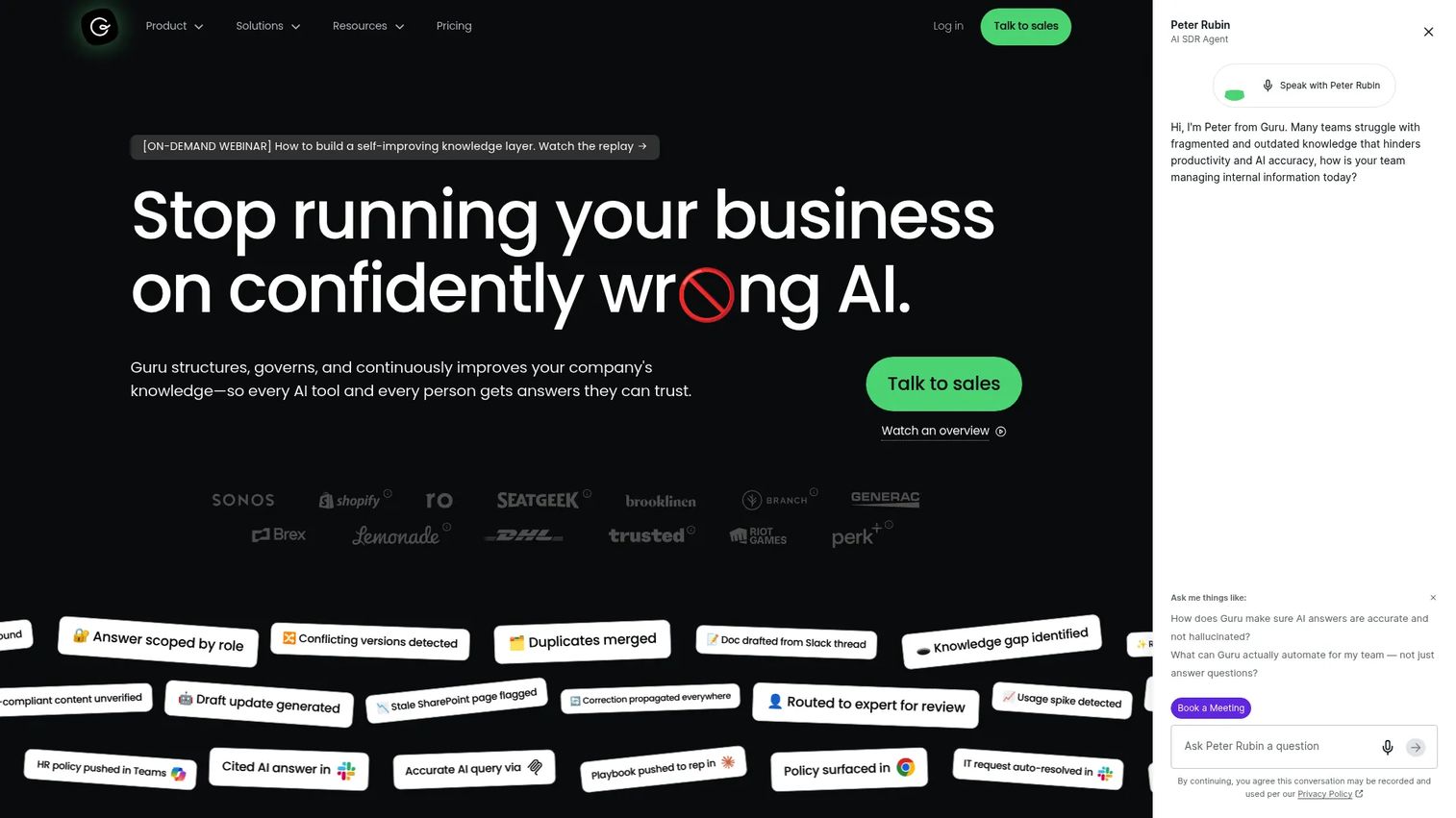
Guru is knowledge management infrastructure for the sales organization. The core capability is a governed, permission-aware knowledge index that surfaces cited answers from connected tools. Where a handbook stores policies, Guru serves verified answers to reps at the moment of need.
Best for: Sales Enablement teams that need reps to retrieve trusted answers from internal knowledge without leaving their workflow.
What it is: Guru is an AI knowledge platform that structures, verifies, and delivers cited answers across connected organizational tools. It supports over 100 source connectors, permission-aware answers, and automated knowledge verification workflows.
Key features:
- 100-plus source connectors and unified knowledge index
- Permission-aware Knowledge Agent for cited answers and deep research
- Automated verification, maintenance, and content update workflows
Where Guru falls short: G2 reviewers flag that content governance requires ongoing admin effort to keep cards current and verified. Some report that search quality degrades when the knowledge base is large and poorly maintained. Pricing is entirely quote-based, which creates a budgeting challenge for teams early in evaluation.
Pricing: Custom pricing. Contact sales for a quote.
G2 rating: 4.7
How it compares to Waybook: Waybook is a training and handbook system. Guru is a knowledge retrieval layer that sits on top of wherever your content already lives, surfacing it at the right moment in the workflow.
7. Spekit (sales enablement and in-workflow learning)
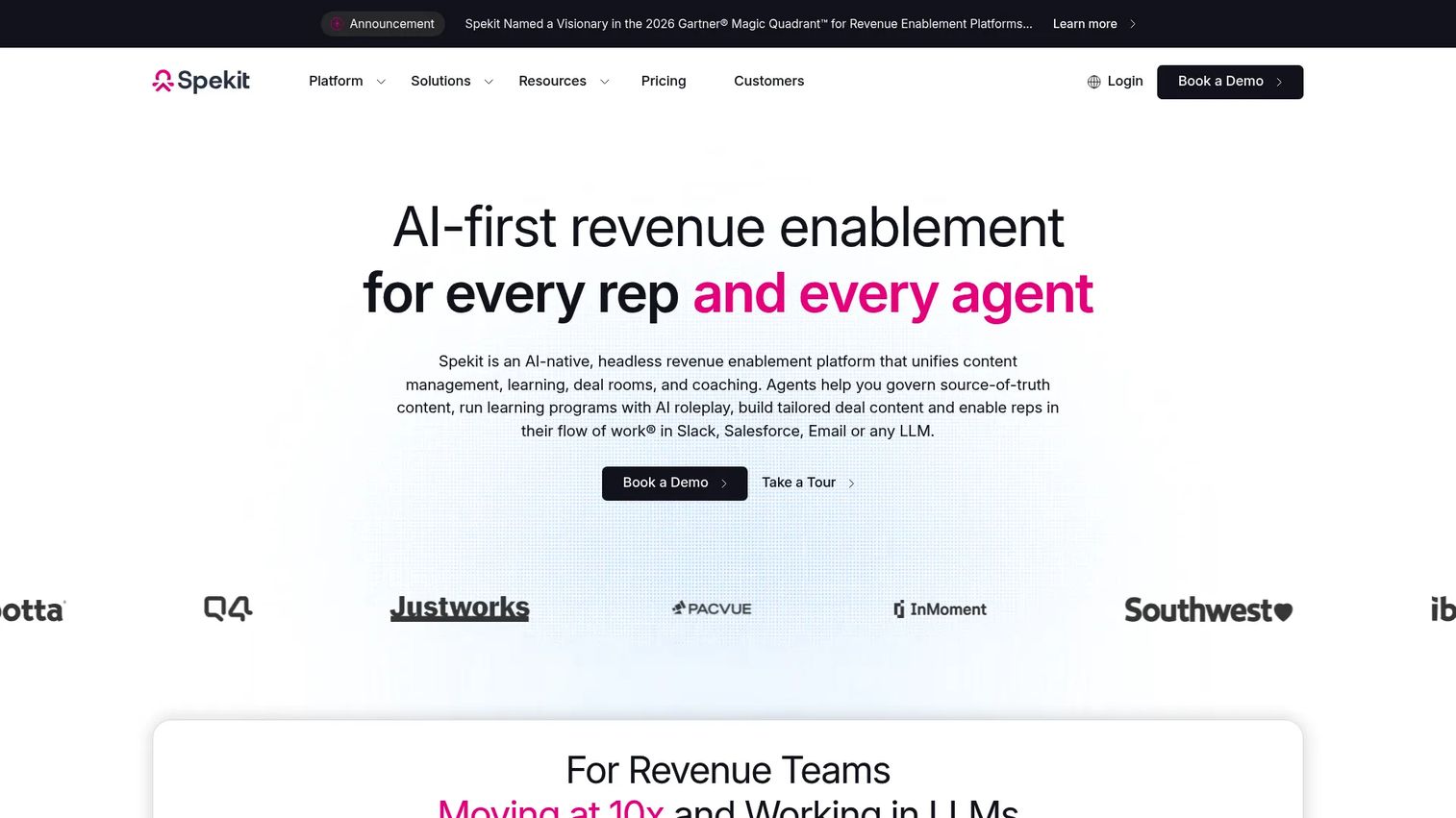
Spekit is built for one specific problem: Reps not finding or using enablement content because it lives outside the tool where they work. The browser extension and Salesforce integration surface content, coaching, and training at the point where a rep needs it, inside CRM fields, email drafts, and call prep.
Best for: Sales teams that need enablement content delivered contextually inside daily workflows, particularly Salesforce-heavy environments.
What it is: Spekit is an AI-powered revenue enablement platform covering governed content management, dynamic learning paths, AI roleplay, in-workflow guidance, and deal rooms with buyer engagement analytics.
Key features:
- AI Sidekick for contextual answers, coaching, and content recommendations
- In-workflow delivery through browser extension, Salesforce, Gmail, Slack, and Gong
- Dynamic Learning Paths, knowledge checks, and AI roleplay
- Governed content management with AI creation, templates, and analytics
- AI-powered Deal Rooms with buyer engagement tracking
Where Spekit falls short: G2 reviewers report that setup and admin configuration require meaningful time investment, particularly for teams building out content libraries from scratch. Some flag integration dependencies as a constraint: The full value of contextual delivery requires the tools in the rep's daily workflow to be supported. Pricing is per-seat and quote-only across all packages.
Pricing: Foundation (GTM Knowledge Engine), Rep Acceleration, and AI Roleplay Practice packages are listed. All are per-seat, quoted based on team size and requirements.
G2 rating: 4.6
How it compares to Waybook: Waybook assigns content for reps to read. Spekit delivers content where reps are already working, which produces materially higher adoption for teams where the consumption problem, not the creation problem, is the blocker.
8. Trainn (training content and academies)
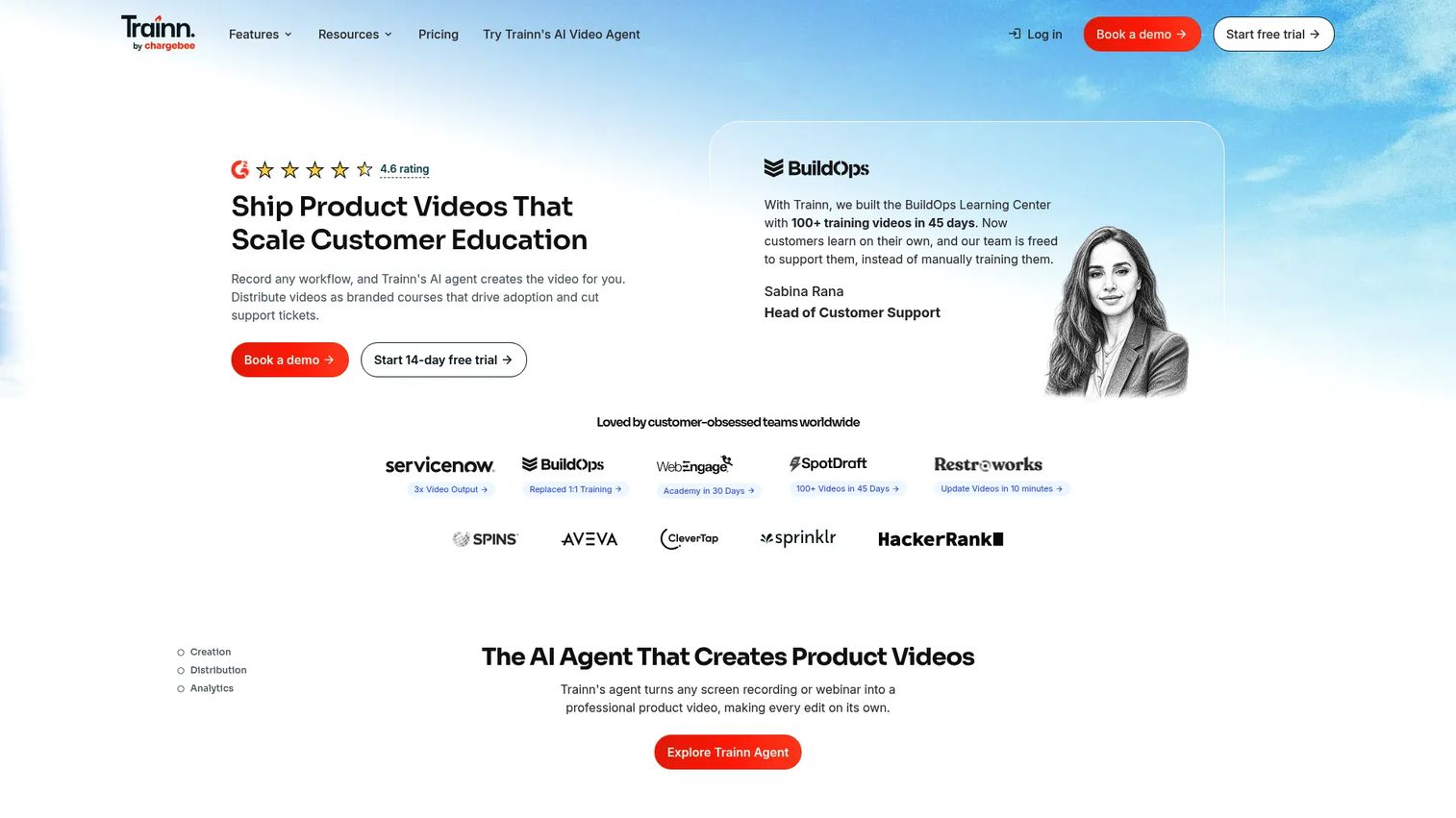
Trainn is an AI-powered training content platform built around video. The core workflow is screen recording converted to narrated product videos, guides, and academy content. Teams use it for customer education and employee product training where video-led lessons and branded knowledge hubs are the primary delivery format.
Best for: Teams building video-led training content, product academies, or branded knowledge hubs for customer-facing or employee training programs.
What it is: Trainn is an AI-powered customer education and training platform. It converts screen recordings into narrated product videos and guides, supports LMS delivery, in-app tutorials, and a branded Knowledge Hub. G2 rates it at 4.6.
Key features:
- AI video and guide generation from screen recordings
- AI voiceovers, captions, summaries, and translations
- Academy builder with LMS, in-app tutorials, and branded Knowledge Hub
- Shareable links, embeds, and video and learner analytics
Where Trainn falls short: G2 reviewers note that the Creator plan (1 user, 15 videos/guides) is limiting for teams with active publishing needs. The tool is primarily customer-education oriented, so internal SOP governance features are lighter than dedicated handbook tools. Free plan is not available.
Pricing: Creator at $19/month (1 user, 15 videos/guides). Launch at $2,400/year (3 users, 120 videos/guides). Scale at $10,000/year (5 users, 250 videos/guides, LMS, in-app tutorials, branded Knowledge Hub). Enterprise at $39,900/year (25 users, 1,000 videos/guides, multiple Knowledge Hubs). No free plan; free trials are available.
G2 rating: 4.6
How it compares to Waybook: Trainn is the right pick when training content is primarily video-led and the team needs an academy or LMS delivery layer. Waybook is better for text-based process documentation and read confirmation.
9. Zavvy (employee onboarding and learning)
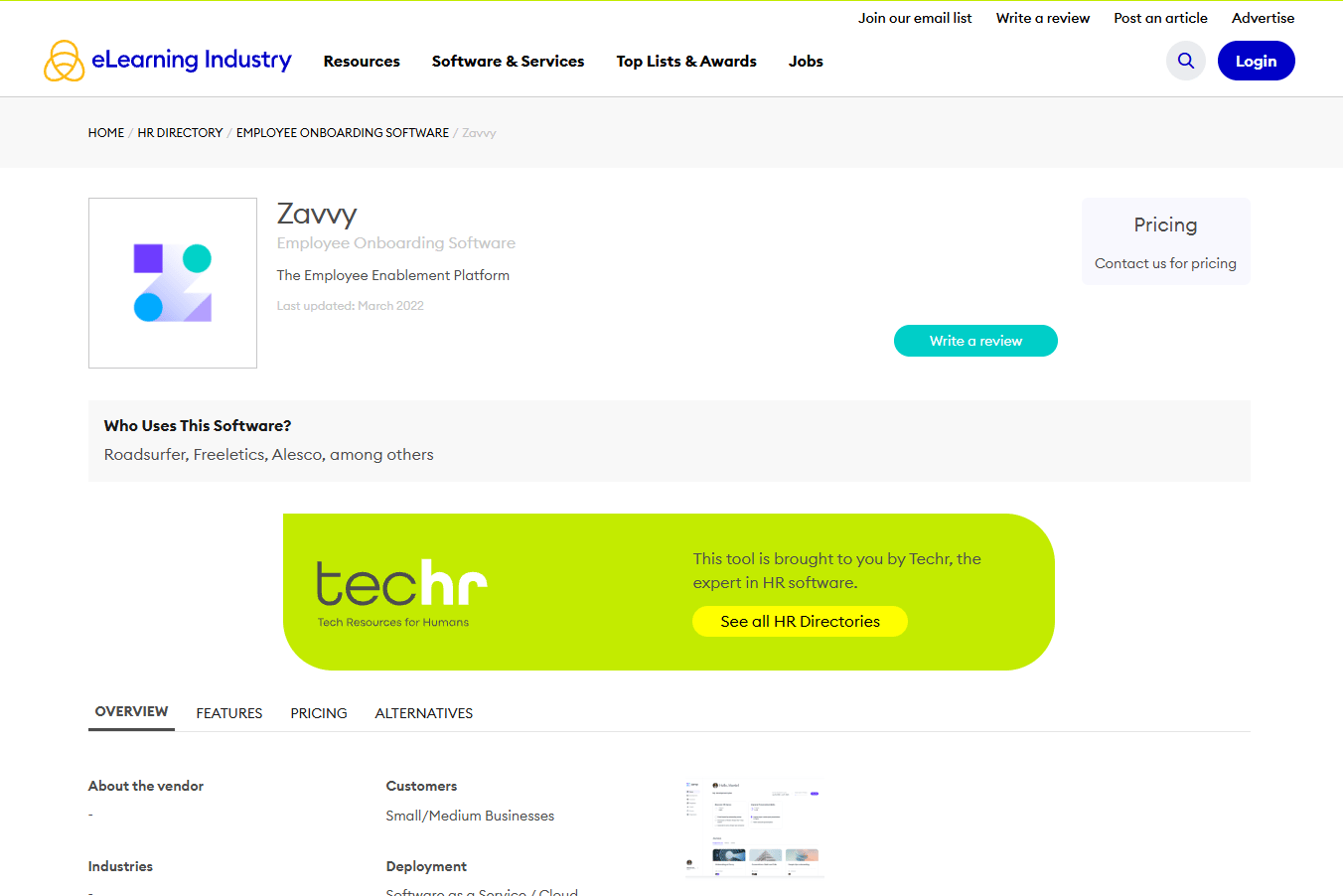
Zavvy is an employee enablement and talent management platform oriented around HR-led onboarding journeys, career development, and performance management. The platform is built for People and HR teams running structured onboarding programs, learning paths, and employee development cycles.
Best for: HR and enablement teams building structured onboarding journeys and people development programs across the employee lifecycle.
What it is: Zavvy is an employee onboarding, learning, and development platform. It covers onboarding workflows, learning paths, templates, manager tasks, and people development modules. Sales Enablement Managers in organizations with a strong HR function may find Zavvy as an upstream onboarding system that sits alongside a dedicated enablement tool.
Key features: Onboarding workflow automation, learning paths, templates, manager tasks, and people development modules.
Where Zavvy falls short: Teams should contact Zavvy directly to evaluate cost and packaging. The platform's HR orientation may be broader than a Sales Enablement Manager needs if the program is narrowly focused on rep readiness rather than full employee lifecycle management.
Pricing: Contact sales.
G2 rating: 4.6
How it compares to Waybook: Where Waybook is SOP and handbook software, Zavvy covers the broader employee lifecycle including development, performance, and HR-led onboarding. It is the more HR-native option for organizations running structured people programs.
What is the best Waybook alternative for interactive internal training?
Guideflow. When the training problem is a stale written product SOP, the fix is letting the learner click through the product flow rather than read about it. Guideflow captures product processes through the Chrome extension or the native app. Step content is generated automatically. Analytics report step-level completion and the exact point where learners drop off, which shows where the training friction lives. Guideflow should sit alongside a handbook or HR system when policies and certifications are required. It covers the product workflow layer, not the policy documentation layer.
Which Waybook alternative is best for structured employee onboarding?
Trainual for enablement-led programs; Zavvy for HR-led lifecycle journeys. Trainual is the stronger fit for Sales Enablement Managers building rep ramp paths, role-based training assignments, and certification workflows. It maps to the enablement use case. Zavvy covers the broader employee lifecycle, including performance cycles and manager check-ins, so it fits organizations where HR owns the onboarding program and Sales Enablement contributes content to it.
Which tool handles SOPs and process documentation best?
Whale for SOPs plus assigned training; SweetProcess for a plain procedure library; Process Street when the SOP must run as a recurring executable workflow. Whale is the strongest replacement for teams that want documentation and training flows in one system. SweetProcess is the cleaner, more focused option for teams whose primary need is a maintainable procedure library without training-path overhead. Process Street is the right call when a process must be executed, tracked, and audited on a recurring basis, not just read.
Which option is best for sales enablement knowledge?
Guru for trusted answer retrieval; Spekit for in-workflow rep guidance. Guru builds a governed knowledge index across connected tools and surfaces cited answers when reps search. Spekit delivers enablement content contextually inside the rep's workflow, inside Salesforce, the browser, or Gmail, so adoption is not dependent on reps choosing to open a separate handbook. The two solve different sides of the same problem: Guru fixes what reps can find; Spekit fixes when and where they find it.
What is the most affordable Waybook alternative?
Guideflow has a free plan at $0 and paid plans starting at $35/user/month (annual). Whale has a free plan supporting 1 creator and 10 members. Trainn starts at $19/month for 1 user with 15 videos or guides. Trainual's minimum entry cost is $3,000/year at a 10-seat floor. SweetProcess starts at $495/year for up to 5 users. Process Street, Guru, Spekit, and Zavvy all require contacting sales for pricing. "Cheapest" shifts depending on team size and billing model: A per-user plan is predictable at small scale but expensive when the team grows; flat monthly plans favor larger teams; quote-only plans require a sales conversation before budget comparison is possible.
When should you stay with a handbook-style tool?
If the primary job is policy acknowledgement, compliance documentation, or company handbook management, a handbook-style platform is still the right call. HR teams with legal obligations around policy sign-off, read confirmations, and audit trails need a dedicated system for that work. Waybook, or any equivalent handbook tool, handles that job. The case for switching emerges when product process training is the bottleneck, not policy documentation. If reps are reading SOPs and still unable to execute the workflow, that is a training delivery problem, not a documentation problem.
Why teams switch from written SOPs to Guideflow
Written SOPs describe what to do. When the product changes, those descriptions describe the wrong screen.
Guideflow captures the product flow as it looks today. The team clicks through the actual process during capture, the Chrome extension or native app records each step, and the interactive demo is ready. When the UI ships a new release, recapturing takes minutes rather than rewriting a document and replacing screenshots.
The analytics change the enablement conversation. Step-level drop-off shows exactly where new hires stop clicking, which turns "training isn't sticking" into a specific step that can be fixed. That signal is not available from a read-confirmation tracker.
Guideflow's scope is intentionally narrow for this use case. It covers the product workflow training layer, the interactive demos, demo pages, demo centers, sandboxes, live demos, and mobile demos that make a process learnable by doing rather than by reading. It does not replace the handbook layer for HR policy, compliance documentation, or certification management. Teams pair it with a dedicated system for that work.
Start your journey with Guideflow today!
FAQs
The right pick depends on what broke. Guideflow is the best fit for teams replacing stale product SOPs with interactive internal training flows. Trainual is the strongest like-for-like replacement for structured employee onboarding and role-based training. Whale covers SOP documentation plus assigned training in a single system. Guru and Spekit solve the enablement knowledge delivery problem rather than the documentation problem.
Guideflow for product process training, where the learner needs to click through the actual workflow rather than read about it. Spekit for contextual rep guidance delivered inside daily tools like Salesforce. Guru for trusted internal answers during active deals or calls. Trainual for onboarding paths and certification programs when the team is scaling.
Whale for teams wanting SOP creation and training flows combined. SweetProcess for a clean, focused procedure library without training-path overhead. Process Street when SOPs must run as recurring executable checklists with approval tracking and audit trails.
Guideflow when the training asset is a product workflow the learner needs to click through. The step-level drop-off analytics show where the training is breaking down, which is not available from a video or a written document. Trainn is the right pick when the training format is a narrated video lesson or a branded product academy.
SOP software documents repeatable processes so they can be referenced, assigned, and updated. Employee onboarding software sequences learning, tasks, and milestones along a ramp path, often with manager checkpoints and certifications. The distinction matters because a team buying to fix a ramp-time problem needs onboarding sequencing, while a team buying to fix a stale process library needs documentation governance.
Guideflow replaces the product-process SOP portion of a handbook, the part where a written step-by-step fails because the product changes faster than documentation can track. It does not replace Waybook's handbook, policy management, or compliance documentation functions. Teams running both use Waybook for policies and Guideflow for product workflow training.
Pricing model and total cost at your team size (per user, flat monthly, or annual minimum). G2 rating and category fit (SOP tool, LMS, knowledge base, or interactive demo platform). Integration with your CRM and existing enablement stack. Content ownership and versioning controls. Analytics depth: Does the tool show completion only, or step-level behavior? Governance features: Expiration dates, approval workflows, and content ownership assignment.
Many do, but they track different things. Handbook-style tools track whether a page was read or a module was completed. Interactive demo platforms like Guideflow report step-level drop-off and viewer flow, showing where in the process a learner disengaged. LMS-style tools like Trainual track course progress, test scores, and certification status. Choosing the right tracking mechanism depends on whether the team needs to know that training happened or where it broke down.