Looking for WalkMe alternatives? You are probably hitting one of three walls: The quote-only pricing feels opaque, the implementation scope is larger than your team needs, or WalkMe's enterprise digital adoption platform (DAP) architecture is more than the job you are hiring for.
The global digital adoption platform market was estimated at $792.3 million in 2025 and is forecast to reach $3.5 billion by 2032, according to Research and Markets (2026). The category has expanded to cover internal employee adoption, customer-facing SaaS onboarding, behavioral analytics, and interactive product education, and the right tool depends entirely on which of those jobs you are hiring it to do.
This roundup covers 19 WalkMe alternatives across four categories: Interactive demo and guide platforms, enterprise digital adoption platforms, product adoption and onboarding tools, and analytics-first options. Guideflow leads as the top pick for PMM and enablement teams creating interactive step-by-step guides for internal training, SOPs, and software enablement. For teams whose primary need is governed cross-application employee adoption, Whatfix, Apty, and Userlane are the strongest like-for-like alternatives to WalkMe.
TL;DR
- Best for internal training guides and SOPs: Guideflow. Record software once, turn it into interactive step-by-step guides for employee onboarding, internal training, software enablement, and product launches, shareable in about two and a half minutes.
- Best enterprise DAP alternatives: Whatfix, Apty, Userlane, SAP Enable Now, and Lemon Learning for governed cross-application employee adoption.
- Best SaaS product onboarding options: Userpilot (from $299/month), Appcues (from $9,000/year), UserGuiding (from $249/month), Product Fruits (from $149/month), HelpHero (from $55/month), and Userflow (from $240/month).
- Best for behavioral analytics: Fullstory has a free plan and surfaces frustration signals. Pendo covers both product analytics and in-app guidance.
- Best for revenue enablement and contextual learning: Spekit, embedded inside sales workflows.
- Pricing reality: Lightweight SaaS onboarding tools publish prices. Enterprise DAP pricing, including WalkMe, Whatfix, Apty, Userlane, SAP Enable Now, Nexthink Adopt, and Lemon Learning, is quote-based or requires a sales conversation.
What's inside
- A category-labeled comparison table covering all 19 tools
- Why PMM and enablement teams look for WalkMe alternatives
- Per-tool cards with best-fit use cases, key features, sourced shortfalls, pricing, G2 ratings, and WalkMe comparisons
- Use-case routing by job: Internal training, enterprise adoption, SaaS onboarding, analytics, sales enablement
- When to stay with WalkMe
- FAQ covering pricing, SAP ownership, migration, and deployment
What is WalkMe?
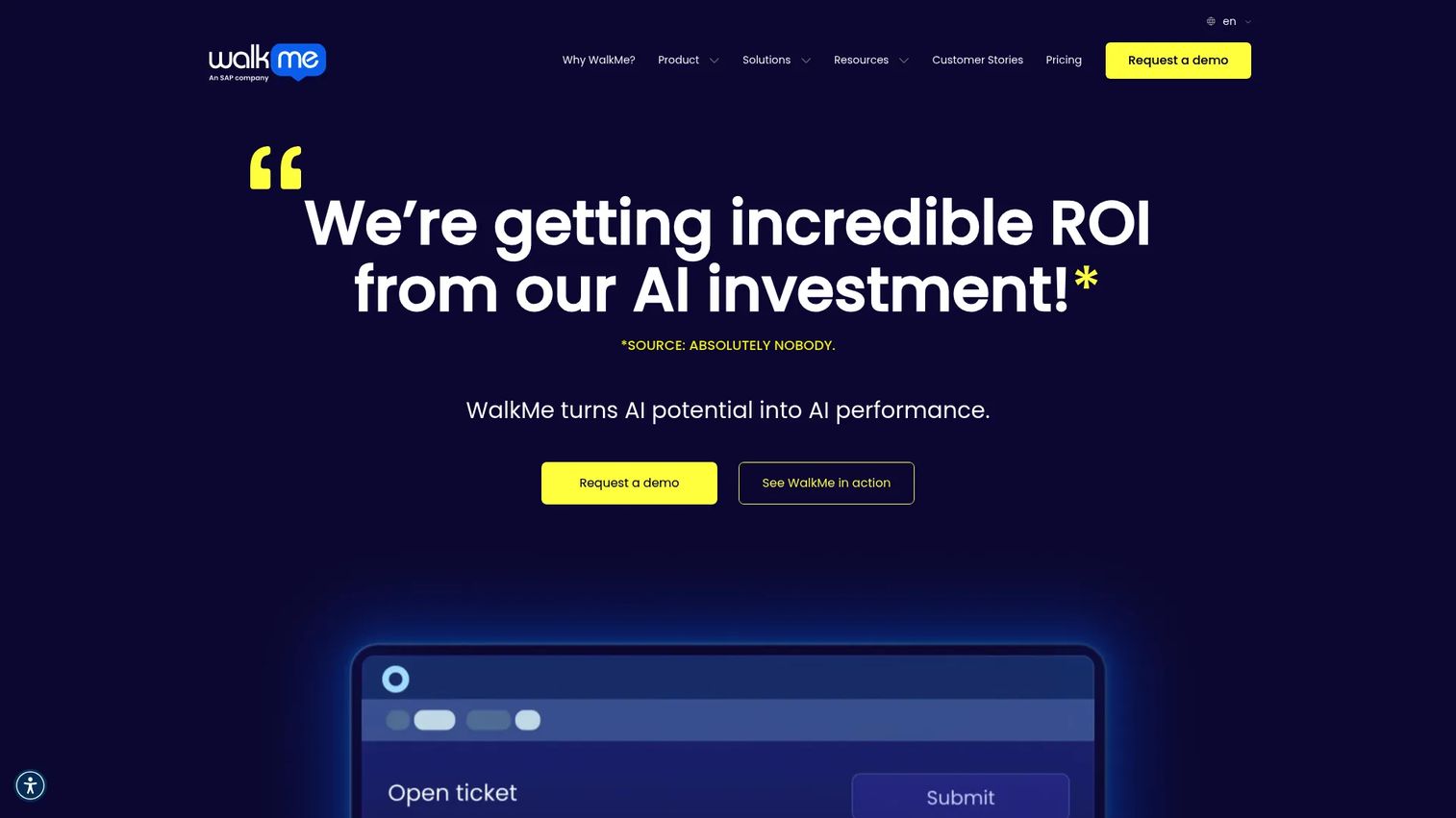
WalkMe is an enterprise digital adoption platform, now owned by SAP, that provides in-app guidance, workflow automation, employee onboarding support, and usage analytics across web, desktop, and mobile applications.
SAP acquired WalkMe in 2024, which matters to buyers evaluating roadmap direction, enterprise procurement bundling, and long-term support. Organizations with deep SAP investments may find the acquisition simplifies procurement. Teams outside the SAP ecosystem may want to evaluate whether the product roadmap still aligns with their stack.
WalkMe's key strengths include multi-application coverage, enterprise governance, analytics across workflows, and AI-assisted in-app guidance. It fits large organizations with dedicated IT or enablement teams running structured software adoption programs. Teams that need fast, PMM-owned content creation tend to find the operational overhead a friction point.
Why teams look for WalkMe alternatives
Teams usually compare WalkMe alternatives when the deployment scope exceeds their need, the pricing model is opaque, or the job they are hiring for sits in a narrower category.
Pricing and contract visibility
WalkMe does not publish numeric pricing. Enterprise DAP contracts typically vary by application count, user volume, services, and support scope. Buyers without procurement bandwidth for a full sales cycle often gravitate toward tools with published tiers, particularly for internal training or lightweight onboarding use cases.
Implementation time and IT dependency
A WalkMe deployment often involves segmentation, governance configuration, cross-application setup, and technical services. PMMs and enablement managers who need to publish a training guide this week, not next quarter, face a mismatch. G2 reviewers of WalkMe frequently cite setup complexity and admin learning curve as friction points.
Use-case mismatch
WalkMe was designed for large, governed employee software adoption programs. It is a different tool from a SaaS product onboarding platform, an interactive guide creator, or a behavioral analytics engine. Collapsing all four into one search produces a noisy evaluation.
SAP ownership and roadmap questions
Buyers in non-SAP environments may question whether WalkMe's roadmap will continue to serve their stack over time. G2 reviewers have raised questions about support quality and product direction following the acquisition.
Need for measurable enablement proof
PMMs and enablement teams need to show which guides were used, where employees dropped off, and whether the content changed behavior. Enterprise DAP dashboards often target IT and operations metrics, not the enablement KPIs PMMs report on.
How we picked these WalkMe alternatives
Each tool was evaluated on four criteria: Fit for the job the reader is hiring the tool to do, category clarity, pricing transparency from the vendor's pricing page, and G2 rating from named review data. The list spans interactive guide and demo platforms, enterprise digital adoption platforms, SaaS product onboarding tools, analytics-first tools, and specialized enablement platforms, labeled throughout so readers can tell a category upgrade from a like-for-like swap. The digital adoption market was sized at $792.3 million in 2025 by Research and Markets (2026).
WalkMe alternatives at a glance
Guideflow leads for PMM and enablement teams creating interactive step-by-step guides. The table below covers all 19 tools with their category, best-fit use case, G2 rating, free plan status, and starting price.
| # | Tool | Category | Best for | G2 rating | Free plan | Starting price |
|---|---|---|---|---|---|---|
| 1 | Guideflow | Interactive guide and demo platform | Internal training, SOPs, employee onboarding, software enablement | 5.0 | Yes | Free; Solo $35/user/month (annual) |
| 2 | Whatfix | Enterprise digital adoption platform | Cross-application employee adoption | 4.6 | No | Quote-based |
| 3 | Apty | Enterprise digital adoption platform | Process compliance and employee software adoption | 4.7 | No | Quote-based |
| 4 | Userlane | Digital adoption platform | Employee adoption and application intelligence | 4.7 | No | Quote-based |
| 5 | Pendo | Product experience platform | Product analytics and customer-facing guidance | 4.4 | Yes (up to 500 MAUs) | Quote-based for paid plans |
| 6 | Userpilot | Product adoption platform | SaaS onboarding and feature adoption | 4.6 | No | From $299/month |
| 7 | UserGuiding | Product onboarding platform | No-code onboarding for smaller SaaS teams | 4.7 | No | From $249/month |
| 8 | Appcues | Product onboarding platform | In-app onboarding and lifecycle messaging | 4.6 | No | From $9,000/year |
| 9 | Spekit | Sales enablement and contextual learning | Revenue enablement inside sales workflows | 4.7 | No | Quote-based |
| 10 | Product Fruits | Product adoption platform | Budget-conscious onboarding and feedback | 4.6 | No | From $149/month |
| 11 | HelpHero | Product onboarding platform | Lightweight in-app onboarding tours | 4.9 | No | From $55/month |
| 12 | Userflow | Product onboarding platform | Advanced no-code onboarding flows | 4.8 | No | From $240/month (annual) |
| 13 | Fullstory | Digital experience analytics | Session replay and behavioral intelligence | 4.5 | Yes | Quote-based for paid plans |
| 14 | Nexthink Adopt | Employee digital adoption | IT-led employee adoption and digital workplace analytics | 4.6 | No | Quote-based |
| 15 | VisualSP | In-app help and training | Microsoft 365, SharePoint, and contextual employee help | 4.9 | Yes (Adopt365) | Quote-based for paid plans |
| 16 | ClickLearn | Training and process documentation | Workflow capture for enterprise training content | 4.5 | No | Quote-based |
| 17 | Guidde | Video documentation and training | AI-generated process videos and internal guides | 4.8 | Yes | From $19/creator/month (annual) |
| 18 | SAP Enable Now | Enterprise training and enablement | SAP-centered training and user enablement | 4.3 | No | Quote-based |
| 19 | Lemon Learning | Digital adoption platform | Employee onboarding and in-app training | 4.8 | No | Quote-based |
The best WalkMe alternatives in 2026
1. Guideflow (interactive guide and demo platform)
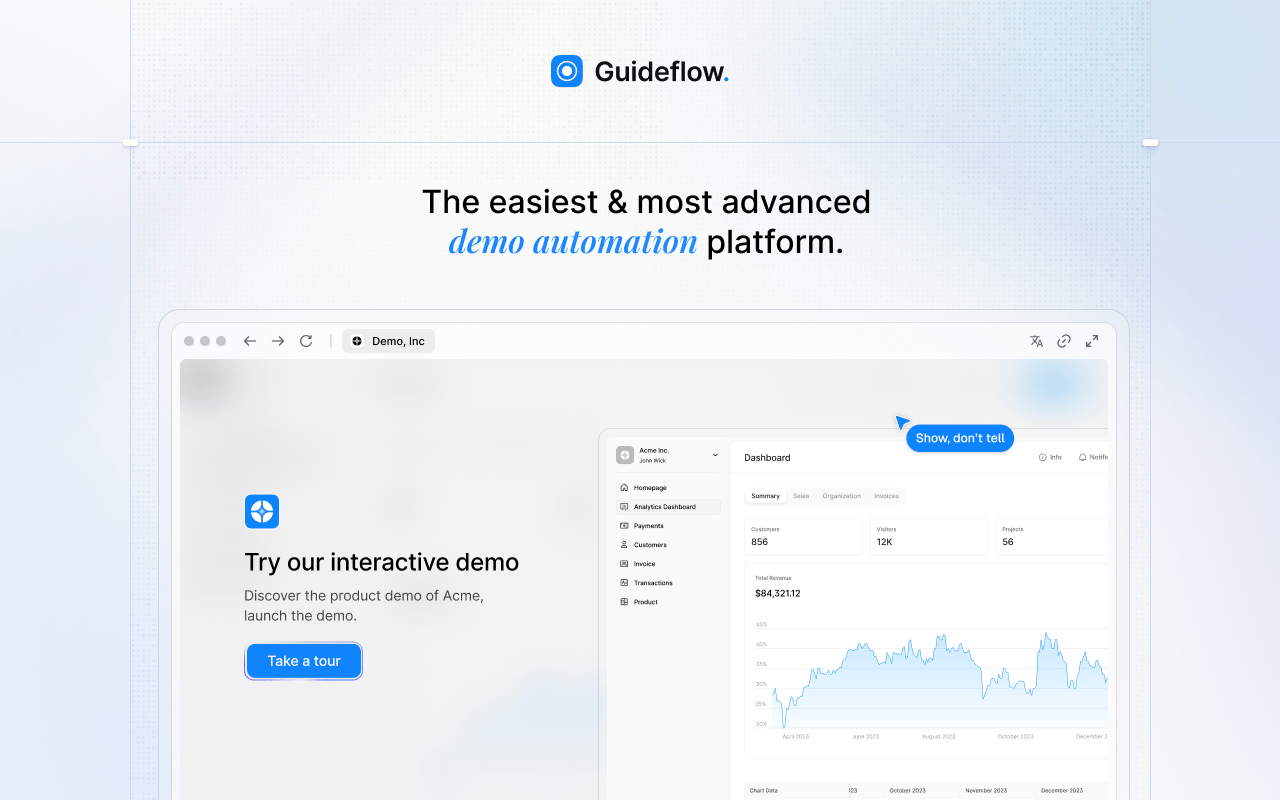
Guideflow is a demo automation platform that lets PMM, enablement, support, and operations teams record software once and turn the capture into interactive step-by-step content that employees or buyers click through at their own pace. The difference from enterprise DAPs is the creation model: Guideflow is built for teams who need to publish a training guide quickly, not teams running IT-governed multi-application adoption programs.
Best for: PMM, enablement, support, and operations teams that need interactive guides for employee onboarding, internal training, SOPs, software enablement, partner training, and launch readiness.
What it is: Guideflow is a demo automation platform. Its interactive demos cover six formats: Interactive demos, demo pages, demo centers, sandboxes, live demos, and mobile demos. When used for internal audiences, the same interactive demo format serves as step-by-step training content for SOPs, software education, and process documentation.
Key features:
- Capture through the Chrome extension or the native app, with screenshot, HTML, and video capture modes
- Editor supports text, images, graphs, and branching; step content and CTAs generated automatically
- Personalize for different audiences with variables and conditional branching
- Step-level completion, drop-off, and viewer flow analytics
- Translation into more than 30 languages; AI voiceover
- Integrations with HubSpot, Salesforce, Pipedrive, Zoho, and Marketo
Where Guideflow falls short:
- Teams whose primary need is governed cross-application employee adoption across a large enterprise software portfolio will still want a dedicated enterprise DAP alongside Guideflow
- Organizations requiring formal LMS certification and compliance tracking may need to pair Guideflow with a dedicated learning platform
Pricing: Free plan available. Solo is $35/user/month (annual). Growth is $499/month (annual). Advanced is $1,499/month (annual). Enterprise starts from $2,999/month (annual) and adds SSO, advanced governance, and enterprise security.
G2 rating: 5.0
How it compares to WalkMe: WalkMe is built for IT-led, multi-application adoption programs with complex governance requirements. Guideflow is built for PMM and enablement teams creating interactive step-by-step content that employees click through for training, SOPs, and launch readiness, without waiting on a technical rollout.
Start your journey with Guideflow today!
2. Whatfix (enterprise digital adoption platform)
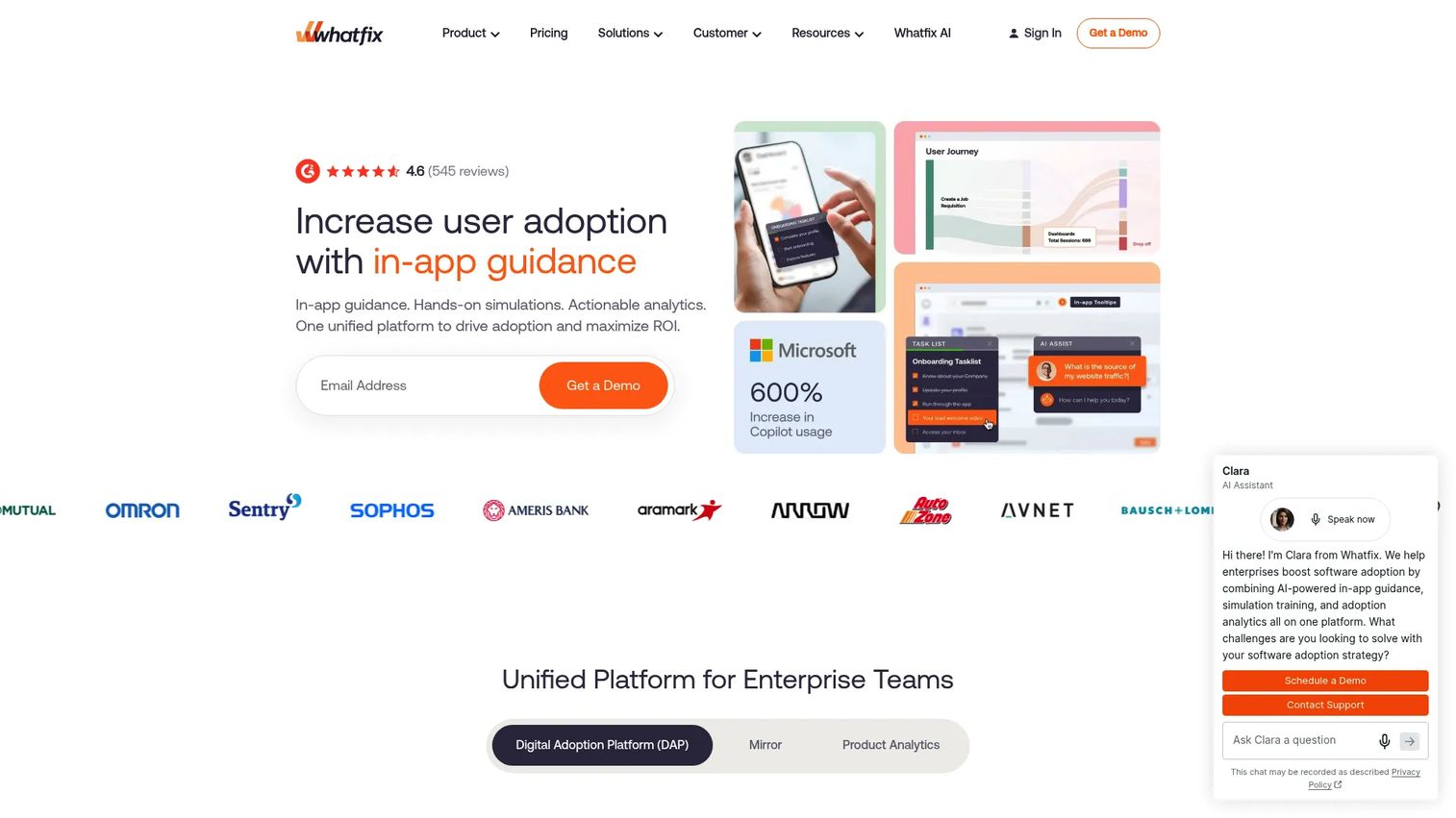
Whatfix is the most direct like-for-like WalkMe alternative for enterprise digital adoption. It covers in-app guidance, self-service support, analytics, and AI-assisted content authoring across business applications, and it has earned strong enterprise DAP positioning without the SAP acquisition dynamic.
Best for: Enterprise organizations that need cross-application employee guidance, in-app self-help, and adoption analytics with strong support and implementation resources.
What it is: Whatfix is an AI-powered digital adoption platform. Its guidance capabilities include Flows, Smart Tips, Pop-Ups, Task Lists, and self-service help. Analytics cover adoption, behavior, and task success. The pricing page confirms Standard, Premium, and Enterprise tiers, all quote-based, and states that a free trial is available.
Key features:
- In-app guidance: Flows, Smart Tips, Pop-Ups, Task Lists
- Self-service support and content aggregation
- Guidance and product analytics
- AI-assisted content authoring and application simulations
- Cross-application workflow support
Where Whatfix falls short:
- G2 reviewers report that initial setup and configuration require significant IT and admin involvement
- Pricing is quote-based across all tiers, limiting self-serve budget estimation
- Some reviewers note the editor has a learning curve for content creators without technical backgrounds
Pricing: Quote-based across Standard, Premium, and Enterprise tiers. Pricing is a flat per-application fee plus user license fees. A free trial is available.
G2 rating: 4.6
How it compares to WalkMe: Whatfix covers the same enterprise digital adoption job as WalkMe and is widely evaluated as a direct alternative. Teams outside the SAP ecosystem, or those with concerns about post-acquisition roadmap direction, often include Whatfix as the primary comparison.
3. Apty (enterprise digital adoption platform)
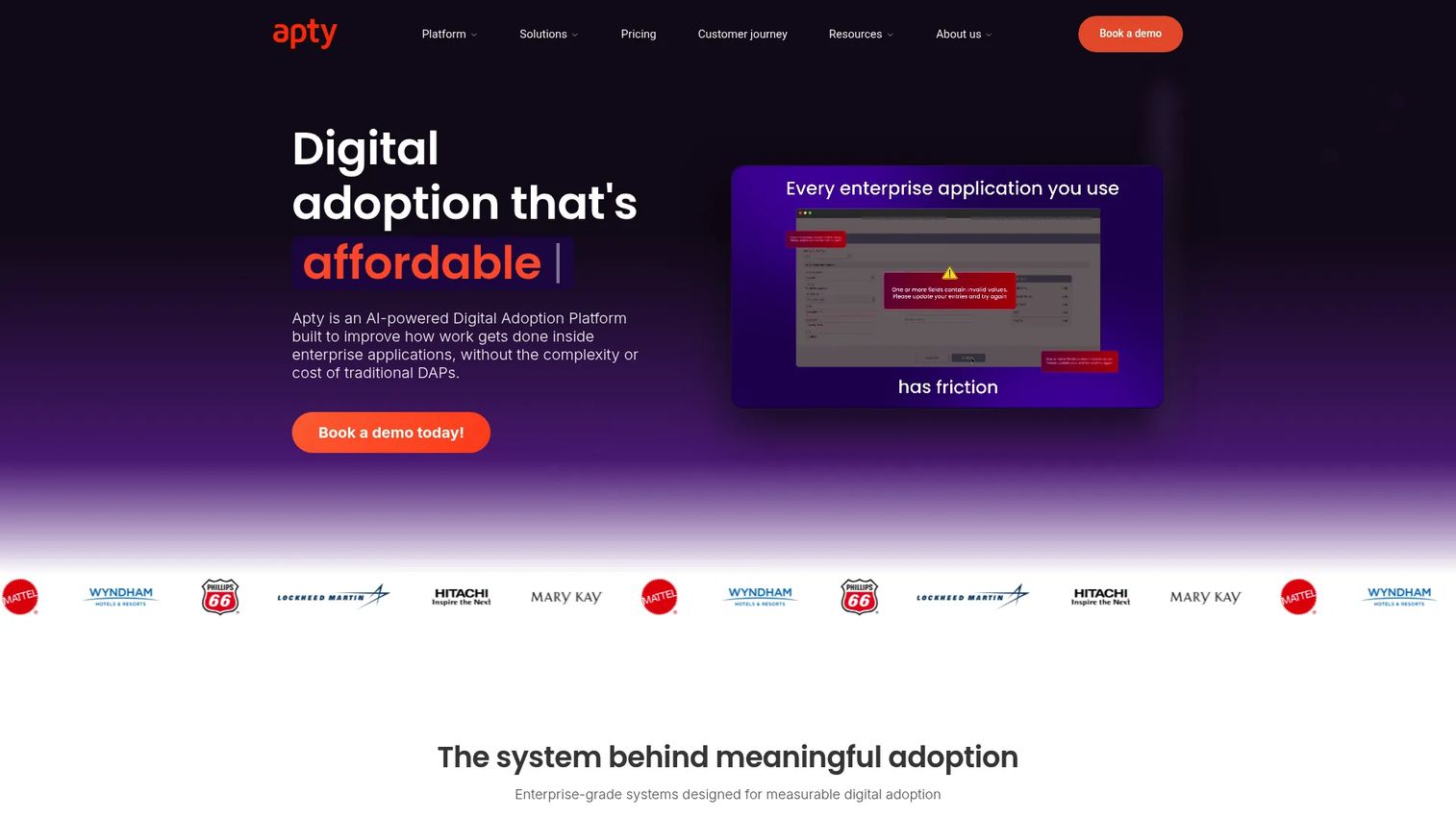
Where most DAPs lead with guidance, Apty leads with process compliance. Its workflow validations and SOP enforcement angle makes it a strong fit for organizations where data integrity and process adherence are as important as software adoption.
Best for: Enterprise teams in regulated or process-heavy industries that need guided workflows, data validation, and measurable process compliance inside business applications.
What it is: Apty is an AI-powered digital adoption platform focused on improving how work gets done inside enterprise applications. Its custom pricing model is based on deployment scope, users, applications, and compliance requirements.
Key features:
- Contextual walkthroughs and in-app guidance
- Workflow validations and SOP enforcement
- Workflow and page-level analytics
Where Apty falls short:
- G2 reviewers note that content customization options can feel limited compared to broader DAP competitors
- All pricing requires a sales conversation; no self-serve trial path is available
- Reviewers describe the reporting interface as requiring improvement for non-technical stakeholders
Pricing: Custom pricing based on deployment scope, users, applications, implementation, and compliance needs. Apty does not use feature-based tiers.
G2 rating: 4.7
How it compares to WalkMe: Apty covers a similar enterprise adoption job but with a heavier orientation toward process compliance and data quality. Teams that need workflow validation alongside in-app guidance, particularly in ERP or CRM environments, tend to find Apty a sharper fit than a general-purpose DAP.
4. Userlane (digital adoption platform)
Userlane adds an application intelligence layer on top of digital adoption, which makes it useful for organizations that want to measure their software portfolio performance alongside guiding employee adoption.
Best for: Enterprise organizations that want both in-app employee guidance and portfolio-level software adoption analytics, particularly IT and operations teams optimizing their software estate.
What it is: Userlane combines Application Intelligence with Contextual Assistance. The Application Intelligence layer covers App Discovery, HEART Scores, and Portfolio Overviews. The guidance layer includes in-app Assistants, Contextual Actions, and Validators. Pricing is application-based or consumption-based and requires a sales conversation.
Key features:
- Application Intelligence with App Discovery and HEART Scores
- Portfolio Overview for software adoption measurement
- In-app guidance and Contextual Actions
- Analytics for adoption, compliance, and task success
Where Userlane falls short:
- G2 reviewers report that the initial configuration requires meaningful IT involvement
- All plans require contacting sales
- Reviewers note that analytics customization for non-standard reporting needs is limited
Pricing: Application-based or consumption-based. Plans are Application, Department, and Organization. All require a sales conversation; no public numeric pricing is displayed.
G2 rating: 4.7
How it compares to WalkMe: Userlane covers a similar enterprise adoption scope and adds portfolio intelligence. Teams evaluating both often differentiate on the analytics depth and application-performance reporting Userlane provides alongside its guidance features.
5. Pendo (product experience platform)
Pendo sits at the intersection of product analytics and in-app guidance, which makes it a PMM-relevant tool for customer-facing SaaS products rather than internal employee adoption programs.
Best for: Product and PMM teams measuring user behavior and delivering in-app guidance for customer-facing SaaS products, with feedback and roadmap features alongside the analytics.
What it is: Pendo is a product experience platform. Its capabilities include product analytics, in-app guides, session replay, NPS and CSAT surveys, feedback management, roadmaps, and cross-channel journey orchestration. A free plan covers up to 500 monthly active users. Paid Base, Core, and Ultimate plans are quote-based.
Key features:
- Product analytics and user segmentation
- In-app guides and session replay
- NPS, CSAT, and PMF surveys
- Feedback management and product roadmaps
- Cross-channel journey orchestration
Where Pendo falls short:
- G2 reviewers frequently cite the learning curve and admin complexity as friction points for smaller teams
- Paid plan pricing is entirely quote-based, with no public tier amounts displayed
- Reviewers note that the reporting layer can feel complex to configure for stakeholders without data backgrounds
Pricing: Free plan available for up to 500 MAUs. Paid Base, Core, and Ultimate plans require a sales conversation.
G2 rating: 4.4
How it compares to WalkMe: Pendo and WalkMe address different primary audiences. Pendo is built for customer-facing product analytics and guidance. WalkMe is built for internal enterprise software adoption. Teams looking for a WalkMe alternative to handle customer SaaS onboarding and product analytics tend to prefer Pendo over enterprise DAP alternatives.
6. Userpilot (product adoption platform)
Userpilot publishes its pricing, covers product analytics and in-app engagement in one platform, and targets SaaS product and CS teams rather than IT-led internal adoption programs. For PMMs running customer activation campaigns, it is one of the most capable mid-tier options.
Best for: SaaS product, growth, and customer-success teams who need no-code in-app onboarding, product analytics, and feature adoption tracking for customer-facing products.
What it is: Userpilot is a product growth and analytics platform. Its Starter plan begins at $299/month for up to 2,000 monthly active users. Growth scales with MAUs from $849/month. Enterprise is custom. A 14-day free trial is available; no permanent free plan is listed.
Key features:
- Product analytics and autocapture
- In-app engagement: Flows, checklists, tooltips, banners
- User feedback and NPS surveys
- Session replay
- Mobile engagement and email workflows
Where Userpilot falls short:
- G2 reviewers note that the mobile engagement features are limited compared to the desktop experience
- The Growth plan requires a conversation about MAU pricing above the base tier
- Reviewers report that some integrations require additional configuration that is not covered in standard onboarding
Pricing: Starter from $299/month (up to 2,000 MAUs). Growth from $849/month. Enterprise is custom.
G2 rating: 4.6
How it compares to WalkMe: Userpilot covers customer-facing SaaS onboarding and product analytics. WalkMe is enterprise internal software adoption. For teams whose primary audience is their product's end users rather than internal employees, Userpilot is a sharper fit at a published price.
7. UserGuiding (product onboarding platform)
UserGuiding is a no-code product onboarding platform with published pricing, which makes it appealing for smaller SaaS teams that need customer-facing onboarding without the overhead of an enterprise DAP or a complex setup.
Best for: Smaller SaaS product and growth teams that need product tours, onboarding checklists, in-app announcements, and feedback collection without engineering involvement.
What it is: UserGuiding supports product tours, guides, hotspots, tooltips, Knowledge Base and Resource Centers, NPS, event tracking, and session replay. Starter is $249/month for up to 2,000 MAUs. Growth is $499/month. Enterprise pricing requires a conversation.
Key features:
- Product tours, guides, hotspots, and tooltips
- Knowledge Base and Resource Centers
- NPS and in-app surveys
- Analytics, segmentation, and event tracking
- Feature requests and in-app product updates
Where UserGuiding falls short:
- G2 reviewers note that advanced analytics and reporting are thinner compared to platforms like Pendo or Userpilot
- Custom styling and branding options can be limited on lower tiers
- Reviewers report that scalability for complex segmentation scenarios requires the higher-tier plans
Pricing: Starter from $249/month (2,000 MAUs). Growth from $499/month (2,000 MAUs). Enterprise requires a custom quote.
G2 rating: 4.7
How it compares to WalkMe: UserGuiding is a customer-facing product onboarding tool, not an enterprise employee adoption platform. Teams switching from WalkMe to handle SaaS product onboarding, rather than internal software adoption, will find UserGuiding a more focused and cost-effective option.
8. Appcues (product onboarding platform)
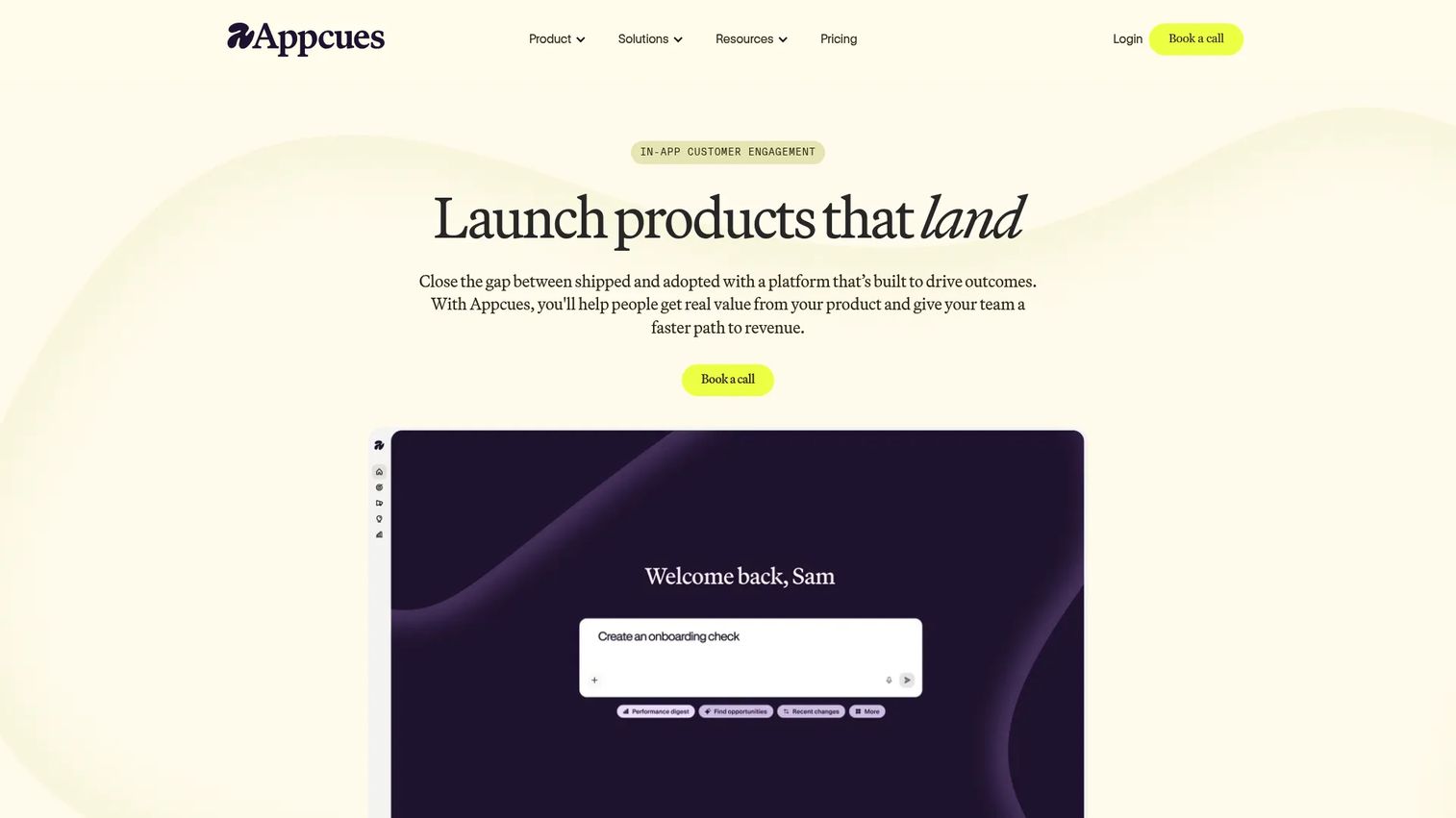
Appcues targets product-led SaaS teams and has built a reputation among PMMs for in-app lifecycle messaging alongside onboarding. Its annual pricing floor is higher than most alternatives in this category, which reflects its enterprise product orientation.
Best for: Product-led SaaS companies whose PMM or product teams need in-app onboarding, lifecycle messaging, feature announcements, and segmentation across a large active user base.
What it is: Appcues is a product adoption and engagement platform. The Grow plan starts at $9,000/year for up to 50,000 MAUs and includes 25 published experiences. Enterprise is custom with higher MAU volume, more published experiences, and priority support. A free trial is available; no permanent free plan.
Key features:
- In-product flows, modals, tooltips, slideouts, and hotspots
- Checklists, launchpads, banners, embeds, NPS, and surveys
- Audience targeting by user attributes, behavior, and trigger conditions
- Analytics dashboards, funnels, retention, A/B tests, and control experiments
- AI-assisted experience creation and optimization
Where Appcues falls short:
- G2 reviewers note that the $9,000/year entry point makes it less accessible for early-stage teams
- Mobile and web coverage has gaps that reviewers flag for teams with significant mobile user bases
- Some reviewers describe custom styling as requiring CSS knowledge beyond what the visual editor covers
Pricing: Grow from $9,000/year (up to 50,000 MAUs). Enterprise is custom.
G2 rating: 4.6
How it compares to WalkMe: Appcues handles customer-facing product onboarding and lifecycle messaging. WalkMe handles internal enterprise software adoption. The two serve different primary audiences, so the choice between them is driven by whether the team's end users are internal employees or external customers.
9. Spekit (sales enablement and contextual learning)
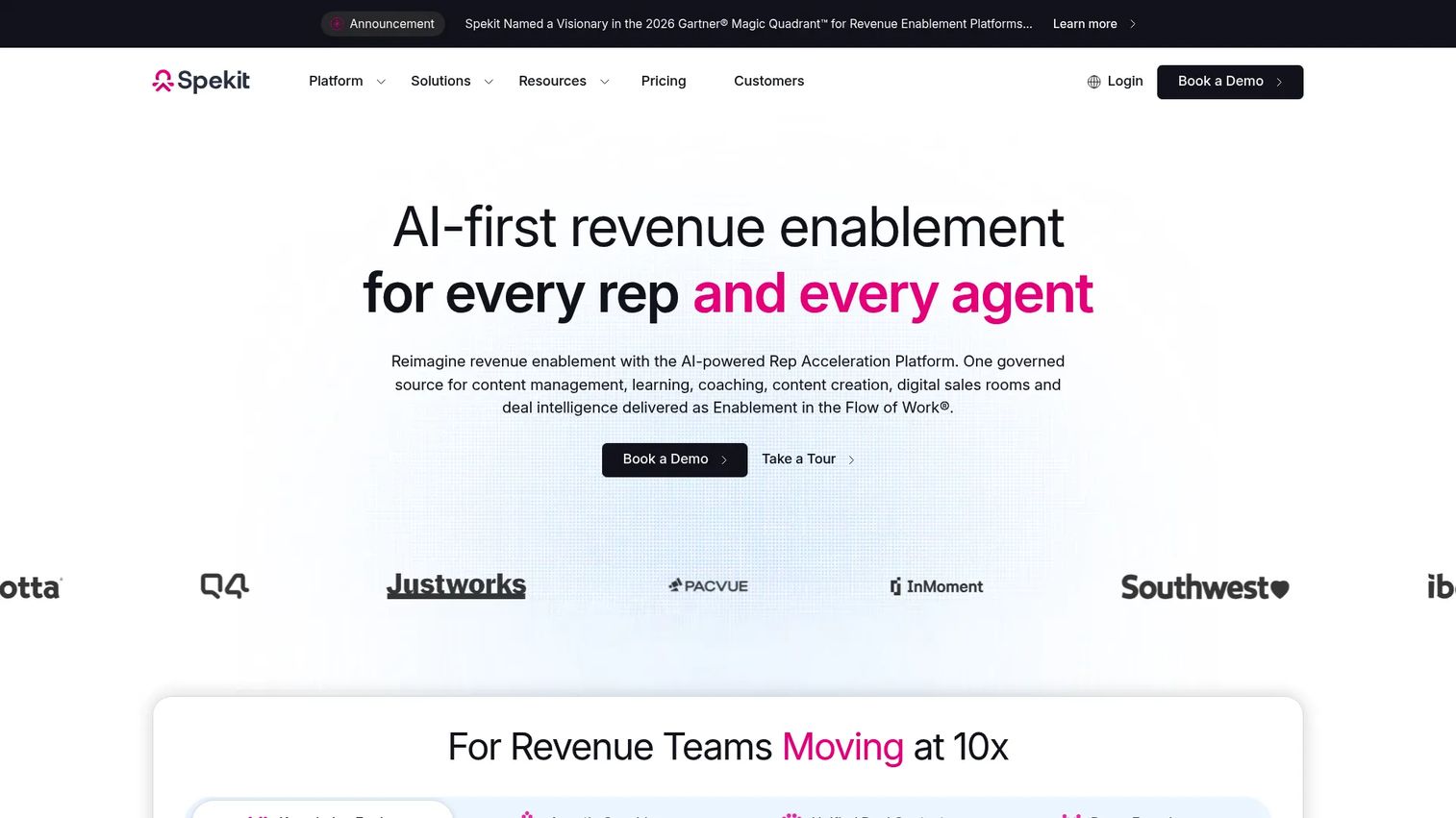
Spekit occupies a distinct lane: Revenue enablement embedded inside the tools reps already use, rather than standalone training or in-app product guidance. For PMMs who need sales to adopt messaging and launch content, it deserves a slot in the evaluation.
Best for: Revenue teams that need just-in-time enablement, battlecards, messaging, and training delivered inside CRM and sales workflows rather than in a separate training platform.
What it is: Spekit is an AI-powered revenue enablement platform. It delivers governed content, knowledge cards, learning paths, AI role-play, deal rooms, and buyer engagement insights directly inside tools including Salesforce, Gmail, Gong, and Slack. Pricing is quote-based.
Key features:
- AI Sidekick for contextual answers inside rep workflows
- Governed content hub with version history, ownership, and permissions
- Dynamic Learning Paths with knowledge checks and AI role play
- Personalized, trackable Deal Rooms
- Embedded enablement across Salesforce, Gmail, Gong, Slack, and LinkedIn
Where Spekit falls short:
- G2 reviewers note that content maintenance can become time-intensive as the library grows without clear governance workflows
- Quote-based pricing creates difficulty for self-serve budget estimation
- Reviewers report that search relevance inside the platform occasionally surfaces outdated or tangential content
Pricing: Quote-based. The pricing page compares Just-in-Time Enablement and GTM Acceleration capabilities but does not display public numeric prices.
G2 rating: 4.7
How it compares to WalkMe: Spekit covers revenue enablement and contextual sales learning. WalkMe covers enterprise employee software adoption across internal applications. The two tools serve different buyers and different jobs; Spekit is not a DAP replacement, but it fills a gap WalkMe does not address for sales teams.
10. Product Fruits (product adoption platform)
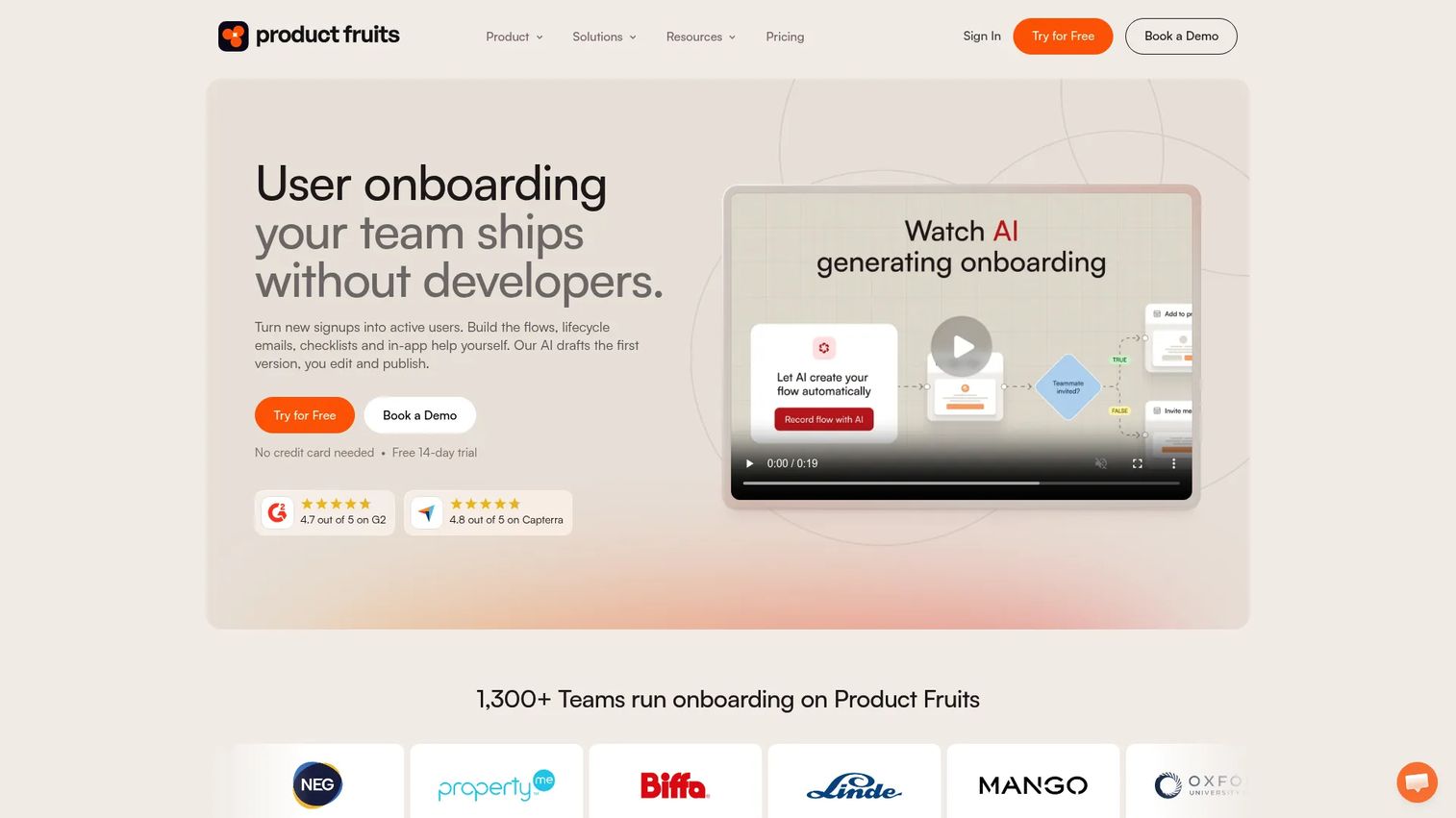
Product Fruits covers the core product onboarding stack at a price point smaller SaaS teams can absorb without a procurement cycle. Its AI Copilot and feedback tools round out what might otherwise be a purely guidance-focused platform.
Best for: Budget-conscious SaaS product teams that need tours, checklists, announcements, and in-app feedback collection without enterprise DAP overhead.
What it is: Product Fruits offers product tours, hints, tooltips, onboarding checklists, in-app announcements, an NPS tool, a feedback widget, and a Knowledge Base. Its Elvin AI Copilot adds an in-app support layer. Starter is $149/month (or $111/month billed annually) for 1,500 MAUs. No permanent free plan.
Key features:
- Product tours and onboarding checklists
- Hints, tooltips, and in-app announcements
- NPS surveys and feedback widget
- Knowledge Base integration
- Elvin AI Copilot for in-app support
Where Product Fruits falls short:
- G2 reviewers note that advanced analytics and enterprise governance features are thinner than those of Pendo or Userpilot
- Enterprise controls such as SSO and advanced permissions require the higher Business or Custom tiers
- Reviewers report that integration options are narrower compared to larger platforms
Pricing: Starter from $149/month (monthly) or $111/month (annual) at 1,500 MAUs. Pro from $249/month. Business from $499/month. Custom contracts available.
G2 rating: 4.6
How it compares to WalkMe: Product Fruits addresses customer-facing SaaS onboarding, not internal enterprise software adoption. For teams that need a low-overhead product onboarding layer for their own SaaS product rather than a governed internal DAP, Product Fruits is a focused, cost-visible option.
11. HelpHero (product onboarding platform)
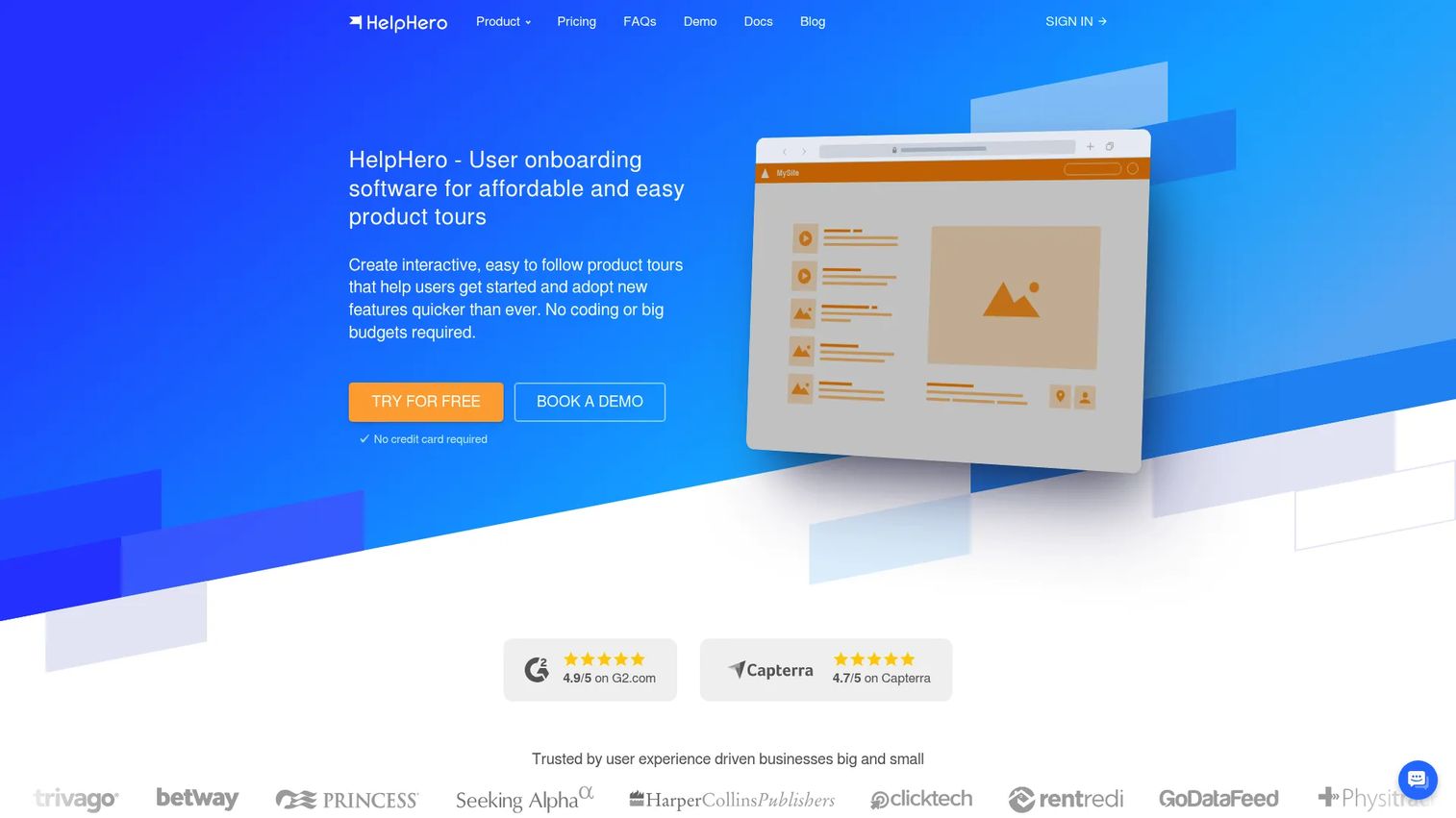
HelpHero is the most affordable entry point in this list with published pricing and no MAU-linked feature gating. Every plan includes unlimited tours, checklists, and hotspots, which makes the per-MAU pricing model unusually transparent.
Best for: SaaS product and customer-success teams that need straightforward in-app onboarding tours, checklists, and hotspots for web apps without feature-gated pricing complexity.
What it is: HelpHero is a no-code user onboarding tool. Tours can include images, videos, and third-party content. Plans are priced by MAU count: From $55/month for up to 1,000 MAUs, with all plans including standard and advanced features. A 14-day free trial requires no credit card.
Key features:
- Code-free product tour creation with images, videos, and third-party content
- Onboarding checklists with completion conditions
- Hotspots and contextual tooltips
- Analytics with step-level drill-down
- A/B testing and audience targeting
Where HelpHero falls short:
- G2 reviewers note that the feature set is narrower than larger platforms, with limited analytics depth
- Enterprise controls, custom CSS depth, and API access are more constrained compared to Userpilot or Appcues
- Reviewers flag that support response times can be slower than expected for a paid plan
Pricing: From $55/month (up to 1,000 MAUs). Scales to $299/month for up to 20,000 MAUs. Startup and Enterprise tiers available by quote.
G2 rating: 4.9
How it compares to WalkMe: HelpHero is a lightweight customer-facing product onboarding tool. It does not replace WalkMe's internal software adoption scope, but for teams whose actual job is simple SaaS user onboarding, it delivers at a fraction of the operational overhead and at a published price.
12. Userflow (product onboarding platform)
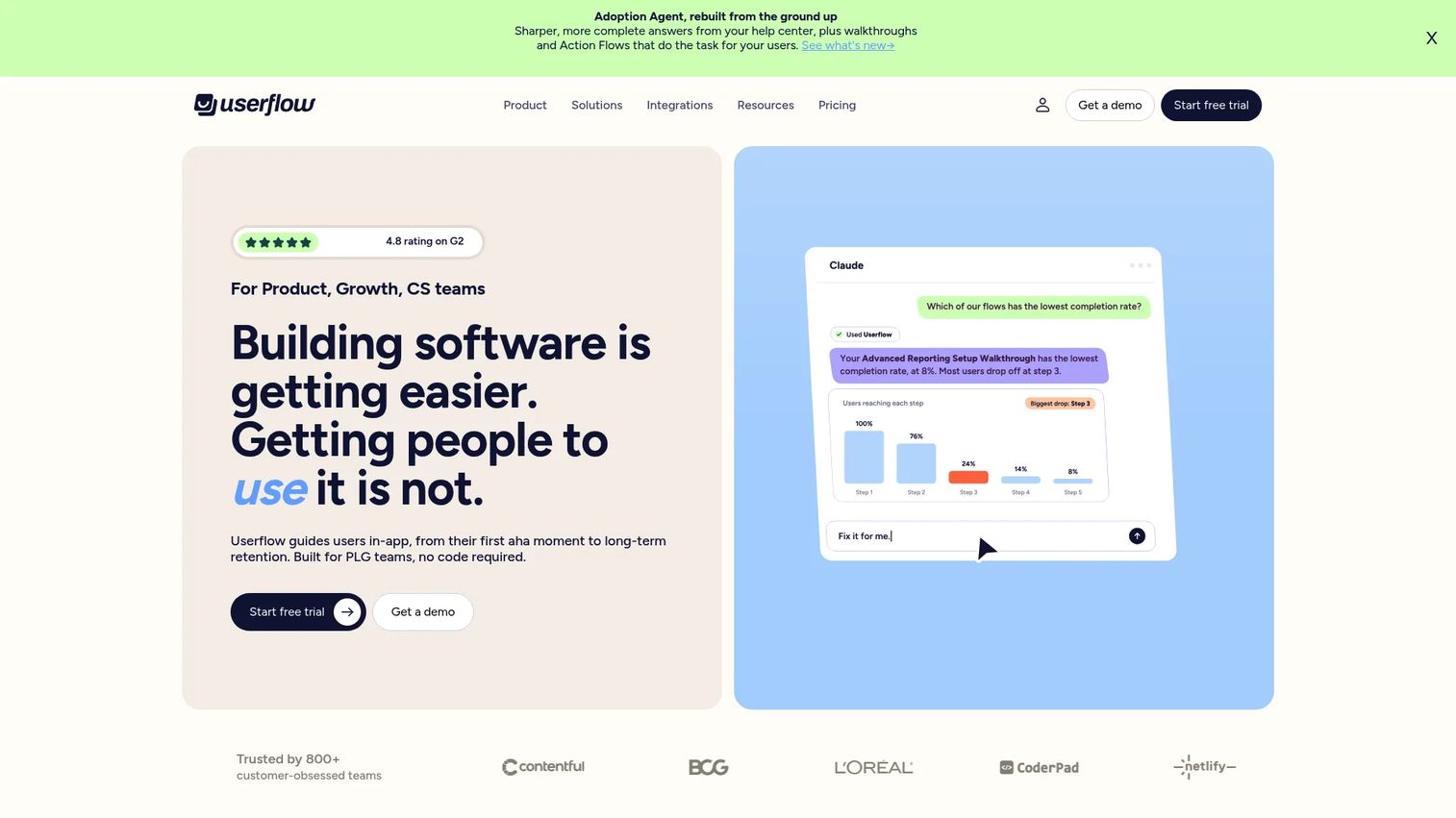
Userflow's AI-assisted builder and behavioral signal detection (FlowAI Signals) give product teams a step up in sophistication without requiring a full enterprise platform. It sits between the simpler tools and the full-scale analytics platforms.
Best for: Self-serve B2B SaaS teams that need advanced no-code onboarding flows, checklists, surveys, and AI-detected friction signals for customer-facing products.
What it is: Userflow offers no-code flows, checklists, tooltips, banners, surveys, and resource centers, alongside a FlowAI Builder and FlowAI Signals for creating experiences and detecting friction. Essentials starts at $240/month (annual) for 1,000 MAUs. Studio is $400/month (annual). Enterprise is custom. A 14-day trial is available; no permanent free plan.
Key features:
- No-code flows, tours, checklists, tooltips, banners, surveys, and NPS
- FlowAI Builder for AI-assisted experience creation
- FlowAI Signals for friction detection
- Adoption Agent for contextual answers and task completion
Where Userflow falls short:
- G2 reviewers note that pricing scales meaningfully above the entry MAU tier
- Advanced integrations require configuration that some reviewers find non-trivial to set up
- Reporting flexibility is cited as a limitation compared to platforms with dedicated analytics modules
Pricing: Essentials from $240/month (annual, 1,000 MAUs). Studio from $400/month (annual). Enterprise is custom.
G2 rating: 4.8
How it compares to WalkMe: Userflow handles customer-facing SaaS product onboarding. For PMMs whose evaluation is about improving customer activation rather than internal employee software adoption, Userflow offers a capable no-code toolset at a published and predictable price.
13. Fullstory (digital experience analytics)
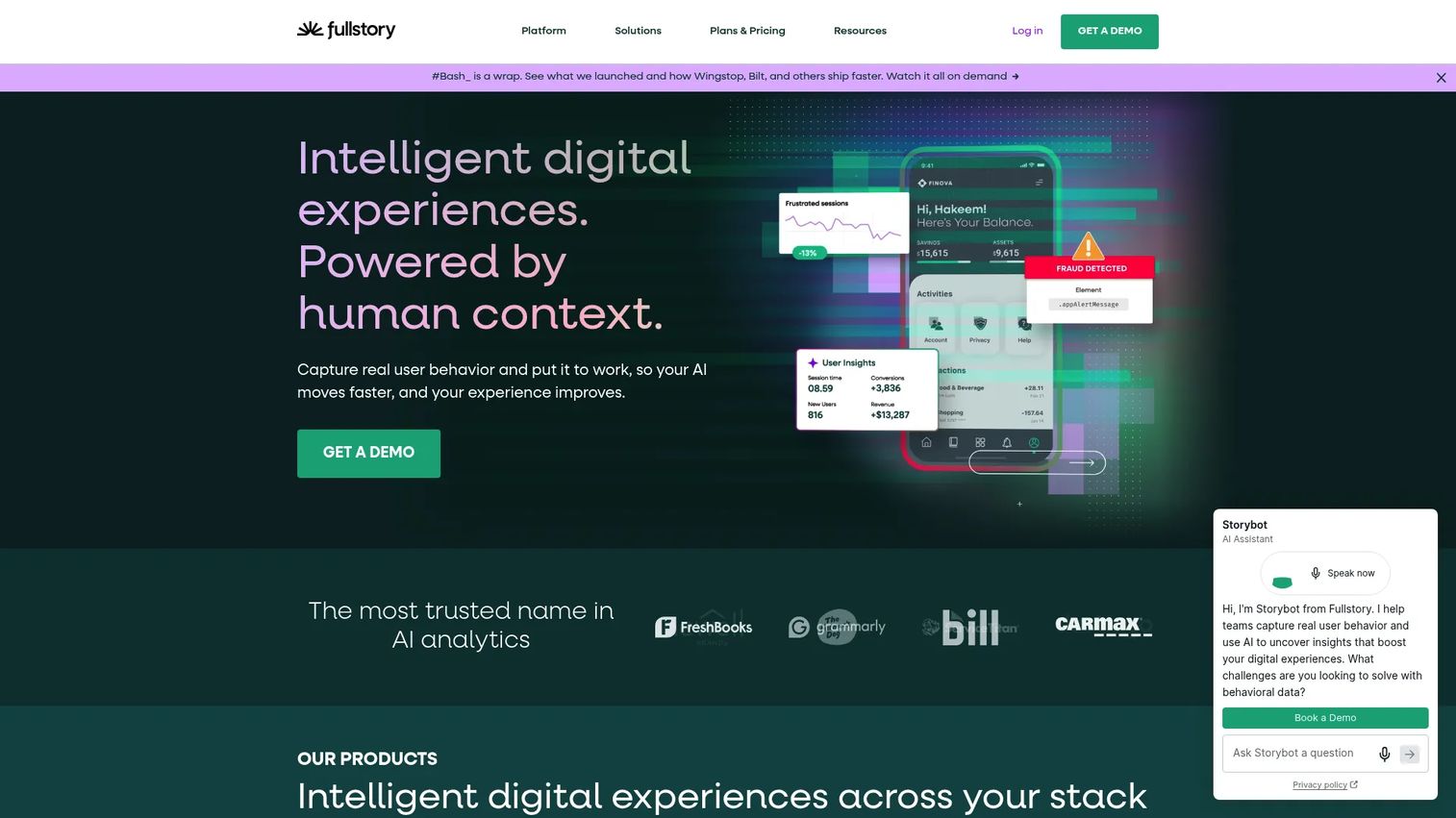
Fullstory is analytics-first. It tells you where users struggle before you decide how to fix it. Used alongside a guide creation tool, it closes the gap between identifying friction and publishing the content that addresses it.
Best for: Product, engineering, UX, and PMM teams that need behavioral analytics, session replay, and frustration-signal detection before deciding what guidance content to build.
What it is: Fullstory is a behavioral data and digital experience analytics platform. Its free FullstoryFree plan covers up to 30,000 sessions per month and 10 user seats. Business, Advanced, and Enterprise plans are quote-based. Key capabilities include session replay, heatmaps, funnels, StoryAI summaries, Guides, and Surveys.
Key features:
- Session replay and heatmaps
- Funnels, conversion analysis, and user segmentation
- Rage clicks, error clicks, and friction detection
- StoryAI session summaries
- Guides and in-app Surveys
Where Fullstory falls short:
- G2 reviewers frequently cite pricing opacity for paid plans as a barrier to self-serve evaluation
- Data volume and privacy governance at scale require meaningful configuration for enterprise compliance requirements
- Reviewers note that the learning curve for the full analytics suite is steeper than expected for non-data-specialist users
Pricing: FullstoryFree plan at no cost (up to 30,000 sessions/month, 10 seats). Business, Advanced, and Enterprise plans require a sales conversation.
G2 rating: 4.5
How it compares to WalkMe: Fullstory is analytics-first; WalkMe is guidance-first. Teams that want to understand where users fail before building guidance content may start with Fullstory and add a guide layer. The two tools complement each other rather than competing directly.
14. Nexthink Adopt (employee digital adoption)
Nexthink Adopt connects digital adoption to digital employee experience (DEX), which makes it relevant for IT teams who want to measure application performance and reliability alongside in-app guidance.
Best for: IT-led digital workplace teams that need in-app employee guidance connected to application performance monitoring and digital experience analytics.
What it is: Nexthink Adopt is a DEX-connected digital adoption solution providing in-app guidance, training, analytics, and application-performance visibility. It deploys via a no-code browser extension. Pricing is quote-based and requires a demo request.
Key features:
- AI-driven adoption analytics
- Personalized in-app guidance and walkthroughs
- Targeted desktop pop-ups and notifications
- Application performance and reliability monitoring
- Interactive training and contextual support
Where Nexthink Adopt falls short:
- Pricing is entirely opaque, requiring a demo conversation before any budget estimation is possible
- The platform's strength in DEX analytics may be more than teams need if their primary job is content creation rather than IT operations monitoring
- Implementation is typically IT-led and requires integration with the broader Nexthink DEX platform
Pricing: Quote-based. Contact Nexthink for a demo to discuss scope and pricing.
G2 rating: 4.6
How it compares to WalkMe: Nexthink Adopt covers employee digital adoption with an added layer of DEX and application-performance intelligence. For IT teams who want employee guidance embedded in a broader digital workplace analytics platform, it is a differentiated alternative to WalkMe's pure-DAP model.
15. VisualSP (in-app help and training)
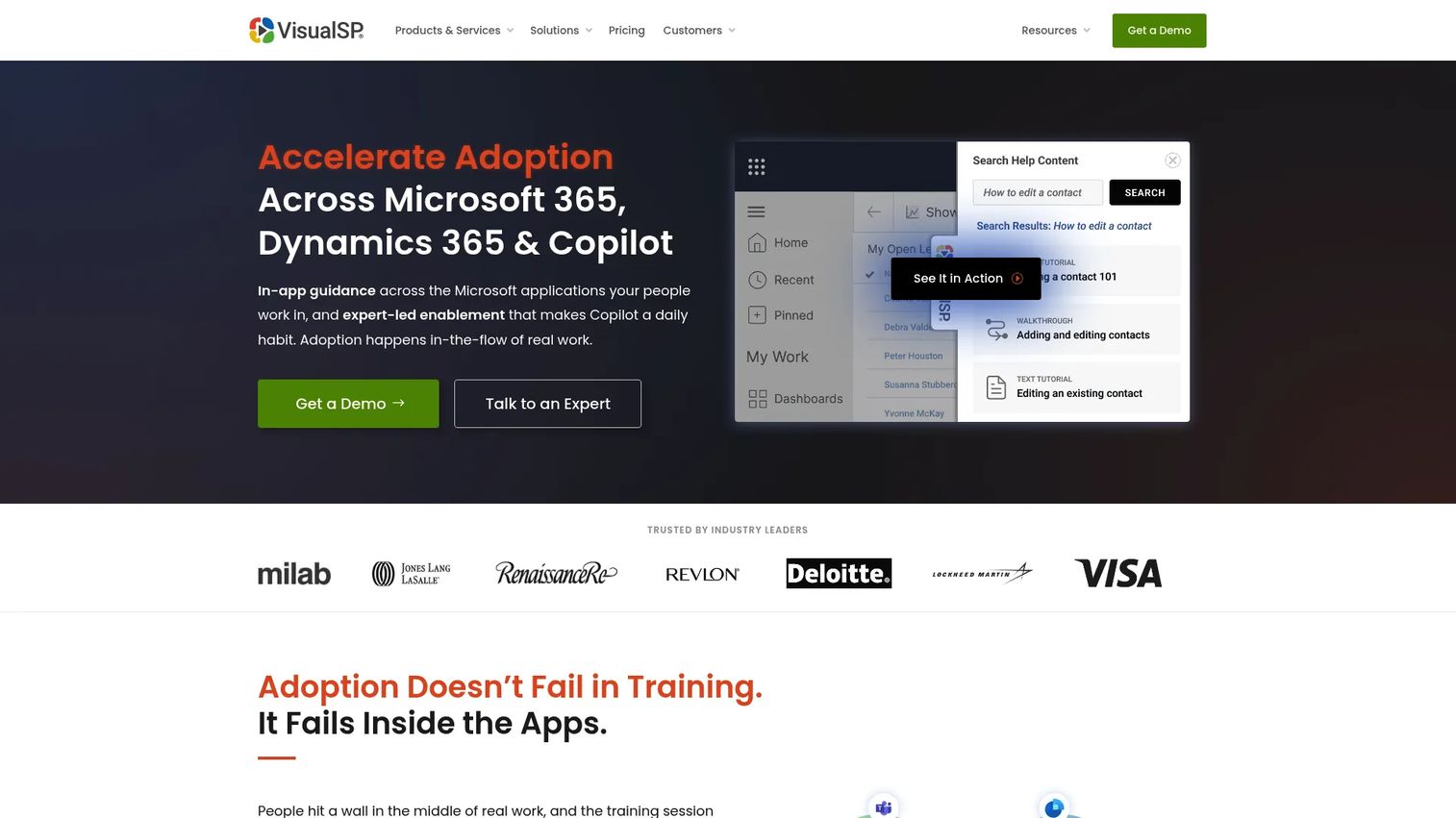
VisualSP is the strongest Microsoft-stack alternative in this list. Its Adopt365 free tier and native alignment to Microsoft 365, Dynamics 365, and SharePoint environments make it a go-to for IT teams already operating in that ecosystem.
Best for: Organizations running Microsoft 365, Dynamics 365, SharePoint, or Copilot deployments that need contextual in-app help, guided walkthroughs, and training with built-in analytics.
What it is: VisualSP provides in-app training, contextual support, guided walkthroughs, in-app alerts, and AI-assisted content creation. Its Clarity Connect 365 module adds session recordings, heatmaps, and event tracking. An Adopt365 free version of the platform is available. Paid Enterprise and Platinum plans are quote-based.
Key features:
- Guided walkthroughs and in-app training
- Context-sensitive support and self-service help
- AI Assistant and AI-assisted content creation
- In-app alerts, banners, and notifications
- Usage analytics, friction reporting, and ROI dashboards
Where VisualSP falls short:
- G2 reviewers note that content management at scale becomes complex without clear ownership structures
- Coverage outside the Microsoft ecosystem is narrower than broader DAP platforms
- Reviewers report that the UI for content editors has a learning curve
Pricing: Adopt365 is a free version of the platform. Enterprise and Platinum plans are quote-based (annual or monthly).
G2 rating: 4.9
How it compares to WalkMe: VisualSP is narrower and Microsoft-specific. For organizations where the primary internal adoption challenge is across Microsoft 365 and related tools, VisualSP is a sharper fit than a general-purpose enterprise DAP and is available at no cost for the base tier.
16. ClickLearn (training and process documentation)
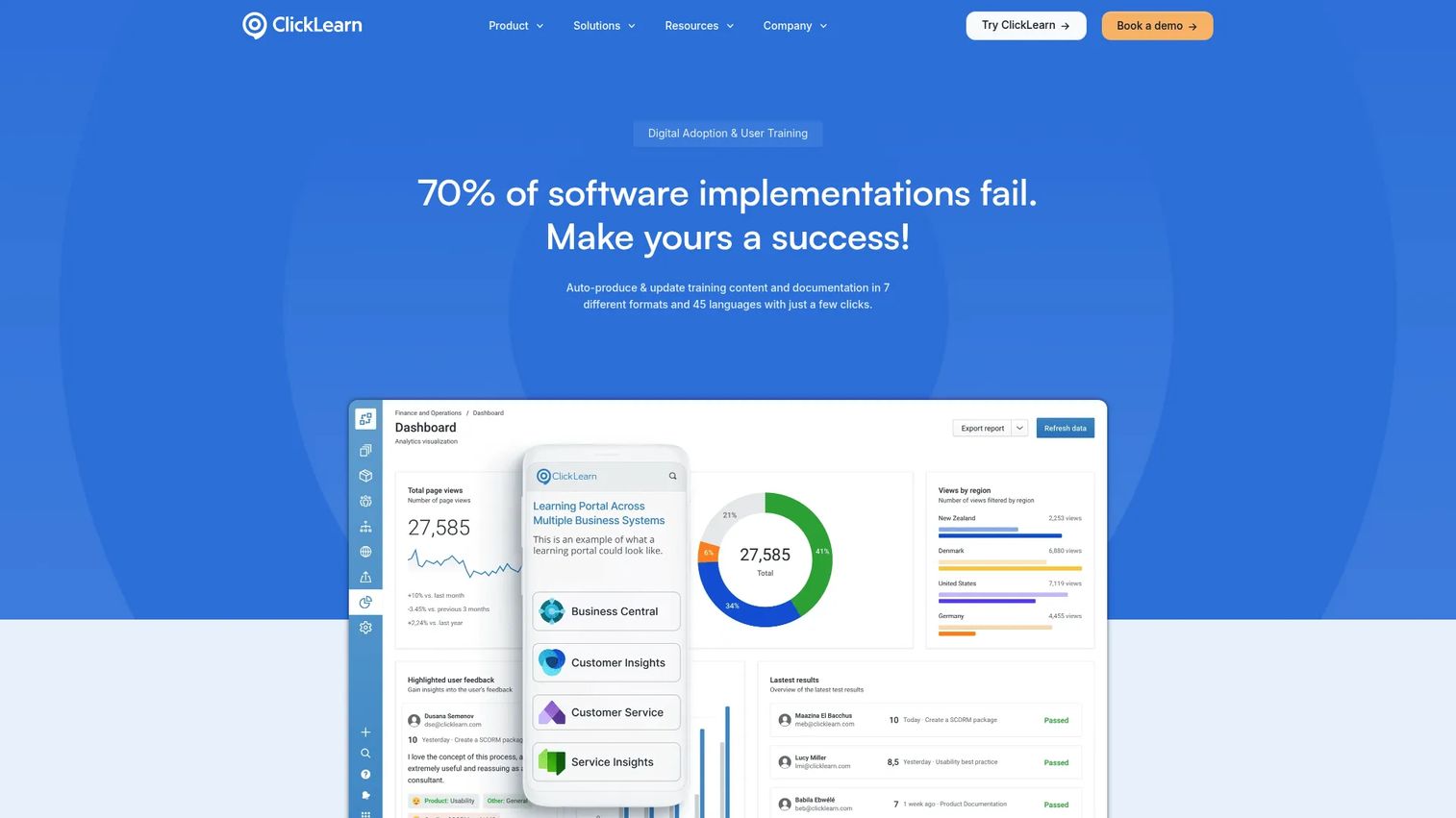
ClickLearn captures workflows and automatically generates training content across seven output formats, which makes it relevant for enterprise teams with large software documentation requirements rather than teams focused on in-app guidance.
Best for: Enterprise organizations that need automatically generated multilingual training content, documentation, and learning portals for ERP, CRM, and business applications.
What it is: ClickLearn records workflows and produces training materials in seven formats including videos, written instructions, PowerPoint, and virtual assistance. Its Automated Replay updates content when underlying systems change. Cross-platform support covers Microsoft Dynamics, SAP, Oracle, Salesforce, and IFS.
Key features:
- Automated recording and training material creation
- Seven learning formats including video, written, and PowerPoint
- Automated Replay for content updates when systems change
- Learning portals with search, tracking, and analytics
- Cross-platform support for SAP, Dynamics, Oracle, Salesforce, and IFS
Where ClickLearn falls short:
- G2 reviewers report that editing the auto-generated output requires more manual effort than the initial capture workflow implies
- The platform's pricing structure requires a quote, which limits self-serve evaluation
- Reviewers note the UI for end-user learning portals feels dated compared to modern LMS alternatives
Pricing: Quote-based. Basic, Essentials, Professional, and Enterprise editions are listed on the pricing page, but all require a quote.
G2 rating: 4.5
How it compares to WalkMe: ClickLearn is a training content generation platform. WalkMe is an in-app guidance and adoption platform. Teams with high-volume documentation needs for enterprise software rollouts may use ClickLearn alongside a DAP rather than instead of one.
17. Guidde (video documentation and training)
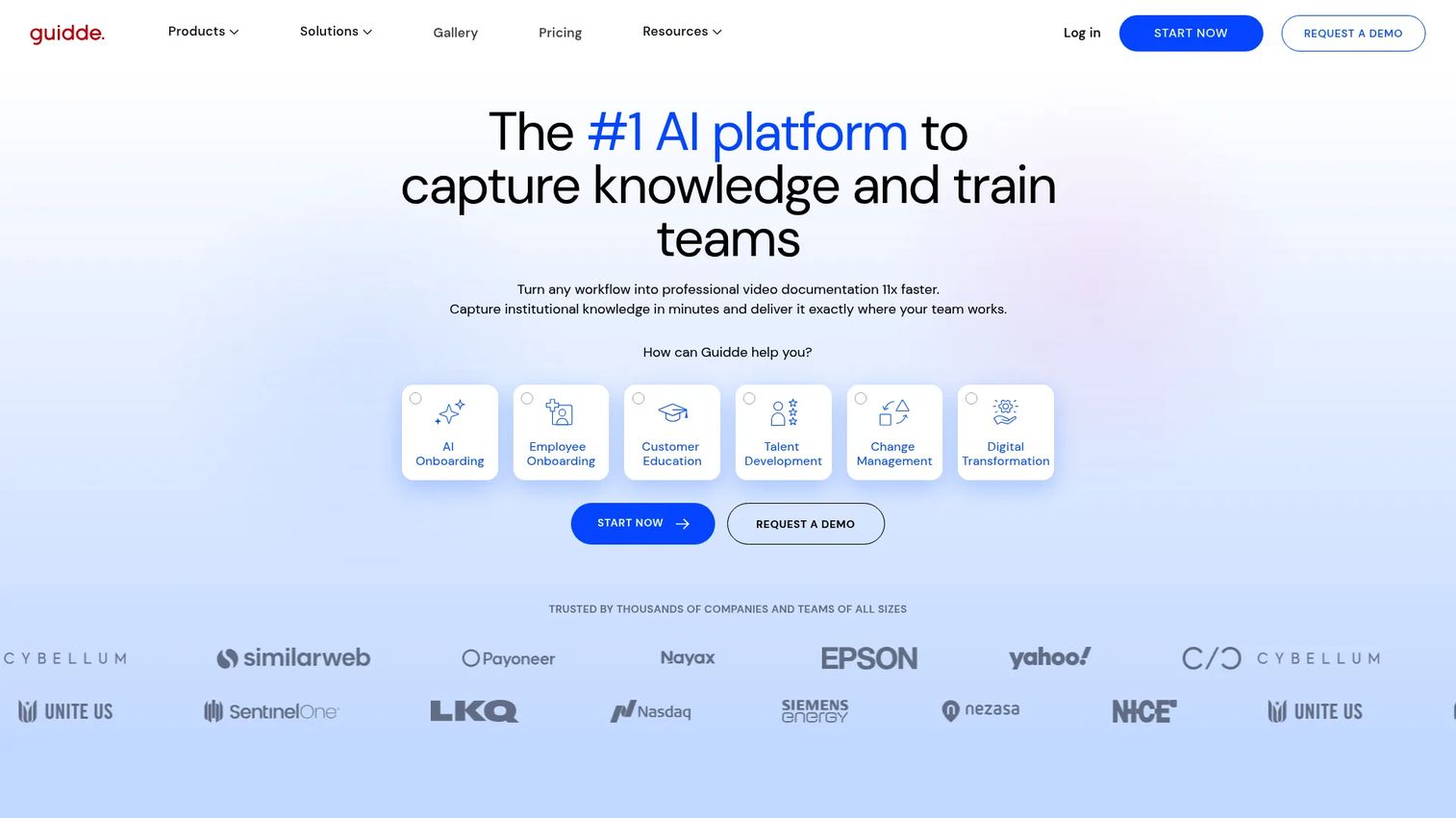
Guidde generates video documentation from screen captures using AI, which makes it appealing for teams that need training content at speed but whose audience consumes video rather than interactive step-by-step content.
Best for: Teams creating scalable training, SOP, customer education, and software adoption video content, particularly when passive video is the right format for the audience.
What it is: Guidde uses AI to generate video guides from web, desktop, or mobile captures. Features include AI voiceovers, captions, branding, 50+ language support, drag-and-drop editing, and a Guidde Ask feature for source-cited answers. Free plan includes up to 25 how-to videos. Pro starts at $19/creator/month (annual).
Key features:
- AI-generated video documentation from captures
- AI voiceovers, captions, and 50+ language support
- Drag-and-drop editing with branding and export
- Guidde Ask for source-cited answers from documented guides
- Enterprise SSO/SCIM, PII redaction, and content review
Where Guidde falls short:
- G2 reviewers note that the editing workflow for more complex video sequences requires more manual work than the AI capture implies
- Enterprise governance and advanced analytics features are locked to the Business and Enterprise tiers
- Reviewers describe export formatting as occasionally inconsistent across output types
Pricing: Free plan (up to 25 videos). Pro from $19/creator/month (annual) or $29/month. Business from $39/creator/month (annual) or $59/month. Enterprise is custom.
G2 rating: 4.8
How it compares to WalkMe: Guidde generates video-based training documentation. WalkMe provides in-app guidance during active software use. Teams comparing the two are likely confusing two different jobs: Guidde creates training content, while WalkMe guides employees inside applications in real time.
18. SAP Enable Now (enterprise training and enablement)
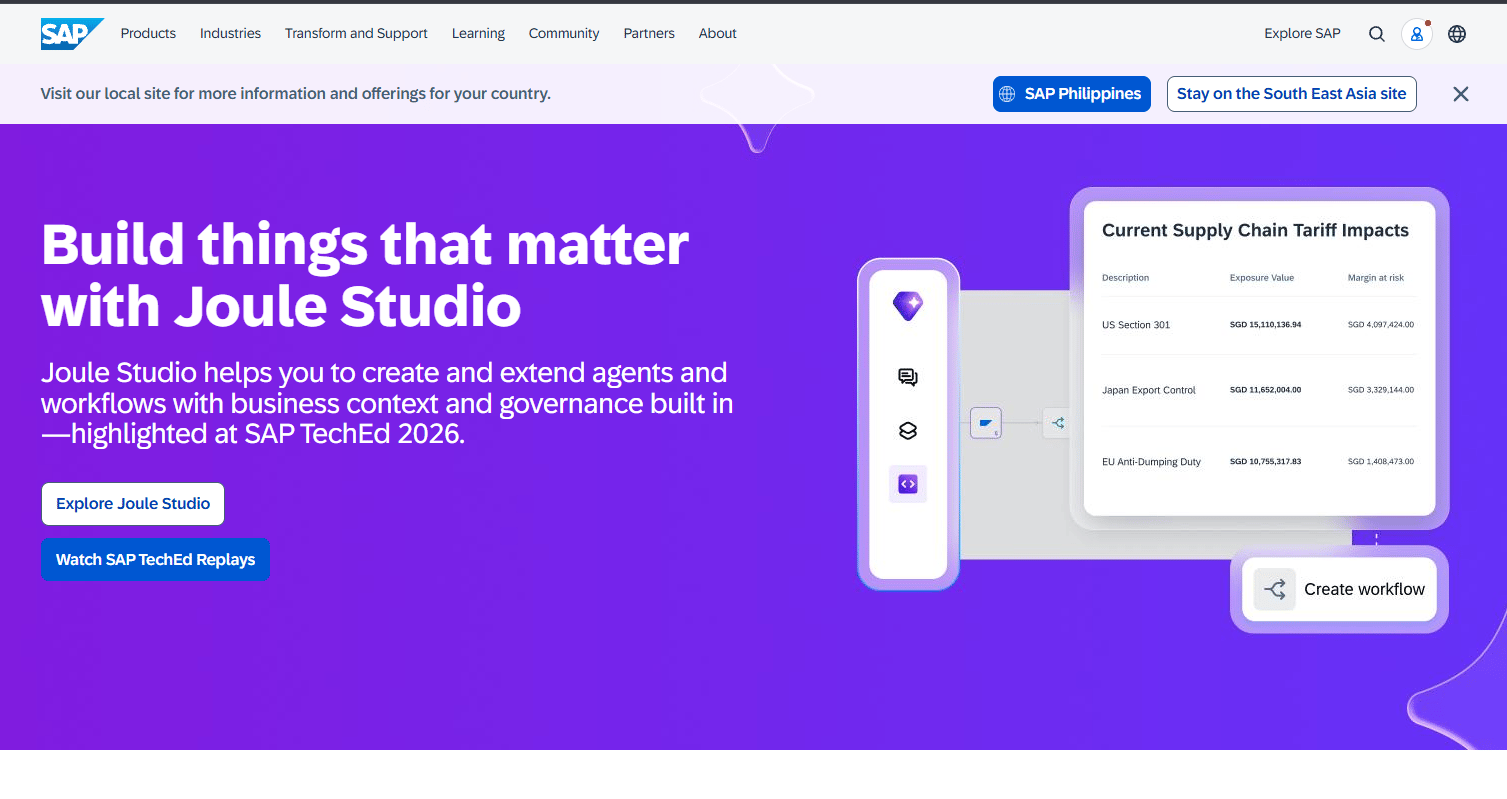
SAP Enable Now is the SAP-native training and enablement platform. Following SAP's acquisition of WalkMe, buyers in SAP-heavy environments may evaluate both alongside each other.
Best for: Organizations implementing SAP software that need role-based training, e-learning content, guided tutorials, and user-adoption support within the SAP ecosystem.
What it is: SAP Enable Now creates interactive e-learning, guided tutorials, documentation, and simulations for SAP and enterprise environments. It integrates with SAP Signavio and SAP Cloud ALM. SAP documentation identifies the 2503 release as the final release, with mainstream maintenance ending November 2030. All pricing requires a SAP sales conversation.
Key features:
- Interactive e-learning, guided tutorials, and documentation creation
- AI-assisted authoring for content generation and rewriting
- Integration with SAP Signavio and SAP Cloud ALM
- Content management, versioning, localisation, and usage reporting
- Templates and simulations for SAP software workflows
Where SAP Enable Now falls short:
- G2 reviewers frequently describe the platform as complex to administer and maintain, particularly for teams without dedicated SAP expertise
- The end-of-life timeline for new releases may concern teams planning multi-year adoption strategies
- Reviewers note that the UI feels dated relative to modern digital adoption platforms
Pricing: Quote-based. Contact SAP for pricing based on deployment scope and licensing model.
G2 rating: 4.3
How it compares to WalkMe: SAP Enable Now is training and documentation content generation for SAP environments. WalkMe is in-app real-time guidance and digital adoption for a broader application landscape. With SAP now owning WalkMe, teams in deep SAP environments may find themselves evaluating both as complementary rather than competing tools.
19. Lemon Learning (digital adoption platform)
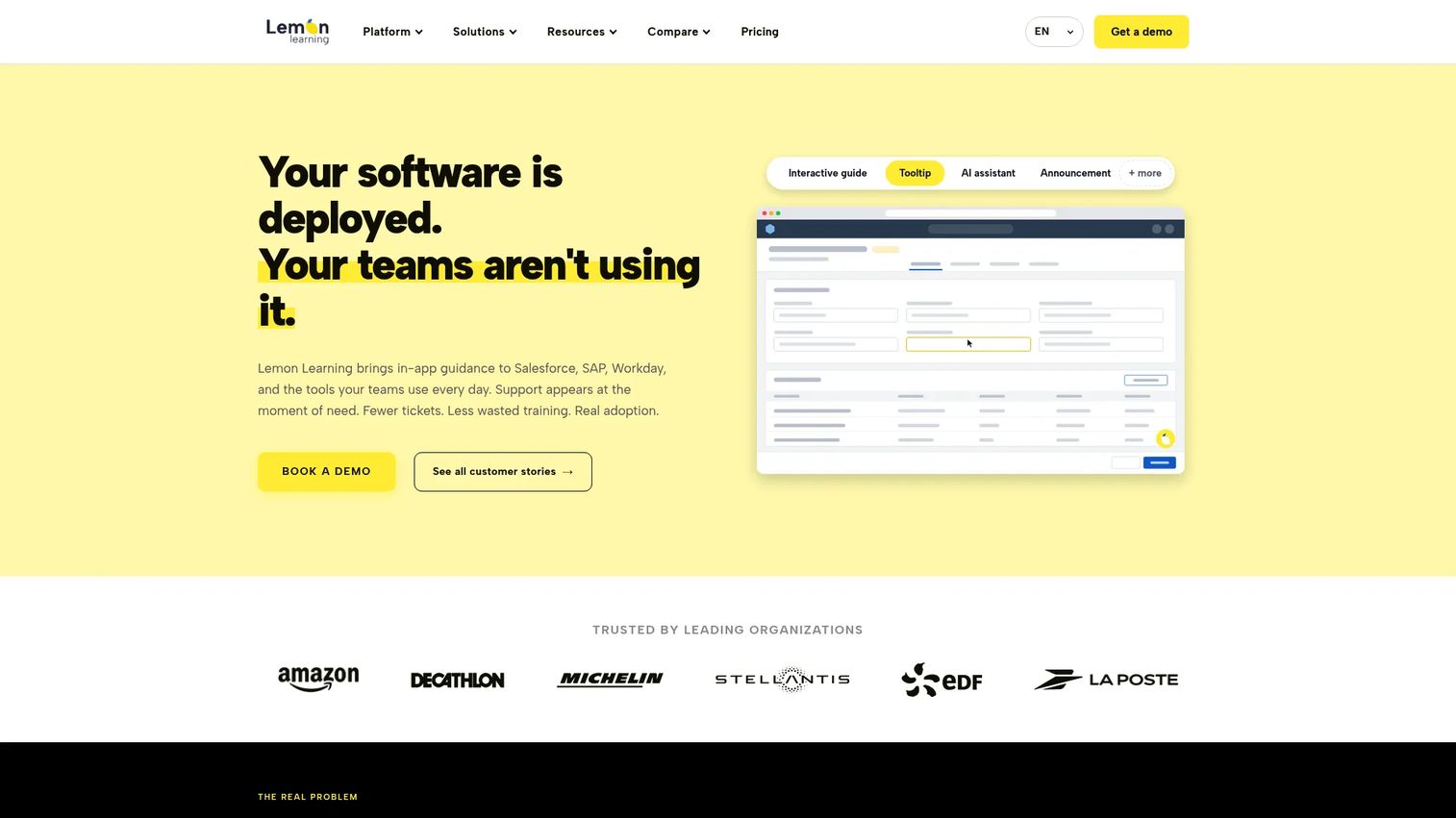
Lemon Learning covers web, desktop, and legacy application guidance, which extends its reach to environments other DAPs may not support. For enterprise teams running older internal systems alongside modern web apps, the coverage breadth is a differentiator.
Best for: Enterprise organizations that need in-app employee guidance across web, desktop, and legacy business applications, with shadow IT governance as an added layer.
What it is: Lemon Learning is a digital adoption platform providing in-app guides, tooltips, announcements, AI Assistant, Resource Centers, and interactive simulations. It supports desktop and legacy application guidance alongside web apps and includes shadow IT governance. Pricing is annual, quote-based by application type and user count.
Key features:
- Interactive in-app guides and no-code editor
- Tooltips, announcements, and Resource Center
- AI Assistant and AI Guide Creator
- User segmentation, localization, and shadow IT governance
- Desktop and legacy application guidance
- Interactive simulations
Where Lemon Learning falls short:
- G2 reviewers note that the analytics interface requires improvement for non-technical stakeholders
- All pricing requires a sales conversation; no self-serve trial path is available
- Reviewers report that the customization depth for advanced styling scenarios is limited on standard plans
Pricing: Annual licence, quote-based. Priced by application type and/or user count.
G2 rating: 4.8
How it compares to WalkMe: Lemon Learning covers a similar enterprise digital adoption job to WalkMe and extends it to desktop and legacy applications. Teams operating mixed environments of modern web apps and older internal systems may find Lemon Learning a more flexible alternative.
What is the best WalkMe alternative for internal training?
Best pick: Guideflow. For PMM, enablement, support, and operations teams that need to record software once and share interactive step-by-step content for employee onboarding, SOPs, and software enablement, Guideflow is the tool designed for that job. It creates shareable interactive demos in about two and a half minutes, supports translation into more than 30 languages, and delivers step-level analytics that show whether the training content is being used. Teams that need governed cross-application adoption at enterprise scale may still require an enterprise DAP alongside it.
Which WalkMe alternative is best for enterprise digital adoption?
Best picks: Whatfix, Apty, Userlane, SAP Enable Now, and Lemon Learning. Each of these covers governed internal software adoption across business applications with enterprise analytics and compliance-oriented features. Whatfix is the most direct like-for-like comparison. Apty is the strongest fit for process compliance and data quality. Userlane adds portfolio intelligence. SAP Enable Now fits SAP-centric organizations. Lemon Learning extends to legacy and desktop application environments.
Which WalkMe alternative is best for SaaS product onboarding?
Best picks: Userpilot, Appcues, UserGuiding, Product Fruits, HelpHero, and Userflow. These tools serve customer-facing SaaS onboarding, feature adoption, and lifecycle messaging rather than internal employee software adoption. For teams whose evaluation is about improving their own product's activation rate, any of these six are sharper fits than an enterprise DAP. Userpilot and Userflow offer the most capable analytics alongside onboarding. HelpHero has the lowest published entry price at $55/month.
Which WalkMe alternative is best for behavioral analytics?
Best picks: Pendo and Fullstory. Pendo combines product analytics with in-app guidance and feedback tools. Fullstory is deeper on behavioral signals, session replay, rage-click detection, and frustration analysis, with a free plan covering up to 30,000 sessions per month. Both tools help teams identify where users struggle before deciding what guidance content to build.
Which WalkMe alternative is best for sales enablement?
Best pick: Spekit. Spekit delivers contextual enablement inside CRM and sales tools, covering battlecards, messaging, training, and deal rooms in the flow of a rep's work day. It addresses the PMM pain of sales not adopting enablement by embedding content where reps already spend their time. Guideflow's interactive demos can complement Spekit when reps need clickable product guides as leave-behinds or internal training assets.
What is the cheapest WalkMe alternative?
Cheapest by published price: HelpHero at $55/month for up to 1,000 MAUs, covering unlimited tours, checklists, and hotspots. Guidde's free plan covers up to 25 video guides at no cost. Guideflow has a free plan. Product Fruits starts at $111/month billed annually. The cheapest option depends on whether the job is customer-facing onboarding, video documentation, or interactive guide creation.
When should you stay with WalkMe?
Stay with WalkMe if the deployment is already embedded, admins are trained, and governance structures are established across your internal application portfolio. Switching costs, including content migration, re-training, and configuration, can outweigh the benefit of moving when WalkMe is working. Organizations with deep SAP environments may find the acquisition adds procurement convenience rather than friction. The clearest signal to stay is when WalkMe's analytics and adoption metrics are already tied to meaningful internal reporting.
Why teams switch from WalkMe to Guideflow
PMM and enablement teams often find themselves waiting on a technical DAP rollout to get content published. The job they are hiring for is creating interactive step-by-step guides for a product launch, an internal training sequence, or a software enablement asset, and the job does not require governed multi-application adoption infrastructure.
Guideflow lets those teams capture software through the Chrome extension or the native app, generate step content automatically, and publish an interactive step-by-step guide in about two and a half minutes. The guide can be shared as a link, embedded in an internal wiki, included in an onboarding email, or added to a launch kit. Step-level completion, drop-off, and viewer flow data from Guideflow's analytics show whether the content is being used and where employees disengage.
Guideflow also covers the broader product education surface when teams need it: Interactive demos, demo pages, demo centers, sandboxes, live demos, and mobile demos from one platform. For PMMs who need both internal training guides and buyer-facing product education, that breadth removes the need for separate tools by job type.
The limitation to name: Guideflow is not a full enterprise DAP for governed cross-application adoption programs. Teams that need centralized IT administration across a portfolio of internal applications will still want an enterprise digital adoption platform alongside Guideflow.
Start your journey with Guideflow today!
Frequently asked questions: WalkMe alternatives
The best alternative depends on the job. Guideflow is the strongest pick for PMM and enablement teams creating interactive step-by-step training guides and software enablement content. For enterprise digital adoption across internal applications, Whatfix, Apty, and Userlane are the most direct replacements. For customer-facing SaaS product onboarding, Userpilot, Appcues, UserGuiding, and Userflow each cover the job at published prices.
WalkMe does not publish numeric pricing. Enterprise contracts typically vary by application count, user volume, services, and deployment scope. Teams evaluating WalkMe should request a quote from the vendor and compare the total cost of ownership against the specific job they need the tool to perform.
The most common triggers are pricing opacity during initial evaluation, implementation complexity that exceeds what PMM or enablement teams can own independently, and use-case mismatch between WalkMe's enterprise DAP scope and narrower jobs like SaaS product onboarding, interactive guide creation, or behavioral analytics.
Guideflow is an alternative when the job is creating interactive step-by-step guides for internal training, employee onboarding, SOPs, software enablement, and product education. It is not a full enterprise DAP replacement for large, IT-governed adoption programs spanning multiple internal applications with complex segmentation requirements.
Lightweight product onboarding tools and interactive guide platforms typically publish their pricing and offer self-serve trials, which shortens the time from evaluation to first published content. HelpHero, UserGuiding, Guidde, and Guideflow all offer entry points that PMM or enablement teams can configure without IT involvement. Enterprise DAPs including Whatfix, Apty, and Userlane require implementation resources and are typically IT-led.
SAP acquired WalkMe in 2024. Organizations already running SAP software may find the acquisition simplifies procurement and roadmap alignment. Teams outside the SAP ecosystem should evaluate whether the product roadmap continues to serve their stack, how support quality has changed, and whether bundled SAP licensing creates pricing advantages or constraints specific to their situation.
Several tools in this list support employee onboarding and internal training, with different approaches. Guideflow creates interactive step-by-step guides. Whatfix, Apty, Userlane, and Lemon Learning provide in-app guidance during live software use. VisualSP covers Microsoft 365 environments. ClickLearn and SAP Enable Now generate training documentation and e-learning content. The right choice depends on whether the team needs real-time in-app guidance, pre-built training content, or interactive demo-style guides employees click through.
Audit your existing WalkMe content before anything else. Tag each flow by use case, audience, and application, then identify which flows are actively used versus stale. Prioritize migrating the highest-impact journeys first rather than rebuilding everything at once. Assign ownership for each content area and select replacement tools by job, since your internal training, SaaS onboarding, and analytics needs may point to different platforms.