The pilot worked. Now you have 40 headsets, three content owners, two training paths, and no clear system to coordinate updates. Content lives in shared folders, pushing a new video to every device requires manual work, and your analytics consist of a spreadsheet someone updates when they remember.
This is where most VR programs stall. The immersive learning results are there, but the operational model to sustain them is not. According to Grand View Research (2026), the global VR market was valued at $129.0 billion in 2025 and is projected to reach $901.2 billion by 2033. Enterprise adoption is accelerating faster than most teams' infrastructure can support it.
The question is no longer whether VR training works. It is whether your team can update content without an engineering ticket, segment learners by role or location, prove completion to your L&D stakeholders, and keep headsets current without a manual provisioning day every quarter.
Picking the wrong vr content management software means that operational overhead grows faster than your content library. The 15 platforms below cover the full range: Device management, 360 video content management, VR training platforms, 3D asset pipelines, and live immersive learning environments.
What's inside
This guide compares 15 VR content management software platforms for 2026, selected for their relevance to actual VR content operations, not just file storage. Items were chosen based on:
- Coverage of the core content lifecycle (create, organize, publish, update, measure)
- Relevance to enterprise VR rollouts and IT-managed headset fleets
- Availability of verified pricing and G2 ratings
- Fit for teams moving from pilot to repeatable program
The list spans VR CMS, XR device management, immersive training, 360 video publishing, and 3D asset platforms.
TL;DR
- Best for enterprise XR device operations: ManageXR, with remote app deployment, kiosk mode, and device analytics from $7/device/month
- Best for VR training content management with Oculus headsets: Smart VR Lab, with interactive 360 video, LMS integration, and kiosk playback
- Best for enterprise immersive learning programs: Strivr, focused on workforce training at organizational scale
- Best for IT-managed XR fleets: ArborXR, with custom launchers and remote headset control from $4/device/month
- Best for 3D asset management: echo3D, with a free tier and API-first developer workflow
- Best for 360 video publishing and headset playback: EZ360 Cloud starting at $15/month, or Headjack at $49/month
What is VR content management software?
VR content management software is a platform for storing, organizing, publishing, updating, and measuring virtual reality content across headsets, users, teams, and locations.
Core jobs a VR CMS handles
A VR CMS covers more than a content repository. The core jobs include:
- Centralized asset storage for VR apps, 360 videos, 3D models, and WebXR content
- Content organization by audience, role, device group, curriculum, or location
- Publishing and deployment to headsets or browser-based VR experiences
- Version control and update management across content releases
- Analytics for session data, completion rates, learner performance, and device status
- Governance controls including permissions, role-based access, and compliance workflows
VR CMS versus VR device management
These two categories overlap but serve different primary jobs. A VR CMS focuses on the content lifecycle: What content exists, who sees it, and how it performs. VR device management focuses on headset operations: Configuration, provisioning, kiosk mode, remote commands, and monitoring.
Many enterprise platforms combine both, because content and hardware operations are tightly connected in practice. ManageXR and ArborXR are strong examples of platforms that handle both jobs from a single interface.
Why product managers should care
For a PM, the right VR CMS determines the opportunity cost of every content update. A platform that requires engineering involvement for each new release raises the true cost of iteration. The right tool lowers that cost by supporting no-code updates, segmentation by role or cohort, instrumented completion tracking, and scalable headset deployment. It also reduces the support load that lands on CS teams when learners encounter outdated content.
When to use VR content management software
Scale VR training beyond a pilot
A single-cohort pilot can run on shared folders and manual device updates. Once you add multiple roles, locations, or training paths, that approach breaks. A VR CMS gives you the segmentation and publishing infrastructure to run different content for different audiences without rebuilding the delivery model each time.
Deploy content across many headsets
IT teams need remote deployment, kiosk mode, synchronized playback, app version control, and monitoring to manage headsets at scale. Without a dedicated tool, each content update requires physical device access or manual coordination. Platforms with XR device management capabilities reduce provisioning time per headset and enable centralized governance.
Measure immersive learning outcomes
Completion rates, quiz scores, session duration, and attention data are the instrumentation that proves ROI and justifies the next content investment. Without structured analytics, VR programs rely on anecdotal evidence. A VR CMS with learning analytics gives you the data to prioritize roadmap decisions and demonstrate impact to stakeholders.
VR content management software comparison
The table below covers all 15 platforms with verified pricing and G2 ratings. Pricing reflects each vendor's current published rates. Where ratings are unavailable on G2, N/A is noted. Use this as a starting shortlist, then verify current pricing directly with each vendor before committing.
| # | Product | Best for | Key use case | Pricing | G2 rating |
|---|---|---|---|---|---|
| 1 | ManageXR | Enterprise XR operations | Deploying apps, videos, WebXR, and device configurations across headsets | From $7/device/month | 4.8/5 |
| 2 | Smart VR Lab | VR training teams using Oculus headsets | Managing 360 videos, interactive VR lessons, kiosk playback, and LMS-linked tracking | From €25/device/month | N/A |
| 3 | Strivr | Enterprise immersive learning | Creating, deploying, and measuring VR training at organizational scale | Custom pricing | 4.4/5 |
| 4 | ArborXR | IT-managed VR and AR fleets | Controlling headset apps, launcher views, kiosk mode, and remote updates | From $4/device/month | 4.8/5 |
| 5 | echo3D | 3D and XR asset teams | Managing, streaming, and updating 3D assets for AR and VR apps | Free plan available | N/A |
| 6 | IdeaSpaceVR | Web-based VR experiences | Building and publishing browser-accessible VR spaces and tours | Free (open-source) | 4.5/5 |
| 7 | Trimble Connect | Construction and design teams | Managing 3D project models and BIM visualization workflows | From $349/user/year | 4.4/5 |
| 8 | Virtours | Virtual tour publishers | Creating and hosting virtual tours for real estate, education, and sales | Contact for quote | 4.2/5 |
| 9 | Headjack | 360 video app publishing | Publishing branded 360 video apps across VR platforms | From $49/month | 4.3/5 |
| 10 | ENGAGE | VR classrooms and events | Hosting immersive learning sessions, training events, and collaboration spaces | Free tier; PRO $25/month | 4.5/5 |
| 11 | ByondXR | Retail and brand experiences | Building virtual showrooms and immersive commerce experiences | Custom pricing | 4.3/5 |
| 12 | Omnicast VR | 360 media distribution | Supervising and delivering immersive video across up to 16 headsets | From €20/month | 5.0/5 |
| 13 | Smart2VR | VR training content distribution | Publishing and distributing VR content through branded apps and websites | Contact for pricing | 4.8/5 |
| 14 | EZ360 Cloud | 360 video training playback | Managing 360 video content and headset playback for training teams | From $15/month | 4.0/5 |
| 15 | Spheroid | AR and VR spatial experiences | Managing immersive spatial content and location-aware AR/XR experiences | Contact for pricing | 4.5/5 |
Best 15 VR content management tools for 2026
1. ManageXR
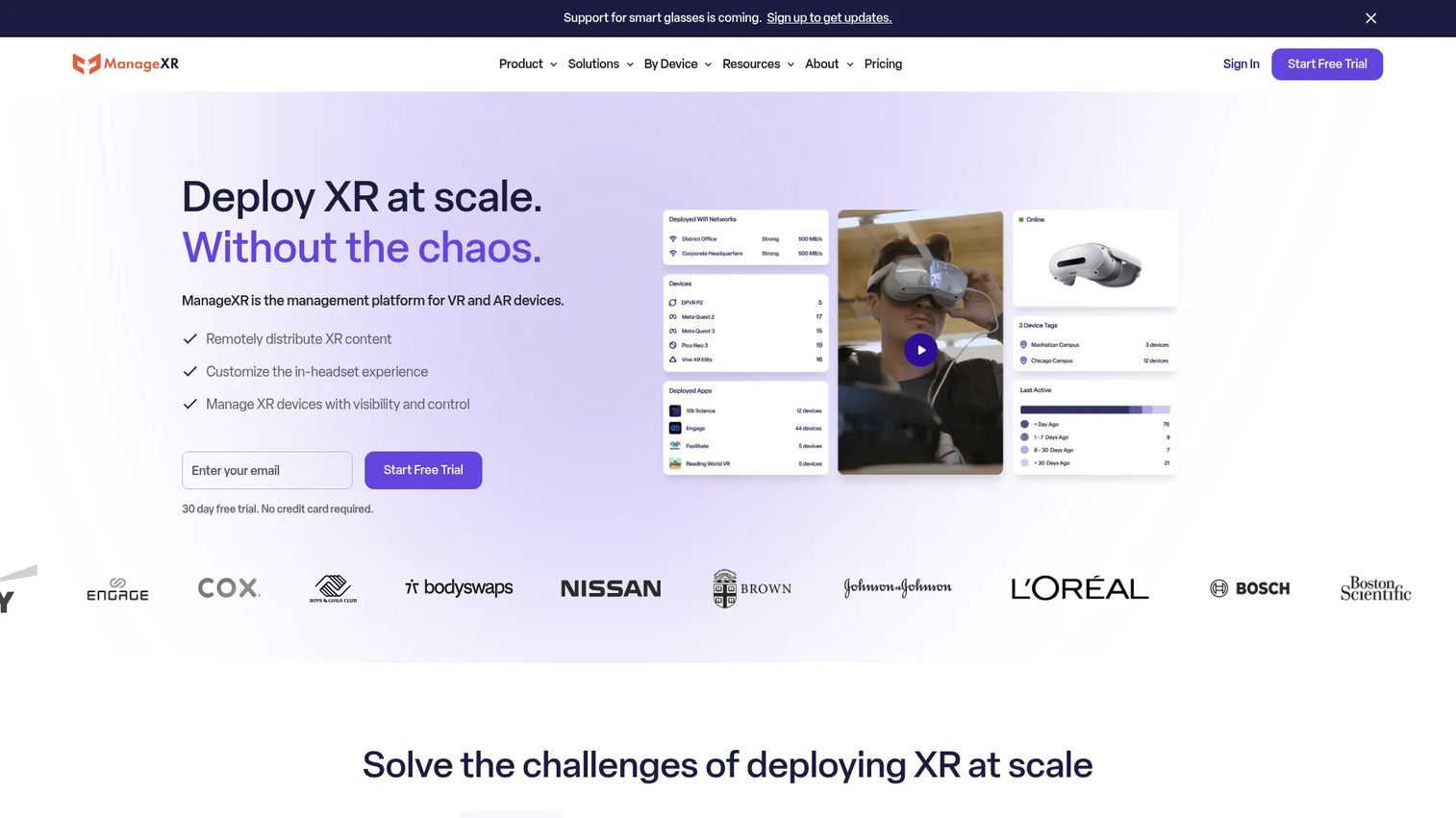
ManageXR is a device management platform for deploying, configuring, monitoring, and remotely controlling VR and AR device fleets. It handles remote app deployment, 360 video distribution, WebXR content links, headset configuration, kiosk mode, and real-time device analytics from a single dashboard. It also includes a Rooms feature for live VR classrooms and training sessions.
Best for: Enterprise, healthcare, education, and training organizations rolling out VR content across many headsets.
Key features
- Remote deployment of apps, videos, and WebXR links
- Customizable kiosk and multi-app modes
- Real-time device health, location, and usage analytics
- API, Device SDK, and CLI for custom workflows
- Rooms for live VR training and classroom sessions
Why choose ManageXR: Choose it when device operations are as operationally complex as content publishing. It fits teams graduating from small pilots to centrally governed VR programs where IT and content teams need to work from the same system.
ManageXR pricing: A 30-day free trial is available. The Essential plan runs $8/device/month (or $7/device/month billed annually). Premium is $12/device/month (or $10/device/month billed annually). Enterprise pricing is custom through sales.
G2 rating: 4.8/5
2. Smart VR Lab
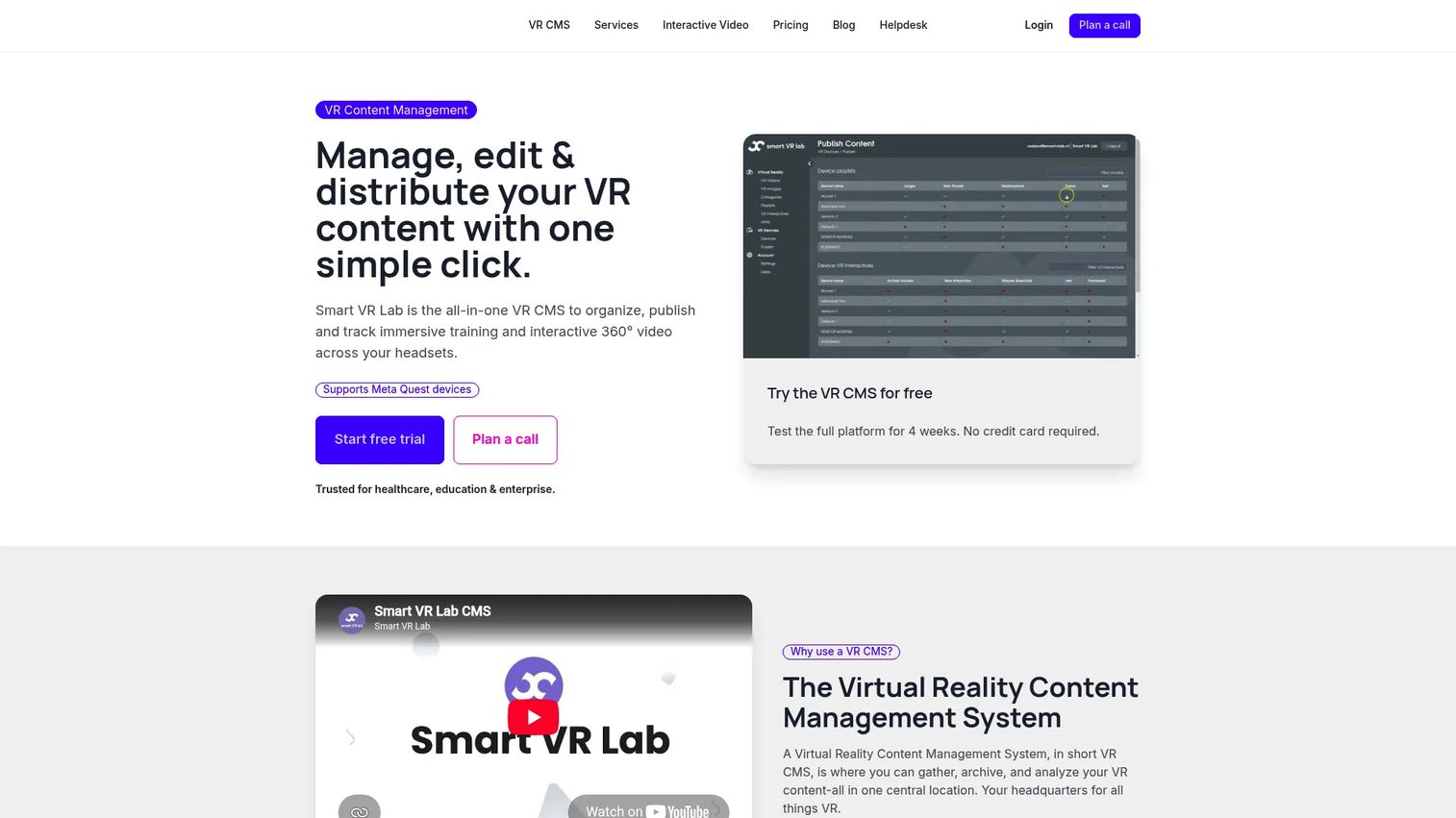
Smart VR Lab is an all-in-one VR CMS for organizing, editing, publishing, and tracking immersive training content. It covers 360 video management, interactive lessons with embedded quizzes, kiosk playback, LMS integration via LTI, and headset management. The platform is positioned squarely for healthcare, education, and enterprise training teams.
Best for: Training teams that want an Oculus-centered VR content hub with learner tracking and interactive 360 video capabilities.
Key features
- 360 video management with embedded quizzes and information layers
- LTI and LMS integration for learner tracking
- Kiosk mode and synchronized playback
- Branched narrative support
- Role-based access control
Why choose Smart VR Lab: Choose it when content management, learner interactivity, scoring, and headset playback need to live together. It suits structured learning programs that need more than media hosting, particularly those built around Oculus devices.
Smart VR Lab pricing: A 30-day free trial is available with no credit card required. Paid plans start at €25/device/month for the Business tier, with Enterprise at €30/device/month. Custom pricing is available for larger deployments.
3. Strivr
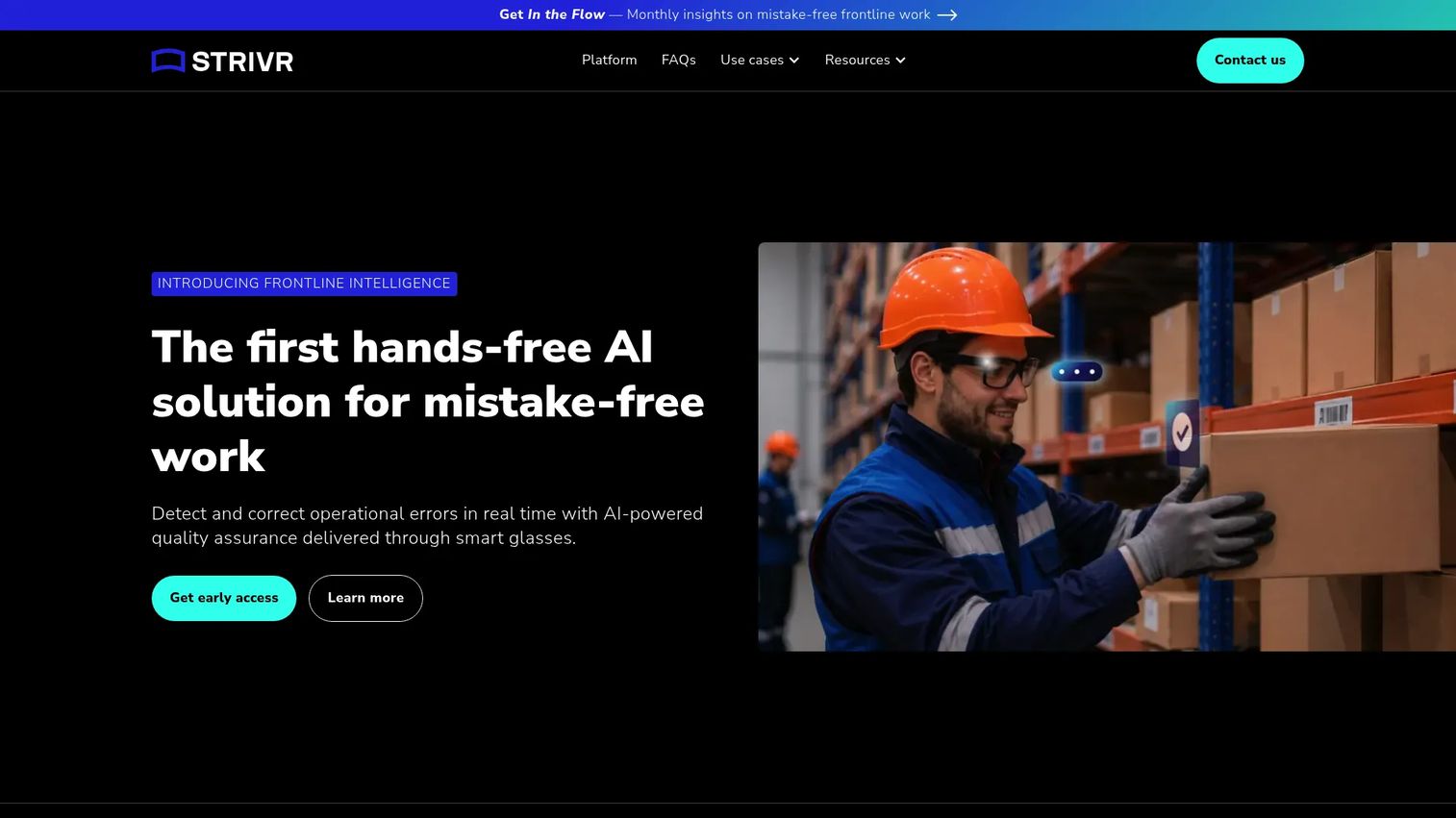
Strivr is an enterprise VR training and frontline intelligence platform. Its current product combines AI-powered visual error detection through smart glasses with custom visual language models trained on customer SOPs and workflows. VR training content delivery, device management, analytics, and enterprise integrations including LMS, MDM, SSO, and APIs are core to the platform.
Best for: Large organizations running workforce training, skills development, or quality assurance programs across distributed teams.
Key features
- AI-assisted frontline guidance through smart glasses
- VR training content delivery with learner analytics
- Integration with MDM, LMS, SSO, and enterprise APIs
- Usage analytics and performance tracking by learner, location, and device
- Enterprise rollout and deployment support
Why choose Strivr: Choose it when immersive learning is tied to measurable workforce performance outcomes, not just content delivery. It fits organizations that want a strategic partner for enterprise VR programs, not only software.
Strivr pricing: Contact their sales team for a demo and quote. Pricing reflects enterprise scope, program size, and deployment requirements.
G2 rating: 4.4/5
4. ArborXR
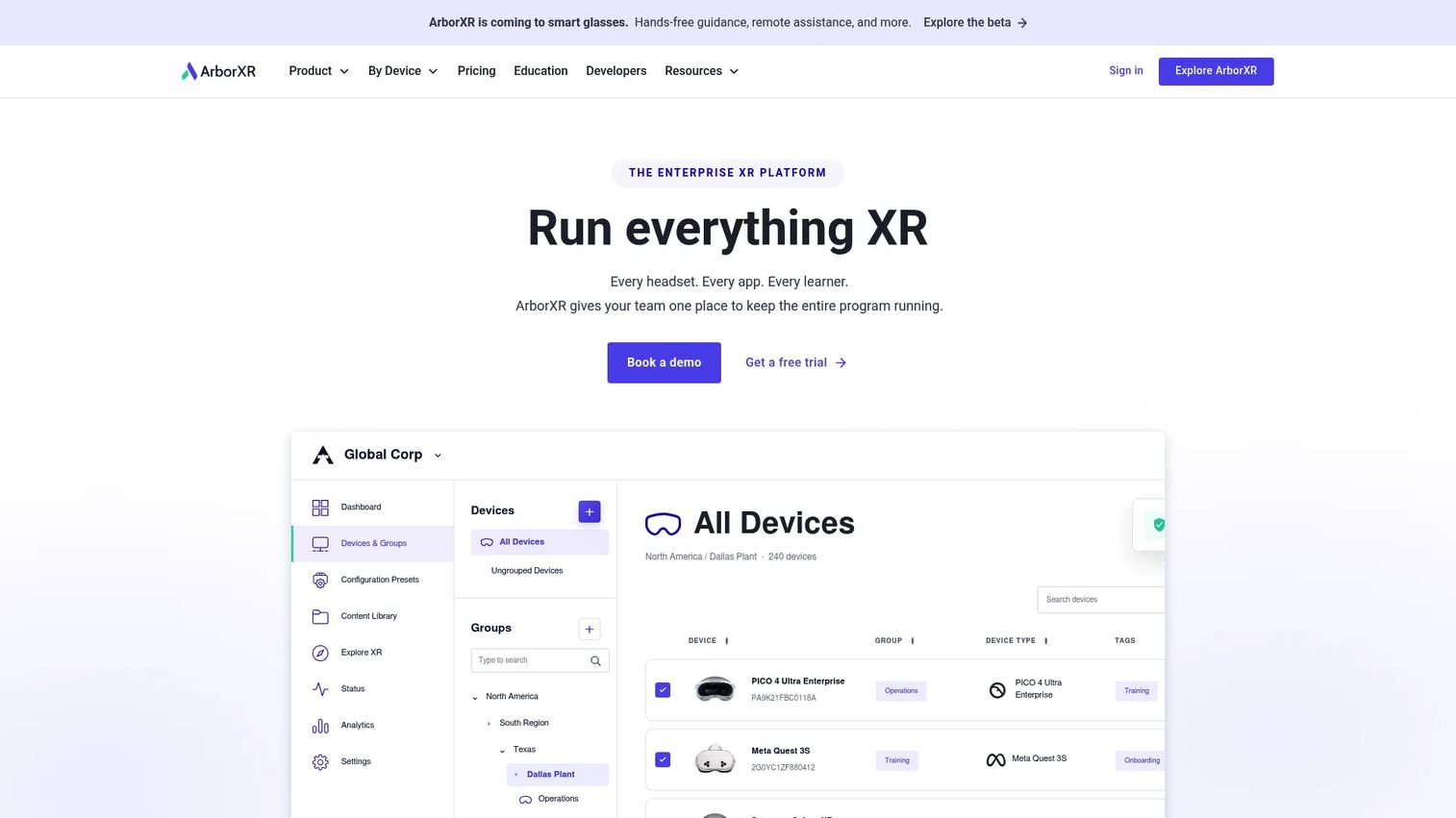
ArborXR is an XR device management platform for deploying content, controlling headset experiences, monitoring remote fleets, and enforcing governance policies. It covers app deployment, kiosk mode, custom launchers, and device monitoring across business and education environments. The platform is built for IT teams that need centralized control over headset fleets running VR content.
Best for: IT and operations teams managing VR or AR headset fleets for training, education, or field programs.
Key features
- Remote app and file deployment to XR headsets
- Kiosk mode and custom multi-app launcher
- Device monitoring and inventory management
- Business and education pricing tiers
- 30-day free trial
Why choose ArborXR: Choose it when IT governance, headset control, and content distribution need a single system. It is a strong fit when training or product teams depend on IT for rollout reliability across large device fleets.
ArborXR pricing: A 30-day free trial is available. Business plans start at $7/device/month (Starter, billed annually), with Essential at $10/device/month. Education plans start at $4/device/month (Classroom, billed annually). Enterprise and Classroom Ultimate pricing is custom through sales.
G2 rating: 4.8/5
5. echo3D
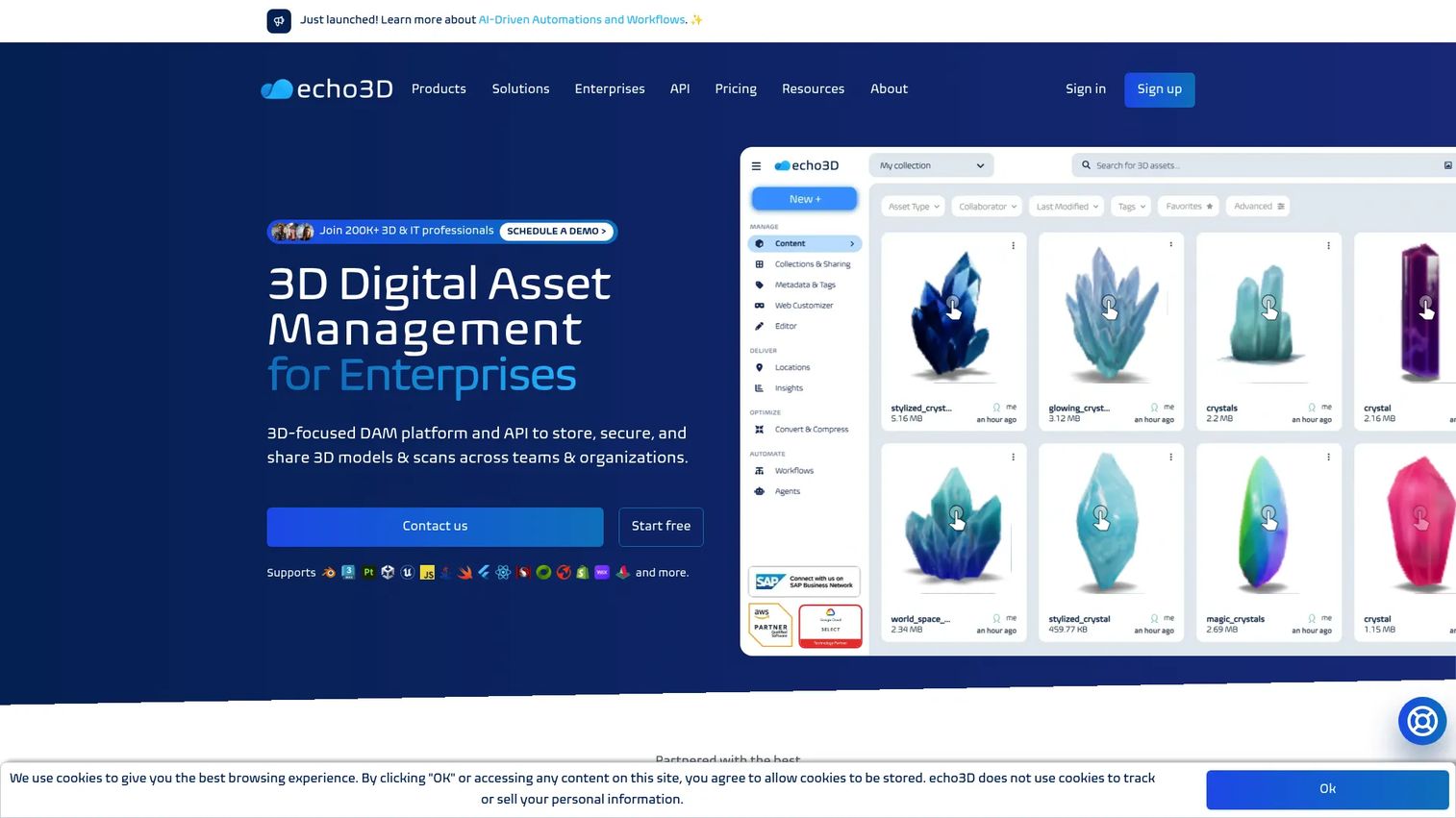
echo3D is a 3D digital asset management platform for storing, optimizing, and distributing 3D models across AR, VR, web, mobile, and spatial computing workflows. It provides cloud storage, asset streaming, version control, compression, REST API access, and SDKs for Unity, Unreal, web, and mobile platforms. Teams use it to keep 3D assets current across applications without manual rebuilds.
Best for: Product and engineering teams managing 3D assets for AR, VR, WebXR, or spatial app development.
Key features
- 3D asset storage with optimization and compression
- Cloud streaming and REST API access
- SDKs for Unity, Unreal, Blender, and web
- Version control and asset conversion
- Free plan with 10 monthly credits and 1 GB storage
Why choose echo3D: Choose it when the bottleneck is keeping 3D assets current across apps, not managing headsets. It fits PMs working with technical teams shipping immersive product experiences who want API-first asset governance without a heavy platform commitment.
echo3D pricing: A free plan is available at $0, including 10 monthly credits, 1 GB storage, and 100 API calls. Additional credits are $0.50 each; additional collections are $49. Custom enterprise plans are available through sales.
6. IdeaSpaceVR
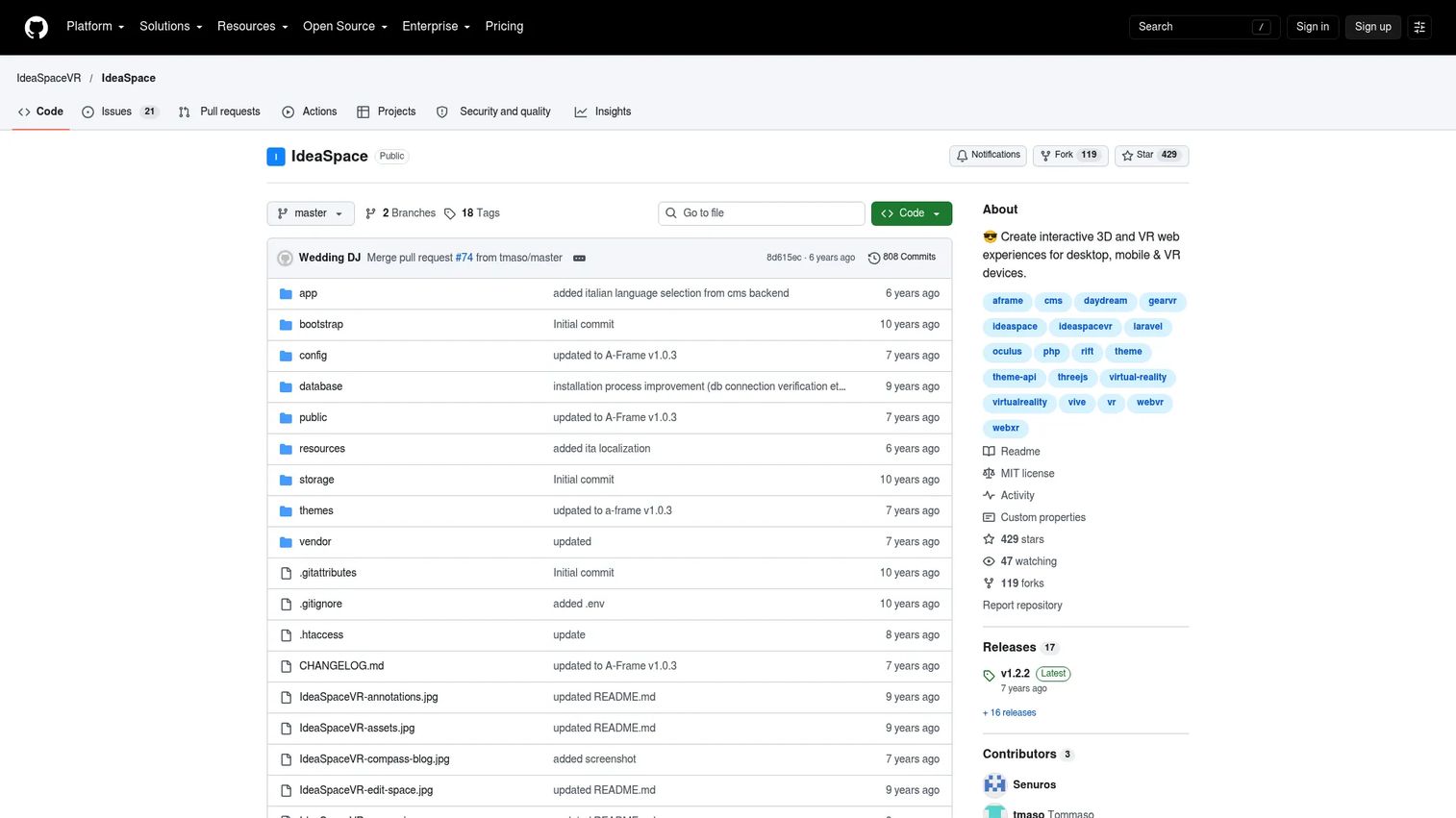
IdeaSpaceVR is an open-source, self-hosted content management platform for creating and publishing interactive 3D and VR web experiences. Built on PHP, it lets teams manage VR spaces like content blocks, install themes, and publish browser-accessible immersive environments using the WebXR Device API. It runs across desktop, mobile, and VR headsets.
Best for: Organizations and developers that need a self-hosted platform for publishing interactive 3D or VR web experiences without vendor lock-in.
Key features
- Self-hosted VR and 3D space publishing
- WebXR Device API support
- MIT-licensed open-source codebase
- Theme creation for custom 3D websites
- Browser, mobile, and headset delivery
Why choose IdeaSpaceVR: Choose it when your team has developer capacity to self-host and wants a no-cost, extensible foundation for browser-accessible VR content. It works well for prototypes and lightweight educational environments where a commercial platform would be disproportionate.
IdeaSpaceVR pricing: Free to download and use. Hosting and infrastructure costs are the responsibility of your team. No paid commercial tiers are available.
G2 rating: 4.5/5
7. Trimble Connect
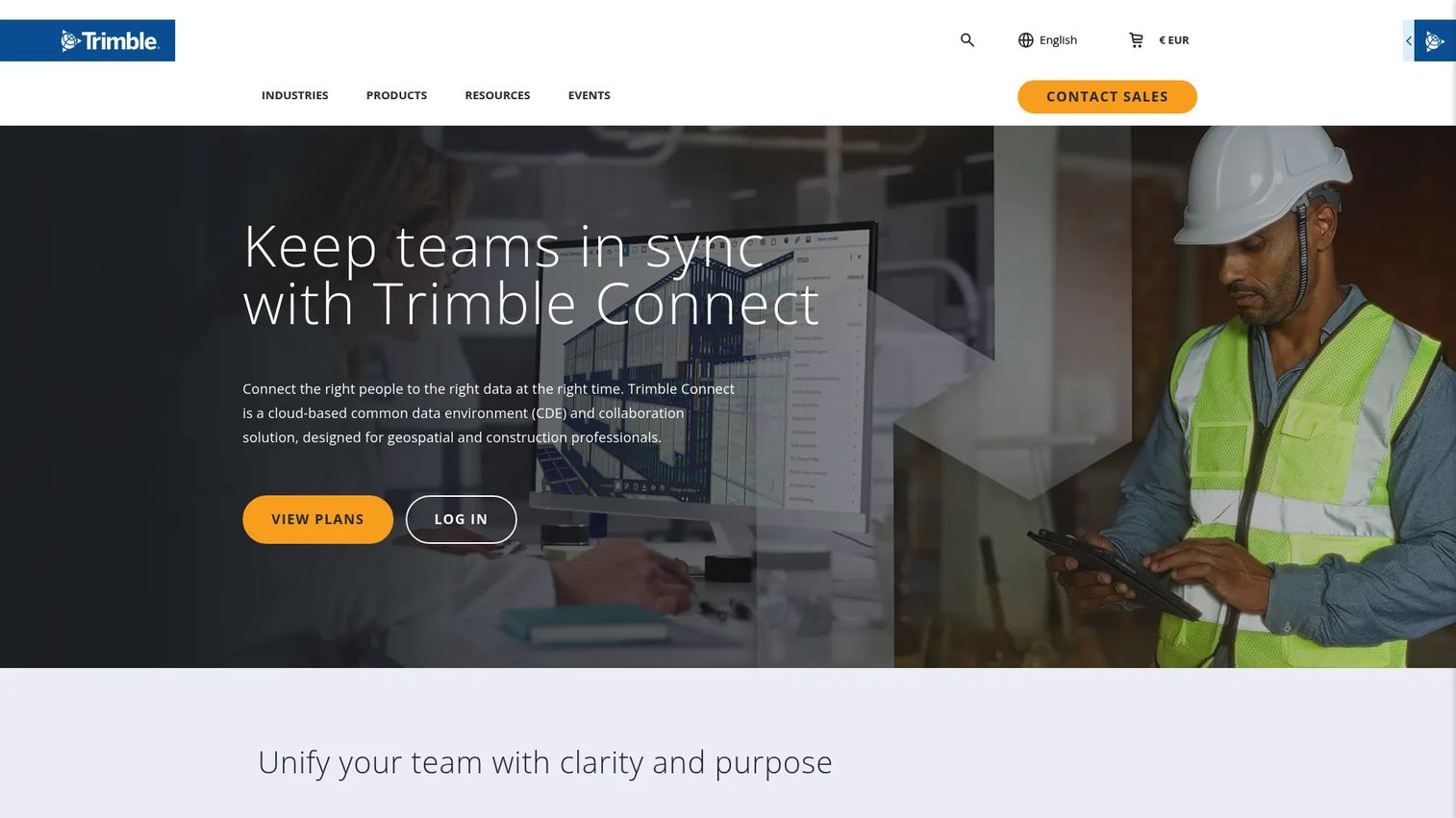
Trimble Connect is a cloud-based common data environment for construction, BIM, and geospatial teams. It provides 2D and 3D model viewing, version control, BIM collaboration, clash detection, annotations, and cross-stakeholder coordination. VR content management workflows in construction contexts frequently route through Trimble Connect for model access and visualization.
Best for: Architecture, engineering, construction, and design teams managing 3D project models and cross-discipline BIM coordination.
Key features
- 2D and 3D model viewing and version control
- BIM collaboration and clash detection
- Issue tracking, annotations, and comments
- Integrations with major AEC tools and APIs
- 30-day free trial
Why choose Trimble Connect: Choose it when VR content management is tied to construction model review and design coordination. It is not a general-purpose VR training CMS, so the fit depends entirely on whether your VR use case centers on project model visualization.
Trimble Connect pricing: A 30-day trial is available. The Pro plan is $349/user/year. The Innovate plan is $499/user/year and adds Visualizer, Revit Application, and data analysis features. Enterprise pricing is custom.
G2 rating: 4.4/5
8. Virtours
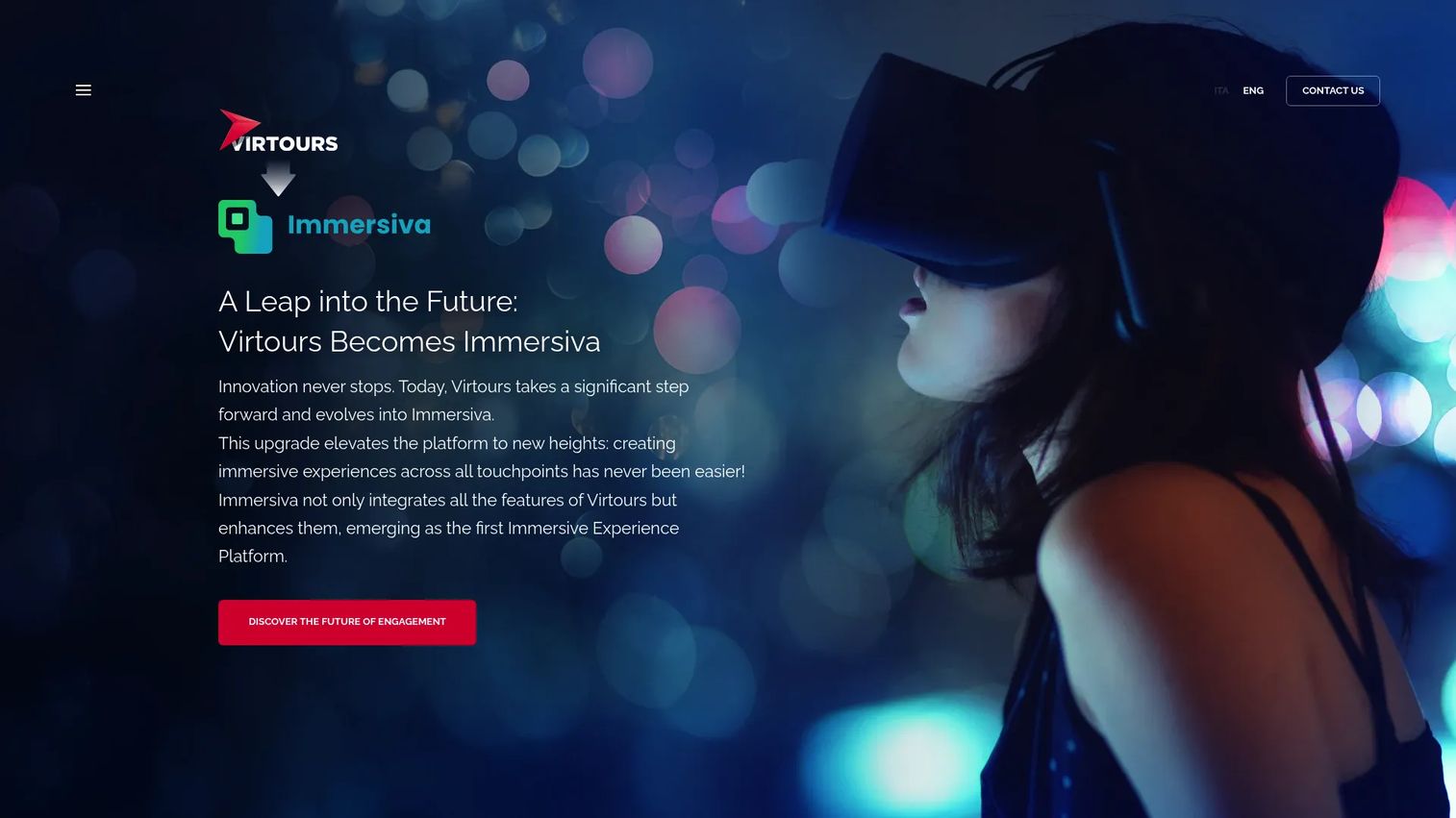
Virtours is a business VR platform for creating, distributing, and experiencing interactive virtual tours. It supports 360-degree monoscopic and stereoscopic media, interactive multimedia hotspots, tablet-assisted VR navigation, and group headset control. Distribution covers browsers, smartphones, VR viewers, and cardboard. The platform has since evolved into the Immersiva brand.
Best for: Businesses publishing virtual tours for real estate, tourism, cultural institutions, education, interior design, and facilities.
Key features
- 360 image and video support with interactive hotspots
- Group headset control and synchronized viewing
- Cloud CMS for content, users, and permissions
- Browser, smartphone, and VR viewer distribution
- Analytics and automated follow-up email workflows
Why choose Virtours: Choose it when the core job is turning 360 media into navigable experiences for a public or client audience. It fits marketing, facilities, and education teams more than IT-led headset fleets running structured training programs.
Virtours pricing: Contact the team for a demo and quote. Pricing reflects tour volume, user count, and distribution scope.
G2 rating: 4.2/5
9. Headjack
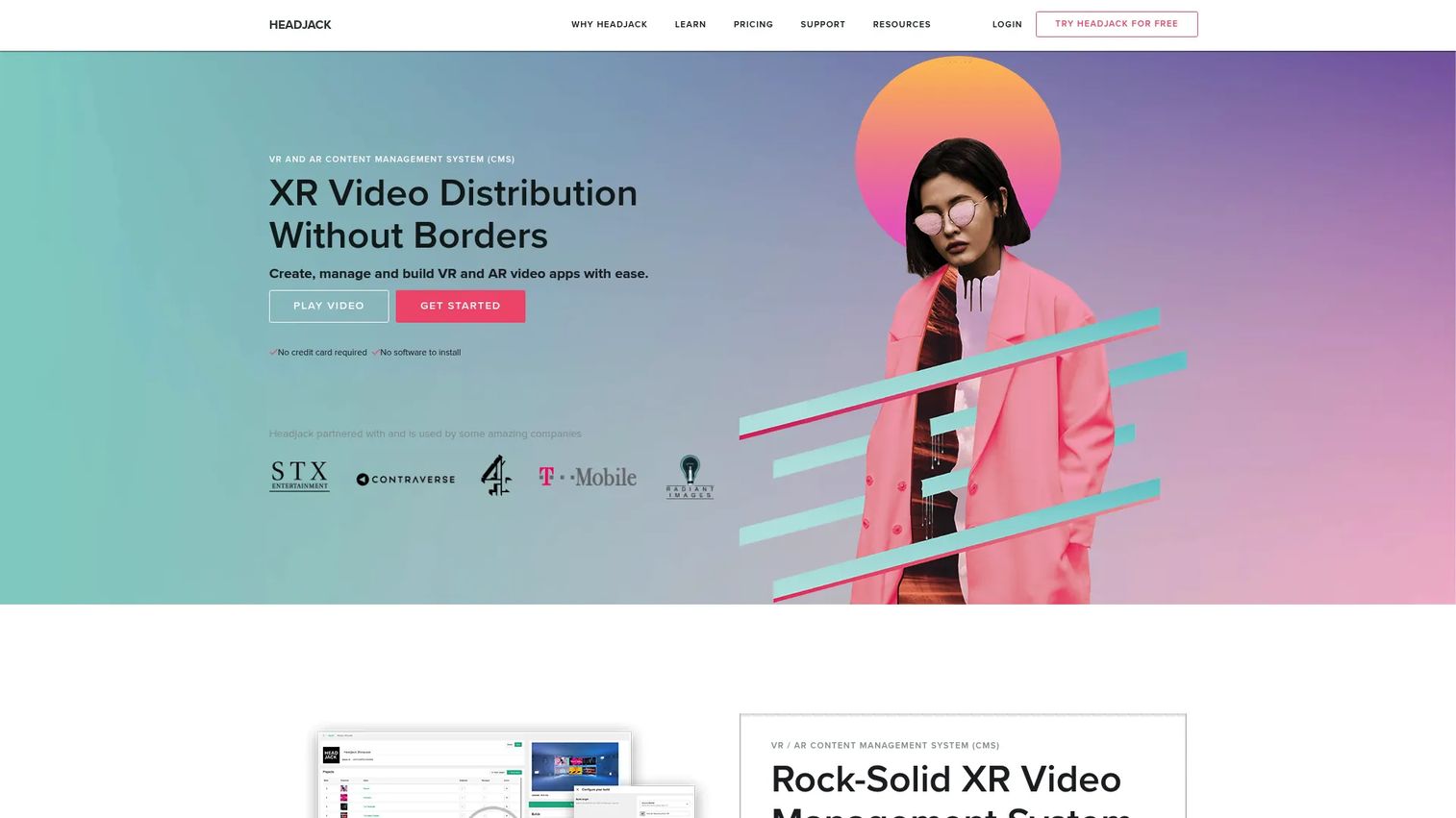
Headjack is a VR, AR, and XR content management, video transcoding, and app distribution platform. It lets media teams create white-label XR apps, transcode and stream 360 video via HLS, and publish branded experiences across multiple VR devices. A Unity SDK and plugin support custom multi-platform VR application development.
Best for: Media teams and studios publishing branded 360 video apps and XR video experiences across VR devices.
Key features
- White-label XR app creation and management
- XR video transcoding and HLS streaming
- Multi-platform VR app publishing
- Offline mode and app-store build support (Pro)
- Unity SDK and plugin for custom development
Why choose Headjack: Choose it when your VR content strategy centers on polished 360 video distribution and branded app experiences. It works best for teams that need a publishing infrastructure, not just content storage.
Headjack pricing: A free plan is available with one white-label app included. The Pro plan is $49/month on an annual plan. The Studio plan uses scalable pricing for larger operations and custom hosting requirements.
G2 rating: 4.3/5
10. ENGAGE
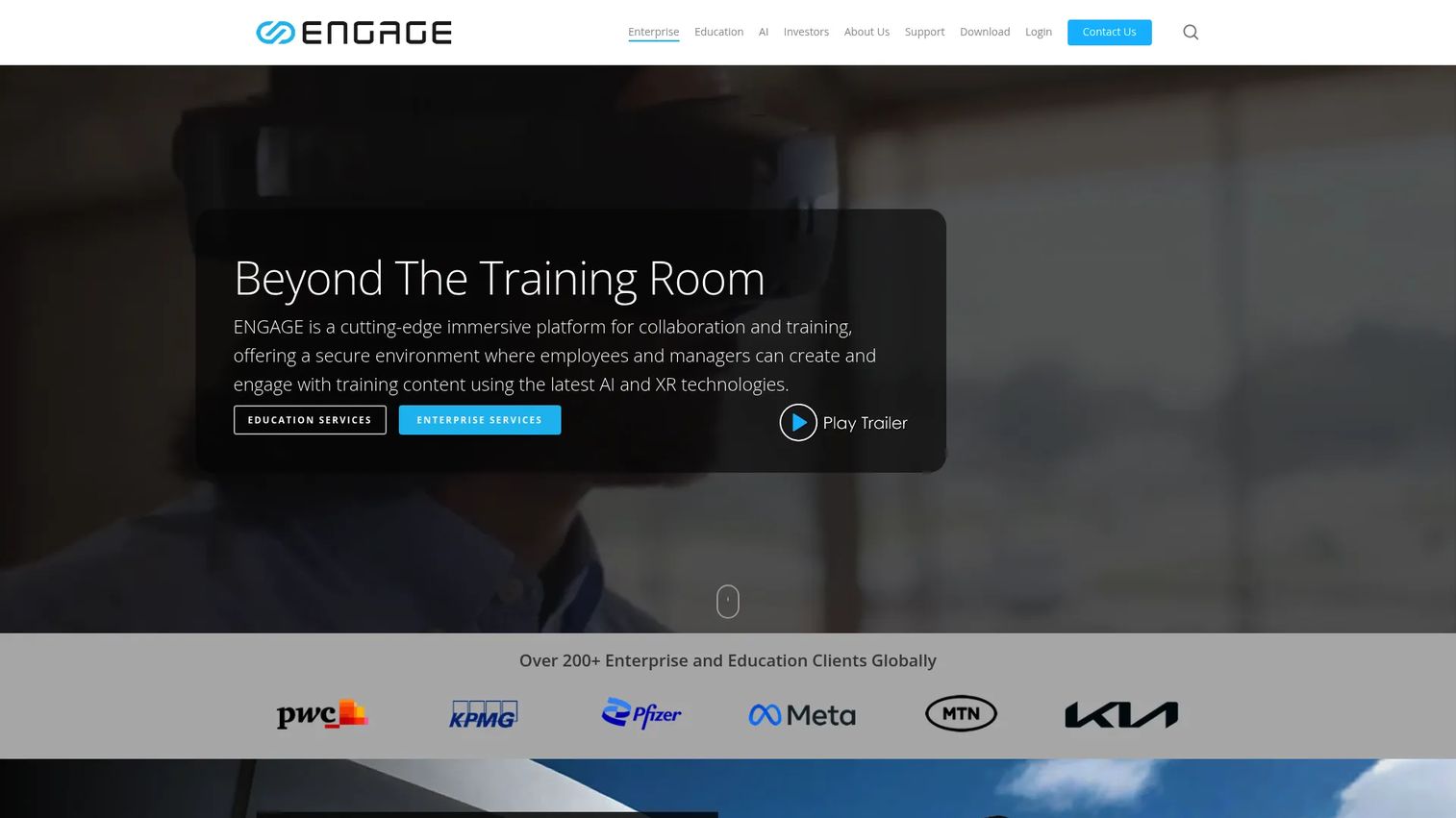
ENGAGE is an immersive spatial-computing platform for enterprise training, education, remote collaboration, and virtual events. It supports live VR classrooms, persistent virtual spaces, up to 70 avatars per room, AI Character Builder tools, generative AI features, cloud media playback, and cross-platform access covering PC, Mac, iOS, Android, and spatial computing devices.
Best for: Training, education, and enterprise teams hosting live immersive learning sessions, virtual events, and collaborative VR experiences.
Key features
- Live VR classrooms and persistent collaborative spaces
- Up to 70 avatars per room for large-format events
- AI Character Builder and generative AI tools
- Cloud file storage and 360-degree media playback
- Cross-platform support including spatial computing devices
Why choose ENGAGE: Choose it when content management is tied to live learning and shared presence, not just asynchronous content delivery. It is less about storing assets and more about running immersive sessions where facilitators and learners interact in real time.
ENGAGE pricing: A LITE tier is free. The PRO plan is $25/month billed yearly. SCALE pricing for enterprise is available through sales. Note: ENGAGE XR Holdings is currently in provisional liquidation; verify current availability before committing.
G2 rating: 4.5/5
11. ByondXR
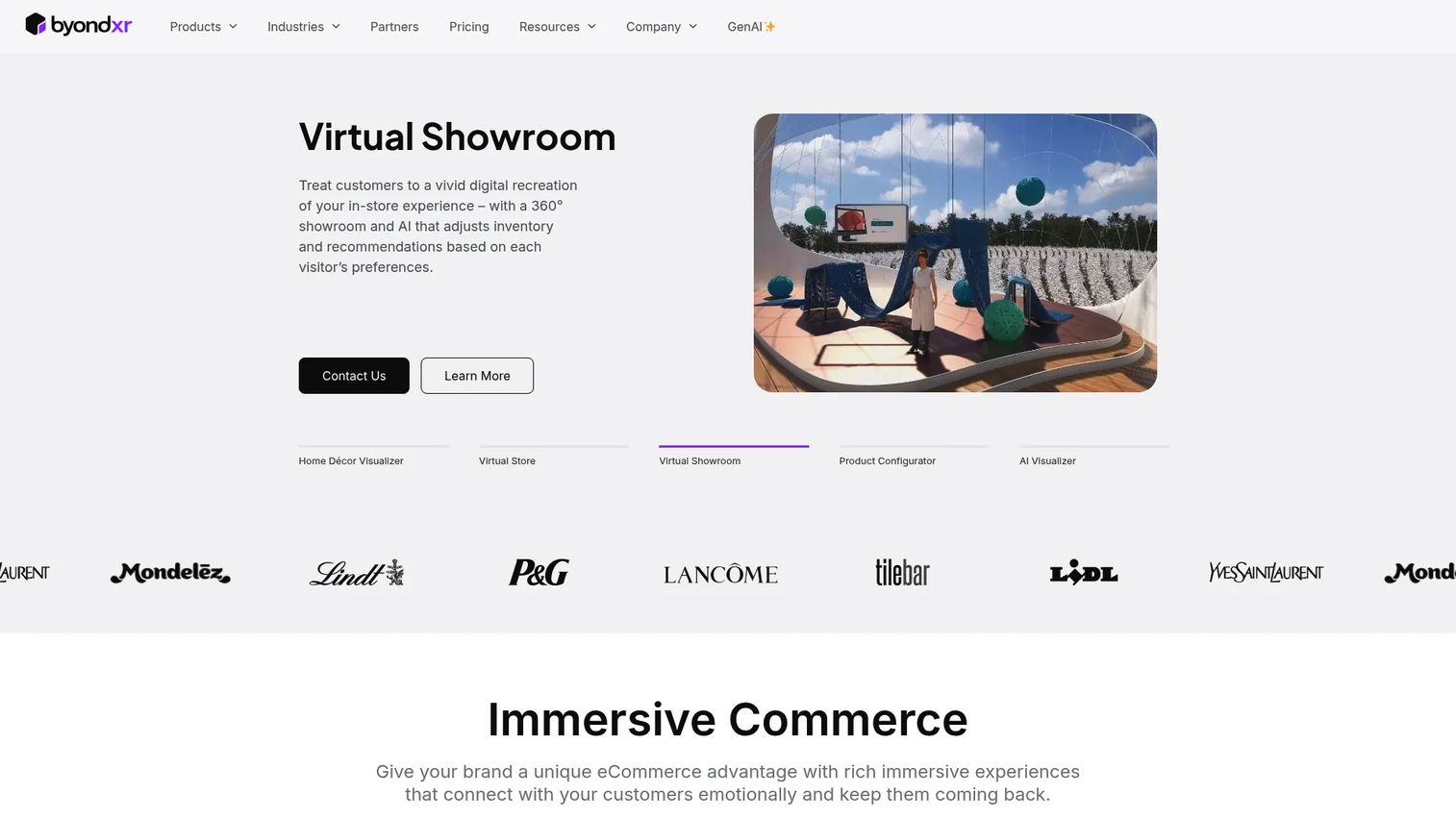
ByondXR is an immersive commerce SaaS platform for creating virtual stores, showrooms, and interactive brand experiences. Its no-code XR Studio lets teams build immersive environments, add AI-driven product recommendations, enable virtual try-ons, and deliver extended-reality product showcases via the web without requiring headsets.
Best for: Retail, consumer brand, and e-commerce teams building immersive shopping experiences and virtual showrooms.
Key features
- No-code XR Studio for virtual store creation
- AI-driven product recommendations and personal consultants
- Virtual try-ons and extended-reality product showcases
- Web-based delivery without headset requirement
- Annual subscription with experience-based pricing
Why choose ByondXR: Choose it when the content is a selling environment rather than a training module. It fits PMs building immersive buyer experiences around product catalogs, where the priority is conversion and brand experience rather than learner completion data.
ByondXR pricing: Pricing is annual, with costs tied to the number of experiences launched. Additional applications and add-ons may apply. Contact sales for a customized proposal based on your catalog and volume.
G2 rating: 4.3/5
12. Omnicast VR
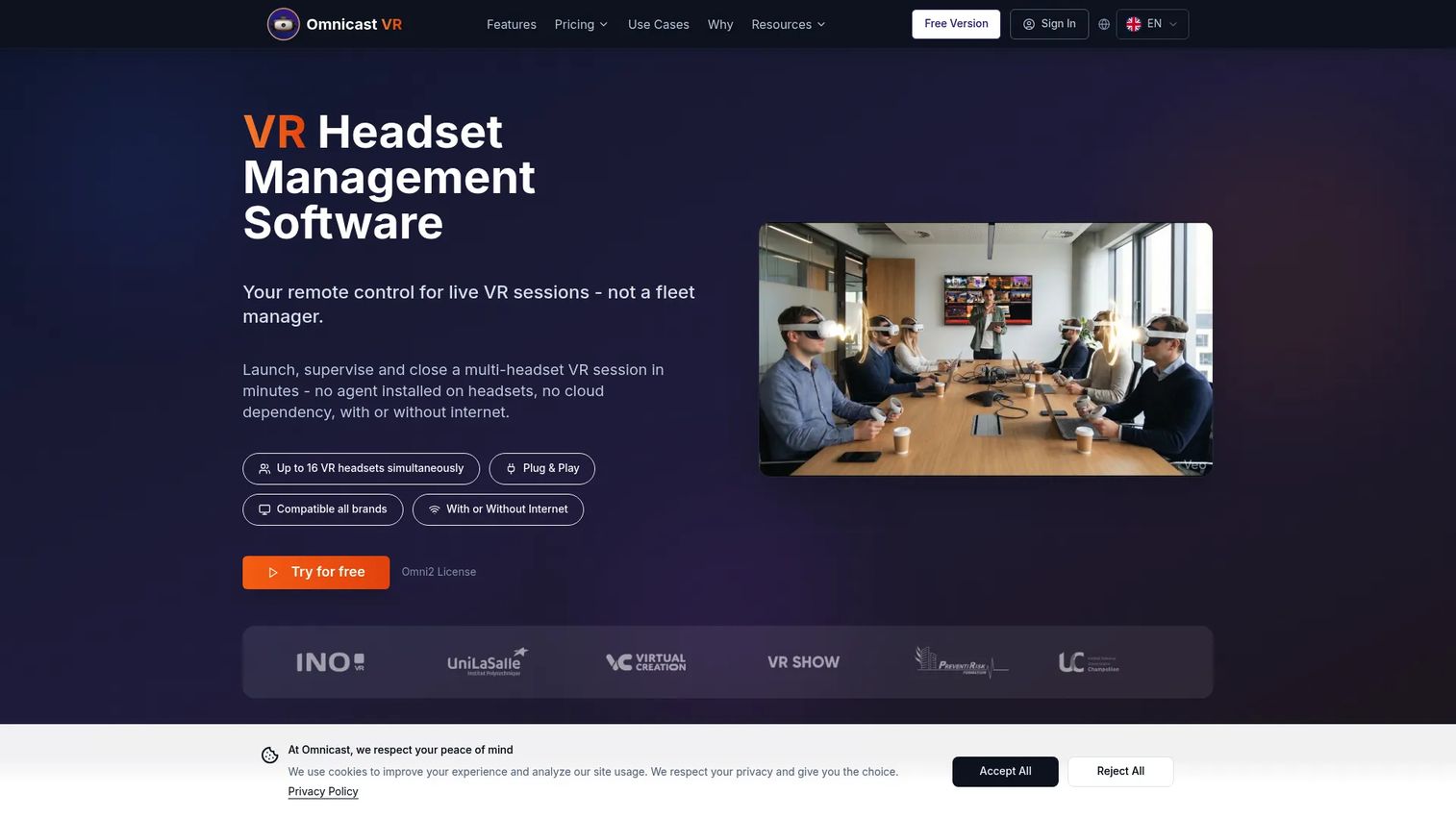
Omnicast VR is Windows software for real-time supervision and control of VR headsets during training, education, demonstrations, and events. It supports screen streaming and remote supervision of up to 16 headsets simultaneously, synchronous or individual app launching, remote APK installation, and offline operation over local Wi-Fi. Compatible with Meta Quest, Pico, and HTC Vive.
Best for: Trainers, educators, and event facilitators managing synchronized multi-headset VR sessions in a single room or venue.
Key features
- Real-time screen streaming for up to 16 headsets
- Synchronous and individual app launching
- Remote APK installation and headset controls
- Offline operation over local Wi-Fi
- Meta Quest, Pico, and HTC Vive compatibility
Why choose Omnicast VR: Choose it when your VR program runs in-room or in-venue sessions where a facilitator needs live supervision of every headset. The offline capability makes it well suited for events or training rooms without reliable internet.
Omnicast VR pricing: A free license covers 1 to 2 headsets. Paid plans are Omni5 at €20/month, Omni10 at €39/month, and Omni16 at €79/month (all on a 1-year commitment, excluding tax). Enterprise pricing is available on quotation.
G2 rating: 5.0/5
13. Smart2VR
Smart2VR is a VR content management platform for publishing and distributing virtual reality content through branded apps, websites, and Samsung Gear VR. Teams use it to upload VR content, organize it into branded app experiences, and distribute to audiences across mobile and VR platforms.
Best for: Organizations distributing branded VR content for education, training, tourism, real estate, or similar use cases.
Key features
- VR content upload and organization
- Branded VR app creation for iOS and Android
- Website-based VR distribution
- Samsung Gear VR support
- Content delivery management
Why choose Smart2VR: Choose it when the priority is getting VR content organized and published through a branded channel. It suits teams that want a direct content distribution layer without the overhead of a full device management platform.
Smart2VR pricing: Contact Smart2VR directly to discuss plan options and subscription terms.
G2 rating: 4.8/5
14. EZ360 Cloud
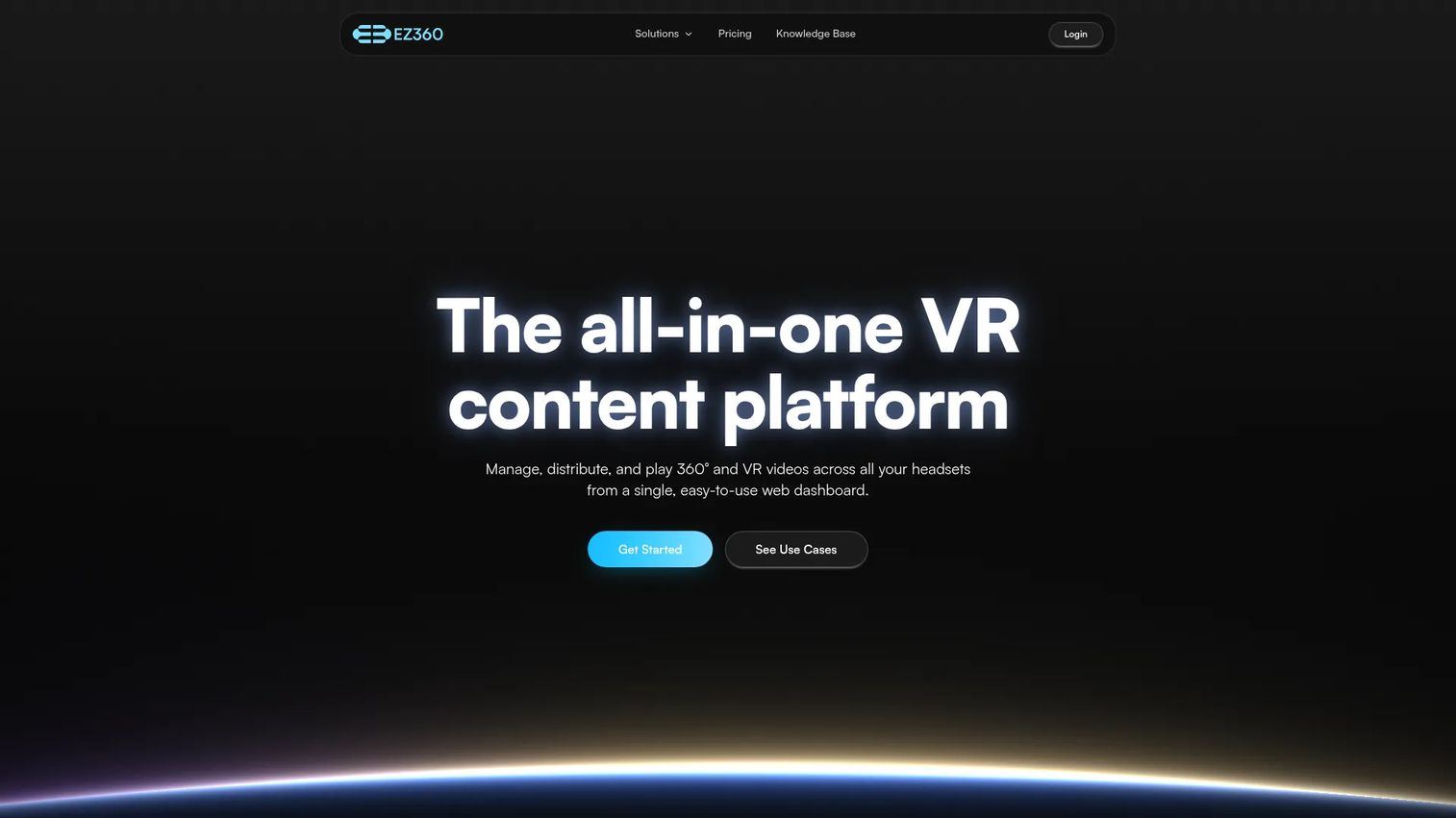
EZ360 Cloud is an all-in-one VR content platform for managing, distributing, and playing 360-degree and VR videos across multiple headsets. It covers automatic VR player and kiosk mode, synchronized playback via VR Sync, offline support, white-label player customization, analytics, and support for 180/360 video, 2D video, spatial audio, and up to 8K resolution.
Best for: Organizations delivering 360 video content across multiple headsets for events, education, training, healthcare, or real estate.
Key features
- 360 video upload, playlist management, and kiosk mode
- Synchronized playback across headsets via VR Sync
- Offline playback and white-label player
- Analytics and VR app distribution
- Support for spatial audio and up to 8K resolution
Why choose EZ360 Cloud: Choose it when 360 video is your primary content format and you need repeatable headset playback without a custom app build. It gives training teams a scalable playback infrastructure that grows with headset count.
EZ360 Cloud pricing: A free lifetime plan is available. Paid plans start at $15/month (Solo) and scale to $29 (Starter), $89 (Standard), $149 (Pro), and $299/month (Agency). Annual billing offers approximately 30% savings.
G2 rating: 4.0/5
15. Spheroid
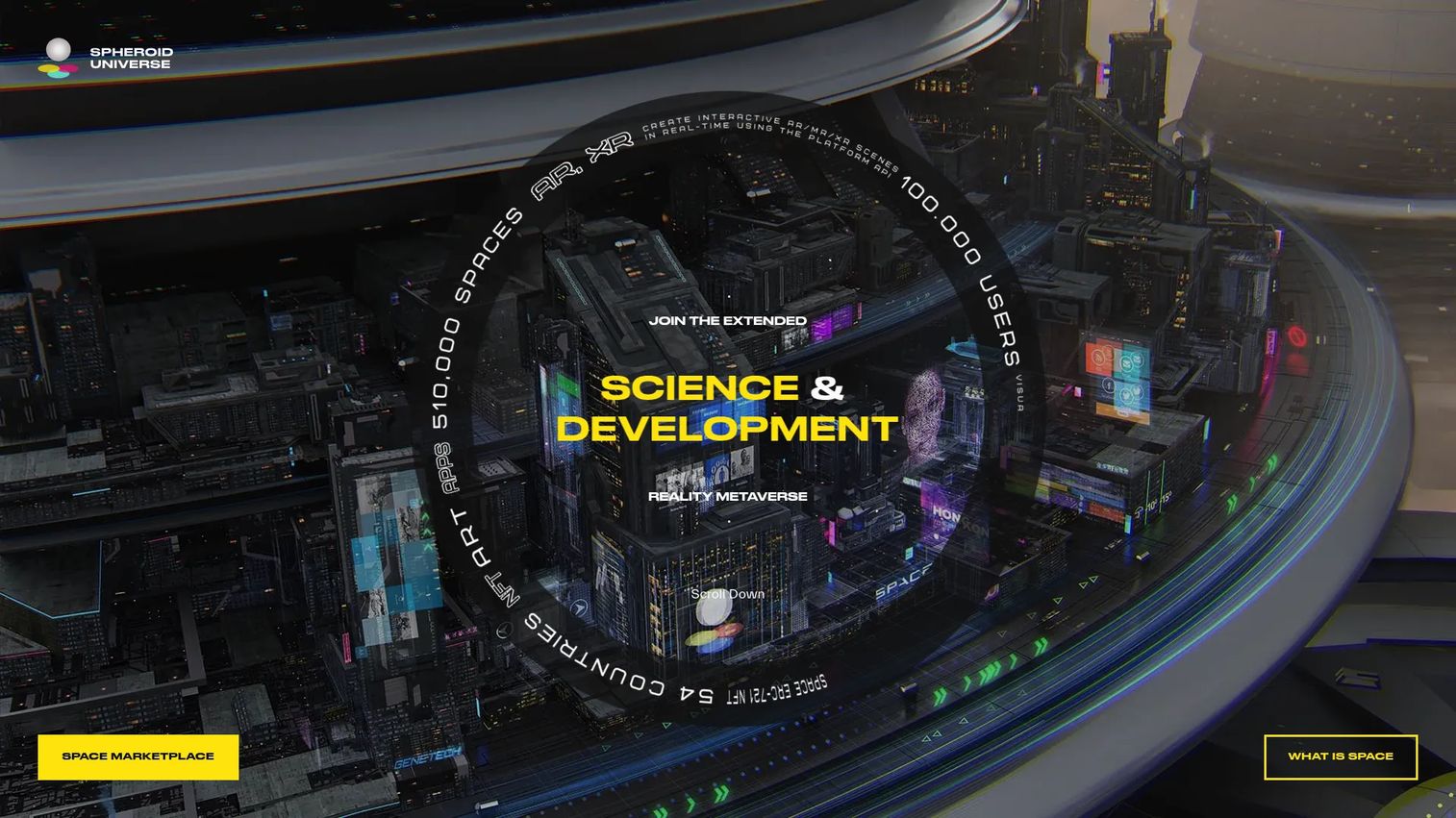
Spheroid Universe is an extended-reality platform for developing AR and XR projects using Spheroid XR Cloud and Spheroid Script, a cross-platform programming language for AR and XR applications. It includes a cloud-based IDE with real-time logging and app deployment, an XR Hub SuperApp for hosting independent applications, an AI Avatar system, and a Space NFT marketplace for location-based XR content.
Best for: Organizations and developers building augmented-reality, extended-reality, digital-avatar, or XR advertising experiences tied to physical locations.
Key features
- Spheroid Script for cross-platform AR and XR development
- Cloud-based IDE with real-time logging and deployment
- XR Hub SuperApp for hosting AR applications
- AI Avatar technology for interactive AR characters
- Location-based and spatial XR content management
Why choose Spheroid: Choose it when VR content management overlaps with spatial AR or location-based experiences. It fits experiential and advertising projects rather than standard VR training content libraries.
Spheroid pricing: Contact Spheroid directly for pricing based on project scope and usage volume.
G2 rating: 4.5/5
Considerations when choosing VR content management software
Content lifecycle fit
Map each tool against where your team's actual bottleneck sits: Creation, storage, deployment, analytics, or update management. Some platforms cover all five; others focus on one or two. A tool that solves headset deployment but not content versioning will still require a secondary workflow.
Headset and platform support
Verify device compatibility before committing. Meta Quest, Pico, and HTC Vive have broad support across the list. Android XR, smart glasses, WebXR, and browser-based delivery vary significantly by platform. Check the vendor's current hardware compatibility documentation, as support changes with firmware updates.
Analytics and instrumentation
Look for session data, completion rates, drop-off points, quiz scores, learner performance, device status, and export options. The platforms with the strongest analytics instrumentation give you the data to prioritize content investments and prove program ROI to stakeholders without building a separate reporting layer.
Governance and permissions
Role-based access, content approval workflows, group management, kiosk mode, and data ownership matter as your program scales. Clarify who can publish new content, who controls device configurations, and whether the tool supports audit logs for compliance-sensitive environments.
Rollout and maintenance cost
Factor in provisioning time, headset setup, ongoing content updates, support requirements, and change management. The true cost of a VR program is not the subscription fee. It includes every engineering hour spent on device updates, every content refresh that requires manual work, and every support ticket that reaches CS because a learner found outdated content.
Conclusion
The right VR content management software depends on where your program's operational friction actually lives.
ManageXR and ArborXR are the strongest options for XR device operations. Both offer remote deployment, kiosk controls, and device analytics at per-device price points that scale with fleet size. Smart VR Lab, Smart2VR, and EZ360 Cloud are better suited for teams whose primary job is VR training content distribution, especially where 360 video and learner tracking are the core requirements.
Strivr and ENGAGE fit organizations building immersive learning programs where live delivery and workforce performance data matter as much as content management. echo3D and Trimble Connect serve different workflows entirely: 3D asset pipelines for AR and VR apps, and construction model coordination, respectively.
Headjack, Virtours, Omnicast VR, ByondXR, and Spheroid each address narrower publishing, experience, or spatial use cases. Treat them as strong fits for their specific categories, not general-purpose VR CMS platforms.
The practical next step: Shortlist three tools based on your primary bottleneck. Run a small pilot with one content owner, one IT owner, and one measurement owner. Compare update time, device deployment time, learner completion, and support load before making a final decision.
If your team also needs browser-based interactive product demos for SaaS onboarding, customer education, or sales enablement outside VR, Guideflow helps you create and share clickable product experiences without engineering work. It is a separate job from VR content management, but a common one for the same PM teams.
Start your journey with Guideflow today!
FAQs
VR content management software is a platform for storing, organizing, publishing, updating, and measuring virtual reality content across headsets, users, teams, and locations. It manages the full content lifecycle from asset import through deployment, analytics, and version control. Some platforms also combine VR device management capabilities for headset configuration and remote control.
A VR CMS focuses on the content lifecycle: What content exists, how it is organized, who sees it, and how it performs. VR device management focuses on headset operations: Configuration, provisioning, kiosk mode, remote app deployment, and monitoring. Many enterprise platforms like ManageXR and ArborXR combine both, because content and device operations are practically inseparable at scale.
Prioritize segmentation by role, cohort, or location; content versioning with low-engineering update workflows; headset compatibility for your device fleet; analytics covering completion, session data, and learner performance; role-based permissions; and integration with your existing LMS or analytics stack. Low maintenance overhead is the factor most teams underestimate before committing to a platform.
Strivr fits large organizations running workforce training programs with analytics and rollout support. ENGAGE suits teams that need live VR classrooms and collaborative sessions. Smart VR Lab works well for structured 360 video training with interactive quizzes and LMS integration. Smart2VR and EZ360 Cloud are strong for straightforward content distribution and headset playback, respectively. The right choice depends on whether your primary need is async content delivery or live facilitated sessions.
ManageXR and ArborXR are the primary options for XR device management. Both support remote app deployment, kiosk mode, device monitoring, and fleet governance. ManageXR starts at $7/device/month (billed annually) and ArborXR starts at $4/device/month for education (billed annually). Verify supported devices, remote command capabilities, and kiosk configuration options before selecting.
Yes, for platforms with built-in training analytics. Strivr, Smart VR Lab, ENGAGE, and EZ360 Cloud provide varying levels of completion tracking, session duration, quiz scores, and learner performance data. The depth of analytics varies significantly. Check whether the platform exports data to your LMS or analytics stack, or whether reporting is confined to the platform's own dashboard.
Many do, but support varies by platform and purpose. Headjack, EZ360 Cloud, Smart VR Lab, Omnicast VR, and Virtours are specifically built around 360 video workflows. Platforms like ManageXR and ArborXR support 360 video as part of a broader content and device management stack. Tools like echo3D and Trimble Connect focus on 3D assets and models rather than video content.
A VR CMS fits teams deploying headset content and running training programs where the primary assets are 360 videos, VR apps, or interactive lessons. A 3D asset management platform fits teams building and updating 3D models inside AR, VR, or WebXR applications, where the workflow is development-oriented rather than training-oriented. echo3D is a good example of the latter: It is built for engineering teams managing 3D asset pipelines, not for L&D teams publishing training content to headsets.