A refund request lands in one inbox. The customer’s files sit elsewhere. Booking a follow up takes four messages, while the documentation update has no owner.
Virtual assistant software helps support and administration teams connect those loose ends. The right stack can classify requests, assign work, schedule meetings, preserve context, and automate predictable follow ups.
Adoption is already substantial. Adobe reported in 2025 that 45% of B2B organizations use AI powered chatbots or virtual assistants.
The hard part is choosing the right virtual assistant tools. Some manage conversations. Others handle client records, projects, files, finance, or distributed teams. Your best choice depends on the work you want to remove from the queue.
What’s inside
This guide covers virtual assistant software tools for support leaders, remote administrators, agencies, and independent assistants.
We selected the products based on category fit and recurring search visibility. Each option was also assessed against practical criteria:
- Automation depth for routine requests and handoffs
- Workflow fit for support and administration teams
- Connections with existing business systems
- Pricing clarity and usefulness for daily work
- Coverage across communication, finance, files, and scheduling
The result is a stack focused on concrete workflow relief rather than feature volume.
TL;DR
- Best for AI and rules based automation: Rasa Platform supports governed voice and chat agents
- Best for client management: HoneyBook brings proposals, contracts, payments, and scheduling together
- Best for remote team coordination: Connecteam covers shifts, checklists, communication, and time tracking
- Best for support operations: Asana and ClickUp organize task routing, ownership, documentation, and reporting
- Best for scheduling: Calendly manages bookings, reminders, routing, and calendar handoffs
- Best for specialized administration: Toggl Track, QuickBooks, Hootsuite, and DocuSign cover distinct operational jobs
What is virtual assistant software?
Virtual assistant software is a category of tools that helps assistants and support operations teams manage routine administrative work.
Software for virtual assistants can be an integrated platform or a stack of specialized products. The category covers scheduling, request triage, client communication, task ownership, document sharing, time tracking, billing, and repeatable workflows.
AI virtual assistant software handles natural language requests and conversation flows. A support team might use it to identify a billing question, collect missing context, and route the case to finance.
Rules based platforms manage predictable actions. These include sending reminders, requesting approvals, assigning owners, or notifying a manager when work becomes overdue.
Workflow products provide the operating structure. They connect tasks with owners, deadlines, dependencies, forms, and status reporting. Communication platforms then help distributed teams discuss exceptions without losing the source request.
Common capabilities include:
- Task and project management
- Shared inbox or conversation routing
- Calendar and appointment scheduling
- File storage and document collaboration
- Workflow automation and integrations
- Time tracking and productivity reporting
- CRM records and client history
- Invoicing, payments, and contracts
- AI request handling with escalation paths
- Security controls, permissions, and audit trails
For support teams, the goal is queue hygiene. A well designed stack helps each routine request find an answer, owner, or next action before it becomes costly human work.
Virtual assistant apps cannot repair unclear documentation or a broken customer journey. They perform best when your team has repeatable processes, reliable source material, and clear escalation rules.
When to use virtual assistant software
Triage routine requests before they hit the queue
Use AI assistants and routing rules when your team receives repeated questions with recognizable patterns. Forms can collect account details before an agent opens the request.
CRM context then helps route each case by customer, topic, or urgency. This can support deflection, first contact resolution, and lower handle time when the underlying process is clear.
Coordinate remote admin work across time zones
Remote work tools for virtual assistants help distributed teams share ownership without constant status meetings. Tasks, comments, calendars, and shared files keep work visible between shifts.
A support manager should see who owns a macro update or customer follow up without starting another chat thread. Virtual assistant management software works best when responsibility stays attached to the request.
Automate client facing administration without losing context
Scheduling tools can remove booking exchanges. Finance platforms manage invoices and receipts, while agreement software tracks signatures and reminders.
The strongest workflows preserve the history behind each action. An assistant should know why a meeting was booked, which files were requested, and what the client already approved.
Virtual assistant software comparison
Use this table as a practical scan, rather than a final verdict. Some products cover broad operations, while others remove one recurring bottleneck.
Pricing reflects the plans detailed on each vendor’s pricing page. Ratings come from current G2 listings. Where a rating could not be established from the supplied research, the table shows N/A.
| # | Product | Best for | Key differentiator | Pricing | G2 rating |
|---|---|---|---|---|---|
| 1 | Rasa Platform | AI assistant automation | Governed voice and chat agent development | Free Developer Edition; Enterprise: Custom pricing | 4.0/5 |
| 2 | HoneyBook | Client management | Client workflows from inquiry through payment | From $18/month billed yearly | 4.4/5 |
| 3 | Connecteam | Remote VA teams | Scheduling, time, forms, and team communication | From $29/month billed yearly | 4.6/5 |
| 4 | Asana | Task routing | Structured workflows with multiple project views | Free; Starter from $10.99/user/month annually | 4.4/5 |
| 5 | ClickUp | Flexible operations | Tasks, docs, dashboards, automation, and AI | Free; Core from $9/user/month annually | N/A |
| 6 | Slack | Team communication | Channel based collaboration with connected apps | Free; Pro from $7.25/user/month annually | 4.5/5 |
| 7 | Calendly | Scheduling | Booking, reminders, qualification, and routing | Free; Standard from $10/seat/month annually | 4.7/5 |
| 8 | HubSpot | CRM and client history | CRM, tickets, workflows, and service tools | Free; Starter from $7/seat/month | 4.4/5 |
| 9 | Google Workspace | Shared productivity | Business email, documents, storage, and meetings | From €6.80/user/month | 4.5/5 |
| 10 | Microsoft Teams | Microsoft collaboration | Chat and meetings connected to Microsoft 365 | Free; Essentials from $4/user/month annually | 4.4/5 |
| 11 | Zoom | Customer calls | Video meetings with integrated workplace tools | Free; Pro from $14.16/user/month annually | 4.5/5 |
| 12 | Dropbox | File management | File synchronization and external sharing | Free; Plus from $9.99/month | 4.4/5 |
| 13 | Google Drive | Cloud documents | Collaborative storage within Google tools | Free; Basic from $1.99/month | N/A |
| 14 | Toggl Track | Time tracking | Lightweight timers with project reporting | Free; Starter from $9/user/month | 4.6/5 |
| 15 | QuickBooks | Accounting | Invoicing, expenses, payments, and reporting | Free; Simple Start from $19/month promotional | 4.0/5 |
| 16 | Hootsuite | Social administration | Scheduling, social inbox, listening, and reports | From $99/user/month billed annually | 4.3/5 |
| 17 | DocuSign | Electronic signatures | Trackable agreement and signing workflows | From $11/user/month annually | 4.5/5 |
Best 17 tools for virtual assistant software
1. Rasa Platform
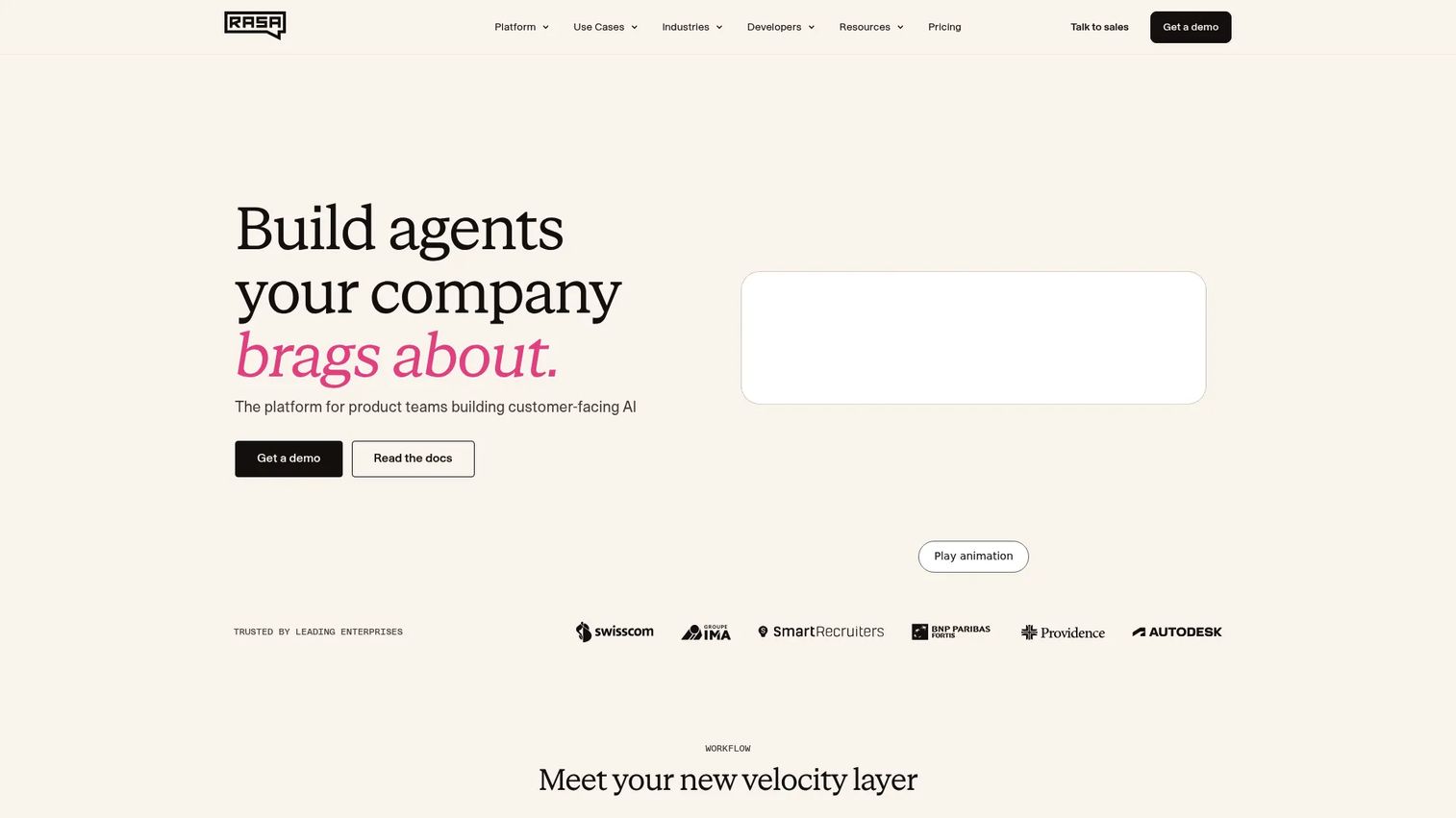
Rasa Platform is a self hostable developer platform for creating enterprise AI agents across voice and chat. It fits organizations that need controlled conversation flows connected to internal tools.
Support operations teams can use it for repetitive questions, request classification, and structured escalation. Technical ownership is important because Rasa operates more like AI assistant infrastructure than a plug and play VA app.
Its orchestration tools support reusable skills and governed workflows. Deployment options include on premises, private cloud, and air gapped environments.
Best for: Support operations and technical teams building custom assistants for triage, routing, and routine request handling.
Key features
- Custom voice and chat agents
- Governed workflow orchestration
- Reusable assistant skills
- Human handoff design
- Private deployment options
Why choose Rasa Platform: Choose Rasa when an assistant must follow business rules and connect with internal systems. It suits complex request flows where teams need control over escalation and deployment.
Rasa Platform pricing: The Free Developer Edition covers one bot with stated conversation limits. Enterprise uses custom pricing.
G2 rating: 4.0/5
2. HoneyBook
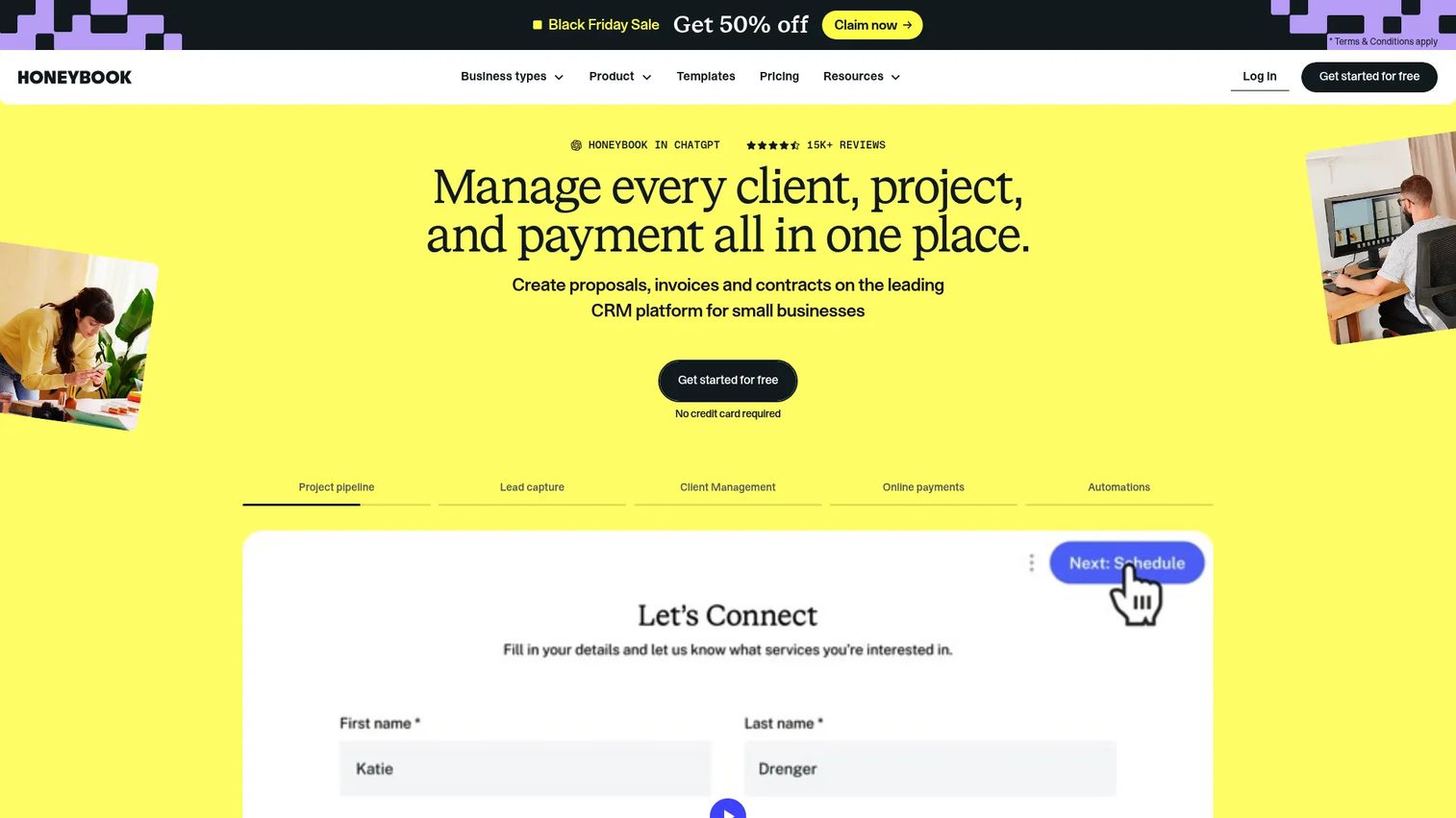
HoneyBook is an AI powered client relationship platform for independent service businesses and small teams. It manages leads, projects, proposals, contracts, invoices, payments, and client communication.
Templates help assistants avoid rebuilding the same client process for every engagement. The platform also includes scheduling, project pipelines, lead forms, and a client portal.
For support leaders, HoneyBook is better understood as client workflow software rather than a ticketing platform. It fits service teams that need a consistent path from inquiry through payment.
Best for: Freelance virtual assistants and small agencies managing client work from first inquiry to final payment.
Key features
- Lead capture and management
- Proposals and contracts
- Invoices and online payments
- Scheduling and automations
- Client project portal
Why choose HoneyBook: Choose it when administration is split across email, PDFs, spreadsheets, and payment links. Its workflow fits client management software for virtual assistants running service businesses.
HoneyBook pricing: Starter costs $18/month billed yearly or $36 monthly. Every plan starts with a free trial.
G2 rating: 4.4/5
3. Connecteam
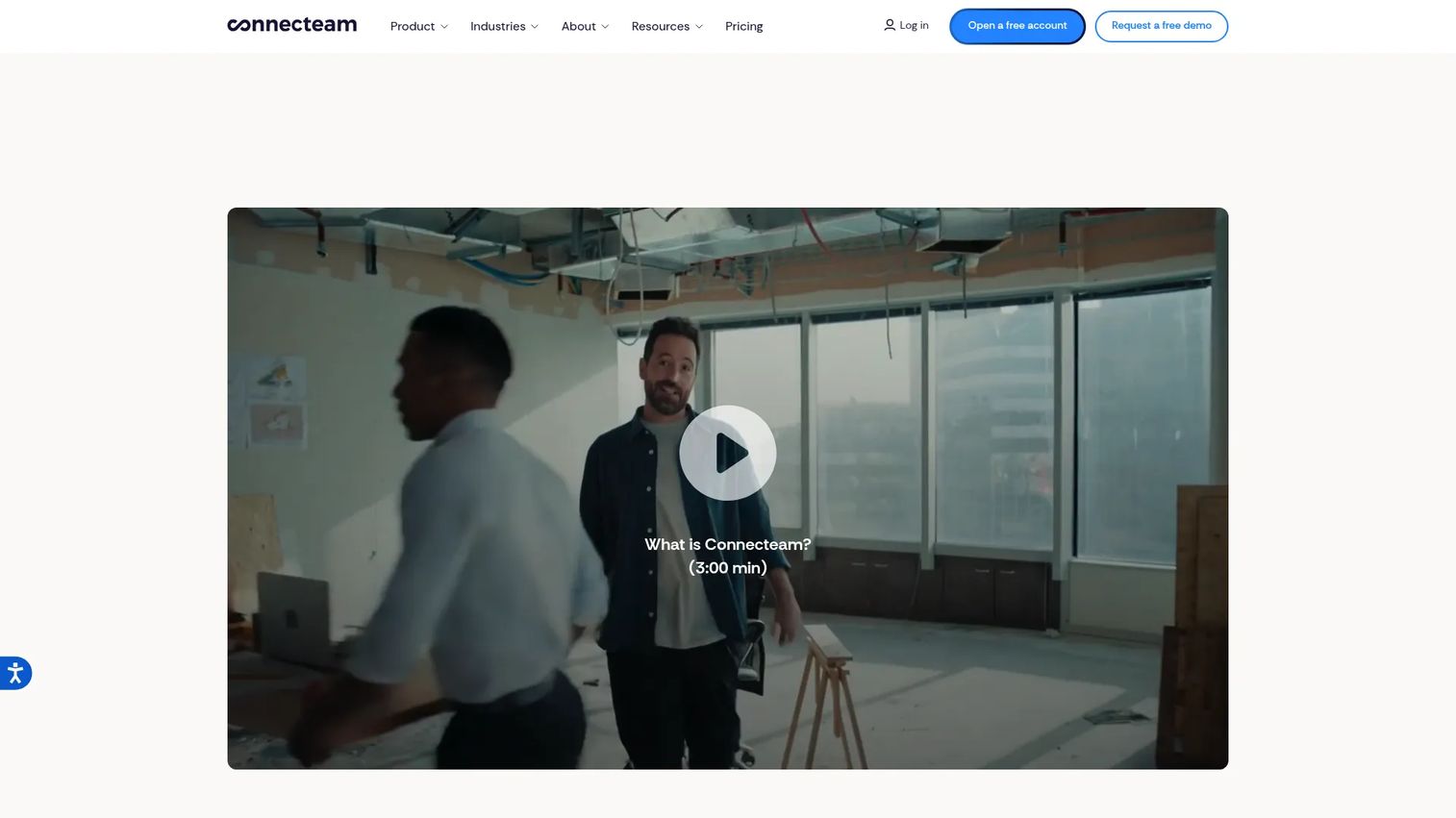
Connecteam combines employee scheduling, time tracking, forms, communication, and HR tools. It focuses on deskless and distributed teams rather than individual task management alone.
Managers can coordinate shifts and assign operational checklists from the same app. Forms capture structured updates, while team chat gives remote staff a shared communication layer.
This setup fits support organizations using part time assistants or offshore administrative coverage. It provides visibility into assigned work without turning activity monitoring into the main management method.
Best for: Managers coordinating distributed assistants through shifts, tasks, checklists, and daily updates.
Key features
- Employee scheduling
- GPS time tracking
- Forms and checklists
- Team chat
- HR skills management
Why choose Connecteam: Choose it when you manage people alongside daily operations. It gives remote teams structure around coverage, recurring duties, and shift handoffs.
Connecteam pricing: Basic starts at $29/month billed yearly for the first 30 users. A 14 day free trial is available.
G2 rating: 4.6/5
4. Asana
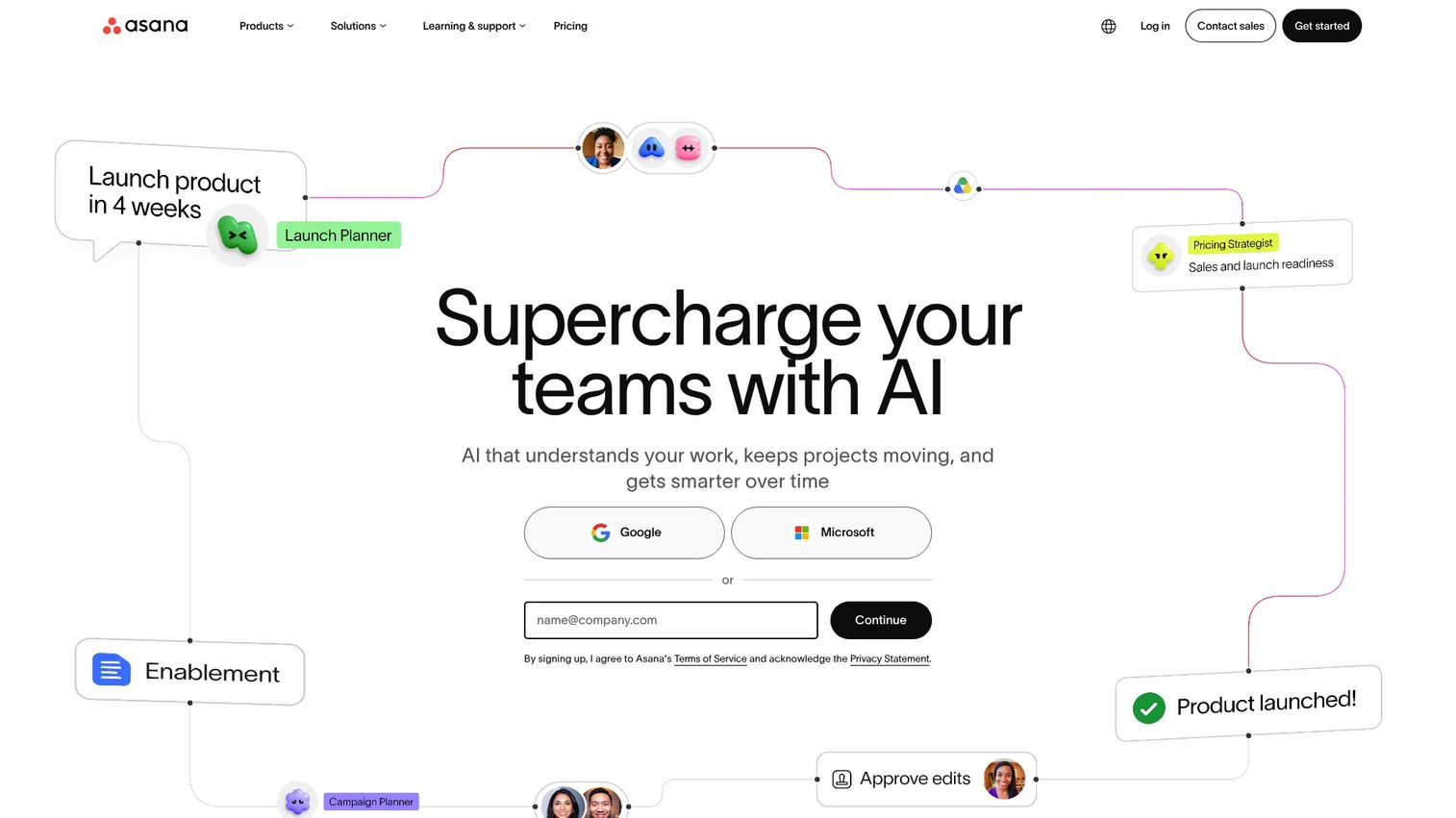
Asana is a structured work management platform for tasks, projects, goals, and workflows. Teams can organize work through lists, calendars, timelines, Gantt charts, and Kanban boards.
For support operations, practical uses include assigning stale documentation updates and managing queue cleanup projects. Teams can also coordinate macro reviews, onboarding checklists, or cross functional handoffs.
Forms create consistent intake, while rules automate predictable actions. Dependencies make blocked work visible before a missed deadline reaches customers.
Best for: Support operations teams that need clear owners, due dates, and repeatable administrative workflows.
Key features
- Multiple project views
- Forms based intake
- Workflow automation
- Project templates
- Task dependencies
Why choose Asana: Choose it when recurring work needs explicit ownership. It works well for documentation maintenance and internal projects where status cannot live inside chat.
Asana pricing: Personal is free. Starter costs $10.99/user/month annually or $13.49 with monthly billing.
G2 rating: 4.4/5
5. ClickUp
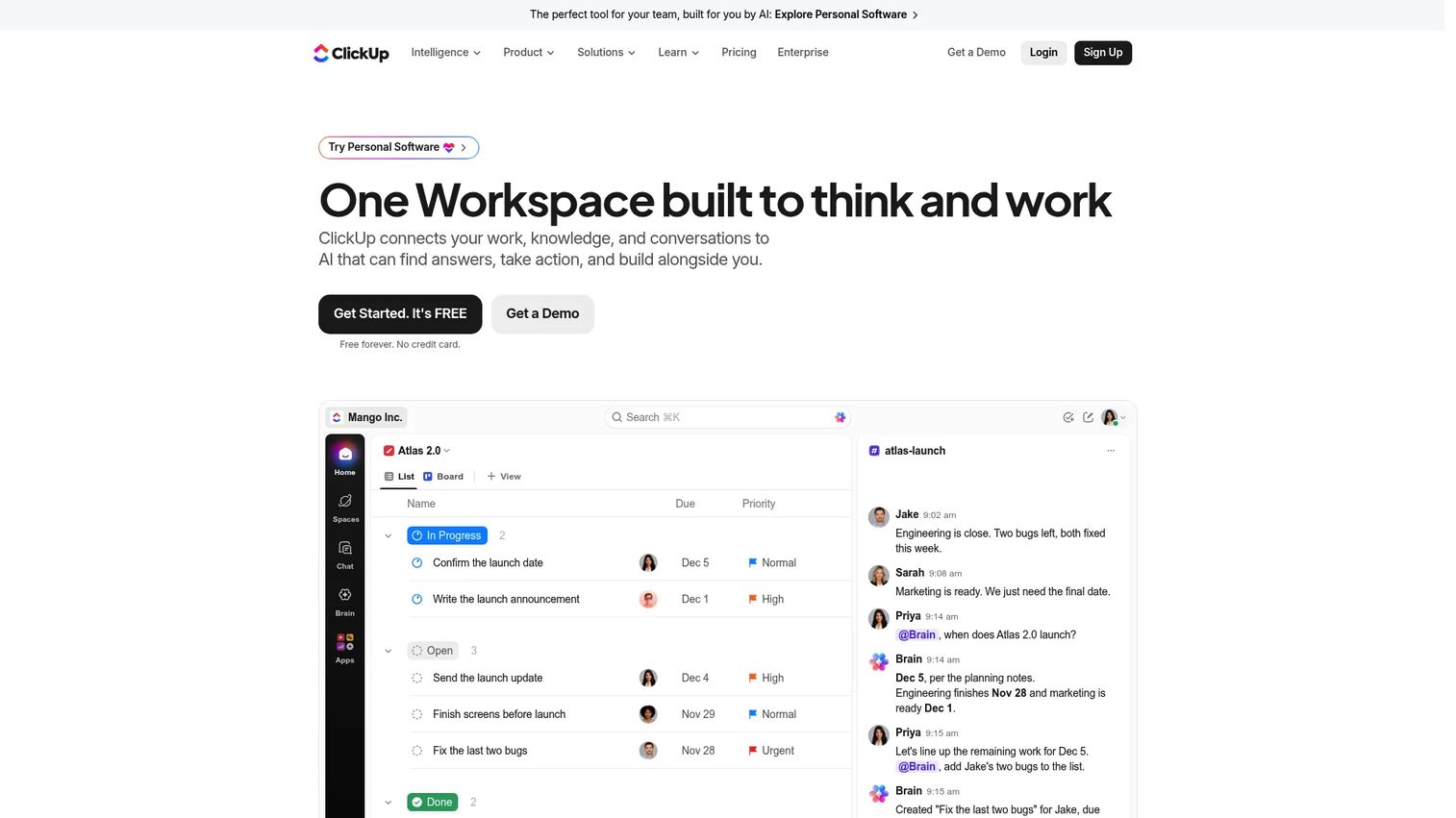
ClickUp brings tasks, documents, chat, dashboards, automation, and AI features into a work management platform. It suits teams that want operations documentation and task execution closely connected.
Virtual assistants can manage recurring client duties, maintain SOPs, and report workload through dashboards. Support operations teams can use forms to collect internal requests before routing them into defined workflows.
ClickUp offers broad configuration options, which means teams must decide how statuses and spaces should work. A basic operating model prevents the workspace from becoming another source of clutter.
Best for: Assistants and support teams managing projects, SOPs, recurring tasks, workload, and operational reporting.
Key features
- Custom task views
- Collaborative documents
- Workflow automations
- Reporting dashboards
- AI assisted workflows
Why choose ClickUp: Choose it when your workflow crosses tasks and documentation. It rewards teams willing to define a working system instead of relying on loose checklists.
ClickUp pricing: Free Forever costs $0. Core starts at $9/user/month billed yearly.
G2 rating: N/A
6. Slack
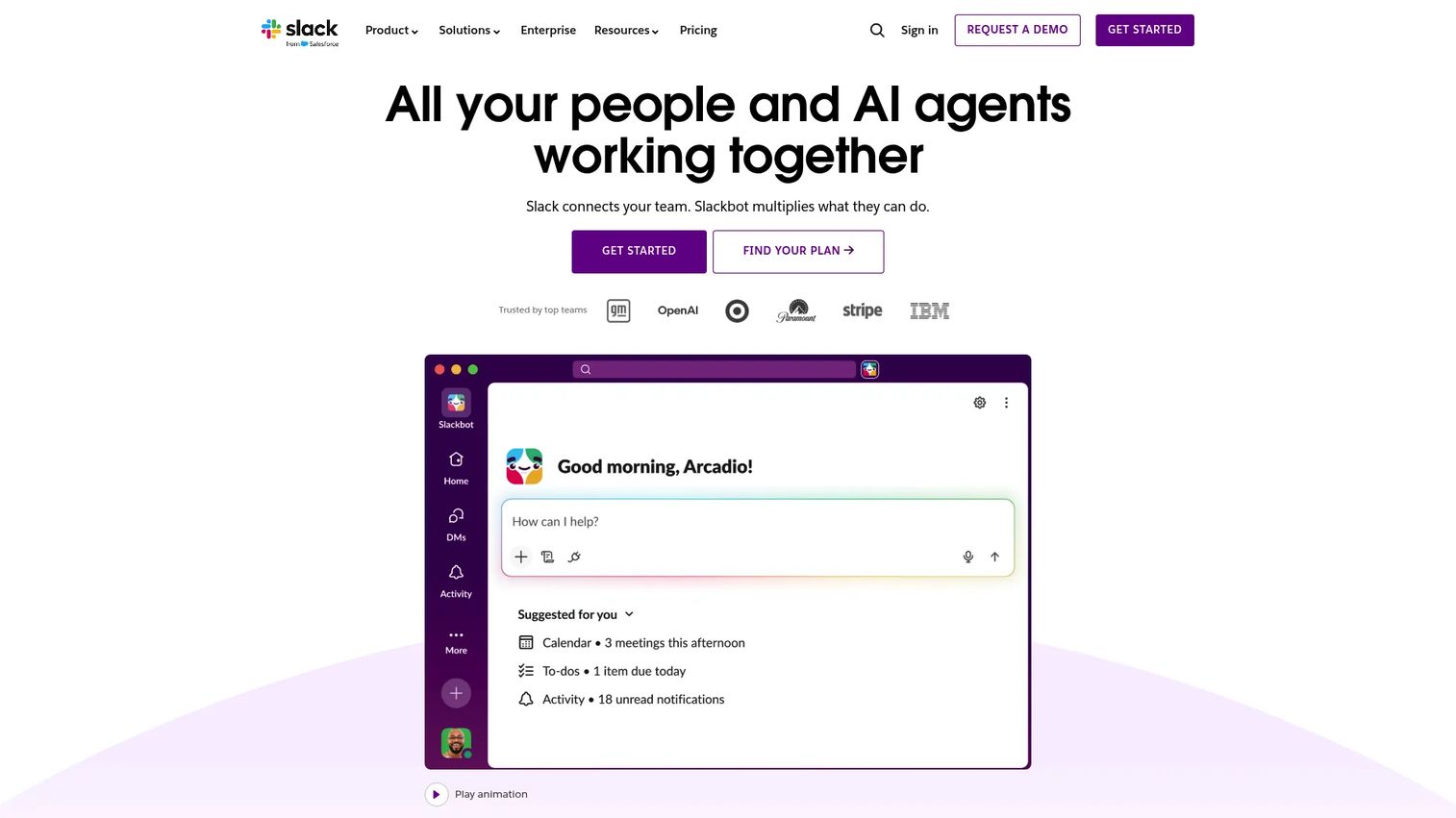
Slack organizes team communication through channels, direct messages, huddles, and searchable conversation history. It also supports project lists, canvases, automation, and more than 2,600 app integrations.
Support teams can create channels for customer escalations or operational updates. Assistants working across time zones can leave context where the next shift will find it.
Slack should rarely serve as the only record for assigned work. Connect decisions to a task or customer system when the request needs an owner, deadline, or audit history.
Best for: Distributed teams that need quick communication around assistant requests, escalations, and operational updates.
Key features
- Organized team channels
- Direct messages
- Audio and video huddles
- Workflow Builder
- Connected business apps
Why choose Slack: Choose it for fast discussion and searchable context. Pair it with task management or CRM software so actionable requests do not disappear in conversation history.
Slack pricing: Free costs $0. Pro starts at $7.25/user/month when paid annually.
G2 rating: 4.5/5
7. Calendly
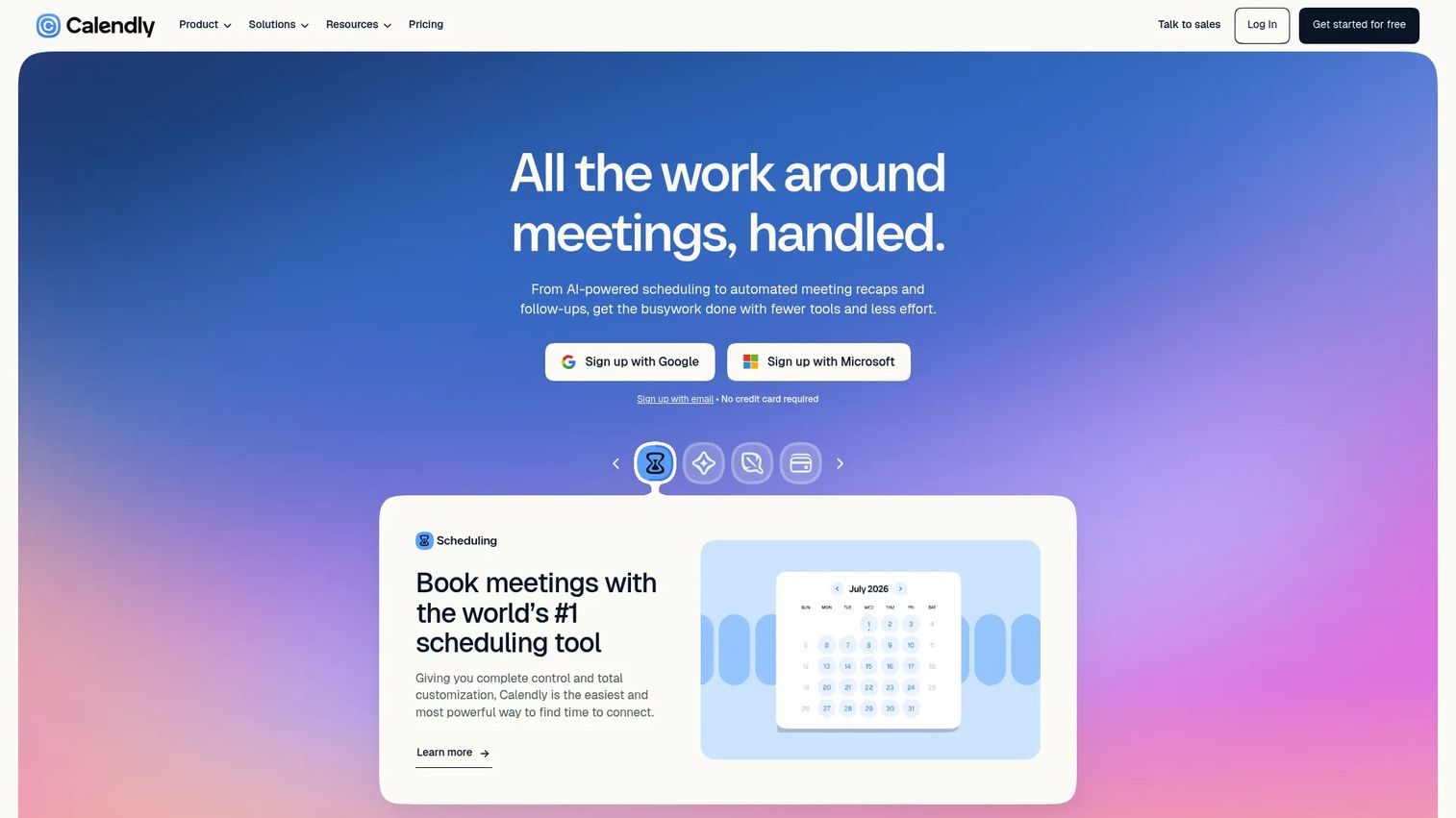
Calendly is virtual assistant scheduling software for booking meetings and coordinating availability. It checks connected calendars, sends reminders, and routes people to the appropriate meeting type.
Support teams can use booking links for onboarding calls or escalated troubleshooting. Routing and qualification features help direct customers without an assistant manually comparing calendars.
Team scheduling supports scenarios where any available specialist can take the call. Automated follow ups also keep the meeting workflow moving after the booking.
Best for: Teams spending too much time coordinating calls among customers, agents, assistants, and internal specialists.
Key features
- Shareable booking links
- Calendar synchronization
- Meeting routing
- Automated reminders
- Team scheduling
Why choose Calendly: Choose it when appointment booking is the recurring bottleneck. It removes calendar exchanges while preserving control over availability and meeting assignment.
Calendly pricing: Free is always available. Standard starts at $10/seat/month billed yearly.
G2 rating: 4.7/5
8. HubSpot

HubSpot is an AI powered customer platform spanning CRM, marketing, sales, customer service, content, data, and revenue operations. Its free tools include contact management.
For support teams, the platform provides help desk features, ticketing, routing, and knowledge tools. Assistants can track customer history, create follow up workflows, or manage forms without rebuilding context for each request.
HubSpot is broader than virtual assistant CRM software. It makes sense when several customer facing teams need shared records and coordinated handoffs.
Best for: Businesses needing a shared record for contacts, tickets, communications, customer history, and follow up actions.
Key features
- Contact and company records
- Help desk ticketing
- Workflow automation
- Knowledge base tools
- Reporting dashboards
Why choose HubSpot: Choose it when lost context slows resolution. Teams can see who requested help, what happened before, and which action should follow.
HubSpot pricing: Free tools cost $0 for up to two users. Starter begins at $7/seat/month.
G2 rating: 4.4/5
9. Google Workspace
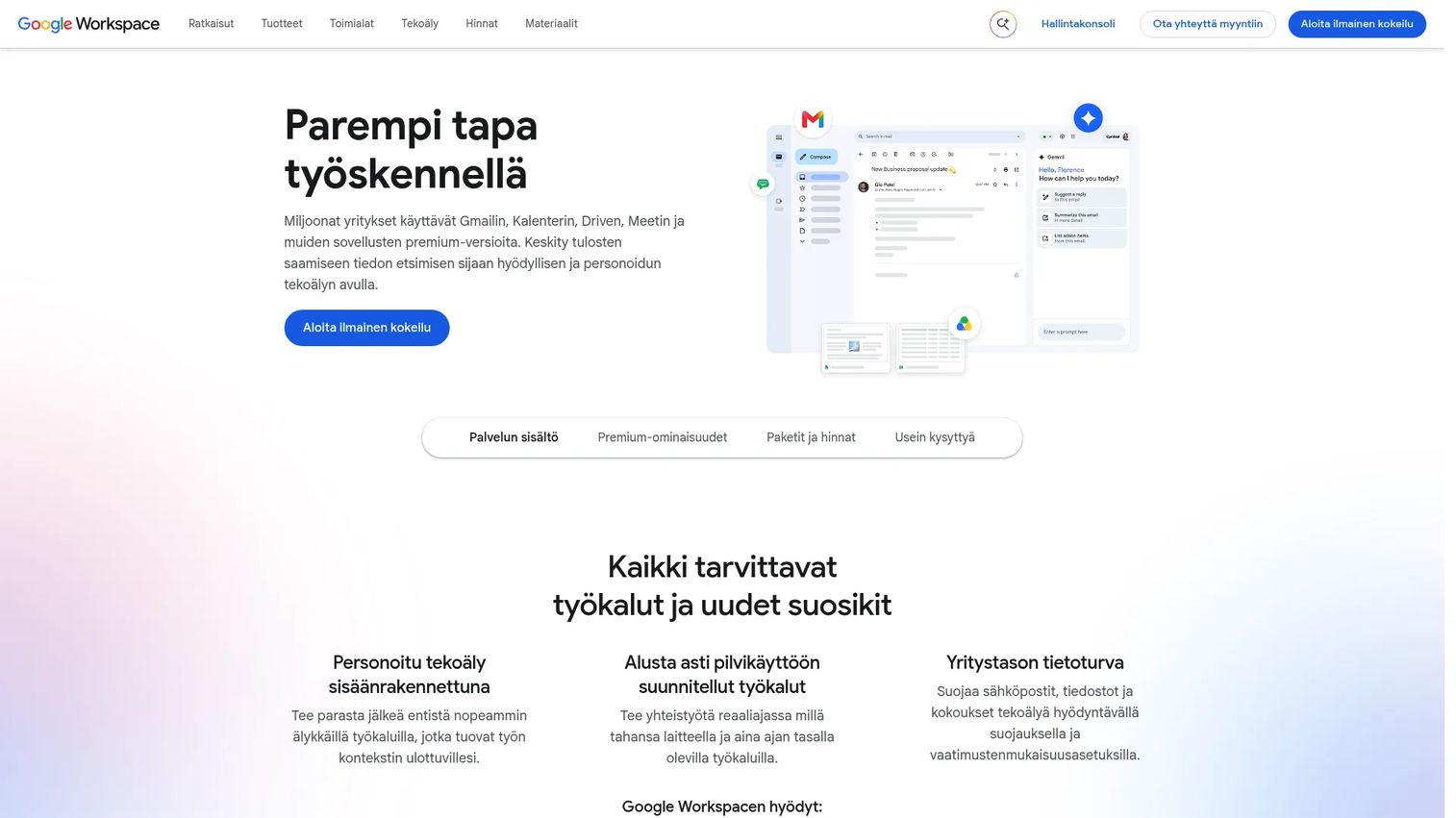
Google Workspace combines Gmail, Calendar, Meet, Drive, and collaborative document tools. It gives virtual assistant businesses and support teams a familiar foundation for daily administration.
Common workflows include shared meeting calendars and documentation drafts. Teams can also maintain request trackers, write SOPs, and capture call notes.
The suite stores and communicates work well. Many organizations still need a separate task platform or CRM when requests require structured ownership and customer history.
Best for: Teams wanting business email, shared documents, calendars, meetings, storage, and administration controls.
Key features
- Business Gmail
- Shared calendars
- Collaborative documents
- Drive file storage
- Administrative controls
Why choose Google Workspace: Choose it when your team already works through documents, spreadsheets, and email. It provides a practical base for support and assistant workflows.
Google Workspace pricing: Starter costs €6.80/user/month in the researched pricing view. All plans include a 14 day trial.
G2 rating: 4.5/5
10. Microsoft Teams
Microsoft Teams combines workplace chat, meetings, calls, file sharing, and collaboration. It connects directly with Microsoft 365 applications.
Organizations using Outlook can keep calendar work connected to team conversations. Files and meeting records also remain inside the Microsoft environment.
Support departments can use Teams for escalation rooms, scheduled customer calls, and internal coordination. It fits best where Microsoft tools already form the company’s administrative backbone.
Best for: Virtual assistant and support teams already standardized on Microsoft 365 for communication and files.
Key features
- Team chat and channels
- Video meetings
- File collaboration
- Meeting transcripts
- Microsoft 365 connectivity
Why choose Microsoft Teams: Choose it when your organization runs on Microsoft. It keeps meetings, files, and internal discussions close to the existing administration environment.
Microsoft Teams pricing: A free plan is available. Teams Essentials starts at $4/user/month paid yearly.
G2 rating: 4.4/5
11. Zoom
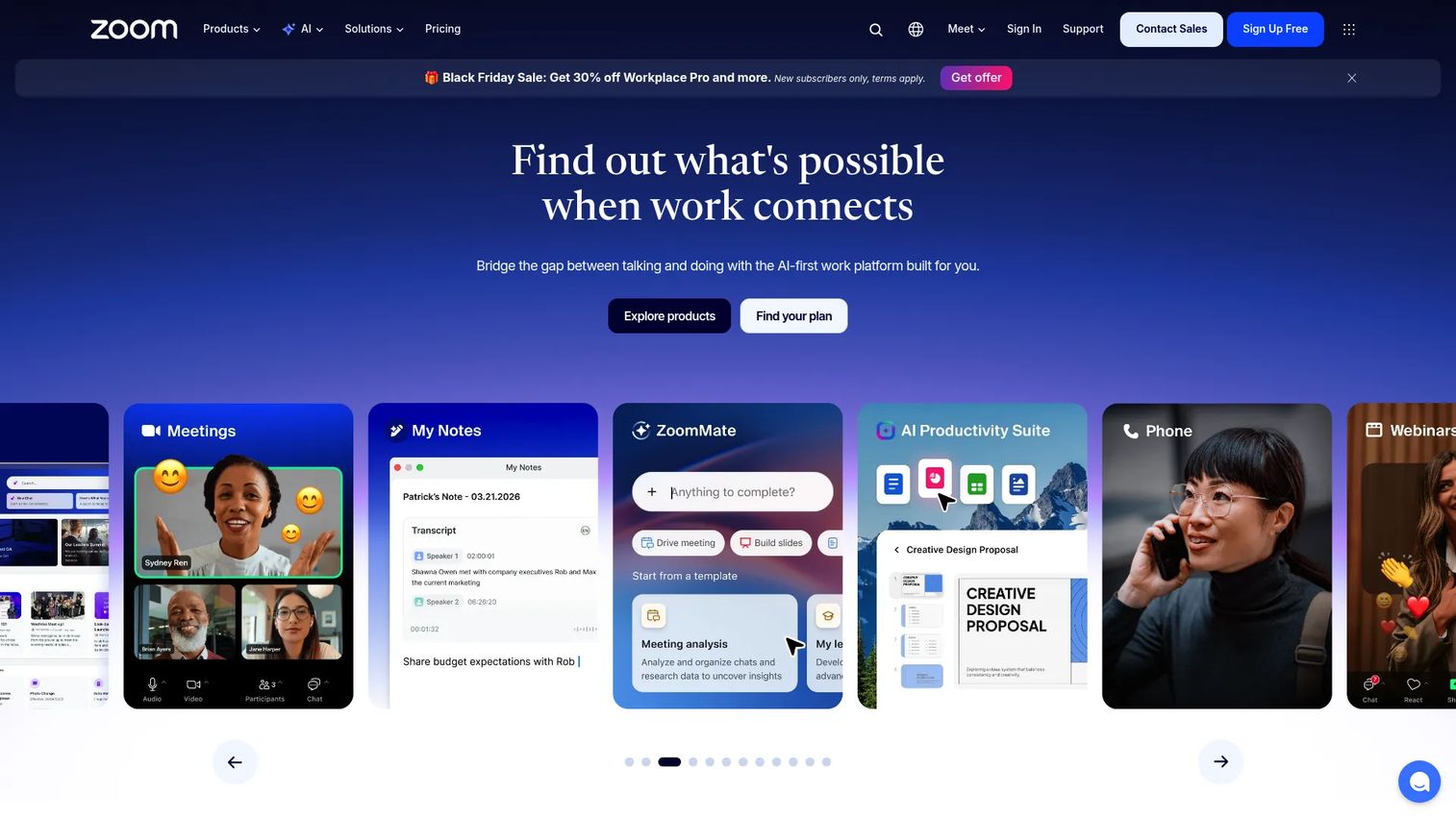
Zoom combines video meetings with chat, phone, documents, whiteboards, and workplace AI tools. Its core strength for virtual assistants remains high context conversation.
Support agents can use screen sharing when a customer issue needs visual diagnosis. Managers can also run remote training or detailed handoffs with recordings and transcripts.
Zoom is a meeting platform rather than a complete virtual assistant management system. Pair it with task software when conversations create follow up work.
Best for: Teams running customer calls, support escalations, internal handoffs, webinars, and remote training sessions.
Key features
- HD video meetings
- Screen sharing
- Meeting recordings
- Calendar synchronization
- AI meeting summaries
Why choose Zoom: Choose it when voice and screen context matter. It suits conversations that would become confusing or inefficient in a long ticket thread.
Zoom pricing: Basic is free with 40 minute meetings. Pro starts at $14.16/user/month billed annually.
G2 rating: 4.5/5
12. Dropbox
Dropbox provides cloud storage for synchronizing, organizing, sharing, and signing files. Its external sharing controls make it useful when assistants exchange documents with clients.
Virtual assistants can maintain client folders for assets or final deliverables. Support operations teams can organize internal references, customer attachments, and approved files.
Version history and recovery protect work when documents change unexpectedly. Access controls also help teams manage what external collaborators can open or edit.
Best for: Teams that frequently exchange files with clients, vendors, agencies, or other external collaborators.
Key features
- Cloud file synchronization
- Shared folders
- Access controls
- Version history
- PDF editing
Why choose Dropbox: Choose it when files move across company boundaries. Collaborators can access shared assets without joining the rest of your internal workspace.
Dropbox pricing: Basic is free with 2 GB. Plus starts at $9.99/month for one person.
G2 rating: 4.4/5
13. Google Drive
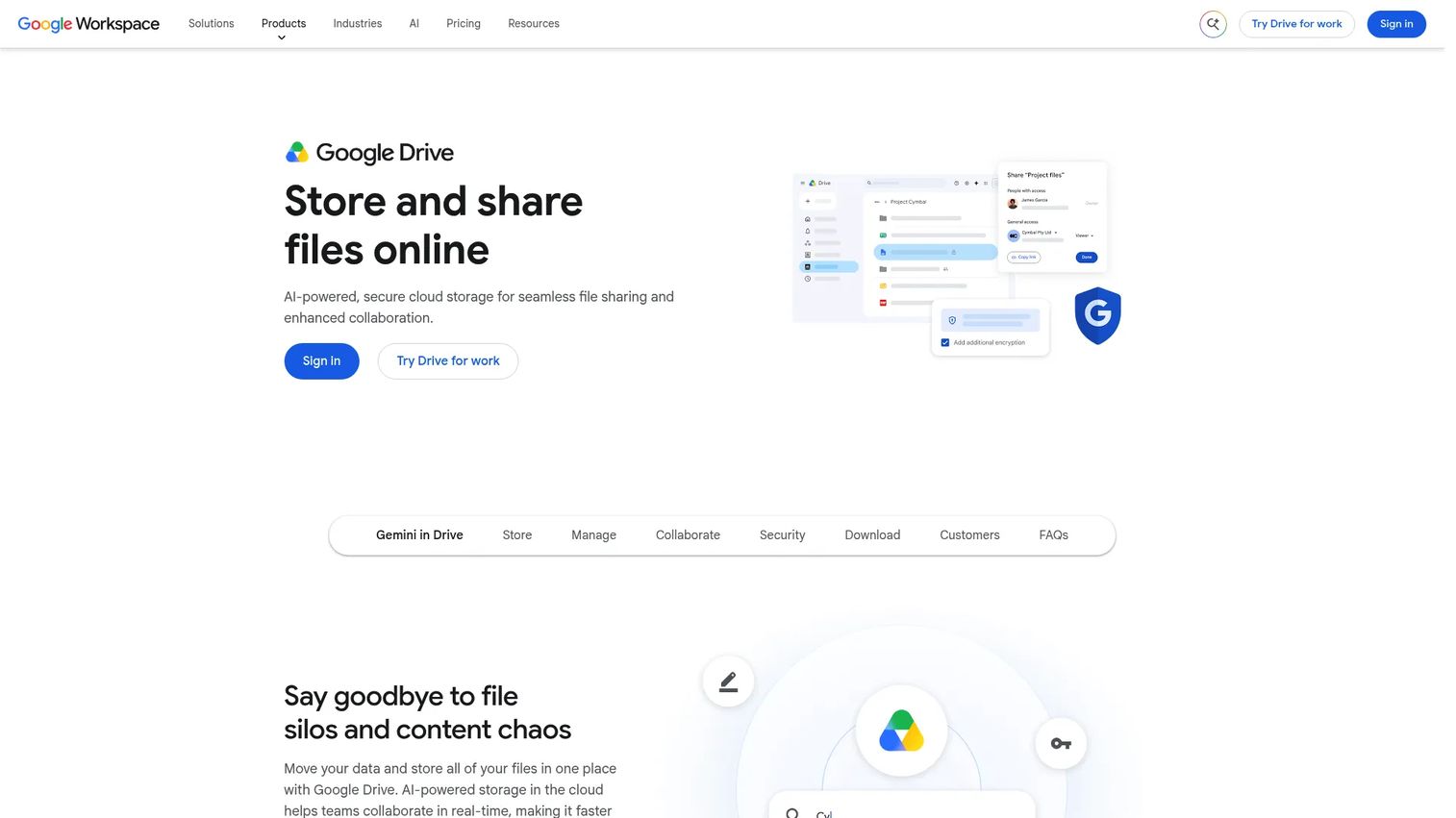
Google Drive is cloud storage for organizing, sharing, and collaboratively editing files. It works closely with Docs, Sheets, Slides, and other Google applications.
Teams can use shared drives for SOP repositories or customer documentation drafts. Comments and version history make review cycles easier to follow.
Google Drive also supports Microsoft Office files and PDFs. It appears separately here because many buyers compare document sharing software even when storage is included within Google Workspace.
Best for: Teams that need collaborative documents and lightweight file organization within Google’s productivity tools.
Key features
- Cloud file storage
- Shared team drives
- Document comments
- Permission controls
- Version history
Why choose Google Drive: Choose it when collaboration happens inside Docs and Sheets. It fits living SOPs, shared request trackers, and documentation reviews.
Google Drive pricing: Free includes 15 GB. Google One Basic starts at $1.99/month for 100 GB.
G2 rating: N/A
14. Toggl Track
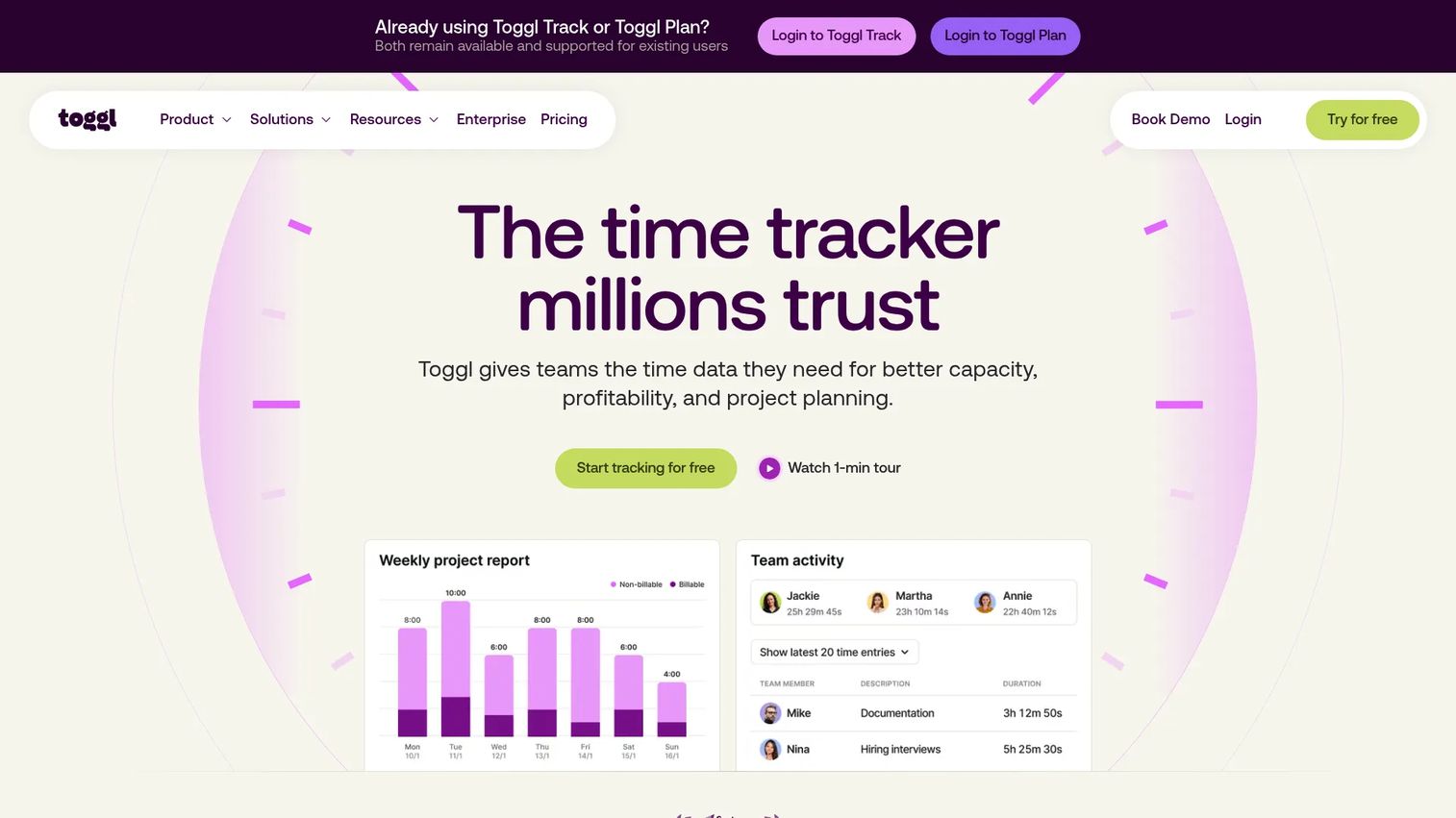
Toggl Track records time through manual entries or live timers. Reporting connects tracked hours with projects, clients, billable work, and profitability.
Freelance assistants can use it to prepare accurate client invoices. Support operations managers can examine how much administrative effort goes into documentation or internal coordination.
The product focuses on time visibility rather than invasive workforce surveillance. Calendar connections and apps for web, desktop, mobile, and browsers make logging easier.
Best for: Freelancers, agencies, and managers needing clear time data without a heavy monitoring system.
Key features
- One click timers
- Project time tracking
- Billable rates
- Timesheet reports
- Calendar connections
Why choose Toggl Track: Choose it when you need to understand where administrative time goes. The reports support billing, staffing decisions, and workflow improvement.
Toggl Track pricing: Free costs $0. Starter costs $9/user/month.
G2 rating: 4.6/5
15. QuickBooks
QuickBooks is cloud accounting software for invoicing, expense tracking, payments, reporting, and bookkeeping workflows. It fits independent assistants and growing service businesses.
Users can create invoices and monitor cash flow without maintaining separate spreadsheets. Automated bookkeeping also reduces repetitive finance administration.
QuickBooks belongs in the back office rather than the support queue. Clean setup still matters, and accounting decisions should receive appropriate financial review.
Best for: Virtual assistants and service businesses managing invoices, payments, expenses, and financial reporting.
Key features
- Customer invoicing
- Expense tracking
- Payment collection
- Automated bookkeeping
- Financial reporting
Why choose QuickBooks: Choose it when financial administration has outgrown spreadsheets. It centralizes money movement and provides clearer records for business review.
QuickBooks pricing: A free plan costs $0. Simple Start is $19/month for three months, then $38/month.
G2 rating: 4.0/5
16. Hootsuite
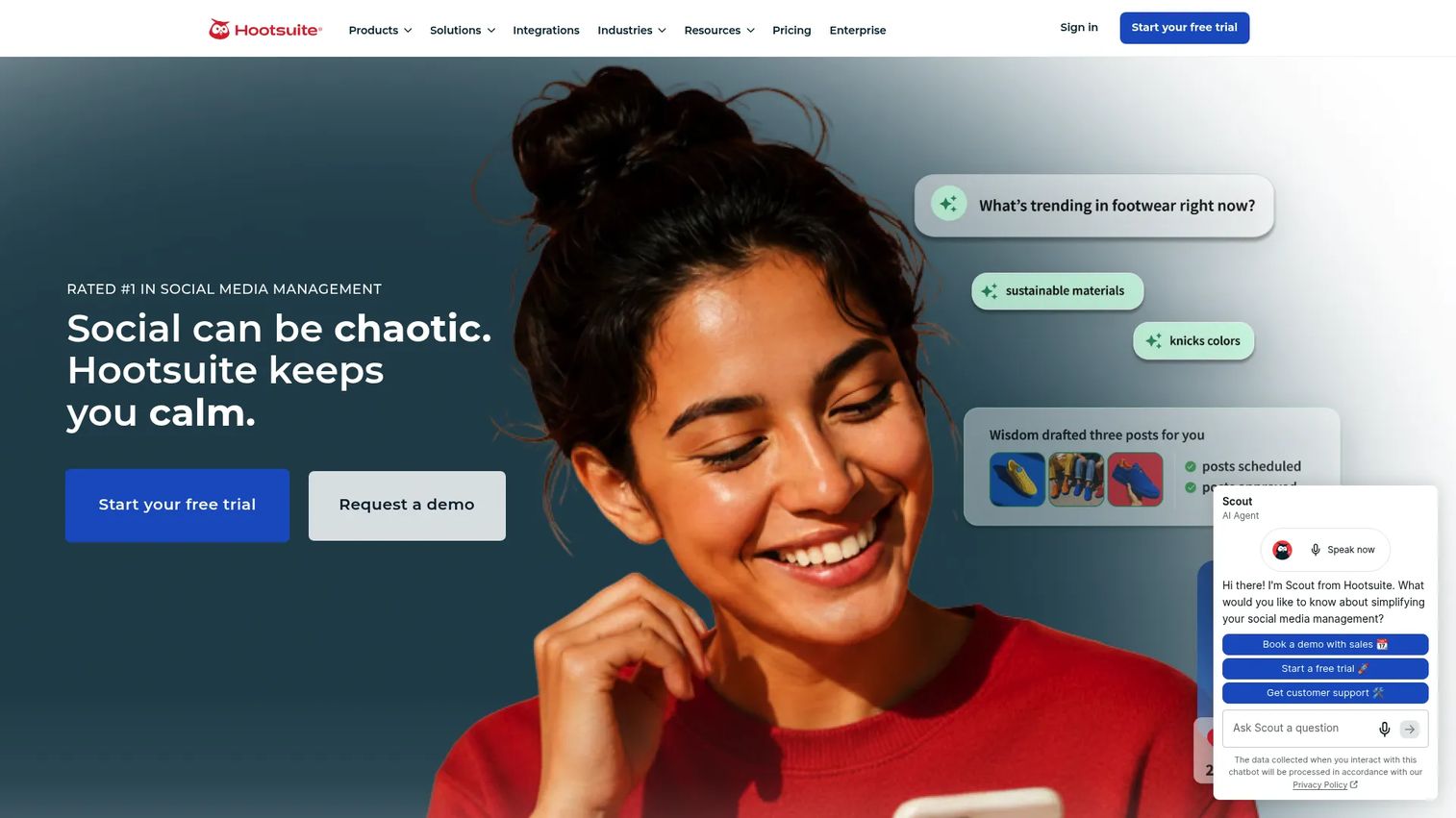
Hootsuite is social media management software for publishing, engagement, analytics, listening, and content creation. It fits assistants who administer several accounts or client brands.
A shared calendar organizes scheduled posts. The unified inbox brings comments and messages into a central work queue.
Support teams can also use it for social customer care and community monitoring. It has narrower relevance when social administration sits outside the assistant’s role.
Best for: Virtual assistants handling scheduled posts, customer engagement, social monitoring, and client reporting.
Key features
- Social post scheduling
- Unified social inbox
- Content calendar
- Custom performance reports
- Social listening
Why choose Hootsuite: Choose it when social administration needs a managed queue rather than another spreadsheet. Reporting also helps assistants show completed work to clients.
Hootsuite pricing: Standard costs $99/user/month with annual billing. Paid plans include a 14 day free trial.
G2 rating: 4.3/5
17. DocuSign
DocuSign handles electronic signatures and agreement workflows. Teams can prepare documents, route them in order, collect signatures, and track status.
Templates reduce repeated setup for service agreements or onboarding documents. Reminders help assistants follow up without manually checking every attachment thread.
Audit history provides a record of signing activity. DocuSign remains a specialized agreement product rather than a broad VA platform.
Best for: Teams that need trackable signing workflows for contracts, approvals, onboarding documents, and service agreements.
Key features
- Electronic signatures
- Reusable templates
- Signing order controls
- Status tracking
- Agreement audit history
Why choose DocuSign: Choose it when signed documents repeatedly delay the next action. It replaces attachment chasing with a visible agreement workflow.
DocuSign pricing: Personal costs $11/month per user with an annual commitment. Standard starts at $30/month per user.
G2 rating: 4.5/5
Considerations when choosing virtual assistant software
Match the tool to the work it absorbs
List your most common repetitive requests before comparing products. Examples include scheduling calls, routing questions, collecting files, or following up on invoices.
Buy for that workflow first. A long feature list has little value if your agents still copy information between five systems.
Check integrations before features
Virtual assistant workflow software must pass context between calendars, email, CRM records, file storage, and support systems. Weak connections leave assistants doing manual copying.
Map the entire workflow before purchase. Identify where each customer detail enters, moves, and becomes a completed action.
Decide how much AI control you need
AI can classify requests, summarize conversations, or answer routine questions. Customer sensitive processes need explicit escalation rules and human review.
Choose governed automation when a wrong answer creates financial or customer risk. Simpler workflows can rely on predictable rules and approvals.
Evaluate reporting against your metrics
Support teams should connect reporting to ticket volume and first contact resolution. Average handle time, CSAT, deflection, and self service usage also matter.
Freelance assistants may prioritize billable hours or payment speed. Pick metrics that show whether the software removed work.
Price the complete stack
A low entry price can become expensive after adding scheduling or reporting products. Calculate the total cost across tasks, communication, files, finance, and customer records.
Also check per user pricing before expanding a distributed team. A tool must earn its place through a measurable operational job.
Conclusion
The right virtual assistant software stack starts with the work your team wants to absorb.
Rasa Platform fits custom AI assistant automation. HoneyBook handles client administration, while Connecteam coordinates distributed teams. Asana and ClickUp bring structure to task routing and operational ownership.
The collaboration layer depends on your existing environment. Slack supports rapid team communication. Calendly manages scheduling, while Google Workspace and Microsoft Teams connect documents with everyday coordination.
Zoom handles high context calls. Dropbox and Google Drive manage files. Toggl Track, QuickBooks, Hootsuite, and DocuSign each remove a specialized administrative burden.
For support leaders, start with one recurring workflow. Route refund questions, assign documentation updates, or automate onboarding bookings. Measure whether the change improves queue volume, resolution time, or agent workload before adding another product.
If your team also needs self serve product education, interactive demos can support help centers, onboarding, customer training, and feature adoption.
Start your journey with Guideflow today!
Start your journey with Guideflow today!
FAQs
The best virtual assistant software depends on the work you need to automate. Rasa Platform fits custom AI assistants, while HoneyBook handles client management.
Connecteam suits remote VA teams. Asana or ClickUp cover task routing, and Calendly manages scheduling.
Virtual assistant software manages repetitive administrative work. Common uses include scheduling, tasks, communication, file sharing, time tracking, CRM updates, invoicing, social administration, electronic signatures, and AI request handling.
Support teams can use these tools to route work before it reaches an agent. Independent assistants may focus more on client administration and billing.
Virtual assistant software is a broader category. It includes project tools, calendars, file platforms, CRM products, finance software, and communication apps.
AI assistant software handles natural language requests, conversation flows, classification, and automated routing. Many organizations combine both types.
Support teams should prioritize request triage and CRM context. Task routing, knowledge workflows, escalation controls, and reporting also matter.
Rasa Platform can support custom assistant workflows. HubSpot, Asana, ClickUp, Slack, Calendly, and Google Workspace address different parts of the operational stack.
A practical stack needs communication and task ownership. Add scheduling, file storage, customer records, time tracking, finance, and document signing where those jobs exist.
Use AI automation for repeatable processes with clear escalation paths. Avoid automating a workflow that your team cannot explain consistently.
It can reduce repetitive manual work by routing requests and scheduling follow ups. It can also organize knowledge, collect context, and automate predictable administrative steps.
Software alone will not fix unclear documentation or broken product workflows. Improve the underlying customer journey alongside the automation.
Costs vary widely by category. Several virtual assistant apps offer free plans, while paid products may charge per user or per workspace.
Custom AI platforms often combine a free developer option with quote based enterprise packaging. Price the complete workflow rather than comparing one subscription in isolation.
Virtual assistant tools are software products that organize or automate work. Virtual assistant services involve people or agencies performing that work for your business.
Many companies use both. Human assistants handle judgment and exceptions, while software manages predictable steps and shared records.