Your camera network grew. Your footage archive grew faster. Now an incident review means searching separate systems, checking permissions, and waiting for a usable export.
More cameras create more evidence, but they also create governance work. Search, surveillance video storage, retention rules, user access, and audit trails need consistent control. A basic camera viewer won’t cover that operating model.
Grand View Research valued the global video management software market at $11.7 billion in 2024, according to its 2025 report. The firm expects the market to reach $40.9 billion by 2033.
That growth makes category positioning harder for product marketers. Similar feature lists can hide major differences in deployment, investigation workflows, hardware compatibility, and long term costs.
The right video management system manages footage as operational evidence. It should help teams find, protect, retain, stream, and share video without losing control.
What’s inside
This guide compares 13 video management software platforms through a governance lens. It’s built for security buyers and PMMs who need defensible category language for battlecards, messaging, or sales enablement.
We assessed each platform across:
- Storage and retention controls
- Metadata, search, playback, and export workflows
- Permissions and evidence handling
- Cloud, on premises, or hybrid deployment fit
- Camera compatibility and security integrations
Pricing reflects vendor information available during research. G2 ratings use each product’s current listing when a product specific score exists.
TL;DR
- Best open platform VMS: Milestone XProtect supports mixed camera fleets and complex enterprise environments
- Best unified enterprise platform: Genetec Security Center combines video management with broader physical security operations
- Best cloud native distributed site platform: Verkada Command centralizes compatible cameras, access control, sensors, and user administration
- Best hybrid retail operations platform: Solink Cloud VMS connects footage with POS events and operational data
- Best for Axis camera environments: AXIS Camera Station Pro aligns video surveillance software with Axis devices and access control
- Best governance takeaway: Choose the best VMS software by retention, search, permissions, and streaming delivery, rather than camera count alone
What is video management software?
Video management software is a platform for monitoring, recording, storing, searching, securing, and sharing video from surveillance cameras and connected security systems.
A video management system, usually shortened to VMS, sits between camera infrastructure and the people operating it. It manages live feeds and recorded footage across one site or a distributed estate.
Some buyers search for a “VMS system,” although the phrase repeats the word “system.” They’re usually looking for the same video management system software category.
This category has clear boundaries. It isn’t creative video editing software, a general hosting platform, or a digital asset manager. A VMS also does more than display camera feeds. It treats surveillance footage as searchable operational evidence.
Core capabilities commonly include:
- Live monitoring and recorded playback
- Recording schedules and retention management
- Metadata and searchable video archives
- Role based access control
- Remote access and secure streaming
- Camera and access control integration
- AI video analytics and alerting
- Evidence export and audit trails
- Cloud, on premises, or hybrid deployment
An IP video management system connects network cameras with recording, search, analytics, and operator controls. Open platforms may support multiple camera manufacturers. Vendor aligned systems focus more tightly on their own hardware.
Deployment also changes the operating model. A cloud video management system centralizes remote administration across distributed sites. An on premises video management system keeps infrastructure under local control. A hybrid video management system combines local recording with selected cloud services.
For PMMs, the category story should extend beyond “watch every camera.” Stronger messaging connects video surveillance management systems to incident response, evidence protection, operational visibility, and long term video library governance.
When to use video management software
Govern a growing surveillance video library
Adding cameras without metadata, retention policies, or access controls creates a hidden operations problem. A VMS helps teams structure archives and find footage without reviewing hours of video.
Use it to control who can view, retain, or export recordings. This becomes critical when evidence moves between security, operations, legal, and external stakeholders.
Manage multiple sites from one view
Multi site surveillance management matters across retail locations, campuses, warehouses, healthcare facilities, and municipal environments. Centralized administration gives operators a consistent video monitoring system across those locations.
Cloud and hybrid platforms can support remote video monitoring without requiring every operator to access each site separately. Bandwidth controls and user permissions still need careful evaluation.
Investigate incidents faster
A strong VMS connects forensic video search with synchronized playback, clip export, evidence protection, and audit history. Operators can move from an alert to the relevant footage with fewer manual steps.
Test this workflow before buying. The live monitoring screen may look polished while investigation and video evidence management remain cumbersome.
Video management software comparison
Use this table to build an initial shortlist. The products cover open architecture, unified enterprise security, cloud management, retail operations, and fleet video.
Pricing varies because most enterprise platforms sell through direct teams or authorized partners. Cost drivers often include device count, storage retention, support, and system design.
A missing G2 score means no verifiable product specific rating was found. It doesn’t indicate product quality.
| # | Product | Best for | Key differentiator | Pricing | G2 rating |
|---|---|---|---|---|---|
| 1 | Milestone XProtect | Open platform enterprise VMS | Broad camera support and deployment flexibility | Custom pricing | 4.5/5 |
| 2 | Genetec Security Center | Unified enterprise security operations | Video, access control, ALPR, and evidence workflows | Custom pricing | 4.4/5 vendor profile |
| 3 | Avigilon Alta Video | Cloud video security operations | Cloud management with AI assisted investigation | MSRP from $229 | 4.6/5 broader platform |
| 4 | Avigilon Unity Video | On premises enterprise security | Local control with centralized multi site management | Custom pricing | 4.4/5 broader platform |
| 5 | AXIS Camera Station Pro | Axis camera environments | Axis aligned video and access control | Custom pricing | Not rated |
| 6 | Verkada Command | Cloud native distributed sites | Centralized management across compatible security products | Custom pricing | 4.7/5 vendor profile |
| 7 | Solink Cloud VMS | Retail and restaurant operations | Video connected with POS and operational events | Custom pricing | 4.7/5 |
| 8 | Arcules | Cloud video surveillance | Camera to cloud management for distributed sites | Custom pricing | Not rated |
| 9 | Axxon One | AI assisted forensic search | Search and event driven investigation workflows | Free plan, paid plans by quote | 4.7/5 |
| 10 | Bosch Video Management System | Large video security estates | Scalable monitoring with Bosch system alignment | Custom pricing | Not rated |
| 11 | Videoloft Video Management System | Cloud migration for existing cameras | Cloud access and storage for compatible equipment | From $4.99 per camera monthly | 4.8/5 |
| 12 | Samsara | Fleet and operations video | Vehicle footage connected with telematics | Custom pricing | 4.5/5 |
| 13 | Salient CompleteView VMS | Flexible multi site surveillance | Open architecture with several client options | Custom pricing | 4.7/5 vendor profile |
Best 13 tools for video management software
1. Milestone XProtect
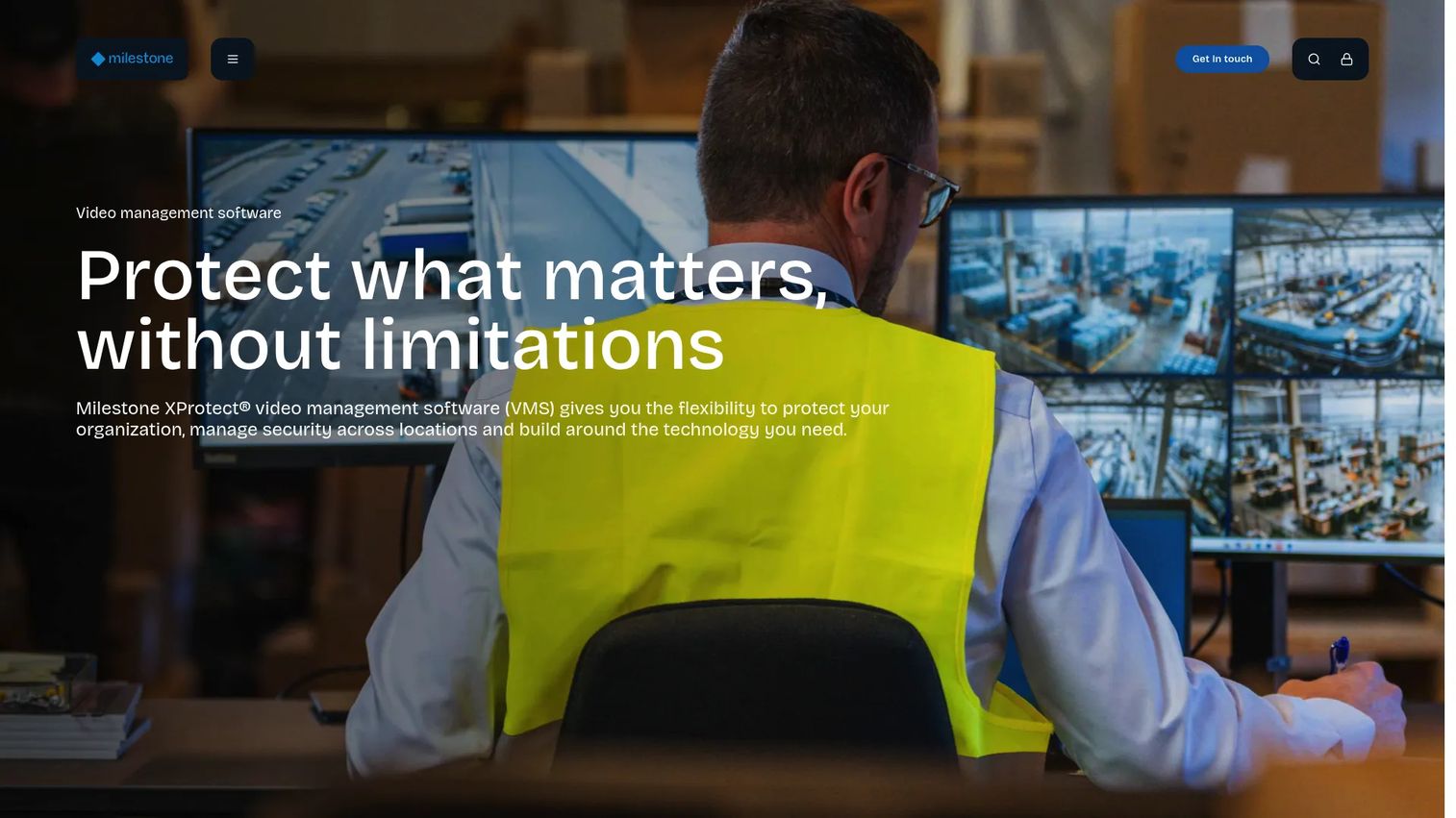
Milestone XProtect is an open platform VMS for centralized security operations across locations. It supports live monitoring, recorded video investigation, evidence export, and device control.
Its open architecture makes it relevant for enterprises, campuses, city environments, and multi site estates with mixed camera fleets. Buyers can select among Express+, Professional+, Expert, and Corporate variants.
Best for: Teams that need an open VMS across mixed camera fleets and complex integrations.
Key features
- Live and recorded video monitoring
- Event and motion based search
- Evidence export and locking
- Maps and alarm management
- Multi camera device control
Why choose Milestone XProtect: Its strongest positioning angle is infrastructure choice. Buyers can preserve options across cameras, extensions, access control systems, and future site designs.
That flexibility also changes procurement. Your shortlist must account for integrator expertise and the selected XProtect variant. Maintenance coverage and extensions shape the final system.
For PMMs, avoid vague “open platform” language. Explain what openness means for camera selection, migration planning, and long term infrastructure control.
Milestone XProtect pricing
Custom pricing through authorized system integrators and resellers. Cost depends on the XProtect variant, device count, maintenance coverage, extensions, and system design.
G2 rating
Milestone XProtect has a 4.5/5 G2 rating.
2. Genetec Security Center
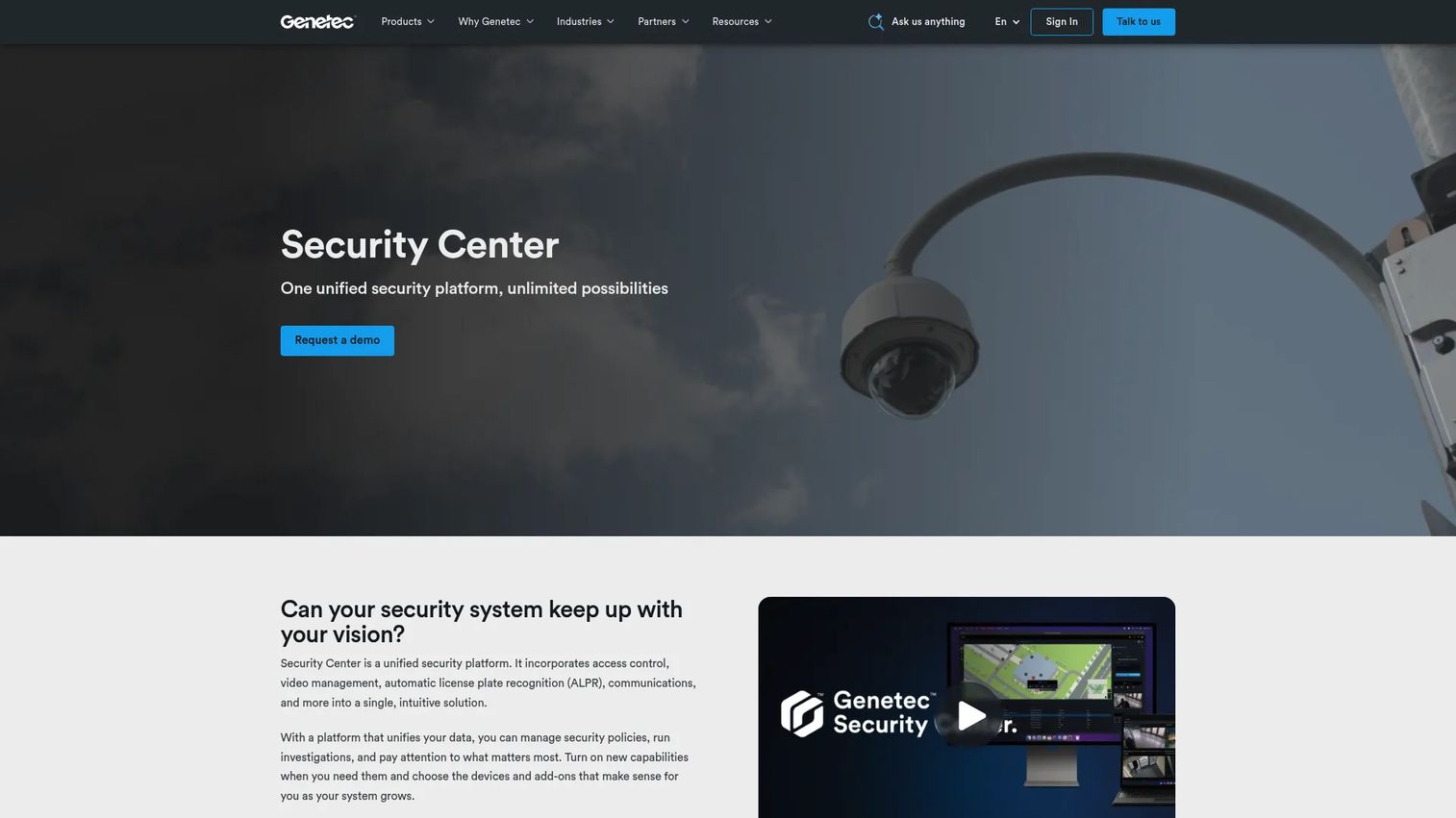
Genetec Security Center is an on premises physical security platform. It combines video management, access control, automatic license plate recognition, communications, and intrusion management.
The platform centralizes monitoring, investigations, alarms, reporting, and event management. Its architecture supports third party devices through integrations, an SDK, and a web API.
Best for: Large organizations that want video and access control inside a broader enterprise security model.
Key features
- Unified physical security operations
- Omnicast video management
- Access control integration
- Alarm and event management
- Multi site federation
Why choose Genetec Security Center: Choose it when video forms one part of a wider security operations strategy. System partitioning and federation fit complex organizations with several sites or operating groups.
Its positioning is broader than a conventional IP video management system. That breadth can help PMMs explain why enterprise buyers compare platforms across operational workflows, rather than camera viewing alone.
Sales messaging should name the specific unification benefit. Examples include connecting a door event to footage or managing investigations from one operating environment. Generic platform claims give buyers little help.
Genetec Security Center pricing
Custom pricing through certified channel partners. The deployment architecture, connected devices, required modules, and implementation design affect the quote.
G2 rating
4.4/5 rating.
3. Avigilon Alta Video
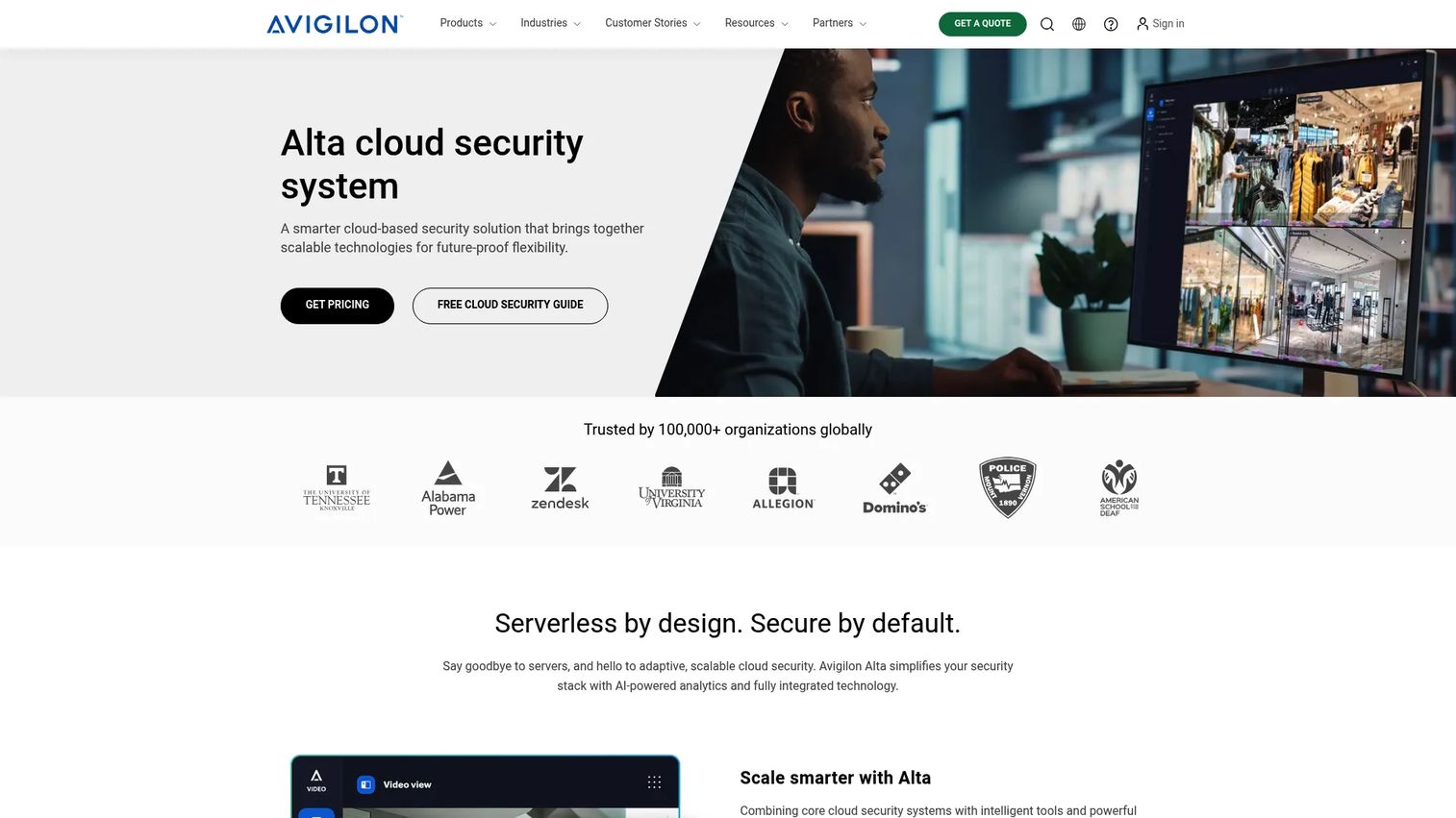
Avigilon Alta Video is a cloud based AI video management software platform. It supports remote monitoring, configurable alerts, investigation, and centralized visibility across sites.
Operators can access video through a browser or mobile application. The platform also supports third party cameras and encoders, while Alta cameras include 30 days of cloud video storage.
Best for: Distributed organizations seeking cloud administration with AI assisted video investigation.
Key features
- Browser and mobile access
- Configurable alert rules
- AI powered video search
- People and vehicle counting
- Third party camera support
Why choose Avigilon Alta Video: The main fit is operational centralization across distributed locations. Teams can review footage and administer sites without managing traditional VMS servers at every address.
Its AI assisted search provides a clearer differentiation angle than generic cloud access. PMMs should connect that feature to investigation time and operator workload without promising automated certainty.
Buyers should map storage and license terms before selection. Included retention applies to Alta cameras, while extra storage or specialized features can change the commercial model.
Avigilon Alta Video pricing
Cloud licenses carry an MSRP from $229. Available terms include one, three, five, or ten years, with extra storage and specialized licenses sold separately.
G2 rating
The broader Avigilon Alta listing has a 4.6/5 G2 rating.
4. Avigilon Unity Video
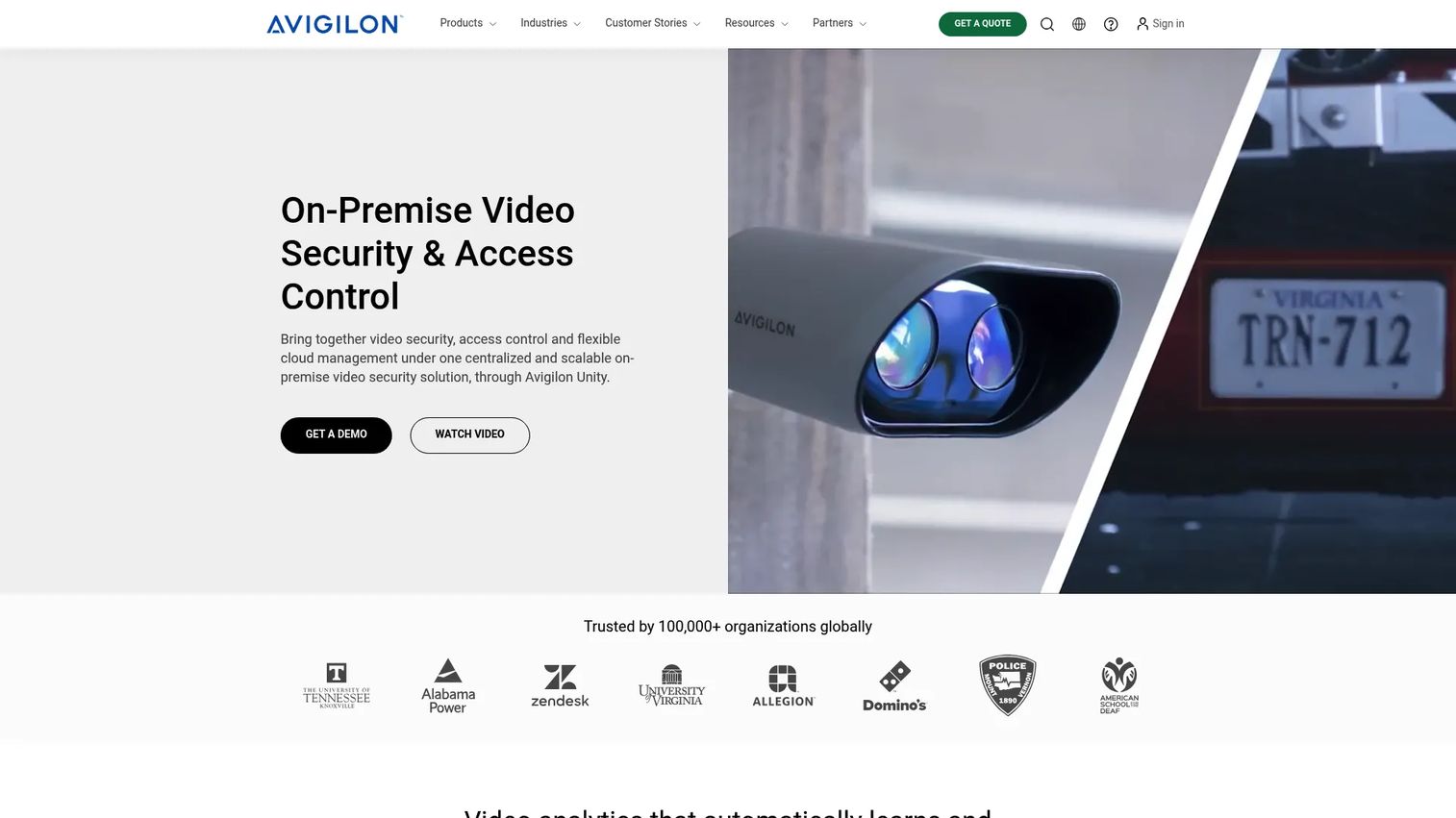
Avigilon Unity Video is on premises video management software with AI enabled analytics and optional cloud managed capabilities. It supports centralized administration across large security environments.
Features include Appearance Search, license plate recognition, point of sale search, and access through mobile or web applications. It also integrates with other Avigilon Unity security products.
Best for: Enterprises requiring local video control with Avigilon aligned analytics and multi site management.
Key features
- On premises video management
- AI enabled video analytics
- Appearance Search investigations
- License plate recognition
- Mobile and web access
Why choose Avigilon Unity Video: Unity Video fits teams that prioritize local infrastructure while retaining centralized oversight. Existing Avigilon camera environments will find the alignment especially relevant.
This product also gives PMMs a useful deployment contrast. Alta focuses on cloud managed operations, while Unity supports on premises control with selected cloud connectivity. Position each around operating requirements rather than declaring one universally stronger.
During evaluation, test how search and analytics perform against representative footage. Feature availability alone doesn’t show whether operators can complete investigations efficiently.
Avigilon Unity Video pricing
Custom pricing across Core, Standard, and Enterprise editions. Smart Assurance Plans are available for one, three, or five years.
G2 rating
The broader Avigilon Unity listing has a 4.4/5 G2 rating.
5. AXIS Camera Station Pro
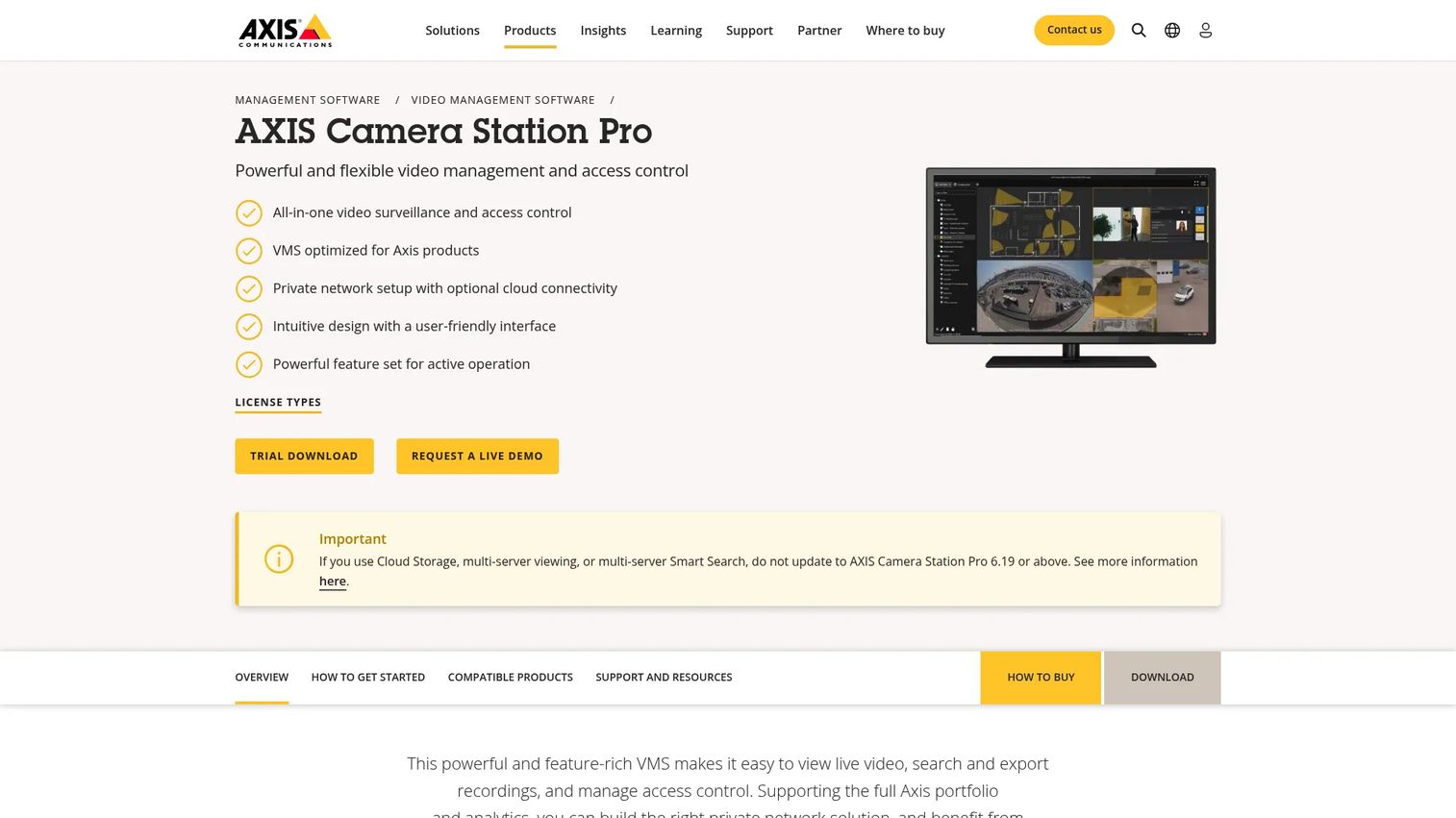
AXIS Camera Station Pro is server based video management and access control software. It’s optimized for Axis products while supporting selected third party devices.
The platform covers live viewing, recording playback, smart search, redaction, export, action rules, and system health monitoring. Operators can use Windows, web, or mobile clients.
Best for: Organizations standardizing on Axis cameras and compatible access control infrastructure.
Key features
- Live viewing and playback
- Axis device management
- Smart search and redaction
- Video and access control
- System health monitoring
Why choose AXIS Camera Station Pro: This is a natural shortlist option for Axis heavy environments. Device alignment can simplify planning and ongoing system administration.
Third party support provides added flexibility, but buyers should verify every required device before procurement. Check camera models and access control components against current compatibility documentation.
For PMMs, the strongest story is operational alignment inside an Axis estate. Avoid presenting that fit as universal openness. Mixed hardware environments need a closer compatibility review.
AXIS Camera Station Pro pricing
Custom pricing through Axis partners. Core and Universal licenses are available as one or five year subscriptions, while selected NVR licenses follow the recorder’s lifetime.
A fully featured 90 day trial is available.
6. Verkada Command
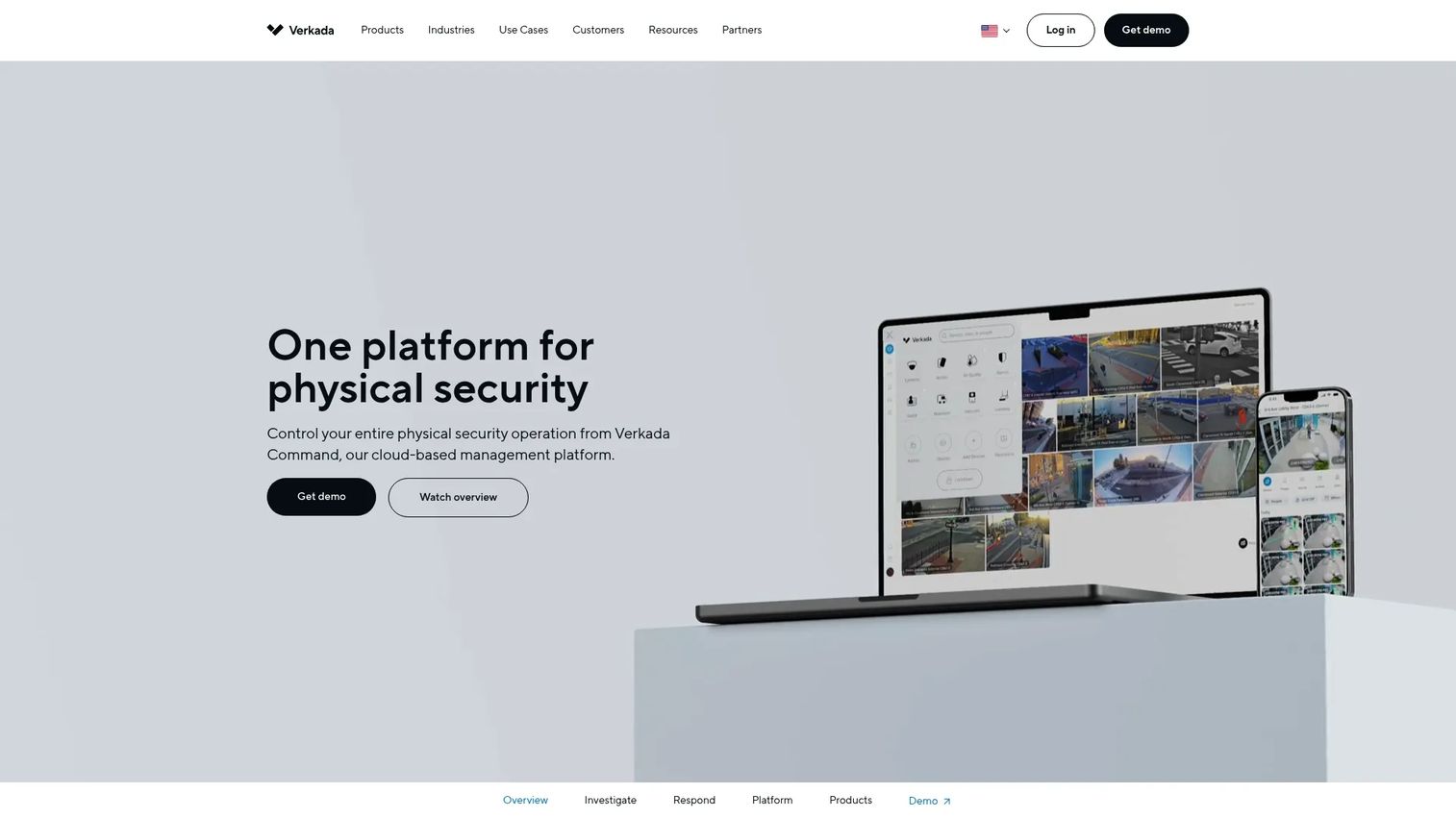
Verkada Command is a cloud based platform for managing physical security devices, users, and sites. Its coverage includes video security, access control, alarms, air quality, and intercom products.
Operators connect through a web browser or mobile application. The platform provides centralized user management, device health monitoring, audit logs, and mobile incident response.
Best for: Distributed organizations seeking cloud managed security across compatible product lines.
Key features
- Cloud based device management
- Browser and mobile access
- Role based user controls
- Device health monitoring
- Detailed audit logs
Why choose Verkada Command: Command fits teams that want centralized administration across distributed sites. Role based access control and identity management features support structured governance.
The platform’s operating model centers on Verkada hardware and subscriptions. Buyers should assess that model against future camera procurement, contract duration, and replacement plans.
PMMs can differentiate Command through distributed administration rather than broad “cloud native” claims. Explain how a security leader grants access or reviews device health across locations.
Verkada Command pricing
Custom pricing for the Command platform. Hardware, required licenses, product selection, and contract terms shape the total cost.
G2 rating
Verkada’s overall G2 profile has a 4.7/5 rating.
7. Solink Cloud VMS
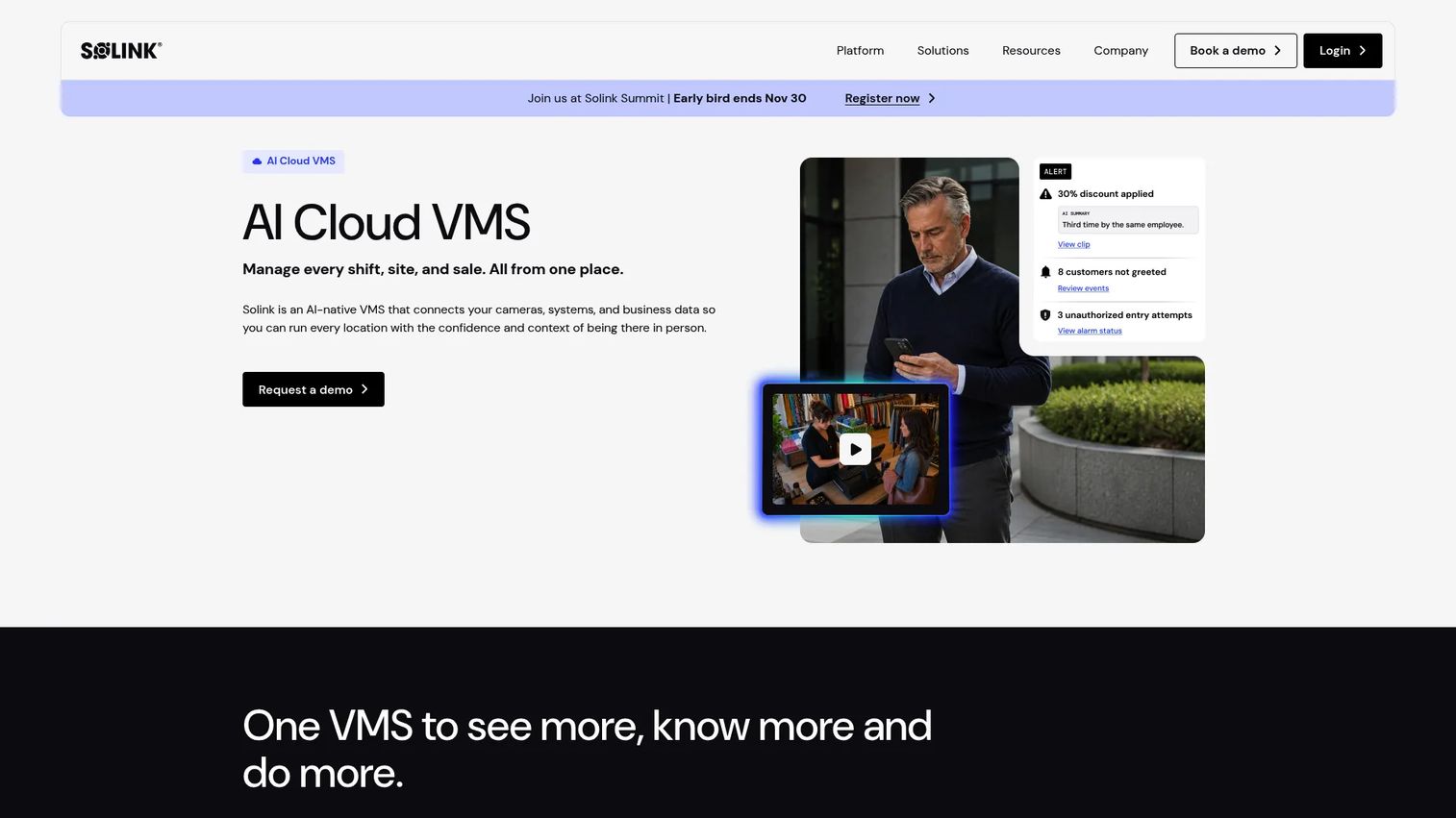
Solink Cloud VMS connects surveillance video with business systems and operational data. Its core use cases center on retail, restaurants, and other multi location businesses.
Teams can access live or recorded footage across sites. Search combines video with POS events, labor software, temperature sensors, and other operational sources.
Best for: Retail and restaurant operators connecting footage with transactions and loss prevention workflows.
Key features
- Centralized video access
- POS event search
- AI searchable footage
- Multi location dashboards
- Exception based alerts
Why choose Solink Cloud VMS: Solink stands out through business context. An operator can connect footage with a transaction or operational exception instead of searching by time alone.
That positioning gives PMMs a sharper narrative than generic remote monitoring. The product supports investigations linked to store activity and business events.
Buyers should test search against representative POS scenarios. They should also compare cloud retention choices with internal evidence policies and long term storage costs.
Solink Cloud VMS pricing
Custom pricing. Camera count, video quality, retention period, and connected business systems influence the quote.
G2 rating
Solink has a 4.7/5 G2 rating.
8. Arcules
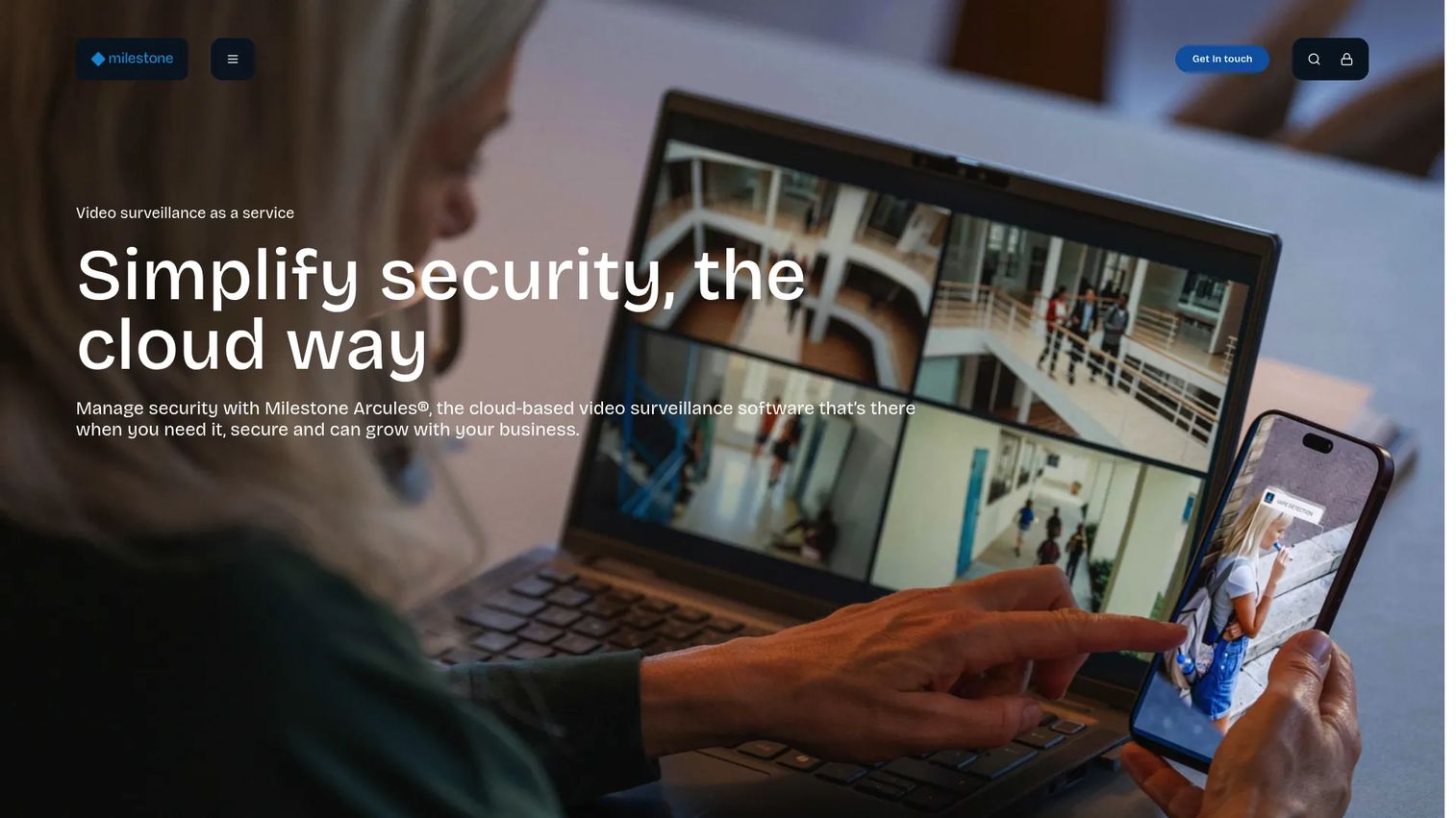
Arcules is a cloud native video surveillance platform for centralized, multi site security operations. It manages cameras, users, locations, and system health through a cloud environment.
Operators get live viewing, recorded playback, synchronized camera views, AI detections, and forensic search. Case management includes evidence sharing and privacy redaction.
Best for: Distributed organizations moving existing camera environments toward cloud video management.
Key features
- Centralized cloud administration
- Live and recorded playback
- AI people and vehicle detection
- Forensic video search
- Evidence sharing and redaction
Why choose Arcules: Arcules fits camera to cloud video management projects that preserve parts of an existing environment. Open integrations cover access control, IoT sensors, and third party applications.
The migration story matters here. Buyers should confirm which cameras require gateways and how storage retention affects subscriptions. Recording resolution also changes the commercial picture.
For PMMs, focus messaging on modernization without an immediate full camera replacement. Keep compatibility claims tied to supported device documentation.
Arcules pricing
Custom pricing through authorized integrators and resellers. Connected devices, recording resolution, storage retention, and gateway requirements affect the quote.
Subscriptions are available for one, three, or five years.
9. Axxon One
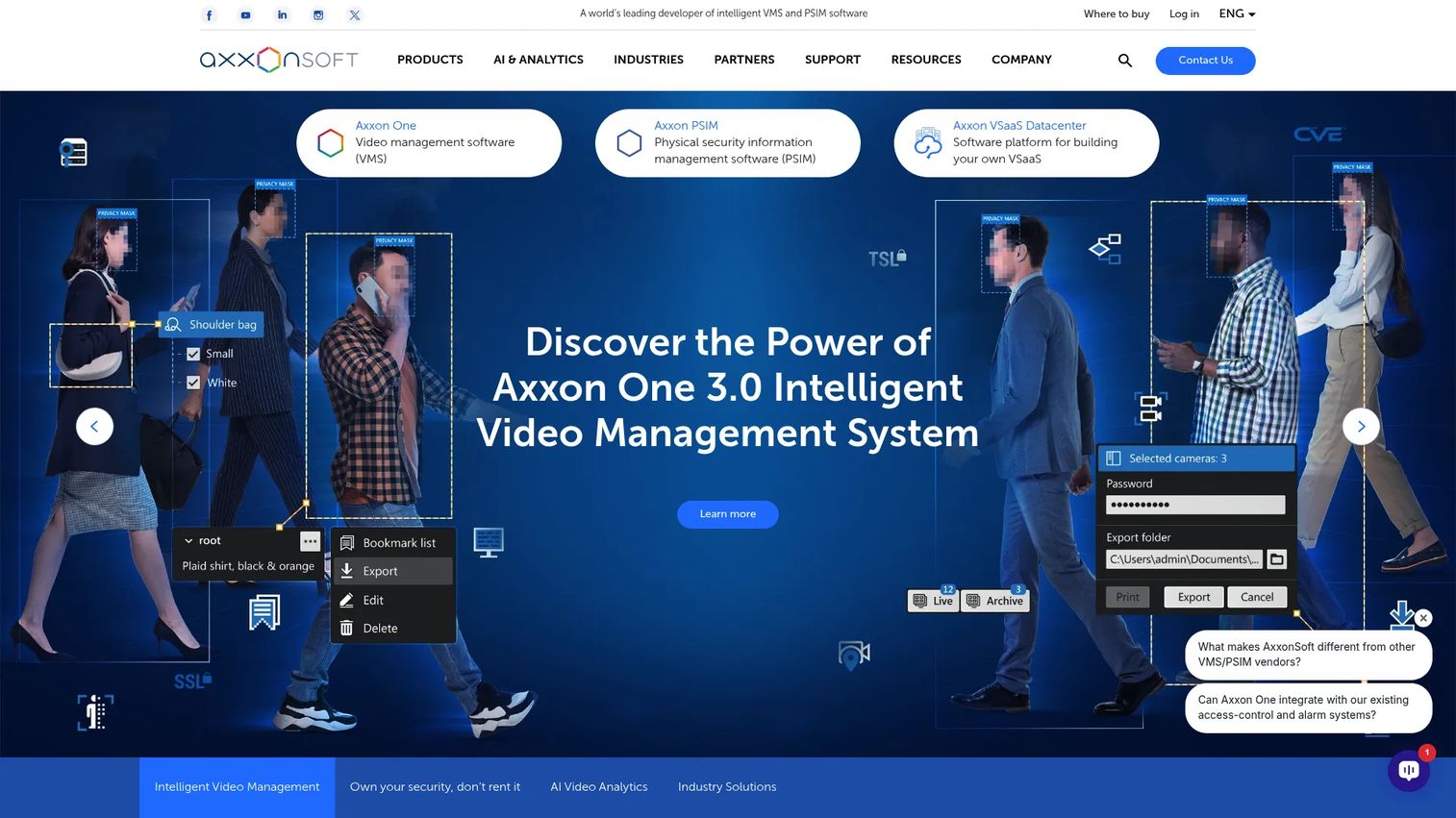
Axxon One combines video surveillance management with AI analytics, archive search, storage, and external security integrations. It supports multi site environments and investigation focused workflows.
Its search capabilities include face recognition, license plate search, and neural network analytics. Interactive maps and multi camera object tracking help operators follow events across a site.
Best for: Security teams that prioritize AI assisted search and forensic video investigation.
Key features
- Neural network video analytics
- Face and plate recognition
- Video archive search
- Multi camera object tracking
- External security integrations
Why choose Axxon One: Axxon One fits teams that need to search large footage archives after an incident. Event driven tools can narrow the review workload.
The platform also integrates with access control, alarms, POS systems, and perimeter security. Buyers should test the specific analytics they plan to use because camera placement and footage quality affect results.
PMMs can frame Axxon One around investigation workflows instead of broad AI language. Connect each analytic capability to a clear operator task.
Axxon One pricing
Axxon One Free supports one server and four video channels. Start, Professional, Enterprise, and Unified editions use custom pricing.
G2 rating
Axxon One has a 4.7/5 G2 rating.
10. Bosch Video Management System
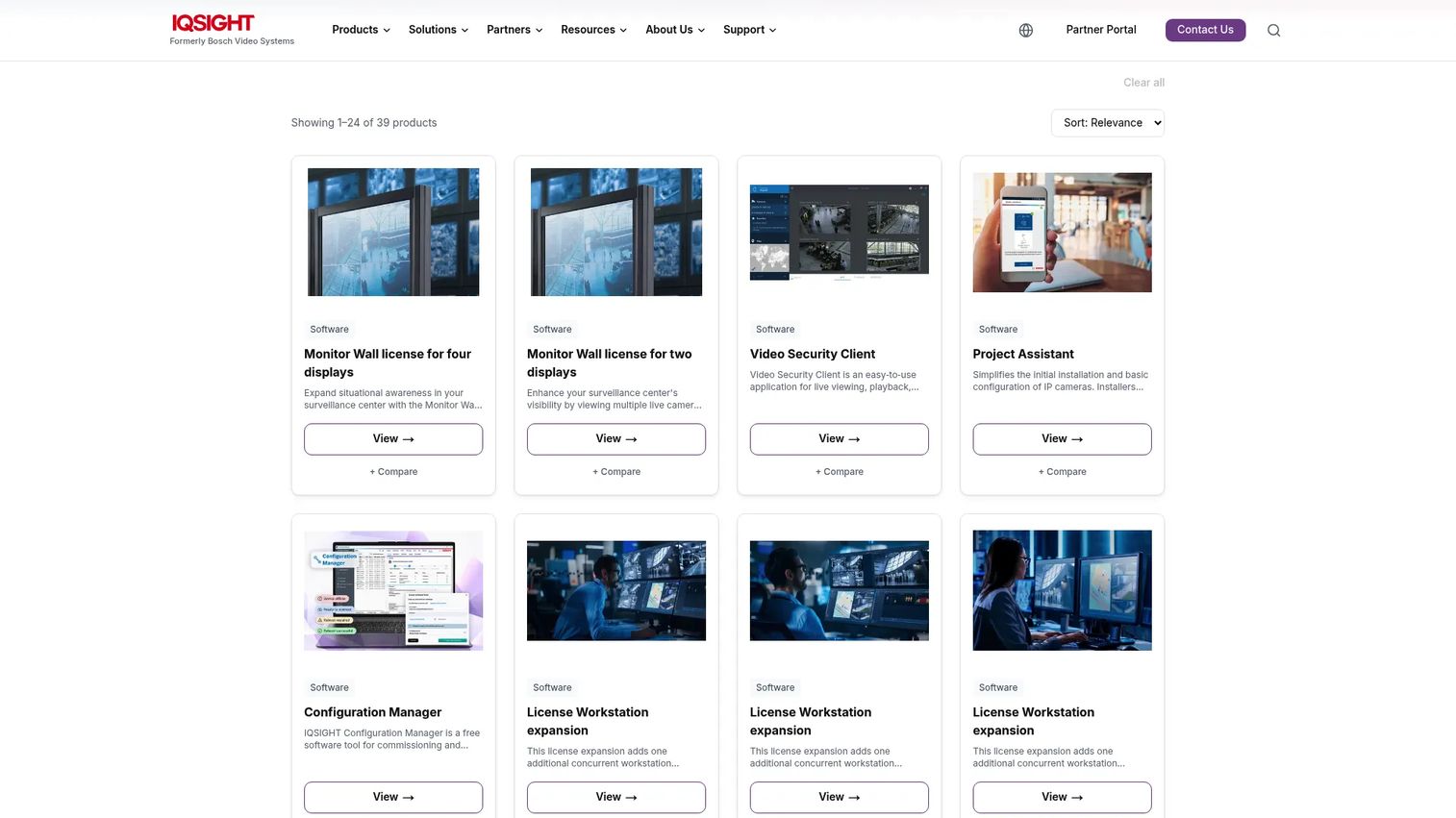
Bosch Video Management System manages digital video, audio, and operational data across IP networks. It supports deployments ranging from viewer environments to large enterprise installations.
The platform includes forensic search, alarm management, remote access, and map based tracking. Its published scalability reaches up to 200,000 camera channels.
Best for: Large security environments with Bosch aligned infrastructure and high channel requirements.
Key features
- Forensic video search
- Event and alarm management
- Remote web access
- Map based tracking
- ONVIF and SDK integration
Why choose Bosch Video Management System: This platform belongs on shortlists where Bosch devices already shape the security estate. Its large channel capacity supports extensive environments.
Buyers should still evaluate the surrounding architecture. Camera capacity alone doesn’t prove that evidence export or operator workflows fit the organization.
PMM messaging should connect resilience and scale to concrete buying scenarios. Examples include large campuses, critical infrastructure, or federated security operations.
Bosch Video Management System pricing
Custom pricing across Viewer, Lite, Plus, Professional, and Enterprise editions. Capacity, edition, support, and deployment design affect cost.
11. Videoloft Video Management System
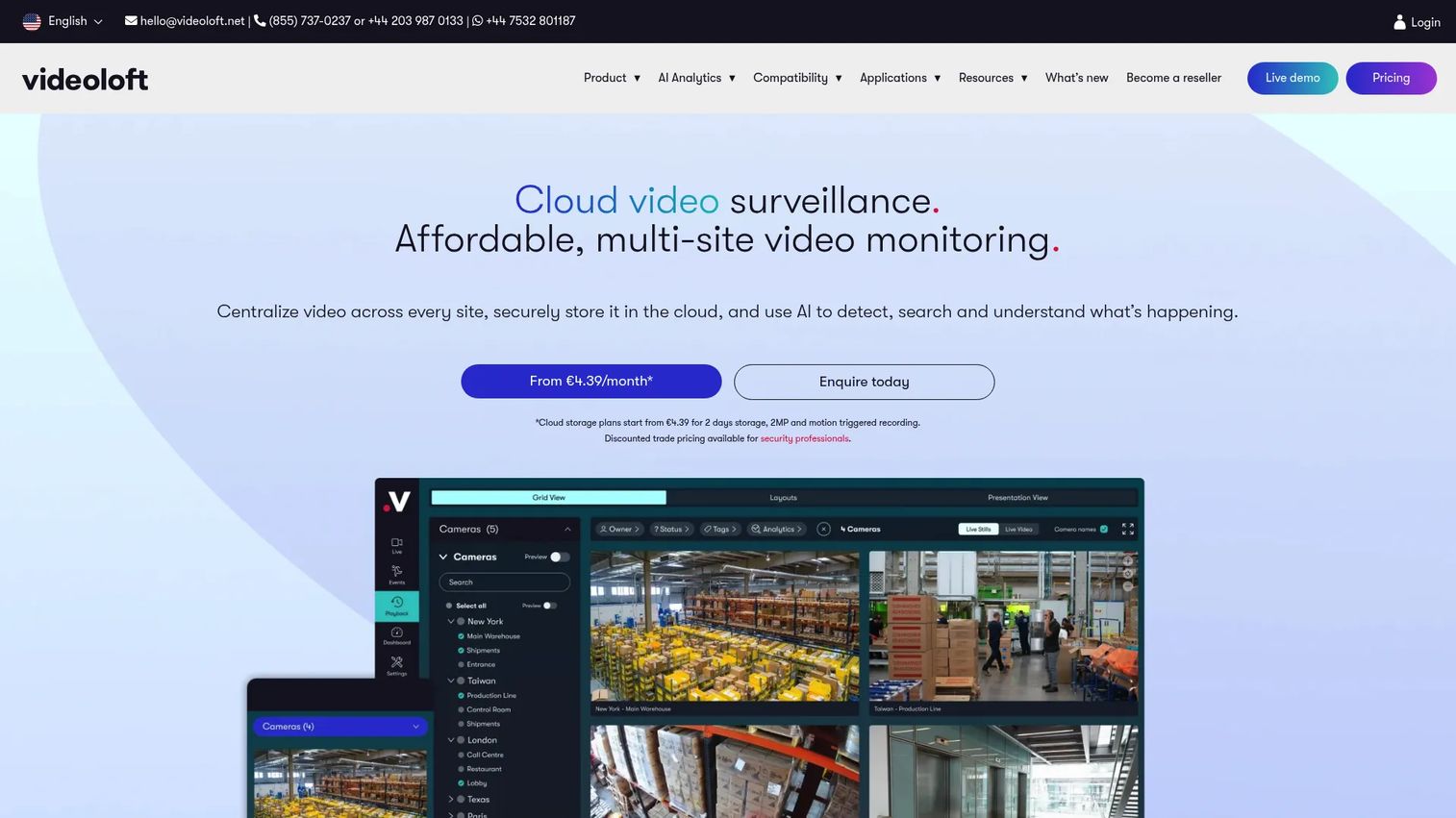
Videoloft Video Management System provides cloud access and storage for compatible security cameras and recorders. It supports centralized viewing across multiple locations without requiring every camera to be replaced.
Users can access live footage, playback, camera controls, and system health data remotely. Optional analytics include smart motion, people counting, plate recognition, and personal protective equipment detection.
Best for: Teams seeking cloud access and storage for compatible existing CCTV or IP camera systems.
Key features
- Centralized multi site viewing
- Cloud archive storage
- Remote camera controls
- User permissions and audit logs
- Optional AI analytics
Why choose Videoloft: Videoloft suits organizations modernizing an existing camera estate. Retention options range from two days to ten years.
That flexibility makes surveillance video storage central to the buying decision. Compare motion triggered recording with continuous capture using your evidence requirements.
For PMMs, the strongest differentiation is practical cloud migration. Avoid presenting the platform as hardware independent until compatibility has been verified for the target environment.
Videoloft Video Management System pricing
Motion triggered recording starts at $4.99 per camera monthly. Continuous recording starts at $5.99 per camera monthly.
Those examples include two days of storage at 2MP resolution. Annual billing carries a stated 10% discount.
G2 rating
Videoloft has a 4.8/5 G2 rating.
12. Samsara
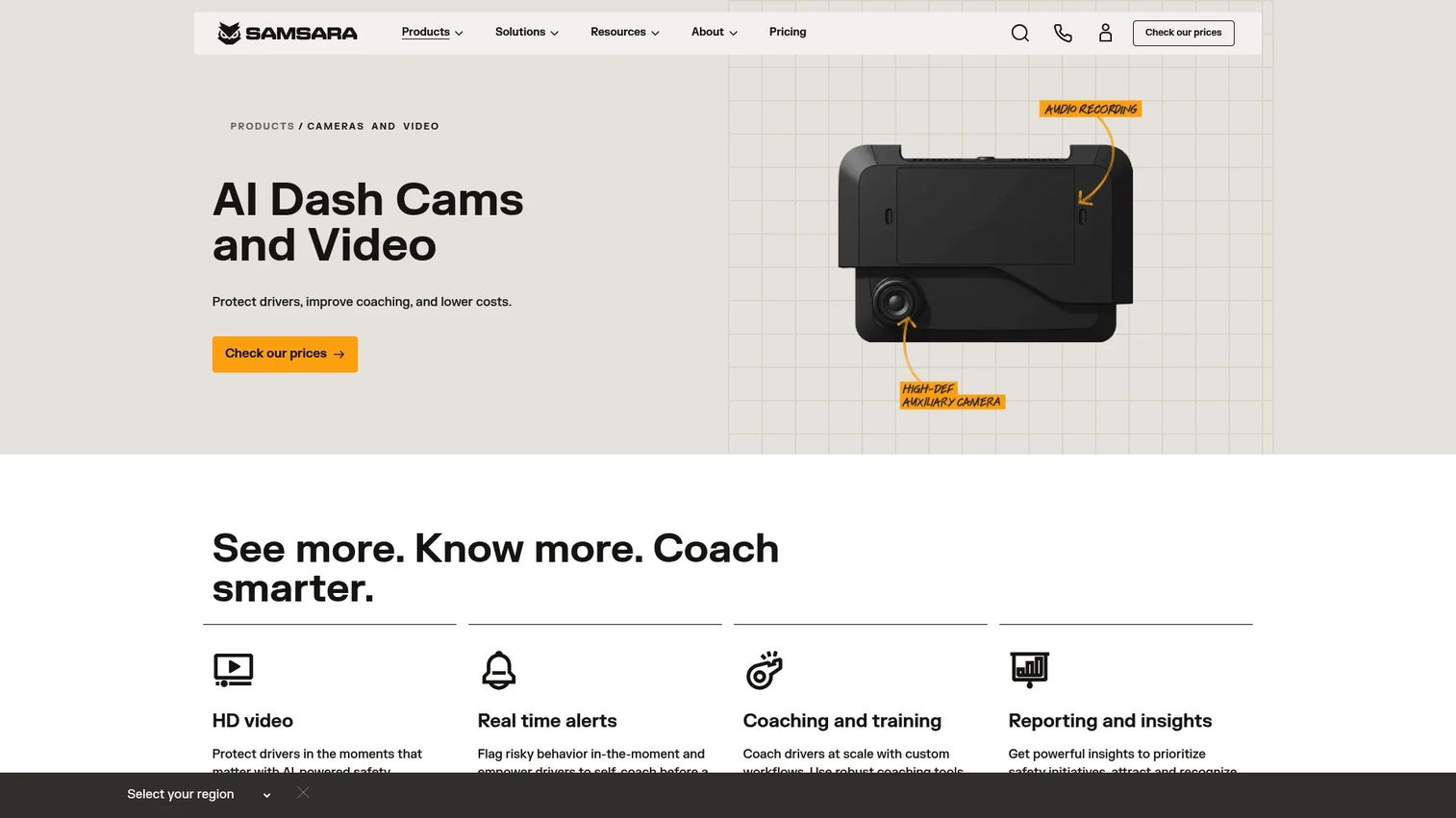
Samsara provides AI powered dash cameras and video safety technology for fleet operations. Video connects with vehicle activity and driver safety workflows.
Teams can retrieve footage on demand and use real time alerts during safety events. Coaching workflows help managers follow up with drivers using event context.
Best for: Fleet operators needing vehicle video connected with telematics and driver safety programs.
Key features
- HD vehicle video
- On demand footage retrieval
- AI safety alerts
- Driver coaching workflows
- Telematics connected context
Why choose Samsara: Samsara is built for fleet and field operations rather than general building surveillance. That boundary makes its category fit clear.
Choose it when the relevant footage comes from vehicles and needs operational context. A facilities team seeking a conventional multi camera VMS should evaluate another platform.
For PMMs, this is an important positioning lesson. Video management can sit inside a wider operations platform when the buyer values vehicle events and safety outcomes.
Samsara pricing
Custom pricing. Fleet size, selected products, features, contract length, and hardware configuration affect the quote.
G2 rating
Samsara has a 4.5/5 G2 rating.
13. Salient CompleteView VMS
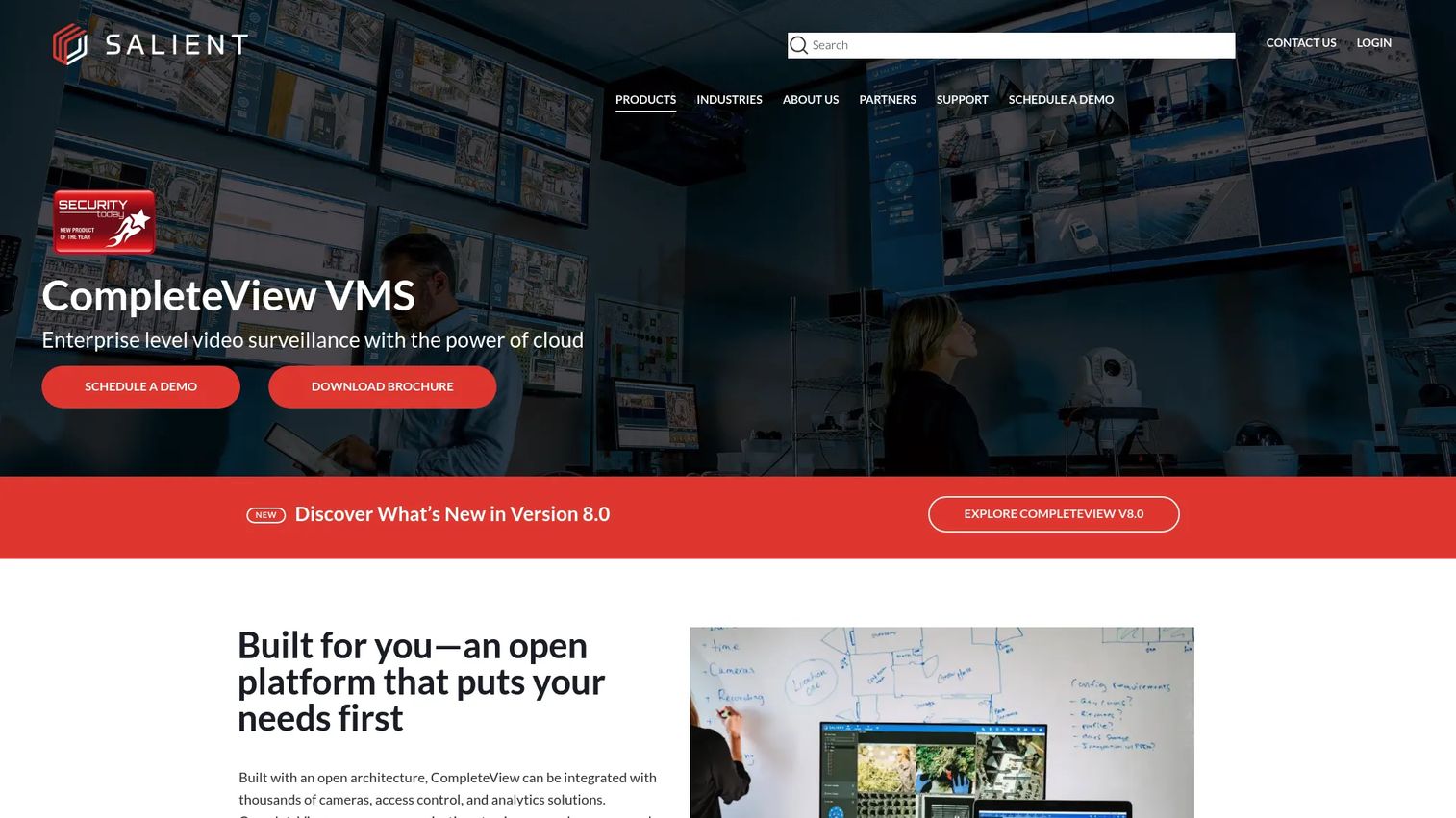
Salient CompleteView VMS is enterprise video management software with open architecture and multi site support. It provides desktop, web, and mobile clients for monitoring and investigation.
The system supports thousands of cameras and third party integrations. Search includes analytics filtering, multi camera timelines, playback, and evidence export.
Best for: Organizations needing flexible multi site surveillance across mixed hardware environments.
Key features
- Open platform camera integration
- Desktop and mobile clients
- Multi camera timeline search
- Evidence export tools
- Centralized system management
Why choose Salient CompleteView VMS: CompleteView fits buyers who prefer a traditional VMS model with cloud connectivity available for remote management. Its architecture supports broad hardware choice.
Centralized administration and Active Directory integration can help larger teams manage users. Predictive storage analytics address archive planning before capacity becomes an incident.
PMMs should connect deployment flexibility with concrete infrastructure choices. “Flexible” only matters when Sales can explain which cameras, clients, or security systems the platform supports.
Salient CompleteView VMS pricing
Custom pricing through Salient. Subscription and cloud service options are available, with annual terms for the subscription offering.
G2 rating
Salient Systems has a 4.7/5 G2 rating.
Considerations when choosing video management software
Start with governance, not camera count
Camera count matters during licensing and capacity planning. Governance determines whether the archive remains usable.
Define metadata, retention, access rules, and audit requirements before comparing vendors. Include evidence exports and deletion policies in that work.
Match deployment to your operating reality
Cloud suits distributed teams that need centralized administration and remote access. On premises systems support local infrastructure control or high bandwidth environments.
A hybrid video management system can combine local recording with cloud administration. Genetec’s 2025 physical security report found 43% of surveyed end users preferred hybrid deployment within five years.
Verify camera and integration support
Check each required camera model and ONVIF profile. Then assess access control, alarm workflows, sensor inputs, POS connections, and APIs.
Compatibility should be specific. A broad integration claim doesn’t guarantee support for the hardware already deployed.
Pressure test investigation workflows
Run representative scenarios during evaluation. Find a person, review a door event, export a clip, restrict access, and inspect the audit history.
Test the same workflow across multiple sites. A polished live view can hide slow forensic search or awkward evidence handling.
Understand total cost before rollout
Model licenses, cameras, appliances, cloud archives, support, professional services, maintenance, and bandwidth. Use the planned retention window rather than a small pilot.
Quote based pricing needs a consistent bill of materials. Without one, vendor comparisons won’t reflect the same operating model.
Conclusion
The best video management software depends on infrastructure and operating context.
Milestone XProtect fits open platform environments. Genetec Security Center serves enterprises unifying video with broader security operations. Avigilon Alta Video brings cloud administration and AI assisted investigation to distributed sites.
AXIS Camera Station Pro makes sense for Axis estates. Verkada Command centralizes compatible cloud managed security products, while Solink connects video with retail operations.
Arcules and Videoloft provide different camera to cloud migration paths. Samsara belongs on fleet shortlists rather than general building surveillance comparisons.
The core decision goes deeper than camera count. Choose the platform that governs footage as searchable, permissioned, retained, and shareable operational evidence. Then verify those claims through representative investigation workflows before procurement.
Start your journey with Guideflow today!
If your team sells complex software, the same governance mindset applies to explaining product value. Interactive product experiences can show workflows clearly before a buyer books a call.
Start your journey with Guideflow today!
FAQs
Video management software monitors, records, stores, plays, searches, secures, and shares surveillance video. It connects cameras with operator tools, permissions, retention policies, analytics, and evidence workflows.
A VMS can support one location or a multi site security environment. Deployment may run in the cloud, on local infrastructure, or through a hybrid model.
Video management software governs surveillance and operational footage. It handles live monitoring, recording, retention, access, search, and evidence export.
Video editing software changes creative assets through trimming, effects, audio work, or timeline editing. It doesn’t manage camera infrastructure or security evidence.
A video surveillance system includes cameras, networks, recorders, storage, and sometimes connected sensors. The VMS is the software layer that manages those components.
Operators use it for live viewing, playback, search, access control, alerts, and evidence handling. Some vendors package hardware and software together.
Choose cloud when distributed administration and remote access are priorities. A cloud video management system can reduce local server management across many sites.
Choose an on premises video management system when local infrastructure control or bandwidth constraints dominate. Hybrid deployments fit organizations that want local recording with selected cloud services.
Start with live monitoring, recording, playback, metadata, search, permissions, retention, integrations, and audit logs. Evidence export should preserve a clear record of user actions.
AI video analytics can support detection and forensic search. Evaluate analytics against representative footage before treating them as operational proof.
Cost depends on camera count, users, retention, cloud storage, analytics, support, appliances, and implementation. Bandwidth can also affect cloud deployments.
Many enterprise video surveillance management systems use quote based pricing through sales teams or channel partners. Build a consistent bill of materials before comparing proposals.
AI video management software uses analytics to classify objects, search footage, generate alerts, or support event investigation. Common examples include people detection, vehicle search, and license plate recognition.
AI can narrow the amount of footage an operator reviews. Clear governance and human review policies still matter for evidence handling.
Test the workflows your operators perform during an incident. Add cameras, search footage, export evidence, configure permissions, review audit logs, and simulate a multi site event.
Verify camera compatibility and retention settings using the planned deployment size. Include security, IT, facilities, and operational users in the assessment.