You started with VEED to ship product and marketing videos faster. Now the workflow has expanded into managing AI credit limits, hunting for caption export options, re-recording every time the product UI changes, and chasing review loops across a team that keeps growing. If any of that sounds familiar, you are not alone, and that is exactly where VEED alternatives become worth evaluating seriously.
The best VEED alternative for product demos is Guideflow, a demo automation platform that replaces passive product videos with interactive demos buyers click through. For like-for-like video editing, Descript is the strongest fit for transcript-based work, CapCut leads for social-native clips, and HappyScribe is the right call when subtitle accuracy drives the workflow. This list covers all 14 tools across interactive demo, transcript editing, social video, browser editing, captioning, recording, and generative video categories, so you can tell a direct swap from a category upgrade.
TL;DR
- Best for interactive product demos: Guideflow turns product flows into interactive demos buyers click through, replacing passive product videos that go stale every time the UI changes.
- Best for transcript-based editing: Descript is the strongest video tool for teams that edit by transcript and repurpose webinars, podcasts, or screen recordings. G2 rating: 4.6.
- Best for social clips: CapCut fits short-form teams producing TikTok, Instagram Reels, and YouTube Shorts. Submagic is the better pick when captions and hooks matter most.
- Best for captions and translation: HappyScribe leads when subtitle accuracy, multilingual transcription, and translation workflows matter more than editing depth.
- Best for AI-generated video: Runway covers text-to-video and image-to-video for teams creating net-new creative assets, not editing existing footage.
- Price range: This list spans free plans, per-user subscriptions from $8.50/month, workspace plans, usage-based credits, and annual desktop licenses from $49.99/year. Compare the pricing model, not only the entry number.
- Category note: The list covers interactive demo, transcript editing, social video, browser editing, captioning, recording, and generative video tools. Use the category labels to route yourself to the right type.
What's inside
- Why marketers leave VEED and what category of problem each pain actually belongs to
- A fair overview of VEED and what it does well
- A category-labeled comparison table covering all 14 tools
- Ranked cards for each tool with pricing and G2 ratings sourced from live pages
- Use-case routing by job: Demos, captions, social clips, transcript editing
- When staying with VEED still makes sense
- FAQs on switching, pricing, subtitles, and interactive demos
What is VEED?
VEED (veed.io) is a browser-based online video editor and screen recording platform used by marketers, creators, and content teams to produce social videos, branded content, subtitles, and translated clips without desktop software.
Its core category is screen recording and online video editing. Teams commonly use it for:
- Recording screen and camera together in a browser
- Auto-generating subtitles and exporting them as SRT or VTT files
- Resizing and reformatting videos for social platforms
- Applying basic branded templates and stock assets
- Running simple team-friendly editing workflows
VEED's strengths are its browser accessibility, its subtitle workflow, and the fact that it handles recording and editing in the same tool. Those strengths are real. Alternatives make sense when those strengths stop fitting: When teams need transcript-first editing, desktop-level performance, generative video creation, deeper caption operations, or a way to show software products that does not involve re-recording every time a screen changes.
Why teams look for VEED alternatives
Teams usually look for VEED alternatives when the workflow expands beyond quick browser editing into pricing control, AI credits, captions, exports, collaboration, or product content that needs to stay current.
Pricing and AI credits create scaling friction
VEED's free plan includes watermarked exports, and paid plans gate AI minutes, storage, and collaboration features. Marketers scaling output find the per-seat and per-AI-minute model adds up in ways that are hard to forecast. The core question is not whether the sticker price is low; it is whether the usage model fits campaign volume at scale.
Browser-based editing does not cover every production need
Browser editing removes the friction of software installation, but some teams need desktop timeline controls, long-form project management, or offline editing capability. Teams producing high-volume campaigns or polished video series often find that browser editors reach their ceiling at the point where production quality starts to matter.
Captions and transcripts become a workflow of their own
Subtitle review, speaker labeling, translation across markets, and downstream export workflows can outgrow a general-purpose video editor. When caption accuracy is the primary deliverable, a dedicated transcription and subtitling platform handles the job with more depth. As Wyzowl's 2026 video marketing report notes, 63% of consumers prefer to learn about a product through short video, which raises the stakes on subtitle accuracy for campaigns targeting non-native speakers.
Product videos go stale every time the interface changes
Product marketers often record a software workflow, caption it, publish it, and then re-record from scratch when the UI updates three months later. The cycle repeats for every feature launch, every pricing page change, and every onboarding update. Capturing an interactive demo instead removes that cycle: The demo reflects the current product flow, and teams can update the content without producing a new passive clip.
How we picked these VEED alternatives
Each tool was selected based on its capability overlap with a VEED switcher's real job, pricing clarity from each vendor's own pricing page, ratings from named review sites, and direct usefulness for digital marketers running campaigns, product launches, and content operations.
The list includes both like-for-like video tools and tools that solve the underlying job behind a product video. Every alternative is labeled by category: Interactive demo, transcript editing, social video, browser editing, captioning, recording, desktop video editor, or generative video. Use those labels to filter. A reader who needs a transcript-based editor and a reader who wants buyers to click through a product flow belong in different categories, and routing them to the same recommendation does not help either one.
VEED alternatives at a glance
Guideflow leads as the top pick for teams using VEED to show software or product workflows. For like-for-like video editing, Descript ranks second for transcript work and CapCut second for social. The table below is category-labeled, so readers can distinguish a direct swap from a category upgrade. Starting prices use the real billing unit: Per user, per workspace, per month on annual billing, or per year for desktop licenses.
| Tool | Category | Best for | G2 rating | Free plan | Starting price |
|---|---|---|---|---|---|
| Guideflow | Interactive demo | Interactive product demos | 5.0 | Yes | Free; Solo $35/user/month (annual) |
| Descript | Transcript editing | Podcasts, webinars, transcript-based editing | 4.6 | Yes | $16/person/month (annual) |
| CapCut | Social video | Short-form social and mobile-first editing | 4.3 | Yes | Free; Pro $19.99/month |
| Kapwing | Browser editing | Templates, captions, quick marketing edits | 3.9 | Yes | $16/member/month (annual) |
| Adobe Express | Browser creative suite | Branded creative assets and lightweight video | 4.5 | Yes | Free; Premium $9.99/month |
| Clipchamp | Browser video editor | Microsoft-centered teams and simple edits | 4.1 | Yes | Free; Premium with Microsoft 365 |
| Vizard | AI clipping | Repurposing long videos into social clips | 4.7 | Yes | Free; paid tiers, contact for price |
| HappyScribe | Captioning and transcription | Subtitle accuracy, transcripts, translation | 4.6 | Yes | $8.50/month (annual) |
| Riverside | Recording and repurposing | Remote recording, clips, transcripts | 4.8 | Yes | Free; Pro $29/month (annual) |
| Submagic | Social captions | Caption-led shorts and creator-style clips | 4.6 | No confirmed free tier | $12/month (annual) |
| InVideo | Template video creation | Marketing videos from scripts and templates | 4.2 | No confirmed free tier | $10/seat/month (annual) |
| Wondershare Filmora | Desktop video editor | Offline editing and traditional timelines | 4.5 | Yes | $49.99/year |
| Runway | Generative video | AI video generation and creative experiments | 4.1 | Yes | Free; Standard $12/month (annual) |
| ChatCut | AI video editing | Conversational edits and creator workflows | 4.6 | Yes | Free; Starter $21/month (annual) |
The best VEED alternatives in 2026
1. Guideflow (interactive demo)
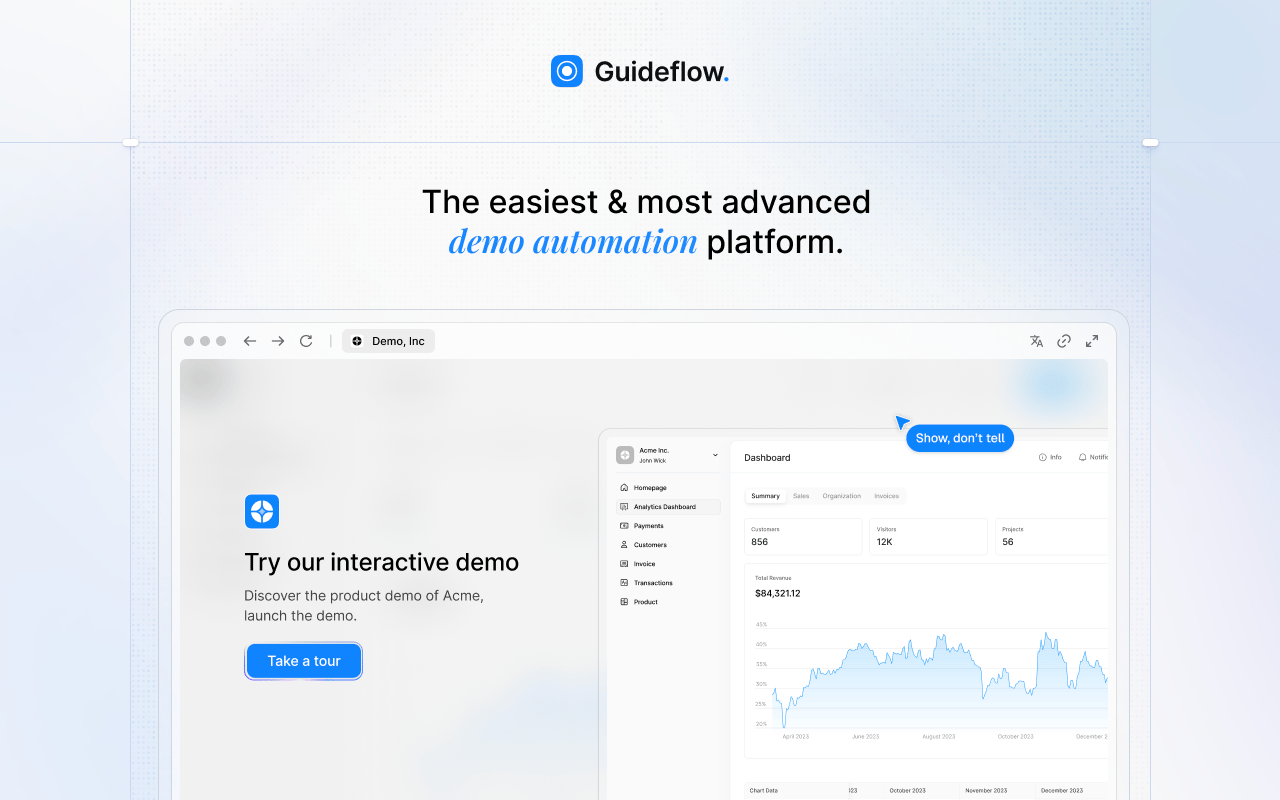
Guideflow earns the top spot for teams whose underlying job is showing a software product, not producing another passive clip. When the product changes, teams update the captured demo instead of re-recording. The result: An interactive product experience buyers navigate at their own pace, embedded on a landing page, shared in a nurture email, or dropped into a Notion doc.
Best for: B2B marketers, product marketers, and growth teams explaining software workflows to buyers.
What it is: Guideflow is a demo automation platform for creating interactive demos, demo pages, demo centers, sandboxes, live demos, and mobile demos. Capture runs through the Chrome extension or the native app. Step content is generated automatically. Viewers click through the product experience rather than watching a clip play out.
Key features:
- Interactive demos, demo pages, demo centers, sandboxes, live demos, and mobile demos
- Capture through the Chrome extension or native app across screenshot, HTML, and video modes
- Editor supports text, images, graphs, and branching
- AI voiceover and translation into more than 30 languages
- Step-level analytics: Completion, drop-off, and viewer flow
- CRM records created when viewers identify through an in-demo form or a personalized link
- Integrations with HubSpot, Salesforce, Pipedrive, Zoho, and Marketo
Where Guideflow falls short: Look elsewhere if your main need is editing talking-head videos, podcasts, or creator clips. Guideflow excels when the viewer should click through a product flow. Cinematic editing or social-native video effects belong in a different category.
Pricing: Free plan available. Solo $35/user/month (annual). Growth $499/month (annual). Advanced $1,499/month (annual). Enterprise from $2,999/month (annual), adding SSO, advanced governance, and enterprise security.
G2 rating: 5.0
How it compares to VEED: VEED creates passive videos people watch. Guideflow produces interactive demos people navigate. For product content, the distinction changes the maintenance cycle: When the UI updates, teams edit the captured demo rather than re-recording a clip from scratch.
2. Descript (transcript editing)
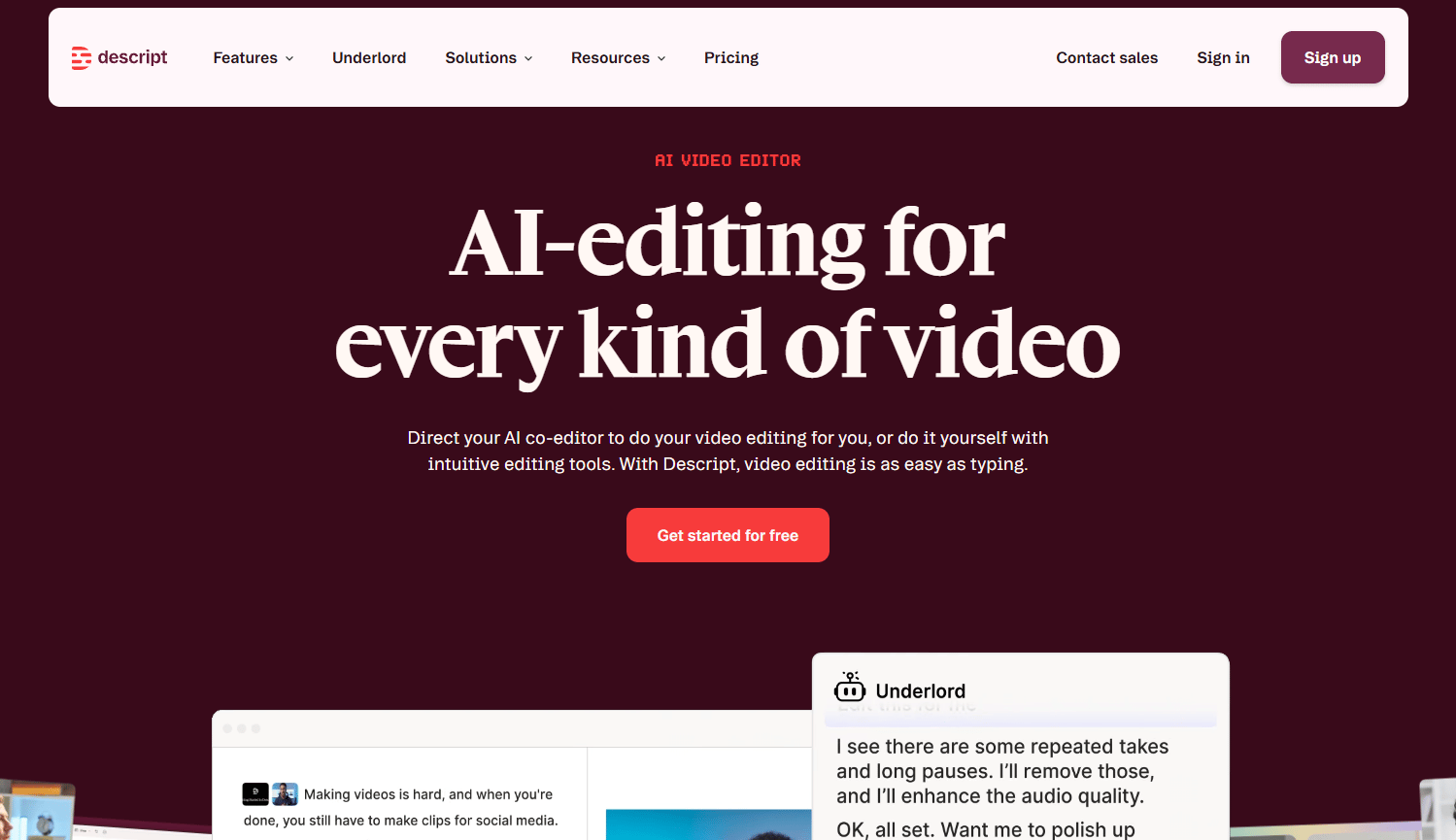
Descript reframes video editing around the transcript, not the timeline. Teams cut, rearrange, and clean up footage by editing text, which works particularly well for webinar recordings, podcast repurposing, and talking-head content where the spoken word drives the structure.
Best for: Marketing teams editing podcasts, webinars, interviews, and screen recordings by text.
What it is: Descript is an AI video and audio editor that lets users record, transcribe, edit, and repurpose content by editing a text transcript. Its AI co-editor Underlord handles filler word removal, silence cuts, and Studio Sound audio enhancement. G2 rates it at 4.6.
Key features:
- Text-based editing where changes to the transcript cut the corresponding video
- Automatic transcription with Underlord AI
- Filler word removal and Studio Sound audio cleanup
- Screen and remote recording
- Captions, subtitles, and translated subtitles
Where Descript falls short: Reviewers on G2 note that advanced features sit behind higher-tier plans. Teams new to transcript-based editing sometimes find the workflow requires adjustment from traditional timeline editing. Longer or complex projects can need cleanup after automated transcription, particularly with heavy accents or jargon-heavy content.
Pricing: Free plan available. Hobbyist $16/person/month (annual). Creator $24/person/month (annual). Business $50/person/month (annual). Enterprise pricing on request.
G2 rating: 4.6
How it compares to VEED: Descript is the stronger choice when the transcript is the editing surface. VEED handles browser-based social edits without that transcript-first workflow.
3. CapCut (social video)
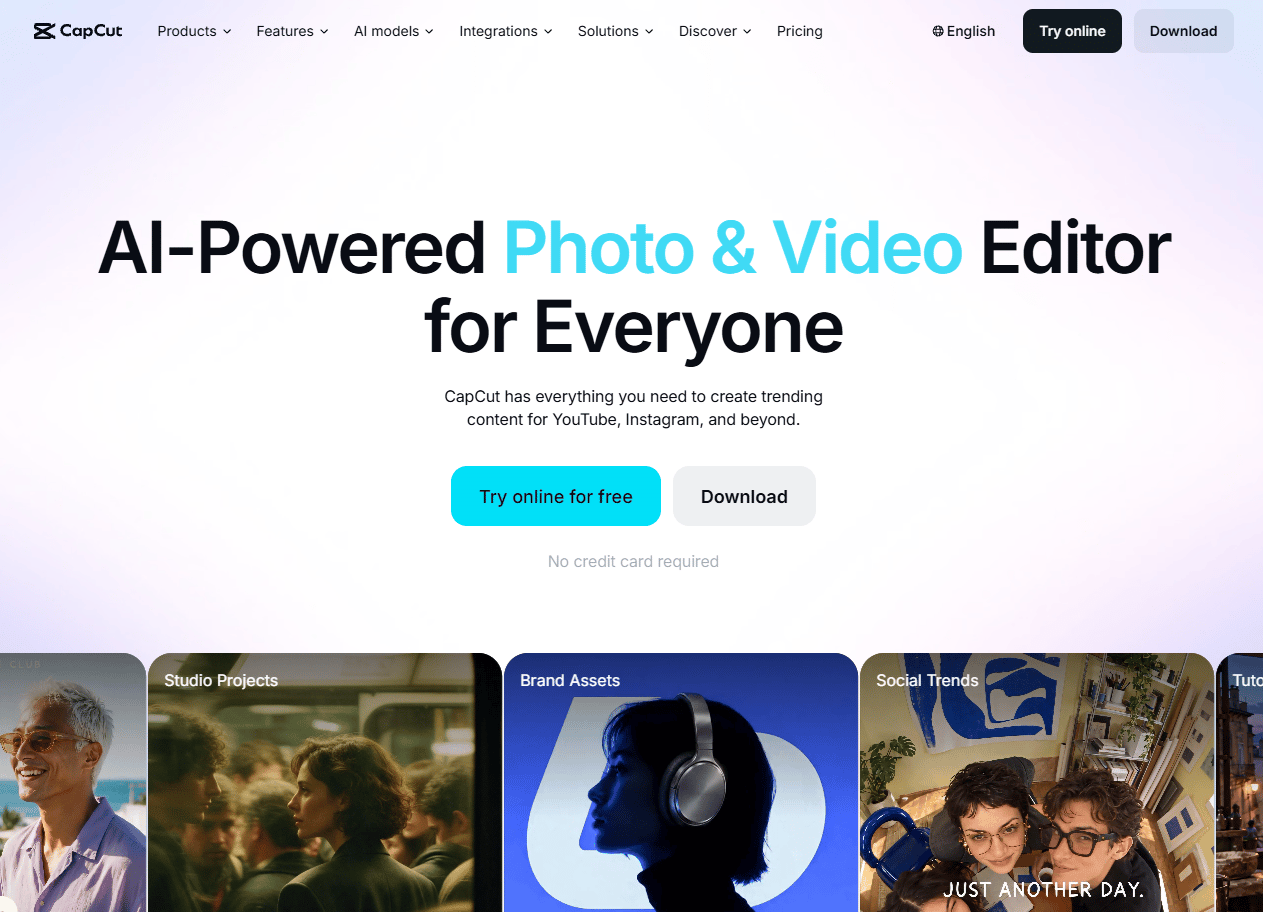
CapCut is built around the rhythms of social publishing: Vertical formats, effects libraries, platform-native templates, and auto-captions that land quickly. Teams producing TikTok, Instagram Reels, and YouTube Shorts content use it for the same reason: The output format and the editing tools match.
Best for: Short-form social teams producing mobile-first edits for TikTok, Instagram, and YouTube Shorts.
What it is: CapCut is an AI-powered video editing and content creation platform for creating, editing, and enhancing social and marketing videos. It covers auto-captions, background removal, AI image and video generation, and social-ready templates across mobile and desktop.
Key features:
- Mobile and desktop editing with social format templates
- Auto captions and text-to-speech
- AI video and image generation
- Background removal and AI enhancement
- Short-form export formats for major social platforms
Where CapCut falls short: Business teams may find governance and collaboration controls lighter than dedicated marketing platforms. Some AI features and premium templates require the Pro tier ($19.99/month). Brand review workflows often need an external step.
Pricing: Free plan available. Pro $19.99/month. Ultra $79/month. Teams $12.49/seat/month.
G2: 4.3
How it compares to VEED: CapCut is built for social-native editing and excels there. VEED covers a broader set of browser-based video production tasks beyond short-form social content.
4. Kapwing (browser editing)
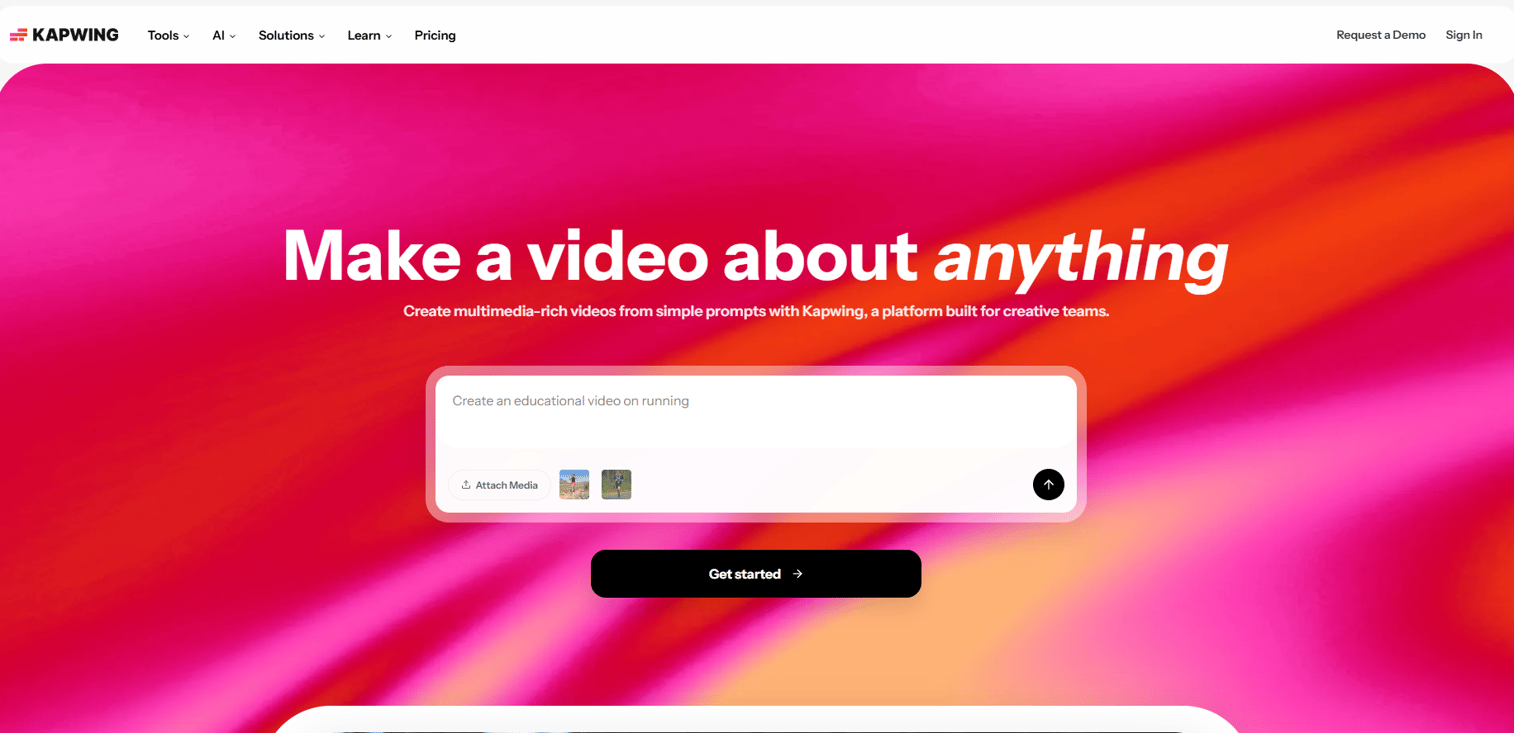
Kapwing sits closest to VEED in the browser-based editing category. Both tools handle quick social videos, captions, templates, and team collaboration in the browser. The choice often comes down to export watermarks, AI credit allocation, and workspace pricing models.
Best for: Marketers needing browser-based video editing, caption generation, resizing, and team workspaces.
What it is: Kapwing is a browser-based video and content creation platform for editing social videos, generating captions, applying templates, resizing for platforms, and collaborating with a team. G2 rates it at 3.9 from 40 reviews.
Key features:
- Browser-based timeline and canvas editing
- Auto-subtitles, translated subtitles, and transcription
- AI text-to-video, image generation, dubbing, and voiceovers
- Video resizing for social platforms
- Shared workspaces, Brand Kits, and Media Libraries
Where Kapwing falls short: The free plan exports with watermarks and limits video length to four minutes. Reviewers note that the free and lower Pro tiers cap the AI credits meaningfully. Larger teams need the Business plan ($50/member/month annual) for brand governance and additional credit volume.
Pricing: Free plan available (watermarked exports, limited AI credits). Pro $16/member/month (annual). Business $50/member/month (annual). Enterprise on request.
G2 rating: 3.9
How it compares to VEED: Kapwing covers much the same browser editing territory. Teams switching often compare watermark rules, AI credit volume, export quality caps, and workspace pricing rather than feature gaps, since both platforms handle the core editing and captioning jobs.
5. Adobe Express (browser creative suite)
Adobe Express fits marketers already operating inside Adobe's ecosystem, or teams whose video is one asset type inside a broader campaign production workflow. The tool handles branded graphics, social assets, and lightweight video in one browser-based destination.
Best for: Marketers creating lightweight branded video alongside social graphics, templates, and Adobe asset access.
What it is: Adobe Express is a browser-based creative tool for designing social graphics, short videos, documents, and branded content. It includes generative AI, one-click resizing, Brand Kits, and content scheduling. G2 rates it at 4.5.
Key features:
- Branded templates for static, motion, and video content
- Generative AI for images, text effects, and templates
- Brand Kits with colors, fonts, and logos
- One-click resizing across social formats
- Content scheduling directly from the platform
Where Adobe Express falls short: Advanced video editing belongs in Premiere Pro or After Effects, not Express. Teams outside the Adobe ecosystem may not get the ecosystem value that justifies it. Some premium assets and AI features require paid plans ($9.99/month for Premium or via Teams at $4.99 to $7.99/license/month annual).
Pricing: Free plan available. Premium $9.99/month. Teams from $4.99/license/month (annual, introductory). Enterprise on request.
G2 rating: 4.5
How it compares to VEED: Adobe Express is the right pick when video is one deliverable inside a broader creative workflow. VEED is more focused on video creation and editing as the primary output.
6. Clipchamp (browser video editor)
Clipchamp's headline advantage is its Microsoft integration. Teams already on Microsoft 365 Personal or Family get the Premium tier included, and the browser editor is accessible directly from Windows without an additional subscription.
Best for: Teams running Microsoft 365 workflows who need browser-based video editing without a separate paid subscription.
What it is: Clipchamp is a browser video editor owned by Microsoft, covering trimming, templates, screen and camera recording, stock assets, AI subtitles, text-to-speech voiceovers, silence removal, and noise suppression. G2 rates it at 4.1.
Key features:
- Browser video editing with trimming, cropping, effects, and color correction
- Screen, webcam, and audio recording
- AI subtitles and text-to-speech voiceovers
- Templates and royalty-free stock media
- Brand Kit with logos, colors, and fonts
Where Clipchamp falls short: Advanced production controls are limited compared with pro desktop editors. G2 reviewers note that 4K UHD export requires the Premium tier, which is included with Microsoft 365 rather than priced separately. Teams outside the Microsoft ecosystem may find limited incentive to adopt it over other browser editors.
Pricing: Free plan available (1080p exports, no watermark). Premium features included with Microsoft 365 Personal and Family subscriptions.
G2 rating: 4.1
How it compares to VEED: Clipchamp covers the core browser editing job. For teams inside the Microsoft stack, it removes the need for a separate paid video editor subscription.
7. Vizard (AI clipping)
Vizard's job is turning long recordings into short, distributable clips. Teams that record webinars, podcasts, and long-form interviews and then need short highlights for social publishing reach for Vizard at the repurposing step.
Best for: Teams repurposing webinars, podcasts, and long videos into short social clips with auto-generated subtitles.
What it is: Vizard is an AI video repurposing platform that clips, subtitles, reformats, and schedules short-form content from long-form video. It includes AI-generated clips, speaker detection, automatic subtitles and translation, auto reframe, and social publishing. G2 rates it at 4.7.
Key features:
- AI-generated clips from long-form video
- Automatic subtitles and subtitle translation
- Speaker detection and auto reframe
- AI B-roll suggestions
- Social publishing and post scheduling
Where Vizard falls short: AI-selected clips still need human review; the automated picks do not always match editorial judgment. Usage-based credit limits affect high-volume teams. Paid plan pricing was not publicly displayed on the pricing page, requiring a contact to confirm costs beyond the free tier.
Pricing: Free plan available (60 credits/month, 720p exports, watermark). Creator and Business tiers available; contact Vizard for current pricing.
G2 rating: 4.7
How it compares to VEED: Vizard handles the repurposing step after footage exists. VEED is broader, covering both recording and editing from scratch. Teams that already record elsewhere and need clips come to Vizard specifically for that job.
8. HappyScribe (captioning and transcription)
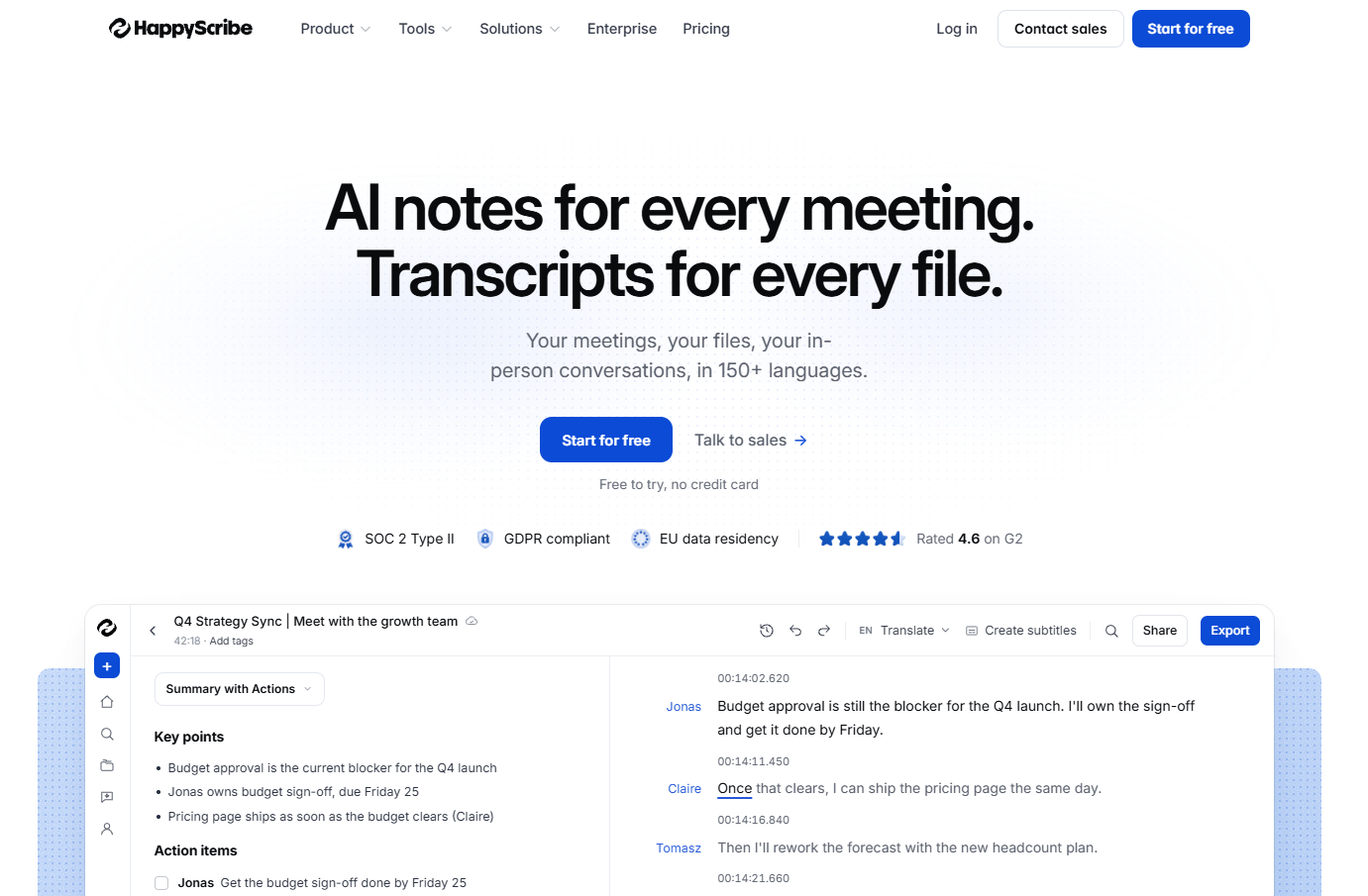
HappyScribe is the right choice when the deliverable is the transcript or the subtitle file, not the edited video. It handles AI transcription, human proofreading, multilingual subtitles, and meeting notes in one workflow.
Best for: Teams producing multilingual content where subtitle accuracy, transcription quality, and translation workflows matter more than video editing.
What it is: HappyScribe is an AI and human-powered transcription, subtitling, translation, and meeting notes platform. It supports AI transcription and subtitles in 150 languages, human proofreading, team collaboration, glossaries, style guides, and an API. Capterra rates it at 4.7.
Key features:
- AI transcription and subtitles in 150 languages
- Human proofreading and localization services
- AI meeting notetaker for Zoom, Google Meet, and Microsoft Teams
- Team collaboration with glossaries and style guides
- Export formats for subtitles, transcripts, and captions
Where HappyScribe falls short: It is not a full video editor. Teams that need to trim, assemble, or publish a finished video require a separate editing tool. Human proofreading and high-volume plans carry additional costs beyond the subscription base.
Pricing: Free plan available. Basic $8.50/month (annual). Pro $19/month (annual). Business $59/month (annual). Enterprise on request. Human proofreading from $2.00/min.
G2: 4.6
How it compares to VEED: HappyScribe is the stronger choice when transcript and subtitle accuracy are the primary output. VEED covers both recording and editing alongside its subtitle tools, making it the broader video platform.
9. Riverside (recording and repurposing)
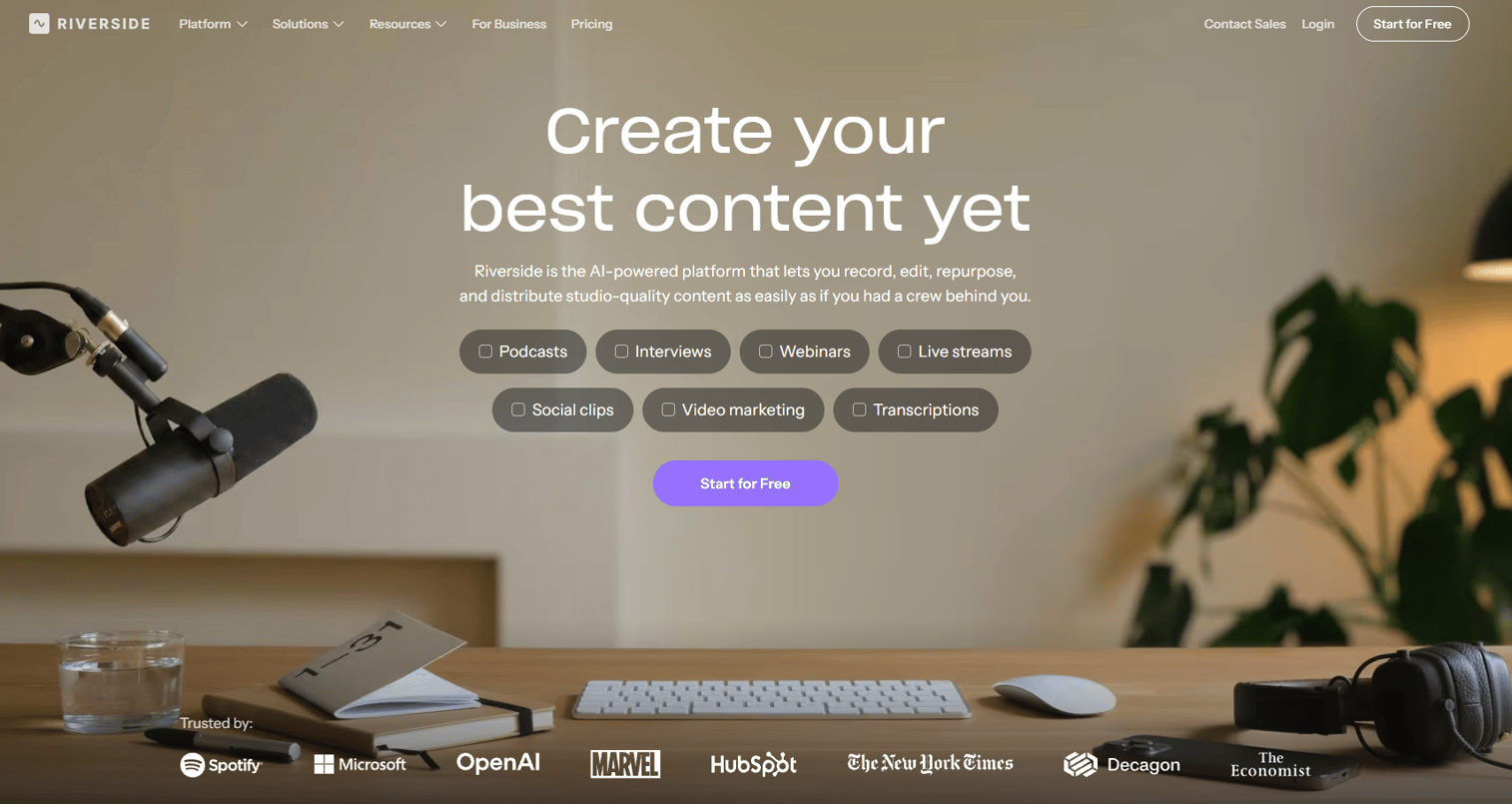
Riverside prioritizes recording quality. Local recording at up to 4K video and uncompressed audio separates it from most browser-based tools, including VEED. Teams recording podcasts, remote interviews, and webinars before editing or distributing find that quality difference worth the workflow change.
Best for: Podcasters, content teams, and marketers recording remote conversations before editing, clipping, and distributing.
What it is: Riverside is an AI-powered recording, editing, repurposing, streaming, hosting, and publishing platform. It records locally to avoid compression, generates AI clips, show notes, captions, and translations, and supports webinars with registration and analytics. G2 rates it at 4.8.
Key features:
- Local recording up to 4K video and uncompressed audio
- Text-based and multi-track editing with AI tools
- AI-generated clips, show notes, captions, and dubbing
- Podcast hosting, analytics, and publishing
- Webinars with registration, Q&A, polls, and analytics
Where Riverside falls short: Riverside starts before the editing workflow, with recording quality as its primary differentiator. Teams whose existing footage is already captured elsewhere get less from it. Business pricing is not publicly displayed; it requires contacting sales. Storage and seat needs can influence total cost at scale.
Pricing: Free plan available. Pro $29/month (annual) or $35/month. Grow $36/month (annual) or $45/month. Webinar $79/month (annual) or $99/month. Business pricing on request.
G2 rating: 4.8
How it compares to VEED: Riverside wins when recording quality is the priority. VEED is centered on editing and social publishing after footage already exists.
10. Submagic (social captions)
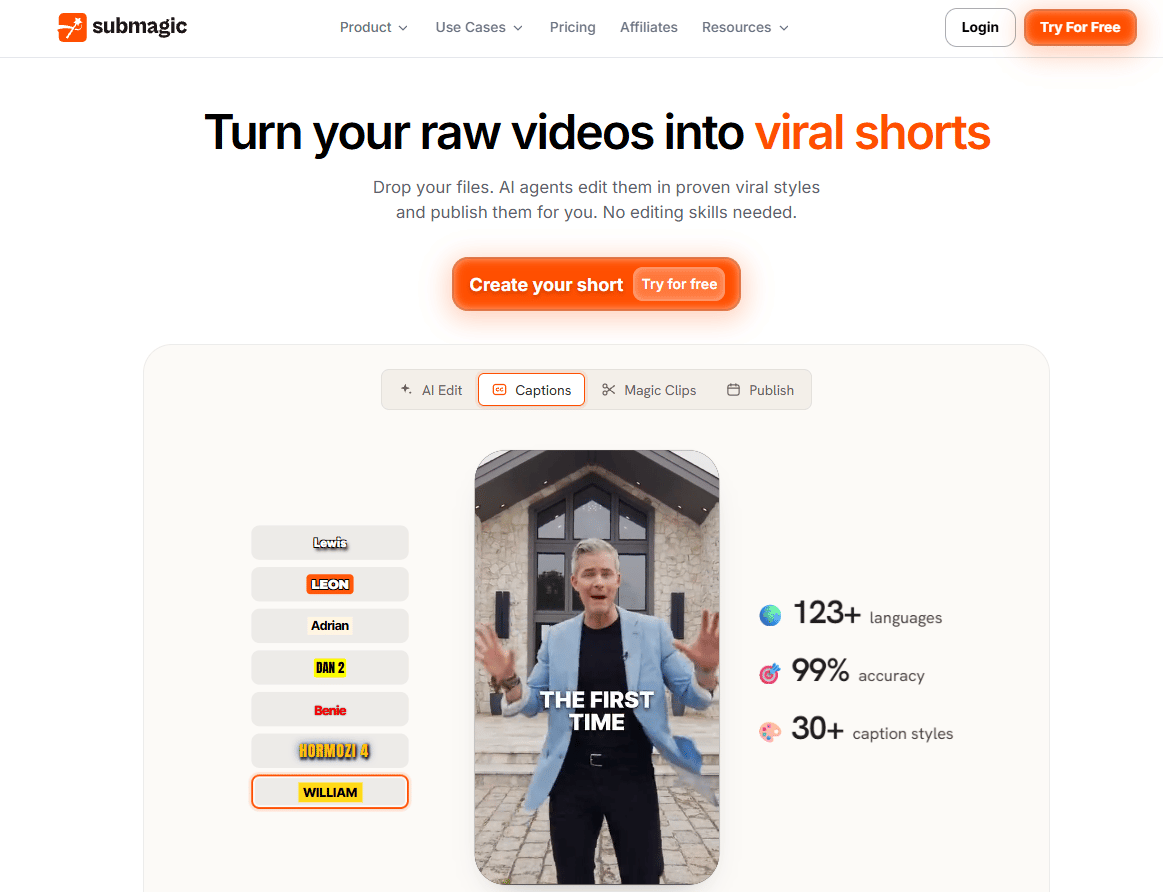
Submagic is built specifically for the short-form caption workflow: Auto-captions with visual styling, hooks, B-roll, and social-ready exports. It does not try to cover full video editing, which makes it fast for the specific job.
Best for: Short-form creators and marketing teams producing caption-heavy shorts, TikTok content, and Instagram Reels at volume.
What it is: Submagic is an AI-powered video editing platform focused on short-form video. It generates captions in 118 languages, automates cuts, creates repurposed clips from long videos, and adds B-roll, music, and transitions. G2 rates it at 4.6.
Key features:
- AI captions in 118 languages
- Automatic video cuts and AI clip generation
- Magic Clips for repurposing long videos
- B-roll, music, transitions, and sound effects
- Social publishing and Brand Kit for teams
Where Submagic falls short: The official pricing page does not confirm a permanent free tier; a free trial may be available. High-volume teams should check export caps and credit limits by plan. Brand governance may require manual review outside the platform for enterprise teams.
Pricing: Starter $12/month (annual). Pro $23/month (annual). Business $41/month (annual). Custom plan on request.
G2 rating: 4.6
How it compares to VEED: Submagic does the caption-first short-form job with more depth than VEED's subtitle tools. VEED covers a wider editing workspace for teams that need more than captions.
11. InVideo (template video creation)
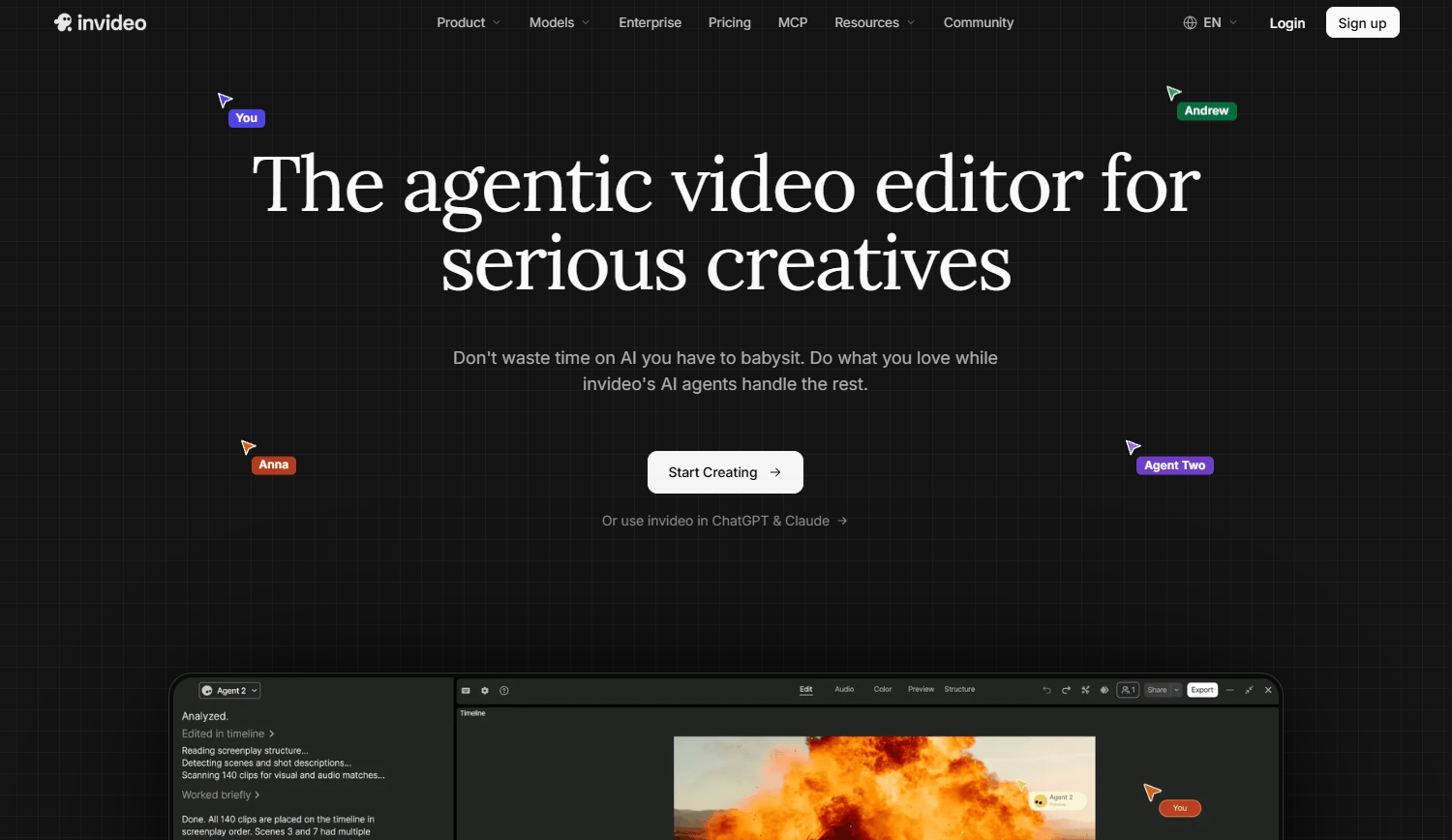
InVideo is the right tool when a marketer needs to produce a promotional video from a script or a template, not from recorded footage. The AI-assisted creation layer turns briefs into draft videos.
Best for: Marketers producing ads, explainers, and social videos from templates and scripts rather than recorded footage.
What it is: InVideo is an AI-powered video creation and editing platform for generating marketing videos, social content, and promotional assets. It includes text-to-video, AI avatars, multiplayer timeline editing, and stock media. G2 rates it at 4.2.
Key features:
- AI video generation from text and scripts
- AI avatar generation
- Template-based video creation
- Multiplayer timeline editing
- Stock media and social export formats
Where InVideo falls short: Template-based outputs often require manual brand cleanup before they match campaign standards. AI credit allocations vary significantly across plans, with high-volume teams needing the Plus or Max tier. The official pricing page does not confirm a permanent free tier.
Pricing: Starter $10/seat/month (annual). Plus $30/seat/month (annual). Max $75/seat/month (annual).
G2 rating: 4.2
How it compares to VEED: InVideo leads when the input is a script or brief and the output is a template-driven video. VEED is stronger when editing existing footage or recordings is the primary task.
12. Wondershare Filmora (desktop video editor)
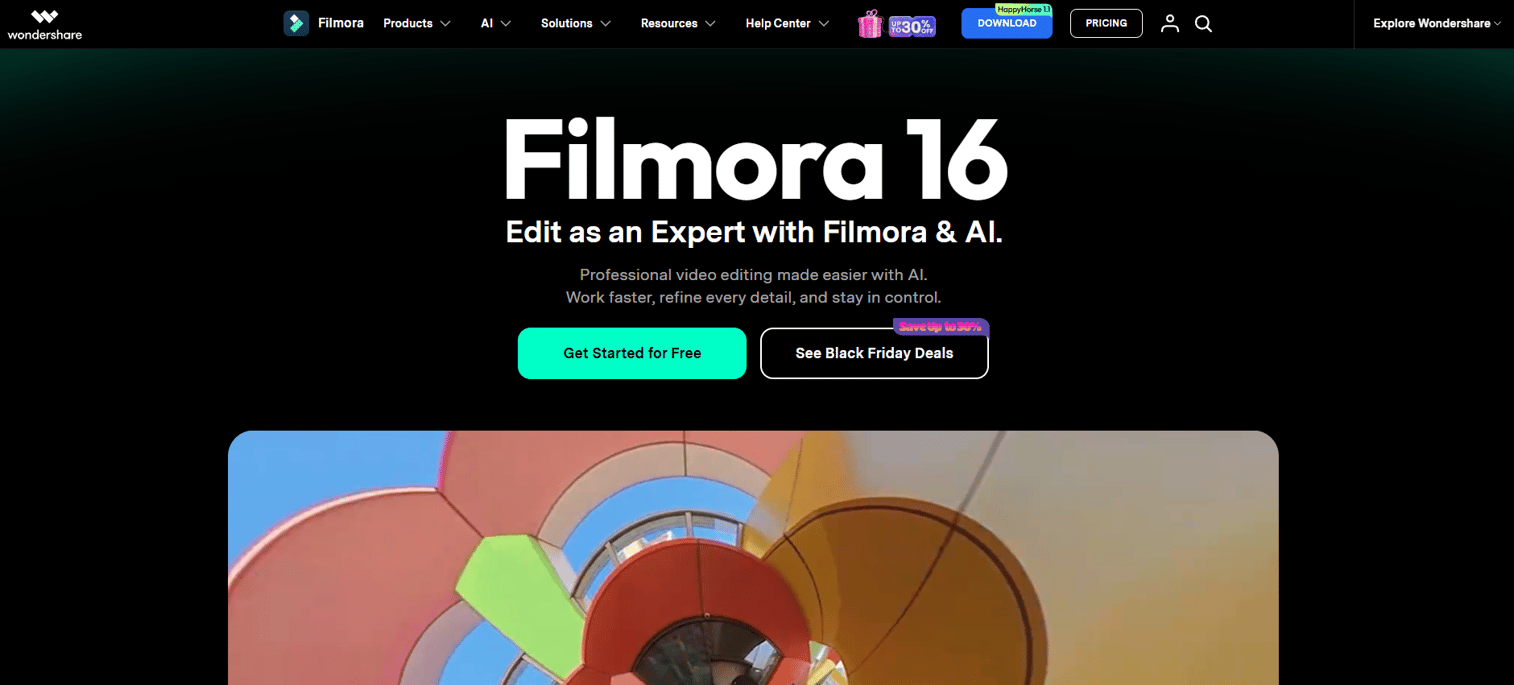
Filmora is a desktop editor with a traditional timeline, which is a different model from VEED's browser-based workflow. Teams that want offline editing, desktop performance, and a perpetual license option alongside an annual subscription find it covers the gap.
Best for: Creators and small teams wanting desktop timeline editing, effects, and audio tools without moving into professional production software.
What it is: Wondershare Filmora is an AI-powered desktop video editor for Windows and Mac covering timeline editing, effects, transitions, motion tracking, green screen, automatic captions, and text-based editing. G2 rates the Wondershare seller at 4.5.
Key features:
- Desktop timeline editing with keyframing and color correction
- AI tools including automatic captions and text-based editing
- Screen recording and multi-source recording
- Motion tracking, green screen, and video masking
- Royalty-free music, effects, filters, and templates
Where Filmora falls short: Collaboration is different from browser-native team editors; desktop files do not share and sync with the same ease. Some AI features and asset packs increase total cost beyond the base subscription. G2 reviewers note occasional performance issues with complex projects on lower-spec hardware.
Pricing: Free plan available (watermarked exports). Basic $49.99/year. Advanced $59.99/year. Perpetual license $79.99 (one-time). Premium $99.99/year.
G2 rating: 4.5
How it compares to VEED: Filmora is the stronger option for teams that want or need offline desktop editing. VEED's browser-based approach is more practical for teams that collaborate remotely or prefer not to manage desktop software installs.
13. Runway (generative video)
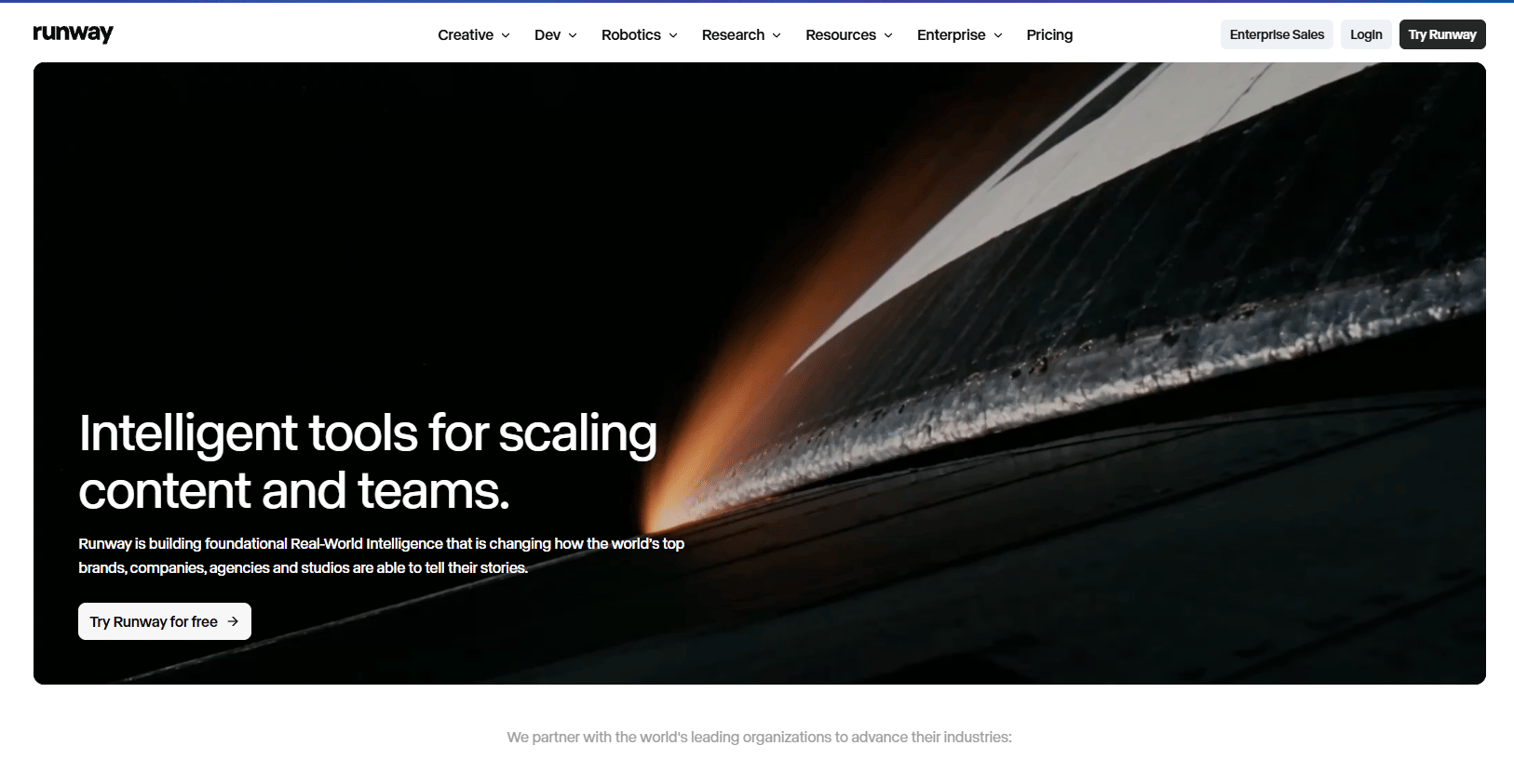
Runway's core job is generating video from text or images, not editing existing footage. Teams experimenting with AI-generated advertising assets, visual effects, and creative campaigns use it at the generative layer rather than as an editing substitute.
Best for: Creative teams generating net-new AI video assets, visual effects, and advertising content rather than editing existing recordings.
What it is: Runway is an AI creative platform for text-to-video, image-to-video, video editing, agentic creative collaboration, and advertising content production. It includes a node-based workflow builder and an ad generation and publishing tool. G2 rates it at 4.1.
Key features:
- Text-to-video and image-to-video generation
- AI video editing and transformation tools
- Agentic creative collaborator
- Node-based workflow builder
- Runway Ads for generating and publishing ad creative
Where Runway falls short: Runway is built for generative creative work, not captioning or recording-based editing. Credits and generation limits affect high-output teams significantly. Generated outputs require creative direction and review; raw outputs rarely match campaign standards without iteration.
Pricing: Free plan available (125 one-time credits). Standard $12/month (annual). Pro $28/month (annual). Max $76/month (annual).
G2 rating: 4.1
How it compares to VEED: Runway is the right choice when the job is generating video from scratch with AI. VEED is more practical for editing footage, adding captions, and publishing social deliverables.
14. ChatCut (AI video editing)
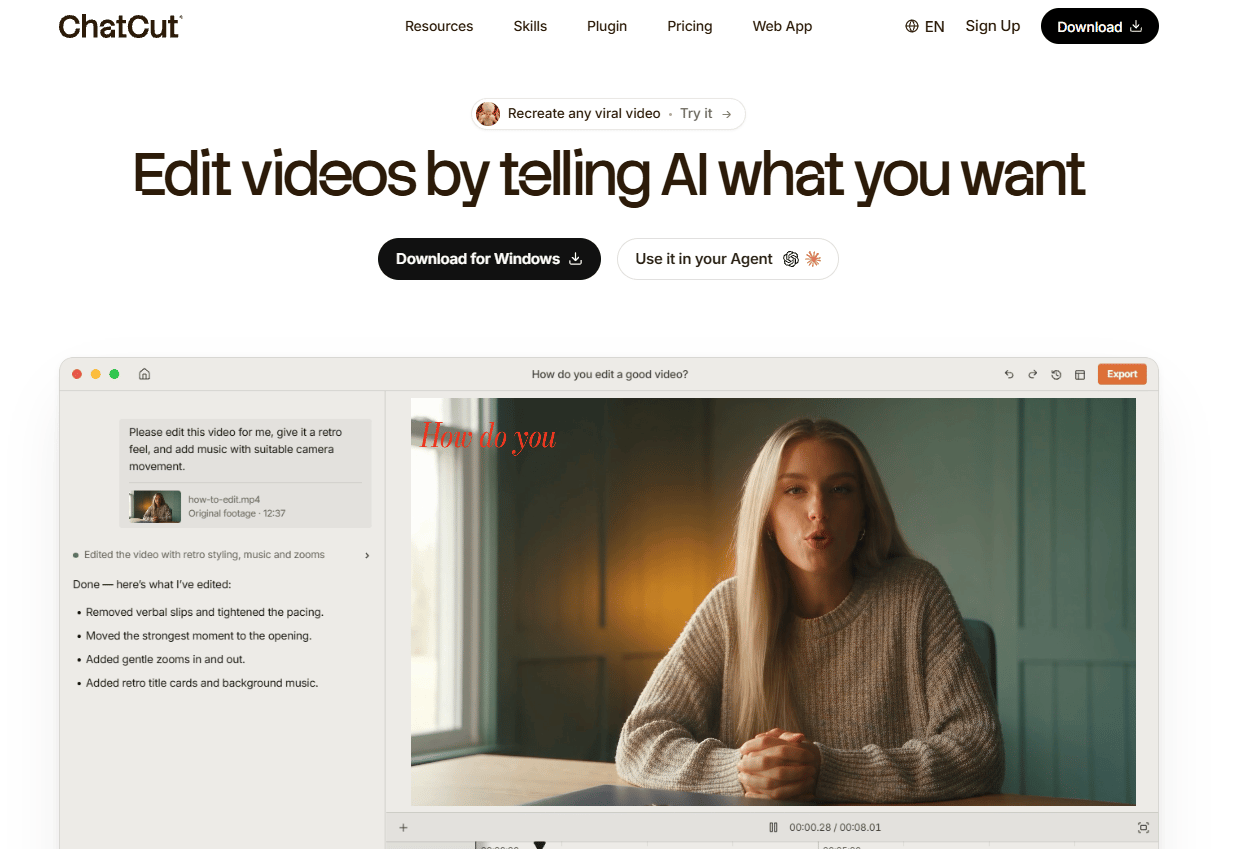
ChatCut approaches video editing through conversation. Users describe what they want to change and the AI applies the edit, which is a different interaction model from timeline dragging or transcript editing. The free plan includes the full editor, local export, and AI captions from signup.
Best for: Creators and marketers who want to edit through natural-language instructions and AI-assisted cuts.
What it is: ChatCut is an AI video editor that lets users edit through conversational instructions. It covers AI captions, transcription, speech cleanup, video translation, dubbing, long-to-shorts generation, motion graphics, AI image and music generation, and manual multi-track timeline editing. G2 currently lists too few reviews to report a rating.
Key features:
- Conversational AI video editing through natural-language instructions
- AI captions and transcription
- Video translation and dubbing
- Long-video-to-shorts generation
- Manual multi-track timeline editing and 4K export
Where ChatCut falls short: G2 does not yet have enough review data to report a rating, so independent peer assessment is limited. High-volume teams should review credit allocations carefully by plan before committing. AI-generated edits may need manual refinement, particularly for brand-specific content.
Pricing: Free plan available. Starter $21/month (annual). Plus $38/month (annual). Pro $72/month (annual). Max $141/month (annual).
G2: 4.6
How it compares to VEED: ChatCut is a better fit when the buyer wants to edit through prompts and conversation. VEED remains the more established browser-based editing environment for teams that prefer a traditional editor UI.
What is the best VEED alternative for product demos?
Guideflow is the best VEED alternative when the job is showing a software product to buyers.
Viewers click through the product flow at their own pace, exploring the interface instead of watching a clip progress. Teams capture the product once through the Chrome extension or native app and update it when the UI changes, without re-recording. The output embeds on landing pages, sits inside nurture emails, and shares through a Notion doc with the same link. For digital marketers who need buyers to understand a software product before a sales call, an interactive demo changes the workflow compared with producing and maintaining a passive product video.
Which VEED alternative is best for transcript-based editing?
Descript is the strongest pick when the transcript should drive the edit.
It suits webinars, podcast recordings, interviews, and explainer videos where the spoken content is the editing surface. Marketers who think in words before timeline cuts find the approach more direct than dragging clips on a track. For teams that need polished visual effects or motion graphics alongside the edit, pairing Descript with a more visual tool handles both.
Which tool should social video teams choose instead of VEED?
CapCut is the strongest fit for social-native editing; Submagic leads when captions and hooks are the primary output.
CapCut covers mobile-first editing, platform-native templates, and fast publishing across TikTok, Instagram, and YouTube Shorts. Submagic narrows the job further to caption-driven short-form content, with styled auto-captions, B-roll, and automatic cuts. Kapwing sits between the two for teams that need a browser-based team workspace with captioning included.
What is the best VEED alternative for captions and transcription?
HappyScribe leads when subtitle accuracy, translation, and transcript workflow depth matter more than video editing.
Its AI transcription covers 150 languages, and human proofreading options handle content where automated accuracy falls short. For caption-first social short-form content, Submagic is the more direct fit. For teams that edit by transcript and need captions as part of that workflow, Descript handles both together.
What is the cheapest VEED alternative?
The cheapest option depends on what the team needs: A free browser editor, an annual desktop license, or a demo platform.
Several tools in this list offer free plans: Guideflow, CapCut, Kapwing, Adobe Express, Clipchamp, Riverside, Runway, and ChatCut all have free tiers. Free plans typically involve watermarks, export quality caps, AI credit limits, storage restrictions, or reduced collaboration controls. Compare those constraints against what the campaign actually needs before defaulting to the sticker price. For teams that edit occasionally and need basic social clips, Clipchamp's free plan covers a lot of ground. Filmora's perpetual license at $79.99 is worth comparing against annual subscriptions for teams that do not need cloud collaboration.
When should you stay with VEED?
Stay with VEED when the current browser-based video workflow fits campaign volume and the existing pricing model scales at your team size.
Three scenarios where switching costs outweigh the gain: Your team has built a library of branded VEED templates that would need rebuilding elsewhere; your subtitle and caption workflow runs smoothly within VEED's current export limits; and your video output is primarily simple browser-assembled social content without complex editing or transcript requirements. VEED handles those jobs without introducing a new workflow. If the main friction is the product video maintenance cycle, that is a category problem, not a VEED-specific one.
Why teams switch from VEED to Guideflow
Product marketers who use VEED to explain software face a maintenance cycle that gets expensive fast. Record a product workflow in January, caption it, publish it. By March the UI has changed. By May the pricing page looks different. Each update means re-recording the clip, re-captioning it, and re-publishing it.
Guideflow removes that cycle because the captured product demo is editable. When the interface changes, teams update the affected steps without producing a new video. The demo reflects the current product flow. It embeds on a landing page, sits inside a sales email, or lives in a demo center alongside other product flows organized by use case or persona.
For digital marketers, the engagement difference between a passive product clip and an interactive demo is structural. A viewer watching a video stays passive. A buyer navigating an interactive demo clicks through the product, explores what matters to them, and generates step-level engagement data: Completion, drop-off, and viewer flow. Those signals connect to your CRM when viewers identify through an in-demo form or a personalized link, feeding pipeline data back into HubSpot, Salesforce, Pipedrive, Zoho, or Marketo.
Guideflow is not a video editor. If the team needs talking-head content, podcast editing, or social clips, the video tools in this list cover those jobs. Where Guideflow fits is when the product itself is the asset, and buyers need to experience it rather than watch someone else use it.
Start your journey with Guideflow today!
Frequently asked questions: VEED alternatives
The right answer depends on the job. Guideflow is the best choice for interactive product demos. Descript leads for transcript-based video editing. CapCut fits short-form social content. HappyScribe covers subtitle and transcription workflows. Runway handles AI-generated video creation. Each solves a different problem, and the category labels in the comparison table above help route the decision.
Several tools in this list offer free plans, including Guideflow, CapCut, Kapwing, Adobe Express, Clipchamp, Riverside, Runway, and ChatCut. Free plans commonly limit watermarks, export resolution, AI credit volume, storage, or collaboration access. Confirm the specific restrictions on each tool's current pricing page before committing, since those limits change.
For product marketers who need to show software to buyers, Guideflow is the clearest fit. It replaces passive product videos with interactive demos that buyers navigate at their own pace, and updates without re-recording when the UI changes. For campaign videos, Adobe Express and Kapwing handle branded video alongside broader creative assets. For webinar and tutorial repurposing, Descript handles transcript-based editing well.
Direct migration of editable projects is generally limited across video tools. The practical path is to export finished assets from VEED in the formats it supports, including MP4 for video, SRT or VTT for subtitle files, and any available source audio. Rebuild editable timelines in the new platform. For teams switching to Guideflow, the starting point is capturing the product flow fresh rather than porting video files.
HappyScribe is the strongest option when subtitle accuracy, multilingual transcription, and translation workflows drive the requirement. Submagic fits social-style captioning for short-form content. Descript handles captions as part of a transcript-based editing workflow. Kapwing includes auto-subtitles and translated subtitles inside a broader browser editing environment.
Runway is the right pick for generative AI video: Text-to-video, image-to-video, and advanced creative experiments. Vizard handles AI clipping and repurposing from long-form recordings. Descript uses AI for transcript-based editing, filler word removal, and audio enhancement. ChatCut handles prompt-based conversational editing for teams that prefer natural-language instructions over traditional timelines.
Use an interactive demo when the buyer should click through a product workflow and explore the interface on their own terms. Use video when the viewer needs a narrated story, talking-head context, motion graphics, or social-native creative format. Many marketing teams use both: Video for brand awareness and storytelling, interactive demos for the product evaluation stage where buyers decide whether the software fits their workflow.
Costs vary across categories and pricing models. Free plans appear across multiple tools in this list. Per-user subscriptions start from $8.50/month for HappyScribe on annual billing and go to $75/seat/month for InVideo's Max plan. Workspace plans like Guideflow's Growth plan run $499/month (annual). Desktop licenses like Filmora start from $49.99/year with a perpetual option at $79.99. Compare seats, AI credit volume, export quality, storage, watermark rules, and collaboration access rather than the headline entry price alone.