UserGuiding is a solid starting point for no-code product onboarding. But product marketing teams hit its edges fast. The job expands: Sales needs product education guides, CS needs onboarding assets that actually get completed, internal teams need SOPs that survive the next release, and PMM needs enablement assets that live outside the product itself.
That is when the search for UserGuiding alternatives begins. The 13 tools in this list span three distinct categories: Interactive guide platforms, product onboarding tools, and enterprise digital adoption platforms. Guideflow leads as the top pick for internal training, SOPs, and product education. Product Fruits and Userpilot are the closest like-for-like replacements for customer-facing onboarding. For enterprise digital adoption programs, Whatfix and WalkMe are the strong options.
The digital adoption platform market was valued at $792.3 million in 2025 and is projected to reach $3.5 billion by 2032, according to Research and Markets (2026). The category is growing because onboarding and in-app guidance are no longer PMM side projects. They are pipeline variables.
TL;DR
- Best for internal training, SOPs, and product education: Guideflow. Teams record software once and share interactive demos as step-by-step guides for employee onboarding, enablement, and cross-functional training.
- Best like-for-like UserGuiding replacement: Product Fruits for lightweight onboarding and feedback. Userpilot for activation-led product growth workflows.
- Best for product analytics plus in-app guidance: Pendo, with a free plan supporting up to 500 monthly active users.
- Best for enterprise digital adoption programs: Whatfix and WalkMe, where governance, change management, and application-wide training matter.
- Best for regulated or Oracle-centric environments: Oracle Guided Learning, Nexthink Adopt, or Apty, depending on the software stack.
- Important split: Customer-facing product onboarding tools and employee-focused adoption platforms solve different jobs. Most alternatives pages miss this.
- Pricing reality: SMB onboarding tools publish starting prices; enterprise DAP tools use sales-led pricing. Guideflow has a free plan and paid plans from $35/user/month annual.
What's inside
- What UserGuiding does and where its limits show up
- Why PMMs and enablement teams look for alternatives
- A 13-tool comparison table with category labels, ratings, and pricing
- Ranked tool cards for each alternative
- Use-case picks for internal training, product onboarding, analytics, and enterprise adoption
- FAQs on cost, fit, and PMM selection criteria
What is UserGuiding?
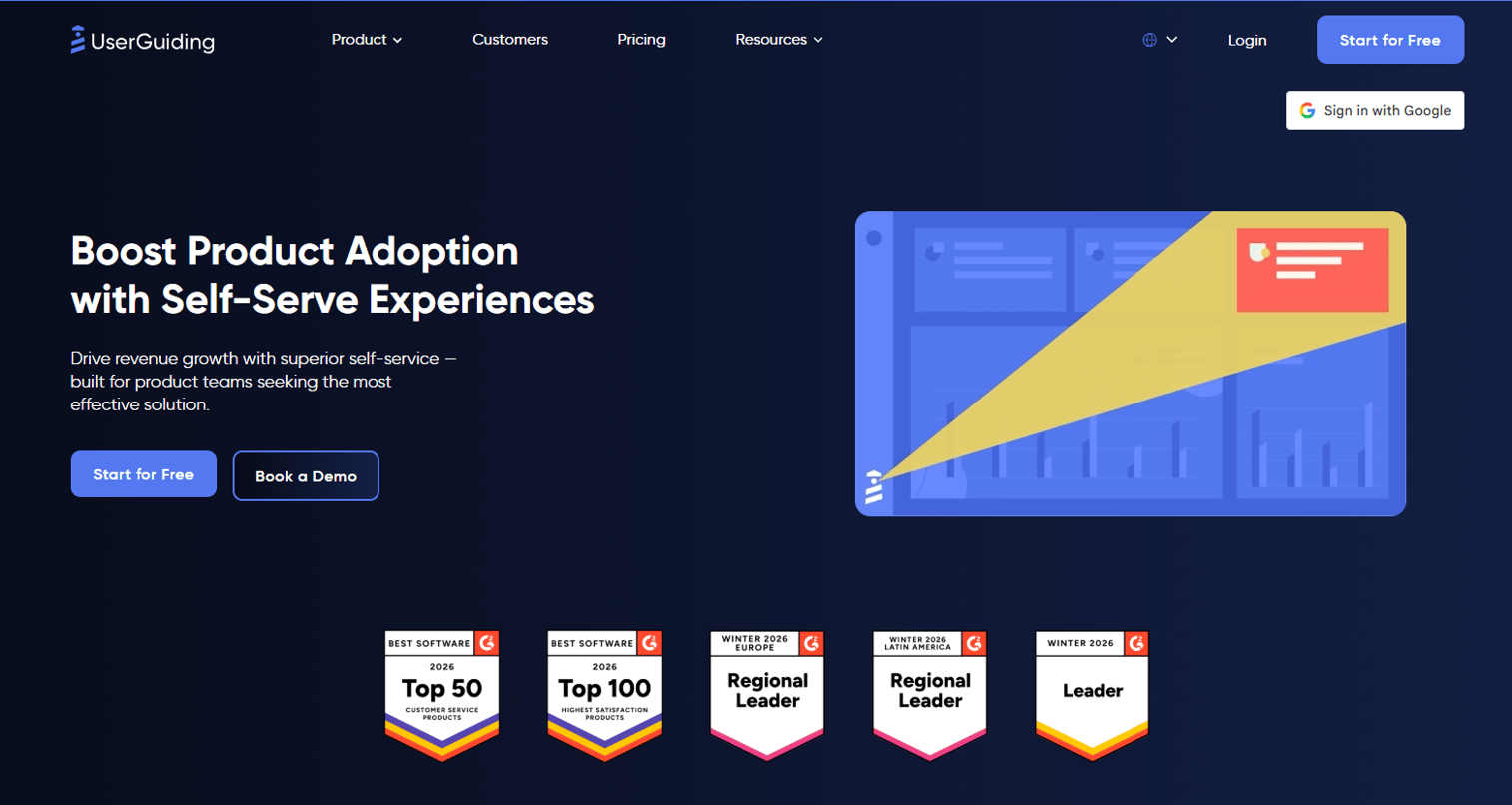
UserGuiding is a no-code product onboarding platform for creating in-app product tours, onboarding checklists, tooltips, hotspots, surveys, and resource centers. Its category is customer-facing product adoption and in-app guidance.
It is built for SaaS teams that want to guide logged-in users through software features without engineering help. Product, CS, and growth teams use it to onboard new users, announce feature releases, collect in-app feedback, and drive activation. The tool covers NPS, segmentation, session replay, and an AI assistant.
Key strengths reported by G2 reviewers include the no-code setup, the breadth of onboarding elements (tours, checklists, hotspots), and the resource center for self-serve support. UserGuiding carries a 4.7/5 on G2.
Why teams look for UserGuiding alternatives
Teams usually look for UserGuiding alternatives when the adoption job expands beyond basic in-app onboarding into deeper analytics, enterprise governance, internal training, or reusable product education assets.
Need more than customer-facing onboarding
Product tours solve activation inside a logged-in product. PMMs often need something broader: Education assets for sales enablement, internal training guides for new hires, SOPs for cross-functional teams, and launch materials that live outside the app itself. UserGuiding's core job is in-product; that boundary shows when the team's real need is a shareable, embeddable guide that travels across Notion pages, help articles, and onboarding emails.
Want interactive guides for internal training
Enablement teams building step-by-step guides for Sales, Support, and Operations need assets that work outside the product they sell. According to OnRamp (2025), 48% of customers abandon onboarding if they do not see value quickly, and that pressure applies to internal training too. Teams need guides their colleagues can follow on their own, without a live session, and that survive the next product release without a full rebuild.
Need deeper product analytics and segmentation
Teams focused on activation, retention, and in-app behavior measurement evaluate Pendo and Userpilot when the analytics ceiling on a standard onboarding tool becomes the constraint. Behavior-triggered in-app nudges drove about 45% more feature adoption than batch campaigns, according to Appcues (2025). Reaching that level of behavioral targeting requires a product analytics layer most onboarding tools do not carry.
Need enterprise governance and change management
Larger organizations rolling out software adoption across ERP, CRM, or business-critical applications need governance controls, multi-application support, and change management workflows that fall outside the customer onboarding category. UserGuiding is not positioned for that job. Whatfix, WalkMe, Lemon Learning, Oracle Guided Learning, and Apty cover that territory.
Need clearer pricing or implementation fit
UserGuiding's published pricing starts at $249/month for the Starter plan. Teams with large MAU volumes or complex governance needs may find the pricing scales quickly, while enterprise DAP buyers typically enter a sales-led pricing conversation with no published baseline.
How we picked these UserGuiding alternatives
Each tool was selected based on fit for the switching job: Whether the buyer needs customer-facing onboarding, internal training guides, product analytics, or enterprise software adoption. Pricing was taken from each vendor's pricing page. Ratings come from G2. The list spans three labeled categories: Interactive guide platforms, product onboarding tools, and enterprise digital adoption platforms. The category label is the signal the reader needs to self-select.
UserGuiding alternatives at a glance
Guideflow leads for PMM and enablement teams whose priority is reusable internal training and product education. The rest of the field splits between product onboarding tools suited for customer-facing activation and enterprise DAP tools built for large-scale employee software adoption.
| # | Tool | Category | Best for | G2 rating | Free plan | Starting price |
|---|---|---|---|---|---|---|
| 1 | Guideflow | Interactive guide platform | Internal training, SOPs, product education | 5.0 | Yes | $35/user/month (annual) |
| 2 | Product Fruits | Product onboarding | Lightweight onboarding, feedback, and help | 4.7 | No | $111/month |
| 3 | Userpilot | Product growth platform | Activation, segmentation, and product adoption | 4.6 | No | $299/month |
| 4 | Appcues | Product onboarding | Polished in-app onboarding and lifecycle messaging | 4.6 | No | From $9,000/year |
| 5 | Pendo | Product analytics and adoption | Product analytics plus in-app guides | 4.4 | Yes | Free (up to 500 MAU) |
| 6 | Usetiful | Product onboarding (now part of Fullstory) | In-app guides and surveys | 4.7 | N/A | Contact Fullstory |
| 7 | Lemon Learning | Digital adoption platform | Employee training and enterprise software adoption | 4.8 | No | Quote-based |
| 8 | Userlane | Digital adoption platform | Employee guidance and enterprise onboarding | 4.7 | N/A | Quote-based |
| 9 | Whatfix | Digital adoption platform | Enterprise in-app guidance and training | 4.6 | No (free trial) | Quote-based |
| 10 | WalkMe | Digital adoption platform | Large-scale employee software adoption | 4.6 | N/A | Quote-based |
| 11 | Oracle Guided Learning | Enterprise application guidance | Oracle ecosystem training and process guidance | 4.7 | No | Quote-based |
| 12 | Nexthink Adopt | Digital employee experience | Employee adoption tied to IT experience data | 4.6 | N/A | Quote-based |
| 13 | Apty | Digital adoption platform | Process compliance and enterprise productivity | 4.7 | N/A | Quote-based |
The best UserGuiding alternatives in 2026
1. Guideflow (interactive guide platform)
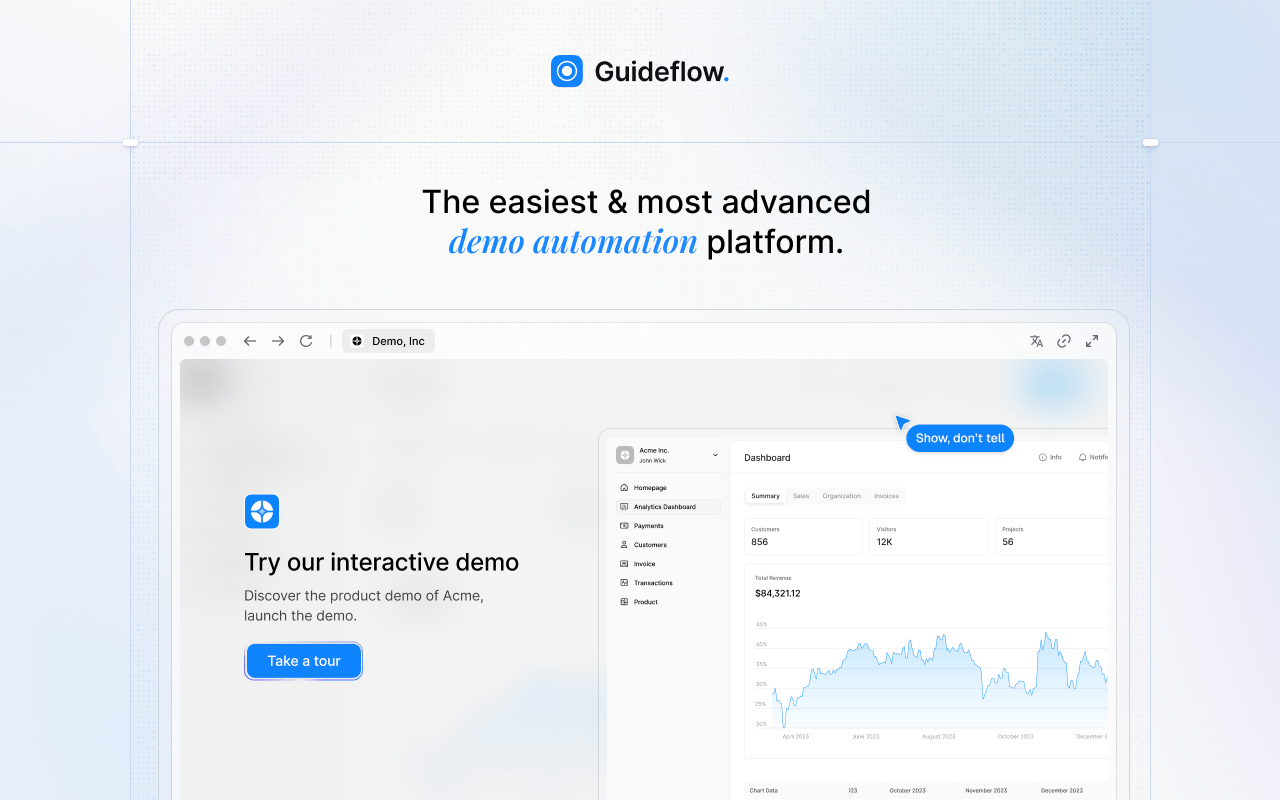
Guideflow is a demo automation platform built for teams that need to record software once and distribute interactive step-by-step guides across employee onboarding, internal training, SOPs, sales enablement, support education, and product launch content. The interactive demos PMMs use for buyer-facing experiences are the same format teams use for internal training guides.
Best for: Product marketing, enablement, CS, support, and operations teams that need reusable internal training and product education assets shareable outside the product.
What it is: Guideflow is a demo automation platform that produces interactive demos, demo pages, demo centers, sandboxes, live demos, and mobile demos. For internal use, teams run interactive demos as step-by-step training guides for SOPs, software onboarding, and enablement.
Key features:
- Capture through the Chrome extension or the native app, with screenshot, HTML, and video modes
- Step content and CTAs written automatically
- Editor supports text, images, graphs, and branching
- Translation into more than 30 languages
- Step-level completion, drop-off, and viewer flow analytics
- Integrations with HubSpot, Salesforce, Pipedrive, Zoho, and Marketo
- Company-level visitor identification; CRM records created only when a viewer identifies through a form or personalized link
Where Guideflow falls short: Look elsewhere if the primary need is embedded in-app tooltips and checklist widgets inside a live SaaS product. Teams that need LMS certification management and graded assessments will want a dedicated LMS alongside Guideflow. Guideflow excels at shareable, guided product education and training; in-product activation widgets are a different job.
Pricing: Free plan available. Solo: $35/user/month (annual). Growth: $499/month (annual). Advanced: $1,499/month (annual). Enterprise: From $2,999/month (annual), adding SSO, advanced governance, and enterprise security.
G2 rating: 5.0
How it compares to UserGuiding: UserGuiding is stronger for in-app onboarding widgets inside a live product. Guideflow is stronger when PMM, enablement, support, or operations teams need interactive guides that travel as links, embed in docs, and power product education outside the product itself.
2. Product Fruits (product onboarding)
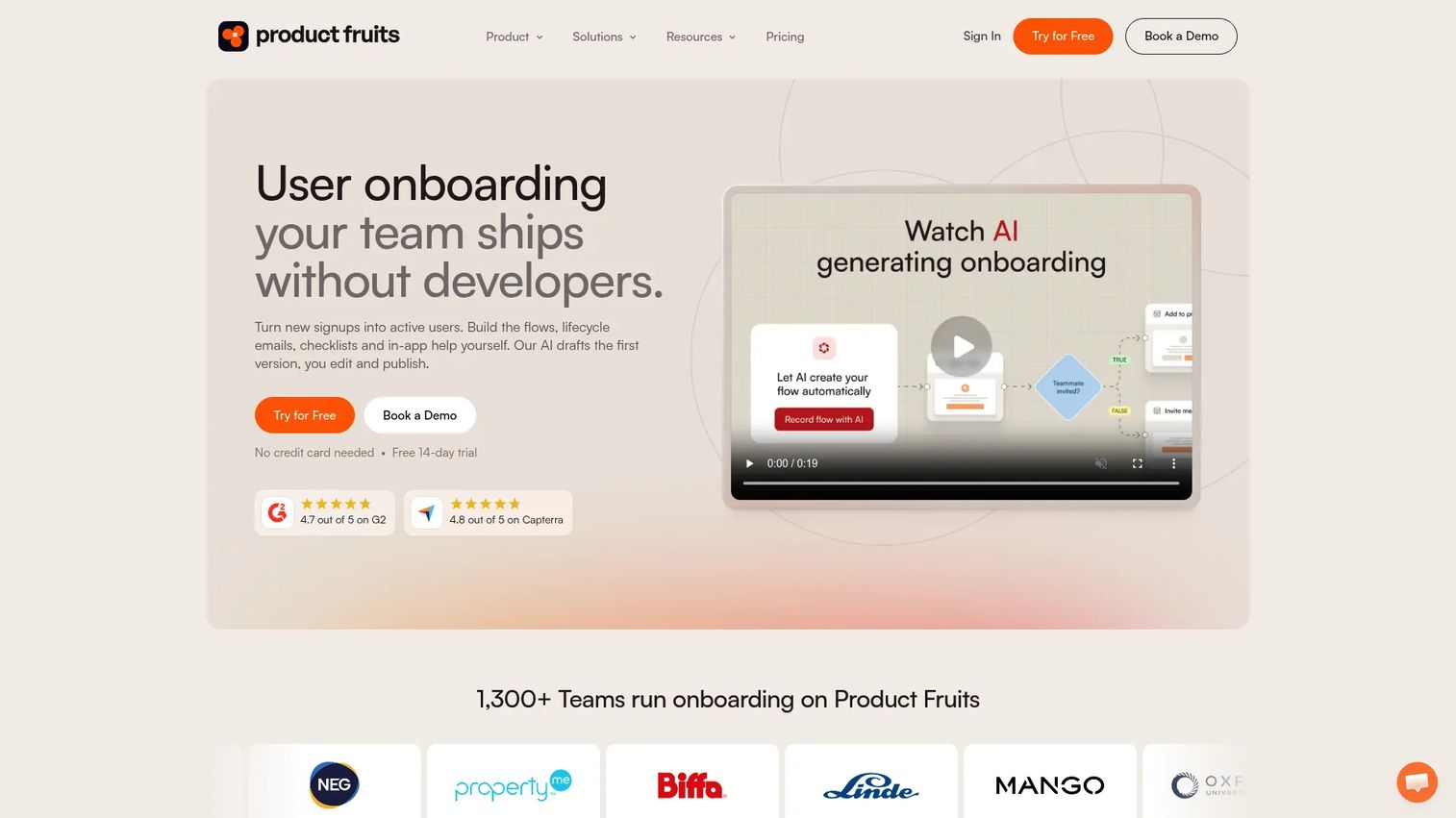
Product Fruits is a close category match for teams that want to swap UserGuiding for a no-code onboarding and product adoption suite without a large implementation project.
Best for: Smaller SaaS teams that want onboarding, feedback, announcements, and an in-app help center in a single no-code tool.
What it is: Product Fruits is a user onboarding and product adoption platform for building in-app guidance, lifecycle emails, and self-serve help without developer involvement. Features include adaptive onboarding flows, tours, checklists, hints, announcements, surveys, and an Elvin AI conversational onboarding assistant. G2 rates it 4.7/5.
Key features:
- Adaptive onboarding flows and product tours
- Checklists, hints, tooltips, and announcements
- Elvin AI for conversational in-app onboarding and help
- Feedback collection and surveys
- In-app help center
Where Product Fruits falls short: G2 reviewers mention that teams with large MAU volumes can run into pricing constraints as usage scales. Teams needing enterprise-wide employee adoption across multiple applications will likely need a DAP rather than a product onboarding tool. Advanced governance for internal compliance rollouts falls outside the category.
Pricing: Starter: $111/month (25% off billed annually, 1,500 MAUs). Pro: $187/month (annual). Business: $374/month (annual). No free plan; a 14-day free trial is available.
G2 rating: 4.7
How it compares to UserGuiding: Product Fruits is a practical like-for-like alternative for teams wanting onboarding, feedback, and help center elements at a lower entry price. The Elvin AI assistant differentiates it on conversational guidance.
3. Userpilot (product growth platform)
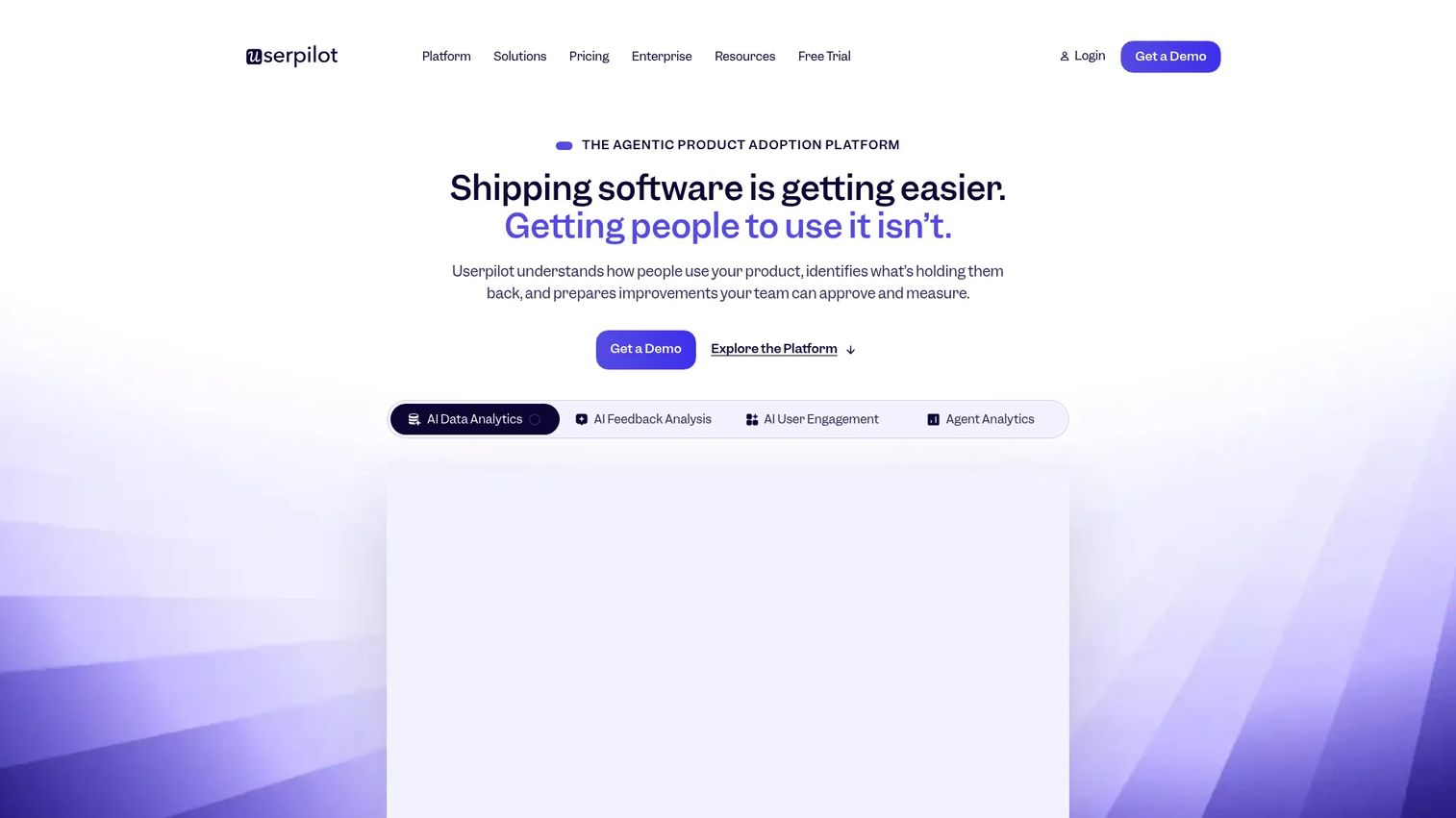
Userpilot fits teams that want onboarding tied directly to activation and retention workflows, not just guided tours.
Best for: Product-led SaaS teams that want in-app onboarding connected to segmentation, feature adoption tracking, and behavioral analytics.
What it is: Userpilot is an AI-powered product growth platform for creating no-code in-app experiences, analyzing user behavior, and driving adoption. Features include in-app onboarding flows, user segmentation, feature adoption tracking, event autocapture, surveys, email and workflow automation, session replay, and mobile engagement tools.
Key features:
- No-code in-app engagement and onboarding flows
- Product analytics and event autocapture
- User segmentation and AI agent Lia
- In-app surveys and NPS
- Email and workflow automation
Where Userpilot falls short: Userpilot is built for in-product activation, not for distributing internal training guides across a company. Pricing scales by MAU, so teams with high user volumes should run the numbers carefully before committing. G2 reviewers mention that the Growth plan pricing can climb quickly as the user base grows.
Pricing: Starter: $299/month (up to 2,000 MAUs). Growth: From $849/month (scales with MAUs). Enterprise: Custom pricing.
G2: 4.6
How it compares to UserGuiding: Userpilot suits teams whose real problem is understanding and improving in-product behavior, not just deploying onboarding widgets. It competes with UserGuiding on onboarding, then extends into analytics and experimentation.
4. Appcues (product onboarding)
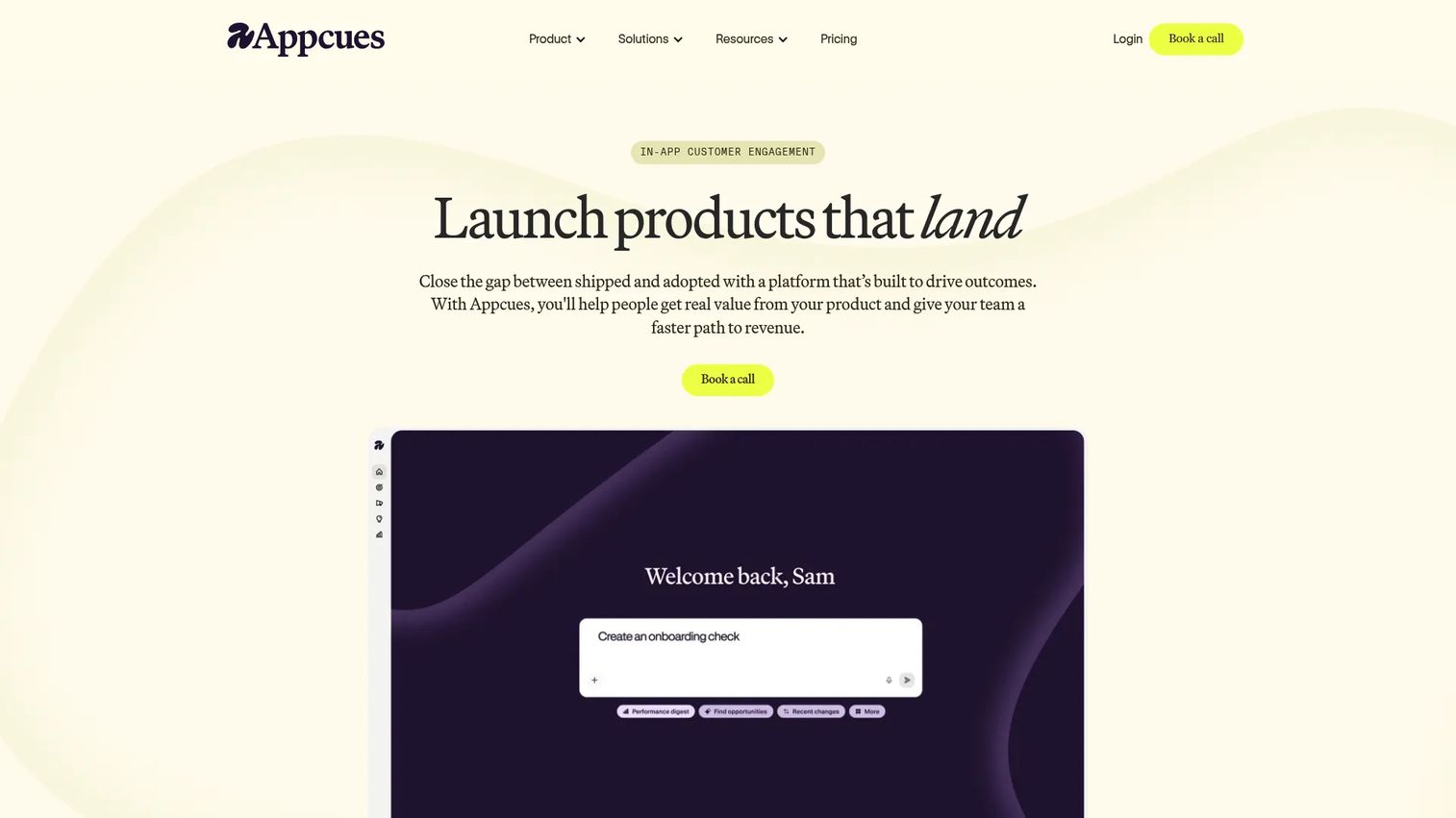
Appcues is the choice when polished, behavior-targeted in-app experiences and lifecycle messaging matter as much as basic onboarding flows.
Best for: Product and growth teams that want sophisticated behavior-triggered onboarding, lifecycle campaigns, and measurable activation.
What it is: Appcues is an in-app customer engagement platform for building personalized onboarding experiences, checklists, banners, NPS surveys, and lifecycle messages. It uses behavior-based and attribute-based audience targeting, with AI-assisted experience creation and campaign optimization. It holds a 4.6/5 on G2.
Key features:
- In-app flows, checklists, launchpads, pins, banners, embeds, NPS, and surveys
- Behavior- and attribute-based segmentation
- AI-assisted experience creation and campaign optimization
- Lifecycle messaging and analytics
- Experiments
Where Appcues falls short: Appcues is focused on in-product user experiences; it is not a tool for internal SOP creation or cross-functional training distribution. Its annual pricing starting at $9,000/year positions it toward teams with meaningful MAU volume and budget. G2 reviewers note that pricing can be a barrier for smaller teams evaluating the category.
Pricing: Grow: From $9,000/year (up to 50,000 MAUs, 25 published experiences). Enterprise: Custom pricing.
G2 rating: 4.6
How it compares to UserGuiding: Appcues sits at the premium end of the product onboarding category. Teams that need sophisticated segmentation and lifecycle messages are likely to prefer it over UserGuiding's standard tier.
5. Pendo (product analytics and adoption)
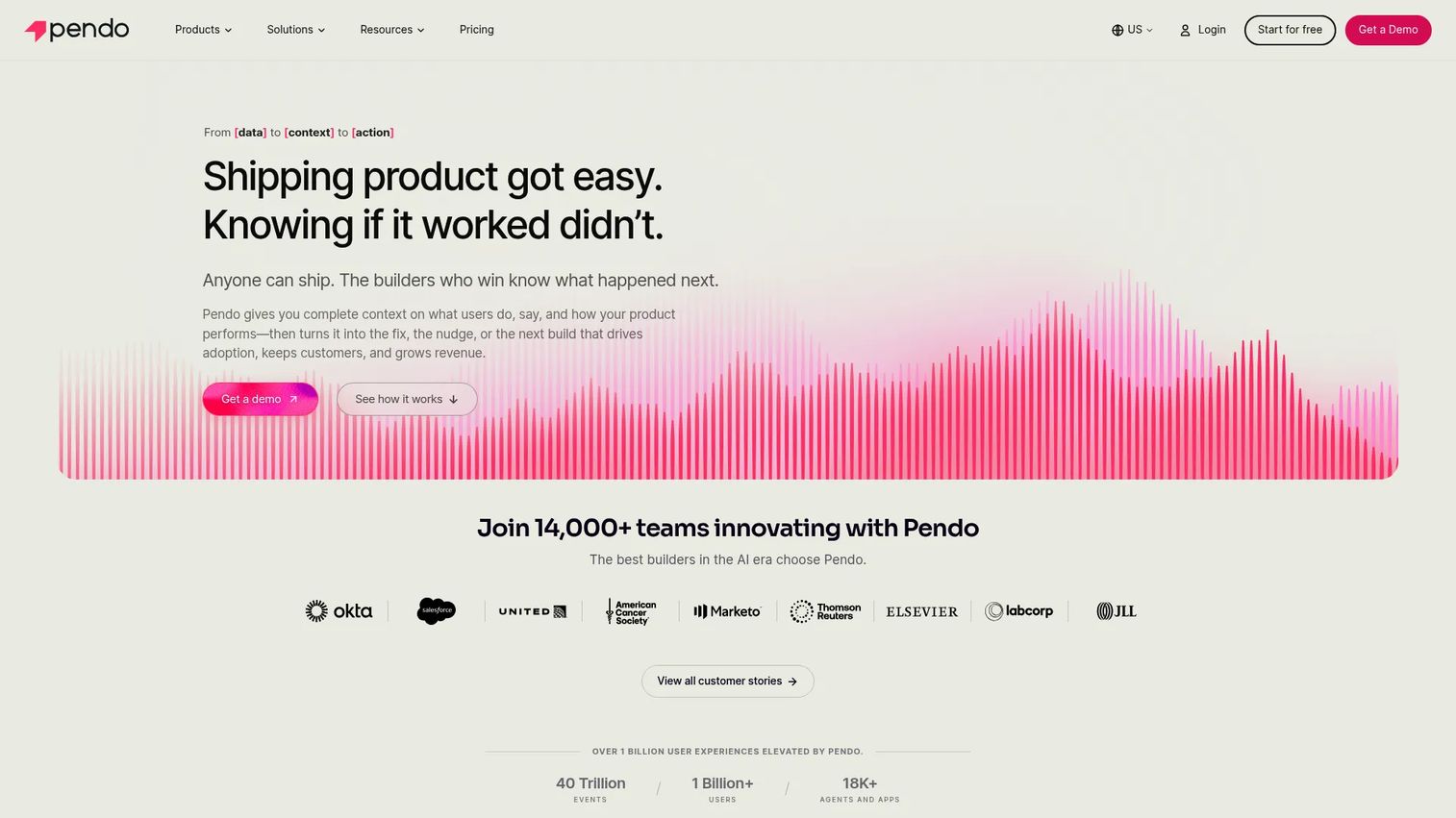
Pendo is the strongest pick when product behavior insight and in-app guidance need to run together from a single system.
Best for: Product teams that want product analytics, feature adoption tracking, in-app guides, feedback collection, and roadmapping in one platform.
What it is: Pendo is a product experience platform combining product analytics (journeys, paths, funnels, feature adoption), in-app guides, NPS and CSAT surveys, session replay, feedback collection, idea prioritization, and roadmapping. It is built for teams where analytics and onboarding are the same decision. G2 rates it 4.4/5.
Key features:
- Product analytics for journeys, funnels, and feature adoption
- In-app guides and resource center
- NPS, CSAT, and PMF surveys
- Session replay
- Feedback collection and roadmapping
- Cross-channel orchestration
Where Pendo falls short: PMMs who primarily need fast, shareable training guides for internal teams may find Pendo's depth in analytics more than the job requires. Paid plans use custom MAU volumes and require a sales conversation; pricing is not publicly listed for Base, Core, or Ultimate tiers. G2 reviewers note that the analytics depth can come with a steeper learning curve for teams new to product data.
Pricing: Free plan supports up to 500 MAUs. Paid plans (Base, Core, Ultimate) use custom MAU volumes; contact Pendo for pricing. Novus plan is free during open beta.
G2 rating: 4.4
How it compares to UserGuiding: Pendo is a stronger fit when the buyer's real problem is understanding and improving product behavior, not just deploying onboarding widgets. It covers more ground than UserGuiding on analytics, and less ground on no-code ease-of-setup.
6. Usetiful (product onboarding, now part of Fullstory)
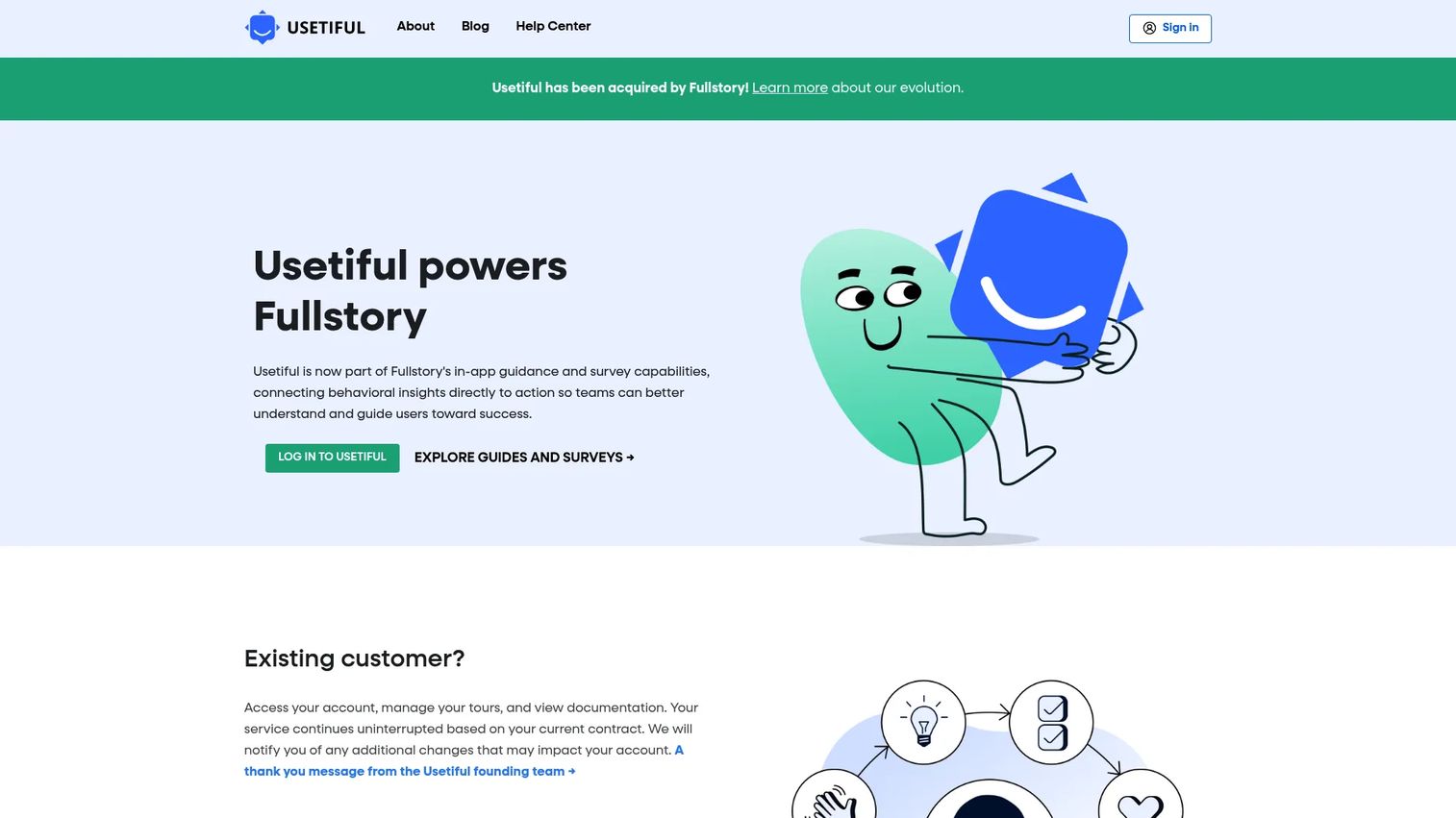
Usetiful was an accessible no-code onboarding tool. Fullstory acquired it and has integrated its guides and surveys into the Fullstory platform.
Best for: Teams already evaluating Fullstory that want in-app guidance connected to behavioral analytics from a single vendor.
What it is: Usetiful's homepage now directs new users to Fullstory Guides and Surveys, following Fullstory's acquisition. Its capabilities included product tours, onboarding checklists, smart tips, in-app announcements, and user targeting.
Key features:
- In-app product tours and guides
- Onboarding checklists
- Smart tips and hotspots
- In-app surveys
- User targeting and segmentation
Where Usetiful falls short: Because Usetiful no longer operates as a standalone product, pricing and ongoing feature development are tied to Fullstory's roadmap. Teams that want a dedicated onboarding-only tool should evaluate other options in this list.
Pricing: Usetiful's pricing page redirects to Fullstory's acquisition announcement. Contact Fullstory for current guide pricing.
G2 : 4.7
How it compares to UserGuiding: Teams migrating away from UserGuiding should evaluate Usetiful's current state through Fullstory's lens, not as a standalone alternative. For a direct swap, Product Fruits or Userpilot are more stable like-for-like options.
7. Lemon Learning (digital adoption platform)
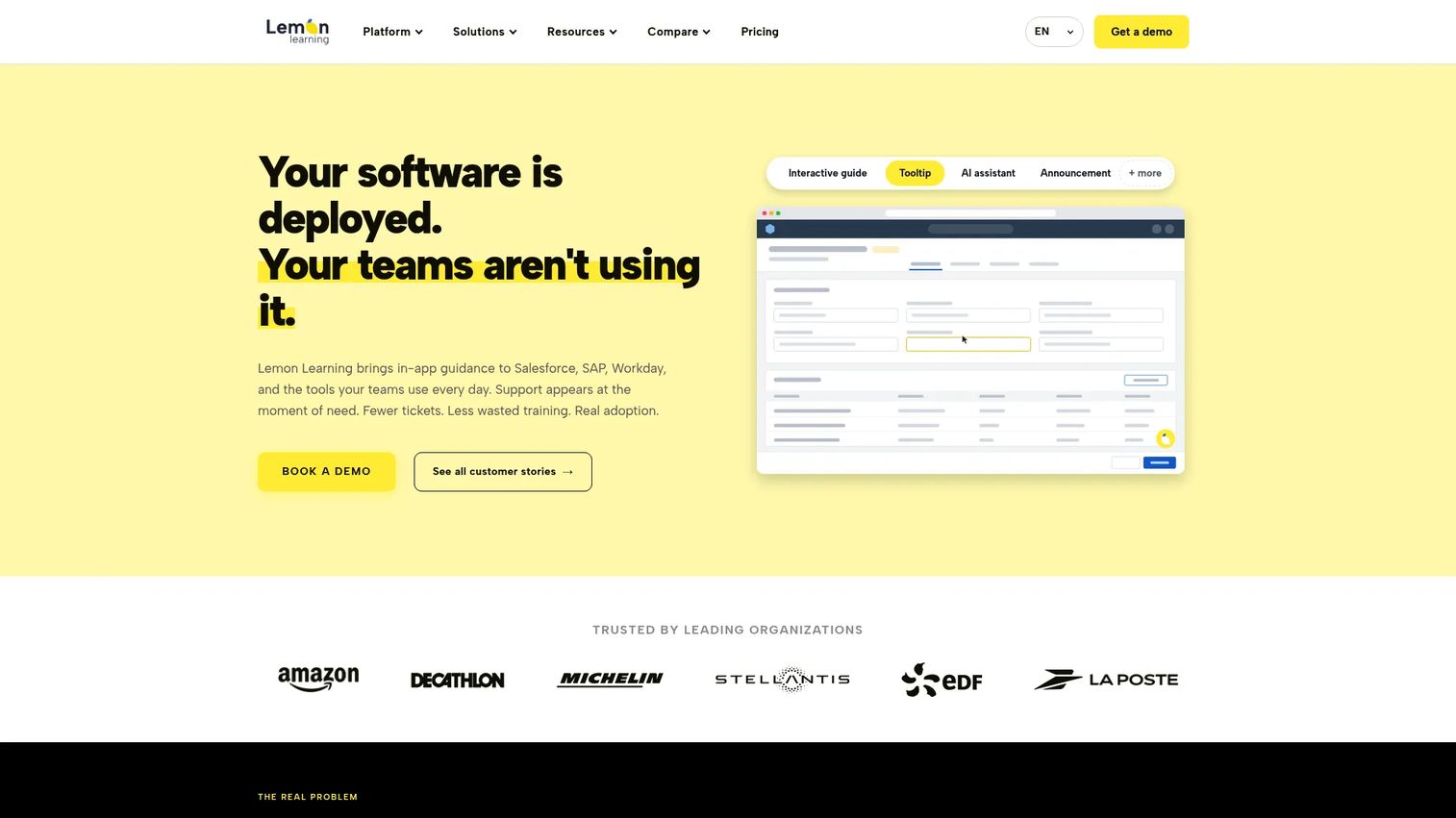
Lemon Learning is a strong pick for enterprise organizations that need in-app adoption guidance across business, desktop, and legacy applications.
Best for: Enterprise HR, IT, and operations teams rolling out employee onboarding and change management across complex application portfolios.
What it is: Lemon Learning is a digital adoption platform providing in-app guidance, analytics, and software governance for business applications. Its features include interactive in-app guides, a no-code editor, an AI guide creator, announcements, tooltips, user segmentation, localization, and shadow IT and license governance. G2 rates it 4.8/5.
Key features:
- Interactive in-app guides and no-code editor
- AI assistant and AI guide creator
- Announcements, tooltips, and segmentation
- Localization support
- Shadow IT and license governance
- Guidance and process analytics
Where Lemon Learning falls short: Lemon Learning is priced for enterprise deployments and uses quote-based licensing, so smaller SaaS teams evaluating a customer onboarding tool will find it outside their buying context. Customer-facing product onboarding for SaaS products is not its primary use case.
Pricing: Quote-based. Application licence covers one application. Corporate licence covers unlimited applications. No self-serve trial.
G2 rating: 4.8
How it compares to UserGuiding: Lemon Learning is not a like-for-like UserGuiding replacement. It fits when the switching reason is employee adoption across internal tools, not customer activation inside a SaaS product.
8. Userlane (digital adoption platform)
Userlane combines application usage analytics with contextual in-app guidance, targeting enterprises that want to measure and improve how employees use business software.
Best for: Enterprise teams in regulated industries that need to measure software adoption, guide employees through workflows, and improve application ROI.
What it is: Userlane is an enterprise software-performance platform combining Application Intelligence with Contextual Assistance. Features include App Discovery for application-usage analytics, a HEART Score for measuring adoption and task success, in-app process guidance, an AI-powered assistant, validators for incorrect data entries, contextual actions, announcements, and surveys. G2 reports 4.7/5.
Key features:
- App Discovery and application-usage analytics
- HEART Score for adoption and compliance measurement
- In-app guidance and AI-powered assistant
- Validators for data entry guidance
- Contextual actions, surveys, and content analytics
Where Userlane falls short: Userlane is enterprise-oriented, with quote-based application and department pricing that does not suit smaller SaaS teams. Its focus is employee software adoption rather than customer-facing PLG onboarding. G2 reviewers note implementation can require a meaningful time investment.
Pricing: Quote-based. Plans are structured around applications (single application fixed annual fee) or departments and organizations (multi-application pricing).
G2 rating: 4.7
How it compares to UserGuiding: Userlane suits organizations where the switching reason is measuring and improving how employees use internal software, not how customers onboard to a SaaS product.
9. Whatfix (digital adoption platform)
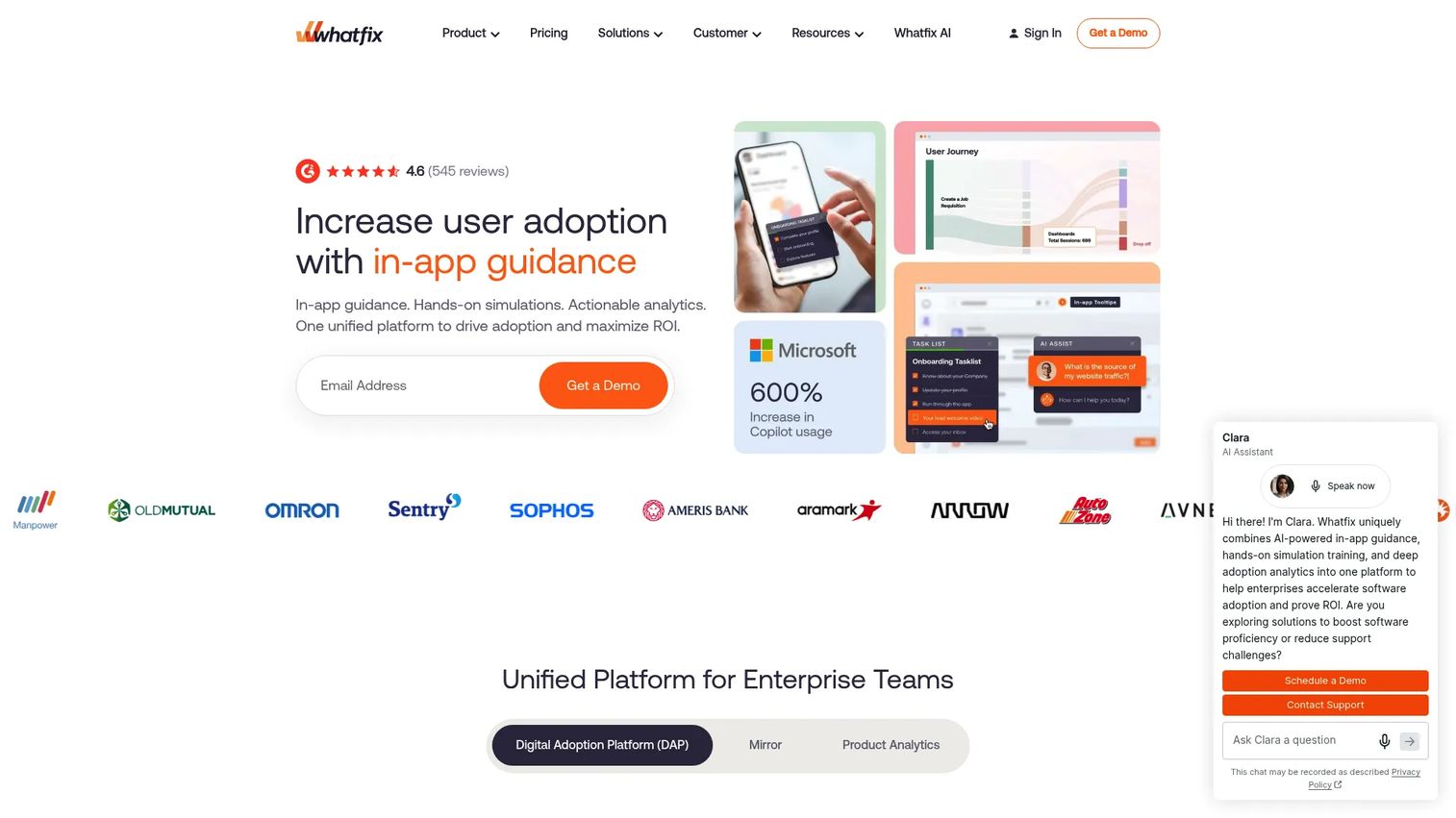
Whatfix is an enterprise DAP covering the full range from in-app guidance and self-help to training simulations and workflow analytics.
Best for: Large enterprises improving software adoption, employee onboarding, workflow execution, and self-service support across complex application environments.
What it is: Whatfix is an enterprise digital adoption platform for onboarding, employee training, contextual self-help, workflow support, and analytics. Features include in-app Flows, Smart Tips, Pop-Ups, Task Lists, Nudges, embedded support, AI-assisted content authoring, guidance analytics, and application simulations. G2 rates it 4.6/5.
Key features:
- In-app guidance: Flows, Smart Tips, Pop-Ups, Task Lists, and Nudges
- Contextual self-help and embedded support
- AI-assisted content authoring
- Guidance analytics and workflow insights
- Application simulations for hands-on training
Where Whatfix falls short: Whatfix is a substantial enterprise platform, and its procurement and implementation process reflects that scope. Smaller SaaS teams looking for a no-code product tour tool will find it over-engineered for their needs. A free trial is available, but no permanently free plan.
Pricing: Quote-based. Priced as a flat fee plus user license fees, depending on application type and user volume.
G2 rating: 4.6
How it compares to UserGuiding: Whatfix fits enterprise adoption programs where the job includes governance, training simulations, and change management. It operates in a different category than UserGuiding's customer onboarding focus.
10. WalkMe (digital adoption platform)
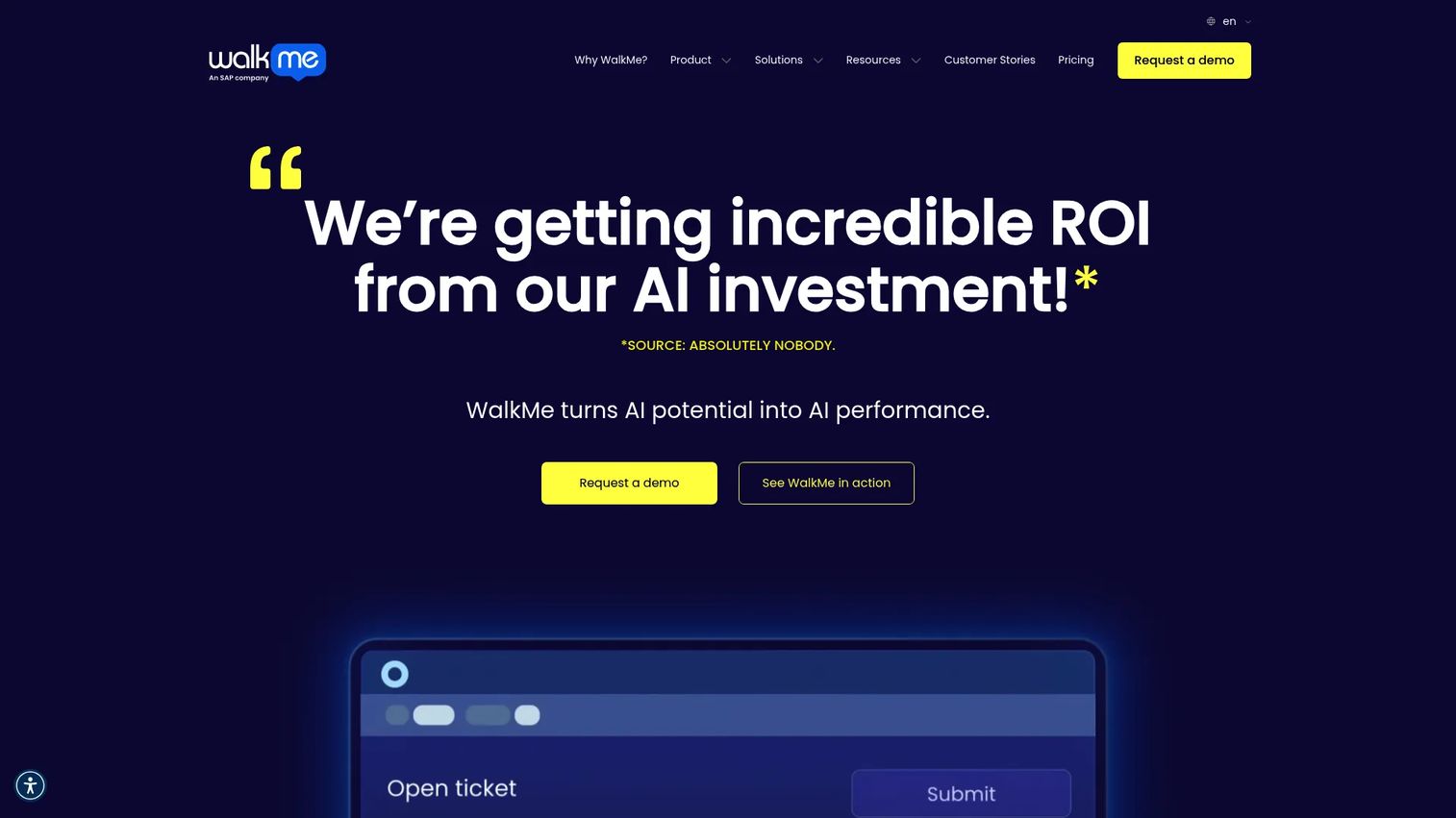
WalkMe is one of the original enterprise DAPs, covering large-scale employee software adoption with in-app process guidance, workflow automation, and adoption analytics.
Best for: Large enterprises rolling out software adoption programs across major business applications, including ERP and CRM systems.
What it is: WalkMe is a cloud-based digital adoption platform for guiding employees through software processes, automating workflows, and improving digital experiences. Its capabilities include in-app guidance, tooltips, notifications, real-time analytics, workflow automation, and contextual AI assistance. G2 rates it 4.6/5.
Key features:
- In-app process guidance, walkthroughs, tooltips, and notifications
- Real-time analytics for application usage, workflows, and forms
- Workflow automation and contextual AI assistance
- Multi-application support and enterprise governance
Where WalkMe falls short: WalkMe's pricing is entirely quote-based, and the buying process is enterprise-paced. Teams that want to self-serve evaluate and deploy an onboarding tool will find that model frustrating. G2 reviewers note that implementation complexity and cost are recurring concerns. SAP's acquisition has introduced roadmap questions some buyers raise in procurement conversations.
Pricing: Quote-based.
G2 rating: 4.6
How it compares to UserGuiding: WalkMe is a different category tool. Teams that outgrow UserGuiding because they need enterprise-wide employee adoption programs will evaluate WalkMe; teams that need a customer onboarding swap will not.
11. Oracle Guided Learning (enterprise application guidance)
Oracle Guided Learning is embedded directly in Oracle Cloud Applications, making it the natural choice for Oracle-centric enterprises rather than a standalone alternative.
Best for: Organizations training employees inside Oracle Fusion Cloud, Oracle Industry Applications, and related enterprise workflows.
What it is: Oracle Guided Learning is a digital adoption platform delivering in-application process guides, tours, simulations, Smart Tips, beacons, banners, surveys, analytics, AI Assist, and AI-powered content translation. It is included with Fusion Cloud Applications; Guided Learning Premium is a fee-based service. G2 rates it 4.7/5.
Key features:
- In-application process guides, tours, and simulations
- Contextual Smart Tips, beacons, banners, and messaging
- Personalized guidance using conditions, branching, launchers, and localization
- In-app surveys and feedback
- Analytics for guide usage, user behavior, and adoption outcomes
Where Oracle Guided Learning falls short: It is most valuable in Oracle-heavy environments. Teams outside the Oracle ecosystem will find it an awkward fit, and it carries no relevance to customer-facing SaaS onboarding.
Pricing: Included with Oracle Fusion Cloud Applications at no additional cost. Oracle Guided Learning Premium is fee-based, priced by pillar; contact Oracle for a quote.
G2 rating: 4.7
How it compares to UserGuiding: Oracle Guided Learning is not a like-for-like UserGuiding replacement. It fits enterprises training employees on Oracle applications, not SaaS teams building customer onboarding tours.
12. Nexthink Adopt (digital employee experience)
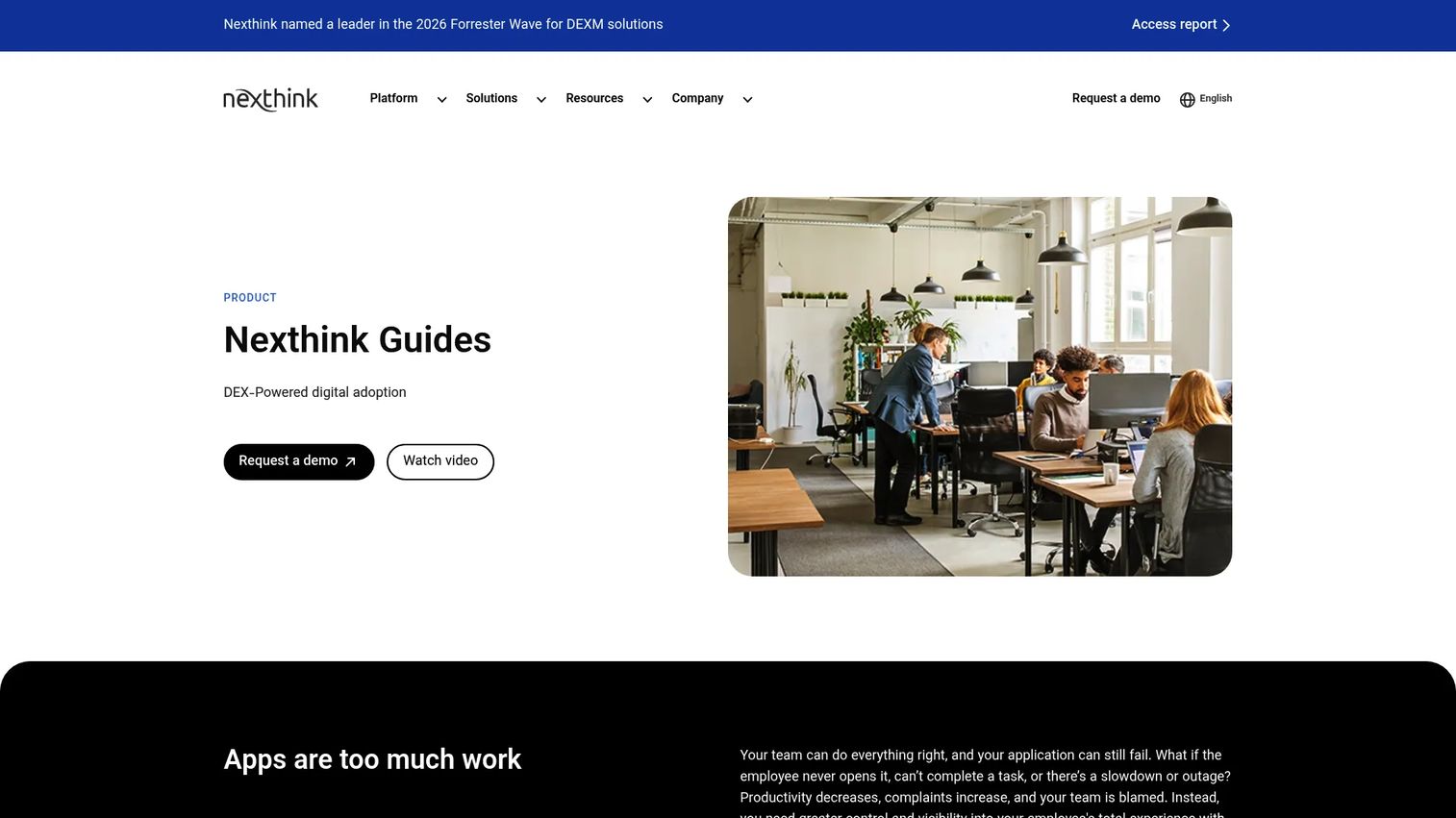
Nexthink Adopt (now marketed as Nexthink Guides) connects in-app adoption guidance to digital employee experience data, making it a fit for IT and digital workplace teams rather than product teams.
Best for: Enterprise IT and digital workplace teams that want adoption campaigns and in-app guidance tied to employee experience analytics.
What it is: Nexthink Guides is a DEX-powered digital adoption platform for browser-based enterprise applications. Features include contextual in-app guidance (tours, tooltips, playlists), process validation, field-level prompts, real-time input guidance, AI-driven adoption analytics, desktop pop-ups for adoption campaigns, and AI-assisted writing within browser-based enterprise apps. G2 reports 4.6/5 for Nexthink.
Key features:
- Contextual in-app guidance, tours, tooltips, and playlists
- Process validation and field-level prompts
- AI-driven adoption analytics covering engagement and workflow friction
- Targeted desktop pop-ups for adoption campaigns
- AI-assisted writing in browser-based enterprise apps
Where Nexthink Adopt falls short: Nexthink's focus is IT and digital employee experience, not customer-facing SaaS onboarding. PMMs evaluating a UserGuiding alternative for product activation will find Nexthink outside their buying context.
Pricing: Contact Nexthink for pricing.
G2 rating: 4.6
How it compares to UserGuiding: Nexthink Adopt fits teams solving employee software adoption with an IT governance lens. It addresses a different buyer persona and buying context than UserGuiding's core customer onboarding job.
13. Apty (digital adoption platform)
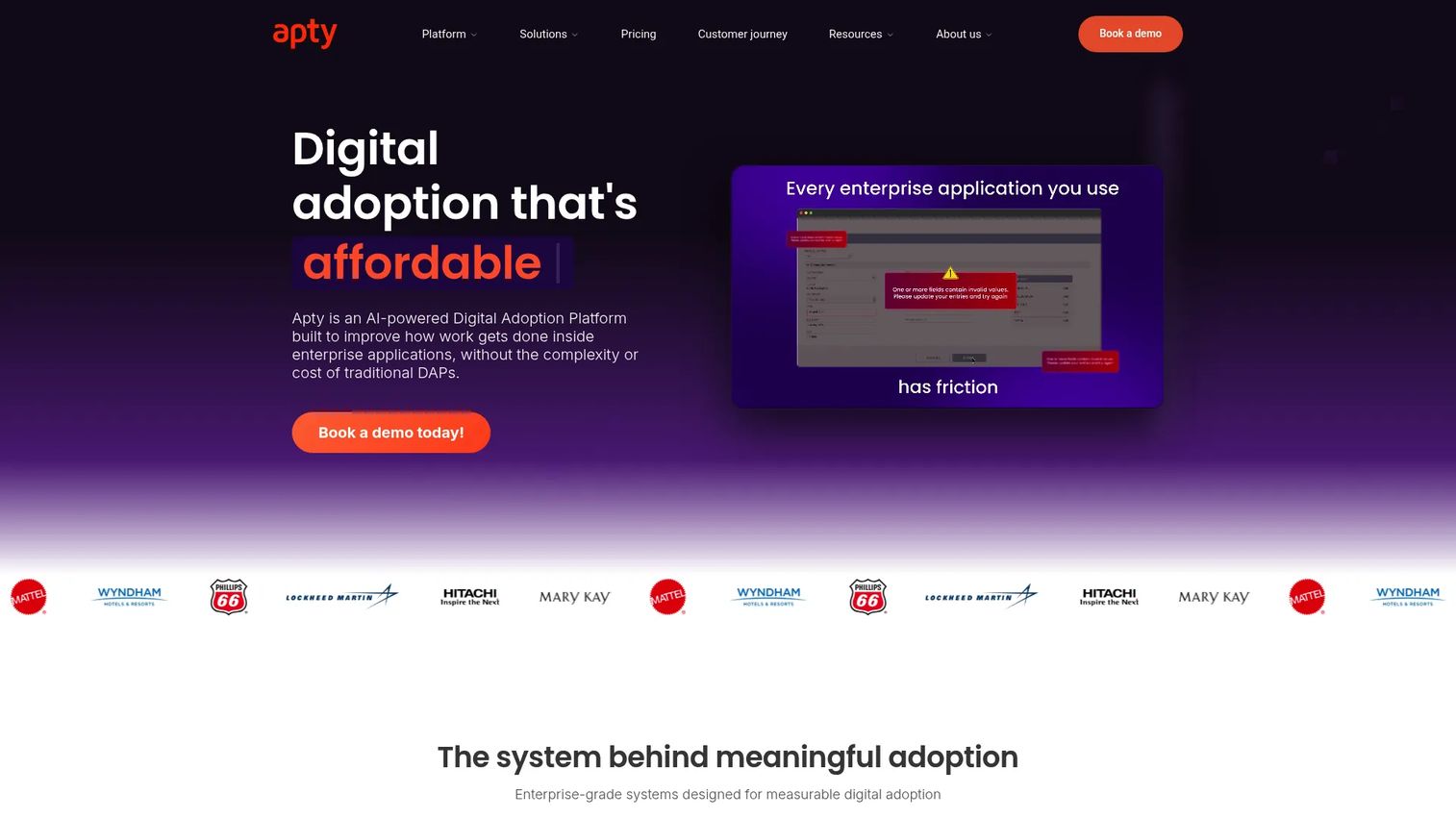
Apty is an AI-powered enterprise DAP covering in-app guidance, workflow automation, data validation, and process compliance across business applications.
Best for: Enterprise teams improving employee productivity, process compliance, and software adoption across internal tools and CRM or ERP systems.
What it is: Apty is an AI-powered Digital Adoption Platform for training employees, guiding workflows, measuring software adoption, and driving process compliance. Features include smart in-app guidance, cross-application guidance, multi-language support, contextual tooltips, task automation, real-time validations, a centralized knowledge base, and advanced content analytics. G2 rates it 4.7/5.
Key features:
- Smart in-app guidance and cross-application guidance
- Real-time validations and task automation
- Multi-language support and centralized knowledge base
- Advanced content analytics
- Data monitoring and process compliance tools
Where Apty falls short: Apty uses fully custom pricing and does not publish a starting price, which means the buying process runs through a sales conversation. The platform is built for enterprise adoption, not for no-code SMB onboarding. PMMs looking for a product tour tool will find Apty's enterprise scope and pricing process outside their typical evaluation criteria.
Pricing: Custom pricing based on deployment scope, applications, users, and compliance requirements.
G2 rating: 4.7
How it compares to UserGuiding: Apty is relevant when the switching reason is employee adoption, process compliance, or productivity improvement across internal tools, not customer activation inside a SaaS product.
What is the best UserGuiding alternative for internal training?
Guideflow. For teams whose priority is reusable internal training guides, Guideflow lets PMM and enablement teams record software once and distribute interactive step-by-step demos as employee onboarding flows, SOPs, support education, and sales training. The same format works for product launch education: Sales gets the product story, CS gets the onboarding guide, and Support gets the help-center embed. A dedicated LMS may still own graded certification, but for shareable, self-paced training guides that survive the next release, Guideflow covers the job.
Which UserGuiding alternative is best for product onboarding?
Product Fruits, Userpilot, or Appcues, depending on the job. Product Fruits is the most direct like-for-like swap, with onboarding flows, checklists, hints, announcements, and an AI assistant at a lower entry price. Userpilot suits teams whose real need is activation analytics alongside onboarding. Appcues is the choice for sophisticated behavior-triggered lifecycle experiences. UserGuiding itself remains a viable baseline for no-code in-app onboarding when its current feature set covers the team's activation goals.
Which tool is best for product analytics and feature adoption?
Pendo. When the job is understanding how users engage with features and improving adoption with behavioral data, Pendo is the strongest fit in this list. It covers product analytics, feature usage reporting, in-app guides, NPS, session replay, and feedback collection from one platform. A free plan is available for up to 500 MAUs. Userpilot is the alternative for teams that want activation analytics with strong no-code onboarding tools alongside the data layer.
Which UserGuiding alternative is best for enterprise digital adoption?
Whatfix and WalkMe are the established enterprise DAP options when the job is employee software adoption with governance, change management, and application-wide training. Lemon Learning is strong for enterprise organizations managing adoption across complex legacy and business applications. For Oracle-centric environments, Oracle Guided Learning is included with Fusion Cloud Applications. Teams that need adoption tied to IT experience data should evaluate Nexthink Adopt. Apty is the choice when process compliance and data validation are primary requirements alongside adoption.
What is the cheapest UserGuiding alternative?
Guideflow has a free plan. Pendo also offers a free plan supporting up to 500 MAUs. For customer-facing onboarding tools with published pricing, Product Fruits starts at $111/month (annual). UserGuiding's Starter plan begins at $249/month. Enterprise DAP tools, including Whatfix, WalkMe, Lemon Learning, Userlane, Oracle Guided Learning, Nexthink Adopt, and Apty, all use sales-led pricing with no published baseline.
When should you stay with UserGuiding?
Stay with UserGuiding if the core job is in-app customer onboarding inside a SaaS product and the current feature set covers activation goals. If product tours, checklists, tooltips, NPS, and a resource center are what the team actually uses, switching creates cost and re-implementation work without meaningful gain. UserGuiding's Starter plan at $249/month is a reasonable entry point for teams with up to a few thousand MAUs who want those capabilities without a DAP-level implementation.
Why teams switch from UserGuiding to Guideflow
The teams that switch to Guideflow are usually not running away from product tours. They are running toward a different job: Interactive guides for internal teams, not in-app widgets for customers.
Record once, distribute everywhere. A PMM or enablement manager captures a software workflow through the Chrome extension or native app, and the step-by-step guide is ready to share as a link, embed in a Notion page, attach to an onboarding email, or drop into a help article. More than 500,000 guideflows have been created this way.
Product launches become repeatable education. The same interactive demo a PMM builds for the launch page can be adapted into a Sales training guide, a CS onboarding flow, and a Support macro. Each audience gets the same product story without each team rebuilding their own version.
Analytics flow into the CRM. Step-level completion, drop-off, and viewer flow data surfaces in the analyze dashboard. CRM records are created when a viewer identifies through an in-demo form or a personalized link, so the engagement data connects to pipeline rather than sitting in an isolated tool.
More than internal training. Guideflow also covers buyer-facing interactive demos, demo pages, demo centers, sandboxes, live demos, and mobile demos, so the same platform supports product marketing across the full go-to-market motion.
Guideflow is not an in-app tooltip tool. Teams whose primary need is embedded activation widgets inside their SaaS product will still want a dedicated onboarding platform alongside it.
Start your journey with Guideflow today!
FAQs
Guideflow is the strongest fit for internal training because it lets teams record software workflows and share them as interactive step-by-step guides that employees follow independently. The guides work as employee onboarding flows, SOPs, sales enablement assets, and help-center embeds without requiring a live session or engineering support.
Product Fruits, Userpilot, and Appcues are the closest alternatives for customer-facing onboarding inside a SaaS product. Product Fruits fits smaller teams wanting onboarding, feedback, and help at a lower entry price. Userpilot suits teams that need activation analytics alongside in-app flows. Appcues is the choice for lifecycle-stage targeting and sophisticated segmentation.
Guideflow is not a like-for-like in-app tooltip tool. It is an interactive guide platform and demo automation platform. Its strengths are in shareable step-by-step product education, internal training, SOPs, and buyer-facing interactive demos. Teams that need embedded checklist widgets and in-app hotspots inside a live product should use a product onboarding tool. Many teams use both: A product onboarding tool for in-product activation and Guideflow for the training and enablement layer outside the product.
Whatfix and WalkMe are the most established options for enterprise-wide employee software adoption. Lemon Learning fits multi-application enterprise environments. Oracle Guided Learning is the natural choice inside Oracle ecosystems. Nexthink Adopt connects adoption to IT experience data, and Apty covers process compliance alongside in-app guidance.
Pendo and Userpilot are the strongest when analytics and feature adoption measurement are primary selection criteria. Pendo covers product analytics, in-app guides, session replay, NPS, and roadmapping from one platform. Userpilot combines in-app onboarding with event autocapture and behavioral segmentation. Both go deeper on data than a standard onboarding tool.
Fit varies by category. Guideflow is strong for shareable interactive guides that employees follow on their own for software onboarding and process training. Enterprise DAP tools like Lemon Learning, Userlane, Whatfix, and WalkMe support employee guidance across large application portfolios with governance controls. Product onboarding tools like Product Fruits are built for customer activation, not internal software training.
Speed to publish, distribution outside the product, analytics on asset performance, and content governance. For PMMs specifically: Can the tool support launch education assets for Sales and CS, not just in-app tooltips for end users? Does it integrate with HubSpot, Salesforce, or the team's CRM? Does it produce assets that survive the next product release without a full rebuild? Those are the criteria that separate a PMM-relevant tool from a standard onboarding widget.
Costs vary by category. Product onboarding SMB tools publish monthly starting prices: Product Fruits from $111/month, Userpilot from $299/month, Appcues from $9,000/year. Guideflow has a free plan and paid plans from $35/user/month annual. Pendo has a free plan for up to 500 MAUs; paid plans are custom. Enterprise DAP tools, including Whatfix, WalkMe, Lemon Learning, Userlane, Nexthink Adopt, and Apty, all use sales-led pricing with no published baseline.