A crew is ready, but the torque wrench is missing. The tracking sheet says it’s in storage. The supervisor remembers sending it to another site.
Manufacturers face the same visibility gap at a larger scale. Dataintelo reported that manufacturing accounted for 38.4% of tool management software revenue in 2025.
Tool tracking software replaces paper logs and memory with a record of each asset’s location, custodian, condition, and service history. That record matters at every handoff, from a warehouse to a truck or a tool crib to a machine cell.
The right platform depends on what you manage. Job-site tools need mobile accountability. CNC tooling needs crib control. Maintenance-heavy equipment requires service records and calibration tracking.
What’s inside
This guide compares nine platforms for teams managing physical tools, equipment, consumables, and maintenance records. Each option was selected for its fit with practical inventory workflows.
The comparison covers:
- Tool check-in and check-out workflows
- Barcode, RFID, QR code, GPS, and photo tracking
- Maintenance, inspection, calibration, and service records
- Mobile access for field or shop-floor teams
- Current pricing and G2 ratings where available
Use the table for a quick shortlist. Then review the individual sections for category fit, tracking methods, and operational depth.
TL;DR
- Best overall for tool inventory tracking: ToolHound supports barcode and RFID workflows across multiple locations and industries
- Best for manufacturing tool cribs: CRIBWISE covers CNC tooling, purchasing, vending, ERP workflows, and consumables
- Best for mobile field operations: Mitti by SafetyCulture connects asset records with inspections, maintenance, and offline work
- Best for mixed equipment inventories: EZOfficeInventory manages tools alongside kits, IT assets, AV equipment, and shared gear
- Best for maintenance-heavy assets: UpKeep and Fiix connect equipment records with work orders and preventive maintenance
- Best for job-site tool tracking: Tooltribe Pro focuses on mobile assignments, QR codes, vehicles, photos, and project billing
What is tool management software?
Tool management software is a digital system for tracking physical tools, equipment, consumables, assignments, maintenance records, and inventory history.
It replaces spreadsheets, whiteboards, paper sign-out sheets, and memory-based processes. Each tool gets a searchable record showing its location, assigned employee, condition, and service history.
A tool management system can overlap with several software categories. General asset platforms cover mixed equipment inventories. A CMMS centers maintenance work. Tool crib software manages industrial tooling, replenishment, and controlled access. Construction platforms emphasize movement between warehouses, vehicles, crews, and job sites.
Common capabilities include:
- Check-out records: Employee, project, vehicle, or location assignments
- Identification methods: Barcodes, QR codes, RFID tags, serial numbers
- Location data: GPS records, telematics, and multi-site visibility
- Condition tracking: Inspections, photos, repairs, and service history
- Maintenance controls: Work orders, reminders, and preventive schedules
- Inventory management: Counts, reorder points, purchasing, and consumables
- Reporting: Loss trends, utilization, overdue returns, and audit history
- Mobile access: Field scanning, offline updates, and issue reporting
The software becomes useful when it improves handoffs. A database that nobody updates is still an unreliable inventory list.
Good tool inventory software makes common actions easy. Workers should be able to issue, return, transfer, or flag equipment without finding a supervisor. Managers need visibility without calling each crew.
Tracking methods also shape the workflow. QR codes and barcodes support deliberate scans. RFID can process tagged inventory quickly. GPS suits vehicles and mobile equipment. Photos and serial numbers help when applying a physical tag is impractical.
Your best fit depends on where tools move and what happens after they return. A contractor may prioritize project assignments. A manufacturer may need controlled dispensing. A maintenance team will care more about work orders and service history.
When to use tool management software
Track tools across employees, vehicles, and job sites
Use a tool tracking system when equipment moves daily between people, trucks, storage areas, and active projects. Construction, field service, utility, and maintenance teams need a reliable chain of custody.
Mobile check-out matters here. If updating the record requires a desktop computer, field adoption will suffer.
Control tool cribs, consumables, and manufacturing inventory
Tool management software for manufacturing should cover CNC tools, cutting equipment, PPE, spare parts, and consumables. Many operations also need vending hardware, supplier catalogs, purchasing controls, or ERP connections.
The system should help staff find available items before ordering replacements. Replenishment records also reduce emergency buying.
Manage maintenance, inspection, and calibration due dates
Choose maintenance-oriented software when equipment availability depends on inspections or scheduled service. Each asset record should connect condition data with upcoming work.
Calibration tracking needs particular attention. Some platforms store reminders, while CMMS products connect due dates with inspections, work orders, and service history.
Tool management software comparison
The nine platforms cover several distinct workflows. Some specialize in tool inventory tracking systems. Others treat equipment as part of a wider maintenance or asset management program.
Use the “Best for” column to identify the closest operational match. Then check whether the product supports your preferred tracking method and reporting requirements.
| # | Product | Best for | Key differentiator | Pricing | G2 rating |
|---|---|---|---|---|---|
| 1 | ToolHound | Multi-industry tool tracking | Barcode and RFID inventory workflows | Essentials starts at $5,595/year | 4.3/5 |
| 2 | CRIBWISE | Manufacturing tool cribs | CNC tooling, purchasing, vending, and ERP workflows | Custom pricing | N/A |
| 3 | Mitti by SafetyCulture | Mobile field operations | Asset tracking with inspections and maintenance | Free plan, Premium starts at $24/seat/month annually | 4.6/5 |
| 4 | EZOfficeInventory | Mixed tools and shared assets | Checkouts, reservations, maintenance, and availability | Essential starts at $81.41/month | N/A |
| 5 | UpKeep | Maintenance-heavy equipment | Work orders and preventive maintenance | Essential starts at $20/user/month | 4.5/5 |
| 6 | Fiix | Industrial maintenance operations | CMMS depth across the asset lifecycle | Free plan, Basic starts at $45/user/month | 4.6/5 |
| 7 | ToolWatch | Construction inventory | Tracking across jobsites and warehouses | Custom pricing | 3.8/5 |
| 8 | Tooltribe Pro | Contractor accountability | Mobile assignments and project billing | Starter starts at $100/month | 5.0/5 |
| 9 | AutoCrib | Industrial vending | Automated dispensing and replenishment | Custom pricing | N/A |
Best 9 tools for tool management software
1. ToolHound
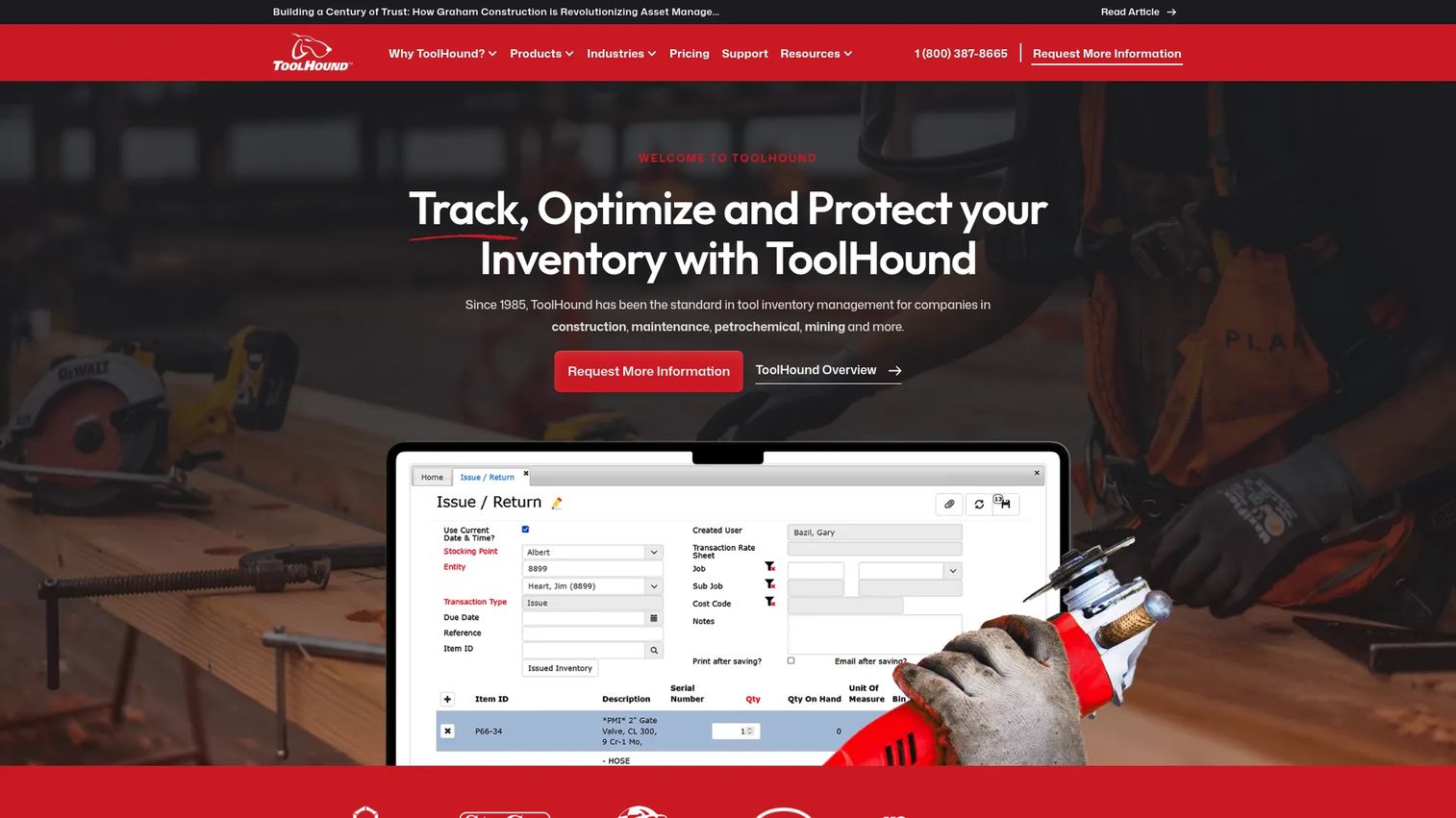
ToolHound is web-based tool inventory software for issuing, returning, maintaining, and renting physical equipment. It supports serialized assets and consumables across centralized inventory records.
Barcode and RFID tracking make it relevant for construction, mining, utilities, power generation, and industrial maintenance. Teams can also conduct inventory audits and review usage across stocking locations.
Best for: Multi-location organizations that need strong accountability across employees, sites, and storage areas.
Key features
- Barcode and RFID scanning
- Tool check-in and check-out
- Real-time inventory audits
- Maintenance scheduling and service history
- Mobile access and kiosk checkout
Why choose ToolHound
ToolHound closely matches the core tool tracking software use case. It combines assignment history, inventory visibility, maintenance records, and replenishment in one focused product.
Choose it when tool loss prevention is the main priority. Its rental functions also suit teams that charge equipment use back to projects or customers.
ToolHound pricing
Essentials starts at $5,595 per year. Professional, Enterprise, and Unlimited use custom pricing.
The Essentials plan includes two stocking locations, five named users, unlimited mobile users, and any two modules.
G2 rating: 4.3/5
2. CRIBWISE
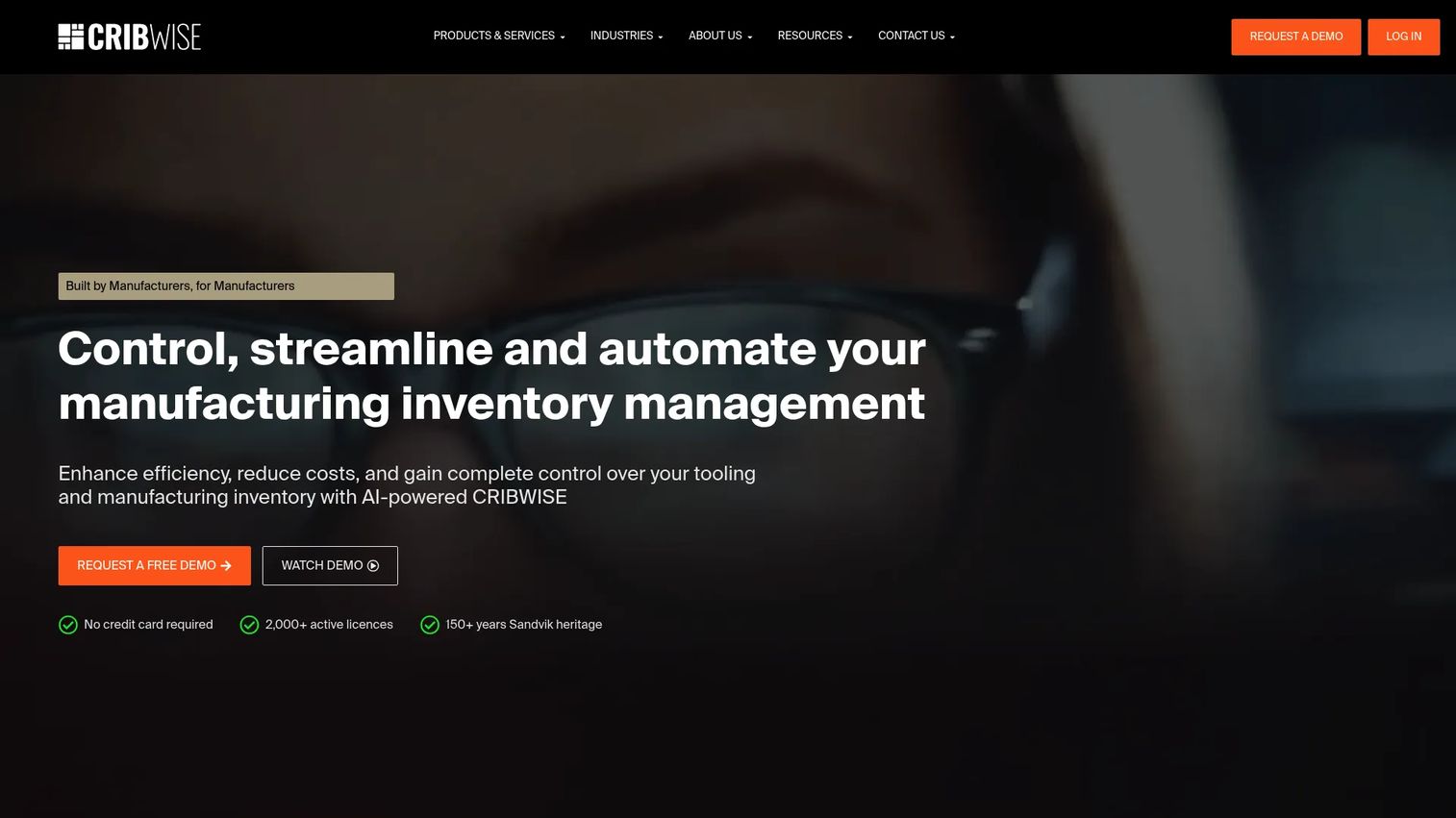
CRIBWISE is cloud-based tool inventory software for manufacturers and job shops. It focuses on cutting tools, stock control, purchasing, and related shop-floor processes.
The platform supports tool manufacturer catalogs and ISO 13399 compatibility. Automated ordering, work order management, API access, and ERP integrations connect the tool crib with wider manufacturing operations.
Best for: Manufacturers managing CNC tooling, purchasing, consumables, and shop-floor availability.
Key features
- CNC tool management software records
- Tool manufacturer catalog services
- Automated ordering workflows
- ERP and API connections
- Storage and vending support
Why choose CRIBWISE
CRIBWISE fits operations where the tool crib affects machining capacity. Its focus extends beyond employee checkout into tooling data, stock availability, procurement, and industrial storage.
It’s a stronger match than general equipment inventory software when buyers need manufacturing-specific records. The reporting layer also gives supervisors visibility into stock and purchasing activity.
CRIBWISE pricing
Custom pricing applies across Starter, Professional, and Enterprise plans. Professional and Enterprise combine cloud software with storage options.
3. Mitti by SafetyCulture
Mitti by SafetyCulture combines asset records with inspections, maintenance, issue reporting, and frontline operations. Workers can access equipment information through QR codes or NFC tags.
Digital registers store asset history and maintenance records. Telematics can add location, usage, and status data, while customizable inspections work offline for field teams.
Best for: Field operations that want equipment inventory software connected to inspections and maintenance activity.
Key features
- Digital asset registers
- QR code and NFC access
- Offline inspection workflows
- Preventive maintenance scheduling
- Telematics location and usage data
Why choose Mitti by SafetyCulture
This platform suits teams already running inspection-led workflows. A worker can scan an asset, review its record, complete a check, or report an issue from the field.
Its mobile focus also supports distributed operations. Consider it when condition tracking matters as much as knowing an asset’s location.
Mitti by SafetyCulture pricing
A free plan supports up to 10 users. Premium costs $24 per seat monthly when billed annually, while Enterprise uses custom pricing.
G2 rating: 4.6/5 for the SafetyCulture product listing
4. EZOfficeInventory
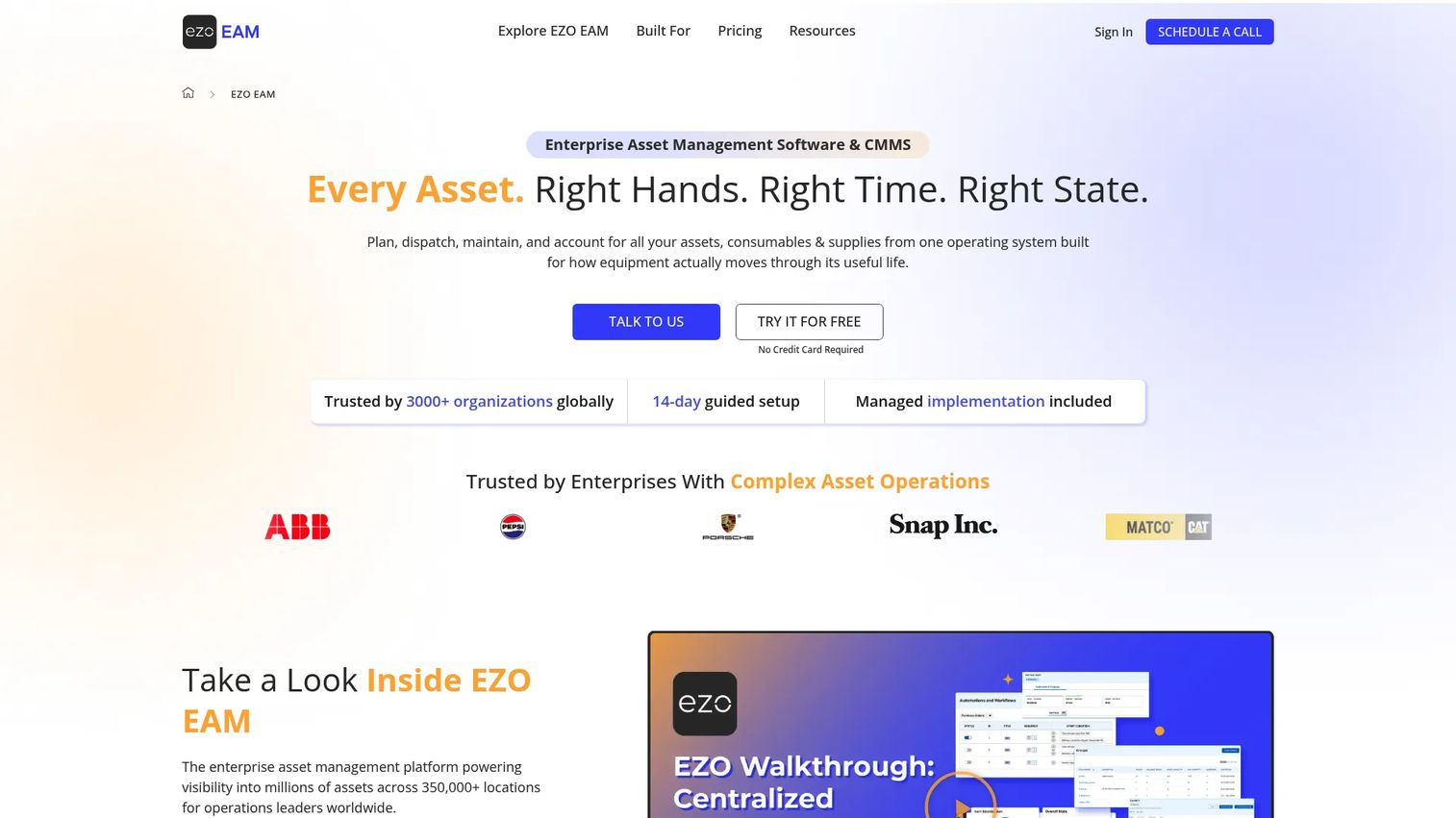
EZOfficeInventory, now branded as EZO EAM, manages tools alongside wider equipment inventories. Its scope covers checkouts, reservations, preventive maintenance, work orders, and inventory control.
The system supports barcode and QR code labels. RFID, GPS, and telematics integrations extend tracking for larger or more mobile assets.
Best for: Organizations managing tools together with IT assets, AV gear, loaner kits, and shared equipment.
Key features
- Asset checkouts and requests
- Reservation calendar
- Barcode and QR code labels
- Preventive maintenance and work orders
- RFID, GPS, and telematics integrations
Why choose EZOfficeInventory
This product works well when a dedicated tool tracking app would create another inventory silo. Facilities, service operations, and internal support teams can manage different asset classes in the same system.
Its reservations help when equipment needs advance booking. Maintenance functions add depth beyond a basic checkout log.
EZOfficeInventory pricing
Essential starts at $81.41 monthly for 500 items. Advanced costs $117.11 monthly, while Premium costs $142.10.
A 14-day trial is available. Enterprise uses custom pricing.
5. UpKeep
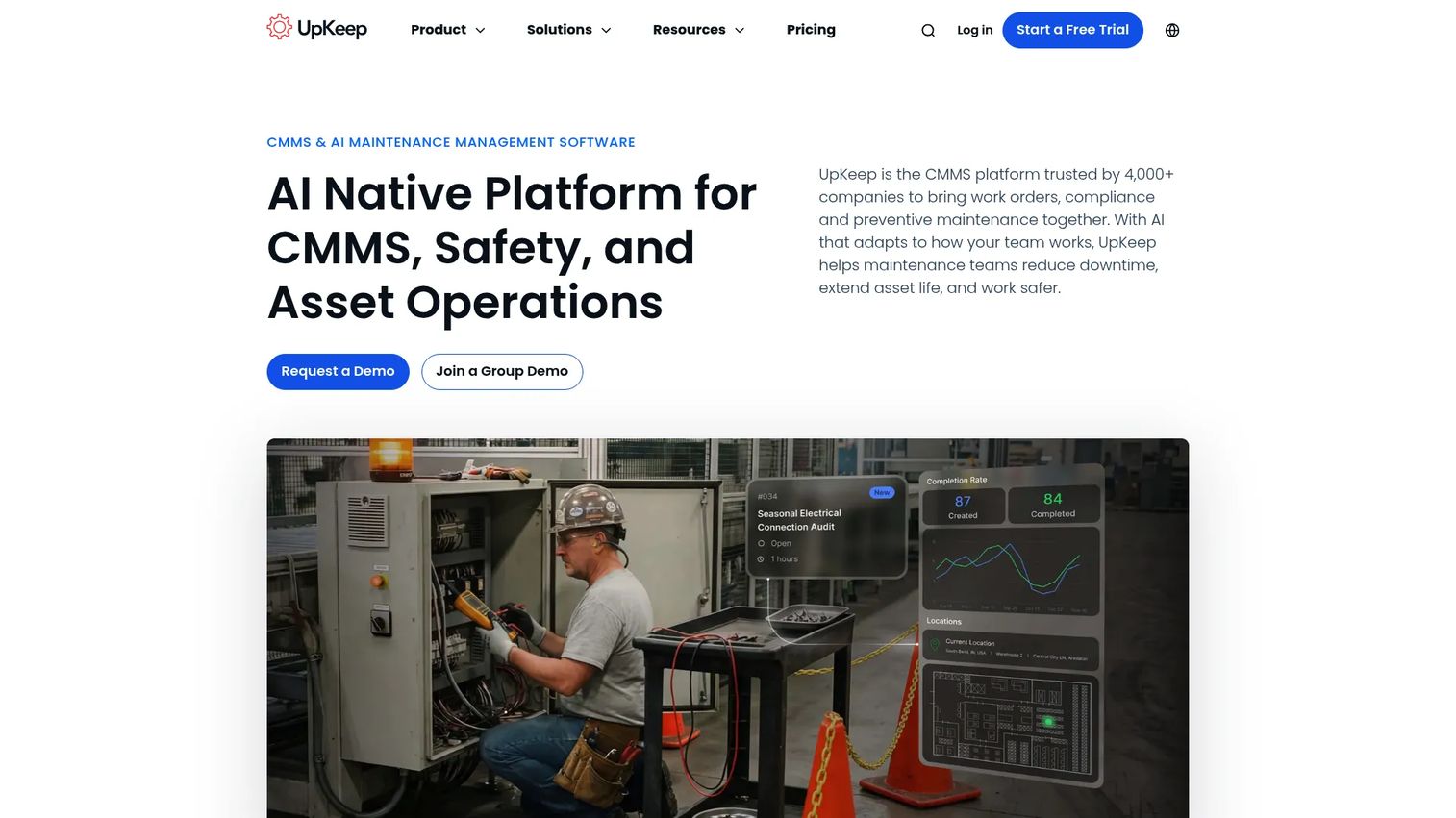
UpKeep is a cloud-based maintenance and asset operations platform. It connects equipment records with work orders, preventive schedules, inventory, safety processes, and reporting.
Mobile and web access support technicians working away from a desk. Maintenance teams can review service history while managing parts and scheduled activity around each asset.
Best for: Teams that prioritize equipment uptime and work execution over basic inventory counts.
Key features
- Work order management
- Preventive maintenance scheduling
- Asset records and service history
- Parts and inventory tracking
- Mobile technician access
Why choose UpKeep
UpKeep is equipment maintenance software first. Pick it when the central question is what work an asset needs, rather than who last scanned it.
The platform fits facilities, manufacturing, healthcare, and education operations. Safety workflows also extend its use beyond routine maintenance.
UpKeep pricing
Essential starts at $20 per user monthly. UpKeep documentation also lists Starter at $45 monthly or $54 per user with annual upfront billing.
Higher plan prices require a quote.
G2 rating: 4.5/5
6. Fiix
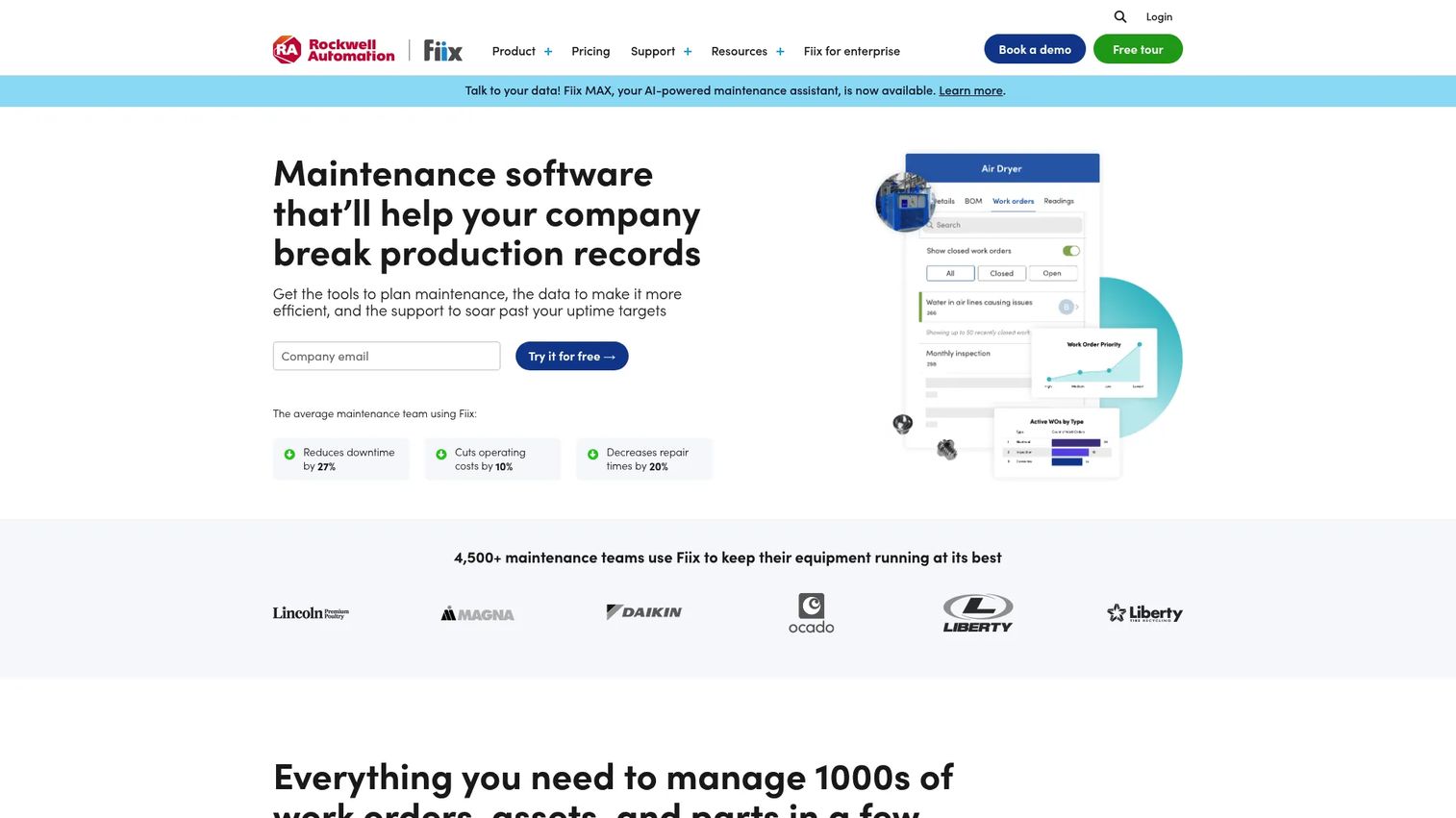
Fiix is a cloud CMMS for maintenance and operations teams. It organizes assets, work orders, preventive maintenance, parts, reporting, and integrations.
Asset hierarchies help teams connect equipment with locations or parent systems. The mobile app includes offline access, which supports technicians working in plants or areas with unreliable connectivity.
Best for: Industrial teams treating tool management as part of a wider reliability program.
Key features
- Asset hierarchy management
- Work order workflows
- Preventive maintenance schedules
- Parts and supplies management
- Mobile app with offline access
Why choose Fiix
Fiix fits buyers who need service history and maintenance planning around industrial equipment. Its CMMS structure supports scheduled work, parts control, and asset lifecycle reporting.
A dedicated checkout product may fit simple employee assignments better. Fiix earns its place when maintenance execution drives the purchase.
Fiix pricing
The Free plan costs $0. Basic starts at $45 per user monthly, while Professional costs $75 per user monthly.
Enterprise, Lite License, and Fiix MAX use custom pricing.
G2 rating: 4.6/5
7. ToolWatch
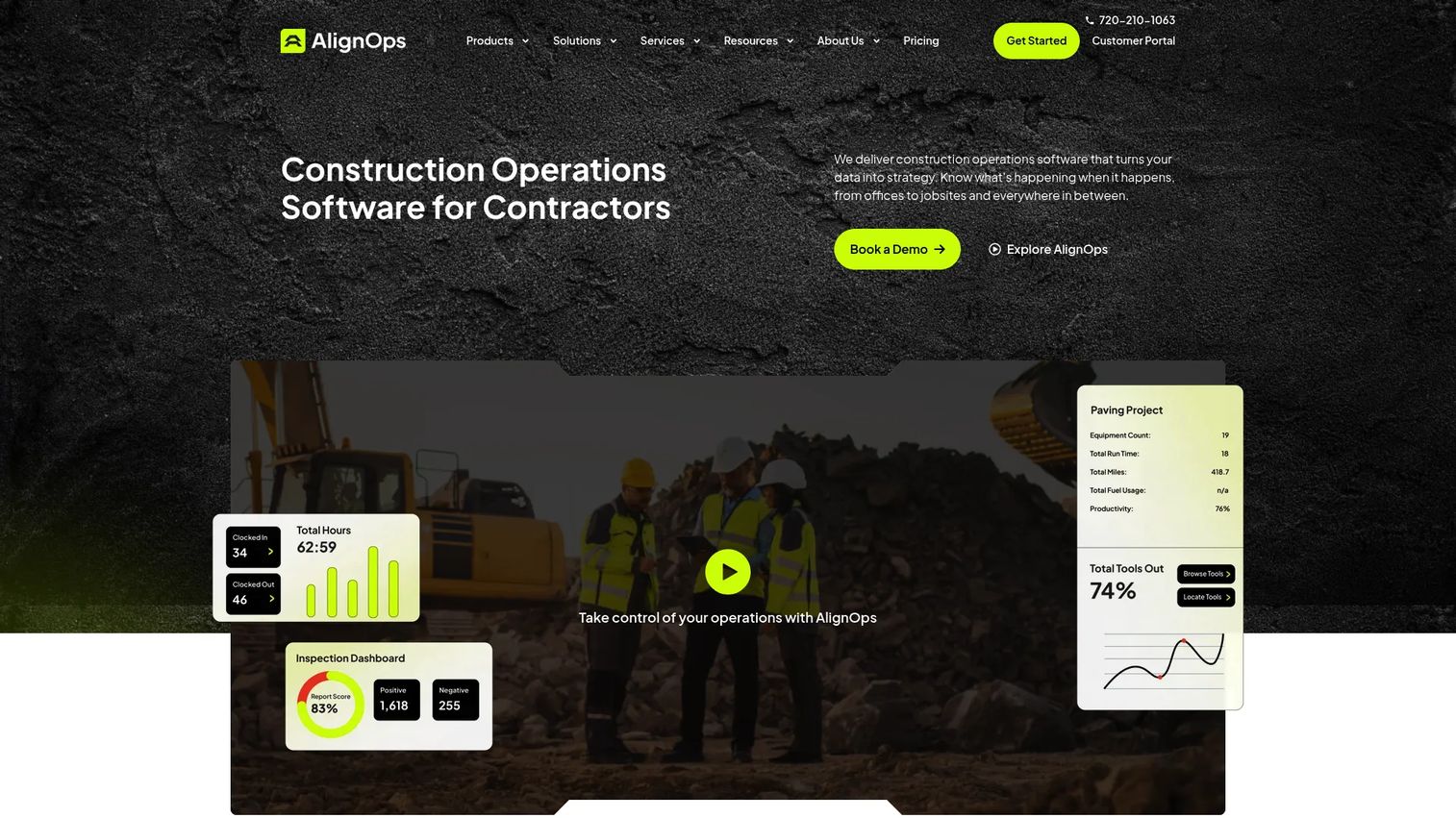
ToolWatch, now part of AlignOps, focuses on construction asset and inventory management. It tracks tools, equipment, and consumables across jobsites and warehouses.
Teams can process field requests, pick tickets, transfers, and maintenance activity. GPS, Bluetooth, and barcode support cover several construction tracking scenarios.
Best for: Contractors managing equipment movement across active jobs, field teams, and warehouse locations.
Key features
- Multi-site asset visibility
- Jobsite requests and transfers
- GPS, Bluetooth, and barcode tracking
- Maintenance and service records
- Job costing and billing
Why choose ToolWatch
Construction firms need more than an employee tool checkout log. Equipment moves between warehouses and projects, while associated costs need to reach the correct job.
ToolWatch connects that movement with purchasing, billing, and reporting. It also offers ERP integrations for broader construction operations.
ToolWatch pricing
Custom pricing applies to Essentials, Pro, and Enterprise plans. Buyers select modules and deployment scope through the sales process.
G2 rating: 3.8/5
8. Tooltribe Pro
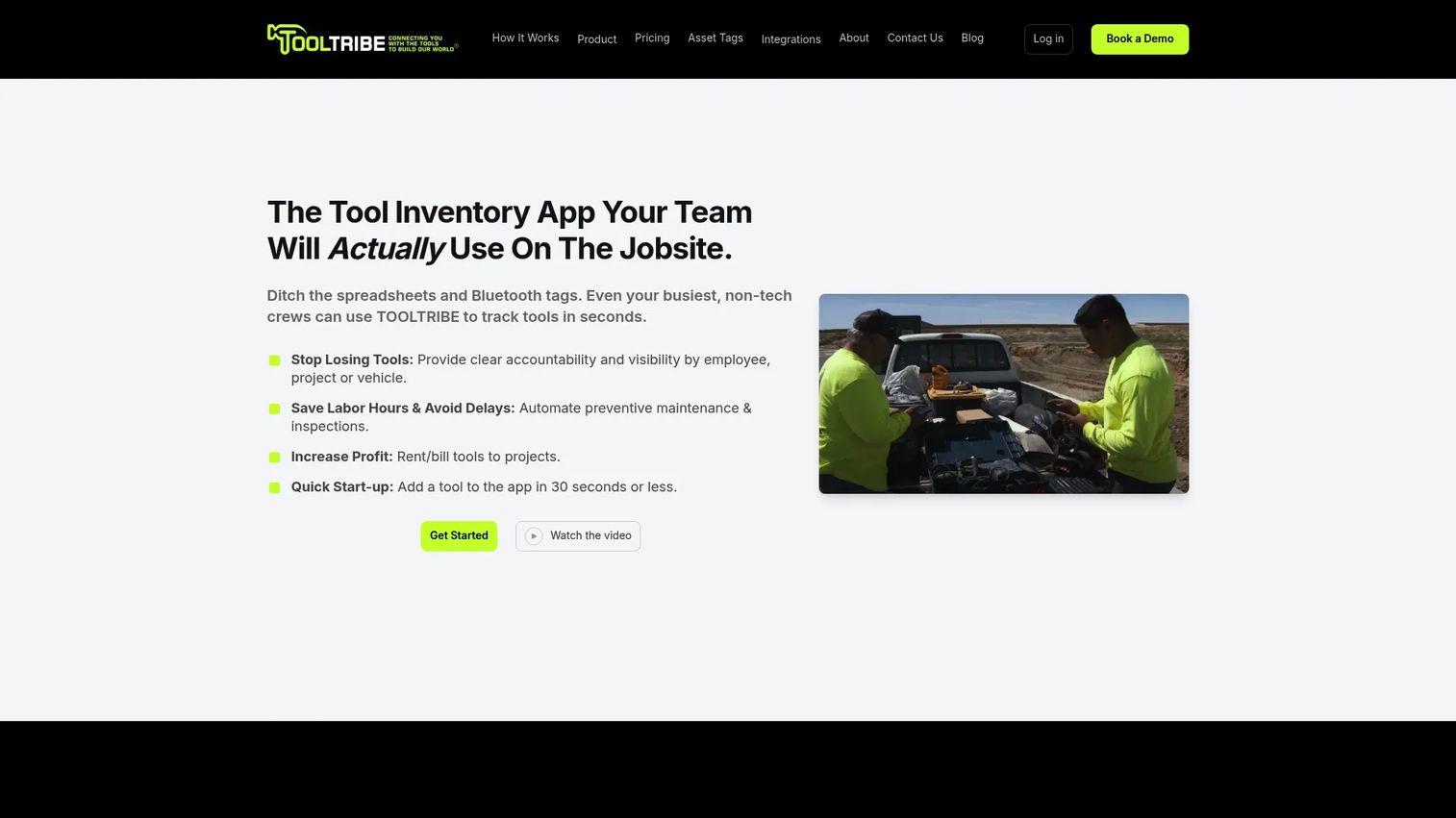
Tooltribe Pro is a mobile-first construction tool tracking app. It assigns tools and consumables to employees, projects, or vehicles.
Crews can identify equipment with QR codes, barcodes, serial numbers, or photos. Browser-based administration supports office staff while iOS and Android apps handle field updates.
Best for: Contractors replacing spreadsheets and text-message tracking with mobile job-site accountability.
Key features
- Employee, project, and vehicle assignments
- QR code and barcode tracking
- Photo-based equipment records
- Maintenance, repairs, and inspections
- Project rental and billing
Why choose Tooltribe Pro
Tooltribe Pro addresses the handoff points where construction tools disappear. Field crews can record movement without waiting for warehouse staff to update a spreadsheet.
Project billing adds another layer. Teams can set rates, caps, and cost codes for equipment assigned to active work.
Tooltribe Pro pricing
Starter costs $100 monthly and includes 10 users. Professional and Enterprise use custom pricing.
Professional includes maintenance and onboarding. Enterprise adds project billing, multi-organization support, and SSO or SAML.
G2 rating: 5.0/5
9. AutoCrib
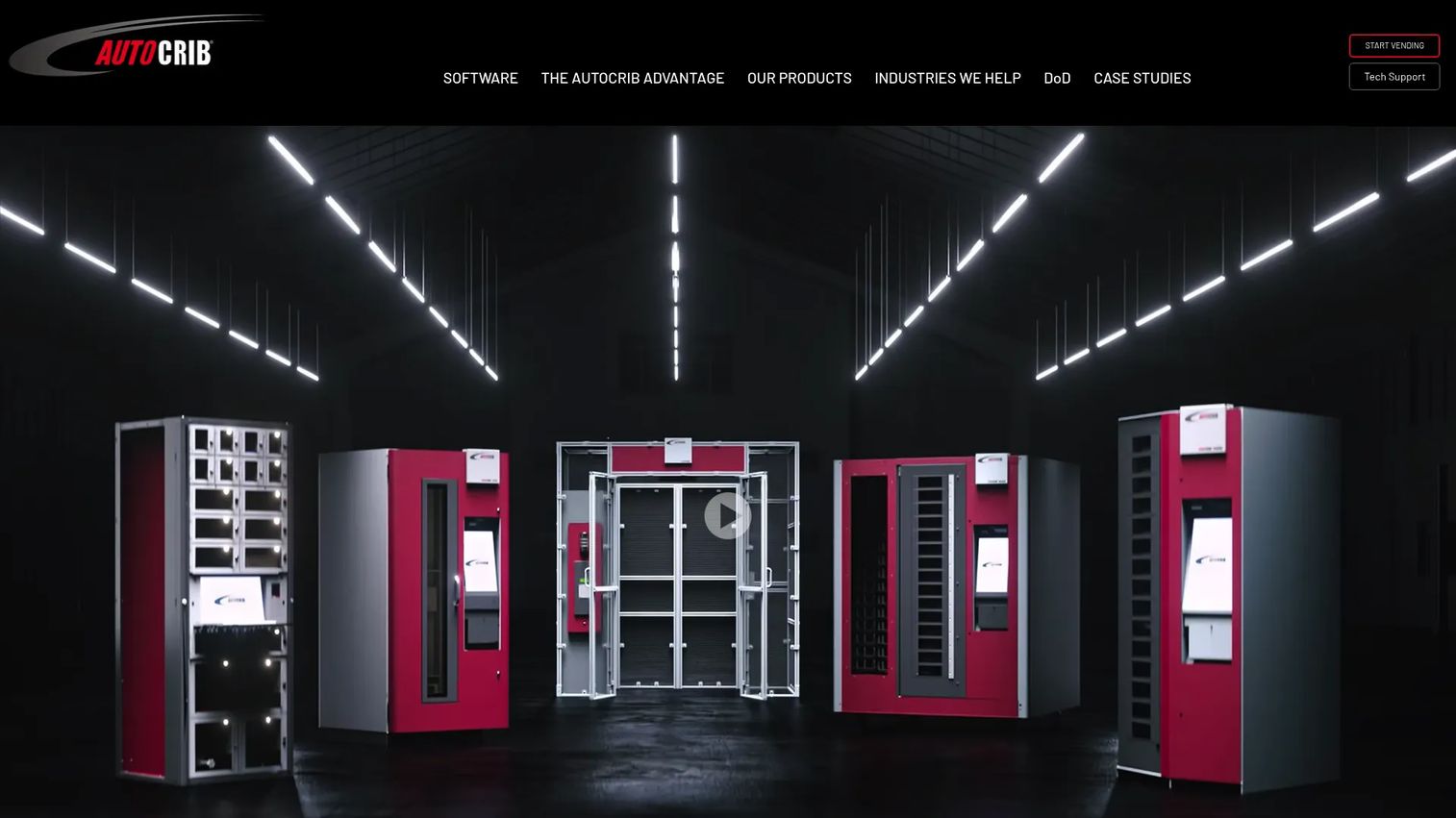
AutoCrib combines industrial vending hardware with inventory and asset management software. It controls access to tools, MRO supplies, PPE, fasteners, gauges, and other consumables.
Point-of-use systems automate issuing and returns. The software also handles recordkeeping, reordering, purchasing, alerts, reporting, and ERP integration.
Best for: Industrial operations that need controlled dispensing and automatic replenishment at the point of use.
Key features
- Industrial vending systems
- Automated issuing and returns
- Tool crib inventory control
- Usage accountability and alerts
- Purchasing and ERP integration
Why choose AutoCrib
AutoCrib fits environments where hardware access controls are central to the workflow. It can record who took an item while maintaining stock visibility near the production area.
This approach suits manufacturers and industrial maintenance teams managing high-volume consumables. It also reduces reliance on a staffed crib for routine transactions.
AutoCrib pricing
Custom pricing applies. Hardware configuration, software deployment, integrations, and vending requirements drive the quote.
Considerations when choosing tool management software
Match the system to tool movement
Map how equipment moves before comparing features. Job-site tools need mobile assignments, while shop-floor inventory requires crib or vending controls.
A general asset platform can work when tools sit beside mixed equipment. Maintenance-led operations should start with work orders and service history.
Choose the right tracking method
Barcodes and QR codes offer a practical starting point for deliberate scans. RFID suits faster inventory processing, while GPS fits vehicles and powered equipment.
Photos and serial numbers help when tags are impractical. Avoid paying for advanced hardware unless the workflow needs it.
Check field adoption before buying
A tool tracking system depends on consistent updates. Test the checkout flow with the people who will scan assets during a busy shift.
Look for mobile access, offline operation, and clear assignment steps. Pilot one crew or location before expanding.
Verify maintenance and calibration depth
Some platforms store maintenance dates. Others connect inspections, work orders, parts, and service history.
Ask vendors to demonstrate calibration tracking with an overdue asset. The workflow should prevent the tool from returning to service unnoticed.
Test reporting and audit history
Review transaction history, loss trends, overdue returns, utilization, and project costs. Reports should separate employees, departments, jobsites, and asset classes.
Include finance and safety stakeholders in the test. Their reporting needs often differ from warehouse requirements.
Conclusion
The best tool management software matches the way equipment moves through your operation.
ToolHound offers broad tool and equipment tracking with barcode and RFID support. CRIBWISE fits manufacturing tool cribs, while AutoCrib adds controlled industrial dispensing.
Mitti by SafetyCulture connects field asset records with inspections and maintenance. EZOfficeInventory handles tools alongside wider shared inventories.
UpKeep and Fiix suit maintenance-led operations. ToolWatch and Tooltribe Pro focus on construction, project assignments, and job-site accountability.
Start with your 50 highest-value tools. Map each handoff, including the warehouse, truck, job site, maintenance bench, and return point.
Next, identify the core workflow:
- Employee or project checkout
- Tool crib and consumables control
- Maintenance and calibration management
- Construction job-site assignment
Shortlist two platforms that match that workflow. Test them with one crew using real equipment before committing to a wider rollout.
FAQs
Tool management software tracks physical tools, equipment, consumables, assignments, maintenance records, and inventory history. It shows who has an item, where it sits, and whether it needs service.
Most systems also support check-out logs, identification tags, and audit reporting. The exact features vary by operational model.
Tool management software focuses on equipment that moves frequently between people, vehicles, tool cribs, and job sites. It emphasizes custody, returns, availability, and tool loss prevention.
Asset management software covers a wider inventory. That may include IT equipment, facilities assets, office gear, and fixed machinery.
Construction teams should prioritize job-site assignments, employee accountability, mobile scanning, photos, and project cost tracking. Warehouse transfers and vehicle assignments also matter.
ToolWatch supports construction inventory across jobsites and warehouses. Tooltribe Pro offers mobile QR code tracking, project assignments, vehicle records, and rental billing.
Manufacturers should look for tool crib control, CNC records, vending support, procurement, ERP connections, and consumables tracking. Replenishment workflows also affect production availability.
CRIBWISE focuses on tooling inventory and shop-floor processes. AutoCrib combines industrial vending hardware with controlled dispensing and inventory software.
Barcodes and QR codes suit lower-cost scanning workflows. Workers must deliberately scan the tag when an item moves.
RFID supports faster processing across higher-volume inventories. GPS fits vehicles and mobile equipment, while photos or serial numbers help when physical tagging is impractical.
Yes, but calibration tracking depth varies. Some systems store dates and reminders, while maintenance platforms connect calibration with inspections and work orders.
Ask the vendor to demonstrate overdue alerts and service history. Confirm whether the system can prevent unavailable tools from being issued.
Pricing depends on users, asset volume, locations, tracking hardware, and integrations. Mobile access or implementation services may also affect the quote.
General asset platforms often publish subscription tiers. Industrial vending and enterprise construction systems usually use custom pricing.
Replace spreadsheets when tools disappear, duplicate purchases increase, or managers cannot identify the current custodian. Missed maintenance dates and slow inventory counts are further warning signs.
A dedicated system also helps when project costs cannot be connected to tool use. The strongest trigger is repeated failure at the same handoff point.