Your video got 80,000 views. Great. Now explain why it worked, whether it reached the right audience, how it compares to competitors, and what your team should post next.
That gap between TikTok performance and TikTok insight is exactly what reporting teams struggle with. The native dashboard tells you what happened on your own account. It does not tell you how your content stacks up against competitors, what hashtags are trending before they peak, or whether your engagement rate is good or mediocre for your category. According to DataReportal (2026), 2.33 billion adults were reachable through TikTok's advertising tools worldwide in October 2026. At that scale, "we checked the native dashboard" is not a reporting strategy.
The right TikTok analytics tool depends on your job: Owned-account reporting, competitor benchmarking, campaign tracking, trend discovery, or client-ready exports. This guide covers all five scenarios across 15 tools.
What's inside
This guide compares 15 TikTok analytics tools for 2026, evaluated for TikTok reporting depth, competitor analysis capabilities, free access, export quality, and marketer workflow fit. Pricing and G2 ratings reflect live sources at drafting time.
- Who it's for: Digital marketers, social media managers, agencies, and growth teams with TikTok in their channel mix
- Selection criteria: TikTok-specific reporting depth, competitor or hashtag analysis, export and dashboard quality, pricing accessibility
- Coverage includes: Native TikTok reporting, social suites, social listening tools, TikTok-first platforms, and free public analyzers
TL;DR
- Best free starting point: TikTok Analytics for owned-account data, no setup required
- Best all-around social reporting suite: Sprout Social for teams managing TikTok alongside other channels
- Best for competitive benchmarking: Socialinsider or Rival IQ for audits and industry comparisons
- Best for social listening: Brand24 for brand mention monitoring and sentiment tracking
- Best for TikTok trend and hashtag analysis: Exolyt for TikTok-first tracking
- Best lightweight public profile checker: Countik or Social Blade for quick account lookups
What is TikTok analytics software?
TikTok analytics software helps marketers measure TikTok account, video, audience, hashtag, and competitor performance using native, connected, or public TikTok data.
The category splits into five types:
Native TikTok analytics: Built directly into TikTok and TikTok Studio. Covers account-owned performance, follower demographics, content metrics, and video-level breakdowns. Free for eligible business and creator accounts.
Third-party dashboards: Cross-channel reporting, historical tracking, CSV exports, and client-ready reporting. Connect via API to your authenticated account.
Competitor analysis tools: Public profile tracking, posting frequency, engagement benchmarks, and top-performing video analysis. Work with publicly visible data only.
Social listening platforms: Brand mentions, hashtag conversations, sentiment analysis, and creator monitoring across TikTok and other networks.
Free profile analyzers: Public account lookups, engagement rate estimates, and recent-video summaries. No account connection required.
Key features to look for across the category:
- Views, likes, comments, shares, and saves per video
- Engagement rate and watch-time analysis
- Audience and follower demographics
- Top-performing video identification
- Competitor profile tracking
- Hashtag, keyword, and trend monitoring
- Reporting dashboards and CSV exports
- Historical performance data
- Paid and organic performance views (where available)
One important distinction: Native dashboards show what happened on accounts you manage. Third-party tools help compare, export, benchmark, and monitor the broader TikTok landscape. Free public analyzers estimate metrics from visible data, but cannot access private account metrics.
When to use TikTok analytics tools
Prove what is working beyond view count
High view counts do not always indicate high-value engagement. Use an analytics tool to measure engagement rate by views, comment quality, saves, and content patterns that repeat across top videos. This is how you build a repeatable content strategy rather than chasing individual spikes.
Benchmark competitors and creators
Before partnering with a creator or adjusting your content mix, check what competitors are posting, which videos break out, and what posting cadence drives their results. TikTok competitor analysis tools surface these patterns from public data without requiring account access.
Build reports leadership will trust
Scheduled exports, PDF dashboards, and cross-network comparisons reduce the spreadsheet hours that eat up reporting cycles. For growth marketers who need defensible ROI, a third-party tool that connects TikTok data to campaign attribution and stakeholder reports pays for itself fast.
TikTok analytics tools comparison
Use this table as a first-pass filter. Verify current pricing, free-plan limits, and G2 ratings before purchasing, as these figures change.
| # | Product | Best for | Key differentiator | Pricing | G2 rating |
|---|---|---|---|---|---|
| 1 | TikTok Analytics | Native account reporting | Built into TikTok and TikTok Studio | Free (business/creator accounts) | 4.8/5 |
| 2 | Sprout Social | Cross-network social reporting | Unified publishing, analytics, and listening | From $79/seat/month | 4.4/5 |
| 3 | Socialinsider | Competitive benchmarking | TikTok audits, comparisons, and reporting | From $82/month | 4.7/5 |
| 4 | Iconosquare | Social analytics and scheduling | Multi-network analytics with a free tier | From €15/month | 4.4/5 |
| 5 | Exolyt | TikTok-specific analytics | Creator, trend, and campaign analysis | Free tier; paid from $400/month | 4.7/5 |
| 6 | Keyhole | Hashtag and campaign tracking | Real-time campaign and influencer analytics | Contact for pricing | 4.3/5 |
| 7 | Rival IQ | Competitive social benchmarking | Industry benchmarks and competitor dashboards | From $239/month | 4.5/5 |
| 8 | Quintly | Custom social analytics | Flexible custom dashboards and benchmarking | Contact for pricing | 4.7/5 |
| 9 | Dash Social | Visual marketing analytics | Social commerce and content performance | Contact for pricing | 4.7/5 |
| 10 | Hootsuite | Social media management | Publishing plus analytics in one workflow | From $99/user/month | 4.3/5 |
| 11 | Loomly | Content planning and reporting | Calendar-first workflow with analytics | From $65/month | 4.6/5 |
| 12 | Social Champ | Budget social management | Scheduling and analytics for lean teams | Free tier; paid from $4/month | 4.4/5 |
| 13 | Metricool | Affordable reporting | Analytics, planning, and ad reporting | Free tier; paid from $20/month | 4.4/5 |
| 14 | Social Blade | Public profile tracking | Lightweight creator and account stats | Free tier; paid from $59.99/year | 4.2/5 |
| 15 | Countik | Free public TikTok analysis | Profile viewer and engagement-rate checks | Free | N/A |
Best 15 TikTok analytics tools for 2026
1. TikTok Analytics
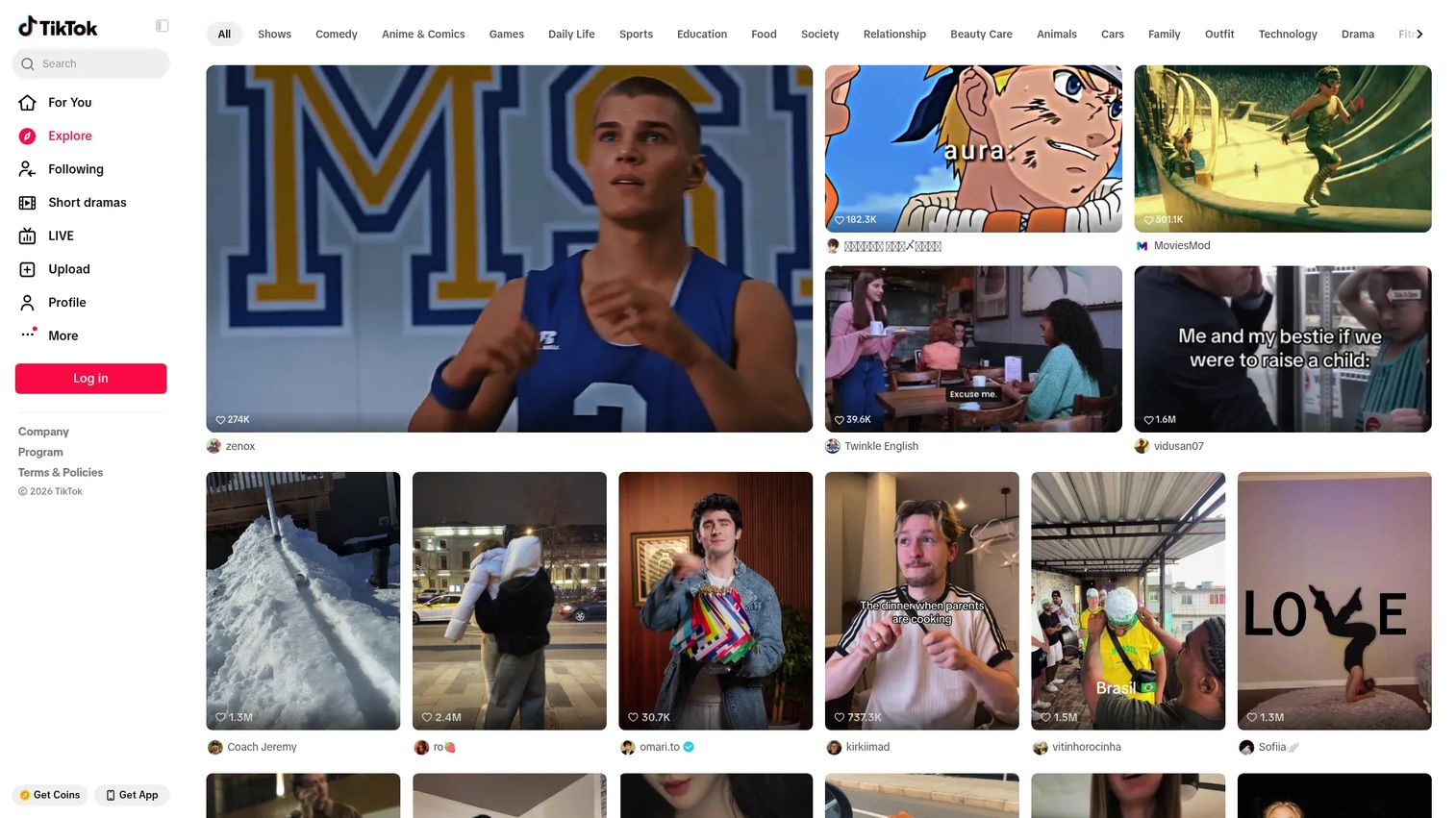
TikTok Analytics is the native reporting dashboard built directly into TikTok and TikTok Studio. Every eligible business and creator account gets access to account-level performance data, video metrics, and audience insights without any third-party setup. It is the baseline every TikTok reporting workflow should start from.
Best for: TikTok creators, businesses, and advertisers who manage their own account and need direct first-party performance data.
Key features
- Native video performance: Views, likes, comments, shares, and watch time
- Audience insights: Demographics, locations, interests, and activity timing
- TikTok Studio analytics with video comparison and trend lines
- Account overview covering reach, engagement, and follower data
- No third-party connection or API setup required
Why choose TikTok Analytics: Start here before paying for anything else. If you only need to track your own content performance and audience data, the native dashboard covers the core reporting jobs. When you need competitor tracking, historical exports, or cross-channel reporting, that is the signal to bring in a third-party tool.
TikTok Analytics pricing: Access is free for eligible TikTok business and creator accounts. No separate subscription is required to view account analytics or use TikTok Studio.
G2 rating: 4.8/5
2. Sprout Social
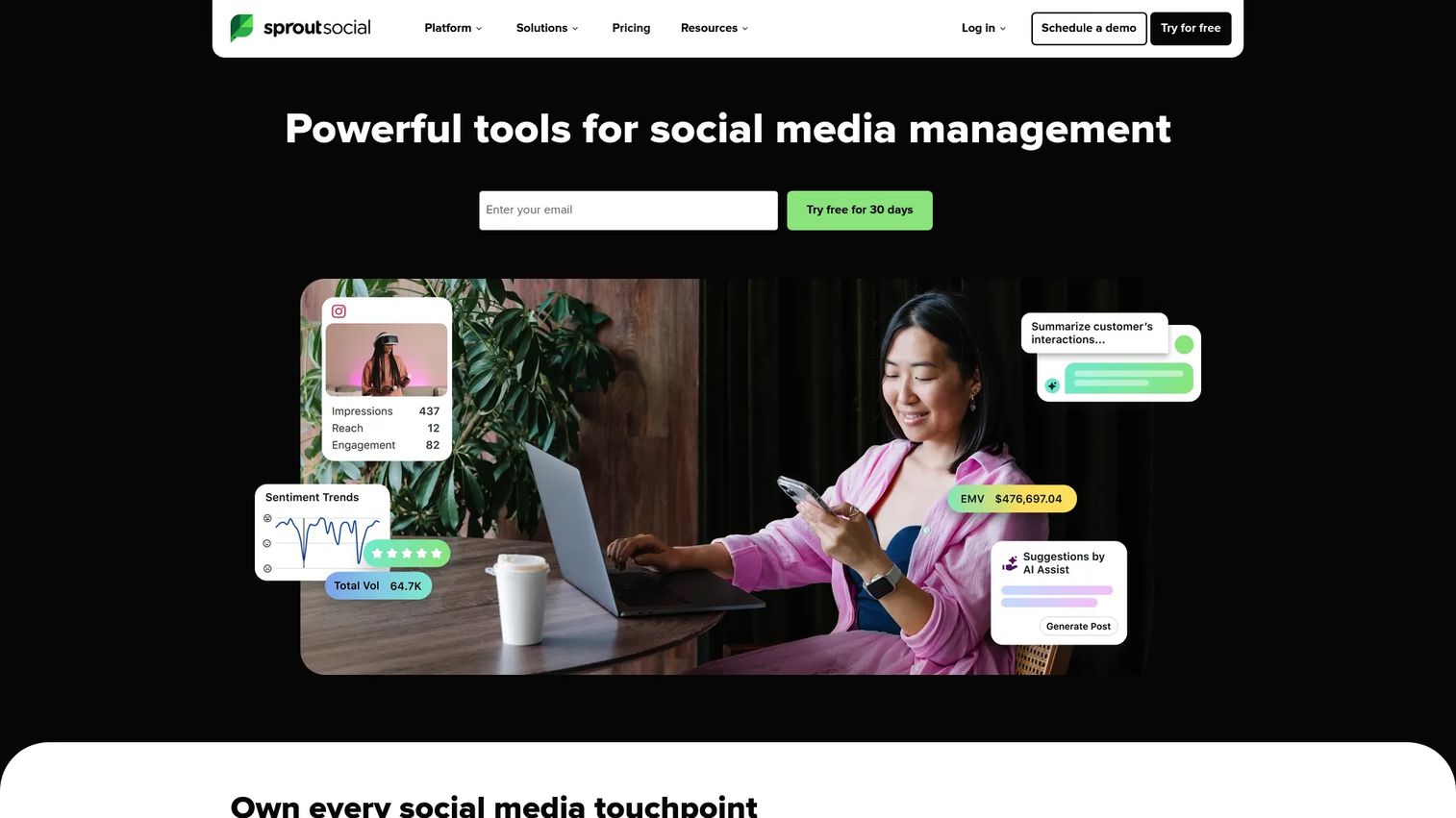
Sprout Social is a social media management and analytics platform for teams running TikTok alongside multiple other channels. It combines publishing, engagement, social listening, and analytics into one workflow. Mid-market and enterprise teams often choose it to consolidate social operations and reduce context-switching across networks.
Best for: Teams managing TikTok together with other social channels who need cross-network reporting, publishing, and engagement in one place.
Key features
- Cross-network analytics dashboard with TikTok reporting
- Unified social inbox for engagement management
- Content scheduling and publishing across networks
- Social listening and brand monitoring tools
- Team collaboration workflows and approval tools
Why choose Sprout Social: It earns its place when your reporting job is cross-channel, not TikTok-only. If you are already managing LinkedIn, Instagram, and X from one platform and need TikTok in that same view, Sprout Social fits that consolidation argument. It is not the cheapest option on this list, so run the per-seat math before committing.
Sprout Social pricing: Plans start at $79 per seat per month on annual billing (Essentials). The Standard plan is $199 and Professional is $299 per seat per month, also billed annually. A 30-day free trial is available. No permanently free tier.
G2 rating: 4.4/5
3. Socialinsider
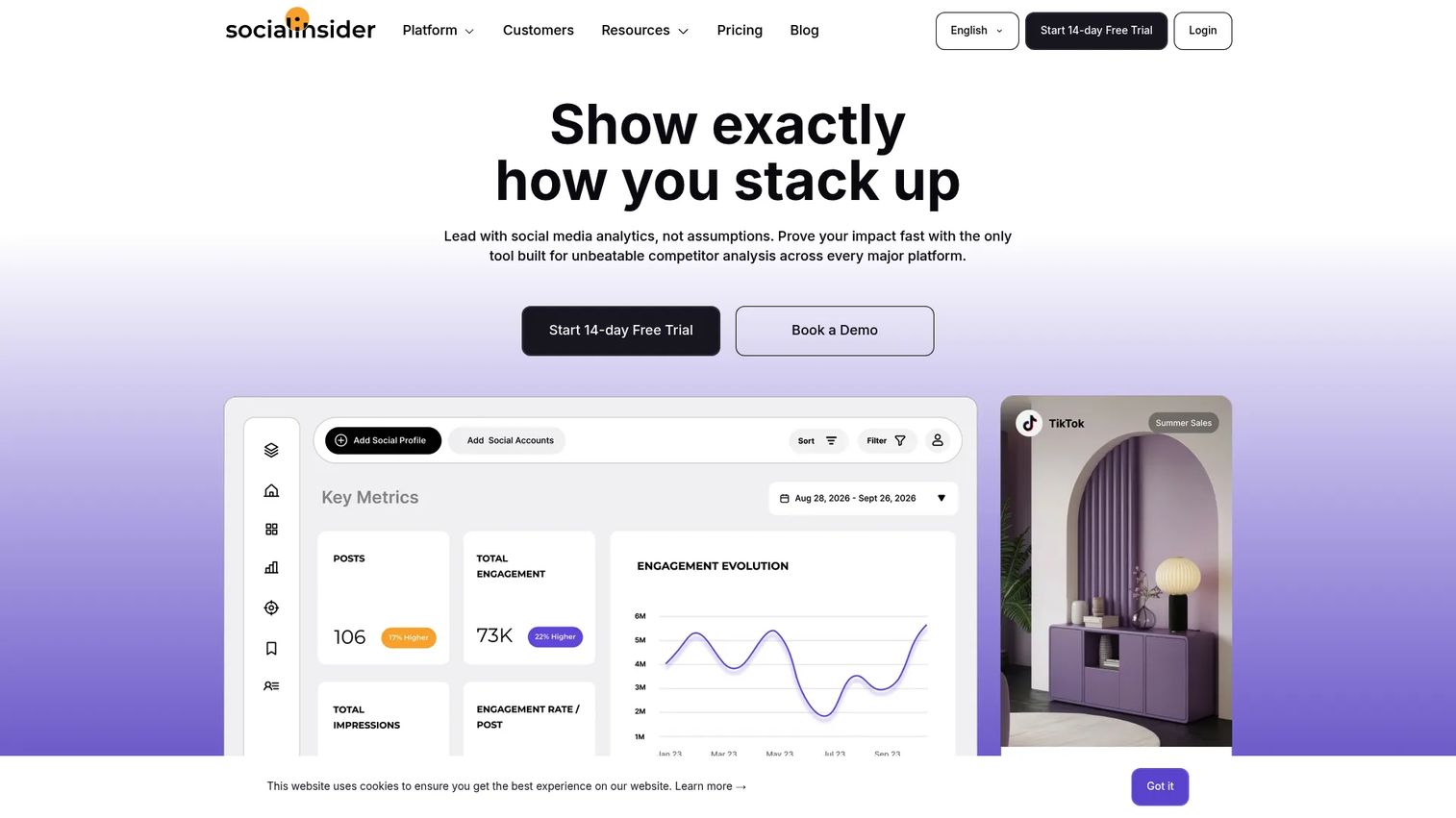
Socialinsider is a social media analytics and competitive benchmarking platform built for marketers who need TikTok audits, competitor comparisons, and client-ready reports. It supports cross-network analytics with strong emphasis on engagement-rate analysis and historical data. Agencies and marketing teams use it to build structured reports without manual data pulling.
Best for: Marketing and social media teams that need competitive TikTok benchmarking, engagement analysis, and exportable reporting dashboards.
Key features
- TikTok audit tools with engagement-rate analysis
- Competitor benchmarking across public profiles
- Historical performance views
- Automated cross-network reports with unlimited exports
- AI-assisted content insights
Why choose Socialinsider: Strong fit for teams that need to compare their TikTok performance against competitors and produce client-ready outputs. The 14-day free trial (no credit card required) makes it easy to test against your specific use case before committing.
Socialinsider pricing: Plans start at $82 per month on annual billing (Adapt plan). The Optimize plan is $124 and Predict is $199 per month, billed annually. Enterprise pricing is custom. A 14-day free trial is available.
G2 rating: 4.7/5
4. Iconosquare
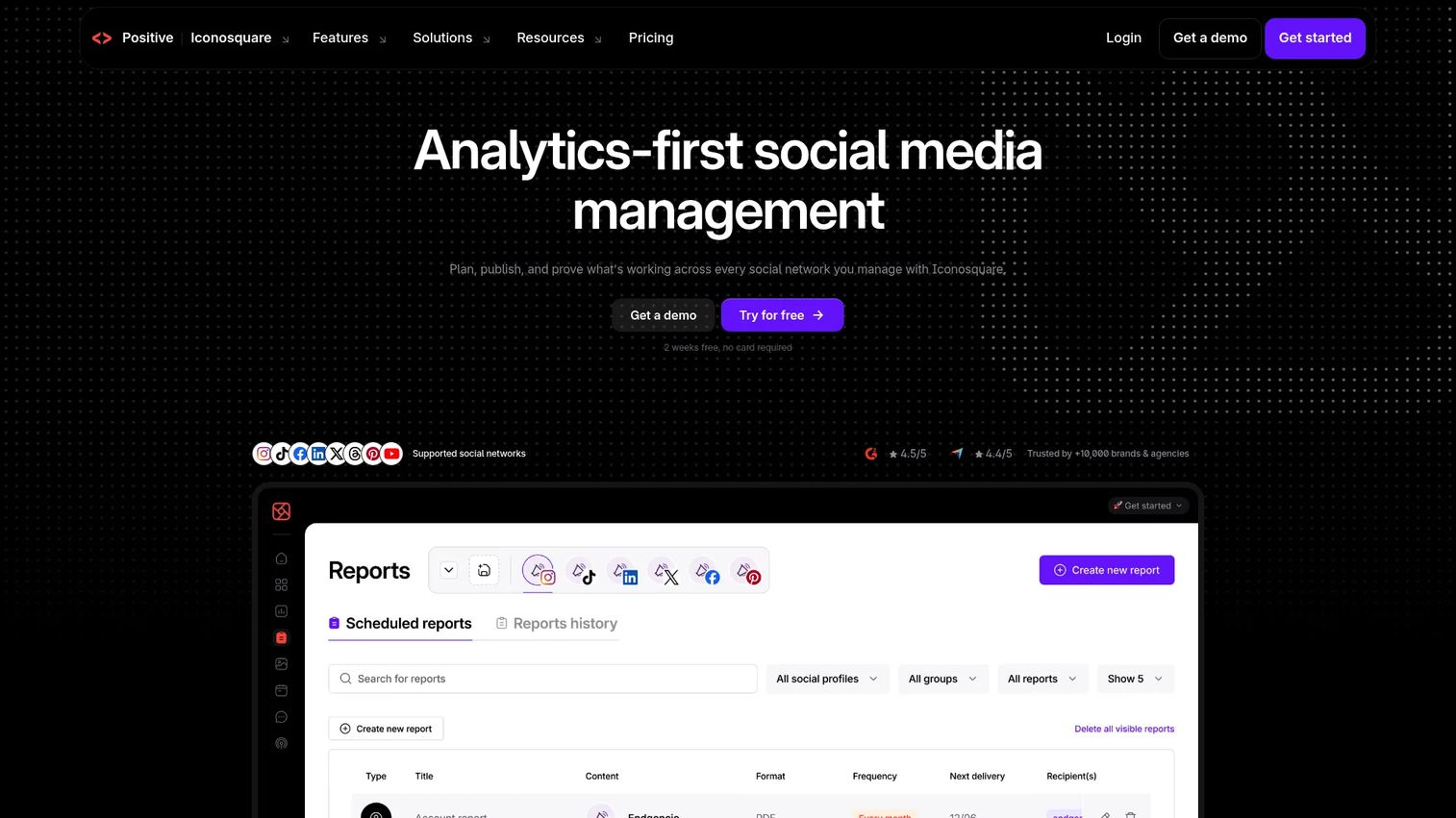
Iconosquare is an analytics-first social media management platform that covers TikTok alongside Instagram, Facebook, LinkedIn, and other networks. It is built around clear, exportable dashboards and handles scheduling, reporting, engagement, and competitor tracking in a single tool. Pricing is in euros and starts with a free tier, making it accessible for smaller teams.
Best for: Brands, marketers, and agencies managing multiple social profiles who want analytics and scheduling together without paying enterprise prices.
Key features
- TikTok performance analytics and audience insights
- Multi-profile reporting dashboards with exports
- Post scheduling across networks
- Competitor tracking on TikTok and other platforms
- Unified inbox for comments and direct messages
Why choose Iconosquare: The free tier gives you a low-risk entry point to test the analytics quality. Paid plans stay affordable relative to larger social suites, which matters for lean teams where per-seat pricing on a full enterprise platform would not be justified.
Iconosquare pricing: A free plan is available. Paid plans start from €15 per month (Starter), €33 per month (Launch), and €69 per month (Scale), all billed annually. A Custom plan is available from €119 per month.
G2 rating: 4.4/5
5. Exolyt
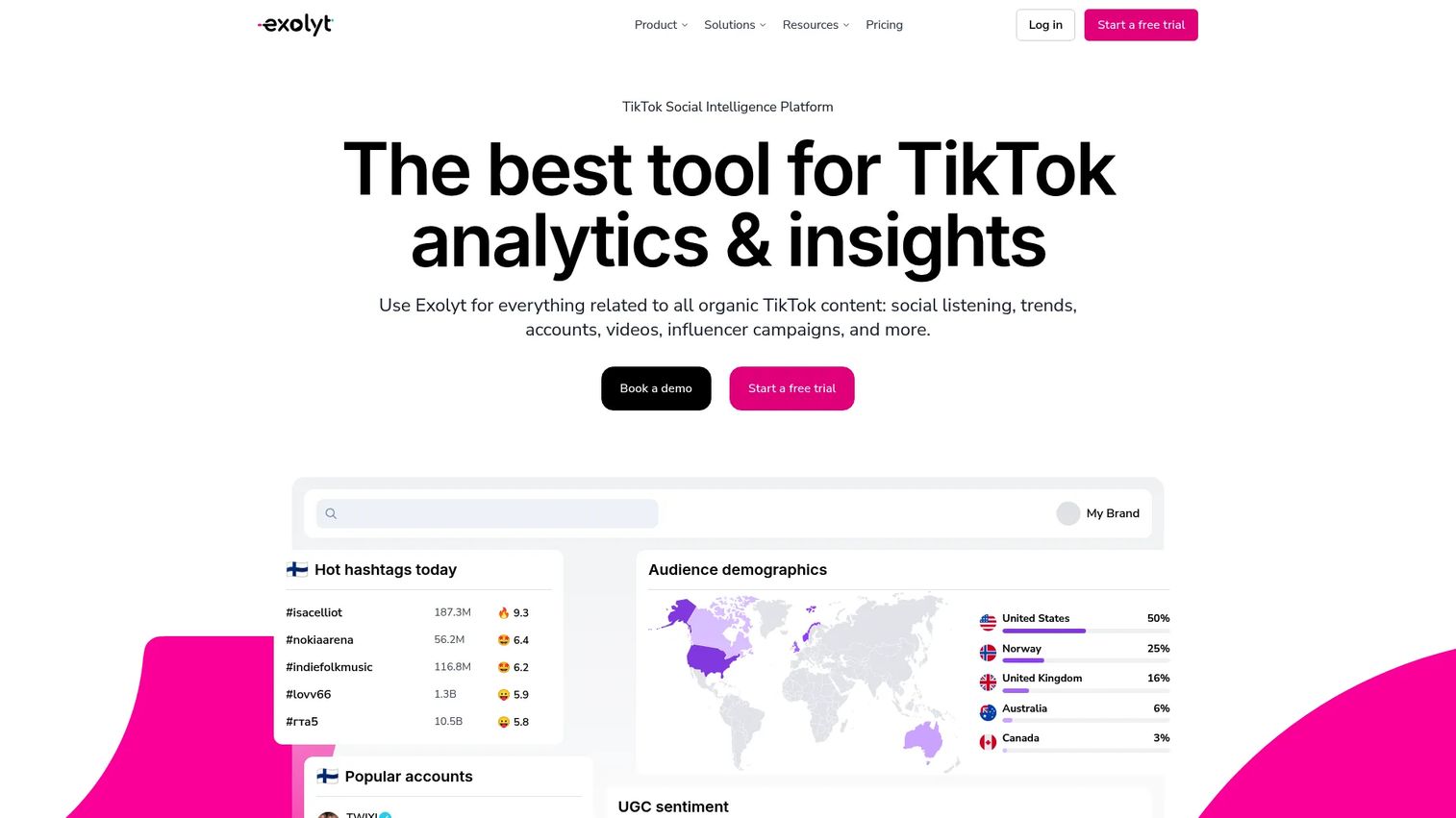
Exolyt is a TikTok analytics and social intelligence platform built for brands, agencies, analysts, and researchers who need detailed TikTok performance data. It covers account analytics, hashtag and sound tracking, influencer campaign measurement, social listening with sentiment analysis, and competitor comparisons. A free Basic plan lets you explore the platform before committing to a paid tier.
Best for: Brands, agencies, and analysts who need TikTok-specific trend analysis, creator tracking, campaign reporting, and audience intelligence.
Key features
- TikTok account, hashtag, sound, and video analytics
- Social listening with sentiment and audience analysis
- Influencer campaign tracking and creator database
- Industry insights and competitor comparisons
- CSV exports and Google Sheets integration
Why choose Exolyt: Its TikTok-native depth makes it a strong choice for teams that need more than a surface-level view of the platform. The free Basic plan is a genuine starting point, and the structured pricing tiers make it easier to scope a purchase against a specific reporting job.
Exolyt pricing: A free Basic plan is available. The Essentials plan is $400 per month (or $330 per month billed annually). The Advanced plan is $950 per month (or $790 per month billed annually). Enterprise pricing requires contacting sales.
G2 rating: 4.7/5
6. Keyhole
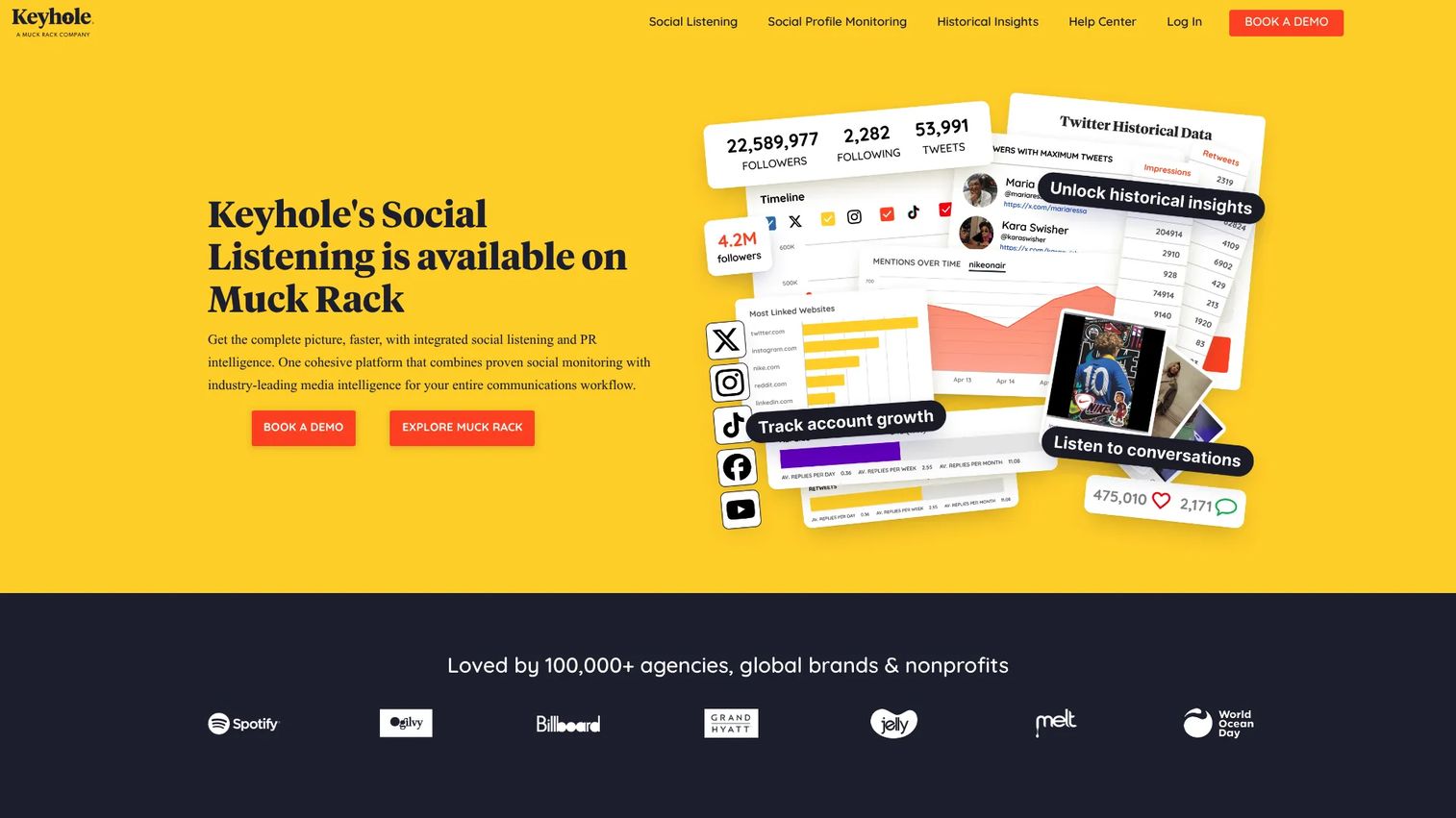
Keyhole is a social media analytics and listening platform that covers hashtag tracking, campaign monitoring, influencer analysis, and social profile reporting. It is well-suited for TikTok campaigns where marketers need real-time hashtag tracking and creator performance data, with automated reports and PDF or Excel exports for stakeholder delivery.
Best for: Marketing teams and agencies running TikTok hashtag campaigns or influencer programs that need real-time tracking and exportable campaign reports.
Key features
- Hashtag and keyword tracking in real time
- Social profile and competitor monitoring
- Influencer tracking and performance analysis
- Sentiment analysis across TikTok and other networks
- Automated reporting with PDF and Excel exports
Why choose Keyhole: Fits campaign-centric reporting workflows where hashtag performance and influencer ROI are the primary outputs. The API access on higher tiers makes it useful for teams building custom reporting pipelines.
Keyhole pricing: Contact Keyhole directly for current pricing and plan details.
G2 rating: 4.3/5
7. Rival IQ
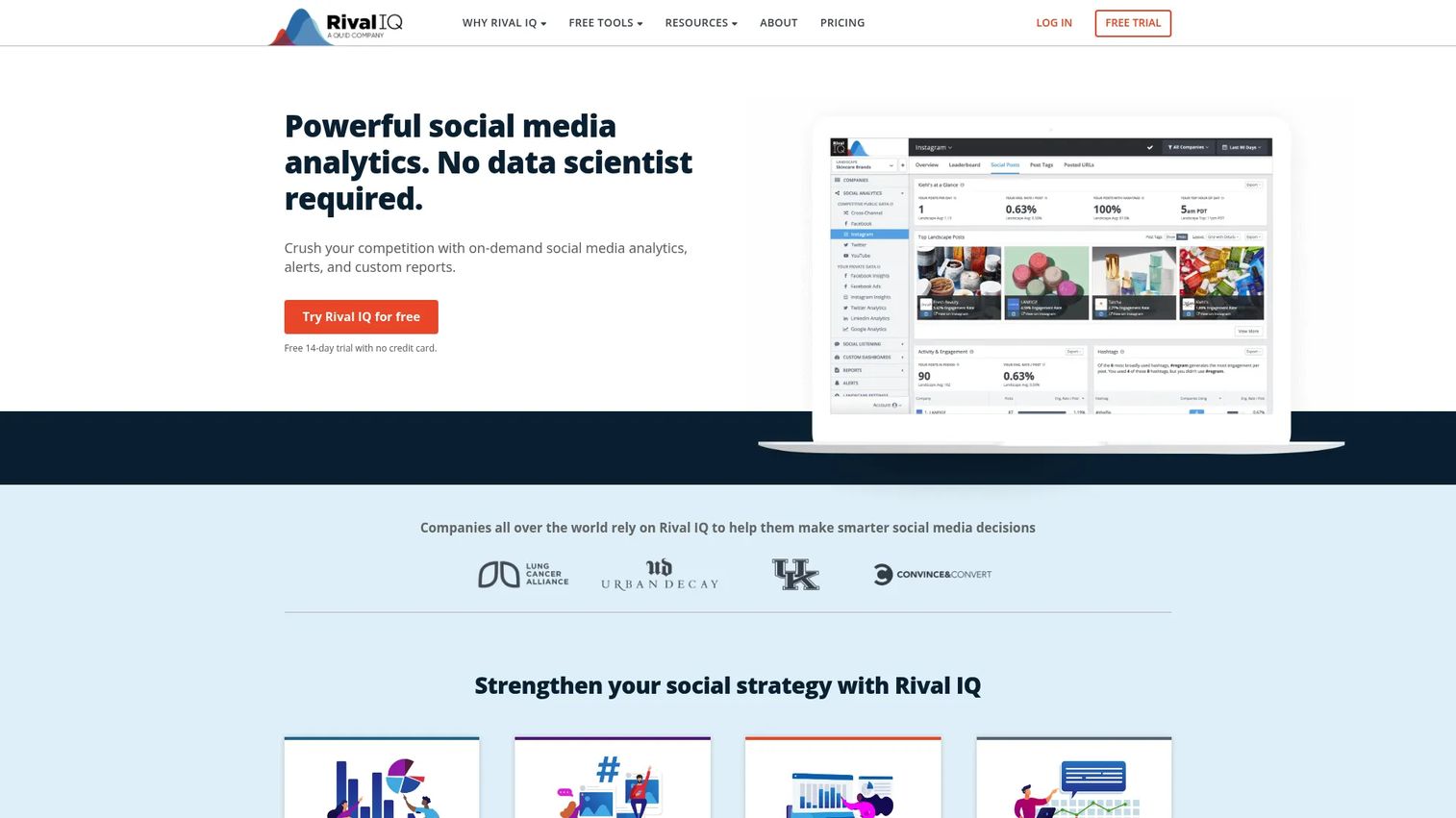
Rival IQ is a competitive social media analytics platform built around benchmarking. It tracks competitor accounts across TikTok and other networks, surfaces industry benchmark data, and provides reporting dashboards you can customize for stakeholder delivery. The 14-day free trial gives you direct access to competitor tracking before you buy.
Best for: Brands, agencies, and social media teams that need to benchmark TikTok performance against competitors and industry standards, not just track owned accounts.
Key features
- Competitive social media tracking and benchmarking
- Industry benchmark data for TikTok and other networks
- Social post analysis with hashtag, timing, and media-type breakdowns
- Boosted post detection
- Scheduled exports and custom branded reports
Why choose Rival IQ: The core value proposition is knowing whether your numbers are good relative to your category. If the question on your reporting deck is "how do we compare to competitors?", Rival IQ is built for that job specifically.
Rival IQ pricing: The Drive plan starts at $239 per month. Engage is $349 per month, and Engage Pro is $559 per month. Annual billing saves 15%. A 14-day free trial is available. No permanently free tier.
G2 rating: 4.5/5
8. Quintly
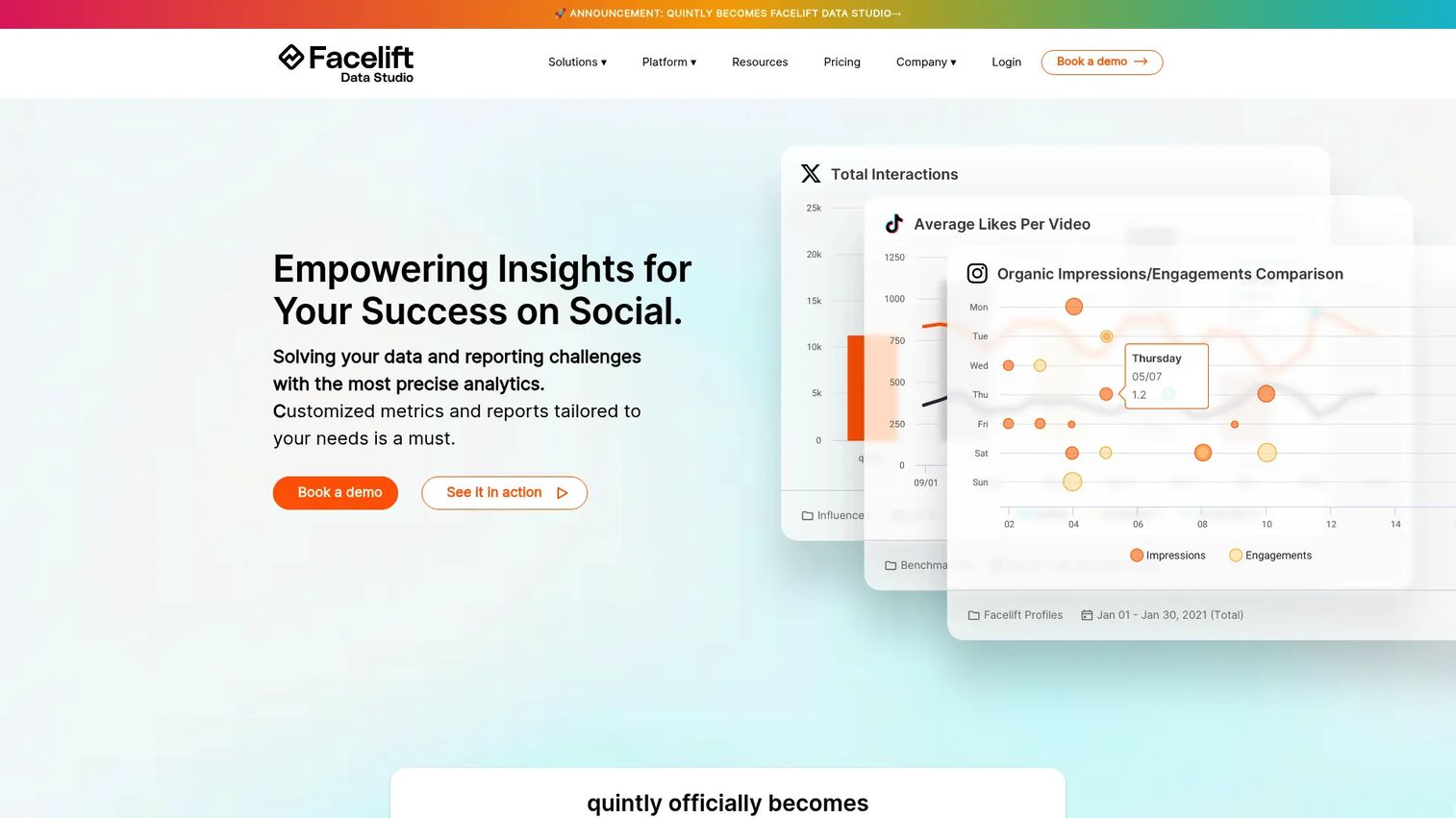
Quintly, now operating as Facelift Data Studio, is a social media analytics and competitive benchmarking platform built for teams that need configurable dashboards and reporting depth. It supports custom metrics through its own query language (QQL), making it a strong fit for analytics-heavy teams and agencies that need to shape reporting around specific business questions.
Best for: Brands, agencies, and media organizations that need customizable cross-network social media dashboards and competitive benchmarking, with high reporting flexibility.
Key features
- Custom social media dashboards and metrics using QQL
- Automated reporting and scheduled delivery
- Competitive benchmarking across networks
- Ad analytics integration
- API and data-warehouse connections
Why choose Quintly: The configurability separates it from most off-the-shelf tools. Teams that need to build custom metrics rather than accept fixed KPIs, or that need to pipe data into a warehouse, will find more flexibility here than with simpler social suites.
Quintly pricing: Plans (S, Q, and L) are priced on request based on profile volume. A 7-day free trial is available. Contact Quintly for current pricing.
G2 rating: 4.7/5
9. Dash Social
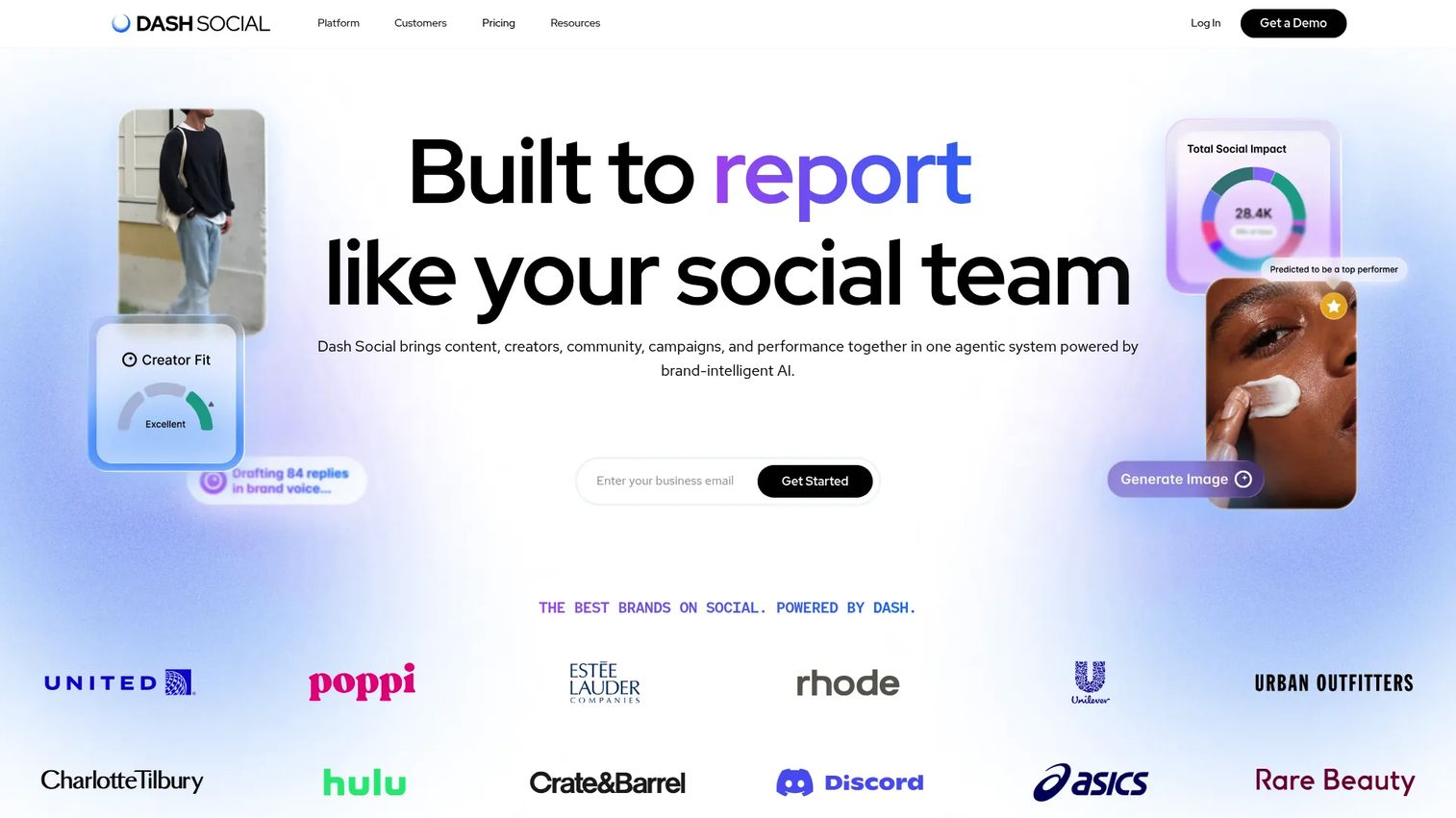
Dash Social is an enterprise social media management platform that connects content planning, publishing, community management, creator programs, and performance analytics in one tool. It includes AI-powered content performance predictions, competitive benchmarking, and social commerce features including shoppable galleries and link-in-bio tools.
Best for: Enterprise and growth-stage consumer brands that tie social content to commerce outcomes and need unified analytics, creator management, and community workflows.
Key features
- Cross-channel social analytics and customizable reporting
- AI-powered content performance predictions
- Creator discovery, management, and campaign measurement
- Competitive insights and benchmarking
- Social commerce tools including shoppable galleries
Why choose Dash Social: Strong choice for brands where TikTok analytics connects directly to commerce reporting. The AI prediction layer helps teams make content decisions before publishing rather than only reviewing results after the fact.
Dash Social pricing: All plans (Engage, Advance, and Enterprise) include unlimited users. Contact Dash Social for current plan costs.
G2 rating: 4.7/5
10. Hootsuite
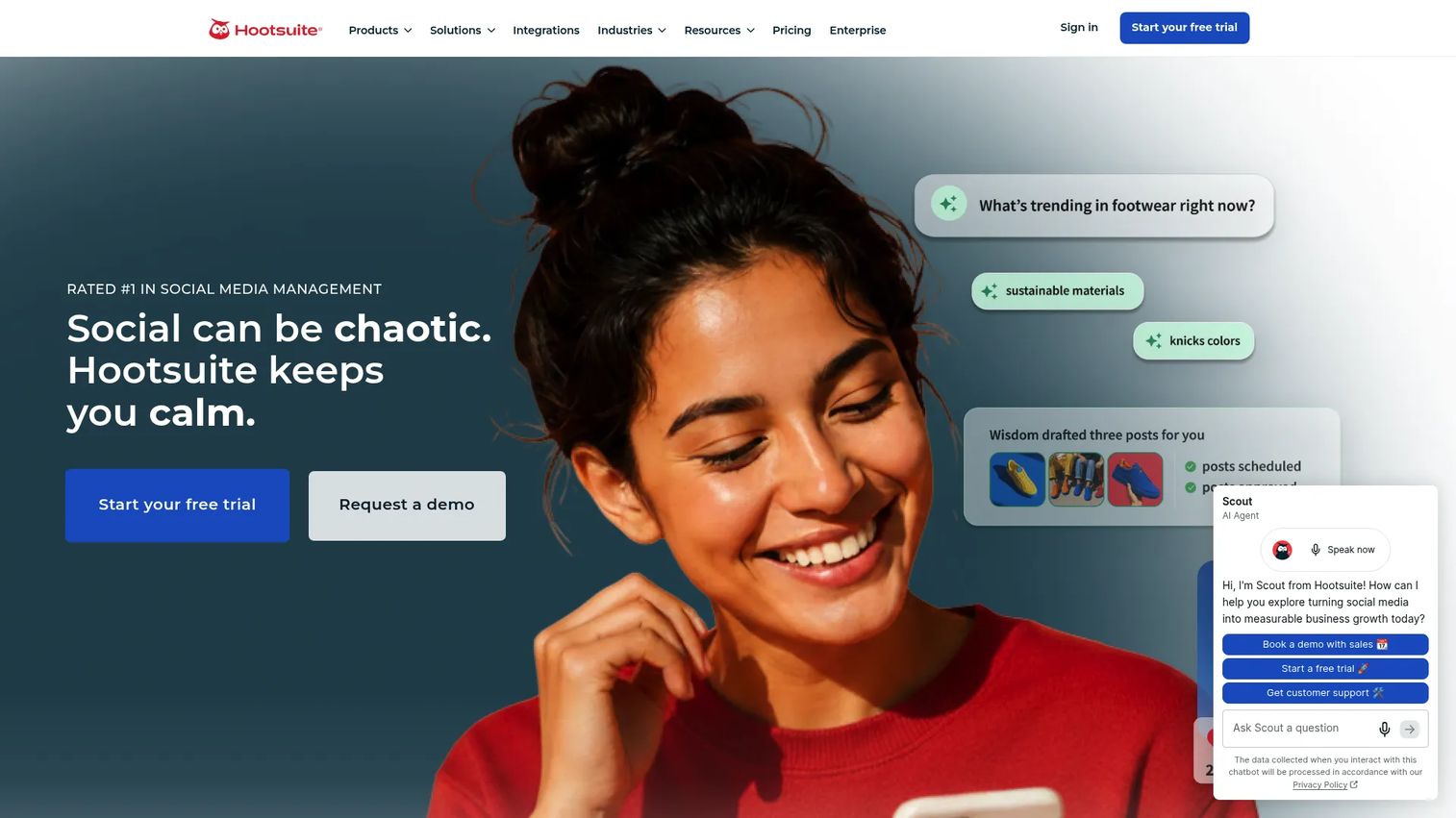
Hootsuite is a social media management platform that covers publishing, engagement, analytics, and social listening across networks including TikTok. It is a strong consolidation candidate for teams that want to run scheduling and reporting from one place. AI-powered content tools and sentiment analysis sit alongside its core reporting features.
Best for: Marketing and social teams managing TikTok alongside other networks who want publishing, inbox management, and cross-channel analytics in a single workflow.
Key features
- Social scheduling and TikTok publishing
- Cross-channel analytics and customizable reports
- Unified social inbox for messages and engagement
- Social listening, sentiment analysis, and trend detection
- Competitive benchmarking and brand monitoring
Why choose Hootsuite: It makes the most sense when you are already consolidating social management and want analytics built into the same tool. The per-user pricing adds up quickly for larger teams, so calculate total cost against your seat count before committing.
Hootsuite pricing: The Standard plan is $99 per user per month. Professional is $199 and Advanced is $399 per user per month. Enterprise pricing is custom. A 14-day free trial is available. No permanently free tier.
G2 rating: 4.3/5
11. Loomly
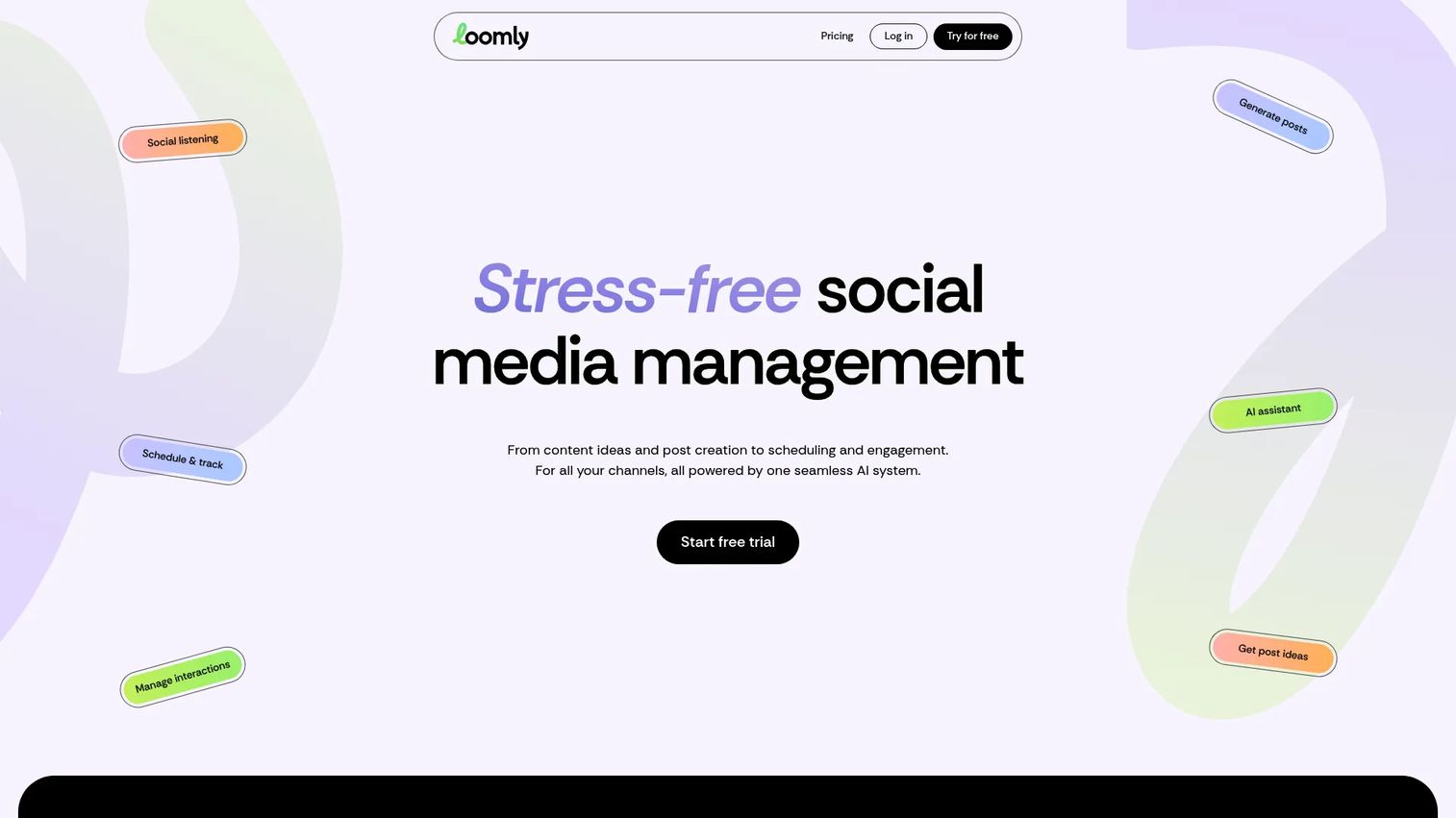
Loomly is a social media management platform built around content planning, approval workflows, and scheduling. Its analytics cover post performance, campaign tracking, and audience data, positioned as a reporting layer within a broader content operations workflow. The Starter plan supports 12 social accounts and 3 users, which fits lean teams without enterprise overhead.
Best for: Marketing teams and agencies that prioritize structured content workflows, approval processes, and calendar-based publishing with analytics included.
Key features
- Content calendar with multi-platform scheduling
- Post analytics and campaign performance tracking
- Approval workflows with commenting and roles
- Unified inbox for comments and messages
- AI-assisted caption and hashtag generation
Why choose Loomly: Best for teams where content planning is the primary job and analytics is a secondary output. If your workflow pain is around approvals and content calendar management, Loomly earns its place. Teams that need deep TikTok competitor tracking or social listening will want a dedicated tool alongside it.
Loomly pricing: The Starter plan is $65 per month on monthly billing, or $49 per month billed annually. The Beyond plan is $332 per month ($249 billed annually). Enterprise pricing is custom. A free trial is available.
G2 rating: 4.6/5
12. Social Champ
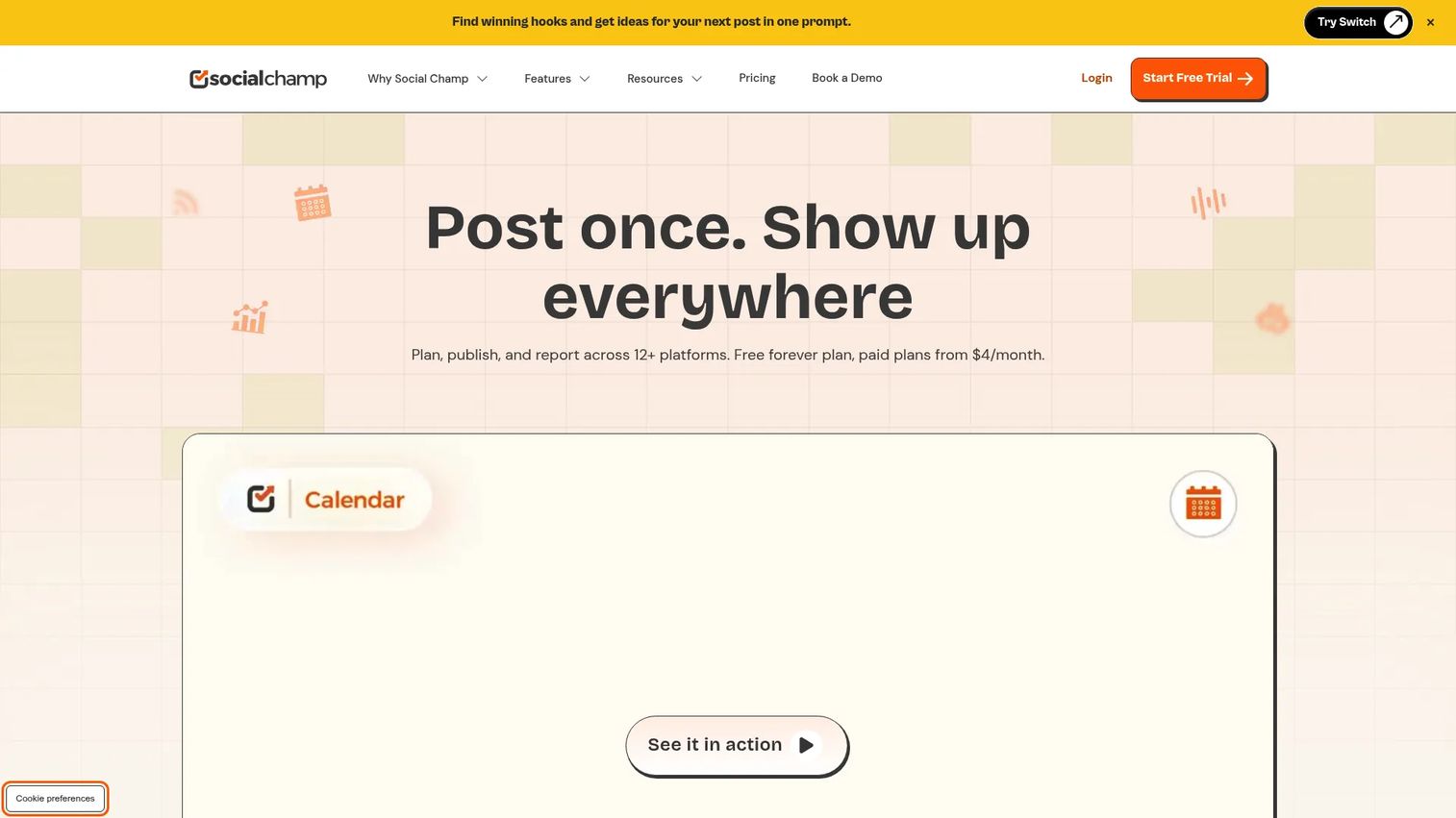
Social Champ is a social media management platform built for agencies and lean marketing teams. It covers multi-platform scheduling, analytics, social listening, and client management workflows. A free plan supporting 3 social accounts and a paid entry point starting at $4 per month make it one of the most accessible options on this list.
Best for: Agencies and budget-conscious marketing teams that need multi-account scheduling, basic TikTok analytics, and content management without enterprise pricing.
Key features
- Multi-platform publishing and bulk scheduling
- Analytics and reporting across social accounts
- Social inbox and engagement management
- Approval workflows and client management tools
- Competitor analysis and social listening
Why choose Social Champ: The pricing makes it hard to argue against for small teams and agencies that need functional scheduling and reporting without committing to a high per-seat cost. Analytics depth is lighter than dedicated benchmarking tools, so pair it with a TikTok-specific analytics tool if competitor tracking is a core need.
Social Champ pricing: A free plan is available, covering 3 social accounts with 15 scheduled posts per account. Paid plans (billed annually) start at $4 per month per profile. Bundled plans start at $23.20 per month for the Standard tier.
G2 rating: 4.4/5
13. Metricool
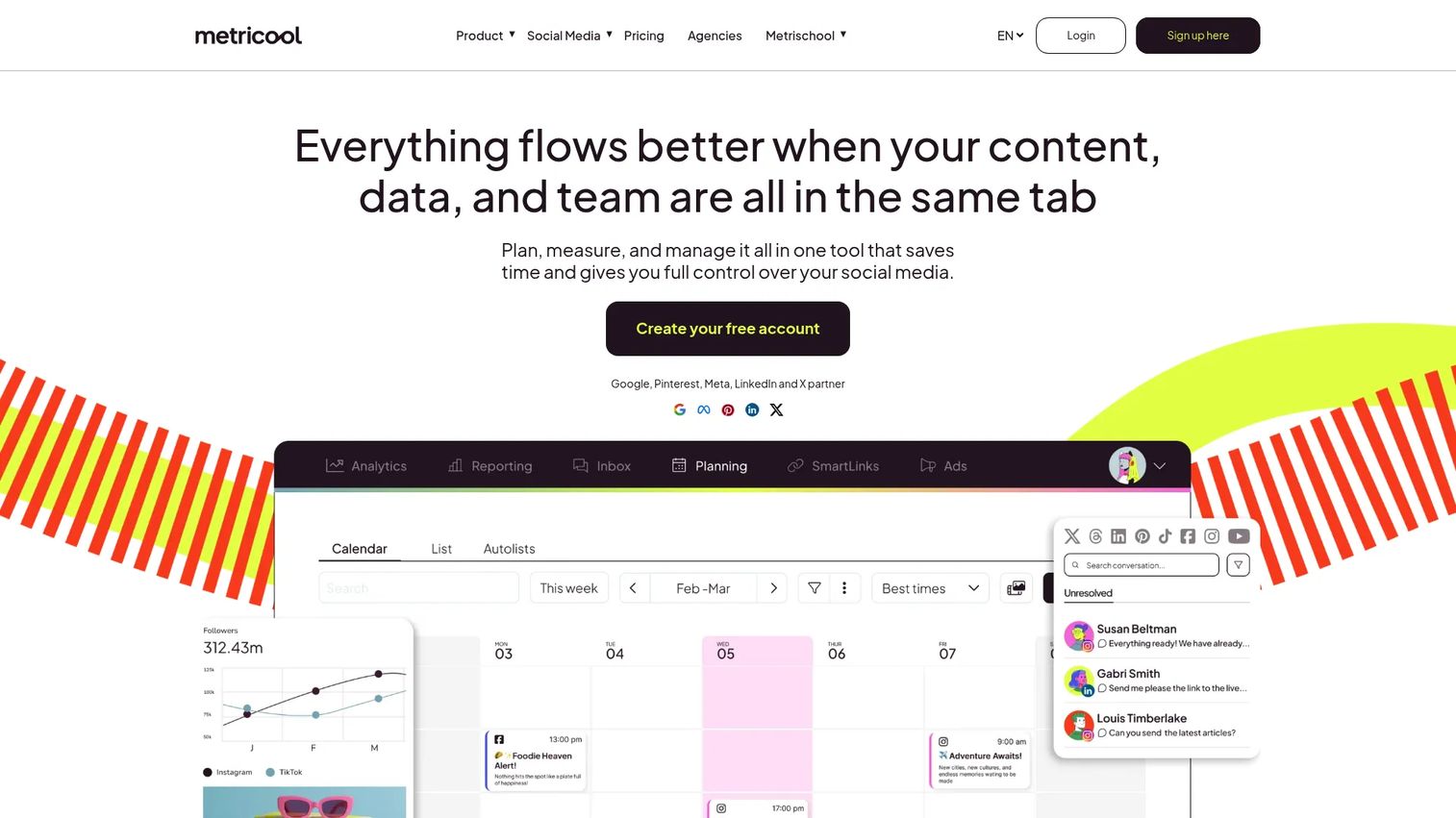
Metricool is an all-in-one platform for planning, publishing, analyzing, and managing content across social media, websites, and online ads. Its TikTok reporting sits within a broader analytics suite that covers competitor tracking, ad campaign reporting, and custom PDF or PowerPoint exports. The free tier supports one brand, which is a genuine entry point for solo marketers and freelancers.
Best for: Creators, social media managers, agencies, and brands that need affordable cross-platform analytics, ad reporting, and scheduled client reports.
Key features
- TikTok analytics alongside social and web channel data
- Cross-platform competitor tracking
- Automated PDF and PowerPoint reports
- Social and online ad campaign management
- SmartLinks link-in-bio pages
Why choose Metricool: The price-to-feature ratio is strong for teams that need ad reporting alongside social analytics. The Starter plan at $20 per month covers up to 5 brands, which makes it cost-effective for agencies managing multiple clients.
Metricool pricing: A free plan is available for 1 brand (up to 20 posts per month). Paid plans start at $20 per month (Starter, up to 5 brands) on annual billing. Advanced plans start at $53 per month for up to 15 brands.
G2 rating: 4.4/5
14. Social Blade
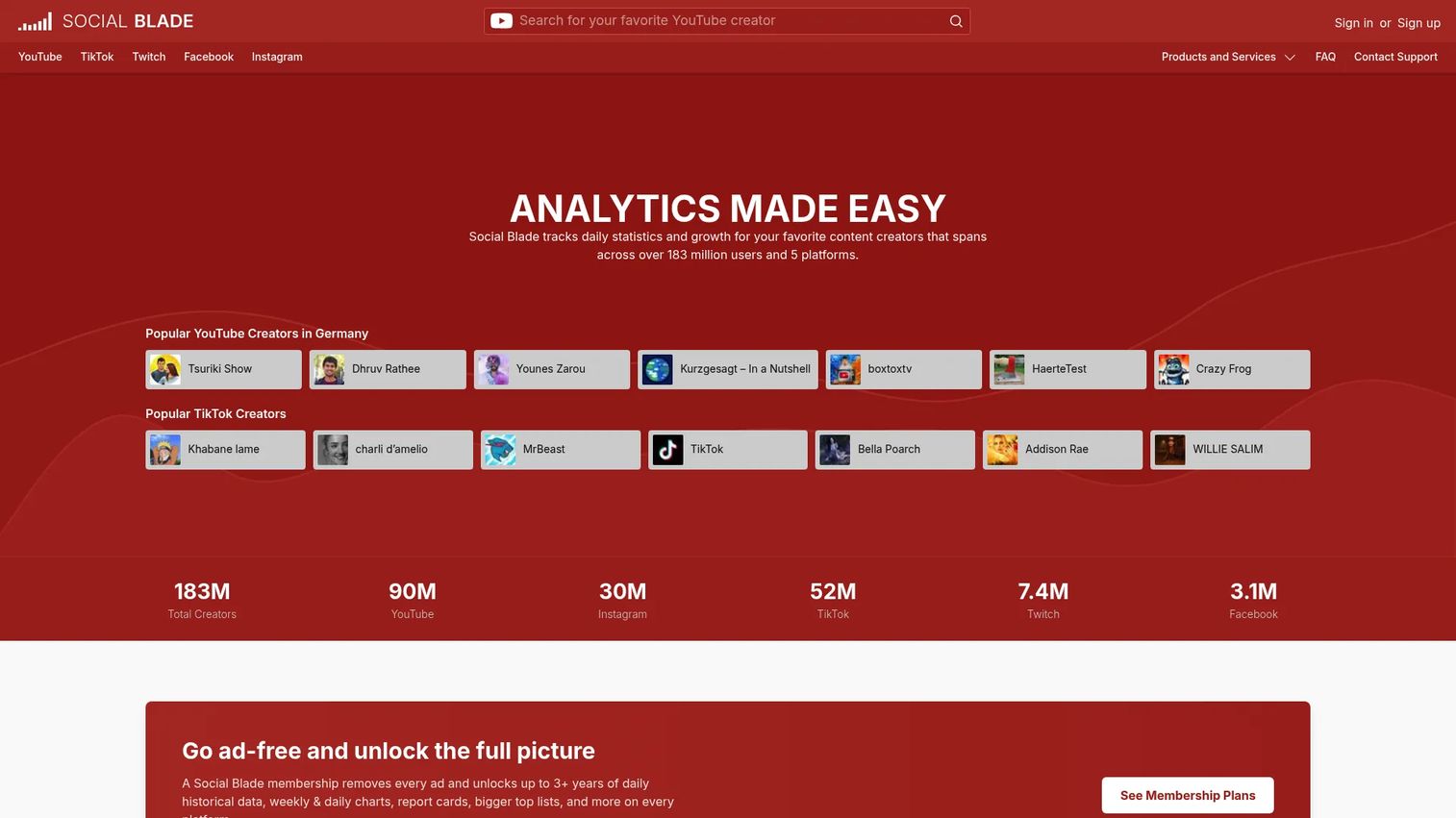
Social Blade is a public statistics tracker that covers TikTok, YouTube, Instagram, Twitch, and Facebook. It shows daily growth data, follower trends, historical charts, and future projections for public creator accounts. The free version is accessible without an account, making it a fast option for quick public profile checks.
Best for: Creators, brands, and analysts who need lightweight TikTok follower trend data and public account comparisons without connecting an account or paying a subscription.
Key features
- Daily follower statistics and growth tracking
- Historical data with daily and weekly charts
- Future projections based on growth patterns
- Cross-platform creator statistics
- Top creator lists and AI-generated creator categories
Why choose Social Blade: Use it for quick public benchmarks and creator research, not business-critical reporting. It does not connect to your TikTok account and cannot access private metrics. Paid plans add expanded historical data, custom reports, and Business API credits.
Social Blade pricing: Free access is available. Paid personal plans start at $59.99 per year (Bronze). Silver is $149.99 per year, Gold is $599.99 per year, and Platinum is $1,439.99 per year, all billed annually.
G2 rating: 4.2/5
15. Countik
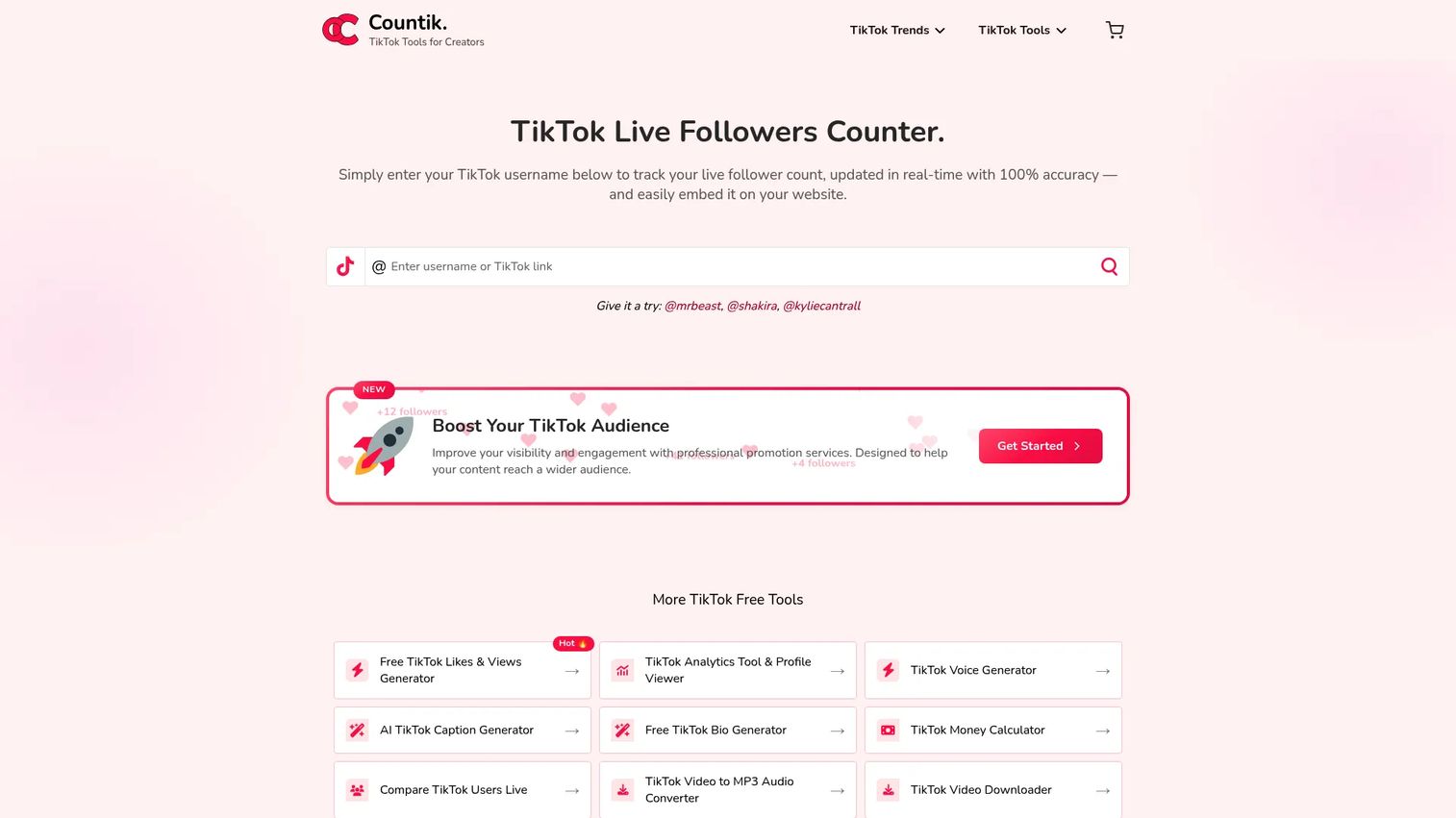
Countik is a free TikTok creator tool suite that includes a real-time follower and likes counter, public profile analytics with CSV export, trending songs and hashtag discovery, and a TikTok account analyzer. It is a free TikTok account analyzer built for quick public profile lookups, engagement rate checks, and trend discovery without requiring an account connection.
Best for: TikTok creators, marketers, and businesses that need fast, free public profile analysis, engagement rate checks, or trend discovery tools.
Key features
- Real-time TikTok follower and likes counter with website embedding
- Free profile analytics with engagement rate estimates and CSV export
- Trending songs, hashtags, and creator discovery
- TikTok video tools including caption generation and voice creation
- Competitor profile lookup without account connection
Why choose Countik: The right tool when you need a quick public profile check and do not want to pay or sign up for a platform. Keep in mind that public-data tools work from visible metrics only. They cannot replace native analytics or authenticated third-party tools for owned-account reporting.
Countik pricing: The analytics and follower counter tools are free. Paid promotion services are available.
Considerations when choosing TikTok analytics tools
Native versus third-party data
Native tools show owned-account data only. Third-party tools add competitor tracking, historical exports, and broader benchmarks. Map the tool to the data you can access: If you need competitor insights, the native dashboard is not enough, and no third-party tool can expose a competitor's private metrics either.
Reporting depth and export quality
If you produce recurring reports for stakeholders or clients, check whether the tool supports scheduled PDF or CSV exports, branded dashboards, and historical data going back far enough for trend analysis. Spreadsheet time is the hidden cost of tools with weak export functionality.
Competitor and creator analysis
Public competitor tracking is useful for spotting posting patterns, formats, and hashtag strategy. It will not expose private analytics like watch time distributions or audience demographics. Use competitor tools for strategic pattern recognition, not as a substitute for first-party data.
Historical data and retention limits
Native TikTok dashboards have data retention limits that may not satisfy quarterly or annual reporting. Check how far back each third-party tool stores data, whether historical data imports are available, and what happens to your data if you cancel.
Price, seats, and workflow fit
Avoid buying a full enterprise social suite if a free profile analyzer is enough for your current reporting job. Equally, avoid relying on a free public tool when leadership needs consistent, recurring reports backed by authenticated data. Match the tool to the actual reporting frequency and audience.
Conclusion
TikTok analytics tools fall into five practical jobs: Owned-account reporting, cross-channel social management, competitive benchmarking, social listening, and free public profile analysis.
Start with TikTok Analytics as the baseline for owned-account data. Add Sprout Social, Hootsuite, or Iconosquare if you are consolidating multiple social channels into one reporting view. For competitive benchmarking and structured reporting, Socialinsider, Rival IQ, or Quintly each offer strong options depending on your budget and dashboard flexibility needs. Brand24 and Keyhole fit campaign monitoring and social listening workflows. Exolyt covers TikTok-first trend discovery and creator analysis. Social Blade and Countik answer quick public profile questions without a subscription.
Pick by the job, not by feature count. The most expensive tool on this list is not automatically the right one for your team.
If TikTok is driving high-intent traffic to your site, the next step matters as much as the data. Use interactive product demos to turn that traffic into qualified pipeline. Guideflow lets visitors explore your product at their own pace, without scheduling a call or creating an account.
Start your journey with Guideflow today!
FAQs
The right answer depends on your reporting job. TikTok Analytics covers owned-account data for free. Sprout Social and Hootsuite fit teams managing TikTok alongside other channels. Socialinsider and Rival IQ serve competitive benchmarking and reporting. Brand24 covers brand mention monitoring. Countik and Social Blade handle quick public profile checks at no cost.
For owned-account reporting, follower insights, and video performance, yes. For competitor benchmarking, social listening, long-term historical exports, or multi-client reporting, the native dashboard falls short. Start with the native tool, then upgrade to a third-party platform when reporting becomes a recurring deliverable with stakeholders expecting structured outputs.
Native TikTok analytics shows first-party data for accounts you manage directly. Third-party tools add competitor tracking, social listening, cross-channel reporting, CSV exports, and dashboards built for recurring stakeholder delivery. Free public analyzers like Countik and Social Blade work from publicly visible data only and cannot access private account metrics for any account, including your own.
You can analyze public Posting frequency, visible engagement, top-performing videos, and hashtag usage. What you cannot access is private metrics such as watch-time distributions, audience demographics, or anything visible only inside their own TikTok Studio. Use competitor tracking tools for strategic pattern recognition rather than expecting first-party precision.
Cover views, likes, comments, shares, saves, engagement rate, follower growth, and profile actions at a minimum. Watch time and audience retention data (where available through native tools) add depth to content performance analysis. Connect metric tracking to campaign goals: A creator awareness campaign optimizes for reach and shares, while a product launch campaign prioritizes saves and profile clicks.
Free tools that work from public data, such as Social Blade and Countik, provide estimates based on visible metrics. They are useful for quick profile comparisons and trend checks. For business-critical reporting, use native TikTok Analytics (authenticated first-party data) or a connected third-party tool. Estimates from public analyzers should not replace authenticated data in stakeholder reports.
Agencies should prioritize client-ready exports, multi-profile support, competitor benchmarking, and collaborative workspaces. Socialinsider, Iconosquare, Metricool, and Loomly each offer agency-relevant features at different price points. Metricool's brand-based pricing ($20 per month for up to 5 brands) is particularly cost-effective for agencies managing multiple clients. Verify seat limits and client workspace functionality before purchasing.
Weekly reviews support content optimization by identifying what formats and topics are gaining traction. Monthly reviews serve stakeholder reporting and trend-level channel decisions. Run campaign-specific reviews during active launches, checking performance daily if spend is live. Reserve quarterly reviews for broader competitor analysis and channel strategy decisions.