Your customer does not want another 30-minute call to learn a workflow. They want the exact next step, in a guide they can follow without waiting for you.
The problem is that most teams are still producing static screenshot docs that go stale the moment a product update ships. According to BambooHR (2025), 52% of employees say onboarding focuses too much on administration rather than role training, and that same frustration shows up in customer-facing education too: Guides that describe the product instead of showing it, with no way to know whether anyone completed them.
The category of step by step guide software exists to fix that. It includes everything from browser-based capture tools to AI video creators, knowledge bases, SOP platforms, and interactive demo builders. The right choice depends on whether your guide needs to be read, watched, clicked through, or completed as formal training.
This roundup compares 17 tools across all those formats so CSMs, onboarding managers, and CS ops teams can find the right fit for their actual use case.
What's inside
This guide is for Customer Success Managers, onboarding leads, and CS ops teams at B2B SaaS companies who need to reduce repetitive education, shorten time-to-value, and prove that customer education actually moves the needle.
Tools were selected based on:
- Speed to create a guide from a live product or process
- Fit for customer onboarding and support deflection
- How easily guides stay current when product flows change
- Publishing destinations, access control, and analytics
TL;DR
- Best for interactive product education: Guideflow turns product flows into clickable interactive demos customers can follow at their own pace, with completion and drop-off data
- Best for team knowledge bases: Confluence for structured internal docs, Notion for flexible team wikis
- Best for quick screenshot guides: Dubble captures a browser workflow and generates a visual guide in seconds
- Best for Windows and desktop process documentation: FlowShare handles desktop application capture and exports to Word, PDF, and PowerPoint
- Best for AI video guides: Guidde for quick AI-generated video documentation, Synthesia for polished training video at scale
- Best for formal employee training: Trainual, Avendoo, or Know How for structured SOP and learning-path programs
What is step by step guide software?
Step by step guide software helps teams capture a process, break it into ordered instructions, and publish it as an interactive demo, visual guide, SOP, video, or help resource that users can follow independently.
The category covers a wide range of tools that differ significantly in format, publishing destination, and analytics. Here is what most tools in the space create:
- Interactive product experiences: Clickable, browser-based demos that let users follow a product flow at their own pace
- Screenshot-based guides: Auto-generated visual instructions captured during a workflow
- Video tutorials: Recorded or AI-generated step-by-step explanations with narration
- SOPs and training modules: Structured internal procedures with role assignments and progress tracking
- Knowledge base articles: Text and media articles organized for self-serve search
Most tools work in a similar sequence:
- Capture a workflow or record a process
- Generate ordered steps automatically or manually
- Edit text, screenshots, sensitive data, and annotations
- Publish via link, embed, help center, or export
- Track usage or completion where the tool supports it
For CSMs, the category matters because it determines whether education scales. A CSM who re-explains the same onboarding flow on every call is a bottleneck. A guide that customers can follow, complete, and return to without scheduling time removes that bottleneck, provided it reflects the current product and shows teams where users get stuck.
Four broad types to know:
- Interactive demo platforms: Guideflow, Guidde (interactive mode)
- Screenshot documentation tools: Dubble, FlowShare
- Knowledge base and documentation platforms: Confluence, Notion, Guru, SharePoint
- Training and SOP platforms: Trainual, Avendoo, Know How
Guideflow's interactive demos are frequently used as step-by-step customer education resources, support guides, and onboarding flows. They are not a separate "guide" product but the same interactive demos used for product marketing, sales, and customer-facing education.
When to use step by step guide software
Onboard customers without adding more calls
Every time a CSM records a Zoom call to explain the same three-step workflow, they are creating a one-time asset for one customer. Step by step guide software turns that explanation into a reusable resource customers can follow at their own pace. The result is fewer kickoff calls on repetitive tasks and more CSM time for high-value accounts. For customer-facing product flows, an interactive demo lets users click through the actual product steps, which produces fundamentally different engagement than a screenshot article.
Deflect repetitive support questions
"How do I export a report?" is a support ticket that should answer itself. When guides are embedded in help center articles, ticket replies, and onboarding emails, customers find the answer without opening a ticket. The key variable is format: A text article gets skipped, while a clickable or video guide gets watched. Teams that measure drop-off step and completion rate can see exactly where the explanation breaks down and fix it before it generates more tickets.
Keep process knowledge from rotting
Product screens change. A step-by-step guide built on screenshots from six months ago can actively mislead customers. The best guide software makes updating individual steps fast enough that a product release does not trigger a full rebuild. Tools with version control, step-level editing, and capture automation reduce the maintenance cost enough to keep guides current.
Step by step guide software comparison
The table below covers all 17 tools, sorted by relevance to customer-facing and internal step-by-step guide creation. Pricing reflects verified data from each vendor's pricing page as of November 2026. G2 ratings are from each tool's current G2 listing.
| # | Product | Best for | Key differentiator | Pricing | G2 rating |
|---|---|---|---|---|---|
| 1 | Guideflow | Interactive product education | Clickable demos with completion and drop-off analytics | Free; paid from $35/mo | 5.0/5 |
| 2 | Confluence | Team documentation hubs | Structured pages, Atlassian integrations, AI search | Free; paid from $5.42/user/mo | 4.1/5 |
| 3 | Dubble | Fast screenshot guides | Browser capture auto-generates visual steps | Free; Pro $18/mo (annual) | N/A |
| 4 | FlowShare | Desktop process documentation | Windows-first capture, 10+ export formats | From $44/mo per user (annual) | 5.0/5 |
| 5 | Guidde | AI video documentation | AI scripts, voiceover, and visual guide creation | Free; paid from $19/creator/mo | 4.8/5 |
| 6 | Notion | Flexible team knowledge bases | Docs, databases, and AI search in one workspace | Free; paid from $10/member/mo | 4.6/5 |
| 7 | Google Docs | Simple written procedures | Familiar editing and real-time collaboration | Free (personal); Workspace from $7/user/mo | 4.6/5 |
| 8 | Trainual | Employee onboarding and SOPs | Role-based training paths and progress tracking | Custom pricing (quote required) | 4.7/5 |
| 9 | SharePoint | Microsoft enterprise document control | Document libraries and Microsoft 365 governance | From $5/user/mo (annual) | 4.0/5 |
| 10 | HeyGen | AI presenter videos | Avatar-led video explainers with 175+ language support | Free; paid from $29/mo | 4.8/5 |
| 11 | Obsidian | Personal knowledge systems | Markdown, local storage, and backlinks | Free; Sync from $4/user/mo | 4.5/5 |
| 12 | Synthesia | AI training videos | Scalable AI video with SCORM export and localization | Free; Starter from $29/mo | 4.6/5 |
| 13 | Guru | Verified internal knowledge | Knowledge cards with AI answers and verification workflows | Custom pricing (quote required) | 4.7/5 |
| 14 | Avendoo | Formal learning programs | LMS course management with assessments and certifications | From €55/user (one-time license) | N/A |
| 15 | Know How | Operational process training | Task-based process guides for recurring workflows | Custom pricing (contact vendor) | N/A |
| 16 | Microsoft Word | Offline SOP documents | Familiar doc creation with tracked changes and PDF export | Free (web); Microsoft 365 from $6.99/mo | 4.7/5 |
| 17 | PowerPoint | Presentation-based guides | Slide-format training with Copilot and video export | Free (web); Microsoft 365 from $9.99/mo | N/A |
Best 17 step by step guide software tools for 2026
1. Guideflow
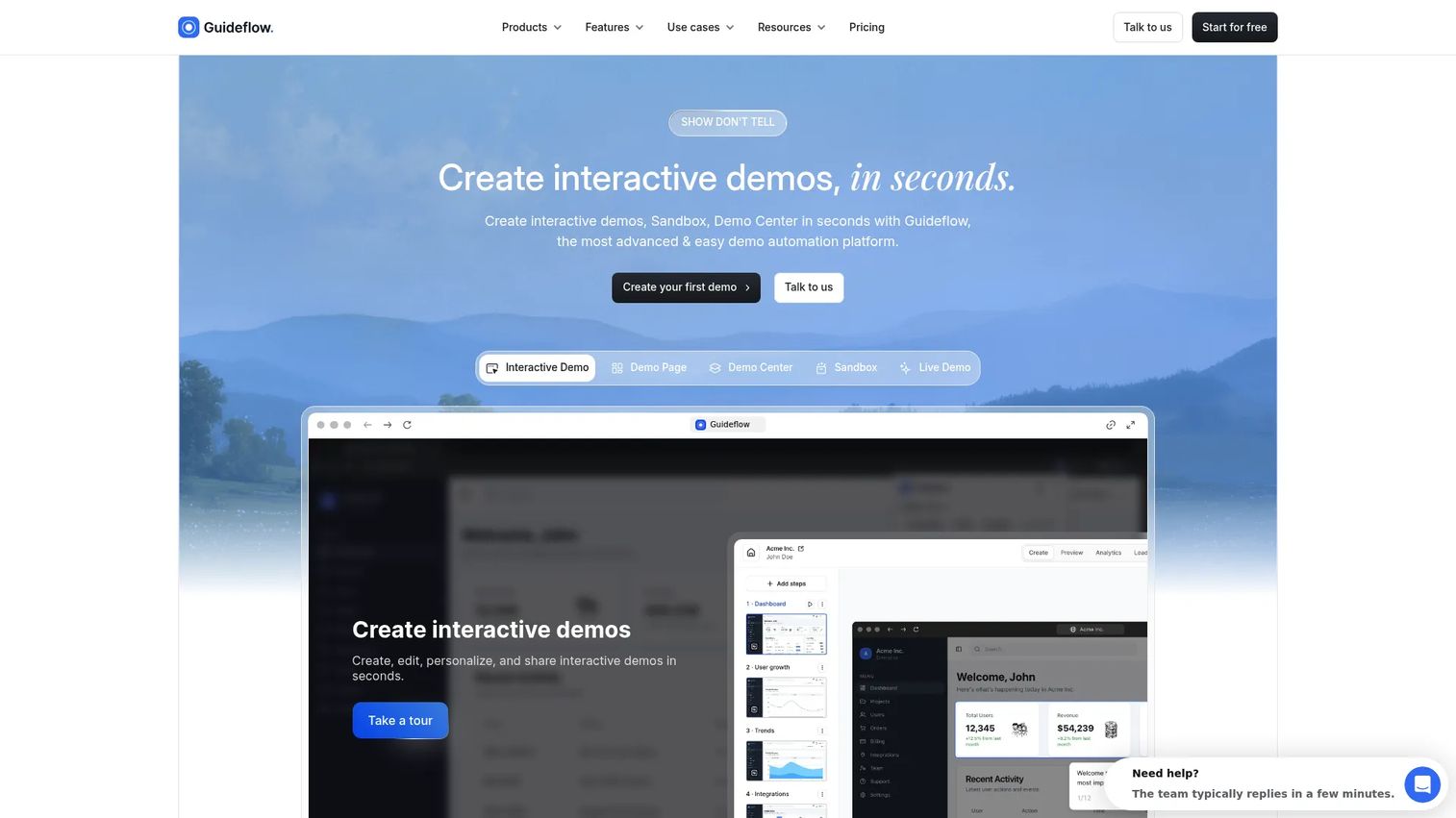
Guideflow is a demo automation platform for creating interactive product experiences that customers can follow without scheduling a live call. Capture your product flow in a few browser clicks, then edit steps, add tooltips, embed forms, and personalize content per viewer, all without engineering involvement. CSMs use Guideflow to build onboarding guides, feature adoption flows, support resources, and QBR leave-behinds that customers can click through independently.
Best for: CS and onboarding teams that need customers to experience the product, not just read about it.
Key features
- Browser-based product capture with no-code editing
- Personalized product journeys with dynamic variables
- Embeds, public links, and email distribution
- Completion and drop-off analytics via analyze
- Demo Center for organizing guide libraries by use case
Why choose Guideflow: When the guide needs to teach by doing, Guideflow gives customers something to click through rather than a static screenshot article to scroll past. CS teams get engagement data showing completion rate and the exact step where users drop off, which makes it possible to improve guides before they generate more support tickets. For customers who need to explore the product more freely, Guideflow's sandbox mode supports open-ended product exploration.
Guideflow pricing: Free plan available. Solo plan starts at $35/month, Growth at $499/month, Advanced at $1,499/month, and Enterprise plans start from contact-us pricing.
G2 rating: 5.0/5
Start your journey with Guideflow today!
2. Confluence
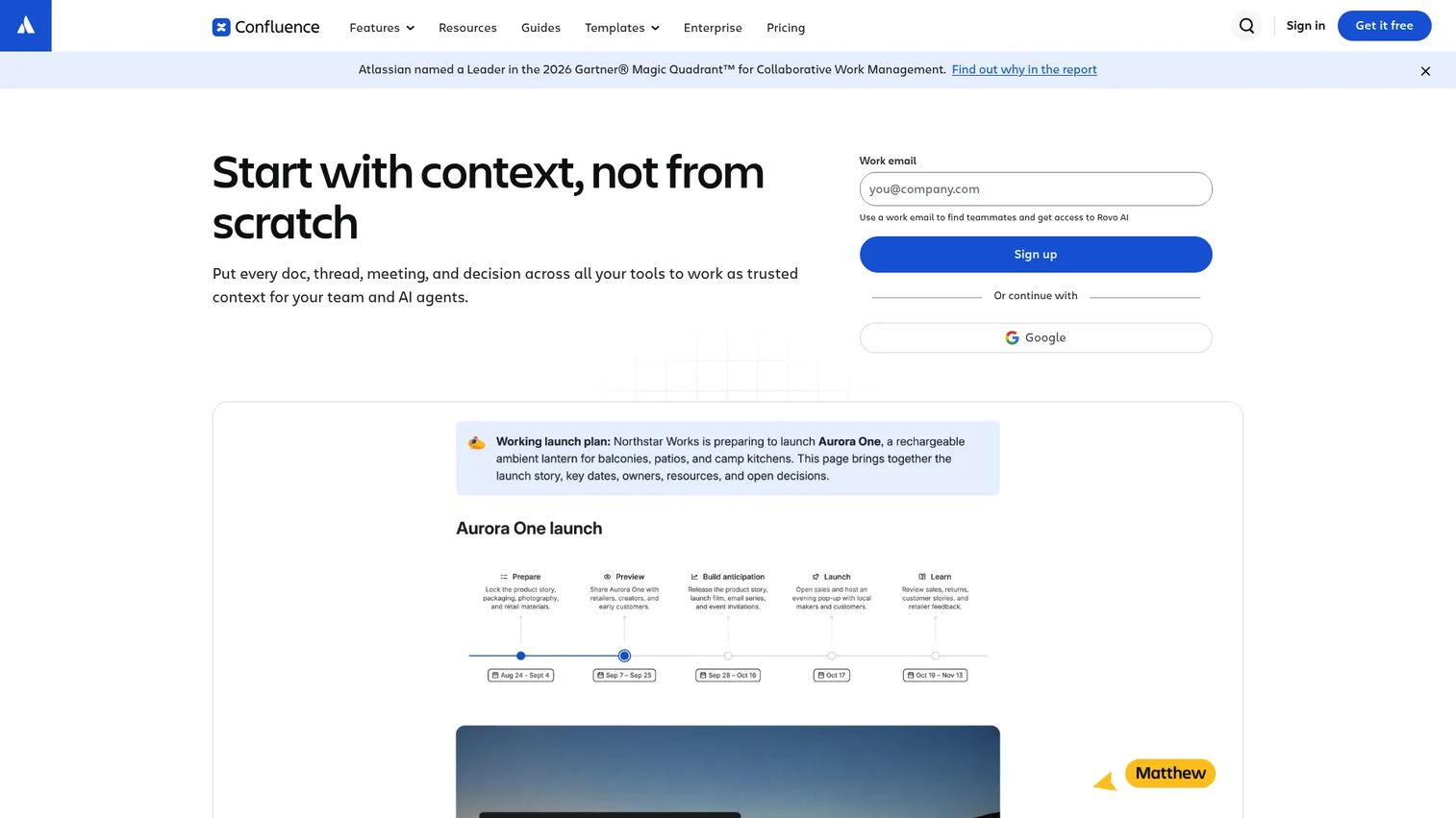
Confluence is an AI-powered collaborative workspace for organizing internal documentation, team knowledge, and project coordination. Teams build structured spaces with nested pages, templates, and version history, then control who can view or edit each section through granular permissions. Rovo-powered AI search makes it faster to find relevant content across large documentation sets.
Best for: CS teams already using Jira or other Atlassian tools who need a centralized hub for onboarding playbooks and internal process documentation.
Key features
- Spaces and page trees for structured documentation
- Templates for recurring docs and playbooks
- Permissions, access controls, and version history
- Jira and Atlassian integration
- AI search, chat, and content assistance via Rovo
Why choose Confluence: It works best when documentation needs structure, ownership, and deep integration with product and engineering workflows. For customer-facing interactive guides, pair it with a dedicated capture tool.
Confluence pricing: Free for up to 10 users. Standard plan starts at $5.42 per user per month. Premium is $10.44 per user per month. Enterprise requires contacting sales and is billed annually.
G2 rating: 4.1/5
3. Dubble
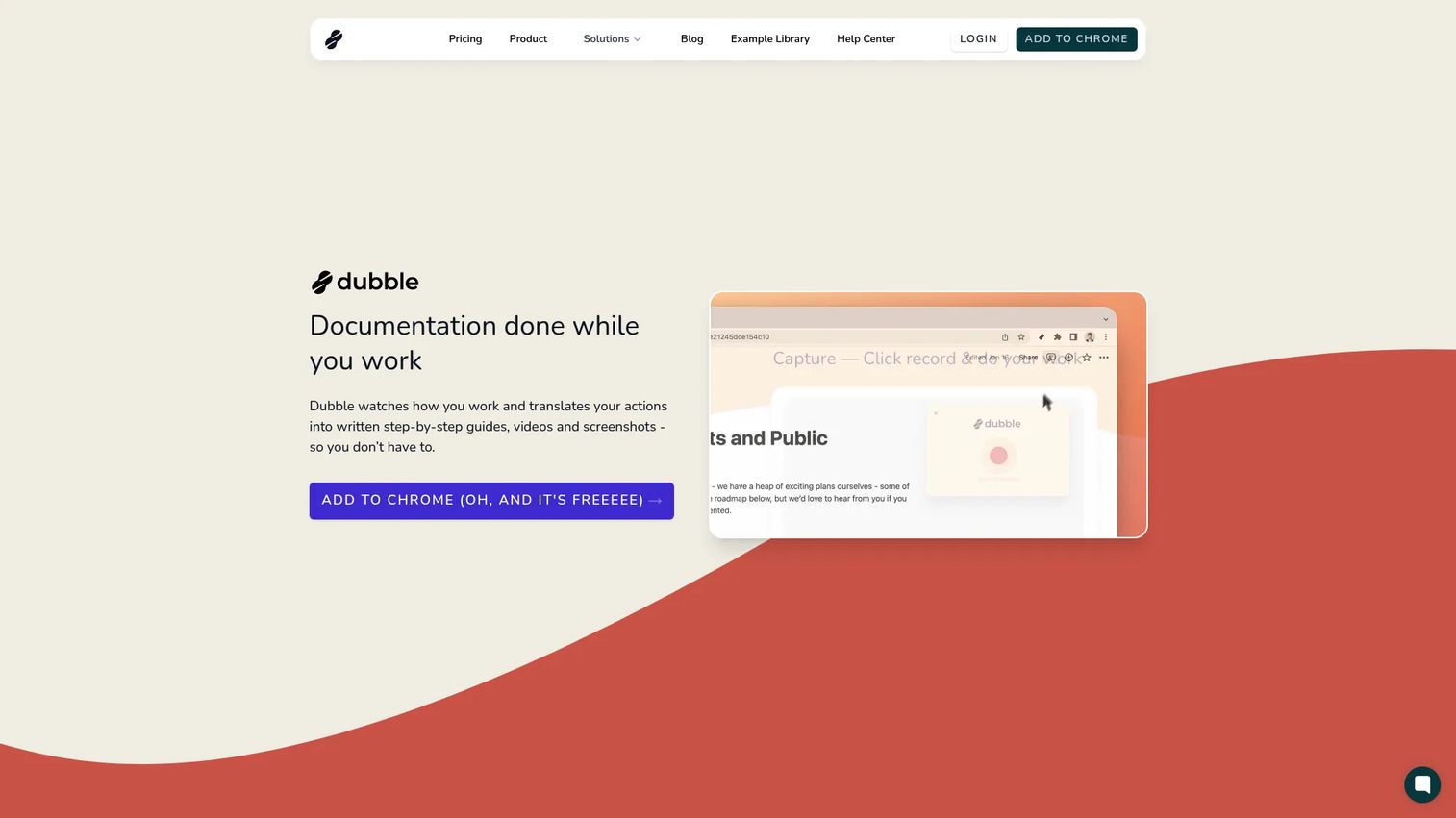
Dubble records your clicks and keystrokes in the browser and instantly converts them into a step-by-step guide with annotated screenshots. It is part of the Paperform product family and targets teams that need quick visual instructions for browser-based workflows. Guides can be shared via link or exported to Notion, Confluence, or Google Docs with one click.
Best for: CS and support teams that need to create fast visual instructions for simple browser workflows with minimal setup.
Key features
- Browser workflow capture with auto-generated screenshots
- Editable step descriptions and annotations
- Redaction and blur tools for sensitive data
- One-click export to Notion, Confluence, and Google Docs
- Shareable guide links with private viewer access
Why choose Dubble: Speed is the main advantage. If the priority is creating a "here are the clicks" guide in under two minutes, Dubble does that well. For teams that need engagement analytics, completion tracking, or customer-facing interactive product experiences, they will need to look elsewhere.
Dubble pricing: Free plan available with unlimited guides. Pro plan is $18 per month billed annually and adds video recording, collaborators, and no watermarks. Enterprise pricing requires contacting the team.
4. FlowShare
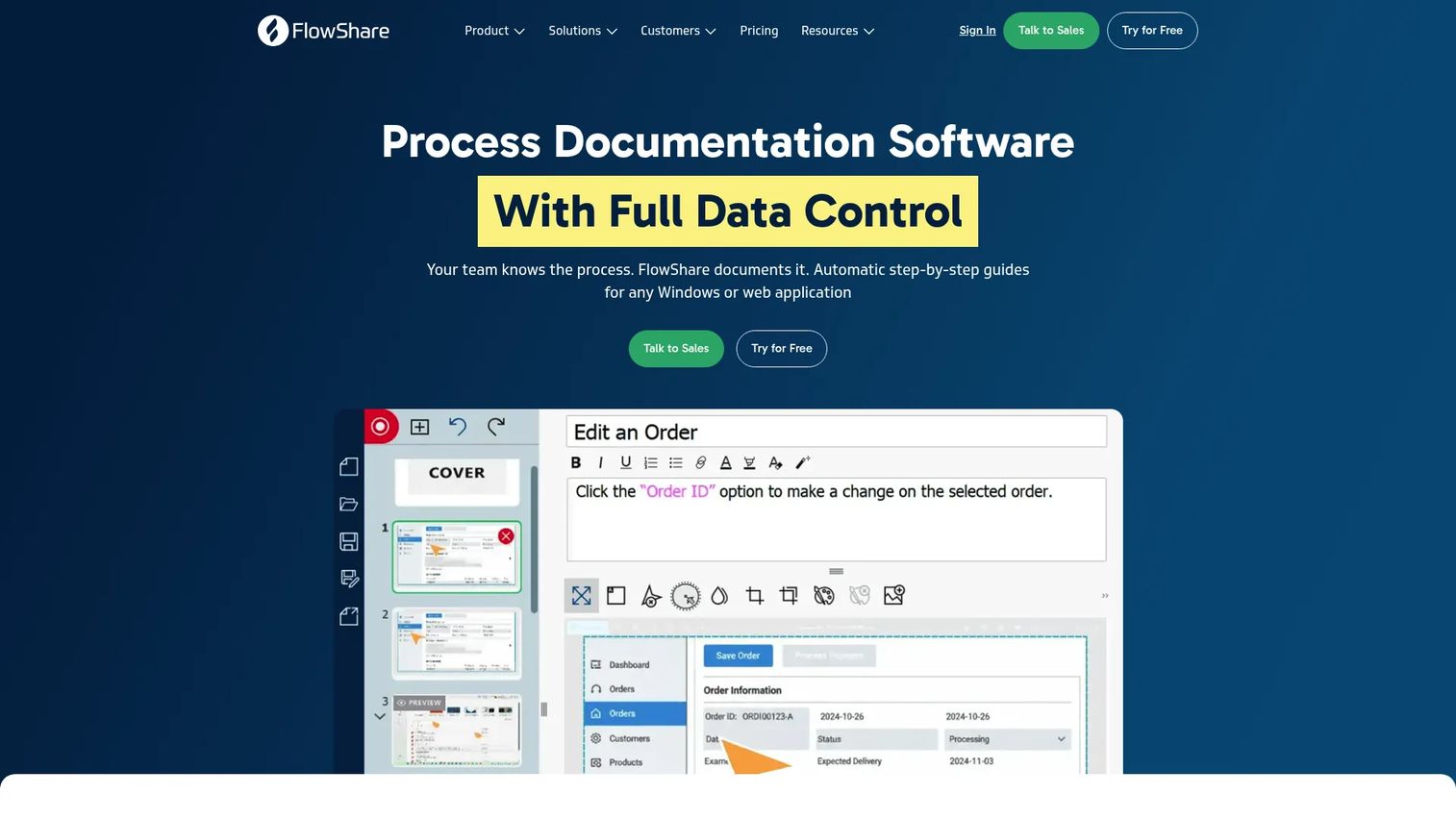
FlowShare is Windows software that automatically captures clicks and screenshots across desktop and browser applications, then turns them into branded step-by-step documentation. It is built for teams documenting enterprise software like SAP, internal tools, and Windows-based processes that browser-only capture tools cannot reach. Outputs include PDF, Word, PowerPoint, HTML, PNG, SCORM, xAPI, and MP4.
Best for: Teams documenting internal operational processes that run on Windows desktop applications, including SAP GUI workflows.
Key features
- Automatic click and screenshot capture on Windows desktop and browser
- AI-generated step descriptions
- Export to PDF, Word, PowerPoint, HTML, and SCORM
- FlowShare Portal with searchable flow library and sharing
- Enterprise SAP GUI recording
Why choose FlowShare: It is the right tool when the process runs on a desktop application rather than a web product. For customer-facing interactive guides or cloud-based product education, an interactive demo platform will fit better.
FlowShare pricing: Seven-day free trial available. Professional plan starts at $44 per user per device per month on annual billing, or $49 on monthly billing. Enterprise pricing is custom.
G2 rating: 5.0/5
5. Guidde
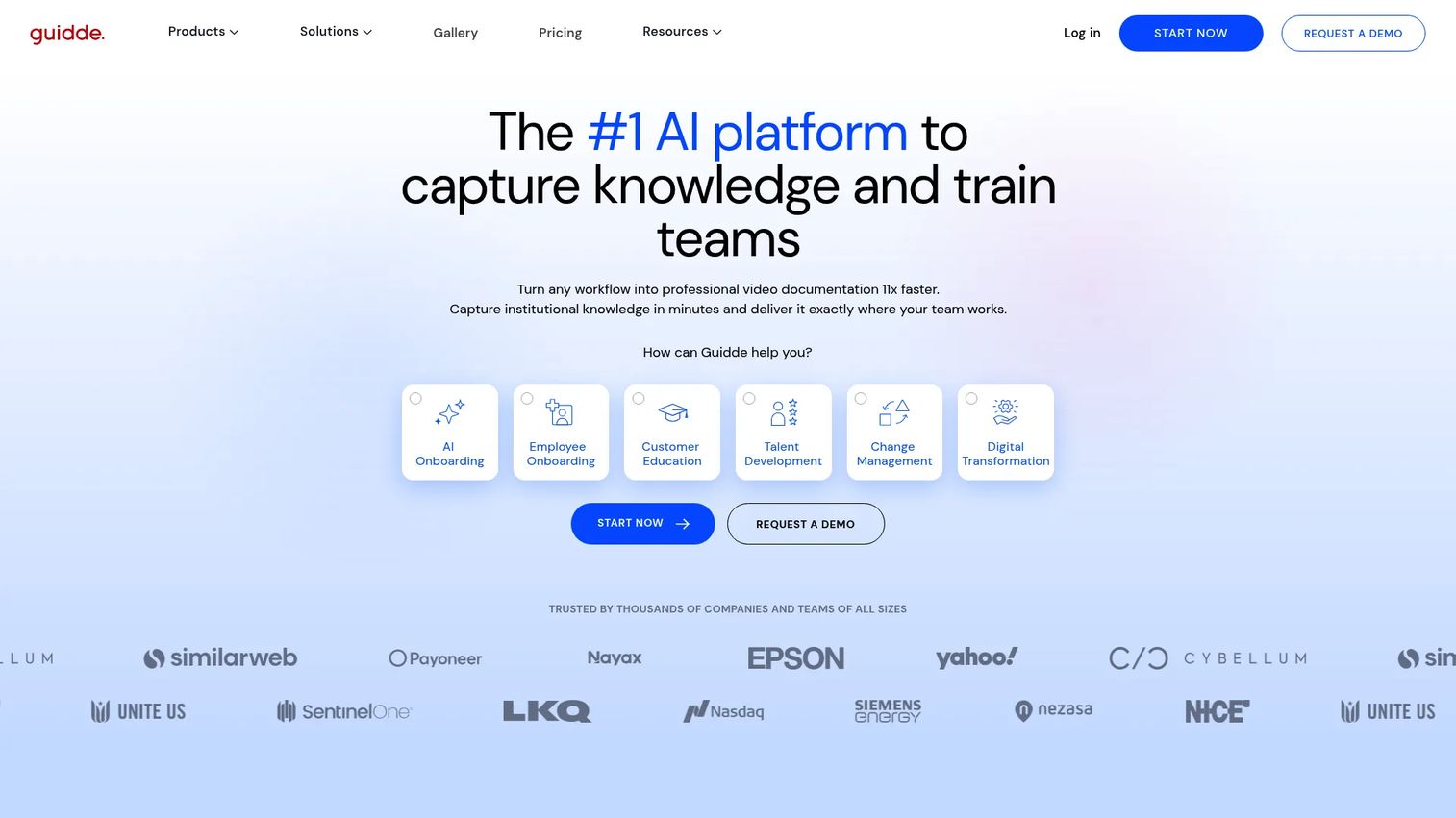
Guidde creates AI-powered video documentation from captured workflows. Record a process and Guidde generates an AI script, adds voiceover, inserts visual highlights, and produces a shareable video guide. Business and Enterprise plans extend this to web and desktop app capture, analytics, PII redaction, and translation across multiple languages.
Best for: CS and support teams that want to convert repetitive verbal explanations into reusable video guides with AI narration.
Key features
- AI video guide creation from captured workflows
- AI-generated scripts and text-to-voice narration
- Visual highlights and step annotations
- Multi-language translation and caption support
- Embeddable guides with analytics and privacy controls
Why choose Guidde: It fits teams that want polished video documentation without video production skills. CSMs who keep recording the same Loom for every new customer will find Guidde faster to maintain. For product flows where clicking is the right learning format, an interactive demo approach delivers materially higher engagement than a video guide.
Guidde pricing: Free plan includes up to 25 video guides. Pro plan is $19 per creator per month billed annually. Business is $39 per creator per month billed annually. Enterprise pricing requires contacting the team.
G2 rating: 4.8/5
6. Notion
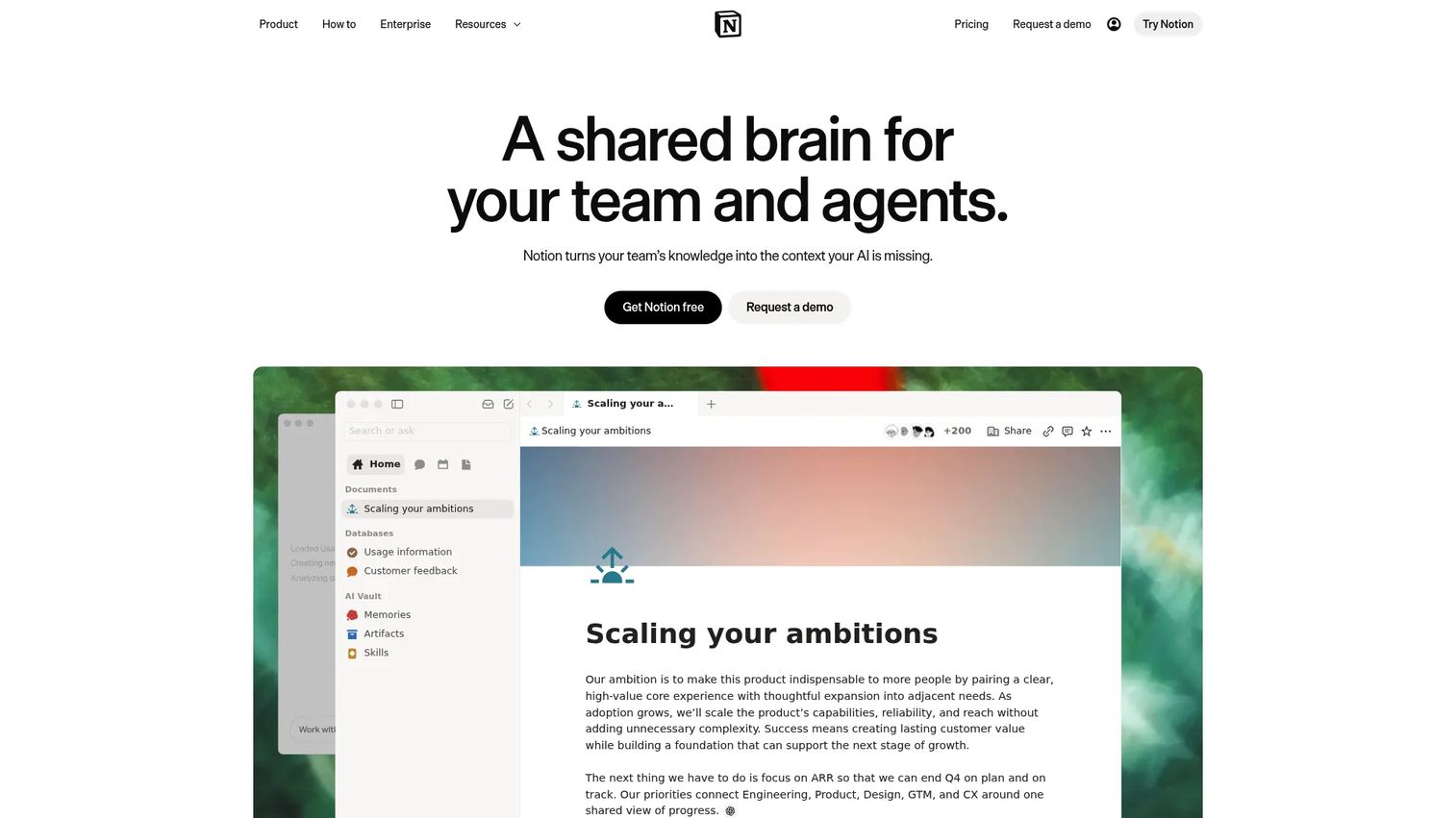
Notion is a connected workspace combining docs, databases, project management, and AI-assisted search. CS teams use it as a flexible home for onboarding playbooks, customer-facing templates, internal process notes, and collaborative documentation. AI search can surface relevant answers from across the workspace without navigating page trees manually.
Best for: Small to mid-sized CS teams that need a flexible documentation hub without heavy administration overhead.
Key features
- Docs, wikis, and flexible databases in one workspace
- AI-powered search and cited answers
- Process templates and reusable structures
- Commenting, mentions, and collaboration
- Web publishing and embeds
Why choose Notion: It works best as a documentation hub where CS teams write and maintain internal knowledge. The flexibility that makes it appealing also means it requires discipline to keep organized at scale. For automatic workflow capture or customer engagement analytics, Notion needs to be paired with a dedicated tool.
Notion pricing: Free plan available for individuals. Plus plan starts at $10 per member per month. Business is $20 per member per month. Enterprise requires contacting sales.
G2 rating: 4.6/5
7. Google Docs
Google Docs is the default document editor for many SaaS teams. It supports real-time co-editing, version history, comments, and straightforward sharing controls. Most CS teams already use it for onboarding checklists, process notes, and internal runbooks, which keeps adoption friction low.
Best for: Teams that need simple written procedures and minimal tool adoption, particularly for processes that are stable and text-friendly.
Key features
- Real-time co-editing and inline comments
- Version history and document restore
- Simple sharing and permission controls
- Microsoft Word and PDF import and export
- Templates and smart chips for structured docs
Why choose Google Docs: It is the right starting point when the guide is a stable policy or reference document. For product workflows that change with every release, screenshot-heavy Google Docs become a maintenance burden fast, since updating a visual step means re-taking and inserting a new screenshot manually.
Google Docs pricing: Free with a Google Account. Business features come through Google Workspace plans, starting at $7 per user per month.
G2 rating: 4.6/5
8. Trainual
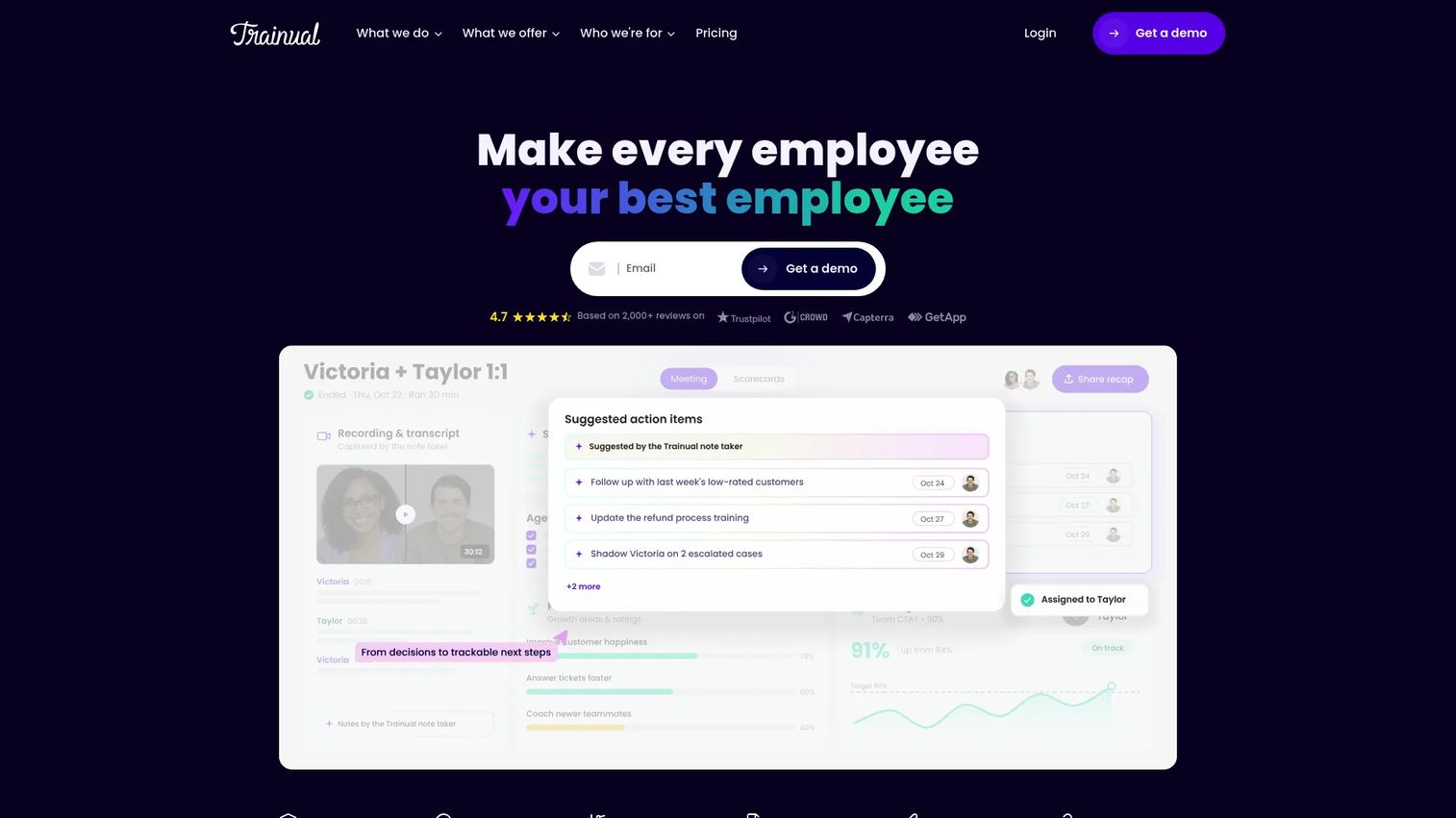
Trainual is a platform for employee training, SOPs, and operational alignment. CS teams use it to onboard new hires, document recurring workflows, assign training by role, and test understanding through knowledge checks. It also covers performance management, goals, and scorecards in its broader feature set.
Best for: CS organizations that need repeatable internal onboarding paths, role-based SOP documentation, and knowledge testing for new team members.
Key features
- SOP and policy documentation with templates
- Role-based training paths and assignments
- Progress tracking and knowledge checks
- AI-powered knowledge search and Q&A
- Performance reviews and goal tracking
Why choose Trainual: It makes sense when step-by-step guides are part of formal employee training rather than customer-facing education. The mandatory $1,000 implementation fee means it is a commitment, not a quick trial. Teams whose primary need is customer product education should evaluate interactive demo platforms alongside Trainual.
Trainual pricing: Subscription prices are not shown publicly. Plans include Core, Pro, Premium, and Enterprise. A one-time implementation fee of $1,000 is required. Contact Trainual directly for current pricing.
G2 rating: 4.7/5
9. SharePoint
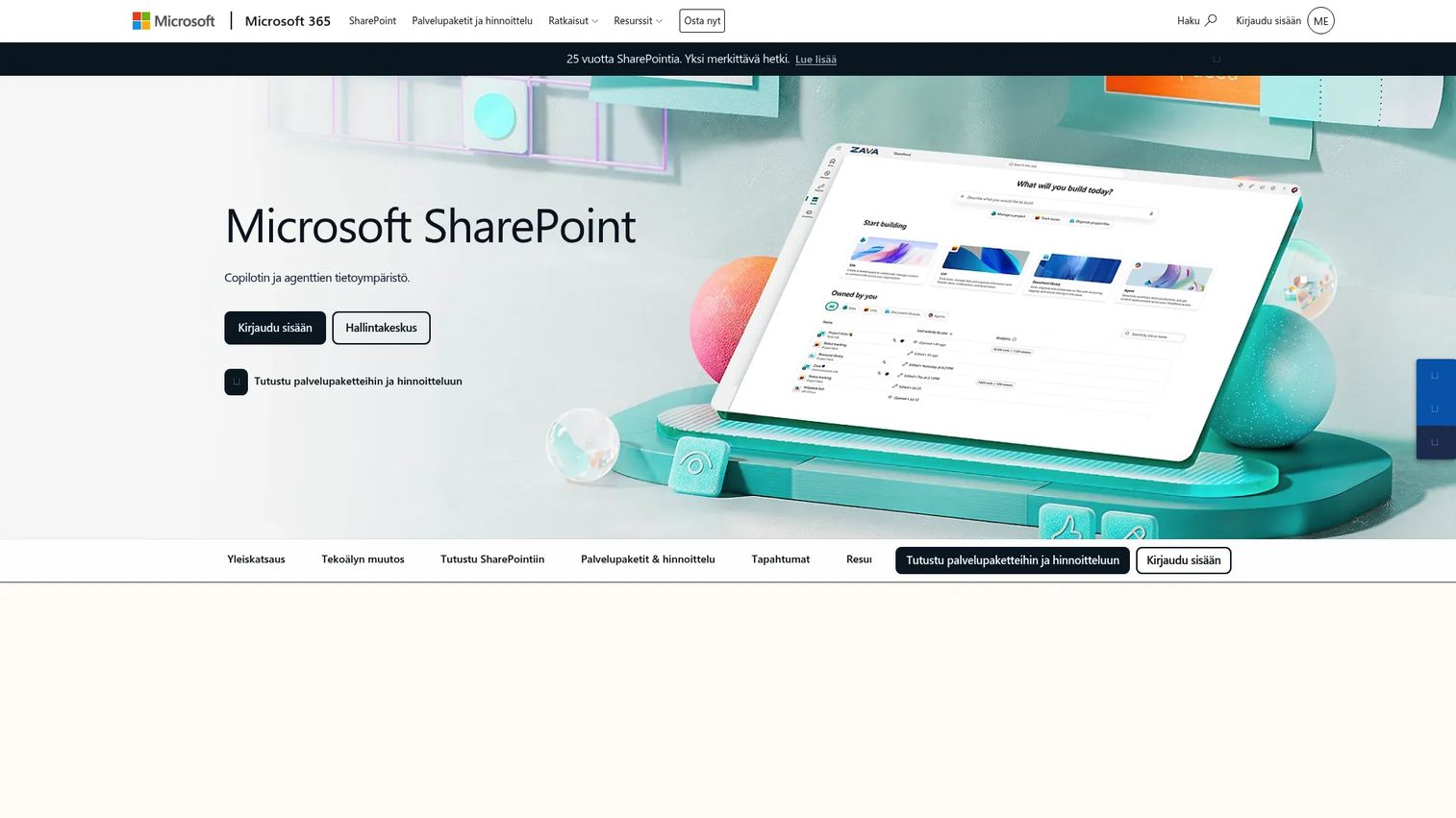
SharePoint is Microsoft's document management and intranet platform, included in Microsoft 365 subscriptions. Enterprise CS teams use it to store process documentation, control document versions, manage permissions across large organizations, and publish internal sites. It integrates natively with the rest of the Microsoft 365 stack.
Best for: Enterprise teams standardized on Microsoft 365 that need governed document storage and intranet publishing for internal process documentation.
Key features
- Document libraries with versioning and access control
- Intranet sites for internal publishing
- Microsoft 365 integration across Word, Teams, and Excel
- Secure file sharing and real-time coauthoring
- Search and people discovery
Why choose SharePoint: Governance and Microsoft alignment are the main drivers. If the organization already runs on Microsoft 365, SharePoint is the natural home for controlled SOP documents. It is not a purpose-built guide capture tool and does not offer engagement analytics on guide completion.
SharePoint pricing: SharePoint Plan 1 starts at $5.00 per user per month on annual billing. It is also included in broader Microsoft 365 plans starting at $12.50 per user per month.
G2 rating: 4.0/5
10. HeyGen
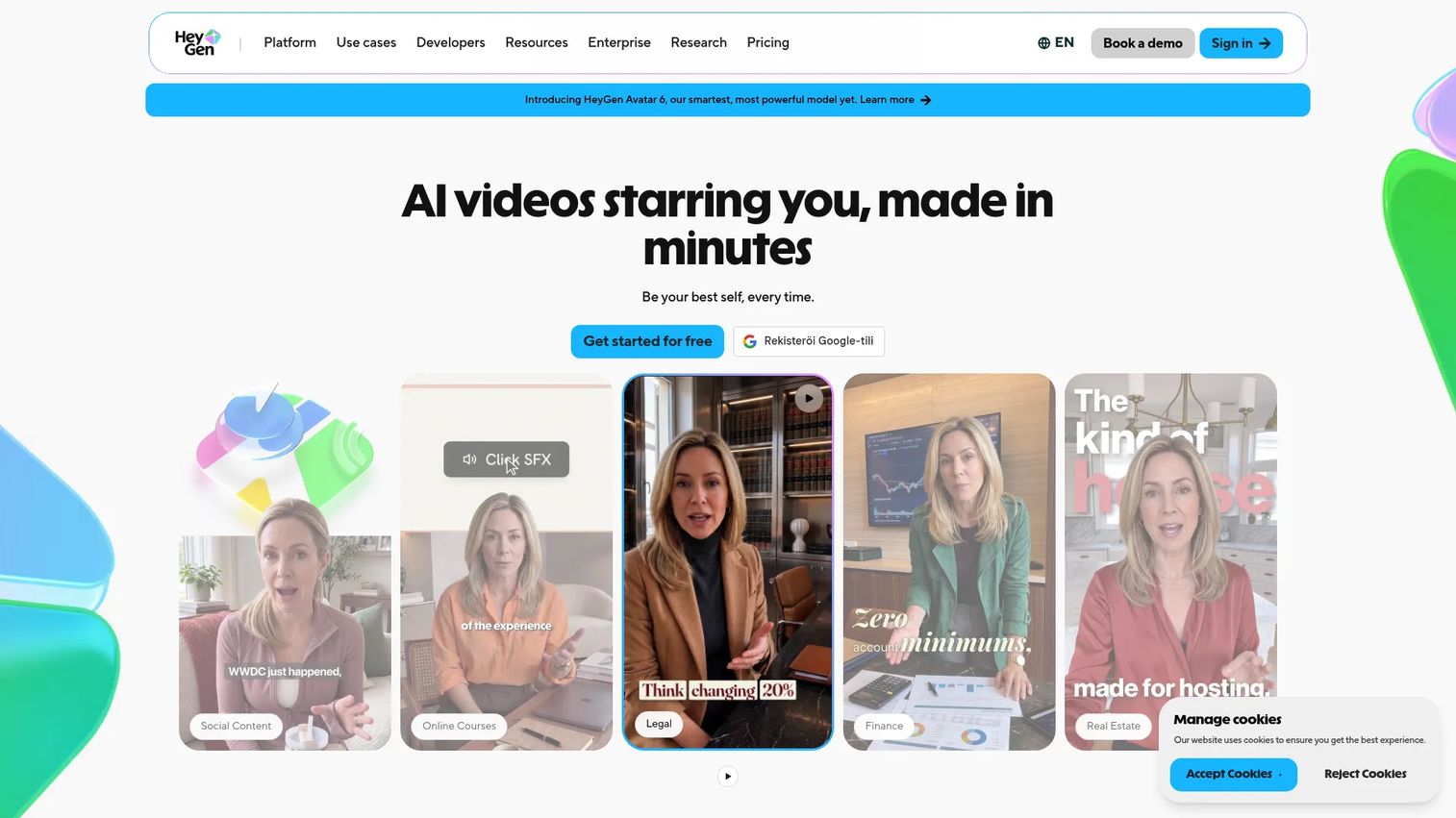
HeyGen is an AI video creation platform that generates presenter-led videos from scripts, using digital avatars and voice cloning. For step-by-step guide use cases, it fits teams that want a human-looking explainer video for customer education or internal training, without recording a person on camera. It supports translation and lip-sync across 175+ languages and dialects.
Best for: Teams creating polished, avatar-led training or customer education videos that need to be localized across multiple languages.
Key features
- AI avatar videos from scripts
- Text-to-video and PPT-to-video conversion
- Voice cloning and multilingual lip-sync
- Brand templates and AI Studio text editor
- Video sharing and export
Why choose HeyGen: Choose it when the guide format is a polished presenter video rather than a captured product flow. HeyGen does not capture live software workflows, so it is not a documentation tool in the traditional sense. It works as the video production layer on top of scripted content.
HeyGen pricing: Free plan available with 3 watermarked videos per month. Creator plan is $29 per month. Pro is $49 per month. Business is $149 per month. Enterprise pricing requires contacting sales.
G2 rating: 4.8/5
11. Obsidian
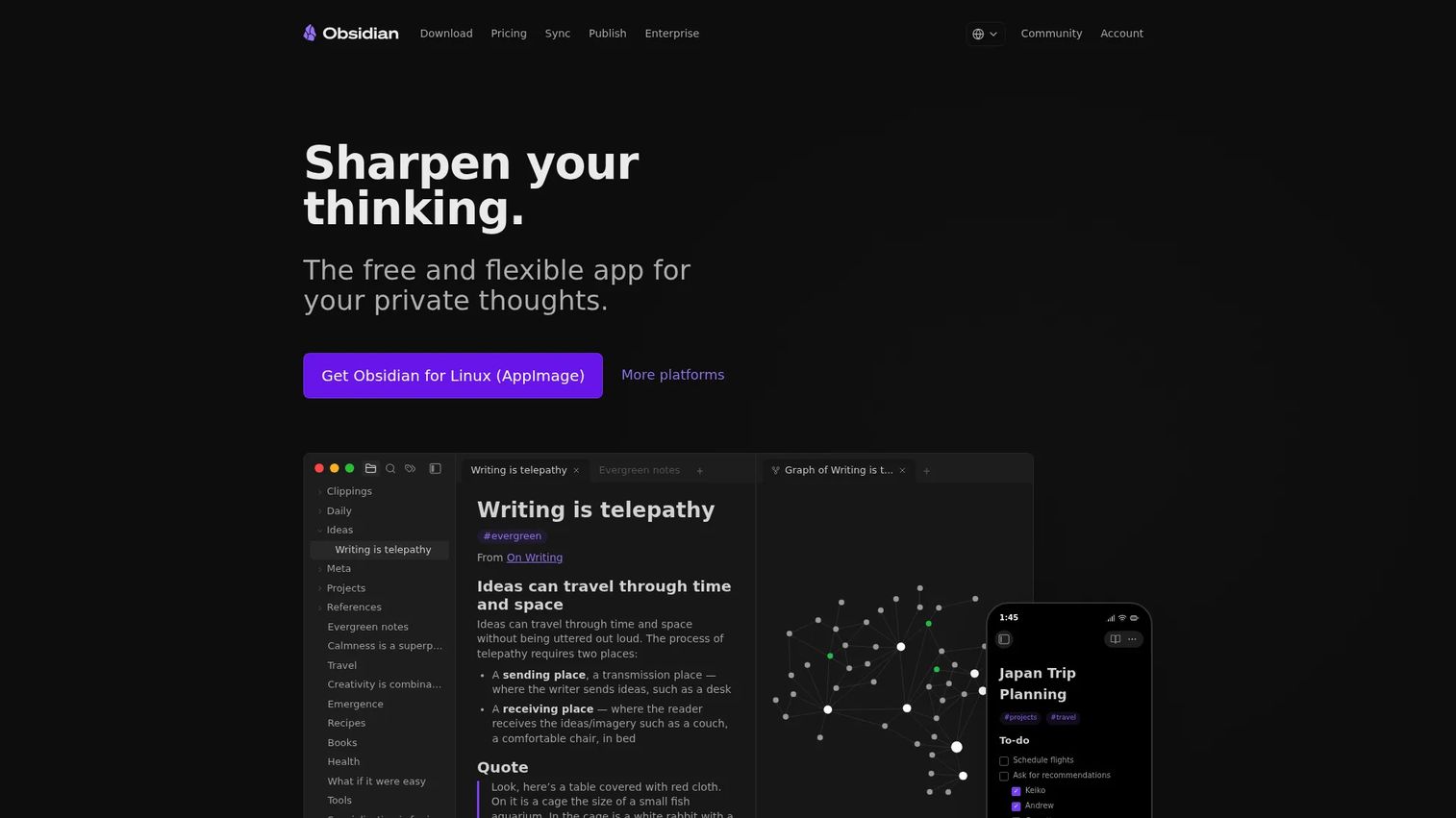
Obsidian is a Markdown-based knowledge management app that stores notes locally on the user's device. It is built around linked notes and a graph view that shows how concepts connect. Teams use it for personal process thinking, connected knowledge maps, and durable internal documentation that does not depend on a cloud vendor.
Best for: Technical operators or individual contributors building connected process knowledge and internal documentation in a local-first environment.
Key features
- Markdown editing with live preview
- Backlinks and graph view for connected knowledge
- Local-first file storage with no vendor lock-in
- Plugin ecosystem for extended functionality
- Custom templates and CSS themes
Why choose Obsidian: It is best suited for personal or small-team knowledge management where local control and connected thinking matter most. For CS teams managing customer-facing onboarding at scale, Obsidian's individual-first design and manual linking process are a poor fit. Its strength is depth of personal process knowledge, not collaborative guide publishing.
Obsidian pricing: Free for personal and commercial use. Sync add-on is $4 per user per month billed annually. Publish add-on is $8 per site per month billed annually. Commercial license is $50 per user per year.
G2 rating: 4.5/5
12. Synthesia
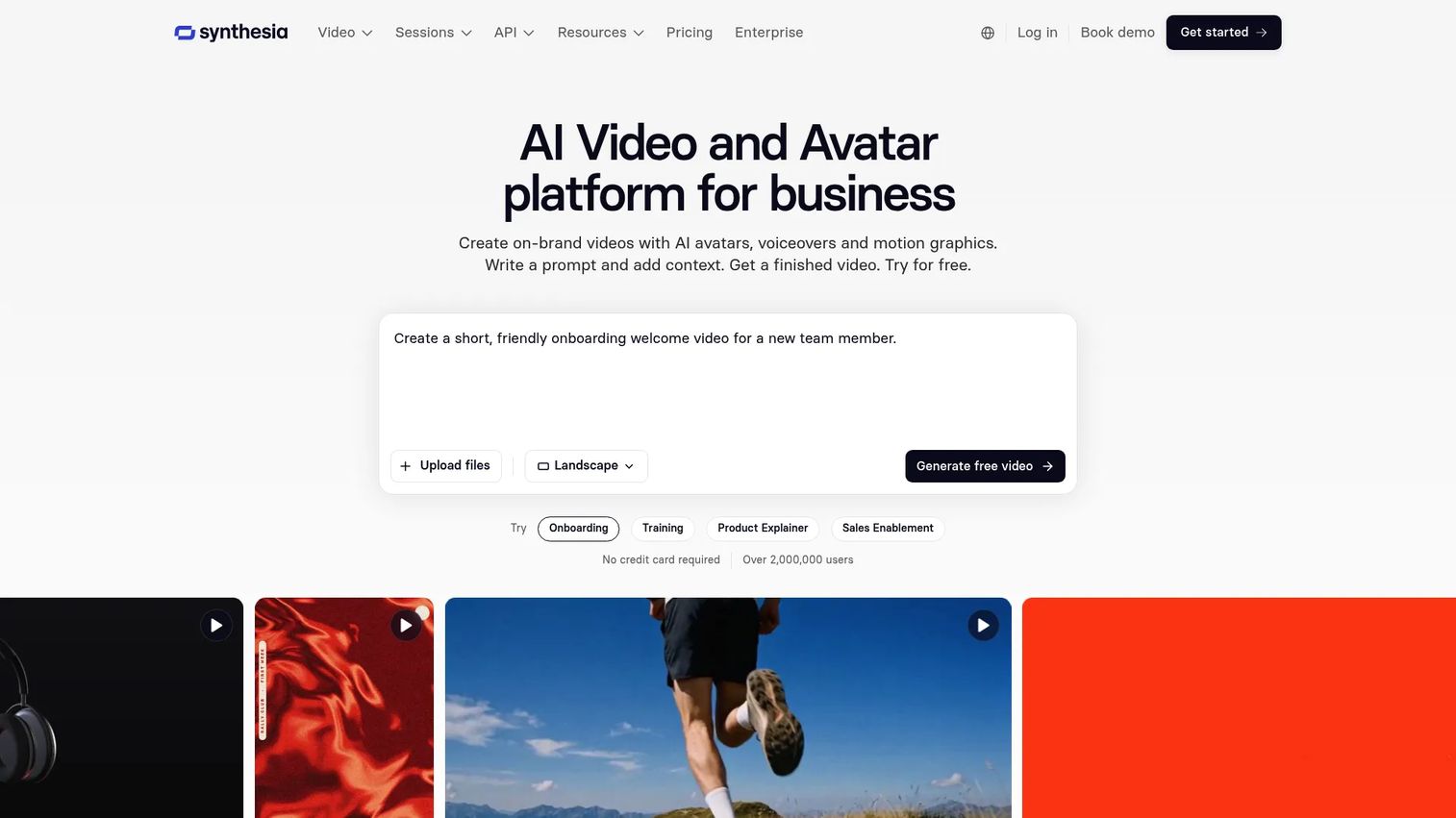
Synthesia is an AI video communications platform for creating training, onboarding, and internal communications videos using AI avatars, scripts, and voiceover. It supports SCORM export for LMS delivery, one-click translation across 140+ languages, and interactive quizzes and branching within videos. Organizations use it to build scalable video-based education programs without studios or cameras.
Best for: Teams creating scalable video training programs, particularly for internal onboarding or multilingual customer education requiring LMS delivery.
Key features
- AI video creation from scripts, documents, or URLs
- AI avatars with voiceovers in 140+ languages
- One-click translation with AI dubbing and lip sync
- Interactive videos with quizzes, branching, and CTAs
- SCORM export and brand kits
Why choose Synthesia: It is the right choice when step-by-step education needs to look like a produced training video and be delivered at scale. For live product steps where clicking is the right teaching format, pair Synthesia with a capture or interactive demo tool.
Synthesia pricing: Basic plan is free with 500 credits per month. Starter plan is $29 per month on monthly billing, or $18 per month on annual billing. Pro is $89 per month on monthly billing, or $64 per month on annual billing. Enterprise pricing is custom.
G2 rating: 4.6/5
13. Guru
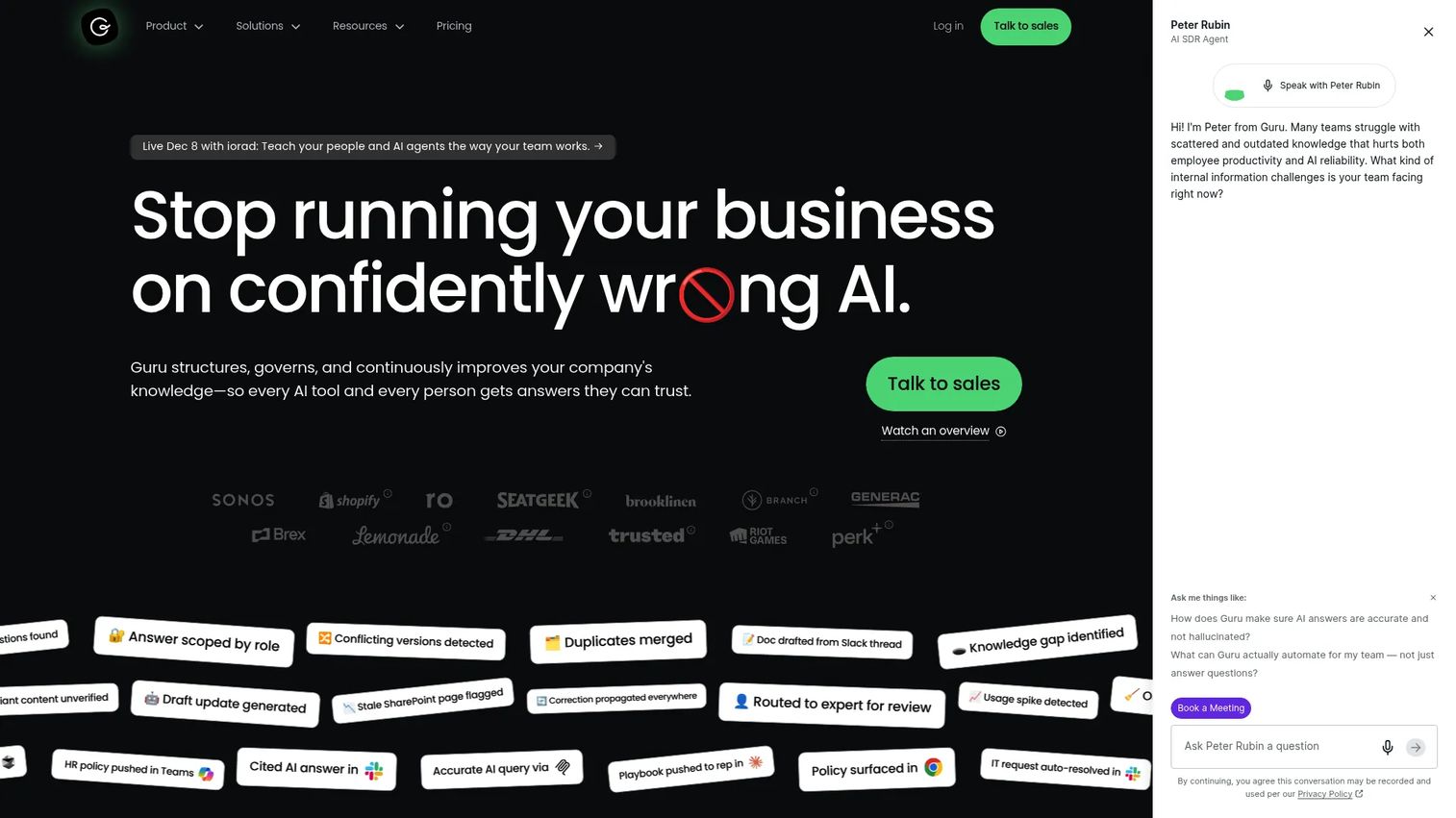
Guru is a governed AI knowledge platform focused on verified internal knowledge. Teams create knowledge cards with designated owners and verification schedules, so answers stay accurate over time. The browser extension and Slack integration surface trusted answers inside the tools teams already use, without switching context to a separate wiki.
Best for: CS and support teams that need trusted answers delivered in daily workflows, with automated verification to prevent outdated process knowledge from spreading.
Key features
- Verified knowledge cards with ownership and expiry reminders
- 100+ source connectors for unified knowledge indexing
- Browser extension and Slack integration
- AI-powered Knowledge Agent for cited answers
- Automated content verification and reconciliation
Why choose Guru: It solves the problem of knowledge rot, where the answer exists but no one trusts it. For teams whose primary pain is scattered or unreliable internal knowledge, Guru's verification layer is the main differentiator. For customer-facing step-by-step product guides, it needs to be paired with a capture or demo tool.
Guru pricing: Pricing requires contacting Guru directly.
G2 rating: 4.7/5
14. Avendoo
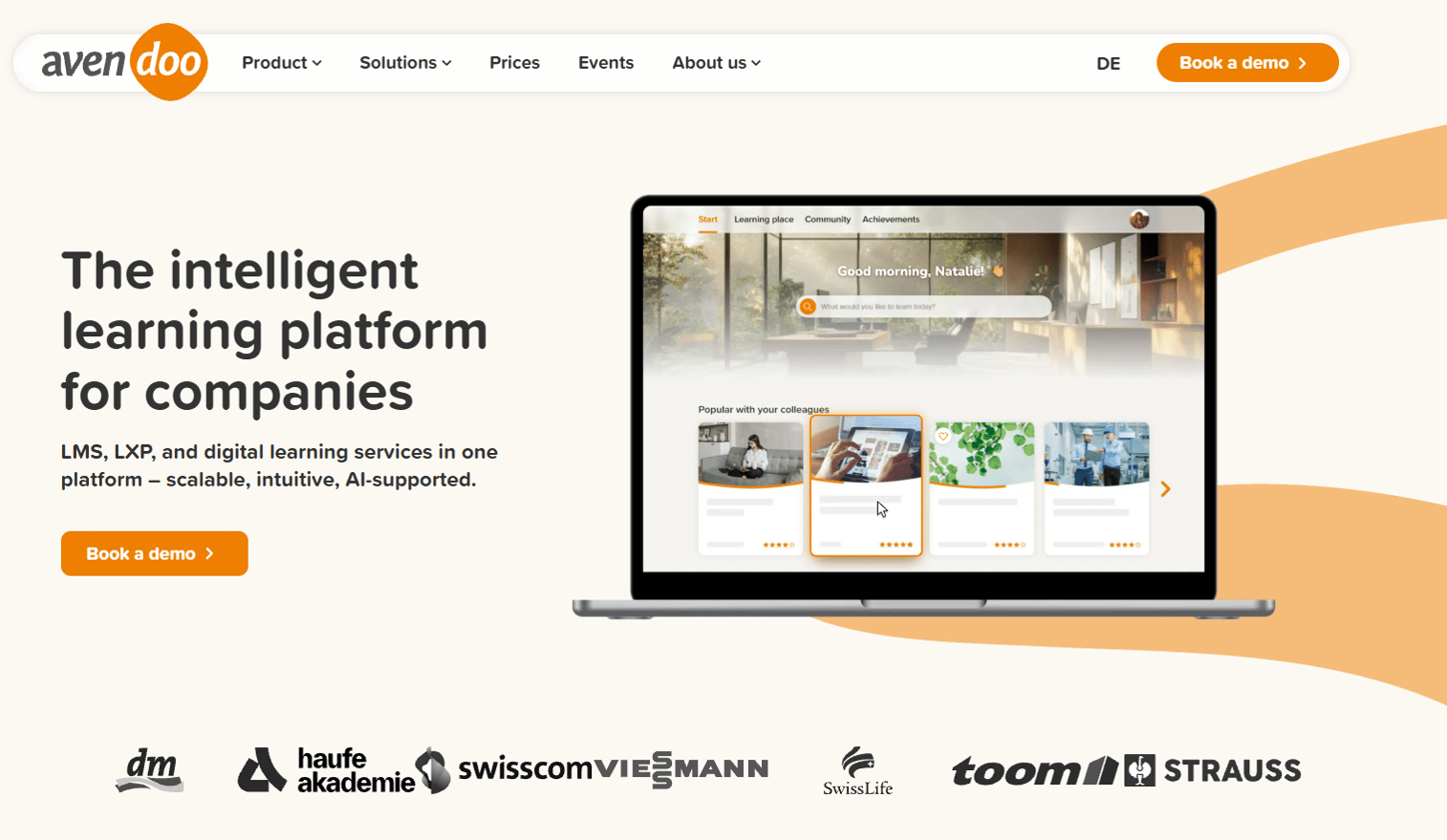
Avendoo is a learning management and learning-content platform for creating, managing, and delivering digital and blended learning programs. Organizations use it for structured courses, learning paths, in-person event management, and enterprise integrations including SAP SuccessFactors, Microsoft Viva Learning, and LTI. AI-assisted content generation and translation are available for localizing training material.
Best for: Organizations managing formal learning programs with structured courses, assessments, certifications, and enterprise LMS integrations.
Key features
- Course management and learning paths
- Online and in-person event management
- Assessments and learner tracking
- AI-assisted content generation and translation
- Enterprise integrations including SAP and Microsoft Viva
Why choose Avendoo: It fits teams running structured training programs with compliance, certification, or enterprise LMS requirements. It is more LMS than quick guide creator. The pricing model uses one-time per-user licenses rather than monthly subscriptions, which suits organizations managing fixed learner populations.
Avendoo pricing: E-Learning Edition starts at €55 per user (one-time license, minimum 20 licenses). Blended Learning Edition is €82.50 per user. Annual maintenance fees apply. Contact Avendoo for current pricing and company license terms.
15. Know How
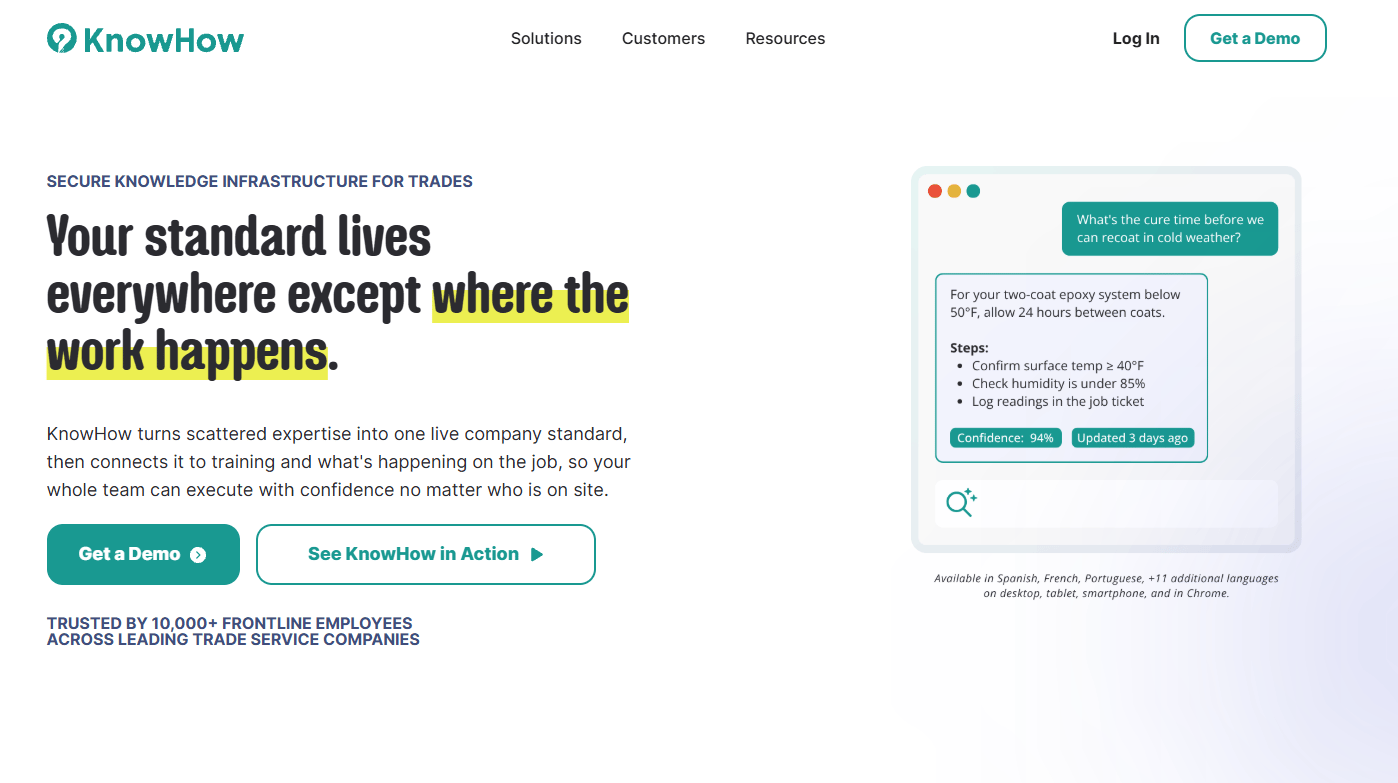
Know How is a process and training platform for operational teams managing recurring work. It supports creating step-by-step process guides and training workflows for repeatable business tasks.
Best for: Operations teams that need structured process guides for recurring internal tasks, rather than customer-facing product onboarding.
Key features
- Process guide creation for recurring workflows
- Task-based training and operational playbooks
- Team progress tracking where supported
- Internal process standardization
- Training workflow management
Why choose Know How: It suits teams whose guides document internal operational procedures rather than product flows for external customers. Verify fit carefully if the primary goal is customer-facing interactive product education, as Know How's strength is internal process consistency.
Know How pricing: Contact the vendor directly for current pricing.
16. Microsoft Word
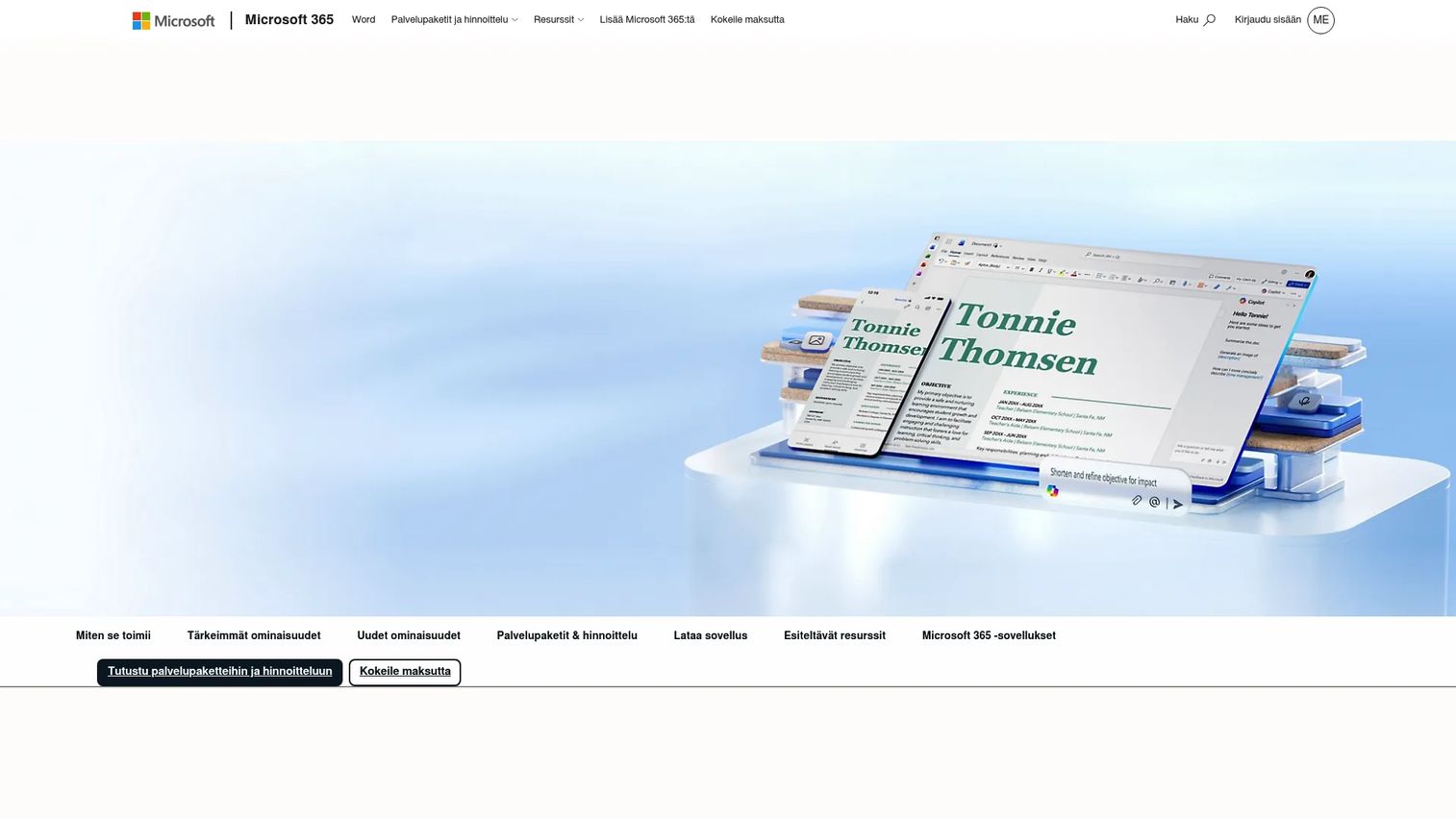
Microsoft Word is the default document editor for SOP creation across many organizations. Teams use it to write controlled procedures, policy documents, and static step-by-step guides. Track Changes, comments, and version history support document review workflows before final distribution.
Best for: Teams creating controlled SOP documents, printable procedures, and offline process guides that need to go through a formal review cycle.
Key features
- Document editing with SOP templates
- Track Changes and collaborative review
- Comments and annotation
- PDF and Word export formats
- Copilot-assisted rewriting and document summaries
Why choose Microsoft Word: It is the right tool when the guide needs to be a formally approved, printable document. For product education where the interface changes frequently, relying on Word alone creates a documentation maintenance cycle that rarely keeps pace with the product.
Microsoft Word pricing: Free via the browser with a Microsoft account. Microsoft 365 Personal starts at $6.99 for the first month. Microsoft 365 Family is $12.99 per month. Business plans require a Microsoft 365 subscription.
G2 rating: 4.7/5
17. PowerPoint
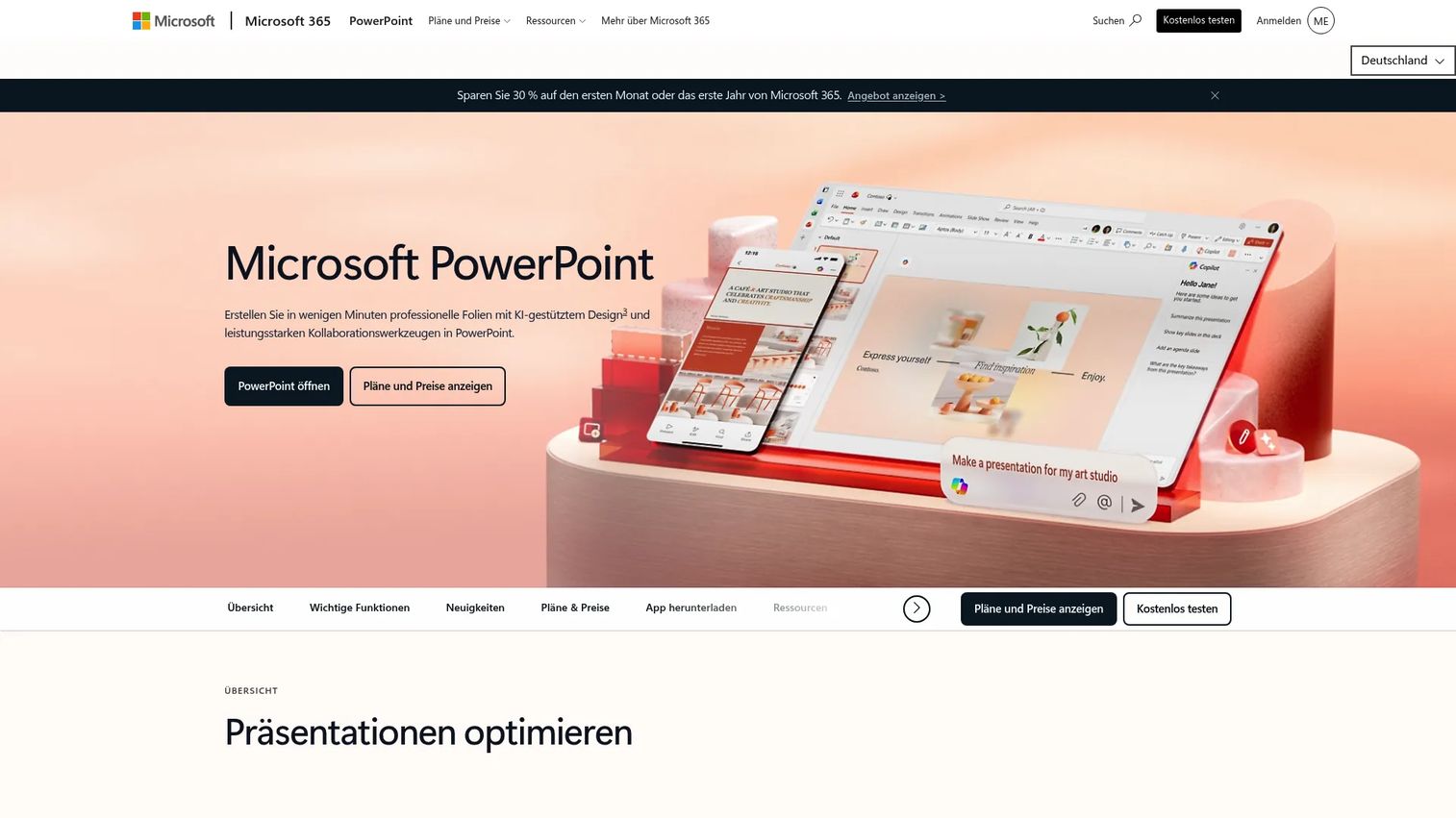
PowerPoint is presentation software that CS and training teams use to build step-by-step training decks, process explainers, and onboarding slides. It is not documentation software in the strict sense, but it remains one of the most common formats for structuring and presenting product education internally.
Best for: Teams creating instructor-led training presentations or visual process slide decks for live sessions or recorded walkthroughs.
Key features
- Slide-based guide and training deck format
- Templates and AI design recommendations via Copilot
- Presenter notes and Speaker Coach for rehearsal
- Screenshot annotation and slide export to PDF or video
- Real-time sharing and collaboration
Why choose PowerPoint: It supports live training sessions and structured slide presentations well. For self-serve customer onboarding where no presenter is involved, a static slide deck cannot track completion, adapt to individual pace, or surface drop-off data. Use it for facilitated training rather than autonomous customer education.
PowerPoint pricing: Free via the browser with a Microsoft account. Microsoft 365 Personal is $99.99 per year or $9.99 per month.
Considerations when choosing step by step guide software
Match the guide format to the job
A customer onboarding flow, an internal SOP, and a compliance training module all require different tools. Before evaluating features, identify whether users need to click through a product, watch an explanation, read a procedure, or complete formal training. Choosing the wrong format means the guide gets ignored no matter how well it is built.
Check how guides stay current
Products change. Screenshot-based guides built on a previous release silently mislead customers and generate support tickets when the interface no longer matches. Prioritize tools where updating a single step is fast enough to happen alongside a product release, not three weeks later during a documentation sprint.
Look for completion and drop-off data
CS teams need proof that education works. Completion rate tells you whether customers finish the guide. Drop-off step tells you where they give up, which is usually the same place they open a support ticket. Without that data, guide improvement is guesswork. Use the analyze layer to connect guide engagement to customer outcomes.
Evaluate publishing destinations
A guide only deflects tickets if customers find it. Check whether the tool publishes to the channels your customers use: Help centers, onboarding emails, in-app surfaces, or customer portals. Guides buried in an internal wiki do not reduce support volume.
Confirm access control and data handling
Guides that show product screens or internal workflows may expose sensitive data. Check whether the tool supports redaction, blur tools, domain-restricted sharing, and enterprise permissions before rolling out to customers or across a large team. Use the tool's integrations layer to confirm it fits your existing security stack.
Conclusion
The right step by step guide software for a CS team depends on one question: Does the customer need to read, watch, click, or complete the guide?
For interactive product education where clicking through the actual flow is the goal, Guideflow fits CSMs who want completion data and drop-off analytics instead of another static help article. For quick visual screenshot guides, Dubble gets the job done fast. FlowShare covers desktop and Windows process documentation. Guidde and Synthesia handle AI video when narration is the right medium. For knowledge management, Confluence, Notion, Guru, and SharePoint each serve different governance and collaboration needs. Trainual, Avendoo, and Know How support structured training programs with formal learning paths.
If the goal is adoption and self-serve product learning, the guide needs to be something customers can complete, not just open. If the goal is internal process control, choose a documentation or training hub that supports versioning and ownership.
Start your journey with Guideflow today!
FAQs
The best tool depends on the format your onboarding requires. For interactive product onboarding where customers click through the actual product flow, Guideflow provides completion tracking and drop-off data. For employee training and internal SOPs, Trainual supports role-based paths and knowledge checks. For documentation hubs, Confluence and Notion organize content well. The key factor for customer onboarding is whether the guide is completable and measurable, not just readable.
Step by step guide software focuses on creating ordered instructions that users follow to complete a task, often with visual or interactive elements. Process documentation software focuses on capturing and standardizing business workflows, usually for internal reference and governance. The categories overlap significantly. For CSMs, the practical difference is whether the guide is customer-facing and interactive, or internal and static, since that determines format, publishing destination, and analytics requirements.
Yes, when guides answer repetitive "how do I" questions in the format customers actually engage with. Embedding guides in help center articles, ticket macros, and onboarding emails routes customers to answers before they open a ticket. Teams that track completion rate and drop-off step can identify where guides fail and fix those points proactively. The reduction in ticket volume is measurable when the guide format matches the complexity of the question.
Video guides work when the customer needs a narrated explanation or when the product flow is difficult to demonstrate through clicks alone. Interactive demos work when the customer should experience the product steps directly, which produces fundamentally different engagement than passive viewing. Static screenshot docs work for stable policies or reference content that rarely changes. Match the format to the moment: Use video for context, interactive demos for product flows, and text docs for policies.
The features that move the needle for CS teams are workflow capture speed, easy step-level editing after a product update, sensitive-data redaction, publishing and embedding to help centers or email, access control, and analytics covering completion rate and drop-off step. CRM integrations matter when guide engagement data needs to inform account health scores or renewal risk flags. Teams that cannot measure guide completion cannot prove that education is working.
Assign an owner to every guide and tie the review schedule to product release cycles rather than calendar time. Keep guides short and modular so each step is cheap to update individually. Tools that support step-level editing, without requiring a full recapture, reduce the maintenance cost enough to stay current. Track drop-off step and support ticket themes to identify stale guides before customers hit a broken flow.
Free tools work for quick internal screenshots or very small teams with stable processes. Scaling CS teams typically need permissions, branding, collaboration, maintenance workflows, and analytics that free tiers do not include. Test a free tool on a high-volume onboarding or support flow first. When the tool cannot tell you whether customers completed the guide, cannot restrict access to the right audience, or requires a manual rebuild after every product update, it is time to evaluate paid options.
Put guides where customers ask for help, not where it is convenient to store them. Effective publishing destinations include help center articles, onboarding emails, customer portals, in-app messages, QBR follow-up notes, support macro replies, and demo centers or resource hubs. The closer the guide appears to the moment a customer encounters confusion, the more likely they are to use it. A guide in a knowledge base that customers never search does not deflect tickets.