Your schedules live in one spreadsheet, payments in another, and film reviews in a shared folder that three coaches can never find. Someone still fields parent messages at 10 p.m. about game locations that changed an hour ago.
The global sports management software market reached $4.3 billion in 2025, according to Grand View Research (2026), and the category is growing fast. But the market is fragmented, because sports organizations are fragmented. A collegiate athletic department, a swim club, a volleyball tournament operator, and a school running game-day scoreboards are all buying "sports software" and they need almost nothing in common.
The right question is not "which tool is best?" It is: "Which workflow breaks first when our volume increases?" The answer tells you which category you should actually be shopping.
This guide maps 11 tools to the workflows they were built to fix.
What's inside
This guide covers 11 sports software products across team operations, video analysis, youth sports administration, class-based program management, tournament scheduling, livestreaming, and game-day display management.
Tools were selected based on:
- Core use case fit: Each tool addresses a distinct operational job, not a generic sports category
- Organization type match: Coverage spans elite programs, youth leagues, swim clubs, tournament operators, and venues
- Workflow depth: Preference for tools with reporting, payment processing, or sport-specific configuration
- Buyer proof: Tools with active market presence and verifiable feature claims
Pricing and G2 ratings were verified at drafting time.
TL;DR
- Best for elite sports operations: Teamworks, purpose-built for collegiate, professional, and Olympic organizations managing operations, personnel, and athlete lifecycle across the whole organization
- Best for video analysis and recruiting: Hudl, the standard for film review, performance analytics, highlight creation, and scouting workflows
- Best for youth sports administration: SportsEngine HQ, covering registration, payments, schedules, rosters, and family communication in one system
- Best for class-based programs: SportsEngine Motion (and GoMotion) for gyms, studios, and swim schools running recurring classes and billing
- Best for tournament scheduling: SportsEngine Tourney or Tourney Machine, depending on whether you need a full event platform or focused bracket management
- Best for game-day display operations: Ignite Sports, for schools and venues controlling scoreboards, sponsor zones, and real-time content
What is sports software?
Sports software is a category of digital tools that helps teams, leagues, clubs, venues, and sports organizations manage operations, performance, communication, events, media, payments, and game-day workflows.
The category is not a monolith. It splits into at least six distinct job types:
| Category | Primary buyer | Core workflow | Key outcome |
|---|---|---|---|
| Operations software | Athletic departments, pro teams | Scheduling, communication, athlete lifecycle, rosters | Coordination without bottlenecks |
| Performance software | Coaches, analysts | Video analysis, scouting, athlete data | Repeatable coaching decisions |
| Administration software | Youth leagues, clubs | Registration, payments, waivers, reporting | Revenue visibility and reduced manual work |
| Tournament software | Event directors | Brackets, scheduling, conflict management | Clean event execution |
| Media and fan software | Youth organizations, facilities | Livestreaming, highlights, on-demand video | Fan and family access |
| Game-day software | Schools, venues | Scoreboard control, sponsor content, timing | Consistent in-venue experience |
Key capabilities to look for across the category:
- Sport-specific configuration (swim meets, volleyball housing, football film)
- Payment processing with financial reporting
- Mobile access for athletes, parents, and staff
- Schedule and roster management with conflict detection
- Analytics tied to revenue, participation, or performance
The category is fragmented by design. Professional teams care about athlete lifecycle and cross-functional operations. Youth leagues care about registration volume and parent communication. Tournament operators care about bracket integrity and scheduling conflicts. Venues care about game-day presentation and sponsor inventory. Buying the broadest platform when your bottleneck is narrow wastes both money and implementation time.
When to use sports software
Coordinate teams without manual overhead
When one administrator, coach, or director becomes the operational bottleneck, software should take over the coordination layer. This applies to elite programs managing hundreds of athletes across travel, compliance, and performance workflows, as well as to youth leagues juggling three seasons, dozens of teams, and nightly parent questions. The right tool reduces the manual back-and-forth without requiring the director to personally follow up.
Turn performance data into repeatable coaching decisions
Video-focused teams need more than storage. They need clip tagging, telestration, sharing with athletes and recruits, and analysis that any staff member can execute, not just the one analyst who set up the system. When film review depends on one person's workflow, it is not a system. It is a single point of failure.
Run registration, events, and game day without spreadsheet sprawl
Youth leagues running three-day tournaments still manage housing in email threads. Schools control scoreboards from laptops without centralized content management. Class-based businesses send invoices manually each month. Software in this category replaces those workflows with repeatable processes that generate clean data for leadership decisions.
Sports software comparison
The table below maps each tool to its primary buyer, key differentiator, pricing, and G2 rating. Use it to shortlist by organization type, then read the item sections for workflow depth.
| # | Product | Best for | Key differentiator | Pricing | G2 rating |
|---|---|---|---|---|---|
| 1 | Teamworks | Elite sports operations | Unified operating system for athlete lifecycle and org-wide coordination | Custom pricing | 4.2/5 |
| 2 | Hudl | Video analysis and recruiting | Integrated video capture, analysis, highlights, and scouting | From $1,500/year (high school) | 4.4/5 |
| 3 | SportsEngine HQ | Youth sports management | Registration, payments, schedules, communication, and reporting | From $58/month (billed annually) | 4.5/5 |
| 4 | SportsEngine Motion | Class-based sports businesses | Registration and billing for classes, camps, studios, and swim schools | $295 setup fee; transaction-based fees | 5.0/5 |
| 5 | SportsEngine Play | Livestreaming and sports video | Event streaming, athlete highlights, and on-demand video | $1,500/year | N/A |
| 6 | SportsEngine Tourney | Tournament directors | Automated brackets, scheduling, scoring, and event communication | Custom pricing | N/A |
| 7 | SportsEngine AES | Volleyball events | Volleyball-specific event registration, housing, and tournament operations | Custom pricing | N/A |
| 8 | GoMotion | Gyms, studios, and clubs | Business management for activity-based programs with swim-club pricing tiers | From $95/month (swim plans, billed annually) | N/A |
| 9 | TeamUnify | Swim teams | Swim club management with meet entries, billing, and member administration | From $95/month (billed annually) | 3.3/5 |
| 10 | Tourney Machine | Tournament scheduling | Bracket creation, schedule publishing, scores, and mobile participant updates | Free draft tier; pay to publish | 4.5/5 |
| 11 | Ignite Sports | Game-day displays | Scoreboard control, sponsor zones, and real-time content for Watchfire displays | Included with Watchfire display purchase | N/A |
Best 11 sports software tools for 2026
1. Teamworks
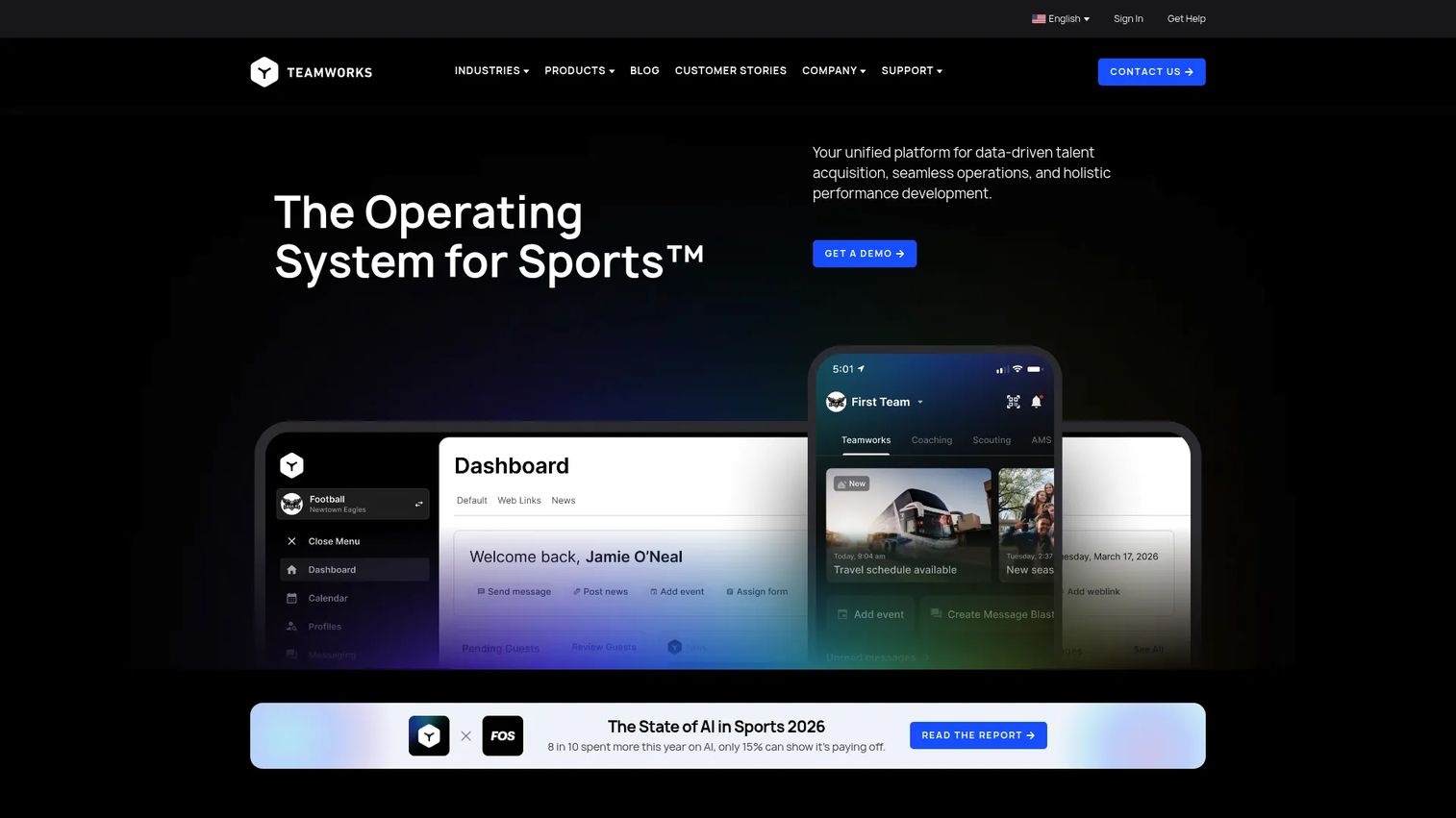
Teamworks positions itself as the operating system for elite sports organizations. It covers personnel management, recruiting, compliance, athlete payments through Teamworks Wallet, coaching workflows, performance data, and cross-product coordination through a shared data layer. The platform serves collegiate athletic departments, professional franchises, Olympic programs, and tactical military organizations.
Best for: Elite sports organizations that need organization-wide coordination across athletes, coaches, staff, and operations from a single platform.
Key features
- Unified mobile app with single sign-on and cross-product notifications
- Personnel, recruiting, compliance, and eligibility workflows
- AI-powered sport-specific insights and natural-language platform queries
- Athlete payments via Teamworks Wallet
- Open integrations with an athlete data layer across products
Why choose Teamworks: Choose Teamworks when the operational complexity spans multiple departments, rosters, compliance requirements, and athlete lifecycle stages. It is more than a small youth league needs if the core problem is registration and payment collection.
Teamworks pricing: Contact the sales team for a quote based on your organization type and product scope.
G2 rating: 4.2/5
2. Hudl
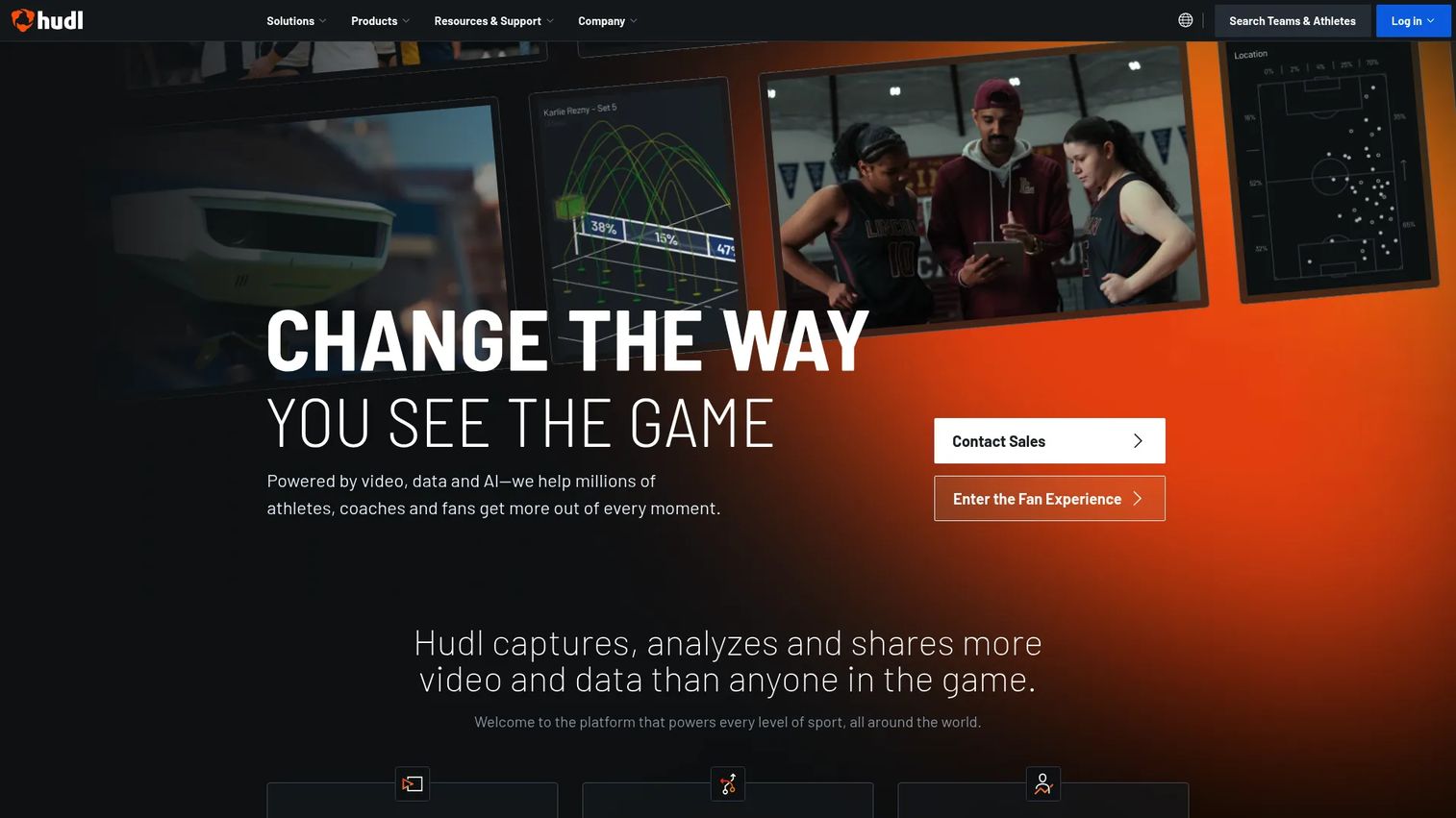
Hudl is the dominant sports technology platform for video-driven workflows. Teams use it to capture, tag, and analyze game and practice footage, generate highlight reels, support athlete recruiting, and run livestreams for fans and families. The platform covers football, basketball, baseball, volleyball, softball, soccer, lacrosse, hockey, and wrestling, among others.
Best for: Teams that treat film review as a daily operational layer, from high school athletic programs to collegiate and professional organizations.
Key features
- Automated video capture, upload, and storage
- Performance analysis with tagging, telestration, and reporting
- Highlight clip creation for athletes and recruiting
- Livestreaming for games and events
- Recruiting workflows and scouting tools
Why choose Hudl: Choose Hudl when the sports organization's primary bottleneck is seeing, analyzing, and sharing game footage. It fits teams where coaches review film with athletes weekly, not occasionally.
Hudl pricing: High school program plans start at $1,500 per year (Silver+), $2,500 per year (Gold+), and $4,000 per year (Platinum+). Athletic department packages require a sales conversation. Pricing varies by sport, organization size, and package.
G2 rating: 4.4/5
3. SportsEngine HQ
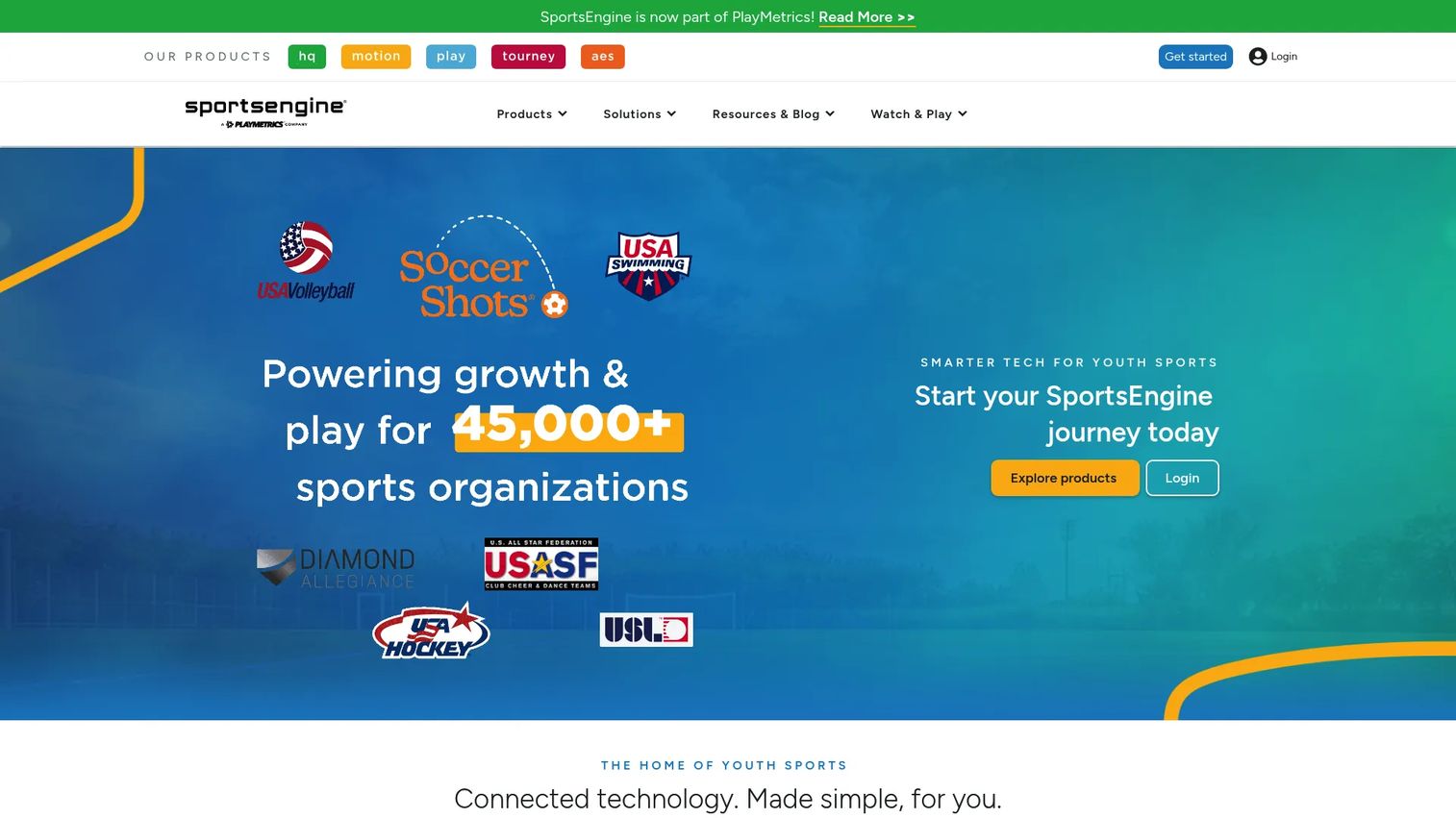
SportsEngine HQ is the flagship youth sports management platform. Clubs, leagues, and associations use it to run online registration, collect payments, manage rosters and schedules, publish league websites, communicate with parents and athletes, and generate financial reports. It is part of a broader SportsEngine product family, with separate products for video, tournaments, and class-based businesses.
Best for: Youth sports clubs, leagues, and associations where the primary operational pain is registration volume, parent communication, and payment tracking.
Key features
- Online registration with payment collection and waivers
- Financial reporting and membership management
- Rostering, scheduling, and eligibility tracking
- Team mobile app for coaches and families
- Website management and communication tools
Why choose SportsEngine HQ: Choose SportsEngine HQ when the organization's operational drag sits in registration, payments, and family-facing communication. It is less performance-centered than video or analytics tools.
SportsEngine HQ pricing: Plans start at $58 per month billed annually, with a 3.75% plus $1.75 technology fee per transaction. Organization-specific pricing is also available depending on structure and scale.
G2 rating: 4.5/5
4. SportsEngine Motion
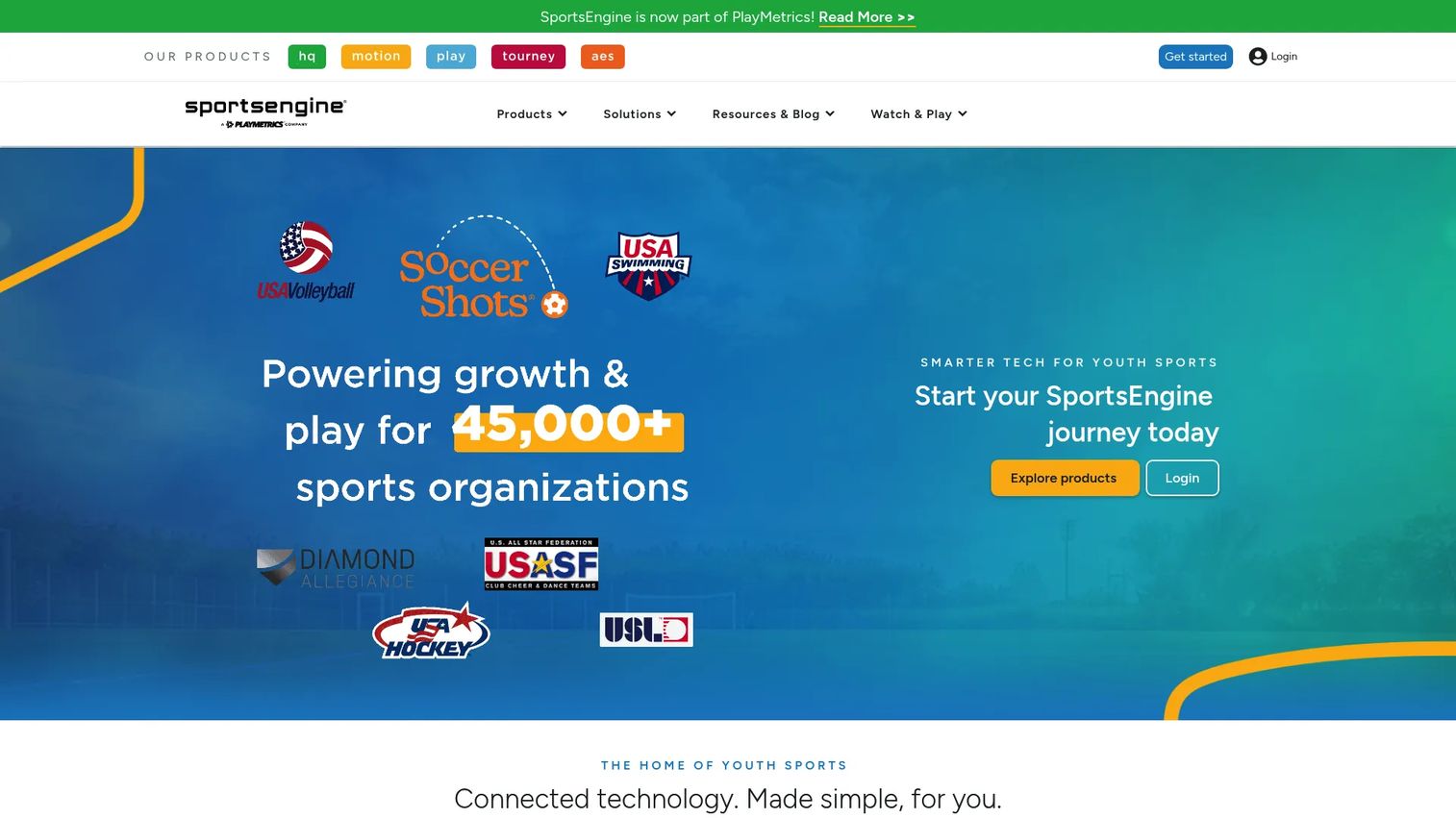
SportsEngine Motion is built for class-based sports businesses: Dance studios, cheer gyms, gymnastics clubs, swim schools, and similar recurring-program organizations. It handles class registration, automated billing, attendance tracking, member communication, and reporting from a single system with an integrated website and mobile app.
Best for: Class-based sports organizations that run recurring programs and need registration, billing, and attendance management without a monthly subscription fee structure.
Key features
- Online class registration and scheduling
- Automated billing and payment collection
- Attendance tracking with makeup credit management
- Integrated website and mobile app
- Member communication and financial reporting
Why choose SportsEngine Motion: Choose Motion when the revenue model runs through classes, camps, and recurring memberships rather than team rosters or tournaments. The transaction-fee model suits organizations that want low upfront cost.
SportsEngine Motion pricing: Get started for a one-time $295 setup fee with no monthly subscription. A 1% technology fee plus 2.9% and $0.30 processing fee applies per transaction.
G2 rating: 5.0/5
5. SportsEngine Play
SportsEngine Play is a youth and amateur sports video platform focused on livestreaming, on-demand video hosting, and athlete highlight creation. Organizations use it to turn games into accessible media for families, fans, and recruiters, without needing a broadcast team. It integrates with SportsEngine HQ schedules for automatic event linking.
Best for: Youth sports organizations and facilities that want to stream games, host replays, and generate athlete highlight reels for families and recruiting purposes.
Key features
- Live game and event streaming
- On-demand video storage and playback
- Athlete highlight reel creation
- Scoreboard overlays and schedule integration with SportsEngine HQ
- Advertising support and creator tools
Why choose SportsEngine Play: Choose Play when media distribution is the priority, not athlete operations or registration. It serves the family and fan engagement job, not the administrative or coaching job.
SportsEngine Play pricing: The Creator Studio plan is $1,500 per year, covering livestreaming, video uploads, highlights, storage, and schedule integration.
6. SportsEngine Tourney
SportsEngine Tourney is a tournament and league management platform built for directors who need to handle registration, scheduling, brackets, scoring, and participant communication across a full event. It generates automated brackets, publishes standings and results, and gives teams a free mobile app with schedules, directions, and messaging built in.
Best for: Tournament and league directors managing team registrations, schedules, scores, and event updates across multiple venues and divisions.
Key features
- Automated bracket creation and scheduling
- Online team registration with payments, rosters, and waivers
- Standings, scores, and results publishing
- Free participant mobile app with messaging and directions
- Event reporting and communication tools
Why choose SportsEngine Tourney: Choose Tourney when event complexity creates scheduling and communication drag. It fits directors who rebuild brackets manually after last-minute team changes or venue conflicts.
7. SportsEngine AES
SportsEngine AES is a volleyball-specific event management platform. It handles automated schedules, power rankings, hotel reservations, event staffing, and score tracking for volleyball tournaments and competitions. The sport focus means the workflows are built around how volleyball events actually run, not adapted from a generic event template.
Best for: Volleyball tournament directors and clubs that need registration, housing management, and event operations built specifically for the sport.
Key features
- Automated volleyball schedules and brackets
- Power rankings and seeding management
- Hotel and housing reservation management
- Event staffing coordination and score entry
- Online event payments and results export
Why choose SportsEngine AES: Choose AES when the sport-specific details matter. Volleyball events have housing logistics and division structures that generic tournament tools handle awkwardly.
SportsEngine AES pricing: Contact SportsEngine AES to discuss your cost structure based on the services you need.
8. GoMotion
GoMotion, now part of the SportsEngine Motion family, is business management software for activity-based organizations: Gyms, studios, swim clubs, and sports programs running class and membership models. It handles registration, payment collection, scheduling, attendance, and member communication from a central system.
Best for: Gyms, studios, and activity-based programs that sell classes and memberships and need cleaner revenue operations and member management.
Key features
- Member registration and program management
- Automated payment collection and billing
- Class scheduling and lesson management
- Attendance tracking and makeup credits
- Communication tools and mobile app
Why choose GoMotion: Choose GoMotion when the organization sells programs rather than operating a traditional team or tournament. The swim-specific pricing tiers make it a practical fit for aquatic programs looking for a dedicated system.
GoMotion pricing: Swim club plans (SwimOffice) start at $95 per month billed annually, plus a one-time $295 setup fee. SwimOffice Pro is $125 per month billed annually with the same setup fee. General SportsEngine Motion pricing applies a $295 setup fee and transaction-based fees with no monthly subscription.
9. TeamUnify
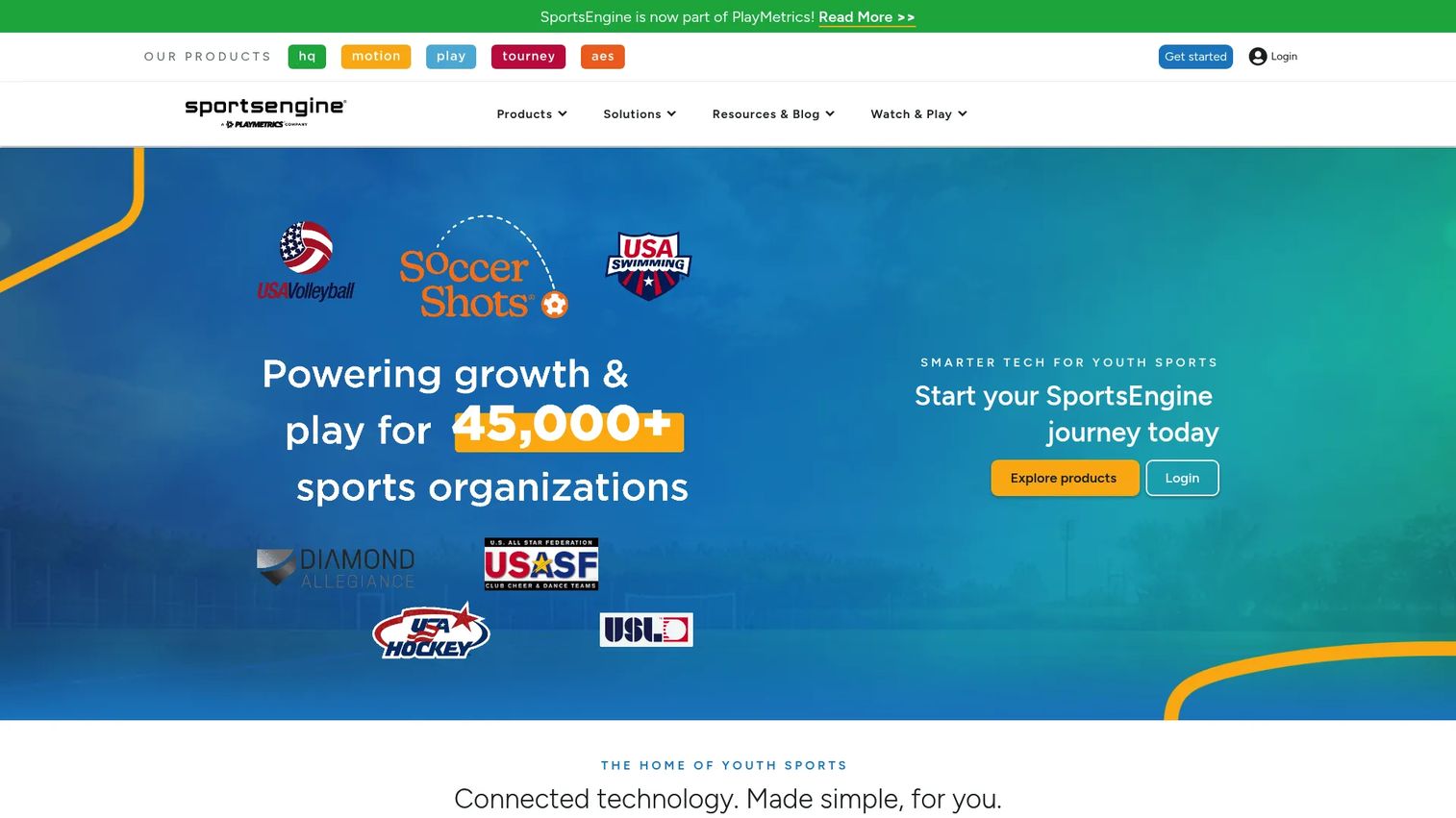
TeamUnify, now presented as SportsEngine Motion for swimming organizations, is a swim club management platform. Swim clubs use it for member administration, meet entries, billing, club communication, and website management. The swim-specific workflows cover meet entry deadlines, event rosters, and billing cycles that general sports software handles poorly.
Best for: Swim teams and aquatic organizations managing members, meet entries, billing cycles, and parent communication.
Key features
- Swim team and member management
- Meet entry submission and event rosters
- Automated member billing and payment collection
- Club website management
- Parent and team communication tools
Why choose TeamUnify: Choose TeamUnify when swim-specific workflows are the core requirement. Meet entry timing, age group divisions, and billing by season are features most general management platforms do not handle natively.
TeamUnify pricing: Plans start at $95 per month billed annually (SwimOffice), with SwimOffice Pro at $125 per month billed annually. Both include a one-time $295 setup fee.
G2 rating: 3.3/5
10. Tourney Machine
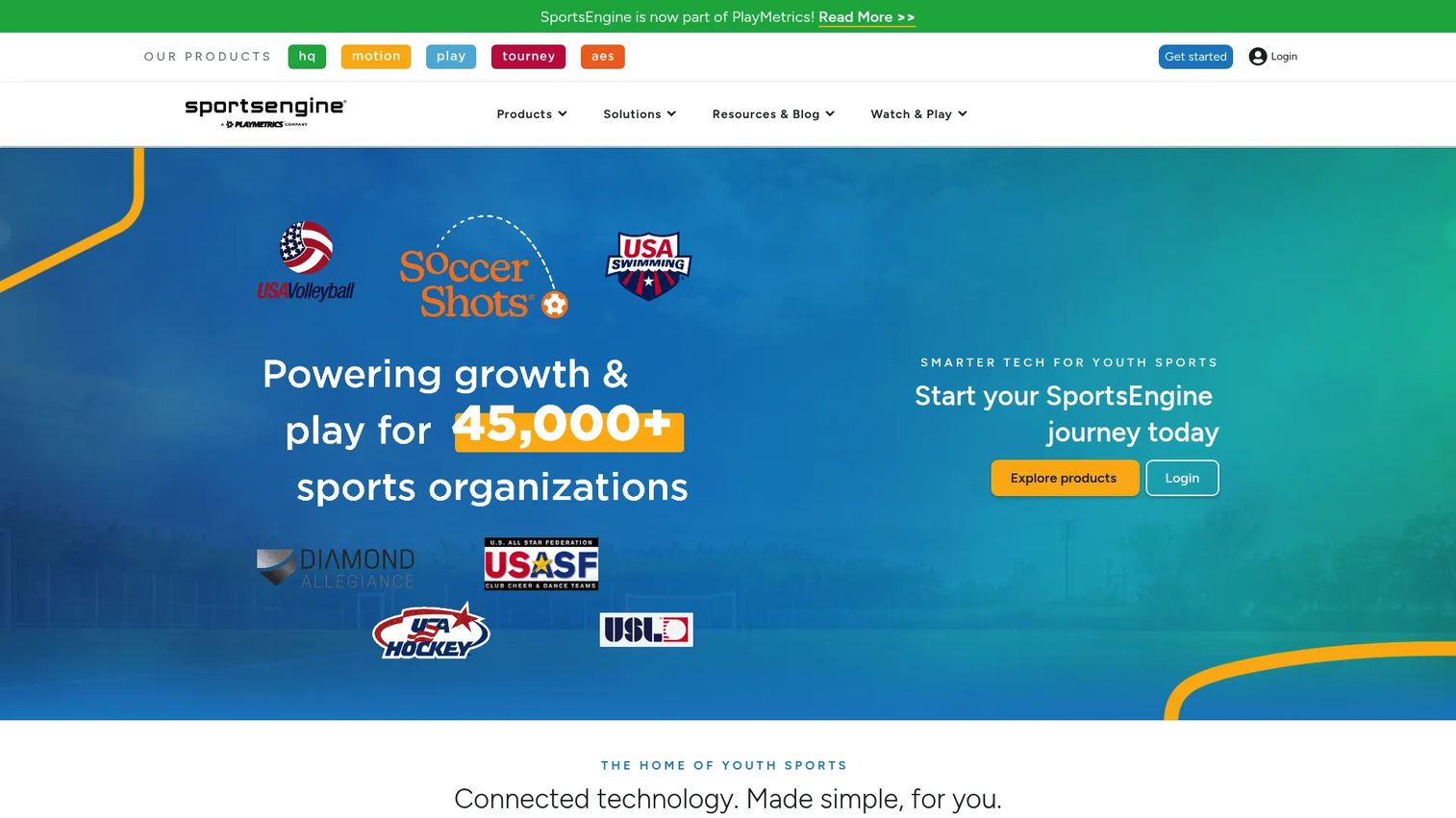
Tourney Machine, now branded as SportsEngine Tourney, is focused tournament and league management software. Tournament organizers use it to build brackets, publish schedules, record scores, and push real-time updates to participants and families through a mobile app. It is built around event execution speed rather than year-round administration.
Best for: Tournament organizers that need clean bracket management, fast schedule publishing, and real-time score updates for coaches, families, and staff.
Key features
- Automated bracket creation and schedule generation
- Online team registration with payment, roster, and waiver collection
- Score entry and results publishing
- Free mobile app with standings, directions, and messaging
- Team and participant notifications
Why choose Tourney Machine: Choose Tourney Machine when the core problem is event-day execution, specifically getting schedules and scores to participants quickly as conditions change. It is event execution software, not a year-round administration system.
Tourney Machine pricing: Drafting and testing a tournament is free. Payment is required to publish a tournament. Contact SportsEngine for specific pricing based on your event model.
G2 rating: 4.5/5
11. Ignite Sports
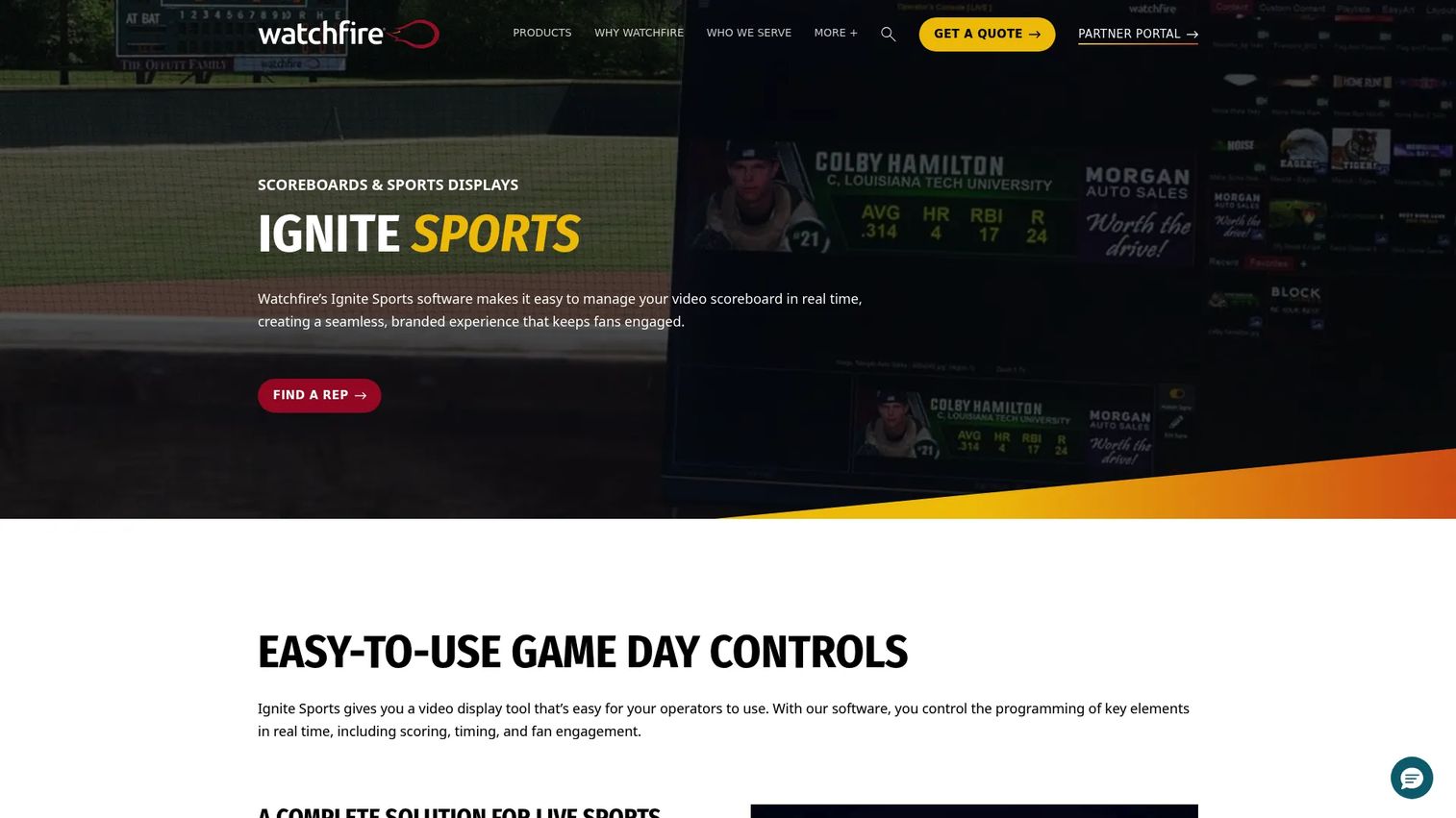
Ignite Sports is game-day software for Watchfire video scoreboards. Schools, colleges, and community venues use it to control scoring and timing across multiple sports, manage sponsor content zones, build content playlists, and integrate live video into their display. It gives facilities a central system for running the entire in-venue presentation from one platform.
Best for: Schools and venues operating Watchfire video scoreboards that need centralized control over real-time scoring, sponsor zones, and game-day content.
Key features
- Multi-sport scoring and timing management
- Sponsor zone configuration and advertising content
- Dynamic content management with a built-in editor and EasyArt library
- Playlist creation and content scheduling
- Live video integration for video boards
Why choose Ignite Sports: Choose Ignite Sports when the buying problem sits inside the venue rather than in the office. It serves the sponsor visibility, game-day presentation, and display control job that general sports administration software does not touch.
Ignite Sports pricing: Included with each new Watchfire sports video display and virtual scoreboard. Watchfire states there is no annual licensing fee. Contact Watchfire to discuss display setup, sports configuration, and installation.
Considerations when choosing sports software
Before shortlisting, work through these four criteria honestly.
Match the software to your operating model
A collegiate athletic department managing 25 varsity sports, hundreds of athletes, and compliance reporting has almost nothing in common with a swim club running monthly billing and meet entries. Buying the broadest platform wastes implementation time and budget on features you will never use. Identify the one workflow that breaks first when volume increases, then buy for that job.
Check what the tool actually replaces
The clearest case for any software purchase is a specific thing it removes from someone's plate. Spreadsheets, parent texts, manual invoicing, film folders, printed brackets, or scoreboard laptops. If the tool does not clearly replace an existing workflow, the adoption risk is high because there is no urgent reason to change behavior.
Verify implementation effort before signing
Sport-specific configuration takes real time. Swim meet entry rules, volleyball division seeding, football film tagging workflows, and scoreboard display setup all require configuration that general onboarding does not cover. Ask vendors specifically about data migration, sport-specific setup, payment onboarding timelines, and staff training requirements before committing.
Look for reporting that answers leadership questions
Reporting should answer revenue, participation, and event performance questions without manual export. Youth league administrators need financial summaries. Athletic departments need participation and eligibility data. Tournament operators need entry counts and bracket integrity reports. Vague "insights dashboards" that cannot answer a specific board question are not reporting.
Confirm sport-specific depth
The difference between a tool that "supports your sport" and one built around it is significant. Volleyball housing logistics, swim meet entry cutoffs, football film tagging, and scoreboard multi-sport timing are features that generic platforms often bolt on. Ask to see the specific sport workflow before buying, not just a general product tour.
Conclusion
The sports software market covers a wide range of organizational jobs, and the right shortlist depends entirely on which workflow is currently costing the most time or credibility.
For elite sports organizations managing cross-functional operations, Teamworks covers athlete lifecycle and organizational coordination. For video-driven coaching and recruiting, Hudl is the standard for film capture, analysis, and highlight workflows. SportsEngine HQ handles youth sports administration from registration through financial reporting. SportsEngine Motion and GoMotion serve class-based businesses running recurring programs, while TeamUnify addresses swim-specific club operations. For event execution, SportsEngine Tourney and Tourney Machine both manage brackets and scheduling, with AES adding volleyball-specific event management. SportsEngine Play covers the fan and family media job. Ignite Sports handles game-day presentation for venues running Watchfire displays.
Start by naming the workflow that currently costs the most time, money, or credibility. Then shortlist the tools built for that specific job.
FAQs
Sports software is a category of digital tools that helps teams, leagues, clubs, venues, and sports organizations manage operations, performance, communication, events, media, payments, and game-day workflows. The category includes operations platforms for elite teams, registration and payment tools for youth leagues, video analysis platforms for coaching, tournament scheduling software, livestreaming tools, and scoreboard management software for venues.
Youth leagues primarily need registration, payment collection, roster management, schedule publishing, and family communication. SportsEngine HQ covers all of these in one system and is designed specifically for youth sports clubs, leagues, and associations. For leagues that also run tournaments, SportsEngine Tourney or Tourney Machine add bracket and event management on top of the administrative layer.
Hudl is the most established platform for video-focused sports organizations. It supports video capture, tagging, telestration, highlight creation, athlete recruiting, and livestreaming across a wide range of sports. Teams that need daily film review workflows rather than occasional recording will find Hudl built around that frequency of use.
Sports management software handles operational administration: Registration, payments, rosters, schedules, communication, and financial reporting. Sports analytics software focuses on performance: Video analysis, athlete data, scouting reports, and coaching insights. Some platforms combine both, but buyers often find that a tool built around one job does it significantly better than a tool that claims to do both. Teamworks and Hudl both touch analytics, but from different starting points.
Pricing varies significantly across the category. SportsEngine HQ starts at $58 per month billed annually. SportsEngine Motion charges a $295 setup fee with transaction-based fees and no monthly subscription. SportsEngine Play is $1,500 per year. Hudl high school programs start at $1,500 per year. GoMotion and TeamUnify swim plans start at $95 per month billed annually. Teamworks, SportsEngine Tourney, SportsEngine AES, and Ignite Sports all use custom or quote-based pricing. Total cost should factor in transaction fees, payment processing rates, setup fees, and any per-sport or per-event charges.
Evaluate workflow fit first: Does the tool replace a specific manual process, or does it add a new one? Then check sport-specific configuration depth, payment processing and reporting capabilities, mobile experience for athletes and families, implementation timeline, data migration support, and customer support responsiveness. Organizations with multiple sports or programs should also confirm whether the platform can handle different sport configurations without separate purchases.
Yes. League management software handles ongoing season operations: Registration, rosters, scheduling, standings, and communication over a full season. Tournament management software focuses on event execution: Brackets, conflict-free scheduling, venue assignments, scoring updates, and participant communication during a compressed event window. Some platforms support both use cases, but tournament-specific tools like Tourney Machine are optimized for the speed and accuracy that event-day operations demand.
It depends on where the operational drag is concentrated. Organizations within the SportsEngine ecosystem can combine HQ, Play, and Tourney for administration, media, and event management from a connected product family. Organizations prioritizing video performance alongside administration may need Hudl alongside a separate admin tool, since Hudl's strength is video and performance rather than registration and payments. The honest answer is that most organizations above a basic size run more than one tool, and the goal is to minimize handoffs between them rather than force everything into a single platform that does none of the jobs well.