Rankings changed, organic leads dipped, and your dashboard cannot explain whether the problem started with a competitor or a specific landing page. Leadership wants an answer before the next reporting meeting.
A SERP rank tracker gives you the ranking history needed to investigate. The useful question is whether it adds evidence your existing stack lacks.
Conductor’s 2025 research found that 91% of respondents said SEO positively affected website performance and marketing goals in 2024. That makes defensible measurement worth the effort. Ranking reports still need to connect with traffic and conversion data before you draw conclusions about pipeline.
Your buying decision should start with the reporting problem. Perhaps national averages hide local losses. Maybe competitor SERP analysis takes too much manual work. Or you already pay for research software that includes the monitoring you need.
Choose a SERP tracker that helps explain movement and identify the next action. Another chart showing yesterday’s SERP ranking will not answer the budget question.
What’s inside
- The shortlist: 12 candidates for digital marketers comparing recurring keyword monitoring with occasional SERP checks.
- Selection criteria: Tracking coverage, diagnostic context, reporting workflow, and subscription fit.
- Buying distinctions: How a free SERP checker differs from a recurring SERP rank checker with stored history.
- Coverage questions: What to evaluate for local results, mobile versus desktop, and Google and Bing rank tracking.
- Evidence: Vendor documentation and pricing research dated November 24, 2026, with available G2 ratings cited separately.
- Practical evaluation: How to test a report against your current workflow before adding another subscription. Entries without sufficient product evidence receive no feature recommendation.
TL;DR
- Best overall for integrated SEO work: SE Ranking combines rank tracking with audits and competitor research, making it a practical consolidation candidate.
- Best for backlink and competitive context: Ahrefs connects monitoring with research into the pages competing for your target queries.
- Best for broader marketing programs: Semrush suits teams combining organic search work with content and visibility reporting.
- Best for agency rank tracking: AccuRanker supports daily and on-demand updates, with reporting and integrations for larger workflows.
- Best for granular local visibility: Nightwatch provides ZIP-level precision and mobile tracking.
- Best starting point for free checks: What’s My SERP offers a free checker. Its paid Starter plan includes 200 daily tracked keywords.
What is a SERP rank tracker?
A SERP rank tracker monitors a website’s keyword positions across selected search engines, locations, and devices over time.
SERP stands for search engine results page. Keyword position tracking creates a record you can compare across reporting periods, rather than relying on whatever appears during a manual search.
A SERP checker answers a narrower question. It shows the results for a query under selected conditions. A free SERP checker can help investigate one keyword, but recurring reporting requires retained observations.
Search-result monitoring becomes useful when the configuration matches your business. A national desktop view may not represent the mobile results customers see in a particular city.
Evaluate these capabilities before buying:
- Tracking scope: Target keywords, ranking URLs, competitors, and search engines.
- Geographic controls: Country or local targeting appropriate to your markets.
- Device coverage: Separate mobile rank tracking and desktop rank tracking.
- Result context: SERP features or map results where supported.
- Historical reporting: Trends that preserve the meaning of each measurement.
- Data delivery: Exports, scheduled reports, APIs, or dashboard integrations.
Coverage varies by product. A Google SERP checker does not automatically include Bing, and local organic positions are different from map visibility.
Likewise, a Google SERP tool may combine research with monitoring, or specialize in one of those jobs. Full suites add diagnostic capabilities such as audits and backlink analysis. Dedicated trackers concentrate on observing and reporting positions.
For growth marketers, the operational value comes from connecting the evidence. Compare visibility changes with affected landing pages, then examine organic visits and conversions.
Keep the business question specific. Did a content refresh improve visibility for commercial searches? Did a local page lose ground where qualified leads declined?
Rank tracking helps you investigate those questions. It cannot establish revenue attribution by itself, and ranking gains do not guarantee additional demand.
When to use a SERP rank tracker
Track rankings across markets and devices
Use segmented tracking when your business serves different regions or relies on local acquisition. Separate location settings from device settings before comparing results.
Local SEO rank checking helps test whether a national trend reflects the markets that generate revenue. Preserve those settings throughout the reporting period.
Monitor competitors before choosing your next action
Start competitor SERP analysis when a priority page loses visibility or stops gaining traffic. Compare the competing results before assigning another content rewrite.
Look beyond the position number. Where supported, examine changes in SERP features and the pages entering the results.
A SERP keyword tracker supplies the observation history. Your investigation determines whether the response should involve content or technical work.
Report SEO progress without rebuilding spreadsheets
Recurring reporting deserves a repeatable process. Use scheduled delivery or exports when manual checks consume time intended for optimization.
Test the output with the person who receives it. An agency client and a demand generation lead may need different summaries.
The goal of SERP monitoring is a useful decision record. Retain the context needed to explain movement without attaching a collection of unrelated screenshots.
SERP rank tracker tools comparison
The comparison below separates broad SEO suites from dedicated monitoring tools and desktop software. Start with the workflow column, then compare the costs.
Entry prices are not equivalent packages. Some include wider research tools, while others emphasize tracking capacity or reporting access. A free SERP check also differs from a paid monitoring subscription.
Treat the G2 column as supporting context rather than a ranking formula. SEO PowerSuite’s score covers the suite, not its standalone tracker.
Where research did not establish a price or rating, the table provides no estimate.
| # | Product | Best for | Key differentiator | Pricing | G2 rating |
|---|---|---|---|---|---|
| 1 | SE Ranking | Integrated SEO work | Rank tracking with research and audits | Core from $103.20/month, billed annually | 4.8/5 |
| 2 | Ahrefs | Backlink and competitive context | Tracking connected to SEO research | Starter $29/month; free access available | 4.5/5 |
| 3 | Semrush | Broad marketing programs | SEO and search visibility workflows | SEO $117.33/month, billed annually | 4.4/5 |
| 4 | AccuRanker | Agencies and frequent monitoring | Daily and on-demand updates | Professional $224/month | 4.8/5 |
| 5 | Nightwatch | Granular local visibility | ZIP-level local and mobile tracking | Starter €79/month | 4.7/5 |
| 6 | Wincher | Focused Google monitoring | Daily tracking with reporting integrations | See current plans | 4.6/5 |
| 7 | Mangools | Smaller SEO teams | Connected research and tracking tools | Basic $37.70/month | 4.7/5 |
| 8 | Moz Pro | Research and audit workflows | Rankings alongside SEO diagnostics | Ask Moz for current plans | 4.3/5 |
| 9 | Serpstat | Teams comparing suite costs | Tracking with research and site analysis | Individual $50/month promotional first period | 4.6/5 |
| 10 | Advanced Web Ranking | Agency and international reporting | Customizable dashboards and exports | Pro $139/month | Not reported here |
| 11 | SEO PowerSuite Rank Tracker | Installed desktop workflows | Unlimited keyword monitoring | Free; Professional $179/year | 4.5/5, suite rating |
| 12 | What’s My SERP | Free checks and recurring Google monitoring | Local tracking with reporting and alerts | Free checker; Starter $19.99/month | Not reported here |
Pricing and available ratings reflect the supplied research dated November 24, 2026. Unavailable scores do not indicate that a G2 listing does not exist.
Best 12 tools for SERP rank tracking
1. SE Ranking
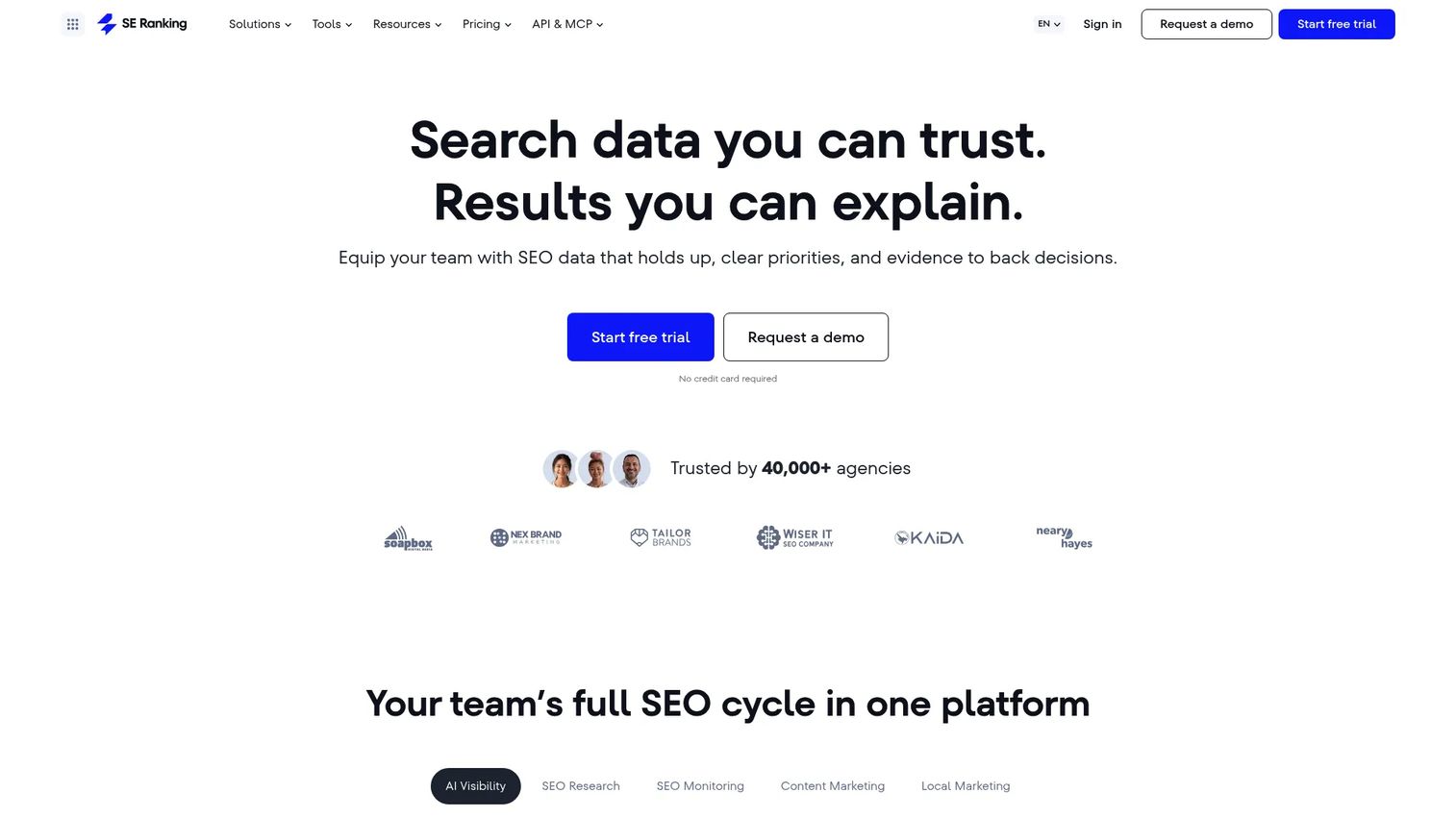
SE Ranking combines keyword monitoring with the diagnostic tools marketers need after spotting a change. Its platform covers website audits and on-page analysis alongside competitor research and backlink monitoring. Local SEO and AI visibility tools extend the scope beyond a conventional position report.
Best for: In-house marketers and agencies seeking one subscription for recurring tracking and SEO investigation.
Key features
- Keyword rank tracking
- Website and on-page audits
- Competitor and keyword research
- Local SEO and map tracking
- Reporting and integrations
For a growth marketer, the appeal is continuity between detection and investigation. You can evaluate whether the platform replaces separate research or auditing subscriptions.
Build your trial around a page that recently lost organic visibility. Review its ranking evidence, then assess whether the available diagnostics help determine the next task.
Also test the report your manager would receive. The important output is a clear explanation of affected queries and pages, followed by a proposed response.
Avoid buying the wider platform solely because its feature list is long. Record which existing subscriptions it could replace and which capabilities your team would use weekly.
Why choose SE Ranking: Choose it when rank monitoring belongs inside a broader SEO operating process. Its integrated scope suits teams responsible for investigation as well as reporting.
SE Ranking pricing: Core costs $103.20/month billed annually or $129 monthly; Growth costs $223.20/month annually or $279 monthly. A 14-day free trial is available.
G2 rating
2. Ahrefs
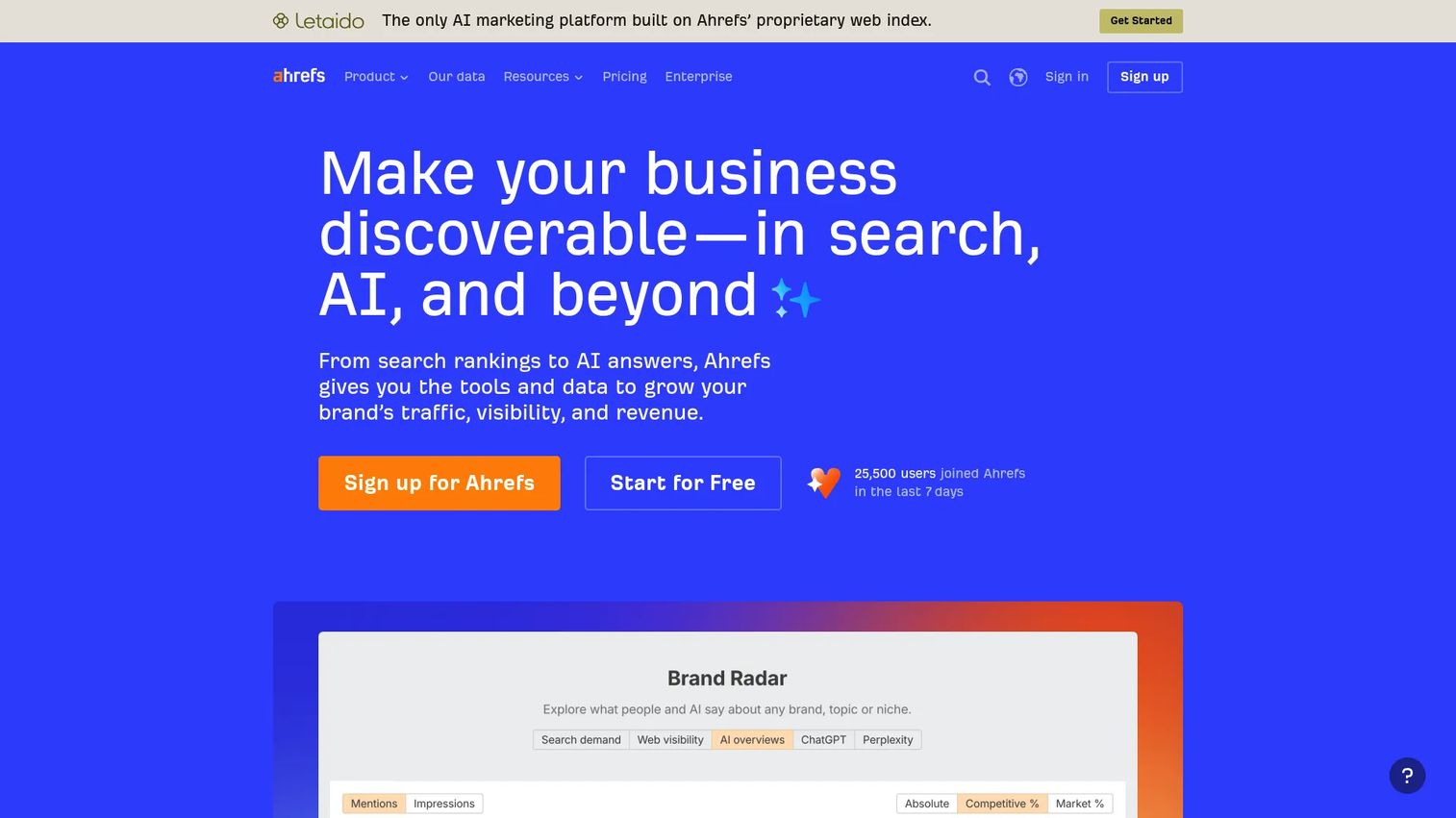
Ahrefs connects Rank Tracker with a wider research platform. Site Explorer and Keywords Explorer support investigation into competing websites and search opportunities. Its documented toolkit also includes site auditing, content research, and reporting.
Best for: Marketers who need competitive research alongside ongoing keyword monitoring.
Key features
- Rank Tracker
- Site Explorer
- Keywords Explorer
- Site Audit
- Reporting and API access
Consider Ahrefs when your difficult question is why another page deserves investigation, rather than simply whether your position changed. Backlink context gives the research process another dimension.
Use a Google SERP checker for an initial query inspection, then assess the work required to turn that observation into a content decision. Keep ranking difficulty separate from a promise of results.
During evaluation, select a commercial query and inspect the pages competing for it. Write down the evidence you would give a content lead before approving a refresh.
If your team already uses Ahrefs for research, assess the tracking allowance in your current package before adding another vendor. Existing familiarity matters, but coverage still needs to match your reporting requirements.
The entry price should not be treated as proof that every research or monitoring capability is included. Map the specific workflow to the plan before comparing costs.
Why choose Ahrefs: Choose it when keyword monitoring needs competitive and backlink context. It is particularly relevant when research already shapes your content prioritization.
Ahrefs pricing: Starter costs $29/month, Lite $129/month, Standard $249/month, and Advanced $449/month. Ahrefs Free is also available.
G2 rating
3. Semrush
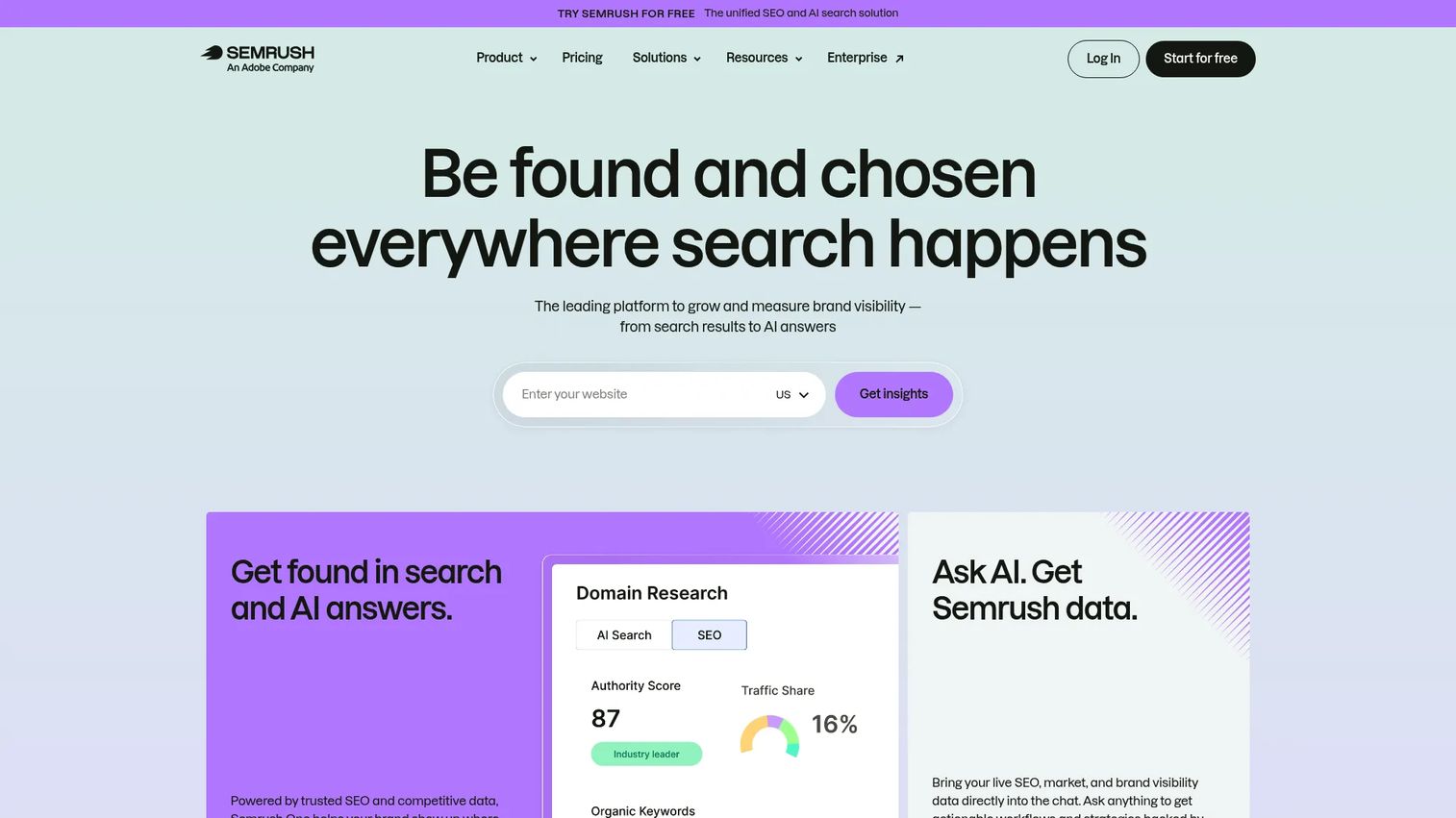
Semrush places rank tracking inside a broad marketing and search visibility platform. Its documented capabilities cover keyword research, technical auditing, content work, and competitive analysis. Automated reporting connects those activities to recurring marketing reviews.
Best for: Marketing teams evaluating consolidation across SEO and related visibility workflows.
Key features
- Rank tracking
- Keyword and competitor research
- Technical site auditing
- Local search visibility
- Automated marketing reports
The case for Semrush depends on how many parts of the platform your team will use. A demand generation group with dedicated content and SEO owners has different requirements from a solo marketer.
Before purchasing, create a replacement map. Identify the existing tools used for audits, research, reporting, and content work.
Then ask each owner to complete a recurring task during evaluation. A broad subscription earns its place when those workflows work together and reduce duplicate effort.
For leadership reporting, examine whether the output separates visibility from business results. A ranking trend belongs beside traffic and conversion evidence, with clear dates and consistent filters.
Also distinguish conventional rankings from AI search visibility when assessing the package. These answer different questions and should have separate success criteria.
Why choose Semrush: Choose it when several marketing owners need connected research and reporting. A dedicated tracker remains worth comparing when the wider toolkit would sit unused.
Semrush pricing: The SEO plan costs $117.33/month billed annually or $139 monthly; Starter costs $165.17/month annually or $199 monthly. A free tier is available.
G2 rating
4. AccuRanker
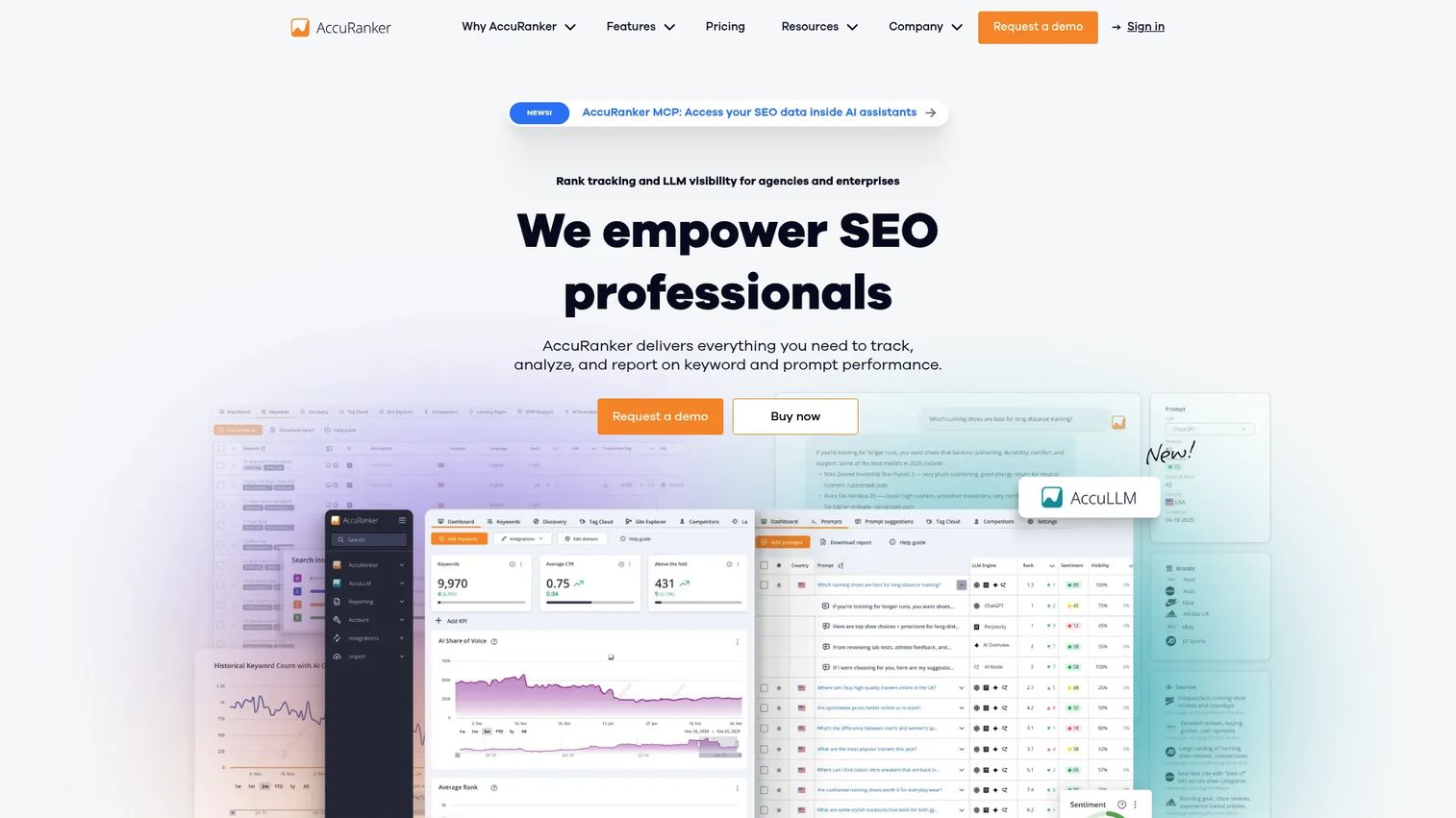
AccuRanker focuses on rank monitoring and SERP analysis for teams managing substantial reporting workloads. Daily and on-demand updates support investigations between scheduled reports. Its toolkit includes competitor monitoring and Share of Voice, alongside segmentation and reporting.
Best for: Agencies and in-house SEO teams needing frequent updates and structured reporting at scale.
Key features
- Daily and on-demand updates
- Share of Voice
- SERP feature tracking
- Keyword tagging and filtering
- Analytics and reporting integrations
Agency rank tracking involves more than collecting positions. You need to isolate the account or keyword group relevant to each conversation.
Evaluate AccuRanker with the segmentation your team already uses. Group queries by commercial intent or landing page, then inspect how clearly the reports preserve those distinctions.
Integration depth also deserves a plan-level review. Professional includes reporting and exports, while Expert adds Looker Studio access and an unlimited read API. Enterprise extends the data workflow with BigQuery and other capabilities.
Those differences matter when SEO data feeds a shared reporting environment. An attractive entry tier may not include the connection your operations team expects.
Use on-demand updates purposefully during investigation. More frequent observations help answer time-sensitive questions, but they should not create pressure to react to every movement.
Why choose AccuRanker: Choose it when rank data is an operational input for several accounts or stakeholders. Its reporting orientation suits teams that already have separate research tools.
AccuRanker pricing: Professional costs $224/month and Expert costs $764/month. Annual payment receives a 10% discount.
G2 rating
5. Nightwatch
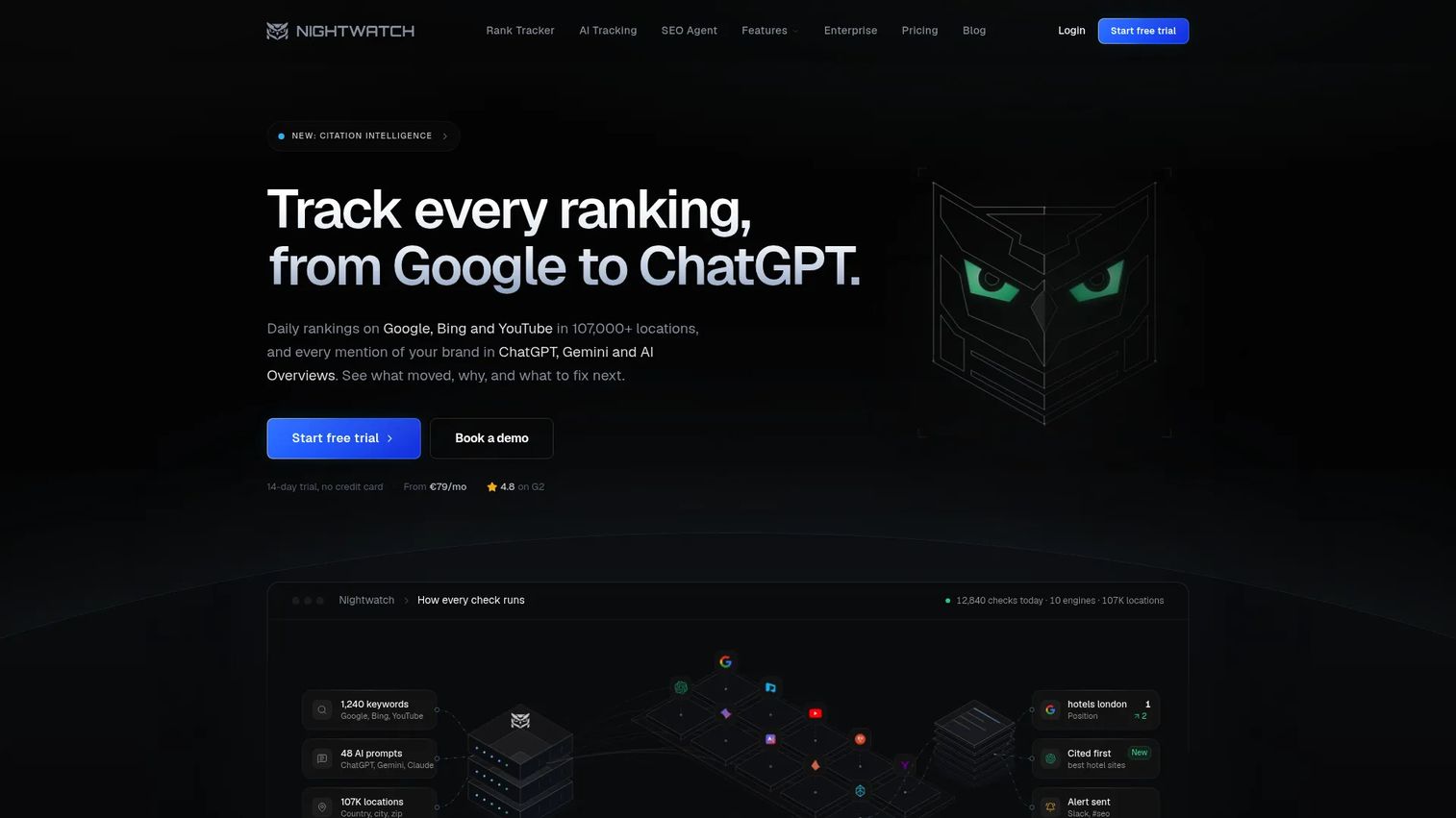
Nightwatch provides daily rank monitoring with granular local coverage. Its documented search engines include Google and Bing, with Google Maps also supported. ZIP-level precision and mobile tracking make it relevant when broad geographic averages hide important movement.
Best for: Marketers managing local pages or reporting across geographically distinct customer markets.
Key features
- ZIP-level local tracking
- Mobile rank monitoring
- Google Maps coverage
- Automated white-label reports
- Looker Studio and analytics integrations
Start evaluation with a market that contributes meaningful leads. Compare its configuration with another location rather than judging the product from a national report alone.
The practical test is whether a stakeholder can distinguish a local visibility problem from a broader acquisition change. Make location and device labels explicit.
Nightwatch also includes AI visibility monitoring and additional SEO tools. Keep those workloads separate when estimating usage.
Its plan limits vary across tracked keywords and AI prompts, with other allowances covering research activity and websites. A keyword-only cost estimate may miss the scope your team intends to use.
All plans include unlimited user seats, which is useful context for teams sharing access. Still, test the actual reporting handoff before assuming additional users will adopt the workflow.
Why choose Nightwatch: Choose it when geo-specific rankings carry more business meaning than a national average. It deserves particular attention for local and mobile reporting requirements.
Nightwatch pricing: Starter costs €79/month, Professional €159/month, and Agency €399/month. A 14-day free trial is available.
G2 rating
6. Wincher
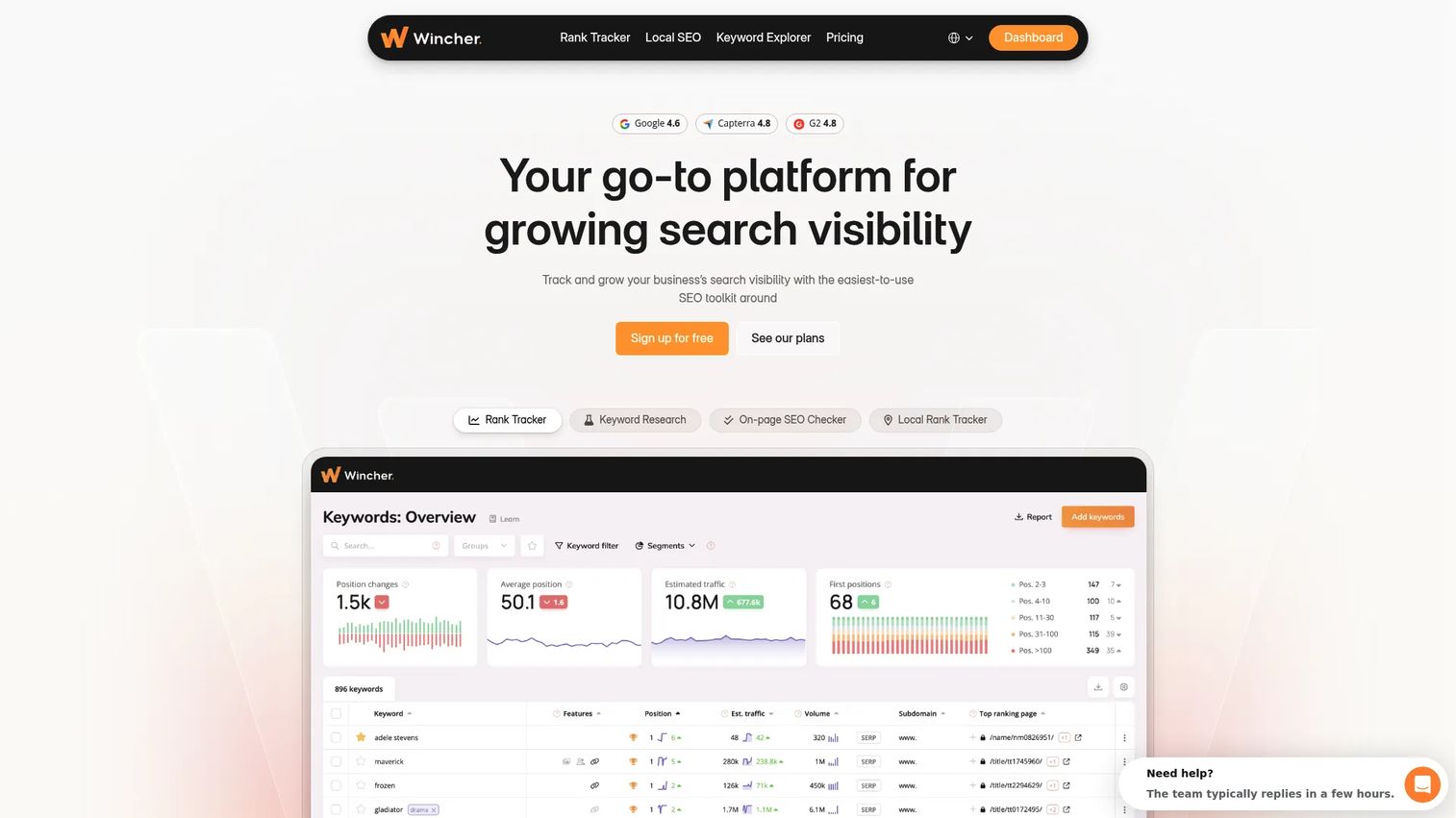
Wincher offers daily Google ranking updates with supporting SEO research and reporting tools. Its documented capabilities include local monitoring, keyword gap analysis, and an On-Page SEO Checker. Scheduled reports and dashboard integrations make it relevant to recurring marketing reviews.
Best for: Small marketing teams seeking a focused Google monitoring workflow with useful diagnostic support.
Key features
- Daily Google ranking updates
- Local rank tracking
- Keyword gap analysis
- On-Page SEO Checker
- Scheduled and white-label PDF reports
Evaluate Wincher around your weekly review rather than a hypothetical enterprise workflow. Choose the queries tied to priority landing pages and inspect what the report makes clear.
Its Google Search Console and Looker Studio integrations are worth testing if those systems already support your reporting. Check the resulting fields and date alignment.
For smaller teams, ownership is another buying criterion. Decide who adds keywords when a page launches and who removes terms that no longer matter.
The documented pricing structure includes allowances beginning at 500, 1,000, and 5,000 keywords. Exact plan names and amounts were not established in the available research.
That leaves a straightforward procurement task. Request the package matching your expected tracked set, including your reporting requirements, before comparing the subscription with alternatives.
Why choose Wincher: Choose it when recurring Google visibility reporting is the central job. Evaluate its supporting tools against work you currently handle in separate subscriptions.
Wincher pricing: Review Wincher’s current plans for subscription amounts and billing options.
G2 rating
7. Mangools
Mangools bundles several named SEO applications around research and monitoring. SERPWatcher handles rank tracking, while KWFinder supports keyword discovery. SERPChecker provides search-result analysis, with LinkMiner and SiteProfiler covering backlinks and website research.
Best for: Smaller teams wanting connected SEO research tools without committing to a higher-priced broad platform.
Key features
- SERPWatcher rank tracking
- KWFinder keyword research
- SERPChecker result analysis
- LinkMiner backlink analysis
- SiteProfiler competitor research
The bundle is worth evaluating when one marketer handles both research and performance reviews. Those tasks should connect without requiring duplicate keyword lists.
Test that connection with a campaign you are about to launch. Research the target terms, inspect the competing results, and establish a baseline before publication.
Avoid judging affordability from the entry price alone. Estimate the allowances required for your active campaigns and the next planned market expansion.
A smaller subscription remains wasteful if it duplicates tools nobody intends to cancel. Conversely, buying unused enterprise reporting capacity can consume budget better spent on execution.
Ask the person receiving SEO updates to review a sample output. Your preferred research interface and their reporting requirements may differ.
Mangools also offers AI Search Watcher. Treat that as a separate evaluation question rather than assuming conventional ranking reports explain AI visibility.
Why choose Mangools: Choose it when a connected research bundle fits a small team’s operating model. Compare the package against the combined cost of your existing SEO subscriptions.
Mangools pricing: Basic costs $37.70/month, Premium $52.70/month, and Agency $97.70/month. A free-account option is available.
G2 rating
8. Moz Pro
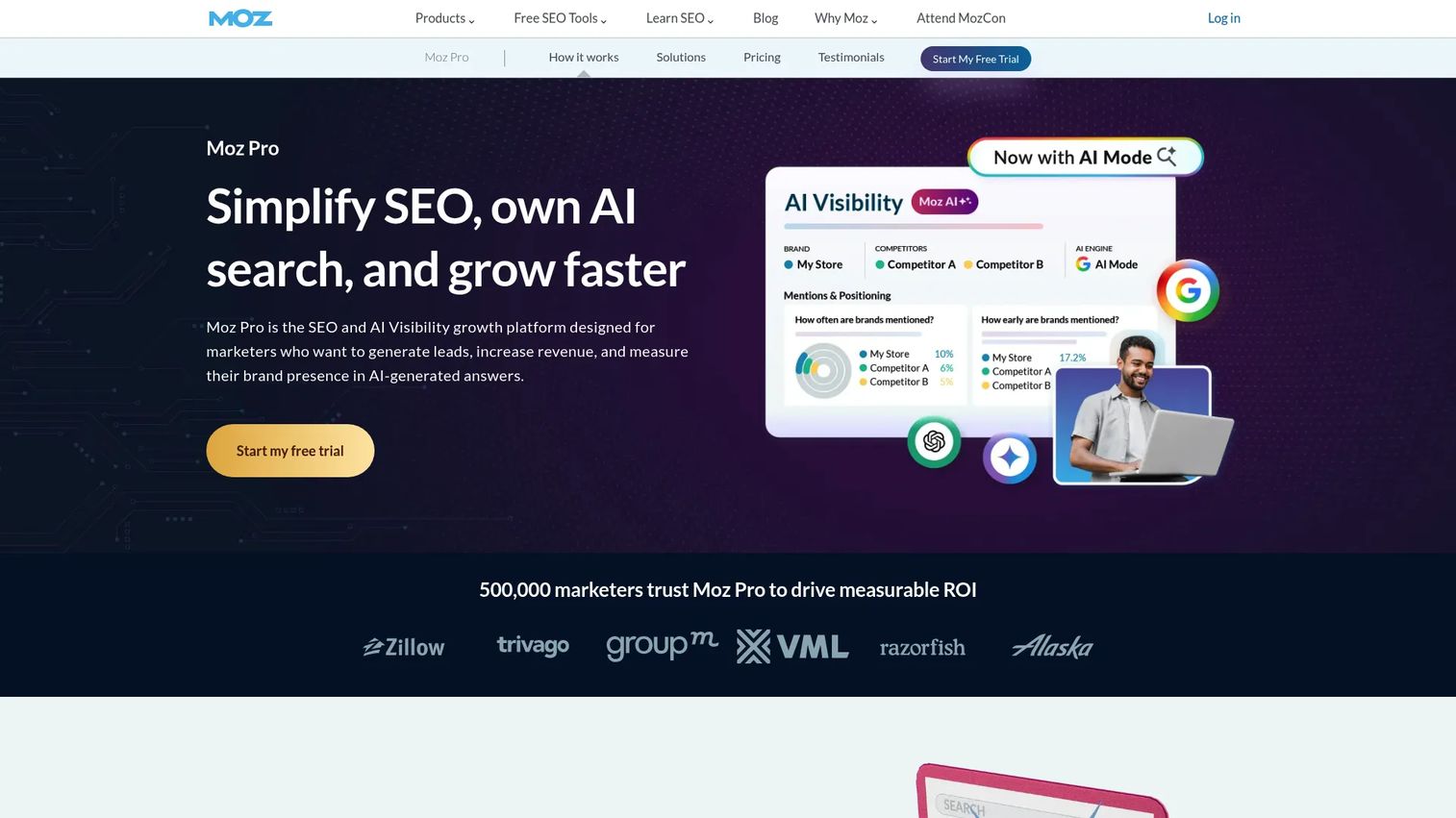
Moz Pro combines keyword research and rank tracking with SEO site auditing. It belongs in the comparison for teams that want monitoring inside a broader diagnostic workflow. The available product evidence supports those core functions without establishing current plan details.
Best for: Marketers evaluating keyword research and site auditing alongside recurring position monitoring.
Key features
- Keyword research
- Keyword rank tracking
- SEO site auditing
For an existing Moz customer, begin with the subscription already in use. Identify whether its tracking scope covers the campaign before buying a second monitoring tool.
New buyers should test a complete reporting cycle. Add representative queries and inspect how the results support the decisions your team makes regularly.
Then evaluate the audit workflow separately. A platform can be useful for both tasks while still requiring different owners and review schedules.
Keep any authority or difficulty metric in context when comparing SEO tools. Ask how the metric is defined before placing it in an executive report.
Current pricing and package inclusions need direct clarification from Moz. The available research does not support a plan comparison or a free-trial claim.
That does not prevent an evaluation, but it does mean the subscription decision should follow a documented package review. Request the exact limits your team expects to use.
Why choose Moz Pro: Consider it when research and site diagnostics belong beside rank monitoring. Test the combined workflow rather than selecting it on familiar metric names alone.
Moz Pro pricing: Ask Moz for current plans and billing terms.
G2 rating
9. Serpstat
Serpstat combines rank tracking with keyword research and competitor analysis. Its wider platform includes site auditing and backlink analysis. AI visibility monitoring adds another research area for teams comparing broader search-marketing subscriptions.
Best for: Budget-conscious teams evaluating several SEO functions under one subscription.
Key features
- Rank tracking
- Keyword research
- Competitor analysis
- Site auditing
- Backlink analysis
Assess Serpstat against the tasks your team pays to complete elsewhere. The consolidation argument is strongest when several recurring workflows can move together.
Use the trial to investigate an existing visibility issue. Check whether the research gives your content or technical owner enough evidence to take the next step.
For cost comparisons, the renewal amount matters more than an acquisition promotion. The researched prices apply to the first billing period.
Document the ongoing charge before making an annual budget decision. Include any higher allowance required as your campaigns expand.
Also separate subscription savings from operational savings. Replacing two invoices helps, but a new reporting process still needs an owner and an agreed output.
For a small team, the most useful evaluation question is concrete. Can the platform support the recurring SEO work you complete each month without another paid research tool?
Why choose Serpstat: Choose it when a broad SEO toolkit can replace existing spend. Compare ongoing package costs and usable allowances rather than the introductory discount alone.
Serpstat pricing: Individual starts at a promotional $50/month for the first billing period. A seven-day free trial is available.
G2 rating
10. Advanced Web Ranking
Advanced Web Ranking centers on rank tracking and configurable reporting. Its documented capabilities include SERP snapshots and competitor analysis, with keyword gap research also available. Dashboard widgets and exports support teams that need to present results beyond the SEO function.
Best for: Agencies and enterprise teams managing international monitoring or demanding reporting requirements.
Key features
- International rank tracking
- Customizable reporting dashboards
- SERP snapshots
- Competitor market-share analysis
- Data exports and integrations
Start with the report you need to deliver, then work backward through the configuration. Agency buyers should use a client brief rather than an empty test project.
Ask whether the output distinguishes movement by market and search context. International reporting needs consistent definitions before individual country trends can support a useful summary.
Competitor snapshots can also support the explanation behind a change. Use them as evidence for investigation rather than treating market share as a revenue measure.
Evaluate how much manual formatting remains after export. A platform that produces suitable client reports can justify different economics from a tracker used by one specialist.
For enterprise adoption, involve the reporting owner before purchase. Their requirements may determine the package even when the SEO team prefers a particular interface.
Why choose Advanced Web Ranking: Choose it when reporting flexibility is a central procurement requirement. Its international tracking and competitor context suit teams managing several reporting audiences.
Advanced Web Ranking pricing: Pro costs $139/month, Agency $279/month, and Enterprise $699/month. A seven-day trial is available.
11. SEO PowerSuite Rank Tracker
SEO PowerSuite Rank Tracker uses an installed desktop workflow for keyword monitoring and research. It supports unlimited keyword monitoring, including desktop and mobile positions. Local checks and competitor history make it relevant to specialists who prefer managing their SEO work through desktop software.
Best for: SEO professionals comfortable with an installed application and annual software subscriptions.
Key features
- Unlimited keyword monitoring
- Desktop and mobile position tracking
- Local ranking checks
- Competitor rank tracking
- SERP history
Distinguish the software’s installation model from the devices being measured. A desktop application can still monitor mobile search positions.
During evaluation, test the workflow on the machine that will run the recurring work. Include file ownership and handoff arrangements in the buying decision.
Plan differences are especially important for reporting. Professional adds unlimited project saving and five competitors per project. Enterprise supports 40 competitors, plus report scheduling and data exports.
A solo specialist and an agency therefore have different package requirements. The ability to monitor many keywords does not settle which tier fits client delivery.
Use the free evaluation to assess the application’s workflow, then test the exact paid reporting requirements before committing. Keep the comparison focused on how your team operates.
Why choose SEO PowerSuite Rank Tracker: Choose it when installed software fits your preferred working model. Enterprise deserves attention when client reporting and export requirements determine the purchase.
SEO PowerSuite Rank Tracker pricing: A free plan is available; Professional costs $179/year and Enterprise costs $419/year.
G2 rating
4.5/5 on G2 for SEO PowerSuite, covering the wider suite rather than Rank Tracker alone.
12. What’s My SERP
What’s My SERP provides a free checker alongside paid Google rank monitoring. Its recurring tracking includes daily refreshes and on-demand updates. Local Map Pack coverage, reporting, and alerts extend the paid workflow beyond occasional manual checks.
Best for: Smaller teams seeking free query inspection or a focused Google monitoring subscription.
Key features
- Free SERP checker
- Daily and on-demand tracking
- Local Map Pack results
- Custom ranking alerts
- White-label reporting
Begin with the distinction between checking and monitoring. The free checker is useful for inspection; recurring reporting should be evaluated against the paid tracking package.
For a small acquisition program, prioritize the queries tied to pages that generate qualified visits. Avoid filling the allowance with terms nobody intends to investigate.
Then test an alert against your response process. Decide which changes should prompt investigation and who owns that review.
The documented paid plans include unlimited domains. That is relevant to agencies, but domain count should not replace a calculation of total tracked keywords.
API access was described as coming soon in the researched package information. Do not base an automated reporting purchase on that future capability.
Also inspect the client-facing report before assuming a low entry price meets an agency requirement. The needed output should determine whether the subscription fits.
Why choose What’s My SERP: Choose it when Google visibility monitoring is the main job and broader research tools are already covered. Its free checker also supports occasional investigations.
What’s My SERP pricing: Starter costs $19.99/month, Premium $29.99/month, and Professional $59.99/month. A free SERP checker is available.
Considerations before choosing a SERP rank tracker
Match depth to your reporting obligation
Request a sample rank tracking report using the questions leadership asks. Check refresh frequency and retained history before committing to a subscription.
Define how ranking observations will connect with landing-page traffic and conversions.
Check local and device coverage
List the markets and devices that matter to revenue. Test city or ZIP targeting when local acquisition is important.
Ask separately about map results and organic positions rather than assuming one setting covers both.
Decide whether you need a checker or tracker
Use a checker for an occasional inspection. Choose recurring monitoring when campaign reviews require comparable observations over time.
Avoid a new subscription when your existing platform already provides the necessary tracking.
Compare reporting exports before buying
Request the exact CSV or dashboard output your team expects to use. Check API access and scheduled delivery at the intended tier.
For agency work, review white-label presentation with the account manager who will send it.
Model the full tracking scope
Estimate keyword demand across each market and device configuration. Ask how the vendor counts those combinations against allowances.
Include renewal pricing and reporting access in the calculation, especially when a promotional entry price drives the initial comparison.
Choose the tracker that answers your reporting question
SE Ranking is the starting point for integrated tracking and SEO investigation. Ahrefs deserves attention when competitive research drives content decisions.
Semrush fits broader marketing programs evaluating consolidation. AccuRanker and Advanced Web Ranking warrant closer review when agency reporting or data delivery determines the purchase.
Nightwatch stands out for granular local visibility. What’s My SERP offers a free checking route and focused paid monitoring, while SEO PowerSuite serves an installed desktop workflow.
Keep your decision grounded in the work you need to complete. SERP tracker rankings become useful when they explain which pages deserve investigation and preserve the context behind each observation.
Before buying, run a small evaluation using your priority queries and reporting requirements. Have the intended recipient review the output.
Start by listing the markets, devices, search engines, and keyword count you need to track. Then choose the lightest subscription that provides dependable history and reporting your team will use.
FAQs
A SERP rank tracker records a website’s positions for selected keywords over time. Its configuration determines which locations, search engines, and devices the observations represent. Marketers use that history to investigate visibility changes and prioritize SEO work. Connect the resulting evidence with traffic and conversion data before making claims about business impact.
A SERP checker provides a current result snapshot for a query under selected conditions. A tracker retains observations, allowing you to compare performance across reporting periods. Choose a checker for a one-off investigation and recurring monitoring for campaign reviews. Keeping location and device settings consistent makes those comparisons more useful.
For occasional inspections, What’s My SERP provides a free SERP checker. SEO PowerSuite Rank Tracker also offers a free plan, while Ahrefs has free access options. These offerings do not have identical purposes or allowances. Evaluate retained history and reporting access before relying on any free account for recurring stakeholder reports.
Set the review cadence around decisions your team can make. Weekly analysis can support routine content planning, while daily observations are useful during launches or site changes. Investigate sustained movement and important commercial queries before reacting to minor fluctuations. A fresh position reading is evidence to examine, not an automatic instruction to rewrite a page.
Yes, search results can differ by device and location. Track both contexts for priority keywords when customers use both during their buying journey. Label each series clearly in reporting, and avoid comparing mobile observations with a desktop baseline. Consistent settings help separate market movement from changes introduced by your own measurement process.
Yes, tools with location-specific tracking can monitor local visibility. Verify the geographic precision your business requires, such as city or ZIP-level targeting. Ask separately about mobile results and map-pack coverage because these represent different reporting requirements. Build the evaluation around a market that contributes qualified leads rather than a location chosen only for convenience.
Use your own acquisition data to decide which search engines deserve ongoing monitoring. Bing tracking is worth evaluating when that audience contributes qualified traffic or appears in your reporting obligations. Nightwatch explicitly supports Google and Bing in the available research. Apply the same location and reporting standards to both instead of adding a second engine without a decision attached.
Begin with queries tied to priority landing pages and meaningful acquisition goals. Include branded searches alongside commercial nonbranded terms, then add local queries where relevant. Keep research candidates separate from the set that requires recurring reporting. Estimate each vendor’s allowance using the full market and device configuration, because a keyword list alone may understate the package you need.