Your content workflow is probably split across five or six tabs right now. A keyword tool here, an AI draft there, a Google Doc with editorial comments, a WordPress plugin throwing readability warnings, and a Slack thread where someone asks if the article is optimized yet.
That fragmentation is expensive. According to Semrush's 2026 analysis of 2025 traffic data, organic search drives 16.04% of website visits, making it one of the highest-value channels you can invest in. Yet most content teams are still stitching together their SEO writing process from disconnected point tools.
The good news: The category has matured. You can now pick dedicated SEO content writing software that covers research, brief generation, AI drafting, on-page optimization, and editing quality in a single platform, or pair two focused tools to close the gap.
This guide compares 21 options, from full-stack SEO content suites to editing companions and AI assistants, so you can figure out which one actually fits your workflow.
What's inside
This guide is for growth marketers, SEO managers, content teams, and agencies who need to ship ranking content without multiplying their tool stack.
Tools were selected based on:
- SEO workflow fit: Does it cover research, briefs, optimization, or editing?
- AI writing quality: Can it produce drafts worth editing?
- Integration depth: Does it connect to Google Docs, WordPress, or your CMS?
- Pricing transparency: Are plans clearly structured without a sales call?
Expect a comparison table, one section per tool with verified pricing and G2 ratings, a buyer's checklist, and direct answers to common questions.
TL;DR
- Best overall SEO content workflow: Surfer, for teams that want SERP-based scoring, AI writing, and optimization in one platform, starting at $49/month
- Best for briefs and SERP research: Frase, for content teams turning competitor analysis into outlines fast, starting at $39/month
- Best for premium content optimization: Clearscope, for in-house SEO teams that want clean grading and reliable recommendations, starting at $129/month
- Best for brand-aware AI drafting: Jasper, for marketing teams that need AI writing governed by brand voice, at $69/month per seat
- Best editing and quality control: Grammarly, with a free tier and Pro plans at $12/member/month (billed annually)
- Best free-tier workflow: ChatGPT free plan paired with Google Docs and Yoast SEO's free plugin covers ideation, drafting, and in-CMS optimization at no cost
What is SEO content writing software?
SEO content writing software helps teams research, draft, optimize, edit, and publish content designed to rank for target search queries.
The category sits at the intersection of content production and search marketing. It is distinct from general AI writing tools, which generate text without analyzing SERPs. It also differs from grammar tools, which improve clarity but cannot map keyword gaps or competitor headings. Full SEO platforms like Semrush or SE Ranking include writing features, but they also handle rank tracking and technical audits.
SEO content writing software focuses specifically on the writing workflow: Getting from keyword to publishable draft with search intent built in from the start.
Key capabilities to look for
- Keyword research and intent mapping: Identify what searchers want, not just what they type
- SERP and competitor analysis: Pull headings, subtopics, and content gaps from top-ranking pages
- Content brief generation: Produce structured outlines writers can follow immediately
- AI-assisted drafting: Generate first drafts or fill sections from outlines
- On-page optimization scoring: Score keyword coverage, readability, and term usage in real time
- Readability and grammar checks: Flag long sentences, passive constructions, and unclear phrasing
- Plagiarism and originality detection: Catch accidental duplication before publishing
- Internal linking suggestions: Identify opportunities to link between existing pages
- CMS and collaboration integrations: Fit into existing publishing workflows without added friction
- Post-publication performance tracking: Surface which pages need refreshing based on ranking data
According to the Content Marketing Institute (2025), 89% of B2B marketers using AI applied it to generate or optimize written content. That figure suggests the category is now mainstream, not experimental. The question is no longer whether to use these tools but which combination fits your specific bottleneck.
No tool replaces editorial judgment. The best SEO writing workflows use software to tighten research and QA, then depend on human review for accuracy, examples, positioning, and brand fit.
When to use SEO content writing software
Build briefs before writers start
Sending a writer a keyword and a word count produces a draft that may miss every important subtopic. Brief-first tools pull competitor headings, common questions, and suggested terms before anyone writes a word. That means fewer rewrites and content that covers what searchers actually want to find.
Optimize drafts before publishing
Running a content score after the draft is finished catches gaps that are expensive to fix in the CMS. Use an optimizer while writing, not after. Catching a missing primary term or a readability issue at the draft stage takes two minutes. Catching it after publishing, then recrawling, takes days.
Scale AI-assisted writing without lowering quality
AI tools can produce outlines and first drafts in minutes. That speed is worth capturing, but AI output tends toward vague claims, stale examples, and generic structure. Build a review step into every AI-assisted workflow. Fact-check statistics, replace generic examples with real ones, and make the voice match your brand before anything goes live.
SEO content writing software comparison
The table below gives you a quick reference across all 21 tools. Pricing reflects verified figures from each vendor's pricing page. G2 ratings are taken from live listings. Tools are ordered by their primary SEO workflow fit.
| # | Product | Best for | Key differentiator | Pricing | G2 rating |
|---|---|---|---|---|---|
| 1 | Surfer | Full SEO content workflow | SERP-based scoring plus AI writing in one platform | From $49/mo (yearly) | 4.8/5 |
| 2 | Frase | Briefs and SERP research | Fast SERP-to-outline workflow | From $39/mo (yearly) | 4.8/5 |
| 3 | Clearscope | Premium content optimization | Clean content grades with reliable term recommendations | From $129/mo | 4.9/5 |
| 4 | Semrush SEO Writing Assistant | Semrush users | Optimization inside Docs, WordPress, and Word | From $139/mo (Semrush Pro) | 4.4/5 |
| 5 | MarketMuse | Enterprise content strategy | Topic modeling and content portfolio planning | Custom pricing | 4.6/5 |
| 6 | SE Ranking Content Editor | SEO suites | Content editor connected to rank tracking and auditing | From $103.20/mo (yearly) | 4.7/5 |
| 7 | Jasper | Brand-governed AI drafting | Brand voice and AI agents for marketing content | From $69/mo per seat | 4.7/5 |
| 8 | Writesonic | AI visibility and article generation | AI writing plus AI search visibility monitoring | From $79/mo (yearly) | N/A |
| 9 | Copy.ai | GTM workflow automation | Workflow builder for repeatable marketing content | From $24/mo (yearly) | N/A |
| 10 | Grammarly | Editing and QA | Grammar, tone, clarity, and plagiarism in one editor | Free; Pro $12/member/mo (yearly) | 4.7/5 |
| 11 | Hemingway Editor | Readability cleanup | Sentence-level clarity scoring | Free online; plans from $8.33/mo (yearly) | 4.4/5 |
| 12 | Yoast SEO | WordPress publishing | In-CMS SEO and readability checks | Free plugin; Premium $118.80/year | 4.5/5 |
| 13 | GrowthBar | Simple SEO writing | Keyword research with AI blog drafting | Contact vendor for current pricing | 4.8/5 |
| 14 | Anyword | Conversion-focused copy | Predictive performance scoring for marketing copy | From $39/mo (yearly) | 4.8/5 |
| 15 | QuillBot AI Writer | Rewriting and paraphrasing | Paraphrase, summarize, and polish draft sections | Free; Premium from €8.33/mo (yearly) | N/A |
| 16 | ChatGPT | Flexible AI drafting | General-purpose ideation, outlining, and rewriting | Free; Business $20/user/mo (yearly) | 4.6/5 |
| 17 | Claude | Long-form drafting and revision | Strong long-context writing support | Free; Pro $17/mo (yearly) | 4.7/5 |
| 18 | Google Gemini | Google-native AI assistance | Research, drafting, and Workspace fit | Free; AI Pro $19.99/mo | 4.4/5 |
| 19 | Perplexity | Research with cited sources | Answer-style research with inline citations | Free; Pro $20/mo | 4.5/5 |
| 20 | Google Docs | Collaboration and editing | Familiar drafting workspace with add-on support | Free; Workspace from $7/user/mo | N/A |
| 21 | WebSite Auditor | On-page content auditing | Technical and on-page analysis for published pages | Free tier; Professional $29.10/mo (yearly) | N/A |
Best 21 SEO content writing software tools for 2026
1. Surfer
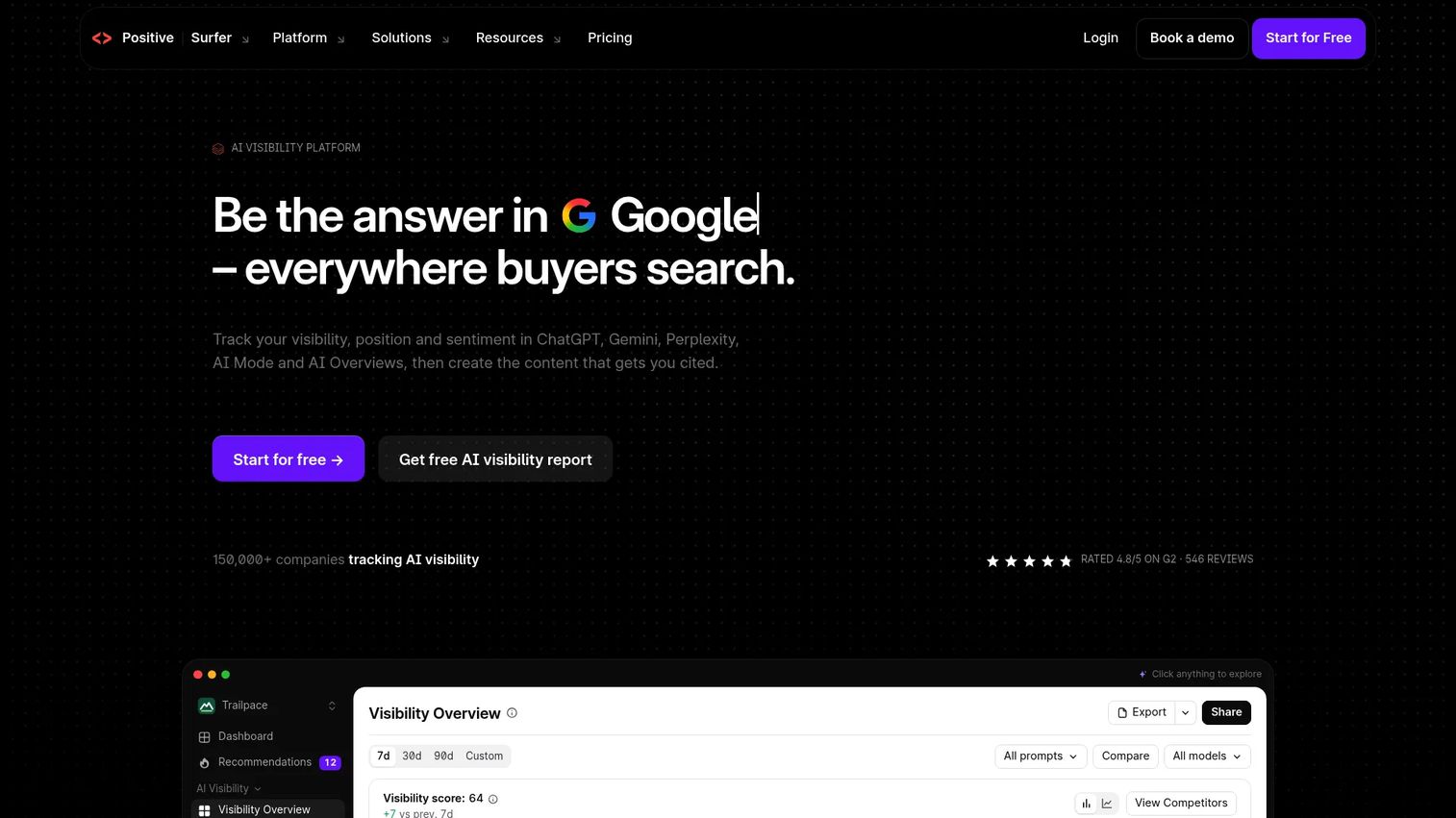
Surfer is a full SEO content platform covering keyword research, SERP analysis, content scoring, AI writing, and AI search visibility tracking in one workflow. It has expanded beyond classic Google SEO to monitor how your content performs in ChatGPT, Perplexity, Google AI Overviews, and Gemini. Teams use it to replace several point tools with one platform that spans creation and measurement.
Best for: Growth and content teams that want SERP-based optimization connected directly to their writing workflow.
Key features
- Real-time Content Score with SERP-based optimization
- AI writing assistant with one-click optimization
- Keyword Research, Topical Maps, and SERP Analyzer
- AI visibility tracking across ChatGPT, Perplexity, and Google AI
- WordPress, Google Docs, Contentful, and Zapier integrations
Why choose Surfer: Surfer is the strongest pick when your bottleneck spans research, writing, and optimization rather than just one of them. Writers still need to fact-check AI output and add original examples, but the structured workflow reduces the chance of missing key subtopics before publishing.
Surfer pricing: Plans start at $49/month (Discovery, billed yearly). The Standard plan is $99/month and the Pro plan is $182/month, both billed yearly. A 7-day free trial is available.
G2 rating: 4.8/5
2. Frase
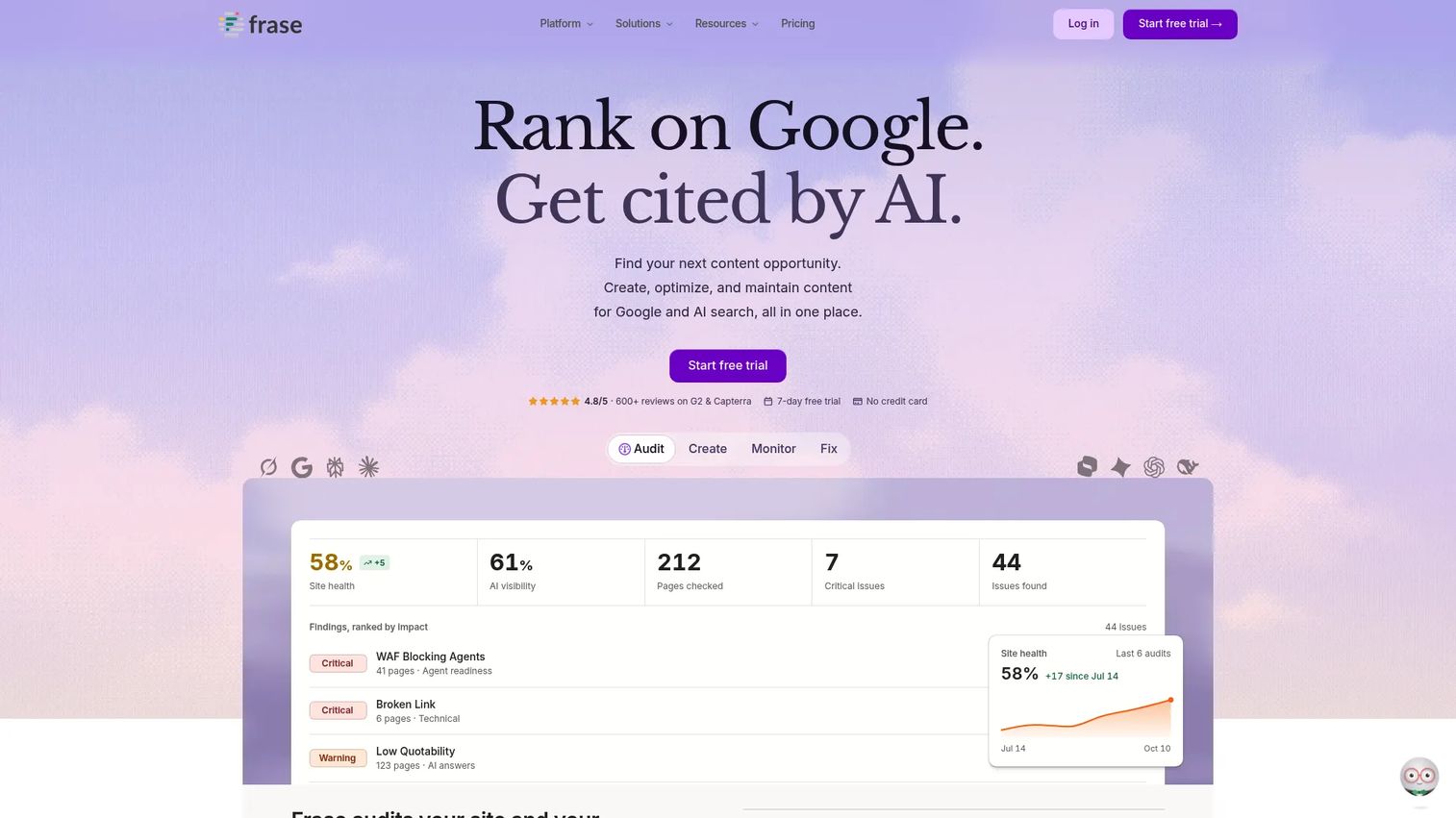
Frase is an SEO content platform built around turning SERP research into usable briefs and drafts quickly. It aggregates competitor headings, questions, and content structures, then provides an AI writing assistant to fill those briefs. The platform now also covers GEO content scoring, AI visibility tracking, WordPress and Webflow publishing, and site monitoring.
Best for: SEO marketers and agency teams who need to move from keyword to structured outline in a single session.
Key features
- SERP research summaries and competitor analysis
- Content brief builder with question research
- SEO and GEO content scoring
- AI writing assistant for drafting and expanding sections
- Publishing to WordPress, Webflow, Sanity, and Wix
Why choose Frase: Choose Frase when brief quality is the bottleneck. It is especially strong for agency workflows where writers need a clear content plan before they start, cutting the back-and-forth on structure and subtopics.
Frase pricing: Starter plan starts at $39/month (billed yearly, $468/year). Professional is $103/month (billed yearly) and Scale is $239/month (billed yearly). Enterprise pricing is custom. A 7-day free trial is available with no credit card required.
G2 rating: 4.8/5
3. Clearscope
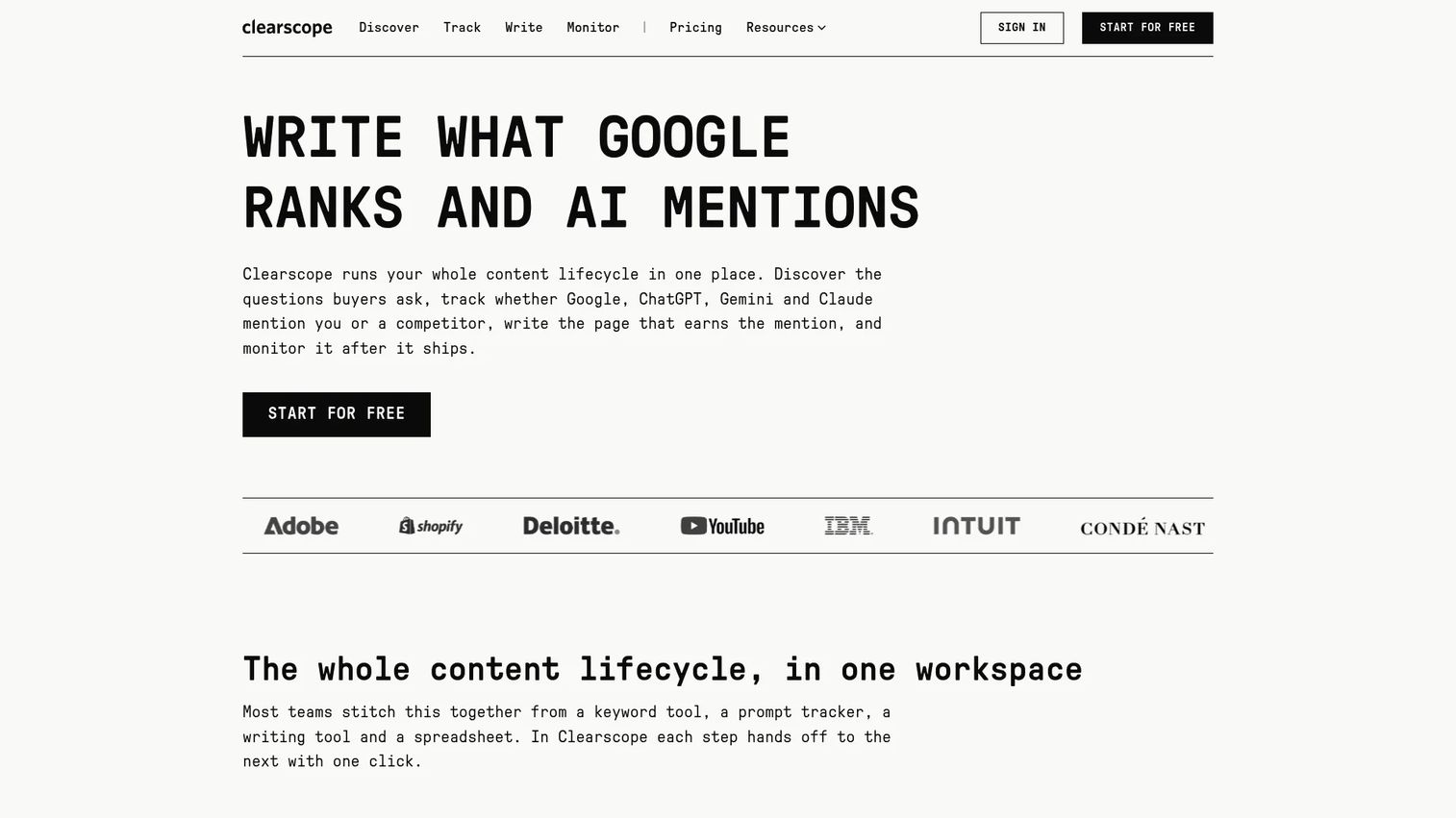
Clearscope focuses on one job: Telling you which terms to include and how well your content covers a topic compared to what already ranks. Its content grading system is clean and actionable, and the recommendations tend to have high editorial adoption because writers understand them without needing SEO training. The platform integrates with Google Docs, Microsoft Word, and WordPress.
Best for: In-house SEO teams and content agencies that want trusted optimization guidance without a steep learning curve.
Key features
- Content grades based on SERP competitor analysis
- Recommended terms with usage counts and relevance scores
- Competitor content outlines and heading analysis
- Google Docs, Microsoft Word, and WordPress integrations
- Visibility tracking across Google, ChatGPT, Gemini, and Claude
Why choose Clearscope: Clearscope is the right pick when your writers are already strong but your content keeps missing relevant subtopics and terms. It sits cleanly alongside a separate AI drafting tool rather than replacing it.
Clearscope pricing: Essentials plan is $129/month (monthly billing), which includes 50 tracked queries and 20 monthly Drafts. Business is $399/month. Enterprise pricing is custom. A 14-day free trial is available.
G2 rating: 4.9/5
4. Semrush SEO Writing Assistant
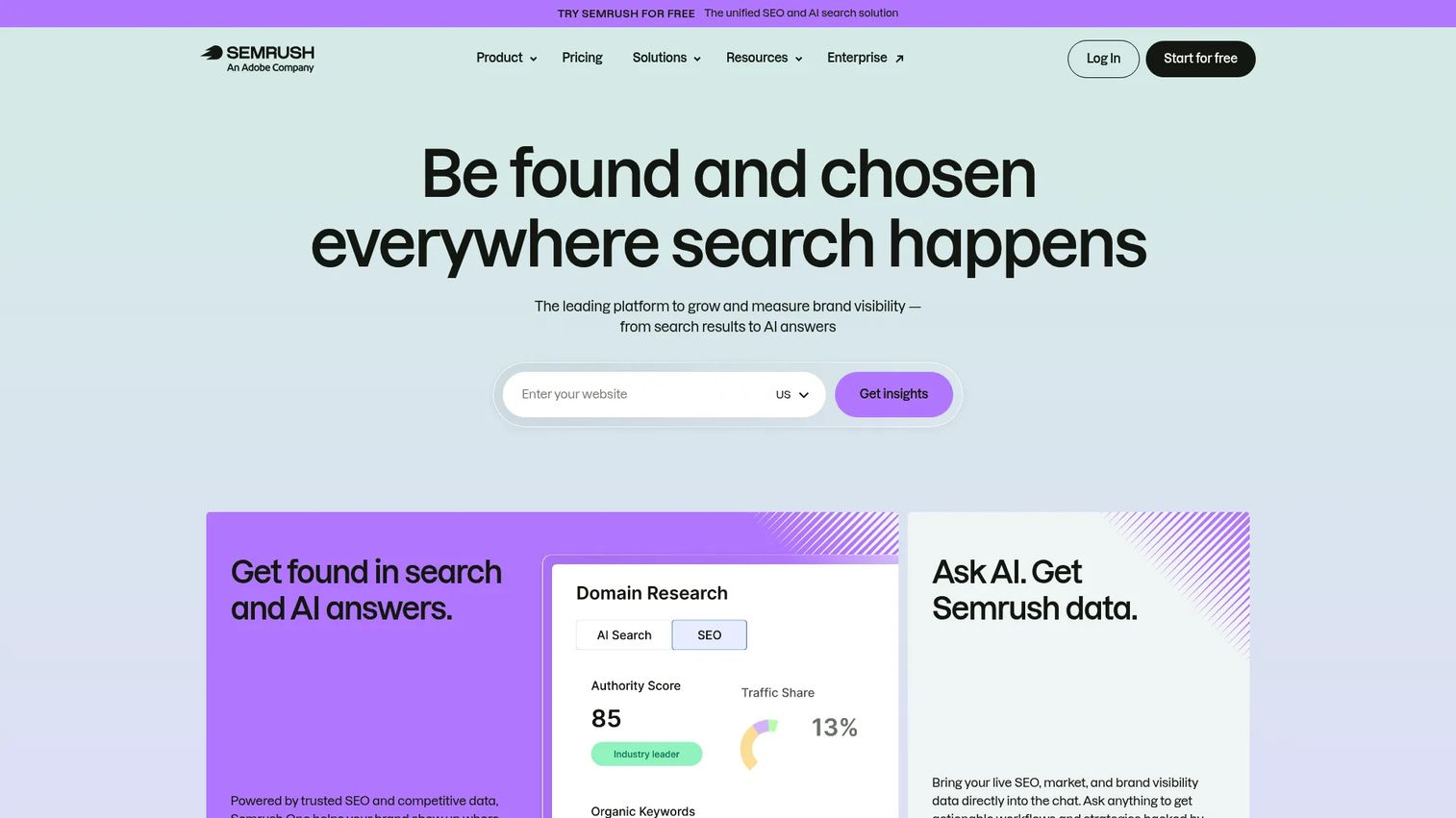
Semrush SEO Writing Assistant is a content optimization tool built into the Semrush platform, available as a Google Docs add-on, WordPress plugin, and Microsoft Word integration. It scores drafts on SEO, readability, originality, and tone in real time. Teams already using Semrush for keyword research and rank tracking get optimization feedback without switching tabs.
Best for: Semrush subscribers who want writing recommendations inside the tools they already use daily.
Key features
- Real-time SEO content score and recommendations
- Readability, tone-of-voice, and originality analysis
- AI tools for composing, rephrasing, and simplifying content
- Plagiarism checker
- Google Docs, WordPress, and Microsoft Word add-ons
Why choose Semrush SEO Writing Assistant: If Semrush is already your SEO platform, the Writing Assistant adds optimization at the draft stage without requiring a separate subscription. Teams without Semrush will find dedicated writing tools more cost-effective for this specific job.
Semrush SEO Writing Assistant pricing: Access is included with Semrush subscriptions. Pro starts at $139/month; Guru at $249/month. Free and Pro users can generate up to 2 documents; Guru and Business users get unlimited monthly documents.
G2 rating: 4.4/5
5. MarketMuse
MarketMuse is an AI content research and planning platform that maps topic coverage across an entire site, not just individual articles. It identifies which topics your site can realistically rank for based on existing authority, then guides content prioritization. Features include topic modeling, content briefs, competitive analysis, SERP X-Ray, and internal linking recommendations.
Best for: Larger content teams managing a content portfolio across many keyword clusters and multiple writers.
Key features
- Topic and keyword research with intent and opportunity scoring
- Content briefs with recommended structure and depth
- SERP X-Ray and Heatmap for competitive analysis
- Site-level content inventory analysis
- Internal linking opportunity recommendations
Why choose MarketMuse: MarketMuse fits when you are optimizing a portfolio of content rather than publishing one article at a time. For a solo marketer or small team focused on individual posts, the depth may exceed what you need day-to-day.
MarketMuse pricing: A Free plan is available with limited queries (10 per month). Paid plans (Optimize, Research, Strategy) are not publicly priced on the standard pricing page. Contact MarketMuse for current plan pricing.
G2 rating: 4.6/5
6. SE Ranking Content Editor
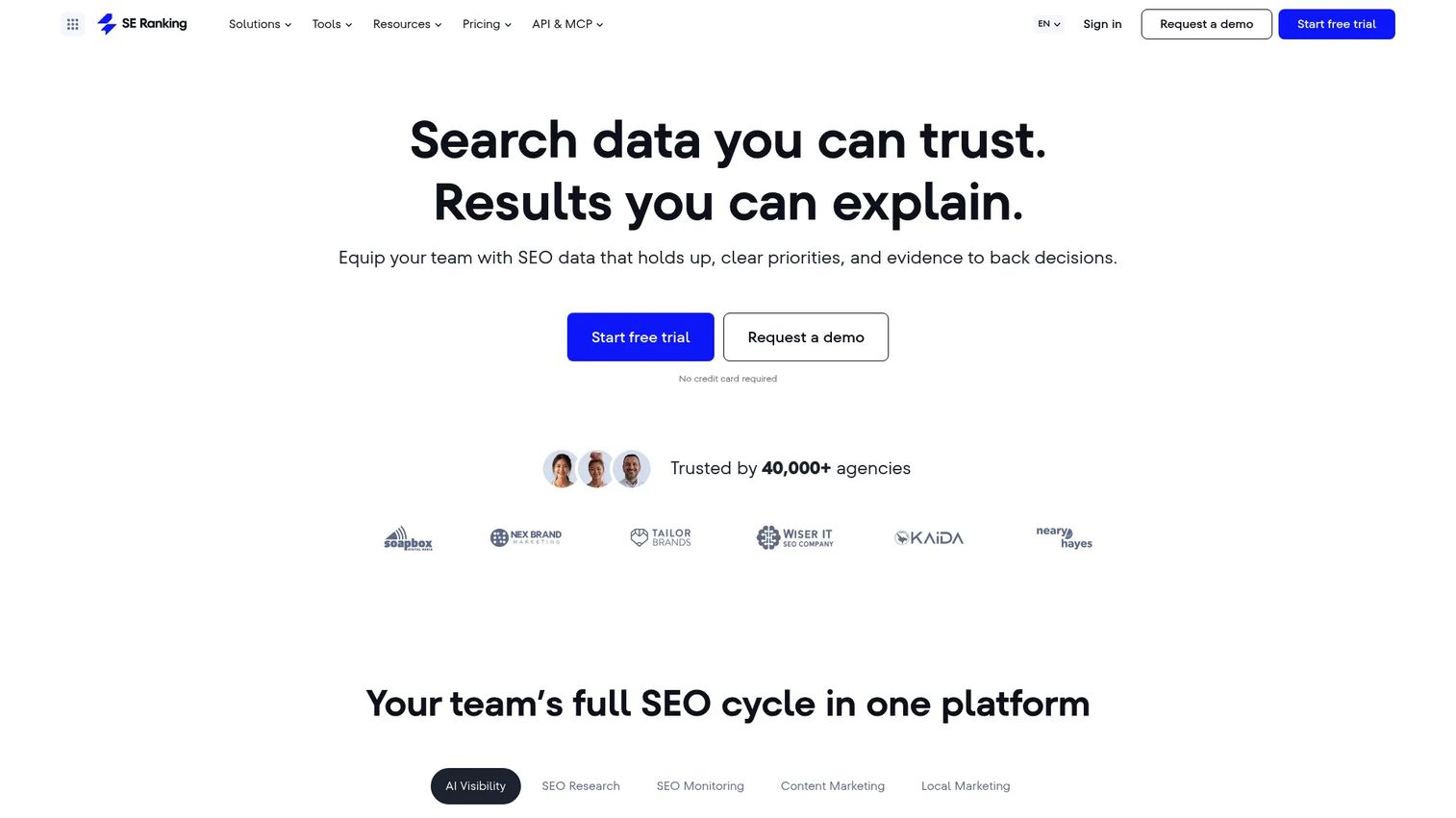
SE Ranking includes a Content Editor as part of its broader SEO suite, connecting content optimization to the platform's keyword research, rank tracking, and site auditing data. The editor generates data-driven briefs with recommended word count, keyword targets, and content structure drawn from SERP competitors. An AI Writer helps draft topics, headings, paragraphs, and metadata.
Best for: SEO teams that want content editing inside a broader platform rather than a standalone writing tool.
Key features
- Data-driven briefs with SERP-sourced structure recommendations
- Real-time SEO scoring during drafting
- Grammar, readability, and plagiarism checks
- AI Writer for topics, headings, FAQs, and metadata
- Google Docs add-on and collaboration link sharing
Why choose SE Ranking Content Editor: This is a strong pick for teams already on SE Ranking who want to bring content optimization into the same platform as their SEO reporting. It reduces tool sprawl without requiring a separate content subscription.
SE Ranking Content Editor pricing: Included within SE Ranking plans. Core starts at $103.20/month (billed annually) or $129/month monthly. Growth is $223.20/month (billed annually). A 14-day free trial is available.
G2 rating: 4.7/5
7. Jasper
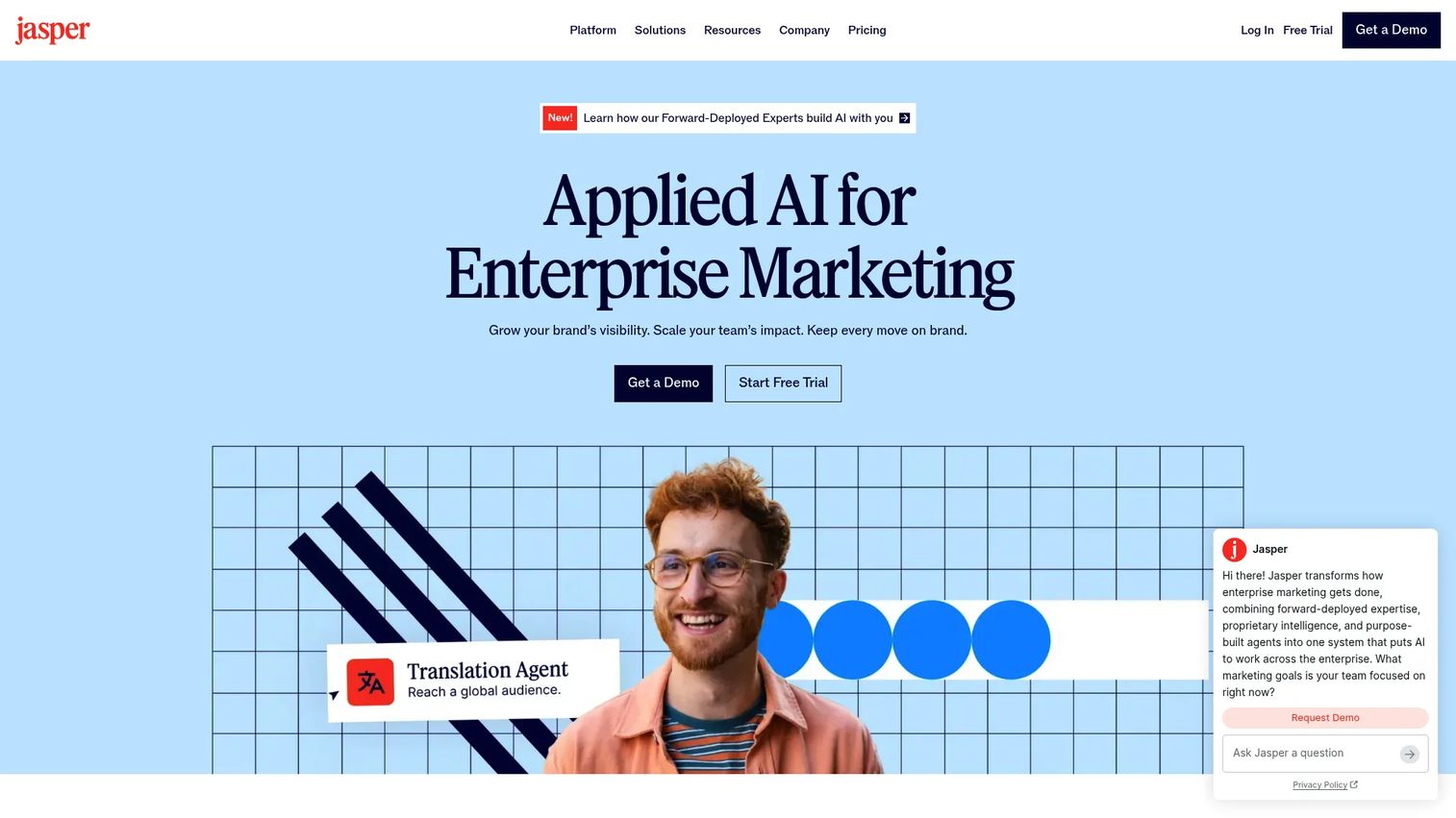
Jasper is a generative AI platform built for marketing teams that need on-brand content across blog posts, ads, emails, and landing pages. It includes Brand Voice controls, style guides, visual guidelines, and a Knowledge base so AI output stays consistent with how your company communicates. AI agents support end-to-end content workflows, and GEO optimization features help content perform in AI search.
Best for: Marketing teams that need AI drafting governed by brand voice across multiple content formats.
Key features
- Brand Voice, Style Guide, and Knowledge asset controls
- AI agents for end-to-end marketing workflows
- GEO and AI search optimization
- Campaign creation across blog, ads, email, and social
- Team collaboration and governance features
Why choose Jasper: Jasper is worth the per-seat cost when consistent brand voice across a high-volume content operation matters more than the cheapest AI output. Pairing it with a dedicated SEO content optimizer like Surfer or Clearscope covers the keyword and SERP side that Jasper does not handle natively.
Jasper pricing: Pro plan starts at $69/month per seat (monthly) or $59/month per seat (billed yearly). Business pricing is custom. A 7-day Pro trial is available.
G2 rating: 4.7/5
8. Writesonic
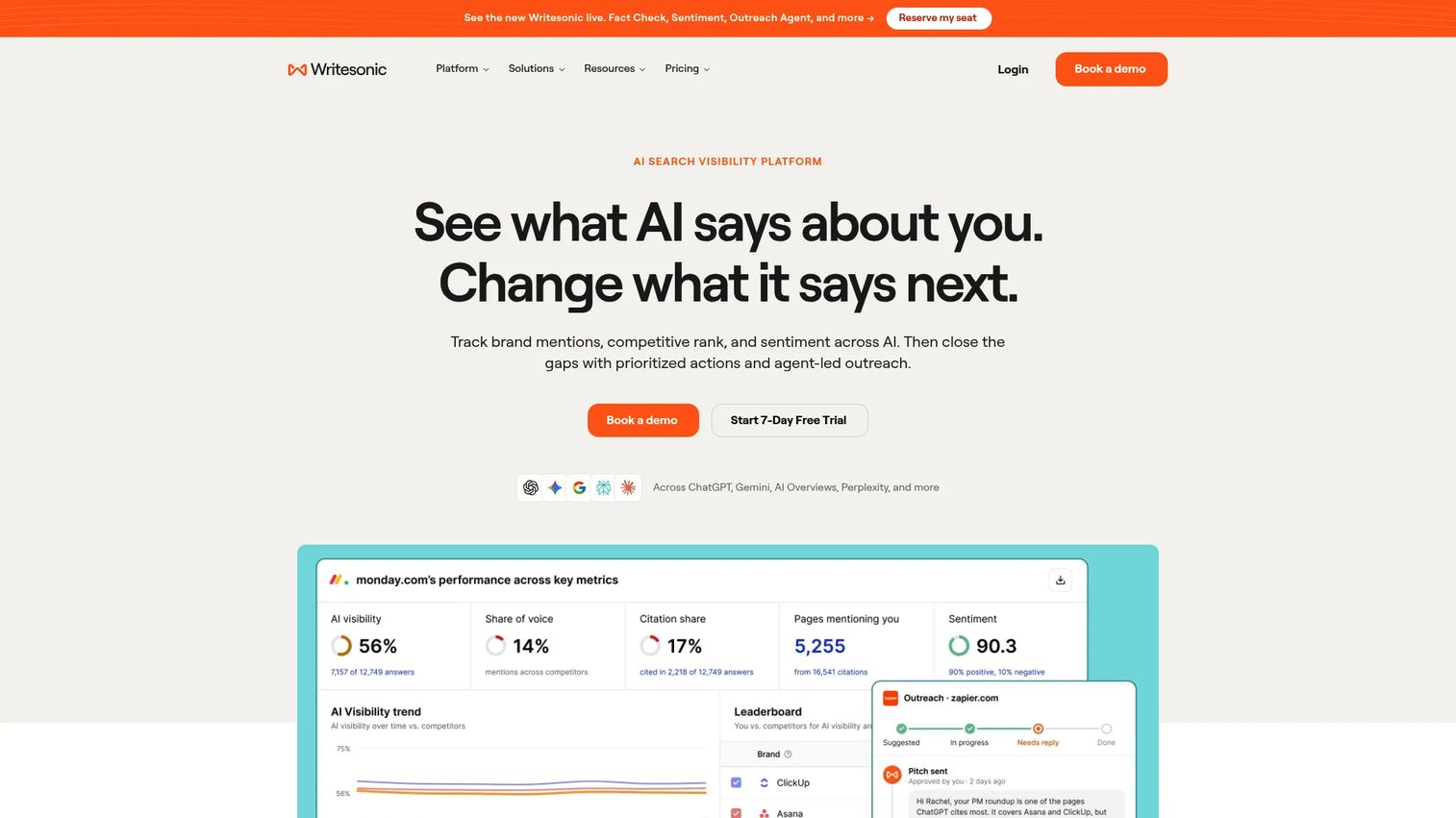
Writesonic has evolved into an AI search visibility platform, combining article generation, SEO, and AI visibility monitoring. Beyond writing articles and landing page copy, the platform now tracks brand presence in ChatGPT, Gemini, and Google AI Overviews. Site audits and sentiment analysis let teams act on AI search signals alongside traditional SEO performance.
Best for: Marketing teams that want AI content creation and AI search visibility monitoring in one workflow.
Key features
- AI article generation and content strategy tools
- AI visibility tracking across ChatGPT, Gemini, and AI Overviews
- SEO and AI-search site audits
- Sentiment analysis and issue prioritization
- Agentic workflows and outreach automation
Why choose Writesonic: If tracking how your brand appears in AI-generated answers is as important as ranking in traditional SERPs, Writesonic covers both sides. Human editing is still required before publishing AI drafts.
Writesonic pricing: Starter plan at $79/month (billed annually). Basic is $199/month and Growth is $399/month, both billed annually. Enterprise pricing is custom. A 7-day free trial is offered.
9. Copy.ai
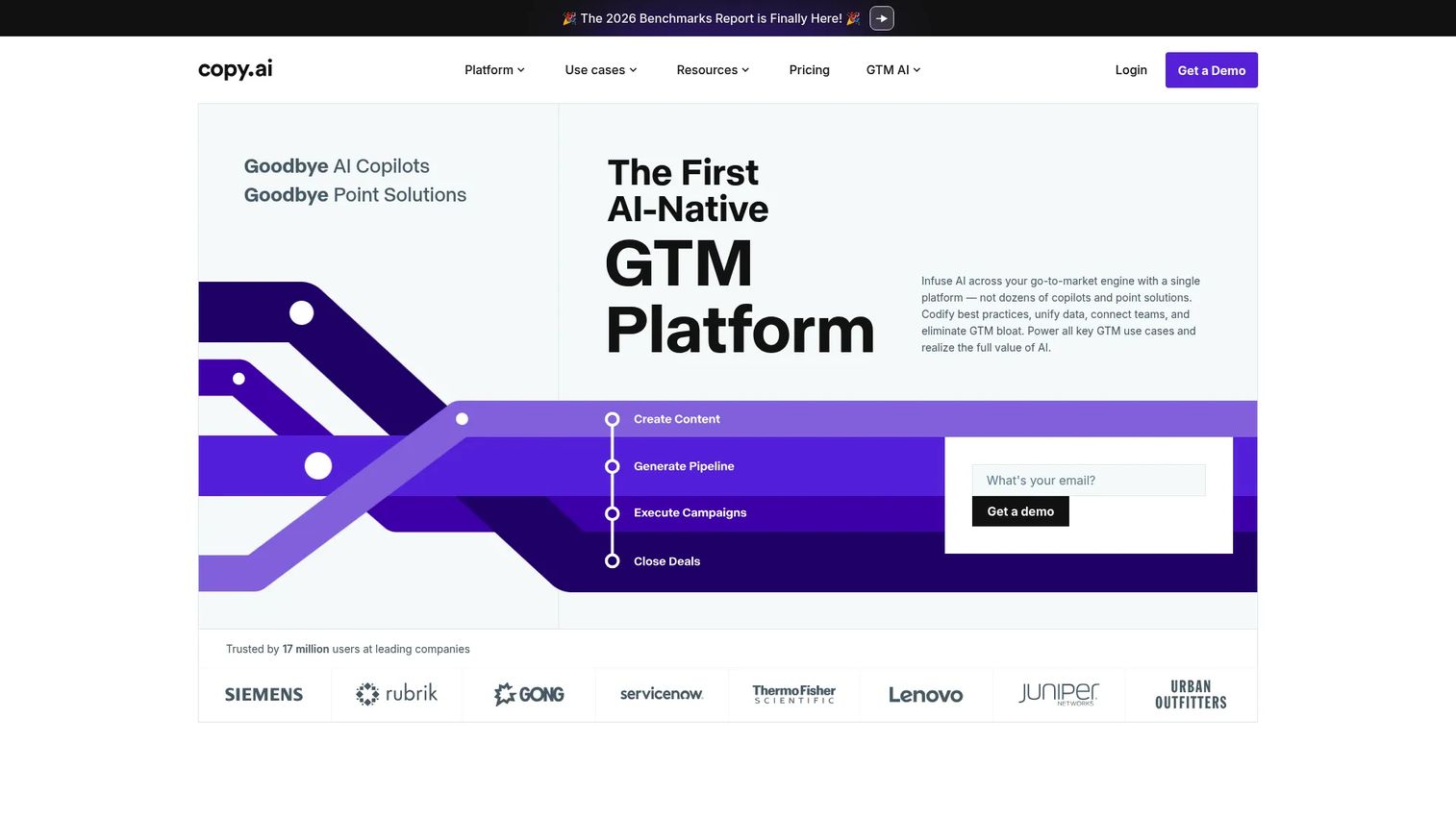
Copy.ai positions itself as a GTM AI platform, focusing on automating repeatable content workflows for sales and marketing rather than individual blog post creation. Its workflow builder lets teams combine research, text generation, web scraping, and CRM actions into automated pipelines. Templates cover content briefs, blog posts, ad copy, and competitor analysis.
Best for: GTM teams that need repeatable, automated content workflows across blog, sales, and marketing channels.
Key features
- Customizable workflow builder with AI actions
- Templates for briefs, posts, ads, and competitor analysis
- Brand voice controls and tone management
- Workflow automation combining research and content generation
- Integrations with Salesforce and third-party data sources
Why choose Copy.ai: Copy.ai is strongest when the content challenge is workflow efficiency at scale rather than deep SERP optimization per article. For SEO-first content teams, pairing it with a dedicated optimizer will produce better ranking results.
Copy.ai pricing: Chat plan starts at $24/month (billed annually, $288/year) or $29/month billed monthly. Growth is $1,000/month; Expansion is $2,000/month. Enterprise pricing is custom.
10. Grammarly
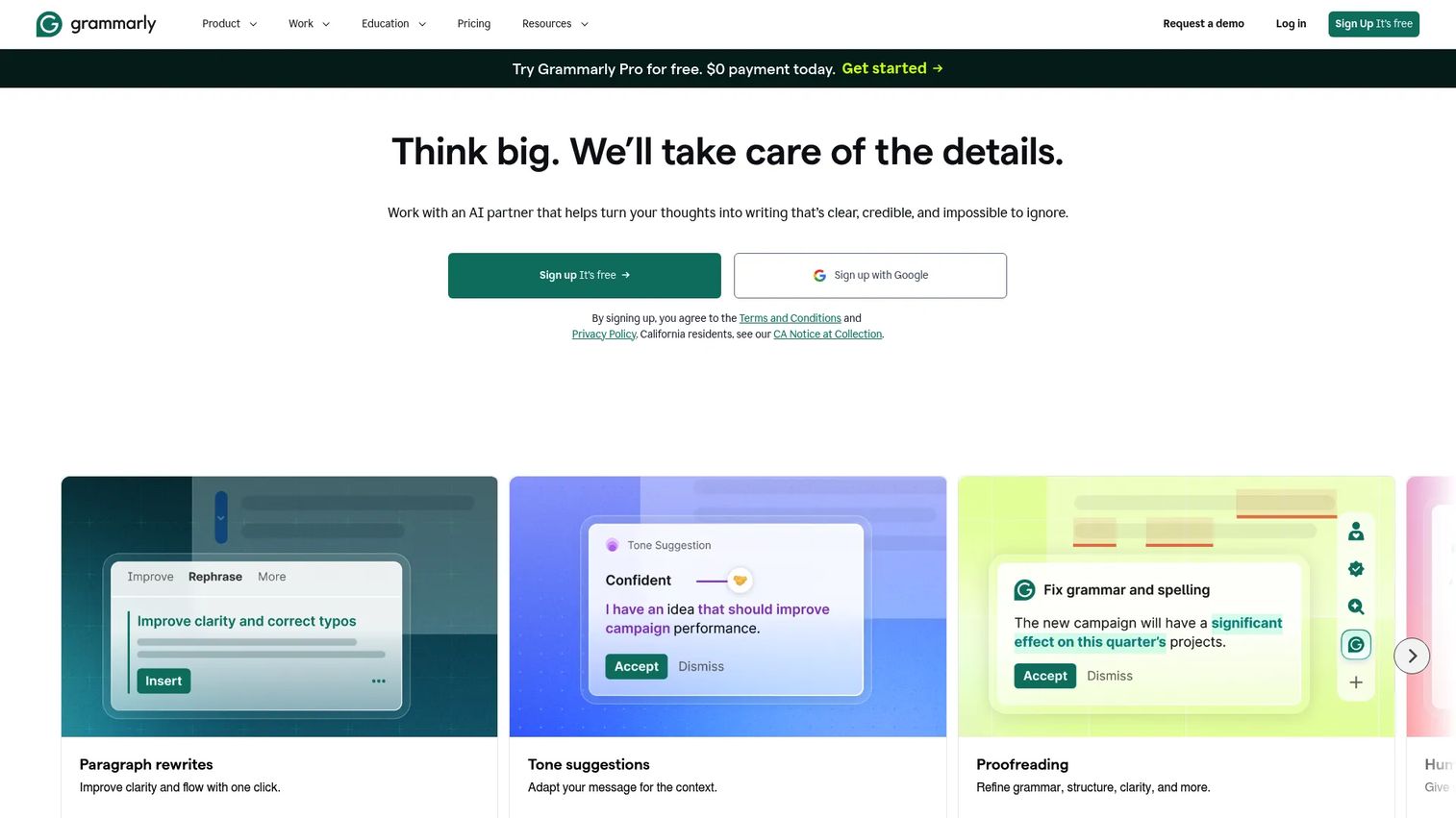
Grammarly is an AI writing partner that improves grammar, clarity, tone, and originality across the apps and documents your team already uses. It runs as a browser extension, desktop app, and integration across Google Docs, Microsoft Word, and most writing tools. Business plans add brand tones, style guides, snippets, and usage analytics across teams.
Best for: Teams that need a consistent editing and quality-control layer before content goes live.
Key features
- Grammar, spelling, and punctuation suggestions
- Full-sentence rewrites and clarity improvements
- Tone analysis and adjustment recommendations
- Plagiarism detection
- Brand tones, style guides, and snippets (Business plan)
Why choose Grammarly: Grammarly catches the writing issues that SEO optimization tools miss: Unclear sentences, inconsistent tone, and credibility-damaging errors. It pairs with any SEO content platform rather than replacing one.
Grammarly pricing: Free plan available. Pro is $12/member/month (billed annually). Enterprise pricing requires contacting sales. The free tier includes basic writing corrections and 100 AI prompts.
G2 rating: 4.7/5
11. Hemingway Editor
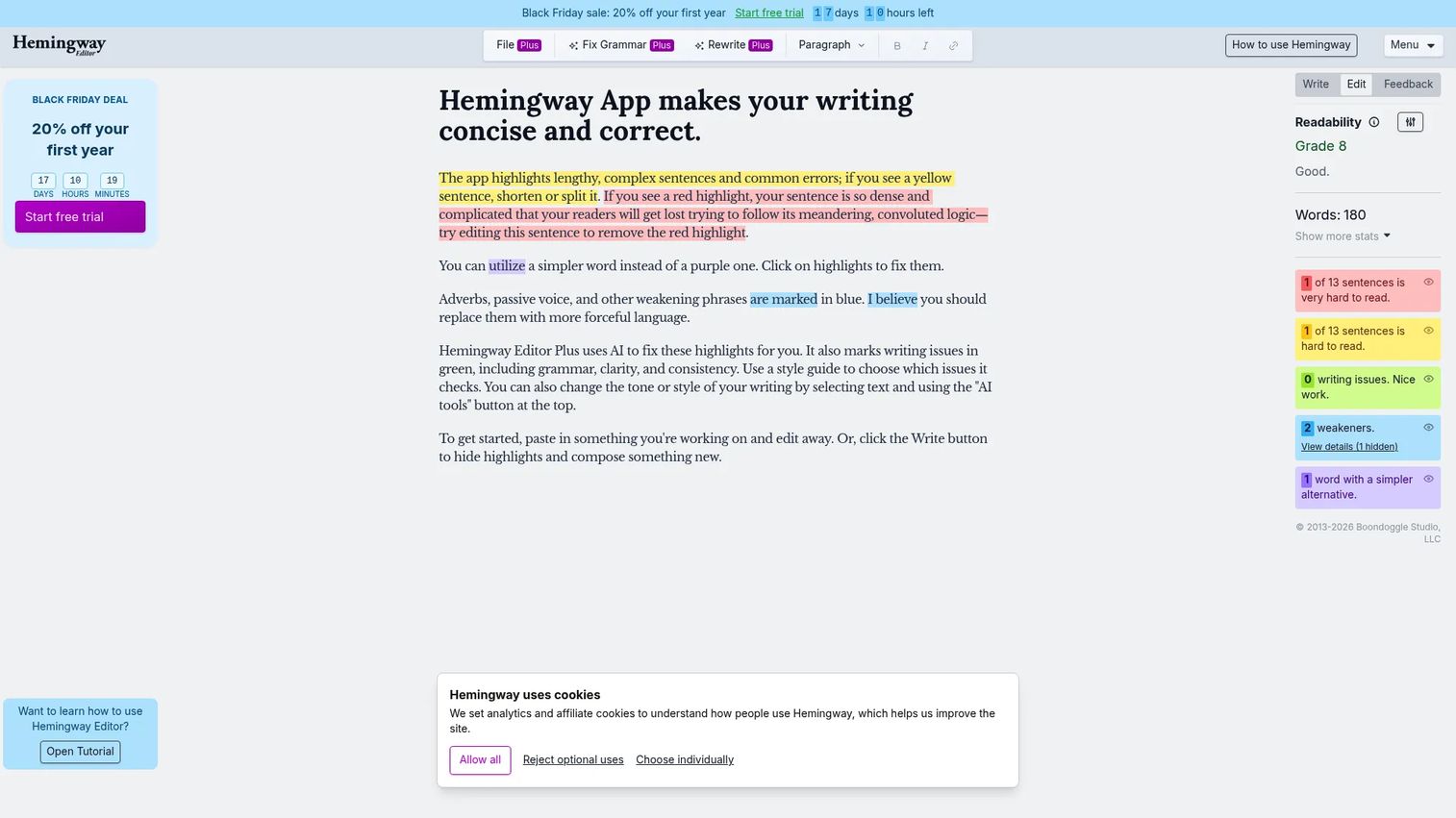
Hemingway Editor is a focused readability tool that flags long sentences, passive voice, weak adverbs, and hard-to-read phrasing. The free web editor is available without an account. Hemingway Editor Plus adds AI rewriting, grammar fixes, tone and length adjustments, and document review. A one-time-purchase desktop app is sold separately.
Best for: Writers and editors who need clearer, shorter, more readable content before it reaches the CMS.
Key features
- Readability grade-level scoring
- Highlights for passive voice, adverbs, and complex sentences
- AI rewriting for tone, length, and style (Editor Plus)
- Document import and export
- Desktop app available as a one-time purchase ($19.99)
Why choose Hemingway Editor: Hemingway is the fastest way to tighten a dense draft. It does not handle keyword research or SERP optimization, so it works as an editing step after the SEO work is done.
Hemingway Editor pricing: Free web editor available. Editor Plus Individual 5K plan starts at $8.33/month (billed annually at $100/year). Team plans from $12.50/user/month (billed annually). Desktop app is $19.99 as a one-time purchase.
G2 rating: 4.4/5
12. Yoast SEO
Yoast SEO is a WordPress SEO plugin that provides real-time content analysis, metadata controls, schema markup, and XML sitemaps directly inside the WordPress editor. The free plugin covers core SEO analysis. Premium adds AI-assisted optimization, internal linking suggestions, redirect automation, and bundled add-ons for local, video, and news SEO.
Best for: WordPress teams that want SEO and readability checks built into the publishing workflow.
Key features
- Focus keyphrase analysis and readability scoring
- Metadata controls for title tags and meta descriptions
- Schema markup and rich-results support
- Automatic XML sitemaps
- Internal linking suggestions (Premium)
Why choose Yoast SEO: Yoast is the default choice for WordPress publishers who want optimization feedback without leaving the CMS. For deeper SERP research or AI drafting, pair it with a dedicated brief or writing tool.
Yoast SEO pricing: Free plugin available. Yoast SEO Premium is $118.80/year (ex. VAT), billed annually.
G2 rating: 4.5/5
13. GrowthBar
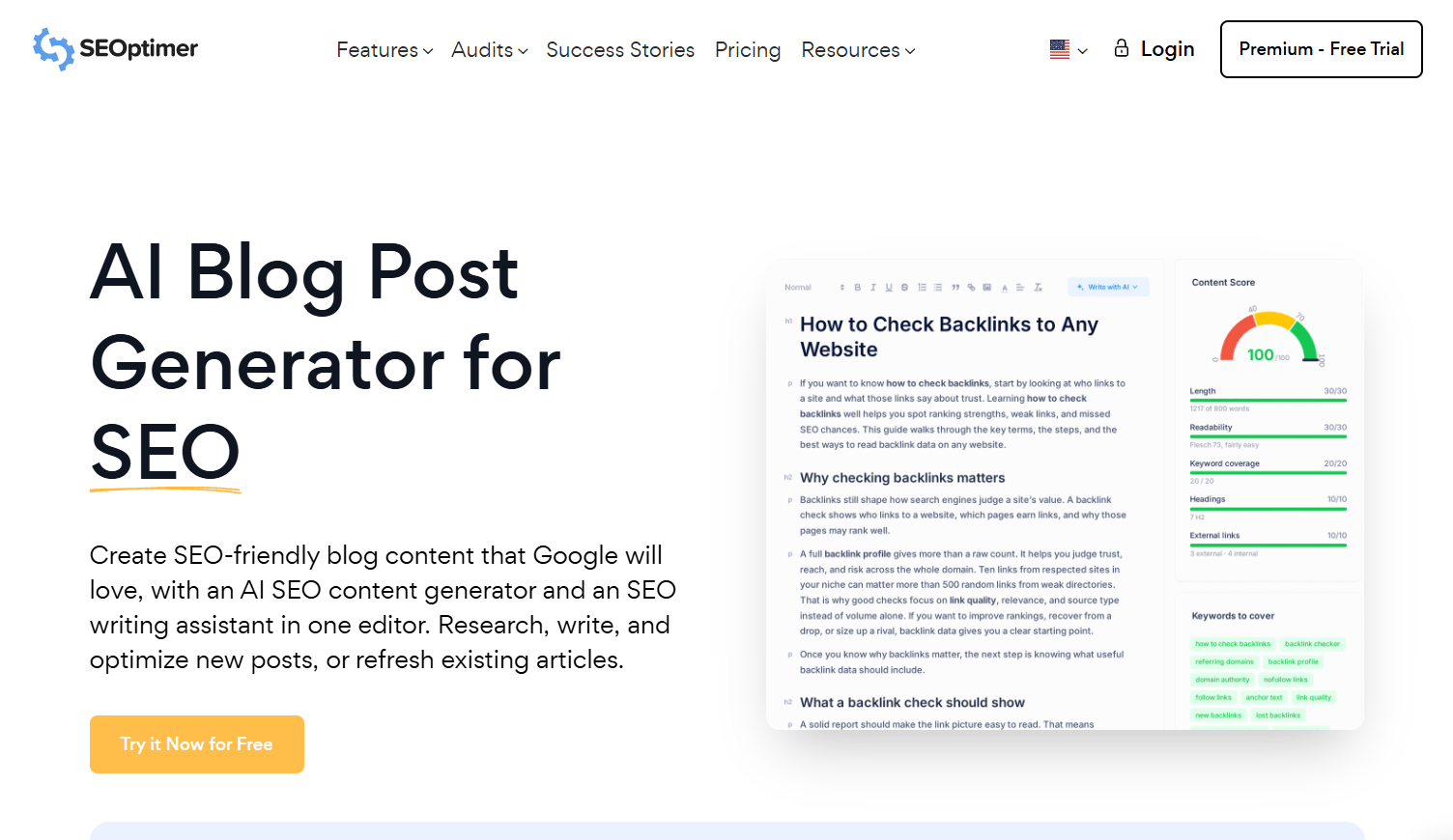
GrowthBar is an AI-powered SEO writing tool that combines keyword research, competitor analysis, and AI blog generation in a lightweight interface. It is designed for content marketers and small teams that want a simple, all-in-one workflow without the complexity of enterprise SEO platforms.
Best for: Small teams and solo marketers who want keyword research and AI blog drafting in one tool.
Key features
- AI-generated long-form blog posts
- Keyword research and competitor analysis
- SEO optimization recommendations
- Blog outline generator
- SEO content scoring
Why choose GrowthBar: GrowthBar suits teams that want to get up and running quickly without a lengthy setup process. Larger teams managing a broad content strategy may find the depth of analysis limited compared to platforms like MarketMuse or Surfer.
GrowthBar pricing: GrowthBar's pricing page was inaccessible during verification. Check growthbarseo.com/pricing directly for current plan details and trial availability.
G2 rating: 4.8/5
14. Anyword
Anyword is an AI writing platform that adds predictive performance scoring to content generation. Beyond drafting, it uses performance data to score copy variants against expected engagement and conversion outcomes. Brand voice controls, audience targeting, and 100-plus marketing templates support blog posts, ads, emails, and landing pages.
Best for: Performance marketers who need conversion-focused copy that is both on-brand and score-tested before launch.
Key features
- AI copy generation with predictive performance scores
- Brand voice and audience targeting controls
- Blog Wizard with plagiarism checking
- 100-plus marketing templates
- Content intelligence using historical performance data
Why choose Anyword: The performance scoring differentiates Anyword from pure AI writers. If you're publishing content where conversion rates matter as much as ranking, that added layer of prediction is worth the cost. For pure SEO blog workflows, a dedicated optimizer still needs to accompany it.
Anyword pricing: Starter plan at $49/month or $39/month billed yearly. Data-Driven plan at $99/month or $79/month billed yearly. Business and Enterprise pricing is custom. A 7-day free trial with 2,500 words is available.
G2 rating: 4.8/5
15. QuillBot AI Writer
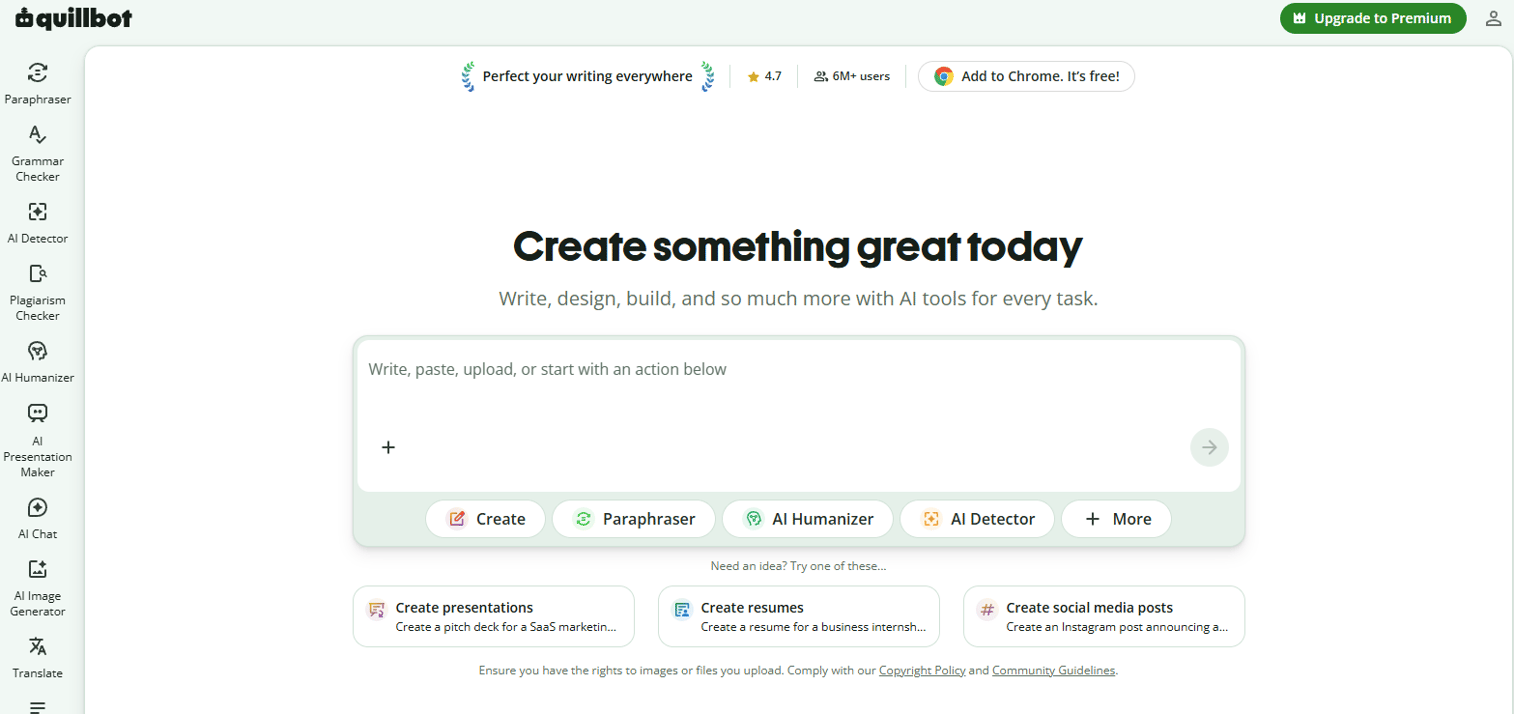
QuillBot is an AI writing suite built around paraphrasing, grammar checking, summarizing, and plagiarism detection. It is widely used by writers who need to polish existing drafts, simplify dense sections, or rephrase content while maintaining meaning. Additional tools include an AI detector, humanizer, citation generator, and AI Chat.
Best for: Writers who need rewriting and editing support during the revision stage.
Key features
- Paraphraser with multiple rewriting modes
- Grammar checker and AI humanizer
- Summarizer for condensing long source material
- Plagiarism checker and AI detector
- Citation generator
Why choose QuillBot: QuillBot excels as a revision and rewriting companion rather than a full SEO writing platform. Use it to tighten drafts, simplify complex sections, or rephrase content pulled from research sources before it goes into your article.
QuillBot AI Writer pricing: Free tier available with limited usage. Premium plan from €8.33/month (billed annually). Team Plan pricing requires contacting QuillBot directly.
G2 rating: 4.5/5
16. ChatGPT
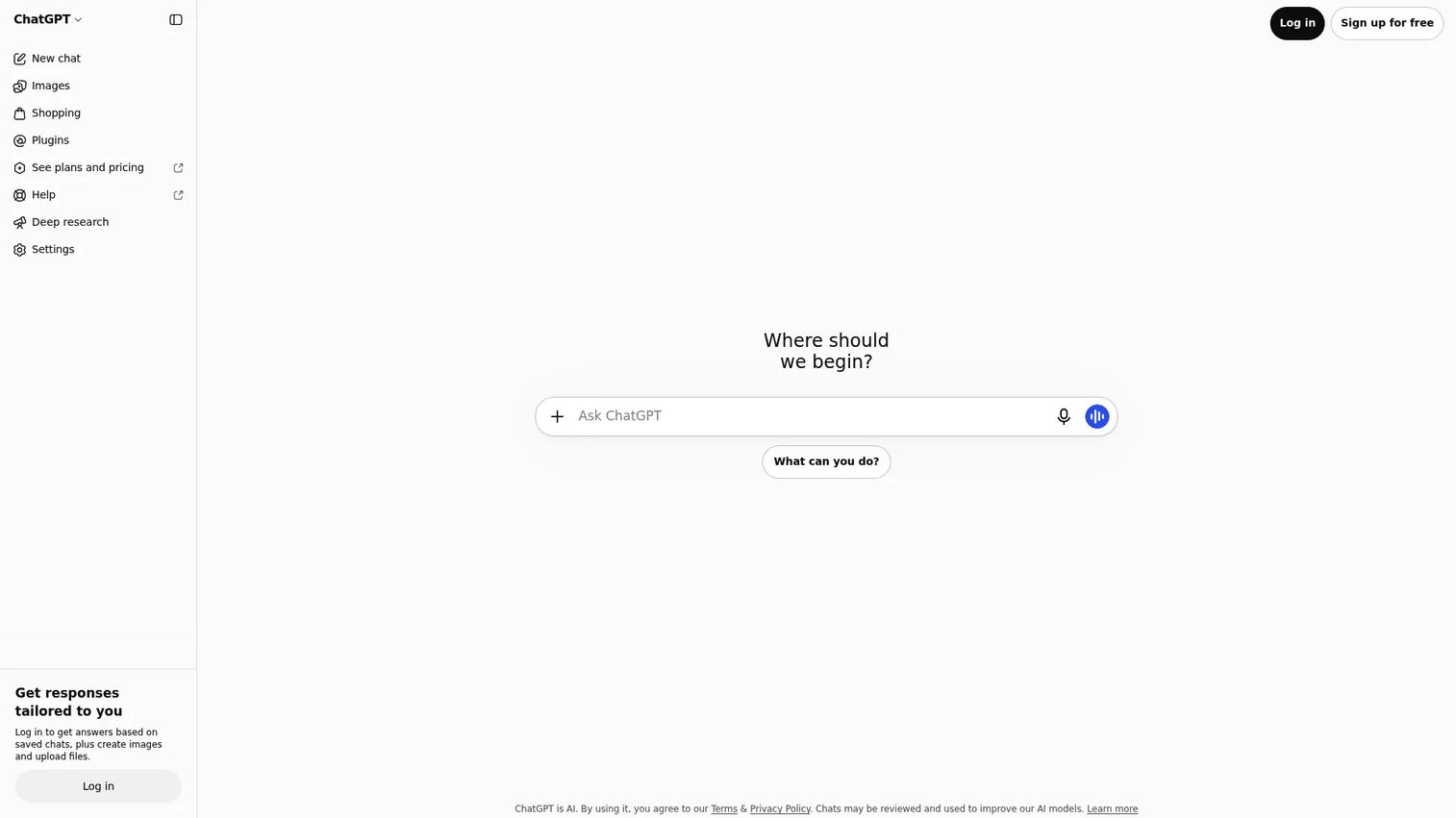
ChatGPT is a conversational AI assistant from OpenAI, used by content teams for ideation, outlining, drafting, rewriting, and repurposing. It supports web search, file uploads, image inputs, and voice conversations. With the right prompts and a clear editorial review process, it speeds up content production considerably. Without that review step, it produces generic, sometimes inaccurate output.
Best for: Marketers who need flexible AI support across the content workflow and know how to prompt and review effectively.
Key features
- Ideation, brainstorming, and content angle generation
- Outline and brief creation from keywords or instructions
- Draft writing, rewriting, and summarization
- Web search and deep research on paid plans
- Custom instructions and persistent context
Why choose ChatGPT: ChatGPT is the most versatile option on this list, but versatility is not the same as SEO-specificity. Treat it as a skilled generalist that needs SERP research data fed in and human review applied before output goes anywhere near your CMS.
ChatGPT pricing: Free plan available. Business plan at $20/user/month (billed annually) or $25/user/month monthly. Pro plan from $100/month. Enterprise pricing requires contacting sales.
G2 rating: 4.6/5
17. Claude
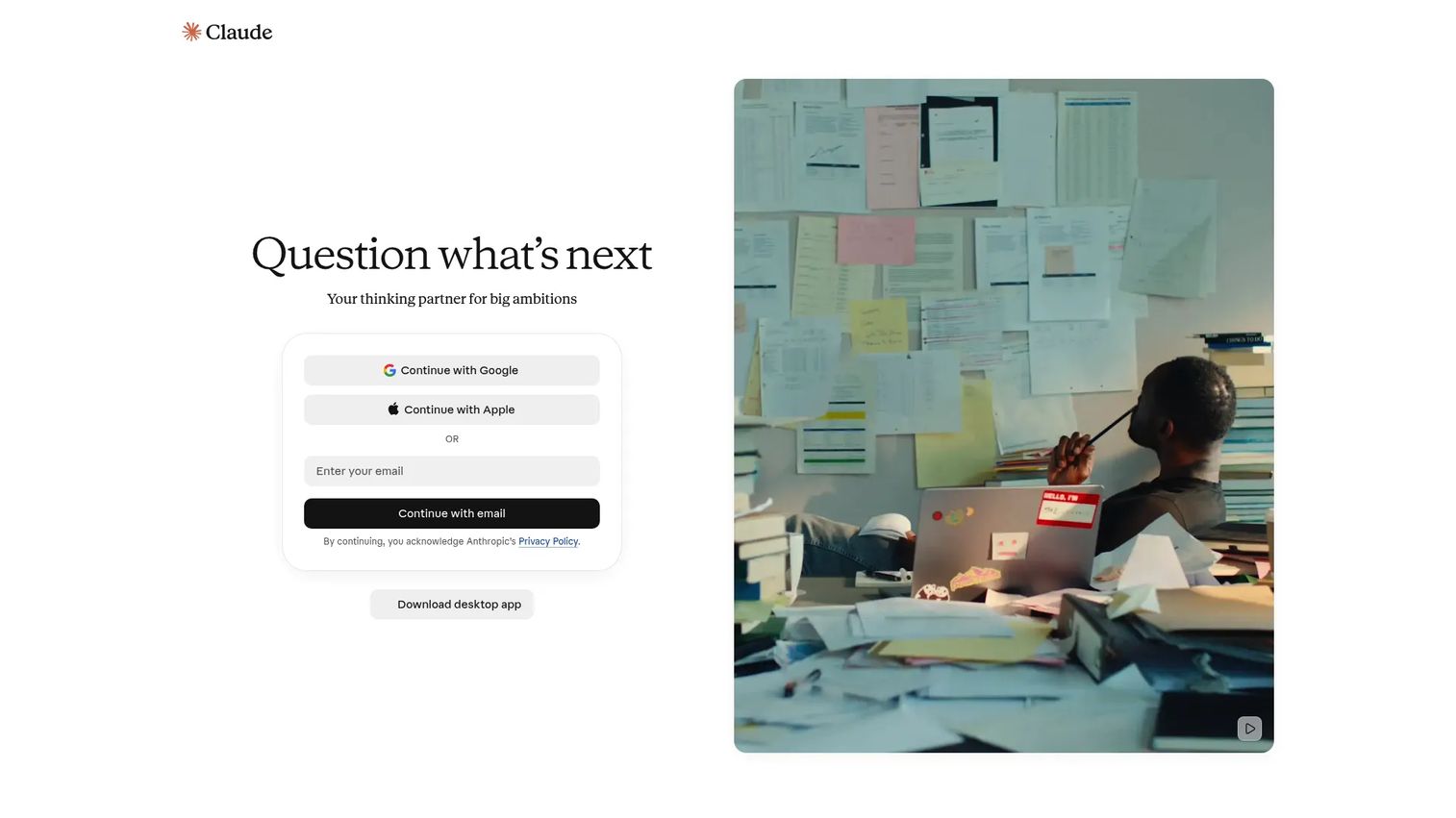
Claude is Anthropic's AI assistant, known for handling long documents and complex source material with strong contextual understanding. Content teams use it for drafting long-form articles from research notes, summarizing lengthy reports, revising drafts for tone and length, and working through content with dense source material.
Best for: Teams drafting and editing long-form content that starts with heavy research or lengthy source documents.
Key features
- Long-context document understanding and drafting
- Draft revision for tone, length, and structure
- Document and file summarization
- Brainstorming and content angle development
- Projects, memory, and collaboration connectors
Why choose Claude: Claude is a strong choice when the starting point is a pile of research rather than a blank page. Its ability to reason through long documents and produce coherent drafts makes it useful for in-depth articles, reports, and feature pieces. SEO scoring and publishing workflows require additional tools.
Claude pricing: Free plan available. Pro at $17/month (billed annually) or $20/month monthly. Team Standard at $20/seat/month (billed annually). Enterprise from $20/seat/month plus API usage, billed annually with a 20-seat minimum.
G2 rating: 4.7/5
18. Google Gemini
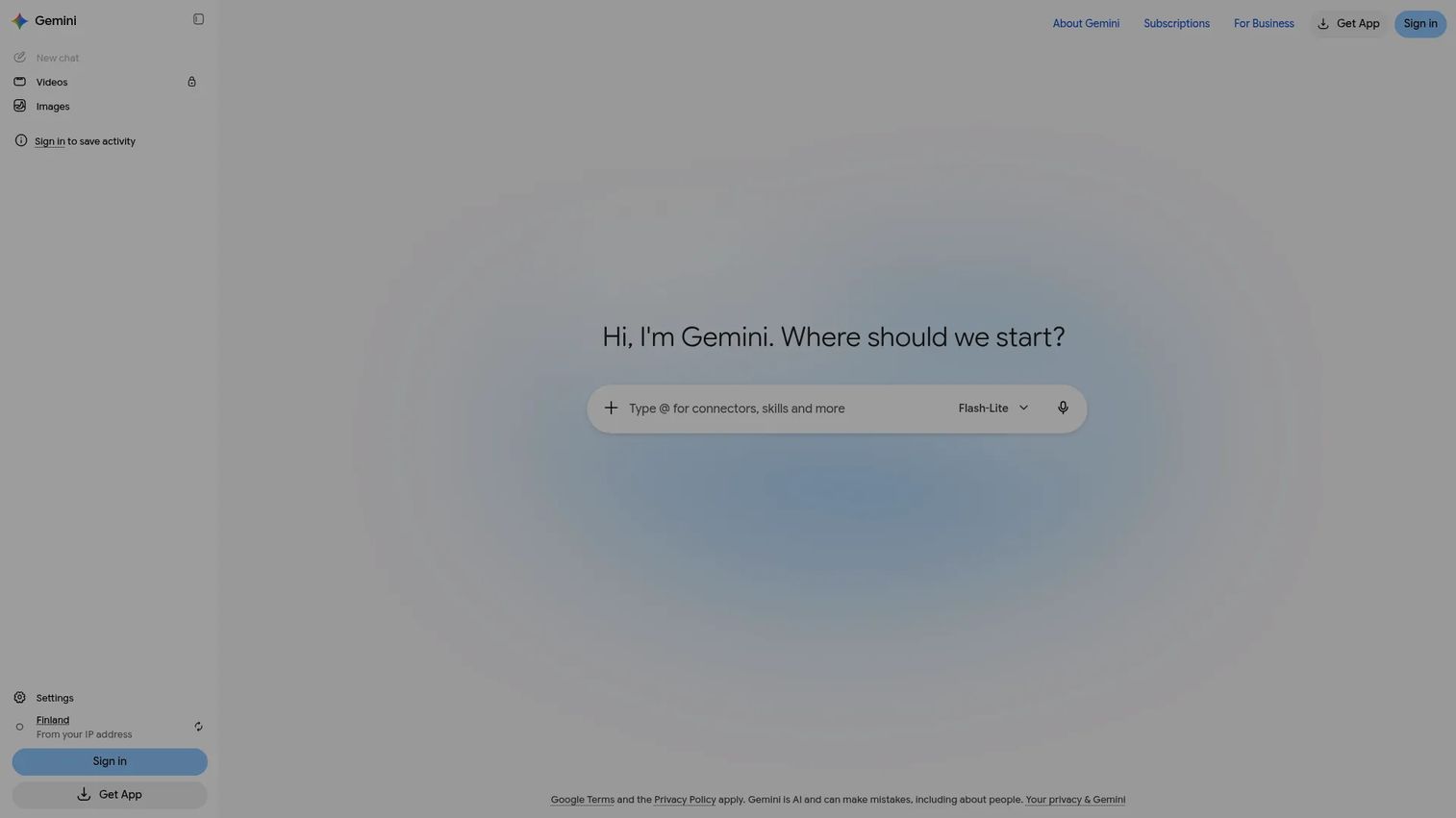
Google Gemini is Google's AI assistant, integrated across Gmail, Docs, Sheets, Drive, and Meet through Google Workspace. For content teams already working inside Google's productivity suite, Gemini adds AI drafting, summarization, and research capabilities without requiring a context switch to an external tool.
Best for: Teams that work primarily inside Google Workspace and want AI assistance without leaving the environment.
Key features
- AI drafting and editing inside Google Docs
- Research, summarization, and brainstorming
- Google Workspace integration across Gmail, Sheets, and Drive
- Multimodal support for text, images, and files
- Coding and data analysis support
Why choose Google Gemini: Gemini is the natural fit for teams where Google Docs is the primary drafting workspace. For dedicated SEO optimization, a separate content scoring platform still provides more reliable SERP analysis than Gemini's general research capabilities.
Google Gemini pricing: Free access available. Google AI Pro at $19.99/month. Google AI Ultra at $99.99/month. Business access is available through Google Workspace plans.
G2 rating: 4.4/5
19. Perplexity
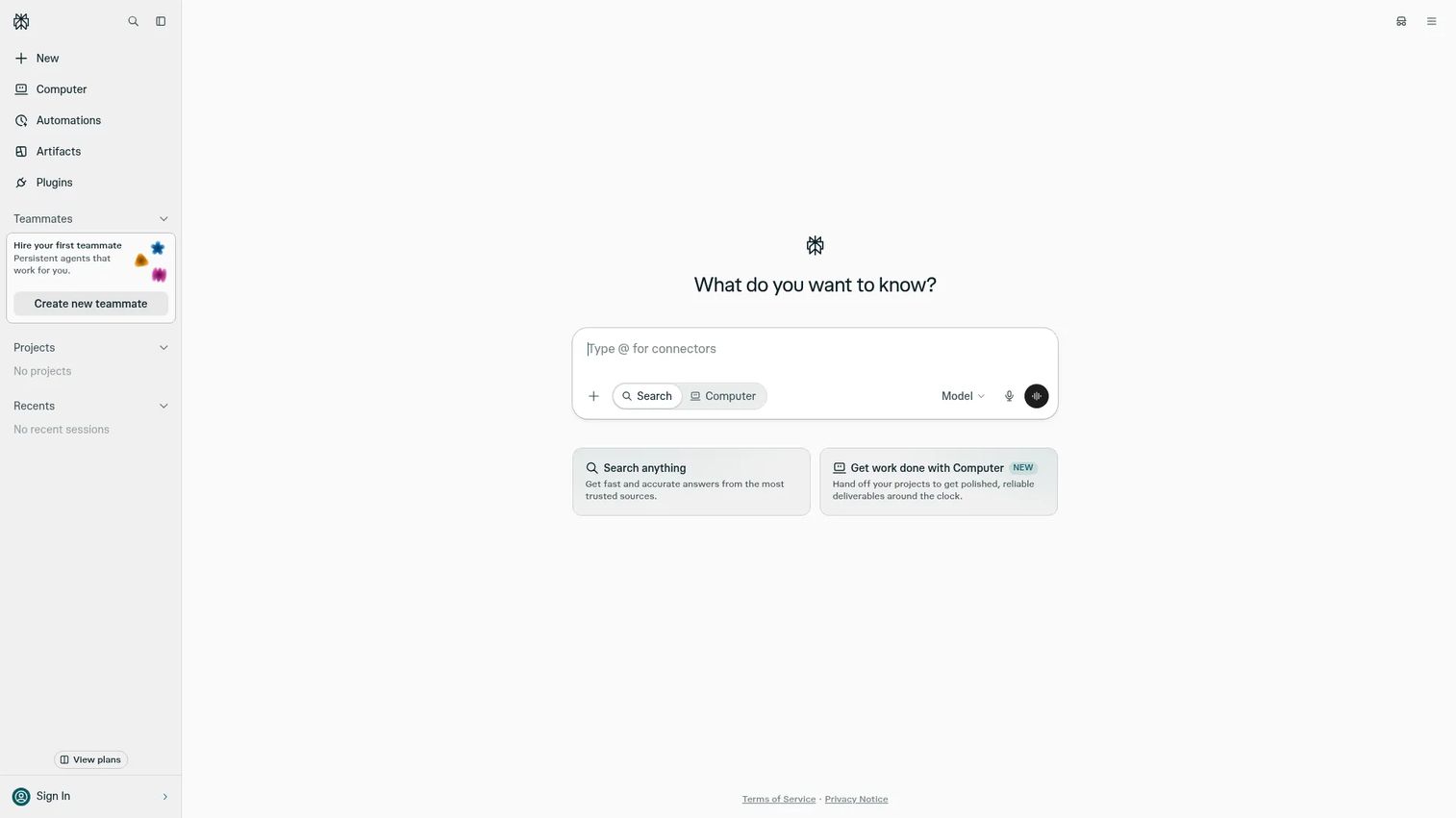
Perplexity is an AI answer engine that searches the web in real time and returns answers with inline citations. For content teams, it speeds up the early research phase: Finding recent sources, identifying expert perspectives, and discovering angles on a topic before drafting begins. Pro Search goes deeper, pulling from multiple sources and following up on complex queries.
Best for: Writers and editors who need cited research sources before drafting, especially for fast-moving or technical topics.
Key features
- Real-time web research with inline citations
- Pro Search for multi-source, in-depth research
- File analysis and document uploads
- Research collections for organizing sources
- Browser automation and workflow tools (Pro)
Why choose Perplexity: Perplexity shortens the gap between "I need to understand this topic" and "I have sources I can cite." Always verify cited sources independently before including specific claims in published content.
Perplexity pricing: Free plan available. Pro at $20/month. Enterprise Pro at $34/seat/month (billed annually). Enterprise Max at $271/seat/month (billed annually).
G2 rating: 4.5/5
20. Google Docs
Google Docs is the default collaborative document editor for most content teams. Real-time collaboration, comments, version history, and add-on support make it the workspace that SEO tools like Clearscope, Semrush, and Surfer integrate with directly. It is not an SEO optimizer on its own, but it becomes a productive writing environment when paired with the right add-ons and processes.
Best for: Teams that need a familiar, low-friction collaborative workspace that connects to their existing SEO tools.
Key features
- Real-time collaboration and simultaneous editing
- Comments, suggestions, and action item tracking
- Version history and document restoration
- Add-on support for SEO tools and grammar checkers
- Import and export of Microsoft Word documents and PDFs
Why choose Google Docs: Google Docs is the connective tissue of most content workflows, not a standalone SEO tool. Its value comes from how well your other SEO and editing tools integrate with it. Use it as the drafting environment and bring the optimization layer in through add-ons or parallel browser tabs.
Google Docs pricing: Free for personal use through a Google account. Google Workspace Starter at $7/user/month. Standard at $14/user/month. Plus at $22/user/month. Enterprise pricing requires contacting sales.
21. WebSite Auditor
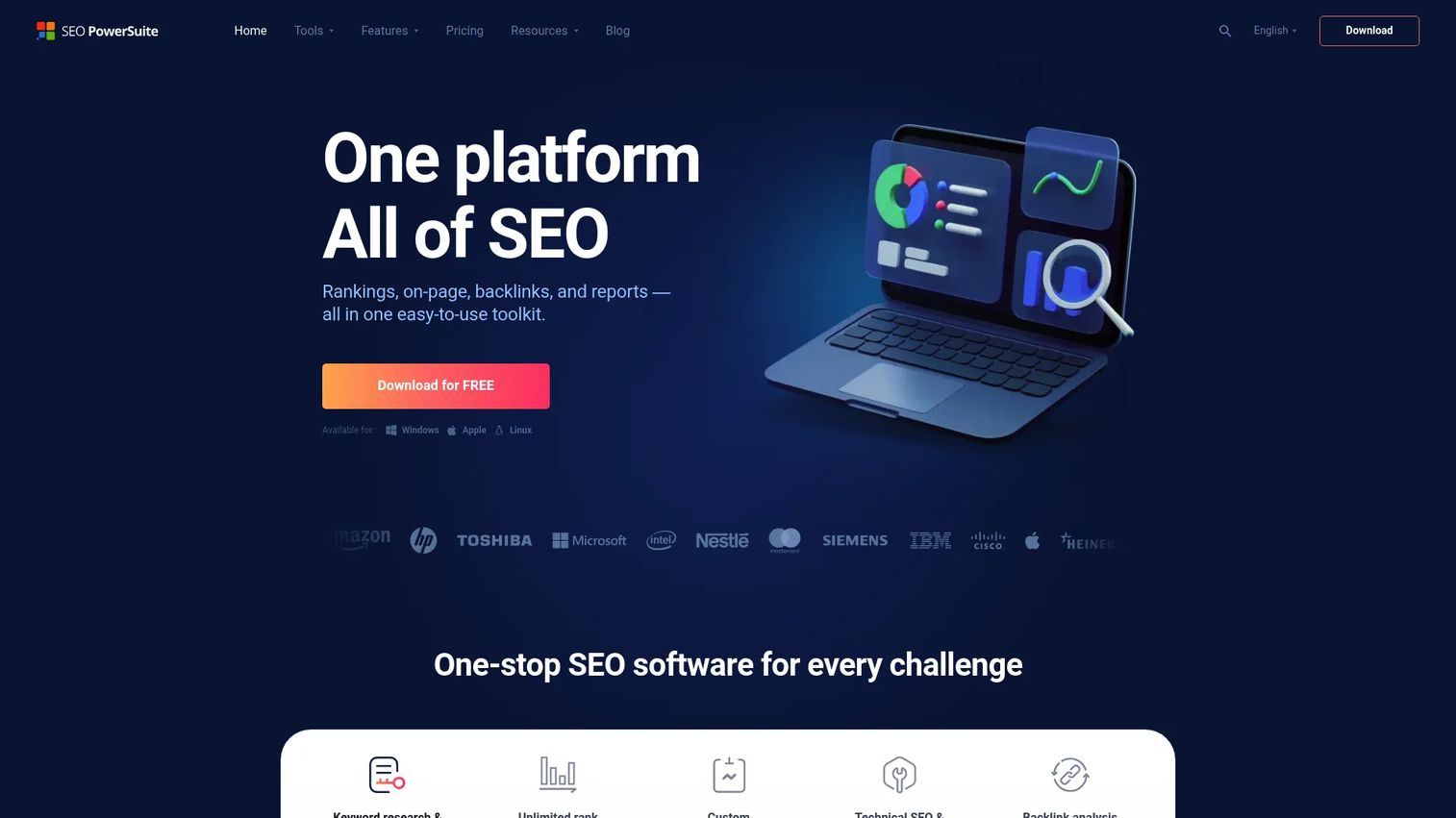
WebSite Auditor is a desktop-based SEO audit and on-page optimization tool from the SEO PowerSuite suite. It crawls websites for technical issues, analyzes on-page content against target keywords, and generates structured SEO audit reports. The on-page analysis compares your content against top-ranking competitors for the keyword you're targeting.
Best for: SEO professionals and agencies auditing published pages for on-page optimization improvements.
Key features
- Technical website crawling and issue auditing
- On-page content optimization with competitor benchmarking
- Core Web Vitals checking
- Visual sitemap and internal-link analysis
- XML sitemap and robots.txt tools
Why choose WebSite Auditor: WebSite Auditor is most useful when you are improving pages that already exist rather than creating new ones. Writers still need a separate drafting workflow; this tool diagnoses and prioritizes optimization gaps across a live site.
WebSite Auditor pricing: Free tier available, allowing crawling up to 500 URLs. Professional plan at $29.10/month (billed annually at $349/year). Enterprise at $49.95/month ($599/year). Max+ at $74.95/month ($899/year).
Considerations when choosing SEO content writing software
Match the tool to your actual bottleneck
The right tool is the one that solves where your process breaks down. A startup marketer who needs faster briefs has different requirements from an enterprise team managing a 500-page content audit. Ask: Does this replace a tool you already pay for, or does it add another login?
Check how the tool handles search intent
Keyword density is not the same as search intent alignment. The tool should help writers understand what the searcher is actually trying to accomplish. Look for SERP summaries, competitor heading analysis, related questions, and subtopic recommendations, not just keyword insertion scores.
Separate AI drafting from editorial quality
According to the Content Marketing Institute (2025), 81% of B2B marketing teams used generative AI tools. Speed is real. So is the quality risk. AI drafts tend to include vague claims, circular phrasing, and stale data. Require a human review step that covers factual accuracy, original examples, and brand voice before anything publishes.
Verify integrations before committing
Most content teams work across Google Docs, a CMS, an analytics platform, and at least one SEO tool. Confirm that the tool you're evaluating connects to your specific stack before signing a contract. A Google Docs add-on is not the same as a native integration, and a WordPress plugin may not work with a headless CMS.
Calculate cost per publishable article
Monthly plan prices are rarely the number that matters. Some tools charge per document, per AI credit, per seat, or per workspace user. Work out how many publishable articles your team produces monthly, then divide your total software cost by that number. That figure tells you whether the tool earns its place in the stack.
Conclusion
The right SEO content writing software is the one that closes your team's specific gap.
For a full end-to-end workflow from research to published and optimized article, Surfer covers the most ground at a reasonable entry price. Frase is the strongest choice when brief quality is what slows your writers down. Clearscope and MarketMuse are worth the higher cost when you manage a large content portfolio and need reliable optimization guidance. For AI drafting, Jasper is the strongest option when brand governance matters; ChatGPT and Claude work well for teams with strong editorial review processes already in place. Grammarly and Hemingway Editor belong in almost every content workflow as a final pass before publishing, regardless of which SEO platform you choose.
Before you commit to a tool, run one real test: Pick an article you need to publish, take the keyword through the tool's full workflow, and compare the output quality to what your current process produces. That test will tell you more than any comparison table.
Pricing and plan structures change frequently, so verify current figures directly with each vendor before making a decision.
FAQs
The best tool depends on where your content workflow slows down. Surfer is the strongest all-around pick for teams that want SERP scoring, AI writing, and optimization in one platform. Frase is better when brief generation is the bottleneck, and Clearscope is the right call when optimization quality matters more than drafting speed.
SEO content writing software supports the full journey from keyword research to publishable content. Teams use it for SERP analysis, content brief generation, AI-assisted drafting, on-page optimization scoring, readability and grammar checks, and post-publication performance monitoring. The goal is to produce content that matches what searchers want, not just content that contains keywords.
No, not for publish-ready strategic content. AI tools speed up outlines, first drafts, and content repurposing, but they also produce generic claims, inaccurate data, and tone inconsistencies. Human review is required for factual accuracy, original examples, brand voice alignment, and positioning before any AI-generated content goes live.
Agencies need tools with repeatable brief workflows, collaboration features, and clear document or seat limits that scale across clients. Frase and Surfer both work well in agency environments. Clearscope has strong editorial adoption across writer teams. Semrush SEO Writing Assistant is a natural fit for agencies already running client SEO in Semrush. Check document limits and per-seat pricing across all four before deciding.
A fully free workflow is possible. The free tier of ChatGPT handles ideation and drafting, Google Docs handles collaboration, Yoast SEO's free plugin covers in-CMS optimization for WordPress, and Hemingway Editor's web version handles readability. Grammarly's free tier adds basic grammar checking. The limitation of this stack is that none of these tools provide SERP analysis or content scoring without upgrading.
They help match content to search intent, cover relevant subtopics, improve readability, and catch on-page gaps before publishing. That said, ranking also depends on backlinks, domain authority, technical SEO, and overall content quality. Tools reduce errors and improve coverage; they cannot substitute for authoritative, accurate, well-structured content.
SEO writing software analyzes search intent, keyword gaps, SERP competitor patterns, and content coverage to help pages rank. Grammar software improves clarity, correctness, tone, and style to make writing easier to read. Both address different failure modes in the content workflow. Most teams benefit from using both: An SEO optimizer to get the structure and terms right, and an editor like Grammarly or Hemingway to get the prose quality right.
All-in-one tools like Surfer, Frase, or SE Ranking suit teams that want research, scoring, and optimization in a single platform. Dedicated writing tools like Jasper or Claude suit teams that already have SEO data elsewhere and need better AI drafting. Run a small test: Take one real keyword through each option's workflow, then judge the output quality and time cost before committing to a plan.