



The line at the counter is 12 people deep. Two of your staff called out. Every order still routes through a human who has to key it, upsell it, and pass it to the kitchen. The bottleneck is not demand. It is the counter itself.
That is the problem self ordering kiosks solve. And it is not a fringe bet anymore. Datos Insights estimates roughly 450,000 self-ordering kiosks were installed globally by mid-2025, and Deliverect reported in 2025 that 66% of U.S. consumers now prefer self-service kiosks over staffed checkouts.
So the question is not whether kiosks work. It is which self service kiosk software actually fits your POS, your kitchen flow, and your growth plan. A single-location taco shop and a 200-unit chain need very different things from the same category.
This guide ranks five platforms and shows exactly where each one earns its place.
What's inside
- Who this is for: restaurant operators, hospitality buyers, and founders comparing self ordering kiosk software across single and multi-location setups.
- How we chose: we weighed POS fit, menu control, pricing clarity, hardware model, and operational ROI, the factors that decide whether a kiosk pays for itself.
- What you'll compare: hardware model (iPad vs dedicated), integrations, menu management, kitchen routing, and how each tool scales across sites.
- Why these five: each supports real ordering throughput and revenue, not just a screen that takes payments.
TL;DR
- Best for iPad-powered simplicity: Square, for single sites and small chains already running Square POS.
- Best for enterprise POS breadth and ROI: GRUBBRR, for multi-location operators who need deep integration coverage and an ROI calculator.
- Best for operators already in LS Central: LS Retail, for retailers and food service running a unified POS and back office.
- Best for hospitality venues with broad ordering channels: Jamezz, for restaurants and bars mixing kiosk, QR, and tablet ordering.
- Best for integrated restaurant ordering workflows: Toast, for restaurants that want a self ordering system for restaurants inside one POS stack.
The right pick depends on your existing POS. Start there, not with the kiosk.
What is self ordering kiosk software
Self ordering kiosk software is the system that lets a guest browse a menu, customize items, and pay at a kiosk, then routes that order into your POS and kitchen workflow without a staff member keying it in.
The kiosk is the hardware. The software is what makes the order accurate, priced correctly, and visible to the kitchen the moment it is placed. A good self ordering kiosk does five jobs at once.
Core capabilities to expect:
- POS integration: orders sync to your point of sale in real time, so payments, reporting, and tickets stay in one system.
- Menu management: update items, prices, modifiers, and out-of-stock flags once, and push them across every kiosk and location.
- Payment processing: accept cards, mobile wallets, and contactless payments at the screen.
- Kitchen routing: send orders straight to a kitchen display system or printer with no manual re-entry.
- Upsell prompts: surface combos, add-ons, and visual suggestions that lift average ticket size.
- Reporting and analytics: track sales, order value, throughput, and kiosk performance by location.
That combination is what separates restaurant kiosk software from a generic tablet running a payment app. The order has to survive the trip from screen to kitchen without a human fixing it.
When to use a self ordering kiosk
Cut queues at peak service
The lunch rush is where staffed counters break. Every guest waits for a person, and one slow order backs up the whole line. Kiosks add parallel ordering lanes without adding headcount. Guests who know what they want order in seconds, which shortens the queue for everyone and improves throughput during the exact windows that decide daily revenue.
Increase average order value
People upsell themselves more honestly than a rushed cashier does. Visual menus, combo prompts, and one-tap add-ons put every option in front of the guest with no social pressure to skip the extra fries. That consistent upselling lifts ticket size across every order, not just the ones a good cashier remembers to work.
Standardize ordering across locations
Run five locations and your menus drift. One store forgets to remove a discontinued item, another prices a combo wrong. A self ordering system for restaurants with centralized menu management fixes this. You update once and every kiosk reflects it, so pricing, modifiers, and availability stay consistent across every site.
Comparison table
Here is how the five platforms compare on fit, differentiation, pricing, and rating. Pricing reflects each vendor's published figures where available; several use quote-based models for hardware and enterprise deployments.
| # | Product | Best for | Key differentiator | Pricing | G2 rating |
|---|---|---|---|---|---|
| 1 | Square | Single sites and small chains on Square POS | iPad-based kiosk inside an all-in-one POS and payments stack | Free tier; paid plans from $49/mo per location | 4.6/5 |
| 2 | GRUBBRR | Enterprise and multi-location operators | Purpose-built self-ordering automation with an ROI calculator | Software from $99/month | Not available |
| 3 | LS Retail | Retailers and food service on LS Central | Kiosk tied to a unified POS and back-office platform | Quote-based via partners | 4.4/5 |
| 4 | Jamezz | Hospitality venues with multiple ordering channels | Kiosk plus QR and tablet ordering in one system | From about €120/month | Not rated |
| 5 | Toast | Restaurants wanting one integrated stack | Kiosk inside a restaurant-native POS and operations platform | Free Starter Kit; POS from $69/month | 4.2/5 |
The takeaway: your existing POS narrows the list fast. Square and Toast reward operators already inside their ecosystems, GRUBBRR fits operators who want a dedicated automation layer, and LS Retail suits those standardized on LS Central.
The 5 best self ordering kiosk software for 2026
1. Square
Square built its kiosk around the iPad, which is why it is the easiest entry point for operators who want self ordering without a hardware project. If you already run Square for payments and POS, the kiosk plugs into the same menu, the same reporting, and the same payment processing you already use. Setup is closer to configuring an app than deploying a new system.
The appeal for a single-location or small-chain operator is the all-in-one stack. Point of sale, online ordering, invoicing, inventory, and staff tools live in one account, so the kiosk is one more surface on infrastructure you already trust. Menu changes made once flow to the counter, the kiosk, and online.
Best for: single-location and small-chain operators already running Square who want an iPad kiosk without new hardware complexity.
Key features
- Point-of-sale app across in-person, online, and mobile
- Online site and store tools
- Invoicing and bookings
- Inventory, staff, and reporting tools
- Payments, banking, and marketing features
Why choose Square: it removes the biggest friction in kiosk adoption for small operators, the stack decision. You are not integrating a kiosk vendor with a POS vendor. It is one system, one bill, one place to manage the menu.
Square pricing: Square offers a Free plan at $0 per month. Square Plus is $49 per month per location and Square Premium is $149 per month per location, both with a free 30-day trial. Square Pro uses custom pricing for businesses processing over $250,000 per year.
2. GRUBBRR
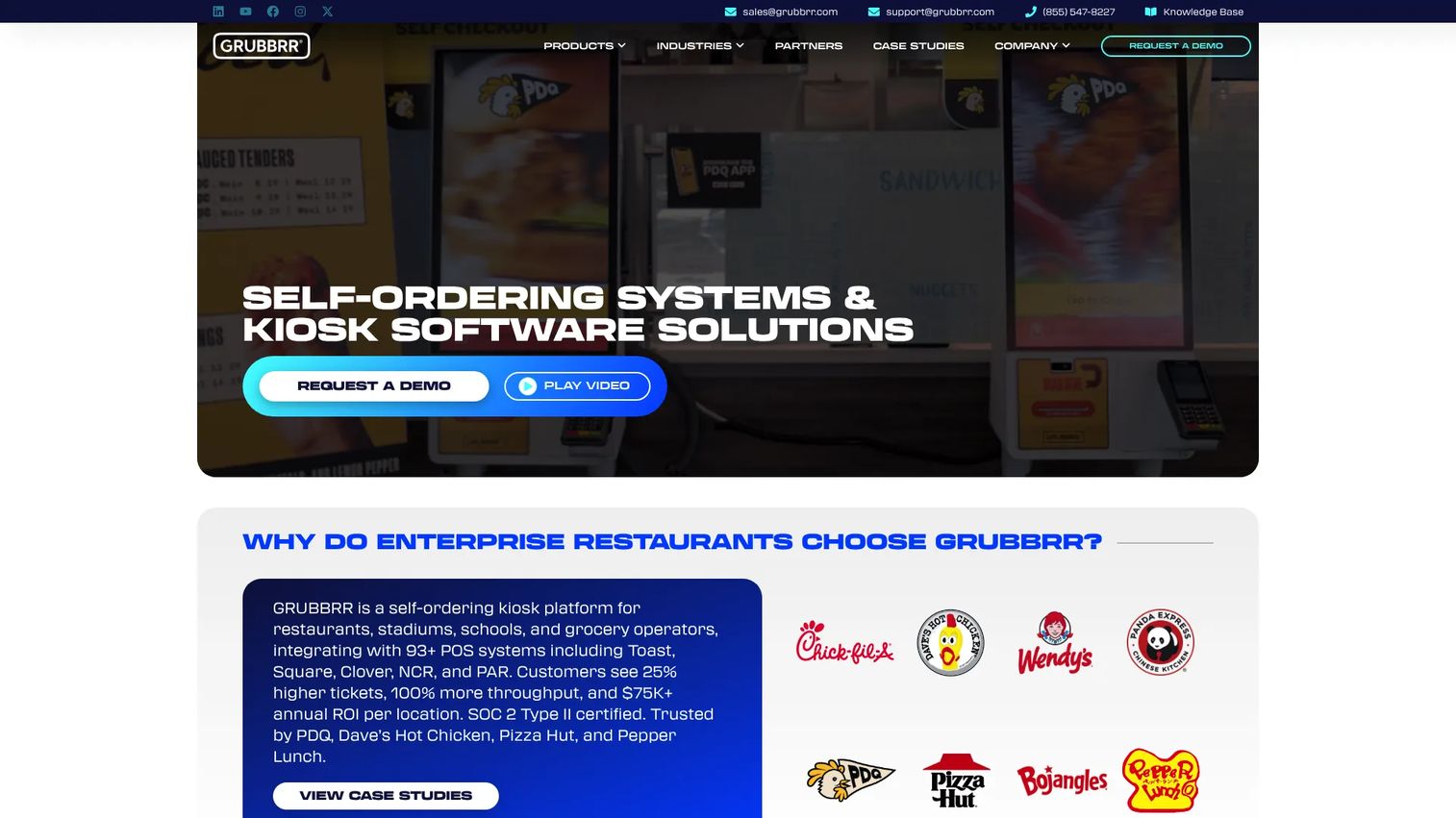
GRUBBRR is built for operators whose main question is scale. Where Square treats the kiosk as one feature in a broader POS, GRUBBRR treats self-ordering automation as the product. That focus shows up in POS integration breadth, digital menu boards, and order pickup lockers, the pieces enterprise and multi-location operators actually assemble.
For a founder or multi-unit buyer, the pull is measurable ROI. GRUBBRR leans on an ROI calculator and quantified outcomes to make the case in a language operators and finance teams accept, payback period and revenue lift rather than feature lists. That framing matters when a kiosk rollout has to clear a budget review across dozens of sites.
Best for: enterprise and multi-location operators who want a dedicated self-ordering platform with wide POS coverage and a clear ROI story.
Key features
- Self-ordering kiosks
- Digital menu boards
- Food lockers and order pickup lockers
- Broad POS integration coverage
- ROI-focused reporting
Why choose GRUBBRR: if enterprise self ordering across many locations is the goal, a purpose-built automation platform beats bolting kiosks onto a POS that treats them as a side feature. The trade-off is that it is a heavier commitment than an iPad app.
GRUBBRR pricing: GRUBBRR software subscriptions start at $99 per month. As for hardware, that's not listed anywhere, and you'll need to get a quote from a sales rep based on what you're deploying.
3. LS Retail
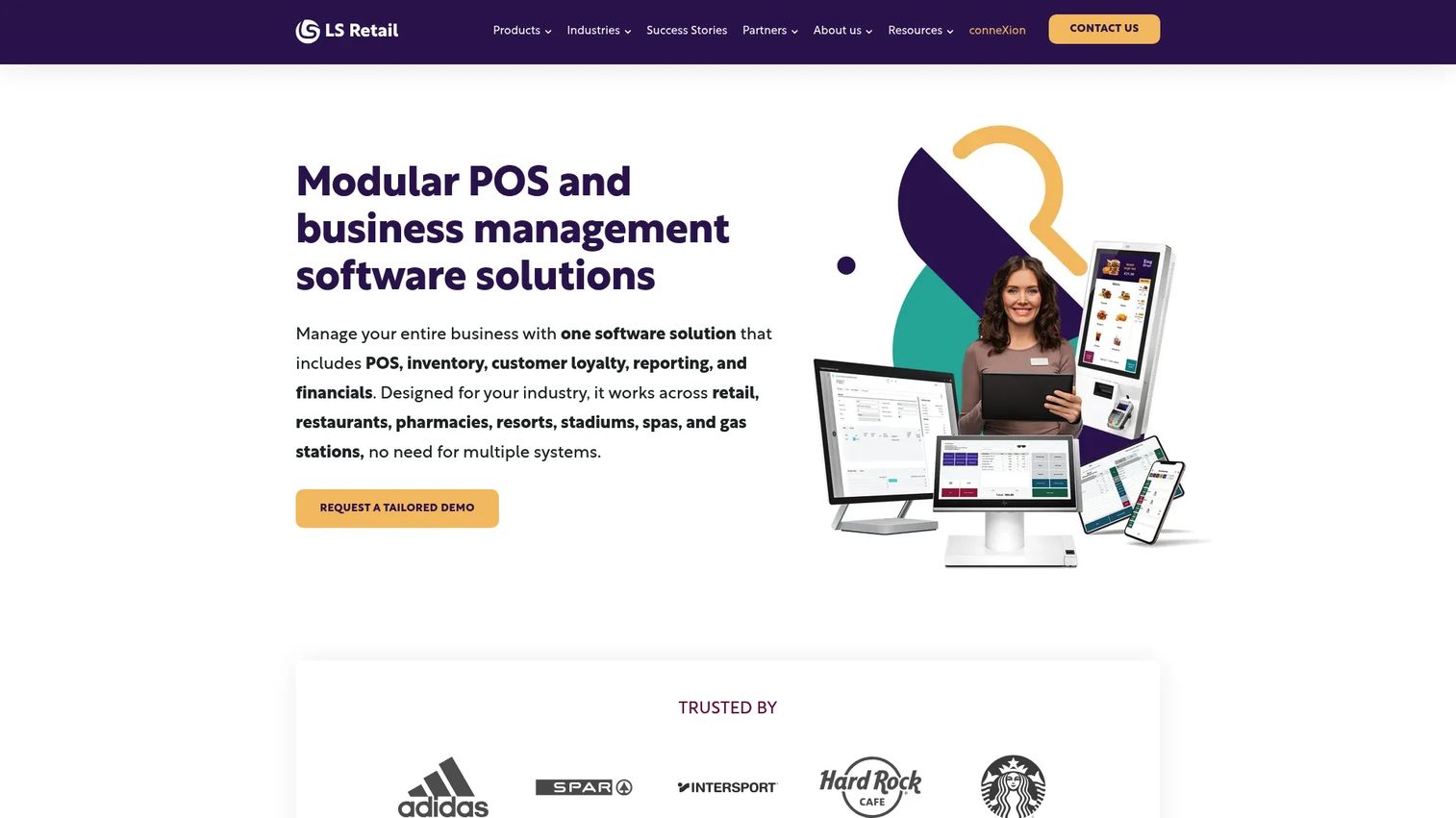
LS Retail approaches kiosks from the operations side. Its self-ordering runs on LS Central, a unified POS and back-office platform that also handles inventory, pricing, promotions, loyalty, eCommerce, and analytics. For an operator already standardized on LS Central, the kiosk is not a new vendor relationship. It is an extension of the system that already runs the business.
The payoff is order accuracy and centralized menu management. Because the kiosk shares the same data layer as the POS and back office, prices and items stay consistent, and orders flow cleanly into kitchen and fulfillment. That connected flow suits fast casual venues, buffets, and multi-site food service where one source of truth matters more than a slick standalone screen.
Best for: multi-store retailers and food service operators already running LS Central who want kiosk ordering inside a unified platform.
Key features
- Unified POS and back-office platform (LS Central)
- Inventory, pricing, promotions, loyalty, eCommerce, and analytics
- Centralized menu management across locations
- Partner-delivered implementation and support network
Why choose LS Retail: the value is the single platform. If your POS, inventory, and loyalty already live in LS Central, adding kiosks there keeps everything in one data model instead of stitching a separate kiosk vendor into your stack.
LS Retail pricing: LS Retail doesn't list pricing anywhere, and there's no free trial either. Costs depend on what you actually need, and since it's sold through partners, you'll get a quote based on your specific setup.
4. Jamezz
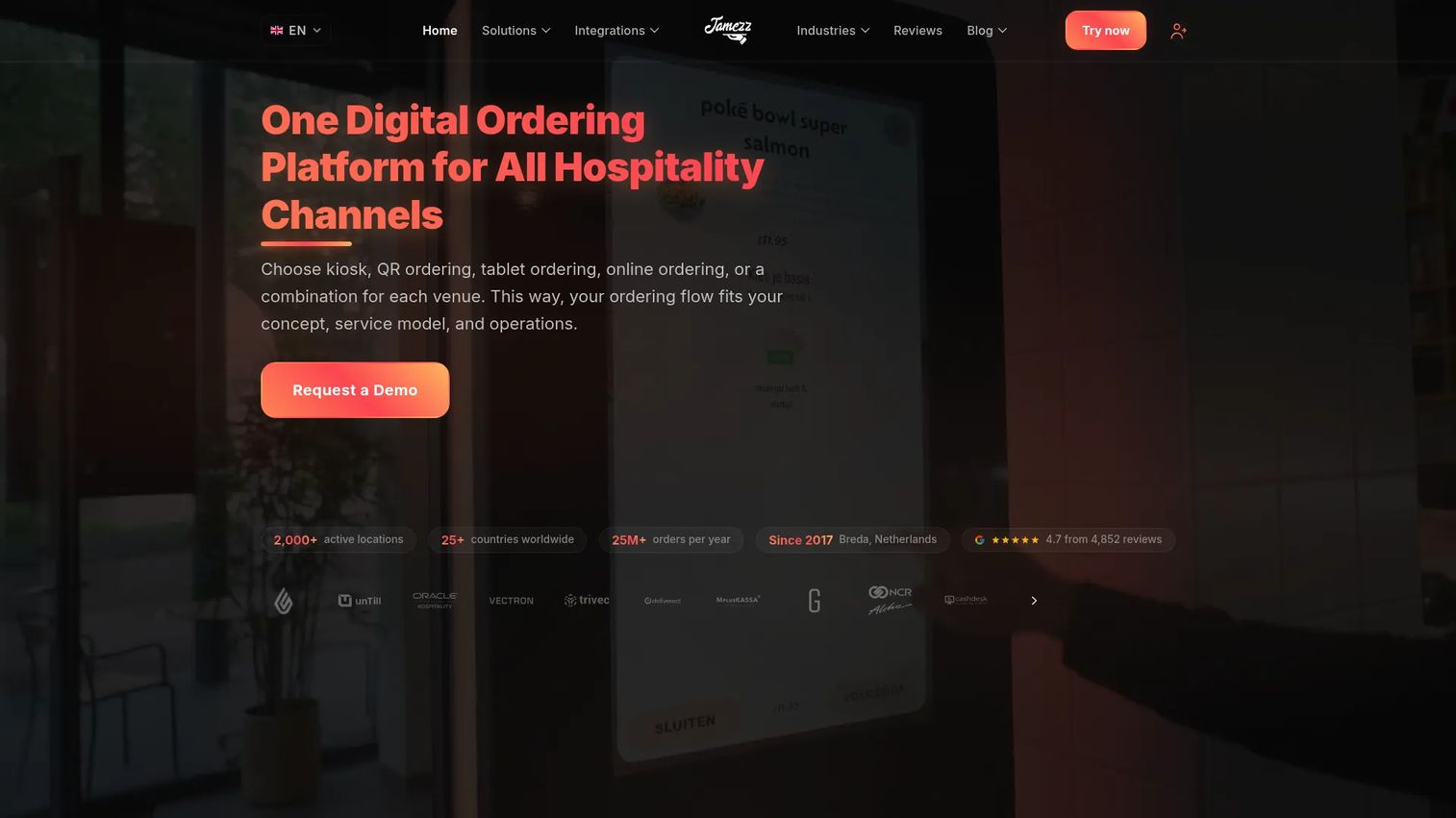
Jamezz is a digital ordering platform built for hospitality venues, and the kiosk is one channel among several. The same system runs QR code table ordering, tablet ordering, and a commission-free webshop, which fits venues where guests order in more than one way, at the table, at a counter, and online. For a restaurant or bar that wants one ordering layer across surfaces, that breadth is the draw.
Jamezz also handles the details that hospitality operators trip over. Multi-language and multi-currency support serve tourist-heavy venues, allergen filtering keeps menus safe and compliant, and all-you-can-eat round management handles a format most kiosk tools ignore. Smart upselling and cross-sell run across every channel, so the average ticket lift is not limited to the kiosk.
Best for: hospitality venues that want kiosk, QR, and tablet ordering unified in one multi-channel platform.
Key features
- Self-ordering kiosks, QR table ordering, and tablet ordering
- Commission-free online webshop
- 15+ POS integrations
- Multi-language and multi-currency support
- Allergen filtering and smart upselling
Why choose Jamezz: if guests order across multiple touchpoints, running them through one platform beats managing separate kiosk, QR, and web tools. It fits hospitality operators more than a QSR that only needs a single-lane kiosk.
Jamezz pricing: Jamezz uses subscription pricing that is largely quote-driven. A third-party listing shows a Jamezz subscription around €120 per month, but exact pricing depends on your channels and setup, so confirm scope directly.
5. Toast
Toast is a restaurant-native technology platform, and its kiosk sits inside a POS built specifically for food service. For a Toast-centric operator, that is the whole argument. Online ordering, payments, inventory, payroll, and scheduling already live in one place, so kiosk ordering extends a stack the restaurant runs every day rather than adding a parallel system.
The practical benefit is workflow fit. Because Toast owns the POS and the kitchen-facing tools, orders from the kiosk move into the same routing, the same menu management, and the same reporting the restaurant already uses. That tight coupling is the reason to shortlist Toast, and also the caveat: the fit is strongest for operators already committed to, or ready to adopt, Toast as their core POS.
Best for: restaurants that run, or plan to run, Toast as their POS and want kiosk ordering inside one integrated stack.
Key features
- Restaurant POS built for food service
- Online ordering and payments
- Inventory, payroll, and scheduling tools
- Kitchen routing inside the same platform
- Centralized menu management and reporting
Why choose Toast: the case is the integrated restaurant stack. If you are already a Toast operator, keeping the kiosk in the same system avoids integration overhead. If you are not, weigh the cost of adopting Toast against a kiosk that layers onto your current POS.
Toast pricing: Toast offers a Starter Kit at $0 per month. The Point of Sale plan starts at $69 per month, and Build Your Own uses custom pricing based on the hardware and features you select.
Considerations before you buy
POS compatibility
The kiosk is only as good as its link to your POS. Confirm whether the integration is real-time or middleware based, because delayed syncing creates pricing and inventory mismatches. If you already run Square or Toast, staying in-ecosystem removes most of this risk. If you run something else, verify that POS integration is native and supported, not a workaround.
Menu control and inventory sync
Ask how fast a change propagates. When you 86 an item or reprice a combo, does every kiosk and location update instantly, or is there a lag? Strong menu management means one edit reaches every screen. Weak sync means staff manually fixing kiosks, which defeats the point of automation.
Hardware and deployment model
Decide whether you want an iPad-based kiosk, dedicated hardware, or flexible mounting. iPad models like Square keep costs and setup low for small sites. Dedicated hardware suits high-traffic venues that need durability and larger screens. Match the hardware to your traffic and space, not to the flashiest demo.
Pricing and ROI clarity
Pricing models vary widely. Some vendors publish device-based subscriptions, others quote by deployment. Look past the sticker price to the payback story. An ROI calculator, honest hardware costs, and payment processing fees together tell you whether the kiosk pays for itself in months or years.
Throughput and kitchen flow
A kiosk that takes orders but jams the kitchen is a downgrade. Confirm orders route cleanly to your kitchen display system or printer without manual re-entry. The goal is more throughput end to end, from screen to plate, not just a faster front counter that overwhelms the line.
Conclusion
The best self ordering kiosk software is the one that fits your POS and your scale, not the one with the longest feature list.
If you run a single site or small chain on Square, Square is the low-friction pick. If you operate at enterprise scale across many locations, GRUBBRR gives you a dedicated automation platform with a clear ROI calculator. Operators standardized on LS Central should keep kiosks inside LS Retail for one unified data model. Hospitality venues mixing kiosk, QR, and tablet ordering will get the most from Jamezz. And restaurants already committed to Toast should shortlist Toast to keep everything in one restaurant-native stack.
Start with the POS you already run. That single decision eliminates half the list and points you at the platform that will actually reduce queues, lift average order value, and hold your menu consistent across every location.
FAQs
There is no single best. The right choice depends on your POS, venue type, and scale. Square fits single sites and small chains, GRUBBRR fits enterprise multi-location operators, LS Retail fits LS Central shops, Jamezz fits multi-channel hospitality venues, and Toast fits restaurants running Toast POS. Start with your existing point of sale.
Costs split into software subscription, hardware, and payment processing fees. Software ranges from free tiers to per-location subscriptions, for example Square from $49 per month per location and GRUBBRR from $99 per month. Enterprise and hospitality vendors like LS Retail and Jamezz often quote by deployment. Always add hardware and processing fees to the software price.
Integration varies by vendor. Square and Toast work best inside their own POS ecosystems. GRUBBRR emphasizes broad POS integration coverage, LS Retail runs on LS Central, and Jamezz lists 15+ POS integrations. Confirm your specific POS is supported, and whether syncing is real-time, before you commit.
Yes, and it is one of the strongest reasons to deploy them. Visual menus, combo prompts, and one-tap add-ons put upsell options in front of every guest with no social pressure to decline. That consistent upselling lifts ticket size across all orders, not just the ones an attentive cashier remembers to work.
Fast casual and QSR are where kiosks are most commonly deployed. High order volume, repeatable menus, and rush-hour queues make them a natural fit. Kiosks add parallel ordering lanes that cut wait times during peak service without adding front-counter headcount, which is exactly the throughput problem those formats face daily.
Look past the monthly software fee. Factor in device counts and per-location charges, one-time or recurring hardware costs, implementation and support fees, and payment processing rates. A low subscription with high hardware and processing costs can be more expensive than a higher subscription with everything bundled. Ask each vendor for a full total-cost breakdown.










