Your SOPs are scattered across a shared drive, six Loom recordings nobody can find, and a Notion doc that was last updated before your last rebrand. A new VP of Sales joins next month. Someone will spend 40 hours recreating onboarding from scratch, and that someone will probably be you.
The search for ScreenSteps alternatives usually starts here: A team that has outgrown how it stores and delivers internal knowledge, or a founder who needs internal training to run without them in the room. ScreenSteps is a solid process documentation and knowledge base platform, but the job often shifts before the tool does.
This list covers 21 ScreenSteps alternatives across five categories: Interactive guide platforms, SOP and training systems, knowledge bases, wikis, and contact-center knowledge management. Guideflow leads the list as the top pick for interactive internal training. Trainual, Guru, Document360, and Confluence are the strongest SOP, AI knowledge, help center, and wiki picks respectively.
TL;DR
- Best overall interactive training upgrade: Guideflow. Record your software once and share interactive demos employees can click through for onboarding, internal training, SOP rollout, and support education. Six formats total: Interactive demos, demo pages, demo centers, sandboxes, live demos, and mobile demos.
- Best SOP operating system: Trainual, starting at $3/user/month annually, for structured onboarding and process accountability.
- Best AI knowledge hub: Guru, for teams that need verified answers surfaced inside daily workflows. Custom pricing.
- Best customer-facing knowledge base: Document360, 14-day free trial available, custom quote pricing.
- Best company wiki: Confluence for Atlassian teams (free up to 10 users, then from $5.42/user/month); Notion for flexible workspaces (free plan, then $10/user/month).
- Best contact-center knowledge management: livepro, Verint, or Zendesk Guide, depending on team size and existing support stack.
- Free starting points: Confluence, Notion, Stack Overflow for Teams, Whale, and Coda all offer free tiers.
What's inside
- What ScreenSteps is and when teams compare alternatives.
- The main reasons founders and ops leaders start looking elsewhere.
- A side-by-side table of all 21 tools with category, rating, free plan, and starting price.
- Ranked tool cards covering strengths, shortfalls, pricing, and comparison notes.
- Use-case picks routing by specific job: Interactive training, SOP management, support knowledge, contact centers, and company wikis.
- FAQs for buyers building a shortlist.
What is ScreenSteps?
ScreenSteps is a process documentation and knowledge management platform built for teams that need structured procedures, searchable help content, and repeatable training materials. It is used by support teams, operations leaders, compliance-heavy industries, and contact centers to document how-to procedures, internal workflows, and step-by-step processes.
The core strength of ScreenSteps is structured knowledge: It creates courses and articles tied to specific procedures, adds branching to help agents find the right answer, and centralizes content that otherwise lives in email threads and tribal knowledge. Teams use it for customer support knowledge bases, employee training, and internal procedural documentation.
Where it performs best: Operations and support teams that need a governed repository of step-by-step procedures and require consistent answers across a distributed workforce.
Why teams look for ScreenSteps alternatives
Teams usually look for ScreenSteps alternatives when the documentation job changes, not when documentation stops mattering.
They need interactive training, not another static document
A PDF or article explains a process. A clickable interactive demo lets an employee do it. For software-heavy workflows, the difference shows up during week-one onboarding: New hires who can practice clicking through a process retain it. Ones who read about it ask the same question twice. This is the gap static documentation cannot close.
They want faster SOP creation and maintenance
A product update breaks a screenshot. A process changes after a reorg. At Series B, one ops person cannot manually maintain every document. Teams increasingly want tools that make capturing and updating SOPs fast enough to stay current, not aspirationally current.
They need better search and answer quality
Gartner's 2025 research found that 51% of customer service journeys now start on third-party platforms like search engines and ChatGPT before reaching a company's own knowledge base. When internal agents cannot find accurate answers inside their tools, support quality degrades at scale. Verification workflows and AI-assisted retrieval address this gap.
They need different tools for different knowledge jobs
The category is not homogeneous. Interactive guides serve hands-on software training. SOP systems handle procedural accountability and completion tracking. Knowledge bases serve customer support self-service. Wikis handle team collaboration. Contact-center knowledge management governs agent responses at high volume. Buying the wrong category for the job creates a second migration.
Pricing or packaging no longer fits
When a team grows from 15 to 80, the per-seat math changes. When a new VP joins, they often bring a preferred stack or find the existing setup insufficient for the reporting they need. The evaluation restarts not because the tool failed, but because the team outgrew the configuration.
How we picked these ScreenSteps alternatives
Each tool on this list covers at least one core ScreenSteps replacement job: Process documentation, internal training, support knowledge management, company wiki, or contact-center knowledge delivery. Pricing reflects each vendor's official pricing page. G2 ratings come from named listings. Shortfalls are drawn from G2 reviewer themes or pricing page constraints.
The list spans interactive guide platforms, SOP systems, knowledge bases, wikis, and contact-center KM tools. The Category column in the table helps you match tool type to job. A tool that ranks well in one category will likely underperform in another. Use the category label to filter before the full card.
ScreenSteps alternatives at a glance
The 21 tools below span five distinct categories. Before scanning ratings and prices, check the Category column. Buying a wiki when you need SOP tracking, or buying a help desk when you need interactive employee training, creates a gap you will feel within the first quarter.
Guideflow leads the list as the interactive guide platform. Trainual, Whale, Waybook, and SweetProcess cover SOP and training. Guru, Document360, Zendesk Guide, Bloomfire, and Freshdesk serve knowledge base and support jobs. Confluence, Notion, Slite, Tettra, Stack Overflow for Teams, Microsoft SharePoint, and Coda cover wiki and internal docs. livepro, Verint, and ServiceNow cover contact-center and enterprise knowledge operations.
| # | Tool | Category | Best for | G2 rating | Free plan | Starting price |
|---|---|---|---|---|---|---|
| 1 | Guideflow | Interactive guide platform | Interactive employee onboarding and internal training | 5.0/5 | Yes | Free; Solo $35/user/month (annual) |
| 2 | Trails | Process documentation and training | Workflow capture with guide and video output | 5 | No | $29/month (Creator, annual discount available) |
| 3 | Guru | AI knowledge management | Verified answers inside team workflows | 4.7/5 | No | Custom pricing |
| 4 | Document360 | Knowledge base software | Public and private help centers | 4.7/5 | No | Custom pricing; 14-day free trial |
| 5 | Trainual | SOP and employee training | Structured onboarding and process accountability | 4.7/5 | No | $3/user/month (Core, annual) |
| 6 | Whale | SOP and training platform | Process documentation for growing ops teams | 4.8/5 | Yes | $299/month (Scale, annual) |
| 7 | Waybook | Employee onboarding and SOPs | Company playbooks and repeatable team training | 3.5/5 | No | $139/month (Core, annual, 10 seats) |
| 8 | SweetProcess | SOP and procedure management | Recurring procedures and policy documentation | 4.3/5 | No | $495/year (up to 5 users) |
| 9 | livepro | Contact-center knowledge management | Governed agent answers at high volume | 4.8/5 | No | Custom pricing |
| 10 | Zendesk Guide | Help center knowledge base | Support self-service and agent knowledge | 4.3/5 | No | $19/agent/month (Support Team, annual) |
| 11 | Confluence | Team workspace and wiki | Atlassian-native documentation | 4.1/5 | Yes (up to 10 users) | $5.42/user/month (Standard, monthly) |
| 12 | Bloomfire | Knowledge management platform | Searchable internal knowledge communities | 4.6/5 | No | Custom pricing |
| 13 | Notion | Workspace and company wiki | Flexible internal docs and lightweight SOPs | 4.6/5 | Yes | $10/user/month (Plus, monthly) |
| 14 | Microsoft SharePoint | Enterprise content management | Microsoft 365 document governance | 4.0/5 | No | $5.00/user/month (Plan 1, annual) |
| 15 | Slite | Team knowledge base | Lightweight internal wiki and docs | 4.6/5 | No | $10/user/month (Basic, annual) |
| 16 | Tettra | Internal knowledge base | Slack-connected team knowledge | 4.7/5 | No | $8/user/month (Scaling, annual; 10-user minimum) |
| 17 | Stack Overflow for Teams | Technical knowledge base | Engineering Q&A and technical documentation | No G2 rating | Yes (up to 3 collaborators) | Custom pricing (Organization tier) |
| 18 | ServiceNow CSM | Customer service platform | Enterprise service workflows and knowledge | 4.4/5 | No | Custom pricing |
| 19 | Verint Knowledge Management | Enterprise knowledge management | Contact-center and enterprise knowledge | 4.4/5 | No | Custom pricing |
| 20 | Freshdesk | Help desk and knowledge base | Support teams needing ticketing plus self-service | 4.4/5 | No | $19/agent/month (Growth, annual) |
| 21 | Coda | Collaborative docs and apps | Lightweight process hubs and internal tools | 4.6/5 | Yes | $12/Doc Maker/month (Pro, annual) |
The best ScreenSteps alternatives in 2026
1. Guideflow (interactive guide platform)
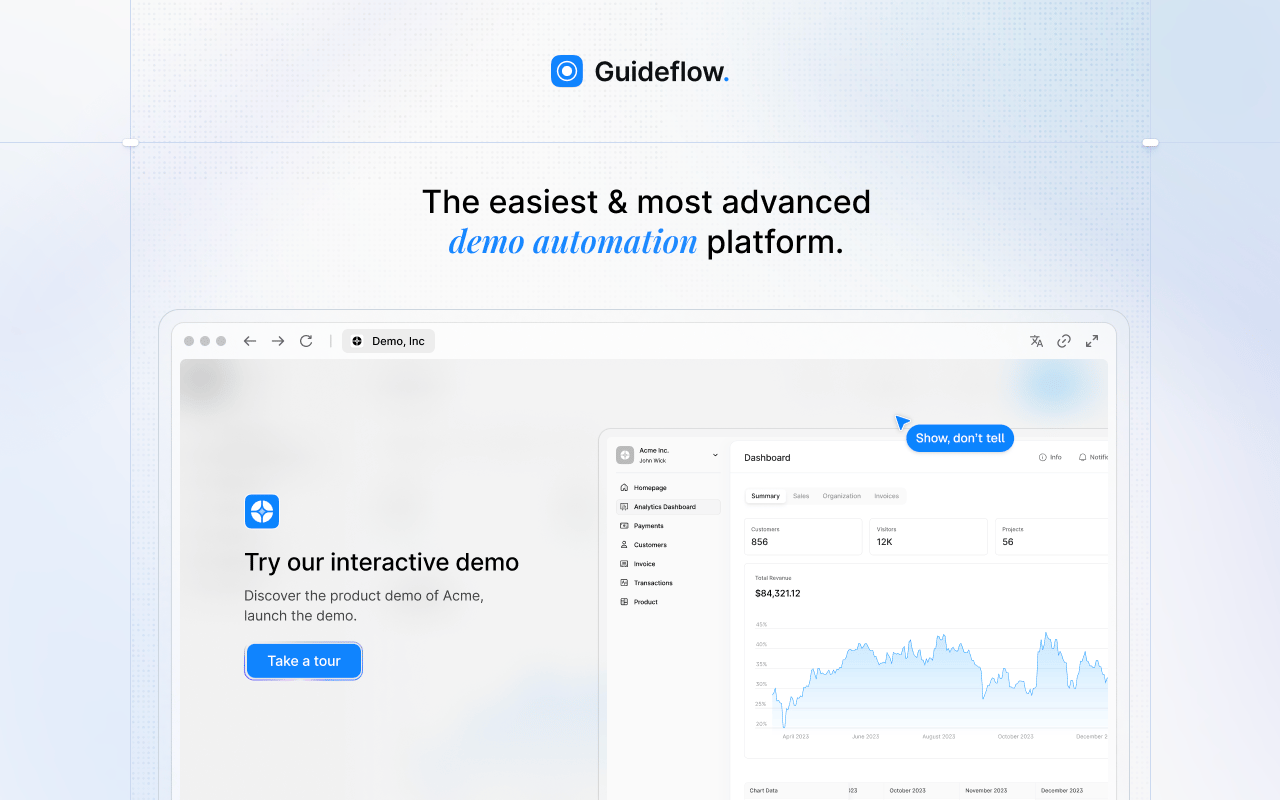
Guideflow solves a specific problem ScreenSteps does not: Employees learning software by doing rather than reading. Record your product flow once, and Guideflow turns it into an interactive demo employees can click through at their own pace, during onboarding, SOP rollout, support education, or process enablement.
The platform covers six formats: Interactive demos, demo pages, demo centers, sandboxes, live demos, and mobile demos. For internal training, the interactive demo format is the core use case. Capture runs through the Chrome extension or the native app using screenshot, HTML, or video modes. Step content and CTAs are written automatically. From there the editor supports text, image, graph, and branching edits.
Best for: SaaS teams that need interactive employee onboarding, internal training, SOP reinforcement, and software process adoption.
What it is: Guideflow is a demo automation platform. For internal teams, interactive demos serve as guided, clickable software training that replaces static SOPs. The platform supports over 500,000 guideflows created across sales, marketing, support, and training use cases.
Key features:
- Capture through the Chrome extension or native app (screenshot, HTML, video modes)
- Automated step content and CTAs, editable in a no-code editor
- Text, images, graphs, and branching edits within each step
- Step-level completion and drop-off analytics
- Translation into more than 30 languages
- Integrations with HubSpot, Salesforce, Pipedrive, Zoho, and Marketo
Where Guideflow falls short: Look elsewhere if your primary need is a searchable static company wiki rather than clickable software training. Teams whose documentation consists mainly of policies, company handbooks, or non-software procedures will get more from a dedicated knowledge base or SOP tool alongside Guideflow.
Pricing:
- Free: $0
- Solo: $35/user/month (annual)
- Growth: $499/month (annual)
- Advanced: $1,499/month (annual)
- Enterprise: From $2,999/month (annual); includes SSO, advanced governance, and enterprise security
G2 rating: 5.0/5
How it compares to ScreenSteps: ScreenSteps is stronger for structured documentation and knowledge base workflows. Guideflow is the right addition when the training moment requires employees to click through a process inside the software, not just read about it.
2. Trails (process documentation and training)
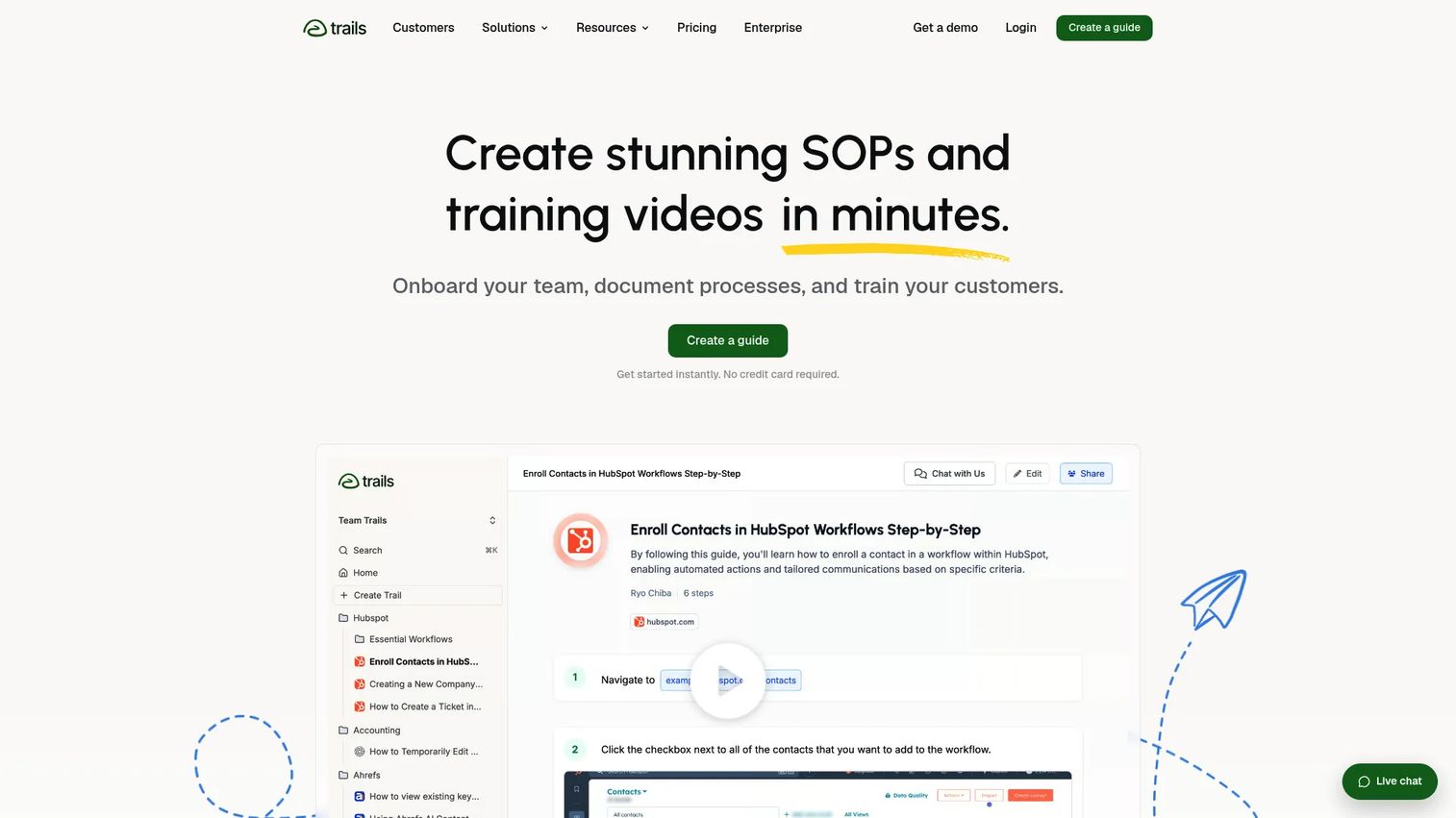
Trails converts browser and desktop workflow captures into step-by-step guides and AI-generated training videos. For teams where video output is a priority alongside written procedures, it covers both formats from a single capture session.
Best for: Teams that want workflow capture with both written guide and video training output.
What it is: Trails is a process documentation and training platform for creating maintainable SOPs, onboarding materials, and customer education content. It blurs sensitive information during capture and exports to PDF, HTML, and Markdown.
Key features:
- Browser and desktop workflow capture
- AI-generated training videos from captures
- Video-to-guide conversion
- Knowledge bases with role-based access and version history
- PDF, HTML, and Markdown export
Where Trails falls short: Trails does not carry a G2 rating, which makes cross-vendor comparison harder for buyers using review-based shortlisting. The Creator plan limits users to one seat and 20 guides per month, which may constrain teams scaling documentation volume quickly.
Pricing: Creator starts at $29/month (20% off when paid annually). Team plan at $49/month includes 5 users, unlimited guides, and video-to-guide conversion. Enterprise pricing by quote.
G2: 5
How it compares to ScreenSteps: Trails is more workflow-capture-oriented and adds AI video output. ScreenSteps is broader as a structured knowledge base and training documentation system.
3. Guru (AI knowledge management)
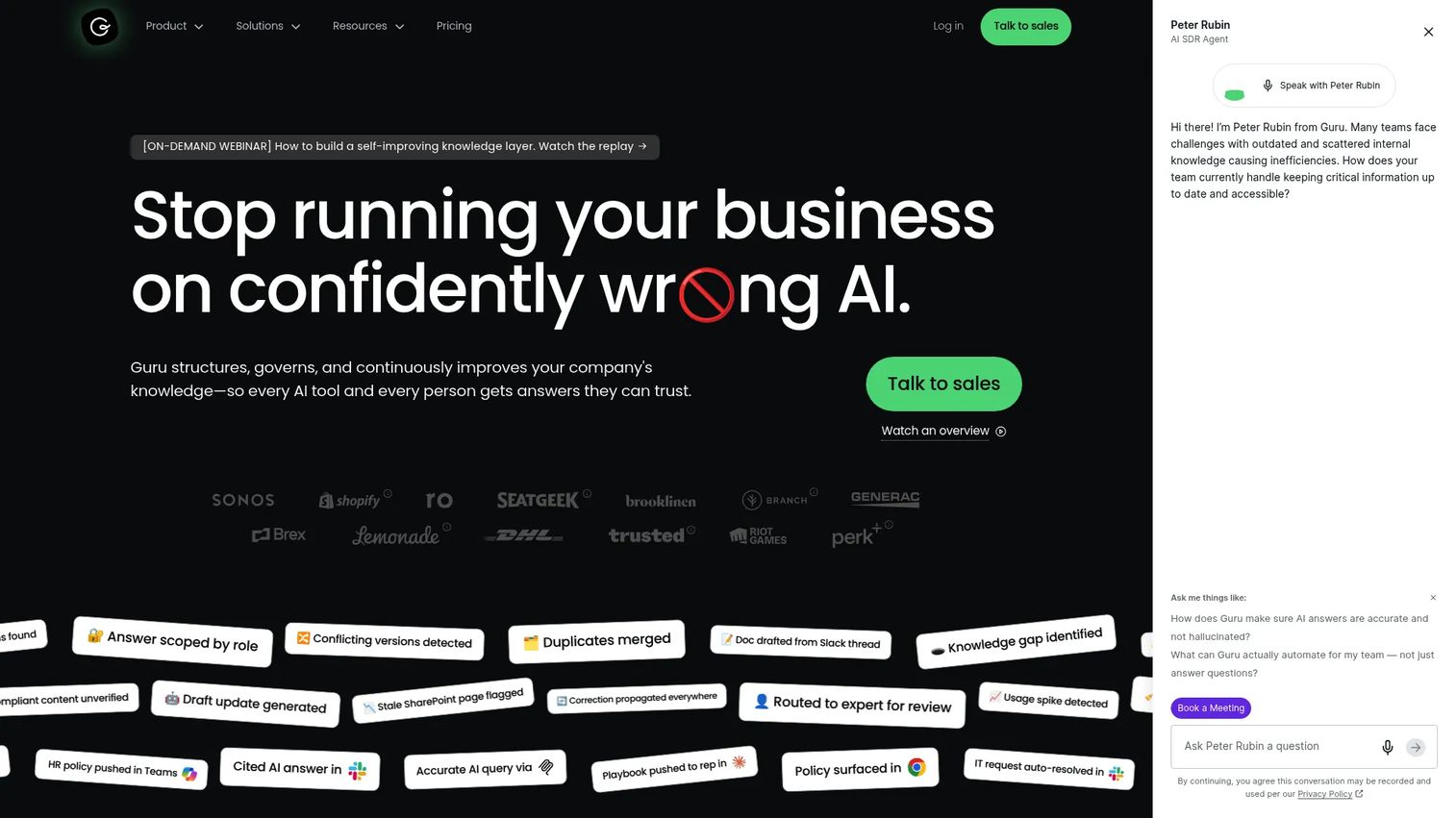
Guru takes a different approach to the knowledge problem: Rather than asking people to visit a documentation portal, it surfaces verified answers inside the tools they already use. The browser extension and Slack integration make it persistent across the workday.
Best for: Organizations that need a governed, searchable source of truth for internal knowledge with AI-powered retrieval.
What it is: Guru is an AI knowledge platform with 100-plus source connectors, automated verification workflows, and permission-aware answers with audit trails. It is built for teams where answer quality and information currency matter as much as storage.
Key features:
- 100-plus source connectors and unified knowledge index
- Automated verification, maintenance, and knowledge updates
- Cited, permission-aware AI answers with audit trails
- Browser extension for in-workflow access
- Slack and collaboration integrations
Where Guru falls short: G2 reviewers note that Guru's value scales with how well the underlying content is maintained. Teams with inconsistent knowledge hygiene find the AI answers less reliable. Pricing is custom and requires a sales conversation, which makes budget comparison harder at the shortlist stage.
Pricing: Custom pricing based on organizational scale, knowledge complexity, and AI maturity.
G2 rating: 4.7/5
How it compares to ScreenSteps: ScreenSteps focuses on step-by-step SOP creation and structured knowledge delivery. Guru focuses on trusted answers surfaced in the flow of work, with less emphasis on sequential procedure creation.
4. Document360 (knowledge base software)
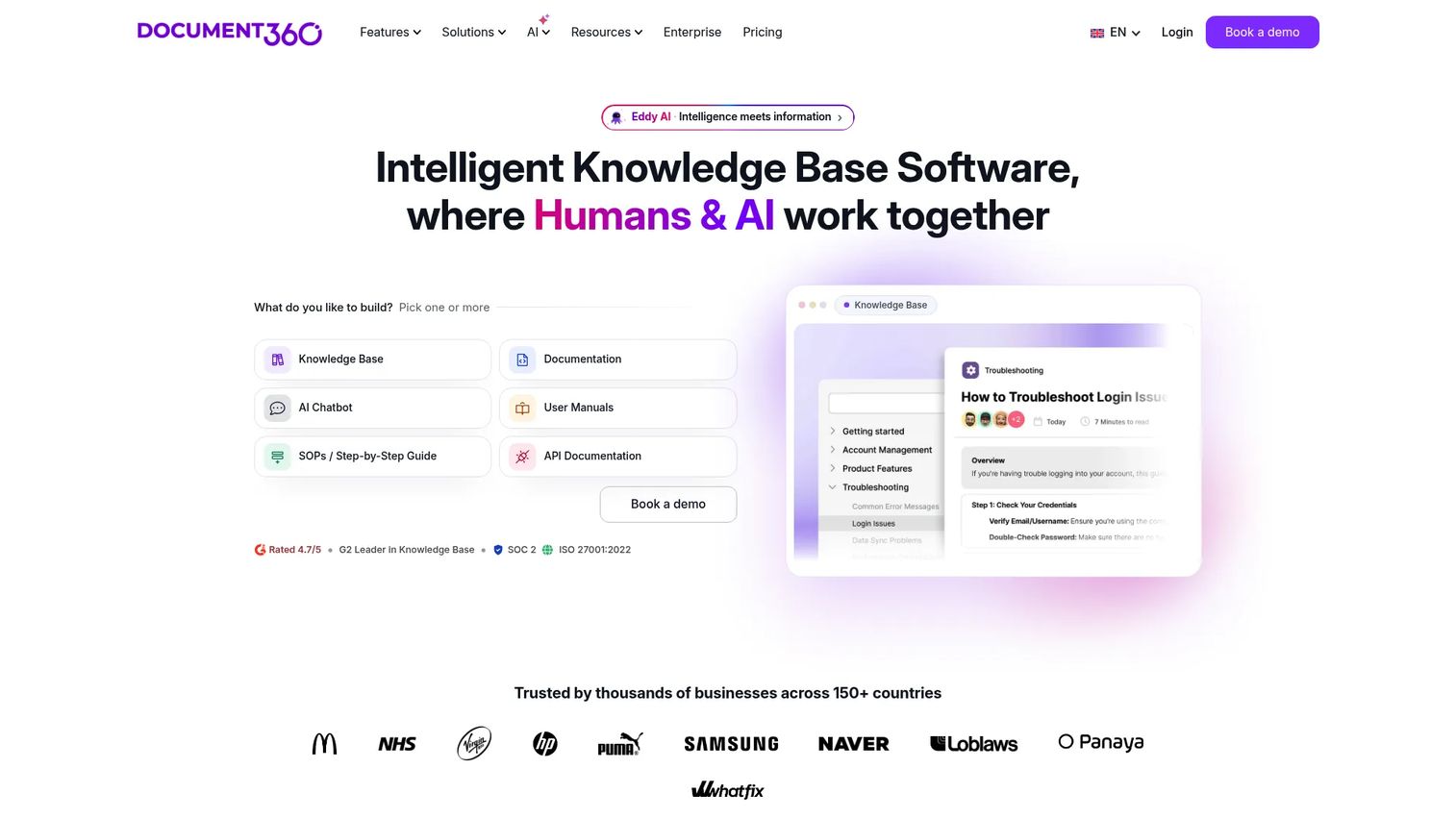
Document360 is purpose-built for teams that want polished, public-facing or internal knowledge bases with strong article management, versioning, and search. It fits the job better than a wiki when the knowledge base itself is a customer-facing product.
Best for: SaaS teams building public, private, or customer-facing help centers with structured category management.
What it is: Document360 is AI-powered knowledge base software for product documentation, help centers, internal documentation, and API docs. It features a Markdown and WYSIWYG editor, custom workflow builder, and AI-powered search and writing tools.
Key features:
- Markdown and WYSIWYG article editor
- Custom workflow builder for content approvals
- AI-powered search and writing assistance
- Article versioning and analytics
- Multiple knowledge base portals
Where Document360 falls short: G2 reviewers report that advanced customization and analytics features are gated to higher tiers, which can push mid-market teams into more expensive plans. The editor experience draws mixed feedback for teams accustomed to free-form collaboration tools.
Pricing: Custom quote pricing. A 14-day free trial is available. No permanent free tier.
G2 rating: 4.7/5
How it compares to ScreenSteps: Document360 is stronger for polished, structured knowledge bases and help centers. ScreenSteps is more process-procedure and training workflow oriented.
5. Trainual (SOP and employee training)
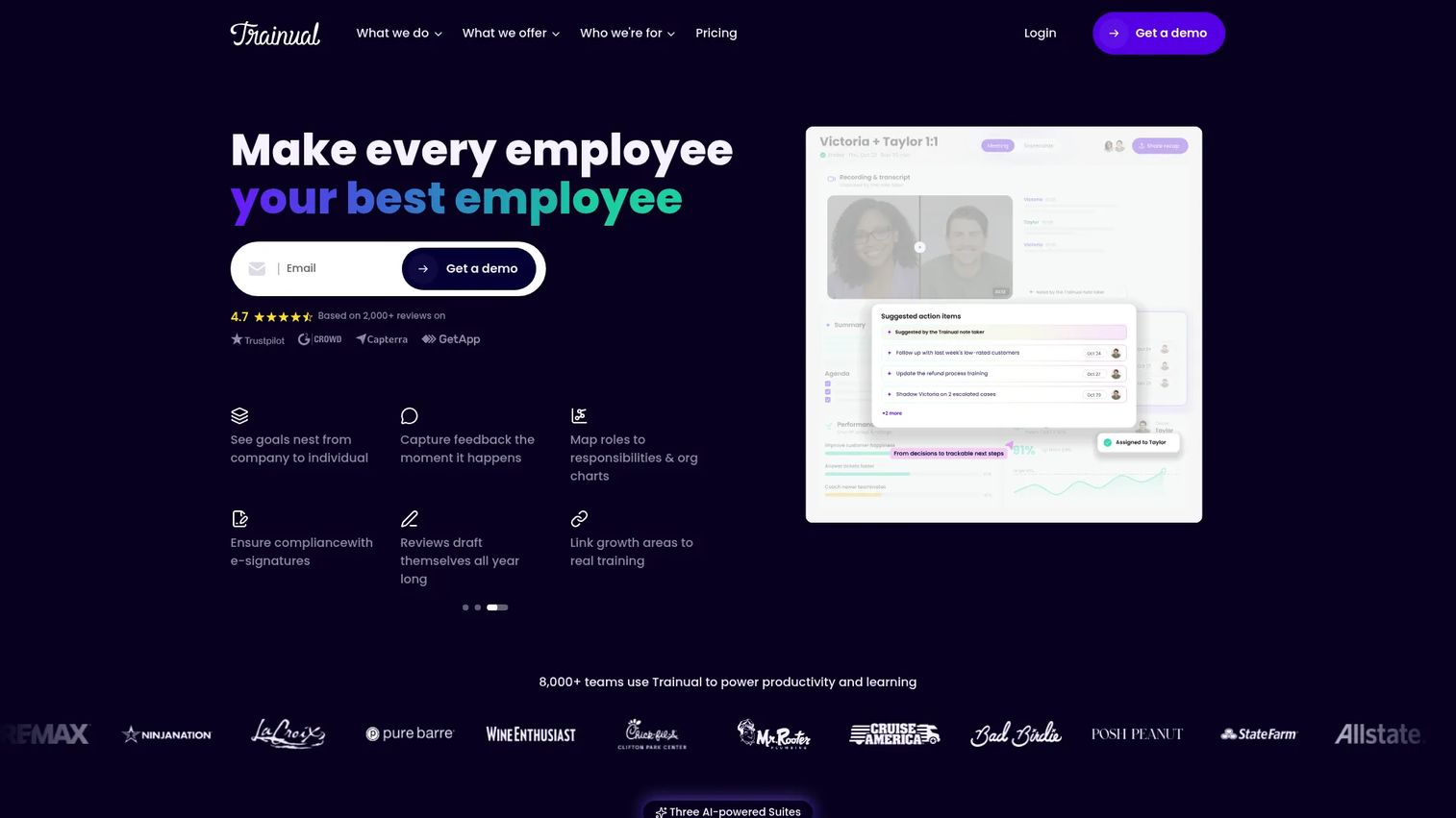
Trainual is the tool most founders reach for when they want to get role-based onboarding out of their head and into a system. It structures company knowledge into training paths with assigned completion and testing, so you can verify that new hires covered the material.
Best for: Founders and ops leaders building repeatable onboarding and training programs with completion accountability.
What it is: Trainual is an employee training and SOP platform for documenting processes, creating role-based training paths, and tracking completion. It includes AI-assisted documentation, flowcharts, screen recording, and SCORM support alongside meetings, goals, and performance tracking.
Key features:
- AI-assisted documentation and knowledge search with Q&A
- Role-based onboarding and training paths with testing and tracking
- Flowcharts, video, screen recording, and SCORM integration
- Performance reviews, feedback, and growth tracking
- Goals, scorecards, and decision management
Where Trainual falls short: G2 reviewers note that content maintenance can become a burden as the organization grows and processes change frequently. Pricing is per user, which some teams find expensive at scale compared with flat-rate SOP tools.
Pricing: Core at $3/user/month (annual). Pro at $4/user/month (annual). Premium at $5/user/month (annual). Enterprise pricing requires contacting sales; a 10-seat minimum applies.
G2 rating: 4.7/5
How it compares to ScreenSteps: Trainual is more employee training and onboarding-oriented with structured completion tracking. ScreenSteps leans more toward structured knowledge bases and procedural documentation for support and operations teams.
6. Whale (SOP and training platform)
Whale adds an AI layer that answers employee questions in Slack and Microsoft Teams directly from the company's SOP library. For teams where most internal communication happens in Slack, that in-channel answer capability reduces the friction of needing to visit a separate knowledge portal.
Best for: Operations and HR teams that need centralized SOP documentation with AI-powered answers inside Slack and Teams.
What it is: Whale is an AI-powered SOP and operations platform. It captures processes from screen recordings, videos, and documents, then makes those answers available through its Coral AI assistant in Slack, Teams, mobile, and browser. It includes training flows, knowledge quizzes, and process verification.
Key features:
- AI-assisted SOP creation from screen recordings, videos, and documents
- Coral AI answers sourced questions in Slack, Teams, mobile, and browser
- Training flows and knowledge quizzes
- Process verification, versioning, permissions, and compliance tracking
- MCP access for connecting AI agents to company knowledge
Where Whale falls short: The free plan limits creators to one seat, which constrains teams with multiple people responsible for documentation. G2 reviewers note that the setup effort required to get Coral AI producing high-quality answers can be substantial for teams with complex processes.
Pricing: Free plan at $0 forever (1 creator, up to 10 members). Scale at $299/month (annual). Advance at $599/month (annual). Enterprise by custom quote.
G2 rating: 4.8/5
How it compares to ScreenSteps: Whale is closer to operational training and SOP management with an AI-answer layer. ScreenSteps fits broader procedure knowledge base and structured documentation use cases.
7. Waybook (employee onboarding and SOPs)
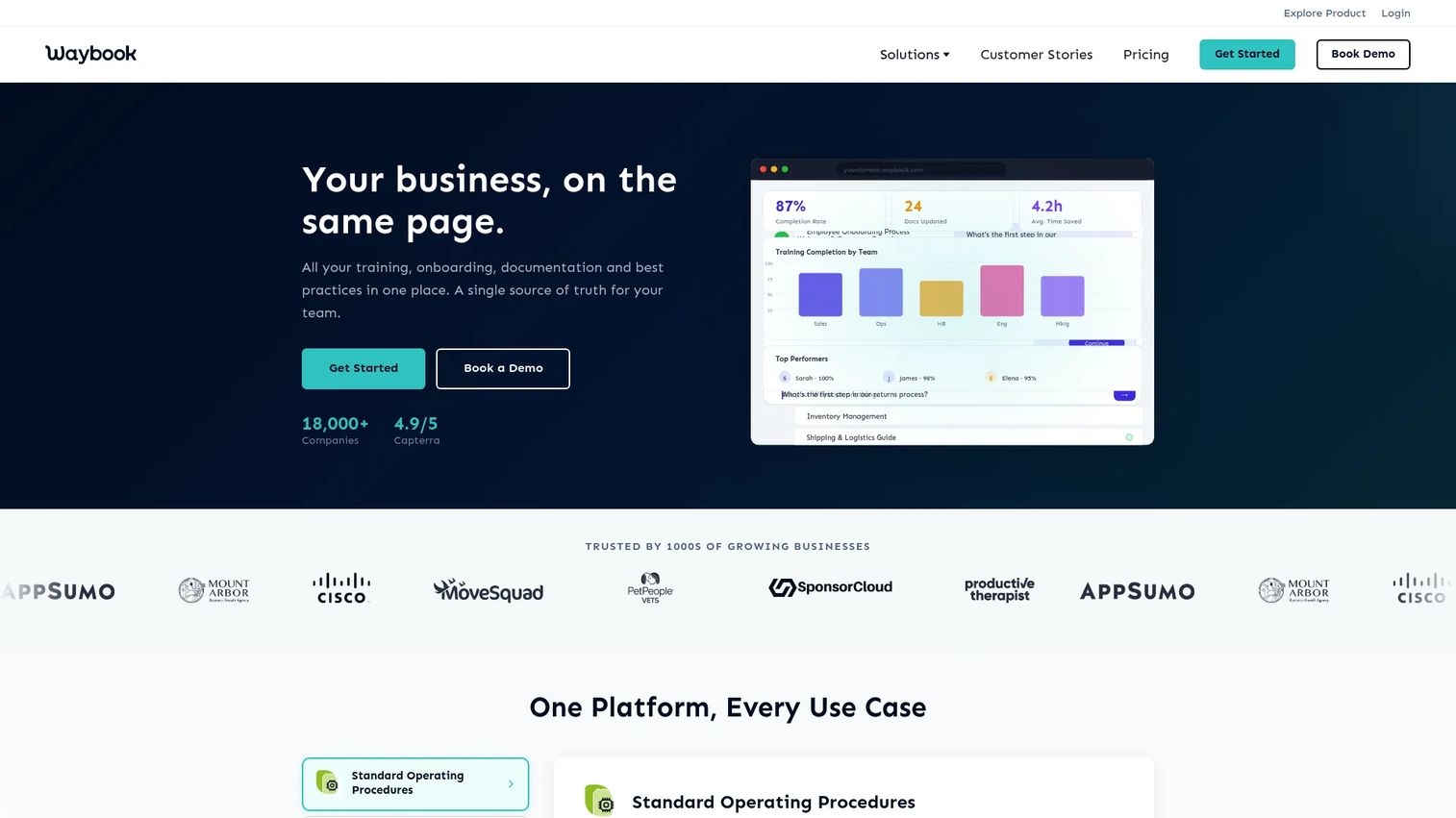
Waybook is a business playbook platform for getting company processes, onboarding programs, and role-specific training into a structured, searchable destination. It fits teams building from scratch rather than migrating a mature knowledge base.
Best for: Companies building structured employee handbooks, company playbooks, and process accountability from the ground up.
What it is: Waybook is an onboarding and SOP platform for company playbooks, process documentation, and learning paths. It includes AI-assisted document creation, progress tracking, assessments, permissions, document verification, approval workflows, audit logs, and SSO.
Key features:
- Centralized structured playbooks for processes, documents, and steps
- AI-assisted document and SOP creation
- Progress tracking, tests, assessments, and learning paths
- Permissions, document verification, approval workflows, and audit logs
- Mobile app and integrations
Where Waybook falls short: Waybook's G2 rating of 3.5/5 reflects a thin review base, which makes pattern-based assessment harder. Teams with complex technical documentation needs may find the depth insufficient compared with documentation-first platforms.
Pricing: Core at $139/month for 10 seats (annual). Pro at $229/month for 10 seats (annual). Enterprise by custom quote. A 7-day free trial is available. No permanent free tier.
G2: 3.5
How it compares to ScreenSteps: Waybook fits people operations and team onboarding better than technical knowledge management. ScreenSteps is a stronger fit for procedural knowledge bases used by support and operations teams.
8. SweetProcess (SOP and procedure management)
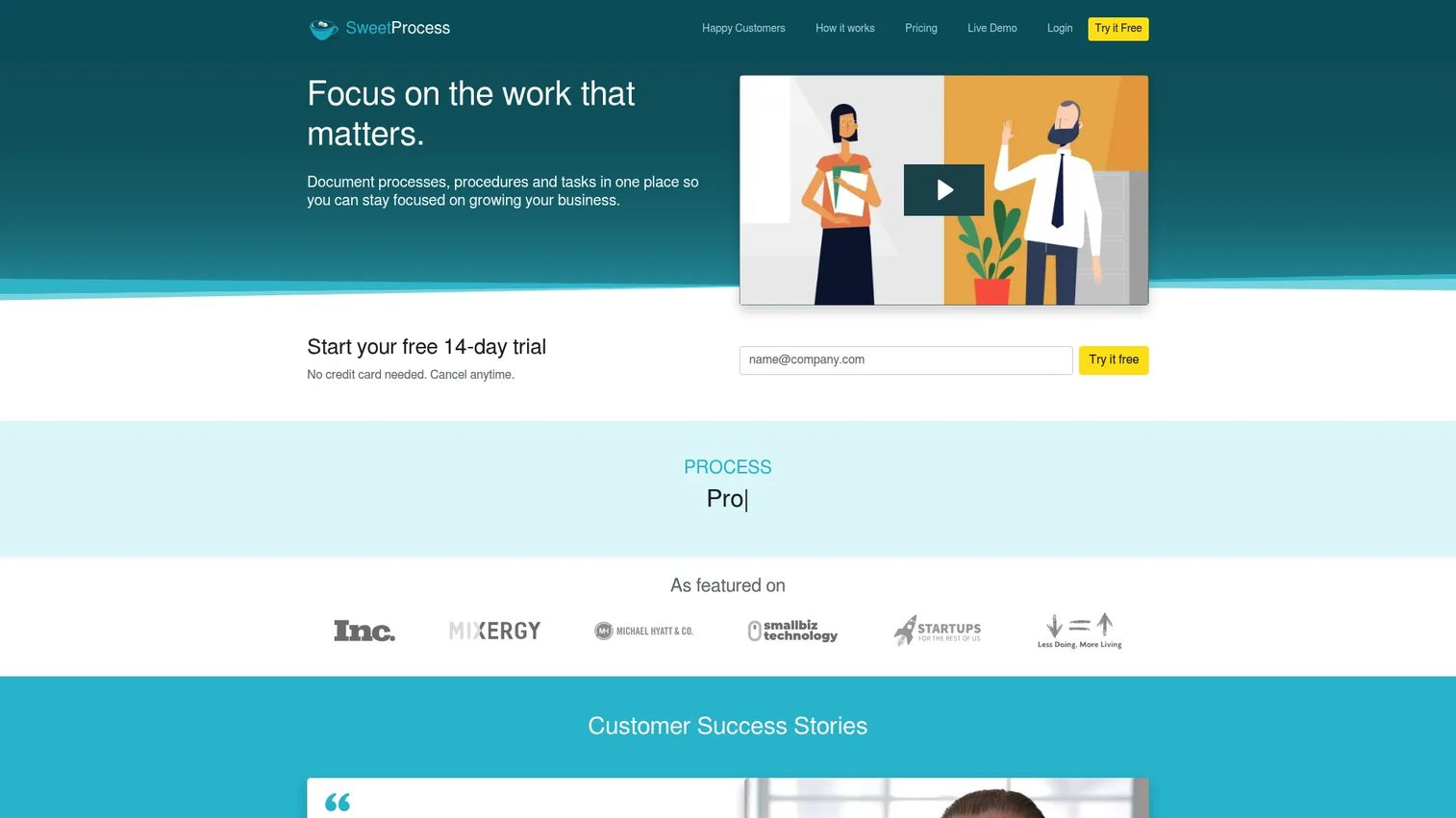
SweetProcess keeps its scope focused: Document procedures, assign tasks, and track who did what. For teams that want to operationalize recurring processes without managing a full training platform, the flat annual pricing model makes the total cost predictable.
Best for: Small and midsize businesses needing centralized procedure, policy, and task documentation.
What it is: SweetProcess is a web-based platform for documenting procedures, policies, and processes with task assignment, approval workflows, AI-assisted writing, version history, and public or private knowledge bases.
Key features:
- Procedure, policy, and process documentation
- Task assignment and approval workflows
- Public or private knowledge base creation
- AI-assisted document writing
- Version history and process maps
Where SweetProcess falls short: G2 reviewers note the interface feels dated compared with newer knowledge management tools. It lacks the depth of analytics and reporting that operations leaders at fast-growing companies often need for board-level visibility into training completion.
Pricing: Small Team at $495/year (up to 5 users). Standard at $99/month or $990/year (up to 10 users). Additional users cost $5/month or $50/year. A 14-day free trial is available. No permanent free tier.
G2 rating: 4.3/5
How it compares to ScreenSteps: SweetProcess focuses on procedure and policy management with task execution. ScreenSteps is broader as structured knowledge and training documentation.
9. livepro Knowledge Management (contact-center knowledge management)
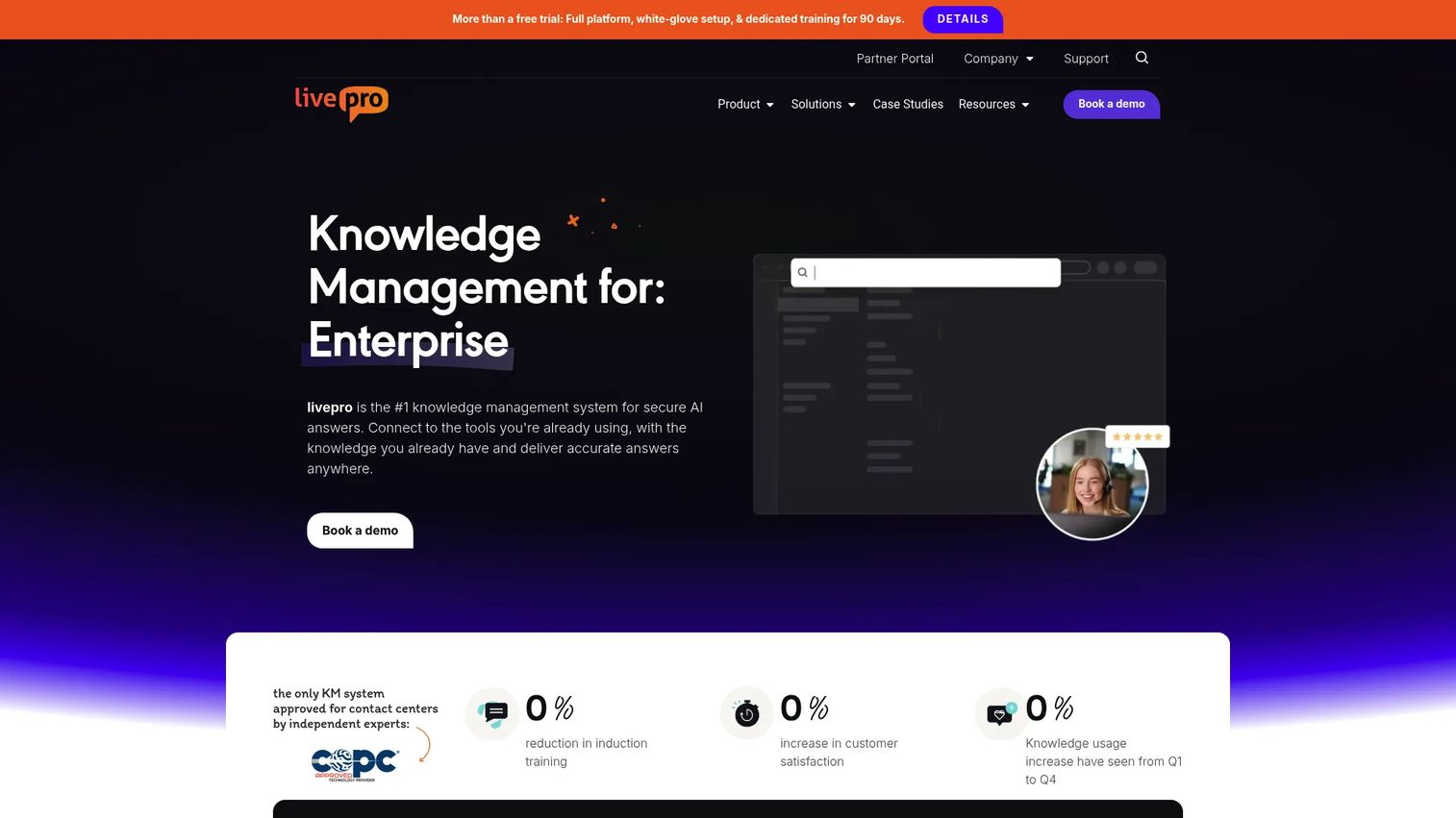
livepro is built specifically for contact centers where answer accuracy at volume is a compliance and customer experience requirement. Its "Rocket" process guidance feature leads agents to the correct resolution without requiring them to know where to look.
Best for: Contact centers and enterprise service teams needing governed, searchable knowledge with consistent agent answers.
What it is: livepro is a knowledge management platform for contact-center and support environments, particularly regulated industries. It provides AI-assisted search, decision guidance, governance workflows, version control, dashboards, and open API integrations.
Key features:
- AI-assisted search and AI Overview
- Knowledge articles, process guidance, and decision guidance (the Rocket)
- Knowledge governance with workflows, version control, and review reminders
- Dashboards, analytics, and reporting
- Open API, integrations, SSO, and customer self-service
Where livepro falls short: Pricing requires a sales conversation across all three tiers, which makes early-stage budget comparison difficult. Teams outside contact-center environments may find the tool over-specified for their knowledge management needs.
Pricing: Three tiers (Flex, Premium, Enterprise) are listed, all by custom quote. No public starting price.
G2 rating: 4.8/5
How it compares to ScreenSteps: livepro fits high-volume agent support environments with strict governance requirements. ScreenSteps fits broader procedure documentation and internal training outside contact-center contexts.
10. Zendesk Guide (help center knowledge base)
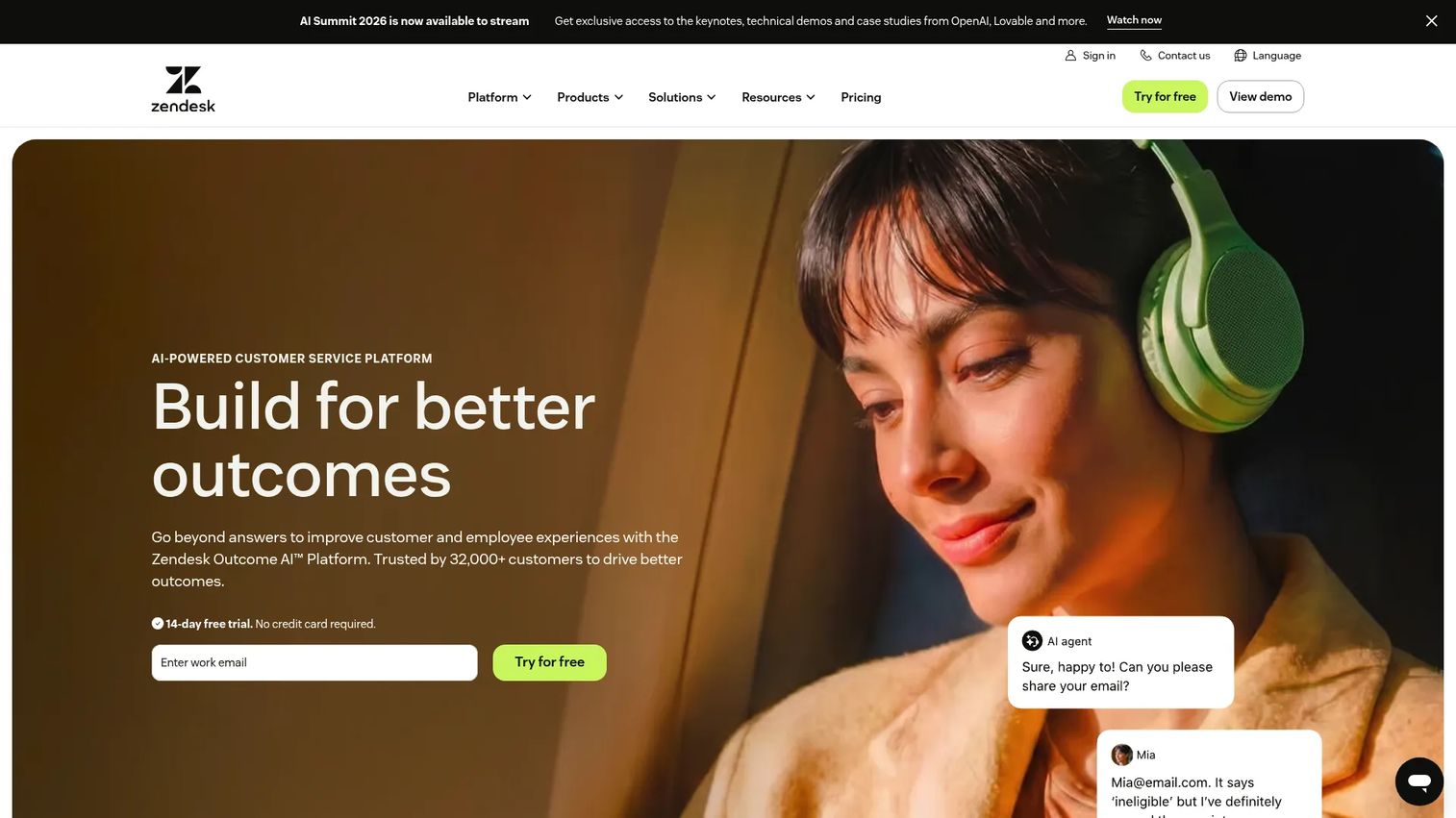
Zendesk Guide, now called Knowledge, makes the most sense when the support team is already on Zendesk. The knowledge base and ticket workflow share the same data layer, so agents get contextual article suggestions without leaving the ticket view.
Best for: Customer-service teams already using Zendesk for tickets who need a scalable self-service knowledge base.
What it is: Zendesk Guide is Zendesk's help center and knowledge management product, included in Support and Suite plans. It supports multilingual content in 40-plus languages, customizable help center themes, multiple branded help centers, and generative AI-powered search.
Key features:
- Knowledge base and help center creation
- Contextual self-service through the web widget and mobile SDK
- Multilingual content in 40-plus languages
- Multiple help centers for brands, products, or regions
- Generative search and AI knowledge features
Where Zendesk Guide falls short: Guide is not sold as a standalone product at accessible pricing. G2 reviewers note that full knowledge management depth requires Suite tiers, which increases per-agent cost significantly. Teams not already on Zendesk face a larger platform decision before accessing Guide.
Pricing: Support Team at $19/agent/month (annual) includes basic Guide. Suite Team at $55/agent/month (annual). Suite Professional at $115/agent/month (annual). Enterprise suite requires contacting sales.
G2 rating: 4.3/5
How it compares to ScreenSteps: Zendesk Guide is strongest when support self-service is tied to Zendesk ticket workflows. ScreenSteps is more focused on internal procedures and training documentation outside a helpdesk environment.
11. Confluence (team workspace and wiki)
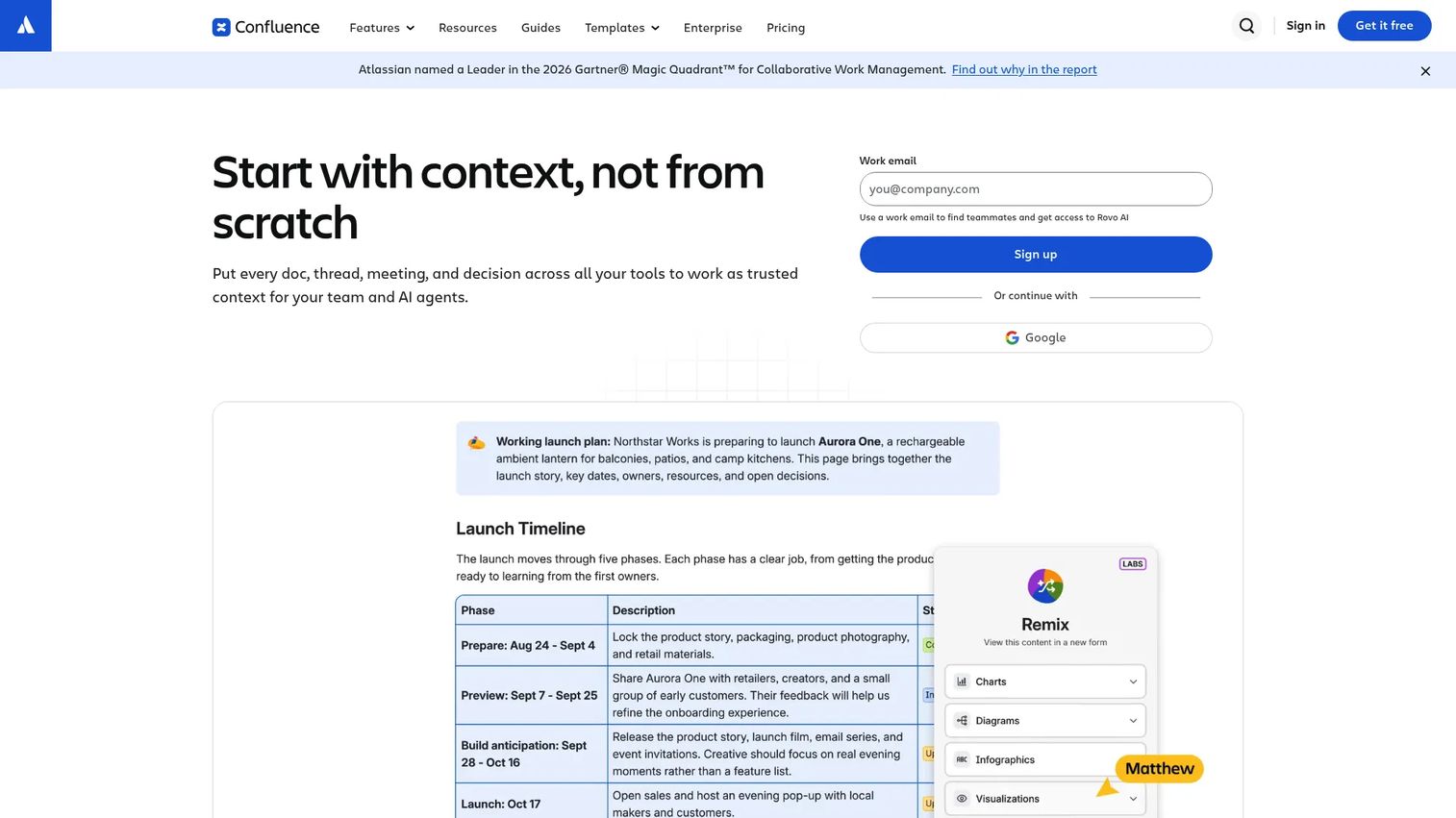
Confluence earns its place on this list by being the default internal documentation layer for Atlassian shops. If Jira runs your engineering and product work, Confluence keeps the documentation one tab away and in the same permission model.
Best for: Organizations already on Jira or the Atlassian stack needing centralized documentation and collaborative workspace.
What it is: Confluence is an AI-powered workspace for creating, organizing, and collaborating on company knowledge. It supports spaces, pages, templates, whiteboards, databases, and Atlassian's Rovo AI capabilities.
Key features:
- Real-time collaborative editing with comments and notifications
- Structured knowledge organization with spaces, pages, search, labels, and hierarchies
- Whiteboards, databases, templates, integrations, automation, and Rovo AI
- Advanced permissions on paid plans
- Enterprise data governance and analytics at scale
Where Confluence falls short: G2 reviewers consistently flag knowledge sprawl as a problem at scale: Pages multiply, ownership becomes unclear, and content freshness degrades without active governance. Search quality within large Confluence instances draws repeated criticism.
Pricing: Free for up to 10 users. Standard at $5.42/user/month (monthly billing). Premium at $10.44/user/month (monthly billing). Enterprise by custom quote.
G2 rating: 4.1/5
How it compares to ScreenSteps: Confluence is a flexible wiki that scales well for teams inside the Atlassian ecosystem. ScreenSteps is purpose-built for procedural documentation with structured training workflows.
12. Bloomfire (knowledge management platform)
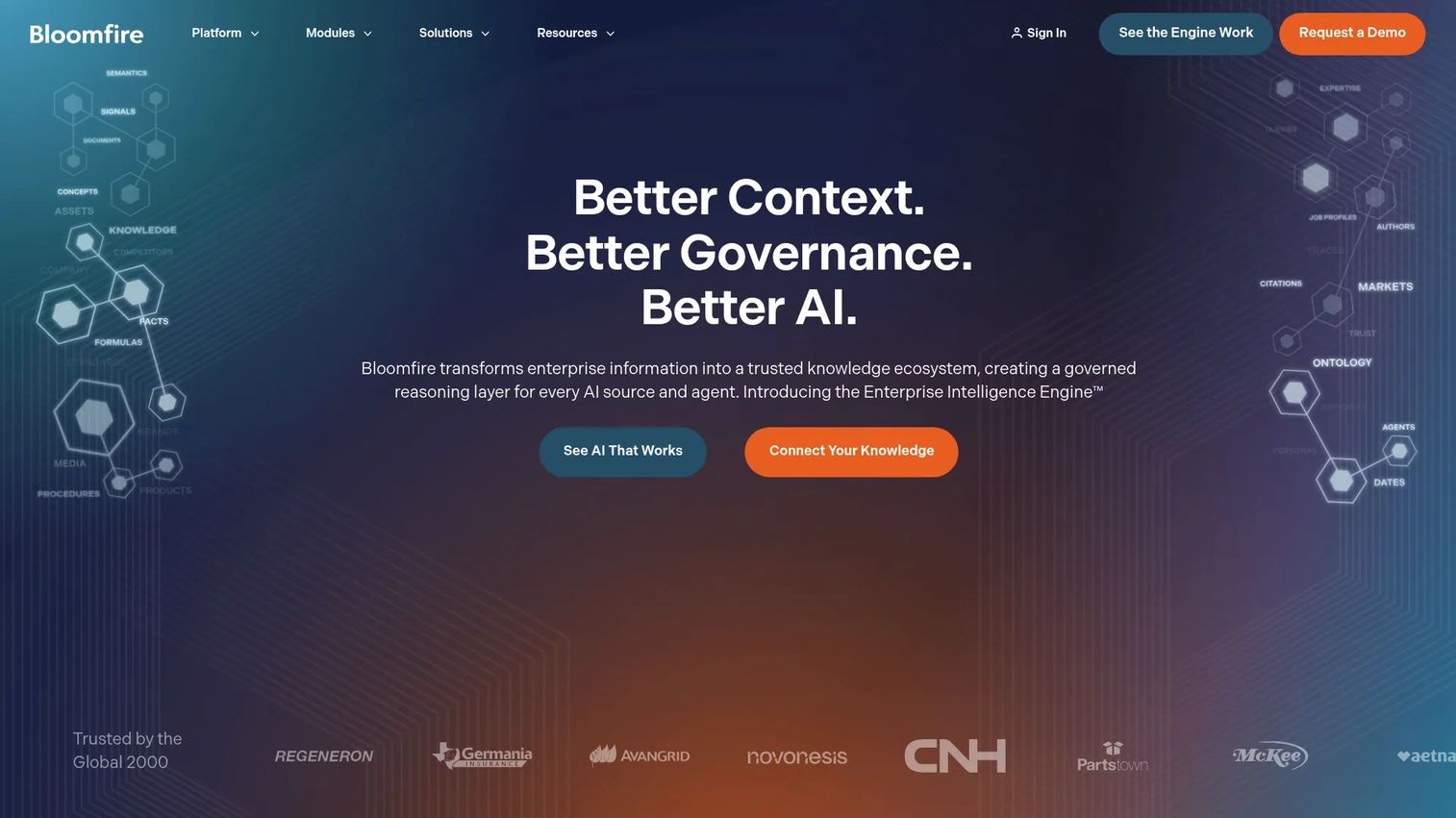
Bloomfire takes an enterprise intelligence angle: It focuses on making organizational knowledge findable and deployable across teams, with AI-assisted discovery and embedded delivery rather than a traditional knowledge base structure.
Best for: Organizations seeking governed enterprise knowledge management with AI-assisted discovery across internal content.
What it is: Bloomfire is an AI-powered enterprise intelligence and knowledge management platform for creating, governing, searching, and sharing organizational knowledge. It includes natural-language search, authoring, moderation, approval workflows, and open APIs.
Key features:
- AI-powered natural-language search, retrieval, analysis, and summarization
- Authoring, moderation, approval workflows, and knowledge-base health management
- Enterprise integrations, embedded knowledge delivery, and open APIs
- Q&A and content communities
- Usage analytics
Where Bloomfire falls short: No public numeric pricing is displayed; plans are billed on a multi-year basis with possible data migration and implementation fees. Reviewers on G2 note that implementation effort and ongoing knowledge hygiene requirements can be significant for teams without a dedicated knowledge manager.
Pricing: Team and Department plans available; both are annual fixed cost. No public numeric prices. Custom pricing by quote.
G2 rating: 4.6/5
How it compares to ScreenSteps: Bloomfire is a broader knowledge-sharing and AI-discovery platform. ScreenSteps is more focused on step-by-step procedure and how-to documentation.
13. Notion (workspace and company wiki)
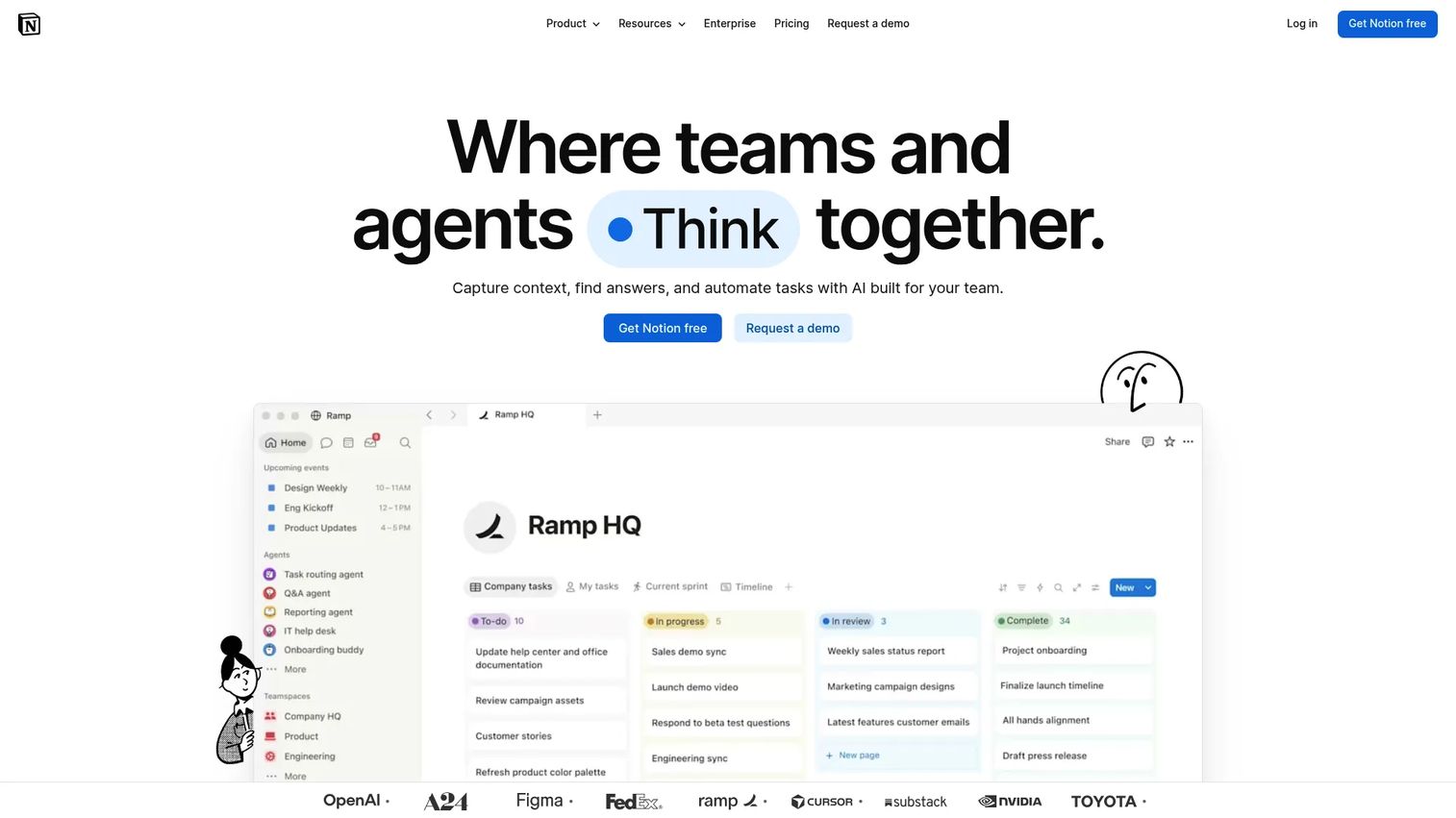
Notion's flexibility is both its main strength and its main risk. Teams that want a lightweight internal wiki, project tracking, and documentation in a single workspace find it fast to set up and easy to maintain at small scale. Teams that need rigorous SOP accountability often find that flexibility works against them.
Best for: Lean teams that want flexible internal docs, wikis, lightweight SOPs, and project context in one workspace.
What it is: Notion is an AI-powered connected workspace for capturing knowledge, managing projects, and automating work. It combines docs, databases, tasks, forms, dashboards, and AI-powered meeting notes and agents.
Key features:
- Docs, databases, tasks, and projects
- AI-powered answers, meeting notes, and agents
- Forms, dashboards, integrations, and web publishing
- Flexible page and database linking
- Collaboration with comments and permissions
Where Notion falls short: G2 reviewers note that governance and permissions become complex at larger team sizes. SOP tracking depth and training completion accountability are absent without external integrations. Content sprawl is a recurring pain for teams without dedicated documentation owners.
Pricing: Free plan available. Plus at $10/user/month (monthly). Business at $20/user/month (monthly). Enterprise by custom pricing.
G2 rating: 4.6/5
How it compares to ScreenSteps: Notion is more flexible and broad. ScreenSteps is more specialized for structured procedure documentation with training workflows.
14. Microsoft SharePoint (enterprise content management)
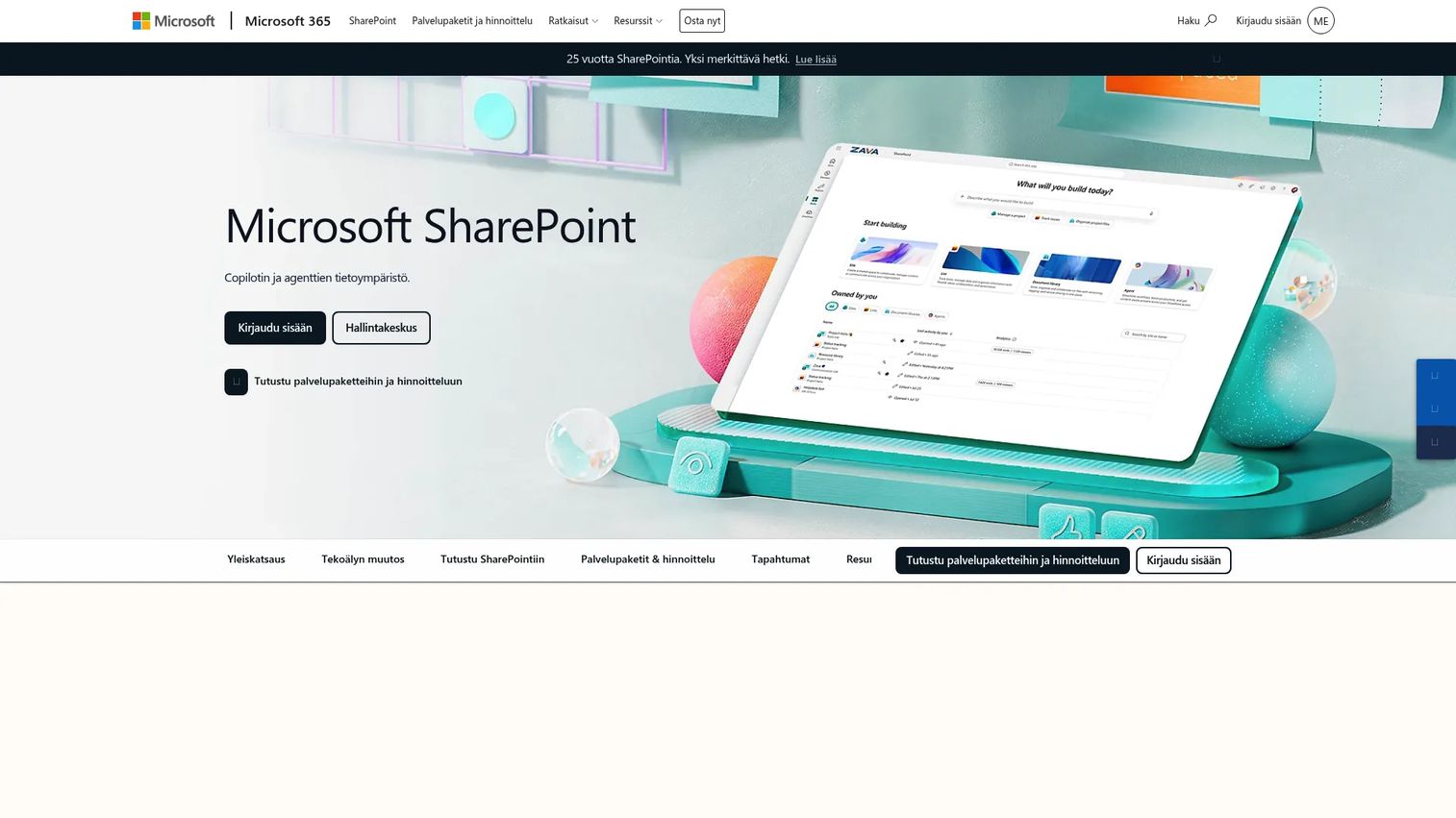
SharePoint makes the list for one specific audience: Microsoft 365 organizations that need enterprise document governance, intranet sites, and content management inside the ecosystem they already pay for. Outside that context, the setup overhead rarely justifies the choice.
Best for: Microsoft 365 organizations needing document storage, permissions, intranet sites, and enterprise content governance.
What it is: Microsoft SharePoint is an enterprise content management and intranet platform. It provides document libraries, versioning, access control, AI-powered search, custom agents, and branded organizational hubs within the Microsoft 365 ecosystem.
Key features:
- Secure file sharing and real-time coauthoring
- Document libraries with versioning and access control
- AI-powered intelligent search
- Custom agents and AI workflows
- Branded organizational hubs and intranet sites
Where Microsoft SharePoint falls short: G2 reviewers consistently flag SharePoint's setup complexity and steep learning curve for non-IT administrators. Content discovery and information architecture require dedicated admin expertise. Teams without Microsoft 365 integration find the value proposition weaker.
Pricing: SharePoint Plan 1 at $5.00/user/month (annual). Microsoft 365 Business Standard at $12.50/user/month (annual).
G2 rating: 4.0/5
How it compares to ScreenSteps: SharePoint is stronger for enterprise document governance and intranet infrastructure within Microsoft environments. ScreenSteps is more focused on how-to process documentation and structured training content.
15. Slite (team knowledge base)
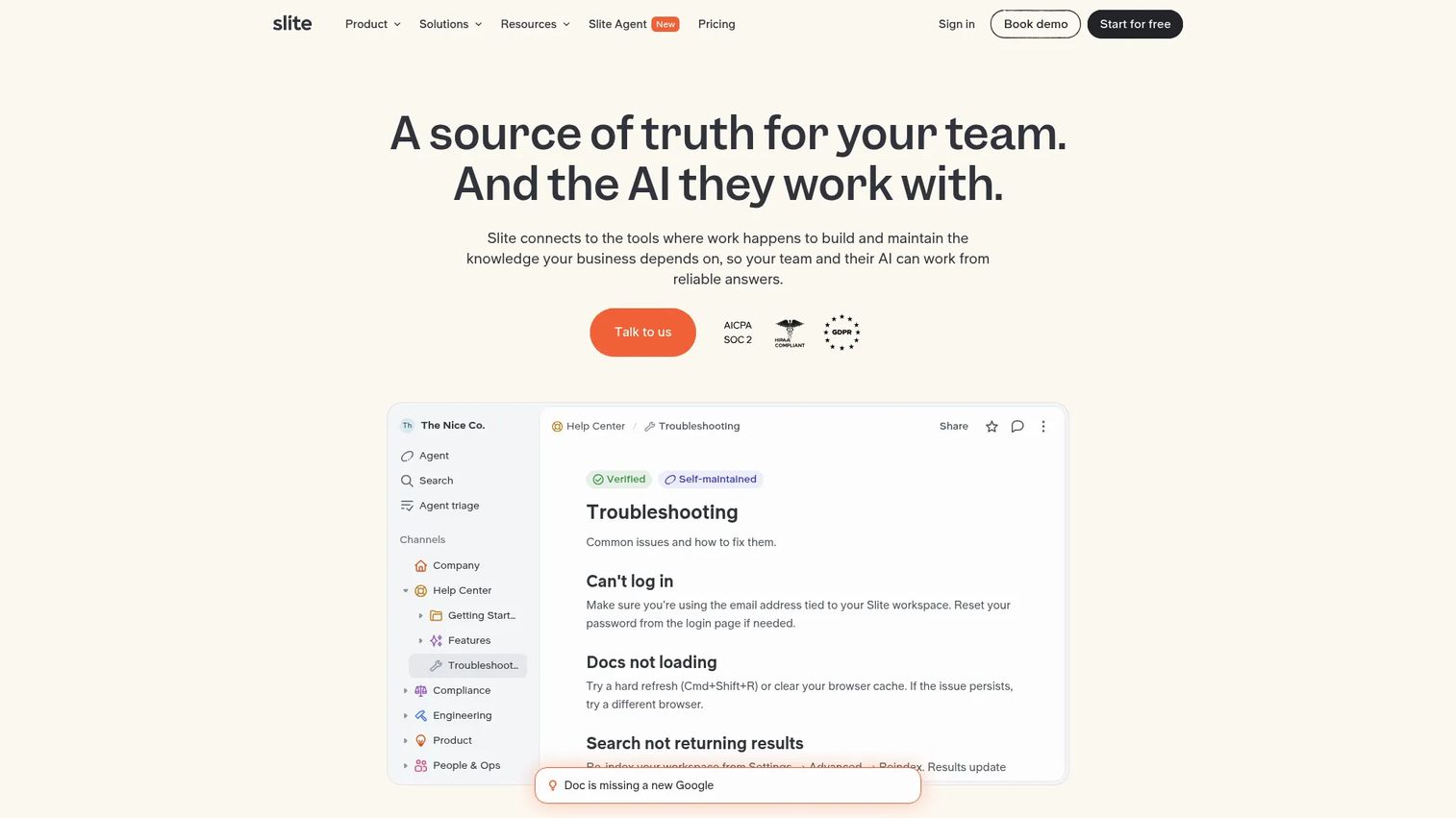
Slite sits in the same space as Notion but with a tighter focus: Knowledge base and documentation rather than a general-purpose workspace. The verification workflow and document ownership model give ops-conscious teams more control over content freshness.
Best for: Small and mid-sized teams wanting a lightweight internal knowledge base with document verification and AI search.
What it is: Slite is a collaborative knowledge base for creating, organizing, verifying, and searching company documentation. It includes AI search, document verification workflows, ownership assignment, analytics, and cross-tool search on the Pro plan.
Key features:
- Collaborative document editor with comments, mentions, templates, and document history
- AI search and answers, including cross-tool search on Pro
- Document verification, ownership, analytics, and knowledge-management controls
- Integrations with common tools
- Custom domains on Pro
Where Slite falls short: No permanent free tier exists; a 14-day free trial is offered before paid plans begin. G2 reviewers note that advanced permission management and enterprise governance require the Enterprise tier, which is custom-priced. Fit for complex technical documentation is limited compared with documentation-first platforms.
Pricing: Basic at $10/user/month (annual). Pro at $20/user/month (annual). Enterprise by custom pricing. No permanent free tier.
G2 rating: 4.6/5
How it compares to ScreenSteps: Slite is lighter and more wiki-like in structure. ScreenSteps supports more formalized procedure documentation and step-by-step training workflows.
16. Tettra (internal knowledge base)
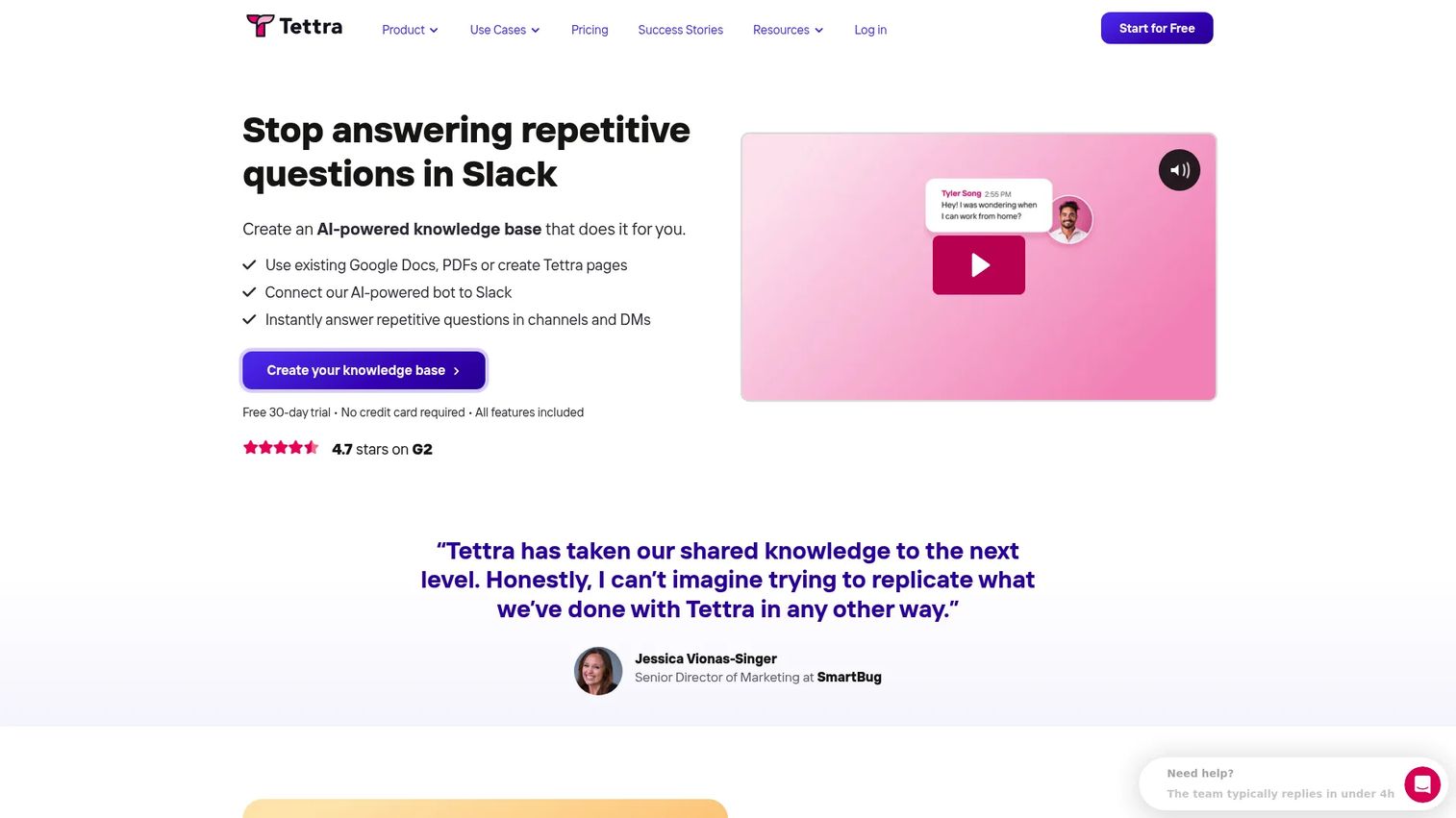
Tettra is built for Slack-centric teams. The Q&A workflow routes incoming team questions to subject matter experts, who answer inside Tettra and have that answer indexed for future use. For teams losing time to repeated Slack questions, the loop closes there.
Best for: Slack-centric teams that need an internal knowledge base with AI-powered answers and content-maintenance workflows.
What it is: Tettra is AI-powered knowledge management software that centralizes company information and answers repetitive questions in Slack. It includes a Q&A workflow with expert routing, page verification, stale-page reports, and usage analytics.
Key features:
- AI-powered answers in Tettra and Slack
- Internal knowledge base with content import from Google Docs, Notion, PDFs, and local files
- Q&A workflow with expert routing
- Page verification, stale-page reports, and knowledge-gap management
- Usage analytics, API access, and Google Workspace integration
Where Tettra falls short: A 10-user minimum on the Scaling plan means solo or tiny teams pay for unused seats from day one. G2 reviewers note the formatting depth is limited for teams with complex documentation requirements. The platform is not well-suited to structured SOP training with completion tracking.
Pricing: Scaling at $8/user/month (annual, 10-user minimum). Enterprise by custom pricing. A 30-day free trial is available. No permanent free tier.
G2 rating: 4.7/5
How it compares to ScreenSteps: Tettra fits lightweight internal Q&A and knowledge sharing inside Slack. ScreenSteps fits structured procedures and step-by-step training documentation.
17. Stack Overflow for Teams (technical knowledge base)
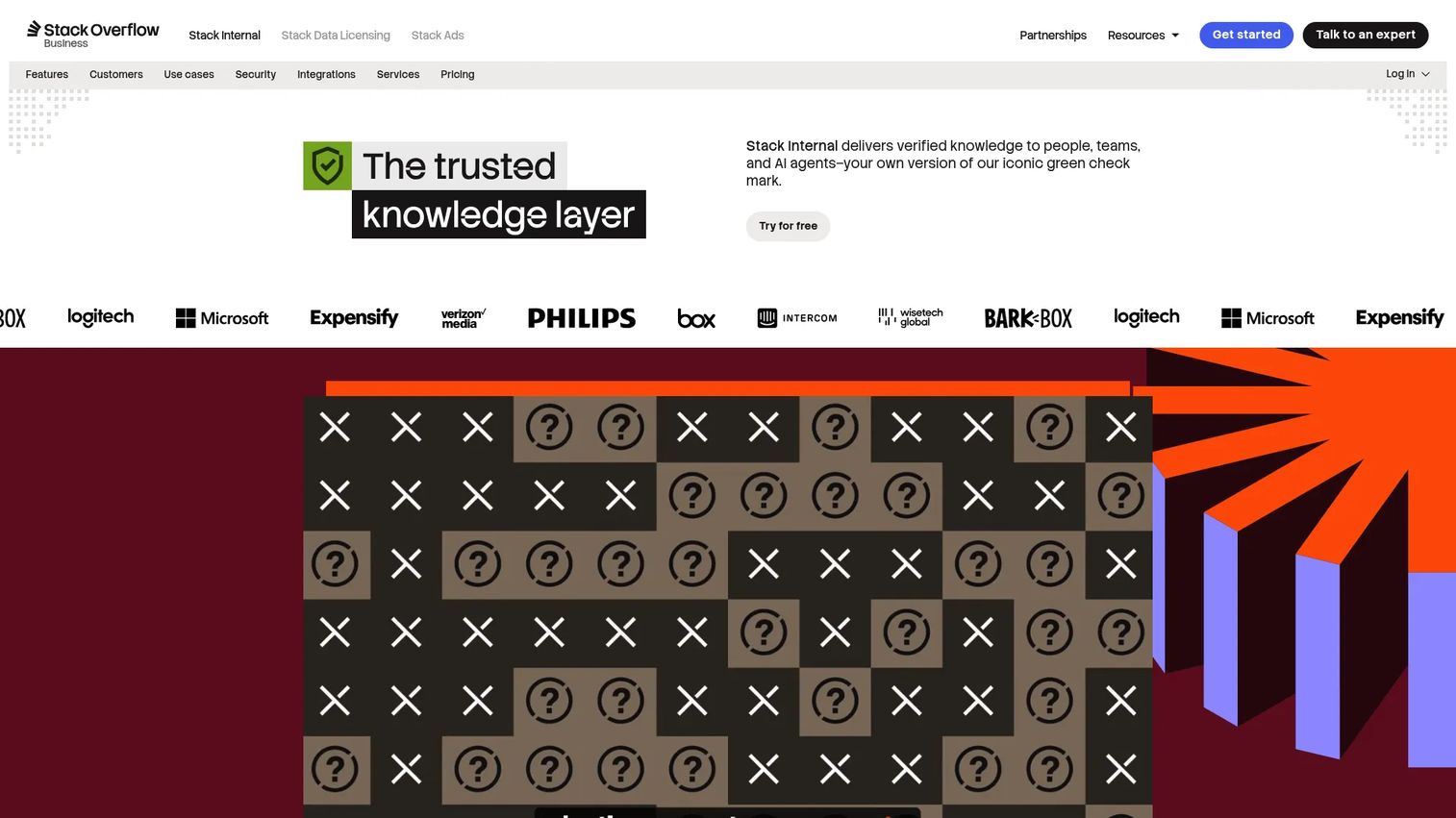
Now branded as Stack Internal, this platform carries the Q&A structure engineers already use on the public site, adapted for private organizational knowledge. It fits engineering teams whose knowledge lives in question-and-answer form rather than procedural documentation.
Best for: Engineering and technical teams capturing private technical Q&A, validated answers, and developer knowledge.
What it is: Stack Internal (formerly Stack Overflow for Teams) is a company knowledge platform that captures, validates, and governs organizational knowledge for people and AI agents. It includes knowledge capture through connectors, trust signals, SME validation workflows, role-based access controls, and audit trails.
Key features:
- Knowledge capture through connectors and ingestion API
- Trust signals, confidence indicators, provenance, and SME validation workflows
- Role-based access controls, custom roles, audit trails, and usage analytics
- Private Q&A with technical tagging and search
- AI-ready knowledge delivery for AI agents
Where Stack Overflow for Teams falls short: The platform's fit narrows outside technical teams. The Q&A structure, valuable for engineering knowledge, is less natural for HR, operations, or customer support documentation. Organization tier pricing is custom with no public starting price.
Pricing: Starter plan is free for up to 3 collaborators. Organization tier is by custom pricing based on Knowledge Flow Credits.
How it compares to ScreenSteps: Stack Internal fits technical Q&A and developer knowledge. ScreenSteps is better aligned to repeatable process documentation across operations and support teams.
18. ServiceNow Customer Service Management (customer service platform)
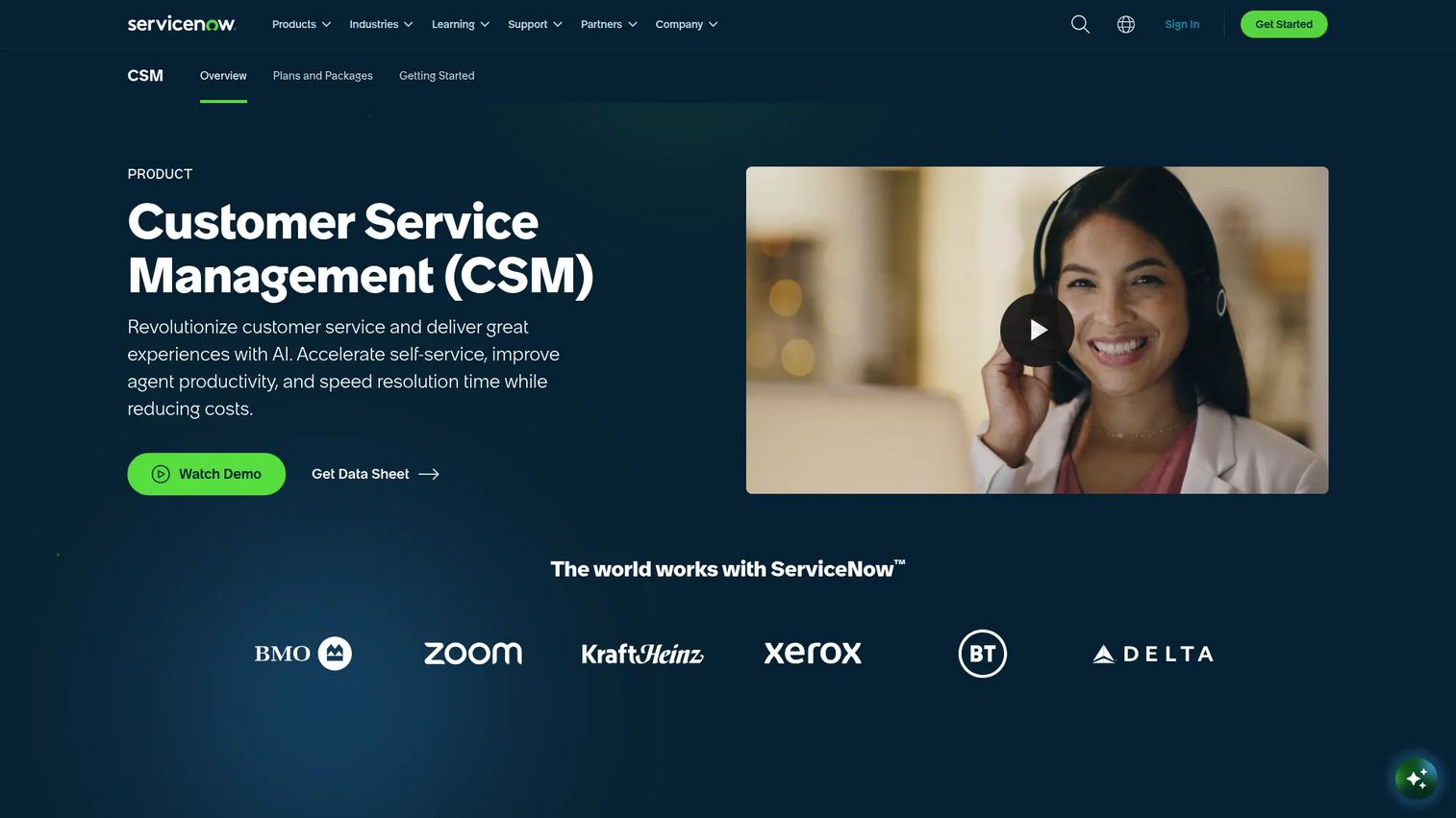
ServiceNow CSM sits in a different weight class from most tools on this list. For enterprise service operations teams that need case management, workflow automation, and knowledge together, it handles complexity that point solutions cannot. For a Series B SaaS team, it is likely overspecified.
Best for: Large enterprise service teams needing integrated case management, service workflows, knowledge, and AI-assisted resolution.
What it is: ServiceNow Customer Service Management is a customer service platform supporting omnichannel engagement, case management, playbooks, self-service portals, AI agents, and configurable agent workspaces. It is sold in CSM Advanced and CSM Prime packages.
Key features:
- Omnichannel customer engagement across voice, SMS, chat, web, and portals
- Case management and playbooks
- Customer and partner self-service portals
- AI agents for case creation, triage, troubleshooting, and resolution
- Advanced work assignment and skills-based routing
Where ServiceNow CSM falls short: Implementation is complex and enterprise-scoped. Pricing requires a custom quote for both packages. G2 reviewers note significant admin overhead. For most SaaS companies under 500 employees, the platform exceeds what the team needs to manage.
Pricing: CSM Advanced and CSM Prime available; both are custom quote only.
G2 rating: 4.4/5
How it compares to ScreenSteps: ServiceNow CSM is an enterprise service platform for complex operations, not a documentation replacement. ScreenSteps is a narrower, more accessible process documentation tool.
19. Verint Knowledge Management (enterprise knowledge management)
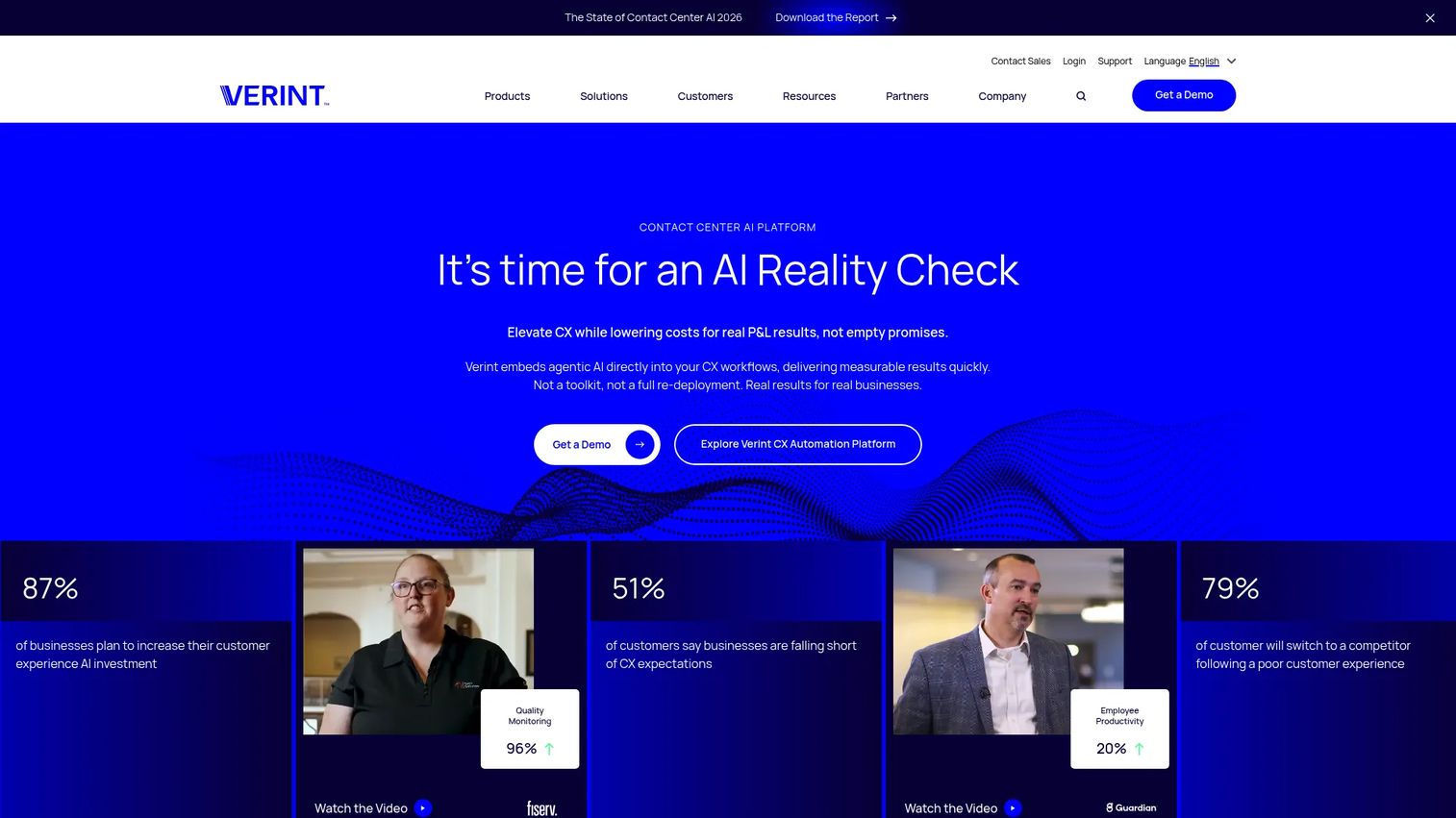
Verint targets large contact centers with strict knowledge governance requirements. Its AI features focus on knowledge delivery for agents and virtual assistants, with multilingual authoring and content workflow depth that smaller tools do not offer.
Best for: Large contact centers and enterprises with governed knowledge requirements and AI-driven agent support needs.
What it is: Verint Knowledge Management is an AI-powered solution providing a single source of truth for agents, customers, and intelligent virtual assistants. It includes AI-infused search, multilingual authoring, Knowledge Creation and Suggestion Bots, contextual agent delivery, and content tagging.
Key features:
- AI-infused search and generative AI result summaries
- Multilingual authoring, workflow, versioning, and approval controls
- Knowledge Creation Bot and Knowledge Suggestion Bot
- Contextual knowledge delivery for agent desktops and self-service
- Content tagging, filtering, and integration across knowledge sources
Where Verint falls short: No public pricing is available; all tiers require a sales conversation. G2 reviewers note that implementations are complex and best suited for large enterprise environments. Teams outside contact-center operations find the platform over-specified.
Pricing: Custom pricing.
G2 rating: 4.4/5
How it compares to ScreenSteps: Verint handles enterprise contact-center knowledge governance at scale. ScreenSteps serves procedure and training documentation for smaller and mid-market teams.
20. Freshdesk (help desk and knowledge base)
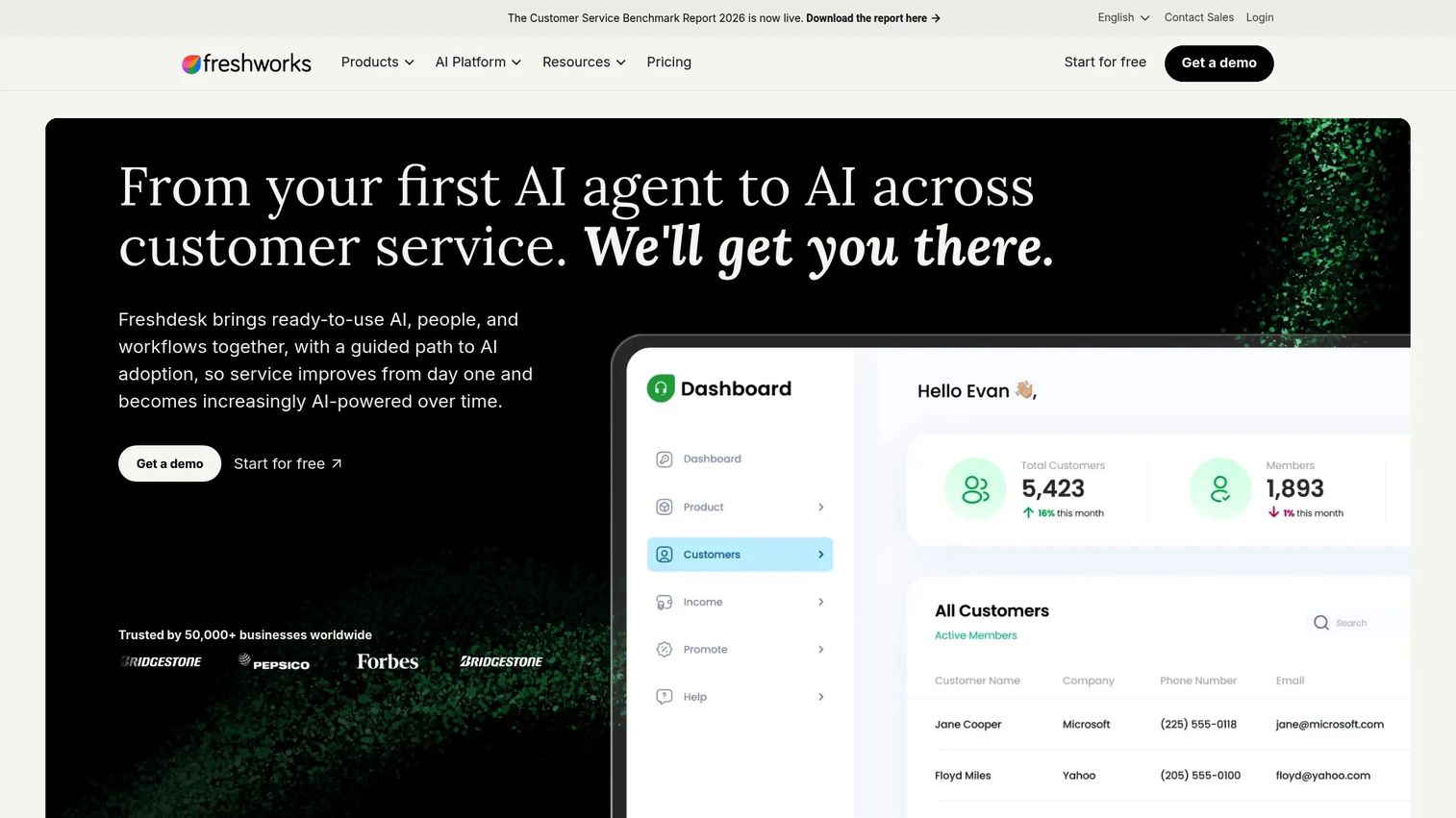
Freshdesk bundles ticketing and knowledge base in one per-agent pricing model. For support teams that do not want to manage two separate tools, the combination keeps the workflow contained. The knowledge base depth is secondary to the ticketing capability, which shapes the trade-off.
Best for: Support teams that want ticketing, automation, and customer self-service in a single platform.
What it is: Freshdesk is AI-powered customer support software with intelligent ticketing, a customer portal, knowledge base, Freddy AI Agent and Copilot, automations, routing, SLA policies, and analytics.
Key features:
- Intelligent ticketing and shared inbox
- Customer portal and knowledge base
- Freddy AI Agent, Copilot, and Insights
- Automations, routing, and SLA policies
- Analytics and custom dashboards
Where Freshdesk falls short: The knowledge base is bundled into the helpdesk rather than positioned as a standalone product, so teams with sophisticated knowledge base needs often find it insufficient compared with dedicated tools like Document360. G2 reviewers note that advanced analytics and customization require higher tiers.
Pricing: Growth at $19/agent/month (annual). Pro at $55/agent/month (annual). Enterprise at $89/agent/month (annual). A free trial is available. No confirmed permanent free tier.
G2 rating: 4.4/5
How it compares to ScreenSteps: Freshdesk is a support operations platform with a knowledge base component. ScreenSteps is more focused on creating and maintaining process documentation and internal training content.
21. Coda (collaborative docs and apps)
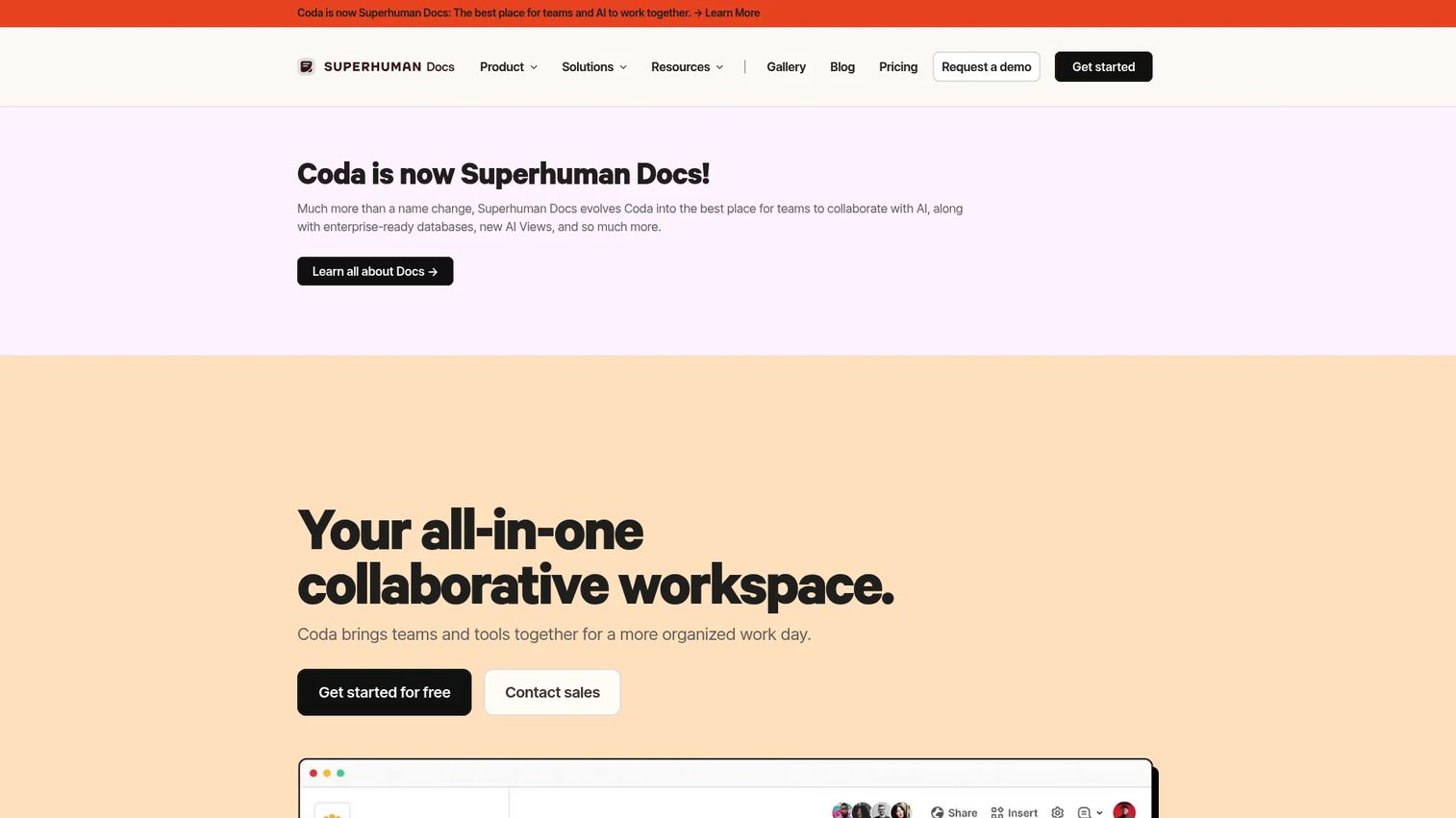
Coda, now branded as Superhuman Docs, works well for teams that want internal tooling to feel more like a lightweight app than a document. Its docs-plus-tables model means a process hub can include a tracker, an approval flow, and a knowledge base section in a single page. The trade-off is that building that structure takes time.
Best for: Teams wanting flexible process hubs, lightweight internal tools, and custom trackers in a single document environment.
What it is: Coda is a collaborative all-in-one workspace combining documents, spreadsheets, applications, AI, and integrations. It supports docs, connected tables, formulas, automations, AI-powered trackers, and an ecosystem of Packs for integrations.
Key features:
- Collaborative documents and team hubs
- Connected tables, views, and forms
- Formulas and automations
- AI assistant and AI-powered trackers, pages, and views
- Integrations through Packs and connectors
Where Coda falls short: G2 reviewers note that building advanced Coda docs requires a learning investment that simpler documentation tools do not. Governance at scale and specialized SOP training accountability gaps appear for teams that need completion tracking or assignment workflows.
Pricing: Free plan at $0. Pro at $12/Doc Maker/month (annual; $15 billed monthly). Business at $33/Doc Maker/month (annual; $40 billed monthly). Enterprise by custom pricing. Only Doc Makers are charged; Editors and Viewers are free.
G2 rating: 4.6/5
How it compares to ScreenSteps: Coda is more flexible for custom internal tools and process hubs. ScreenSteps is purpose-built for formal procedure documentation with structured knowledge delivery.
What is the best ScreenSteps alternative for interactive internal training?
Guideflow is the top pick for interactive internal training because employees click through software processes instead of reading static SOPs.
Guideflow fits employee onboarding, internal software training, SOP rollout, support education, and process adoption. It performs best when the process happens inside a software interface and you need employees to execute it correctly from day one. For founders whose new hires need week-one execution without waiting for a live training session, capturing the workflow once and distributing an interactive demo removes the bottleneck. Organize related guides in demo centers to keep onboarding content accessible across roles.
Which ScreenSteps alternative is best for SOP management?
Trainual is the strongest SOP-first pick for structured employee onboarding, while Whale, Waybook, and SweetProcess fit teams with specific process management priorities.
Trainual excels when you need role-based training paths and completion tracking. Whale adds AI-powered answers in Slack for teams whose knowledge questions come through messaging tools. Waybook fits companies building company playbooks and onboarding from scratch. SweetProcess is the most focused option for policies and recurring procedures with flat annual pricing. Choose based on whether completion accountability or answer accessibility is the priority workflow.
Which ScreenSteps alternative is best for customer support knowledge bases?
Document360 and Zendesk Guide are the strongest support knowledge base picks, with Freshdesk as an option for teams that want ticketing and knowledge bundled.
Document360 wins when the help center is a customer-facing product in its own right, with structured category management and advanced article controls. Zendesk Guide is the natural choice for teams already running Zendesk for ticket management, since the knowledge base and ticket layer share the same data. Freshdesk fits support teams that want ticketing and self-service in one per-agent plan rather than managing two separate tools.
What is the best ScreenSteps alternative for contact centers?
livepro, Verint, and ServiceNow CSM cover the contact-center and enterprise knowledge management space, each at different scale and scope.
livepro fits contact centers that need governed agent answers with process guidance tools. Verint addresses large enterprise contact centers with multilingual authoring, AI delivery, and strict governance requirements. ServiceNow CSM handles the most complex scenario: Enterprise service operations where case management, workflow automation, and knowledge need to work together. All three require a sales conversation to get pricing.
Which ScreenSteps alternative is best for a company wiki?
Confluence, Notion, Slite, and Coda all serve internal documentation needs, with different strengths by team size and existing stack.
Confluence is the default for Atlassian teams and offers a free plan for up to 10 users. Notion suits flexible all-in-one workspaces and also offers a free starting tier. Slite brings tighter document verification and ownership controls for teams that want knowledge freshness without a complex governance model. Coda works for teams that want their documentation to include embedded trackers and lightweight apps alongside written content.
What is the cheapest ScreenSteps alternative?
Free starting points exist across the list, though governance, training, and analytics features typically require paid tiers.
Confluence, Notion, Whale, Stack Overflow for Teams, and Coda all offer free plans with varying capability limits. Guideflow also has a free plan. For paid tools, Trainual starts at $3/user/month (annual), making it among the most accessible per-seat SOP tools on the list. SweetProcess starts at $495/year for up to five users, which suits small teams with predictable headcount. Tools in the contact-center and enterprise categories require custom quotes at all tiers.
When should you stay with ScreenSteps?
Stay with ScreenSteps if it already supports your procedure documentation workflow and switching would create more disruption than the gap warrants.
Specific scenarios where staying makes sense: The team has a mature knowledge base already built and maintained in ScreenSteps; the core need is structured procedure documentation rather than interactive software training; employees already use ScreenSteps consistently and adoption is not a friction point; the next improvement is content governance or search quality, not tool category. At Series B, a migration that consumes a VP and an ops person for two months often costs more than the problem it solves. Switching to a better-fit tool is the right call when the existing one is actively slowing onboarding or support quality, not when a shinier option appears on a comparison page.
Why teams switch from ScreenSteps to Guideflow
The shift usually starts with a specific frustration: A new hire follows the SOP document and still executes the process incorrectly because reading a screenshot-based guide does not replicate the experience of clicking through the software.
Guideflow addresses the execution gap. Teams capture software flows through the Chrome extension or the native app, and the capture process produces an interactive demo employees navigate step by step. Step content and CTAs are written automatically. From there, the editor supports text, images, graphs, and branching, so the demo matches the actual workflow.
The practical outcome for a founder: Stop routing every new hire through a 90-minute onboarding call that covers how to use the CRM. Record the flow once, distribute the interactive demo, and use step-level completion and analytics to see where people drop off. When the process changes, update the relevant step rather than rebuilding the whole document.
Guideflow also supports organized content distribution. Use demo centers to group related training guides by role, team, or workflow stage. Use sandboxes for deeper exploration when training involves complex multi-step workflows that benefit from free-form practice. These formats serve employee onboarding, internal training, SOP rollout, support education, and partner enablement.
Look elsewhere if the primary need is a text-based policy repository or a customer-facing help center. Guideflow is built for the moment when training requires employees to do, not read.
Start your journey with Guideflow today!
FAQs
The right choice depends on the job. For interactive software training, Guideflow is the top pick because employees learn by clicking through the process rather than reading about it. For structured SOP management with completion tracking, Trainual, Whale, Waybook, or SweetProcess fit better. For customer-facing knowledge bases, Document360, Guru, Zendesk Guide, and Confluence are stronger fits.
Guideflow fits best when onboarding requires employees to learn software workflows by executing them. For broader onboarding programs that include policy reading, role training, company values, and handbook acknowledgment, Trainual and Waybook provide the structure and completion tracking that support-first tools do not.
Trainual, Whale, Waybook, and SweetProcess are the purpose-built SOP tools on this list. Guideflow fits SOPs that live inside software because the employee can experience the process step by step in the actual interface rather than following a screenshot-based document.
Process documentation explains how work gets done in sequence: Steps, decision points, and expected outputs. A knowledge base stores answers, policies, troubleshooting guides, and reference content without necessarily imposing a sequential structure. Many teams at Series B need both: Process documentation for internal training and a knowledge base for support and self-service. Buying the wrong category for either job usually becomes visible within the first quarter.
Some reduce it substantially, but full replacement depends on the workflow. Interactive guides work well when employees need to practice a software process, since they replicate the click-through experience without requiring a live session. Live training still matters for judgment-heavy topics: Manager coaching, culture, complex objection handling, and situations where real-time feedback changes the outcome.
Zendesk Guide and Freshdesk fit support teams that want ticketing and knowledge in the same platform. Document360 is stronger when the help center is a standalone product with its own category structure and analytics. livepro and Verint address larger contact-center environments where knowledge governance and agent guidance at volume are the primary requirements.
Stack Overflow for Teams (now Stack Internal) fits engineering Q&A and technical knowledge capture, with an interface and structure familiar to developers. Confluence works for Atlassian-heavy engineering organizations. Document360 handles technical API documentation and product documentation when a structured knowledge base with version control is required.
Start with the workflow that is breaking today. If new hires cannot execute software processes without a senior person walking them through it, choose interactive training. If SOP ownership is unclear and processes drift as the team grows, choose a dedicated SOP platform with accountability tracking. If support agents cannot find reliable answers quickly, choose knowledge management or a help center tool built for that job. Buying the right category for the specific problem reduces the chance of a second migration in 18 months.