The buyer asks for a sandbox. Your SE queue is already full. The staging instance has stale data from last sprint. Sound familiar?
Presales teams face this exact tension every day: Buyers want hands-on validation before they trust a product, but building a custom environment for every prospect drains technical capacity before you know if the deal even qualifies. According to Research and Markets (2026), the global sandboxing market is projected to reach $14.71B in 2026, driven in part by the growing demand for self-serve product evaluation.
The right sandbox vendors help both sides move faster. Buyers get to validate workflows on their own terms. Presales teams get engagement data, repeatability, and their time back.
This guide covers sandbox vendors across three distinct evaluation motions: Buyer-led SaaS product exploration, live demo data control, and technical lab environments. Use it to shortlist by deal workflow, not vendor category label.
What's inside
This guide compares 9 sandbox vendors for presales teams, sales engineers, RevOps leaders, and GTM teams that need repeatable product evaluation environments.
Vendors were selected based on:
- Presales and sales engineering workflow fit
- Sandbox depth and buyer exploration model
- Security, data protection, and environment control
- Analytics, sharing, and CRM or GTM integrations
- Verified pricing and G2 ratings
TL;DR
- Best overall for buyer-led SaaS sandbox experiences: Guideflow, with open exploration, no-code editing, account-level personalization, and real-time analytics
- Best for customer-facing product sandboxes with AI-generated data: TestBox
- Best for live demo data control inside your existing product UI: Saleo
- Best for guided product experience libraries: Tourial and Demoboost
- Best for technical labs and developer education: Instruqt and CloudShare
- Best for enterprise environment orchestration: Quali Torque and Skytap
What is sandbox software?
Sandbox software gives prospects, customers, or internal users a safe, controlled product environment where they can explore workflows, validate use cases, and experience software without touching production systems.
The category covers several distinct approaches:
- Product demo sandboxes: Browser-based, no-login product replicas for buyer-led exploration
- Demo data overlays: Tools that inject controlled data into your live product interface
- Virtual IT labs: Full cloud environments for technical training, POCs, and infrastructure demos
- Self-serve product trials: Sandboxed experiences that let buyers test before formal evaluation
- Buyer-led evaluation spaces: Open environments where prospects navigate workflows freely
Key capabilities to look for in sandbox software:
- Safe product exploration without production system access
- Demo data control, masking, and synthetic data options
- Access permissions, link controls, and password protection
- Resettable or templated environments
- Guided paths and open exploration modes
- Engagement analytics and step-level tracking
- CRM, MAP, and Slack integrations
- Branding, personalization, and account-specific scenarios
- Security and governance controls
For presales teams specifically, the core value is repeatability. Rather than rebuilding environments for each account, a sandbox vendor lets you create once, personalize per deal, and distribute across the buying committee without filing an engineering ticket.
Sandboxes are not only late-stage tools. They support discovery, early qualification, partner enablement, event demos, onboarding, and post-sale training just as naturally as formal POC stages. The best presales teams use them across the full buyer journey.
When to use sandbox vendors
Let buyers validate workflows before a live technical deep dive
When a prospect asks "can I try it?", your SE queue should not be the bottleneck. A shareable sandbox lets buyers explore relevant workflows on their own time, before you commit to a live session. Engagement data from that exploration tells you which features they spent time on, which helps focus the follow-up call and qualify faster.
Support proof of concept evaluation without exposing production systems
Technical buyers often need hands-on evidence before they sign off on procurement. A well-configured sandbox provides controlled data, role-based access, and repeatable scenarios that mirror production behavior without touching actual records. Keep in mind that legal, security, and procurement teams still need to run their own reviews independently.
Standardize demo environments across sales, presales, and partners
When AEs, SEs, and channel partners each build their own demo setup, the product story drifts. Sandbox vendors with reusable templates, demo libraries, and role-based flows let every team run a consistent experience, whether on a sales call, at a conference booth, or inside a partner portal.
Sandbox vendor comparison
The table below reflects nine vendors sorted by relevance to presales and sales engineering workflows. Pricing and G2 ratings are drawn from vendor pricing pages and live G2 listings.
| # | Product | Best for | Key differentiator | Pricing | G2 rating |
|---|---|---|---|---|---|
| 1 | Guideflow | Buyer-led SaaS sandbox exploration | Open sandbox with personalization, sharing, and analytics | Free; paid from $35/month | 5.0/5 |
| 2 | TestBox | Customer-facing SaaS sandboxes | AI-generated synthetic data with live sandbox environments | Free; paid from $40/month | 4.8/5 |
| 3 | Saleo | Live demo data control | Demo data injected into existing product interfaces | Custom pricing | 4.9/5 |
| 4 | Demoboost | Demo automation with sandbox support | Multi-format demos for sales and presales teams | From $375/month (billed yearly) | 4.8/5 |
| 5 | Tourial | Guided product experience libraries | AI tour generation and Tour Centers for structured buyer journeys | Custom pricing | N/A |
| 6 | CloudShare | Virtual IT labs and training environments | Cloud-based labs for demos, POCs, cybersecurity, and training | Custom pricing | 4.5/5 |
| 7 | Instruqt | Developer labs and technical education | Browser-based hands-on labs with cloud provisioning | Custom pricing | 4.8/5 |
| 8 | Skytap | Enterprise legacy application environments | IBM Power and x86 workload hosting on Azure | Custom pricing | 4.6/5 |
| 9 | Quali Torque | Demo environment orchestration | Environment-as-a-service with blueprints and cost governance | From $19 per provisioned environment/month | 5.0/5 |
Best 9 sandbox vendors for 2026
The vendors below represent distinct evaluation motions. Some help buyers explore your product experience before a call. Others inject controlled data into live demos. A third group provisions full cloud lab environments for technical validation. Choose by the workflow your buyers need to complete, not by feature count.
1. Guideflow
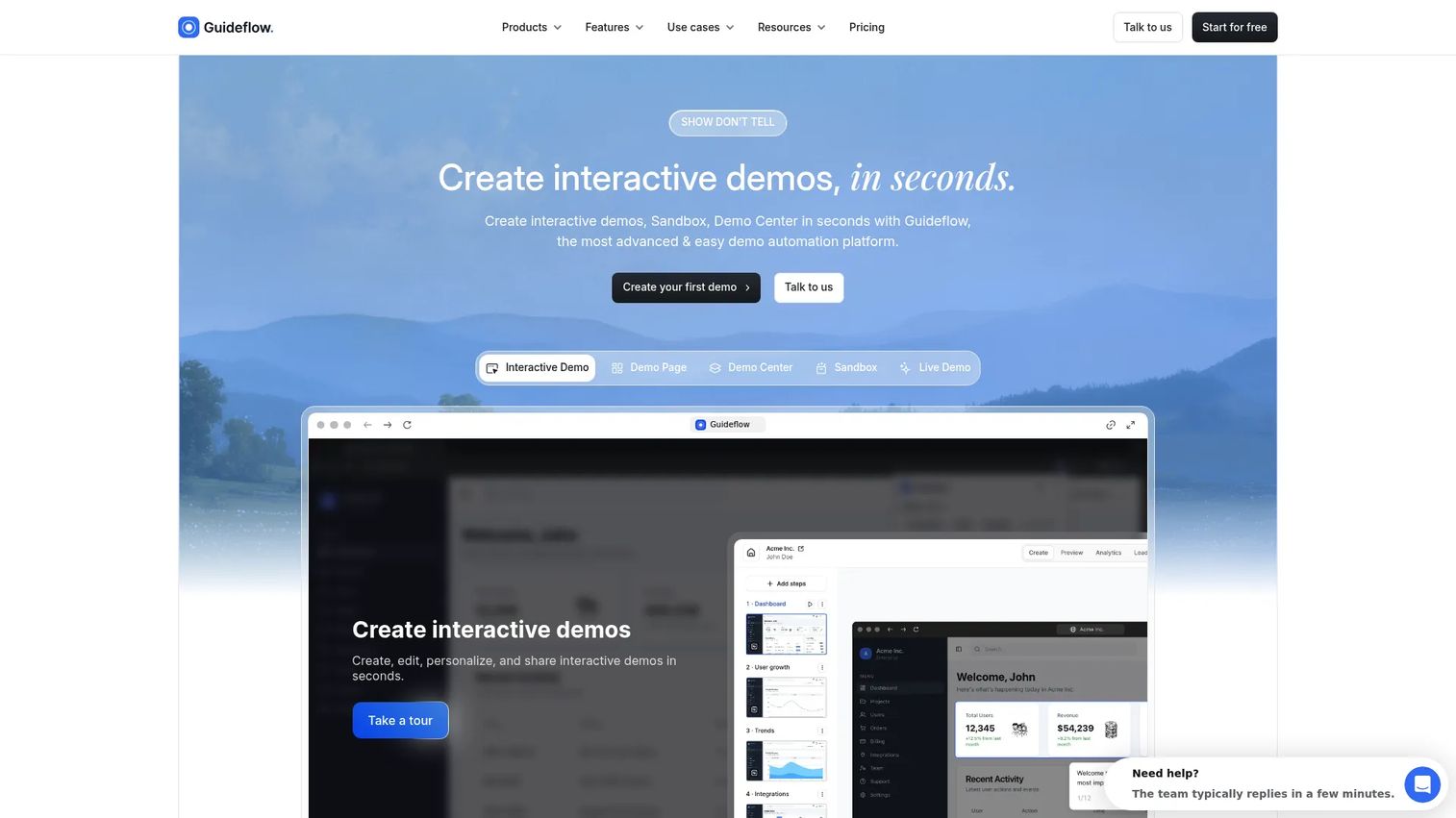
Guideflow is a demo automation platform for building interactive demos, sandboxes, Demo Centers, Live Demos, and Mobile Demos. The Guideflow Sandbox creates open, explorable product replicas where buyers navigate freely to validate workflows at their own pace. Presales teams can personalize content per account, blur or hide sensitive data, share via links or embeds, and track exactly which steps each stakeholder engaged with.
Best for: B2B SaaS presales teams that need secure, self-serve sandbox exploration with account personalization, analytics, and GTM distribution.
Key features
- Open sandbox exploration with no login required
- No-code editing for text, images, graphs, and UI elements
- Sensitive data controls: Blur, hide, or delete elements
- Account-level personalization via smart variables
- Real-time engagement analytics with CRM and Slack integrations
Why choose Guideflow: Guideflow fits presales teams that want both free exploration and a full demo automation suite. Interactive demos guide the story, sandboxes let buyers validate, demo centers organize the library, live demos add the human layer, and mobile demos meet users on any device. That breadth means fewer tools to manage across the deal cycle.
Guideflow pricing: Free plan available. Paid plans start at $35/month (Solo), $499/month (Growth, billed yearly), $1,499/month (Advanced, billed yearly), and Enterprise pricing on request.
G2 rating: 5.0/5
Start your journey with Guideflow today!
2. TestBox
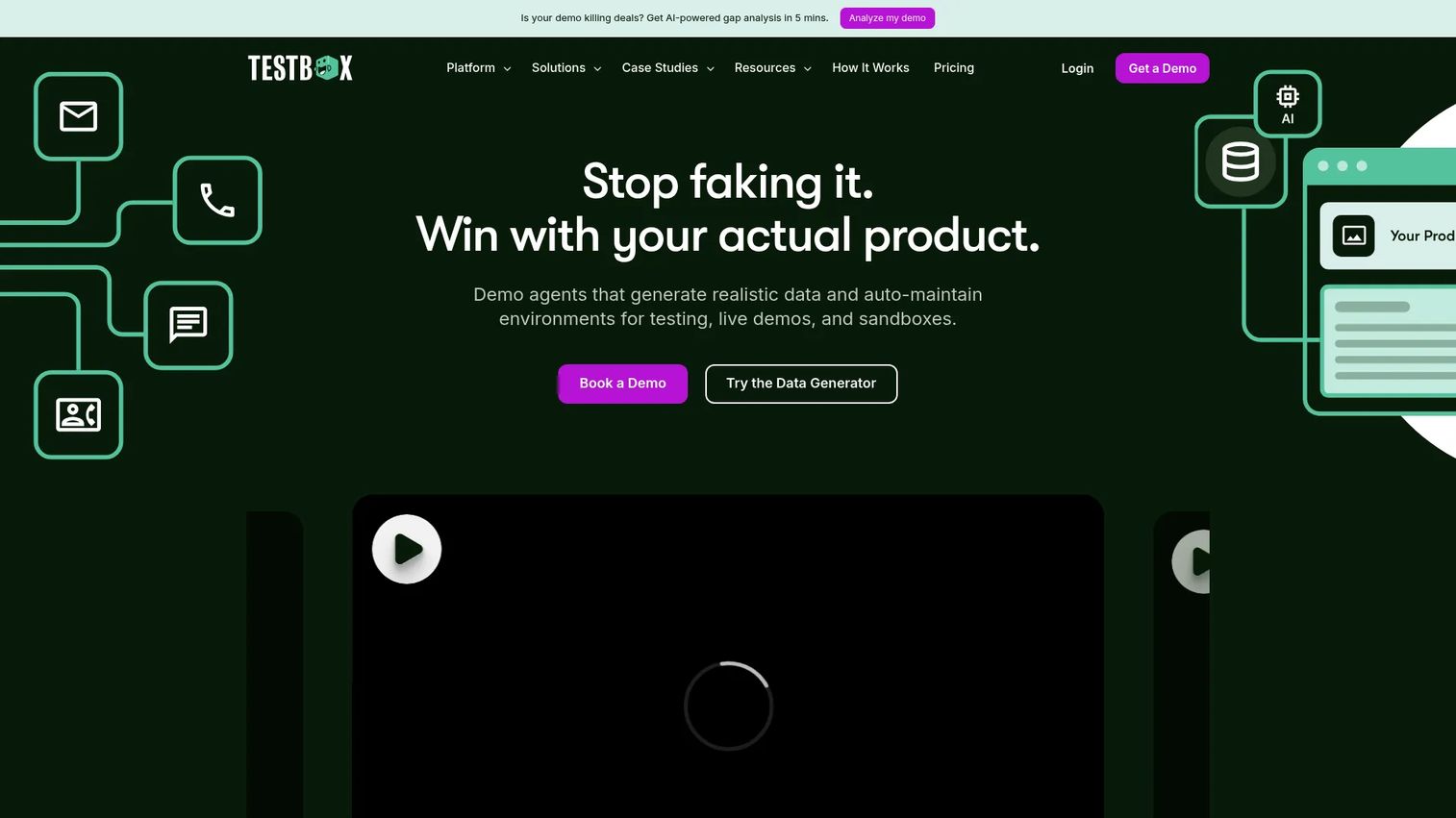
TestBox provides AI-powered infrastructure for realistic synthetic data, live demos, and guided buyer sandboxes. Its platform generates self-maintaining, data-rich product environments that look and behave like a real customer account, without manual data entry or scripted scenarios that go stale. Presales teams use it to give buyers a credible hands-on experience before committing SE time to a formal POC.
Best for: B2B SaaS teams that want buyers to test product workflows inside realistic, automatically maintained sandbox environments.
Key features
- AI-generated synthetic data with continuous updates
- Sandbox and live demo environments
- Sandbox Copilot for guided buyer walkthroughs
- Surface Editor for AI-powered demo personalization
- Buyer-intent tracking and interaction analytics
Why choose TestBox: TestBox excels when prospects need realistic product depth before committing to a POC. The AI data layer removes the manual work of populating and refreshing demo data, which is a common SE time sink.
TestBox pricing: Free plan available. Starter runs $40/month, Pro $120/month, and Scale $400/month. The Platform Standard plan is $44,750/year (includes 15 user seats) and covers sandbox or live demo environments, AI-powered workflows, onboarding, and analytics. Enterprise is custom. Additional users cost $1,200/year.
G2 rating: 4.8/5
3. Saleo
Saleo is a live demo experience platform that enables software companies to create personalized, data-complete demos inside their native SaaS product. Rather than building a separate sandbox replica, Saleo layers controlled demo data directly onto the actual product interface, so your demo reflects realistic names, metrics, account scenarios, and workflows without touching production records.
Best for: Revenue teams that need controlled demo data inside live product experiences, where the credibility challenge is the data shown, not the UI itself.
Key features
- Live demos synchronized with the native product interface
- AI-powered demo data modeling and personalization
- Demo library with sharing, duplication, folders, and permissions
- Graph, metric, table, text, and workflow customization
- Product tours and AI Demo Agent capabilities
Why choose Saleo: Saleo is the right call when your demo problem is not the product UI but the data it shows. SEs and AEs can present realistic, account-specific scenarios without manual data setup or the risk of real customer records appearing on screen.
Saleo pricing: Contact sales directly for a quote. Saleo's homepage currently redirects to a parent company page, so verify the current buying process before outreach.
G2 rating: 4.9/5
4. Demoboost
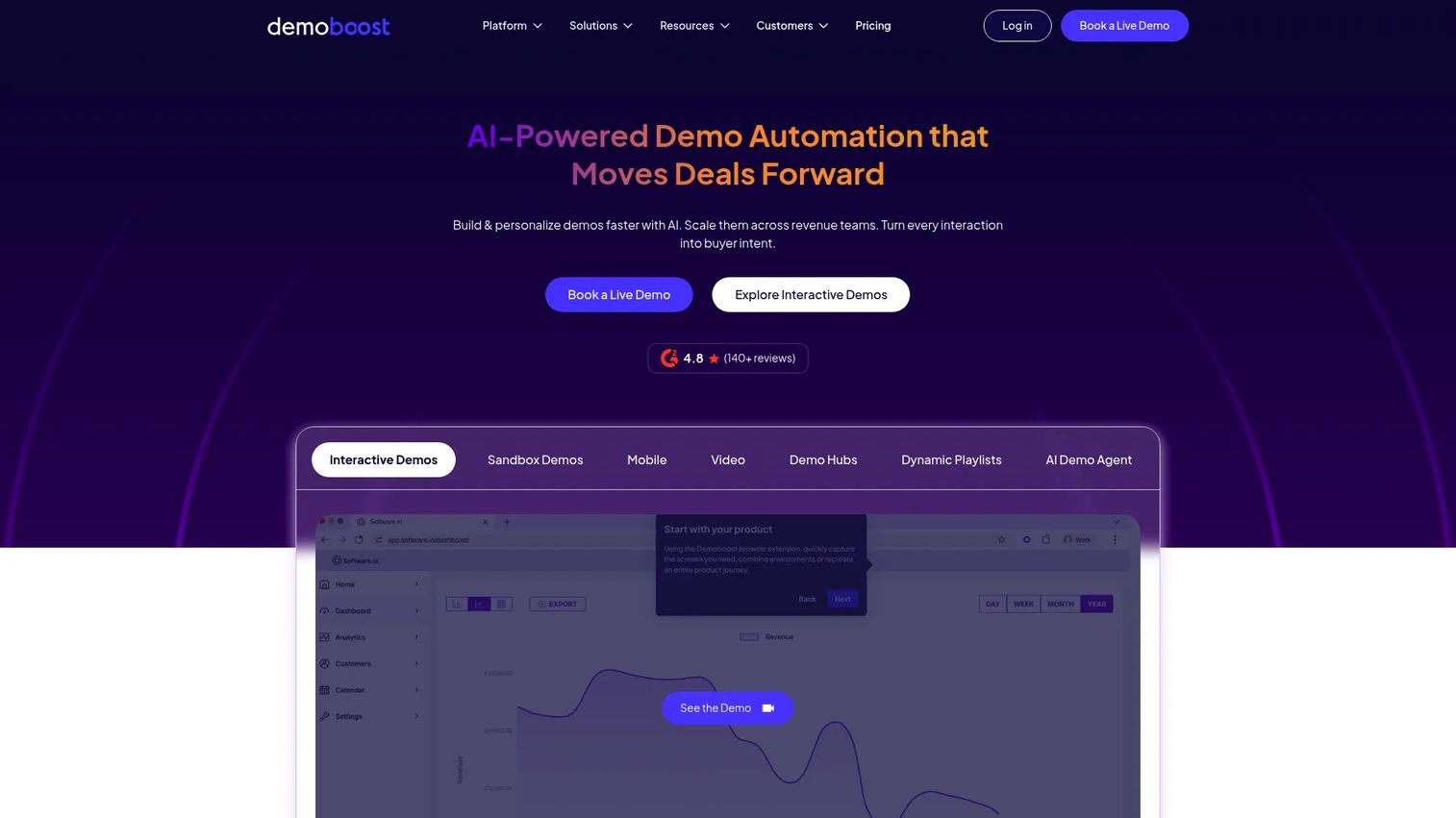
Demoboost is an AI-powered demo automation platform for creating, personalizing, delivering, and tracking product demos across revenue teams. It supports multiple demo formats including interactive demos, sandbox demos, mobile demos, video demos, and screenshot demos, which makes it relevant for presales teams that need to cover several buyer touchpoints from a single platform.
Best for: B2B SaaS presales and sales organizations scaling personalized product demos and tracking buyer engagement across the deal cycle.
Key features
- Interactive, sandbox, mobile, and video demo formats
- AI-powered demo creation and personalization
- Demo analytics and buyer-intent signals
- Reusable, governed demo libraries for sales and presales
- Native CRM and sales-tech integrations
Why choose Demoboost: Demoboost fits teams that need more than one demo format and want to support both live and asynchronous delivery from a managed library. It sits closer to a full demo automation platform than a pure technical lab tool, so choose it when your challenge is demo breadth rather than deep environment provisioning.
Demoboost pricing: Plans start at $375/month (Start Up, billed yearly). Essentials runs $600/month, Growth $1,200/month, and Enterprise is custom. No free tier is available. Sandbox demos are included in the Growth plan.
G2 rating: 4.8/5
5. Tourial
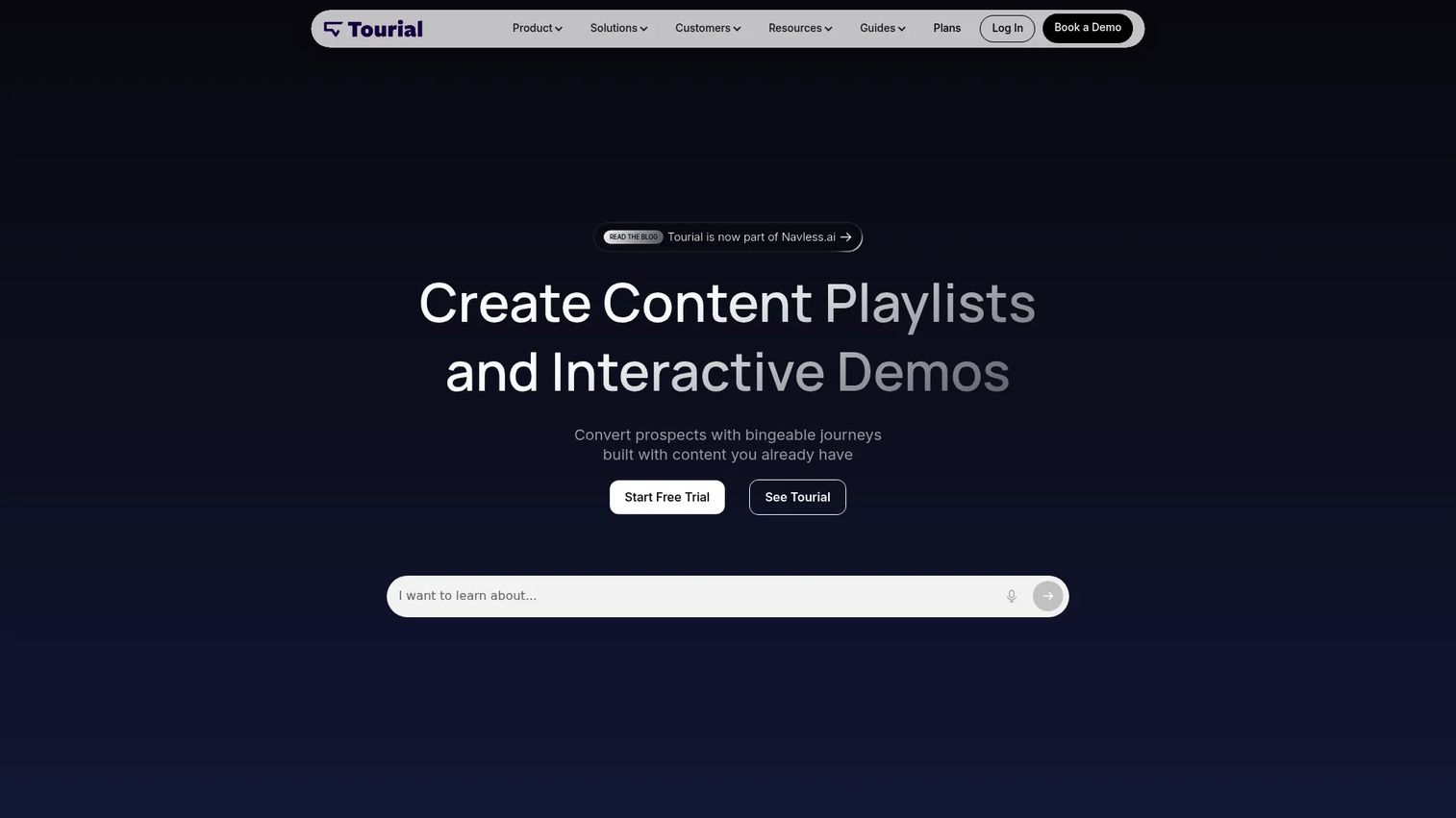
Tourial is a micro-tour platform for creating interactive product demos and content playlists organized into Tour Centers. It helps B2B marketing and sales teams build structured buyer journeys where prospects move through curated product experiences at their own pace. Tourial is now part of Navless.ai, which may affect roadmap and packaging going forward.
Best for: GTM teams that want guided product experiences organized by persona, use case, or funnel stage, delivered through a centralized Tour Center.
Key features
- AI tour generation from existing product flows
- Interactive tours and content playlists via Tour Centers
- Tour analytics for buyer-interest insights and lead scoring
- Integrations with HubSpot, Salesforce, Marketo, and others
- Chrome-extension workflow capture
Why choose Tourial: Tourial excels when the goal is structured product education before a sales conversation. It performs best for marketing-led and enablement motions where buyers need a curated path rather than open-ended exploration.
Tourial pricing: Two plans are available: Engage and Scale. Engage covers AI tour generation, unlimited tours, 5 seats, and 3 Tour Centers. Scale adds uncapped seats and unlimited Tour Centers. Contact Tourial for pricing details.
6. CloudShare
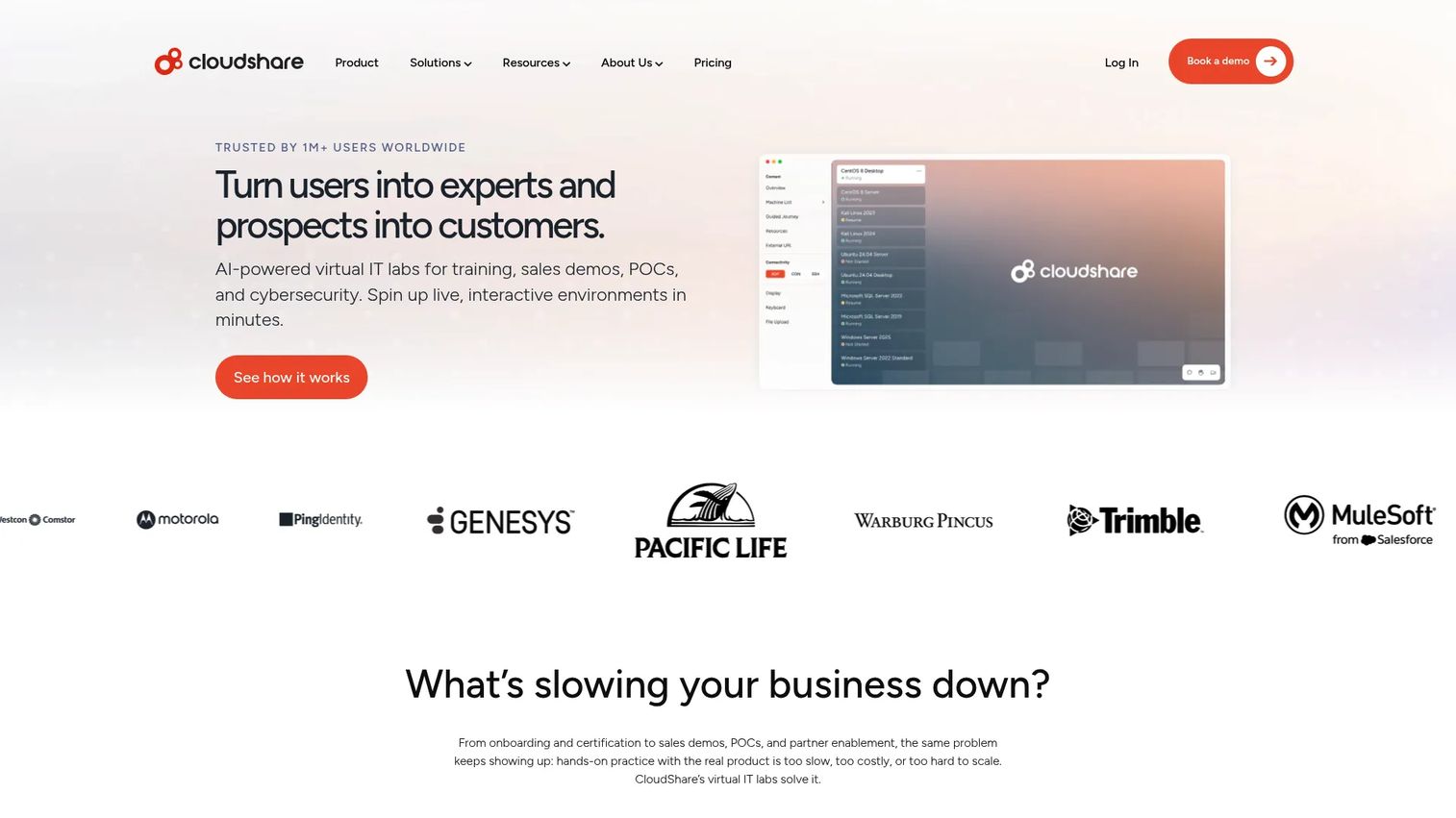
CloudShare is a cloud-based platform for creating and delivering virtual IT labs, training experiences, sales demos, proof-of-concept environments, cybersecurity exercises, and sandboxes. It runs browser-based access to fully provisioned cloud environments that work across AWS, Azure, Google Cloud, and on-premises infrastructure.
Best for: Enterprise software companies that need scalable, hands-on virtual labs for technical training, complex sales demos, or POC environments.
Key features
- Browser-based access to interactive virtual environments
- One-click cloning and customizable environment templates
- Instructor-led and self-paced experiences with monitoring tools
- Analytics and reporting for engagement, completion, and resource usage
- Cloud-agnostic deployment across major providers
Why choose CloudShare: Use CloudShare when buyers need access to full technical environments rather than a captured product experience. It performs best for enterprise software with significant infrastructure complexity, cybersecurity training scenarios, or multi-day POC evaluations.
CloudShare pricing: CloudShare advertises a flat-rate model with unlimited platform users and access to all features. Contact CloudShare for a quote.
G2 rating: 4.5/5
7. Instruqt
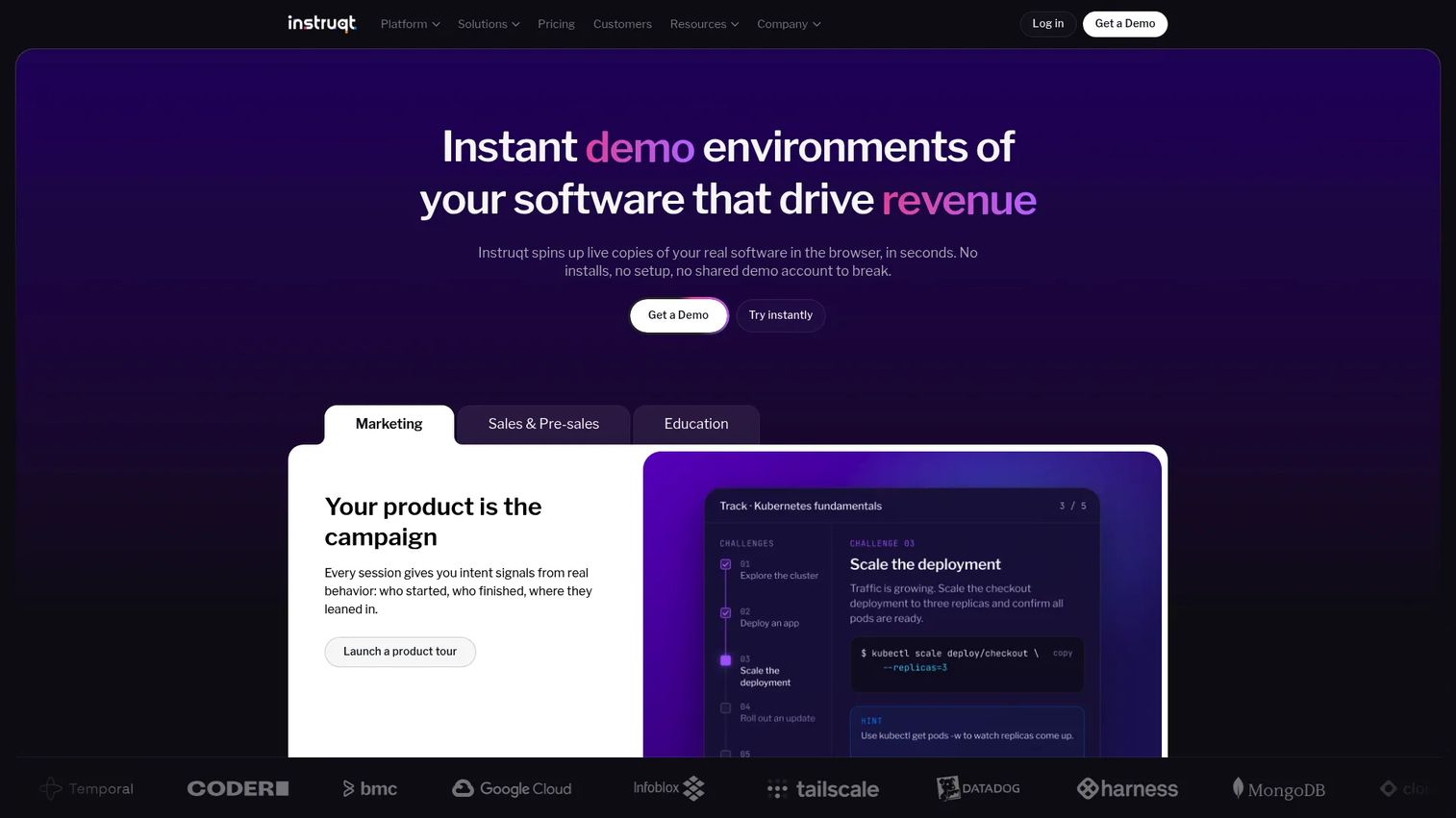
Instruqt is a hands-on lab platform for creating browser-based product demos, training labs, workshops, and sandboxed learning experiences. Its environments support VMs, containers, Kubernetes clusters, and cloud accounts, making it strong for developer tools, cloud infrastructure, APIs, and technical onboarding.
Best for: Developer-focused software companies that need interactive labs for product education, technical validation, and hands-on buyer evaluation.
Key features
- Browser-based labs with VMs, containers, and cloud accounts
- Embeddable labs for websites, documentation, and LMS platforms
- Live event tools with participant tracking and instructor support
- Analytics and CRM integrations for pipeline and adoption tracking
- AI-assisted lab authoring with lab-as-code and GitOps workflows
Why choose Instruqt: Instruqt is strongest when evaluation requires hands-on technical tasks, command-line workflows, or developer skill validation. It is not the right fit for lightweight product storytelling or marketing-led demo experiences.
Instruqt pricing: Instruqt uses consumption-based annual pricing packages with flexible add-ons. A free trial is available on request.
G2 rating: 4.8/5
8. Skytap
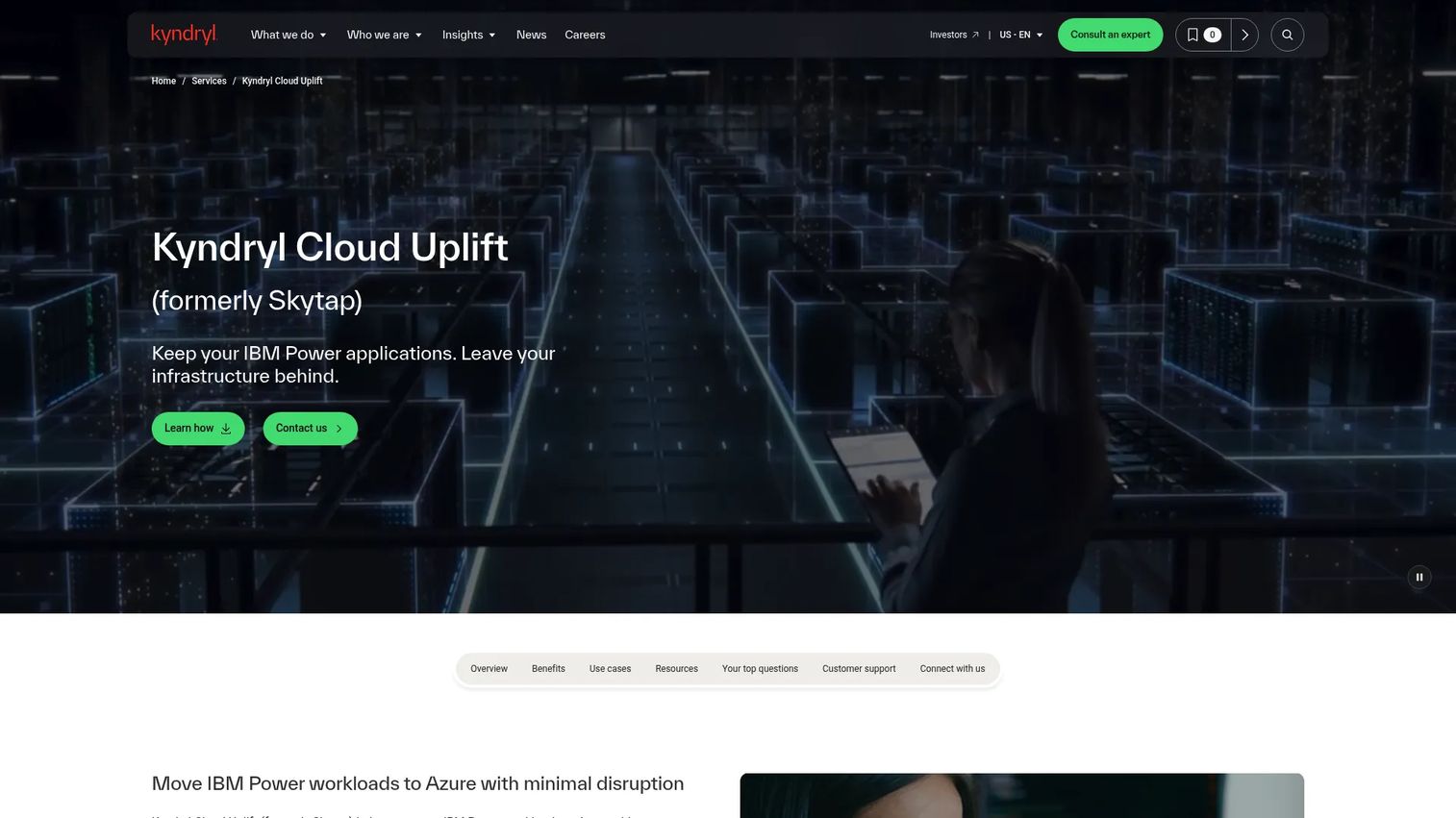
Skytap, now branded as Kyndryl Cloud Uplift following its 2024 acquisition by Kyndryl, runs IBM Power and x86 workloads in Azure without requiring application rewrites. For enterprise software teams with complex legacy environments, it provides a path to host those environments for sales demos, training, and POC scenarios in a cloud-native infrastructure.
Best for: Enterprise organizations that need to run IBM Power or x86 legacy workloads in Azure for demos, training labs, or technical validation.
Key features
- IBM Power and x86 workload support in Azure
- Self-service, on-demand capacity provisioning
- High availability and disaster recovery capabilities
- Virtual IT labs for training, demos, and POCs
- Azure integration with pay-as-you-go consumption model
Why choose Skytap: Skytap performs best when your demo environment needs to represent a full enterprise application stack, particularly legacy systems that cannot be captured with a lightweight front-end tool. It is specifically suited to complex software that runs on IBM Power infrastructure.
Skytap pricing: Contact Kyndryl or Skytap directly to understand current packaging and consumption costs.
G2 rating: 4.6/5
9. Quali Torque
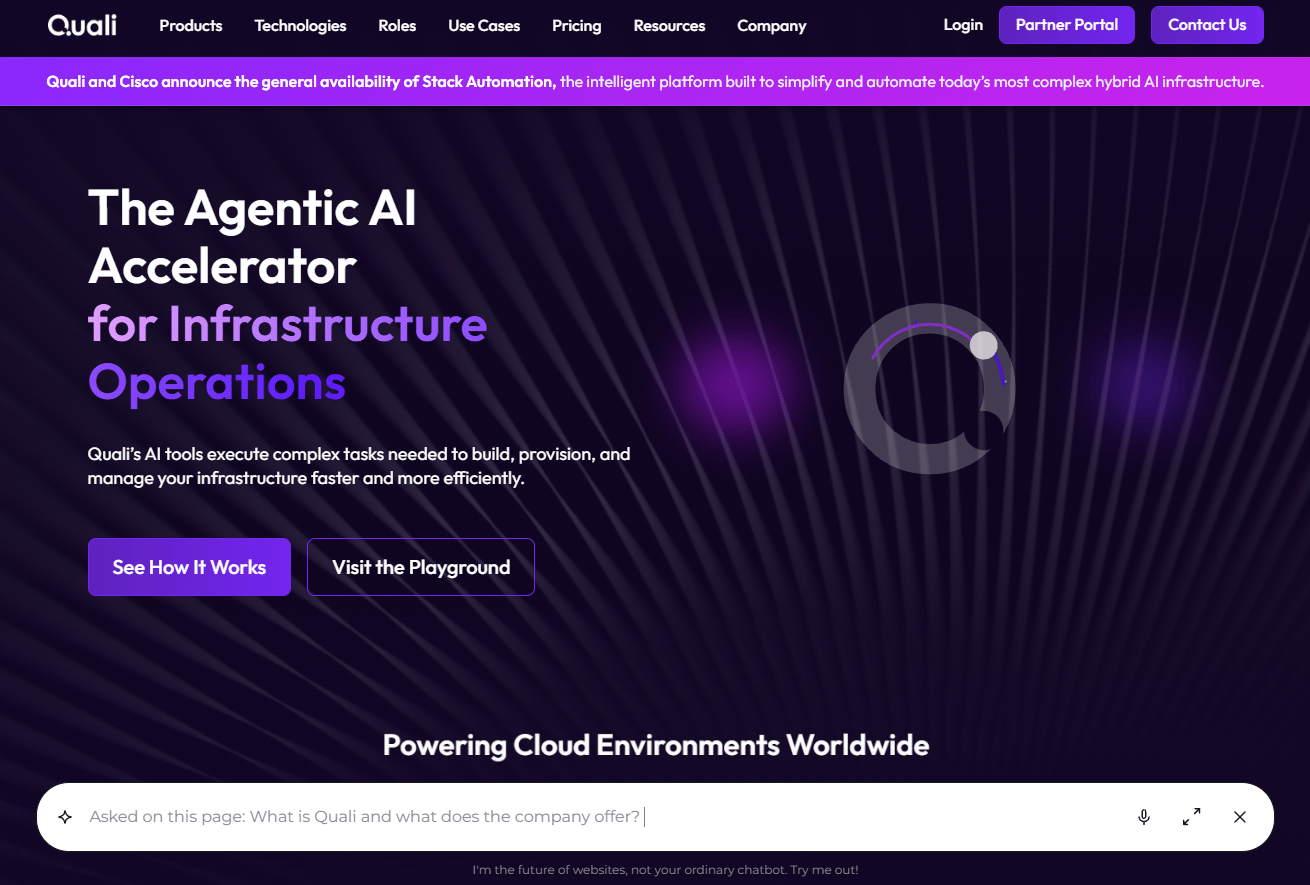
Quali Torque is an infrastructure automation platform for governing, deploying, and optimizing cloud environments. For presales and demo operations teams, it provides environment-as-a-service capabilities: Self-service provisioning via reusable blueprints, cloud cost controls, and governance policies that make it possible to run many parallel demo, lab, and POC environments without operational chaos.
Best for: Technical presales and platform engineering teams that need governed environment orchestration for demos, labs, and POCs at scale.
Key features
- Governed self-service deployment through reusable blueprints
- Infrastructure and IaC asset discovery with governance policies
- Cloud cost controls and resource lifecycle management
- Continuous drift monitoring with AI-assisted remediation
- Self-service provisioning with up to 50 users on the Pro plan
Why choose Quali Torque: Use Quali Torque when the sandbox challenge is environment lifecycle management across cloud or infrastructure resources, not product storytelling. It fits presales leaders who manage large volumes of provisioned environments and need cost control alongside SE flexibility.
Quali Torque pricing: The Pro plan starts at $19 per provisioned environment per month on a pay-as-you-go basis and covers up to 50 users, up to 5 spaces, and unlimited provisioned environments. Enterprise pricing requires contacting Quali and includes unlimited users, unlimited spaces, custom integrations, and SSO.
G2 rating: 5.0/5
Considerations when choosing sandbox vendors
Match the sandbox depth to the evaluation stage
Not every deal needs a full technical environment. Early discovery often benefits from a shareable product sandbox that a buyer can explore in 10 minutes. Formal technical validation may require a provisioned lab with real infrastructure. Map the tool to the question your buyer needs to answer, not to the most capable product in the category.
Verify data protection and access controls
Before distributing a sandbox externally, confirm what data masking, blurring, synthetic data, and access governance the vendor supports. Password-protected links, domain-restricted sharing, and expiration controls all matter for enterprise accounts. Your security and legal teams need to review specific setups independently.
Check how environments stay current
A sandbox that shows an outdated UI or stale workflow will cost you credibility at exactly the wrong moment. Evaluate how quickly the vendor's capture or template process reflects product changes, who owns that refresh cycle, and what happens to previously shared links when updates are applied.
Look for engagement signals your sales team can use
A sandbox should tell you who explored the product, which steps they completed, and where they dropped off. CRM integrations, Slack alerts, and account-level analytics turn that data into follow-up intelligence. A sandbox with no post-session insight is a black box.
Confirm pricing drivers before rollout
Sandbox vendor costs can be tied to seats, sessions, provisioned environments, compute usage, integrations, or support tiers. Model the cost against SE hours saved and POC conversion improvement before committing to a contract. The cheapest per-seat price may not be the lowest total cost.
Conclusion
"Sandbox vendor" is not one uniform category. The nine tools above cover three distinct motions: Buyer-led SaaS product exploration, live demo data control, and technical lab environment provisioning.
For B2B SaaS presales teams that need secure, shareable, explorable sandbox experiences with personalization, data protection, and analytics, Guideflow is the strongest overall fit. Its sandbox gives buyers full freedom to explore the product on their own terms, while the broader demo automation suite covers every other moment in the deal cycle.
For teams where the demo problem is the data shown inside the product, Saleo handles that precisely. For developer-focused products requiring real infrastructure evaluation, Instruqt and CloudShare cover the technical depth. For complex environment orchestration at scale, Quali Torque adds governance and cost control.
Pick two or three vendors based on your evaluation motion, then test with one real deal or one high-frequency demo workflow before rolling out broadly.
Start your journey with Guideflow today!
FAQs
A sandbox vendor provides controlled product environments where buyers, customers, or internal teams can explore software safely, without accessing production systems. These environments support product demos, proof of concept evaluations, technical training, and self-serve buyer validation. The category spans lightweight browser-based product replicas to full cloud-provisioned infrastructure labs.
A product demo can be guided, live, recorded, or interactive, and typically follows a scripted or curated path. A sandbox gives the user freedom to navigate workflows on their own terms, clicking wherever they choose rather than following a predetermined sequence. Many teams use both: An interactive demo to guide the story and a sandbox to let buyers validate specific workflows independently.
Yes. A sandbox helps qualify buyer interest before committing SE or engineering resources to a formal POC. Buyers who engage deeply with a product sandbox, exploring specific workflows and returning multiple times, signal stronger intent than those who only attend a live call. Sandboxes do not replace every POC, especially where custom integrations or security validation are required.
Presales teams use sandbox software to support technical discovery, self-serve buyer qualification, demo leave-behinds, RFP support, and stakeholder education. After a demo call, a shareable sandbox link lets the champion walk their buying committee through the product independently. Engagement analytics from those sessions help SEs identify which stakeholders are actively evaluating and where objections may be forming.
Prioritize environment realism, data controls, access governance, reset workflow, and engagement analytics. Check which CRM and marketing tools the vendor integrates with, and whether the shared link experience works for a buyer who has never seen the product before. Evaluate with one live deal or demo workflow rather than a generic feature checklist.
For repetitive "show me how it works" requests, yes, a well-configured sandbox often handles that without SE involvement. In complex enterprise sales, sandboxes typically complement live demos and POCs rather than replace them. They handle the exploratory phase while live sessions cover technical depth, objection handling, and stakeholder alignment.
Pricing varies significantly by vendor model. TestBox starts at $40/month for small teams, while Guideflow's paid plans start at $35/month. Demo automation platforms like Demoboost start around $375/month. Technical lab platforms and enterprise environment tools typically require a quote, with costs driven by provisioned environment count, compute usage, seat volume, and support level. Verify current pricing directly with each vendor before budgeting.
Sandbox environments can be designed to avoid exposing production data through masking, blurring, synthetic records, and controlled access settings. A captured product replica has no live connection to backend systems, which removes the data exposure path. Your security and legal teams should review the specific setup for any environment that represents production-like workflows before sharing externally.