Someone on shift calls in sick at 6am. You reopen the spreadsheet, chase two people for cover, discover one of them booked leave you forgot to log, then realise the clock-in times you exported last week never matched what payroll ran. That is a normal Tuesday for a lot of operators.
Spreadsheets and shared calendars hold up fine when you run one site with a fixed team. They stop holding up the moment you add variable shifts, multiple locations, holiday requests, and a payroll handoff that has to be right to the minute. Manual rota planning quietly becomes the thing that eats your week and hides your real labour cost.
Staff rota software exists to take that back. Good rota scheduling software connects the schedule to attendance, leave, and payroll, so planned cover and actual cost live in one view instead of six tabs. This guide compares 8 rota management software platforms for 2026 on the things that actually decide fit: admin reduction, compliance, mobile self-service, and labour cost visibility.
What's inside
This guide is for operators, ops leads, and founders running shift-based or multi-site teams who need reliable scheduling infrastructure, not another spreadsheet. We shortlisted 8 platforms by real workforce-management need rather than marketing polish.
We compared each tool on these criteria:
- Rota planning and scheduling strength
- Time and attendance support
- Leave and absence handling
- Payroll and integration fit
- Mobile access and employee self-service
- Compliance guardrails and labour cost visibility
Every price and rating below is pulled from the vendor's own pages and current G2 listing, not from memory.
TL;DR
- Best overall for integrated workforce management: Workforce.com, scheduling, HR, and payroll in one system.
- Best for AI-assisted scheduling and labour cost control: Deputy.
- Best for UK-built rota planning and leave workflows: RotaCloud.
- Best for hospitality and multi-site teams: Planday.
- Best for HR plus rota in one bundle: BrightHR.
- Best for budget-conscious and mobile-first teams: Sling and When I Work, both with strong shift swapping and free or low-cost entry tiers.
Online rota software earns its place when it cuts admin, prevents coverage gaps, and ties schedules to labour cost. Match the tool to your team shape, not the longest feature list.
What is rota software?
Rota software is a tool for planning shifts, tracking attendance, managing leave, and connecting schedules to labour cost and payroll. It replaces manual spreadsheets and shared calendars with a single system where managers build rotas, staff see their shifts, and finance sees what those shifts actually cost.
Most employee rota software covers the same core functions:
- Drag-and-drop rota planning and templates
- Shift swaps and employee self-service
- Time clocking and attendance tracking
- Leave, holiday, and absence management
- Payroll export and integrations
- Compliance checks and labour cost reporting
The category overlaps with time and attendance software, leave management software, and shift scheduling software. The strongest rota planning software pulls all of these into one place, so a schedule change updates cost, cover, and compliance at once. That single source of truth is the whole point.
When to use rota software
Reduce manual scheduling chaos
Spreadsheets work until they don't. Once you juggle variable shifts, part-time availability, and more than one location, a single edit ripples into five errors you find later. Rota scheduling software recalculates cover, flags clashes, and copies proven rota templates week to week. If you spend more than an hour a week rebuilding the same schedule, that hour is the signal.
Manage leave, swaps, and cover requests
When staff have to text you to swap a shift or ask for holiday, you become the bottleneck. Employee self-service moves those requests into an app: staff post shifts for swap, request leave, and set availability, and you approve or decline in seconds. This matters most for teams over roughly 15 people, where cover requests otherwise flood your inbox.
Connect rotas to payroll and labour cost
Finance and ops need one view of planned versus actual cost. When the rota, the clock-ins, and the payroll export live in separate tools, the numbers never reconcile and overtime creeps in unseen. Rota software with payroll integration turns approved hours into an accurate export and shows labour cost against budget before the shift runs, not after payday.
Comparison table
Here is how the 8 platforms compare on fit, differentiator, pricing, and current G2 rating. Rows are ordered by relevance to rota software search intent.
| # | Product | Best for | Key differentiator | Pricing | G2 rating |
|---|---|---|---|---|---|
| 1 | Workforce.com | Hourly and shift-based businesses needing scheduling, HR, and payroll in one | All-in-one workforce management with labour cost controls | Request pricing | 4.5/5 |
| 2 | Deputy | Shift teams needing scheduling, time tracking, and compliance | AI-assisted scheduling and labour cost visibility | From $5/user/mo | 4.6/5 |
| 3 | RotaCloud | UK businesses wanting rota, time tracking, and leave | UK-built rota planning with holiday management | Pro from £15/mo | 4.0/5 |
| 4 | Planday | Hospitality and retail shift teams | Scheduling plus team communication | Starter from £2.99/user/mo | 4.5/5 |
| 5 | BrightHR | SMBs wanting HR plus rota together | HR admin bundled with rota and clock-in | Fixed from £3.00/person | 4.3/5 |
| 6 | The Access Group | Mid-sized multi-site organisations | Modular workforce management across functions | Request pricing | 4.1/5 |
| 7 | Sling | Budget-conscious teams needing scheduling and messaging | Free tier plus shift swaps and team messaging | Free, Premium from $1.70/user/mo | 4.4/5 |
| 8 | When I Work | Hourly teams needing mobile-first scheduling | Mobile-first scheduling and availability | Essentials from $2.50/user/mo | 4.4/5 |
Best rota software for 2026
1. Workforce.com
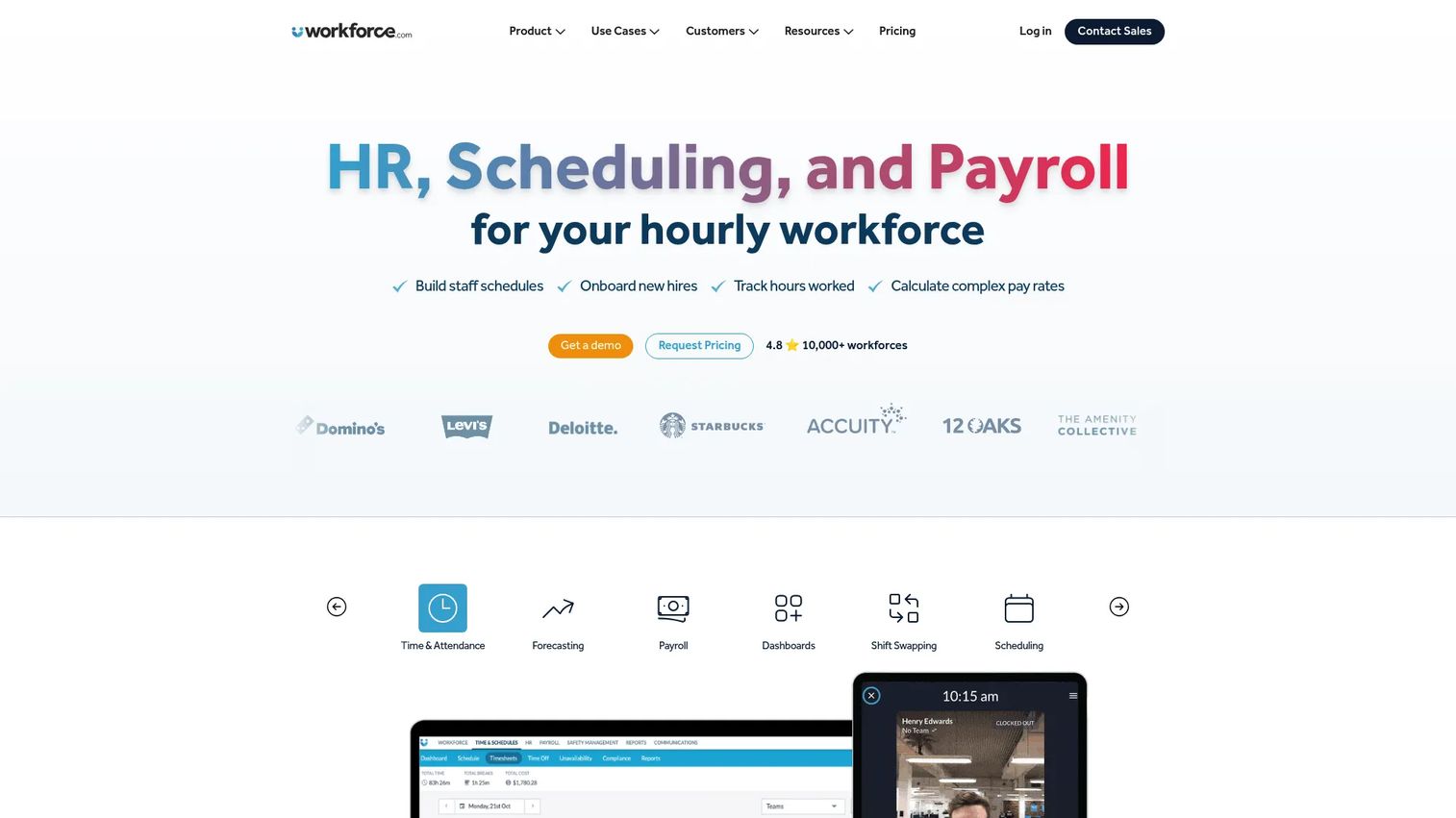
Workforce.com is all-in-one workforce management software built for hourly and shift-based teams. It brings scheduling, HRIS, and payroll into one system, so the rota you build feeds attendance and pay without a separate export step. That end-to-end coverage is what sets it apart from tools that stop at the schedule.
For operators, the appeal is a single source of truth. You plan shifts against labour budget, track who actually clocked in, and run pay from the same approved hours. No reconciling three tools at month end.
Best for: Hourly and shift-based businesses that want scheduling, HR, and payroll in one platform rather than stitched together.
Key features
- Scheduling with labour cost controls
- HRIS for employee records and onboarding
- Payroll built into the same system
- Time and attendance tracking
- Compliance and reporting tools
Why choose Workforce.com: Pick it when you want one platform to own the full cycle from rota to payroll, and you would rather buy depth across functions than a single-purpose scheduler.
Workforce.com pricing: Pricing is customised by module, staff count, and implementation needs. The site directs you to request pricing across its All-in-One, Scheduling, Payroll, and HR packages.
2. Deputy
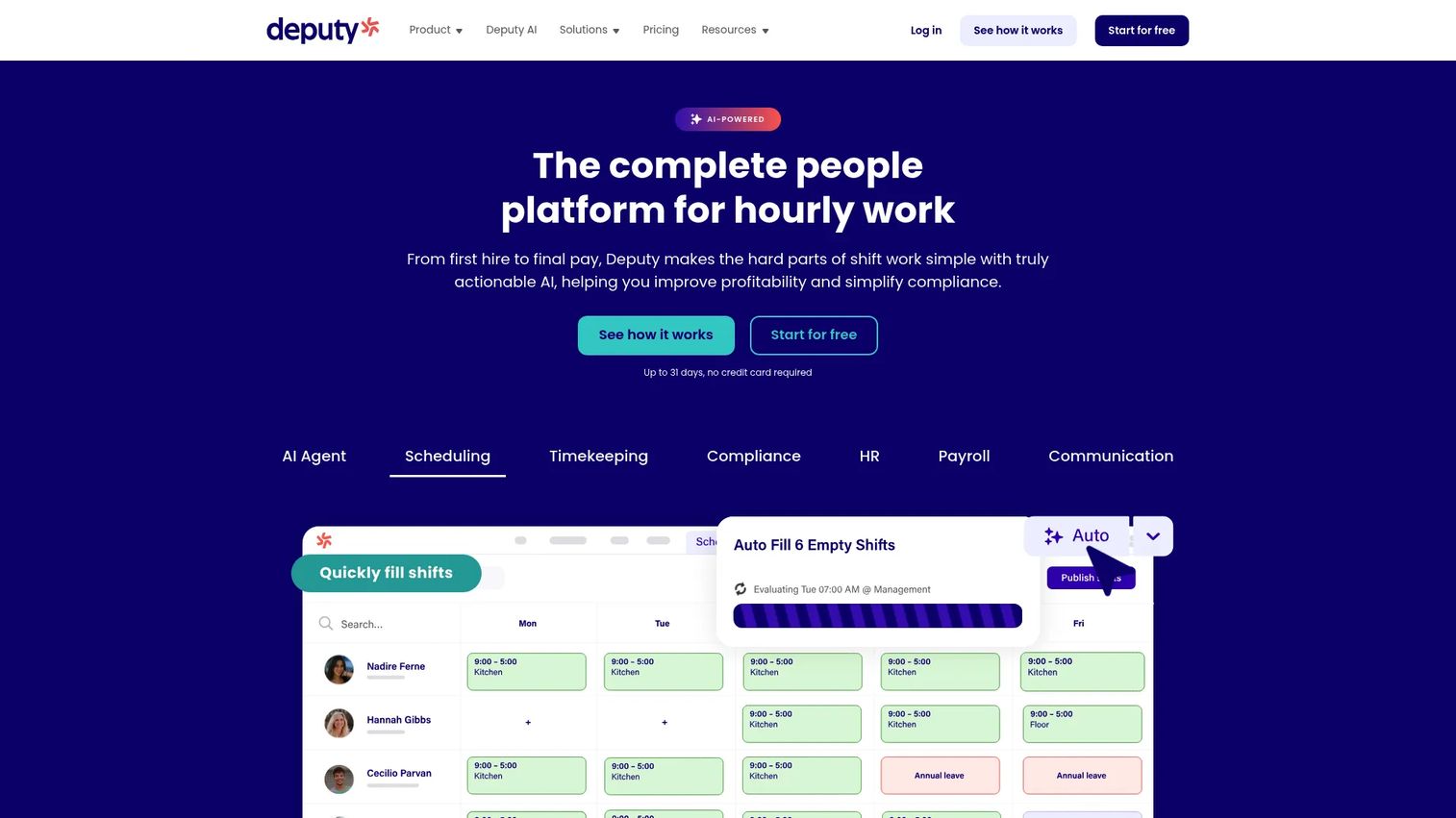
Deputy is workforce management software for scheduling, time tracking, HR, payroll, and compliance. Its AI-assisted scheduling reads demand and availability to build rotas that hold labour cost against budget, and it flags compliance issues before a shift goes live. For managers who live on their phone, the mobile experience covers most of the day-to-day.
The labour cost angle is the differentiator here. Deputy shows the cost of a schedule as you build it, so overtime and overspend surface before payday rather than after.
Best for: Shift-based teams that want scheduling, time tracking, and labour law compliance handled in one platform.
Key features
- Scheduling with AI-assisted rota building
- Time and attendance tracking
- Leave management
- In-app messaging
- Labour law compliance checks
Why choose Deputy: Choose it when compliance and labour cost visibility matter as much as the schedule itself, and you want mobile shift management that reps actually use.
Deputy pricing: A free trial is available. Lite starts at $5 per user per month, Core at $6.50 per user per month, and Pro at $9 per user per month, with add-ons such as Payroll, HR, and Analytics.
3. RotaCloud
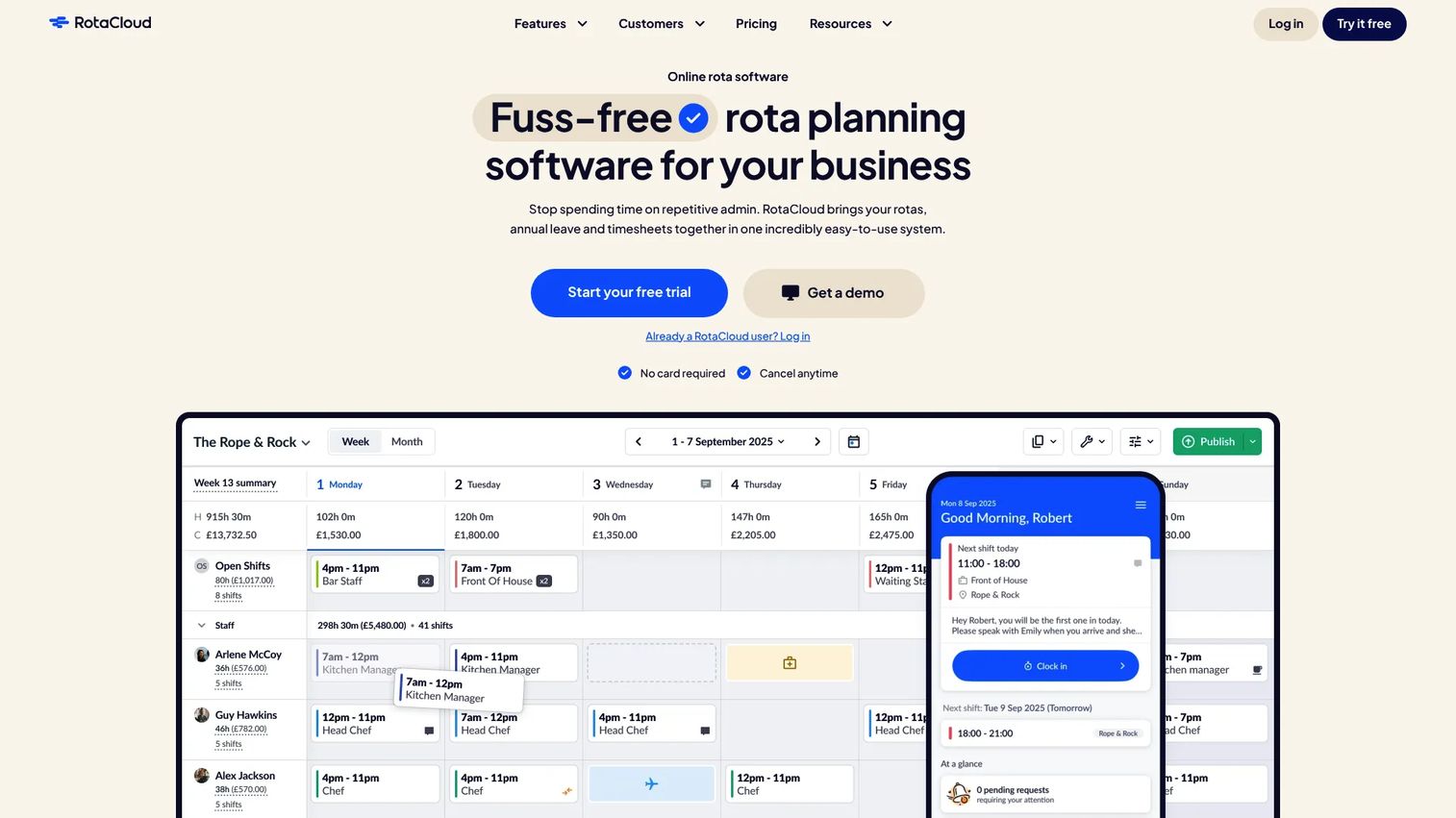
RotaCloud is workforce management software for rota planning, time and attendance, and HR tools, built with UK businesses in mind. Shift planning, holiday management, and a clock-in app that generates automatic timesheets sit together, which keeps UK rota and payroll workflows tidy.
If your priority is UK-specific leave handling and straightforward rota planning software without enterprise bulk, this is a clean fit. The clock-in-to-timesheet flow removes a lot of manual entry.
Best for: UK businesses that need staff scheduling with time tracking and leave management in one place.
Key features
- Shift planning and rota templates
- Holiday and leave management
- Clock-in app with automatic timesheets
- Attendance tracking
- HR tools for staff records
Why choose RotaCloud: Pick it when UK rota workflows and holiday management are your main concern and you want a focused tool rather than a broad HR suite.
RotaCloud pricing: A free 30-day trial runs with no card required. The Pro plan is £15 per month, with Time and Attendance as a £4.50 add-on and SMS notifications available on top.
4. Planday
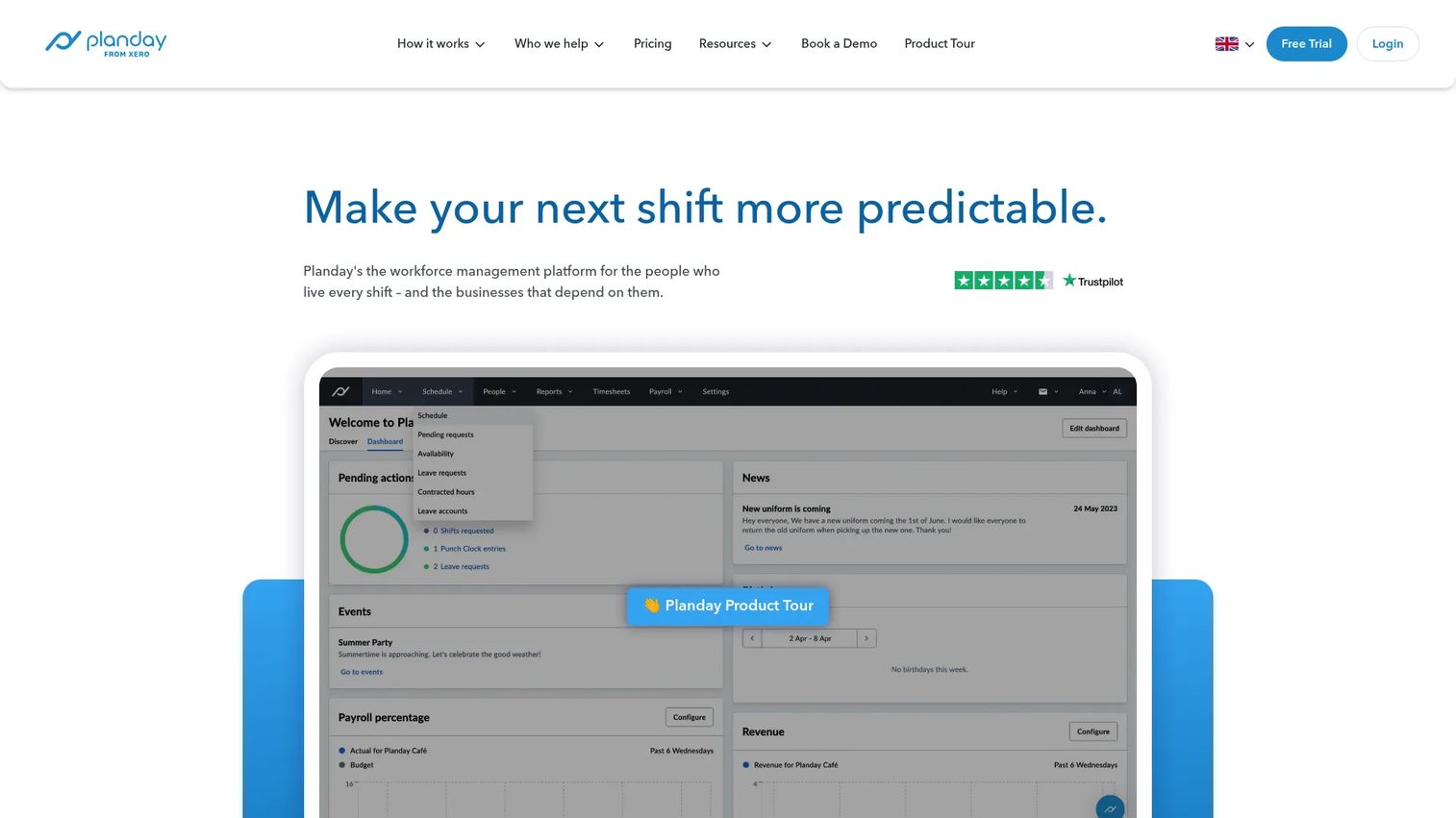
Planday is workforce management software for shift-based businesses, with a strong following in hospitality and retail. It pairs scheduling and time tracking with team communication, so the rota and the conversation about the rota happen in the same place. Absence management, payroll reporting, and document storage round it out.
For multi-site hospitality teams, the communication layer earns its keep. Shift changes, availability, and messages flow through one app instead of a group chat that nobody reads.
Best for: Shift-based teams, especially hospitality and retail, that need scheduling, time tracking, and coordination together.
Key features
- Scheduling and shift management
- Time tracking
- Team communication
- Absence management
- Payroll reporting and insights
Why choose Planday: Choose it when staff communication and multi-site coordination matter as much as the schedule, and you want reporting to feed payroll cleanly.
Planday pricing: A 30-day free trial is offered. Starter begins at £2.99 per user per month with a five-user minimum, a Plus tier sits above it, and Pro is custom priced.
5. BrightHR
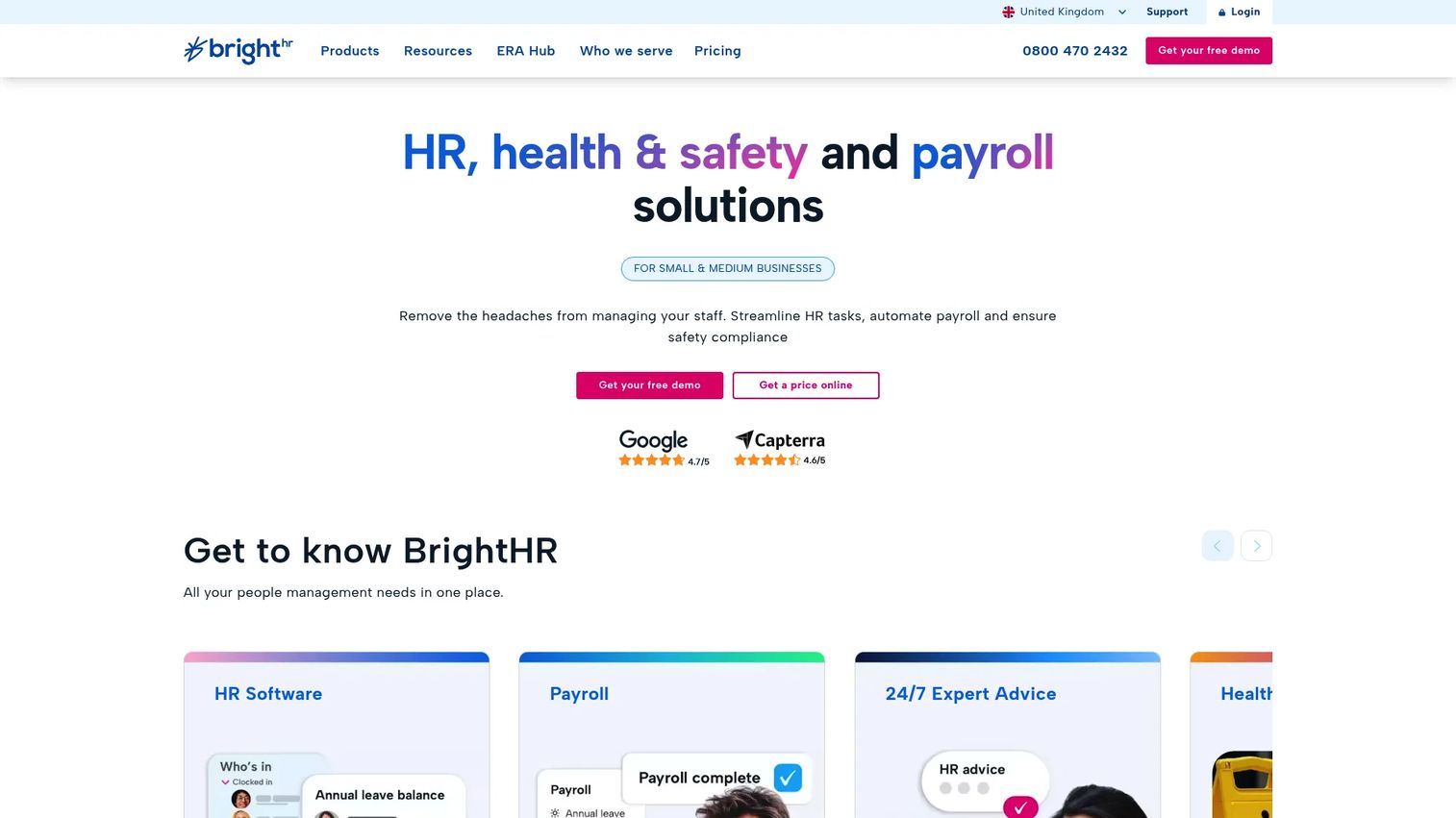
BrightHR is HR software for small and medium businesses, with rota and shift management bundled into a wider people-management toolset. Alongside the rota you get absence and sick leave tracking, document storage, payroll reporting, and advice lines, so the schedule sits inside your HR admin rather than beside it.
The pull here is consolidation. If you want rota plus HR compliance support in one subscription, BrightHR covers both without a second vendor.
Best for: SMBs that want an all-in-one HR platform with rota, absence tracking, and compliance support.
Key features
- Rota and shift management
- Absence and sick leave tracking
- Mobile clock-in
- Document storage and payroll reporting
- HR advice lines
Why choose BrightHR: Pick it when the rota is one piece of a bigger HR need and you would rather run people management and scheduling from one platform.
BrightHR pricing: BrightHR offers HR, Health & Safety, or combined packages priced by employee numbers on fixed-term contracts. Fixed pricing starts from £3.00 per person, with core HR software listed from £16.67 per employee per month. Select features can be tried for free.
6. The Access Group
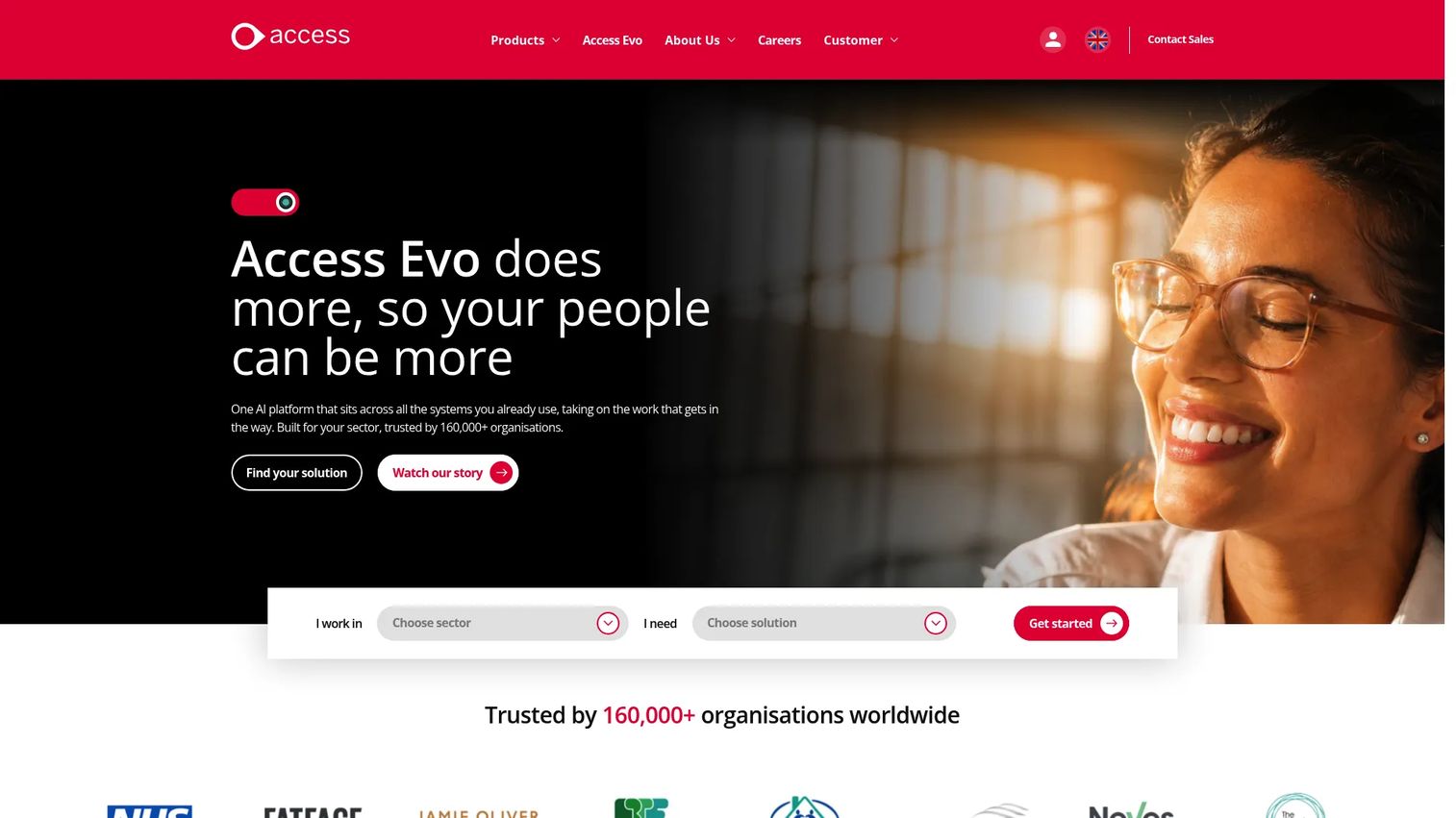
The Access Group is a business management software provider with cloud solutions spanning finance, HR, payroll, and industry-specific workflows. Its workforce management tools handle scheduling, compliance, and payroll adjacency for organisations running multiple sites and functions from one vendor.
This is the pick for mid-sized operations that need rota software as part of a wider modular platform, not a standalone scheduler. The breadth across finance and HR is the draw.
Best for: Mid-sized organisations needing modular business software across scheduling, HR, and payroll functions.
Key features
- Cloud workforce management
- Compliance tooling
- Payroll adjacency across the suite
- Multi-site operations support
- Modular solutions across business functions
Why choose The Access Group: Choose it when you want rota and workforce management inside a broader business software suite that also covers finance and HR at scale.
The Access Group pricing: The Access Group prices by product and requirement rather than a single public plan table, so pricing is arranged directly with their team based on the modules you need.
7. Sling
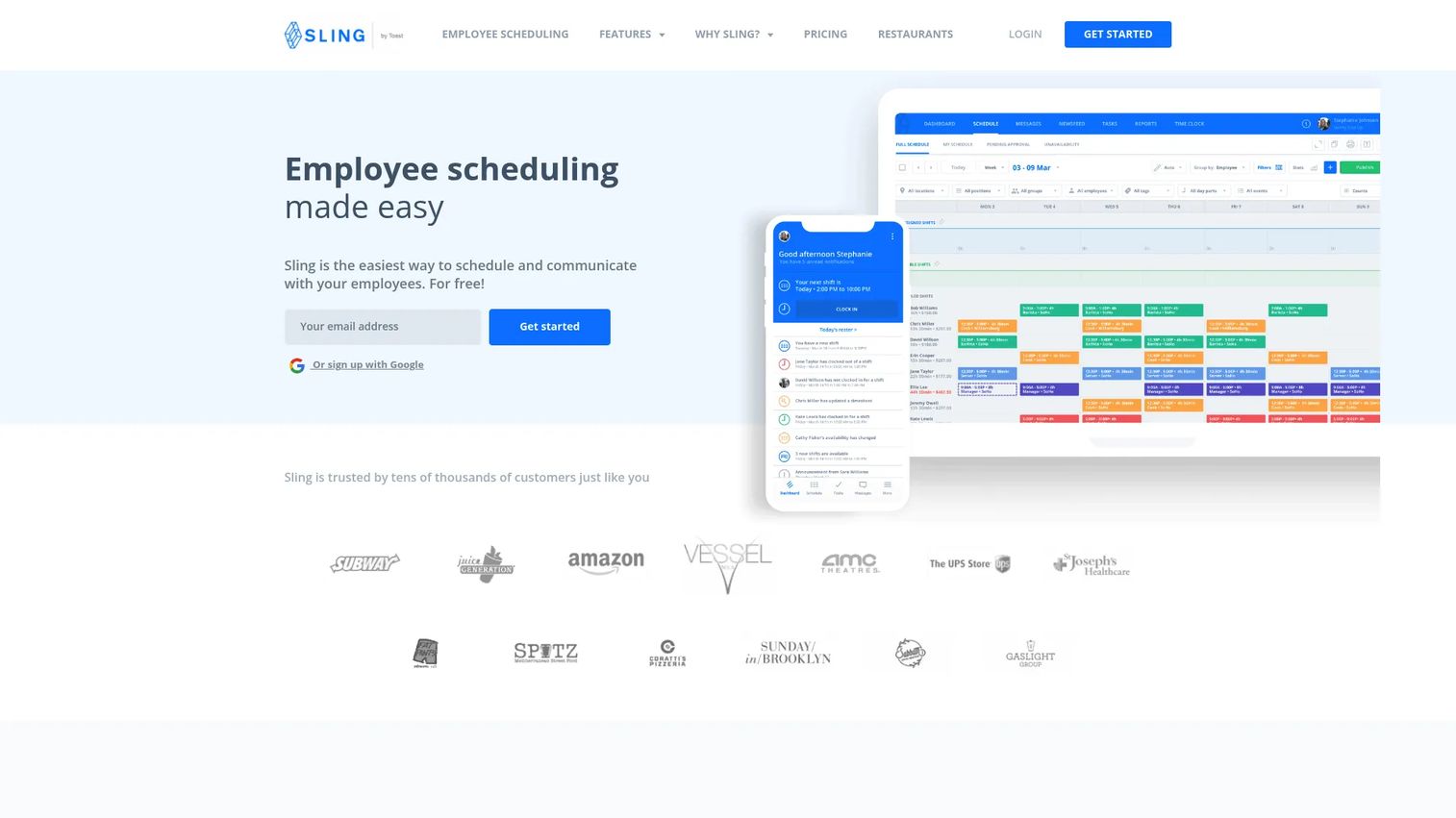
Sling is workforce scheduling, time tracking, and team communication software with a genuinely useful free tier. It pairs shift scheduling with team messaging, so shift swaps and cover requests happen in the same app staff already open. For smaller or budget-conscious teams, it delivers the core rota job without a big spend.
The free plan for up to 30 users is the standout. You get scheduling and messaging at no cost, then step up only when you need more.
Best for: Businesses that need employee scheduling plus time tracking and team messaging on a tight budget.
Key features
- Shift scheduling and templates
- Time tracking
- Team messaging
- Shift swaps and availability
- Free plan for smaller teams
Why choose Sling: Pick it when budget is the constraint and you want reliable scheduling plus messaging without paying per seat from day one.
Sling pricing: The Free plan covers up to 30 users. Premium is $2.00 per user per month, or $1.70 billed annually, and Business is $4.00 per user per month, or $3.40 billed annually.
8. When I Work
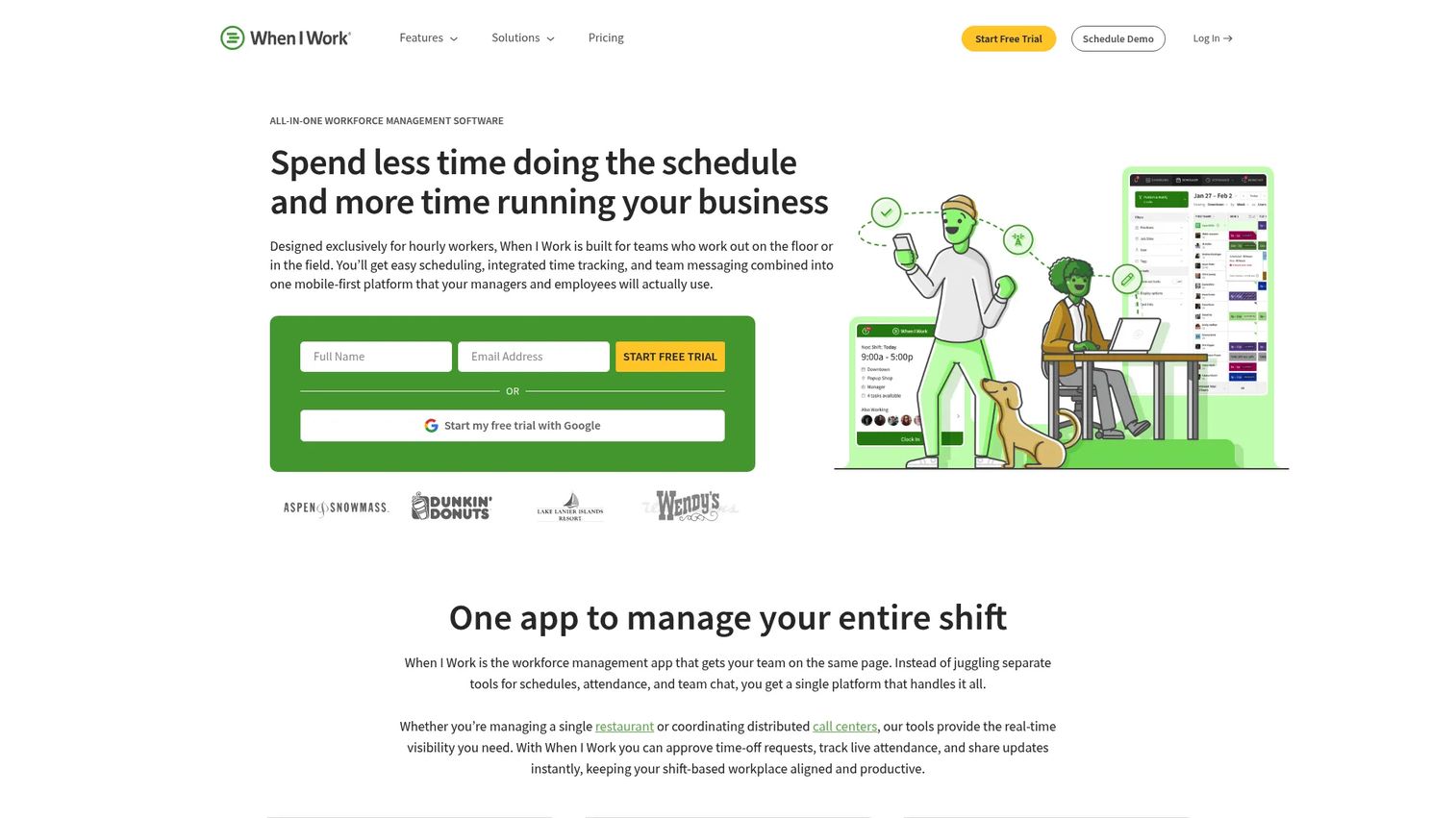
When I Work is workforce scheduling, time tracking, and team communication software built for hourly teams, with a mobile-first design. Staff manage availability, pick up and swap shifts, and clock in from their phone, which makes it a strong mobile rota app for teams that are rarely at a desk.
The differentiator is availability and swap management done well on mobile. Coordination that used to route through you moves into the app, freeing up your time for the shifts that actually need attention.
Best for: Hourly-workforce businesses that need scheduling, attendance, and messaging in one mobile-first tool.
Key features
- Employee scheduling
- Time clock and attendance
- Team messaging
- Availability and shift swapping
- Mobile-first apps for staff
Why choose When I Work: Choose it when your team lives on their phones and mobile shift swapping and availability are the features that will get daily use.
When I Work pricing: A 14-day free trial is offered. Essentials starts at $2.50 per user per month, Pro at $5 per user per month, and Premium at $8 per user per month.
Considerations
Before you commit, run every shortlisted tool through this checklist against your own workflow.
Payroll handoff
Check exactly how approved hours leave the system. Does it export to your payroll provider, or integrate directly? Confirm that overtime, breaks, and pay rates carry across correctly, because a broken handoff means you rekey hours by hand every pay run.
Compliance and working-time rules
Look for validation and alerts, not just a schedule grid. The tool should flag when a rota breaks rest-break rules, exceeds contracted hours, or trips UK Working Time compliance limits, and keep an audit trail you can show later. Alerts before publish beat corrections after complaints.
Employee self-service
Test the app the way your staff will use it. Can they swap shifts, request leave, and set availability without calling you? Weak mobile usability means self-service quietly reverts to your inbox, which defeats the point of buying it.
Labour cost control
Confirm you can see planned versus actual cost, not just a headcount. The best rota software shows the cost of a schedule as you build it and compares it to budget, so overspend surfaces before the shift runs rather than after payday.
Support and onboarding
Ask what implementation actually involves. How long to import staff, build your first rotas, and train managers? Check whether onboarding help and ongoing support are included or charged extra, because a tool nobody adopts costs more than it saves.
Conclusion
The right rota software depends on your team shape and where your admin actually hurts.
For broader workforce management that owns rota through payroll, look at Workforce.com or Deputy. Deputy adds AI-assisted scheduling and strong labour cost visibility, while Workforce.com leans into a single integrated system across scheduling, HR, and pay.
If UK rota workflows and holiday management are your priority, RotaCloud is the focused choice. For hospitality, retail, and multi-site coordination, Planday pairs scheduling with team communication. If you want rota bundled into wider HR admin, BrightHR fits, and mid-sized multi-site operations should evaluate The Access Group.
For budget-conscious and mobile-first teams, Sling and When I Work both deliver reliable scheduling, shift swapping, and self-service without a heavy spend.
Shortlist two or three, run each through the payroll, compliance, self-service, and labour cost checks above, and start a trial with your real rota. The tool that survives one live week of your schedule is the one to buy.
FAQs
Rota software is a tool for planning staff shifts, tracking attendance, managing leave, and connecting schedules to labour cost and payroll. It replaces spreadsheets and shared calendars with one system that managers, staff, and finance all work from.
It builds and shares work schedules, records clock-ins and hours, handles holiday and absence requests, and exports approved hours to payroll. Most tools also run compliance checks and show labour cost against budget, so coverage and spend stay visible in one place.
Manual scheduling gets error-prone the moment you add variable shifts, multiple sites, or leave requests. Staff rota software cuts that admin, prevents coverage gaps, keeps you inside working-time rules, and ties schedules to real labour cost, which protects both service and margin.
Any business that runs shift-based or hourly teams. Hospitality, retail, healthcare, care homes, logistics, security, and events are common, but any organisation with variable cover, multiple sites, or clock-in-based pay benefits from rota scheduling software.
It turns approved clock-ins and shift hours into an accurate payroll export or direct integration, including overtime and breaks. That removes manual rekeying, cuts errors, and means the hours you pay match the hours actually worked rather than a guess.
Yes. By showing planned versus actual cost as you build the rota, it surfaces overtime and overstaffing before a shift runs. Managers can adjust cover to match demand and stay on budget, which is where most labour cost savings come from.
Most modern rota software does. Staff post shifts for swap, request cover, and set availability through a mobile app, and managers approve or decline in seconds. This employee self-service moves coordination out of your inbox and reduces last-minute coverage gaps.
Prioritise UK Working Time compliance checks and alerts, holiday and absence handling aligned to UK leave rules, and a clean payroll handoff. Add strong mobile self-service for shift swaps and labour cost reporting, and confirm onboarding and support are included before you buy.