You picked a quiz tool because it looked easy. Then you hit the response cap at 100 submissions a month. Then the scoring logic turned out to be a single "correct answer" toggle. Then the embed dropped your branding and threw a watermark on your landing page.
That is the gap most marketers fall into. The demo looked clean. The daily reality did not.
Here is what the buying decision actually turns on. Not feature count. It turns on whether one quiz maker can publish fast, score responses the way you need, capture leads cleanly, and push those leads into your CRM without a Zapier detour that breaks every third week.
The category is growing for a reason. The global online quiz makers market was worth $1.51 billion in 2025, according to Dataintelo (2025), growing at a projected 12.4% CAGR through 2034. More tools, more overlap, more decisions that look identical until you try to ship.
This guide compares eight quiz maker tools on the things that decide whether you renew: scoring, lead capture, quiz analytics, free-plan limits, and how cleanly each one plugs into your stack.
What's inside
This guide is for digital and growth marketers evaluating quiz software for lead generation, audience segmentation, and campaign engagement. It also fits coaches, PMMs, and SMB owners who want a fast online quiz maker that ships without engineering.
Every tool was assessed on four criteria that matter most to marketers:
- Workflow speed - how fast you go from blank canvas to a published quiz
- Scoring and results - answer weighting, outcome pages, and result routing
- Lead capture and integrations - form fields, CRM sync, email, and automation
- Free-plan limits and quiz analytics - response caps, branding, and reporting depth
TL;DR
- Best for lead generation: Interact. Purpose-built for segmented lead magnets with scoring and CRM handoff.
- Best for design-heavy teams: Canva. If your team already lives in Canva, branded quizzes ship in minutes.
- Best for live engagement: Mentimeter. Real-time quizzes for webinars, training, and events.
- Best for balanced no-code building: Involve.me or Fillout. Flexible quiz funnels and generous field logic.
- Best for polished UX and depth: Typeform for conversational flows, SurveyMonkey for research breadth.
- Best for easy embeds: Opinion Stage. Strong WordPress and publisher fit.
What is quiz maker software?
Quiz maker software is a no-code tool that lets you build interactive quizzes, score responses, show personalized results, and capture leads, then embed or share the quiz anywhere and track how people move through it.
An online quiz maker sits between a form builder and a landing page builder. Unlike a plain form, a quiz generator adds logic and scoring so the experience adapts to each answer and ends on a tailored result.
The main quiz types most teams build:
- Lead generation quizzes - interactive lead magnets that segment people before capturing an email
- Personality quizzes - outcome-based quizzes ("which X are you?") that drive shares and clicks
- Scored assessments - weighted answers that produce a numeric score or grade
- Polls and knowledge checks - quick single-question or short-form engagement
- Product recommendation quizzes - answer paths that route to a matched product or plan
Core capabilities of any solid quiz builder:
- Builder UX - drag-and-drop question creation and templates
- Conditional logic - branching that changes questions based on prior answers
- Scoring and results - answer weights that map to outcome pages
- Results pages - personalized end screens, redirects, and CTAs
- Embed and publish options - inline embeds, popups, links, and full-page hosting
- Integrations - CRM, email, calendar, Zapier, and webhooks
- Exports and quiz analytics - response tables, CSV exports, and completion tracking
Here is how quiz software compares to adjacent tools:
| Tool type | Primary job | Scoring and logic | Lead capture | Best moment |
|---|---|---|---|---|
| Quiz maker software | Interactive quizzes with results | Strong: weighted scoring, outcomes | Native, mid-quiz or end | Segmented lead magnets, assessments |
| Form builders | Structured data collection | Basic logic, limited scoring | Native, form-based | Applications, contact forms |
| Survey tools | Feedback and research | Rating scales, limited scoring | Optional | Market research, NPS, feedback |
| Presentation quiz tools | Live audience participation | Real-time scoring, leaderboards | Limited | Webinars, training, events |
When to use quiz maker software
Capture leads from landing pages
A static form asks for an email and gives nothing back. A quiz gives people a reason to answer. They trade attention for a result, and you segment them before the email field ever appears. That pre-capture segmentation is why a lead generation quiz often converts better than a plain gated PDF.
Qualify prospects before a call
Scored quizzes act as a filter. Route high scorers to a booking link and low scorers to a nurture sequence. You spend less rep time on unqualified contacts and more on people who already told you they are a fit.
Engage audiences in events or training
Live quiz tools perform best when you need real-time participation. Webinars, workshops, and classroom sessions run on interaction, and a live scoreboard keeps a room engaged in a way a passive form cannot.
Collect feedback or recommendations
Ecommerce brands use recommendation quizzes to match shoppers to products. Coaches use assessments to segment clients. Support and success teams use knowledge checks to confirm onboarding stuck. The through-line is the same: answers drive a tailored outcome.
Comparison table
The table below sorts tools by relevance to marketers running lead generation. Pricing reflects publicly listed starting tiers verified at the time of writing, and free-plan availability is noted where confirmed. Read it as a shortlist filter, not a final verdict. The item sections below explain where each tool fits.
| # | Product | Intent | Key differentiation | Pricing | G2 rating |
|---|---|---|---|---|---|
| 1 | Interact | Lead generation quizzes | AI quiz maker with lead segmentation and conditional logic | Free; paid from $27/mo (annual) | 4.7/5 |
| 2 | Canva | Design-first quizzes | Branded quiz creation inside the Canva editor | Free; Pro US$144/year | 4.7/5 |
| 3 | Mentimeter | Live quiz engagement | Real-time polling and AI quiz generator | Free; paid plans billed yearly | 4.7/5 |
| 4 | Typeform | Conversational quizzes | One-question-at-a-time UX with logic and automations | Free; paid from $29/mo | 4.5/5 |
| 5 | Involve.me | Quiz funnels | AI quiz funnels with built-in email automation | Free; paid from $49/mo | 4.7/5 |
| 6 | Fillout | Flexible forms and quizzes | 50+ field types with deep customization | Team plan from $300/mo | 4.6/5 |
| 7 | Opinion Stage | Embeddable quizzes | Interactive quizzes built for easy embeds | Free; Pro from $25/mo (yearly) | 4.8/5 |
| 8 | SurveyMonkey | Research plus quizzes | Survey and analytics depth alongside quiz mode | Free; paid from $46/mo (annual) | 4.4/5 |
Best quiz maker software for 2026
1. Interact
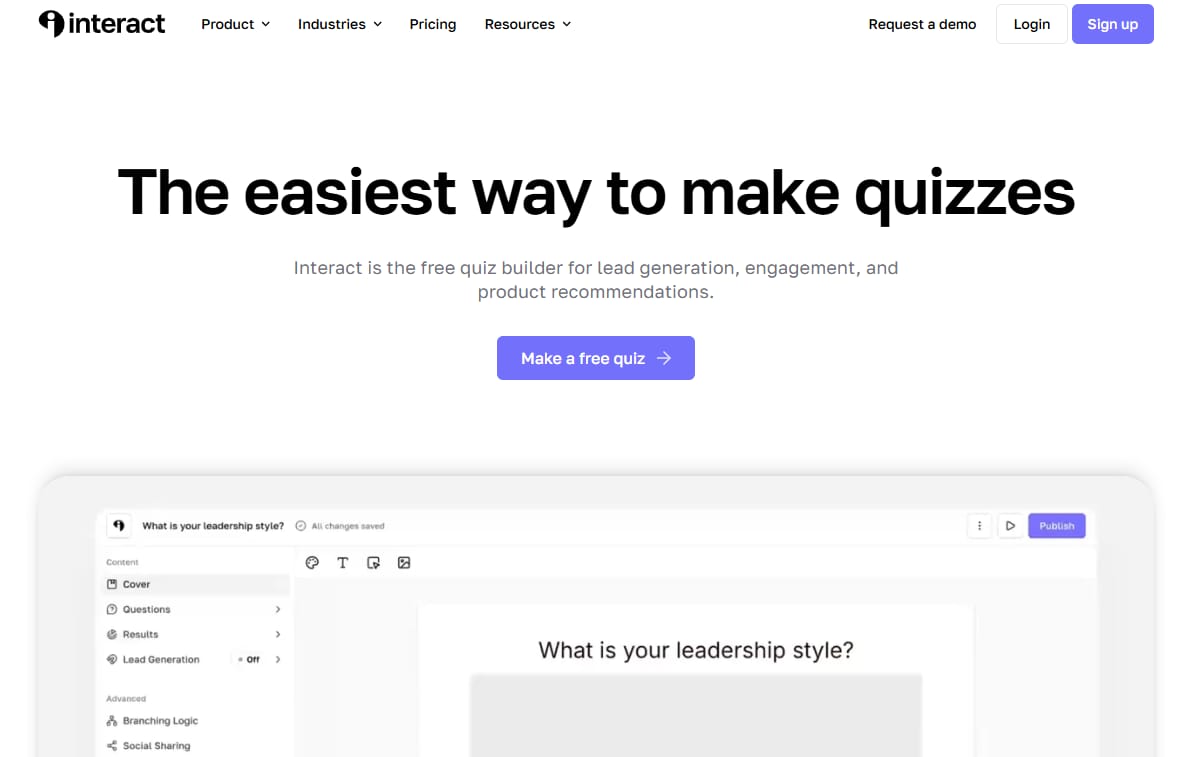
Interact is built around one job: turning quizzes into segmented leads. It is the tool most marketers reach for when the quiz is a lead magnet, not a side project. You build a personality, scored, or assessment quiz, capture the email at the point of highest intent, and route each respondent based on their answers.
The AI quiz maker gets a draft on the page fast, which matters when you are testing a campaign angle rather than committing a week to it. Conditional logic changes the path based on answers, and outcome pages let you match results to offers, products, or booking links.
Best for: Marketers who want quizzes as lead-gen and segmentation assets, not standalone content.
Key strengths
- AI quiz maker for fast quiz creation
- Conditional logic for branching answer paths
- Lead capture with audience segmentation
- Outcome pages mapped to offers or products
- Integrations for email and CRM handoff
Why choose Interact: If lead generation and segmentation are the point, Interact fits the workflow better than a general form tool. It is opinionated toward marketers, which means less setup to get a quiz that captures and routes leads.
Interact pricing: Free plan available. Paid plans start at $27/month for Lite, $53/month for Growth, and $125/month for Pro, each billed annually.
2. Canva
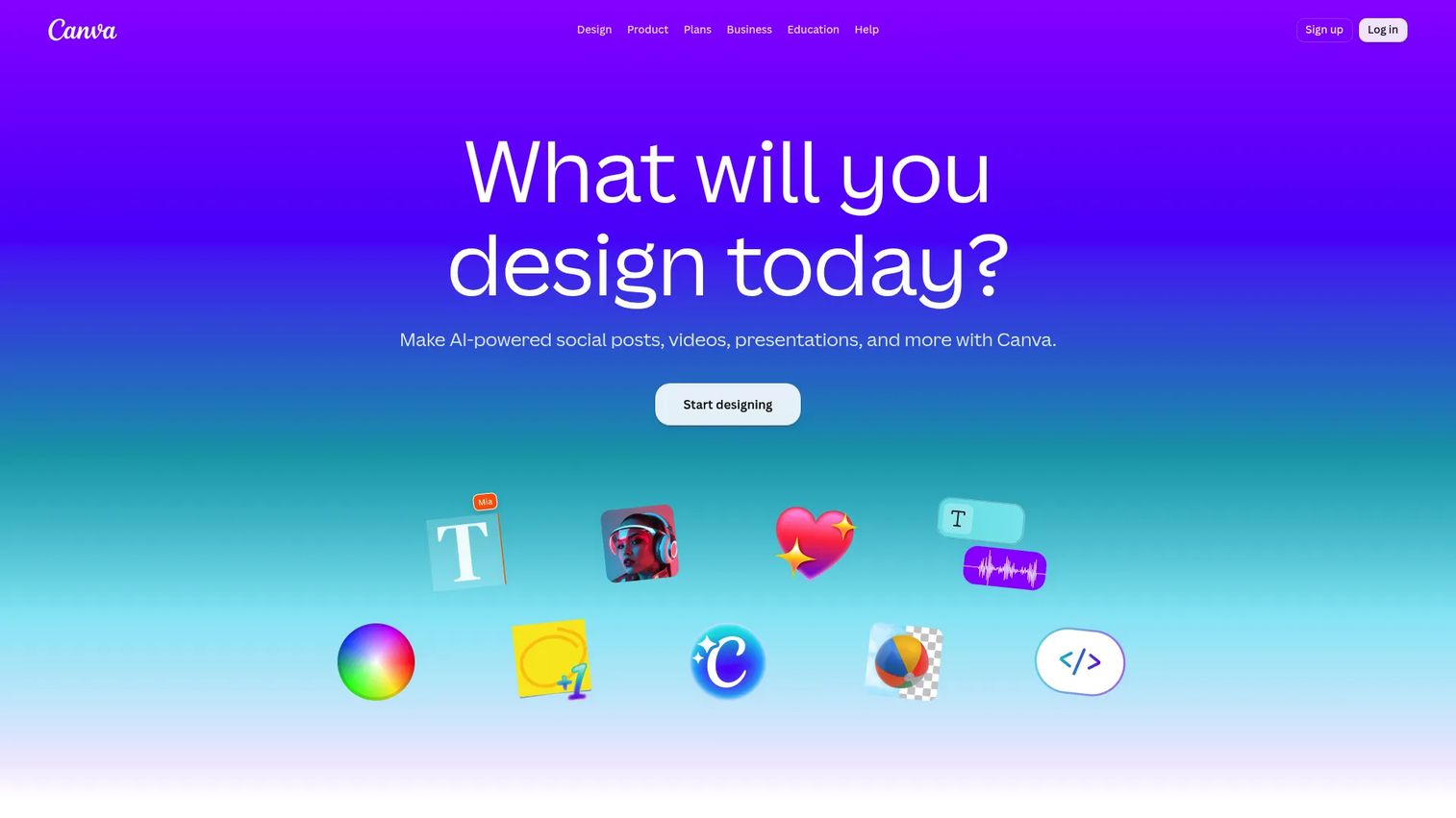
Canva is the fast path for teams that already design everything there. Instead of building a quiz in one tool and rebuilding the visuals in another, you create branded quiz content inside the same editor you use for social posts, decks, and ads. For quiz design that has to match brand exactly, that single workflow saves real time.
Canva leans on templates, drag-and-drop editing, and collaboration. It is strongest when the quiz is a visual engagement piece and weakest when you need deep scoring logic or native CRM routing, which is where a dedicated quiz builder pulls ahead.
Best for: Teams that live in Canva and want quick, on-brand quizzes without leaving their design workflow.
Key strengths
- Drag-and-drop editor with 1,000+ design types
- Brand Kit for consistent quiz design
- Whiteboards and video tools for richer content
- Real-time team collaboration
- Simple sharing and export options
Why choose Canva: Choose Canva when brand-perfect visuals and speed matter more than scoring depth. It is the least friction option for a team whose design system already lives inside Canva.
Canva pricing: Free plan available for one person. Pro is US$144/year for one person, and Business is US$250/year per person. Enterprise pricing is not publicly listed.
3. Mentimeter
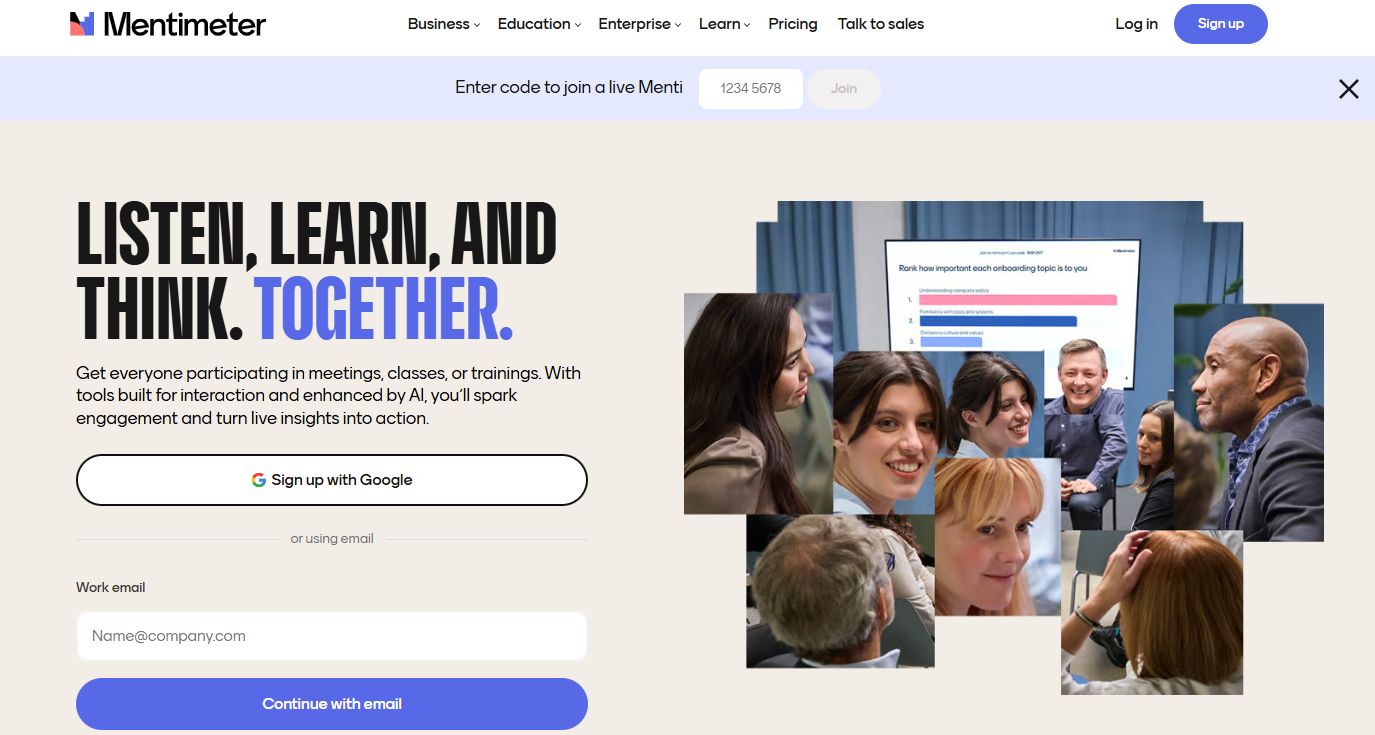
Mentimeter is the pick when the quiz happens live. Built for interactive presentations, it runs real-time polls, quizzes, and Q&A while an audience answers from their phones. Leaderboard-style scoring turns a webinar or training session into something people actually participate in.
The AI quiz generator speeds up building question sets, and the presentation collaboration features fit teams that run recurring sessions. It is less about async lead capture and more about the energy of a room, physical or virtual, answering together.
Best for: Presenters, trainers, and marketers running webinars or events who need real-time audience participation.
Key strengths
- Live polling and real-time quizzes
- AI quiz generator for fast question sets
- Leaderboard scoring for engagement
- Word cloud, Q&A, and survey formats
- SSO and SCIM on Enterprise
Why choose Mentimeter: Choose Mentimeter when the moment is live and participation is the goal. For async lead-gen quizzes on a landing page, a dedicated quiz maker fits better, but nothing beats Mentimeter for a live crowd.
Mentimeter pricing: Free plan available. Basic and Pro are billed yearly per presenter, and Enterprise is custom. Public dollar amounts for paid tiers are not listed on the pricing page.
4. Typeform
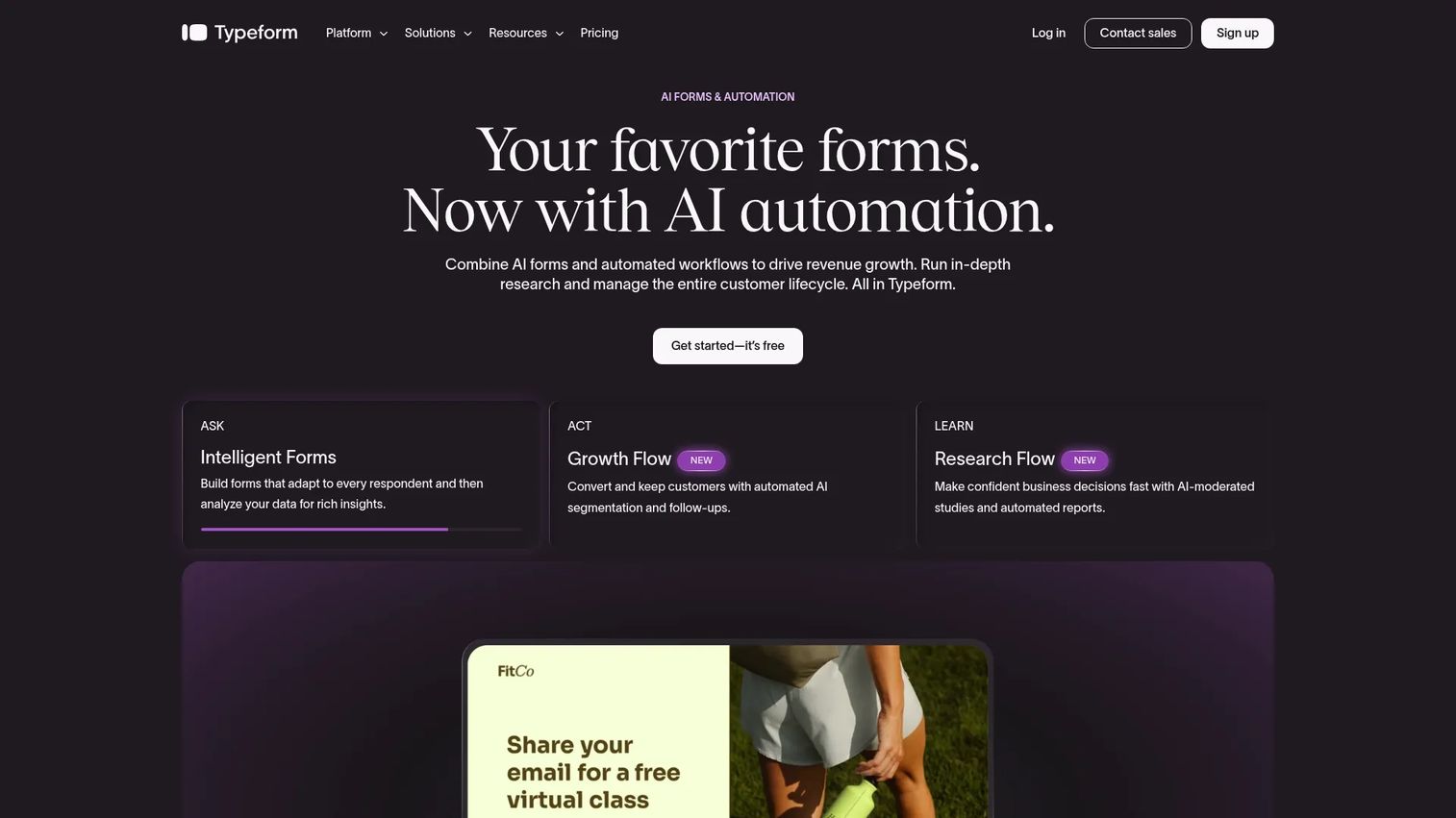
Typeform built its reputation on conversational UX: one question at a time, clean transitions, and a feel that pushes completion rates up. For quizzes where the experience itself is part of the pitch, that polish earns its keep. Branching logic and results flows make it a capable quiz builder, not just a form tool.
Where Typeform stands out is integration depth and automations, so quiz responses can trigger downstream actions in your stack. The trade-off is that its response-driven pricing can climb as volume grows, so check the caps against your expected traffic.
Best for: Teams that care about a polished, conversational quiz experience with solid automation.
Key strengths
- AI-powered form and quiz creation
- Conditional logic and branching
- Conversational one-question-at-a-time UX
- Integrations and automations
- Clean results and outcome flows
Why choose Typeform: Choose Typeform when the quality of the experience drives conversion and you want responses wired into automations. It is a strong fit for brands that treat UX as a differentiator.
Typeform pricing: Free plan available. Paid plans start at $29/month for Basic, $59/month for Plus, and $99/month for Business, with higher Growth and research tiers above that.
5. Involve.me
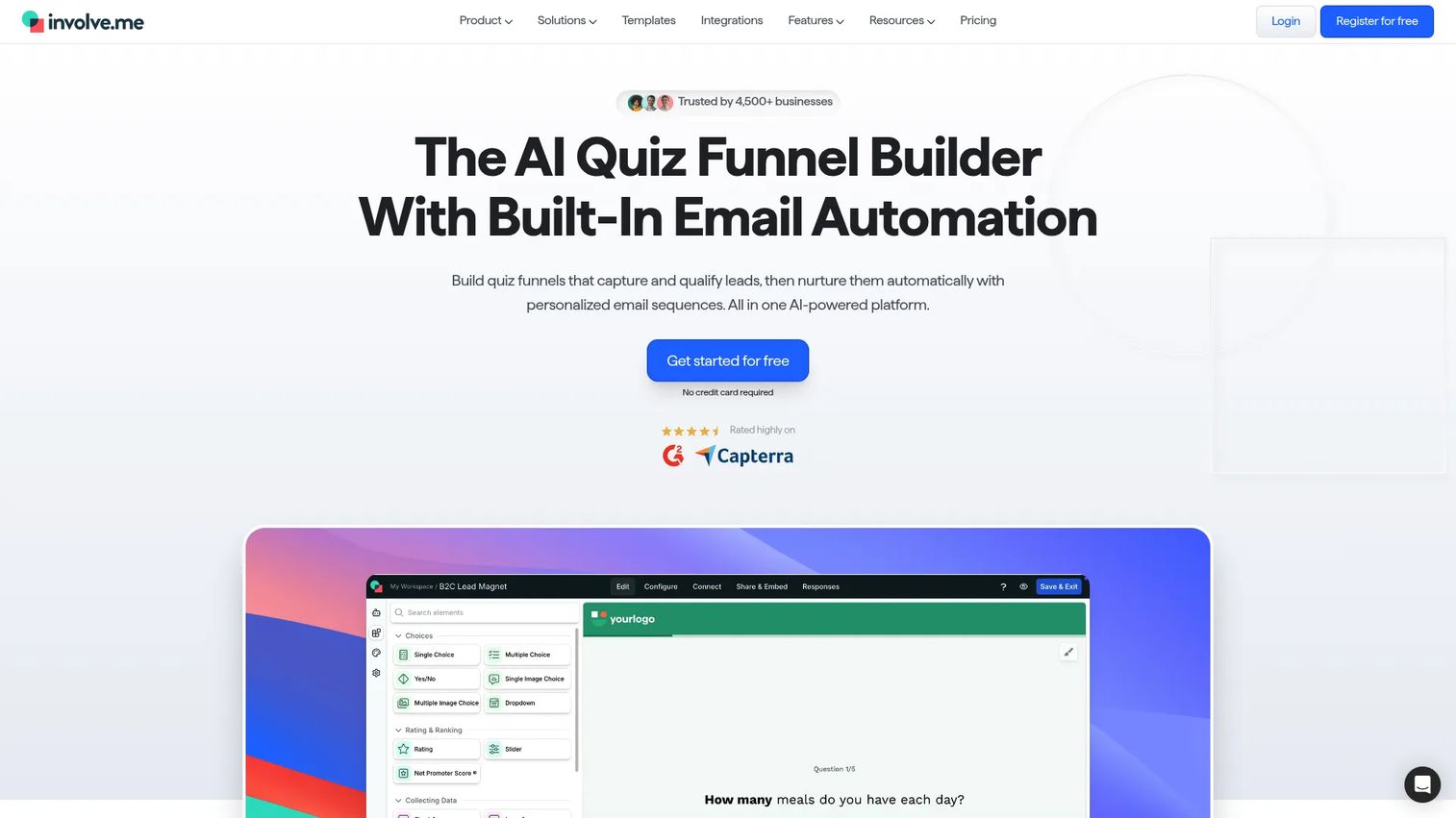
Involve.me treats quizzes as conversion funnels, not isolated widgets. You build a quiz, calculator, or form, add logic jumps that branch the path, score responses into outcomes, and trigger email automation from the same tool. That end-to-end flow is the appeal for marketers who want lead qualification and follow-up in one place.
The AI funnel builder speeds up creation, and the built-in email automation means a completed quiz can kick off a sequence without a separate ESP handoff. Embeds and results pages round it out as a no-code quiz funnel builder.
Best for: Marketers who want interactive quiz funnels with scoring and automated follow-up in one tool.
Key strengths
- AI funnel creation and editing
- Logic jumps and conditional branching
- Built-in email automation and workflows
- Scoring outcomes for lead qualification
- Embeds and personalized results pages
Why choose Involve.me: Choose Involve.me when you want the quiz and the follow-up in the same tool. Consolidating funnel logic, scoring, and email reduces the number of moving parts a small team has to maintain.
Involve.me pricing: Free plan available. Paid plans start at $49/month for Start, $99/month for Grow, and $199/month for Scale, with Enterprise from $499/month on annual contracts.
6. Fillout
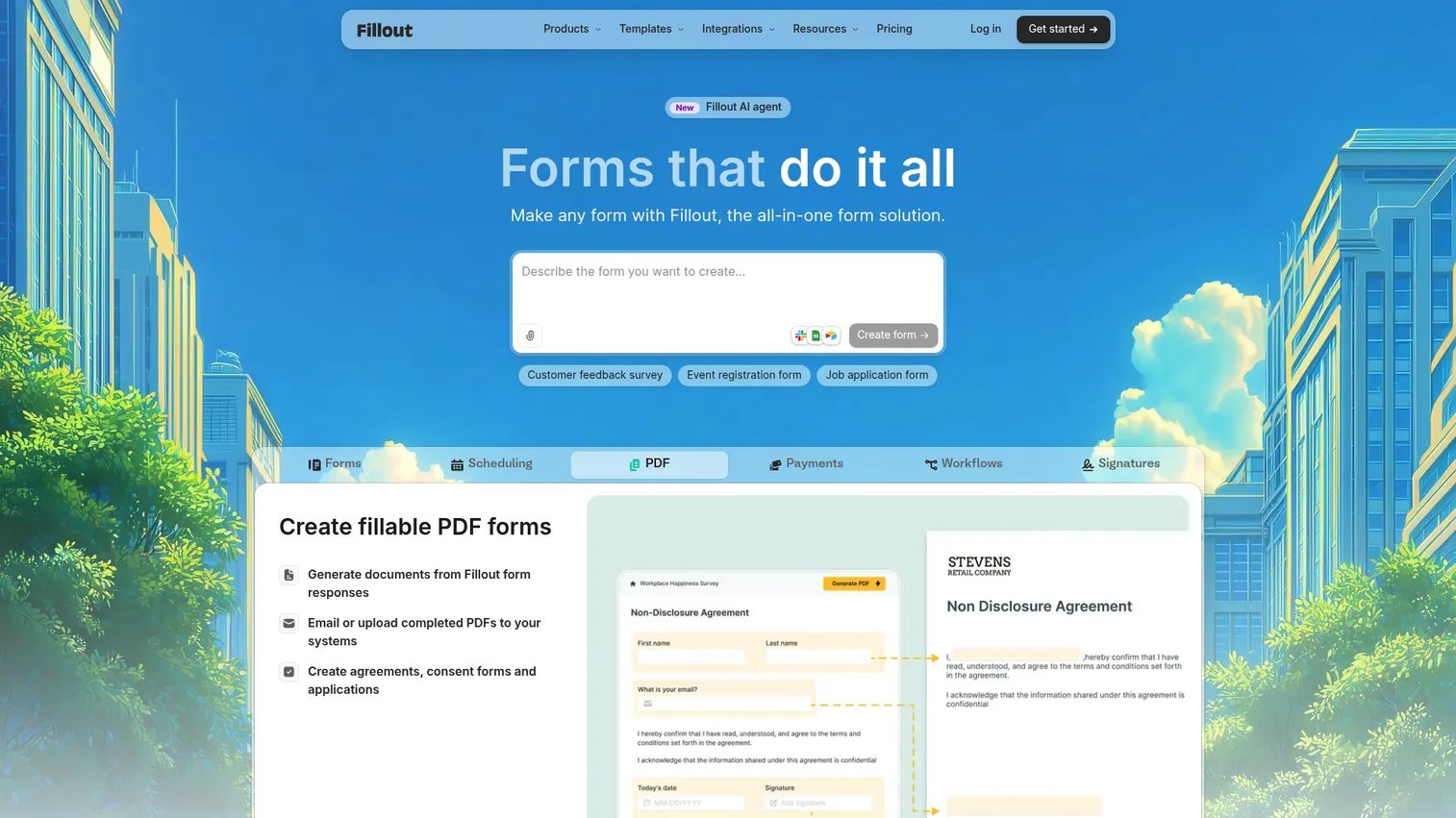
Fillout is a highly customizable form platform that handles quizzes through its logic and field system. With 50+ field types, custom branding, and integrations to apps and databases, it appeals to teams that outgrew a basic form tool and want more control over structure and data handling.
Quiz mode uses conditional logic and response handling to build scored or branching experiences. It is strongest for teams that value flexibility and want forms, quizzes, and workflows in one customizable builder rather than a marketing-first quiz template library.
Best for: Teams that need highly customizable forms and quizzes with workflows and integrations.
Key strengths
- 50+ field types for flexible builds
- Custom branding, themes, and custom domains
- Conditional logic for quiz and form paths
- Integrations with apps and databases
- Workflow handling for responses
Why choose Fillout: Choose Fillout when customization and control matter more than a marketing-specific quiz template gallery. It rewards teams willing to configure their own structure.
Fillout pricing: The publicly documented Team plan is $300/month or $3,000/year, bundling forms, apps, and databases with unlimited seats and priority support.
7. Opinion Stage
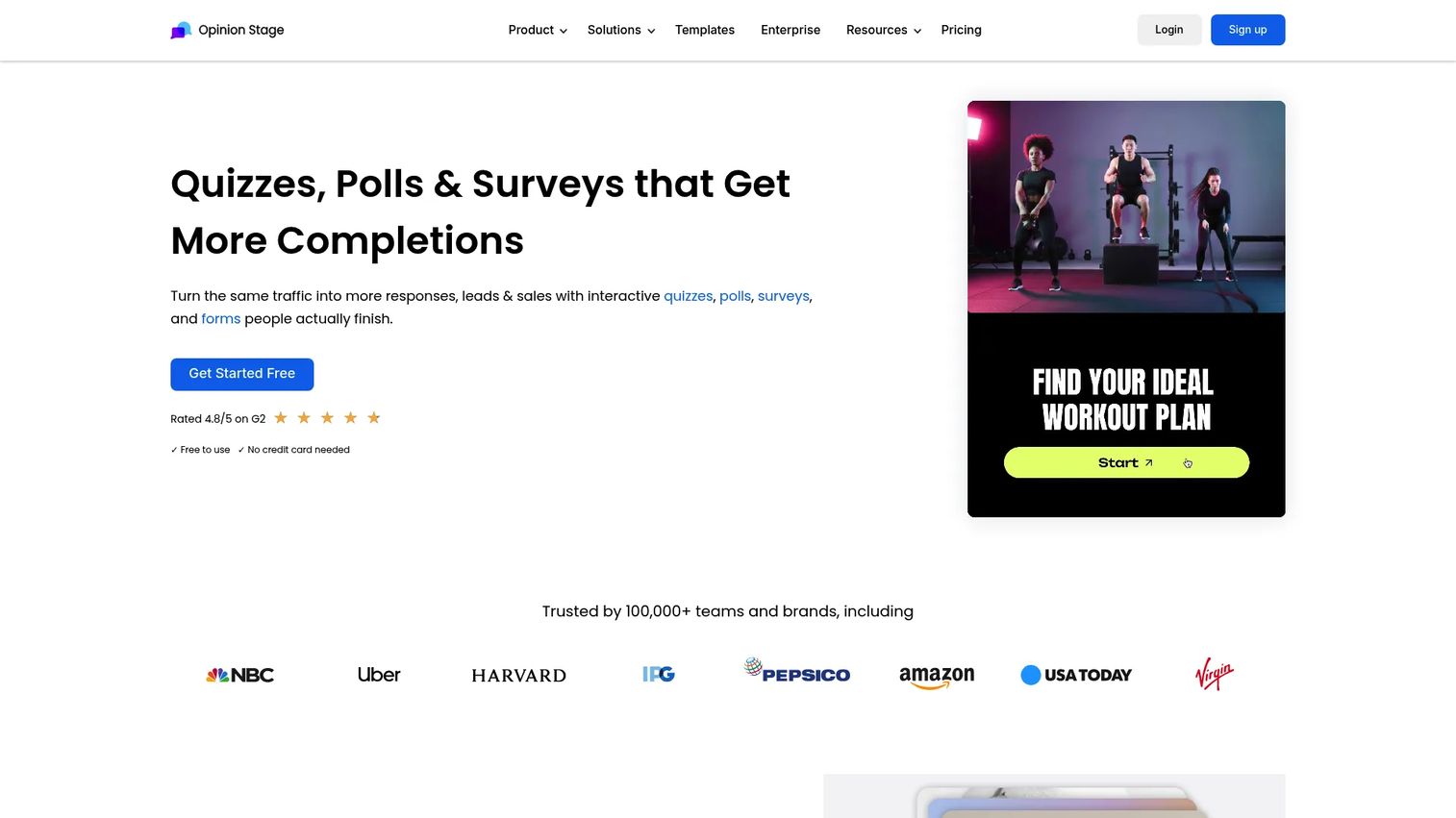
Opinion Stage is built for embedding interactive quizzes, polls, and surveys, which makes it a favorite for publishers and content marketers. One-question-at-a-time items, skip and branch logic, and AI-assisted creation cover the core quiz needs, and the embeds drop cleanly into WordPress and most CMS platforms.
Result mapping routes respondents to tailored outcomes, and built-in lead capture plus response analytics tie the quiz to measurable engagement. For teams that publish a lot and want quizzes inside articles and landing pages, the embed-first design fits the workflow.
Best for: Publishers and marketers who want interactive quizzes that embed easily on the web.
Key strengths
- One-question-at-a-time interactive items
- Skip and branch logic
- AI creation and templates
- Lead capture and response analytics
- Embeddable quizzes, polls, and surveys
Why choose Opinion Stage: Choose Opinion Stage when embeds and publishing are central to your motion. The WordPress-friendly design makes it the low-friction option for content-heavy sites.
Opinion Stage pricing: Free plan available. Pro is USD32/month or USD25/month billed yearly, Business is USD99/month or USD79/month yearly, and Enterprise is custom.
8. SurveyMonkey
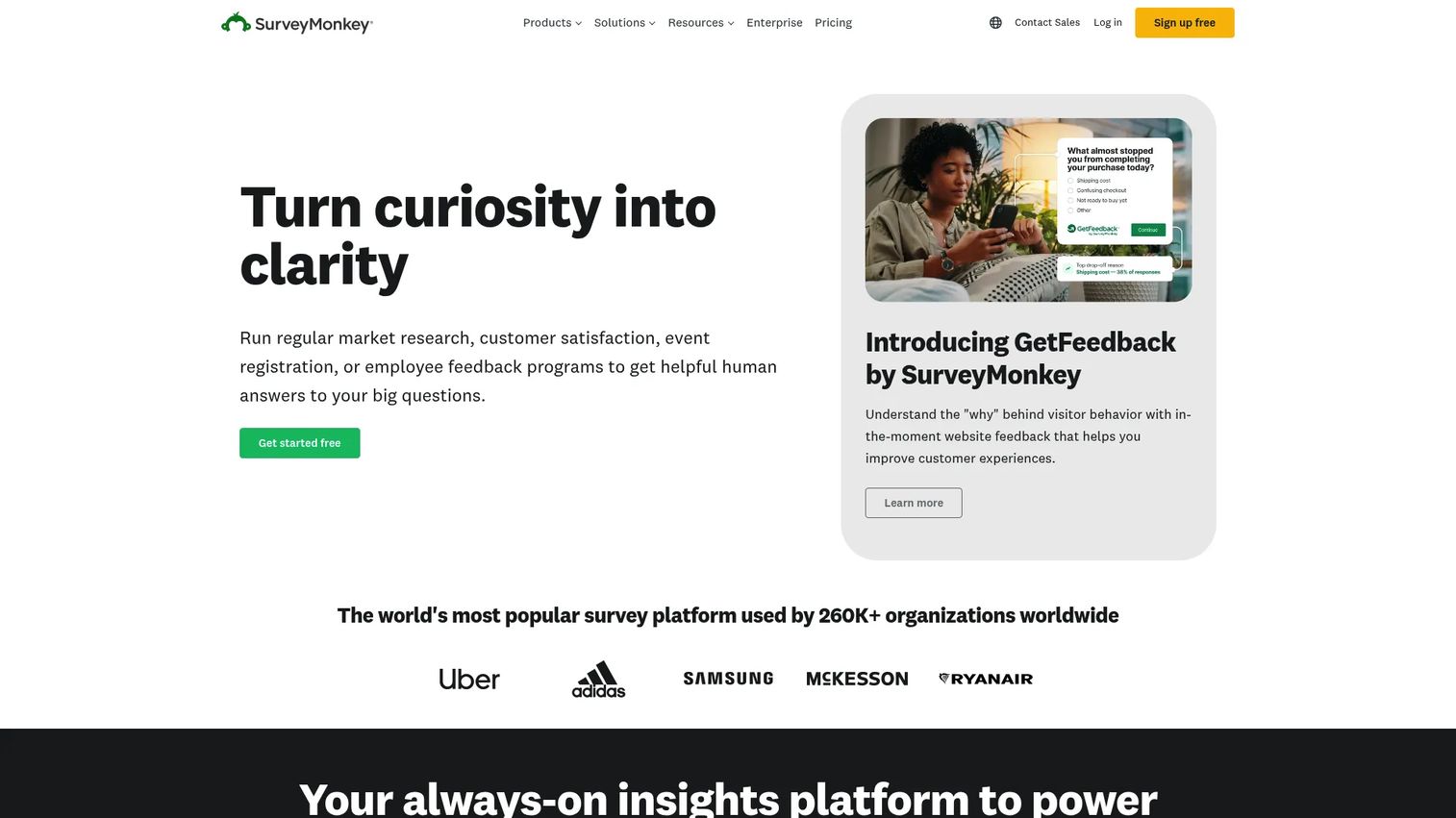
SurveyMonkey brings research depth to the list. It is best known for surveys and feedback, but its quiz mode and analytics make it a fit for teams that need both. If you already run surveys through it, adding quizzes keeps everything in one platform with consistent reporting.
The strength here is analytics and reporting rather than marketing-first quiz design. AI survey creation, distribution tools, and response analysis give research and ops teams the depth they expect. For pure lead-gen quizzes, a marketing-specific builder ships faster, but SurveyMonkey wins on breadth.
Best for: Teams that need market-research breadth alongside quiz creation.
Key strengths
- AI survey and quiz creation
- Survey distribution and response collection
- Analytics and reporting depth
- Consistent reporting across surveys and quizzes
- Broad question and format support
Why choose SurveyMonkey: Choose SurveyMonkey when research and feedback are a core need, not an afterthought. It suits teams that want quizzes without buying a separate research tool.
SurveyMonkey pricing: Basic is free. Standard Monthly is $99/month, Advantage Annual is $46/month ($552 billed annually), and Premier Annual is $139/month ($1,668 billed annually).
Considerations
Scoring and results
Not all scoring is equal. Some tools offer a single correct-answer toggle; others support weighted answers that map to distinct outcome pages. Check whether you can assign point values, route results based on ranges, and personalize the end screen with a CTA. If your quiz feeds sales, result routing is the feature that turns a quiz into a qualification step.
Free-plan limits
The quiz maker free tier is where tools diverge most. Compare monthly response caps, whether the free plan forces vendor branding, and what features sit behind the first paid gate. A free plan that caps you at a low submission count or strips lead capture is fine for testing but rarely fine for a live campaign. Read the free-plan limits before you build.
Integrations and automation
A quiz that captures leads into a spreadsheet is a half-built workflow. Look for native CRM, email, and calendar integrations, plus Zapier and webhook support for anything not covered natively. Automation matters here: the fewer manual exports between the quiz and your stack, the fewer places the handoff can break.
Design and customization
Evaluate templates, brand controls, embed flexibility, and mobile behavior. Most traffic is mobile, so test how the quiz renders on a phone before you launch. Custom domains and watermark removal usually sit on paid tiers, so confirm what your plan includes.
Analytics and exports
Quiz analytics separate a guess from a decision. Look for response tables, CSV exports, completion rates, and drop-off tracking so you can see which question loses people. Funnel-level data tells you where to fix the quiz, not just how many finished it.
Conclusion
The best quiz maker software depends on the job, not the feature count.
If lead generation and segmentation are the point, Interact is the most direct fit. If your team already designs everything in Canva, its quiz creation ships branded quizzes fastest. For live webinars and training, Mentimeter owns real-time engagement. Typeform wins on conversational polish and automation, while Involve.me consolidates quiz funnels and email follow-up in one tool.
For customization and control, Fillout gives you the most structural flexibility. Opinion Stage is the low-friction choice for publishers who embed everywhere. And SurveyMonkey suits teams that need research and analytics depth alongside quiz mode.
Next step: shortlist the two tools that match your primary use case, then build the same quiz in both on their free plans. Ship it, watch the completion and lead-capture numbers, and let the analytics pick the winner. The right lead generation quiz tool is the one that gets a scored, segmented quiz live and syncing to your stack without a fight.
FAQs
For lead generation specifically, tools with scoring, native lead capture, and CRM integrations tend to win. Interact and Involve.me are built around this workflow, letting you segment respondents before capturing an email and route leads based on answers. The best pick is the one whose scoring and integrations match your funnel.
It depends on what you need from a quiz maker free tier. Compare monthly response caps, whether the free plan forces vendor branding, and whether lead capture is included. Interact, Typeform, Mentimeter, Opinion Stage, and SurveyMonkey all offer free plans, but the caps and branding rules differ, so match the limits to your campaign volume.
Yes. Most quiz software supports inline embeds, popups, shareable links, and full-page hosting. Quiz embeds matter most for publishers and content marketers who place quizzes inside articles and landing pages. Opinion Stage and Typeform are known for clean embeds, and Canva makes it easy to drop branded quiz visuals into a design.
Scoring assigns point values or weights to answers, and those points map to outcome pages. A personality quiz routes to a matched result, while a scored assessment produces a number or grade. Conditional logic can branch the path mid-quiz, and results pages then show a tailored outcome, redirect, or CTA based on how the person scored.
Look for native CRM sync (so leads land in your pipeline), email platform integrations (to trigger nurture flows), and calendar tools (to book qualified prospects). Zapier and webhook support cover anything not native. The goal is fewer manual exports, so the handoff from quiz to stack does not break.
Yes. Beyond a lead generation quiz, teams use quiz makers for live event and webinar engagement, employee training and knowledge checks, ecommerce product recommendations, and customer segmentation. Mentimeter fits live engagement, SurveyMonkey fits research, and recommendation quizzes suit ecommerce and coaching.
No. Every tool here is a no-code online quiz builder with drag-and-drop creation and templates. You only need technical help for advanced custom embeds, custom CSS styling, or a webhook integration that is not covered natively. For a standard scored or lead-gen quiz, no code is required.
Watch response caps, forced vendor branding, limited quiz analytics, and hidden upgrade gates. A free plan that caps submissions low or strips lead capture works for testing but stalls a live campaign. Check what sits behind the first paid tier, especially custom domains, watermark removal, and CRM integrations, before you commit.