You built the processes. You documented the SOPs. Six months later, onboarding still needs a founder voice note, approvals still live in Slack, and the checklist nobody reads is still the source of truth. The right process street alternatives don't just replace a tool. They replace the dependency.
This guide covers 13 options across five distinct categories: Recurring workflow execution (Tallyfy, Pipefy), SOP and training (Trainual, SweetProcess), work management (ClickUp, monday.com, Asana, Smartsheet), automation and integration (Zapier, Kissflow, ProcessMaker, Appian), and software training (Guideflow). The list is segmented by job, so you can pick based on the problem you need to solve, not just features.
For the software training layer, Guideflow is the top pick. It turns a process step into an interactive demo a team member can click through, rather than a paragraph they skim.
TL;DR
- Best for recurring workflow execution: Tallyfy. Use it when the team needs assignments, handoffs, and a record that the process ran.
- Best for employee onboarding and SOP training: Trainual. G2 rates it 4.7/5 from over 1,000 reviews.
- Best for request and approval workflows: Pipefy. Free Starter plan available; paid tiers require a quote.
- Best work management replacement: ClickUp (free plan available, paid from $9/user/month) or monday.com ($9/seat/month billed annually).
- Best software training layer: Guideflow. Use it when the checklist step needs a clickable software demo, not another paragraph. Tracks step-level completion and drop-off.
- Best automation layer: Zapier. Free plan includes 100 tasks/month; Professional from $19.99/month.
- Best enterprise BPM: Appian or ProcessMaker. Both require a quote. Appian offers a free Community Edition for evaluation.
What's inside
- Why teams leave Process Street and what problem they're actually solving
- A category breakdown so you can match tool to job
- A 13-tool comparison table with G2 ratings, free plans, and starting prices
- Full tool cards with pricing and limitations
- Use-case routing for recurring workflows, SOPs, approvals, training, and free options
- FAQ for SaaS founders choosing a scalable operating system
What is Process Street?
Process Street is workflow and checklist software for recurring business processes. Teams use it to build repeatable SOPs, run checklists, assign tasks, collect form data, trigger conditional logic, and track whether a workflow ran from start to finish.
It sits in the category of checklist software and workflow management software. Its strongest use cases are compliance-driven processes, operational onboarding, approval chains, and any work where a team needs proof that a defined sequence happened.
Key strengths grounded in its positioning:
- Recurring workflow execution with task assignments and due dates
- Conditional logic and form fields embedded in process runs
- SOP documentation that doubles as a live checklist
- Audit trail for compliance and governance needs
Process Street typically enters the stack when teams outgrow Notion docs and spreadsheets and need something that proves work moved, not just that it was written down.
Why teams look for Process Street alternatives
Teams usually look for process street alternatives when their operating problem has outgrown a checklist tool, or when they need a more specialized system for a narrower job.
Pricing becomes harder to defend at scale
Process Street pricing scales per user. For a small operations team running a handful of weekly SOPs, the cost is easy to justify. For a 50-person Series B company where every department touches the tool, the seat math changes quickly. Founders start asking whether the per-process cost holds up against adoption rates.
The team needs proof the process ran, not just documentation
Some teams discover that Process Street helps them write the process but doesn't create the accountability structure they need. Assignments, deadline enforcement, and workflow-run visibility require deliberate configuration. G2 reviewers mention that setting up complex conditional logic can feel time-consuming relative to the output.
SOPs are written, but people still don't follow them
Dense written SOPs fail when the step involves navigating unfamiliar software. A new hire reads "update the account settings in the CRM" and still needs to ask someone where to click. This is the gap Guideflow addresses: It replaces the written instruction with an interactive demo people can follow at their own pace.
Approvals and handoffs need stronger routing
Finance, HR, RevOps, and customer onboarding all require multi-step approvals with conditional routing and data capture. G2 reviewers note that Process Street's native approval logic works for simple cases but can require workarounds for complex cross-department routing. Tools like Pipefy and Kissflow were built specifically for this problem.
Enterprise operations need a different foundation
Companies with compliance requirements, complex system integrations, and dedicated operations teams eventually outgrow SOP-first checklist tools. ProcessMaker and Appian serve this segment, though they bring implementation complexity that most Series B companies don't need yet.
How we picked these Process Street alternatives
Each tool was selected based on its fit for a Process Street switcher: Does it cover the same job, or does it cover a job the original tool couldn't reach? Pricing figures come from each vendor's pricing page. Ratings come from G2. Limitations are drawn from G2 reviewer themes.
The list spans four categories: Workflow execution, SOP and training, work management, and workflow automation. Guideflow sits in a fifth category, software training, because it addresses a gap none of the other tools fill. Nearly 60% of companies implemented technology to automate employee tasks in the past year, according to The CFO Survey from Duke University and the Federal Reserve Banks of Richmond and Atlanta (2026). The right stack depends on identifying the exact job before choosing the tool.
Process Street alternatives at a glance
Guideflow leads as the software training layer. Tallyfy is the closest direct replacement for recurring workflow execution. For work management, ClickUp and monday.com cover the most ground. The table below labels each tool by category so you can skip to the rows that match your problem.
| Tool | Category | Best for | G2 rating | Free plan | Starting price |
|---|---|---|---|---|---|
| Guideflow | Demo automation | Software training inside process steps | 5.0/5 | Yes | $35/user/month (annual) |
| Tallyfy | Workflow execution | Recurring processes and handoffs | 4.9/5 | No (14-day trial) | $100/user/year (Light Seat) |
| Trainual | SOP and training | Employee onboarding and role training | 4.7/5 | No | Contact sales |
| Pipefy | Workflow automation | Requests, approvals, and process routing | 4.6/5 | Yes | Free (Starter); paid tiers by quote |
| ClickUp | Work management | Teams replacing checklists with broader work ops | 4.6/5 | Yes | $9/user/month (annual) |
| Kissflow | Low-code workflow | Business process apps and approvals | 4.3/5 | No | Custom pricing |
| monday.com | Work management | Visual operations tracking | 4.7/5 | Yes | $9/seat/month (annual) |
| Asana | Project management | Cross-functional work coordination | 4.4/5 | Yes | $10.99/user/month (annual) |
| SweetProcess | SOP documentation | Repeatable process documentation | 4.3/5 | No (14-day trial) | $495/year (up to 5 users) |
| Smartsheet | Work management | Spreadsheet-style workflow control | 4.4/5 | No | $9/member/month (annual) |
| Zapier | Automation | Connecting process tools across the stack | 4.5/5 | Yes | $19.99/month (Professional) |
| ProcessMaker | BPM software | Enterprise workflows and approvals | 4.3/5 | No | Custom pricing |
| Appian | Enterprise BPM | Complex process automation at scale | 4.5/5 | Yes (Community Edition) | Custom pricing |
The best Process Street alternatives in 2026
1. Guideflow (demo automation)
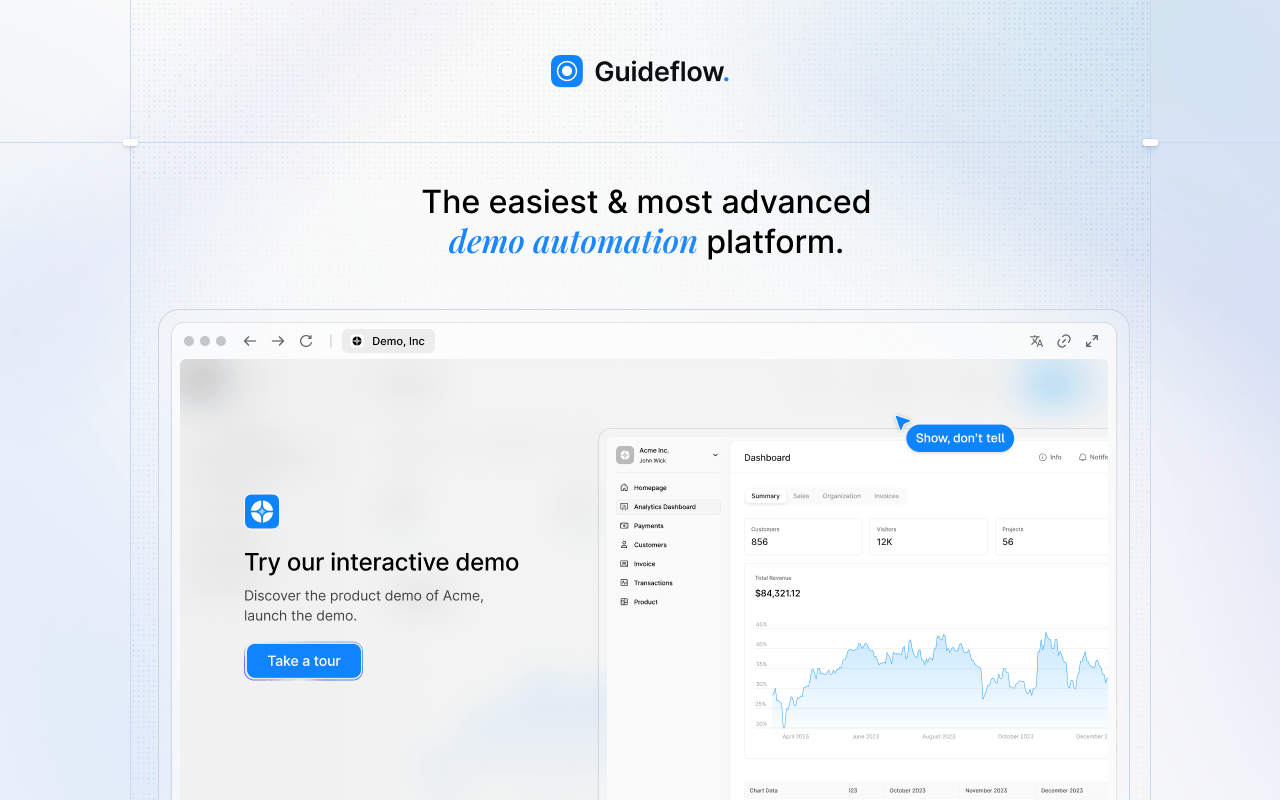
Guideflow is the software training layer that Process Street and similar tools leave unaddressed. When a checklist step says "configure the pipeline stage" or "update the customer record," Guideflow turns that instruction into an interactive demo people click through rather than read. It doesn't manage recurring assignments or prove workflow completion. It makes the step learnable.
Best for: SaaS teams whose recurring processes depend on people following steps inside a CRM, admin panel, support tool, or internal product.
What it is: Guideflow is a demo automation platform for creating interactive demos from live product screens. Capture runs through the Chrome extension or the native app using screenshot, HTML, or video modes. Step content and CTAs are written automatically. Teams have used it to build training for onboarding, internal SOPs, help documentation, and customer education across more than 500,000 guideflows created.
Key features:
- Interactive demos captured through the Chrome extension or native app
- Screenshot, HTML, and video capture modes
- Step-level completion tracking and drop-off analytics via the analyze feature
- Personalization of text, images, and graphs per viewer or role
- Integrations with HubSpot, Salesforce, Pipedrive, Zoho, and Marketo
Where Guideflow falls short: Guideflow does not replace a workflow execution tool. It has no recurring task assignments, no approval routing, and no audit trail for compliance proof. Teams that need to prove a process ran, with timestamps and task owners, need a dedicated workflow tool alongside it.
Pricing: Free plan available. Solo: $35/user/month. Growth: $499/month. Advanced: $1,499/month. Enterprise: From $2,999/month. All prices are annual rates.
G2 rating: 5.0/5
How it compares to Process Street: Process Street runs the checklist. Guideflow teaches the step inside it. Use Guideflow when the SOP instruction points to a software task and a paragraph of text isn't enough for a new hire to execute it without help.
Start your journey with Guideflow today!
2. Tallyfy (workflow execution)
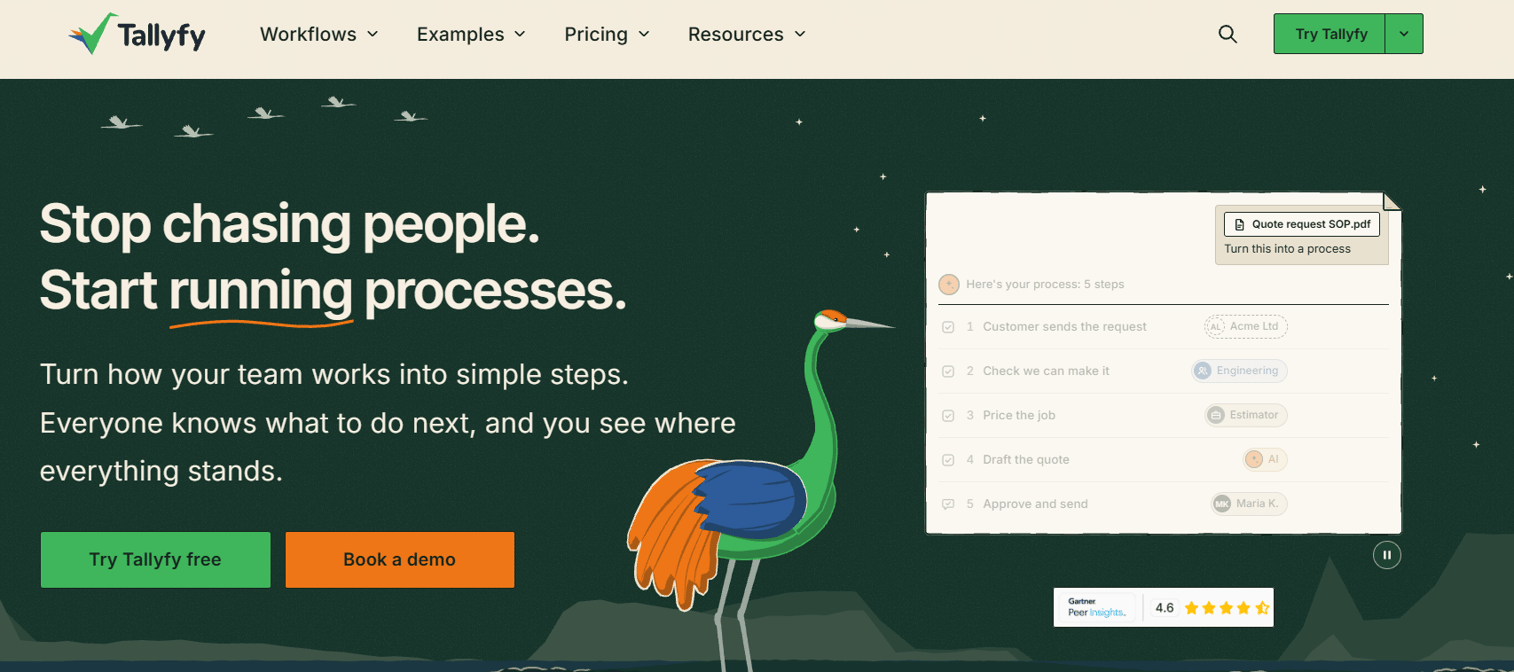
Tallyfy is the closest direct replacement for recurring workflow execution. It was built specifically for the job Process Street does: Standardize repeatable processes, assign tasks to owners, track handoffs, and generate evidence that work moved through a defined sequence.
Best for: Ops teams running customer onboarding, finance approvals, HR workflows, and internal recurring processes where someone needs to know what ran and what didn't.
What it is: Tallyfy is workflow and process management software for building, automating, tracking, and improving repeatable business processes. It supports conditional logic, approval workflows, dynamic forms, and deadline management. Full Seats can create and edit templates; Light Seats complete assigned tasks, which helps manage seat costs when most of the team only executes rather than builds.
Key features:
- Visual process builder with conditional logic and approval routing
- Task assignments with deadline management and reminders
- Dynamic forms embedded in process runs
- Real-time process tracking and analytics
- 14-day trial included
Where Tallyfy falls short: G2 reviewers note that the reporting depth can feel limited for teams wanting detailed workflow analytics. Some reviewers mention the UI takes time to learn when setting up more complex templates. Integration options are narrower than broader work management platforms.
Pricing: Light Seat: $100/user/year. Full Seat: $300/user/year. A Data Feed analytics add-on costs an additional $20/seat/year. No permanent free tier; a 14-day trial is available.
G2: 4.9
How it compares to Process Street: Tallyfy and Process Street cover the same core job. The main distinction is Tallyfy's separation between Full and Light Seats, which changes the per-user economics for teams where most users only run processes rather than build them.
3. Trainual (SOP and training)
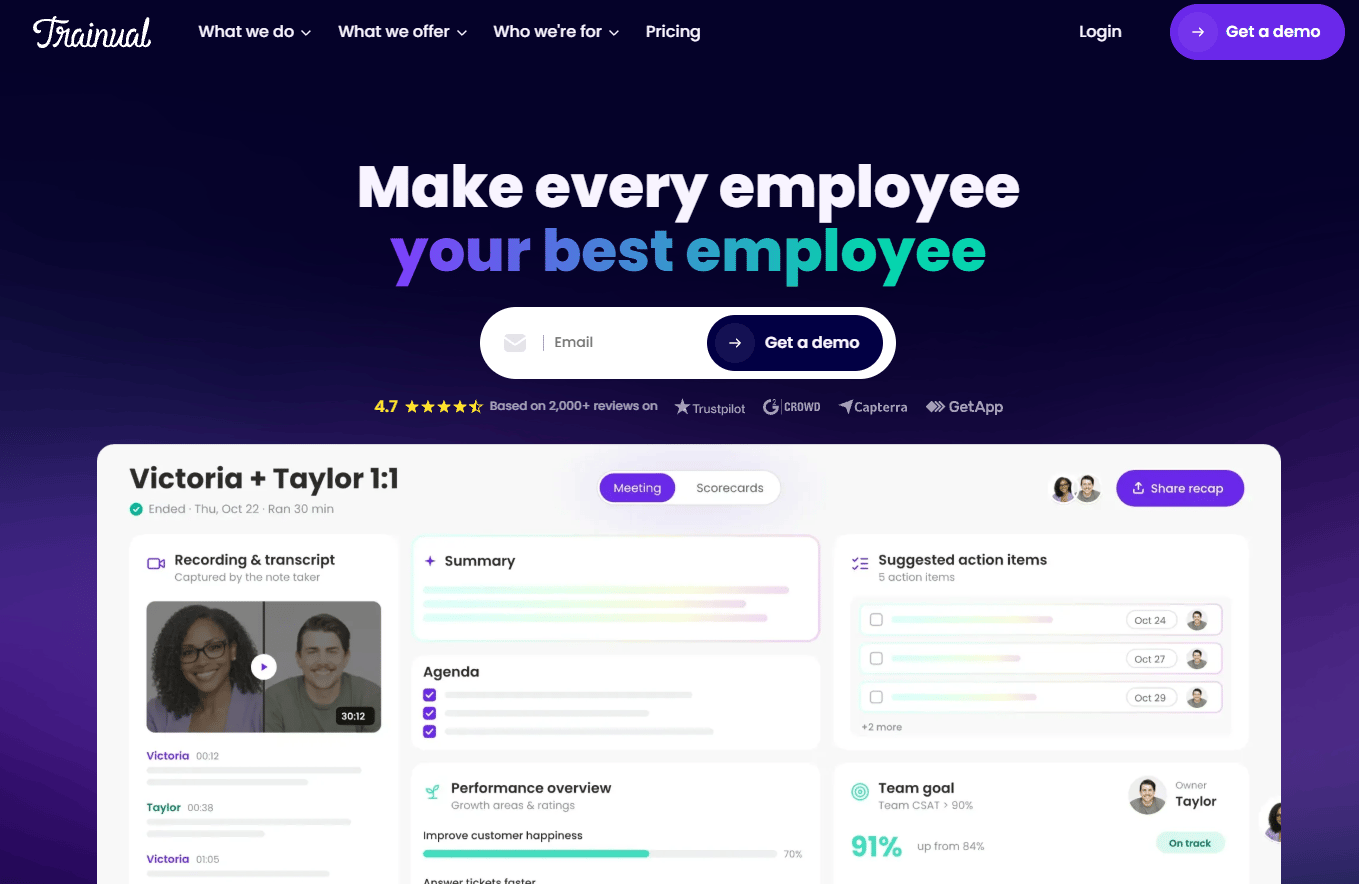
Trainual approaches the SOP problem from the training angle rather than the execution angle. Where Process Street runs a checklist, Trainual ensures people understand the company's processes, policies, and roles before they touch any checklist at all.
Best for: Growing companies that need new hires to ramp without founder involvement, and where the knowledge gap is role clarity and policy understanding rather than task execution.
What it is: Trainual is training, operations, and performance software for standardizing work and tracking accountability. It organizes knowledge by role, department, and responsibility, and supports quizzes and knowledge checks to confirm comprehension. With a 4.7/5 rating on G2, it's one of the stronger-reviewed tools in this list.
Key features:
- Role-based training paths organized by department and responsibility
- SOP, policy, and procedure documentation with version control
- Quizzes and knowledge checks for comprehension tracking
- Completion tracking and reporting by employee
- AI-powered knowledge search
Where Trainual falls short: Trainual is not a workflow execution engine. It documents and trains; it doesn't assign tasks with due dates or generate an audit trail of completed process runs. G2 reviewers note that pricing visibility is limited since no public figures are displayed, which complicates budget planning before a sales conversation.
Pricing: Contact Trainual directly for current figures.
G2 rating: 4.7/5
How it compares to Process Street: Trainual replaces the documentation and training function. If the team's core pain is "people don't understand what they're supposed to do," Trainual addresses that. If the pain is "tasks aren't getting assigned and completed," a workflow execution tool is the right fit instead.
4. Pipefy (workflow automation)
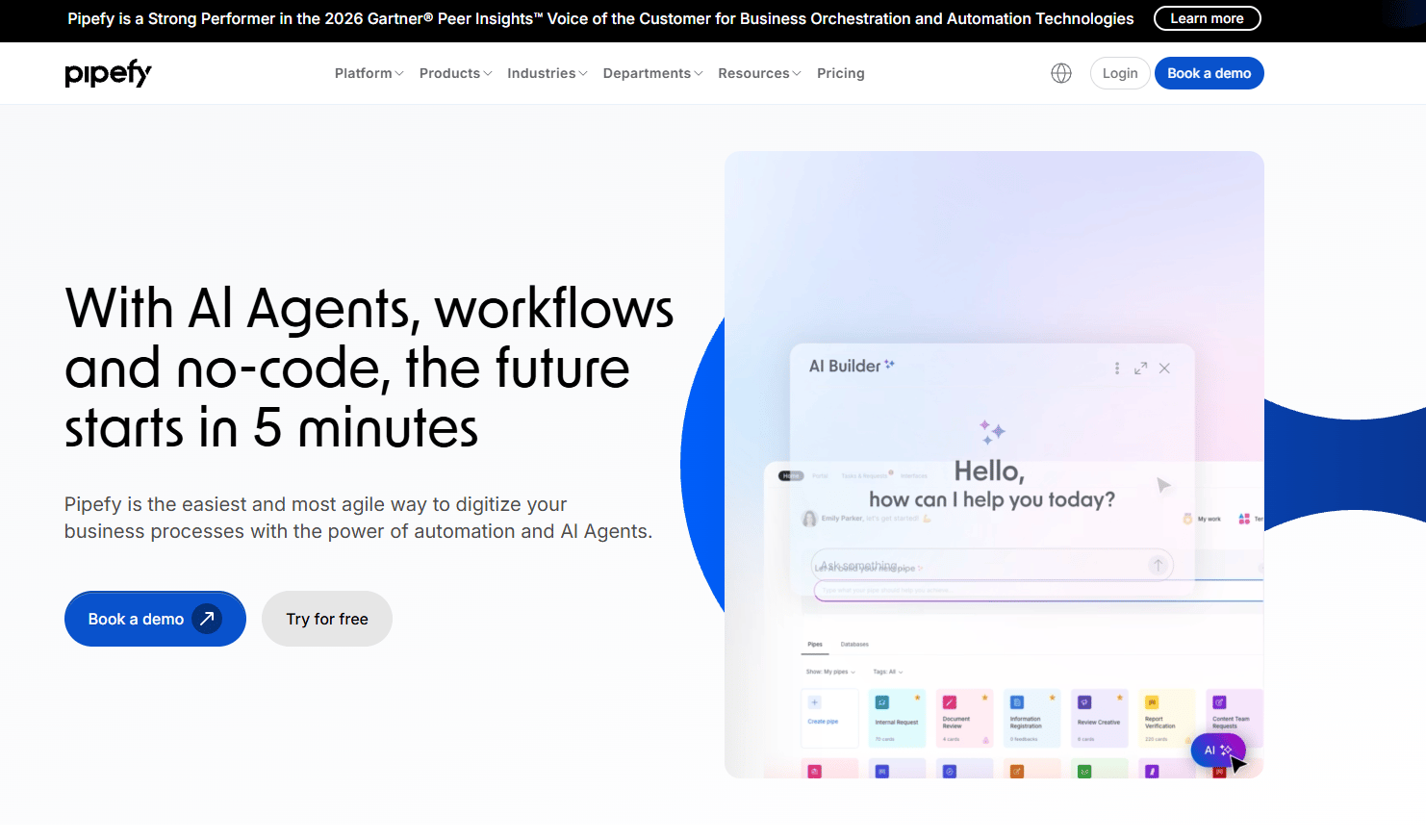
Pipefy takes a request-and-approval approach to processes. Instead of building a checklist someone runs top to bottom, teams configure intake forms and pipeline-style stages that move work through approvals and routing logic.
Best for: Finance, HR, RevOps, and ops teams running structured intake requests, procurement approvals, and cross-department handoffs with conditional routing.
What it is: Pipefy is a no-code business process automation platform for building, automating, integrating, and measuring workflows. It uses Kanban-style stages, conditional logic, SLA management, and AI-powered process building. A free Starter plan supports up to 5 processes and 10 users, with paid tiers adding unlimited processes, API access, and enterprise security.
Key features:
- Form-based request intake and portal
- Kanban pipeline stages with conditional routing
- Approval flows and SLA management
- Automation with integrations including Zapier and native connectors
- Role-based permissions and 256-bit encryption
Where Pipefy falls short: G2 reviewers note a steeper learning curve when configuring complex automations, and some mention that reporting is less intuitive than expected. Business and Enterprise tiers require a quote, so cost is harder to plan without a sales call.
Pricing: Starter: Free (up to 5 processes, 10 users). Business and Enterprise: Contact sales for pricing.
G2 rating: 4.6/5
How it compares to Process Street: Pipefy is stronger for request-driven work where the trigger is an intake form and the output is a decision or approval. Process Street works better for top-to-bottom procedural checklists where every step runs in sequence regardless of input.
5. ClickUp (work management)
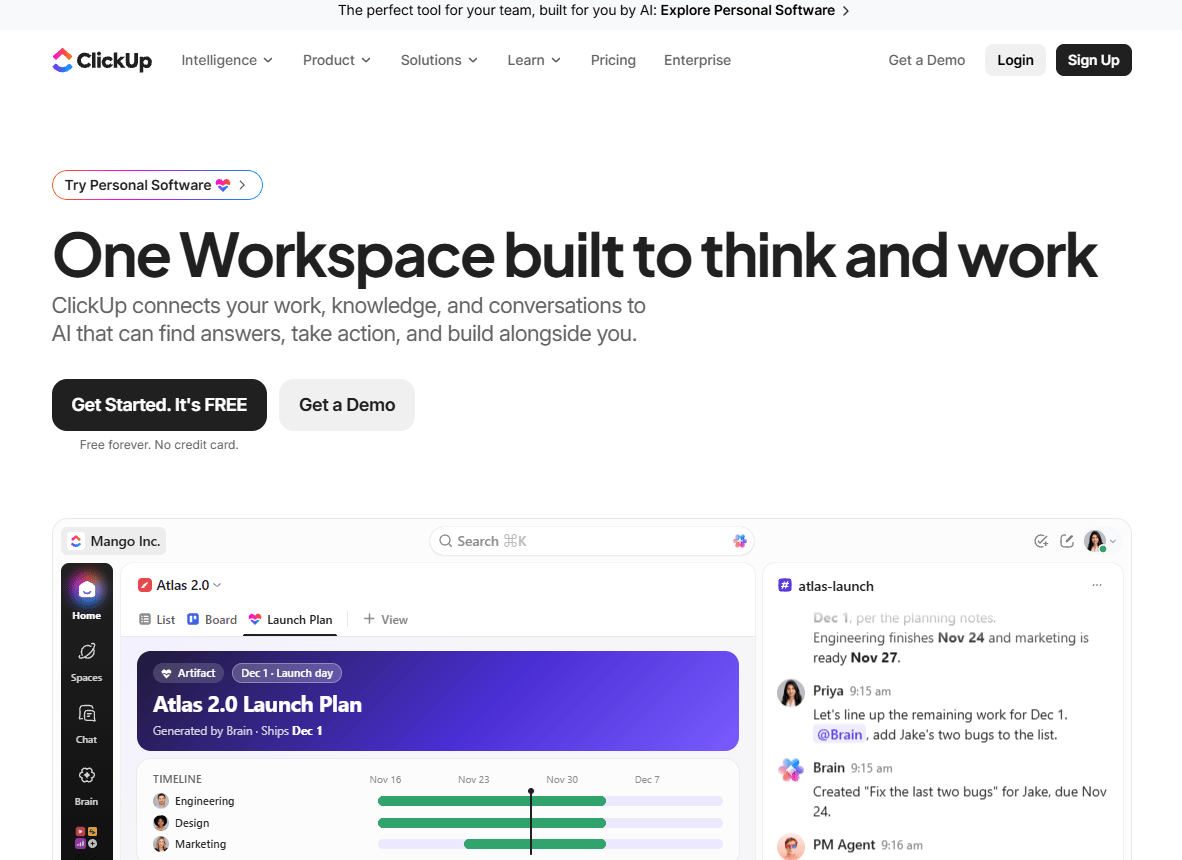
ClickUp is the consolidation bet. It doesn't specialize in SOP execution or approval routing. It offers tasks, docs, dashboards, automations, and multiple work views in a single workspace, so teams can migrate scattered operations rather than add another point tool.
Best for: Teams wanting to replace checklists, project tracking, and documentation with a broader work management platform, without buying separate tools for each function.
What it is: ClickUp is a work management platform combining tasks, documents, dashboards, collaboration, and AI in one workspace. It supports task templates, SOP storage in Docs, automations, goal tracking, and multiple view types including Kanban and Gantt. A Free Forever plan is available, with paid plans adding automations, dashboards, and resource management.
Key features:
- Task management with custom statuses, checklists, and multiple views
- Docs and wikis for SOP storage, with nested pages and exports
- Automations for routing, reminders, and status changes
- Dashboards with reporting cards and sprint reports
- Free Forever plan with core features
Where ClickUp falls short: G2 reviewers consistently flag performance issues under heavy load and notification overload for teams with many active workspaces. The platform's breadth is also its main configuration burden: Getting it right takes deliberate setup, and teams often find they're managing ClickUp rather than using it. Some reviewers mention the mobile experience lags the desktop.
Pricing: Free Forever: $0. Core: $9/user/month (annual). Business: $17/user/month (annual). Max: $100/user/month (annual). Enterprise: Custom pricing.
G2 rating: 4.6/5
How it compares to Process Street: ClickUp is broader and less specialized. For founders who want operations, documentation, and project work in one place, it's a consolidation play. For founders who need specifically recurring process accountability with proof of completion, a dedicated workflow tool covers that job more directly.
6. Kissflow (low-code workflow)
Kissflow sits at the intersection of workflow automation and application development. It's designed for ops and IT teams that need configurable business process apps without building from scratch or waiting on engineering.
Best for: Enterprises and mid-market ops teams that need governed, configurable workflow applications across multiple departments, with access controls and reporting built in.
What it is: Kissflow is an enterprise platform for building, running, and governing AI-powered applications, workflows, and business processes. It includes a no-code and low-code app builder, approval workflows, forms, boards for project and case management, and no-code integrations. Pricing is quote-based; no public figures are listed on the pricing page.
Key features:
- AI-powered no-code/low-code app builder
- Approval workflows with conditional routing
- Forms and reporting with access controls
- Boards for project, ticket, and case management
- Enterprise governance and security
Where Kissflow falls short: G2 reviewers note that setup complexity scales quickly as workflow logic gets more involved, and customer support responsiveness is a recurring theme in negative reviews. Because pricing is entirely quote-based, budget planning requires a sales engagement from the start.
Pricing: Custom pricing.
G2 rating: 4.3/5
How it compares to Process Street: Kissflow is stronger for custom workflow applications where the team needs something purpose-built rather than a generic checklist runner. It's heavier infrastructure than most Series B teams need unless the operations complexity justifies it.
7. monday.com (work management)
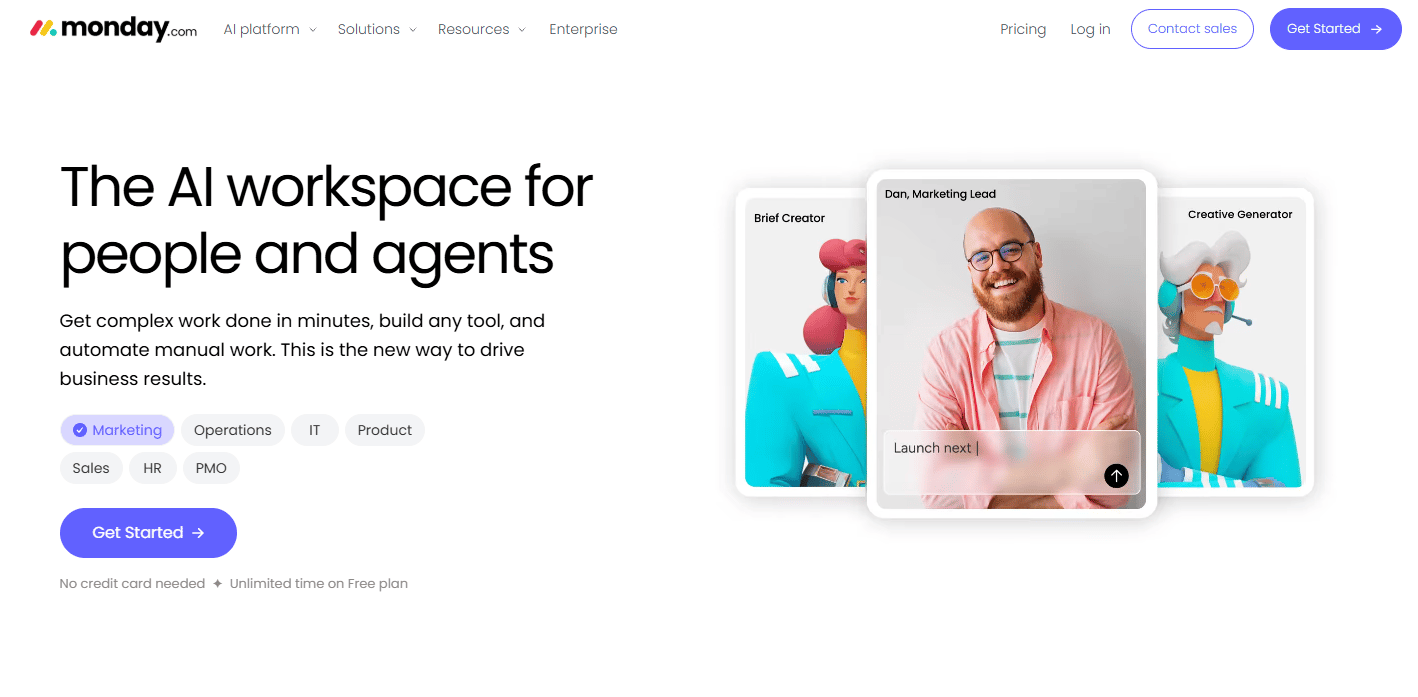
monday.com gives new leaders a shared operating rhythm quickly. Its board-based interface makes cross-functional visibility accessible without heavy configuration, which is why it often wins when a new VP needs something on day one.
Best for: Teams wanting visual cross-department operations tracking with automations, dashboards, and integrations, without a steep setup cost.
What it is: monday.com is an AI work platform for teams and agents to run projects, processes, sales, service, and other organizational workflows. It supports customizable boards, automations, timeline views, dashboards, and AI-powered workflow tools. A free plan covers up to two seats; paid plans start at $9/seat/month billed annually.
Key features:
- Customizable boards and work management with multiple view types
- Automations and integrations across the tool stack
- Timeline and Gantt views for project tracking
- Dashboards and reporting
- AI agents and AI-powered workflow tools
Where monday.com falls short: G2 reviewers mention that pricing complexity increases significantly at scale, since minimums and seat counts can push costs higher than initial estimates. Notification overload is a common complaint. Some reviewers note that advanced workflow automation requires higher-tier plans that aren't always obvious at the start.
Pricing: Free: $0 (up to 2 seats). Basic: $9/seat/month (annual). Standard: $12/seat/month (annual). Pro: $19/seat/month (annual). Enterprise: Custom pricing.
G2 rating: 4.7/5
How it compares to Process Street: monday.com is stronger for operational visibility and cross-team coordination. It's less specialized for SOP-driven checklist execution and doesn't generate the same kind of workflow-run audit trail that compliance-focused teams need.
8. Asana (project management)
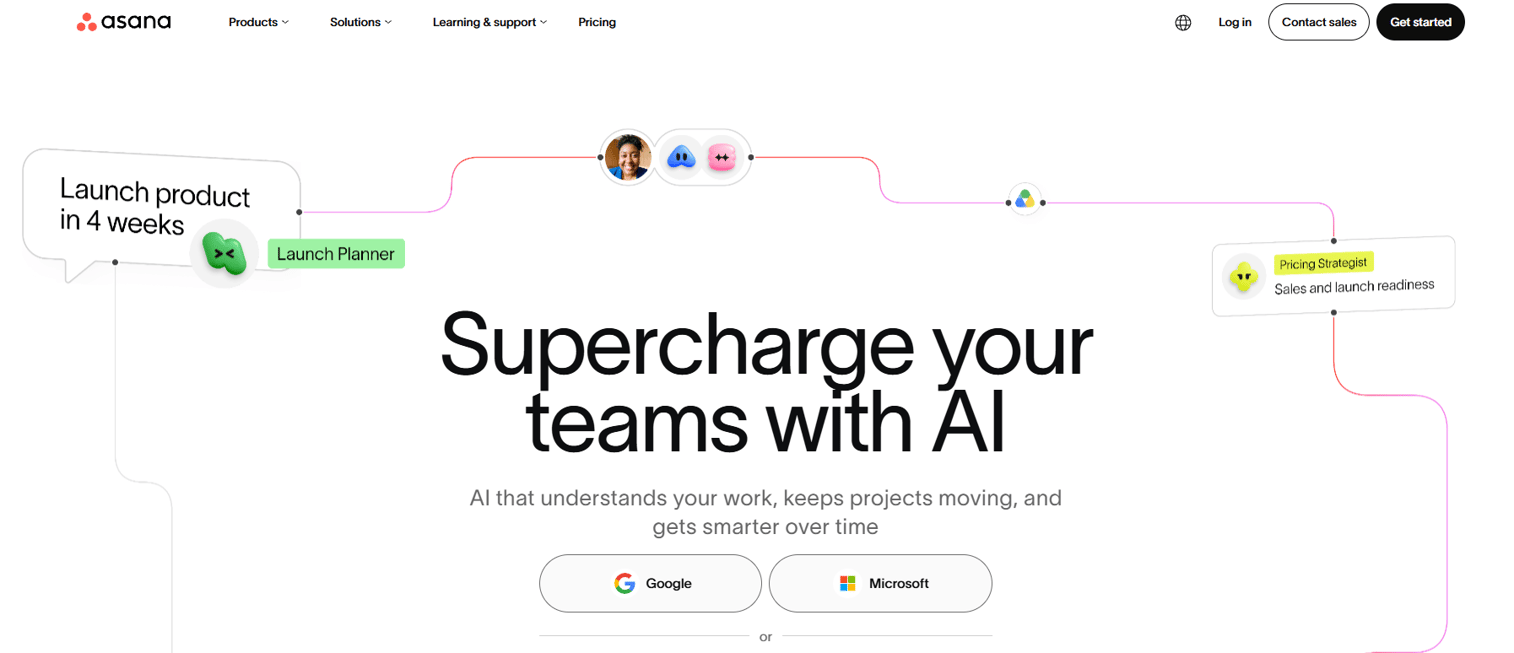
Asana works best when processes are tied to projects rather than recurring operational checklists. For founders who want "who owns this and when does it close," Asana is a natural fit.
Best for: Cross-functional teams managing interdependent projects, recurring work, and organizational goals where task dependencies and clear ownership matter.
What it is: Asana is a work management platform for organizing, tracking, and executing projects, tasks, workflows, and goals. It supports project templates, task dependencies, rules and automations, goals and portfolios, and forms. A free Personal plan covers basic work management; paid plans add automation, goals, resource management, and approvals.
Key features:
- Projects and tasks with dependencies, custom fields, and multiple views
- Workflow automation rules and form intake
- Goals and portfolio tracking
- Approvals on paid tiers
- Free Personal plan for individuals and small teams
Where Asana falls short: G2 reviewers flag that pricing jumps significantly from Starter to Advanced, and some advanced features like goals and resource management require the pricier tier. Asana is project-first, so teams expecting SOP checklist behavior or compliance audit trails may find it underwhelming for that specific use case.
Pricing: Personal: $0. Starter: $10.99/user/month (annual). Advanced: $24.99/user/month (annual). Enterprise: Custom pricing.
G2 rating: 4.4/5
How it compares to Process Street: Asana handles project-oriented execution well. For recurring procedural accountability, like proving that a customer onboarding checklist ran every time, a dedicated workflow tool covers that job more directly.
9. SweetProcess (SOP documentation)
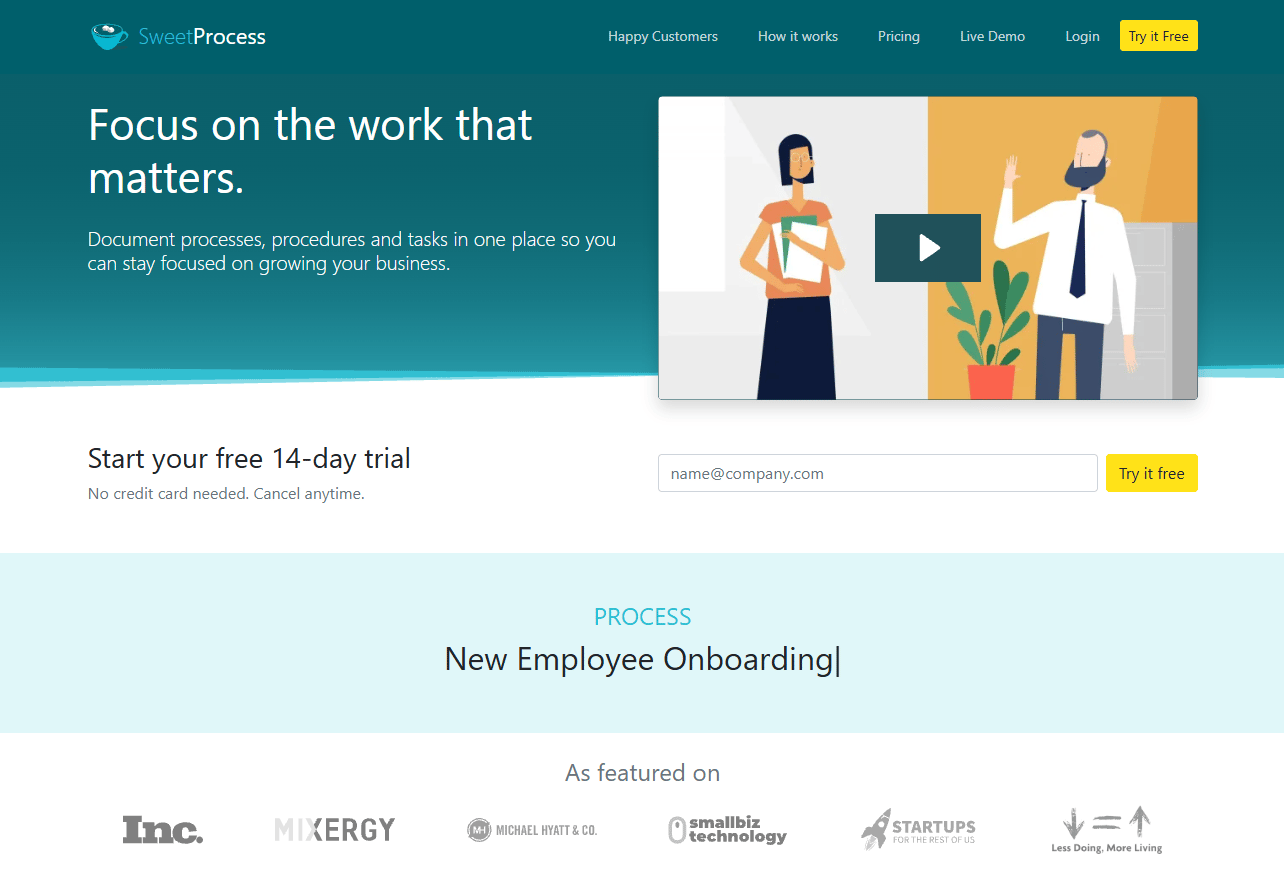
SweetProcess is built specifically for documenting and distributing repeatable operating procedures. It's the most direct Process Street alternative for teams whose primary need is clarity, not automation.
Best for: Small and midsize teams that need centralized SOP, policy, and process documentation with version history and straightforward task assignment.
What it is: SweetProcess is software for documenting procedures, policies, processes, tasks, and knowledge bases. It includes AI-assisted document creation, process maps, version history and rollback, real-time collaboration, and a browser-based workflow recording tool. All plans include access to all features. A 14-day free trial is available without a credit card.
Key features:
- Procedure, policy, and process documentation with version history
- Task assignment and tracking
- Public or private searchable knowledge bases
- AI-assisted document creation
- Process maps and flowcharts
Where SweetProcess falls short: G2 reviewers note that the automation depth is limited compared to workflow execution tools, and reporting is basic. The tool is documentation-first, so teams expecting complex approval routing or integration-heavy workflows will hit its ceiling. At 4.3/5 on G2, reviewer sentiment is positive but narrower than some competitors.
Pricing: Small Team Plan: $495/year (up to 5 users; $50/year per additional user). Monthly Plan: $99/month (up to 10 users; $5/month per additional user). Yearly Plan: $990/year (up to 10 users; $50/year per additional user).
G2 rating: 4.3/5
How it compares to Process Street: SweetProcess covers the documentation job more cleanly but handles workflow execution less robustly. If the company's main need is "write down how we do things and make it searchable," SweetProcess does that job without unnecessary overhead.
10. Smartsheet (work management)
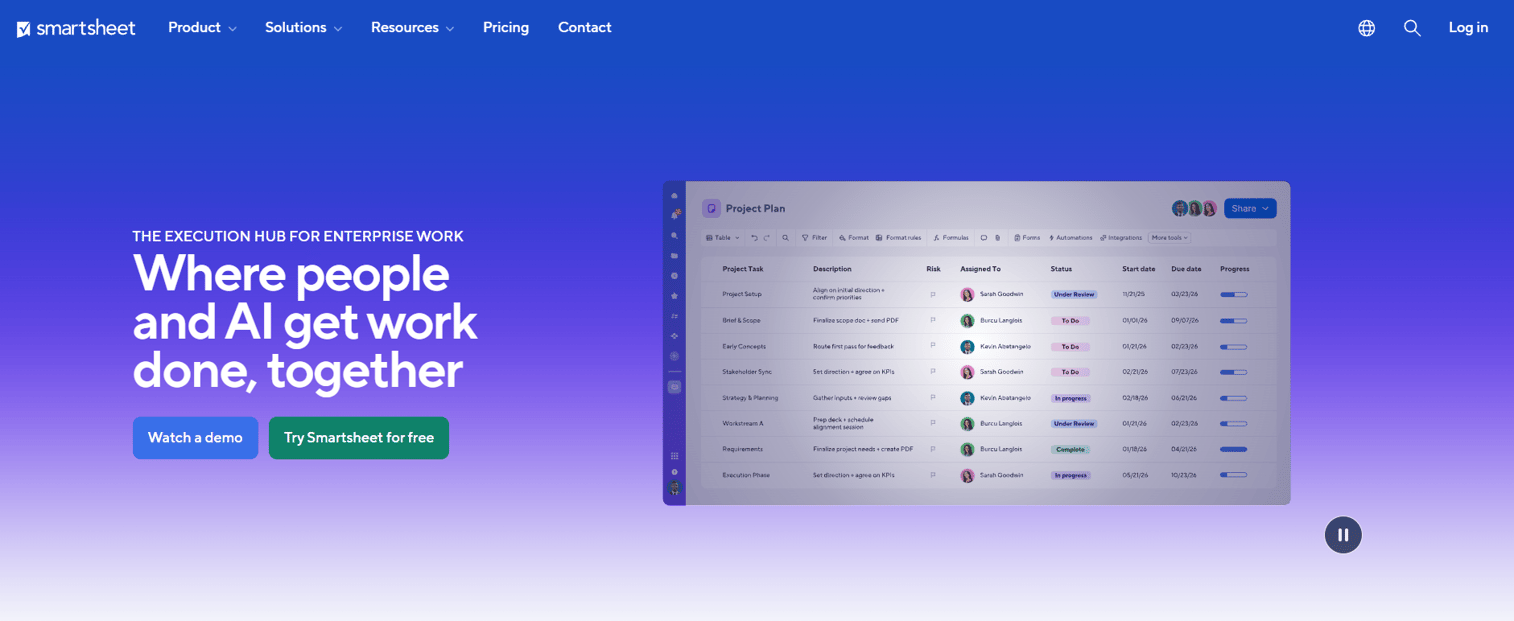
Smartsheet appeals to teams that already think in spreadsheets. The grid-based interface is familiar, which reduces onboarding friction for finance and ops teams that live in Excel.
Best for: Organizations managing projects, portfolios, and workflows at scale, particularly teams comfortable with spreadsheet-style views and reporting.
What it is: Smartsheet is an AI-powered work management platform for managing projects, portfolios, processes, and collaborative work. It supports grid, Gantt, board, calendar, and timeline views, alongside dashboards, reports, forms, formulas, and workflow automation. No public free tier is listed; paid plans start at $9/member/month billed annually.
Key features:
- Grid, Gantt, board, calendar, and timeline views
- Workflow automation and form intake
- Dashboards and reports with cross-sheet formulas
- Workload tracking and resource management
- Enterprise security controls and governance
Where Smartsheet falls short: G2 reviewers note that the learning curve for non-spreadsheet users is real, and the interface can feel dated compared to more modern work management tools. Some reviewers flag that advanced features like resource management and enterprise governance require higher-tier plans that increase cost materially.
Pricing: Pro: $9/member/month (annual). Business: $19/member/month (annual). Enterprise and Advanced Work Management: Custom pricing.
G2 rating: 4.4/5
How it compares to Process Street: Smartsheet is stronger for reporting-heavy operational tracking and portfolio visibility. For SOP-first recurring checklists with procedural evidence, it's a less direct fit.
11. Zapier (automation)
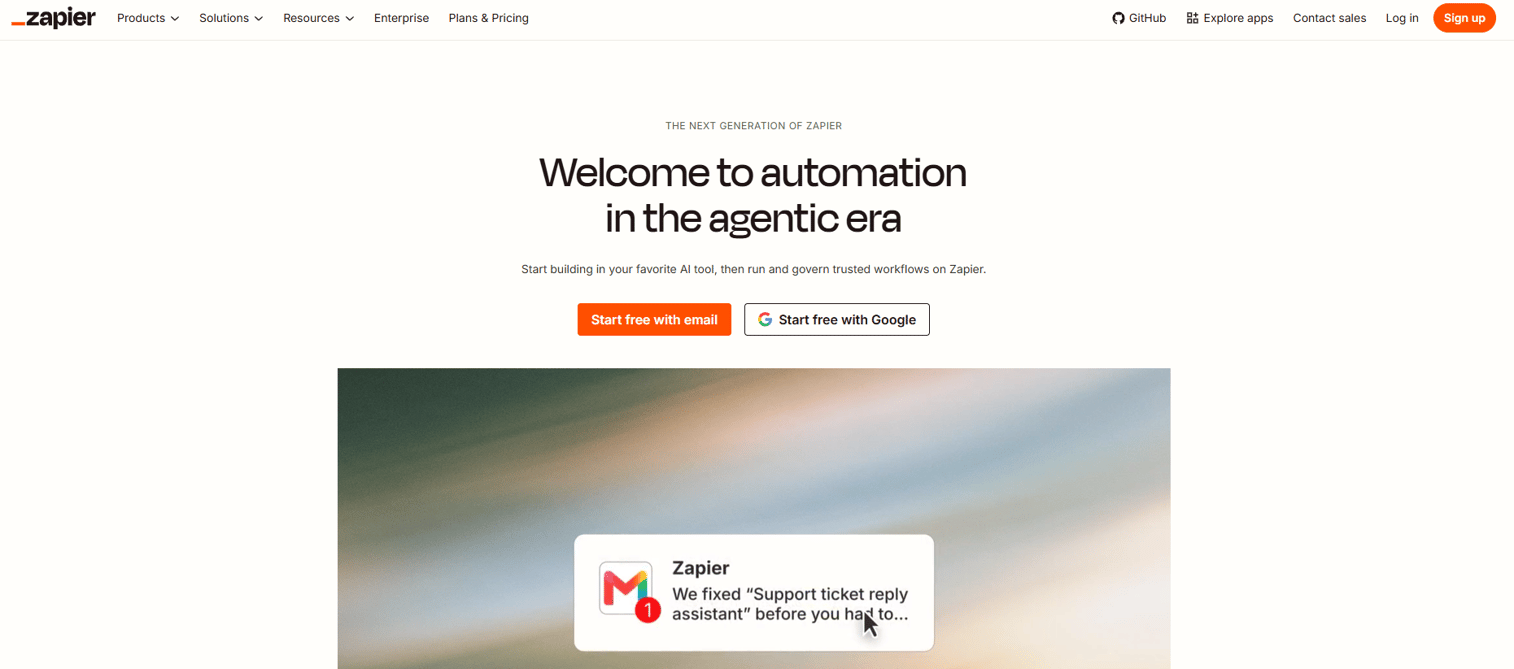
Zapier doesn't replace Process Street. It connects the other tools in the stack and automates the handoffs between them. If the problem is that approvals require someone to manually copy data between systems, Zapier addresses that layer.
Best for: Teams automating repetitive data handoffs across apps, without building integrations internally or filing engineering tickets.
What it is: Zapier is AI-powered automation infrastructure that connects apps, data, and business processes through no-code, low-code, and full-code tools. It supports 9,000+ app integrations, filters, paths, scheduling, loops, and Tables for storing automation data. A free plan covers 100 tasks per month with two-step Zaps.
Key features:
- Automated workflows (Zaps) connecting 9,000+ apps
- Filters, paths, conditional logic, and scheduling
- Tables for storing and managing automation data
- Multi-step automations on paid plans
- 100 tasks/month on the free tier
Where Zapier falls short: G2 reviewers consistently mention that task-based pricing becomes unpredictable as automation volume grows. Debugging complex multi-step Zaps is cited as a common friction point. Zapier doesn't create a human accountability structure; it moves data, not decisions.
Pricing: Free: $0 (100 tasks/month). Professional: From $19.99/month. Team: From $69/month. Enterprise: Custom pricing.
G2 rating: 4.5/5
How it compares to Process Street: Zapier handles the automation layer between tools. Process Street runs human process checklists with assignments and proof of completion. They address different parts of an operating system, and many teams run both.
12. ProcessMaker (BPM software)
ProcessMaker belongs in the stack when the company has compliance-heavy operations, dedicated process engineering resources, and workflows too complex for a checklist tool to model accurately.
Best for: Organizations automating complex, cross-department workflows with BPMN-compliant process design, case management, and integration with existing enterprise systems.
What it is: ProcessMaker is a cloud-based, low-code business process management and workflow automation platform for designing, running, reporting on, and optimizing business processes. It supports BPMN 2.0-compliant process modeling, AI-assisted process generation, approval routing, case management, and external system integrations. Standard, Pro, and Enterprise tiers are listed; pricing requires a quote.
Key features:
- BPMN 2.0-compliant process modeling with AI-assisted generation
- Low-code workflow automation
- Form builder and approval routing
- Case management and audit trails
- External system integrations and API connectors
Where ProcessMaker falls short: G2 reviewers cite significant setup complexity and a steep admin learning curve. Implementation typically requires dedicated technical resources. For most Series B SaaS companies, the complexity and cost are disproportionate unless the process problem is genuinely enterprise-grade.
Pricing: Custom pricing.
G2 rating: 4.3/5
How it compares to Process Street: ProcessMaker is a BPM platform for complex, multi-system workflows with compliance requirements. Process Street is easier to adopt for recurring operational checklists. The right choice depends on whether the team has the ops engineering bandwidth to configure and maintain a BPM platform.
13. Appian (enterprise BPM)
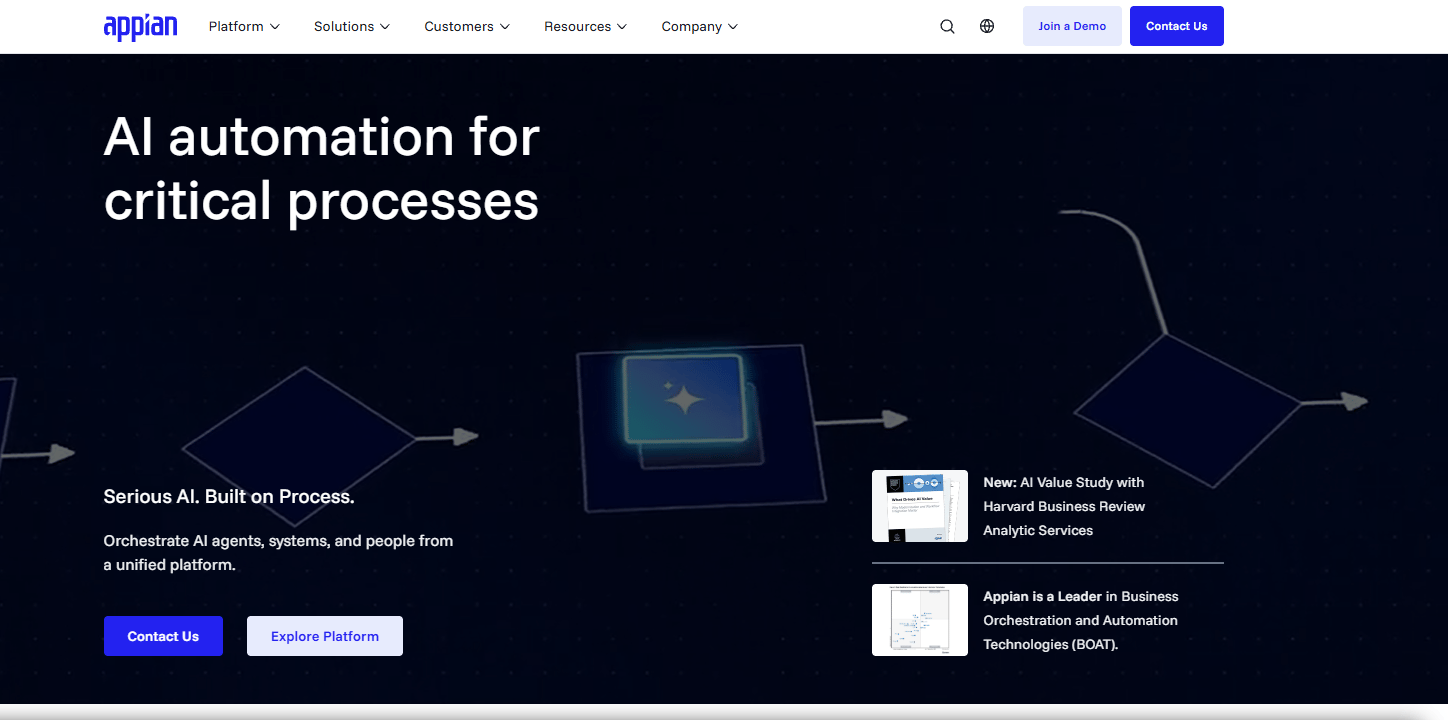
Appian is enterprise infrastructure. It belongs in the stack when the company has hundreds of employees, dedicated process architects, and business processes that span multiple systems, data sources, and compliance frameworks.
Best for: Large organizations building complex process applications with AI assistance, robotic process automation, process intelligence, and enterprise governance requirements.
What it is: Appian is an AI process automation platform for orchestrating people, data, systems, and AI across complex business processes. It supports low-code application development, process intelligence, intelligent document processing, robotic process automation, case management, and AI agents. Standard and Advanced tiers are priced per user, per month, per app; pricing requires a quote. A free Community Edition provides access for personal development and evaluation.
Key features:
- Low-code application development with AI-assisted building
- Process orchestration and AI agents
- Intelligent document processing and robotic process automation
- Process intelligence and analytics
- Enterprise governance and security
Where Appian falls short: G2 reviewers note that implementation cost and complexity are substantial, and the platform typically requires experienced developers or dedicated solution architects to build and maintain. For a 50- to 150-person SaaS company, Appian is almost always more platform than the problem requires.
Pricing: Community Edition: Free (personal development and exploration). Standard and Advanced: Custom pricing (priced per user, per month, per app).
G2 rating: 4.5/5
How it compares to Process Street: Appian handles enterprise-grade process complexity that Process Street was never designed for. For founders choosing an operating system at Series B, Appian is worth evaluating only if the company has dedicated ops engineering resources and a process problem that justifies the implementation investment.
What is the best Process Street alternative for recurring workflows?
Tallyfy is the strongest pick for recurring workflow execution. It was built specifically for the job: Assign tasks, track handoffs, and generate proof that the process ran. Pipefy is a strong second for teams whose recurring work is request-driven, with intake forms triggering pipeline stages rather than top-to-bottom checklists. SweetProcess fits when the primary need is clarity around how to run the process, with lighter execution requirements.
Which Process Street alternative is best for SOP documentation?
Trainual and SweetProcess are the two strongest SOP-focused options. Trainual fits when the job is onboarding new hires into roles, policies, and company knowledge. SweetProcess fits when the team needs straightforward procedure documentation with version history and task assignment. For SOPs that include software steps requiring a team member to navigate a product UI, pair either tool with Guideflow to replace the dense written instruction with an interactive demo.
What is the best Process Street alternative for software training?
Guideflow is the right pick when the process step happens inside software. A checklist that says "create the opportunity in the CRM" or "configure the billing settings" can't be completed by reading a paragraph. Guideflow captures the workflow through the Chrome extension or native app and turns it into an interactive demo a team member clicks through at their own pace. Analytics show step-level completion and the specific step where people drop off, which helps teams fix the instruction rather than chase the person. CRM records are created when a viewer identifies through an in-demo form or a personalized link.
Which Process Street alternative is best for approvals?
Pipefy, Kissflow, ProcessMaker, and Appian are the main approval-focused options. Pipefy is the right starting point for team-level request workflows with conditional routing. Kissflow fits operations teams that need configurable business applications rather than a simple checklist. ProcessMaker and Appian serve organizations with compliance-driven approval processes, complex system integrations, and dedicated process engineering resources.
What is the best free Process Street alternative?
ClickUp, Asana, monday.com, and Zapier all offer free plans, and Guideflow has a free plan as well. ClickUp's Free Forever plan covers core work management. Asana's Personal plan works for individuals and small teams. monday.com's free tier covers up to two seats. Zapier's free plan handles 100 automation tasks per month. Free plans are worth using for evaluation, but most impose limits on automations, users, or reporting depth that surface quickly when ops work scales.
Which Process Street alternative is cheapest?
The cost driver is the billing unit, not the headline price. Per-seat pricing looks low until the process touches many employees. SweetProcess prices by team ($495/year for up to 5 users), which can be cost-effective for small dedicated operations teams. Tallyfy separates Full and Light Seats ($300 and $100 per user per year), which helps when most users only execute rather than build processes. Zapier's task-based pricing is predictable at low volumes but grows with automation use. Founders should calculate cost against adoption rate and the number of people who need to actively use the tool, not just have access to it.
When should you stay with Process Street?
Process Street is a reasonable tool for teams that have already adopted it and whose core need is recurring checklists with conditional logic and task assignments. If the team is running it, workflows are configured, and the cost works at the current user count, switching is an interruption, not an improvement.
Switch when the problem is specific: Pricing has outgrown the value it delivers, the workflow complexity has exceeded what the tool handles, the team needs training rather than checklists, approval routing requires cross-system logic, or the company has scaled to the point where enterprise governance and compliance are non-negotiable.
Why teams switch from Process Street to Guideflow
Process Street can document that the account setup step exists. It can assign who owns it and by when. What it can't do is show a new hire where to click inside the product when they open the CRM for the first time. Guideflow solves that specific gap.
The global business process management market was valued at $16.0 billion in 2025 and is projected to reach $34.7 billion by 2033 at a 10.3% CAGR, according to Grand View Research (2026). More operational work is being systematized at the software layer. For teams whose processes depend on people executing steps inside products, the written SOP is no longer sufficient instruction.
Guideflow lets teams capture a workflow through the Chrome extension or native app, then turn it into an interactive demo that runs anywhere, inside a training doc, a Notion page, an onboarding flow, a help article, or a demo center for self-serve learning. Analytics track step-level completion and the exact point where viewers drop off, so teams can improve the instruction rather than repeat the conversation. Company-level visitor identification is available when viewers engage through a form or a personalized link.
Guideflow pairs with a workflow tool, not against it. The right operating system at Series B uses one tool to run recurring assignments and generate proof of completion, and another to make sure people know how to execute the step when they get there.
Start your journey with Guideflow today!
FAQs
There is no single best tool for every team. Tallyfy is strongest for recurring workflow execution where the team needs assignments, handoffs, and evidence the process ran. Trainual and SweetProcess serve SOP documentation and training. Pipefy and Kissflow handle approval-heavy workflows. Guideflow is the right pick when the process step happens inside software and a text instruction isn't enough. The right choice starts with identifying the job: Run, document, train, automate, or govern.
The most common drivers are pricing sensitivity as the team grows, category mismatch when the company needs training rather than checklists or automation rather than manual tasks, and documentation maintenance burden when SOPs become too long for anyone to follow. For Series B founders, the sharper concern is whether the tool creates repeatable operating rhythms that functional leaders can own without founder involvement in every exception.
ClickUp, Asana, monday.com, and Zapier all offer free plans. Guideflow has a free plan as well. Free tiers are useful for evaluation and small teams but typically limit automations, user counts, or reporting depth. Pipefy and Appian also offer entry-level free access through their Starter and Community Edition plans respectively.
Trainual for onboarding and structured role-based training. SweetProcess for lightweight procedure and policy documentation with version history. Guideflow when the SOP includes software steps that people need to click through rather than read, particularly for CRM configuration, internal admin workflows, or product-specific tasks where text alone leaves people stuck.
Pipefy for structured request intake and team-level approvals. Kissflow for teams that need configurable, low-code business process applications. ProcessMaker and Appian for enterprise BPM with BPMN-compliant process design, compliance requirements, and complex cross-system routing. The right choice depends on whether the team has the technical resources to configure and maintain the platform.
No. Guideflow is not a recurring checklist or workflow execution system. It has no assignment engine, no due date enforcement, and no audit trail for process runs. Guideflow replaces the written software instruction inside the checklist, turning a text SOP step into an interactive demo a team member clicks through. It pairs with workflow tools when the process depends on people learning to navigate software.
Start with the job: Run the workflow, document the SOP, train the person, automate the handoff, or govern the enterprise process. Then evaluate the pricing model against realistic adoption (how many people will use it, not just access it), the integration fit with existing CRM and ops tools, and whether a VP can own and maintain it without founder involvement. The best tool is the one the team actually uses consistently.
Confirm that your existing SOPs and workflow templates are exportable or at least copy-pasteable before committing to a new tool. Assess the template rebuild effort: How many processes need to be recreated, and how complex is each one? Review user roles and permissions to understand who needs Full access versus read-only. Map integrations and automations that will need to be rebuilt. Consider historical audit data needs if the company operates under compliance requirements that require a record of past process runs.