



You block a complex crane shot on the day. Three actors, a moving vehicle, a VFX plate behind them. The DP frames it one way, the director sees it another, and the VFX supervisor already knows the plate will not line up. You lose two hours of a five-figure shoot day working it out on set.
That is the exact problem previsualization software exists to kill. Previs lets you test story, camera movement, staging, and shot logic before anyone books a stage or a crew. You catch the plate mismatch in a laptop session, not in front of 40 people burning daylight.
The stakes are getting bigger, not smaller. The global previsualization software market reached USD 1.49 billion in 2025 and is projected to grow at a 12.4% CAGR through 2034, according to Growth Market Reports (2025). More productions plan digitally first because the cost of not planning keeps climbing.
The right previs software depends on whether you need fast storyboards, full 3D blocking, or real-time virtual production planning. This guide breaks down seven tools so you can match one to your workflow.
What's inside
This guide is for filmmakers, video producers, VFX artists, and virtual production teams choosing previs software in 2026. It covers what previsualization software is, how it works across film, video, VFX, games, and virtual production, and how the leading tools compare.
We picked tools based on four things that actually matter when you plan a production:
- Workflow fit: storyboards, animatics, 3D previs, or collaborative review
- Collaboration: how well teams align remotely and in person
- Export options: whether output moves cleanly into editing and production
- Realism and adoption: how accurate the previs is, and how fast your team will use it
TL;DR
- Best overall for 3D previs and production planning: Autodesk Maya, the established choice for animation-grade blocking and pipeline integration
- Best for fast storyboard and shot list workflows: Previs Pro, with script import, animatics, and shot planning on Apple devices
- Best for remote collaboration and live review: Evercast, built for secure real-time review across distributed teams
- Best for real-time scene staging and virtual production planning: Unreal Engine, the standard for immersive real-time environments
- Best for compositing-led previs and postvis: Nuke, node-based visualization for shots where compositing logic matters
- Best for structured 3D blocking and scene planning: FrameForge 3D Studio, a purpose-built previs tool with accurate virtual cameras
- Best free storyboard option: Storyboarder, a free and open-source way to sketch scenes and build animatics fast
What is previsualization software?
Previsualization software is a category of tools that lets production teams plan scenes visually before shooting, using storyboards, animatics, shot lists, 2D scene sketches, and 3D blocking. Previs software (also written previz software or pre vis software) turns a script or an idea into a visual plan you can test and revise cheaply.
The category covers several subtypes, and most productions use more than one:
- Storyboard software: frame-by-frame 2D sketches that map out shots and sequences
- Animatics software: timed storyboards with audio, so a sequence plays back like a rough cut
- 3D previs software: full 3D scenes with camera blocking, staging, and lighting for accurate shot planning
- Collaborative review tools: platforms where teams give feedback and approve iterations remotely
- Shot list planning tools: structured shot breakdowns tied to the visual plan
Core features to look for across pre visualization software:
- Script import: bring a screenplay in and generate a shot outline
- Camera planning: set focal length, movement, and camera blocking per shot
- Scene building: place characters, props, sets, and lighting in 2D or 3D
- Export workflows: send animatics, shot lists, or reference frames into editing and production
- Collaboration: shared feedback, markup, and review across a team
- Revision control: track versions as the plan changes
Previs reduces production risk in three ways. It lets you test creative ideas before committing budget. It aligns directors, DPs, production designers, and VFX teams around one shared visual. And it surfaces problems (impossible camera moves, staging conflicts, VFX mismatches) while they still cost nothing to fix. The storyboard to animatic workflow, in particular, turns a static plan into something you can watch and judge for timing before a single frame is shot.
When to use previsualization software
Plan complex shots before the set day
Reach for previs when a shot has moving parts you cannot fully hold in your head. Stunts, VFX-heavy sequences, elaborate camera movement, or scenes with many actors and tight camera blocking all benefit. You test the shot logic in software, so the set day is execution, not experimentation. This is where 3D previs earns its keep, letting you validate that a camera move is physically possible before you rig it.
Align creative, production, and VFX teams
Previs gives everyone one visual to argue over instead of five interpretations of a script line. The director sees the intent, the DP plans the coverage, production design knows what to build, and VFX scopes the work early. Shot list planning tied to the previs keeps the whole crew working from the same breakdown. Fewer surprises on the day means fewer expensive reshoots.
Review edits and iterate remotely
Distributed teams use previs assets for feedback and approvals without waiting on finished production material. A director in one city can review an animatic, mark it up, and send notes back the same day. Remote review shortens the iteration loop, so scene planning keeps moving even when the team is spread across time zones.
Comparison table
Here is a side-by-side view of the seven tools. Pricing and ratings reflect verified values at generation time. Where a vendor does not publish figures openly, we note that plainly rather than guess.
| # | Product | Best for | Key differentiator | Pricing | G2 rating |
|---|---|---|---|---|---|
| 1 | Autodesk Maya | Film, TV, and game 3D previs and animation | Production-grade 3D toolset with deep pipeline integration | Free 30-day trial; Business and Enterprise plans via contact | 4.3/5 |
| 2 | Previs Pro | Fast storyboard, animatic, and shot list workflows | Script import and 3D scene building on Apple devices | Free tier; from $39.99/month | Not listed |
| 3 | Evercast | Remote collaboration and live review | Secure 4K real-time streaming and review | From $599/month | 4.4/5 |
| 4 | Unreal Engine | Real-time scene staging and virtual production | Real-time 3D environment building at high fidelity | Free under $1M revenue; royalty or seat-based above | 4.5/5 |
| 5 | Nuke | Compositing-led previs and postvis | Node-based visualization for shot compositing logic | Nuke Render from £380/yr; Nuke from £2,909/yr | 4.5/5 |
| 6 | FrameForge 3D Studio | Structured 3D blocking and shot setup | Optically accurate virtual cameras built for previs | Pricing via vendor | Not listed |
| 7 | Storyboarder | Free 2D storyboarding and animatics | Free and open-source with timeline and shot generator | Free | Not listed |
Best 7 previsualization software tools for 2026
1. Autodesk Maya
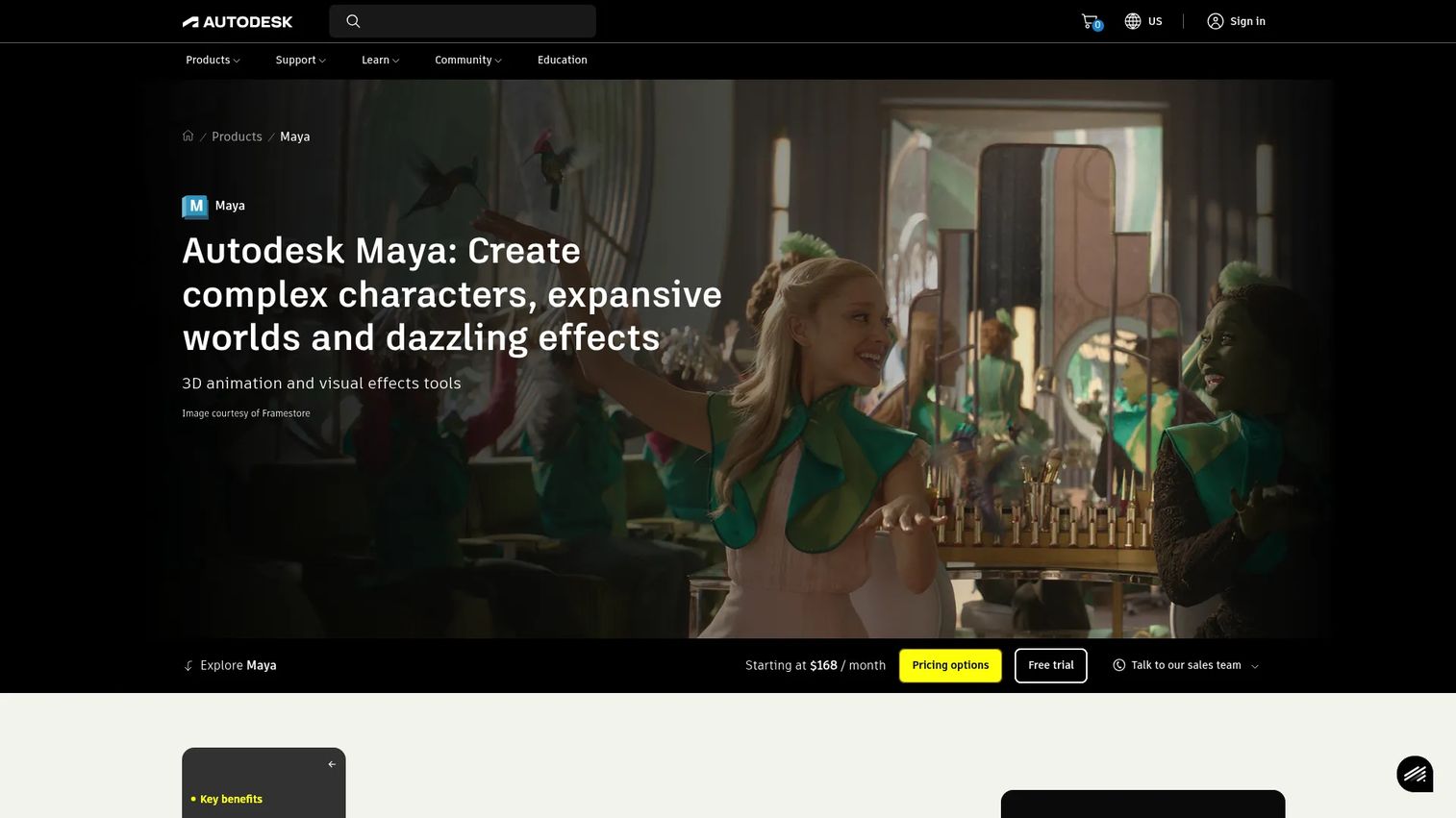
Autodesk Maya is professional 3D software for modeling, animation, effects, and rendering, and it remains the established choice for production-grade previs. Studios use it for 3D scene building, camera planning, blocking, and staging on film, TV, VFX, and game projects. When your previs needs to carry animation depth and feed a real production pipeline, Maya is the tool most facilities already run.
Best for: Film, TV, and game teams needing a full-featured 3D animation and VFX toolset for previs and beyond.
Key features
- 3D modeling for sets, characters, and props
- Rigging and animation for blocking and staging
- Simulations and effects via Bifrost
- Camera planning for accurate shot layout
- Deep integration into production pipelines
Why choose Autodesk Maya: Pick Maya when your previs has to be animation-grade and connect to the same pipeline your final shots run through. It can be more tool than a team that only needs quick storyboards will use, but for 3D previs at scale it is hard to beat.
Autodesk Maya pricing: Autodesk offers a free 30-day trial. Business and Enterprise Success Plans are available through Autodesk sales, with subscription and Flex options for how you buy access.
Autodesk Maya holds a 4.3/5 rating on G2.
2. Previs Pro
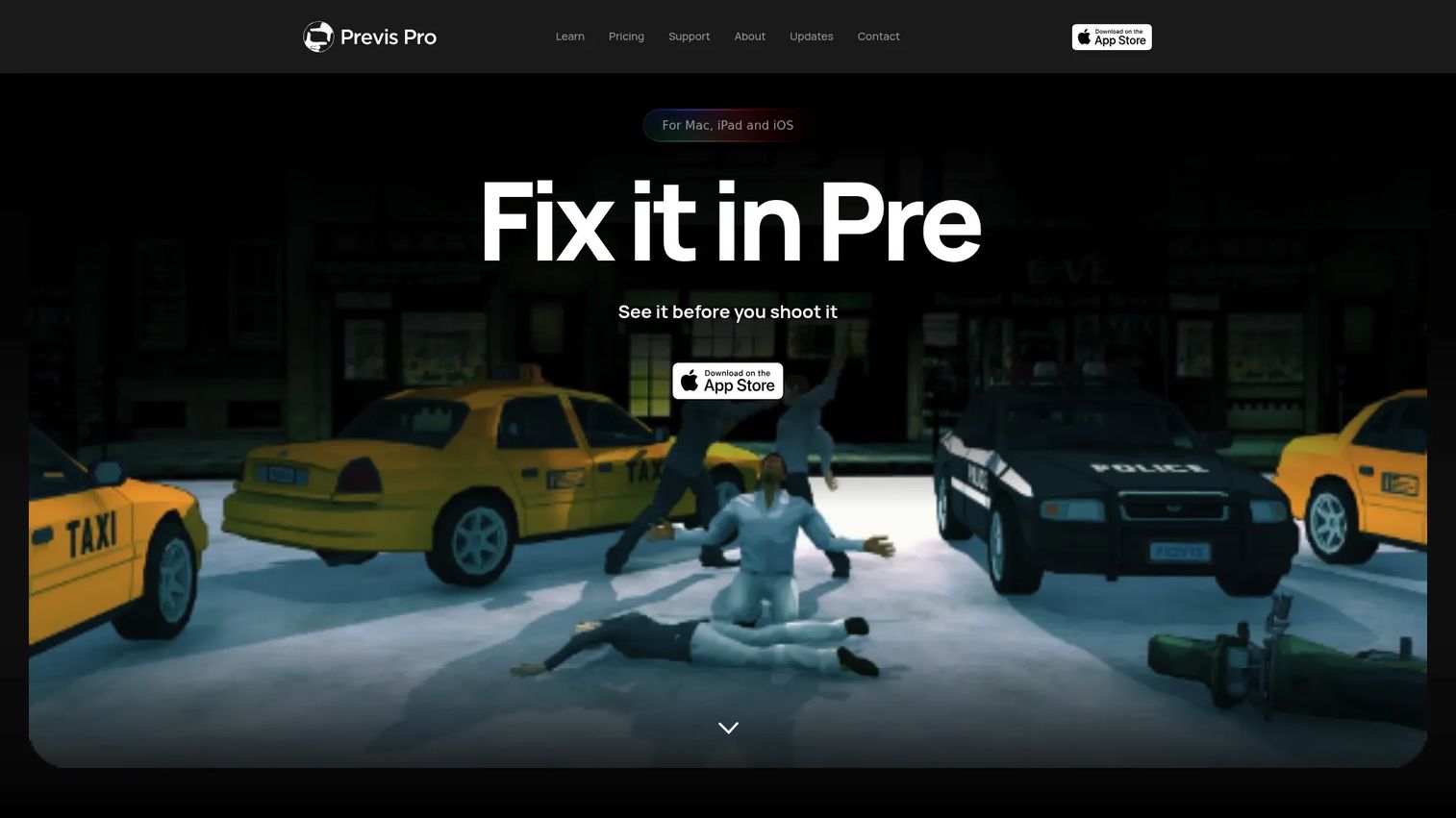
Previs Pro is previsualization and storyboard software for Mac, iPhone, and iPad, built for filmmakers who want to move from script to shot plan fast. It imports scripts, builds animatics on a previs timeline, and lets you construct 3D scenes with props, characters, lighting, and camera controls. Director-friendly markup and mobile use make it practical for planning on set or on the move.
Best for: Filmmakers and storyboard artists who need previs, animatics, and shot planning on Apple devices.
Key features
- Script import for Final Draft, Fountain, and Celtx
- Previs timeline with animatics and editorial export
- 3D scene building with props, characters, and lighting
- Camera controls, AR virtual camera, and LiDAR import
- AI generation and director-friendly markup
Why choose Previs Pro: Choose Previs Pro when you want a fast storyboard-to-edit path without opening a full 3D suite. It fits Apple-based teams who value speed and mobility over the deepest 3D animation control.
Previs Pro pricing: A free tier is available. Paid plans start at $39.99/month, with an annual option at $119.99/year and a one-time Lifetime license at $359.99.
3. Evercast
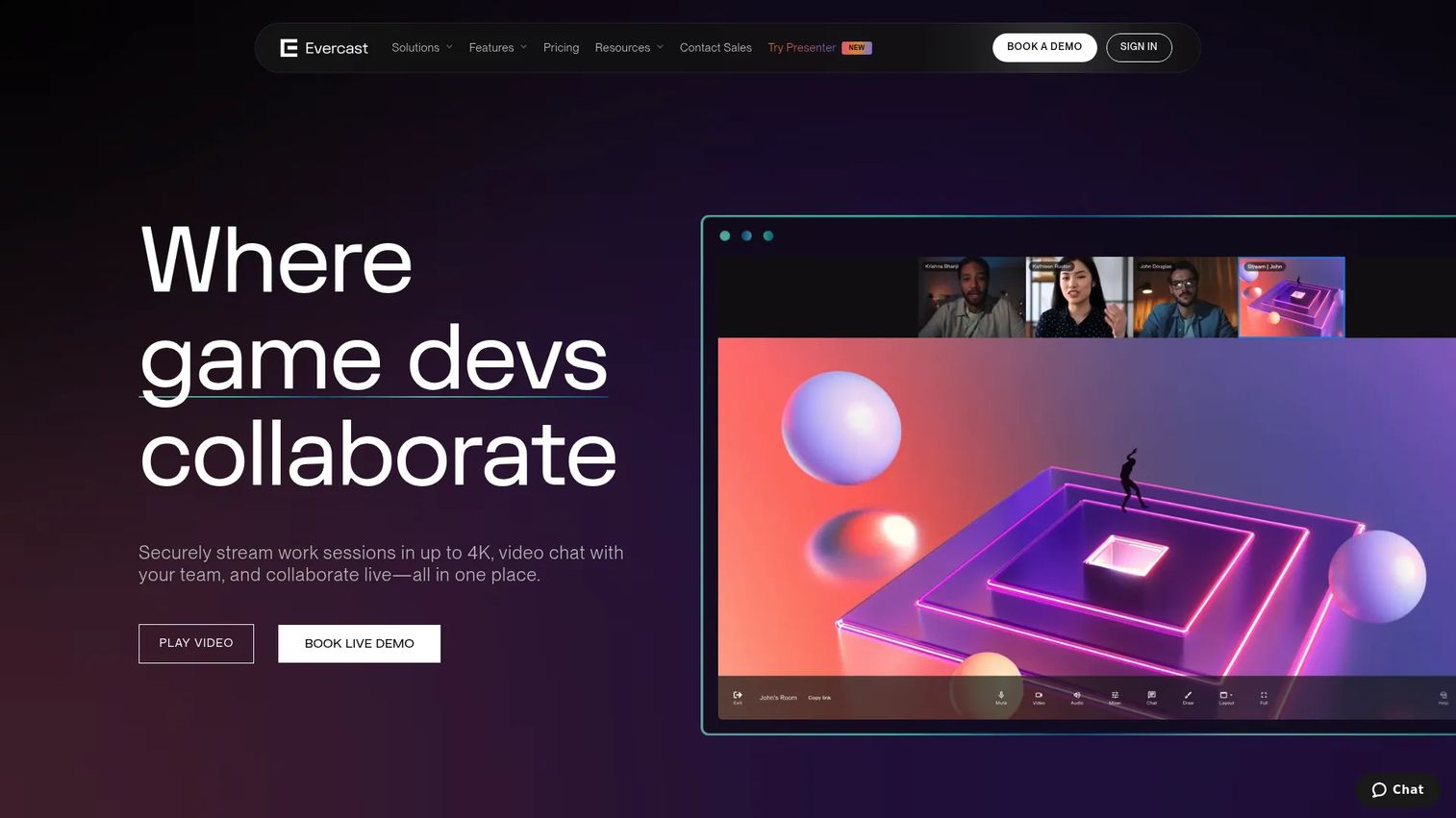
Evercast is a creative collaboration platform for securely streaming and reviewing media in real time. It is less a previs builder and more the collaboration layer around your previs, giving distributed teams live 4K review with color precision and multi-channel sound. When your previs artists, director, and VFX supervisor sit in different cities, Evercast is where they meet to watch and approve the work together.
Best for: Film, TV, game, and creative teams needing secure real-time collaboration and media review.
Key features
- Video conferencing built for creative review
- 4K streaming with color precision
- Multi-channel surround sound
- Creative toolkit for live feedback
- Security controls and 24/7 support
Why choose Evercast: Pick Evercast when the bottleneck is remote review, not previs creation. It pairs with whatever previs tool your team builds in, adding the real-time collaboration layer for hybrid and distributed productions.
Evercast pricing: Studio room plans start from $599/month on a commitment basis, or $899/month month-to-month. A Premium Suite runs $1,299/month, and Enterprise pricing is custom.
Evercast holds a 4.4/5 rating on G2.
4. Unreal Engine
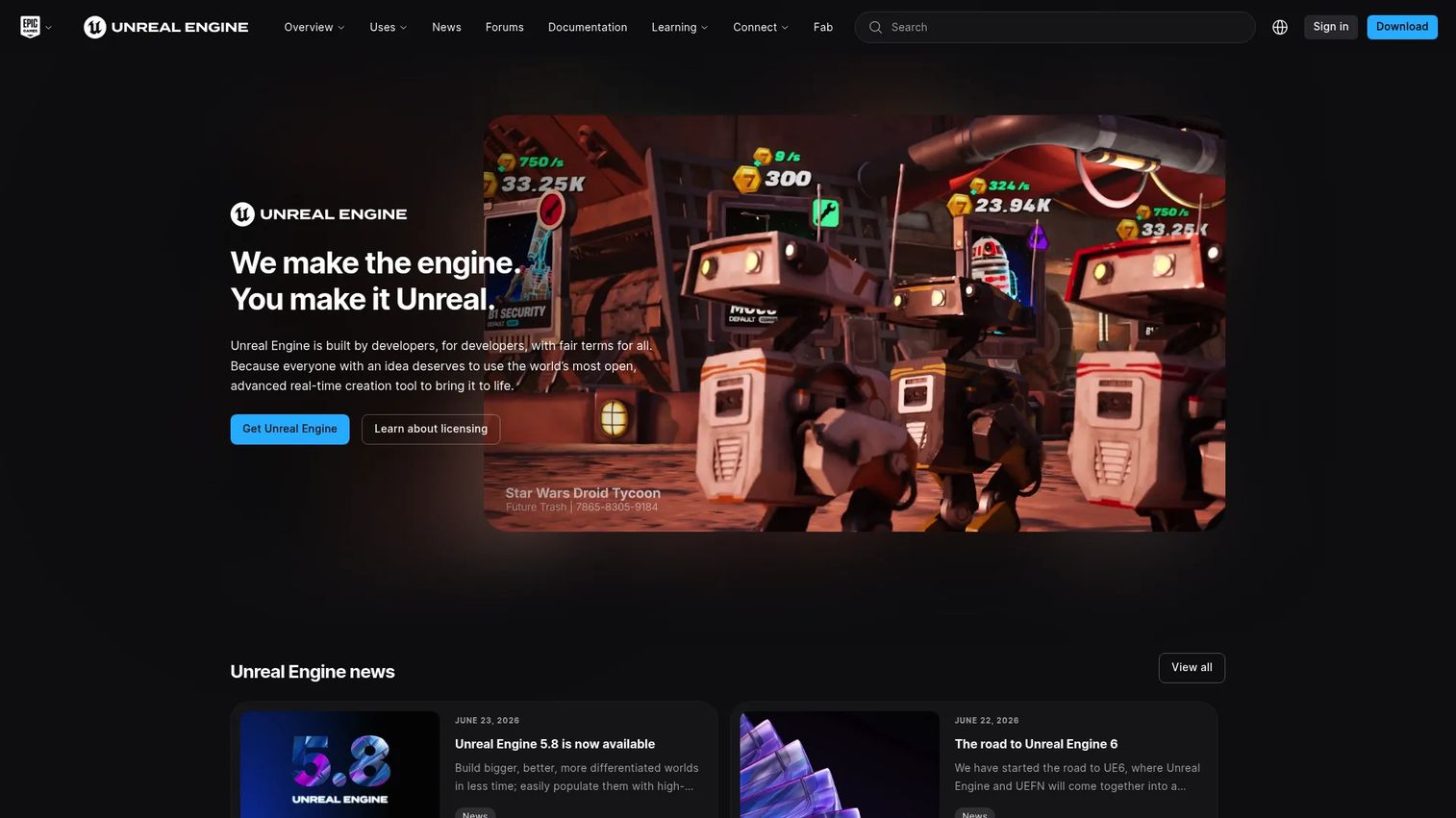
Unreal Engine is a real-time 3D creation engine used across games, film, and visualization, and it has become the standard for virtual production planning. Teams build environments, block scenes, stage action, and plan camera and lighting in real time, then carry the same assets into virtual production stages. Its strength is immersive, high-fidelity scene planning where you see the result instantly.
Best for: Studios and creators building high-fidelity real-time 3D games and virtual production projects.
Key features
- World building for full 3D environments
- Characters and animation for blocking
- Real-time rendering, lighting, and materials
- Camera and light planning in real time
- Virtual production stage integration
Why choose Unreal Engine: Choose Unreal Engine when your previs and your final environment are the same asset, especially for virtual production. It rewards teams ready to work in a real-time engine and carries scene planning straight through to the LED wall.
Unreal Engine pricing: Unreal Engine is free for users and companies under $1M in annual gross revenue. Above that, games and apps use a 5% royalty on lifetime gross revenue over $1M, while some non-game commercial use runs on seat-based licensing at $1,850 per seat per year.
Unreal Engine holds a 4.5/5 rating on G2.
5. Nuke
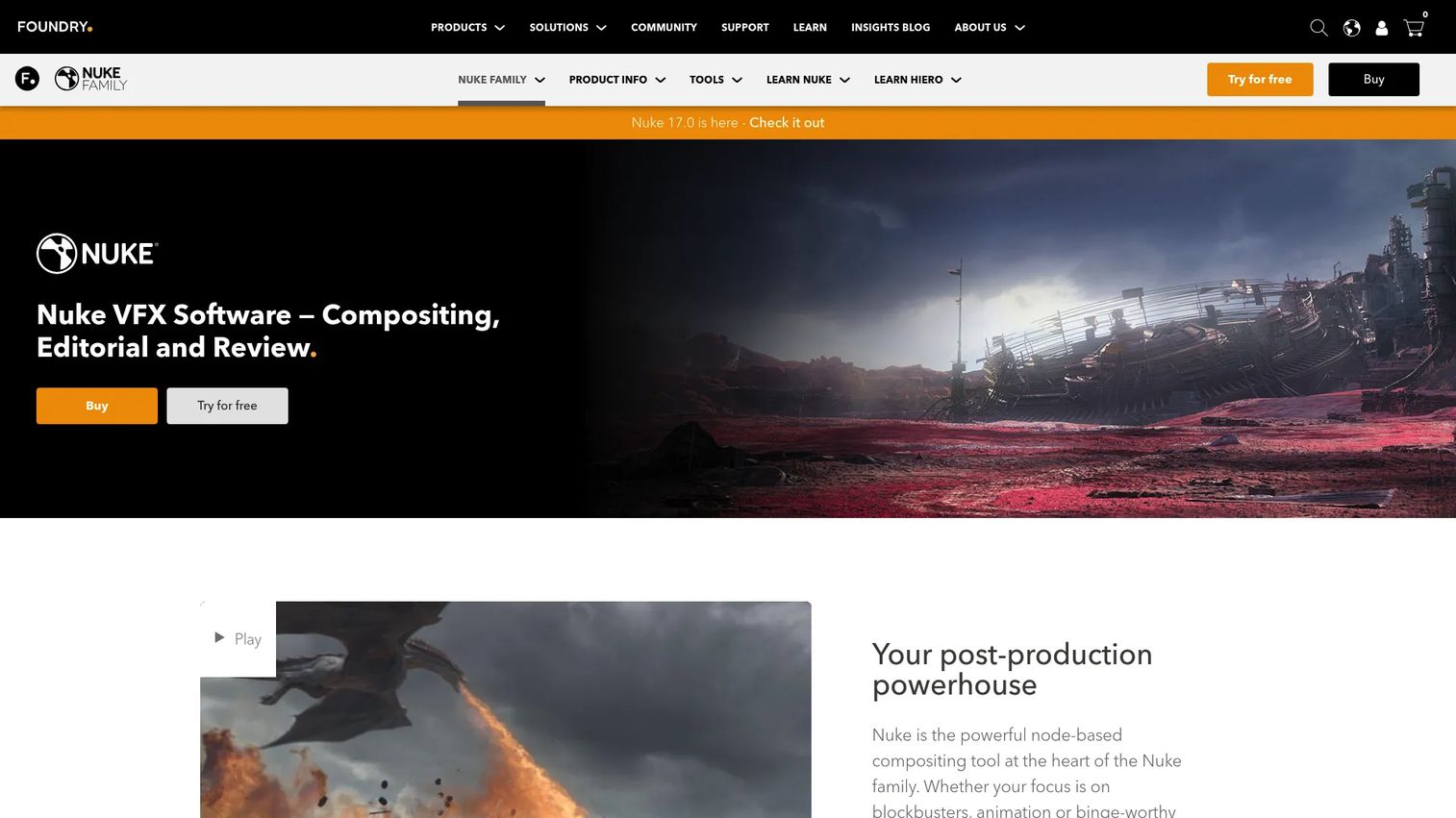
Nuke is Foundry's node-based compositing and VFX software, and it supports previs and postvis planning where compositing logic matters. When a shot depends on lens distortion, layered plates, and how elements combine, Nuke lets you visualize that logic node by node. Its integrated 3D environment and node graph make it a strong fit for VFX-driven shot visualization.
Best for: Professional film, TV, and VFX compositing teams.
Key features
- Over 200 creative nodes for compositing
- Integrated 3D environment and node graph workflow
- Python API, C++ SDK, and BlinkScript extensibility
- Lens distortion and plate handling
- Shot visualization for previs and postvis
Why choose Nuke: Pick Nuke when previs and postvis need to reflect real compositing decisions, not just blocking. It fits VFX teams who want shot visualization that carries compositing logic into the actual work.
Nuke pricing: Foundry lists annual and quarterly options. Nuke Render starts at £380/yr, Nuke at £2,909/yr, NukeX at £4,299/yr, and Nuke Studio at £5,339/yr. A free non-commercial version is also available.
Nuke holds a 4.5/5 rating on G2.
6. FrameForge 3D Studio
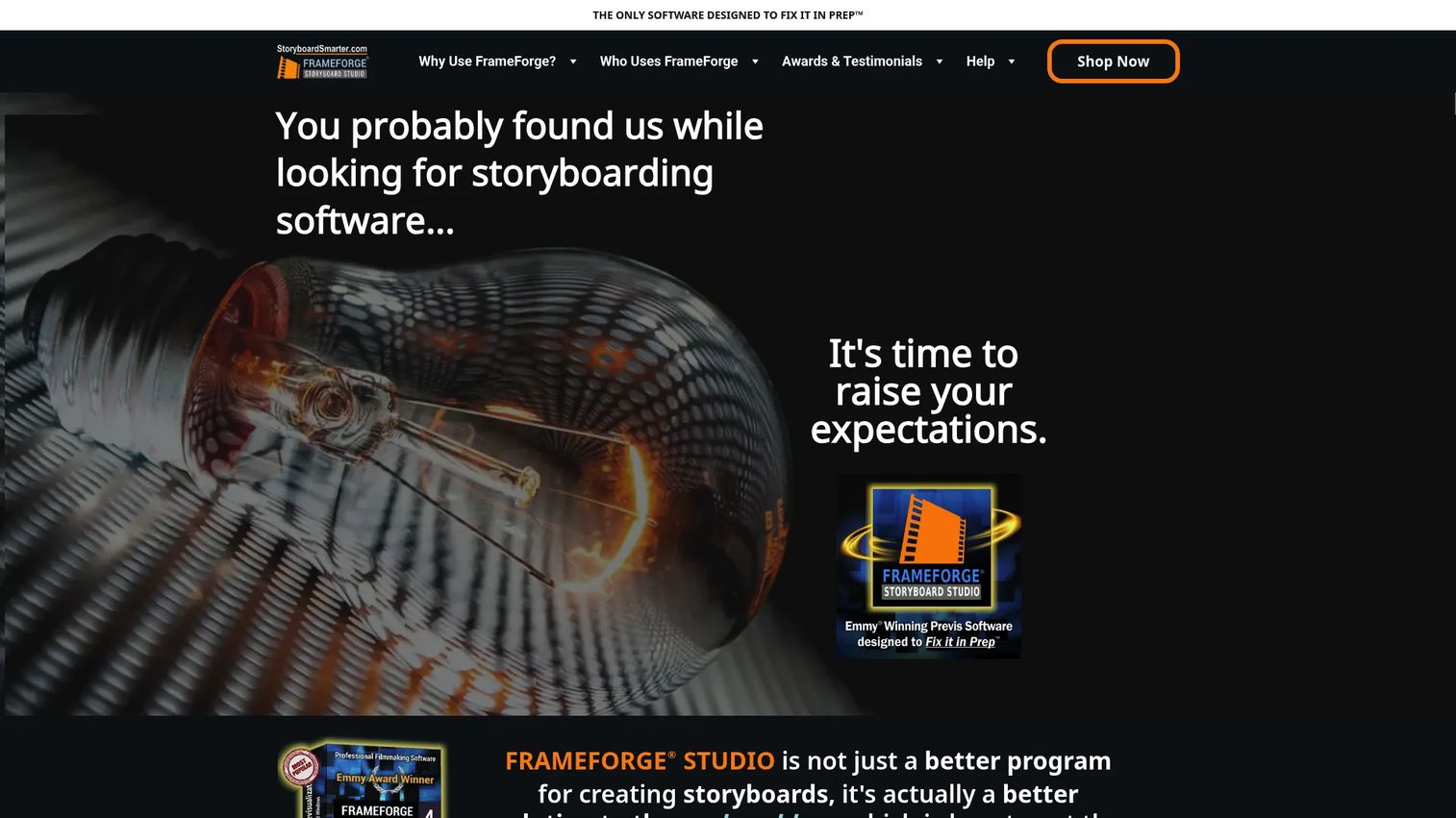
FrameForge 3D Studio is storyboarding and previsualization software built specifically for film and video pre-production. Unlike a generalist 3D suite, it centers on structured 3D blocking, shot setup, and camera placement, with optically accurate virtual cameras that match real lenses. Teams that want a purpose-built previs tool, not a full animation package, tend to land here.
Best for: Film and TV teams doing storyboard-driven pre-production and structured blocking.
Key features
- Virtual film studio with optically accurate virtual cameras
- Visual Room Builder for creating sets
- Structured 3D blocking and shot setup
- Camera placement matched to real lenses
- Export and print storyboards, shots, and movies
Why choose FrameForge 3D Studio: Choose FrameForge when you want previs designed around filmmaking, with cameras that behave like the real thing. It suits teams that find a general 3D suite heavier than their planning actually needs.
FrameForge 3D Studio pricing: FrameForge does not publish plan prices openly on its site. Reach out through the FrameForge website for a current quote and edition options.
7. Storyboarder
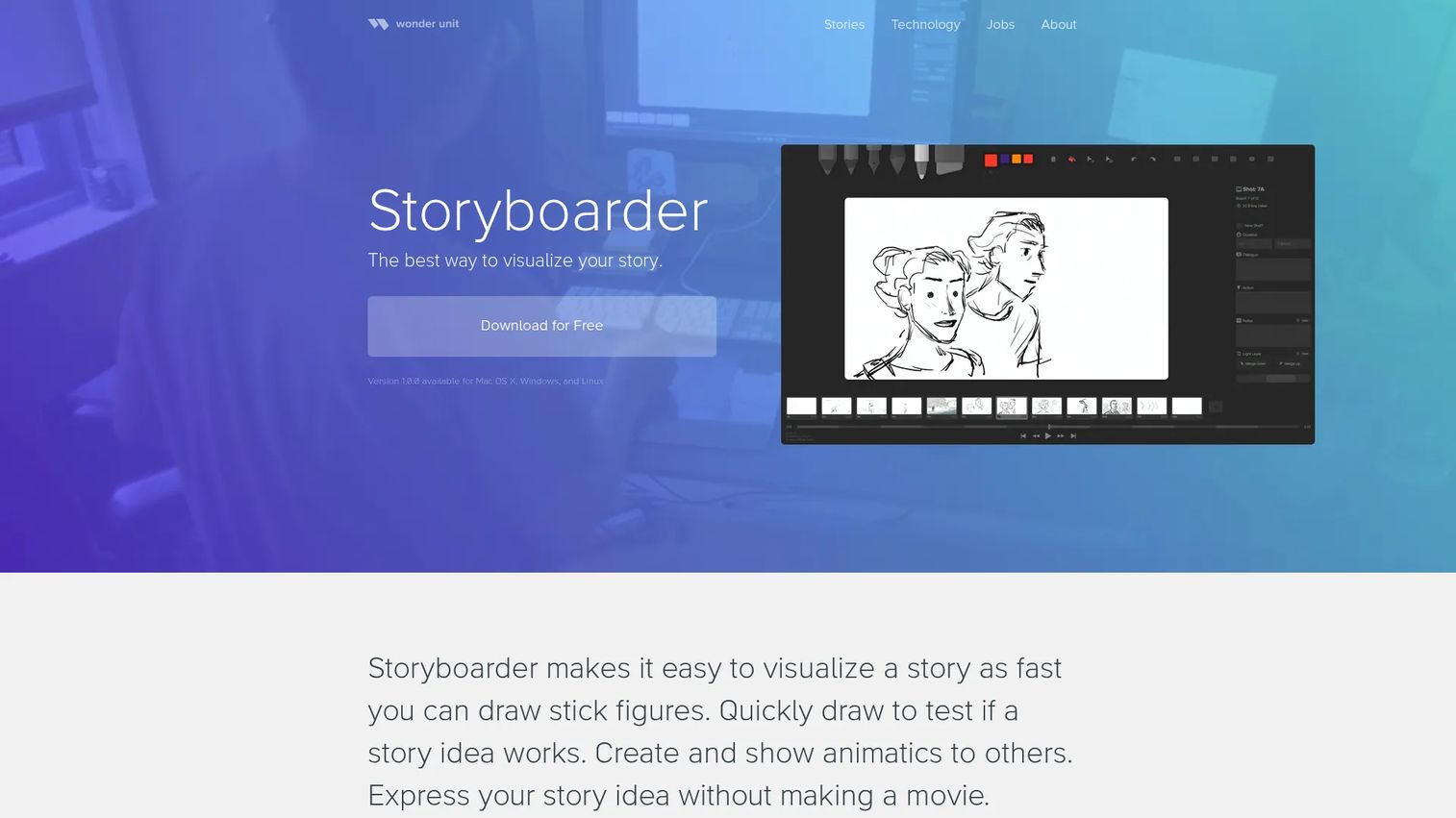
Storyboarder is free storyboarding software from Wonder Unit for quickly visualizing stories and building animatics. It is the easiest entry point on this list: sketch scenes, time them out, and export an animatic without spending a cent. For teams that need to move fast on 2D ideation and do not need complex 3D planning, it does the core job well.
Best for: Artists and filmmakers who need a free tool to storyboard and build animatics.
Key features
- Free download for Mac OS X, Windows, and Linux
- Timeline mode for board timing and audio waveform
- Shot Generator with reference-layer drawing
- External PSD editor support
- Fast 2D sketching for quick ideation
Why choose Storyboarder: Pick Storyboarder when speed and cost matter more than 3D depth. It is the fastest way to get a storyboard to animatic workflow going for small teams and solo creators.
Storyboarder pricing: Storyboarder is free and open source, with no paid tiers.
Considerations
Before you commit, run your shortlist through these checks.
Choose the right depth for your workflow
Decide whether you need basic storyboards, timed animatics, or full 3D previs. A short-form video team may never need more than Storyboarder or Previs Pro. A VFX-heavy feature planning complex camera blocking will want Maya, Unreal Engine, or FrameForge. Matching depth to the actual job keeps you from paying for realism you will not use.
Check collaboration and export fit
Look at how output moves downstream. Confirm the tool exports animatics, shot lists, or reference frames into your editing and production software cleanly. If your team is distributed, weigh a review layer like Evercast alongside your previs builder so remote feedback does not stall the plan.
Match the tool to the production stage
Some tools shine in early ideation, others in detailed blocking or virtual production. Storyboarder and Previs Pro fit fast concept work. Unreal Engine and FrameForge fit precise 3D blocking and virtual production planning. Know which stage you are solving for before you choose.
Verify learning curve and team adoption
The best previs tool is the one your director, producer, and VFX team will actually open. A deep 3D suite that nobody on the team can drive adds friction, not clarity. Weigh how fast your people can get productive against how much power you truly need.
Confirm budget and pipeline fit
Freelancers and small teams usually want simplicity and a low or free entry point. Larger facilities may need integration, realism, and pipeline compatibility that justify a bigger spend. Price the tool against the risk it removes from your shoot, not just its sticker cost.
Conclusion
Previsualization software pays for itself the first time it saves a shoot day. For production-grade 3D previs with pipeline depth, Autodesk Maya is the established pick. For fast storyboards, animatics, and shot lists on Apple devices, Previs Pro moves quickly. Evercast covers remote review, Unreal Engine owns real-time and virtual production planning, and Nuke handles compositing-led previs and postvis.
If you want a purpose-built previs tool with accurate cameras, look at FrameForge 3D Studio. If you need to start today for free, Storyboarder gets a storyboard to animatic workflow running fast.
Your next step: shortlist two or three tools against your real workflow stage, your collaboration needs, and your export requirements. Test them on one upcoming sequence before you standardize. The right previs tool is the one that fits how your team actually plans, not the one with the longest feature list.
FAQs
Previs (previsualization) focuses on story, camera, and staging: it answers what the shot looks like and how it plays. Techvis (technical visualization) adds real-world measurements, camera specs, rigging data, and set dimensions so a shot can actually be built and executed on stage. Many teams run previs first to lock the creative, then techvis to make it buildable.
It depends on shot complexity. Storyboard software like Storyboarder or Previs Pro is enough for dialogue scenes and simple coverage. Reach for 3D previs, using Maya, Unreal Engine, or FrameForge, when camera movement, staging, or VFX interactions need to be validated in space before the shoot. If a 2D sketch cannot prove the shot is possible, you need 3D.
Yes, and it is central to it. Unreal Engine in particular is the standard for virtual production planning, because the same real-time 3D environments you plan in can drive LED walls on stage. Previs lets you block cameras, stage action, and plan lighting before the shoot, so the virtual production day runs on a tested plan rather than guesswork.
For animatics software, filmmakers commonly use Storyboarder for free timeline-based animatics, and Previs Pro for animatics built on a previs timeline with editorial export. Teams working in 3D often build animatics directly in Maya or Unreal Engine. The right choice depends on whether your animatic is 2D sketches with timing or full 3D blocking.
Yes. Storyboarder is free and open source, making it the easiest no-cost entry point for storyboards and animatics. Previs Pro offers a free tier for teams on Apple devices. Unreal Engine is free for companies under $1M in annual gross revenue, and Nuke offers a free non-commercial version for learning and personal projects.
Match the pricing model to your usage. One-time licenses, like Previs Pro's Lifetime option, suit teams that plan often and want predictable cost. Subscriptions, common with Maya and Nuke, fit project-based work where you scale access up and down. For real-time tools like Unreal Engine, check whether royalty or seat-based licensing applies to your revenue and use case.
Evercast is built specifically for remote collaboration and live review, with secure 4K streaming for distributed creative teams. It works alongside your previs builder rather than replacing it, so your team can create in Maya, Previs Pro, or Unreal Engine and review together in Evercast. For teams spread across cities or time zones, a dedicated review layer keeps iteration fast.










