



You booked eight customer interviews this sprint. Six happened. The recordings live in one tool, the transcripts in another, and the notes in a Slack thread nobody will find in three weeks.
Then the roadmap review lands. Someone asks why you deprioritized the integration everyone requested. You have the answer. It's buried in a call from two weeks ago that you cannot cite fast enough.
This is the real problem with customer interviews for a product manager. It's not getting quotes. It's turning scattered conversations into a decision before the roadmap moves again. Recruiting, scheduling, recording, transcription, synthesis, and sharing each sit in a different tool, and every handoff between them leaks context.
The user interview tools market reflects how many teams are hitting this wall. Archive Market Research valued it at USD 2.33 billion in 2022, projected to reach USD 3.67 billion by 2033. The category is growing because manual research does not scale with release cadence.
The right customer interview software collapses those steps into one workflow, so the evidence survives the handoff from discovery to decision.
What's inside
This guide is for product managers, UX researchers, and research ops teams who run customer interviews and need the insights to survive team handoffs. We compared seven tools across the parts of the workflow that actually break.
We selected each tool based on four criteria:
- Participant quality: how well it recruits and screens the right customers, not just any respondent
- AI assistance: where AI moderation, transcription, and synthesis genuinely cut researcher time
- Repository and sharing: whether findings live in a searchable research repository the whole team can use
- Integrations: how it connects to your calendar, note-taking, and research workflow stack
TL;DR
- Best for recruiting at scale: User Interviews, for fast access to screened participants and panel management
- Best for end-to-end research workflow: Maze, for teams that need testing, interviews, and reporting in one platform
- Best for AI-first interviews and synthesis: Perspective AI, for scaling interview depth without multiplying researcher hours
- Best for deep qualitative capture: Dscout, for diary studies, mobile capture, and longitudinal discovery
- Best for live session capture: Lookback, for moderated interviews with built-in observation and notes
- Best lightweight live option: Zoom, paired with a research workflow stack for recording and transcription
- Best research repository: Dovetail, for tagging, synthesis, and sharing insights after interviews happen
What is customer interview software?
Customer interview software is a category of tools that help teams recruit, run, record, transcribe, analyze, and share customer interviews in a single workflow. It replaces the manual chain of scheduling calls, taking rough notes, and losing findings in scattered documents.
Some platforms specialize in one stage, like recruiting or synthesis. Others cover the full research workflow from participant screening to a shared research repository. The right fit depends on where your biggest bottleneck lives.
Core capabilities to expect across user research software:
- Participant recruiting: access to panels, screener surveys, and audience targeting to reach the right customers
- Screening and scheduling: filter respondents by role, plan, or use case, then automate calendar booking
- Incentives: distribute participant payments without manual accounting
- Live or AI-led interviewing: run moderated sessions yourself or let an AI moderator handle adaptive follow-ups
- Transcription: turn recordings into searchable text automatically
- Tagging and synthesis: cluster quotes into themes and patterns across sessions
- Research repository: store insights in one searchable place the whole team can reference
- Reporting and sharing: turn synthesis into summaries that survive handoffs to design, engineering, and leadership
The strongest user interview platforms tie these steps together so a single interview produces evidence you can cite in a roadmap review, not just a recording you have to rewatch.
When to use customer interview software
Validate a product direction before building
Before you commit engineering time to a feature, interviews test whether the assumption behind it holds. A handful of structured conversations can kill a bad idea in a week instead of a quarter. Customer interview software speeds this up by getting you in front of screened participants fast, so validation keeps pace with your sprint cadence.
Run discovery with segmented customer groups
Not all customers want the same thing. A power user on the enterprise plan has different needs than a trial user in week one. Good user research software lets you segment recruiting by role, plan, lifecycle stage, and use case, so you interview the right cohort for the question you're asking. That segmentation is what turns anecdotes into patterns you can act on.
Turn interview insights into shared product decisions
An insight that lives only in your head dies at the next reorg. Interview tools with a research repository, tagging, and structured summaries let findings survive handoffs to design, engineering, and leadership. When a stakeholder challenges a call, you cite the evidence instead of relitigating the debate.
Comparison table
Here's how the seven tools compare across workflow fit, differentiator, pricing, and G2 rating. Use it to shortlist before reading the deeper sections below.
| # | Product | Best for | Key differentiator | Pricing | G2 rating |
|---|---|---|---|---|---|
| 1 | User Interviews | Recruiting at scale | Panel access and screener workflows | From $41/session | 4.6/5 |
| 2 | Maze | End-to-end research workflow | Testing, interviews, and AI analysis in one | Free and Enterprise | 4.5/5 |
| 3 | Perspective AI | AI-first interviews | Adaptive AI conversations and synthesis | From $99/month | 4.7/5 |
| 4 | Dscout | Deep qualitative capture | Diary studies and mobile in-the-moment capture | Custom pricing | 4.5/5 |
| 5 | Lookback | Live session capture | Moderated interviews with observation | From $299/year | 4.3/5 |
| 6 | Zoom | Lightweight live sessions | Ubiquitous video plus a research stack | Free and paid tiers | 4.6/5 |
| 7 | Dovetail | Research repository | AI-native synthesis and insight sharing | Free and Enterprise | 4.5/5 |
Best customer interview software for 2026
1. User Interviews
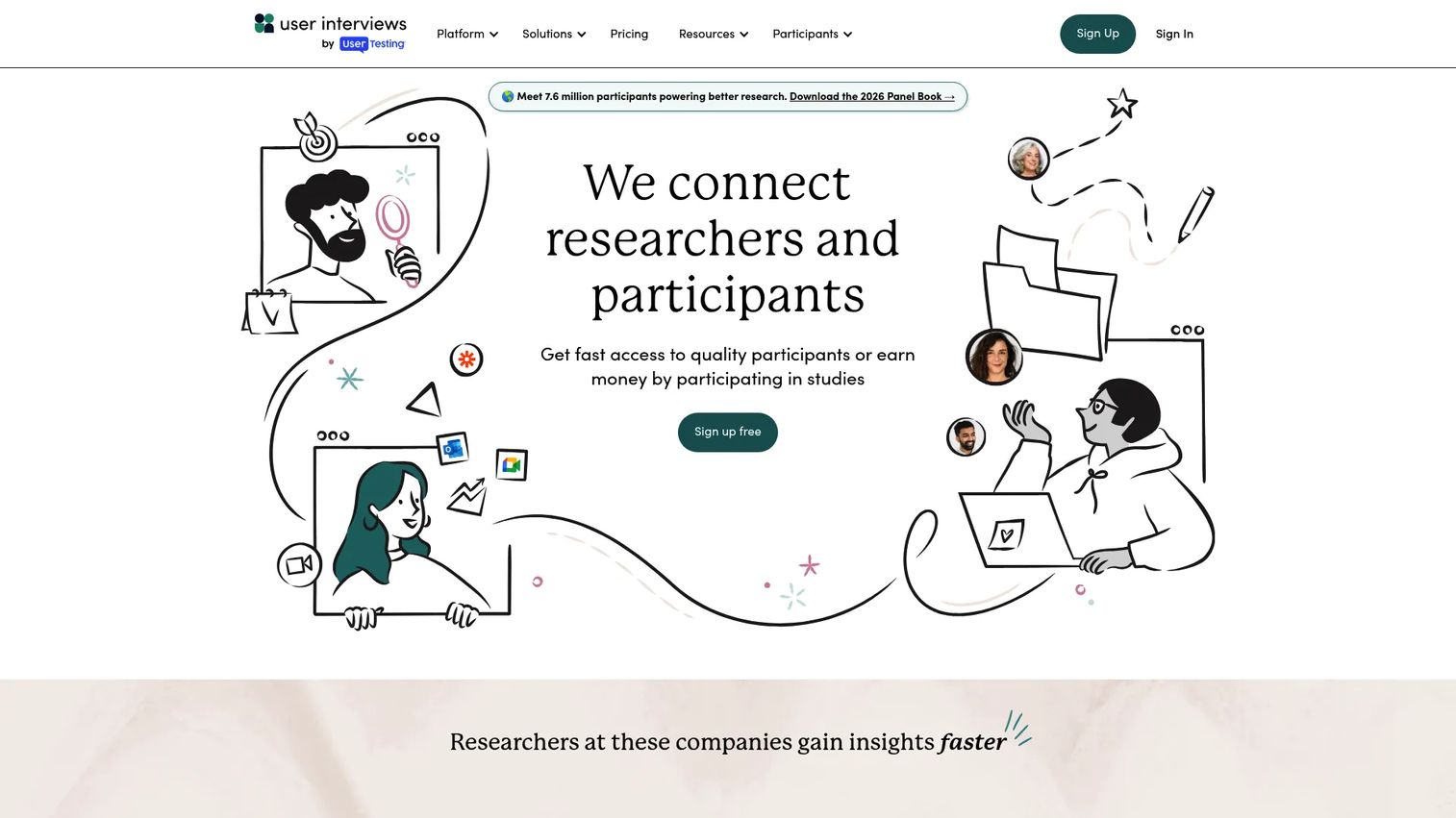
User Interviews solves the part of the workflow that stalls most teams: finding the right people to talk to. It's a participant recruiting and research management platform built for user research teams who need fast access to screened, relevant customers. Instead of chasing respondents across email and Slack, you post a study, screen applicants, and book sessions from one place.
For a product manager running discovery on a deadline, recruiting quality is where research succeeds or falls apart. Interview the wrong participants and the entire discovery process is corrupted before the first question. User Interviews addresses this with audience targeting, screener surveys, automated scheduling, and incentive distribution baked into the workflow.
Best for: Teams that need to recruit and screen participants quickly without building panels from scratch.
Key strengths
- Audience targeting and screener surveys
- Automated scheduling and incentive distribution
- Panel management, workflows, and CRM for research teams
Why choose User Interviews: If your bottleneck is participant supply rather than analysis, this is the tool that unblocks it. It pairs well with a synthesis or repository tool for the stages after the interview happens.
User Interviews pricing: Pay As You Go starts at $41 per session, billed annually. Recruit Essential runs $36 per session. Research Hub Workflow and Research Hub CRM are seat and contact based, with a limited free trial of Research Hub available.
2. Maze
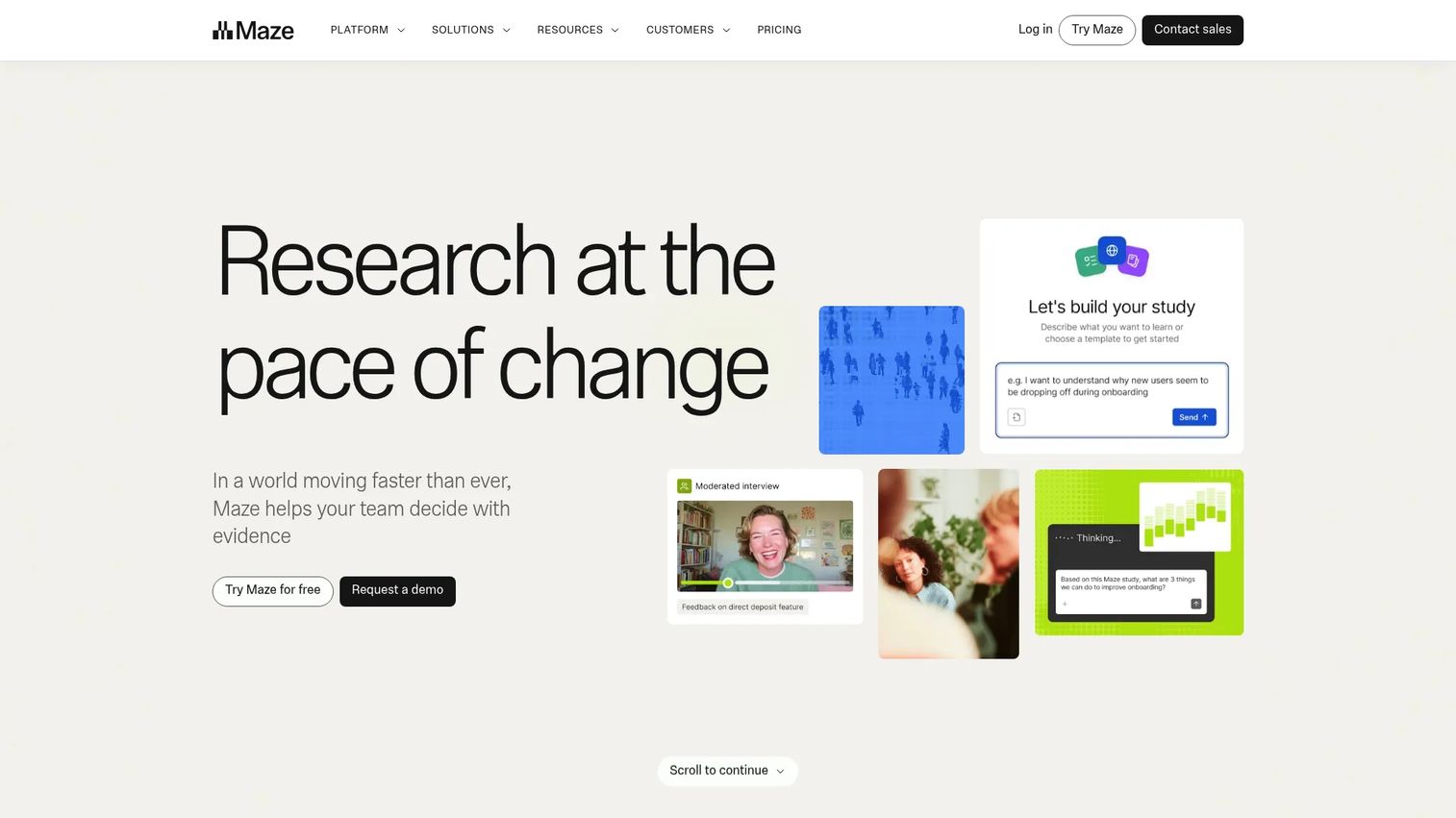
Maze is an AI-first product research platform that covers more of the workflow than scheduling and recording alone. It runs moderated and unmoderated research, prototype and website testing, surveys, card sorting, and tree testing. For teams that want interviews, usability testing, and reporting under one roof, it reduces the number of tools in the stack.
The pull for a product manager is the AI layer. Maze includes an AI study builder, an AI moderator, and automated analysis and reporting. That means you can run interview-style sessions at scale and get synthesis without manually tagging every transcript. It fits teams treating research as an ongoing motion, not a one-off project.
Best for: Product teams that want an end-to-end user research and testing platform in a single tool.
Key strengths
- Moderated and unmoderated research
- Prototype, website, mobile, survey, card sorting, and tree testing
- AI study builder, AI moderator, and automated analysis and reporting
Why choose Maze: Choose it when your research spans more than interviews and you want testing plus synthesis in the same platform. It works well for teams standardizing discovery across multiple product areas.
Maze pricing: The public pricing page shows a Free plan limited to one study per month and five seats, plus an Enterprise plan with custom study quantities and unlimited seats. Enterprise pricing is available through sales.
3. Perspective AI
Perspective AI replaces static forms with adaptive AI conversations that dig deeper based on what the respondent says. It's an AI-powered customer conversation and intake platform that runs interviews, asks adaptive follow-ups, and produces structured outputs and summaries automatically. The result is interview depth at a scale that would otherwise require a room full of researchers.
The throughput case is real. Roughly 40% of B2B SaaS product teams report running AI-moderated customer interviews monthly in 2026, up from under 10% in 2024, per a Perspective AI and ProductPlan benchmark. That same benchmark reports AI interview completion rates of 40 to 70%, versus 5 to 15% for equivalent surveys. For a PM who needs volume and depth, that gap matters.
Best for: Teams that want to scale interview depth without multiplying researcher hours.
Key strengths
- AI-powered customer conversations with adaptive follow-ups
- Interactive AI analysis and magic summaries
- Conversation templates, shareable highlights, and custom branding
Why choose Perspective AI: Choose it when you need to interview many customers quickly and still get structured, comparable insights. Human review still matters for high-stakes calls, but the AI handles the volume that used to cap your throughput.
Perspective AI pricing: A free Start plan is available with 250 credits. The Pro subscription is $99 per month with 1,000 credits monthly. Enterprise and Research as a Service options are custom priced.
4. Dscout
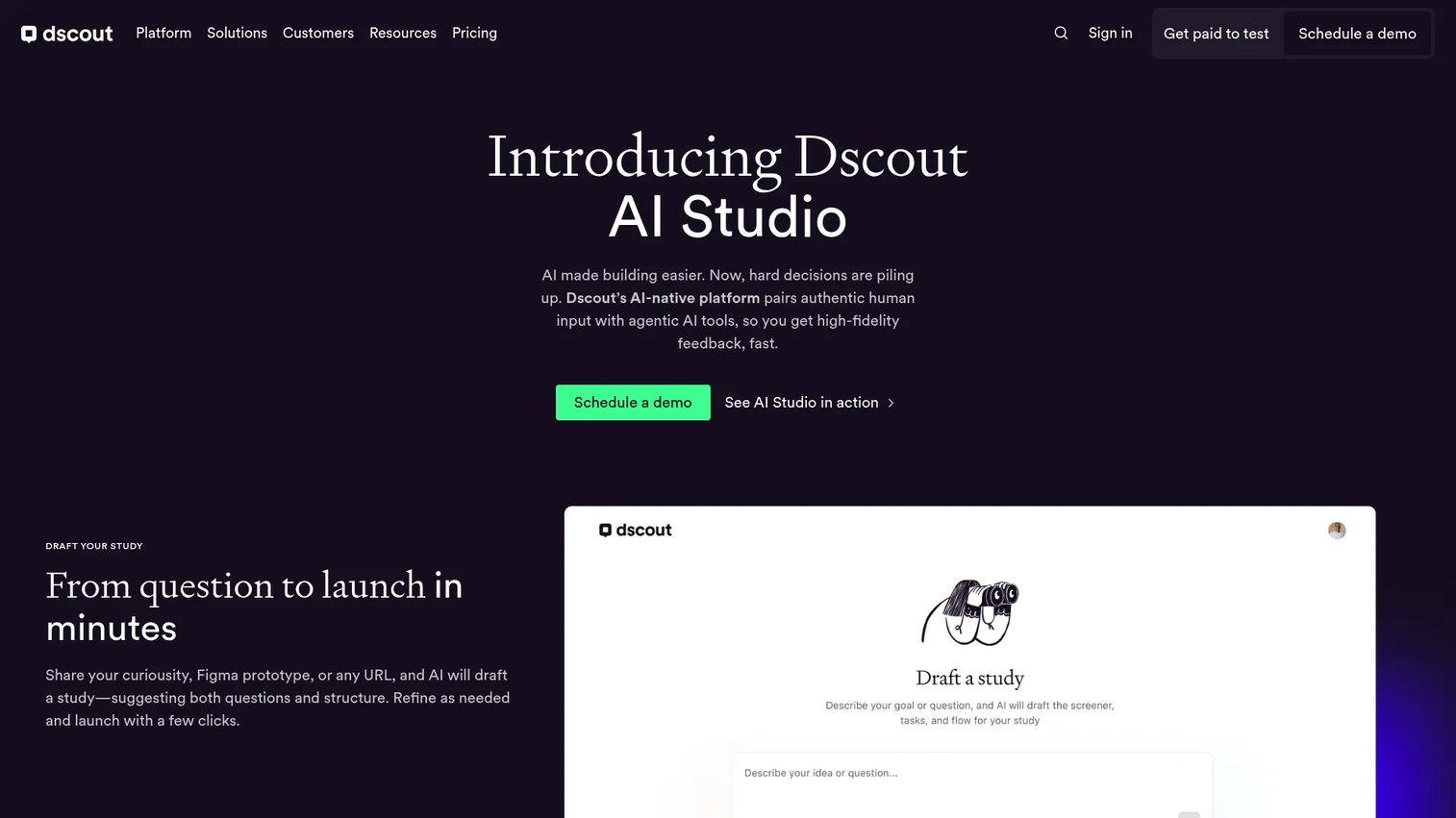
Dscout goes deeper than a single call. It's an AI-powered research platform built for capturing in-the-moment customer feedback through diary studies, mobile capture, field studies, and interviews. When you need context that a scheduled interview can't surface, like how a customer actually uses your product across a week, Dscout is built for it.
For product managers doing longitudinal discovery, this depth changes what you learn. A diary study shows behavior over time, not just a self-reported snapshot. Dscout pairs that with AI Studio for drafting studies, moderating interviews, and exploring data, plus recruiting from its own panel or bringing your own participants.
Best for: UX and product teams running mixed-method research with managed recruiting and AI-assisted analysis.
Key strengths
- AI Studio for drafting studies, moderating interviews, and exploring data
- Usability testing, intercepts, field studies, diary studies, media-rich surveys, and interviews
- Recruiting from Dscout's panel or bringing your own participants
Why choose Dscout: Choose it when a one-hour call isn't enough and you need contextual, longitudinal insight. It fits teams investing in deeper discovery rather than quick validation.
Dscout pricing: Dscout uses customized pricing across Core, Select, and Enterprise plans. The pricing page lists the plans but does not disclose public dollar amounts, so pricing requires a quote.
5. Lookback
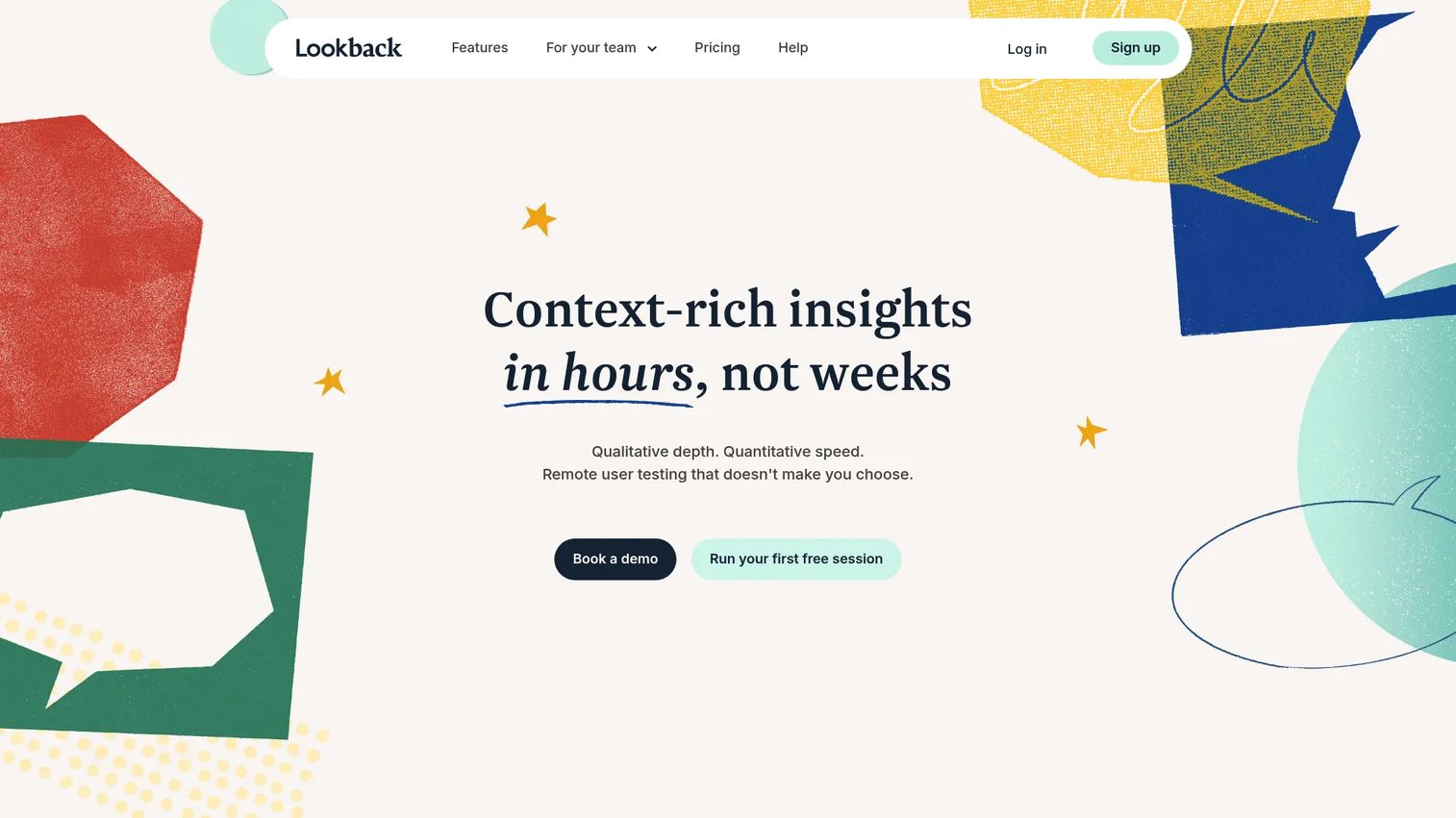
Lookback focuses on the live interview itself. It's a UX research platform for moderated and unmoderated user interviews, testing, and insight sharing, with observation and note-taking built into the session. When your team needs a simple, focused way to run and watch interviews together, Lookback keeps the workflow tight.
The value for a product team is shared observation. Stakeholders can watch sessions live and take timestamped notes, so the synthesis starts during the interview rather than after. Lookback adds AI-assisted analysis and search on top, plus participant recruitment and scheduling, so the core research loop stays in one place.
Best for: Teams running UX research sessions with built-in analysis and participant recruitment.
Key strengths
- AI-assisted analysis and search
- Moderated and unmoderated research methods
- Participant recruitment and scheduling
Why choose Lookback: Choose it when live, observed interviews are your primary method and you want notes and analysis attached to the session. It suits teams that value watching customers together over asynchronous AI workflows.
Lookback pricing: Freelance starts at $299 per year, Team at $1,782 per year, and Insights Hub at $4,122 per year, all billed annually. Enterprise is custom priced. A free trial includes five sessions and 60 days of access.
6. Zoom
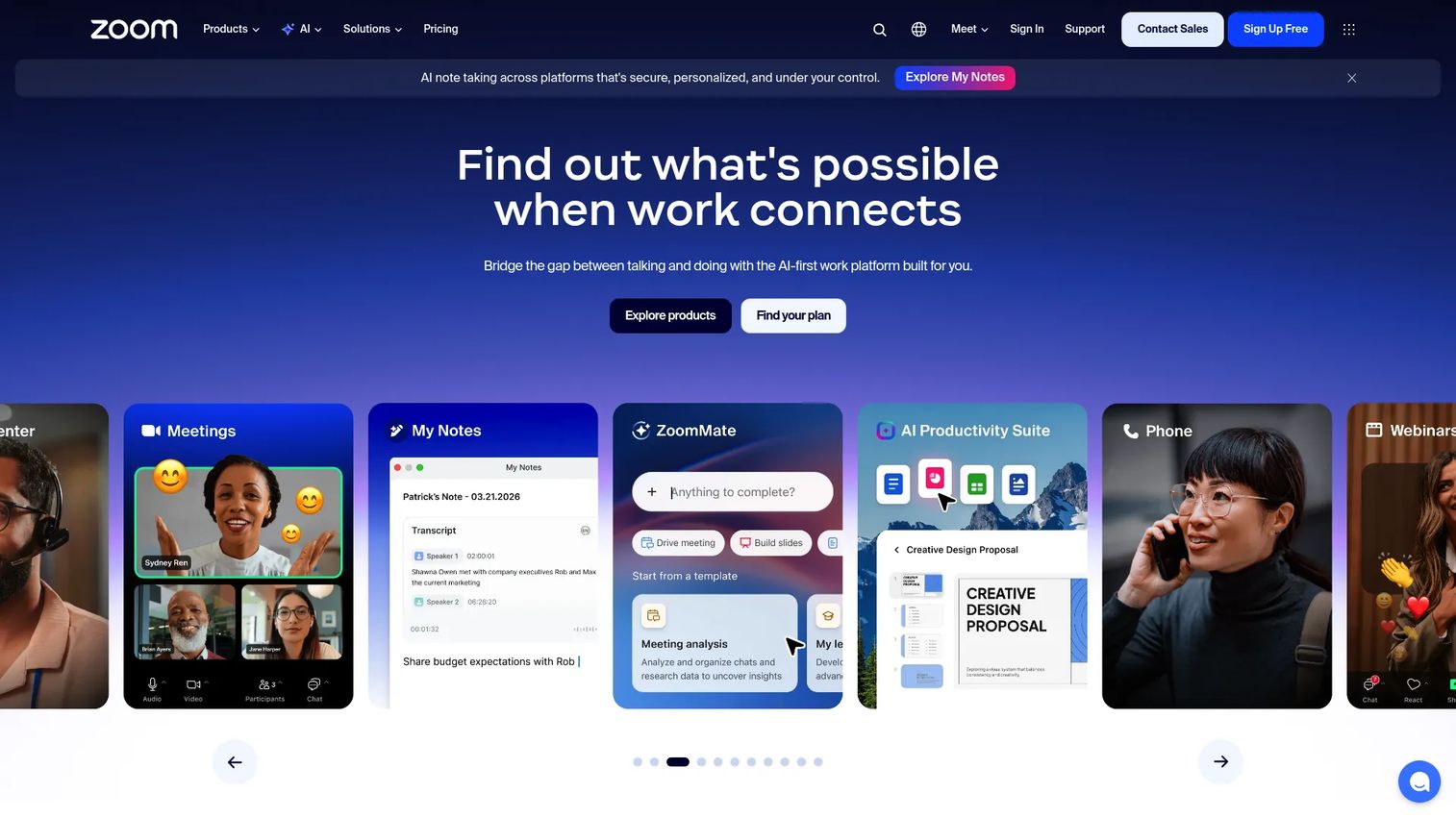
Zoom is not purpose-built for research, and that honesty matters. It's a cloud-based communications platform for meetings, chat, phone, and scheduling. But plenty of teams still run customer interviews on it, because it's already installed, everyone knows it, and it records reliably.
For a lightweight setup, Zoom works as the live call layer paired with a research workflow stack for transcription and synthesis. You handle recording and scheduling in Zoom, then push recordings into a dedicated analysis or repository tool. It's the pragmatic choice when you interview occasionally and don't need a full research platform yet.
Best for: Teams needing meetings, chat, phone, and scheduling in one suite that also handle occasional interviews.
Key strengths
- Video meetings
- Team chat and phone
- Scheduling and whiteboards
Why choose Zoom: Choose it when interview volume is low and you'd rather add a research stack around a tool you already run than adopt a dedicated platform. It works best combined with separate transcription and synthesis tools.
Zoom pricing: Zoom Workplace lists Basic, Pro, Business, and Enterprise plans. The Basic tier is free. Paid tier pricing is available through Zoom's pricing page and sales.
7. Dovetail
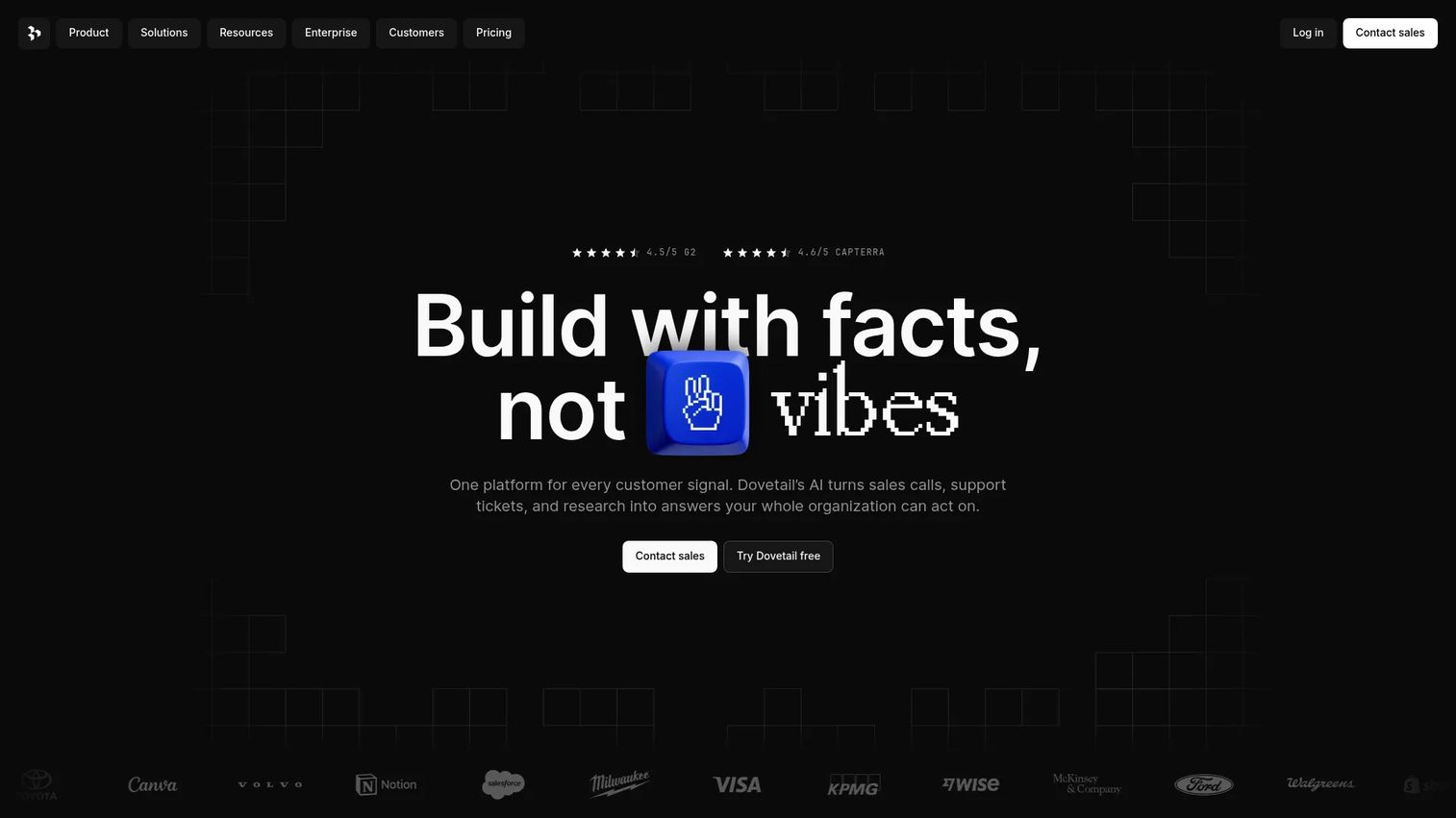
Dovetail is the analysis and documentation layer after interviews happen. It's an AI-native customer intelligence platform for analyzing customer feedback and research, with tagging, synthesis, and a searchable research repository at its center. If your recordings and transcripts already exist but insights keep getting lost, Dovetail is where they become durable.
This is the tool that solves the roadmap-review problem. Dovetail centralizes research so findings live in one searchable place the whole team can reference, with AI chat and summaries to surface patterns across sessions. When a stakeholder challenges a decision, you pull the evidence in seconds instead of rewatching calls.
Best for: Teams centralizing customer research and feedback analysis in one repository.
Key strengths
- Free plan for individuals
- AI chat and summaries
- Enterprise controls and integrations
Why choose Dovetail: Choose it when your bottleneck is synthesis and sharing, not recruiting or recording. It pairs naturally with a recruiting tool upstream and a live interview tool in the middle.
Dovetail pricing: A Free plan is available at $0 per user per month. Enterprise is custom priced and billed in USD only.
Considerations
Recruiting quality matters more than raw volume
You can run 30 interviews and learn nothing if you talked to the wrong 30 people. Bad participants corrupt the entire discovery process, because you're pattern-matching on noise. Evaluate how well a tool screens by role, plan, and use case before you evaluate anything else. Volume without targeting is just faster confusion.
AI is useful, but only if the workflow is clear
AI moderation and synthesis genuinely cut researcher time, and completion rates for AI interviews run well above equivalent surveys. But AI is strongest when the workflow around it is defined. Use it to handle volume, adaptive follow-ups, and first-pass tagging. Keep human review for the high-stakes calls where a misread theme sends the roadmap in the wrong direction.
Collaboration should be built into the workflow
An insight that only you can find is an insight that dies at the next handoff. Look for a research repository, shared tagging, and structured summaries that survive the move to design, engineering, and leadership. The goal is evidence a stakeholder can open and understand without you in the room.
Integrations should match your stack
Calendar, note-taking, transcription, and repository integrations decide whether a tool fits your workflow or fights it. Check that it connects to the systems your team already runs, so interviews flow into analysis without manual exports. A tool that lives in isolation becomes another silo you have to maintain.
Measurement should map to product decisions
Research is only worth the time if it changes what you build. Choose tools that help you tie interview insights to decisions you can defend, whether that's a killed feature or a reprioritized roadmap. If you can't trace an insight back to a decision, you can't prove research ROI against feature work.
Conclusion
The best customer interview software depends on where your workflow breaks. If recruiting is the bottleneck, User Interviews gets you screened participants fast. If you want testing, interviews, and reporting in one platform, Maze covers the full loop. For AI-first interviewing at volume, Perspective AI scales depth without more researchers. Dscout goes deepest on longitudinal and in-the-moment capture, Lookback keeps live sessions and observation tight, and Zoom works as a pragmatic live layer paired with a research stack. When synthesis and sharing are the problem, Dovetail turns scattered findings into a durable research repository.
Start by naming your biggest bottleneck: recruiting, live interviewing, AI synthesis, or repository and sharing. Then pick the tool that unblocks that stage first, and pair it with adjacent tools as your research motion matures. The right stack turns customer conversations into product decisions before the roadmap shifts again.
FAQs
Recruiting and screening quality come first, because talking to the wrong participants ruins the rest of the process. After that, prioritize transcription, synthesis, and a searchable research repository so insights survive handoffs. Integrations with your calendar and note-taking stack keep the workflow from fragmenting.
Not always. Platforms like Maze and Dscout cover recruiting through analysis in one tool. But many teams pair a specialist recruiting tool like User Interviews with a dedicated repository like Dovetail, because each does its stage exceptionally well. The right choice depends on whether you value one integrated workflow or best-in-class coverage at each step.
AI moderates interviews with adaptive follow-ups, transcribes recordings automatically, and clusters quotes into themes for first-pass synthesis. This cuts the manual time that used to cap interview throughput. AI interview completion rates run 40 to 70%, versus 5 to 15% for equivalent surveys, per a Perspective AI and ProductPlan benchmark. Keep human review for high-stakes interpretation.
For occasional interviews, yes. Zoom handles the live call and recording reliably, and most teams already have it. But it isn't a purpose-built research workflow, so pair it with a transcription and synthesis tool to turn recordings into shareable insights. Once interview volume grows, a dedicated platform saves more time than it costs.
It depends on your bottleneck. For fast access to segmented participants, User Interviews leads. For scaling interview volume with AI, Perspective AI fits. For turning findings into decisions your team can reference, Dovetail's research repository is the strongest layer. Most PMs end up combining a recruiting tool and a synthesis tool.
Interview tools should connect discovery to decisions without manual handoffs. Recruiting feeds scheduling, sessions feed transcription, transcripts feed synthesis, and synthesis feeds a repository the whole team reads. When those stages connect cleanly, an insight from a Tuesday call can shape a Thursday roadmap review with citable evidence.
Prioritize calendar integrations for scheduling, transcription tools for turning recordings into text, and repository or note-taking integrations so insights land where your team already works. Check for connections to your analytics stack too, so you can tie qualitative findings to product usage data. Integrations that match your existing stack prevent the tool from becoming another silo.










