Your onboarding checklist says the customer should connect the integration by day three. The problem is nobody knows whether they understood the step, skipped it, or got stuck on a dropdown that made no sense.
This is the gap most CSMs live in. Onboarding steps exist on paper, but ownership is fragmented across CS, HR, IT, and managers. Static documents show what should happen, not whether it did. And according to BambooHR and TalentLMS (2025), 52% of employees say onboarding focuses too much on administrative tasks rather than role training, leaving users confused about what actually matters.
The right onboarding checklist software closes this loop. It assigns tasks, calculates due dates, sends reminders, and surfaces what is blocked before it becomes a churn signal or a support ticket.
What's inside
This guide compares 14 onboarding checklist tools and adjacent platforms for CSMs, onboarding managers, HR teams, and IT teams in 2026. Tools were chosen based on:
- Checklist execution: Task assignment, due dates, reminders, and conditional logic
- Ownership and accountability: Role-based workflows and status visibility
- Documentation: Forms, uploads, signatures, and completion records
- Fit for CS, HR, IT, or frontline onboarding workflows
Pricing and G2 ratings reflect verified data from vendor pages and live G2 listings.
TL;DR
- Best for making checklist steps learnable: Guideflow is a demo automation platform that helps CSMs replace dense product instructions with interactive demos users click through at their own pace. It does not assign recurring onboarding tasks or run checklist workflows.
- Best for IT onboarding checklists: CheckFlow handles device provisioning, access setup, and conditional task sequences.
- Best for HR and payroll onboarding: Paycom Onboarding ties new-hire tasks directly to payroll and employee records.
- Best for small-business HR: BambooHR or Gusto work well when onboarding connects to hiring and people operations.
- Best for frontline teams: Mitti and Homebase cover mobile-first onboarding for shift-based and hourly workers.
- Best for custom workflows: Quixy lets operations teams build onboarding apps without code.
What is onboarding checklist software?
Onboarding checklist software helps teams turn repeatable onboarding steps into assigned, trackable workflows with due dates, reminders, documentation, and completion visibility.
For CSMs, this means knowing which customers completed account setup and which are blocked on day five. For HR, it means knowing which new hires submitted their tax forms and who still needs equipment access. For IT, it means knowing whether every provisioning task ran before the employee's start date.
The category covers more than a task list. A real onboarding checklist tool assigns work to specific people, calculates when each step is due, sends reminders for overdue items, and shows who is waiting on whom. It creates consistency across customer segments, hire types, locations, or departments.
Key features to look for
- Reusable checklist templates with repeatable structure
- Task assignment to customers, CSMs, HR, IT managers, or trainers
- Role-based workflow variations per segment or hire type
- Conditional logic that shows the right tasks for each scenario
- Due dates and automatic reminders for overdue steps
- Document uploads, digital forms, and e-signature collection
- Self-service portals or shareable checklist links for employees or customers
- Progress tracking and completion reporting
- Integrations with HRIS, CRM, help desk, LMS, and project tools
- Audit trails proving the process ran
What onboarding checklist software is not
Onboarding checklist software is not always a full HRIS, an LMS, or a customer education platform. It is not demo automation software. Adjacent tools can support onboarding, but only checklist software owns recurring execution, task assignment, and proof that the process ran. That distinction matters when you are trying to show leadership that onboarding is working.
When to use onboarding checklist software
Standardize onboarding across accounts, hires, or teams
When onboarding quality varies by CSM, HR manager, or department, templates fix the "who remembered what" problem. Build one checklist per customer segment or hire type, and everyone follows the same process regardless of which CSM or manager owns the account.
Track ownership across CS, HR, IT, and managers
Onboarding breaks at handoffs. The checklist should show who owns each step, when it is due, and what is waiting on another person. Without that visibility, tasks fall through when a manager forgets to request software access or a customer never received the welcome sequence.
Turn onboarding into a measurable process
CSMs who can show completion rate, time-to-first-value, and ticket reduction tied to onboarding changes have something leadership will listen to. Checklist software turns onboarding from an anecdotal process into a measurable one, which matters when you're defending headcount or demonstrating impact on retention.
Onboarding checklist software comparison
The 14 tools below cover different onboarding jobs. Some are purpose-built checklist systems. Others are HR or payroll platforms with onboarding modules. A few cover training, frontline operations, or custom workflow automation. Guideflow sits in a distinct category: A demo automation platform that makes product steps learnable inside an existing onboarding process, not a tool that runs the checklist itself.
| # | Product | Best for | Key differentiator | Pricing | G2 rating |
|---|---|---|---|---|---|
| 1 | CheckFlow | IT onboarding checklists | Conditional checklists, task-order enforcement, audit logs | From $9/user/mo | 4.5/5 |
| 2 | HR Partner | HR onboarding with records | Checklists plus employee records, forms, and e-signatures | Custom pricing | 4.5/5 |
| 3 | Paycom Onboarding | Payroll-connected HR onboarding | Payroll-native self-service and document automation | Custom pricing | 4.7/5 |
| 4 | Mitti | Frontline and small-business onboarding | Mobile inspections, training, and team onboarding | Free; from $29/user/mo | 4.6/5 |
| 5 | Guideflow | Making checklist steps learnable | Interactive demos inside onboarding tasks | Free; from $35/mo | 5.0/5 |
| 6 | BambooHR | SMB HR onboarding | HRIS with onboarding tasks, records, and e-signatures | From $10.25/employee/mo | 4.4/5 |
| 7 | Gusto | Payroll-first small-business onboarding | Payroll, benefits, and new-hire paperwork together | From $49/mo + $6/person | 4.6/5 |
| 8 | WorkBright | Remote document-heavy onboarding | Mobile I-9, E-Verify, and 150+ compliance checks | From $25/record | 4.7/5 |
| 9 | Zoho People | Configurable HR onboarding | HR workflows inside the broader Zoho suite | Free; from $1.25/user/mo | 4.4/5 |
| 10 | Code of Talent | Training-led onboarding | Microlearning paths, gamification, and feedback loops | From $99/location/mo | 4.8/5 |
| 11 | Factorial | Growing companies centralizing HR | HR onboarding, documents, and time workflows | From $8/user/mo | 4.4/5 |
| 12 | Quixy | Custom onboarding workflow apps | No-code workflow automation, forms, and approvals | From $20/user/mo | 5.0/5 |
| 13 | Boardon | Structured new-hire onboarding journeys | Branded onboarding plans, tasks, and engagement content | Free; from $58/mo | N/A |
| 14 | Homebase | Hourly team onboarding | Hiring, paperwork, scheduling, and time tracking bundled | Free; from $30/location/mo | 4.6/5 |
Best 14 onboarding checklist software tools for 2026
The right tool depends on what your checklist has to prove. HR tools prove paperwork and compliance. IT tools prove provisioning. CS tools need adoption and education signals. Workflow tools prove handoffs happened. Here is what each option actually does.
1. CheckFlow
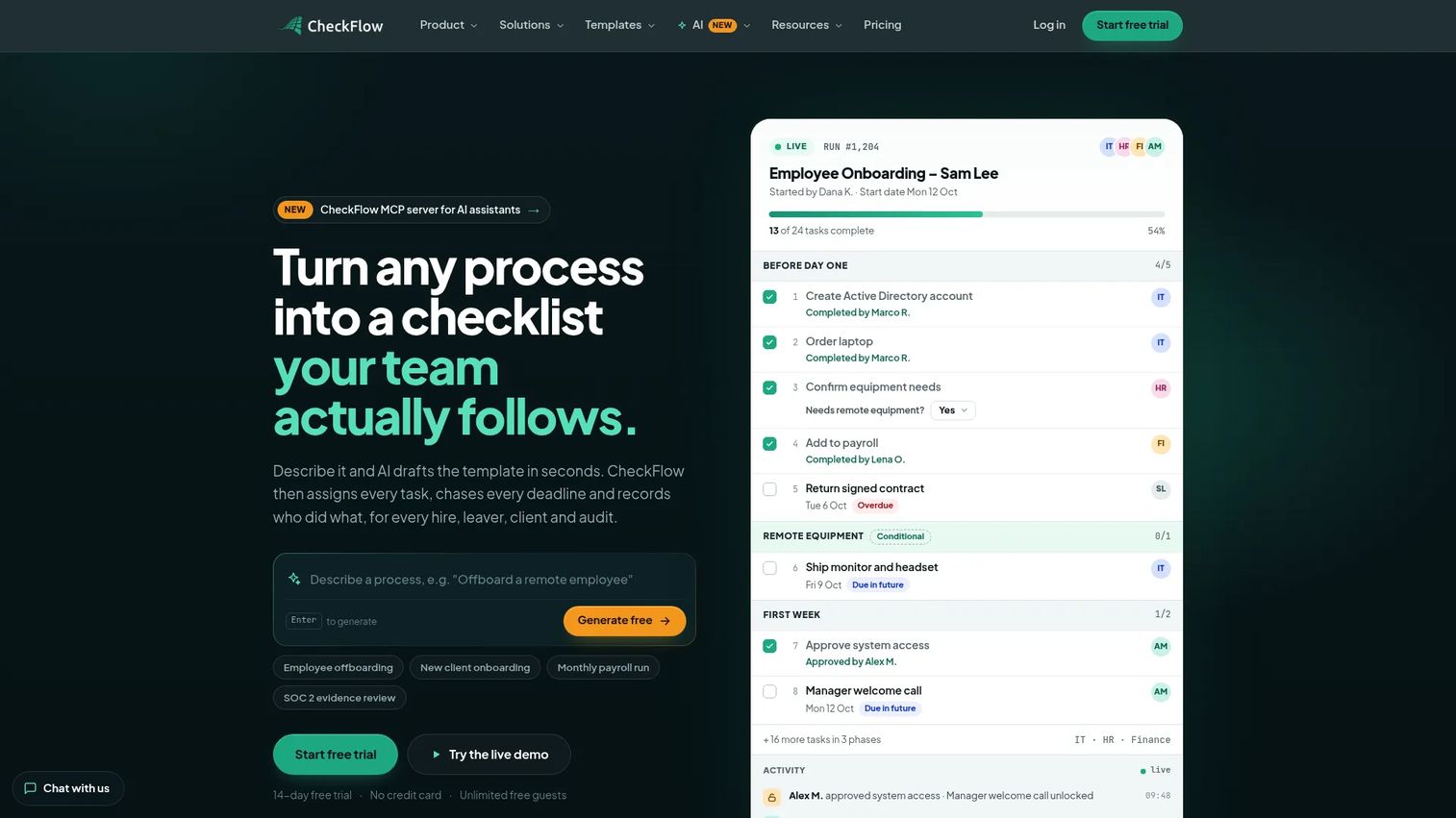
CheckFlow is checklist and process-management software built for teams that run recurring, multi-step operational workflows. IT and HR teams use it to standardize onboarding and offboarding, with checklists that enforce task order, apply conditional logic, and generate audit trails for every completed process run.
Best for: IT, MSP, compliance, and operations teams standardizing device provisioning, access setup, and security onboarding sequences.
Key features
- Drag-and-drop template designer with conditional logic
- Task-order enforcement and dynamic due dates
- Recurring checklists with automation rules
- Audit logs and version history per template
- REST API, webhooks, Zapier, and AI template generation
Why choose CheckFlow: It fits teams where onboarding breaks around provisioning sequences rather than employee engagement. If your onboarding list includes SSO setup, MFA enrollment, VPN access, and device assignment, CheckFlow's enforced ordering and audit logs are more useful than a general HR platform.
CheckFlow pricing: Plans start at $9 per user per month on annual billing, with a 14-day free trial included. The Enterprise tier adds SAML SSO, unlimited file storage, and a dedicated success manager, starting at $16.20 per user per month (minimum five users).
G2 rating: 4.5/5
2. HR Partner
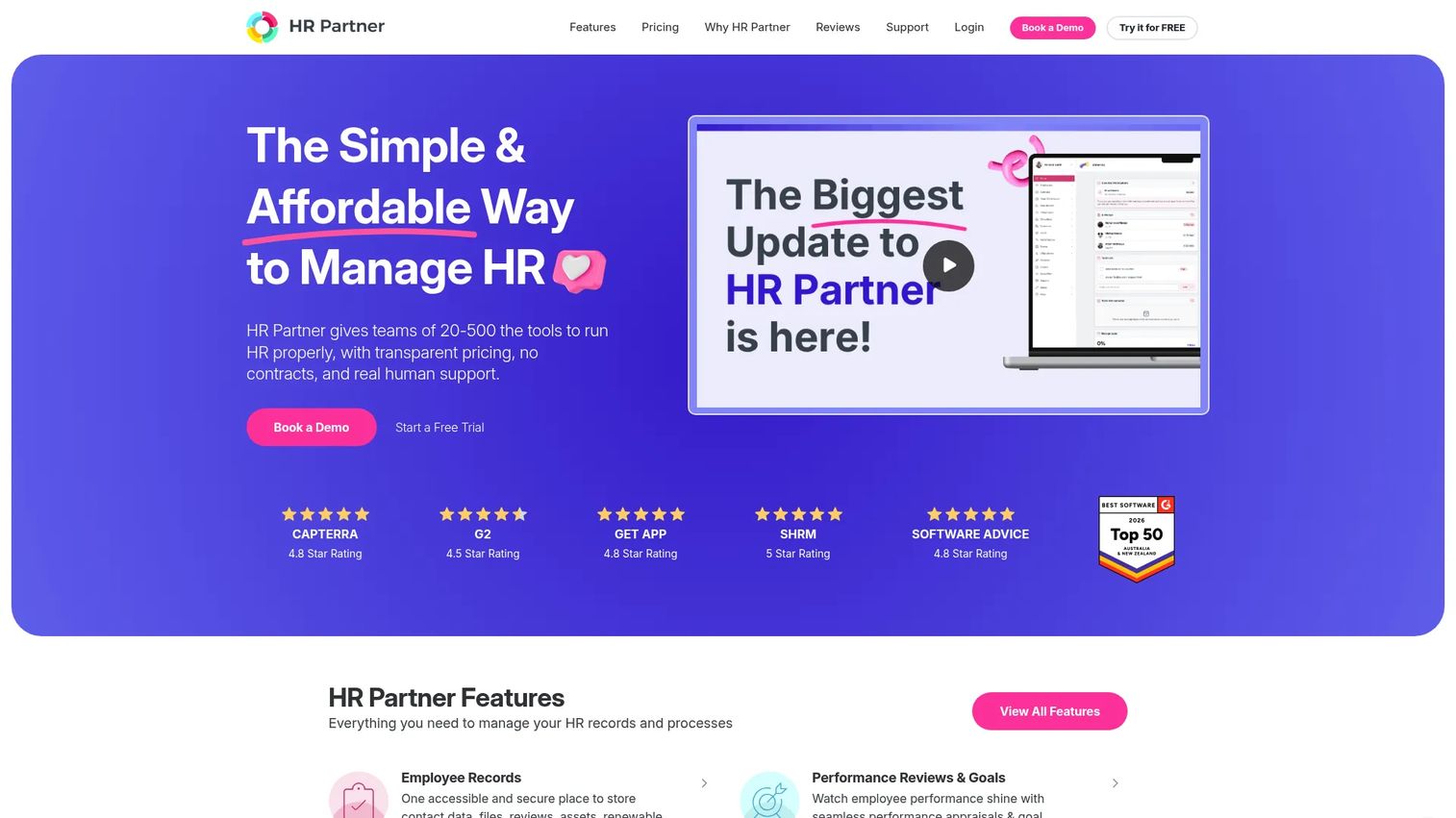
HR Partner is an all-in-one HR platform designed for teams of 20 to 500 employees. It combines employee records, leave management, onboarding checklists, recruitment, and performance tools in a single system, with document uploads, e-signatures, and an employee self-service portal included.
Best for: Small and midsize HR teams that want onboarding checklists, employee records, and e-signatures in the same HR system.
Key features
- Custom onboarding checklist templates per role or department
- Document uploads and electronic signatures
- Employee self-service portal
- Task delegation and due-date tracking
- Recruitment and applicant tracking built in
Why choose HR Partner: Use it when employee onboarding tasks need to live beside HR records and recruitment data. It is a stronger fit for internal employee onboarding than for customer onboarding or product education.
HR Partner pricing: HR Partner prices by employee count and billing frequency. The Core, Premium, and VIP plans are available monthly or annually. A 14-day free trial applies to all plans, and annual billing charges 11 months instead of 12. Contact HR Partner or visit their pricing page for current figures by headcount.
G2 rating: 4.5/5
3. Paycom Onboarding
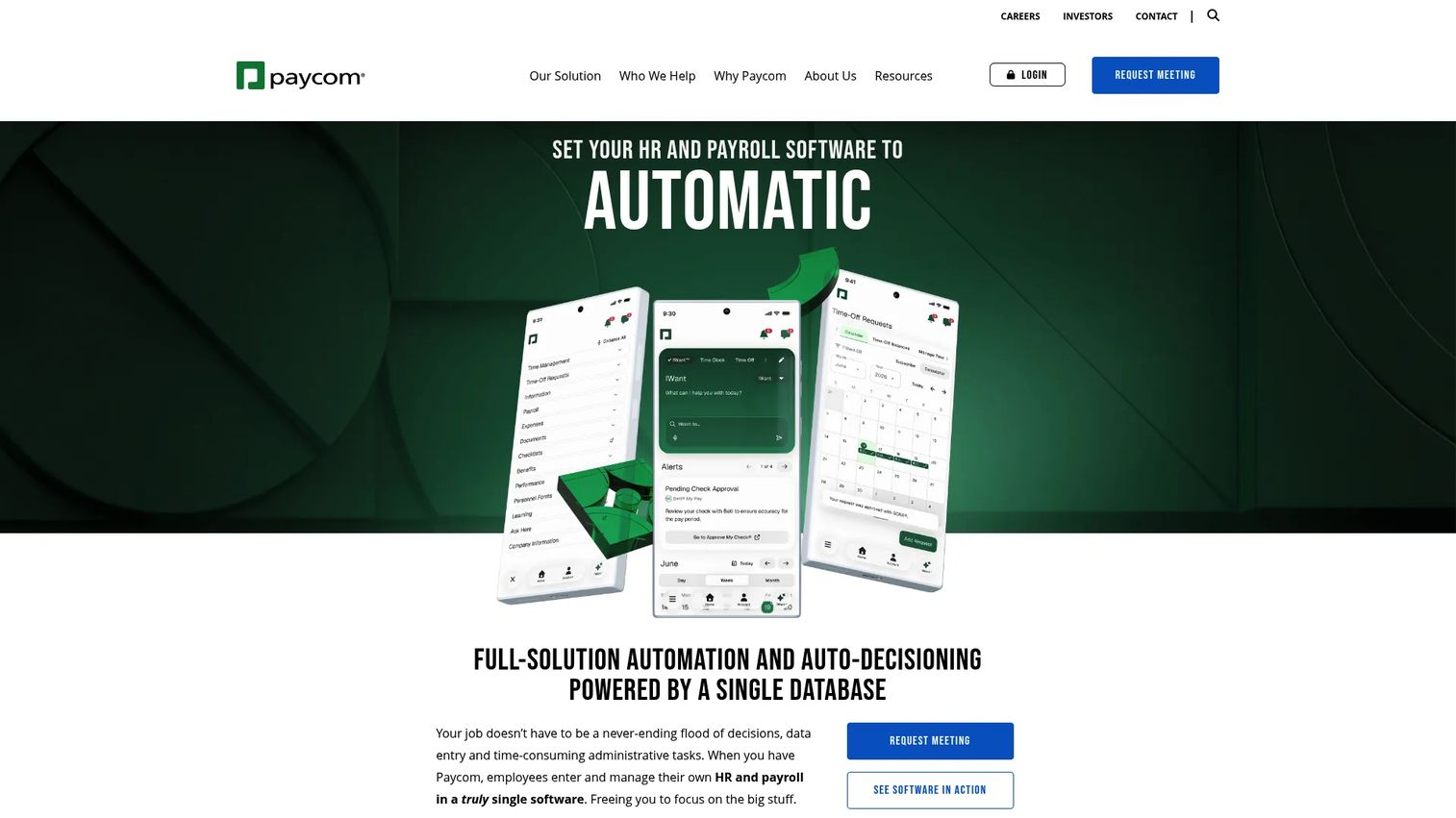
Paycom Onboarding is part of Paycom's broader HR and payroll platform. It automates pre-day-one paperwork, digital document collection, training assignments, and onboarding checklists, with employee data flowing directly into payroll. New hires complete their setup in a self-service portal before their start date.
Best for: HR teams that need onboarding tightly connected to payroll, benefits enrollment, and workforce records.
Key features
- Self-onboarding portal for pre-day-one paperwork
- Automated W-4, I-9, and digital form completion
- Background check and eligibility verification initiation
- Payroll data flow from onboarding to wages
- Digital training and onboarding checklists
Why choose Paycom Onboarding: It makes sense when payroll and onboarding are inseparable in your process. If a new hire's day-one experience includes direct-deposit setup and benefits selection alongside task checklists, Paycom keeps everything in one record. It carries more system than a CS team needs for customer onboarding.
Paycom Onboarding pricing: Paycom prices by workforce size and selected product modules, with no published standard rates. Request a customized quote through Paycom's website or pricing page. Reviewer-reported ranges on G2 suggest enterprise-level pricing for mid-to-large organizations.
G2 rating: 4.7/5
4. Mitti
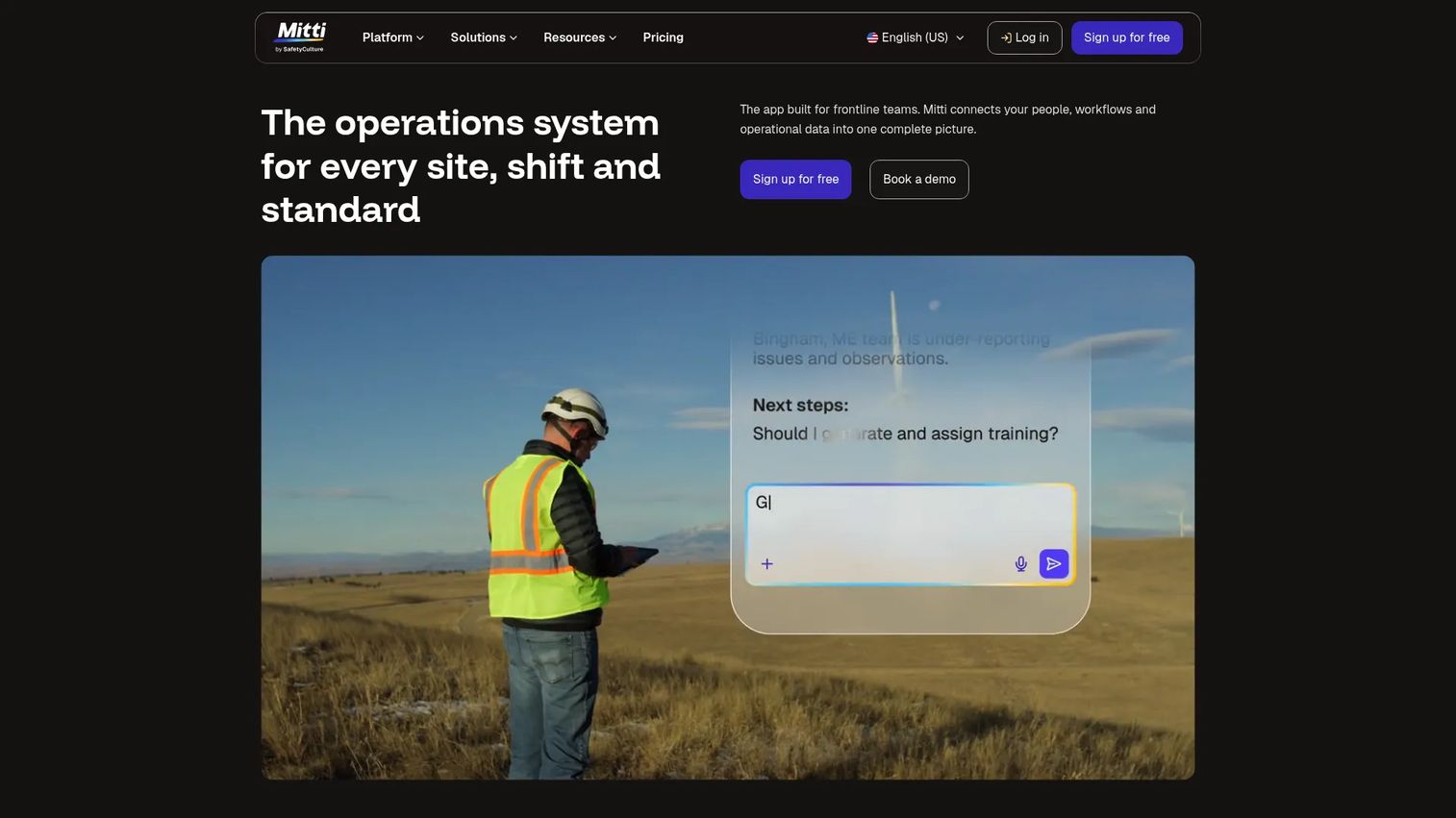
Mitti is an operations platform for frontline teams covering inspections, training, incident reporting, asset management, and onboarding workflows. It is built for organizations where employees are on the floor, not at a desk, and need mobile access to checklists, training assignments, and task completion.
Best for: Small businesses and frontline organizations that need mobile onboarding, training, and operational checklists for shift-based teams.
Key features
- Mobile inspections and checklist workflows
- Training and onboarding assignment with progress tracking
- Issue and incident reporting
- AI assistant and document management
- Team communications and analytics
Why choose Mitti: Choose it when onboarding and daily operations overlap, as with restaurant, retail, or field service teams where the onboarding checklist and the shift inspection checklist live in the same system. Its scope goes beyond onboarding, so teams with narrow HR needs may not use most of what it offers.
Mitti pricing: A free plan covers up to 10 active users and five active templates. The Premium plan runs $29 per user per month on monthly billing.
G2 rating: 4.6/5
5. Guideflow
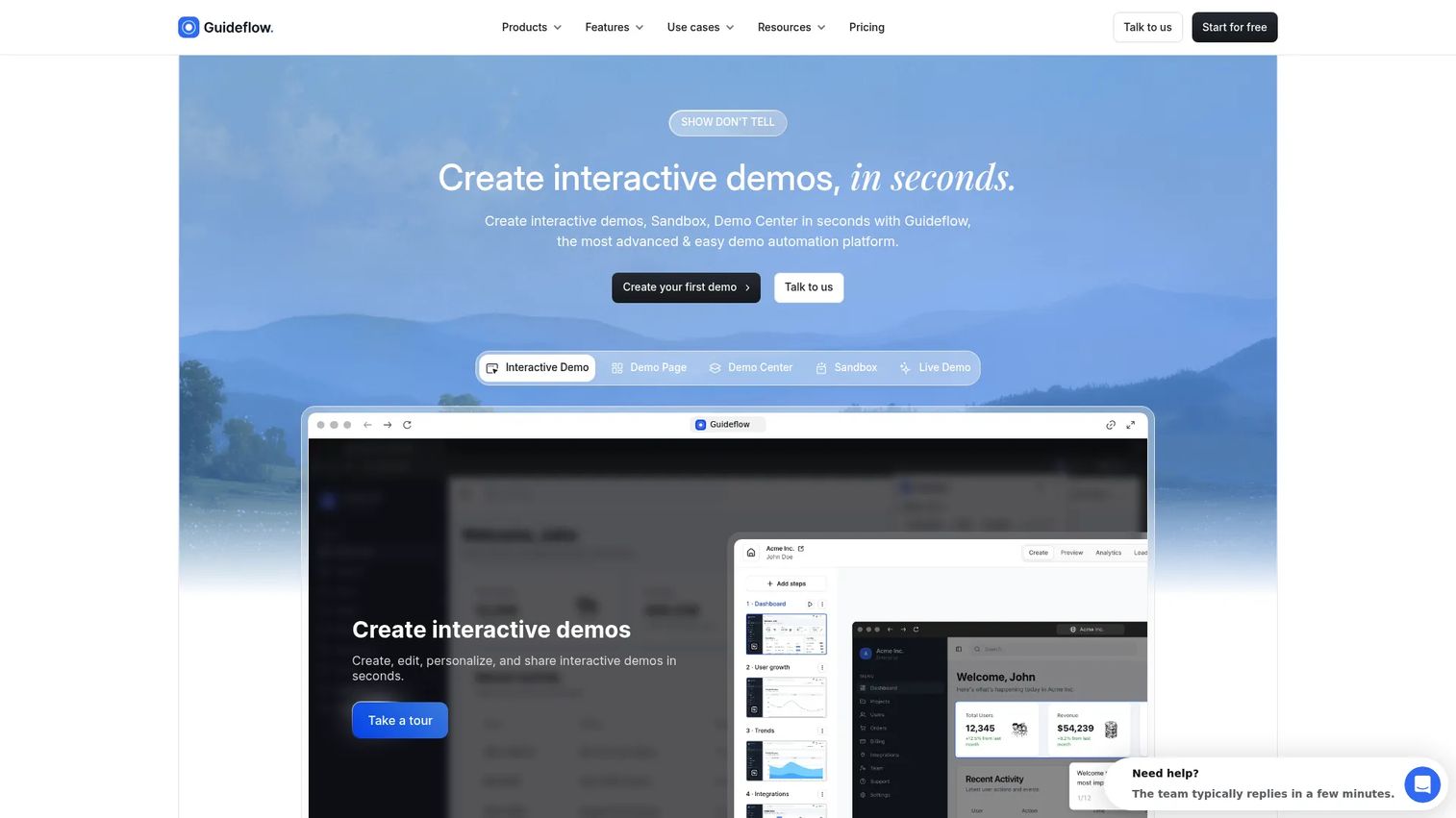
Guideflow is a demo automation platform for creating, sharing, and analyzing interactive demos that users click through at their own pace. Guideflow does not run recurring onboarding processes, assign checklist tasks, or prove that a checklist item was completed. What it does instead is make the product step inside a checklist easier to understand.
A checklist tool tells a customer to "connect your Salesforce integration." Guideflow shows the exact product experience, step by step, without requiring a live call. CSMs can embed or link an interactive demo directly inside a checklist task, a help center article, an email, or a Notion page. When a user gets stuck on a product step, they click through the demo rather than submitting a ticket.
The analytics layer is where Guideflow connects back to onboarding outcomes. Completion rate shows whether users finish the demo. Drop-off by step, visible in Guideflow's analyze features, shows exactly where they stopped. That data helps CSMs identify which product steps generate the most confusion before those steps turn into churn signals.
Best for: CS and onboarding teams that want to make complex product steps easier to learn inside an existing checklist process.
Key features
- Interactive demo creation with step-by-step capture
- Step-level completion rate and drop-off analytics
- Shareable links and embeds for help centers, emails, and tools
- AI-assisted editing and content generation
- Personalization, branching, and CRM integrations
Why choose Guideflow: Use it when customers get stuck not because a task was not assigned, but because they did not understand how to complete a product step. Pair it with a checklist tool for assignment and proof of completion. For CSMs managing many accounts, the step-level drop-off data replaces the guesswork of "where did they fall off?"
Guideflow pricing: A free plan is available with no time limit. Paid plans start at $35 per month on annual billing (Solo), with Growth at $499 per month and Advanced at $1,499 per month. Enterprise pricing is available on request.
G2 rating: 5.0/5
Start your journey with Guideflow today!
6. BambooHR
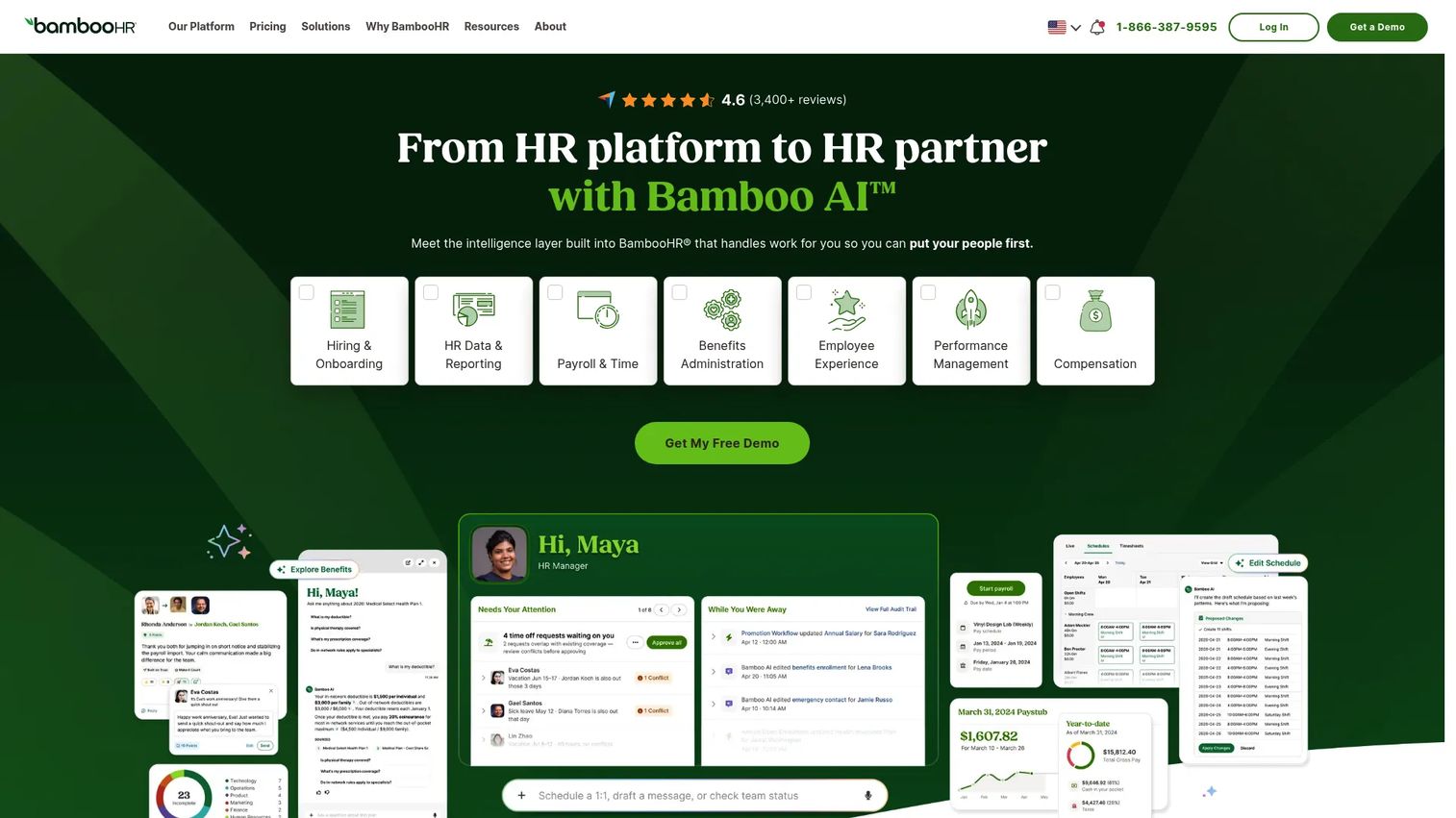
BambooHR is an all-in-one HR platform that manages employee records, onboarding workflows, time off, performance, payroll, and hiring. Its onboarding module lets HR teams create new-hire packets, assign onboarding tasks, collect e-signatures, and track completion alongside broader employee data.
Best for: SMB HR teams that want onboarding checklists connected to employee records, documents, and people operations.
Key features
- New-hire packets with task assignment and due dates
- E-signatures and digital document collection
- Employee records and HR reporting
- Performance management and compensation tracking
- Integrations with payroll, ATS, and benefits platforms
Why choose BambooHR: It works well when HR wants onboarding tied to the full employee record rather than operating as a standalone checklist app. It is not designed for customer onboarding or product education.
BambooHR pricing: Plans start at $10.25 per employee per month for Core, $17.50 for Pro, and $25 for Elite. Organizations with 25 or fewer employees pay flat monthly rates: $250 for Core, $425 for Pro, and $650 for Elite.
G2 rating: 4.4/5
7. Gusto
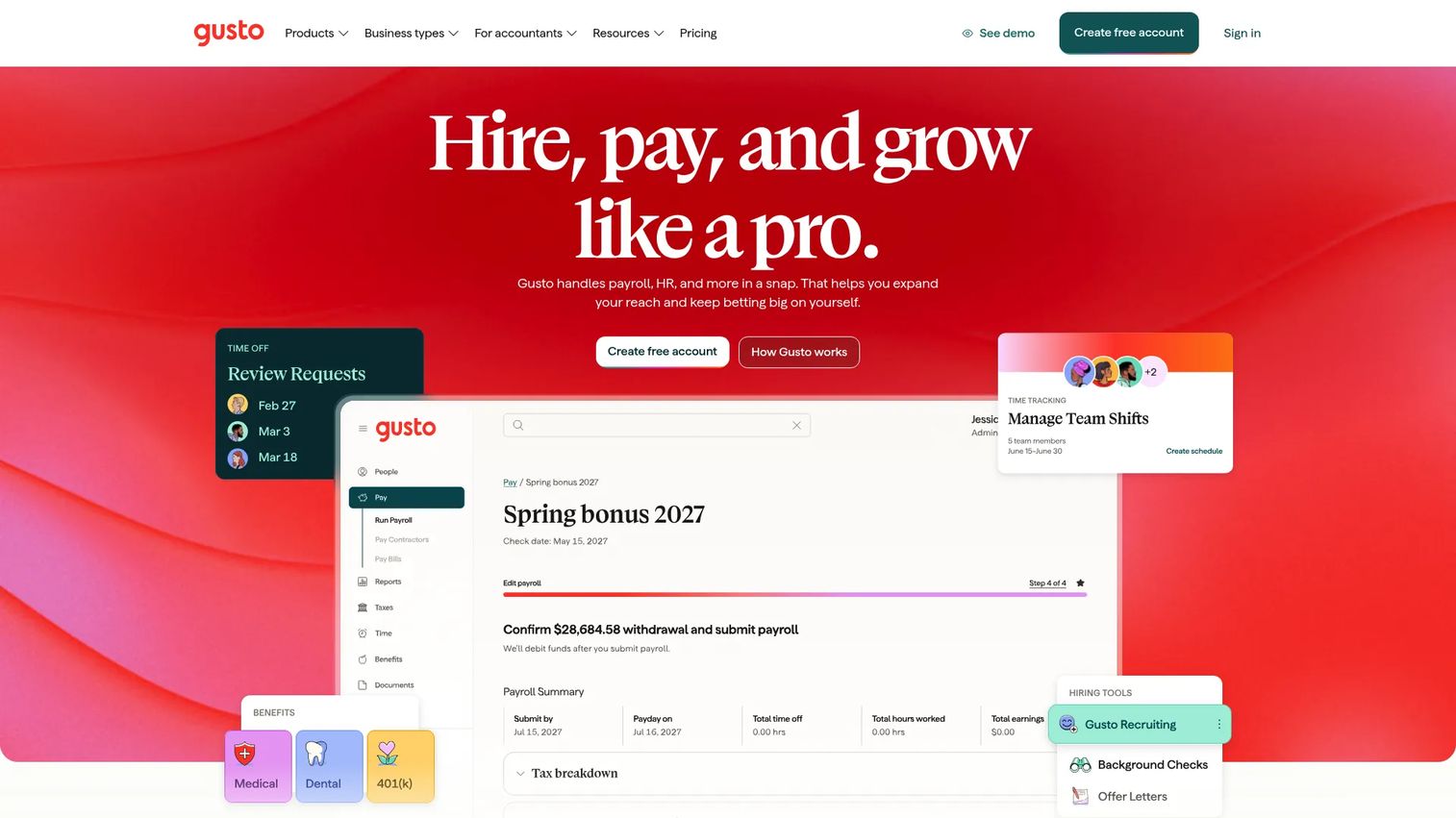
Gusto is payroll, benefits, and HR software built for small and growing businesses. Its onboarding features cover new-hire paperwork, tax form collection, benefits enrollment, payroll setup, and an employee self-service portal, all in one flow.
Best for: Small businesses that need hiring paperwork, payroll, and benefits onboarding in the same system without managing separate HR tools.
Key features
- Automated payroll tax calculations and filings
- Tax form collection (W-4, state forms) for new hires
- Benefits enrollment and health insurance administration
- Employee self-service for paystubs, benefits, and PTO
- Time tracking and scheduling on higher plans
Why choose Gusto: Strong when onboarding starts with payroll setup and benefits selection. It handles the administrative side of new-hire onboarding well, but it is not designed for customer onboarding, learning paths, or product education.
Gusto pricing: The Simple plan costs $49 per month plus $6 per person per month. Plus is $80 per month plus $12 per person, adding multi-state payroll and scheduling. Premium is $180 per month plus $22 per person.
G2 rating: 4.6/5
8. WorkBright
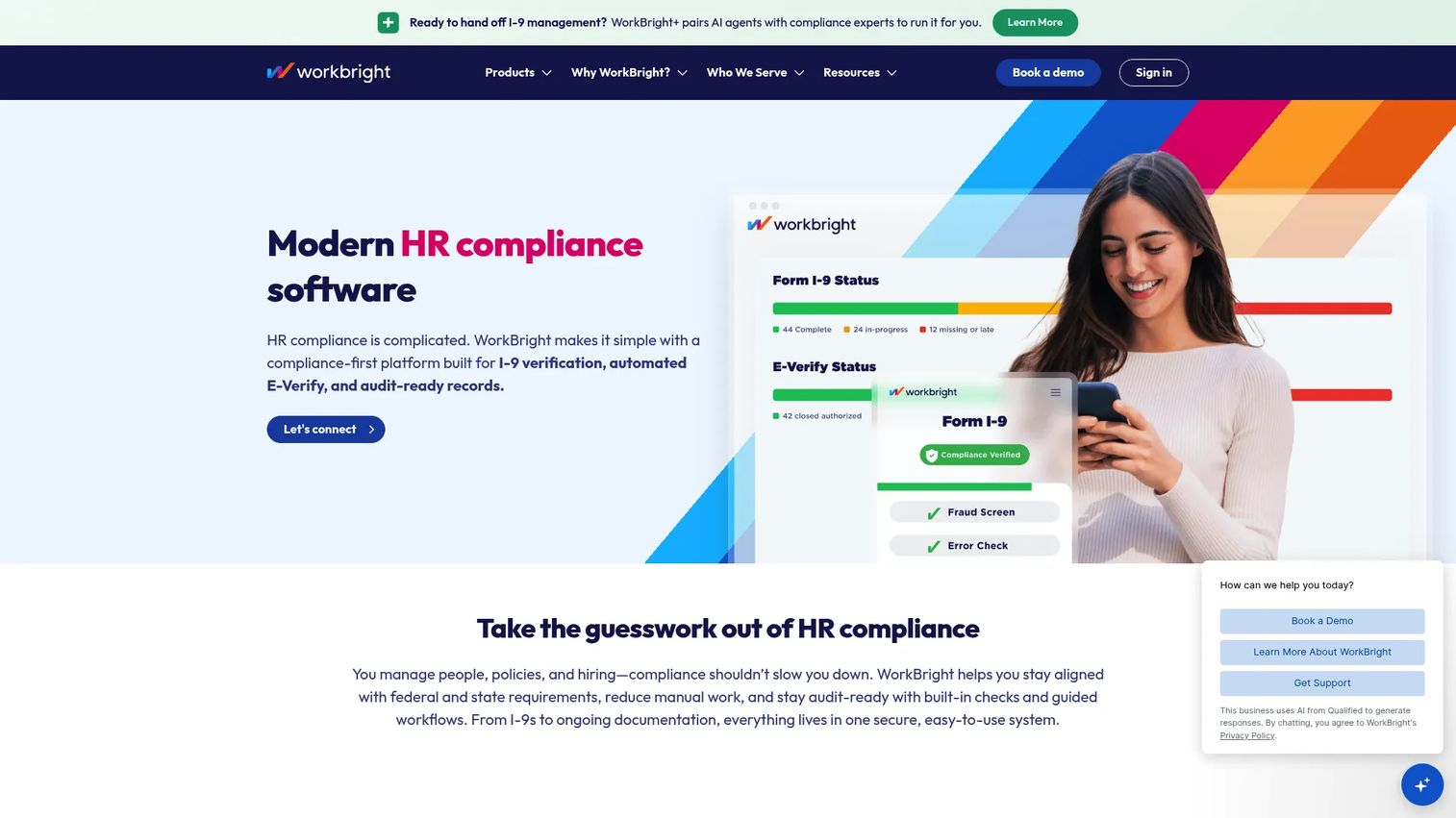
WorkBright is HR compliance software focused on I-9 verification, automated E-Verify, and audit-ready documentation. It is built for distributed, seasonal, or high-volume hiring situations where paperwork completion is the primary onboarding bottleneck.
Best for: Organizations onboarding remote, seasonal, or frontline employees who need mobile I-9 completion, E-Verify automation, and compliant document collection.
Key features
- Mobile I-9 completion with fraud detection and guided error correction
- Automated E-Verify with built-in case management
- 150+ automated compliance checks and audit-ready records
- 200+ state and federal forms with regulatory updates
- Open API access and integrations with payroll platforms
Why choose WorkBright: Use it when documentation is the bottleneck, specifically I-9 and E-Verify at scale. It is narrower than a general customer onboarding checklist tool, but nothing in this list handles remote I-9 compliance as specifically.
WorkBright pricing: WorkBright+ is priced at $25 per I-9 record and covers full I-9 and E-Verify compliance management including automated reverification and Supplement B completion. Additional plan pricing requires contacting WorkBright directly.
G2 rating: 4.7/5
9. Zoho People
Zoho People is cloud-based HR software covering employee records, onboarding, attendance, leave, performance, and learning management. Teams already running on the Zoho suite benefit from native integrations, while the platform's configurable workflows allow significant customization of onboarding sequences.
Best for: HR teams already using Zoho or seeking a configurable HR platform with onboarding workflows, task automation, and employee self-service.
Key features
- Onboarding and offboarding workflow automation
- Employee self-service portal with document management
- Attendance, leave, and timesheet management
- Performance and OKR management
- Learning management with built-in course tools
Why choose Zoho People: It makes sense for teams that want onboarding inside a broader HR operations stack, particularly when other Zoho tools are already in use. Configuration flexibility is a strength, but it requires setup discipline to avoid building overly complex workflows.
Zoho People pricing: A free plan covers up to five users. Essential HR starts at $1.25 per user per month billed annually. Professional is $2, Premium is $3, and Enterprise is $4.50 per user per month, all billed annually.
G2 rating: 4.4/5
10. Code of Talent
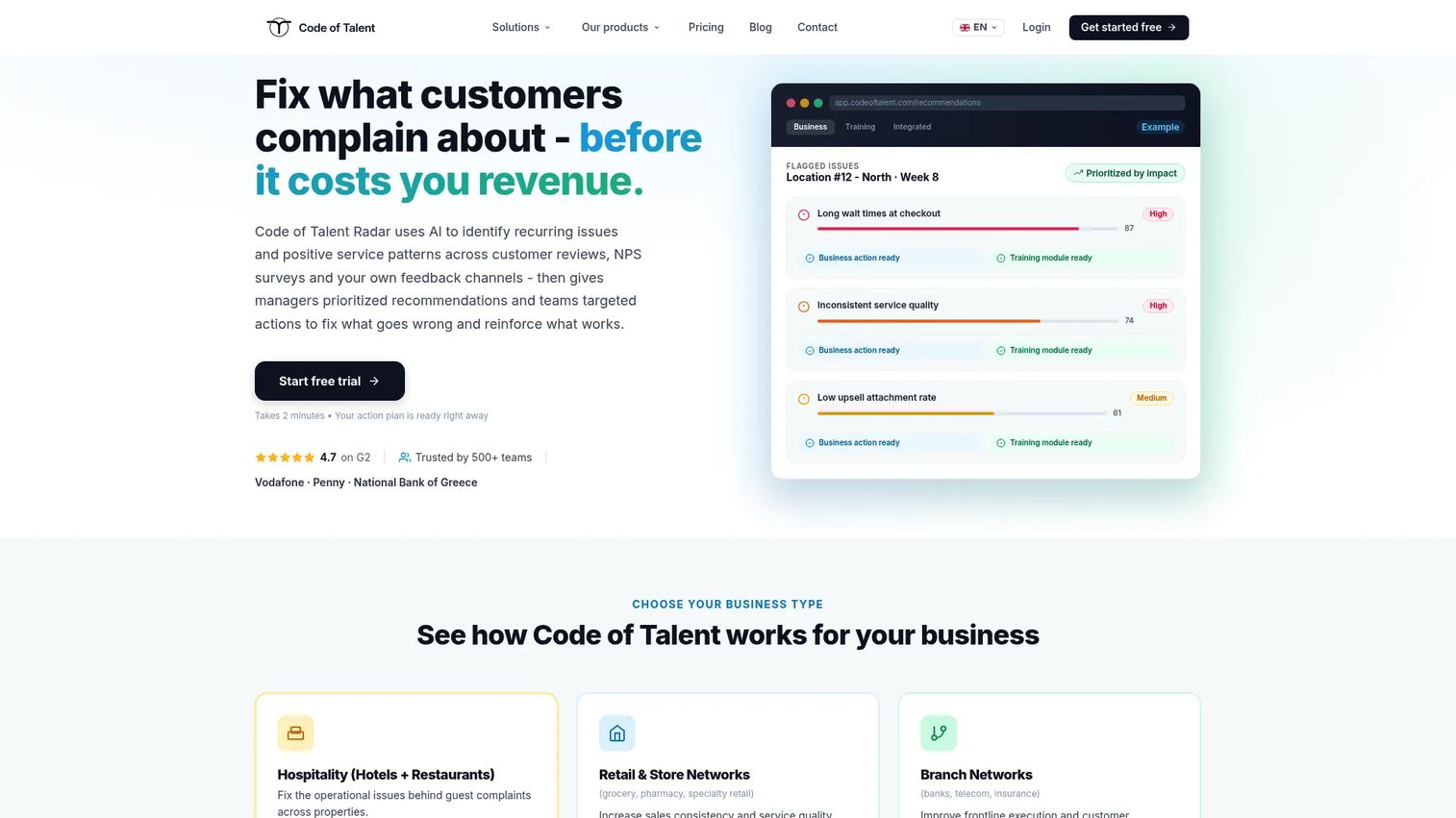
Code of Talent is an AI-powered learning and feedback platform that converts customer feedback patterns into prioritized training actions for frontline teams. It combines gamified microlearning, peer evaluations, and manager team briefings to close skill gaps identified by real operational data.
Best for: Multi-location service businesses where onboarding connects to frontline skill development and customer feedback signals.
Key features
- AI-powered personalized learning journeys per role
- Gamification with badges, points, and peer evaluations
- Customer-feedback pattern detection with training recommendations
- Manager team briefings tied to operational priorities
- API delivery to existing LMS or coaching workflows
Why choose Code of Talent: Choose it when onboarding is inseparable from ongoing frontline training and you want learning paths driven by real customer feedback, not static content calendars. It complements checklist software rather than replacing it.
Code of Talent pricing: Early Access pricing starts from $99 per location per month. Final scope (users, modules, integrations) is confirmed during a sales conversation. A 14-day free trial may be available.
G2 rating: 4.8/5
11. Factorial
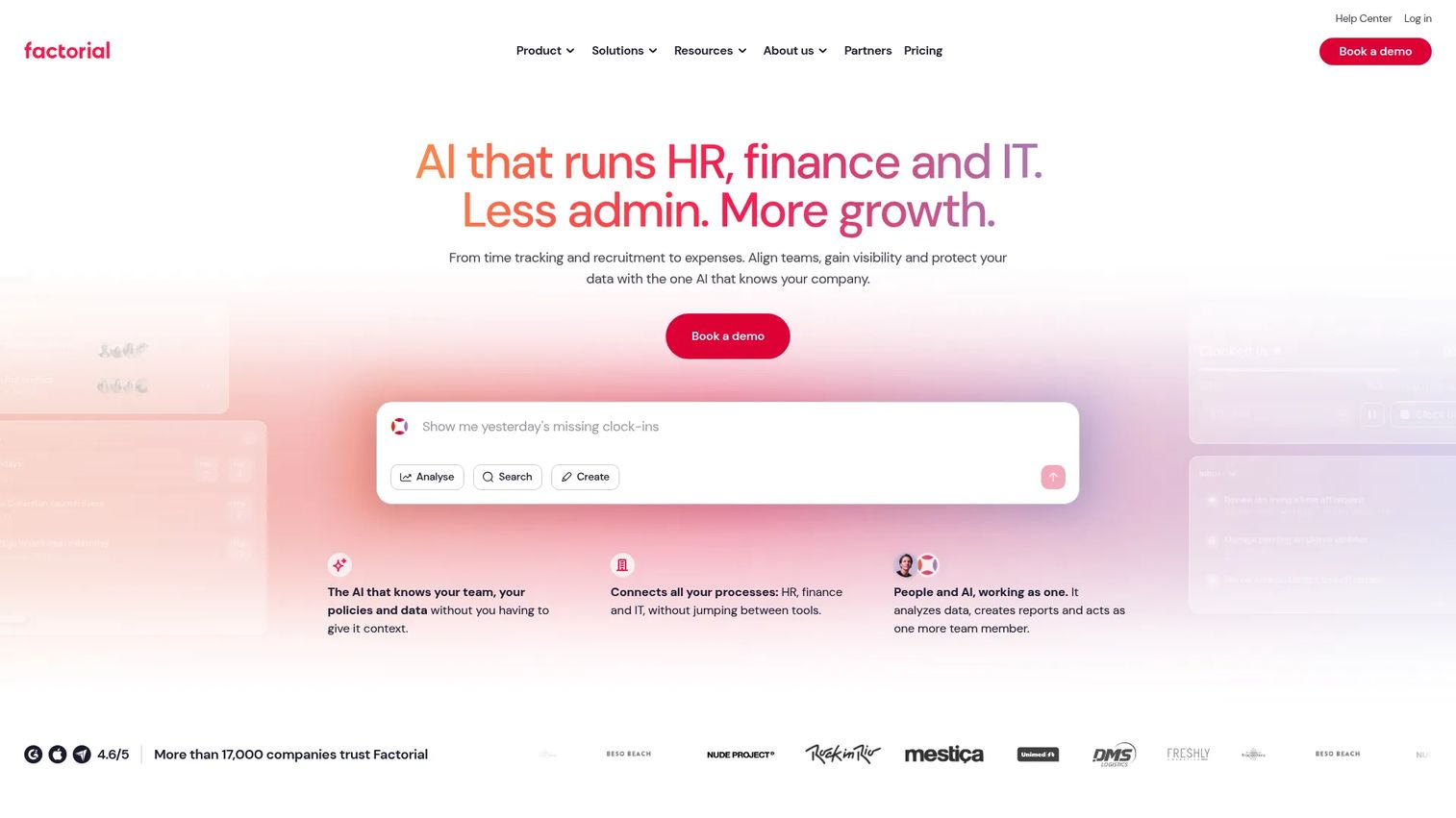
Factorial is an all-in-one HR platform for small and midsize companies consolidating HR processes. Its core includes onboarding and offboarding workflows, employee documents, e-signatures, time tracking, payroll, and an employee database, designed for teams moving from spreadsheets to structured people operations.
Best for: Growing companies that need HR onboarding, document management, and time workflows consolidated in one system.
Key features
- Onboarding and offboarding task workflows
- Employee document management and legal e-signatures
- Time tracking, shifts, and absence management
- Payroll and payslip management
- Applicant tracking and recruitment
Why choose Factorial: Use it when onboarding is one part of a broader HR modernization project and you need people analytics, payroll, and compliance documentation alongside task checklists. It is less specialized for customer onboarding or product education.
Factorial pricing: Factorial Core starts at $8 per user per month. It includes employee directory, onboarding and offboarding workflows, payslip distribution, bulk document sending, e-signatures, and fillable PDFs. Additional modules are configured per company need.
G2 rating: 4.4/5
12. Quixy
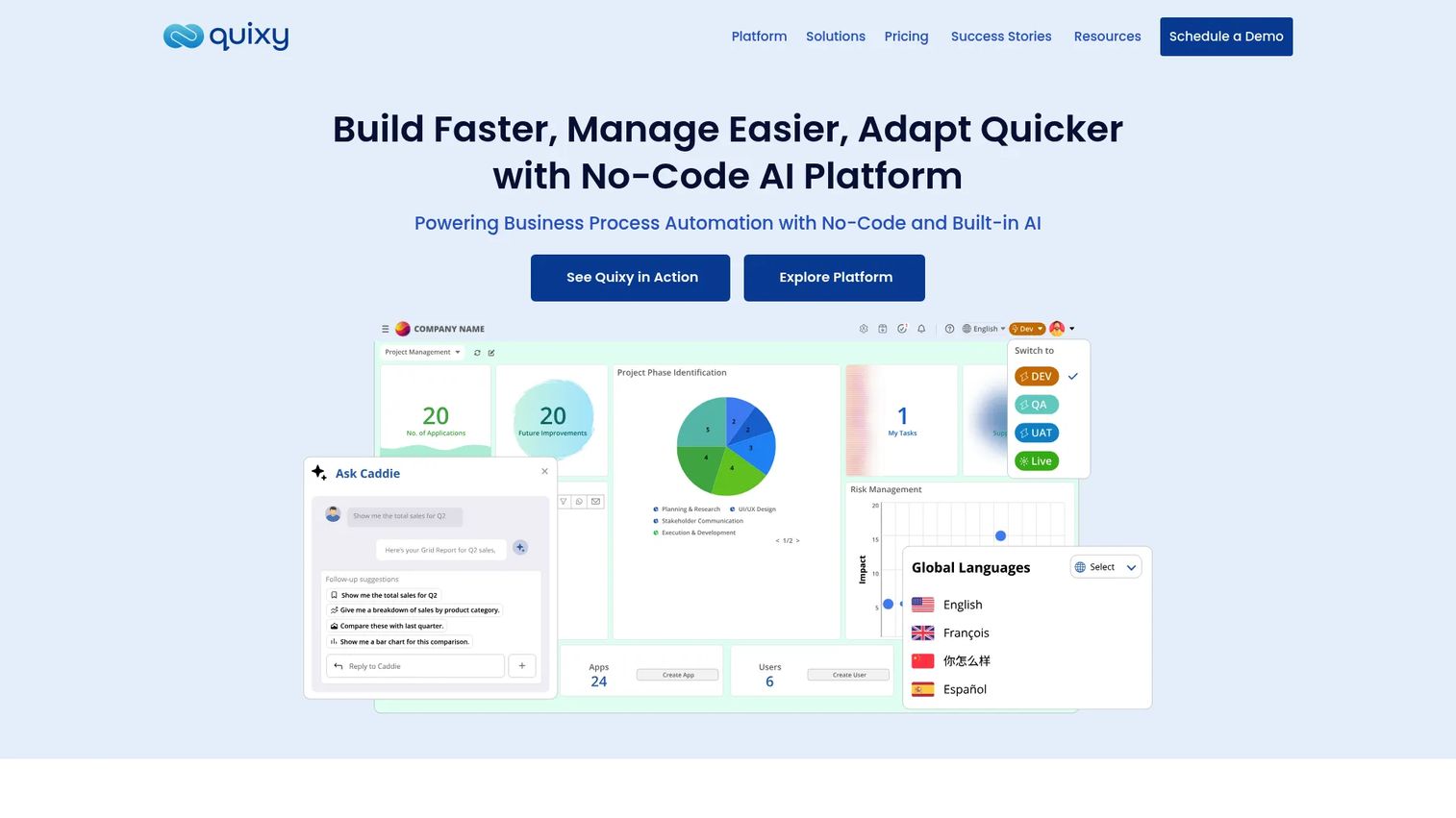
Quixy is a no-code enterprise platform for building custom business applications and automating workflows. Organizations use it to create onboarding apps with custom forms, approval routing, process dashboards, and mobile access, without writing code.
Best for: Operations teams with unique onboarding workflows that cannot fit standard HR software, and who need custom approvals, forms, and process logic.
Key features
- No-code drag-and-drop application builder
- Workflow automation with business rules and validations
- Custom forms with approval routing and escalations
- Advanced dashboards and process reporting
- Mobile apps for Android and iOS
Why choose Quixy: It fits teams that need custom process control more than a packaged onboarding product. The tradeoff is setup time. You will get exactly the workflow you need, but it requires clear process ownership before buildout and discipline to avoid over-engineering simple checklists.
Quixy pricing: The Platform plan starts at $20 per user per month on annual billing, with a minimum of 20 users and a 14-day free trial. Solution and Enterprise plans require contacting sales.
G2 rating: 5.0/5
13. Boardon
Boardon is dedicated onboarding software for creating branded, timeline-based employee preboarding and onboarding experiences. HR teams use it to build structured new-hire journeys with tasks, learning content, quizzes, surveys, and engagement messages delivered in a personalized portal.
Best for: Small and midsize HR teams that want a guided new-hire journey with engagement content, structured tasks, and a branded employee experience.
Key features
- Branded onboarding portal with custom logo, colors, and fonts
- Timeline-based onboarding plans with tasks and milestones
- Quizzes, surveys, and engagement messages built into the journey
- Document upload and download with progress reporting
- Email and text-message invitations with batch import
Why choose Boardon: Use it when the new-hire experience matters as much as the administrative checklist. It creates a more intentional first impression than a generic task list. It is not a general-purpose workflow builder, so teams needing complex conditional logic or cross-system integrations may outgrow it.
Boardon pricing: A free plan supports one active onboarding. Paid plans start at $58 per month (Mini), scaling through Small ($120), Medium ($200), and Large ($317) based on active user counts. Enterprise plans from $500 per month support 150-plus active users and add API access and dedicated support.
14. Homebase
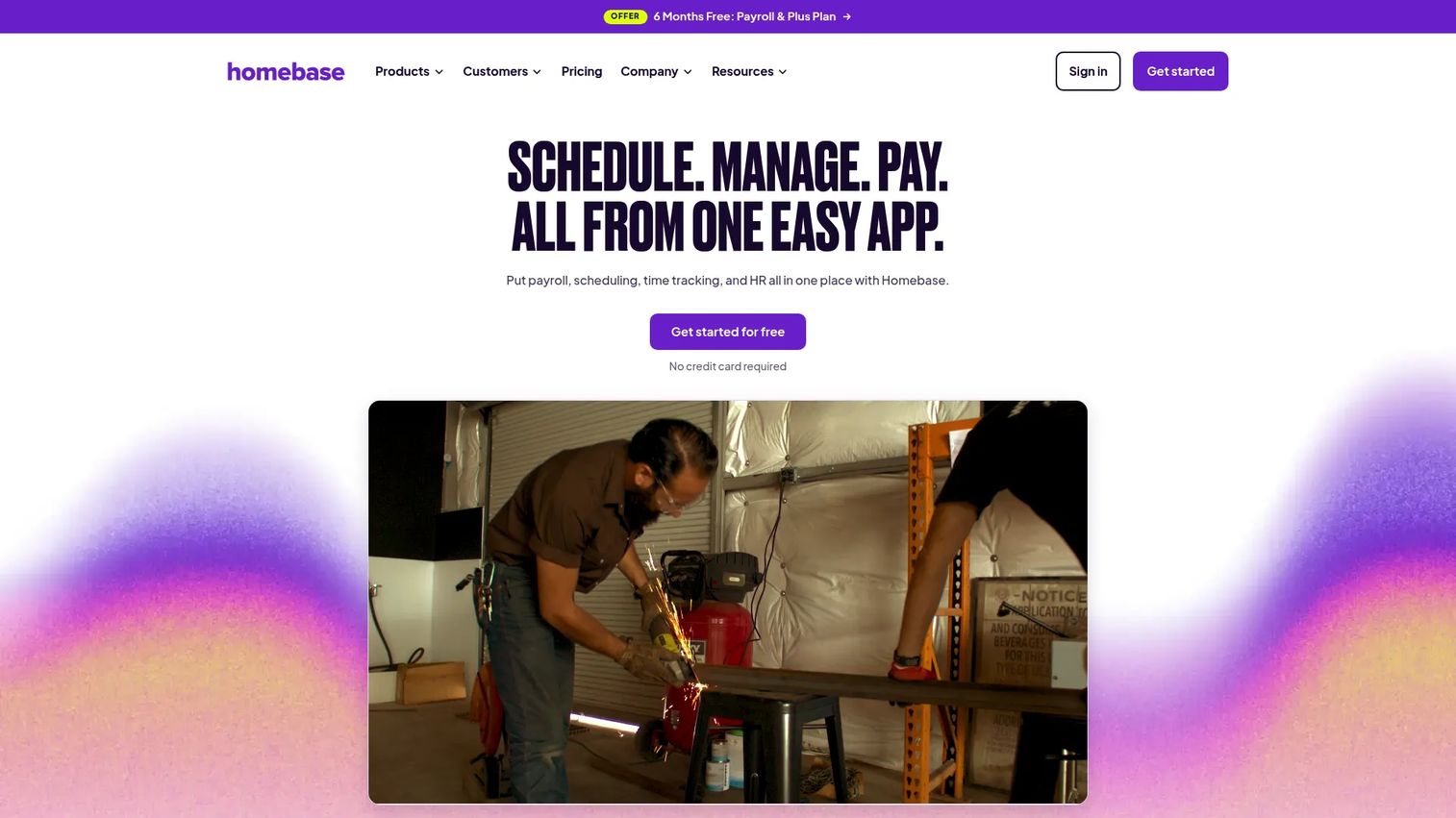
Homebase is workforce management software built for small businesses with hourly employees. It combines hiring, onboarding paperwork, scheduling, time tracking, team communication, and payroll in one platform, designed for restaurants, retail, and local service businesses.
Best for: Small businesses that hire hourly employees and need onboarding connected to scheduling, time tracking, and team management.
Key features
- Employee hiring tools and new-hire paperwork
- Scheduling with labor cost management
- Time tracking and time clocks
- Team communication and messaging
- Payroll as an add-on module
Why choose Homebase: Use it when onboarding flows directly into the shift schedule and the person doing onboarding is also managing the floor. It is not designed for SaaS customer onboarding or complex HR workflows, but for hourly teams it replaces several separate tools.
Homebase pricing: A Basic plan is free for one location and up to 10 employees with scheduling and time tracking. Essentials is $30 per location per month. Plus is $70, and All-in-One is $120 per location per month. Payroll is an add-on at $49 per month plus $6 per employee paid.
G2 rating: 4.6/5
Considerations when choosing onboarding checklist software
Match the tool to the onboarding object
Employee onboarding, customer onboarding, IT provisioning, and partner onboarding need different proof. A CSM cares about product activation and feature adoption. HR cares about forms, compliance records, and manager sign-offs. Before evaluating features, write down what your checklist has to prove and to whom.
Check whether the checklist runs the process
A tool that stores task lists is not the same as one that assigns owners, calculates due dates, sends reminders, and flags blocked work. Ask vendors whether due dates are dynamic (calculated from a start date), whether reminders are automatic, and whether the system shows task status across the whole onboarding cohort, not just individual records.
Separate execution from education
Checklist software owns assignment and proof that steps ran. For product-heavy tasks, Guideflow can embed an interactive demo directly inside a checklist step or link it from a help center article. The checklist proves the step was assigned; the demo makes the step understandable. CSMs using both tools get fewer repetitive calls and clearer drop-off data from Guideflow's analytics.
Verify integrations before buying
Ask whether the tool syncs with your CRM, HRIS, payroll system, help desk, and project management platform automatically, or whether it requires manual exports. Many platforms advertise integrations that only sync in one direction or require a middleware connector.
Evaluate reporting against your KPIs
For CSMs, tie reporting expectations to time-to-value, onboarding completion rate, ticket volume reduction, and expansion signals. For HR, tie reporting to manager accountability, compliance documentation, and new-hire satisfaction. A tool with no reporting dashboard makes it harder to prove onboarding is working.
Conclusion
Onboarding checklist software is not one category. It spans IT provisioning tools, HR platforms, compliance documentation systems, frontline training apps, and custom workflow builders. Picking the right one depends on what your onboarding has to prove and who is accountable for each step.
For IT onboarding with enforced provisioning sequences, CheckFlow is the strongest fit. For HR and payroll-centered onboarding, Paycom and BambooHR cover the most ground. Gusto and Homebase serve small businesses with payroll-first onboarding needs. Mitti and Code of Talent work best when training is embedded in onboarding. For custom process logic, Quixy gives operations teams full control. Boardon creates intentional new-hire experiences when the employee's first impression matters.
Guideflow is not the checklist system. It is the interactive demo layer that helps users understand the product step inside the checklist. Pair it with a checklist tool to cover execution, then use completion rate and step-level drop-off to show leadership exactly where your onboarding process breaks down.
Start your journey with Guideflow today!
FAQs
Onboarding checklist software turns repeatable onboarding processes into assigned, trackable workflows with due dates, reminders, documentation, and completion visibility. It assigns tasks to specific people, tracks status across the whole cohort, and creates a record proving each step ran.
Onboarding checklist software focuses on recurring task execution: Who does what, by when, and whether it happened. Broader onboarding software can include payroll, HRIS, learning management, communication tools, or customer education, often wrapping checklist features inside a larger product.
A customer onboarding checklist typically covers welcome communication, account setup steps, integration configuration, role-based training milestones, a first-value checkpoint, adoption check-ins at defined intervals, and success criteria tied to your product's activation moment. Each step should have an owner and a due date.
Employee onboarding checklists cover pre-day-one paperwork, tax form submission, equipment request, software and system access, security training, manager introductions, role-specific training assignments, and first-week milestones. IT provisioning tasks need their own owner and timeline, separate from the HR checklist.
Clearer instructions, automatic reminders for overdue steps, and standardized processes reduce the confusion that generates tickets. For product-heavy tasks, adding an interactive demo inside a checklist step gives customers a way to click through the product experience themselves before submitting a question.
No. Checklist software standardizes repeatable steps and surfaces status, but CSMs still own strategy, relationship management, churn risk assessment, and expansion conversations. The value is that CSMs spend less time re-explaining the same product steps and more time on the accounts that need strategic attention.
No. Guideflow is a demo automation platform. It does not assign recurring tasks, calculate due dates, send reminders, or track completion across a cohort. It makes product steps inside a checklist easier to learn through interactive demos, and it shows CSMs where users drop off. Use it alongside a checklist tool, not instead of one.