Your volunteer coordinator is texting a group thread. Your finance lead is exporting a giving spreadsheet. Your worship director is planning Sunday in a shared doc nobody updated. Three tools, three data sets, zero shared picture of who does what next week.
That is the real friction most church teams hit. Not a lack of effort, but a lack of a single system. When scheduling lives in one place, giving in another, and communication in a group text, follow-up slips. Volunteers show up confused about their role. Staff spend hours reconciling records that should already agree.
Around 60% of U.S. churches now use church management software, according to WorldMetrics (2026). Yet about 30% to 40% of churches on a platform are dissatisfied and considering a switch, per Capterra's Church Software Buyer's Report (2023). So the question is rarely "should we use ministry software." It is "which one fits how our team actually operates."
This guide compares four platforms for churches consolidating scheduling, giving, check-in, communication, and member management. The goal is operational clarity: less admin, cleaner coordination, and a system your team will actually adopt.
What's inside
This guide is for church staff, ministry administrators, and operations leaders comparing ministry management software in 2026. We looked past feature lists and focused on how each platform reduces admin drag and improves coordination across ministries.
We selected and evaluated each tool on:
- Breadth of platform: how much of people, giving, scheduling, check-in, and communication it covers in one system
- Mobile experience: whether staff and members get a usable church app, not just a desktop tool
- Automation: reminders, workflows, and follow-up that run without manual chasing
- Support and onboarding: training resources and help when your team gets stuck
- Pricing clarity: whether you can understand the cost before a sales call
TL;DR
- Best broad fit for most churches: Planning Center. Modular all-in-one church software with a strong free tier, the Church Center app, giving, scheduling, and check-in.
- Best for volunteer scheduling: Ministry Scheduler Pro. A focused volunteer scheduling software with reminders, sub requests, and mobile access.
- Best for all-in-one consolidation: Amplify. A branded multimedia and content platform for churches centralizing communication, streaming, and discipleship resources.
- Best for enterprise complexity: TouchPoint. Enterprise church management software built for large, multi-site ministries with deep automation and reporting.
- Quick rule of thumb: Pick Planning Center if you want a connected platform without overbuilding. Move to TouchPoint when your operational requirements outgrow modular tools.
What is ministry software?
Ministry software, also called church management software or ChMS, is a system that helps churches coordinate people, services, giving, communication, check-in, and follow-up in one place. It replaces the scattered mix of spreadsheets, group texts, and standalone point tools that most growing churches accumulate.
At its core, an integrated platform gives church administration teams one shared record of members, volunteers, and activity. That shared record is what turns disconnected data into coordinated action.
Core capabilities most ministry software includes:
- Church member database: a central directory of people, households, and their involvement
- Volunteer scheduling: assigning, confirming, and reminding volunteers for services and events
- Giving software: online and recurring donations, pledges, and contribution statements
- Check-in software: secure child and event check-in with printed labels and security codes
- Communication tools: email, text, and in-app messaging tied to the member database
- Mobile app: a church app so staff and members can act from their phones
- Automated workflows: follow-up sequences triggered by giving, signups, or new visitors
- Service planning software: worship order, song libraries, and team assignments
The strongest platforms connect these so an action in one area updates the rest. A new giver, a first-time check-in, or a volunteer signup can each trigger the right next step without anyone re-entering data.
Around 70% to 80% of new church management software implementations are now cloud-based, according to industry reports (2023). That shift is what makes mobile access and real-time coordination the baseline expectation rather than a premium feature.
When to use ministry software
Centralize church operations
You know it is time when your church member database lives in three places and none of them agree. Small churches often run on spreadsheets and email threads for years. That works until volunteer lists, giving records, and event signups stop matching. When staff spend more time reconciling data than serving people, a single church operations software system pays for itself in recovered hours.
Coordinate volunteers and services
Service planning and volunteer coordination are where most admin drag hides. If your team rebuilds the same schedule every week, chases confirmations by text, and scrambles when someone drops out, that is a coordination problem. Volunteer scheduling software with reminders, sub requests, and availability tracking removes the manual chasing and the Sunday-morning surprises.
Improve follow-up and engagement
Giving, signups, and event activity generate signals. The question is whether those signals turn into reliable next steps. When first-time visitors never get a follow-up, or new givers never hear back, you have an engagement gap. Automated workflows tied to your member database close that gap by triggering the right message or task the moment something happens.
Comparison table
Scan this table for fit before reading the full sections. Look at breadth first, then mobile and pricing model. A modular tool like Planning Center and an enterprise platform like TouchPoint solve different problems, so match the pick to your church size and operating complexity.
| # | Product | Best for | Key differentiator | Pricing | G2 rating |
|---|---|---|---|---|---|
| 1 | Planning Center | Modular all-in-one church software | Strong free tier plus Church Center app | Free; Services from free to $239/mo | 4.7/5 |
| 2 | Ministry Scheduler Pro | Volunteer scheduling | Fair scheduling logic and sub requests | From $50/month | 4.4/5 |
| 3 | Amplify | Branded multimedia and content | Church-branded streaming and discipleship library | From $32.99/month | Not rated |
| 4 | TouchPoint | Enterprise and multi-site churches | Automation builder and unified records | Starting at $6,000 annually | 4.0/5 |
Best 4 ministry software tools for 2026
1. Planning Center
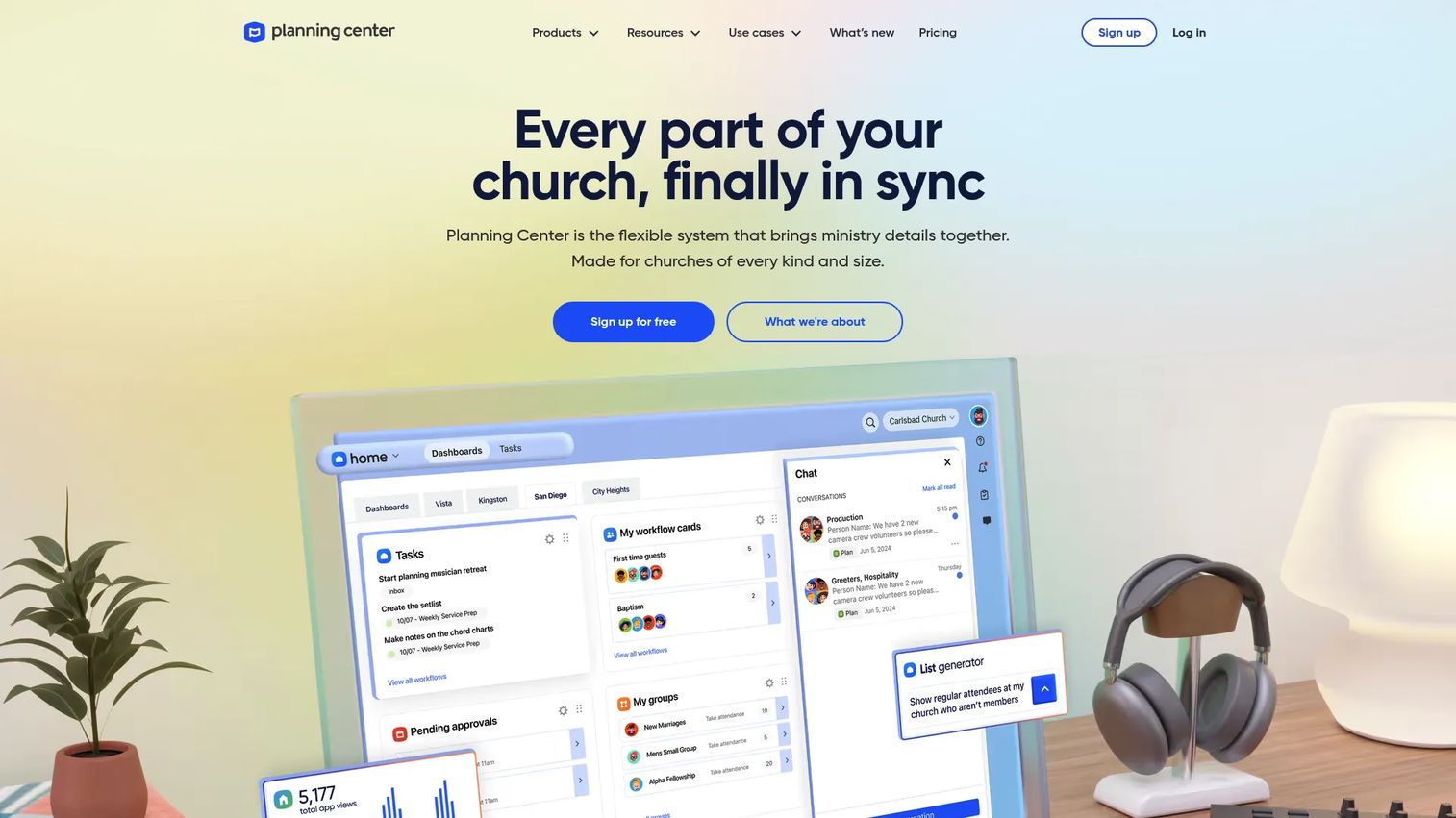
Planning Center is a modular church management software platform for organizing people, worship planning, events, giving, and communication. Instead of one monolithic product, it splits into tools like People, Services, Giving, Check-Ins, Groups, and Registrations. You turn on what you need and leave the rest, which keeps the system from feeling overbuilt for a mid-size church.
The Church Center app is the connective layer for members. People give, register for events, join groups, and check in from their phone through one branded church app. For staff, Services handles service planning software needs like worship order, song libraries, and volunteer scheduling in the same place the congregation already lives.
Its pricing model is the clearest in this list. People, Giving, Check-Ins, Groups, Calendar, and Church Center are always free, so a small church can run real operations at no cost. Services scales with team size, which means you only pay more as your volunteer coordination grows.
Best for: Churches that want a connected platform for people, worship planning, giving, and check-in without paying for enterprise features they will not use.
Key features
- Free People database and reporting
- Services for worship planning and volunteer scheduling
- Church Center app and web platform
- Giving and Check-Ins included at no cost
Why choose Planning Center: It gives most churches a genuinely connected system without a large upfront commitment. It performs best for teams that value modular pricing and strong mobile access. Churches needing the deepest enterprise customization and automation may find a platform like TouchPoint a closer fit.
Planning Center pricing: People, Giving, Check-Ins, Groups, Calendar, and Church Center are free. Services runs from free up to $239/month based on team size. Registrations runs from free to $15/month.
2. Ministry Scheduler Pro
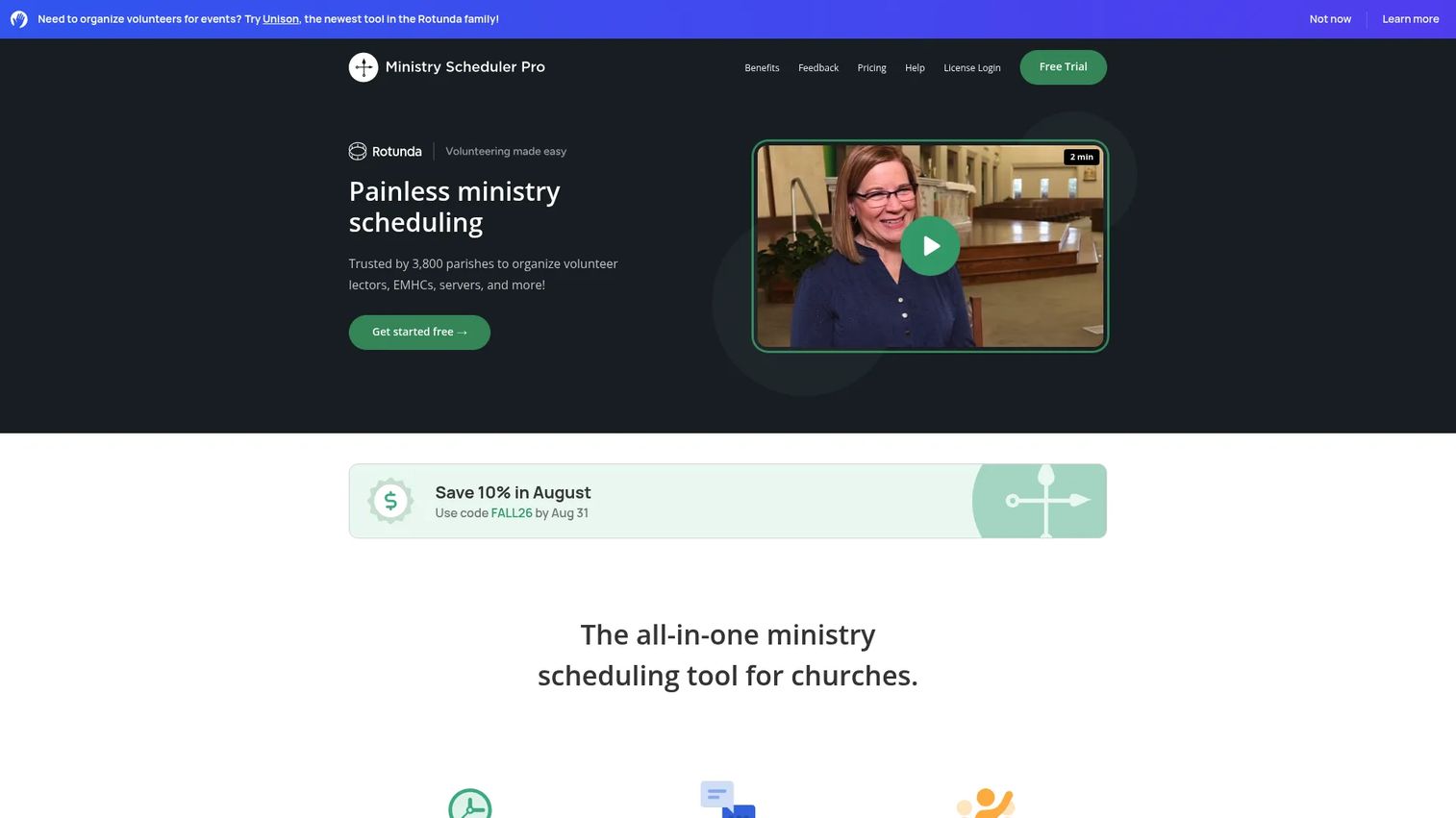
Ministry Scheduler Pro is volunteer scheduling software focused on one job and doing it well: managing schedules, communication, reminders, and availability. Rather than a full operations suite, it goes deep on the coordination problem that eats the most staff time in most churches.
The scheduling logic accounts for volunteer availability and preferences, so you spend less time reworking assignments. Volunteers get online and mobile access to their schedules, automatic reminders, and the ability to request substitutes without routing everything through a coordinator. A sign-in kiosk and custom fields round out the volunteer communication toolkit.
For churches whose main pain is Sunday morning coordination rather than giving or member management, this narrower focus is a strength. You are not paying for modules you will not use, and the product is built around the specific rituals of ministry scheduling.
Best for: Churches that need reliable volunteer scheduling with reminders, sub requests, and mobile access rather than a full church operations suite.
Key features
- Flexible scheduling tools with availability logic
- Automatic reminders and sub requests
- Online and mobile scheduling access
- Sign-in kiosk and custom fields
Why choose Ministry Scheduler Pro: It fits churches where volunteer coordination is the real bottleneck. It excels when scheduling depth matters more than breadth. Teams that also need integrated giving, check-in, and a member database will likely pair it with, or move to, a broader platform.
Ministry Scheduler Pro pricing: Two public plans are available. Online is $50/month and Plus is $65/month. Optional SMS is billed separately at $0.02 per message sent or received.
3. Amplify
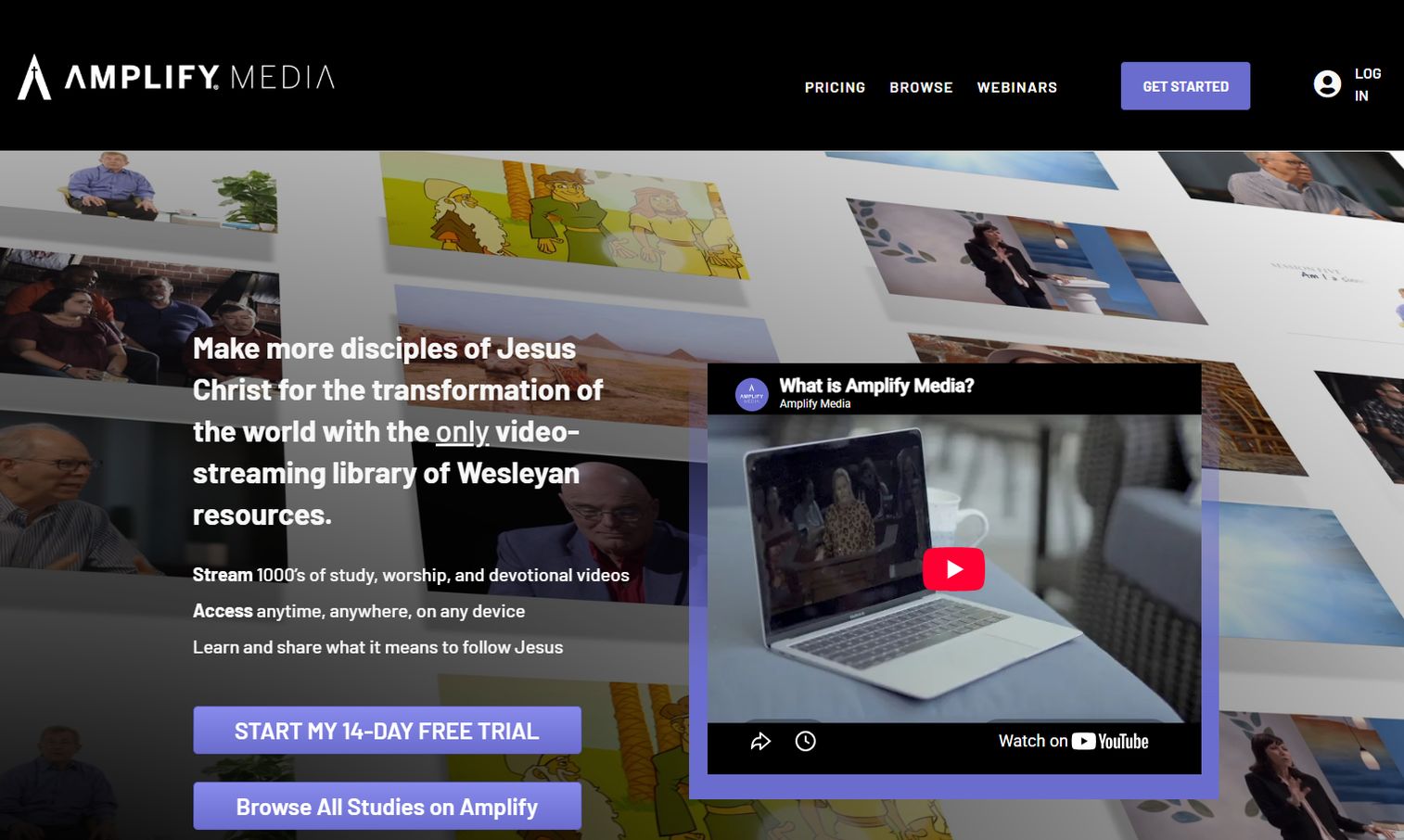
Amplify is a branded multimedia and content platform for churches, centered on searchable content, church-branded customization, and streaming. Where the other tools focus on operations, Amplify concentrates on communication, discipleship resources, and content delivery to your congregation.
Churches use it to publish video and audio content, build playlists, run live events, and push notifications through a church-branded app experience. Content can be organized for the whole church, for specific groups, or for individuals, which makes it useful for structured discipleship and follow-up rather than one-off announcements.
For teams trying to consolidate scattered communication and media into one branded destination, Amplify's packaging helps you choose only the pieces you need. It fits churches that see content and engagement as the primary problem to solve, alongside whatever operations platform they run.
Best for: Churches that want a church-branded multimedia and content platform with streaming and discipleship resources.
Key features
- Searchable church-wide, group, and individual content
- Church-branded customization and content curation
- Video and audio upload, playlists, and live events
- Custom apps with push notifications
Why choose Amplify: It centralizes communication and content delivery under your church's brand. It works well for teams prioritizing discipleship media and congregation engagement. Churches whose primary need is scheduling, giving, or check-in should anchor on an operations-first platform and treat content as a complement.
Amplify pricing: Public plans start at $32.99/month for Basic, with Premium at $82.99/month and Premium with Live Streaming at $162.99/month. Higher-capacity tiers for larger user counts are also listed, and a 14-day free trial is available.
4. TouchPoint
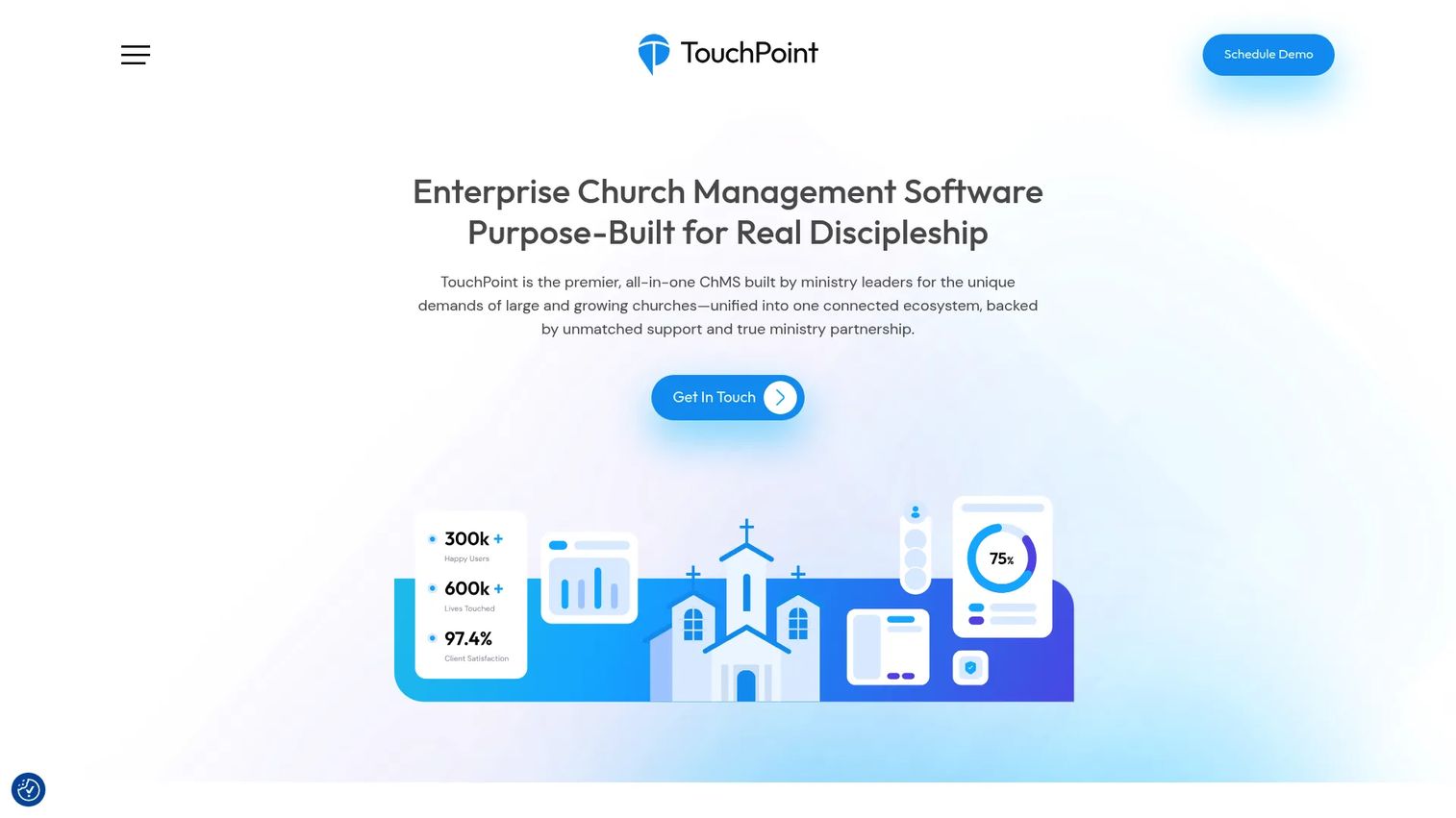
TouchPoint is enterprise church management software built for large and growing ministries. It unifies giving, groups, care, check-in, and communication in a single connected system, which is exactly what multi-site and high-volume churches need when modular tools start to strain.
The automation and workflow builder is the standout. Instead of manually chasing follow-up, you build processes that trigger from giving, attendance, or new-visitor activity. Combined with engagement scoring and deep reporting, that lets a large staff act on signals across thousands of records without dropping people through the cracks.
Role-based views and multi-site support mean different campuses and ministry leaders see what is relevant to them. A custom-branded mobile app keeps members connected to the church, not to a generic vendor experience. This is the platform you grow into when operational complexity is the constraint.
Best for: Large or multi-site churches that need an all-in-one ChMS with deep automation, reporting, and role-based access.
Key features
- Unified giving, groups, care, check-in, and communication
- Custom-branded mobile app
- Automation and workflow builder
- Reporting and full check-in suite
Why choose TouchPoint: It fits ministries whose requirements have outgrown modular tools. It excels when automation, multi-site coordination, and reporting depth matter most. Smaller churches with simpler needs will usually find a modular platform more economical to start.
TouchPoint pricing: Pricing is based on active records, starting at $6,000 annually. The model is flexible rather than tiered, so cost scales with the size of your church database.
Considerations before you buy
Use this checklist to pressure-test any platform before committing your team to it.
Breadth versus focus
Decide honestly whether you need one system for everything or a deep tool for one job. A modular platform like Planning Center covers most needs at once. A focused tool like Ministry Scheduler Pro goes deeper on scheduling. Buying broad when you need deep, or deep when you need broad, is the most common mismatch.
Mobile and member experience
Your congregation will judge the church app, not the admin dashboard. Check whether members can give, register, check in, and see schedules from their phone. A weak mobile experience quietly kills adoption no matter how strong the back end is.
Automation and follow-up
Look for automated workflows that turn activity into next steps without staff intervention. Ask how a new giver, first-time visitor, or dropped volunteer gets handled automatically. Manual follow-up is where engagement leaks, so automation is where the operational payoff lives.
Pricing model and total cost
Understand whether you pay per module, per team size, or per active record. Planning Center's free tiers suit small churches. TouchPoint's record-based annual pricing suits larger ones. Model your cost at your projected size two years out, not just today.
Support and onboarding
A platform your team cannot adopt is not a bargain at any price. Evaluate training resources, migration help, and support responsiveness before signing. Given that 30% to 40% of churches on software are dissatisfied per Capterra (2023), fit and support matter more than feature counts.
Start your journey with Guideflow today!
If your team also needs to show software to stakeholders through guided, self-serve walkthroughs, Guideflow builds interactive demos, sandboxes, and demo centers your audience can explore without a live call. Start your journey with Guideflow today!
Conclusion
Four platforms, four clear fits. Planning Center is the strongest broad choice for most churches, offering modular all-in-one church software, a free tier, and the Church Center app. Ministry Scheduler Pro is the pick when volunteer scheduling is your real bottleneck and you want depth over breadth. Amplify fits churches consolidating communication, streaming, and discipleship content under their own brand. TouchPoint is the enterprise-grade option for large or multi-site ministries that need automation, reporting, and unified records at scale.
The decision logic is simple. Start with breadth versus focus, then weigh mobile experience, automation, and pricing model against your church size. Most teams should begin with Planning Center's free tools, prove the workflow, and only move to a heavier platform like TouchPoint when operational complexity demands it.
Whatever you choose, the goal is the same: less admin chaos, cleaner coordination across people, giving, check-in, and communication, and a system your team will actually use.
FAQs
Ministry software is used to coordinate people, giving, scheduling, check-in, communication, and follow-up in one system. It replaces scattered spreadsheets, group texts, and standalone tools with a shared member database. That shared record is what lets a church act on activity consistently instead of re-entering the same data across disconnected tools.
At minimum, look for a church member database, volunteer scheduling, giving software, check-in software, communication tools, and a mobile app. Automated workflows for follow-up and service planning are strong additions. The most important trait is integration: an action in one area should update the rest without manual re-entry.
Often yes, especially given free tiers. About 30% of small churches under 50 members report using no church management software, per WorldMetrics (2026). A free platform like Planning Center lets a small church run giving, check-in, and a member database at no cost. The payoff is fewer hours reconciling spreadsheets and cleaner follow-up.
Church software, or full ChMS, covers people, giving, check-in, communication, and more in one platform. Volunteer scheduling software focuses specifically on assigning, confirming, and reminding volunteers. A tool like Ministry Scheduler Pro goes deep on scheduling, while Planning Center or TouchPoint bundle scheduling into a broader operations suite. Pick based on whether scheduling is your only pain or one of many.
Churches use giving software to accept online and recurring donations, track pledges, and generate contribution statements. Follow-up happens through automated workflows tied to the member database. When a first-time giver donates or a new visitor checks in, the system can trigger a thank-you, a task for staff, or an onboarding sequence automatically.
A multi-site church should prioritize unified records across campuses, role-based access, an automation builder, and reporting depth. Enterprise church management software like TouchPoint is built for this, with record-based pricing that scales and a custom-branded mobile app. The key is that each campus and leader sees relevant data while leadership keeps one connected view.
Very important, because members interact through the church app far more than staff use the dashboard. With most implementations now cloud-based, mobile access to giving, registration, check-in, and schedules is a baseline expectation. A weak mobile experience is one of the fastest ways to lose congregation adoption regardless of back-end strength.
Expect onboarding resources, data migration help, and responsive support, and evaluate them before you buy. With 30% to 40% of churches on software dissatisfied per Capterra (2023), support quality often decides whether a platform sticks. Ask specifically about migration assistance, training for volunteers, and typical response times during a real problem.