You want to charge people for access to your content, your community, or your courses. Simple enough. Then you start pricing it out. One tool for payments. Another for gating pages. A third for the community feed. A fourth for email. Suddenly you are stitching together five subscriptions to run one membership, and none of them talk to each other cleanly.
That fragmentation is not a niche annoyance. More than 53% of all software revenue came from subscription models in 2022, according to IDC data cited by IncomeBuddies. Recurring access is now the default way software and content get sold, and the tooling market has grown to match. The membership management software market is projected to reach $13.92 billion by 2030, up from $8.5 billion in 2025, at a 10% CAGR, per The Business Research Company. When a category grows that fast, the number of overlapping products grows with it, and the risk of buying the wrong stack goes up.
The stakes are real. Pick a platform that gates the wrong way, and you are migrating members and re-issuing logins six months in. Pick one that charges high transaction fees, and you lose margin on every renewal. Pick one that does not integrate with your CRM or email, and you are back to manual exports. We looked at each option below through a buyer-first lens: how fast you launch, how flexibly you monetize, how cleanly it fits an existing stack, and what it actually costs to run at scale.
What's inside
This guide compares membership site software for creators, communities, course sellers, and businesses that need gated content behind recurring billing. We selected platforms based on four criteria that matter most when you are choosing a membership platform: access control and content gating, payment and subscription flexibility, content or community delivery, and integration quality with your existing tools.
You will get a quick comparison table, a decision-oriented TL;DR, a buyer's framework, and nine detailed reviews. The list spans creator-first all-in-one tools, community-first platforms, and modular options for teams already running on WordPress or an existing website. Pricing and G2 ratings are included where verified.
TL;DR
- Best all-in-one for creators: Kajabi. Courses, memberships, email, and checkout in one platform. Fewer tools, faster launch, higher monthly price.
- Best for simple, fast setup: Podia. Clean UX, a free plan to start, and straightforward selling of memberships and digital products.
- Best community-first membership: Circle. Branded spaces, discussions, events, and courses when engagement is the product.
- Best for cohort and community engagement: Mighty Networks. Community plus courses with strong mobile and retention features.
- Best for an existing website: MemberSpace. Add gated content and subscriptions without rebuilding your site.
- Best for WordPress control: MemberPress. Native membership rules, content protection, and recurring billing inside WordPress.
- Best for associations and clubs: Wild Apricot. Member directories, dues, renewals, and event management in one place.
What is membership site software?
Membership site software is a platform that lets you sell recurring access to content, courses, or a community, then manage the members, billing, and gated experience from one place. It handles the mechanics of who can see what, who has paid, and when their access renews or lapses.
Under the hood, most membership software covers four jobs:
- Recurring billing and payments: subscription plans, one-time fees, free trials, and payment gateway support (usually Stripe or PayPal), plus handling of failed payments and renewals.
- Access control and gating: rules that lock content, pages, or spaces behind a paid tier, with support for multiple membership levels and drip content that unlocks over time.
- Member management: a member database, profiles, login and account controls, and admin tools to approve, upgrade, or cancel members.
- Content and community delivery: hosting for courses, downloads, discussion feeds, events, or member-only libraries.
The main structural choice is between all-in-one platforms and modular stacks. An all-in-one membership website builder like Kajabi or Podia bundles hosting, billing, content, and email under one login. A modular approach uses a CMS such as WordPress plus a membership plugin like MemberPress, giving you more control at the cost of managing the pieces yourself. For marketers, the decision usually comes down to consolidation: fewer tools mean cleaner data, less integration overhead, and one place to attribute revenue. That is why membership management software keeps pulling adjacent categories, email, community, and course delivery, into a single subscription.
What to look for before you buy membership site software
The feature lists across these platforms look similar on paper. The differences that actually cost or save you money show up in six places.
Billing and recurring payment support. Check which gateways are supported, whether the platform charges its own transaction fees on top of Stripe or PayPal, and how it handles failed payments, proration, and plan changes. A 5% platform fee on recurring billing compounds fast at scale.
Member dashboard and access control. You want granular gating: multiple tiers, drip content, and the ability to lock individual pages, posts, or spaces. Confirm the member experience covers login, self-service account management, and clean upgrade or cancel flows.
Content, course, and community delivery. Match the platform to what you actually sell. Course sellers need lessons, quizzes, and completion tracking. Community operators need feeds, events, and moderation. Some tools do one well and bolt on the other.
CRM, email, and automation integrations. This is where tool sprawl gets solved or made worse. Native email saves a subscription. Clean CRM integrations feed member data into your existing systems so you can score, segment, and attribute without manual exports.
Pricing, transaction fees, and total cost of ownership. Look past the monthly sticker price. Add transaction fees, payment gateway costs, and any add-ons you will need. A cheaper plan with a 5% fee can cost more than a pricier plan with none once revenue grows.
Scalability and migration risk. Ask what happens at 500, 5,000, and 50,000 members. Check whether you own your member data and can export it, because migration is the hidden cost that locks people into the wrong platform.
When to use membership site software
Membership platforms make sense at a few specific business moments. Here is how to pattern-match your situation.
Launch a paid membership fast
You have an audience and a content offer, and you want to start collecting subscriptions without hiring a developer. An all-in-one, no-code platform lets a solo creator or a lean marketing team go from idea to paid access in days: set up tiers, connect Stripe, gate the content, and share the link. Speed matters more than deep customization here.
Replace a messy stack of plugins and workarounds
Billing lives in one tool, access rules in another, the community on a third platform, and email somewhere else. Nothing syncs, and reporting is a manual export job. When you are paying for and reconciling four or five overlapping subscriptions, consolidating onto a single membership platform cuts cost, cleans up your data, and gives you one source of truth for member activity.
Build a community or course around recurring access
Your membership is not just content behind a paywall. It includes discussion, live events, cohorts, or structured learning paths that people pay to be part of. When engagement and interaction are the product, you want a platform built for community or course delivery, not a generic gating plugin bolted onto a marketing site.
Comparison table
Sorted by relevance to most membership site software buyers, starting with the strongest all-in-one options and moving toward specialized and modular tools.
| # | Product | Best for | Key differentiator | Pricing | G2 rating |
|---|---|---|---|---|---|
| 1 | Kajabi | Creators selling courses and memberships | All-in-one: courses, email, funnels, checkout | From $71/mo (billed annually) | 4.1/5 |
| 2 | Podia | Solo creators and small teams | Simple setup with a free plan to start | From $42/mo | 4.4/5 |
| 3 | Circle | Branded paid communities | Community-first with courses and events | From $89/mo | 4.5/5 |
| 4 | Mighty Networks | Cohort and community memberships | Community plus courses with strong mobile | From $79/mo | 4.6/5 |
| 5 | MemberSpace | Adding memberships to an existing site | Works with Squarespace, Wix, Webflow, and more | From $16.50/mo (billed annually) | 4.7/5 |
| 6 | WordPress | Teams wanting full control | Open-source CMS with a huge plugin ecosystem | Free (software) | 4.4/5 |
| 7 | Teachable | Education-first membership offers | Course delivery with memberships and coaching | From $39/mo | 3.9/5 |
| 8 | Wild Apricot | Associations, clubs, and nonprofits | Member directories, dues, and event management | From $66/mo | 3.8/5 |
| 9 | MemberPress | WordPress-native memberships | Content protection and recurring billing plugin | From $199.50/year | 4.6/5 |
A few takeaways. If you want the fewest moving parts, the all-in-one tools at the top consolidate the most. If you already have a website you like, MemberSpace and the WordPress-based options let you keep your design and add memberships on top. Watch transaction fees closely on entry tiers, since several platforms trade a lower monthly price for a percentage cut of your revenue.
1. Kajabi
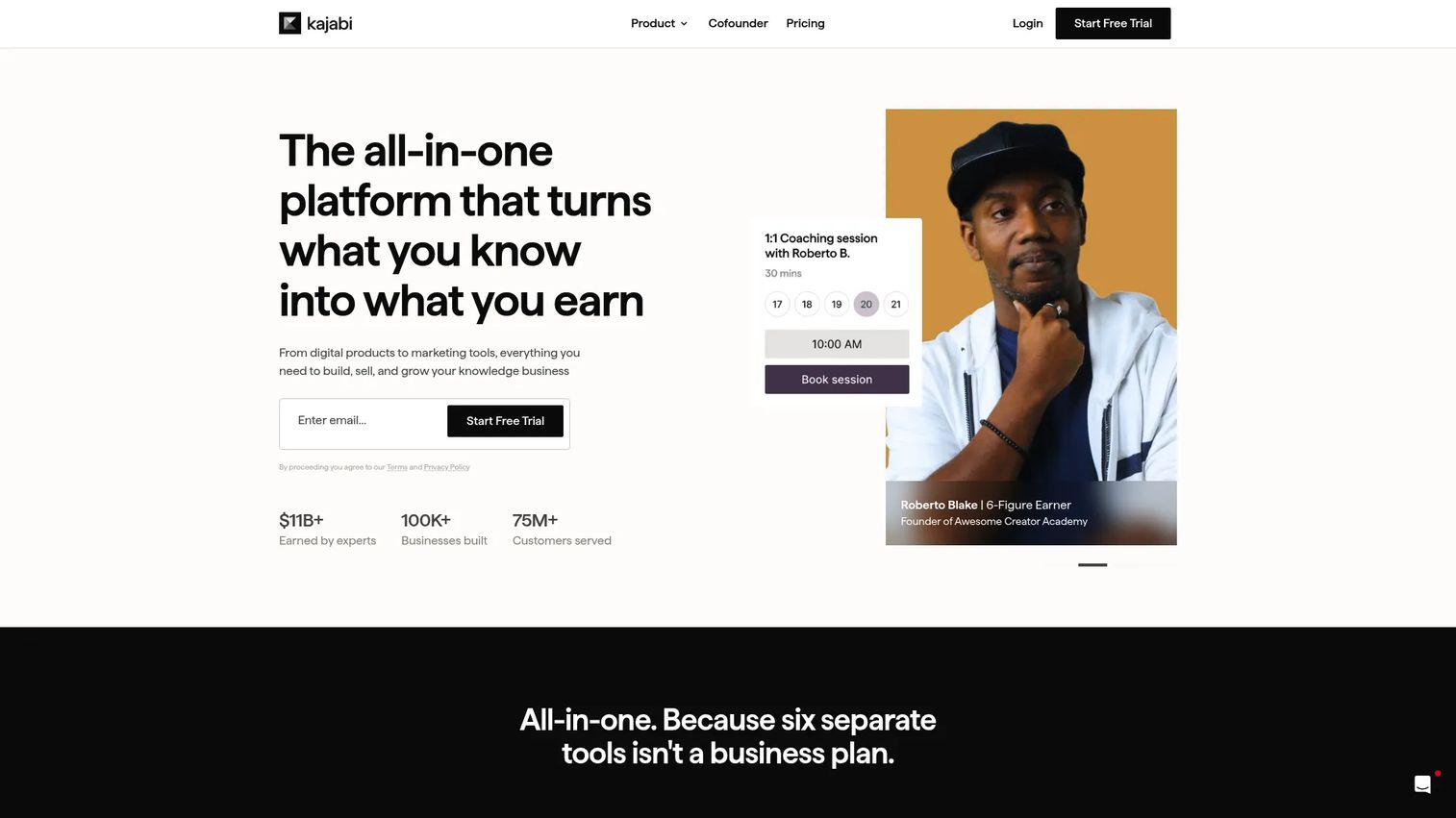
Kajabi is the all-in-one platform for creators and expert businesses who want to build, market, and sell courses, memberships, and other digital products from one place. It bundles content hosting, checkout, email marketing, landing pages, funnels, and automations under a single login. For a marketer tired of reconciling separate subscriptions, that consolidation is the whole pitch: one tool, one dataset, one place to attribute revenue.
Best for: creators and small businesses selling courses, memberships, and digital products who want to cut down the number of tools they run.
Key strengths
- All-in-one stack: Courses, memberships, email, landing pages, and checkout live together, so you launch without stitching integrations.
- Marketing built in: Funnels, automations, and email marketing let you nurture and sell without a separate ESP or funnel builder.
- Community and coaching: Native community and coaching features round out a membership offer beyond static gated content.
Why choose Kajabi: If you are building a content business and want the fewest tools in your stack, Kajabi replaces four or five subscriptions at once. The trade-off is price: it sits at the higher end of this list, and there is no free plan. For creators whose revenue justifies it, the consolidation and marketing tooling pay for themselves.
Kajabi pricing: Plans start at $71/mo for Starter, $143/mo for Basic, $199/mo for Growth, and $399/mo for Pro, all billed annually. Each plan includes a 14-day free trial. There is no permanent free tier.
2. Podia

Podia is an all-in-one platform for selling online courses, digital products, memberships, community, and email, with a website builder and checkout tools included. Its draw is simplicity: the setup is fast, the interface is clean, and you can sell a membership alongside one-off digital products without wrestling with configuration. For marketers who want speed over depth, that lightness is the point.
Best for: solo creators and small teams that want to sell courses, memberships, and digital products in one place without a steep learning curve.
Key strengths
- Fast, clean setup: A straightforward editor and simple gating get a membership live quickly, no developer needed.
- Sell multiple product types: Memberships, courses, digital downloads, and coaching all sit in one storefront.
- Built-in email and community: Native email marketing and community features reduce the number of separate tools you pay for.
Why choose Podia: Podia is the practical choice when you want to launch a membership without overthinking the stack. It handles the core jobs, gating, billing, delivery, cleanly. On the entry plan, watch the platform fee; higher plans remove it, which changes the total cost math as your revenue grows.
Podia pricing: A free plan is available to start. Paid plans are Mover at $42/mo, Shaker at $84/mo, and Earthquaker at $150/mo, billed yearly, with a 30-day free trial. Mover carries a 5% transaction fee, while Shaker and Earthquaker remove Podia's fees.
3. Circle
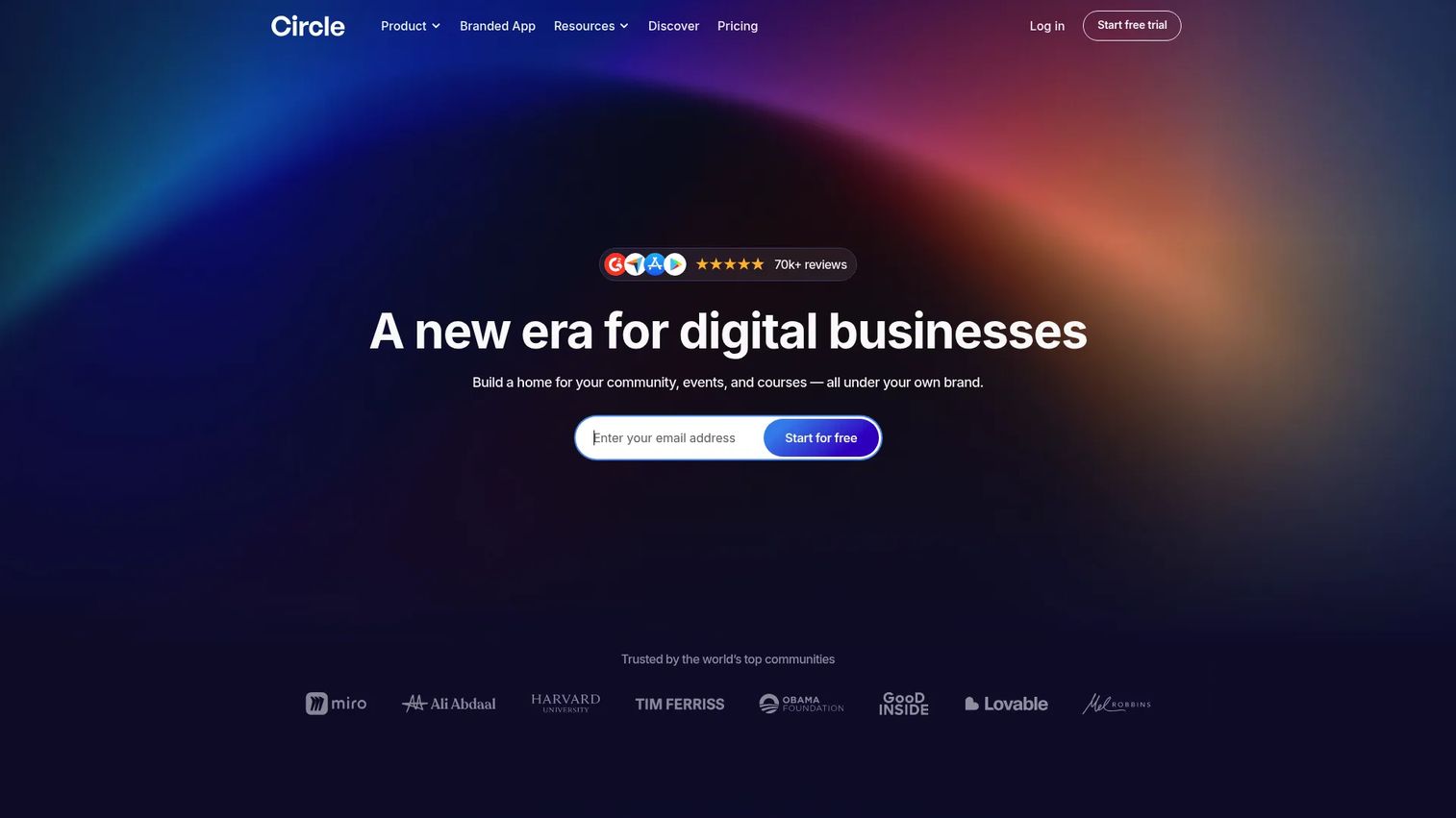
Circle is an all-in-one branded community platform that combines discussions, courses, events, live streams, payments, and AI workflows. Where course-first tools treat community as an add-on, Circle builds the membership around member interaction. It is the platform to reach for when engagement, not just content access, is what people pay for.
Best for: brands and creators building a paid, branded community with courses and events layered in.
Key strengths
- Community as the product: Discussions, live rooms, events, and live streams keep members engaged and coming back.
- Courses and memberships together: Paid memberships, gated spaces, and structured courses run in one branded environment.
- Branding and analytics: A website builder, custom branding, and analytics let you own the member experience end to end.
Why choose Circle: Choose Circle when retention depends on interaction and the community itself is the value. It handles paid memberships, gated content, and course delivery inside a polished, brandable space. If you are selling a course with no community layer, a course-first tool may fit better, but for engagement-led memberships Circle is purpose-built.
Circle pricing: Professional starts at $89/mo, Business at $199/mo, and Circle Plus is custom pricing for larger needs. Circle offers a 14-day free trial. Paid plans include unlimited members.
4. Mighty Networks
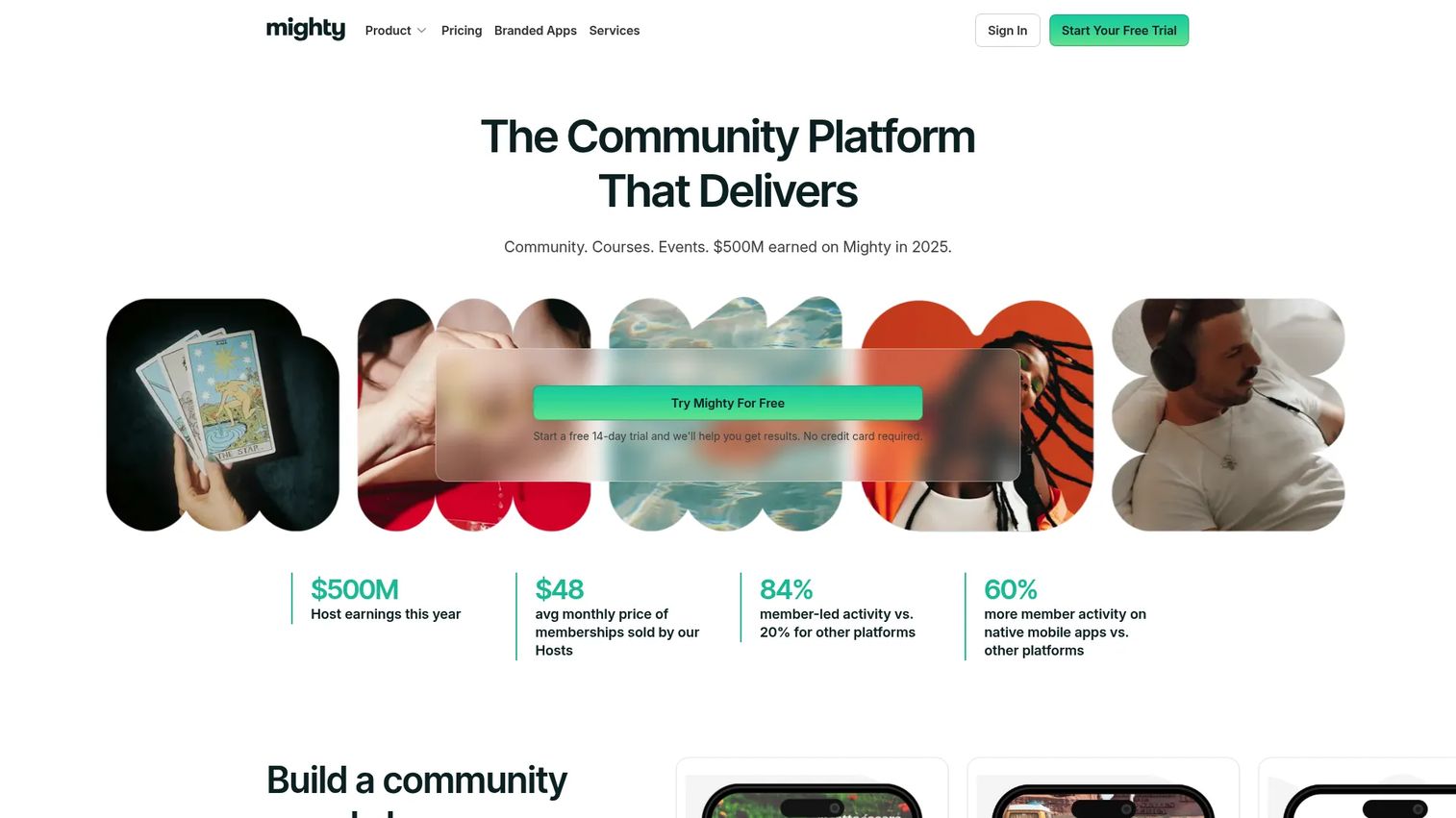
Mighty Networks is a community platform for creators and organizations running communities, courses, events, and memberships under their own brand. It leans into engagement and retention, with activity feeds, chats, polls, and events alongside course and membership delivery. Its mobile experience is a strength for memberships where participation happens on the go.
Best for: creators and organizations building branded communities with paid memberships, courses, and events, especially cohort-style programs.
Key strengths
- Engagement features: Activity feeds, chats, polls, and events drive the ongoing participation that keeps members subscribed.
- Courses plus community: Structured learning paths run alongside the community, ideal for cohort-based memberships.
- Extensible: Embeds, integrations, APIs, and automations connect Mighty Networks into a wider stack.
Why choose Mighty Networks: Mighty Networks fits memberships where recurring value comes from participation, not just access to a content library. It is a strong pick for cohort programs and community-led businesses that need retention and engagement baked in. Weigh the monthly cost against the community depth you actually need.
Mighty Networks pricing: The Launch plan is $79/month and the Scale plan is $179/month. Mighty Pro is custom pricing for organizations that want a fully branded, dedicated app. A 14-day free trial is available with no credit card required.
5. MemberSpace
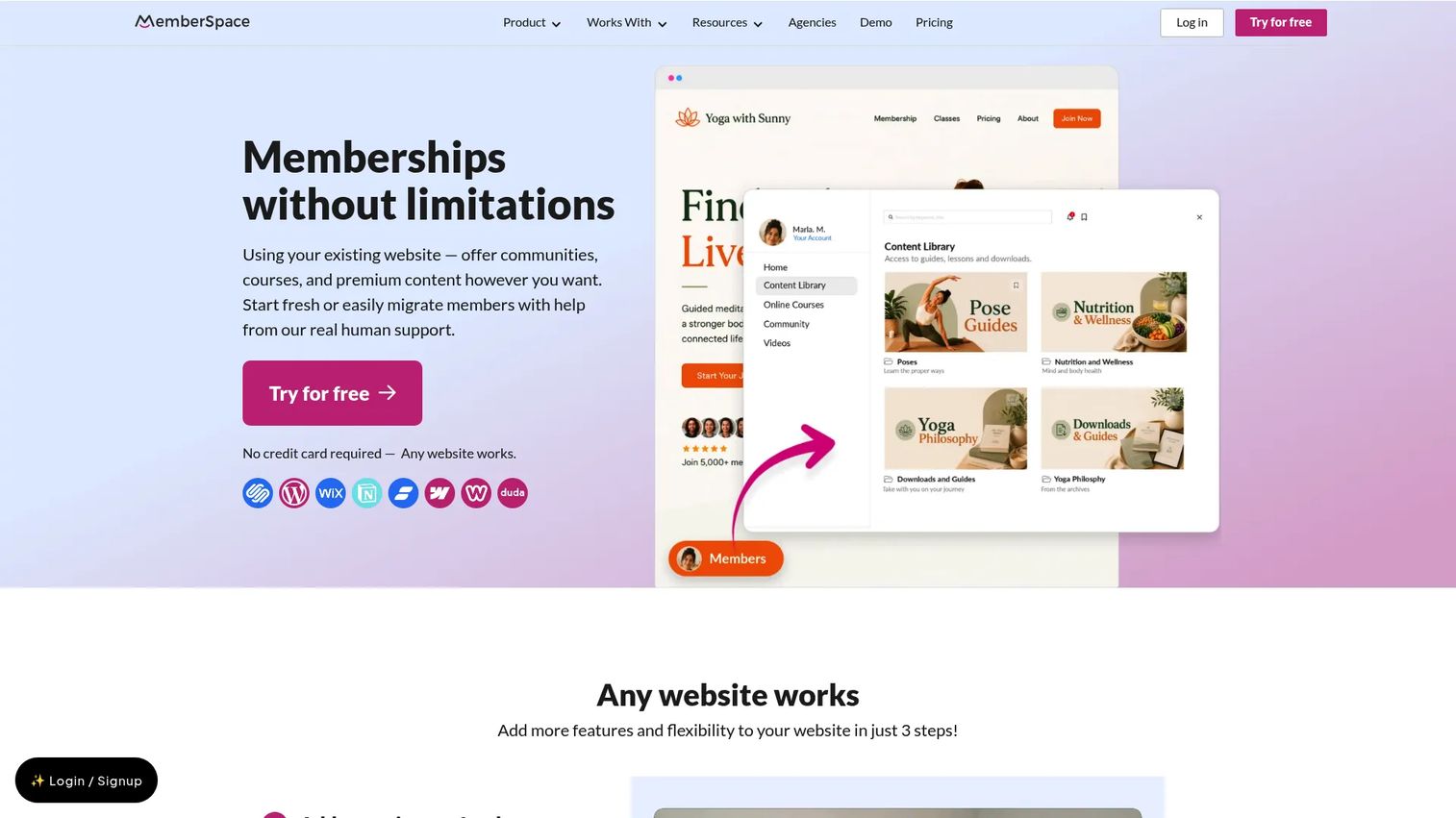
MemberSpace is no-code membership software that lets you protect content, sell access, and manage member tiers on a website you already own. Instead of rebuilding on a new platform, you layer memberships on top of your current site. It works with Squarespace, WordPress, Wix, Webflow, Notion, and more, which makes it the natural choice when you like your existing design.
Best for: creators and businesses that want to run a membership on their existing website without custom development.
Key strengths
- Works with your current site: Add gating and subscriptions to Squarespace, Wix, Webflow, WordPress, or Notion without a rebuild.
- Flexible membership types: Recurring, one-time, multi-payment, and free plans, plus tiered access and content gating.
- Full member experience: Content library, community, and online course features, with Apple Pay and Google Pay checkout.
Why choose MemberSpace: If your site already converts and you just need to gate part of it, MemberSpace preserves your design and adds the membership layer on top. That protects the SEO and brand equity you have built. It is the modular pick for teams that do not want to migrate their whole web presence to sell access.
MemberSpace pricing: Starter is $16.50/mo billed annually with a 5% fee, and Growth is $99/mo billed annually with a 2% fee. A lower-fee custom setup is available for larger operations. A 7-day free trial is offered.
6. WordPress
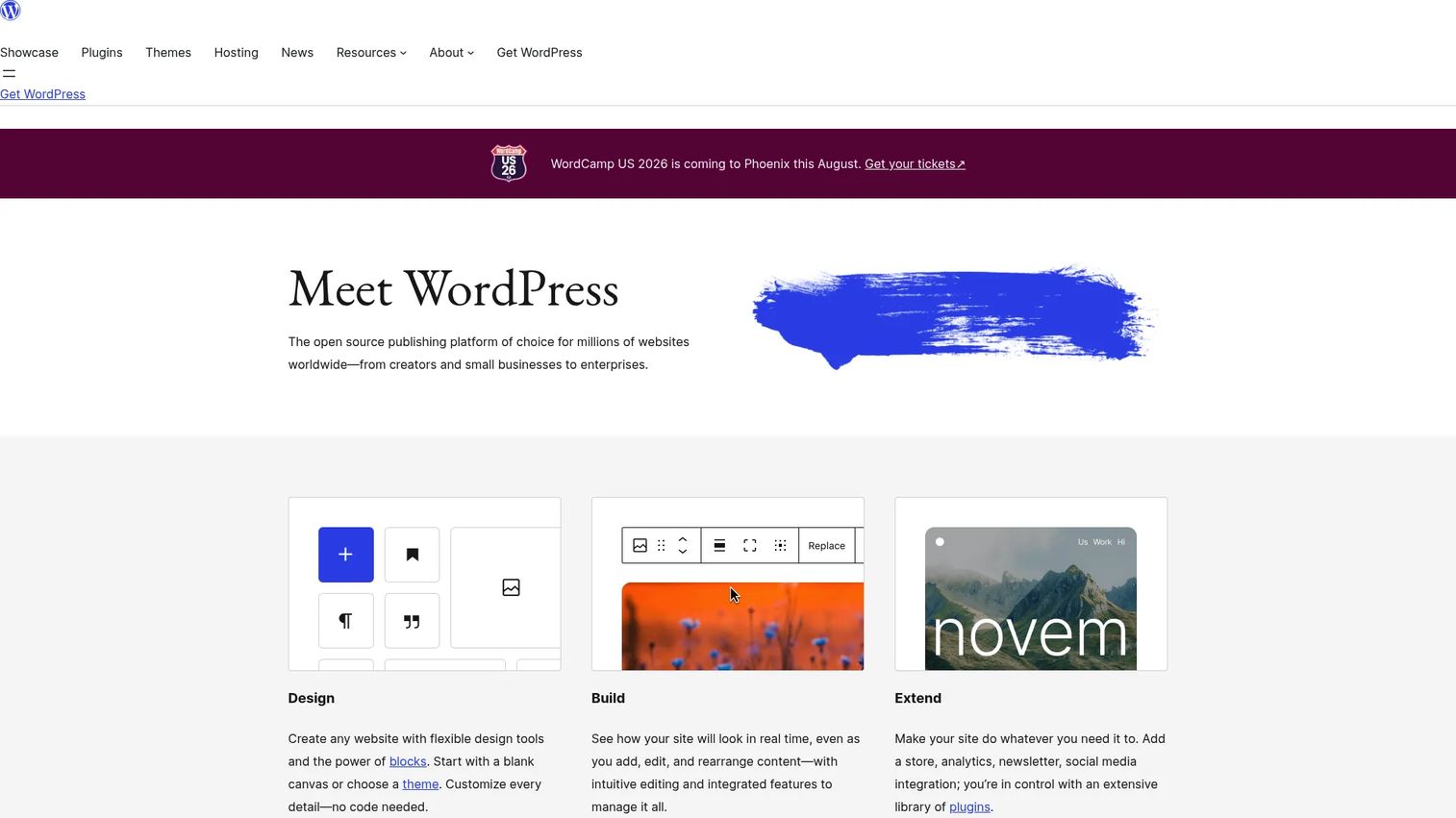
WordPress is the open-source publishing platform and CMS behind a large share of the web, and it doubles as a flexible foundation for a membership website. This is a stack choice more than a single product: the core software is free, and you assemble a membership by adding a plugin such as MemberPress, a payment gateway, and a theme. The payoff is control and customization; the cost is that you own the maintenance.
Best for: teams that already run on WordPress and want maximum flexibility and control over their membership site.
Key strengths
- Total flexibility: Block-based editing, thousands of themes, and a deep plugin ecosystem let you build almost any membership model.
- You own your data: Self-hosted means full ownership of member data and no platform lock-in.
- Extensible payments and gating: Membership plugins add recurring billing, tiers, and content protection on top of the CMS.
Why choose WordPress: WordPress is the right call when you want control and already have the site (or the appetite to manage one). You configure the pieces yourself, which means more setup and ongoing governance than an all-in-one, but far more flexibility. For teams with WordPress in place, adding memberships is an extension of what they already run.
WordPress pricing: The WordPress software itself is free and open source. You pay separately for hosting, a membership plugin, a payment gateway's transaction fees, and any premium themes or add-ons, so budget for the full stack rather than a single subscription.
7. Teachable
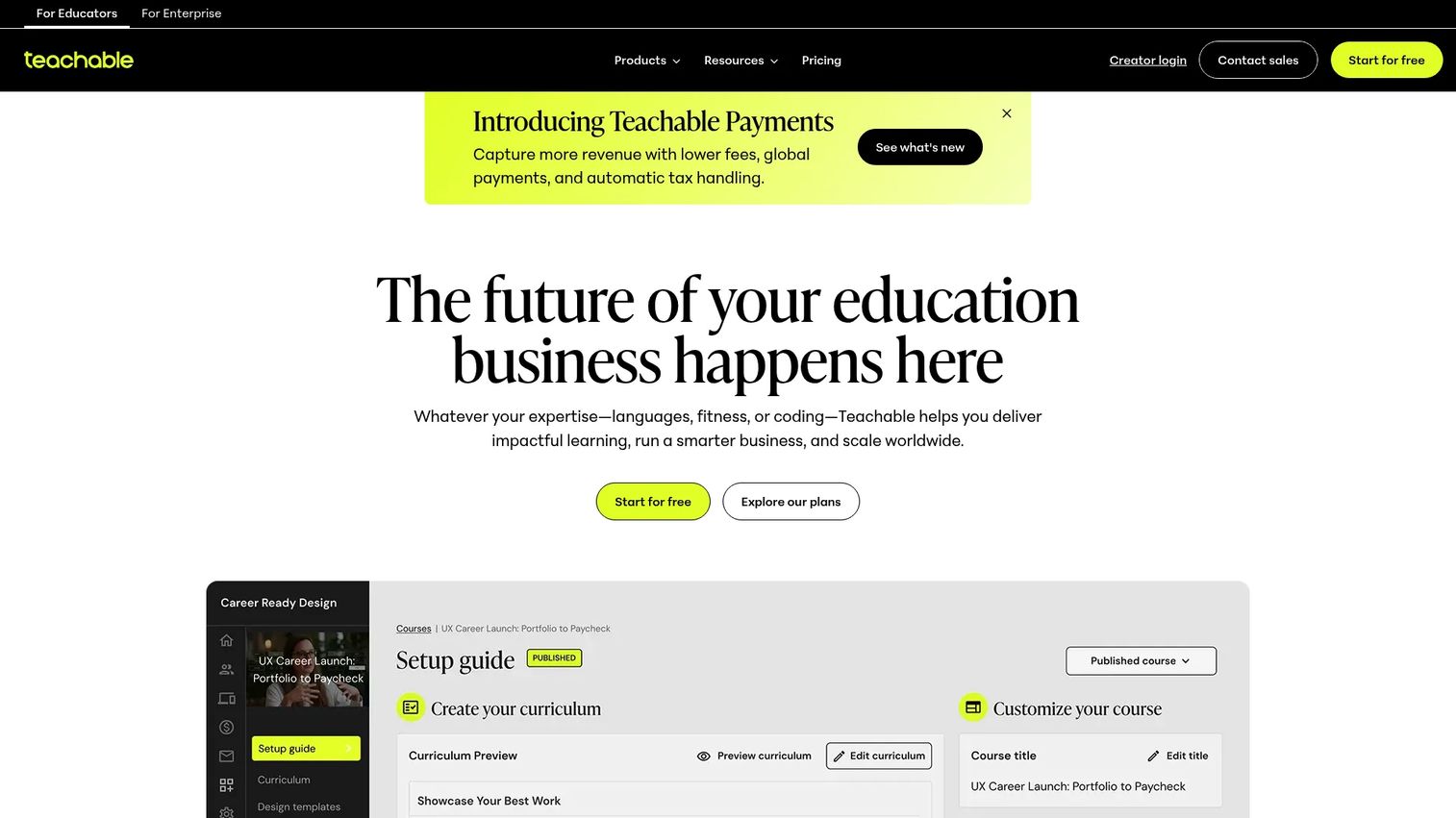
Teachable is an online course and creator platform for selling courses, coaching, memberships, and digital downloads. Its center of gravity is education: the student experience, learning delivery, and course structure are built out in depth. When your membership is primarily about ongoing access to learning content, Teachable's course-first design fits naturally.
Best for: creators and businesses selling structured online learning products with a membership or subscription layer.
Key strengths
- Course-first experience: Lessons, quizzes, and a polished student experience make learning the core of the membership.
- Mobile student apps: iOS and Android apps let members learn on any device.
- Global payments and AI: Global payments and taxes plus AI course outlines and quizzes speed up building and selling.
Why choose Teachable: Teachable works best when education is the product and membership is the access model, for example a subscription to an evolving course library or a coaching program. It handles checkout, delivery, and the student experience well. If your membership is community-led rather than learning-led, a community-first platform will map more closely.
Teachable pricing: Starter is $39/mo, Builder is $89/mo, and Growth is $189/mo, all billed monthly, with a Custom plan for larger needs. Teachable offers a 7-day free trial and a 30-day money-back guarantee. There is no permanent free tier.
8. Wild Apricot
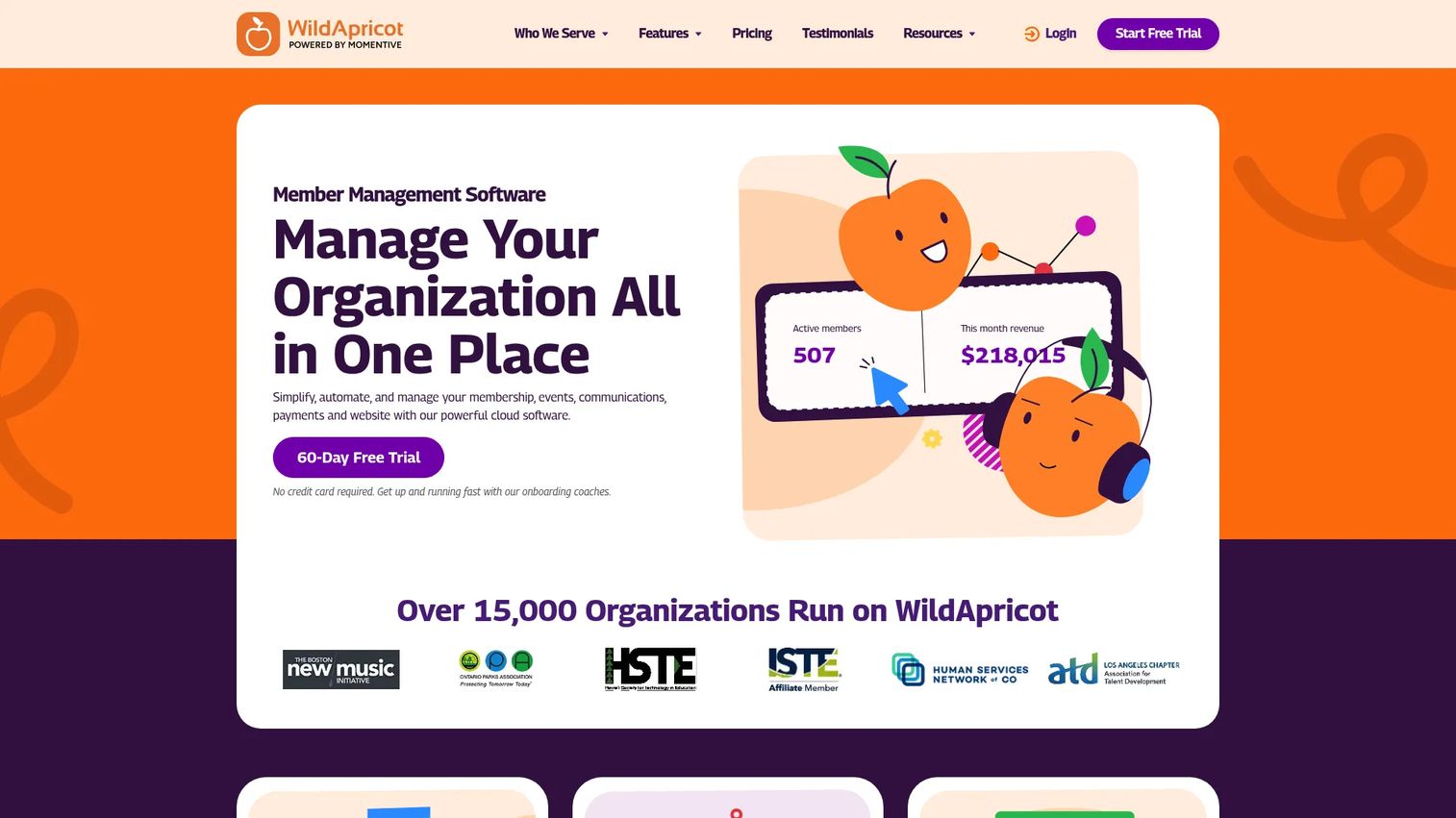
Wild Apricot is membership management software built for associations, nonprofits, clubs, and similar member-based organizations. Its focus is operational: member records, dues, renewals, and event registration, rather than course selling or content marketing. If your "membership" is an organization roster with recurring dues, this is the category fit.
Best for: member-based organizations that need an all-in-one membership and event management platform.
Key strengths
- Member administration: Member records, directories, and automated renewals handle the operational side of running an association.
- Events and payments: Event registration and payment processing manage dues, tickets, and recurring billing.
- Website and email: Built-in website creation and email automation cover member communication in one place.
Why choose Wild Apricot: Wild Apricot is the specialized member management software for organizations rather than creators. It is purpose-built for dues, renewals, directories, and events, the operational reality of clubs and nonprofits. If you are selling courses or building a content community, a creator-first tool will serve you better, but for association management this is the right lane.
Wild Apricot pricing: Pricing scales by contact count. For 100 contacts, plans run $66.00/mo billed monthly, $59.40/mo prepaid for one year, or $56.10/mo prepaid for two years. A 60-day free trial is available.
9. MemberPress
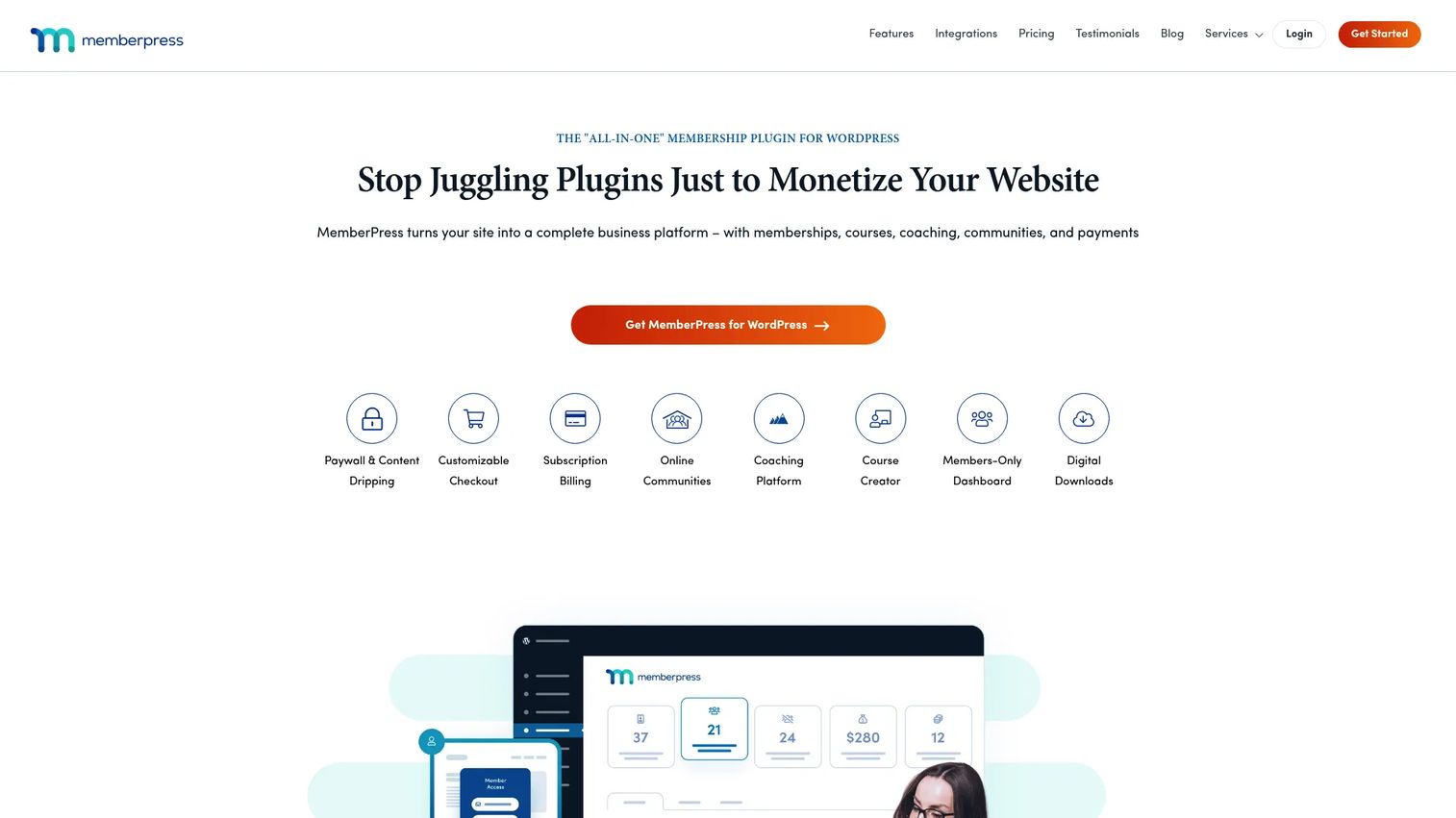
MemberPress is a WordPress membership plugin for selling memberships, subscriptions, courses, and protected content. If WordPress is your foundation, MemberPress is the engine that turns it into a membership business: it adds the rules, billing, and content protection that the CMS does not ship with. It is the WordPress-native counterpart to the hosted all-in-one platforms above.
Best for: WordPress-based businesses that need memberships, courses, and gated content inside a site they already run.
Key strengths
- Granular content protection: Rules-based gating locks posts, pages, categories, and files behind the right membership tier.
- Recurring billing: Subscriptions, one-time payments, and renewals run through supported gateways.
- Courses and community: Built-in course and coaching features extend memberships beyond static gated content.
Why choose MemberPress: MemberPress is the pick when you want the flexibility and data ownership of WordPress with membership functionality that actually works out of the box. You get precise access rules and recurring billing without leaving your existing site. Factor in that plans are annual and that the entry tier carries a transaction fee, which higher tiers remove.
MemberPress pricing: Launch is $199.50 for the first year (then $399/year) and includes a 4.9% transaction fee. Growth is $349.50 first year (then $699/year) and Scale is $499.50 first year (then $999/year), both of which remove the transaction fee. All plans are billed annually.
Considerations before you commit
Before you sign up, run each shortlisted platform through this checklist.
Total cost, not sticker price
Add the monthly or annual fee to any platform transaction fees, payment gateway costs, and required add-ons. A low monthly price with a 5% fee on recurring billing can cost more than a higher flat plan once your revenue grows. Model your cost at your target member count, not today's.
Data ownership and migration
Confirm you can export your member list, billing records, and content. Migration is the hidden switching cost that traps people on the wrong membership platform. Self-hosted options like WordPress give you full data ownership; hosted platforms vary, so ask before you commit.
Integration fit with your stack
Check native support for your CRM, email tool, and analytics. Clean CRM integrations mean member data flows into the systems you already use for segmentation and attribution, instead of living in a silo you export from manually.
Content and community fit
Match the platform's core strength to what you actually sell. Course-heavy offers need real learning delivery; engagement-led memberships need community features; associations need member administration. Buying a tool strong in the wrong area creates friction you will feel every day.
Conclusion
The right membership site software depends on your model, not on which tool has the longest feature list. If you want to consolidate the most tools into one, Kajabi bundles courses, memberships, email, and checkout for creators ready to invest. If you want speed and simplicity with a free plan to start, Podia is the practical choice. For engagement-led memberships, Circle and Mighty Networks build the community into the product. If you already have a website you like, MemberSpace layers memberships on top without a rebuild, while WordPress with MemberPress gives WordPress-native teams full control and data ownership. Course-first sellers should look at Teachable, and associations or clubs at Wild Apricot.
Your next step: shortlist two platforms that match your monetization model, then run the total cost of ownership math, including transaction fees at your projected member count, before you commit. Most of these tools offer a free trial, so build a small test membership and check the gating, billing, and export flows firsthand before you migrate anything real.
FAQs
Membership site software is a platform that lets you sell recurring access to content, courses, or a community while managing members, billing, and the gated experience from one place. It handles subscription payments, access control, member accounts, and content delivery. Options range from all-in-one hosted platforms to WordPress plugins that add membership features to an existing site.
An LMS (learning management system) is built specifically to deliver and track structured learning: courses, lessons, quizzes, and completion. Membership site software is broader, focused on gating access and managing recurring billing for any content type, whether that is courses, a community, downloads, or events. Many membership platforms include course features, and some course platforms add membership billing, so the categories overlap.
Yes. WordPress is a common foundation for a membership website. You start with the free open-source software, add a membership plugin such as MemberPress to handle access rules and recurring billing, connect a payment gateway, and choose a theme. This modular approach gives you control and data ownership in exchange for managing the pieces yourself.
For creators who want an all-in-one platform, Kajabi bundles courses, memberships, email, and checkout, while Podia offers a simpler, lower-cost entry with a free plan. If your membership is community-led, Circle or Mighty Networks fit better because they build engagement features into the core product. The best pick depends on whether you sell courses, community, or a mix.
Most membership site platforms connect to a payment gateway such as Stripe or PayPal to process subscriptions, then automate renewals, failed-payment retries, and plan changes. Some platforms charge their own transaction fee on top of the gateway's fee, usually on lower-priced tiers, and remove it on higher plans. Always check the combined cost when comparing recurring billing across platforms.
Prioritize a clear member database, flexible access tiers and content gating, reliable recurring billing, and clean login and account self-service for members. Then check integration quality with your CRM, email, and analytics so member data does not sit in a silo. Finally, confirm you can export your data, since migration is the main hidden cost in member management software.
Not exactly. A community platform focuses on member interaction: discussions, events, feeds, and live sessions. A membership platform focuses on selling and gating access with recurring billing. They overlap when a community is paid, which is why tools like Circle and Mighty Networks combine both by adding payments and gated spaces to a community-first experience.
Choose an all-in-one platform when you value speed, fewer tools, and consolidated data over deep customization; it is the faster path for most creators and lean teams. Choose a modular stack, such as WordPress plus a membership plugin, when you need full control, data ownership, or a specific configuration the hosted tools cannot match. The trade-off is that a modular setup shifts maintenance and integration work onto you.