The booking page works, but the reminder logic creates three follow-up calls. Patients ask where to go, how to reschedule, or whether their appointment was confirmed.
Meanwhile, providers have location rules and appointment types that generic calendars rarely handle well. Every unclear instruction becomes another call for the front desk or support queue.
Experian Health reported in 2025 that 80% of patients wanted to schedule appointments anytime from home or a mobile device. Yet MGMA found that 71% of medical group leaders saw fewer than one in four patients self-schedule that year.
The best medical scheduling software closes this gap. It gives patients clearer booking options while protecting staff from repetitive confirmation work. The key is choosing scheduling software medical teams can fit into their clinical and administrative workflows.
What's inside
This guide compares tools for practice administrators, patient access teams, healthcare IT buyers, and support leaders. We assessed each platform using these criteria:
- Patient booking and self-scheduling
- Provider calendar and resource management
- Reminders and no-show reduction
- Healthcare workflow fit
- Intake, billing, and record connectivity
- Current pricing and G2 rating signals
The list covers lightweight booking tools, clinic scheduling software, patient access platforms, and hospital management systems. Pricing comes from vendor pages. G2 ratings use current listings where available.
TL;DR
- Best for patient communication: Weave combines scheduling with two-way texting, reminders, payments, and review requests
- Best for lightweight booking: Square Appointments connects online appointments with staff calendars and payment processing
- Best for complex booking rules: Appointedd supports multi-location operations, resources, and configurable booking journeys
- Best for patient access: Phreesia connects scheduling with registration, intake, insurance workflows, and payments
- Best for marketplace visibility: Zocdoc helps patients discover providers and book available appointments online
- Best for healthcare operations: QGenda coordinates provider schedules, on-call coverage, clinical capacity, and workforce planning
What is medical scheduling software?
Medical scheduling software helps healthcare organizations manage patient appointments, provider availability, reminders, rescheduling, and related administrative workflows through a digital booking system.
Patient scheduling software can support a single provider or coordinate complex operations across departments. The right depth depends on appointment volume, provider rules, locations, and clinical systems.
Common capabilities include:
- Online patient self-scheduling
- Provider calendar rules
- Appointment confirmations and reminders
- Waitlists and cancellation management
- Digital intake and registration
- Insurance eligibility workflows
- EHR or EMR connectivity
- Multi-location scheduling
- Telehealth appointment support
- No-show and utilization reporting
Healthcare scheduling software systems differ from generic calendars because clinical appointments carry more conditions. The booking logic may consider provider type, visit reason, room availability, insurance, or intake status.
Patient scheduling services also need clear communication before and after booking. A confirmation should explain the time, location, preparation steps, and cancellation process. Missing details create avoidable support contacts.
A general booking platform can still fit cash-pay providers, wellness practices, or med spas. These organizations may prioritize online appointment booking and payments over clinical record connections.
Clinics and hospitals usually need deeper coordination. EMR scheduling software can connect the appointment with patient records or billing workflows. Hospital scheduling software may also coordinate departments, rooms, equipment, and on-call teams.
The buying decision should start with workflow depth. Map what happens from the patient's first search through check-in. Then identify which steps still require a phone call, manual entry, or support escalation.
When to use medical scheduling software
Reduce phone-based appointment booking
Use self-service booking when staff spend too much time answering availability questions. Patients should be able to choose an appointment type and available time without calling.
Clear cancellation and rescheduling options also reduce repetitive contacts. This matters for front desks and support teams tracking call volume or first-contact resolution.
Coordinate provider calendars across locations
Doctor scheduling software becomes useful when availability changes by service, room, or location. A shared calendar should prevent bookings that ignore those rules.
Larger organizations may also need equipment assignments, on-call coverage, or departmental capacity. Provider scheduling software handles these operational constraints.
Cut no-shows with reminders and rescheduling flows
Healthcare appointment scheduling should continue after a patient books. Confirmation messages, reminders, and clear instructions help patients prepare or change plans.
Waitlists can help refill canceled slots. Good no-show reduction software also preserves communication history, giving support staff context when a patient calls.
Medical scheduling software comparison
The best appointment scheduling software for healthcare depends on the problem underneath the calendar.
A solo therapist may need booking, notes, and billing. A hospital may care more about provider deployment or departmental coordination. Patient access teams often need registration and intake around the appointment.
Use this table to narrow the field before reviewing the full entries.
| # | Product | Best for | Key differentiator | Pricing | G2 rating |
|---|---|---|---|---|---|
| 1 | Weave | Patient communication | Scheduling with messaging, payments, and reviews | From $199/month | 4.7/5 |
| 2 | Square Appointments | Small appointment-based practices | Booking and payments in the same workflow | Free, paid from $49/location/month | N/A |
| 3 | Appointedd | Complex multi-location booking | Configurable journeys and resource booking | Custom pricing | N/A |
| 4 | moCal | Calendar automation | Team scheduling and automated communication | Free, paid from zł43/month | N/A |
| 5 | Healthray | Hospitals and clinics | Scheduling within healthcare operations | Custom pricing | 5.0/5 |
| 6 | SoftClinic GenX | Clinic and hospital management | Scheduling with EHR and operational modules | Free apps, paid HIMS by quote | 4.9/5 |
| 7 | Carepatron | Allied health practices | Scheduling with clinical documentation | Free, paid from $31/user/month | 4.5/5 |
| 8 | MocDoc HMS | Hospitals and healthcare networks | Appointments tied to departmental workflows | Custom pricing | N/A |
| 9 | eHospital Systems | Hospital information management | Clinical, administrative, and financial workflows | Custom pricing | N/A |
| 10 | CrelioHealth | Diagnostic laboratories | Laboratory workflow automation and sample tracking | From $600/month | 4.7/5 |
| 11 | Clinicea | Specialty clinics | Customizable EMR with online booking | From $59/practitioner/month | N/A |
| 12 | SimplyBook.me | Configurable online booking | Booking pages with reminders and payments | Free, paid from €11.90/month annually | 4.4/5 |
| 13 | Phreesia | Patient access | Scheduling connected to intake and registration | Custom pricing | 5.0/5 |
| 14 | Zocdoc | Patient acquisition | Provider discovery and online booking | Free practice tools, marketplace booking fees | 0.0/5 |
| 15 | QGenda | Provider workforce scheduling | Healthcare workforce and capacity coordination | Custom pricing | 4.6/5 |
| 16 | SimplePractice | Behavioral health practices | Scheduling with EHR and billing tools | Promotional pricing from $14.70/month | 4.1/5 |
| 17 | Relatient | Patient engagement | Scheduling, outreach, and waitlist workflows | Custom pricing | N/A |
Best 17 tools for medical scheduling software
1. Weave
Weave combines business phones with patient communication, online scheduling, payments, and engagement tools. Its healthcare focus includes dental, optometry, veterinary, and specialty practices.
The platform is most relevant when appointment issues generate calls or disconnected message threads. Patients can receive reminders, confirm visits, pay balances, and communicate by text.
Best for: Practices that need scheduling plus patient communication
Key features
- Online appointment scheduling
- Two-way patient texting
- Automated appointment reminders
- Text-based payment collection
- Review and recall campaigns
Why choose Weave: Choose Weave when communication causes most scheduling work. It can reduce the number of systems staff use for confirmation calls, missed messages, and payment follow-up.
Support teams also gain more context. Call Pop and communication history help staff understand the patient relationship before answering.
Weave pricing: Base Plan costs $199 per month. Coordinate and Attract bundles each cost $149 per month. Pro, Ultimate, and Elite use custom pricing.
Weave doesn't offer a free trial for the full platform.
G2 rating: 4.7/5
2. Square Appointments
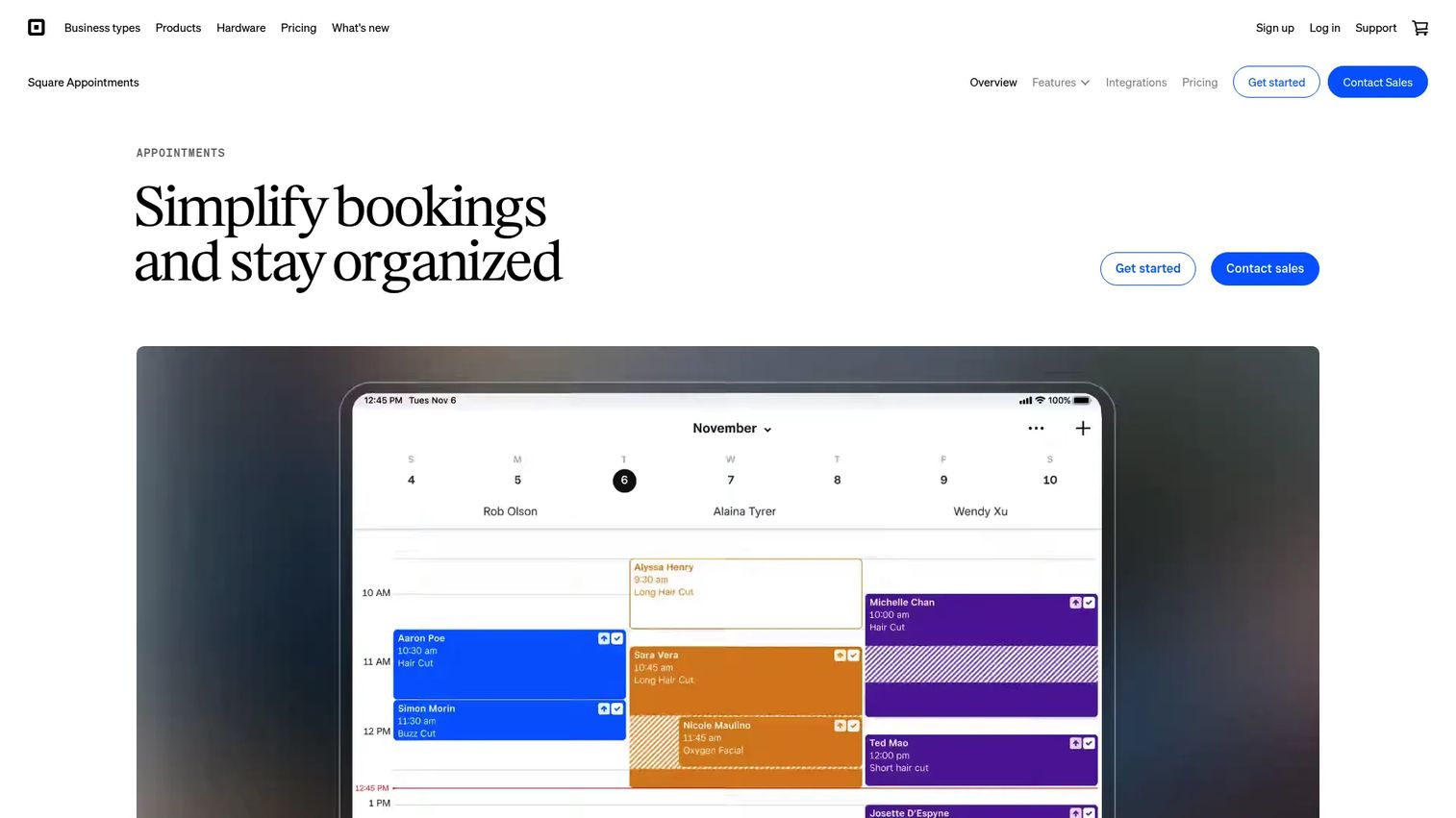
Square Appointments combines online booking with payments, staff calendars, and client profiles. It serves appointment-based businesses rather than healthcare organizations exclusively.
That positioning suits cash-pay providers, wellness clinics, med spas, and similar teams. They can collect payments without adopting a broader clinical management system.
Best for: Small practices that prioritize booking and payment collection
Key features
- Custom online booking website
- Automated email and text reminders
- Staff calendars and availability
- Client profiles
- Card-on-file payments
Why choose Square Appointments: Pick it for straightforward booking with integrated payments. The free tier also gives solo professionals a low-cost starting point.
Square is designed for general service businesses. Clinics needing EHR scheduling integration or complex clinical rules should evaluate healthcare-specific platforms instead.
From a support perspective, the booking website and automated reminders can reduce basic availability questions. Cancellation fees and cards on file also clarify payment expectations.
Square Appointments pricing: Square Free costs $0 per location each month. Plus costs $49 per location monthly, while Premium costs $149.
Plus and Premium include a 30-day free trial.
3. Appointedd
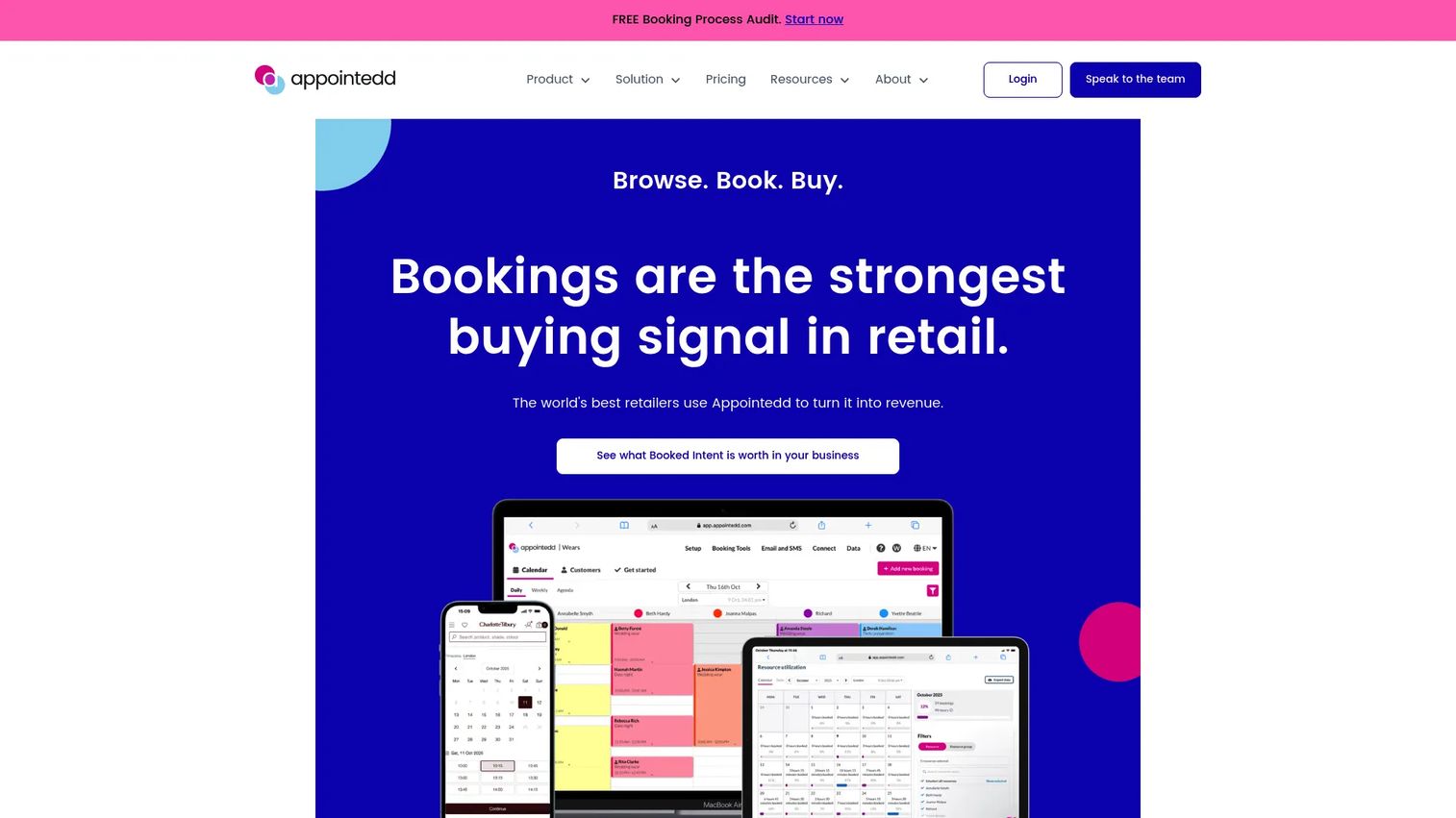
Appointedd provides online booking software for organizations with configurable appointment journeys. It supports booking widgets, customer records, secure payments, and multi-timezone scheduling.
The platform fits healthcare-adjacent organizations with multiple locations or resource constraints. Its focus is appointment orchestration rather than clinical records.
Best for: Organizations coordinating complex booking rules across teams or locations
Key features
- Customizable booking widgets
- Secure booking payments
- Multi-timezone scheduling
- Customer relationship records
- API and webhook access
Why choose Appointedd: Use it when basic calendars cannot express your availability rules. Configurable booking paths can route customers through different services, resources, and appointment types.
Its API and webhooks also help technical teams connect scheduling with surrounding systems. Buyers should still assess any required clinical or patient-record integrations separately.
For support leaders, a well-designed booking journey removes ambiguous choices. Fewer unclear appointment types can mean fewer correction calls after booking.
Appointedd pricing: Self Serve and Enterprise use custom pricing. Enterprise includes implementation support, account management, and service agreements.
4. moCal
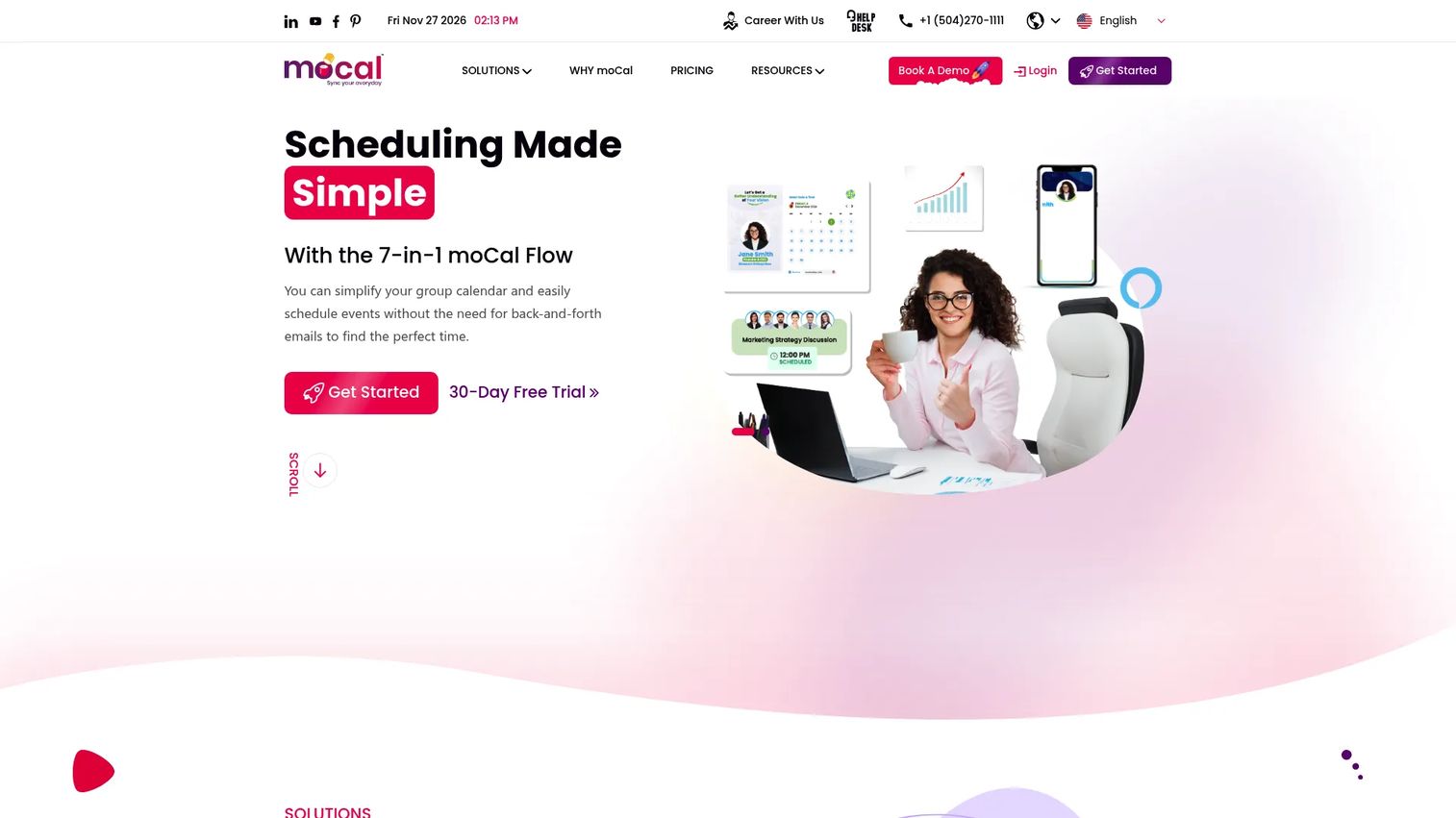
moCal is an online scheduling and calendar coordination platform. It connects with major calendars and supports pooled availability, routing forms, reminders, and follow-up communication.
Its broad business focus means healthcare teams should evaluate clinical requirements separately. The main value lies in automating meeting coordination and reducing calendar back-and-forth.
Best for: Teams seeking automated appointment coordination
Key features
- Multi-calendar synchronization
- Team and pooled availability
- Automated email and text workflows
- Lead-routing forms
- Meeting polls and reminders
Why choose moCal: Consider it when calendar coordination behaves like an administrative support task. Pooled availability and routing forms can assign bookings to the appropriate team member.
It also supports branded calendars and follow-up messages. Those capabilities help clarify what happens after someone schedules.
Healthcare buyers should confirm whether moCal fits their patient data and clinical system requirements. Its verified positioning covers broad scheduling rather than dedicated medical workflows.
moCal pricing: A free plan is available. Paid plans start at zł43 monthly for Basic and reach zł247 monthly for Enterprise.
5. Healthray
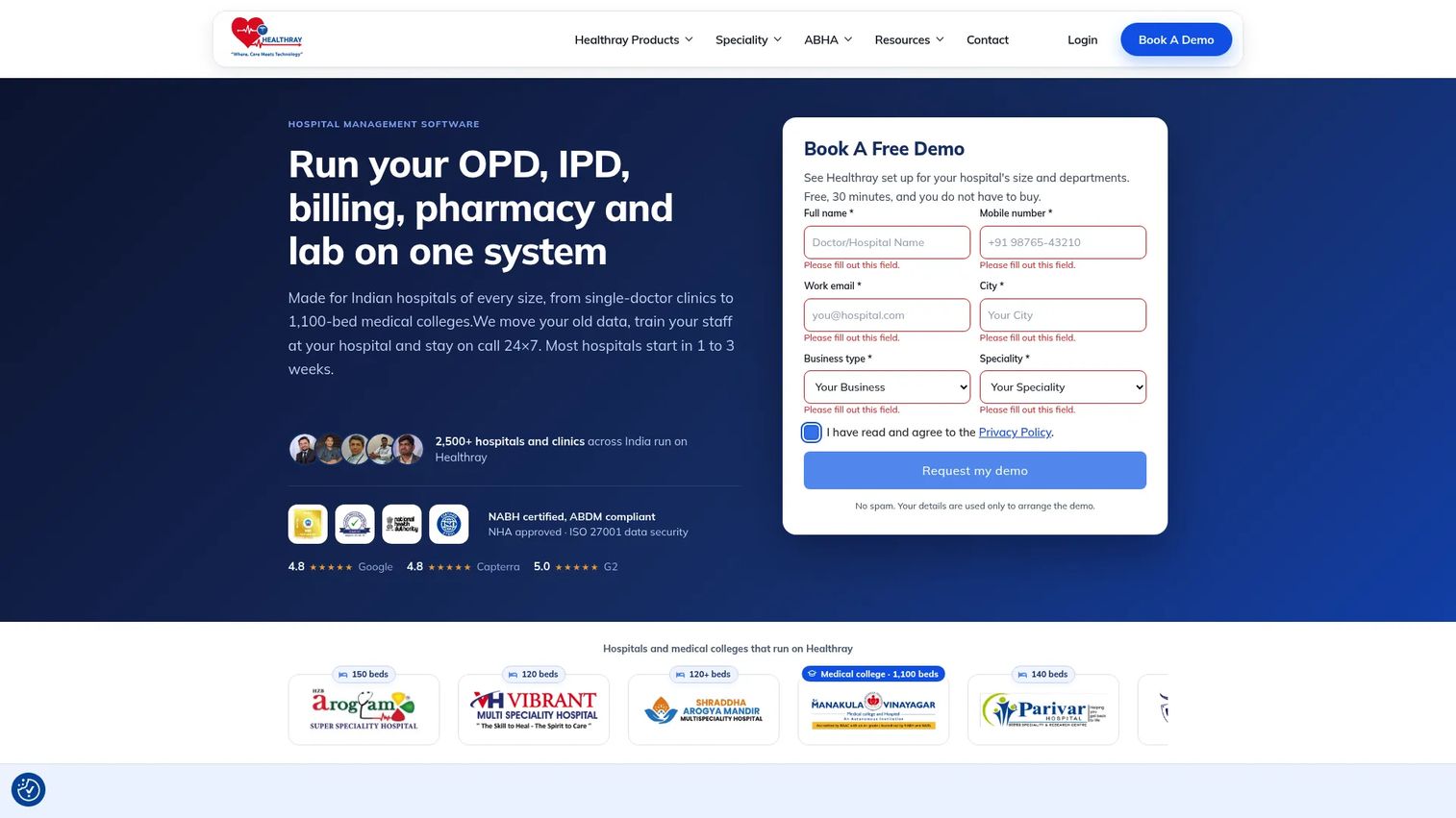
Healthray provides hospital and healthcare management software for clinics, hospitals, laboratories, and pharmacies. Appointment management sits alongside records, billing, inventory, and patient-facing workflows.
This broader scope suits organizations where a booking affects multiple departments. Staff can connect appointments with registration or downstream operational work.
Best for: Clinics and hospitals needing scheduling within healthcare operations
Key features
- Appointment and patient management
- Electronic medical records
- Billing and financial workflows
- Laboratory and pharmacy management
- Patient portal access
Why choose Healthray: Use it when scheduling cannot operate as a standalone calendar. Its broader healthcare modules connect appointments with patient records and administrative processes.
The system may be more extensive than a small practice needs. Evaluate it against departmental workflows rather than booking-page design alone.
Support teams should map which patient questions move between scheduling, billing, and registration. A connected system can reduce handoffs when staff can see the relevant context.
Healthray pricing: Custom pricing changes with users, locations, modules, departments, and deployment. Subscription and one-time licensing options are available.
G2 rating: 5.0/5
6. SoftClinic GenX
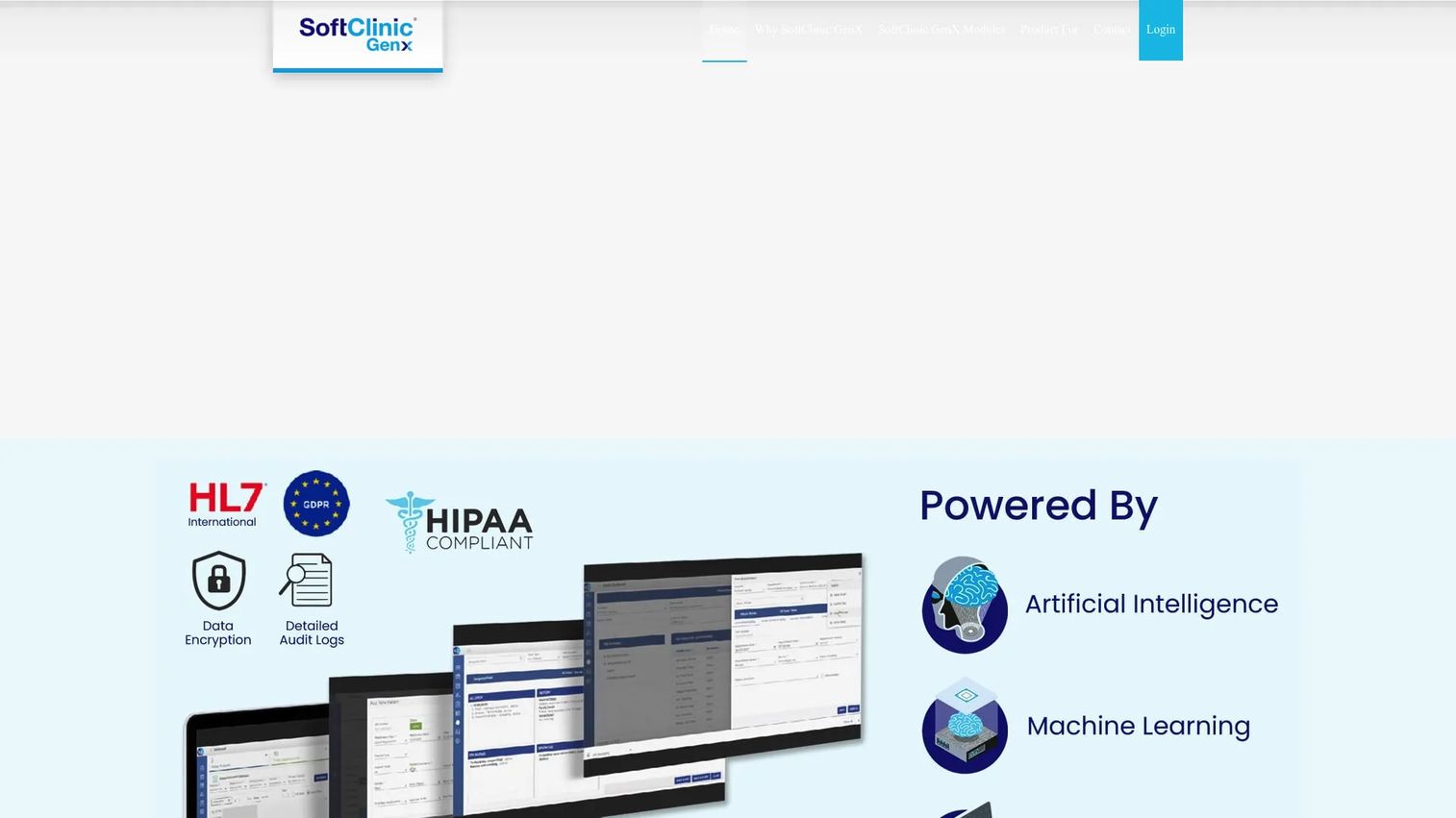
SoftClinic GenX is clinic and hospital management software covering appointments, records, billing, and operational modules. It serves physicians, laboratories, pharmacies, and larger healthcare facilities.
Patient registration and appointment scheduling connect with its EMR environment. The system also includes inpatient and administrative functions for broader hospital use.
Best for: Healthcare organizations needing scheduling with clinical management modules
Key features
- Patient registration and appointments
- EMR and patient portal
- Billing and patient accounting
- Laboratory and pharmacy management
- Telemedicine workflows
Why choose SoftClinic GenX: Choose it when appointment management is one part of a wider healthcare system. It can support outpatient activity alongside inpatient or departmental operations.
Small teams focused only on booking links may find the wider module set unnecessary. Hospitals should examine implementation, staff roles, and data migration before deciding.
The platform also offers patient-facing applications. These can give support teams another channel for common appointment and record questions.
SoftClinic GenX pricing: Physician, Lab, and Pharmacy apps are free under a fair-use policy. HIMS and other modules use custom pricing.
Communication and telemedicine consumables draw from a prepaid wallet.
G2 rating: 4.9/5
7. Carepatron
Carepatron combines scheduling with EHR features, telehealth, documentation, and practice administration. It targets clinicians and health professionals rather than hospital departments.
The platform supports online booking alongside notes, treatment plans, messaging, and payments. That combination suits smaller teams that want one workspace for client care and administration.
Best for: Allied health providers and smaller clinical practices
Key features
- Online booking and scheduling
- Telehealth video appointments
- Clinical notes and AI scribe
- Client messaging and forms
- Invoicing and insurance claims
Why choose Carepatron: Pick it when scheduling needs to connect with documentation and client management. The free plan also makes it accessible to solo practitioners.
Carepatron fits therapy, coaching, and allied health contexts well. Larger hospitals may require workforce or departmental functions beyond its confirmed scope.
For support teams, the client portal can reduce basic requests for forms or appointment information. Messaging keeps follow-up inside the practice workflow.
Carepatron pricing: Free costs $0 and covers up to 100 appointments. Plus costs $31 per user monthly, billed yearly. Advanced costs $39.
G2 rating: 4.5/5
8. MocDoc HMS
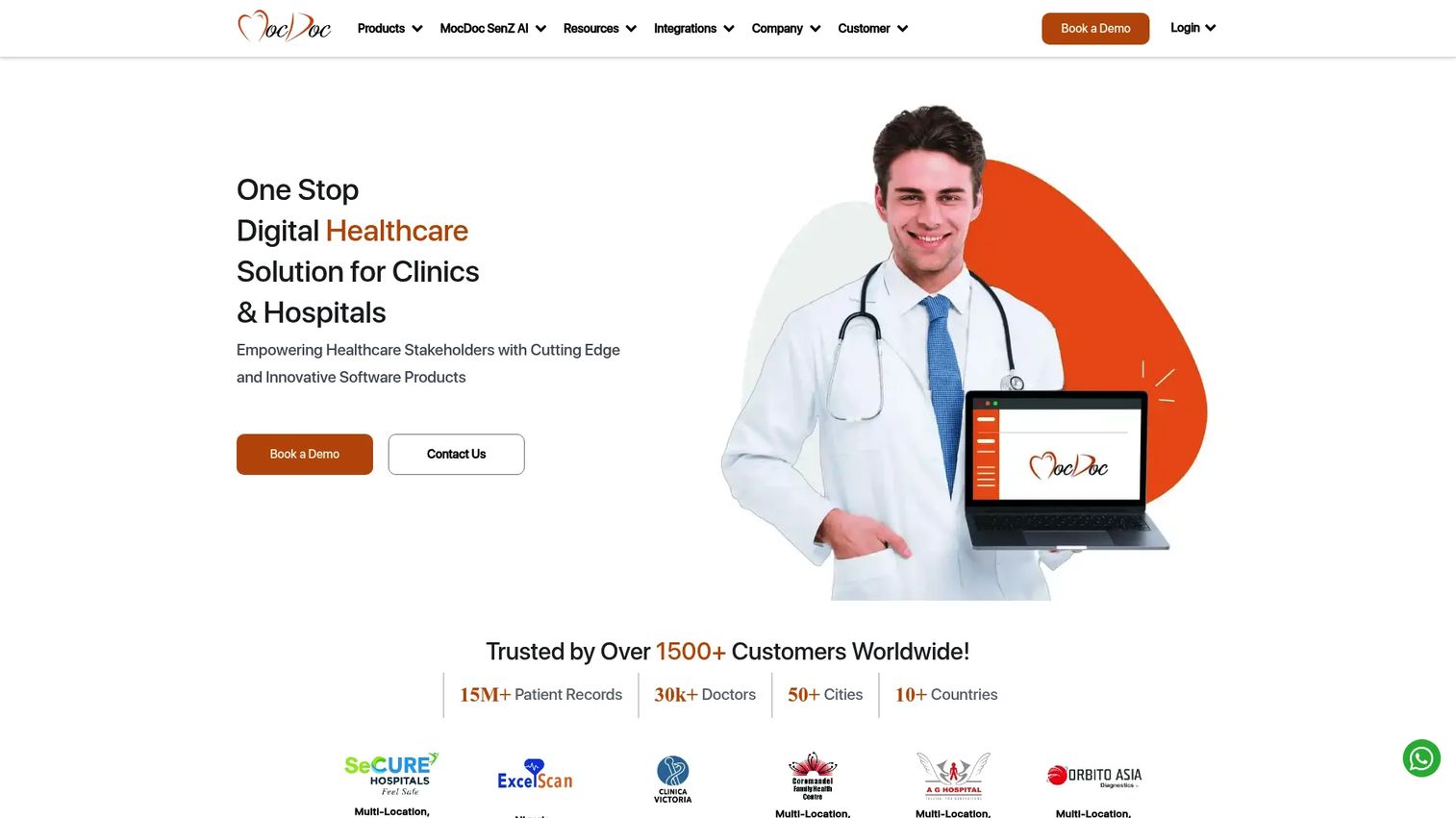
MocDoc HMS is cloud-based hospital management software for hospitals, clinics, and healthcare networks. Its scope includes appointment management, electronic records, billing, and departmental operations.
Scheduling sits inside a larger patient journey. A booked visit can connect with admission, laboratory, pharmacy, or insurance activity.
Best for: Hospitals needing appointments tied to operational workflows
Key features
- Appointment management and scheduling
- Electronic records and prescriptions
- Billing and insurance management
- Laboratory and pharmacy workflows
- Multi-location reporting
Why choose MocDoc HMS: Consider it when patient appointments trigger work across several hospital departments. The platform is designed for connected clinical and administrative processes.
A standalone scheduler may be easier for a simple clinic. MocDoc becomes more relevant when bookings must interact with records, insurance, or multi-location management.
Support teams should review how patient-facing messages are generated at every step. Clear status information can prevent calls caused by departmental handoffs.
MocDoc HMS pricing: Custom pricing changes with modules, locations, and usage.
9. eHospital Systems
eHospital Systems is a hospital information system for clinical, administrative, and financial healthcare workflows. Its category fit is broader than a standalone booking tool.
The available product research supports hospital information management positioning. Buyers should assess scheduling functionality directly during evaluation.
Best for: Hospital teams evaluating connected information management
Key features
- Clinical workflow management
- Administrative process coordination
- Financial workflow management
Why choose eHospital Systems: Include it when scheduling must be evaluated within hospital-wide operations. This type of system affects multiple departments beyond patient access.
The buying process should focus on workflow coverage and implementation. Test the patient journey from appointment request through registration, billing, and follow-up.
Support leaders should also inspect the staff-facing experience. A connected system still creates tickets if roles, status messages, or escalation paths remain unclear.
eHospital Systems pricing: Custom pricing.
10. CrelioHealth

CrelioHealth provides laboratory information and imaging software for diagnostic organizations. Its tools cover order management, sample tracking, reporting, and multi-site operations.
CrelioHealth is more specialized than general patient scheduling software. It fits diagnostic workflows where appointments connect to collection, testing, and report delivery.
Best for: Diagnostic laboratories managing orders and patient workflows
Key features
- Laboratory workflow automation
- Barcode-based sample tracking
- Turnaround-time analytics
- Patient and client portals
- HL7 and FHIR integrations
Why choose CrelioHealth: Choose it when scheduling feeds a laboratory process. Sample tracking and report delivery matter as much as the original appointment.
The software also supports integration through APIs and healthcare data standards. Additional branches, users, billing modules, and specialty licenses can affect the final cost.
Support teams can use order status and portal access to answer patient questions. Clear report availability reduces manual follow-up after collection.
CrelioHealth pricing: Smart starts at $600 monthly on an annual contract. Optimized costs $1,400, Pro costs $2,750, and Power costs $4,900.
Monthly billing adds 15%. Enterprise uses custom pricing.
G2 rating: 4.7/5
11. Clinicea
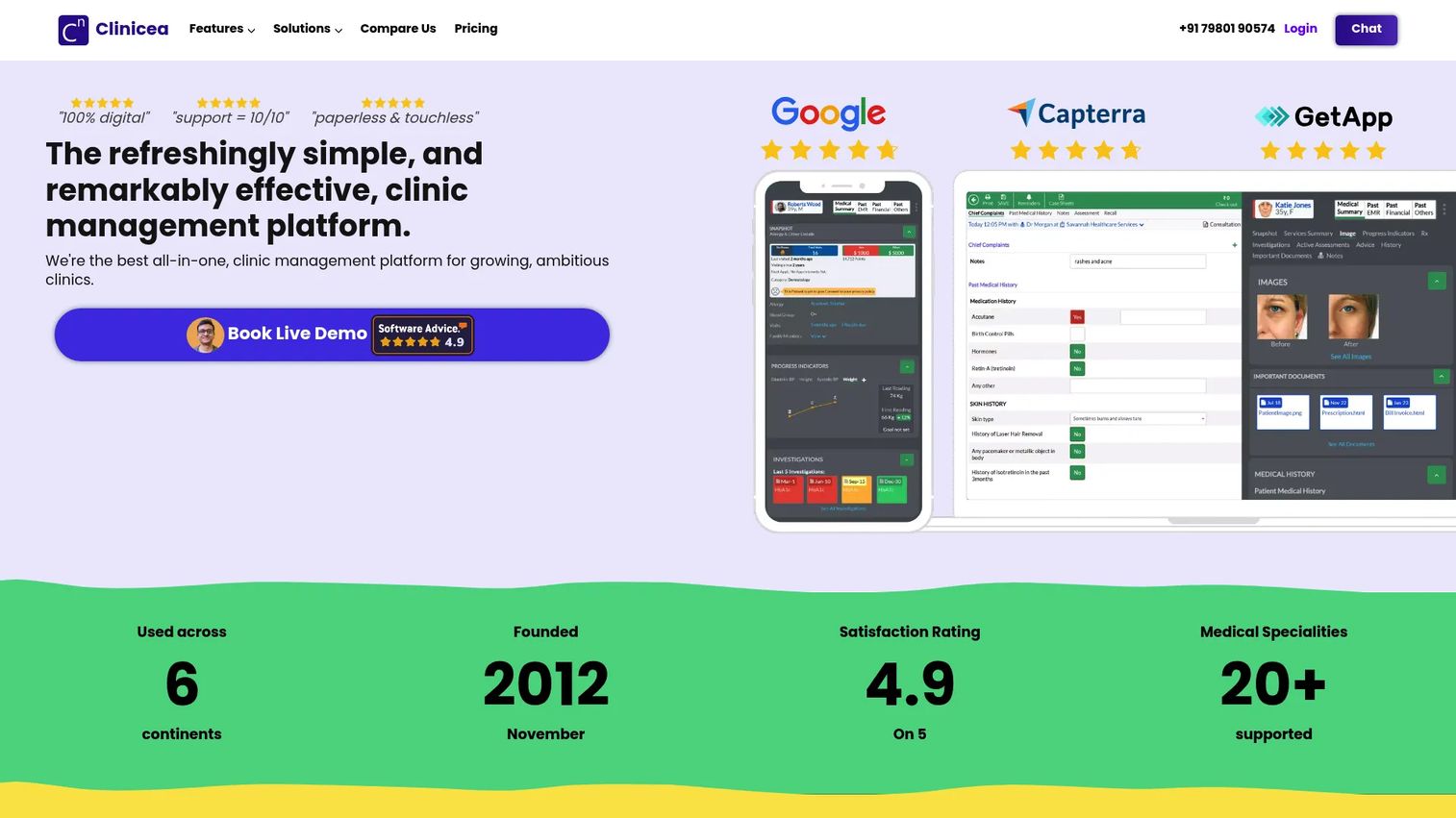
Clinicea is clinic management software with online booking, customizable EMR tools, telehealth, and payment functions. It targets growing healthcare clinics rather than large hospital systems.
The platform connects appointment scheduling with clinical records and patient engagement. Buyers can also add a patient portal or remote registration.
Best for: Specialty clinics wanting scheduling with a customizable EMR
Key features
- Appointment scheduling and online booking
- Customizable EMR and charting
- Telehealth appointments
- Electronic prescriptions
- Online payment collection
Why choose Clinicea: Use it when your clinic needs more than a calendar but less than a hospital information system. Its configurable EMR supports specialty-specific documentation.
Paid add-ons can change the overall cost. Map portal access, registration, laboratory needs, and staff roles before choosing a package.
For support teams, remote registration can move repetitive intake work out of phone calls. The patient portal adds another route for common information requests.
Clinicea pricing: Starter costs $59 per practitioner monthly. The customizable EMR costs $799 to $2,299 once. A 14-day free trial is available.
12. SimplyBook.me
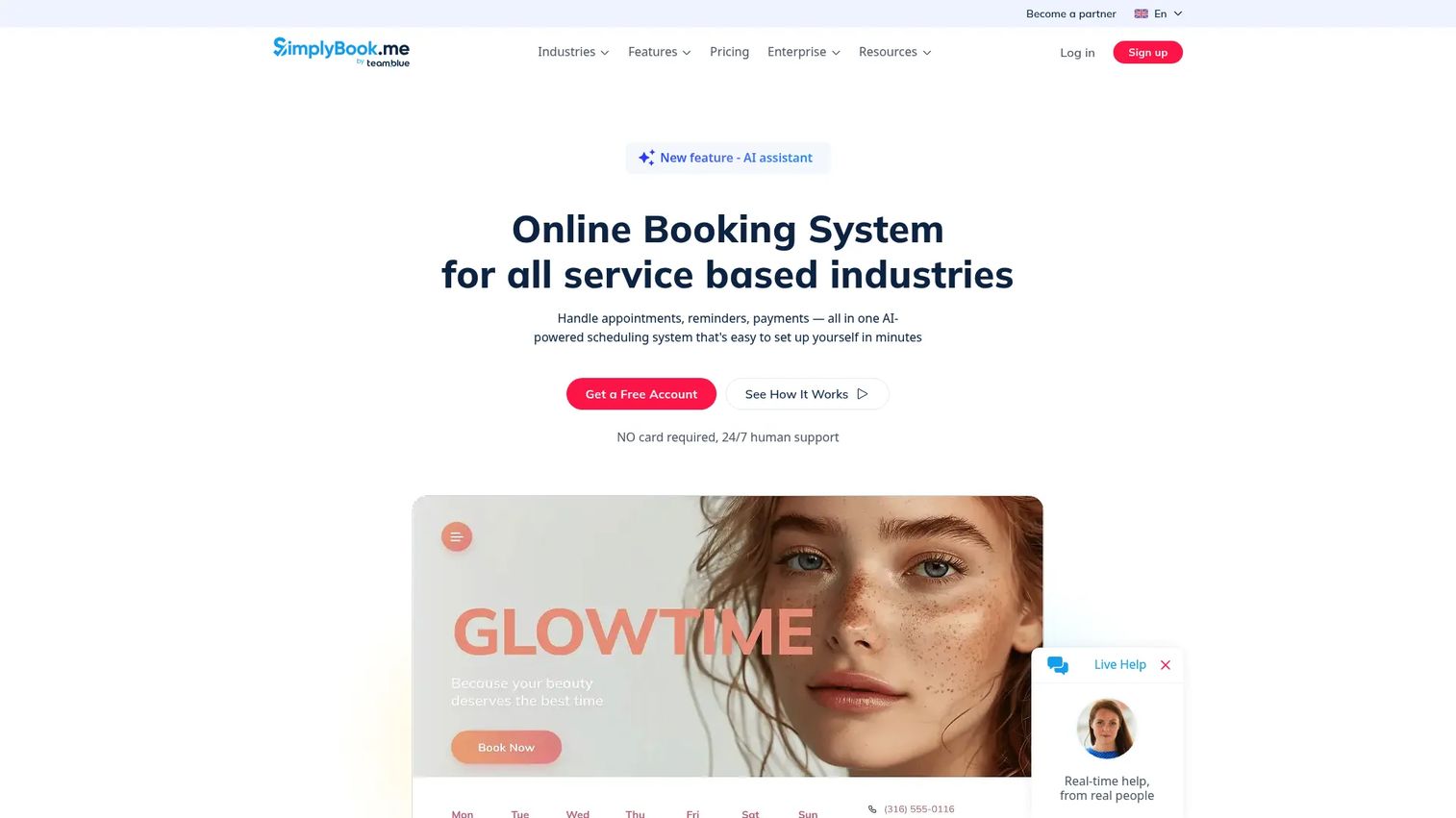
SimplyBook.me is configurable online booking software for service businesses. Healthcare use cases include medical clinics, wellness providers, and other appointment-led teams.
The platform offers booking websites, reminders, payments, and calendar synchronization. It fits organizations that need a booking layer without adopting a full clinical management system.
Best for: Clinics needing configurable online appointment booking
Key features
- Booking websites and widgets
- Email, SMS, and WhatsApp reminders
- Online and in-person payments
- Calendar synchronization
- Client and admin applications
Why choose SimplyBook.me: Pick it when patient booking is the main problem. Its configurable features cover common appointment flows without hospital-level operational scope.
The confirmed positioning serves many service industries. Healthcare buyers should separately assess clinical records, insurance, and integration requirements.
Support teams can configure booking pages to explain services before selection. Clear appointment descriptions reduce wrong bookings and correction requests.
SimplyBook.me pricing: Free costs €0 monthly. Basic starts at €11.90 monthly when billed annually, while Standard starts at €24.90.
Premium starts at €49.90 monthly with annual billing.
G2 rating: 4.4/5
13. Phreesia
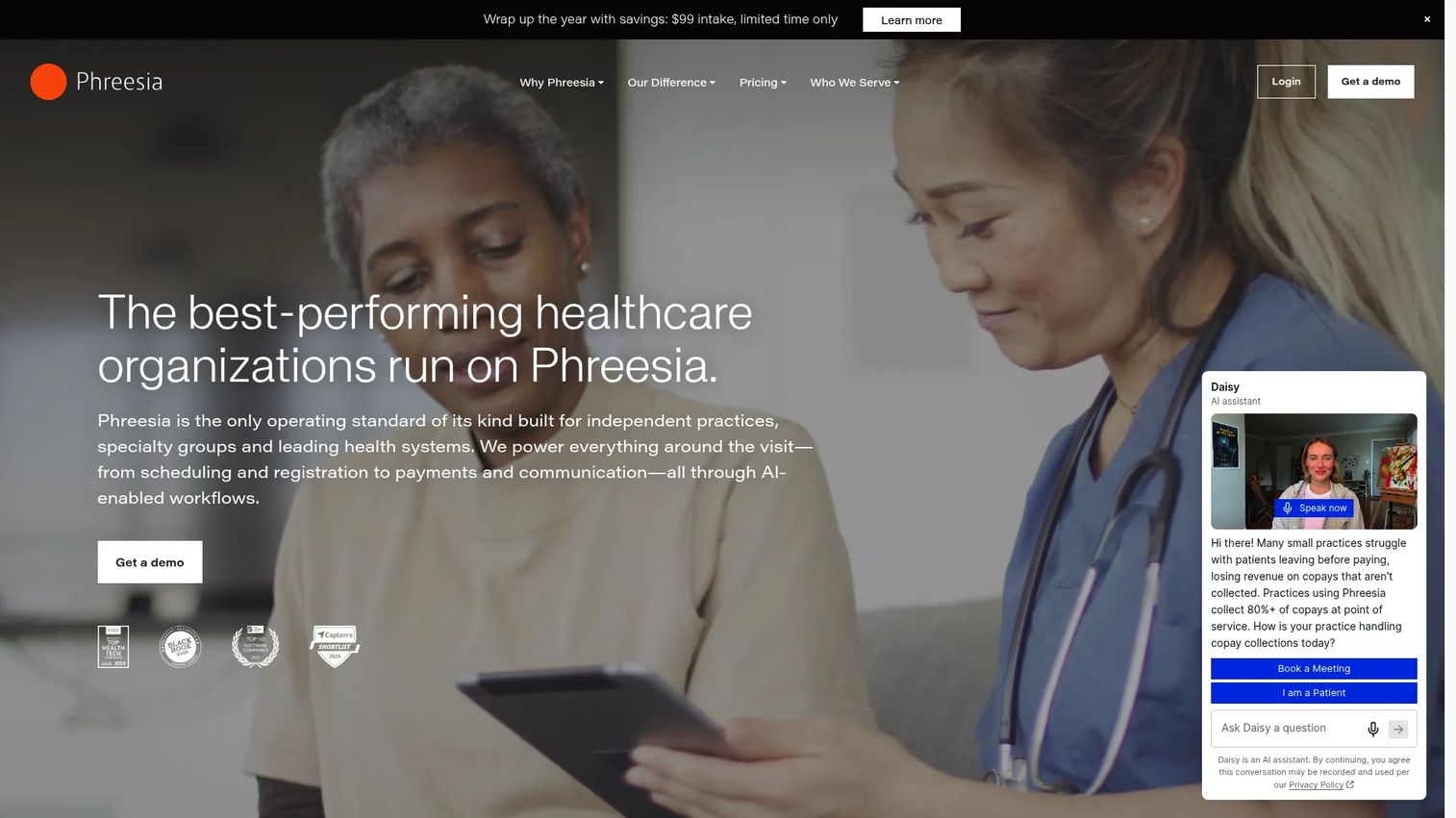
Phreesia provides patient access software for scheduling, intake, registration, communication, and payments. It serves healthcare practices and health systems managing pre-visit workflows.
Patient self-scheduling connects with waitlists, reminders, insurance capture, and VoiceAI call handling. That makes it useful when appointment access creates wider administrative work.
Best for: Patient access teams and larger provider groups
Key features
- Patient self-scheduling
- Digital intake and registration
- Waitlist management
- Insurance capture workflows
- Pre-visit and post-visit payments
Why choose Phreesia: Choose it when scheduling is part of a broader patient access problem. Registration and payment workflows can move work away from the front desk.
Its tools cover the period before, during, and after a visit. This gives support teams more context when patients ask about forms or balances.
Organizations should map which products they need before requesting a quote. Size and workflow scope influence pricing.
Phreesia pricing: Custom pricing changes with organization size, workflows, and selected products. Full Intake platform access is offered at no cost through December 31, 2026.
G2 rating: 5.0/5
14. Zocdoc
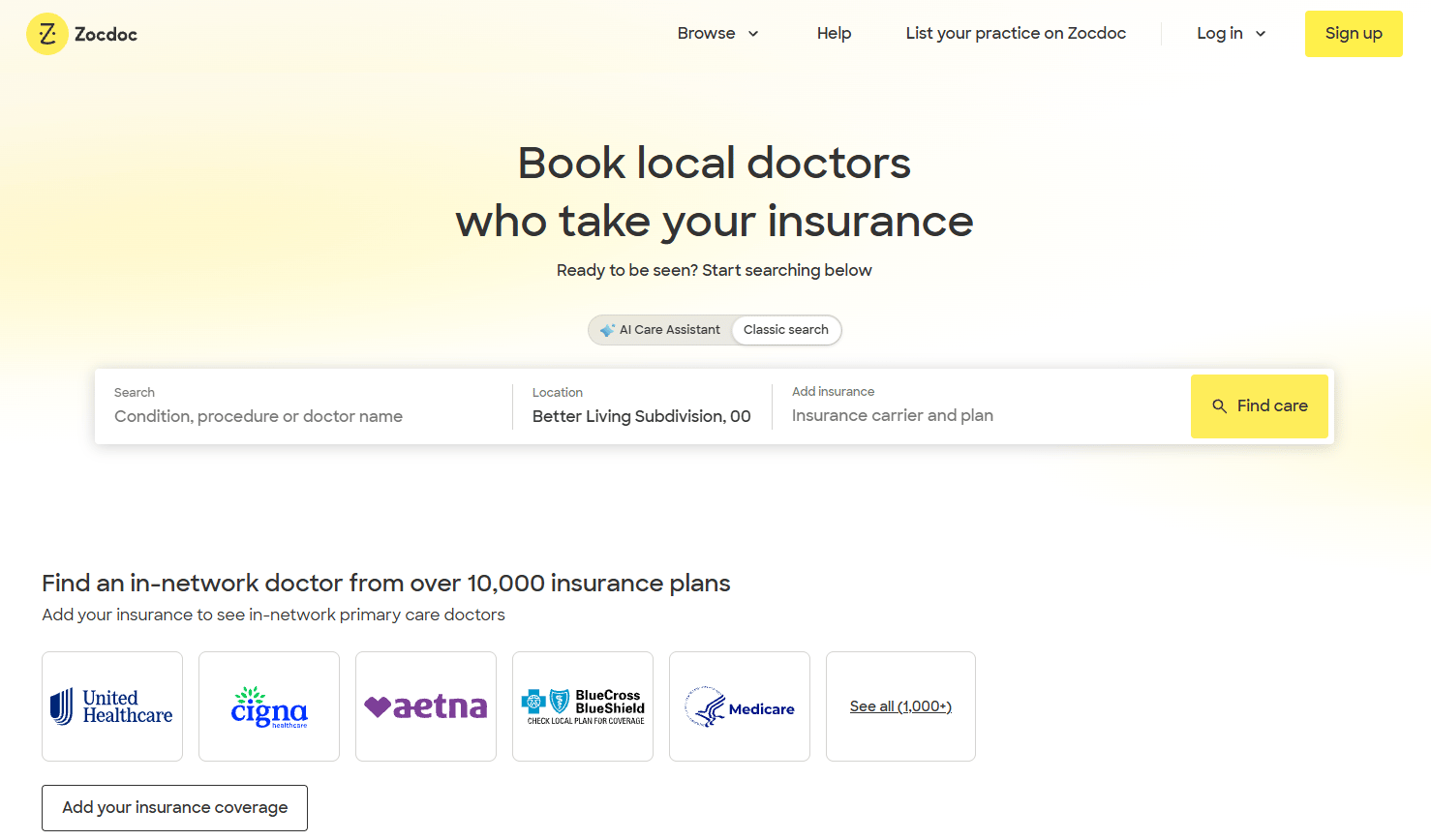
Zocdoc combines patient discovery with online booking. Patients can search for providers, review profiles, and reserve available appointments.
The platform also offers practice scheduling, intake, insurance verification, communication, and analytics tools. Patient acquisition remains its clearest differentiator.
Best for: Practices seeking new patient demand alongside booking
Key features
- Provider discovery marketplace
- Online appointment booking
- Practice calendar connections
- Automated patient intake
- Insurance verification
Why choose Zocdoc: Pick it when filling the schedule matters as much as managing it. The marketplace reaches patients who are actively looking for care.
Zocdoc differs from back-office doctor scheduling software because provider visibility is central. Practices should examine qualifying booking fees by specialty and location.
Its communication tools can also reduce uncertainty after booking. Support teams should test how patients receive changes or cancellation instructions.
Zocdoc pricing: Practice Solutions have no subscription fee. Marketplace pricing uses a one-time fee for each qualifying new-patient discovery booking.
Sponsored Results use provider-selected bids. Zo uses custom pricing.
15. QGenda
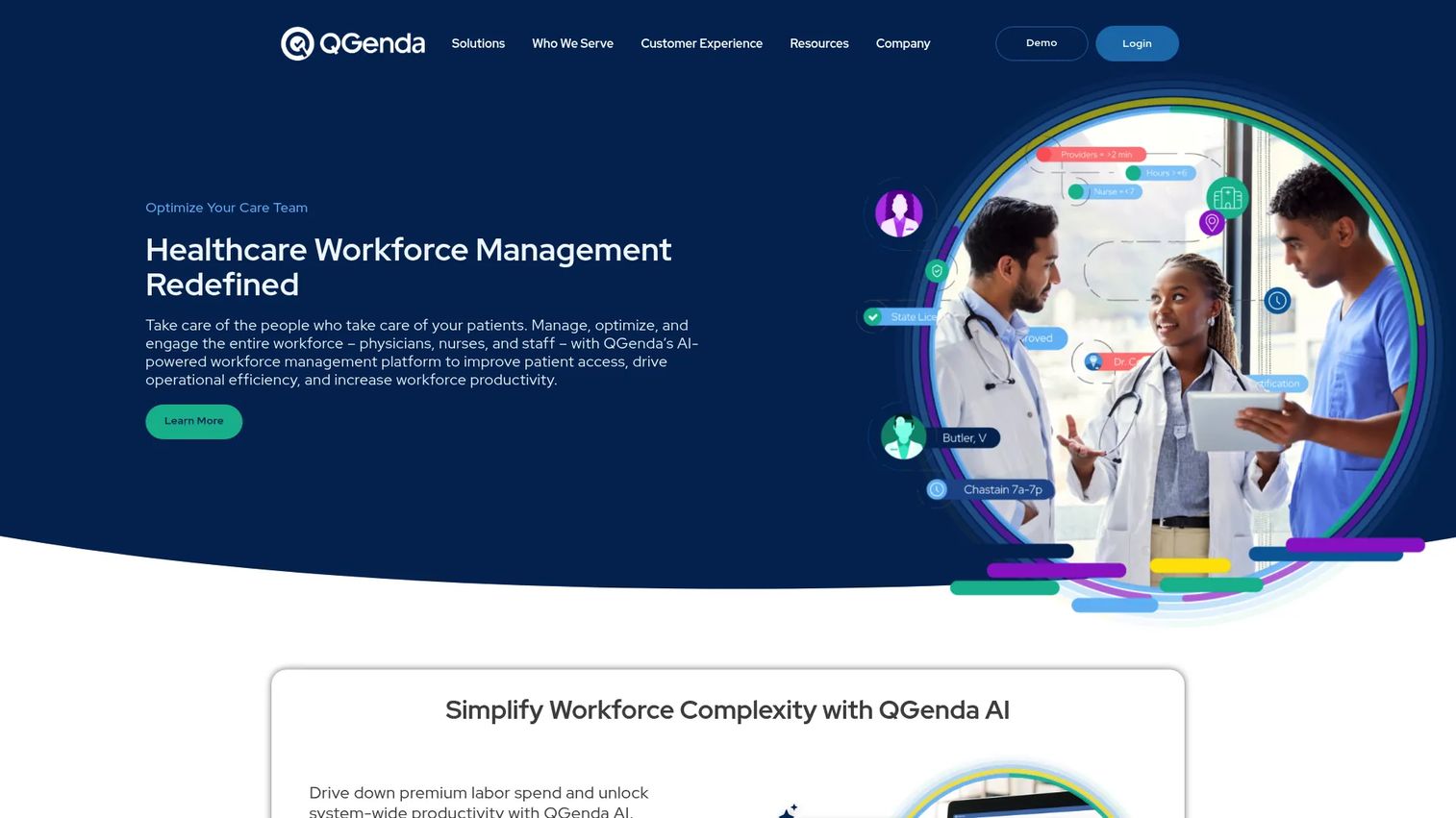
QGenda is a healthcare workforce management platform for provider schedules, on-call coverage, credentialing, and clinical capacity. It serves hospitals, medical groups, and health systems.
Its role in healthcare appointment scheduling starts with provider availability. Patient access suffers when workforce schedules and clinical capacity remain disconnected.
Best for: Hospitals coordinating providers, staff, and clinical capacity
Key features
- Provider and staff scheduling
- On-call schedule management
- Credentialing and payer enrollment
- Clinical capacity management
- Workforce analytics
Why choose QGenda: Use it when the underlying problem is provider coordination. Patient-facing booking tools cannot expose appointment capacity accurately without dependable workforce schedules.
QGenda also addresses room use and time tracking. That scope fits health systems with complex staffing requirements.
Support and patient access teams benefit indirectly from accurate availability. Fewer schedule conflicts mean fewer rebooking calls or escalations.
QGenda pricing: Custom pricing.
G2 rating: 4.6/5
16. SimplePractice
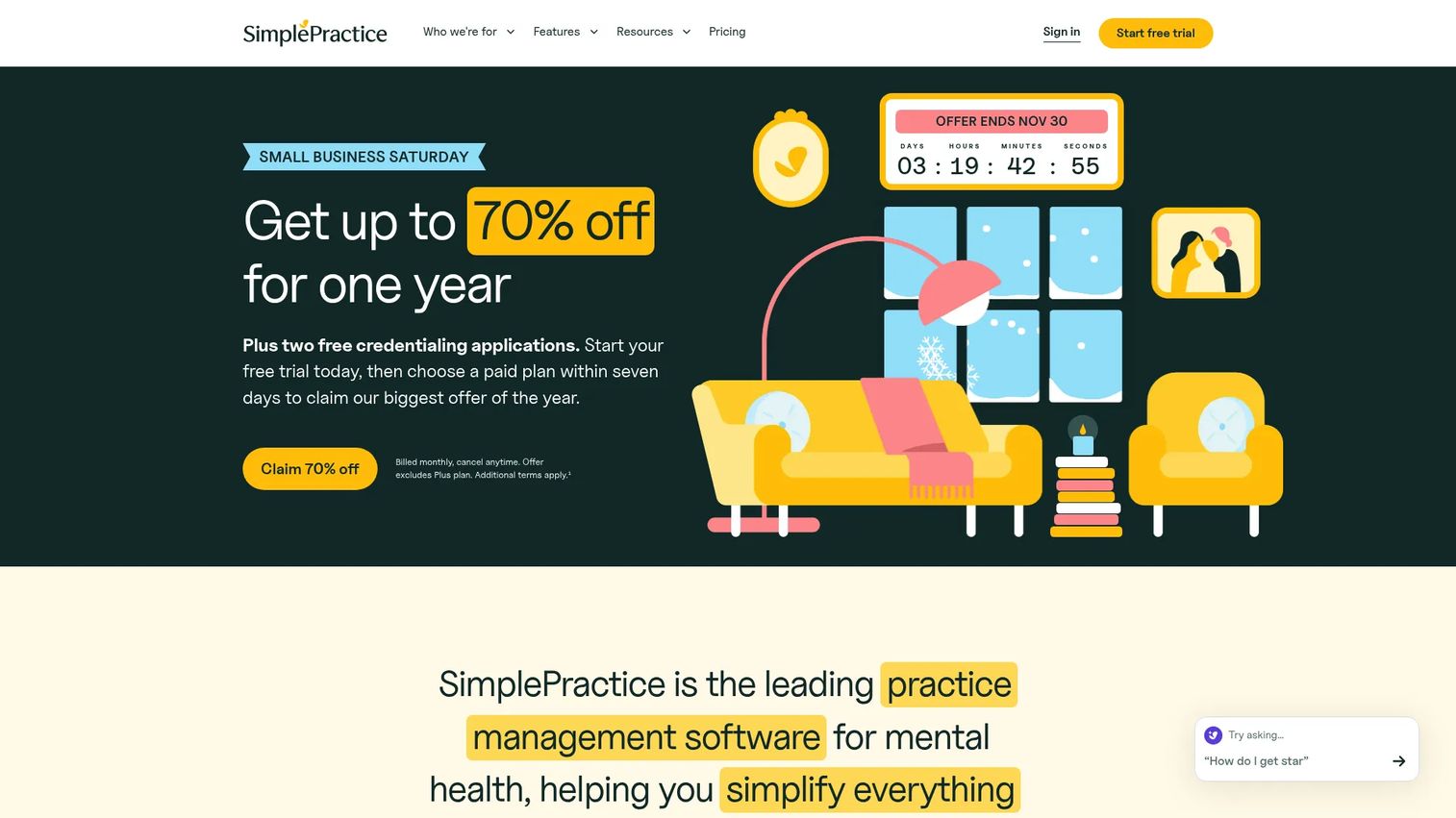
SimplePractice provides practice management and EHR software for health and wellness professionals. Its primary audience includes therapists and other behavioral health providers.
Scheduling connects with telehealth, documentation, billing, claims, and a client portal. This creates a coherent workflow for solo practitioners and group practices.
Best for: Behavioral health and wellness practices
Key features
- Scheduling and appointment reminders
- Telehealth and group appointments
- Client portal and messaging
- Insurance claims and billing
- Customizable clinical documentation
Why choose SimplePractice: Choose it when behavioral health scheduling must connect with notes and insurance workflows. The client portal also gives patients a self-service route.
Its plan structure supports solo providers and groups. Additional practitioners change the monthly price, while groups with six or more clinicians receive custom pricing.
From a support perspective, digital intake and portal access can reduce routine requests. Clear appointment reminders also help clients arrive prepared.
SimplePractice pricing: Starter costs $14.70 monthly for 12 months, then $49. Essential costs $23.70 for 12 months, then $79.
A 30-day free trial is available.
G2 rating: 4.1/5
17. Relatient
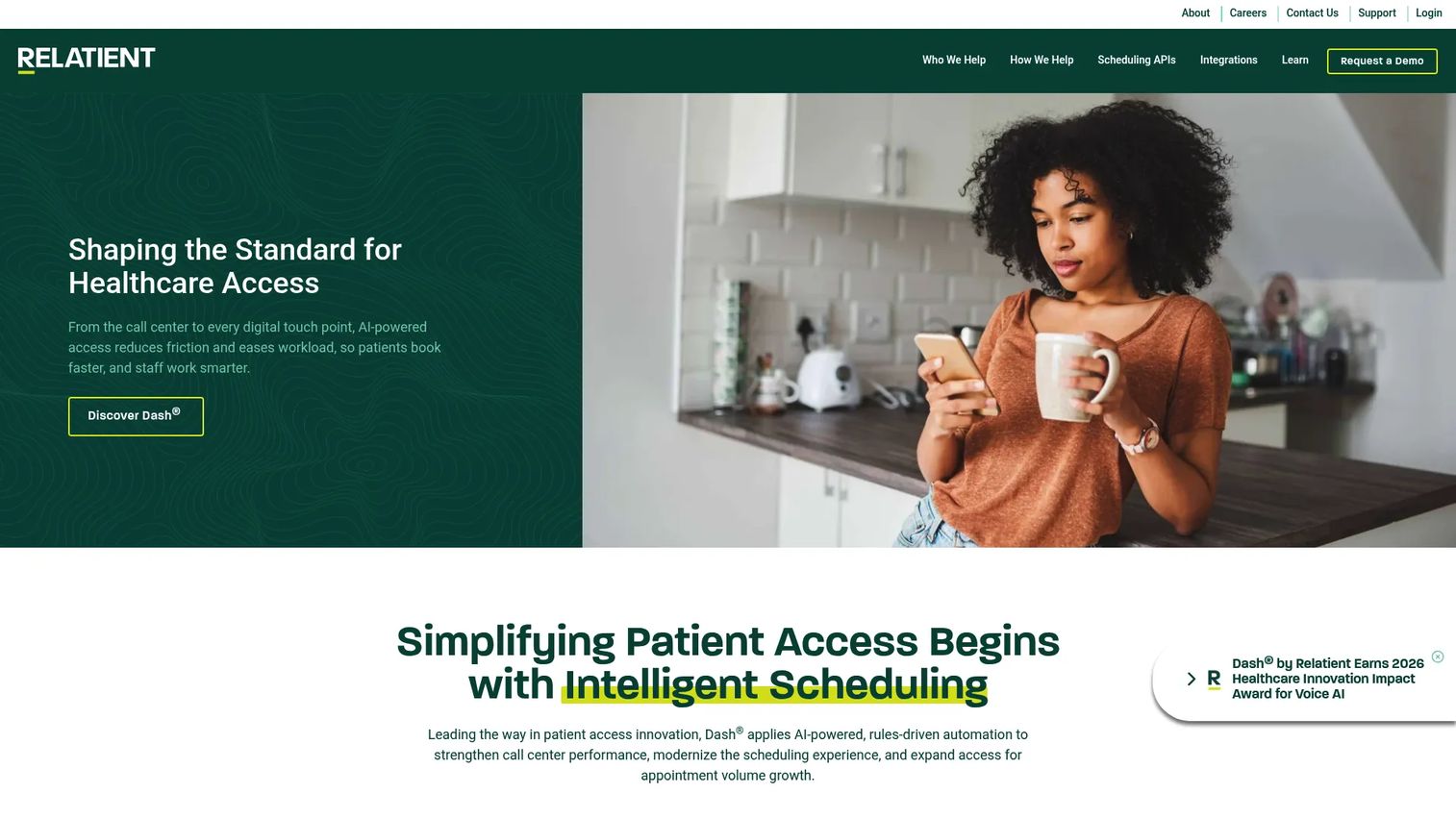
Relatient provides patient scheduling, communication, digital registration, and automation through its Dash platform. It serves hospitals, health systems, and specialty practices.
Rules-driven scheduling connects with automated waitlists, outreach, and contact-center workflows. This makes Relatient relevant when appointment access creates high call volume.
Best for: Healthcare organizations reducing scheduling friction and no-shows
Key features
- Rules-driven patient self-scheduling
- Contact-center scheduling tools
- Automated patient communications
- Digital registration and insurance capture
- Waitlists and patient recalls
Why choose Relatient: Choose it when scheduling is part of a patient engagement workload. Its confirmed capabilities cover voice agents, online chat, and outbound communication.
The platform also supports pre-visit estimates and referral tasking. Those workflows can reduce the number of unresolved questions reaching staff.
Support leaders should assess message clarity across every channel. Automation works best when patients understand their next action without calling.
Relatient pricing: Custom pricing.
Considerations when choosing medical scheduling software
Match scheduling depth to clinical complexity
A solo therapist and a multi-department hospital need different systems. Start with appointment types, resources, locations, and patient volume.
Avoid buying hospital scheduling software for a simple booking problem. A smaller tool often fits if clinical records stay elsewhere.
Verify EHR and EMR integration before pricing talks
Ask which systems the vendor supports and how data moves between them. Confirm whether the connection is one-way or bidirectional.
Implementation time also matters. A listed integration provides little value if it requires months of custom work.
Treat reminders as a support workflow
Patient reminders should answer the next likely questions. Include the time, location, preparation instructions, and rescheduling route.
Good messages reduce “when is my appointment?” contacts. They also prevent staff from repeating the same instructions by phone.
Check insurance and intake requirements
Map the entire pre-visit journey before comparing products. Include eligibility checks, consent forms, registration, and payment collection.
Disconnected intake creates manual follow-up even when booking works well. Look for gaps that move work back to front-desk staff.
Test the patient booking experience
Book a test appointment on a mobile device. Watch for confusing fields, unclear appointment types, and missing cancellation guidance.
Then repeat the test with a new patient. The experience may differ when the system lacks an existing record.
Conclusion
The right medical scheduling software should solve the operational problem behind your calendar.
Choose Weave when patient communication creates most of the workload. Square Appointments suits lightweight booking with payments, while Appointedd handles complex appointment logic.
Phreesia connects scheduling with patient access. Zocdoc adds marketplace discovery, and QGenda coordinates provider workforce availability.
SimplePractice fits behavioral health workflows. Relatient focuses on patient access, reminders, and outreach at scale.
Before choosing, take five practical steps:
- Map your current scheduling workflow
- Identify the biggest bottlenecks
- Shortlist tools by practice type
- Test the patient-facing booking flow
- Verify integrations and total cost
The best choice should reduce repetitive questions without creating another disconnected system. Measure phone volume, rescheduling contacts, and patient confusion before and after rollout.
Start your journey with Guideflow today!
Choosing software is easier when buyers can see the workflow instead of reading another static explanation. Interactive demos support healthcare software sales, onboarding, support education, and partner training.
Start your journey with Guideflow today!
FAQs
Medical scheduling software manages patient appointments, provider availability, reminders, and rescheduling through a digital calendar. Many systems also support intake, waitlists, and administrative workflows.
Healthcare-specific platforms can connect appointments with clinical records or billing processes. Their depth varies from simple booking pages to hospital-wide operations.
Small practices often need online booking, reminders, payments, and a clear patient experience. Square Appointments fits lightweight booking, while Carepatron connects appointments with clinical administration.
SimplePractice focuses on behavioral health and wellness. SimplyBook.me suits configurable booking without a full clinical management system.
Hospitals usually need scheduling connected to departments, providers, patient records, and billing. Healthray, SoftClinic GenX, MocDoc HMS, and eHospital Systems serve broader hospital operations.
QGenda focuses on provider workforce scheduling and clinical capacity. The right choice depends on whether the main problem involves patient access or workforce coordination.
Core features include online booking, provider rules, automated reminders, waitlists, and cancellation management. Healthcare organizations may also require digital intake, insurance workflows, and EHR connectivity.
Reporting should show appointment volume, cancellations, no-shows, and resource use. Multi-location teams may also need room or equipment scheduling.
Medical scheduling software can send confirmation messages and patient reminders before each visit. Easy rescheduling gives patients an alternative to missing the appointment.
Waitlists can help refill canceled slots. Clear preparation and location instructions also prevent avoidable confusion.
Yes. Healthcare scheduling may need to consider provider specialties, appointment reasons, patient records, insurance, and privacy expectations.
General scheduling tools can still fit wellness businesses or cash-pay practices. Clinical organizations usually need deeper workflow connections.
Simple practices can sometimes operate with a standalone scheduler. Clinics and hospitals often need EHR or EMR connectivity to prevent duplicate data entry.
Confirm the integration method before buying. Check which records sync, how often updates occur, and who handles implementation.
Compare the base subscription with user, provider, and location charges. Add reminder fees, telehealth, intake, integrations, implementation, and support.
Also review contract terms and onboarding costs. A lower monthly price can become expensive once required modules are included.