LinkedIn consistency is easy to promise and annoying to execute. You have a campaign deadline, three approval threads, and a founder who wants to post but never finds time. Meanwhile, 42% of marketers reported using LinkedIn in their marketing strategy in 2025, according to HubSpot's State of Marketing Report (2026), which means the competition for attention in the feed is real.
Posting manually every day is not a system. It is a habit that breaks the moment something else catches fire. A LinkedIn scheduling tool turns that fragile habit into a repeatable workflow: Batch posts, set publish times, track what works, and stop checking the app five times a day.
The right scheduler does more than queue posts. It tells you when your audience is active, helps your team approve content before it goes live, recycles your best evergreen pieces, and gives you data you can actually defend in a campaign retro.
This guide cuts through the noise and helps you pick the tool that fits your workflow maturity, budget, and channel goals.
What's inside
This guide compares 12 LinkedIn scheduling tools for 2026, covering free and paid options across solo creators, growth teams, agencies, and enterprise social programs. Tools were selected based on:
- LinkedIn scheduling relevance and format support (text, images, video, documents, carousels)
- Analytics and reporting depth for growth marketers
- Team workflow features including approvals, drafts, and workspaces
- Pricing clarity and G2 ratings, verified at time of writing
TL;DR
- Best free option: LinkedIn native scheduler covers basic profile and Page scheduling at no cost
- Best all-around social scheduler: Buffer for simple cross-platform publishing with clean analytics
- Best for LinkedIn creators: Taplio for AI-assisted LinkedIn growth, scheduling, and audience analytics
- Best for enterprise teams: Hootsuite for governance, multi-channel management, and advanced reporting (from $99/user/month)
- Best for agencies: SocialBee or Loomly for category queues, approvals, and client-ready reporting
- Best for lightweight LinkedIn-first workflows: AuthoredUp or MagicPost for writing quality and fast ideation
What is a LinkedIn scheduling tool?
A LinkedIn scheduling tool is software that lets you plan, create, queue, and automatically publish LinkedIn posts to a personal profile, a company page, or both.
At the basic level, every tool in this category solves the same problem: Stop relying on memory to post consistently. Beyond that, tools diverge significantly by format support, analytics depth, team workflow capabilities, and whether they focus on LinkedIn only or handle a broader social calendar.
Key features to look for:
- LinkedIn profile and company page scheduling
- Support for text, images, video, documents, PDFs, and carousels
- Content calendar and queue management
- Best-time posting recommendations
- Evergreen content recycling
- Approval workflows and team drafts
- LinkedIn analytics covering impressions, clicks, and follower growth
- Official LinkedIn API support for safe publishing
Native vs. third-party scheduling: LinkedIn's built-in scheduler is free and handles basic post timing for profiles and Pages. Third-party tools add content calendars, cross-platform publishing, approval workflows, AI writing assistance, and reporting you can share with leadership.
Who uses LinkedIn schedulers: Growth marketers managing LinkedIn as a demand channel, B2B content teams building founder-led programs, agencies handling multiple clients, and solo consultants who want to batch work without losing posting consistency.
According to Adobe Express (2025), 72% of surveyed business owners and marketers said posting time on LinkedIn directly affects post performance, which is why best-time recommendations have become a standard feature rather than a premium one.
Format support differs by tool and can change as LinkedIn updates its API. Always verify that the tool you choose supports the specific formats your content program relies on before committing to a paid plan.
When to use a LinkedIn scheduling tool
Build a consistent executive or founder-led posting habit
Founder-led and executive-led LinkedIn programs collapse when posting depends on someone remembering to log in. A scheduler lets a marketing team batch ideas, write drafts, and set publish windows during peak audience activity. The founder reviews, approves, and the queue handles the rest.
Manage company page campaigns without calendar chaos
Launch posts, webinar promotions, product updates, and hiring content all compete for the same publishing slots. A scheduling tool maps posts to campaign timelines, prevents last-minute publishing, and keeps your company page active through busy periods without requiring someone to manually post each day.
Turn LinkedIn performance into a repeatable channel
Growth marketers need more than "we posted three times this week." They need impressions, engagement rate, click data, follower growth, and post-level learnings that feed the next campaign. Schedulers with strong analytics give you data you can defend to leadership and iterate from, rather than just activity logs.
LinkedIn scheduling tools comparison
The table below compares all 12 tools by use case, key differentiator, pricing, and G2 rating. Pricing reflects verified figures from each vendor's pricing page. G2 ratings were checked at time of writing; tools without a confirmed G2 listing show N/A.
| # | Product | Best for | Key differentiator | Pricing | G2 rating |
|---|---|---|---|---|---|
| 1 | LinkedIn native scheduler | Free basic scheduling | Built directly into LinkedIn | Free | 4.4/5 |
| 2 | Buffer | Simple cross-platform scheduling | Clean queue and calendar workflow | Free; paid from $5/mo | 4.3/5 |
| 3 | Taplio | LinkedIn creators and consultants | LinkedIn-first AI and growth analytics | From $39/mo | 4.1/5 |
| 4 | DemandBird | B2B teams needing AI content production | AI drafting, repurposing, and multi-platform publishing | From $21.75/mo (annual) | 4.9 |
| 5 | Hootsuite | Enterprise social teams | Governance, broad social management, advanced reporting | From $99/user/mo (annual) | 4.3/5 |
| 6 | AuthoredUp | LinkedIn writing and formatting | Creator-focused post editor with analytics | From $19.95/mo | 4.4 |
| 7 | Later | Visual planning and multi-channel publishing | Visual calendar and influencer marketing | From $18.75/mo (annual) | 4.5/5 |
| 8 | Publer | Budget-conscious social scheduling | Broad format support with a free plan | Free; paid plans available | 4.7/5 |
| 9 | MagicPost | AI-assisted LinkedIn writing | Fast ideation, carousel generation, lead detection | From €23/mo | 5.0/5 |
| 10 | SocialBee | Agencies and recurring content | Category-based queues and evergreen posting | From $29/mo | 4.7/5 |
| 11 | Loomly | Teams needing approvals | Collaboration, approval workflows, and client calendars | From $49/mo (annual) | 4.6/5 |
| 12 | Postearly | Lightweight LinkedIn scheduling | Simple scheduling focused on LinkedIn | Contact vendor | 4.7 |
Best 12 tools for LinkedIn scheduling
1. LinkedIn native scheduler
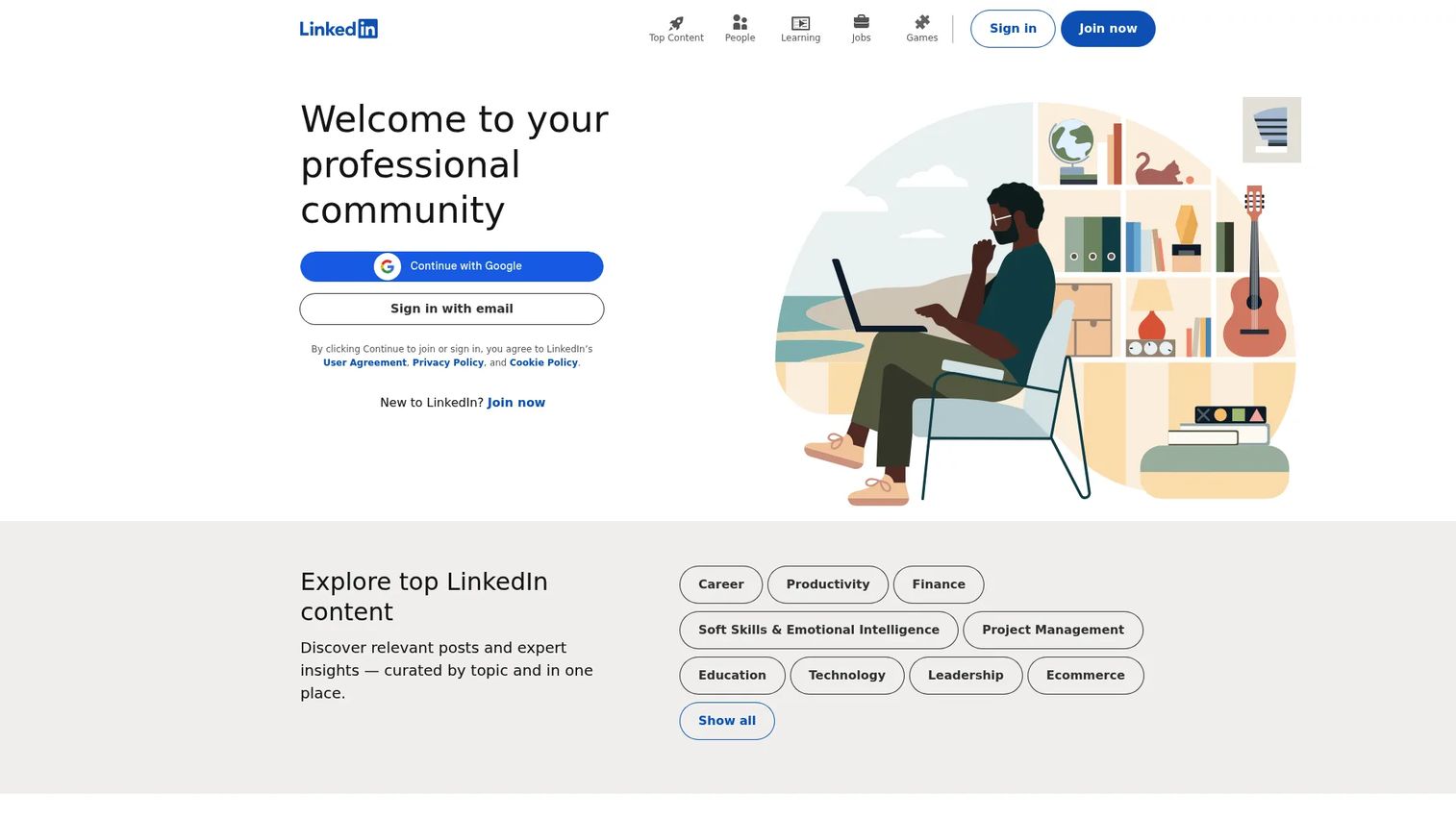
LinkedIn's built-in scheduler lets members and company Page admins schedule posts for future publication without any third-party tool. You can schedule up to three months ahead for both personal profiles and Pages. It handles the core job without additional setup, login complexity, or monthly cost.
Best for: Solo marketers, founders, and small teams that only need basic LinkedIn scheduling and have no cross-platform or approval requirements.
Key features
- Free built-in scheduling for profiles and Pages
- Schedule posts up to 3 months ahead
- View, edit, reschedule, or delete scheduled posts
- No third-party account or integration required
Why choose LinkedIn native scheduler: Choose it when cost and simplicity matter more than analytics or multi-channel planning. It is the baseline option every paid tool needs to beat on value.
LinkedIn native scheduler pricing: Free with a LinkedIn account. No paid tier exists for this feature. Note that scheduling is unavailable for some post types, including events, jobs, and polls on Pages.
G2 rating: 4.4/5
2. Buffer
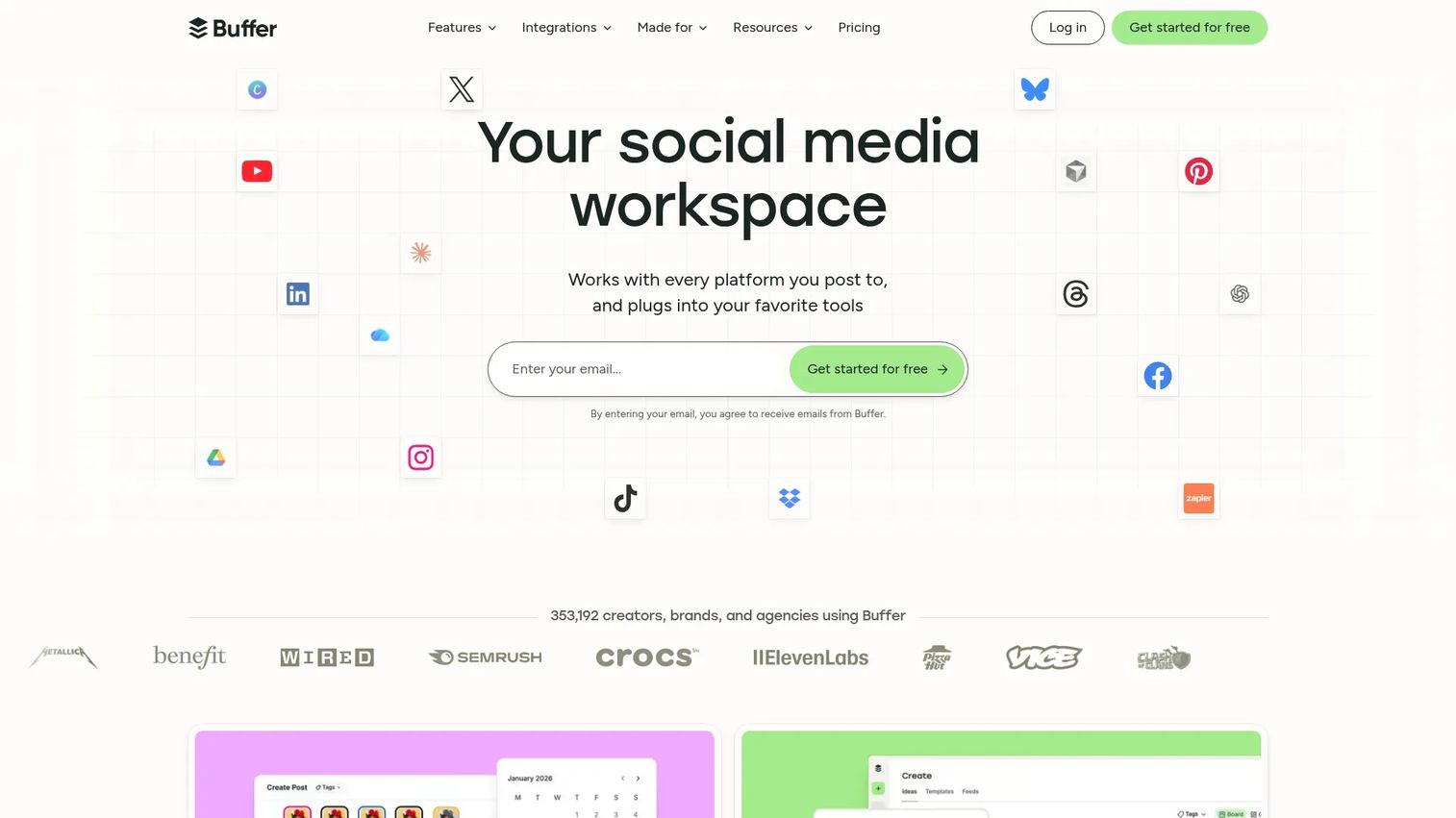
Buffer is a social media management platform built for planning, publishing, engaging with audiences, and analyzing performance. It covers LinkedIn alongside other social channels in a clean, low-friction interface that suits small teams trying to build consistent publishing habits without heavy onboarding. Buffer's queue-based workflow is fast to set up and easy to hand off to a new team member.
Best for: Small marketing teams that want dependable LinkedIn scheduling alongside other social channels, without enterprise-level complexity.
Key features
- LinkedIn profile and company Page scheduling
- Cross-platform queue and calendar
- Community inbox for comment replies
- AI-powered performance takeaways
- Drafts and team publishing workflows
Why choose Buffer: Choose Buffer when you need reliable multi-channel scheduling that includes LinkedIn, clean reporting, and a free starting tier. It suits teams that want consistency without committing to a heavyweight social management platform.
Buffer pricing: Free plan supports up to 3 channels. The Essentials plan starts at $5/month per channel (billed annually at $60/year for one channel). The Team plan is $10/month per channel (billed annually). Annual billing saves two months of cost.
G2 rating: 4.3/5
3. Taplio
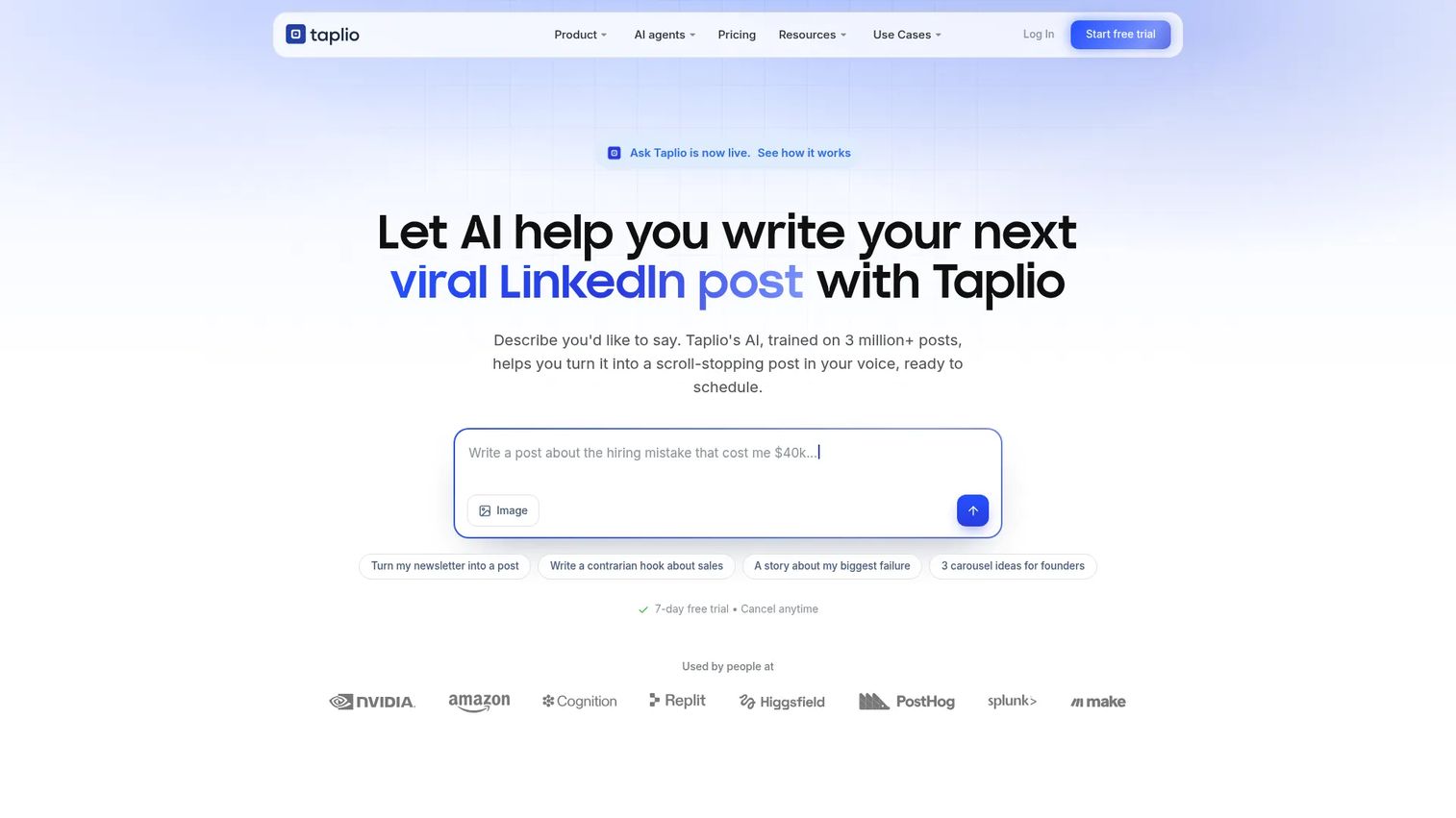
Taplio is an AI-powered tool built specifically for growing a personal brand on LinkedIn. It covers content creation, scheduling, engagement, analytics, and lead generation in a single LinkedIn-first workflow. Where most social schedulers treat LinkedIn as one channel among many, Taplio is built entirely around it, which shows in features like viral post inspiration, LinkedIn benchmark tracking, and engagement automation.
Best for: Founders, consultants, and LinkedIn creators building a consistent personal posting engine where LinkedIn is the primary growth channel.
Key features
- AI-powered LinkedIn post writing
- Post scheduling and visual content queue
- Viral post inspiration database
- Engagement tools for replies and comments
- LinkedIn analytics and audience benchmarks
Why choose Taplio: Choose Taplio when LinkedIn is your main growth channel and content velocity is the bottleneck. It is less suited to teams managing multiple social networks and more suited to individuals building a repeatable LinkedIn presence.
Taplio pricing: No permanent free tier. A 7-day trial gives full Pro access. The Starter plan is $39/month (or $32/month on annual billing). Growth is $69/month ($49/month annual). Pro is $199/month ($149/month annual).
G2 rating: 4.1/5
4. DemandBird
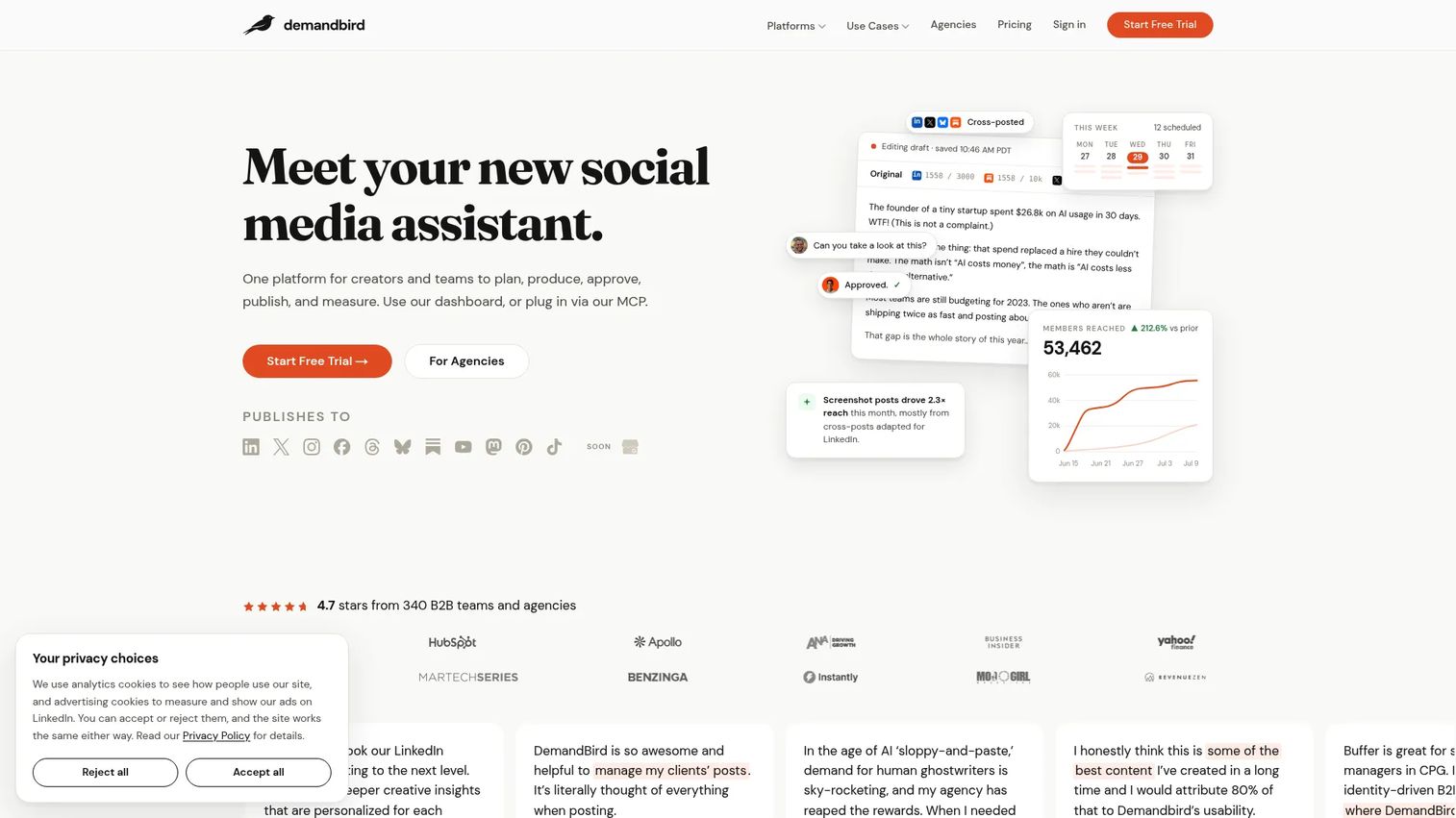
DemandBird is a social media management platform for creating, repurposing, scheduling, and publishing social content across channels. It combines AI-assisted post drafting with approval workflows, team collaboration, and performance-based timing to support structured B2B content programs. A REST API and MCP server are available on Business and Agency plans, making it a reasonable option for teams that want to connect social publishing to wider marketing infrastructure.
Best for: B2B teams and agencies that want AI-assisted content production with multi-platform publishing and structured team workflows.
Key features
- AI-assisted post drafting, rewriting, and idea generation
- Cross-platform content repurposing and publishing
- Social scheduling with performance-based timing
- Approval workflows, team collaboration, and workspaces
- MCP server and REST API access on Business and Agency plans
Why choose DemandBird: Choose DemandBird when you need AI content production alongside multi-platform scheduling and your team requires approval workflows. It suits B2B teams that want LinkedIn scheduling inside a broader content operation rather than a standalone creator tool.
DemandBird pricing: All plans include a 7-day free trial. The Pro plan starts at $21.75/month (annual billing, $261/year) for 5 social accounts. Business is $36.75/month ($441/year) for 10 accounts. Agency is $111.75/month ($1,341/year) for 20 accounts. Monthly billing prices were not displayed on the pricing page at time of writing.
G2 rating: 4.9
5. Hootsuite
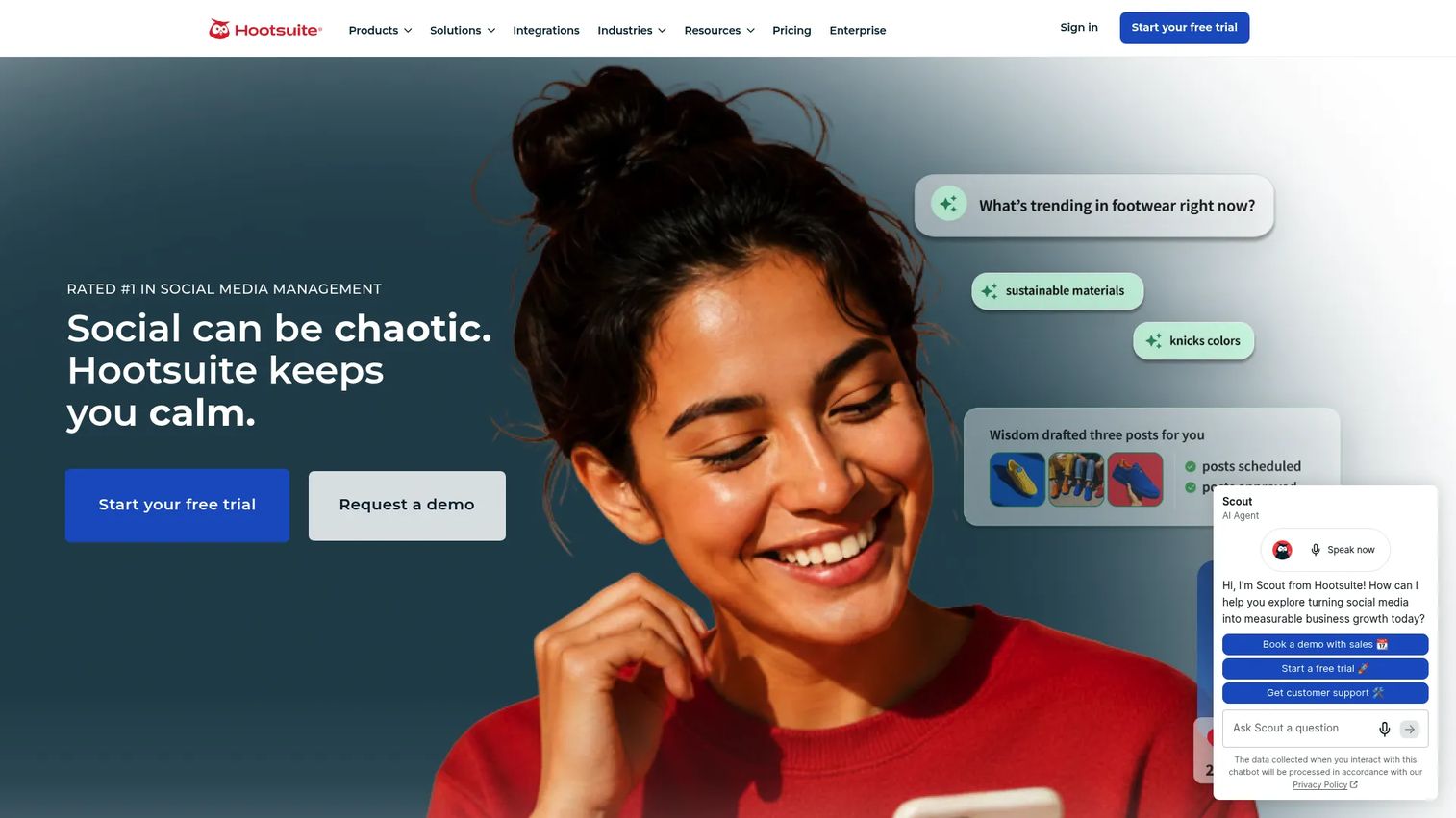
Hootsuite is one of the most established social media management platforms, covering scheduling, publishing, social inbox, listening, analytics, and AI-assisted content creation. For enterprise marketing teams managing multiple social accounts, brands, and regions, Hootsuite's governance and reporting capabilities are the main draw. It supports detailed team permissions, approval routing, competitive benchmarking, and report exports that go well beyond what lighter tools offer.
Best for: Marketing and communications teams at mid-market and enterprise organizations that need LinkedIn scheduling inside a governed, multi-channel social management platform.
Key features
- Multi-channel scheduling and publishing
- Unified inbox for messages and comments
- Advanced social analytics and competitive benchmarking
- Social listening and trend tracking
- Team permissions and approval workflows
Why choose Hootsuite: Choose Hootsuite when social publishing requires governance across multiple accounts and your team needs reporting that leadership will trust. It can be more platform than a small team requires, but it fits complex organizations with clear approval paths and attribution needs.
Hootsuite pricing: No free tier. A 14-day free trial is available. Standard starts at $99/user/month (annual billing). Professional is $199/user/month. Advanced is $399/user/month. Enterprise pricing requires contacting sales.
G2 rating: 4.3/5
6. AuthoredUp
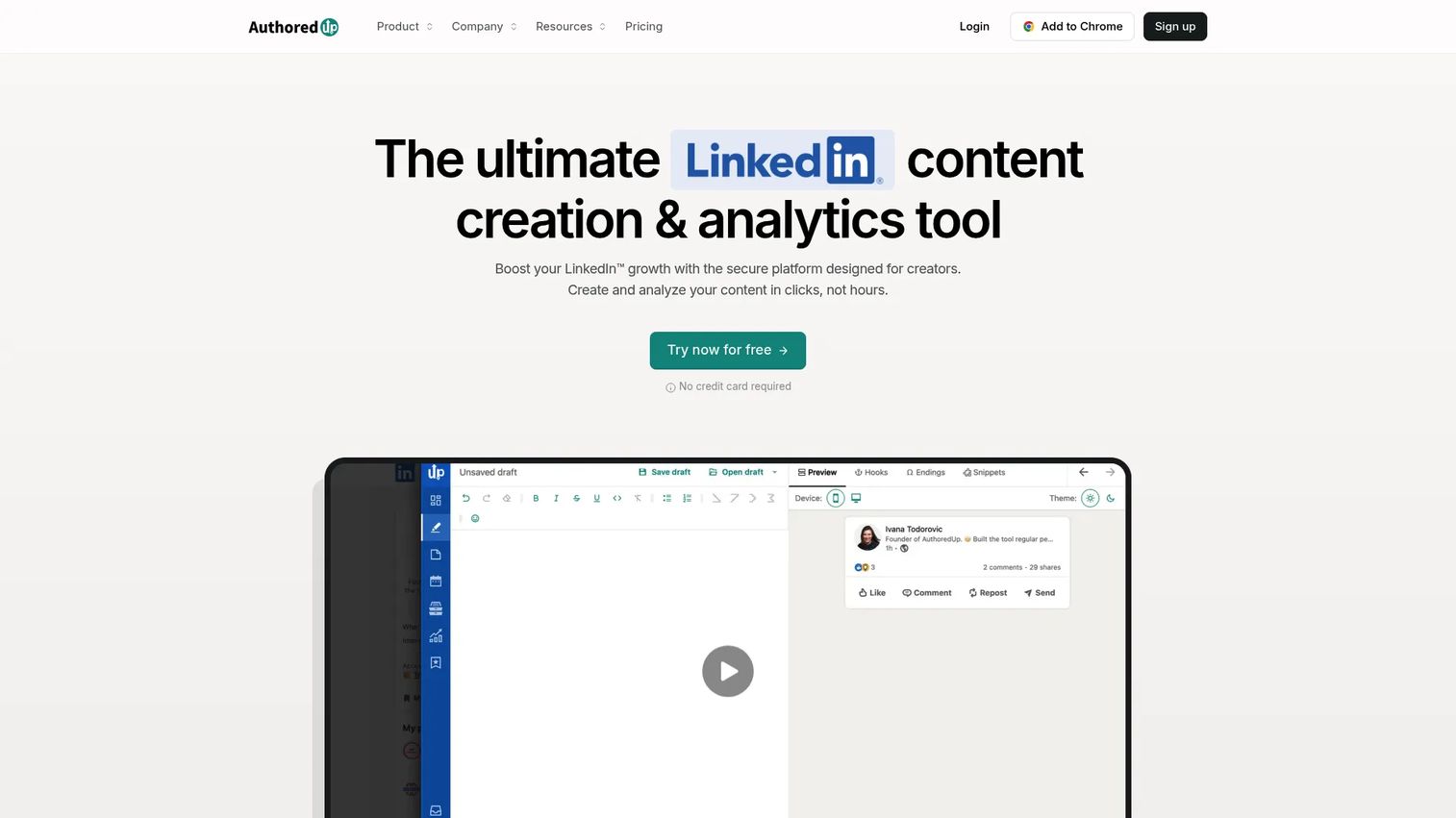
AuthoredUp is a LinkedIn content creation and analytics tool focused on writing, formatting, scheduling, and analyzing LinkedIn posts. Where most schedulers treat the writing step as secondary, AuthoredUp makes it the core: Post editor with text styling, hook support, post endings, and mobile previews before anything gets scheduled. It also supports team content calendars, multi-profile management, and an AI writing assistant that adapts to individual voice.
Best for: LinkedIn creators, consultants, and content teams where post quality and formatting matter as much as the scheduling workflow itself.
Key features
- Post editor with text styling, bullets, and mobile previews
- Drafts, hooks, snippets, and one-click post reuse
- Content analytics and profile-growth insights
- Post scheduling and shared team calendars
- AI writing assistant with voice customization
Why choose AuthoredUp: Choose AuthoredUp when the bottleneck is writing polished LinkedIn posts, not managing every social channel. It fits users who care about post structure, hook quality, and personal brand consistency more than cross-platform coverage.
AuthoredUp pricing: A free access option is available to get started. The Individual plan is $19.95/month (or $16.63/month billed annually at $199.50/year). The Business plan is $14.95 per profile per month (minimum 3 profiles) or $12.46/profile/month on annual billing. Custom Growth pricing is available for teams of 10 or more profiles.
G2 rating: 4.4
7. Later
Later is a social media management and influencer marketing platform with strong visual planning capabilities. It covers scheduling, analytics, team collaboration, approvals, a social inbox, and competitive benchmarking across major channels including LinkedIn. For teams running image-heavy campaigns where visual calendar clarity matters, Later's drag-and-drop scheduling and media library keep production organized across multiple platforms.
Best for: Social media teams and agencies that plan LinkedIn alongside visual campaigns and need a cross-channel calendar with collaboration features.
Key features
- Visual content calendar with drag-and-drop scheduling
- Multi-channel scheduling and auto-publishing
- Media library for asset management
- AI content tools for captions and ideas
- Team approvals, permissions, and social inbox
Why choose Later: Choose Later when LinkedIn is part of a broader visual content workflow and your team needs calendar clarity across image-led campaigns. It fits teams that want scheduling, approvals, and analytics without splitting across multiple tools.
Later pricing: A 14-day free trial is available. The Starter plan is $18.75/month (billed annually). Growth is $37.50/month (annual). Scale is $82.50/month (annual). Month-to-month pricing is higher; check Later's pricing page for current rates.
G2 rating: 4.5/5
8. Publer
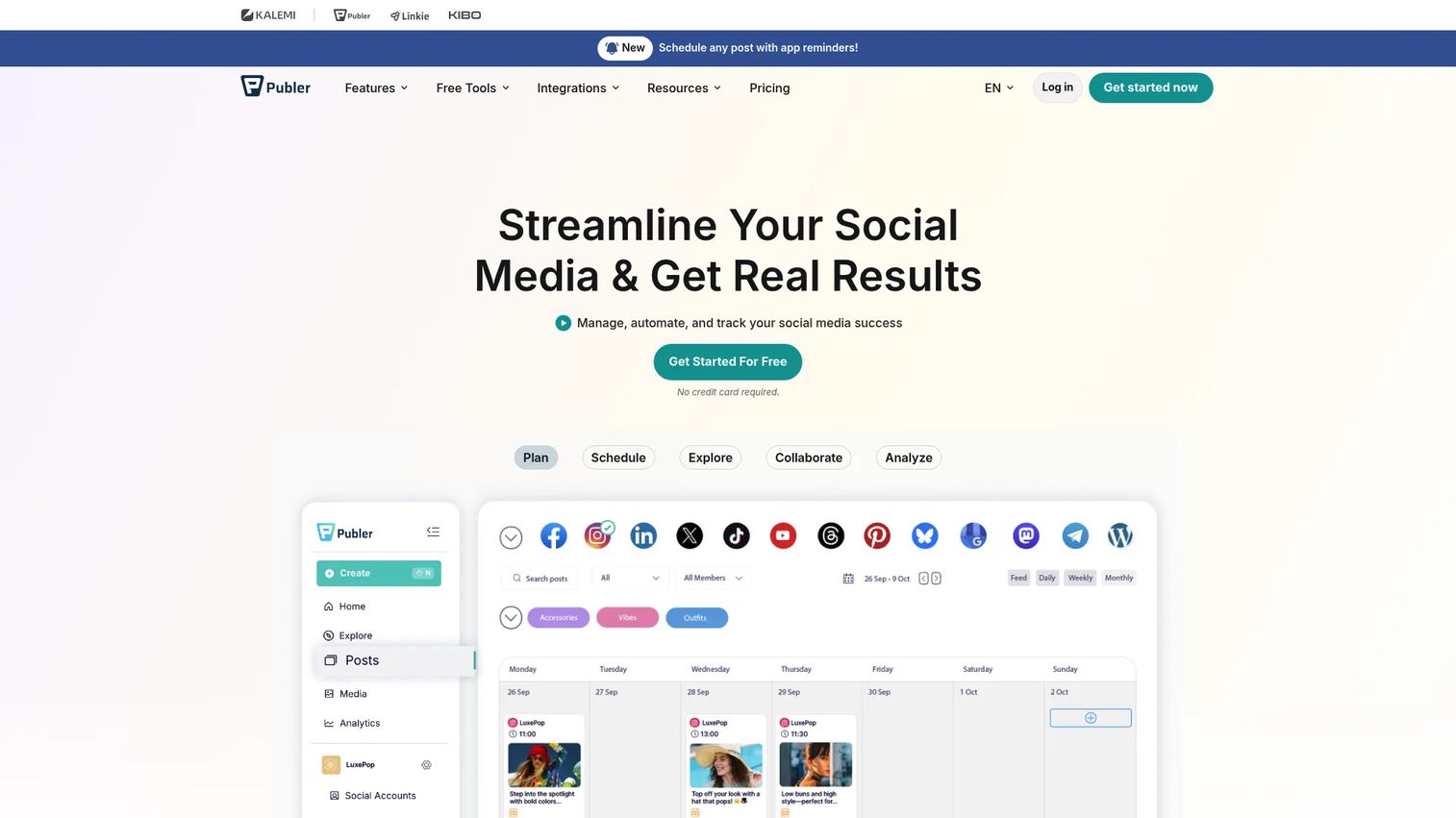
Publer is a social media management platform covering scheduling, publishing, bulk scheduling, analytics, AI writing assistance, and content recycling across multiple channels. It has a free plan for individuals and paid tiers for teams and agencies, making it a practical choice for startup marketers who need broader scheduling power without committing to enterprise pricing. A browser extension and link-in-bio tool round out the feature set.
Best for: Individuals, small teams, and agencies that want broad format support, content recycling, and multi-channel publishing at an accessible price point.
Key features
- Multi-platform scheduling and auto-publishing
- Bulk scheduling and content recycling
- AI-assisted content creation
- Team collaboration and approval workflows
- Calendar, feed planning, and analytics
Why choose Publer: Choose Publer when you want more scheduling capability than native LinkedIn offers but do not need enterprise governance. It works well for teams balancing cost and format coverage, particularly those managing several social channels from a tight budget.
Publer pricing: A free plan is available for individuals. Paid Professional and Business plans are available on monthly or annual billing; exact prices for those tiers were not displayed on the pricing page at time of writing. Contact Publer or check their pricing page for current figures. Enterprise pricing requires a quote.
G2 rating: 4.7/5
9. MagicPost
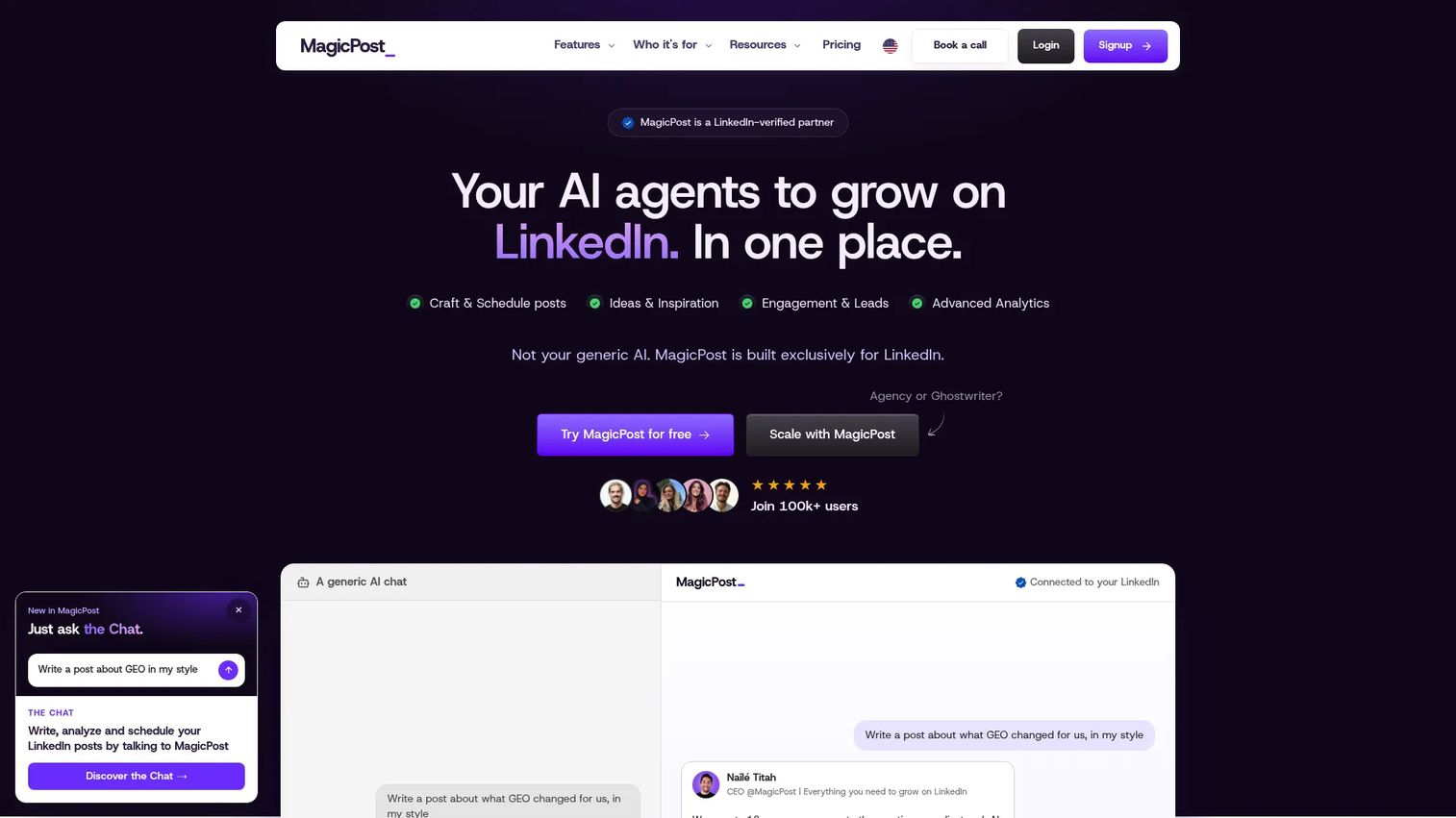
MagicPost is an AI-powered LinkedIn platform for creating, scheduling, analyzing, and managing LinkedIn content. It covers post generation with writing-style customization, carousel creation, comment and reply management, lead detection, and multi-account management for agencies. For users whose main LinkedIn bottleneck is coming up with enough post ideas, MagicPost's AI ideation and visual generation tools address that gap directly.
Best for: Solo marketers, founders, LinkedIn agencies, and sales teams that need AI-assisted content generation to maintain posting cadence.
Key features
- AI post generation with writing-style customization
- Post and comment scheduling
- AI carousel and visual generation
- LinkedIn analytics and audience benchmarks
- Lead detection and multi-account agency management
Why choose MagicPost: Choose MagicPost when ideation and drafting slow down your posting cadence more than scheduling itself does. It is strongest as a content creation accelerator for LinkedIn-first users rather than a broad multi-channel tool.
MagicPost pricing: No free plan. A free trial is available. Pricing is in EUR. The Growth plan is €23/month (annual billing: €281/year). The Creator plan is €35/month (€420/year). Agency and Team plans are €39/month per seat (€470/year per seat). Annual billing saves 40% on individual plans and 20% on Agency and Team.
G2 rating: 5.0/5
10. SocialBee
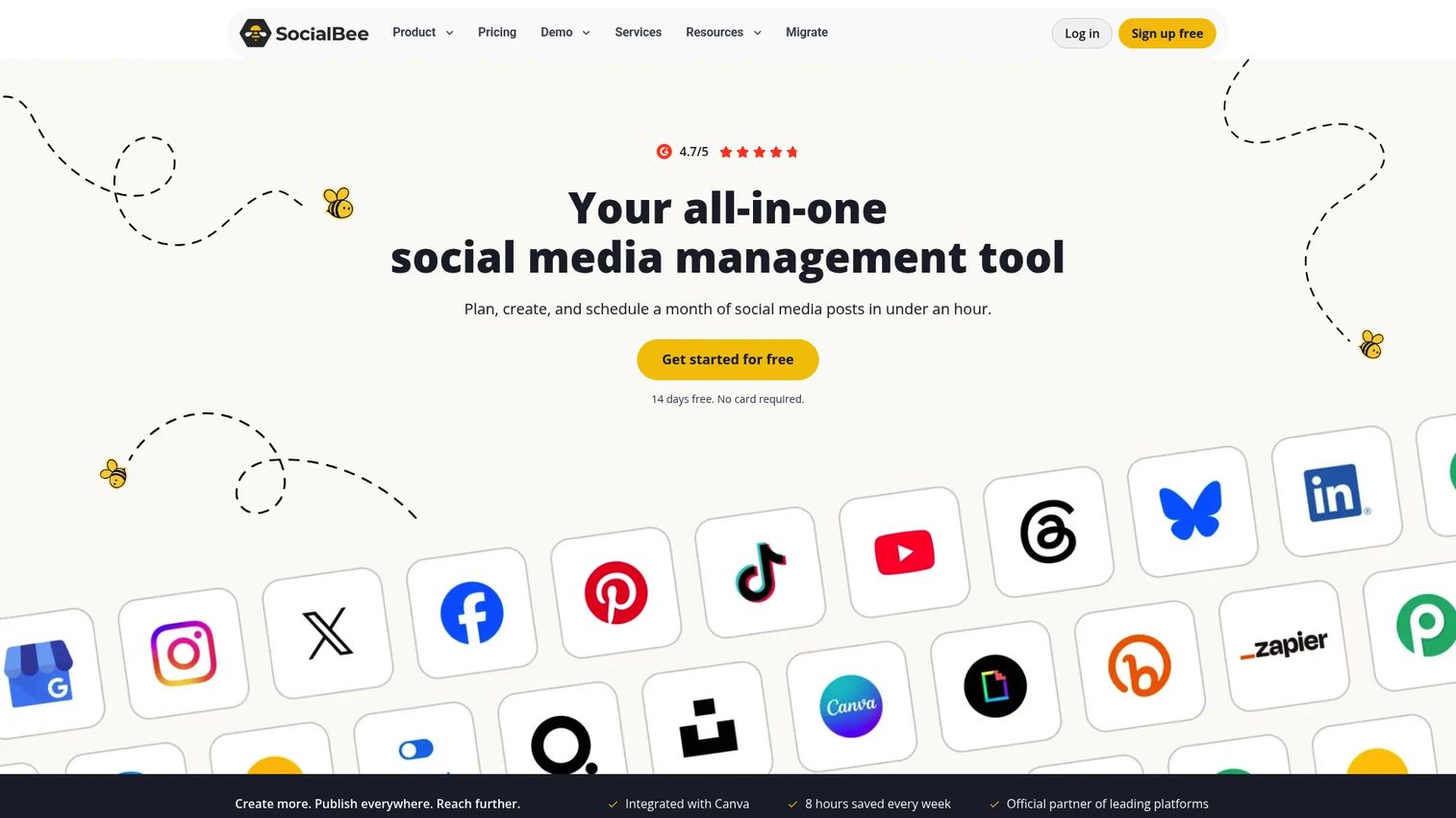
SocialBee is an AI-powered social media management platform built around content categories and evergreen recycling. Rather than treating each post as a one-off event, SocialBee organizes content into categories that publish on a rotating schedule, so your evergreen posts stay active without manual re-queuing. It also supports team workspaces, post approvals, internal notes, engagement management, and branded PDF reports for clients.
Best for: Agencies and social media managers running recurring content themes across multiple clients or profiles who need a category-based queue system.
Key features
- Category-based content queues and evergreen recycling
- AI content generation and AI Copilot
- Team workspaces, approvals, and internal notes
- Engagement management for comments and mentions
- Analytics with branded PDF report exports
Why choose SocialBee: Choose SocialBee when your LinkedIn calendar needs reusable content themes rather than a stream of one-off posts. It works best for agencies managing multiple clients and for content programs where evergreen posts need to stay in rotation without ongoing manual effort.
SocialBee pricing: No permanent free tier. A 14-day free trial is available. The Bootstrap plan starts at $29/month (or $290/year) for up to 5 social profiles. Accelerate is $49/month ($490/year). Pro is $99/month ($990/year). Higher-volume plans (Pro50, Pro100, Pro150) scale up to 150 profiles.
G2 rating: 4.7/5
11. Loomly
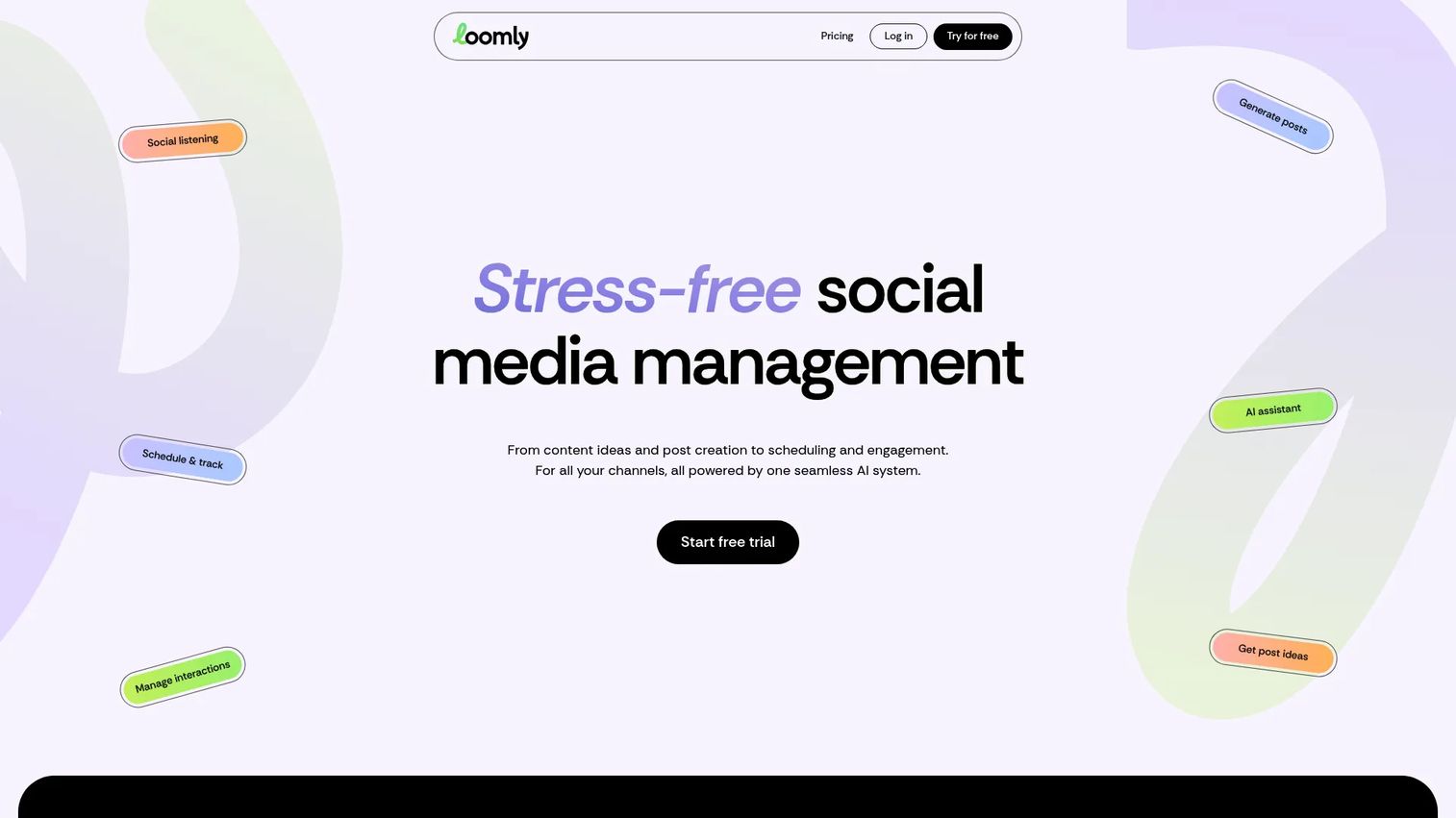
Loomly is a social media management platform built around collaboration and approval workflows. Where most schedulers treat approvals as an add-on, Loomly makes content governance the organizing principle: Post ideas flow through drafts, comments, review stages, and approvals before they publish. It supports post previews across channels, social listening, interaction management, analytics, and report exports, with AI-assisted post generation available across all plans.
Best for: Marketing teams and agencies where content must pass through review by marketing, brand, legal, or clients before going live.
Key features
- Content calendar with post previews across channels
- Multi-stage approval workflows and team comments
- AI-assisted post generation
- Social listening and interaction management
- Analytics dashboards and report exports
Why choose Loomly: Choose Loomly when approval friction is the main scheduling problem your team faces. It suits organizations where content governance is non-negotiable and multiple stakeholders need to sign off before anything publishes.
Loomly pricing: No permanent free tier. A 7-day free trial is available. The Starter plan is $65/month (billed monthly) or $49/month (billed annually at $588/year), supporting 12 social accounts and 3 users. Beyond is $332/month (monthly) or $249/month (annually), supporting 60 accounts and unlimited users. Enterprise pricing requires contacting sales.
G2 rating: 4.6/5
12. Postearly
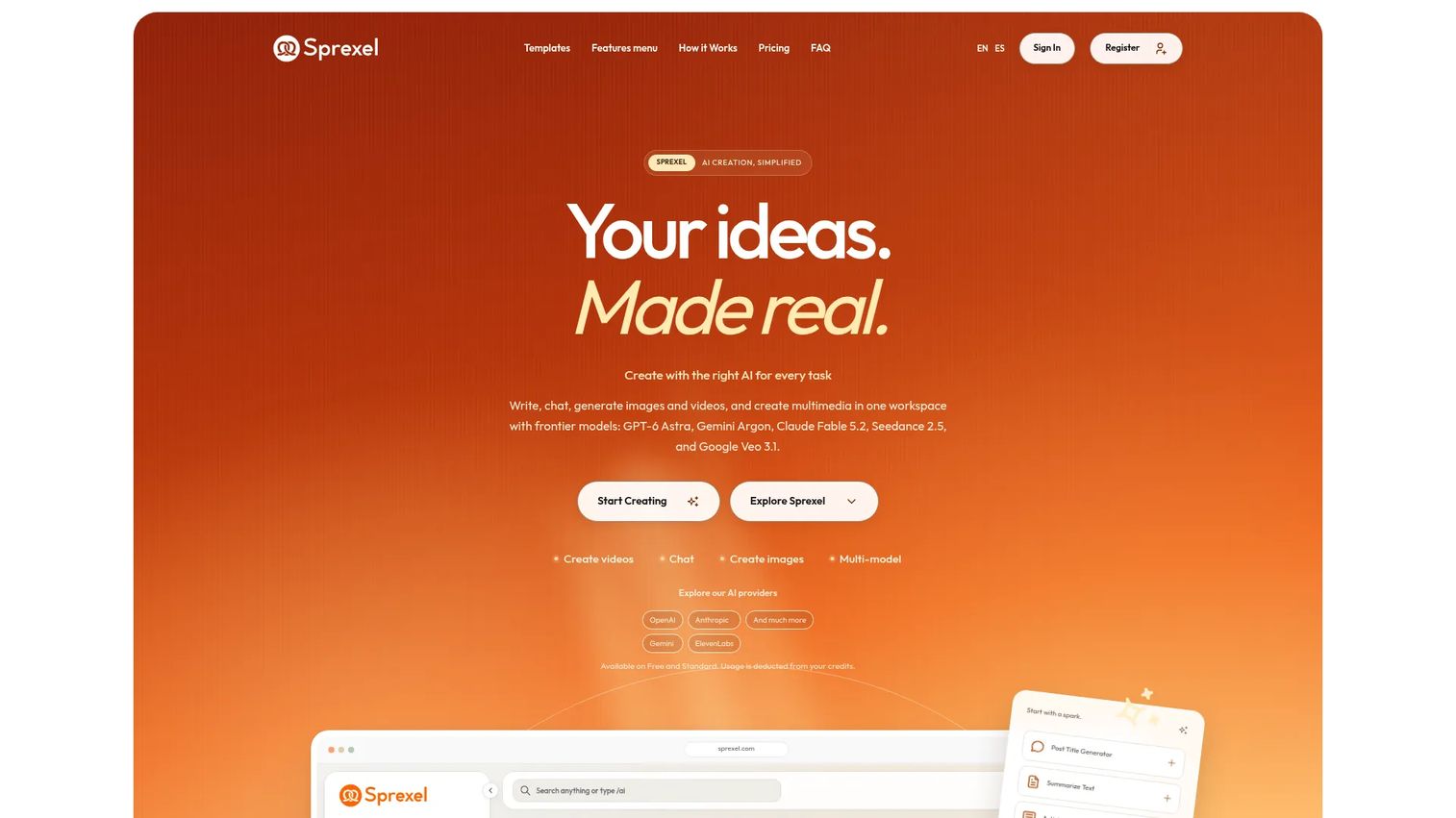
Postearly was positioned as a lightweight LinkedIn scheduling tool for creators and small teams. At time of writing, the Postearly homepage redirects to Sprexel, an AI content creation product, and the original Postearly product, pricing, and feature set could not be independently verified. Evaluate Postearly's current status directly on their site before making a purchasing decision.
Best for: Users who wanted a focused LinkedIn scheduler without broad social management overhead. Current product status should be confirmed before purchase.
Key features
- LinkedIn post scheduling
- Simple content queue
- Basic calendar view
- Lightweight creator-oriented setup
Why choose Postearly: Confirm the current product status before evaluating. If the product has pivoted to Sprexel, compare it against other lightweight LinkedIn scheduling options on this list.
Postearly pricing: Current pricing could not be verified. Check the vendor's current site directly for plan details and availability.
G2 rating: 4.7
Considerations when choosing a LinkedIn scheduling tool
Profile and company page support
Some tools only support personal profile scheduling, while B2B marketers typically need company page publishing too. Verify that any tool you evaluate explicitly supports the destination you post to most. Permissions and admin access requirements differ, so check that your LinkedIn account role is compatible before signing up.
Format support
LinkedIn supports text posts, images, videos, documents, PDFs, carousels, and link posts. Not every scheduling tool supports all of these formats, and LinkedIn's API can restrict what third-party tools can publish. Confirm that your preferred formats are supported before committing to a paid plan, particularly if you rely on document or carousel posts.
Analytics depth
Basic analytics cover impressions and likes. Growth marketers need more: Engagement rate by post type, click data, follower growth over time, audience activity windows, and exportable reports for campaign retros. Evaluate whether the reporting a tool provides is data you can actually act on and defend to leadership, not just activity counts.
Team workflow and approvals
Drafts, permissions, comment threads, approval stages, and client review are all different capabilities. If your content requires sign-off before publishing, confirm that the tool supports the specific approval flow your team uses. Agencies managing multiple clients should also check workspace isolation and reporting at the client level.
API safety and automation limits
LinkedIn publishing should stay within supported API behavior. Reputable tools use authorized publishing connections and ask for account permissions through standard OAuth flows. Favor tools that document their LinkedIn integration clearly. Tools that require credential sharing outside standard authorization flows carry account risk.
Conclusion
The best LinkedIn scheduling tool is not the one with the most features. It is the one that removes the specific bottleneck your team faces right now.
For free and simple scheduling, LinkedIn's native tool covers the basics without any additional cost. For small teams wanting clean cross-channel publishing, Buffer is a reliable starting point. Taplio fits founders and consultants building a LinkedIn-first content engine. Hootsuite suits enterprise teams that need governance and reporting at scale. SocialBee and Loomly are the strongest options for agencies managing recurring content and approval workflows. AuthoredUp and MagicPost work well when writing quality and ideation are the real constraints.
Evaluate any tool against your actual workflow: Who needs to approve posts, what formats you publish, and what data you need to prove LinkedIn is driving pipeline rather than just activity.
Once your LinkedIn calendar is running and driving attention, make the destination worth the click. If LinkedIn is generating interest in your product, an interactive demo gives that audience something to explore on their own terms, rather than landing on a static page.
Start your journey with Guideflow today!
FAQs
Yes. LinkedIn supports scheduling natively for both personal profiles and company Pages, up to three months in advance. Third-party tools add calendars, approval workflows, analytics, cross-platform queues, and AI writing assistance on top of that basic capability.
The answer depends on your workflow. LinkedIn's native scheduler works for free basic scheduling. Buffer suits small teams managing multiple channels. Taplio fits LinkedIn creators. Hootsuite fits larger teams with governance needs. SocialBee and Loomly serve agencies that need category queues, approval workflows, and client reporting.
LinkedIn's native scheduler is free with any LinkedIn account. Buffer also offers a free plan supporting up to 3 social channels. Publer has a free plan for individuals. Free plans across third-party tools typically limit scheduled post volume, channel count, or analytics access.
Yes, most tools support company page scheduling, but the capability depends on the tool and the LinkedIn Page admin permissions connected to your account. Verify company page publishing, supported media formats, and required admin roles before choosing a tool for Page-only publishing.
Most scheduling tools support text posts, link posts, and images. Support for videos, PDFs, documents, and carousel posts varies by tool and can change as LinkedIn updates its API. Check format support directly on the tool's documentation before assuming your preferred content types are covered.
Reputable tools use LinkedIn's supported publishing API and standard OAuth authorization. They ask for account permissions through the normal LinkedIn login flow rather than requiring you to share your password directly. Favor tools that clearly document their LinkedIn integration and avoid any service that requests direct credential access outside standard authorization.
Look for impressions, engagement rate, click data, follower growth over time, top-performing posts, audience activity windows, and exportable reports. Growth marketers need data that feeds campaign retros and channel attribution conversations, not just view counts. Tools like Hootsuite, SocialBee, and Later offer deeper reporting than creator-focused tools such as Taplio or AuthoredUp.
Start with a cadence your team can maintain consistently, whether that is two or four times per week. Consistency matters more than volume at first. Measure engagement by post type and time of day, then adjust frequency once you have enough data to know what resonates with your specific audience.