You can post every week, run ads, reply to comments, and still have no clean answer when leadership asks what LinkedIn drove. That's not a posting problem. It's a stack problem.
According to the Content Marketing Institute (2025), 85% of B2B marketers say LinkedIn delivers the best value of any social platform. Yet most teams still manage it through native analytics, manual spreadsheets, and disconnected workflows that make attribution nearly impossible to defend.
The gap isn't effort. It's tooling. The right LinkedIn marketing tool handles a specific job: Content, prospecting, ads, analytics, outreach, enrichment, or conversion. No single platform covers all of them well, and stacking the wrong combination adds complexity without adding clarity.
So which tools actually help you turn LinkedIn activity into a channel you can measure?
What's inside
This guide compares 17 LinkedIn marketing tools for 2026, chosen for real job coverage across the full LinkedIn stack.
- Tool coverage: Content creation, outreach automation, analytics, paid ads, CRM fit, lead enrichment, and product-led conversion
- Selection criteria: Time-to-value, measurement depth, CRM integration quality, pricing, and account safety
- Buyer lens: How each tool helps prove LinkedIn's impact on pipeline, not just engagement
- Audience: Digital marketers, demand gen teams, growth generalists, founders, and agencies
TL;DR
- Best for product-led LinkedIn campaigns: Guideflow turns LinkedIn clicks into guided, clickable product experiences that qualify prospects before a call
- Best native starting point: LinkedIn itself covers company pages, newsletters, analytics, and lead forms at no cost
- Best all-in-one CRM and campaign hub: HubSpot connects LinkedIn activity directly to revenue reporting
- Best for LinkedIn outreach automation: Dripify handles drip sequences, message personalization, and team controls
- Best for personal branding and content velocity: Taplio covers ideation, scheduling, and creator analytics
- Best for enterprise social publishing: Sprout Social fits mid-market and enterprise teams managing LinkedIn alongside other channels
What is LinkedIn marketing software?
LinkedIn marketing software refers to platforms that help teams create, publish, promote, automate, measure, and convert LinkedIn activity into business outcomes.
The category spans several distinct tool types:
Core LinkedIn marketing tool categories:
- Native platform tools: Company pages, creator features, native analytics, messaging, events, and newsletters
- Publishing tools: Scheduling, approval workflows, content calendars, and multi-channel posting
- Outreach tools: Prospecting, connection requests, message sequences, and follow-up automation
- Lead and data tools: Enrichment, list building, email finding, and CRM sync
- Analytics tools: Post performance, audience growth, engagement trends, and campaign attribution
- Conversion tools: Paid ads, interactive demos, lead forms, and nurture workflows
What a LinkedIn marketing stack should do:
Move you from attention to engagement, from engagement to contact capture, from contact capture to CRM enrichment, and from CRM enrichment to budget decisions. Each stage needs a different tool, and none of these stages happen automatically with just a LinkedIn company page.
Key capabilities to look for:
- Scheduling and approval workflows
- Campaign attribution and pipeline reporting
- CRM and marketing automation integrations
- Lead capture and data enrichment
- Outreach personalization controls
- Account safety settings for automation
- Ad campaign management and optimization
- Content performance reporting
A publishing platform isn't a CRM. An outreach automation tool isn't an ad manager. A demo automation platform isn't a social scheduler. The tools in this guide are organized by what job they actually do well.
When to use LinkedIn marketing tools
Prove LinkedIn's impact on pipeline
If your reporting stops at impressions and clicks, LinkedIn looks like a vanity channel in every budget review. Tools that sync lead form data with your CRM, track demo engagement, or attribute closed revenue to specific posts give you the numbers to defend the spend. HubSpot, LinkedIn Ads, and Zapier all help close that reporting gap.
Scale content without losing quality
Posting consistently is harder than it sounds when approvals, formatting, and scheduling still live in spreadsheets. Content scheduling tools like Hootsuite, Sprout Social, and Agorapulse build repeatable publishing workflows with calendar views, team approvals, and cross-channel coordination. Shield and Taplio add the analytics layer to show which content types actually build audience.
Turn engagement into qualified conversations
Reach without conversion is just noise. Prospecting tools, outreach sequences, paid ads, and product demos help convert attention into action. The key: Automation should run conservatively. High-volume, low-personalization outreach damages account trust and LinkedIn deliverability. Pair tools like Dripify or Dux-Soup with tight targeting, careful pacing, and human review on message quality.
LinkedIn marketing tools comparison
The table below maps all 17 tools by primary use case, with pricing and G2 ratings verified against live sources in November 2026. Tools are ordered per the guide's section sequence.
| # | Product | Best for | Key differentiator | Pricing | G2 rating |
|---|---|---|---|---|---|
| 1 | Native presence and organic reach | Built-in audience, pages, analytics, lead forms | Free; Premium from $39.99/mo | 4.4/5 | |
| 2 | HubSpot | CRM-connected LinkedIn campaigns | Full-funnel CRM, marketing automation, reporting | Free; paid from $7/seat/mo | 4.4/5 |
| 3 | Dripify | LinkedIn outreach automation | Drip sequences, team dashboards, A/B testing | From $41.30/user/mo (annual) | 4.5/5 |
| 4 | Taplio | Personal branding and content velocity | AI post writing, scheduling, creator analytics | From $39/mo | 4.1/5 |
| 5 | LeadDelta | LinkedIn network and relationship management | Connection tagging, AI inbox, warm intro engine | From $69.30/user/mo (annual) | 4.7/5 |
| 6 | Hootsuite | Multi-channel social scheduling | Social calendar, approvals, inbox, analytics | From $99/user/mo (annual) | 4.3/5 |
| 7 | Guideflow | Product-led LinkedIn campaign conversion | Interactive demos for posts, ads, outreach, landing pages | Free; paid from $35/mo | 5.0/5 |
| 8 | LinkedIn Ads | Paid LinkedIn campaigns | Native targeting, lead gen forms, campaign analytics | From $10/day (auction-based) | N/A |
| 9 | LinkedIn Sales Navigator | Account and prospect research | Advanced search, lead lists, buyer alerts, CRM sync | From $119.99/mo/license | 4.4/5 |
| 10 | Zapier | LinkedIn workflow automation | No-code lead routing to CRM, sheets, Slack, email | Free; paid from $19.99/mo | 4.5/5 |
| 11 | Sprout Social | Enterprise social reporting | Publishing, analytics, collaboration, social listening | From $79/seat/mo (annual) | 4.4/5 |
| 12 | Shield | LinkedIn post analytics | Creator and company post performance tracking | Contact for pricing | 3.2/5 |
| 13 | Snov.io | LinkedIn prospecting and email enrichment | Email finding, verification, drip campaigns, CRM | Free trial; paid from $39/mo | 4.5/5 |
| 14 | Clay | Lead enrichment and workflow building | Multi-provider data enrichment, AI research, signals | Free; paid from $185/mo | 4.6/5 |
| 15 | Oktopost | B2B social publishing and employee advocacy | Advocacy, campaign tracking, revenue attribution | From $499/mo (annual) | 4.4/5 |
| 16 | Agorapulse | Social inbox and publishing | Unified inbox, scheduling, ROI reporting, team workflows | Free; paid from $79/user/mo (annual) | 4.5/5 |
| 17 | Dux-Soup | Lightweight LinkedIn automation | Profile visits, connection actions, follow-up messages | From $14.99/mo | 4.4/5 |
Best 17 LinkedIn marketing tools for 2026
1. LinkedIn
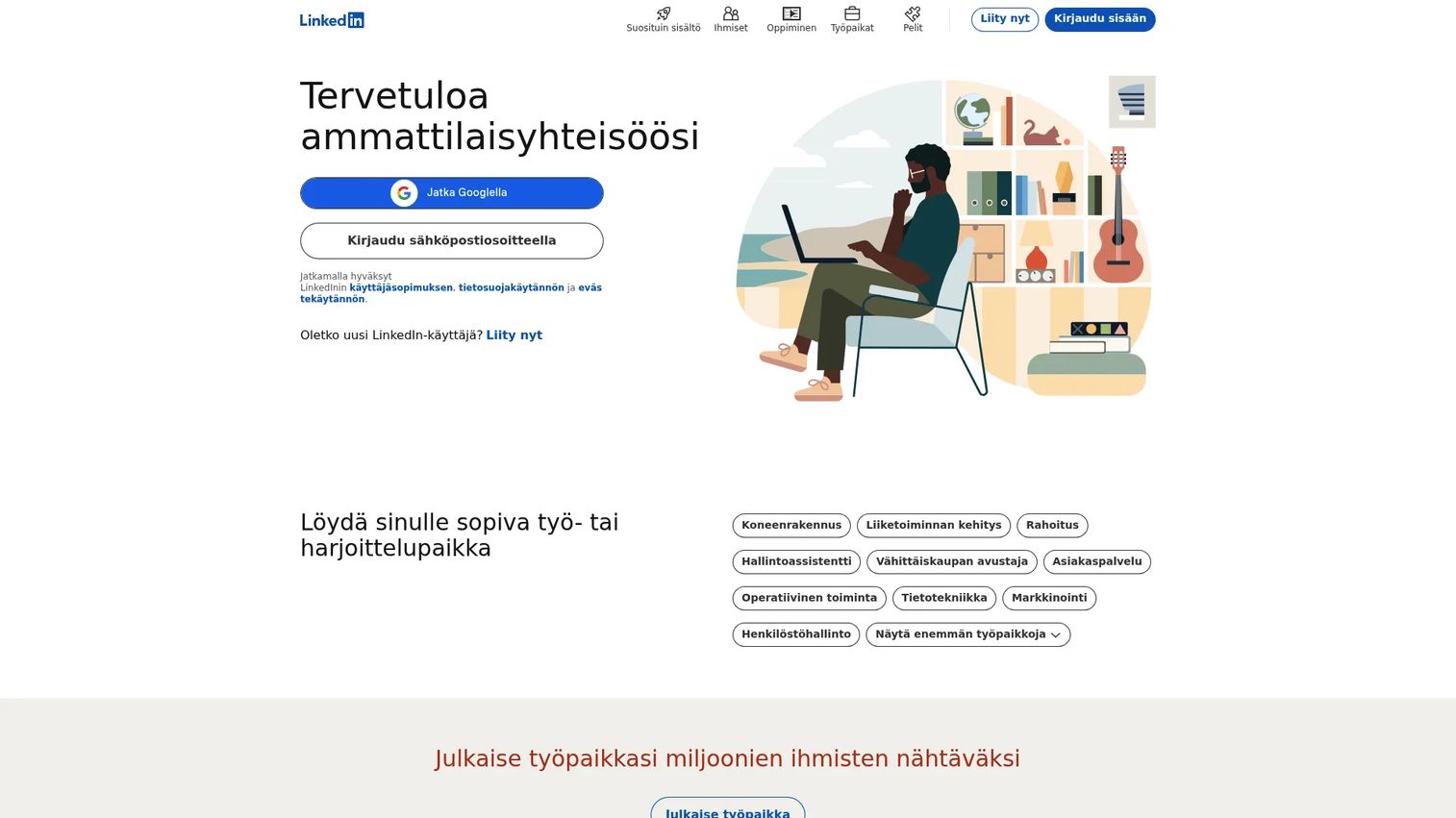
LinkedIn is the foundation of every LinkedIn marketing stack. Company pages, personal profiles, newsletters, events, native analytics, lead gen forms, and LinkedIn Live all sit inside the platform itself, before any third-party tool enters the picture. For teams starting out, it's also where you get a baseline read on what content resonates with your specific audience.
Best for: Teams that need a free native starting point before adding paid tools to the stack.
Key features
- Company pages and personal profile management
- Native analytics for posts, followers, and demographics
- LinkedIn newsletters and events
- Lead gen forms for organic and paid campaigns
- LinkedIn Live for real-time content
Why choose LinkedIn: Every tool in this guide connects back to LinkedIn data. Start here to understand your organic baseline before spending on scheduling, analytics, or outreach tools.
LinkedIn pricing: Profiles and company pages are free. Premium Career starts at $39.99/month; Premium Business at $69.99/month. Annual billing brings those down to $239.88 and $539.88 per year respectively.
G2 rating: 4.4/5
2. HubSpot
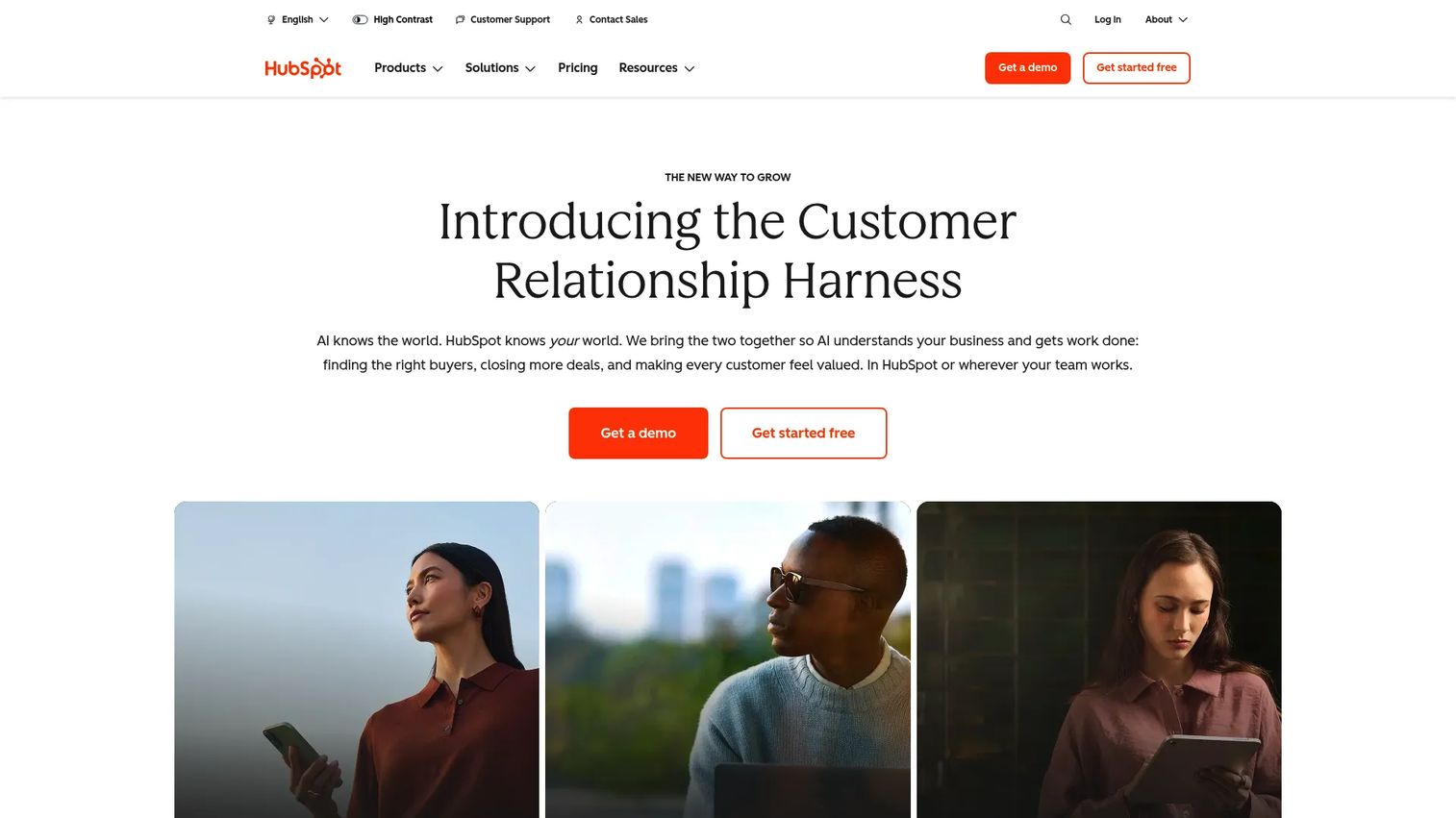
HubSpot is the go-to option for teams that want LinkedIn campaigns connected to CRM, email nurture, landing pages, and revenue reporting. When someone clicks a LinkedIn ad, fills a lead gen form, or visits a demo page, HubSpot captures that touchpoint and ties it to a contact record. That's the reporting chain most growth marketers need to defend LinkedIn spend to leadership.
Best for: Growth teams that want LinkedIn to be one measurable channel inside a larger demand generation system.
Key features
- Free CRM with contact and company records
- Social publishing and scheduling to LinkedIn
- Marketing automation and email nurture
- Lead gen form integrations and landing pages
- Campaign attribution and revenue reporting
Why choose HubSpot: Choose HubSpot when LinkedIn is part of a broader marketing system, not a standalone channel. It answers the "what happened after the click?" question that native LinkedIn analytics can't.
HubSpot pricing: The free plan covers basic CRM and 2 users. Starter plans begin at $7/seat/month. Professional plans start at $1,300/month (includes 6 seats).
G2 rating: 4.4/5
3. Dripify
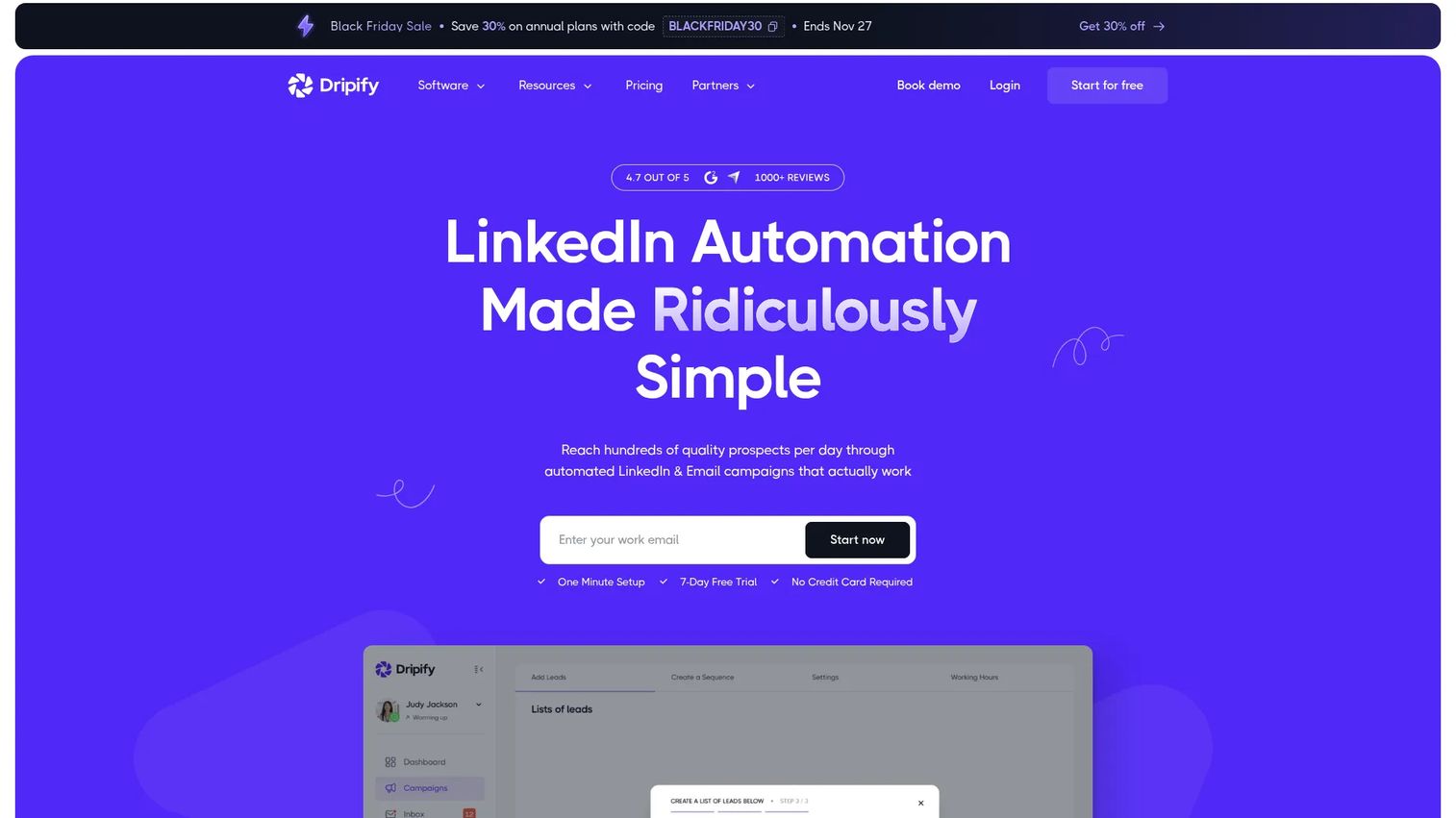
Dripify automates LinkedIn outreach through drip sequences, personalized messages, connection requests, and follow-up workflows. It fits outbound-led marketing teams and sales-aligned growth functions that need to run LinkedIn prospecting at scale without manually managing every conversation. The team dashboard makes it practical for managers who need visibility into what their reps are sending.
Best for: Teams running LinkedIn outbound prospecting and follow-up sequences at volume.
Key features
- Multi-step LinkedIn and email drip campaigns
- Message personalization and templates
- Team management and performance dashboards
- A/B testing for connection messages
- Email finder and enrichment
Why choose Dripify: Choose Dripify when manual outreach is the bottleneck. That said, use conservative daily limits and targeted lists. Automation that feels spammy damages your LinkedIn account trust score, not just open rates.
Dripify pricing: A 7-day free trial is available with no credit card required. Pro starts at $41.30/user/month billed annually (or $79/month billed monthly). Advanced runs $55.30/user/month annually. Enterprise pricing is custom.
G2 rating: 4.5/5
4. Taplio
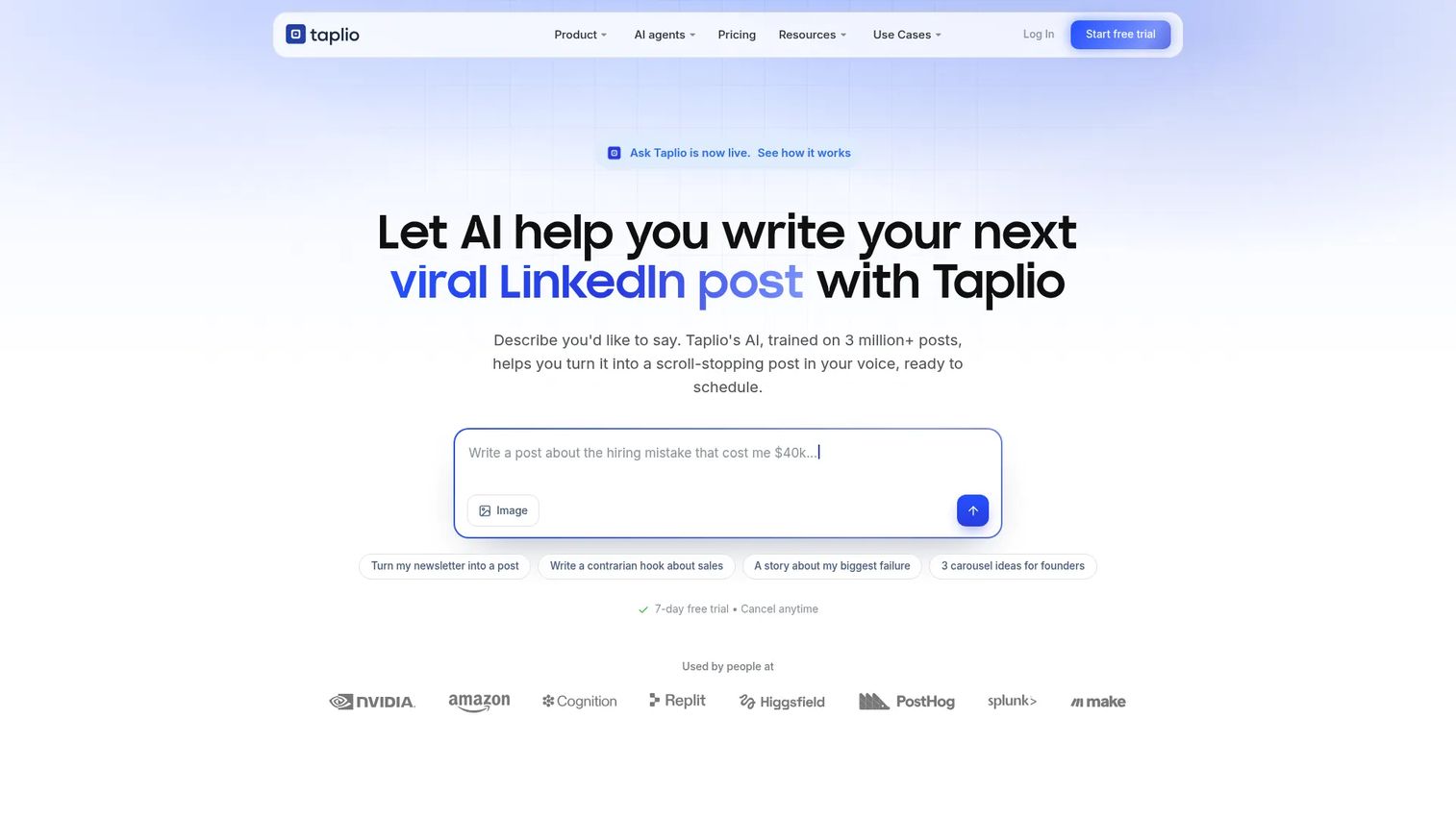
Taplio is built for LinkedIn personal branding. It helps founders, consultants, and marketing leads build a consistent presence through AI-assisted post writing, a viral-post inspiration library, scheduling, engagement workflows, and creator analytics. If LinkedIn growth depends on one or a few visible voices, Taplio is built around that motion.
Best for: Founders, consultants, and marketers building an executive or expert-led LinkedIn presence.
Key features
- AI-powered LinkedIn post writing and suggestions
- Viral-post inspiration library for ideation
- Post scheduling and calendar management
- Engagement tracking for replies and comments
- Creator analytics and growth reporting
Why choose Taplio: Choose Taplio when content velocity and personal brand consistency matter more than CRM depth or team-level reporting. It's strongest for one-to-three visible voices, not a large social media team.
Taplio pricing: No permanent free plan. A 7-day full trial is available. Starter is $39/month, Growth is $69/month, and Pro is $199/month. Annual billing drops each tier by roughly 25%.
G2 rating: 4.1/5
5. LeadDelta
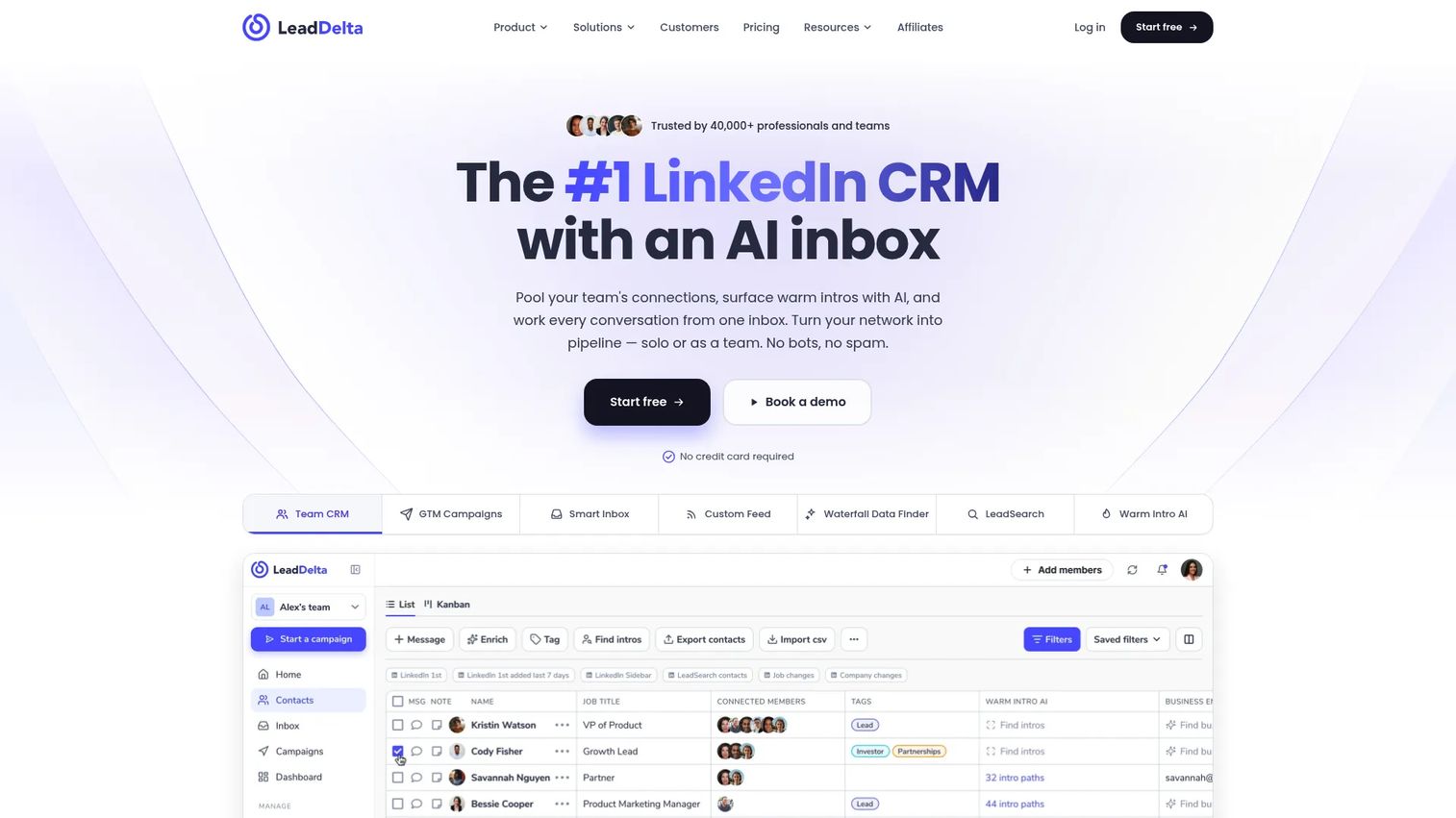
LeadDelta is a LinkedIn CRM and AI inbox for teams that treat their existing network as an owned relationship database. It lets you tag, filter, and search across all LinkedIn connections, identify warm introduction paths through shared contacts, run LinkedIn and email campaigns, and manage conversations through an AI-powered inbox. It's genuinely useful when the problem isn't getting more contacts, but making sense of the thousands you already have.
Best for: Sales, marketing, and executive teams that use LinkedIn for relationship-driven prospecting and networking.
Key features
- LinkedIn CRM with tags, notes, and tasks
- Shared team networks and warm introduction AI
- AI LinkedIn inbox management
- Email and phone enrichment
- LinkedIn and email campaigns
Why choose LeadDelta: Choose LeadDelta when relationship quality matters more than outreach volume. It works well alongside an outreach automation tool, handling the network intelligence layer while another tool handles sequence execution.
LeadDelta pricing: A 7-day free trial is available. The Growth plan is $69.30/user/month billed annually ($831.60 per year). Done-for-you and Enterprise pricing are custom.
G2 rating: 4.7/5
6. Hootsuite
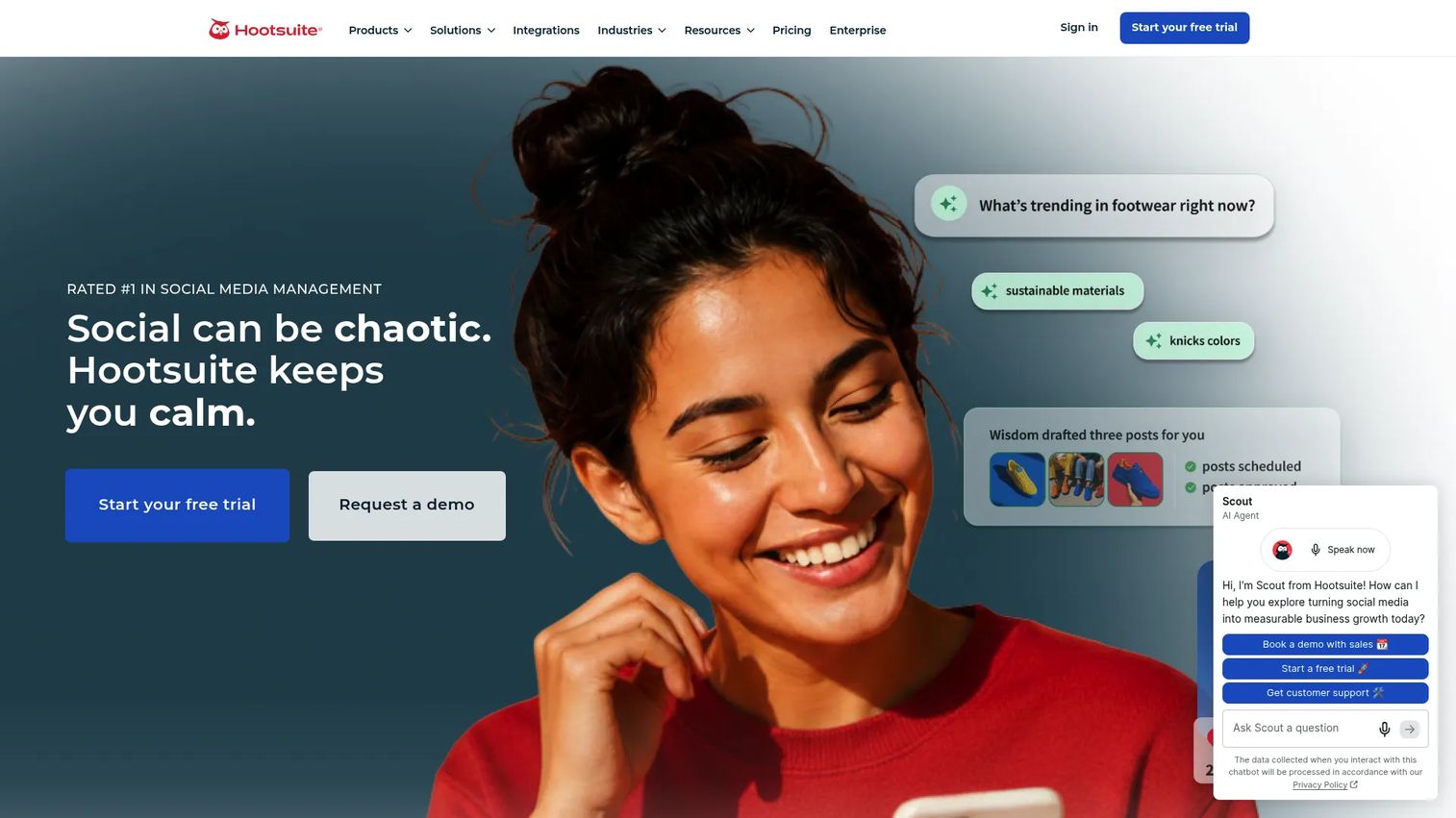
Hootsuite is a multi-channel social media management platform that helps teams schedule LinkedIn content alongside other networks, manage approvals, monitor a unified social inbox, and report on cross-channel performance. For teams managing LinkedIn alongside Instagram, X, or Facebook, it removes the tab-switching overhead that makes consistent publishing hard to sustain.
Best for: Marketing teams publishing LinkedIn content as part of a broader multi-channel social operation.
Key features
- Social media calendar and scheduling
- Approval workflows for content teams
- Analytics and cross-channel reporting
- Unified social inbox for messages and comments
- Competitor monitoring and social listening
Why choose Hootsuite: Choose Hootsuite when LinkedIn is one channel among several, and consistent publishing with team accountability matters. If LinkedIn is your only channel, the price-to-value ratio shifts.
Hootsuite pricing: No free plan. A 14-day free trial is available. Standard starts at $99/user/month billed annually. Professional is $199/user/month, Advanced is $399/user/month, and Enterprise pricing is custom.
G2 rating: 4.3/5
7. Guideflow
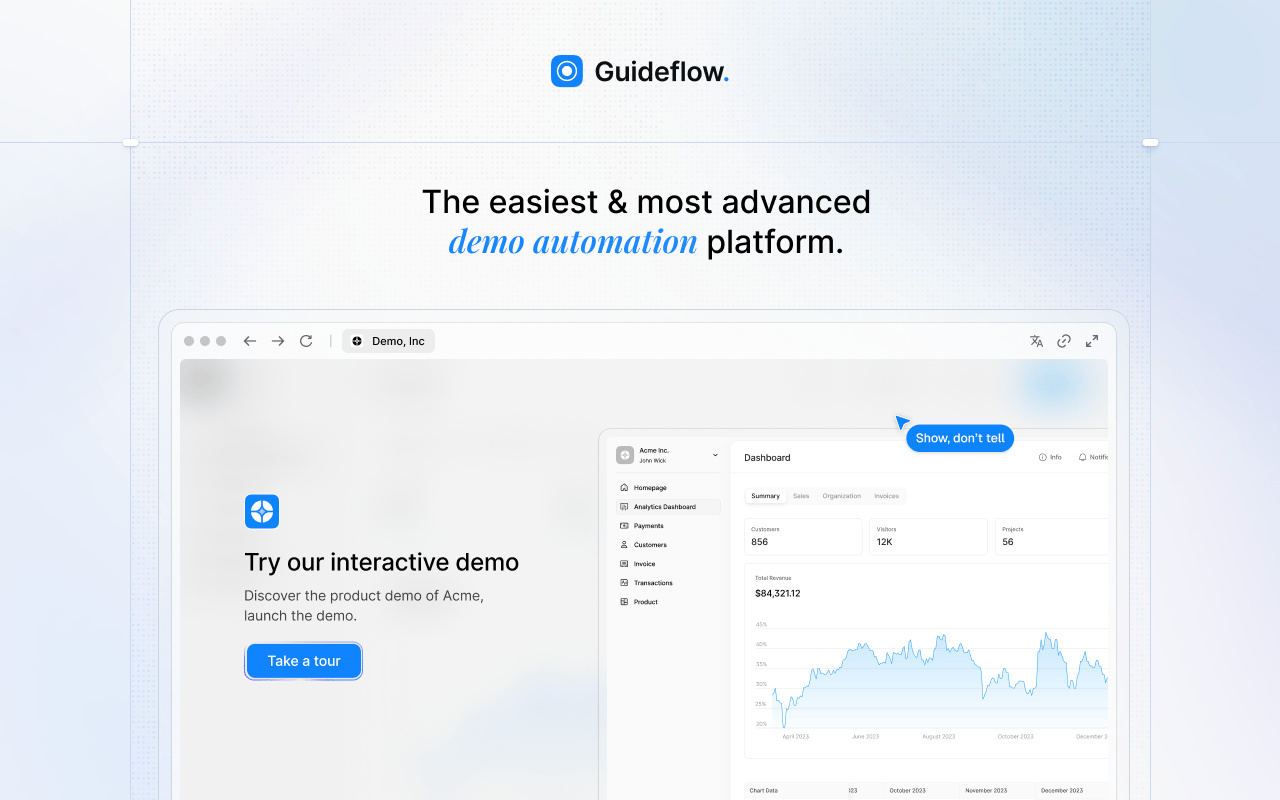
Guideflow is a demo automation platform that works as the conversion layer in a LinkedIn marketing stack. Instead of sending LinkedIn traffic to a static landing page or PDF, you send prospects to a guided, clickable product experience they can explore before booking a call. Marketers can create interactive demos, sandboxes, demo centers, mobile demos, and live demos, then share them through LinkedIn posts, paid ads, outreach follow-ups, and landing pages. Guideflow is not a social scheduler or a CRM. Its job is to turn LinkedIn attention into product-qualified engagement.
Best for: B2B SaaS teams whose LinkedIn campaigns need to show the product, not just drive traffic to a generic page.
Key features
- Interactive screenshot, HTML-based, and sandbox demo experiences
- Demo centers for organizing demos by persona or use case
- Personalization with dynamic variables and conditional branching
- Engagement analytics to identify high-intent viewers
- Sharing via public links, embeds, and exports
Why choose Guideflow: Choose Guideflow when the bottleneck is conversion after the LinkedIn click. If your LinkedIn campaigns send traffic to a page that explains the product rather than showing it, Guideflow gives prospects a hands-on product experience that static assets can't match. Use engagement analytics to see which LinkedIn-sourced visitors explored which features, then route those signals back to your CRM.
Guideflow pricing: A free plan is available with 5 guideflows and unlimited viewers. Solo is $35/month. Growth is $499/month with advanced analytics, AI features, and HTML demo capabilities. Advanced is $1,499/month, and Enterprise starts at $2,999/month.
G2 rating: 5.0/5
Start your journey with Guideflow today!
8. LinkedIn Ads
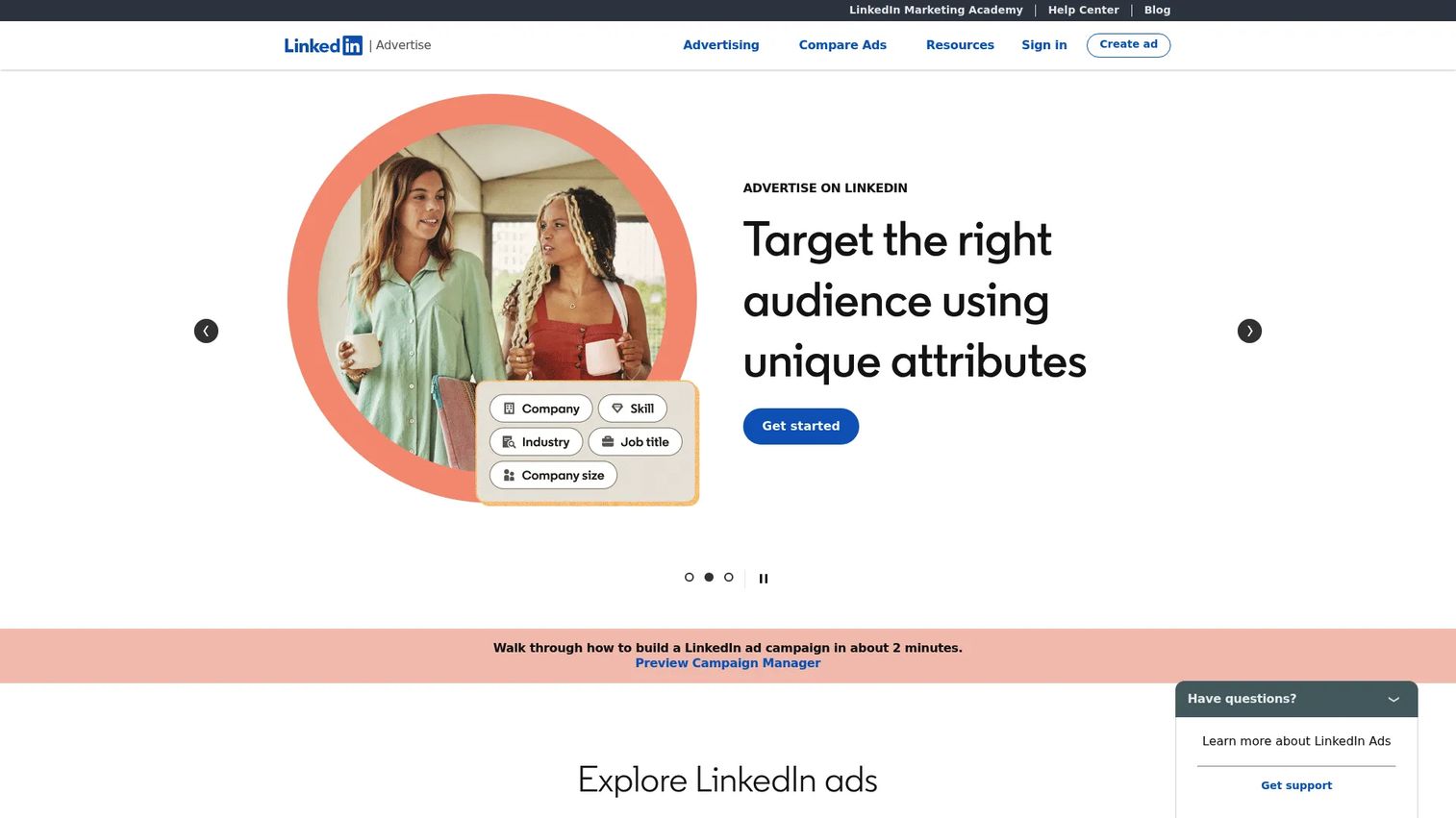
LinkedIn Ads is the native paid media tool for reaching professional audiences on LinkedIn. Through Campaign Manager, you can target by job title, company size, industry, seniority, skills, and account lists. Lead gen forms collect contact information without sending prospects off-platform, which typically improves conversion rates compared to external landing pages.
Best for: Demand gen teams running paid campaigns to reach specific job titles, companies, or account lists.
Key features
- Sponsored Content and Sponsored Messaging
- Native lead gen forms
- Matched audiences and account-based targeting
- Conversion tracking and campaign analytics
- Multiple campaign objectives (awareness, consideration, conversions)
Why choose LinkedIn Ads: Choose LinkedIn Ads when organic reach isn't enough for a specific campaign, or when ABM-level targeting precision matters. It's especially relevant for event promotion, gated content, and campaigns where reaching a specific decision-maker title is the goal.
LinkedIn Ads pricing: Auction-based with advertiser-controlled budgets. The minimum daily budget starts at $10. Actual CPCs and CPMs vary by audience competition, objective, and ad format.
9. LinkedIn Sales Navigator
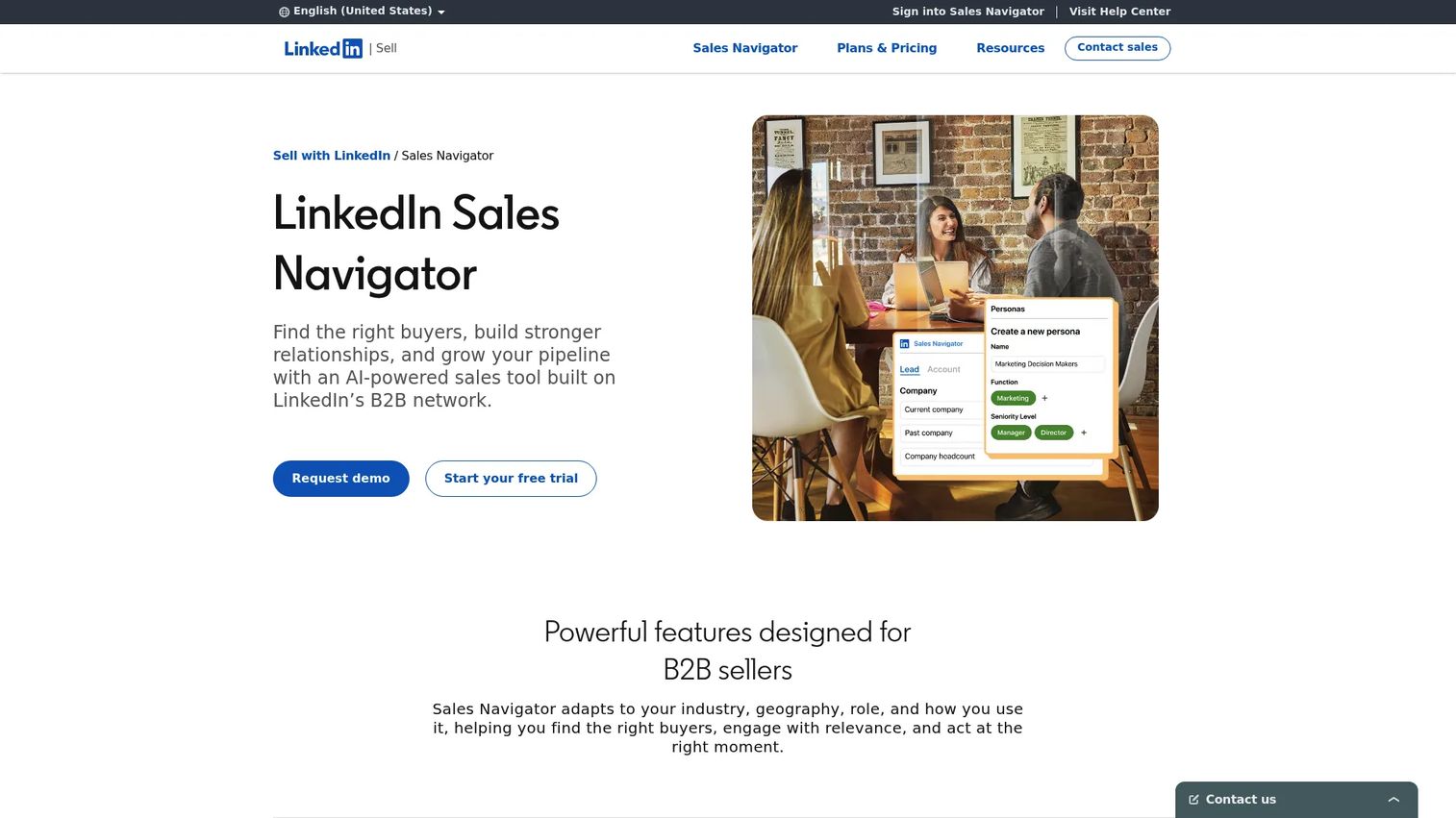
LinkedIn Sales Navigator is the advanced prospecting and account research tool inside the LinkedIn ecosystem. It goes well beyond what's available on a standard LinkedIn account: Granular search filters, saved lead and account lists, real-time buyer alerts, intent signals, and direct CRM synchronization. For account-based marketing, it's the fastest way to build a qualified account list before outreach or ad targeting begins.
Best for: Marketers and sales teams building account lists, researching buying committees, or running ABM campaigns.
Key features
- Advanced lead and account search filters
- Saved lead lists and account tracking
- Buyer intent signals and alerts
- CRM sync (available on Advanced Plus)
- InMail messaging credits
Why choose LinkedIn Sales Navigator: Choose Sales Navigator when your campaigns need audience precision that standard LinkedIn targeting can't deliver. It's especially valuable when sales and marketing share account lists and need a consistent view of who's in-market.
LinkedIn Sales Navigator pricing: Core is $119.99/month per license (or $1,079.88/year). Advanced is $159.99/month per license (or $1,799.88/year). Advanced Plus pricing is custom.
G2 rating: 4.4/5
10. Zapier
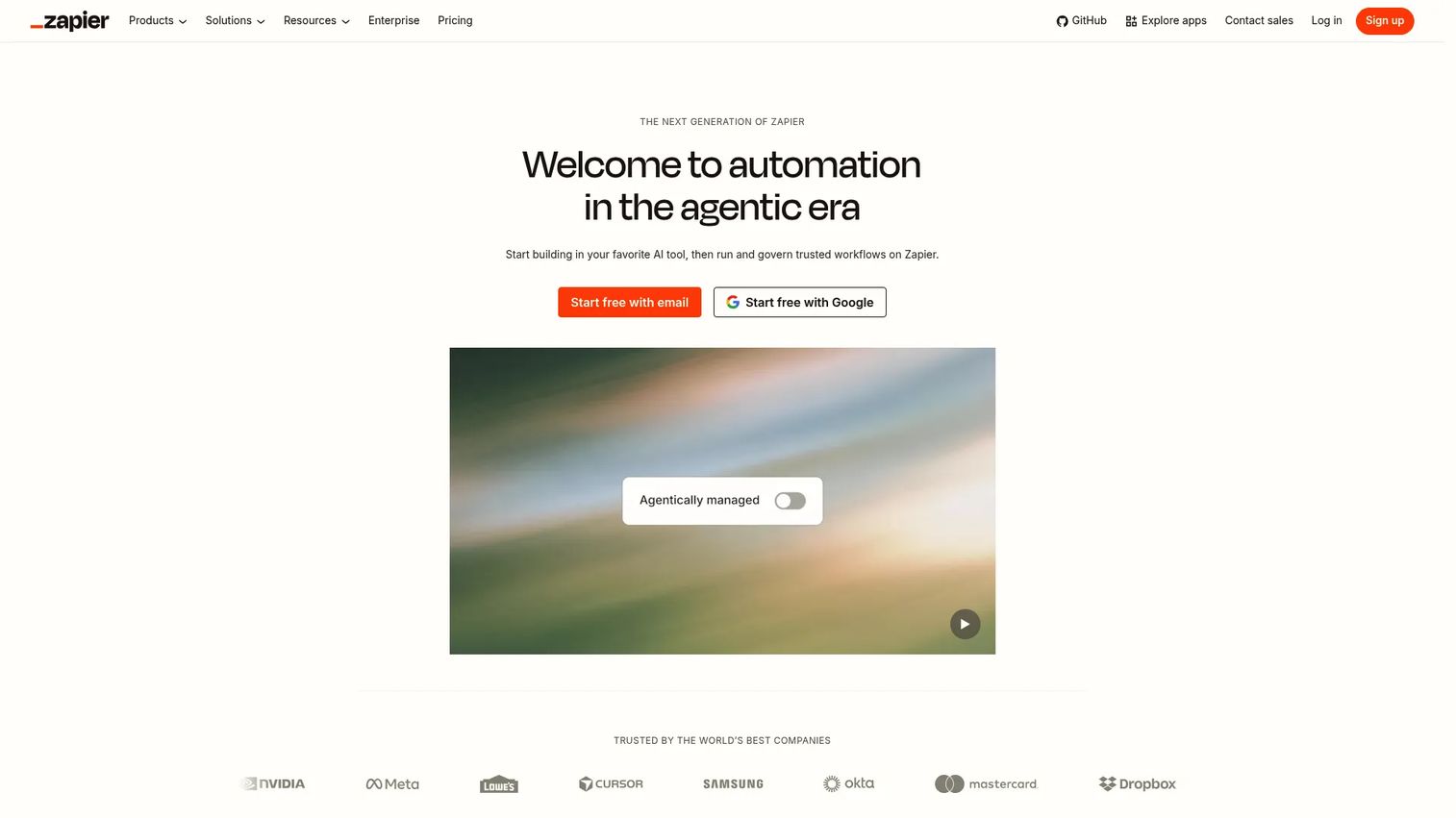
Zapier is the automation connector for LinkedIn-adjacent workflows. When a lead fills out a LinkedIn lead gen form, that data needs to reach your CRM, your email platform, your Slack channel, and sometimes an enrichment tool. Without automation, someone manually handles that routing, which introduces delays and errors. Zapier handles it in seconds with no engineering support.
Best for: Lean teams that need LinkedIn lead workflows connected to the rest of their stack without custom development.
Key features
- No-code workflow automation connecting 9,000+ apps
- LinkedIn lead gen form routing to CRM and email tools
- Multi-step workflows with filters, paths, and conditions
- Alerts and Slack notifications for new leads
- AI-powered automation steps and agents
Why choose Zapier: Choose Zapier when your LinkedIn workflow breaks after the lead form submission. If leads sit in a spreadsheet instead of your CRM, or if you're manually copying data between tools, Zapier removes that work entirely.
Zapier pricing: A free plan covers 100 tasks/month with two-step Zaps. Professional starts at $19.99/month. Team starts at $69/month for up to 25 users. Enterprise pricing is custom.
G2 rating: 4.5/5
11. Sprout Social
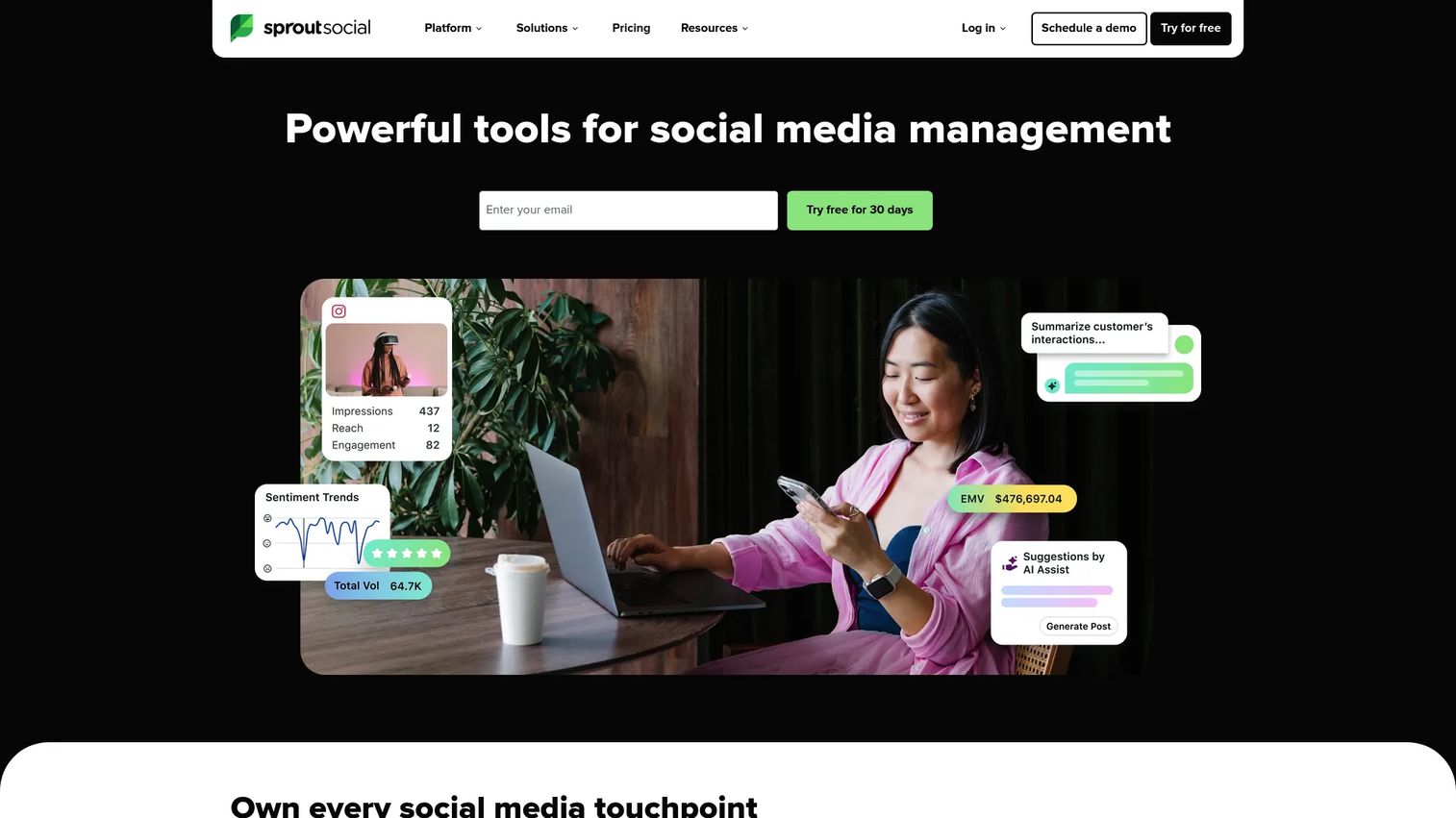
Sprout Social is an enterprise-grade social media management platform with a strong reputation for reporting quality and team collaboration. For LinkedIn specifically, it handles content scheduling, inbox management, social listening, and analytics reporting that hold up to executive scrutiny. Teams that need clean, shareable social reports for leadership or clients consistently rank Sprout Social's analytics among the strongest in the category.
Best for: Mid-market and enterprise teams managing LinkedIn as part of a larger multi-channel social strategy.
Key features
- Multi-profile publishing calendar
- Social listening and brand monitoring
- Cross-channel analytics and reporting dashboards
- Unified social inbox for engagement
- Team workflows and content approval
Why choose Sprout Social: Choose Sprout Social when reporting quality and cross-team collaboration are the primary requirements. At its price point, it's most justified for teams with enough social volume to need the full publishing, listening, and analytics suite.
Sprout Social pricing: No free plan. A 30-day free trial is available. Essentials starts at $79/seat/month billed annually ($99/month billed monthly). Standard is $199/seat/month, Professional is $299/seat/month, and Advanced is $399/seat/month. Enterprise pricing is custom.
G2 rating: 4.4/5
12. Shield
Shield is a LinkedIn analytics platform for deeper post and profile performance tracking than native LinkedIn analytics provides. It covers post metrics, audience demographics, engagement trends, content comparisons, and exportable reports for creators, executives, and marketing teams focused on building LinkedIn audience over time.
Best for: Creators, executives, and marketers who need to optimize LinkedIn content performance beyond native reporting.
Key features
- Post-level content performance analytics
- Audience growth tracking
- Engagement breakdown by post type and format
- Content comparison across time periods
- Exportable reports for stakeholder sharing
Why choose Shield: Choose Shield when you need to identify which content types actually build audience versus which ones just get reactions. It's strongest for teams where consistent content output is a growth lever, not an afterthought.
Shield pricing: A free trial is available. Paid plan pricing requires checking Shield's current pricing page directly, as pricing was unavailable on their website during research for this guide.
G2 rating: 3.2/5
13. Snov.io
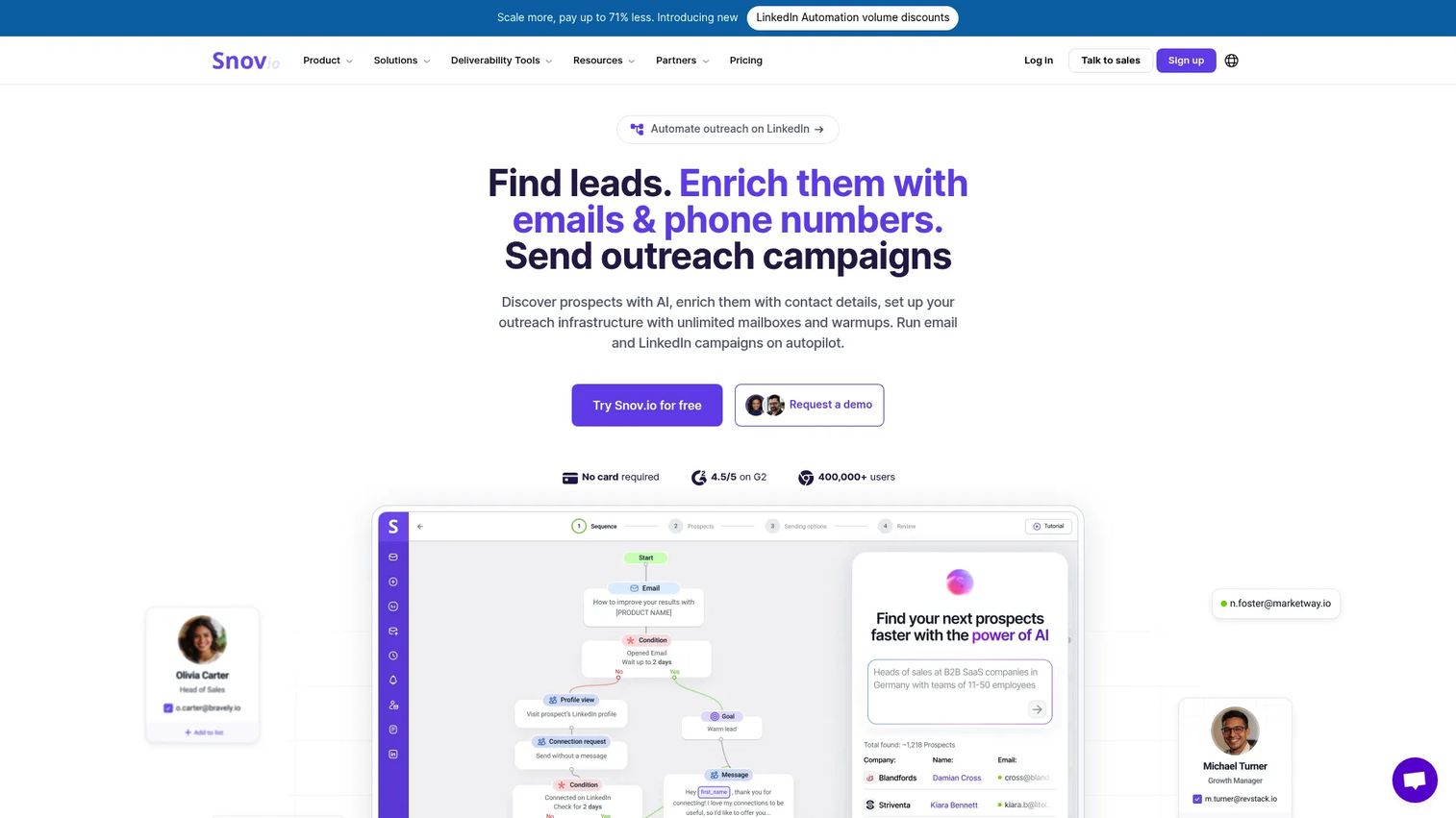
Snov.io is a B2B prospecting and email enrichment platform that complements LinkedIn-led outreach workflows. When LinkedIn is the discovery channel but email is part of the conversion path, Snov.io bridges the gap by finding, verifying, and enriching contact data, then enabling automated multichannel outreach campaigns from a single platform.
Best for: Teams combining LinkedIn prospecting with email outreach in a single workflow.
Key features
- B2B email finder and LinkedIn data enrichment
- Email verification and deliverability tools
- Automated email and LinkedIn outreach campaigns
- Built-in CRM and deal pipeline
- Email warm-up tools
Why choose Snov.io: Choose Snov.io when LinkedIn is where you find prospects, but email is where you convert them. It reduces the tool count for teams managing prospecting and outreach across both channels.
Snov.io pricing: A free trial tier is available with 50 credits and 100 campaign recipients. Starter is $39/month. Pro S is $99/month, Pro M is $189/month, Pro L is $369/month, and Ultra is $738/month. Annual billing reduces each tier's cost.
G2 rating: 4.5/5
14. Clay
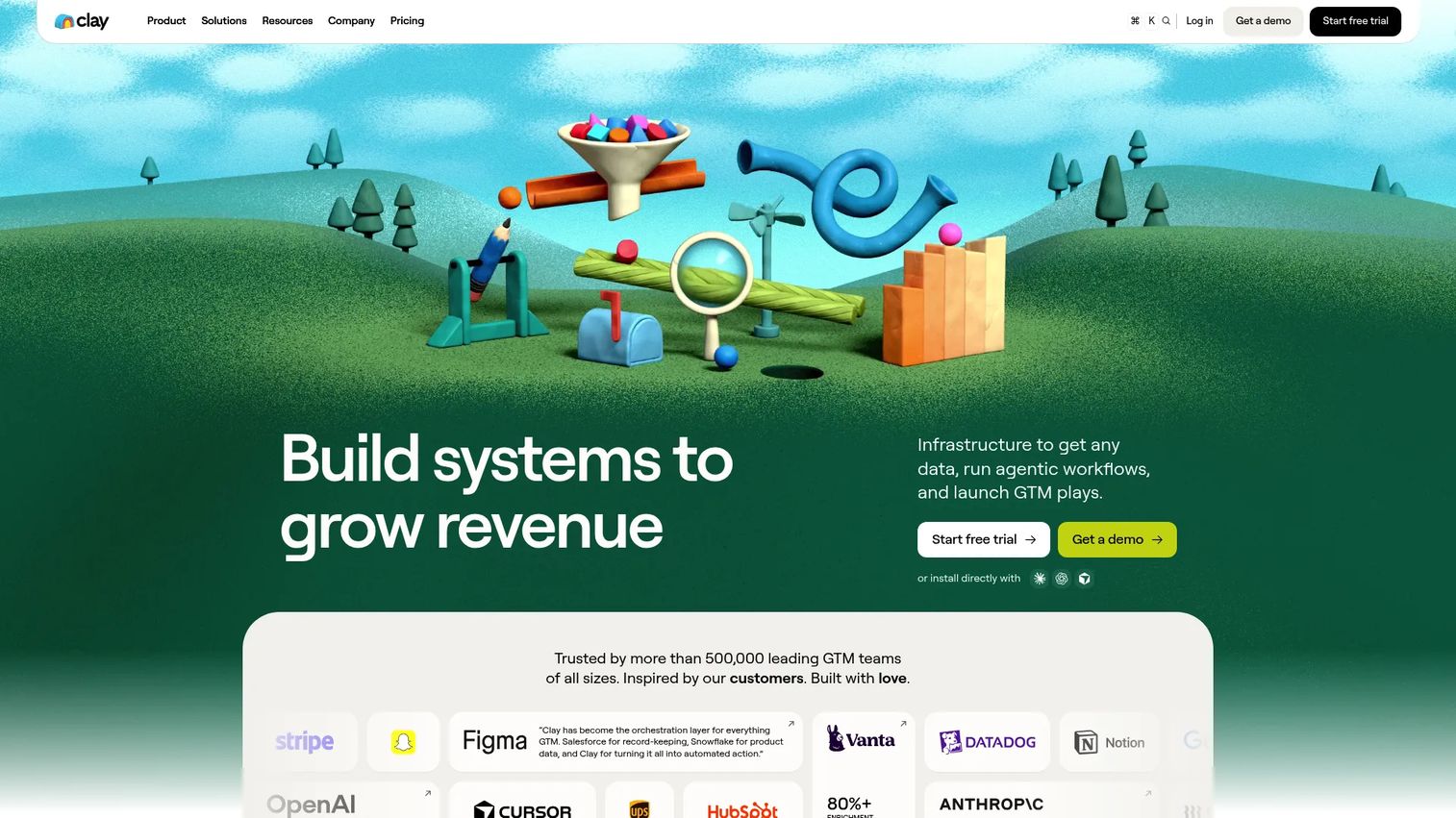
Clay is a go-to-market data platform for building highly targeted prospect lists and automating research workflows. It pulls from multiple enrichment providers simultaneously, runs AI-powered research agents to surface company signals and intent data, and exports clean contact records to your CRM or outreach tool. For ABM-focused marketers, Clay closes the gap between a job title filter and a genuinely qualified account list.
Best for: Growth teams building precise LinkedIn prospect segments and account research workflows for ABM campaigns.
Key features
- Multi-provider data enrichment
- AI research agents (Claygent) for account research
- Buying signals and intent tracking
- CRM enrichment and integrations
- Email outreach sequencer
Why choose Clay: Choose Clay when generic lead lists don't give you enough context to personalize outreach or prioritize accounts. It's especially strong when sales and marketing share account-level research requirements.
Clay pricing: A free plan includes 100 Data Credits and 500 Actions per month. Launch is $185/month with 2,500 credits. Growth is $495/month with 6,000 credits. Enterprise pricing is custom.
G2 rating: 4.6/5
15. Oktopost
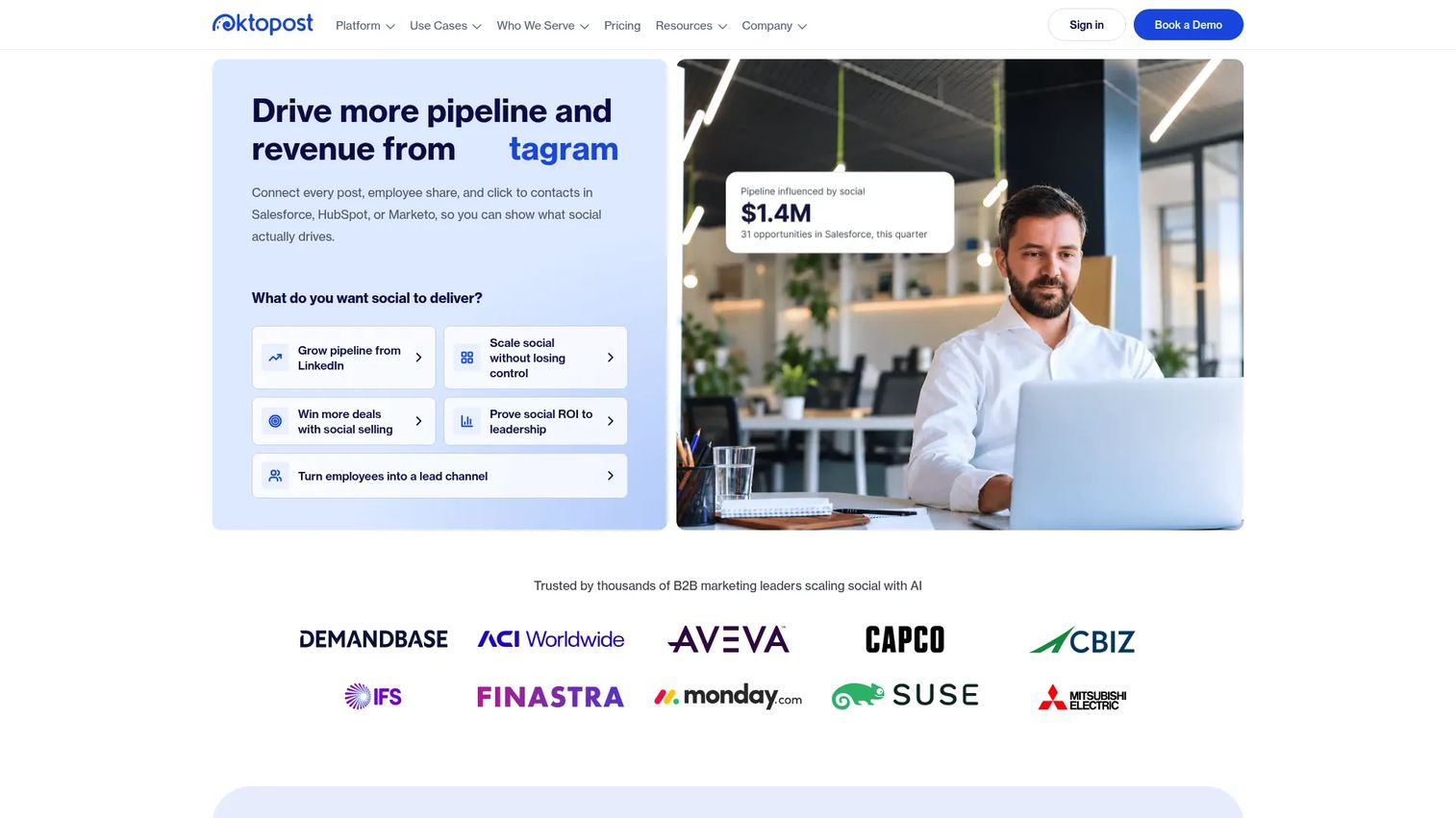
Oktopost is a B2B social media management platform built around employee advocacy and revenue attribution. It helps marketing teams govern and distribute content through employee networks, track campaign performance at the post and channel level, and connect social engagement data to pipeline and revenue outcomes. For B2B teams where LinkedIn reach depends on employees amplifying company content, Oktopost provides the governance and reporting layer that makes that motion repeatable.
Best for: B2B marketing teams that need employees to amplify LinkedIn campaigns in a governed, measurable workflow.
Key features
- Employee advocacy content distribution
- B2B social publishing and scheduling
- Campaign-level performance tracking
- Marketing intelligence and revenue attribution
- Approval workflows and compliance controls
Why choose Oktopost: Choose Oktopost when LinkedIn reach depends on employee amplification, and you need both governance controls and attribution reporting. It's strongest for teams with an active advocacy program, not for small teams managing one or two company profiles.
Oktopost pricing: Professional plans start at $499/month billed annually. Advanced starts at $499/month as well, scaling by team size and add-ons.
G2 rating: 4.4/5
16. Agorapulse
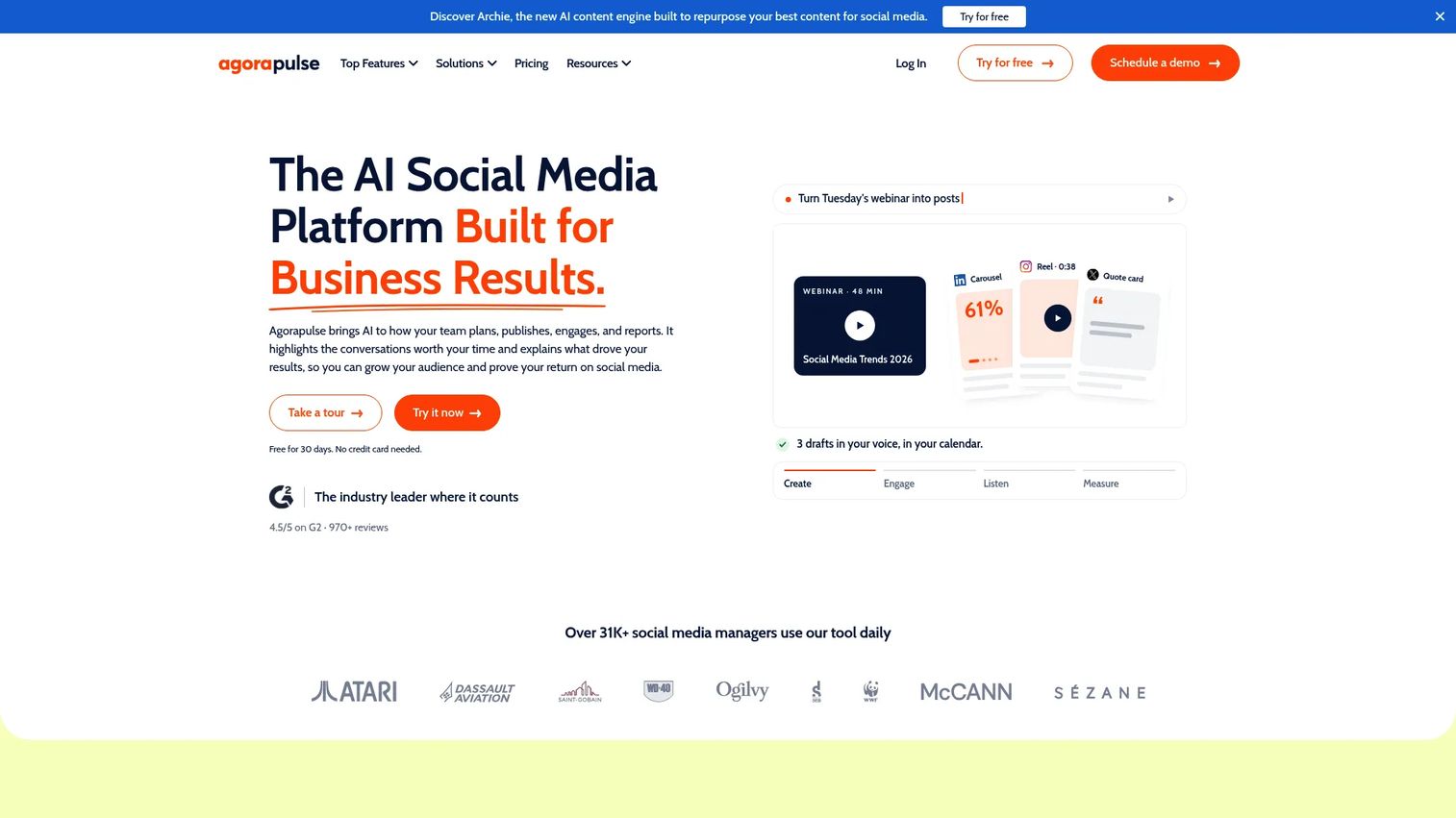
Agorapulse is a social media management platform with solid publishing, inbox, reporting, and team collaboration features. It sits between lighter scheduling tools and full enterprise platforms like Sprout Social, making it a practical fit for agencies managing multiple client profiles or lean marketing teams running LinkedIn alongside a few other channels.
Best for: Agencies and marketing teams managing LinkedIn across multiple profiles without needing enterprise-level reporting depth.
Key features
- Multi-network publishing calendar and scheduling
- Unified social inbox with comment moderation
- Social analytics and ROI reporting
- AI writing assistant for content creation
- Team workflows and approval management
Why choose Agorapulse: Choose Agorapulse when you need clean publishing and engagement operations at a price point below Sprout Social or Hootsuite. The free plan covers three profiles and one user, which makes it a low-risk starting point for smaller teams.
Agorapulse pricing: A free plan is available for 3 social profiles and 1 user. Standard starts at $79/user/month billed annually ($99/month billed monthly). Professional is $119/user/month annually, and Advanced is $149/user/month annually. Custom plan pricing requires contacting sales.
G2 rating: 4.5/5
17. Dux-Soup
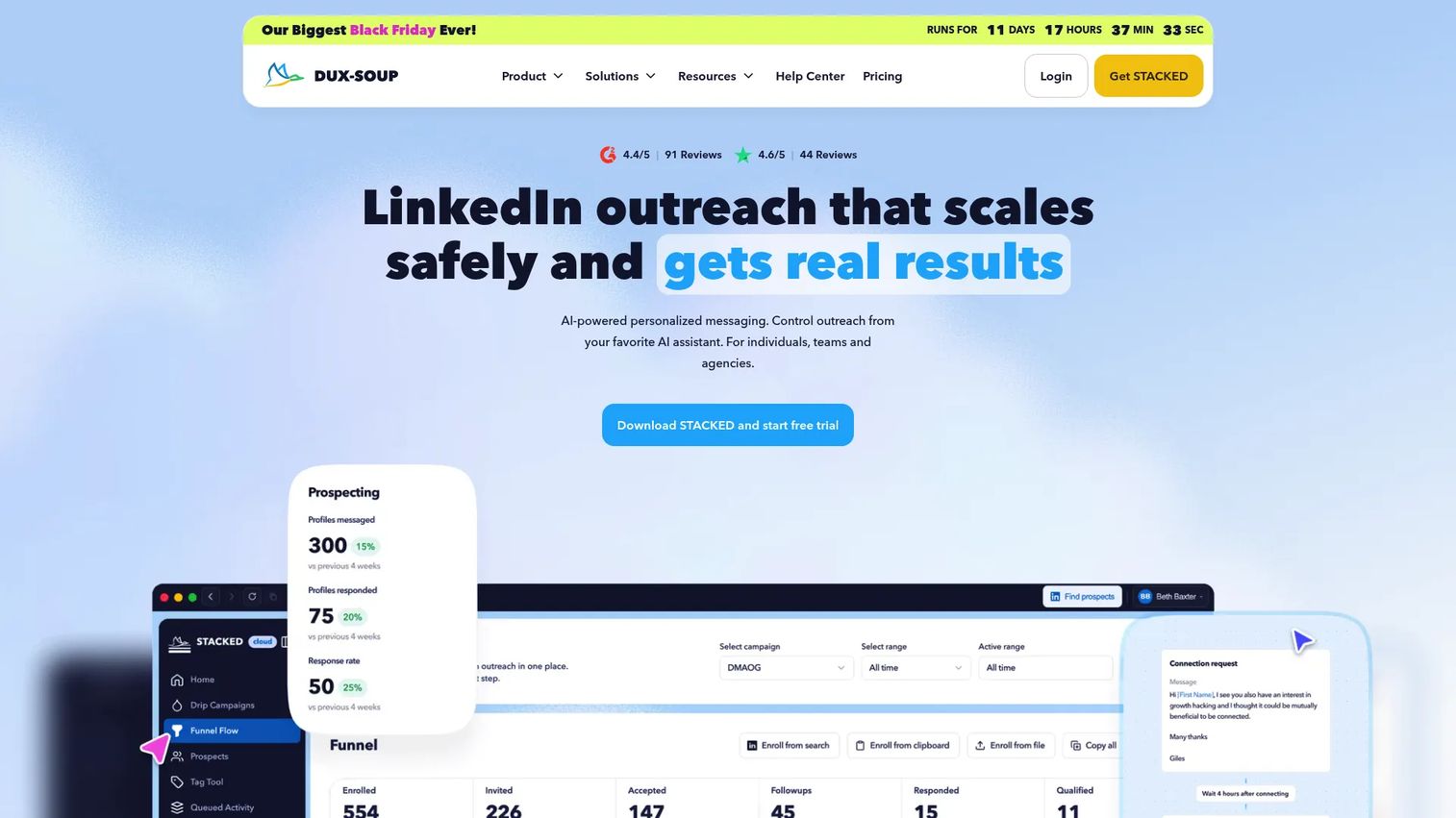
Dux-Soup is a lightweight LinkedIn automation tool for profile visits, connection requests, follow-up messages, and prospect tagging. It runs through a Chrome extension and a cloud option that keeps campaigns running without the browser open. For small teams that want basic LinkedIn automation without the cost or complexity of a larger outreach platform, it covers the core use case.
Best for: Small teams that want lower-cost LinkedIn automation for basic outreach workflows with simple setup.
Key features
- LinkedIn profile visits and connection invitation automation
- Unlimited drip campaigns with campaign analytics
- AI-powered message personalization
- Lead and prospect tagging and management
- CRM and workflow integrations
Why choose Dux-Soup: Choose Dux-Soup when you need simple automation without a larger campaign platform. Use it with conservative daily limits, strong audience targeting, and human review of message content. High-volume, low-personalization automation is the fastest way to get an account flagged.
Dux-Soup pricing: Pro Dux is $14.99/month ($11.25/month billed annually). Turbo Dux is $55/month ($41.25/month annually). Cloud Dux is $99/month ($74.17/month annually). No permanent free plan is confirmed.
G2 rating: 4.4/5
Considerations when choosing LinkedIn marketing tools
Match the tool to the job
Don't buy a scheduler to solve a CRM problem, and don't buy a CRM to solve a content problem. Map each gap in your LinkedIn workflow to a specific job: Content creation, publishing, prospecting, analytics, outreach, enrichment, ads, or conversion. The clearer the job, the easier the tool decision.
Check what it replaces
Growth marketers deal with tool sprawl more than most. Before adding a new LinkedIn tool, ask whether it replaces a spreadsheet, eliminates a manual step, or consolidates two existing subscriptions. If the answer is no, the ROI case gets harder to make.
Verify CRM and reporting fit
LinkedIn activity that never reaches your CRM is impossible to attribute to pipeline. Test where lead data lands before launching campaigns. Tools like HubSpot, Zapier, and LinkedIn Ads all have native or no-code integration paths, but field mapping errors are common and painful to fix retroactively.
Protect account quality in automation
LinkedIn automation can damage account trust when teams use it without conservative limits. Set daily action caps well below LinkedIn's thresholds, target narrowly, and write messages that read like a person wrote them. Tools like Dripify and Dux-Soup both include safety settings, but the settings don't protect you if the targeting is too broad.
Compare pricing at the workflow level
Monthly per-seat prices don't tell the full story. Factor in seat counts, lead credit limits for enrichment tools, ad spend minimums, integration requirements, and whether key features are gated to higher tiers. A tool that's cheap per seat but requires an expensive tier for CRM sync may cost more than a higher-priced alternative.
Conclusion
The right LinkedIn marketing stack depends on which job is slowing you down.
Start with LinkedIn itself for organic presence. Add HubSpot when you need LinkedIn campaigns tied to CRM and revenue reporting. Use Dripify when outreach automation is the bottleneck. Reach for Taplio when content velocity for a personal brand matters. For enterprise social management, Sprout Social or Hootsuite both handle multi-channel publishing and cross-team reporting well.
For paid reach, LinkedIn Ads handles targeting at the job title and account level. Sales Navigator, Snov.io, and Clay each help with prospecting and enrichment, depending on whether you need account intelligence, email data, or multi-provider enrichment workflows. Zapier routes lead data between tools without engineering support.
Guideflow sits at the conversion layer. When LinkedIn campaigns send traffic to static pages that explain the product instead of showing it, the click-to-pipeline gap stays wide. Interactive demos give LinkedIn-sourced prospects a guided, clickable product experience before a call, turning attention into product-qualified engagement.
Start your journey with Guideflow today!
FAQs
LinkedIn marketing tools are software platforms that help teams create, publish, promote, automate, measure, and convert LinkedIn activity into business outcomes. Some are native LinkedIn products (company pages, LinkedIn Ads, Sales Navigator), while others are third-party platforms handling scheduling, analytics, outreach, CRM integration, data enrichment, or product-led conversion.
The answer depends on what's broken. Native LinkedIn covers the basics for free. Taplio or Shield work well for content optimization and personal branding. For careful outreach automation, Dux-Soup has the lowest entry price in the category. When LinkedIn traffic needs to convert into product engagement rather than a contact form, Guideflow's free plan provides a low-overhead starting point.
LinkedIn Sales Navigator is the strongest for building targeted account and contact lists. LinkedIn Ads captures leads directly through native lead gen forms. Snov.io and Clay help enrich and verify those contacts before outreach. HubSpot closes the loop by connecting lead data to CRM records and email nurture. The right choice depends on whether you need paid leads, prospect research, enrichment, or outreach automation.
Automation tools can save significant time, but they carry account risk when used without care. Conservative daily limits, accurate audience targeting, personalized messages, and human review of content all reduce that risk. LinkedIn's terms of service restrict certain automation behaviors, and high-volume or low-personalization outreach can trigger account restrictions. Dripify, Dux-Soup, and LeadDelta all include safety controls worth configuring before launching campaigns.
Taplio covers ideation, AI-assisted post writing, and scheduling for personal brands. For teams managing content at scale, Hootsuite, Agorapulse, and Sprout Social handle scheduling, approvals, and cross-channel publishing. Shield adds the analytics layer for understanding which content types actually build audience. LinkedIn itself supports newsletters, carousels, and native documents without any third-party tool.
Native LinkedIn analytics works for a basic read on reach and follower growth. Shield goes deeper on post performance for content-focused teams. Sprout Social, Hootsuite, and Agorapulse fit teams that need cross-channel social reporting. HubSpot is the right call when pipeline attribution from LinkedIn campaigns matters more than content metrics.
LinkedIn Ads lead gen forms connect directly to HubSpot and other CRMs through native integrations. For teams without a direct integration, Zapier routes form submissions to CRM records, spreadsheets, or email tools without engineering support. Test field mapping before launching a campaign. Phone number and job title fields often don't map cleanly by default and require manual configuration.
Yes, particularly when campaigns need prospects to experience the product before booking a meeting. Linking LinkedIn posts, ads, or outreach messages to an interactive demo gives prospects a clickable, self-paced product experience. That's fundamentally different engagement from sending traffic to a static landing page or a recorded video. Teams can track which LinkedIn-sourced visitors engaged with which features and use that signal to prioritize follow-up.