Cataloging lives in one database. Circulation runs through another. Patron records sit in spreadsheets, while reporting requires manual reconciliation every month.
That fragmentation creates more than administrative work. It weakens inventory accuracy, slows service, and makes staff knowledge difficult to transfer. Demand keeps growing too. OverDrive reported that libraries and schools lent 820.5 million digital titles worldwide in 2025, up 10% from 2024.
The right library automation software brings daily operations into a system that staff can maintain after implementation. It should also give patrons a clear way to search, reserve, renew, and access available materials.
Choose for the operating model rather than the longest feature sheet.
What’s inside
This guide compares 17 library automation software options across commercial, cloud, school focused, specialist, and open source models.
We evaluated each product around the workflows that affect daily operations:
- Cataloging and metadata management
- Circulation, holds, renewals, and patron accounts
- OPAC search, discovery, and mobile access
- Pricing, deployment, migration, and support fit
Pricing comes from vendor sources where available. G2 ratings use current listings supplied in the research. An N/A means no current G2 score was verified.
TL;DR
- Best for school libraries: Alexandria, Follett Destiny Library Manager, Genesis G4, and Mandarin M5
- Best for public libraries: Koha ILS, Atriuum, Insignia Library System, and Evergreen
- Best for academic libraries: Alma by Ex Libris and Sierra by Innovative Interfaces
- Best for specialist collections: Soutron LMS, EOS.Web, and CyberTools for Libraries
- Best open source options: Koha ILS, Evergreen, and OpenBiblio
- Best for simple cloud operations: LibraryWorld combines cataloging, circulation, OPAC, and mobile search
What is library automation software?
Library automation software manages core library operations such as cataloging, circulation, patron accounts, inventory, public catalog search, reporting, and collection workflows.
The category overlaps with several related terms. An integrated library system, often shortened to ILS, combines multiple operational modules within one platform. Library management software is a broader label that vendors often use interchangeably with ILS.
A library catalog system focuses on bibliographic records and search. More complete products connect that catalog to circulation, acquisitions, patron services, and reporting.
Common capabilities include:
- Cataloging and metadata: MARC records, authority control, imports, labels
- Circulation: Checkout, returns, renewals, holds, fines, overdue notices
- Patron management: Borrower profiles, permissions, accounts, self service
- OPAC and discovery: Public search, filters, availability, reservation options
- Inventory and acquisitions: Purchasing, collection audits, serials, item tracking
- Reporting: Usage patterns, overdue items, circulation trends, collection health
- Integrations: Z39.50, RFID, barcode scanners, authentication, electronic resources
- Deployment: Cloud, hosted, local, open source, vendor managed
MARC provides a standardized structure for bibliographic information. Z39.50 lets library cataloging software search or import records from other systems.
OPAC software provides the public interface where patrons search collections and check availability. A library discovery layer can extend that experience across physical holdings, electronic resources, and digital collections.
The best system connects these functions without forcing staff to reconcile information between separate tools.
When to use library automation software
Replace manual cataloging and circulation
Move to automated library software when spreadsheets or desktop files can no longer track every item accurately. Manual checkout logs also make renewals, overdue notices, and audit trails difficult to manage.
A library automation system gives staff a shared operational record. That matters when collections grow or experienced employees leave.
Give patrons better discovery and self service
Use OPAC software when patrons need to search availability without calling the desk. Public catalogs can also support account access, holds, and renewals.
Connecting discovery with circulation reduces routine interruptions. Staff can focus on collection work and higher value patron requests.
Manage growth across collections and locations
A basic library catalog system may work for one small physical collection. Growth adds electronic resources, serials, archives, equipment, or research materials.
Multi location operations also need consistent circulation rules and shared reporting. The system should show each item’s location, status, and access conditions.
Library automation software comparison
Library automation software pricing varies widely. Several vendors sell by quote, while open source products shift spending toward hosting, migration, support, and technical ownership.
Use G2 ratings as one input rather than the buying decision. A lower review volume can make small differences misleading. Product fit, migration quality, and staff adoption deserve more weight.
| # | Product | Best for | Key differentiator | Pricing | G2 rating |
|---|---|---|---|---|---|
| 1 | Alexandria | Schools and small public libraries | School friendly cataloging and circulation | Custom pricing | N/A |
| 2 | Atriuum | Public, academic, school, and special libraries | Browser based ILS with flexible deployment | Custom pricing | 4.9/5 |
| 3 | CyberTools for Libraries | Medical, legal, and specialist collections | Integrated electronic resource management | Custom pricing | 3.7/5 |
| 4 | EOS.Web | Corporate, legal, medical, and government libraries | Specialist library and knowledge management | Custom pricing | 3.6/5 |
| 5 | Genesis G4 | Schools and education organizations | Library and classroom material tracking | Custom pricing | N/A |
| 6 | Insignia Library System | School, public, academic, and corporate libraries | Broad resource and asset management | Custom pricing | 3.5/5 |
| 7 | Koha ILS | Libraries wanting open source control | Full open source ILS | Free software | N/A |
| 8 | LibraryWorld | Small and midsize libraries | Straightforward cloud library automation | $550 yearly per library | 4.5/5 |
| 9 | Alma by Ex Libris | Academic and research libraries | Unified print, electronic, and digital management | Custom pricing | 3.3/5 |
| 10 | Sierra by Innovative Interfaces | Large public and academic libraries | Established workflows with integration support | Custom pricing | 4.0/5 |
| 11 | Follett Destiny Library Manager | School districts | District wide library and resource visibility | Custom pricing | 4.3/5 |
| 12 | Mandarin M5 | School, public, and institutional libraries | Cloud or local deployment options | Custom pricing | N/A |
| 13 | Soutron LMS | Corporate, legal, and research libraries | Specialist knowledge and collection management | Custom pricing | 4.5/5 |
| 14 | Evergreen | Public library networks and consortia | Open source support for shared catalogs | Free software | 4.2/5 |
| 15 | OpenBiblio | Small, self hosted libraries | Lightweight open source cataloging | Free software | N/A |
| 16 | ResourceMate | Small libraries and private collections | One time licenses with barcode support | From $495 one time | N/A |
| 17 | Libero | Public, academic, and special libraries | Cloud ILS with a mobile member experience | Custom pricing | N/A |
Best 17 tools for library automation software
1. Alexandria
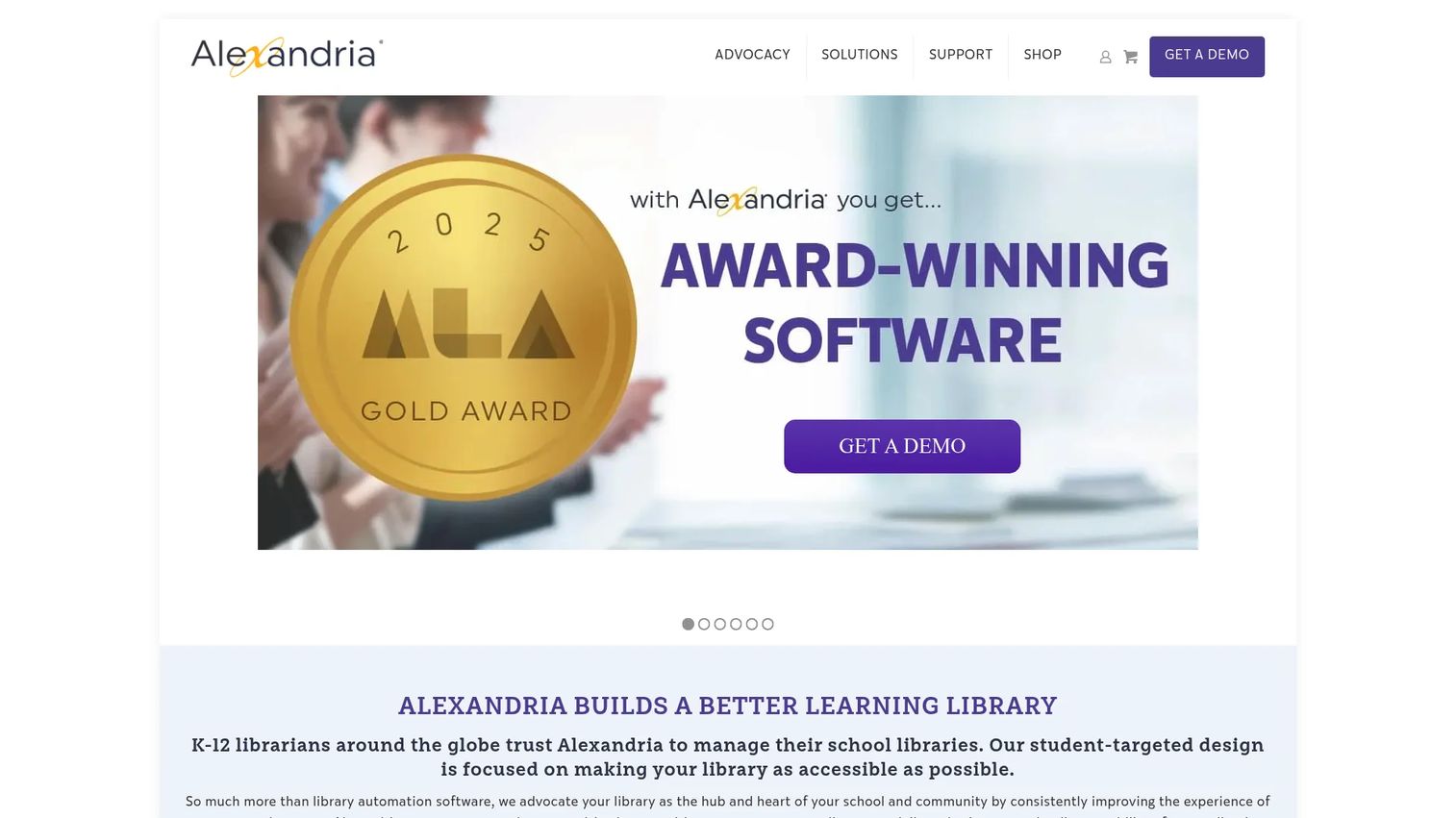
Alexandria is web based library automation software for schools, public institutions, private collections, and research libraries. It combines cataloging with circulation, patron management, and scheduled operational tasks.
Its education focus makes it relevant for libraries managing student records and changing class rosters. Cloud hosting includes maintenance and automatic updates.
Best for: Schools and small public libraries seeking approachable daily workflows
Key features
- Catalog and circulation management
- SmartMARC cataloging tools
- Patron search interfaces
- SIS integrations
- Scheduled reports and automation
Why choose Alexandria: Alexandria suits education focused teams that need cataloging and circulation without academic resource management complexity. Its SIS integrations also support school data workflows.
Alexandria pricing: Custom pricing.
2. Atriuum
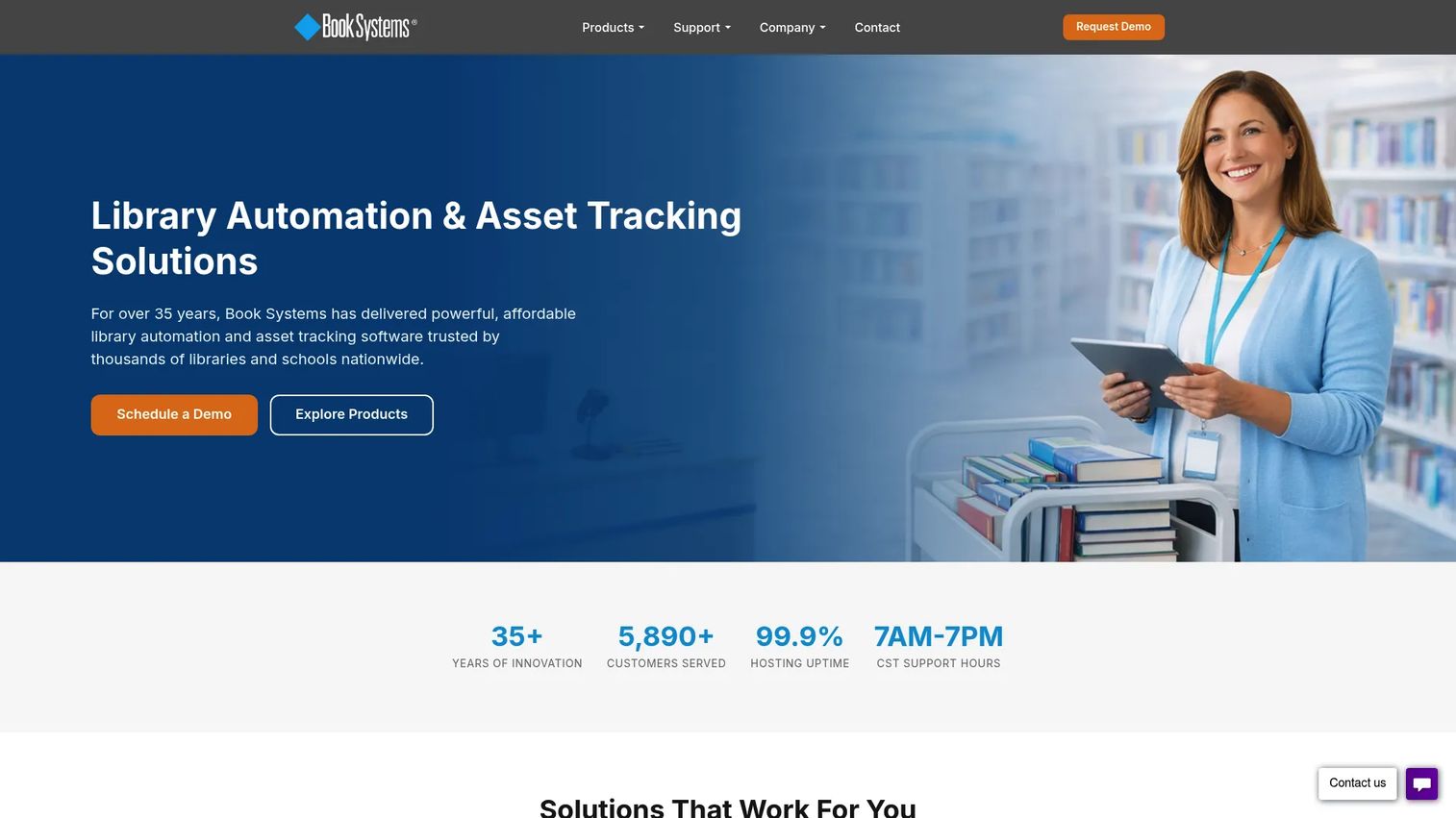
Atriuum is a browser based integrated library system for public, academic, school, and special libraries. It covers cataloging, circulation, public discovery, reporting, and mobile access.
Libraries can choose software as a service, vendor hosting, or self hosting. This deployment range helps organizations match the system to existing IT ownership.
Best for: Libraries wanting supported web access with several deployment choices
Key features
- MARC cataloging with Z39.50
- Circulation with offline mode
- Gallery OPAC and self service
- Custom report builder
- Mobile patron and staff apps
Why choose Atriuum: Atriuum fits teams that want vendor support without building an open source stack. Its reporting and integration coverage also suit growing operations.
Atriuum pricing: Custom pricing for Express SaaS, ASP hosting, and self hosted deployments.
G2 rating: 4.9/5.
3. CyberTools for Libraries
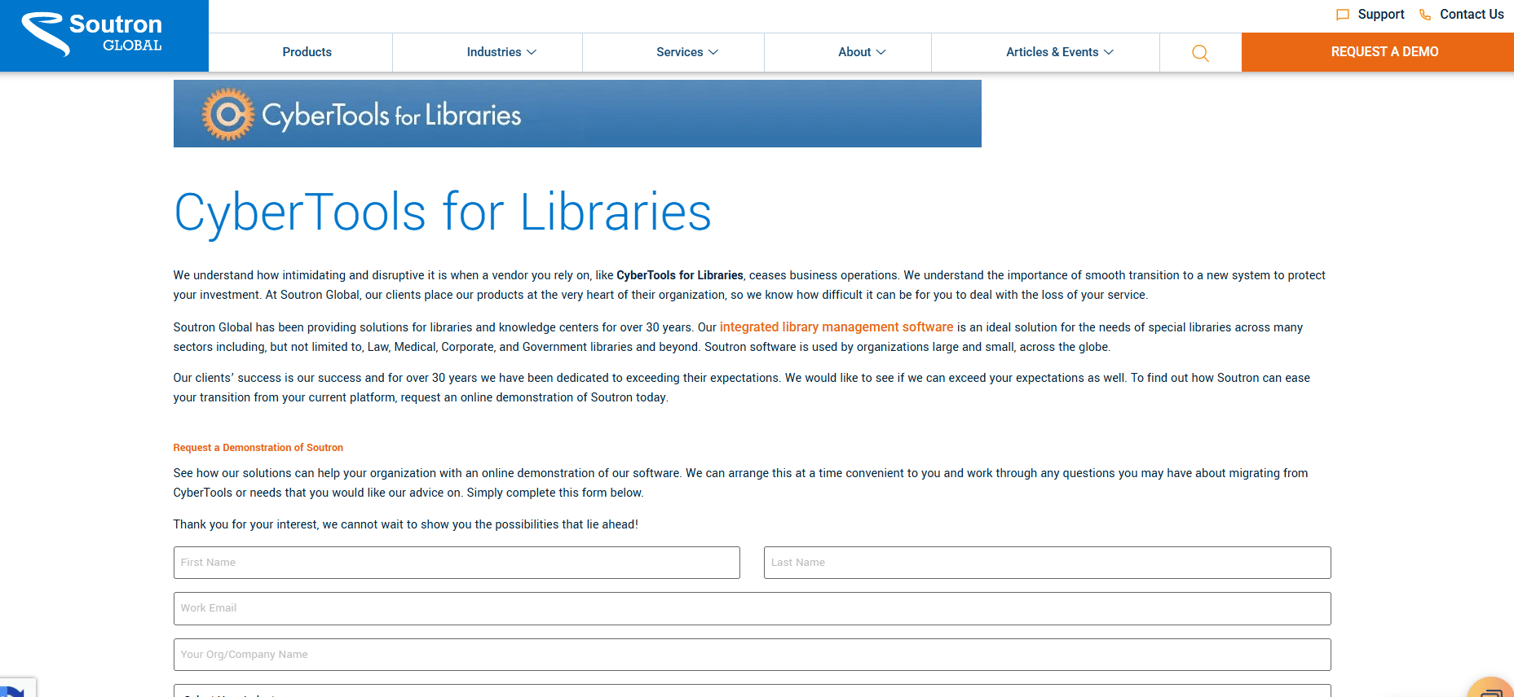
CyberTools for Libraries combines library management with electronic resource administration. It focuses on research environments where physical holdings and electronic resources must remain searchable together.
Its core coverage includes cataloging, circulation, and customizable resource lists. That makes it more relevant to specialist information centers than a basic school library catalog.
Best for: Medical, legal, corporate, and research focused information centers
Key features
- Integrated catalog management
- Circulation management
- Electronic resource administration
- Customizable resource lists
- Specialist collection support
Why choose CyberTools for Libraries: Choose it when research resources need more structured control than a general small library platform provides. Evaluate the current implementation and support model carefully.
CyberTools for Libraries pricing: Custom pricing.
G2 rating: 3.7/5.
4. EOS.Web
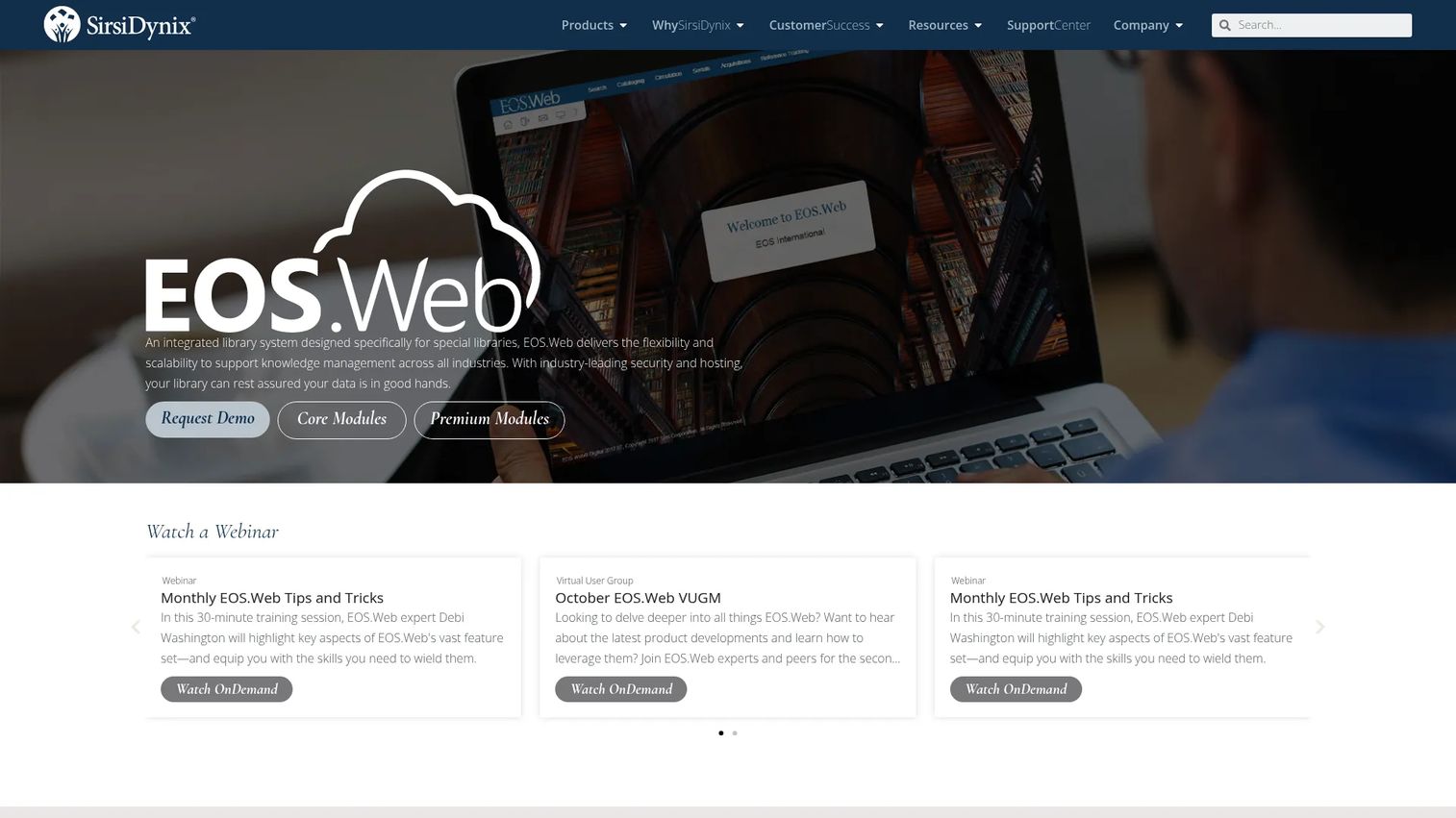
EOS.Web is an integrated library system built for special libraries and internal knowledge collections. It serves corporate, legal, medical, government, and academic environments.
The platform manages catalog records, circulation, serials, and patron discovery. Full text indexing can search across more than 200 file types.
Best for: Organizations operating specialist libraries or internal knowledge centers
Key features
- Cataloging and authority management
- Automated circulation workflows
- Customizable patron OPAC
- Serials prediction and routing
- Full text file indexing
Why choose EOS.Web: EOS.Web fits organizations where the library supports professional research rather than general public lending. Its indexing capability also helps expose internal documents.
EOS.Web pricing: Custom pricing.
G2 rating: 3.6/5.
5. Genesis G4
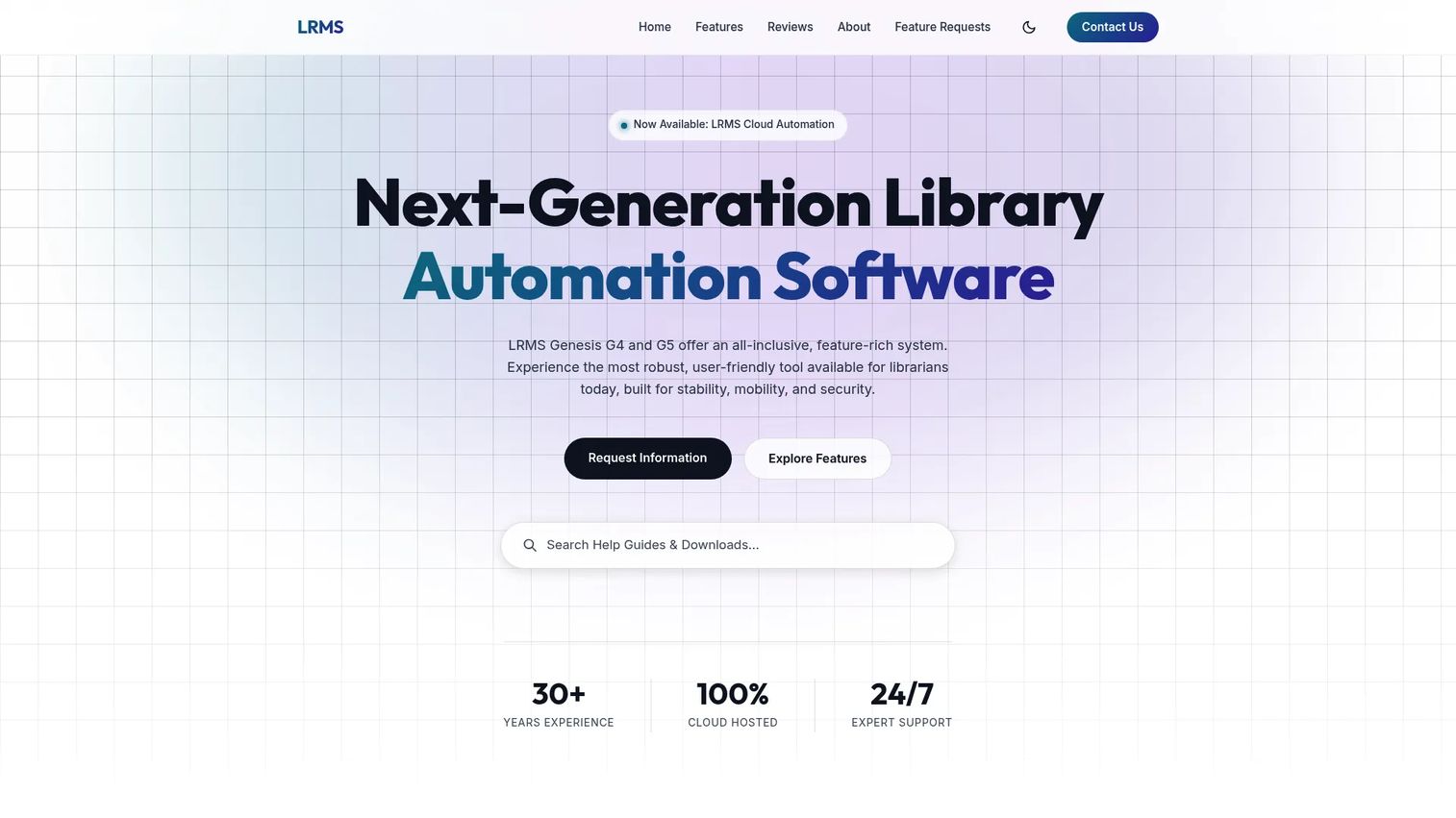
Genesis G4 now redirects to LRMS, which provides cloud hosted library automation and resource tracking. Its workflows cover circulation, cataloging, borrowers, inventory, and reports.
The product also handles classroom and textbook materials. This broader resource coverage can help education teams replace separate tracking files.
Best for: Schools needing library, classroom, and textbook tracking
Key features
- Circulation and cataloging
- Inventory and borrower management
- Customizable reporting
- Self circulation kiosk
- Classroom and textbook management
Why choose Genesis G4: Genesis G4 suits schools that need to track more than library books. Its education focused workflows can reduce duplicate systems across departments.
Genesis G4 pricing: Custom pricing.
6. Insignia Library System
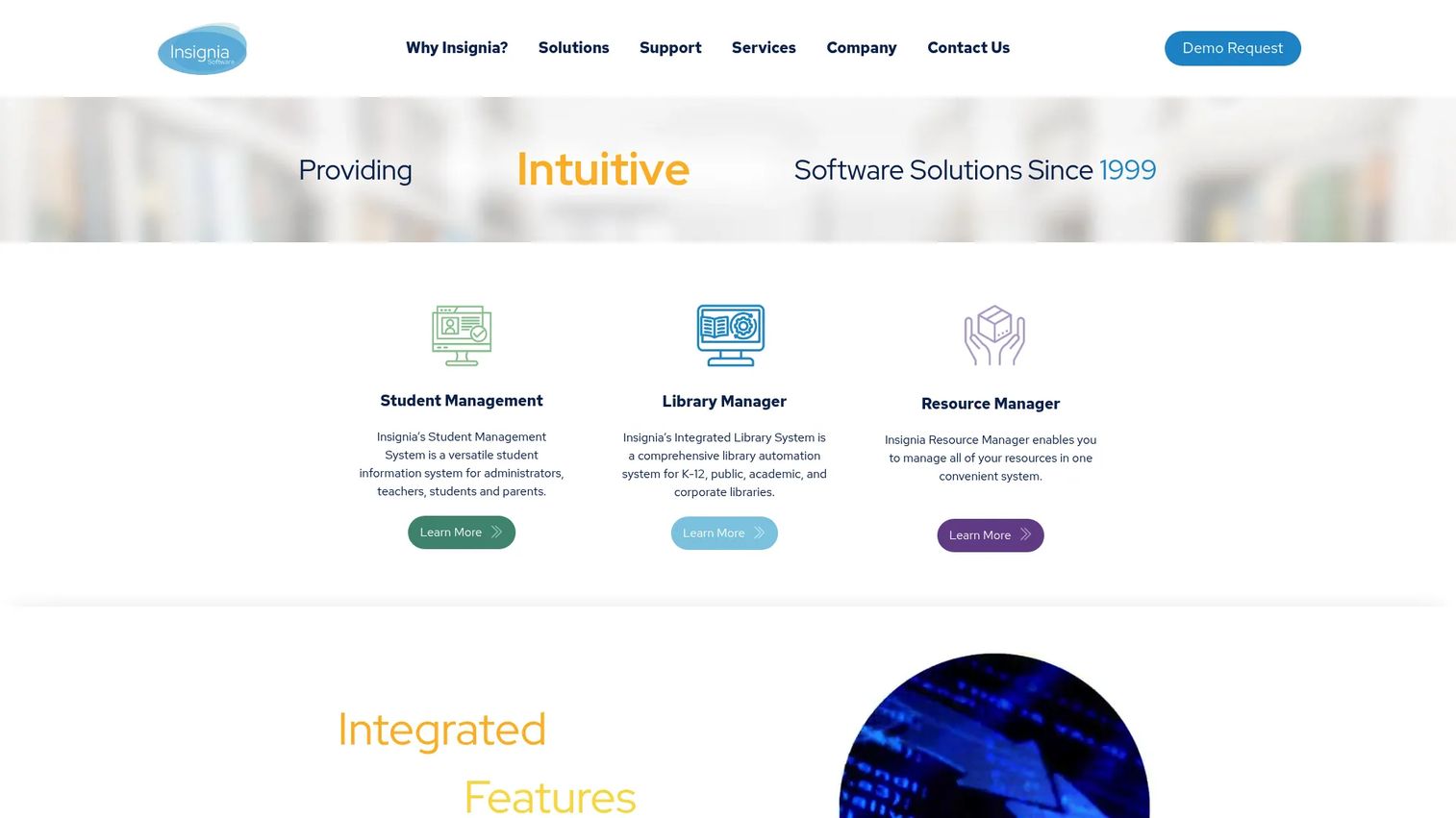
Insignia Library System serves school, public, academic, and corporate libraries. Its scope extends from cataloging and circulation to acquisitions, events, rooms, assets, and print management.
That broad coverage can support organizations expecting their requirements to expand. Teams should confirm which modules match the planned rollout.
Best for: Mixed library environments needing broad resource management coverage
Key features
- MARC cataloging and authority control
- Configurable circulation rules
- Self checkout and receipts
- Inventory and asset management
- Events and room booking
Why choose Insignia Library System: Insignia is worth considering when standard circulation must connect with rooms, equipment, or digital files. Its configurable rules support varied lending policies.
Insignia Library System pricing: Custom pricing.
G2 rating: 3.5/5.
7. Koha ILS
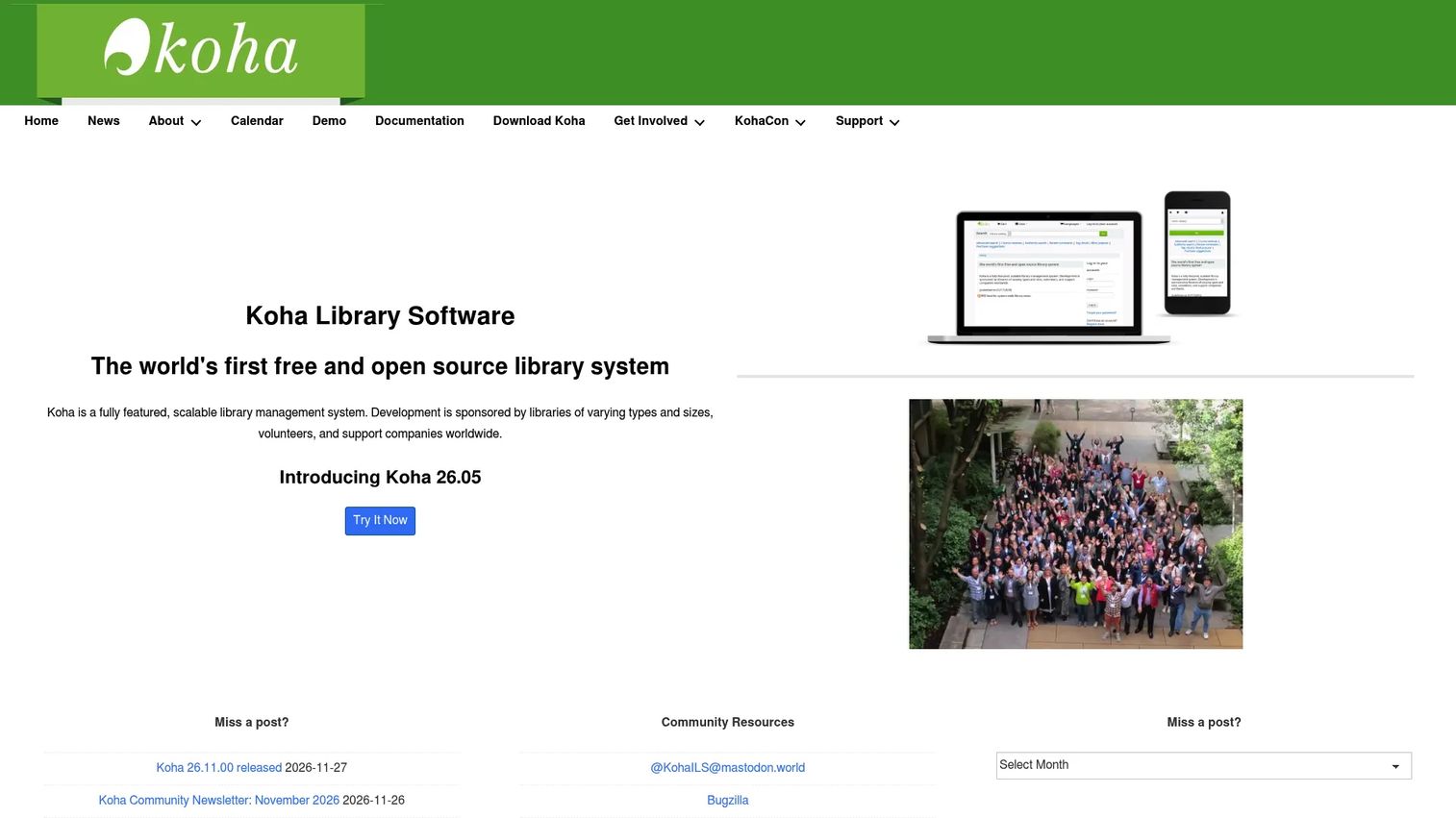
Koha ILS is free, open source library management software. It supports cataloging, circulation, acquisitions, serials, authority control, reporting, and public discovery.
Libraries can self install Koha or hire a service provider for hosting and support. The software offers control, but technical ownership still needs a named home.
Best for: Libraries wanting an open source ILS with extensive operational coverage
Key features
- MARC cataloging and authorities
- Circulation and offline workflows
- Acquisitions and serials
- Flexible reporting
- Web based OPAC
Why choose Koha ILS: Koha fits libraries that value control and community development. It can also support single branches, larger networks, or consortia.
Koha ILS pricing: Free to download under the GPL. Hosting, migration, support, training, and development cost extra.
8. LibraryWorld
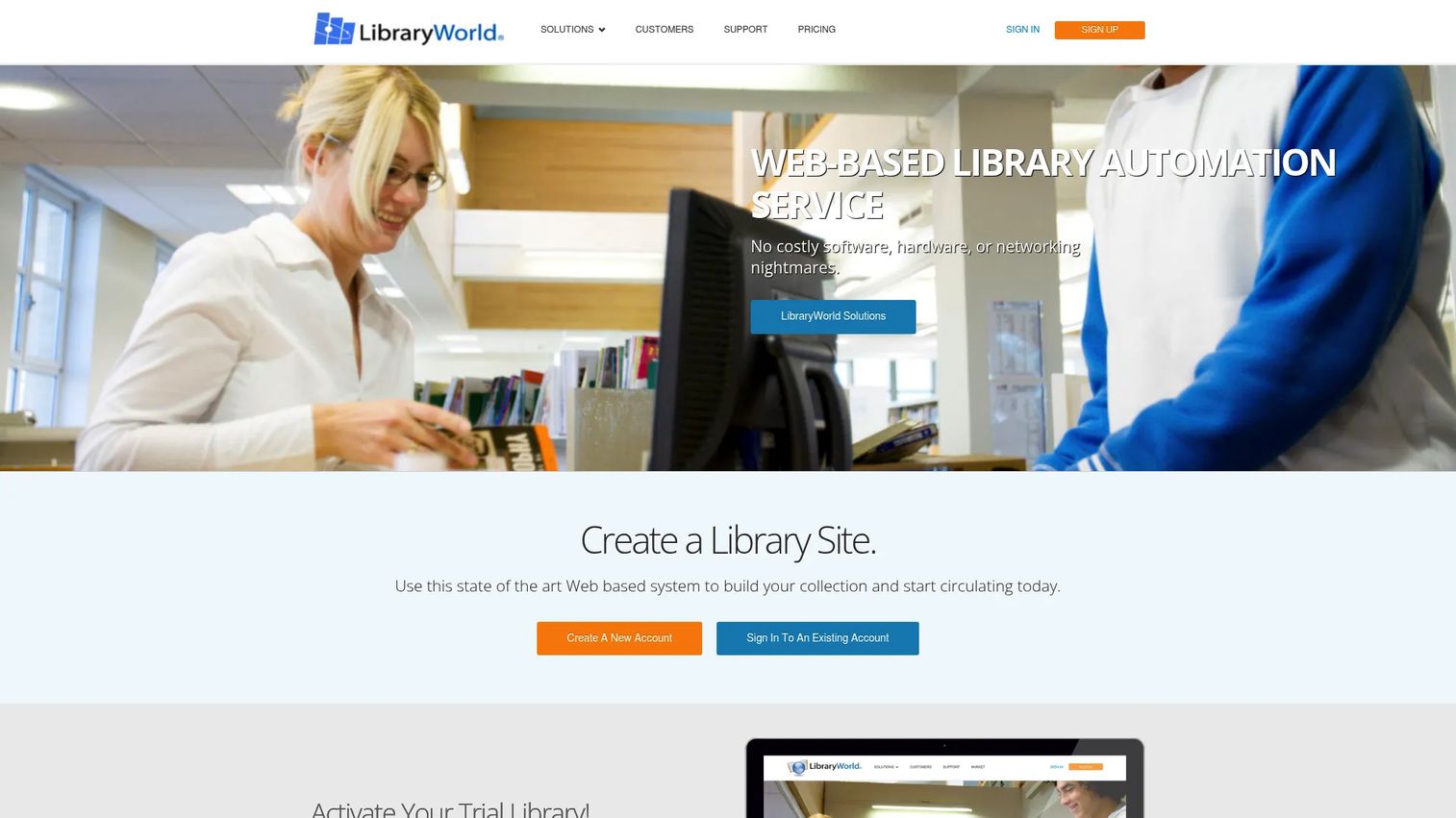
LibraryWorld is cloud library automation software for schools, public libraries, and specialist collections. It handles catalog records, patrons, circulation, serials, reports, inventory, and online discovery.
Its MARC import, export, and Z39.50 tools support established cataloging processes. Mobile apps extend search beyond the desktop OPAC.
Best for: Small and midsize libraries wanting straightforward cloud operations
Key features
- MARC import and export
- Z39.50 catalog access
- Patron and circulation management
- Serials and inventory tracking
- OPAC and mobile search
Why choose LibraryWorld: LibraryWorld offers a clear entry point for teams moving away from a local database. Its annual per library pricing also simplifies initial budgeting.
LibraryWorld pricing: A 30 day trial is free. An active library costs $550 yearly and supports up to 50,000 catalog records.
G2 rating: 4.5/5.
9. Alma by Ex Libris
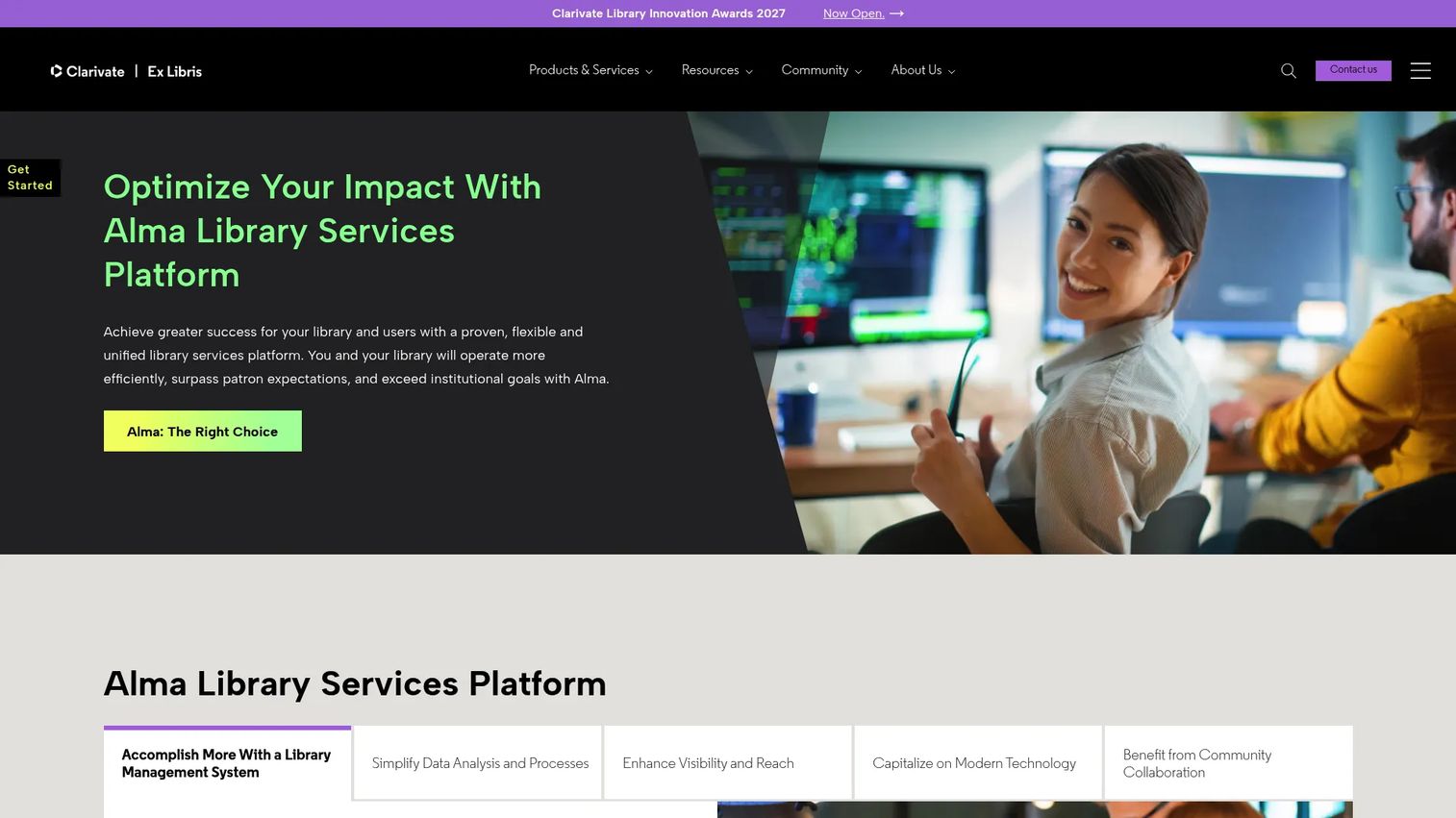
Alma by Ex Libris is a cloud library services platform for academic and research institutions. It manages print, electronic, and digital resources across acquisitions, fulfillment, administration, and analytics.
Its knowledgebase and integration coverage address the complexity of institutional collections. More than 150 REST APIs support connections with external systems.
Best for: Academic libraries managing complex resources across departments
Key features
- Unified resource management
- Acquisitions and fulfillment
- Metadata and authority control
- Library analytics
- External system APIs
Why choose Alma by Ex Libris: Alma suits universities that need one operational layer for physical and electronic holdings. It also supports collaborative networks and consortia.
Alma by Ex Libris pricing: Custom pricing through an all inclusive SaaS subscription.
G2 rating: 3.3/5.
10. Sierra by Innovative Interfaces
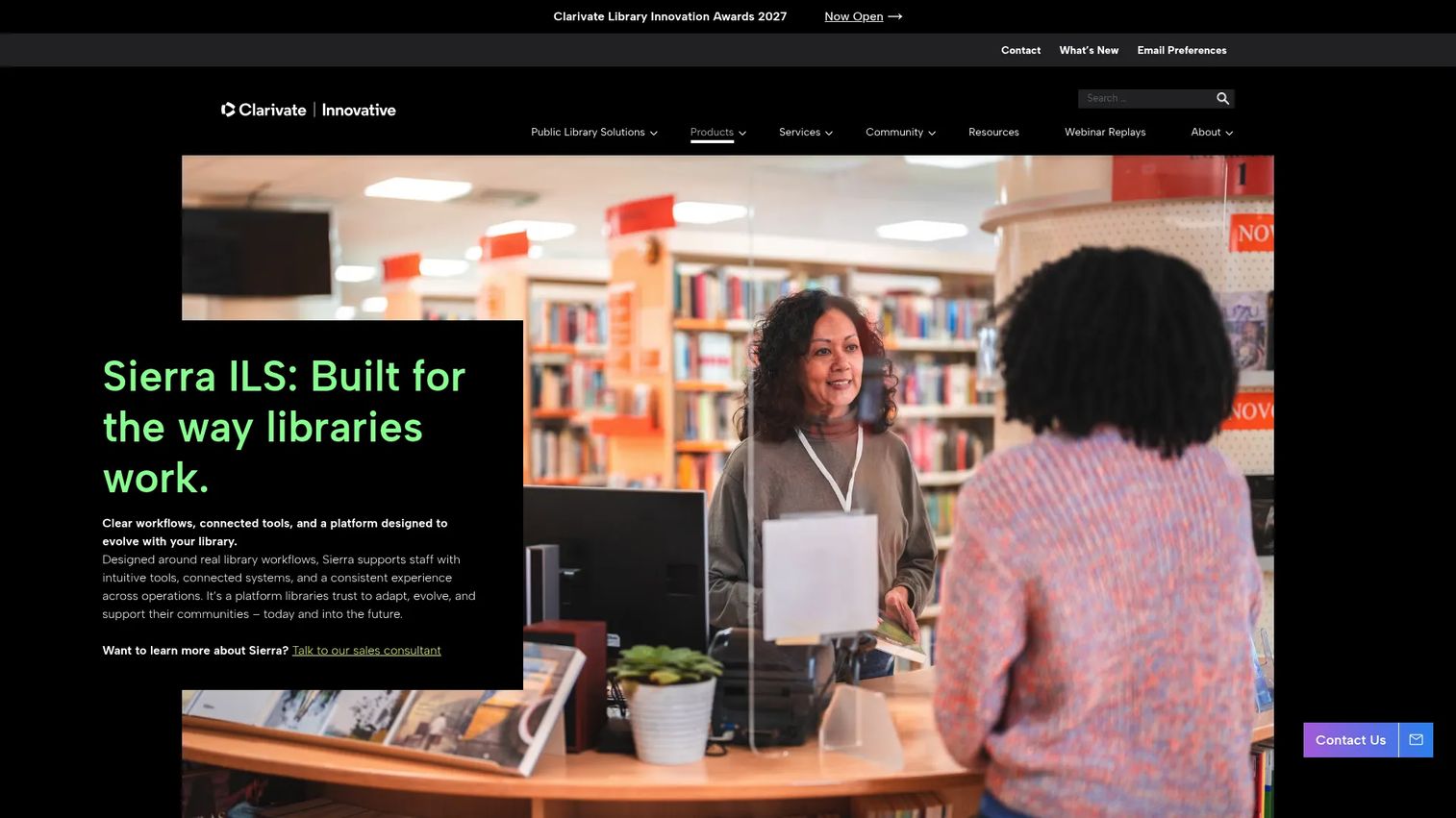
Sierra by Innovative Interfaces is a library services platform for established public and academic institutions. It unifies circulation, cataloging, acquisitions, serials, electronic resources, and patron services.
REST APIs connect Sierra with discovery, authentication, and self service systems. Browser and mobile staff access support work away from a fixed terminal.
Best for: Large libraries with mature workflows and integration requirements
Key features
- Unified circulation and cataloging
- Acquisitions and serials
- Electronic resource management
- REST API access
- Mobile staff worklists
Why choose Sierra by Innovative Interfaces: Sierra fits larger institutions that need established operational depth. Buyers should map existing workflows before starting migration design.
Sierra by Innovative Interfaces pricing: Custom pricing.
G2 rating: 4.0/5.
11. Follett Destiny Library Manager
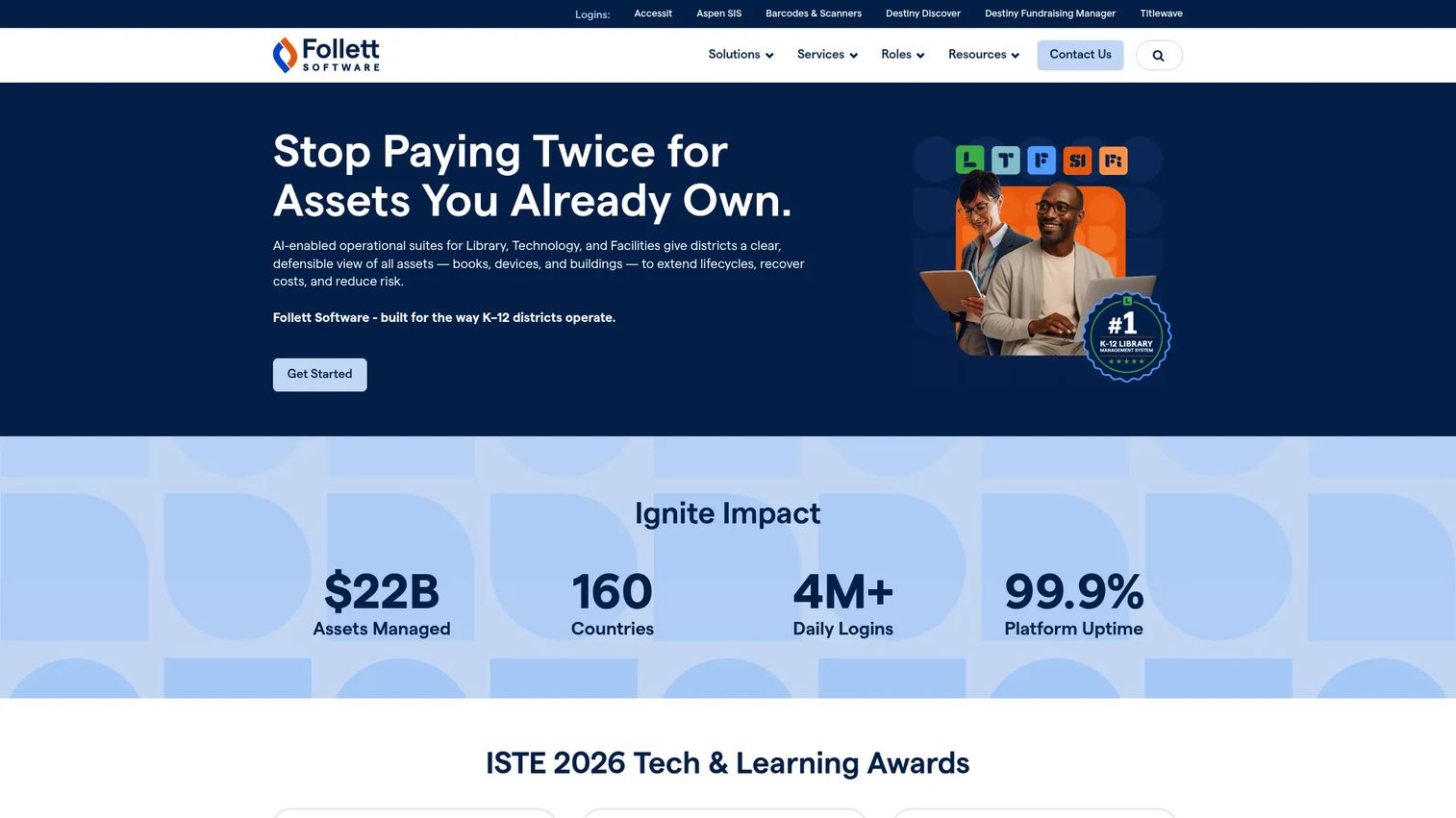
Follett Destiny Library Manager is school library software for kindergarten through grade 12 institutions. It supports cataloging, circulation, inventory, reporting, and student resource discovery.
District visibility helps administrators standardize operations across campuses. Destiny Discover gives students a dedicated search experience for available resources.
Best for: School districts managing library operations across multiple campuses
Key features
- School library cataloging
- Circulation and holds
- District inventory tracking
- Reporting dashboards
- Student resource discovery
Why choose Follett Destiny Library Manager: Destiny fits districts that want consistent library workflows across schools. It also reduces fragmented reporting between campus systems.
Follett Destiny Library Manager pricing: Custom pricing.
G2 rating: 4.3/5.
12. Mandarin M5
Mandarin M5 is customizable library management software for individual libraries and larger systems. Current product information supports cataloging, circulation, inventory, reporting, and multilingual records.
Libraries can choose cloud hosting or local network licensing. That flexibility helps teams align deployment with internal IT capacity.
Best for: Libraries seeking customizable workflows and deployment flexibility
Key features
- Simple and advanced cataloging
- Loans, returns, and reservations
- Inventory management
- Multilingual Unicode support
- Cloud or local deployment
Why choose Mandarin M5: Mandarin M5 suits teams that want traditional library automation with deployment choice. Its Unicode support also matters for multilingual collections.
Mandarin M5 pricing: Custom pricing.
13. Soutron LMS
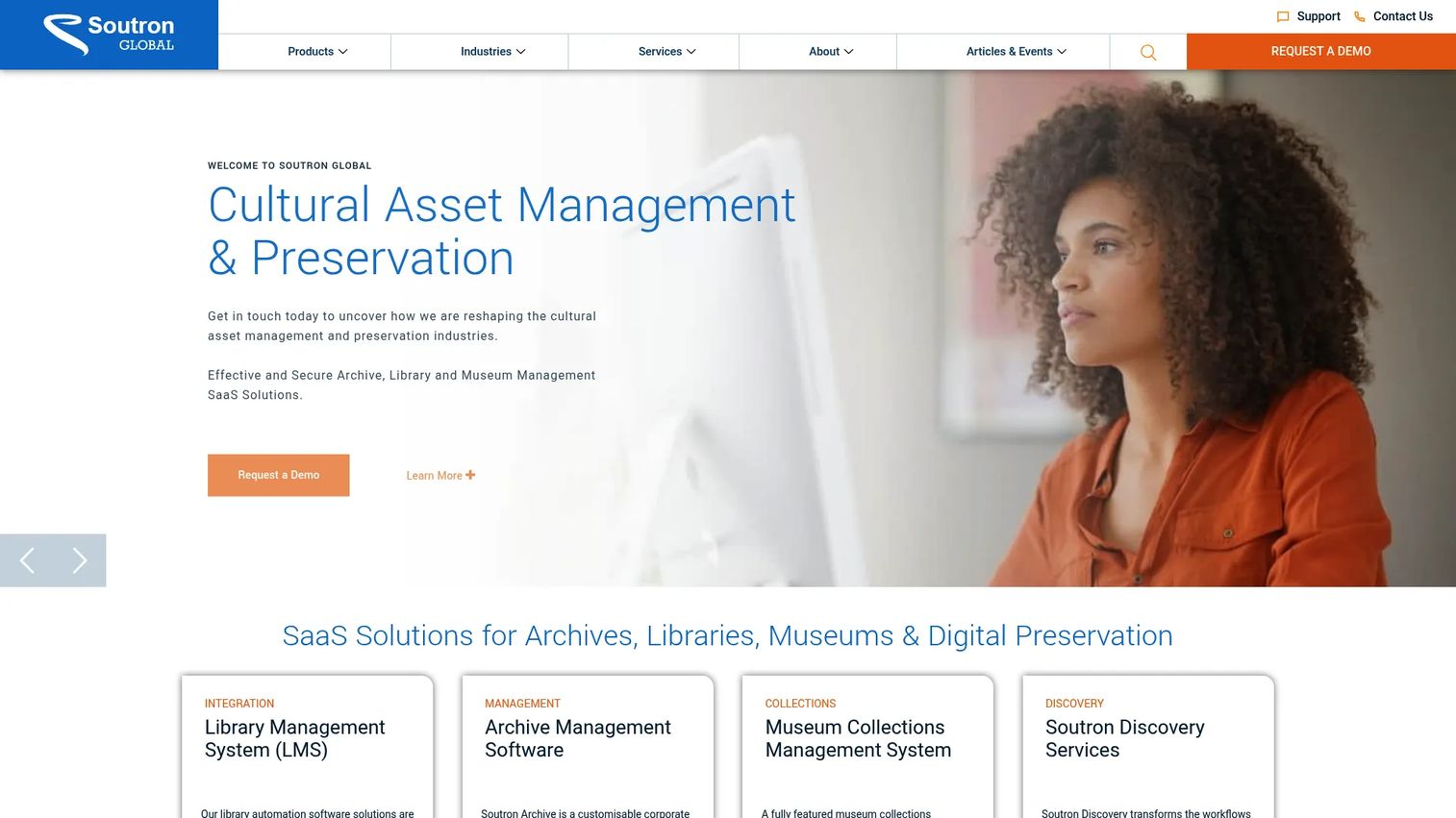
Soutron LMS is a SaaS library management system for specialist and internal knowledge collections. It supports physical materials, digital resources, users, and branded search portals.
Custom fields and record templates help organizations model specialist metadata. The platform also connects with Microsoft Active Directory and SharePoint.
Best for: Corporate, legal, research, and healthcare information teams
Key features
- Specialist cataloging workflows
- Digital collection management
- Branded search portals
- Custom fields and templates
- Reporting and dashboards
Why choose Soutron LMS: Soutron fits organizations where library operations overlap with knowledge management. Its customization supports collections that do not follow public library patterns.
Soutron LMS pricing: Custom pricing through one annual fee. Migration and training receive separate quotes.
G2 rating: 4.5/5.
14. Evergreen
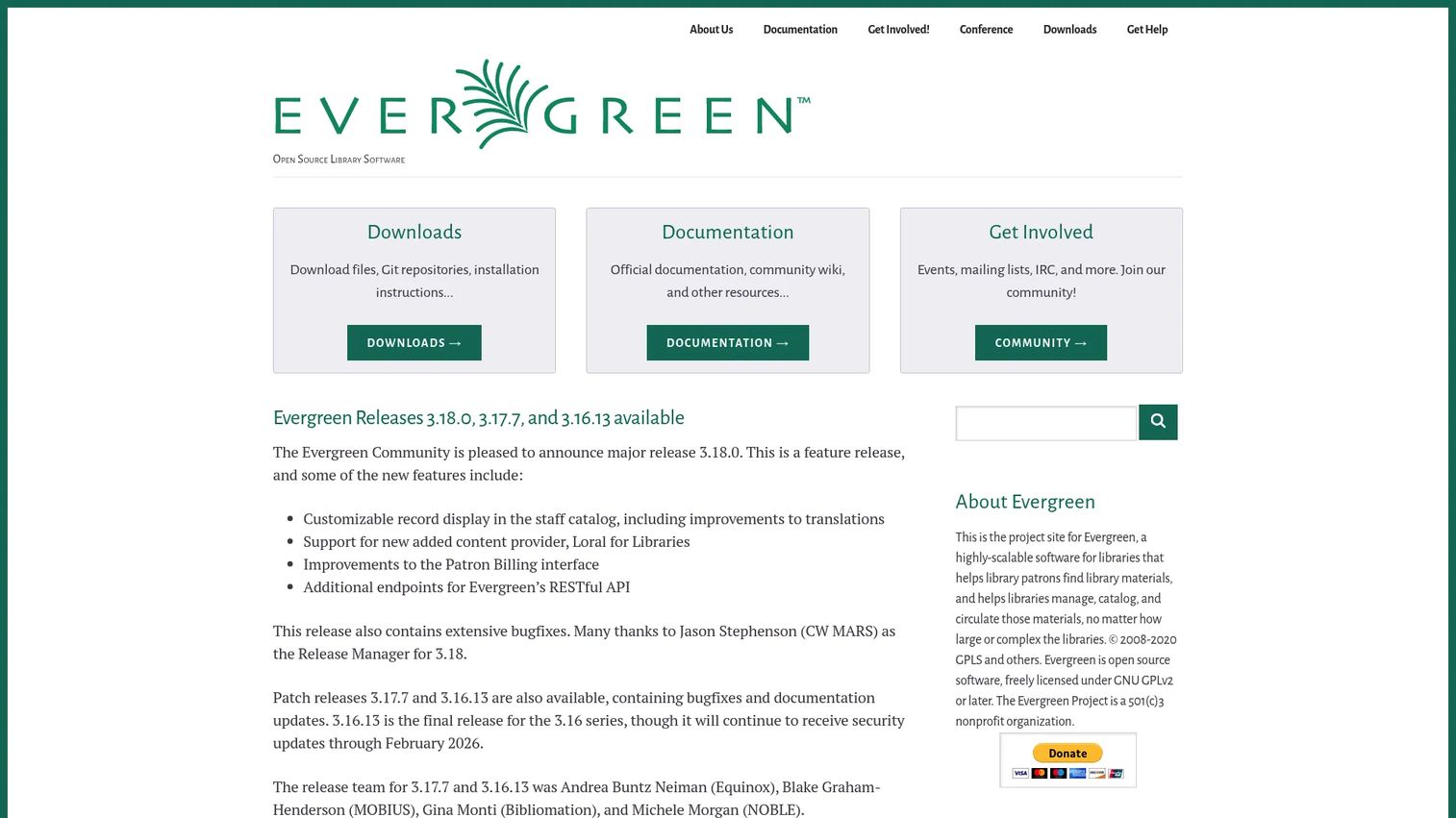
Evergreen is open source library automation software built for libraries and consortia. It manages materials, cataloging, circulation, public discovery, and shared operations.
Its architecture fits public library networks with several branches or a common catalog. Institutions can run it internally or arrange external technical support.
Best for: Public library consortia and multi branch lending networks
Key features
- Open source licensing
- Shared catalog support
- Cataloging and circulation
- Public access catalog
- Consortium scale operations
Why choose Evergreen: Evergreen fits library networks that want open source control across several locations. It is particularly relevant when shared circulation rules matter.
Evergreen pricing: Free under the GNU General Public License. Budget separately for hosting, migration, support, training, and development.
G2 rating: 4.2/5.
15. OpenBiblio
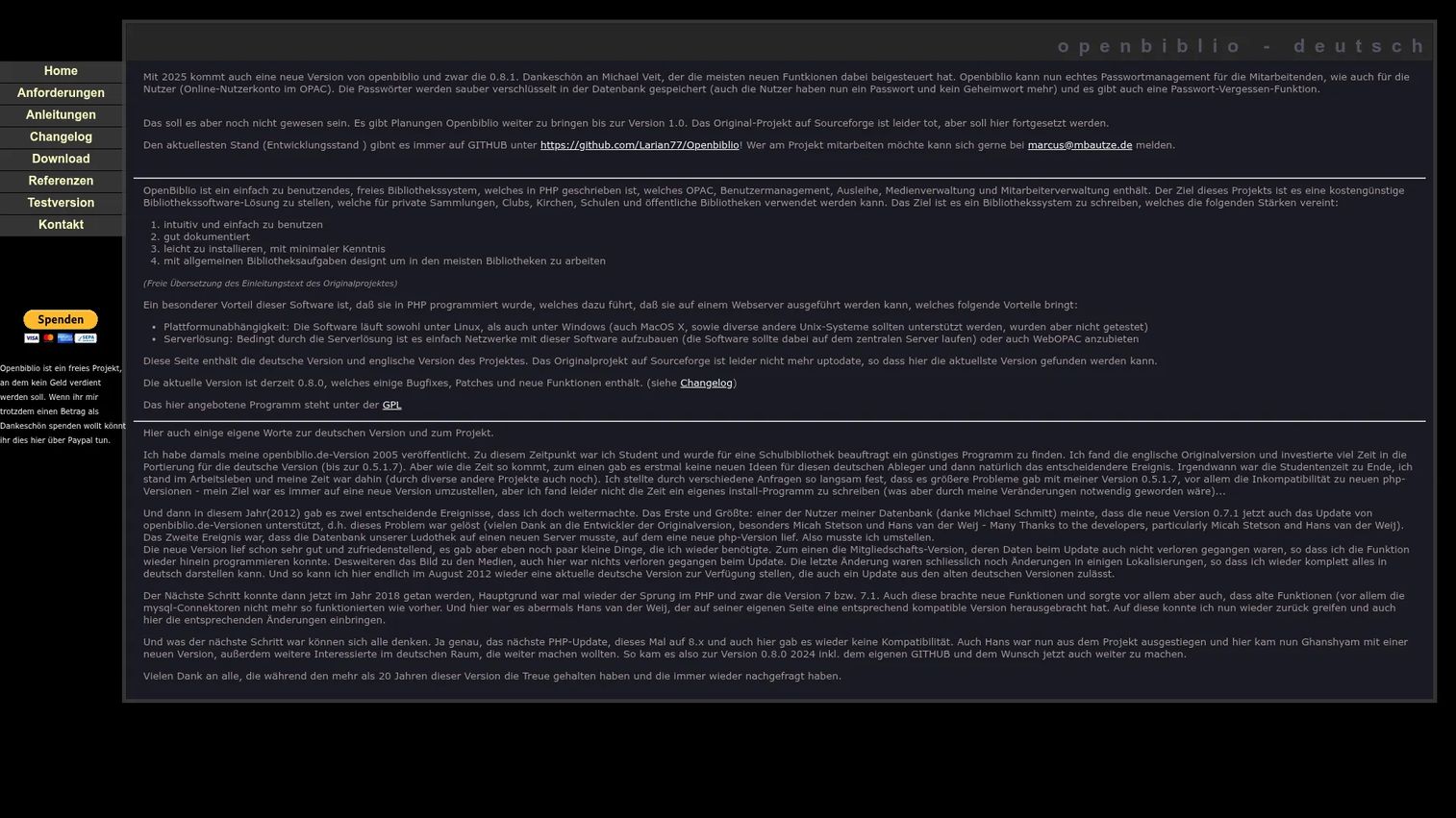
OpenBiblio is free, self hosted library management software built with PHP. It provides a basic OPAC, circulation tools, media records, user accounts, and staff administration.
The system targets smaller collections with straightforward requirements. It needs local technical ownership for setup, maintenance, security, and backups.
Best for: Small libraries that prioritize low licensing costs
Key features
- Free open source software
- Basic catalog management
- Circulation tracking
- Patron and staff accounts
- Simple public OPAC
Why choose OpenBiblio: OpenBiblio suits classrooms, clubs, churches, or private collections with basic needs. Complex multi location workflows warrant a more extensive ILS.
OpenBiblio pricing: Free software. Hosting, maintenance, backups, and technical help create the operating cost.
16. ResourceMate
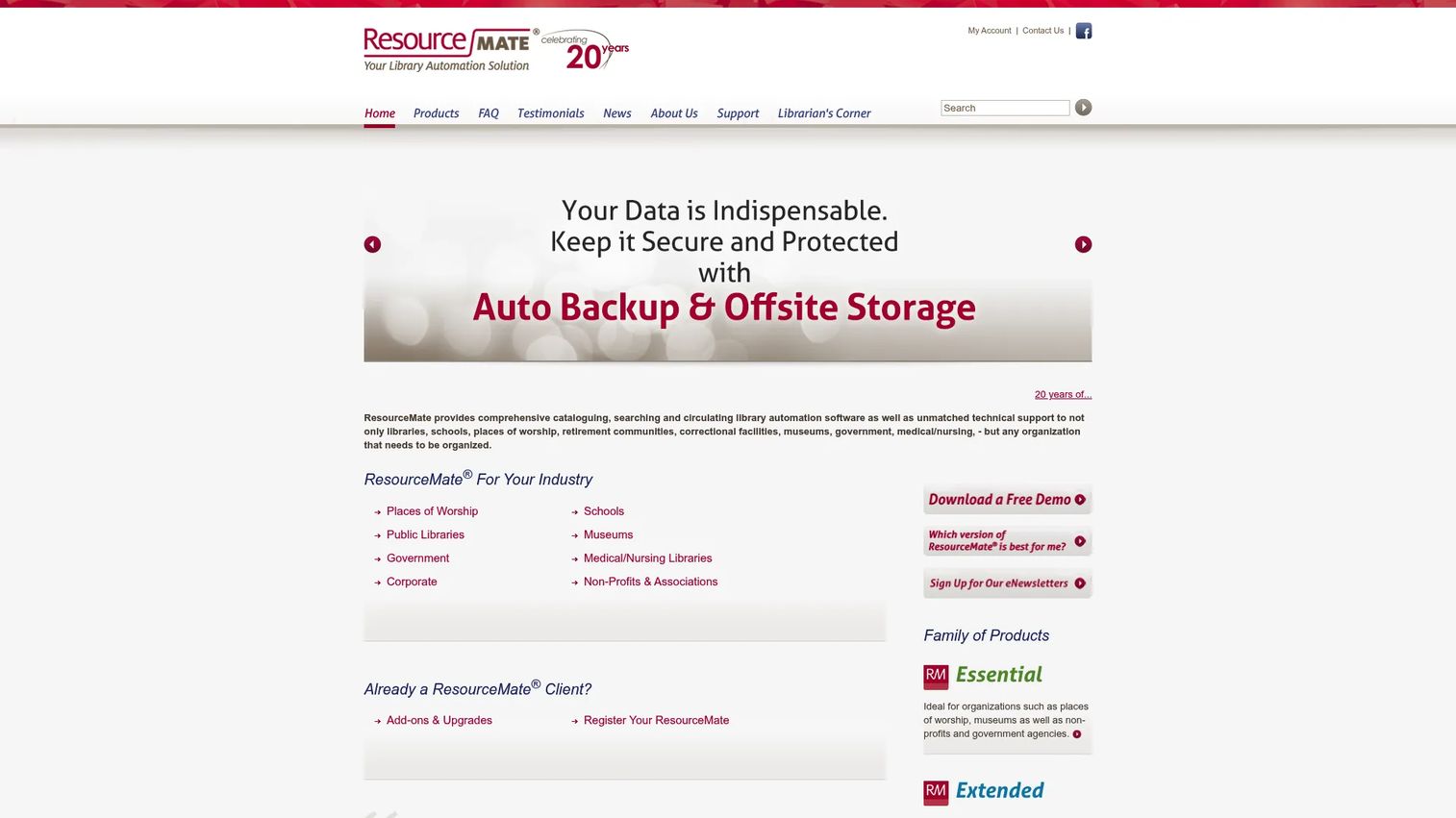
ResourceMate provides cataloging and circulation software for smaller libraries, schools, museums, nonprofits, and private collections. It supports barcode workflows, MARC transfers, reports, and online catalog access.
Its one time license model differs from most subscription products. Hosting, Web OPAC, support, and add ons carry separate charges.
Best for: Small organizations wanting structured collection management
Key features
- Catalog and circulation management
- Barcode printing and lending
- MARC import and export
- Customizable reports
- Optional Web OPAC
Why choose ResourceMate: ResourceMate fits collection focused teams that prefer a purchased license. Review add on costs before comparing it with hosted subscriptions.
ResourceMate pricing: Essential starts at $495 one time. Other licenses range from $695 to $1,795 one time.
17. Libero
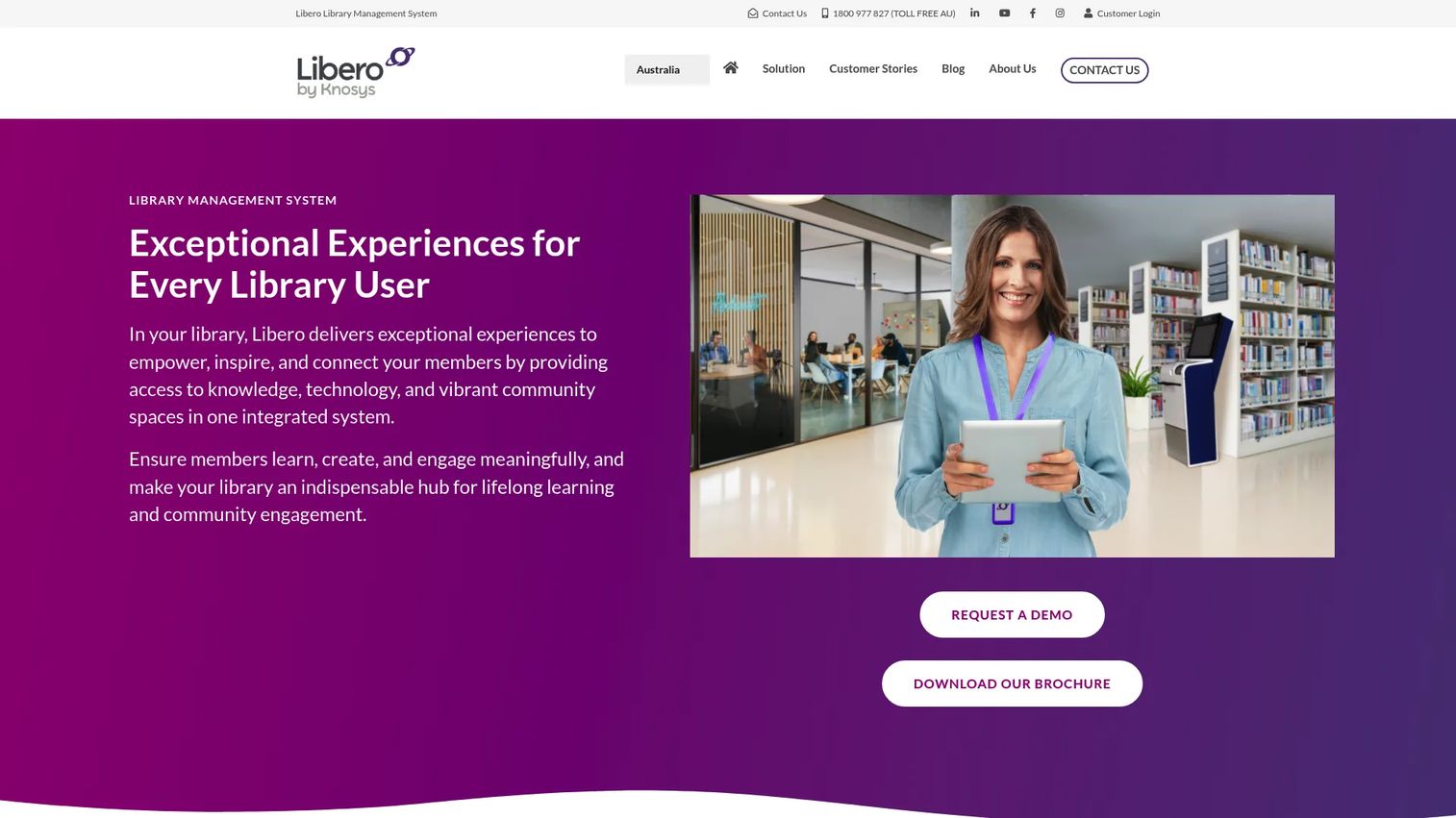
Libero is a cloud based library management system for public, academic, and special libraries. It brings cataloging, circulation, acquisitions, member services, discovery, and reporting together.
A mobile library app supports patron access beyond the web catalog. Resource booking and events extend the platform beyond standard lending.
Best for: Libraries wanting cloud operations and mobile member access
Key features
- Cataloging and circulation
- Member and acquisition services
- Discovery and resource booking
- Mobile library app
- Analytics and reporting
Why choose Libero: Libero fits institutions that want a broad cloud ILS with patron facing mobile access. Its coverage supports several library environments.
Libero pricing: Custom pricing.
Considerations when choosing library automation software
Match the system to your library type
A school library needs student accounts and district oversight. Academic institutions care more about electronic resources, acquisitions, serials, and research discovery.
Special libraries may require custom metadata and restricted access. Buy for daily operations rather than theoretical future requirements.
Pressure test cataloging and migration
Ask vendors to migrate a sample containing MARC records, item data, barcodes, and patron accounts. Include circulation history if staff need it after launch.
A controlled test exposes mapping problems before the contract creates momentum. Migration quality matters more than a polished demonstration.
Check circulation, OPAC, and self service together
Test checkout, holds, renewals, account access, and public search as one connected flow. A dated OPAC often creates extra questions at the service desk.
Confirm mobile behavior as well. Patrons should see accurate status information without learning internal library terminology.
Calculate total operating cost
Include licenses, hosting, migration, implementation, training, and support. Hardware, RFID components, barcode equipment, integrations, or later modules can change the budget.
Open source ILS products remove license fees. They still need technical ownership and ongoing maintenance.
Verify support, security, and integrations
Review authentication, permissions, backups, privacy controls, and accessibility. Check reporting exports before trusting dashboard screenshots.
Test relevant connections with barcode scanners, RFID equipment, discovery layers, or electronic resource tools. Document who owns each integration after launch.
Conclusion
The best library automation software matches the institution’s operating model.
School teams should compare Alexandria, Genesis G4, Follett Destiny Library Manager, and Mandarin M5. Public libraries can examine Atriuum, Koha ILS, Insignia Library System, or Evergreen.
Academic institutions with complex electronic resources should assess Alma by Ex Libris and Sierra by Innovative Interfaces. Specialist collections have stronger matches in Soutron LMS, EOS.Web, or CyberTools for Libraries.
Smaller operations can start with LibraryWorld or ResourceMate. OpenBiblio offers a basic self hosted path, while Koha ILS and Evergreen support broader open source deployments.
Shortlist three systems. Then run a sample migration using representative catalog, patron, and circulation data.
Finally, map each contender against the workflows staff perform every day. The system should make cataloging, lending, discovery, and reporting easier to sustain after the implementation team leaves.
FAQs
Library automation software manages cataloging, circulation, patron accounts, OPAC search, inventory, reports, and related workflows. It replaces disconnected records with a shared operational system for staff and patrons.
More complete platforms also cover acquisitions, serials, electronic resources, equipment, or multi location services.
The terms often overlap. An integrated library system usually combines cataloging, circulation, acquisitions, serials, patron management, and discovery within one platform.
Library automation software can describe that full system or a narrower product. A library catalog system may focus mainly on records and public search.
Costs range from free open source software to quote based institutional platforms. LibraryWorld costs $550 yearly per library, while ResourceMate licenses start at $495 one time.
Calculate hosting, migration, support, training, hardware, and integrations separately. Those costs can exceed the initial software fee.
Core features should cover cataloging, MARC records, circulation, renewals, holds, patron accounts, OPAC search, inventory, and reporting. Larger institutions may also need acquisitions, serials, electronic resource management, APIs, and discovery integrations.
Test the connected workflow rather than checking isolated feature boxes. Public search should reflect circulation status accurately.
Open source ILS products can work well when a library wants control and has technical ownership. Koha ILS and Evergreen support broad operational requirements, while OpenBiblio targets simpler collections.
Free licensing does not remove hosting, migration, maintenance, backup, training, or support costs. Assign those responsibilities before choosing open source software.
Alexandria, Genesis G4, Follett Destiny Library Manager, and Mandarin M5 all serve education focused environments. The right choice depends on district size, textbook tracking, student discovery, deployment preference, and reporting needs.
Test student account imports and circulation rules during evaluation. District buyers should also verify cross campus inventory visibility.
Alma by Ex Libris and Sierra by Innovative Interfaces target complex academic operations. Koha ILS also supports academic libraries that prefer an open source model.
Compare electronic resource workflows, acquisitions, serials, analytics, APIs, and discovery integration. Research institutions should also test consortium requirements and authority control.
Many current systems manage digital records or connect with repository and discovery tools. Alma, Soutron LMS, and several broader platforms support workflows spanning physical and digital resources.
Verify file handling, metadata requirements, permissions, preservation workflows, and discovery support. A catalog record alone may not meet digital collection requirements.