



Your matters live in one system. Billing lives in another. Client emails scatter across three inboxes, and trust accounting sits in a spreadsheet only one person understands. Every handoff loses context, and every missed deadline traces back to a gap between tools that were never meant to talk to each other.
That is the operational tax most firms pay before they ever consider new software. The global legal practice management software market reached $2.68 billion in 2025 and is projected to hit $4.66 billion by 2030, growing at 11.6% annually, according to The Business Research Company (2026). Firms are not buying tools for novelty. They are buying to see matters, money, and communications in one place.
The real question is not whether you need a system. It is which one matches how your attorneys, assistants, and billing staff actually work, without adding admin the day it goes live.
What's inside
This guide is for firm owners, operations leads, and evaluators comparing legal practice management software before they book demos or start trials. We looked past feature checklists and focused on operational fit.
We chose tools based on four criteria that decide whether a system earns its place:
- Case and matter management depth
- Billing, invoicing, payments, and trust accounting
- Client portal and communication (portals, texting, intake)
- Cloud access, security, and workflow automation
Every tool here helps firms centralize work and cut manual follow-up. The goal is fewer tabs, cleaner data, and a financial story you can defend.
TL;DR
- Best overall: Clio, for the deepest ecosystem and broadest all-purpose fit across firm sizes.
- Best for small firms: 8am MyCase, for client communication, texting, and staff adoption.
- Best for billing and automation: PracticePanther, for leaner legal ops with a clear entry price.
- Best for document-heavy teams: Smokeball, for document automation and automatic time capture.
- Best for built-in accounting: CosmoLex, for trust accounting and firm finance in one system.
- Best for personal injury firms: 8am CasePeer, for PI-specific intake, settlement, and case workflows.
- Best for a broader platform fit: CARET Legal, for firms weighing operational breadth and reporting.
What is legal practice management software?
Legal practice management software centralizes matters, clients, tasks, time, billing, documents, and communication for law firms in one system. It replaces the patchwork of spreadsheets, email threads, and disconnected point tools that most firms outgrow.
Core capabilities include:
- Matter and contact management
- Calendaring and task tracking
- Document storage and automation
- Time, billing, payments, and trust accounting
- Client intake, portal, and communication
Cloud based legal practice management software matters because it removes the IT burden of running servers on-site. Attorneys get remote access from any location, updates roll out automatically, and firms avoid maintaining hardware or manual backups. Cloud-based solutions now make up 68% of deployments, according to Market Growth Reports (2026), which tells you where the category is heading. For most modern firms, cloud access is the default, not a premium add-on.
When to use legal practice management software
Replace spreadsheets and email threads
When your matter list lives in one spreadsheet, deadlines in another, and client updates in someone's inbox, duplicate entry and missed dates are not risks. They are the operating model. If leadership cannot see matters, billing, and collections in one view, the firm cannot scale predictably. Law firm management software fixes that by making one record the source of truth.
Standardize intake, billing, and client communication
When each attorney runs intake their own way, and billing depends on who remembers to log time, you have process drift. That is the moment to standardize. A shared system for intake forms, client portals, two-way texting, automated reminders, and invoicing turns ad hoc habits into repeatable workflows every staff member follows.
Improve profitability visibility
When you cannot answer how much unbilled time is sitting in the system, or whether trust balances reconcile, your financial story is guesswork. Time tracking, billing, and reporting need to tell one clean story. Trust accounting discipline and revenue reporting are the triggers that push most firms from legal case management software into a full practice platform.
Comparison table
Here is how the seven tools compare on fit, differentiator, pricing, and rating. Pricing reflects each vendor's current published plans, and ratings reflect current review-site listings at the time of writing.
| # | Product | Best for | Key differentiator | Pricing | G2 rating |
|---|---|---|---|---|---|
| 1 | Clio | Broadest all-purpose fit | Largest ecosystem and integrations | From $49/user/mo | 4.6/5 |
| 2 | 8am MyCase | Small to mid-sized firms | Client communication and texting | From $50/user/mo | 4.4/5 |
| 3 | PracticePanther | Leaner legal ops | Automation with clear entry price | From $49/user/mo | Not listed |
| 4 | Smokeball | Document-heavy firms | Automatic time capture and doc automation | From $149/mo | 4.7/5 |
| 5 | CosmoLex | Built-in accounting | Native trust and business accounting | From $109/user/mo | Not listed |
| 6 | 8am CasePeer | Personal injury firms | PI-specific case workflows | From $79/user/mo | 4.7/5 |
| 7 | CARET Legal | Broader platform fit | Reporting and workflow depth | From $79/user/mo | 4.5/5 |
Best legal practice management software for 2026
Each tool below includes an overview, who it fits, key strengths, why you would choose it, and current pricing. Read the sections against your firm size, billing complexity, and cloud preference.
1. Clio

Clio is the broad category leader in cloud based legal practice management software, with the deepest ecosystem and the widest integration network of any tool on this list. It covers case management, time tracking, billing, document management, client intake, and secure client communications in one platform. For firms that want a safe, widely adopted default, Clio is usually the first name that comes up.
Best for: Law firms of any size that want an all-in-one platform and the broadest ecosystem fit.
Key strengths
- Broad integration network across the legal stack
- Strong billing and case management
- Mature reporting and financial visibility
- Client intake and CRM built in
Why choose Clio: Choose it when you want breadth and a proven default rather than a niche fit. The tradeoff is cost, since deep functionality sits in higher tiers, but the ecosystem depth pays off for firms that plan to grow into it.
Clio pricing: Plans start at $49 USD per user per month. Clio lists four plans: Starter, Core, Signature, and Elite, with higher tiers adding automation, reporting, and workflow depth.
2. 8am MyCase
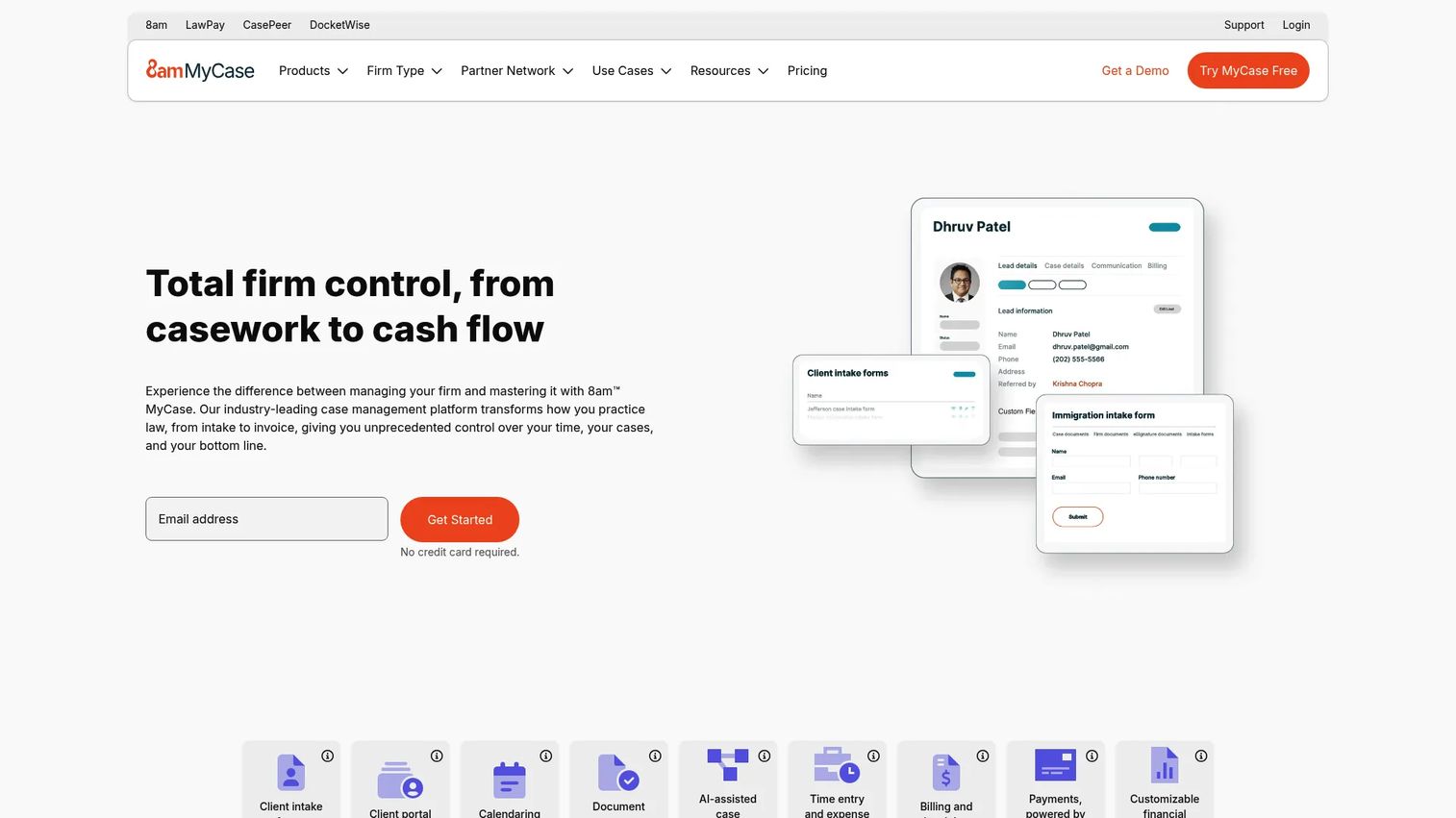
8am MyCase is an all-in-one attorney practice management software built for small to mid-sized firms that care about client communication and straightforward adoption. It combines case management, billing, and client-facing features like intake forms and two-way texting, so staff actually use it instead of routing around it.
Best for: Small to mid-sized firms that want a portal, texting, intake, and billing staff will adopt quickly.
Key strengths
- Client intake forms and law firm CRM
- Case management with calendaring and workflow automation
- Billing, payments, and financial reporting
- Two-way client texting and portal
Why choose 8am MyCase: Choose it when practical adoption matters more than maximum configurability. Firms that need staff on the system in days, not weeks, get real value from its communication focus.
8am MyCase pricing: Three annual plans: Basic at $50, Pro at $100, and Advanced at $130 USD per user per month. Monthly billing runs higher, and a 10-day free trial is available with no credit card required.
3. PracticePanther
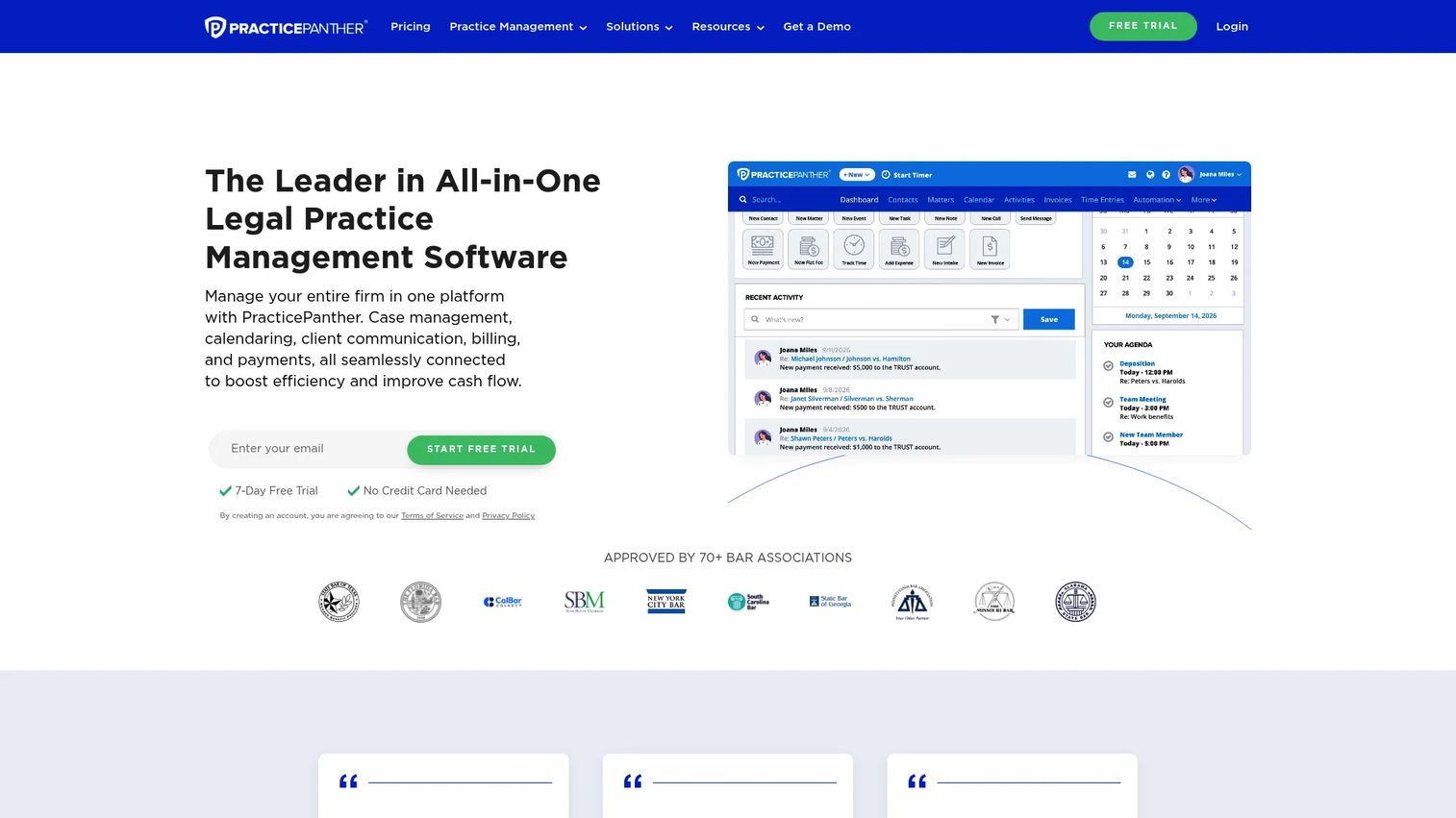
PracticePanther is automation-friendly law practice management software with a clear entry price and a light rollout. It handles matter and case management, billing, time tracking, payments, client communication, intake, and workflows, making it a fit for solo and smaller firms that want an all-in-one without heavy setup.
Best for: Solo to mid-sized firms prioritizing billing, time tracking, automation, and quick adoption.
Key strengths
- Matter and case management
- Billing, time tracking, and payments
- Client communication, intake, and workflows
- Workflow automation to cut manual steps
Why choose PracticePanther: Choose it when you want automation and a predictable price without a long implementation. It suits firms that value speed to value over deep enterprise configuration.
PracticePanther pricing: Four plans: Solo at $49, Essential at $69, Business at $89, and Business Pro at $114 USD per user per month. A free trial is available.
4. Smokeball
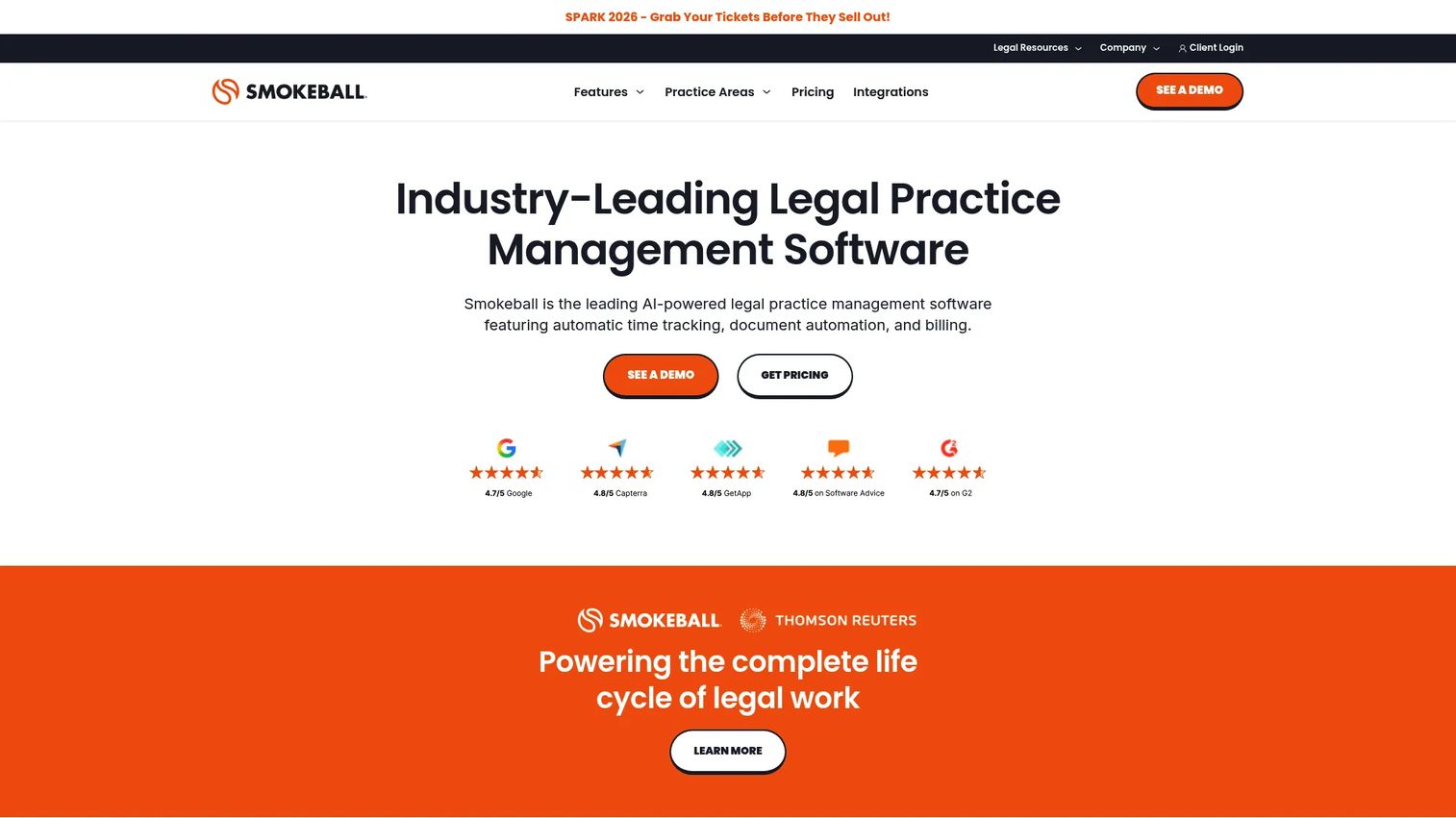
Smokeball is built around document automation and automatic time capture, with legal billing depth layered on top. For document-heavy firms, the automatic tracking of time and activity is the standout, because billable time that would otherwise go unrecorded gets captured without staff effort.
Best for: Document-heavy firms that need stronger automation and reliable billable time capture.
Key strengths
- Automatic time and activity tracking
- Client portal and secure messaging
- Document automation and matter management
- Legal billing depth
Why choose Smokeball: Choose it when matter workflows and billable time capture matter more than lightweight simplicity. Firms that lose revenue to unlogged time see the fastest payback here.
Smokeball pricing: Publicly listed plans are Bill, Boost, Grow, and Prosper+, each shown from $149 per month. A free trial is available for Smokeball Boost.
5. CosmoLex
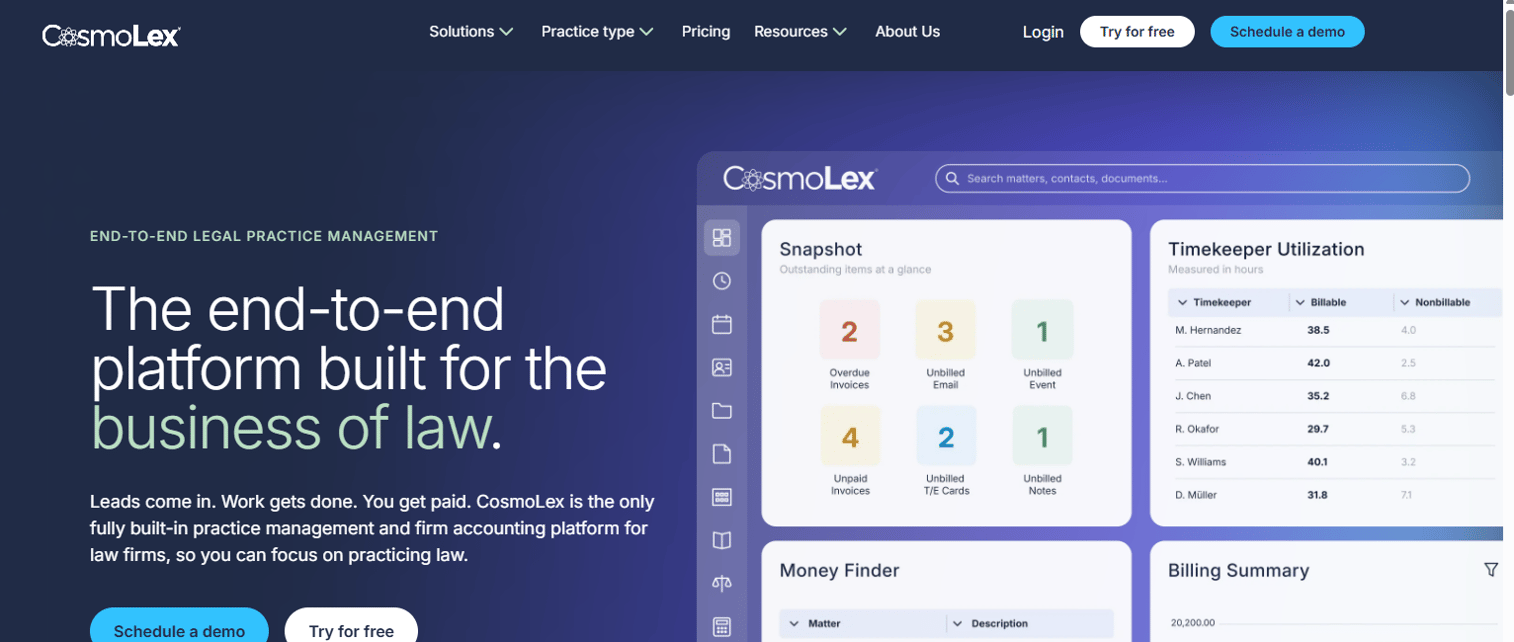
CosmoLex is cloud based legal practice management software with firm accounting built in, so trust and business accounting live inside the same system as your matters. That matters for firms tired of syncing a separate bookkeeping tool and reconciling trust balances by hand.
Best for: Firms that want built-in accounting rather than a separate bookkeeping tool.
Key strengths
- Practice management with matter tracking
- Trust and business accounting
- Time tracking, billing, and payments via CosmoLexPay
- Document management and secure client portal
Why choose CosmoLex: Choose it when finance control and trust accounting discipline are priorities. Firms that treat accounting as a first-class requirement, not an add-on, get the cleanest fit here.
CosmoLex pricing: Practice management plans are Standard at $109 and Elite at $129 USD per user per month. Add-ons include CosmoLex CRM and CosmoLex Websites at separate monthly rates.
6. 8am CasePeer
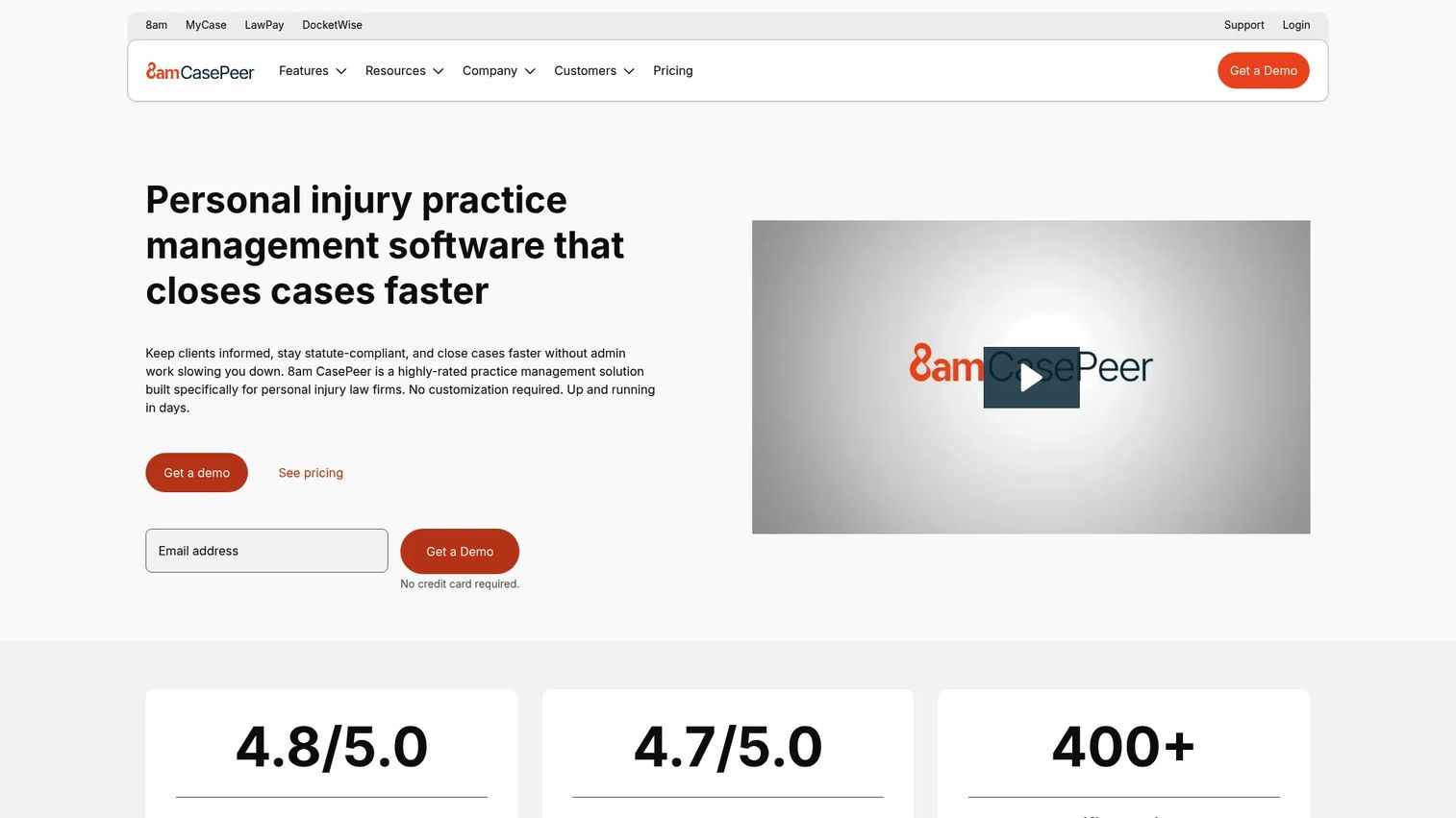
8am CasePeer is legal case management software tuned specifically for personal injury firms. Its workflows map to PI reality: intake, medical tracking, settlement stages, and case reporting, rather than a general-practice template you have to bend into shape.
Best for: Personal injury practices with intake, settlement, medical tracking, and case reporting needs.
Key strengths
- Case and contact management
- Task management and calendaring
- Client portal, intake, and reporting
- Built-in legal AI
Why choose 8am CasePeer: Choose it when your workflows are more specialized than general practice tools handle well. PI firms get a system that already speaks their process instead of a blank canvas.
8am CasePeer pricing: Three plans: Basic at $79, Pro at $119, and Advanced at $149 USD per user per month.
7. CARET Legal
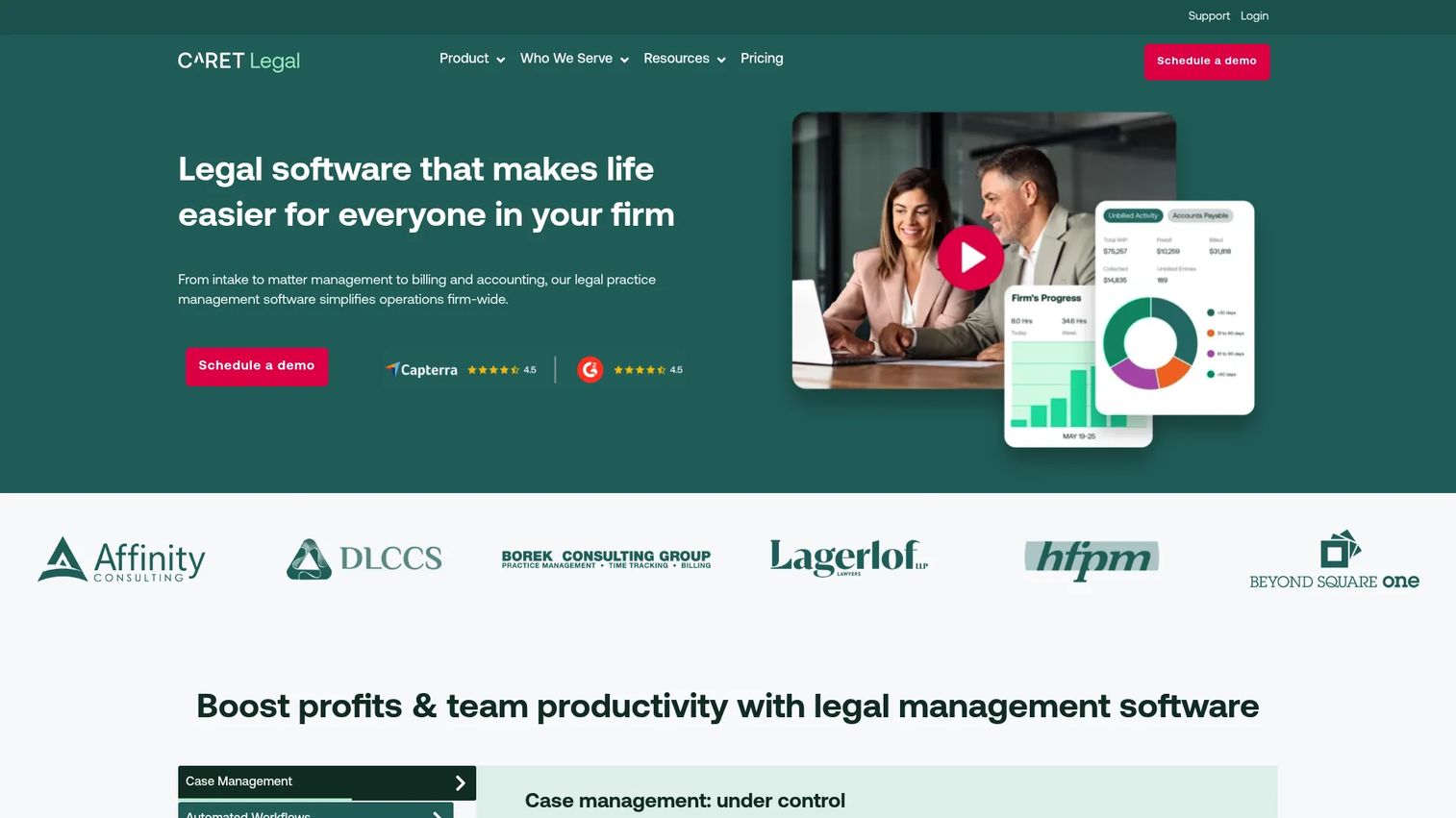
CARET Legal is cloud based law firm management software for firms weighing broader operational fit and reporting depth. It brings case management, automated workflows, and reporting into one platform, with an emphasis on cloud accessibility across departments.
Best for: Firms evaluating broader operational fit, reporting, and cloud accessibility.
Key strengths
- Case management
- Automated workflows
- Reporting and analytics
- Cloud access across departments
Why choose CARET Legal: Choose it when you are comparing platform breadth and reporting across the firm. It suits firms that want workflow automation and analytics in one place rather than a single-purpose tool.
CARET Legal pricing: Three annual plans: Enterprise at $79, Enterprise Plus at $99, and Enterprise Insights at $119 per user per month. Plans include 24/7 support and training, plus one-time implementation fees, and a free trial is mentioned on the pricing page.
Considerations
Before you shortlist, run every candidate against these five criteria. They separate a tool that looks complete from one that actually fits.
Workflow fit
A demo can hide how a tool feels in daily use. Map your real workflow first: how an assistant opens a matter, how an attorney logs time, how billing runs invoices. Then test whether the tool matches that flow or forces you to change it. Adoption dies where the software fights the work.
Cloud access and security
Remote access, automatic updates, and encryption are table stakes now. Ask vendors for specifics: where data is hosted, how it is encrypted, and what their uptime and backup practices look like. Request security documentation in writing rather than accepting a marketing claim.
Billing and trust accounting
Legal finance rules are not optional, and trust accounting mistakes carry real consequences. Validate trust handling early. Confirm the tool separates trust and operating funds, produces three-way reconciliation, and generates the reports your jurisdiction requires before you commit.
Implementation and support
Onboarding, data migration, and training quality decide whether the rollout succeeds. Ask how migration works, how long it takes, and who owns it. Weak support turns a good tool into a stalled project, so weigh support quality as heavily as features.
Adoption risk
Attorneys resist tools that slow them down. Plan for quick wins in the first 30 days: one workflow that saves visible time. If staff feel the benefit early, adoption follows. If the first month is all friction, the system gets abandoned no matter how capable it is.
Conclusion
The right pick depends on your situation, not a ranking. If you want the broadest ecosystem and a proven default, Clio is the safe choice. If you run a small to mid-sized firm and care about client communication, 8am MyCase earns staff adoption fast. For leaner ops that want automation at a clear price, PracticePanther fits. Document-heavy firms losing time to unlogged work should look at Smokeball. If accounting has to live inside the system, CosmoLex handles trust and business finance natively. Personal injury firms get purpose-built workflows from 8am CasePeer, and firms weighing broader operational fit and reporting should evaluate CARET Legal.
Your next step is simple. Build a shortlist of two or three tools based on firm size, billing and trust accounting needs, and cloud preference. Then run trials against your real workflows, not a scripted demo, and watch how your staff respond in the first week.
FAQs
It centralizes matters, clients, calendars, time, billing, documents, and communication in one system. Firms use it to replace spreadsheets and disconnected tools, reduce manual follow-up, and get one view of matters, billing, and collections. The goal is fewer tabs, cleaner data, and a firm that can scale without losing context between handoffs.
Reputable cloud platforms use encryption, access controls, automatic updates, and regular backups, often exceeding what a small firm can maintain on-premises. Security depends on the vendor's practices, so request documentation on hosting, encryption, uptime, and data handling. Ask for specifics in writing rather than accepting a general assurance.
Prioritize matter and contact management, calendaring, document handling, time and billing, trust accounting, and client communication. For most firms, trust accounting and reliable billing are non-negotiable, while portals and texting drive client satisfaction. Match the feature set to how your staff actually work, not the longest checklist.
Most tools price per user per month, with entry plans commonly starting around $49 to $79 and higher tiers adding automation, reporting, and accounting depth. Some platforms use flat monthly pricing instead. Factor in implementation fees, add-ons, and migration time, since the sticker price rarely reflects the full first-year cost.
Legal case management software focuses on matters, tasks, deadlines, and case documents. Practice management software adds the business layer: billing, payments, trust accounting, client intake, and reporting. Many tools blend both, so the practical question is whether a tool covers your financial and operational needs, not just your casework.
Start with firm size, practice area, billing complexity, and cloud preference, then shortlist two or three tools. Run trials against real workflows, validate trust accounting early, and confirm migration and support quality. Watch staff adoption in the first month, because a capable tool nobody uses solves nothing.
Many platforms include trust accounting, and some, like CosmoLex, build full business and trust accounting into the core system. Confirm the tool separates trust and operating funds, supports three-way reconciliation, and produces the reports your jurisdiction requires. Validate this before you commit, since compliance rules are not optional.
It ranges from days for a small firm on a lightweight tool to several weeks for larger firms with data migration and training. Timelines depend on how much historical data you move and how many staff need onboarding. Ask each vendor who owns migration and how long comparable firms took before you sign.










